DESCRIPTION
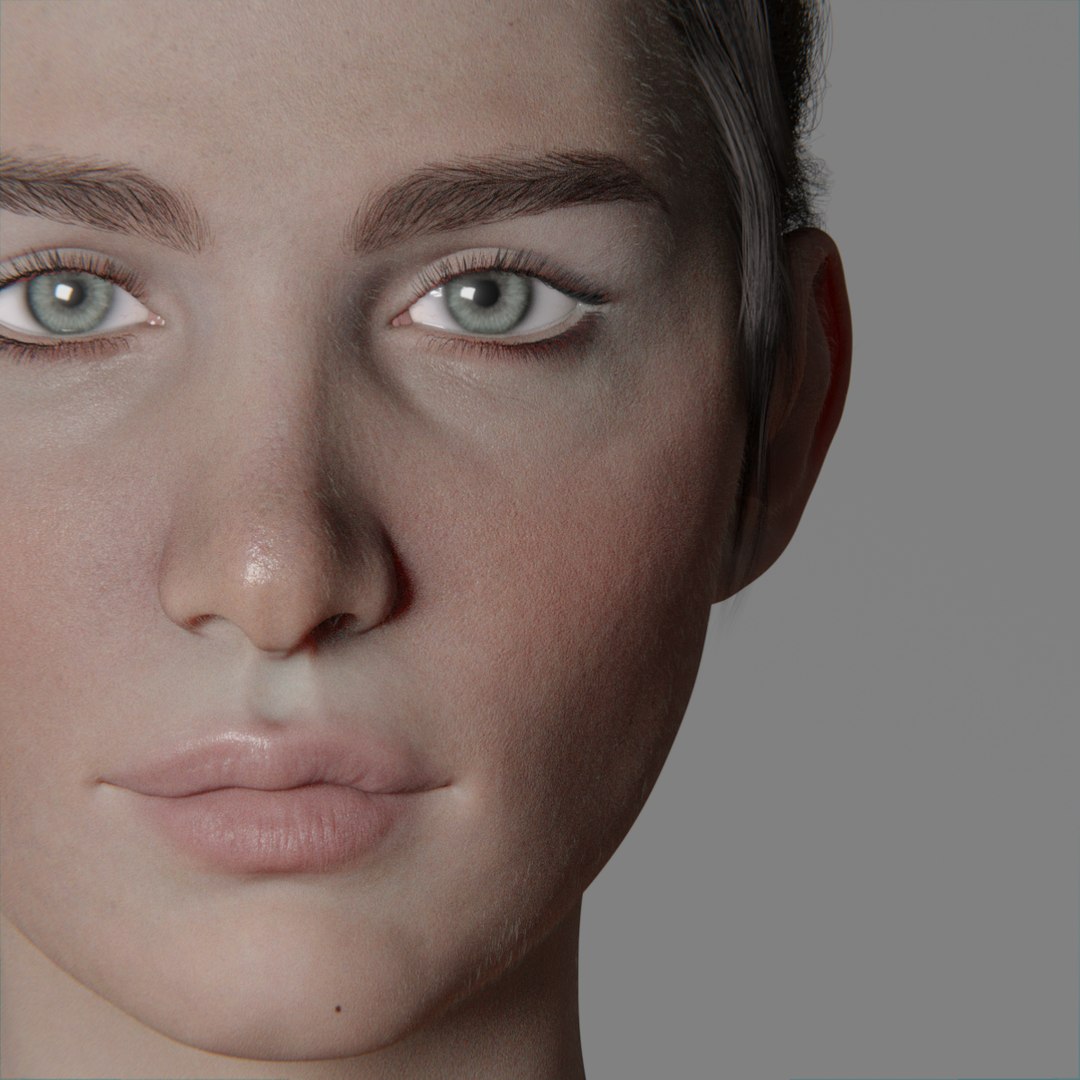
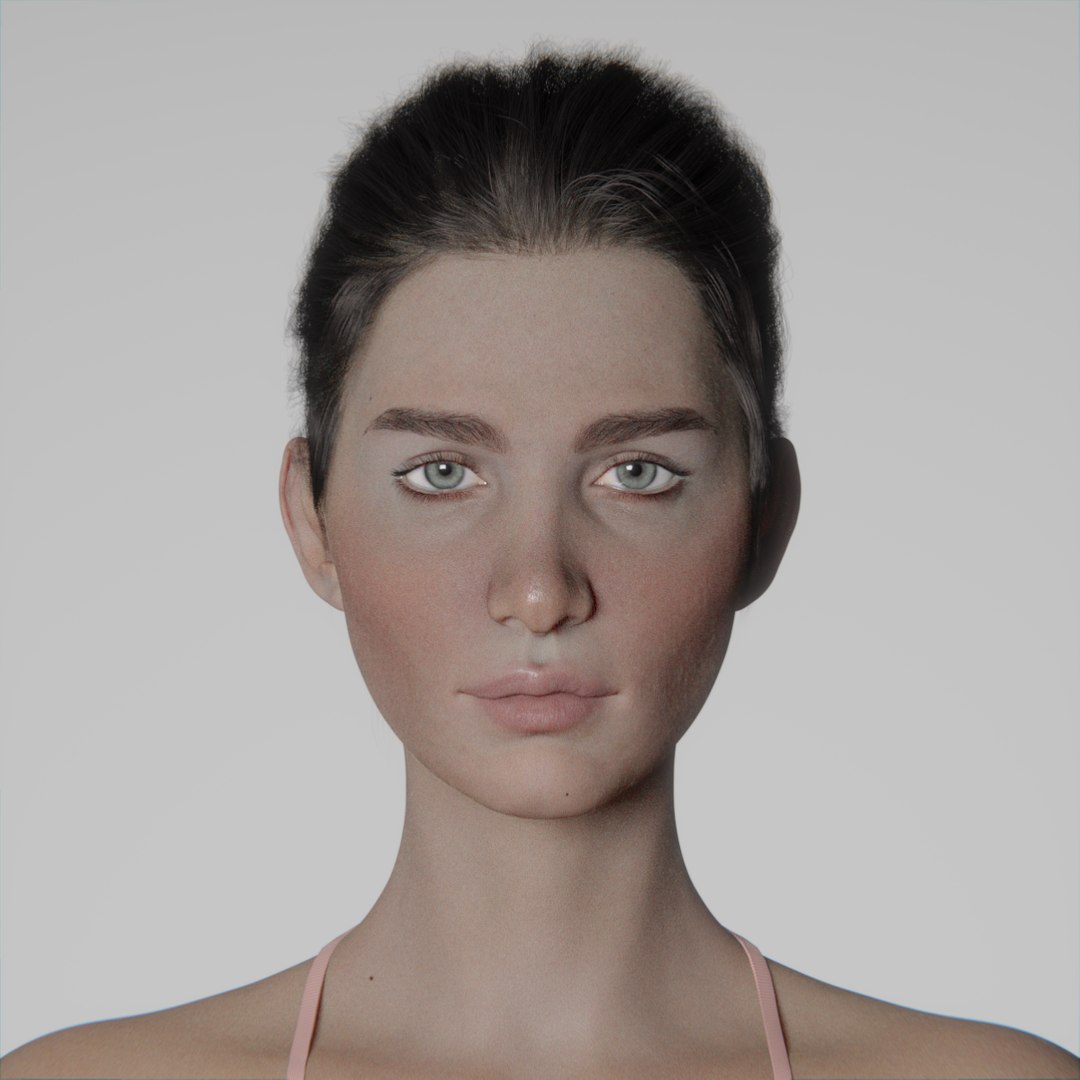
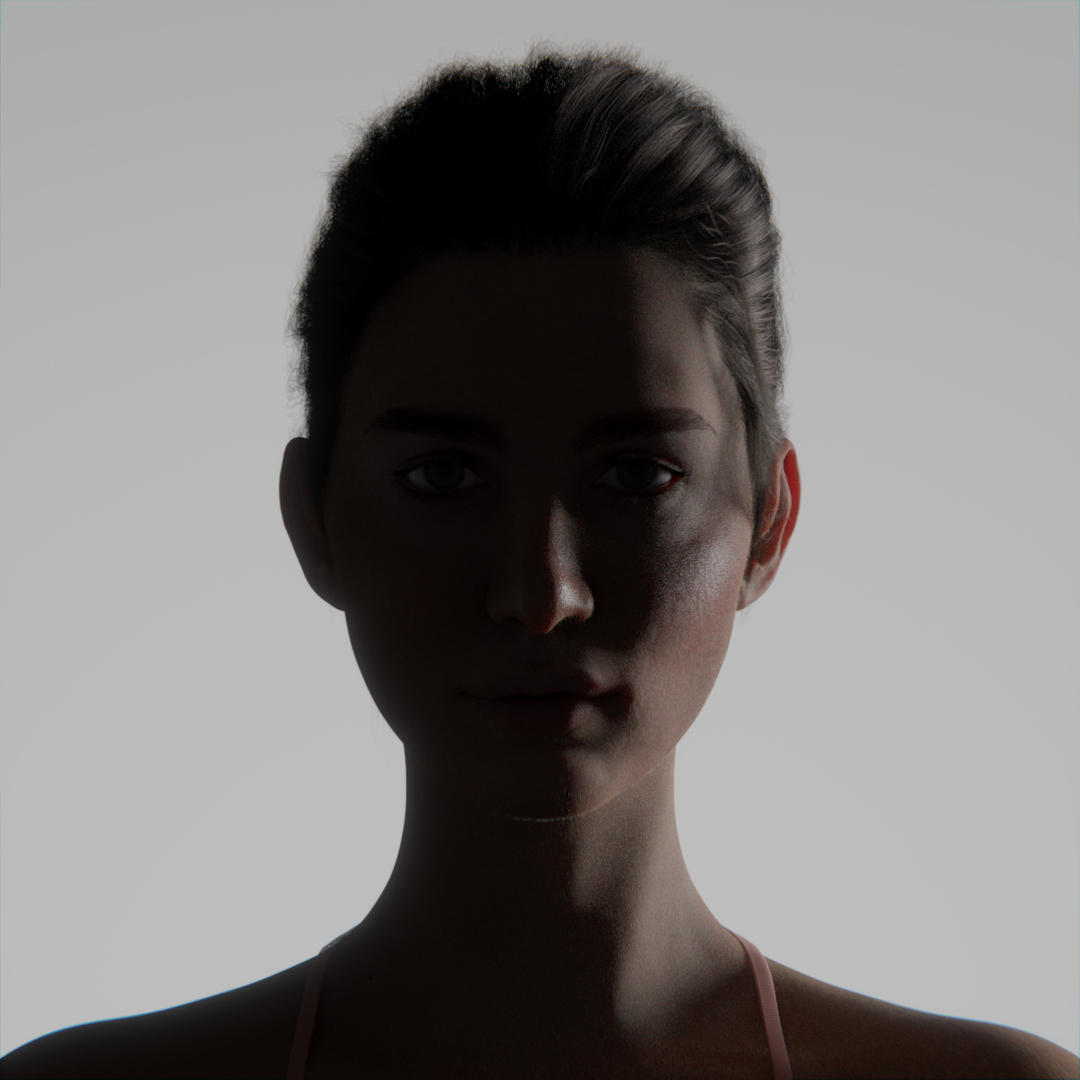
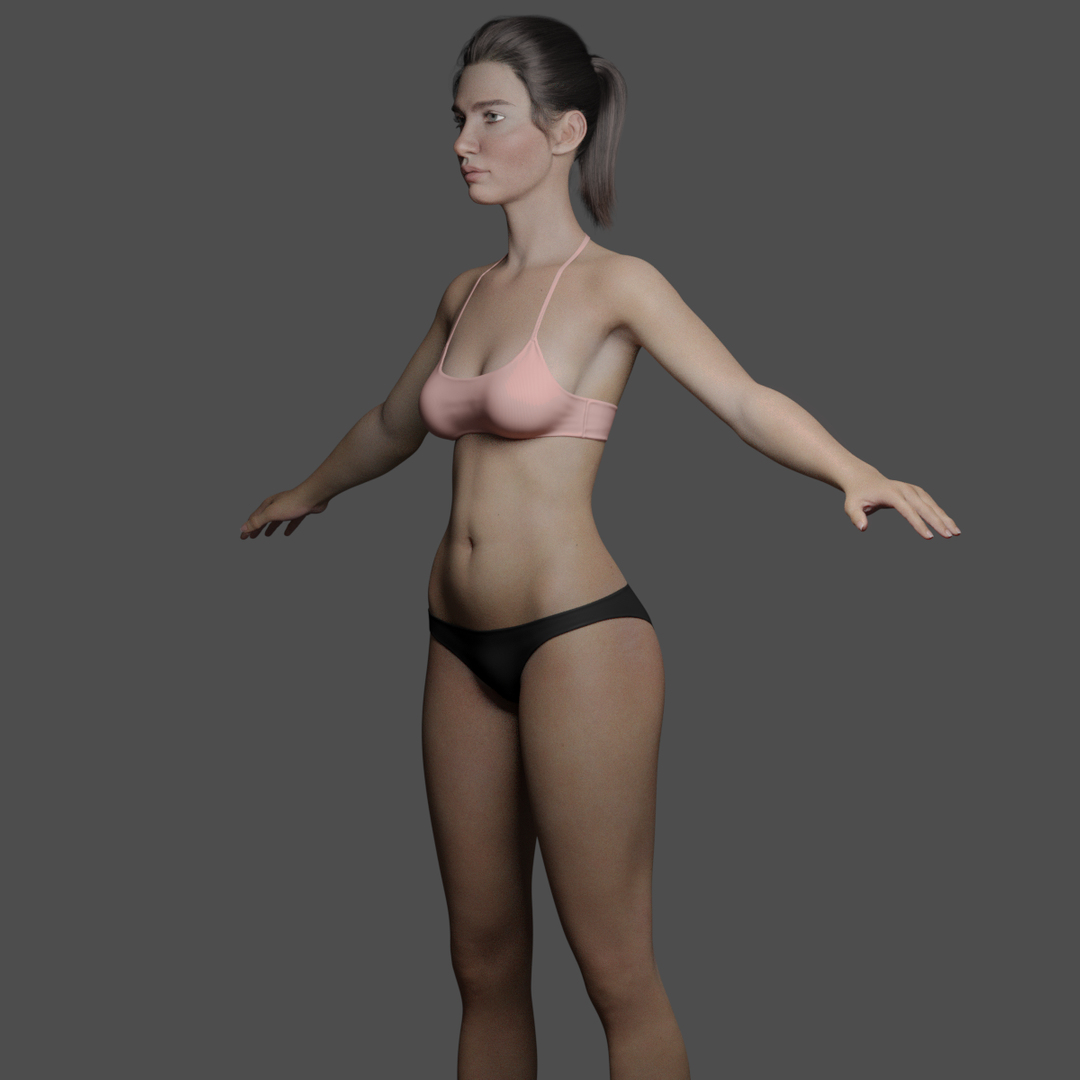
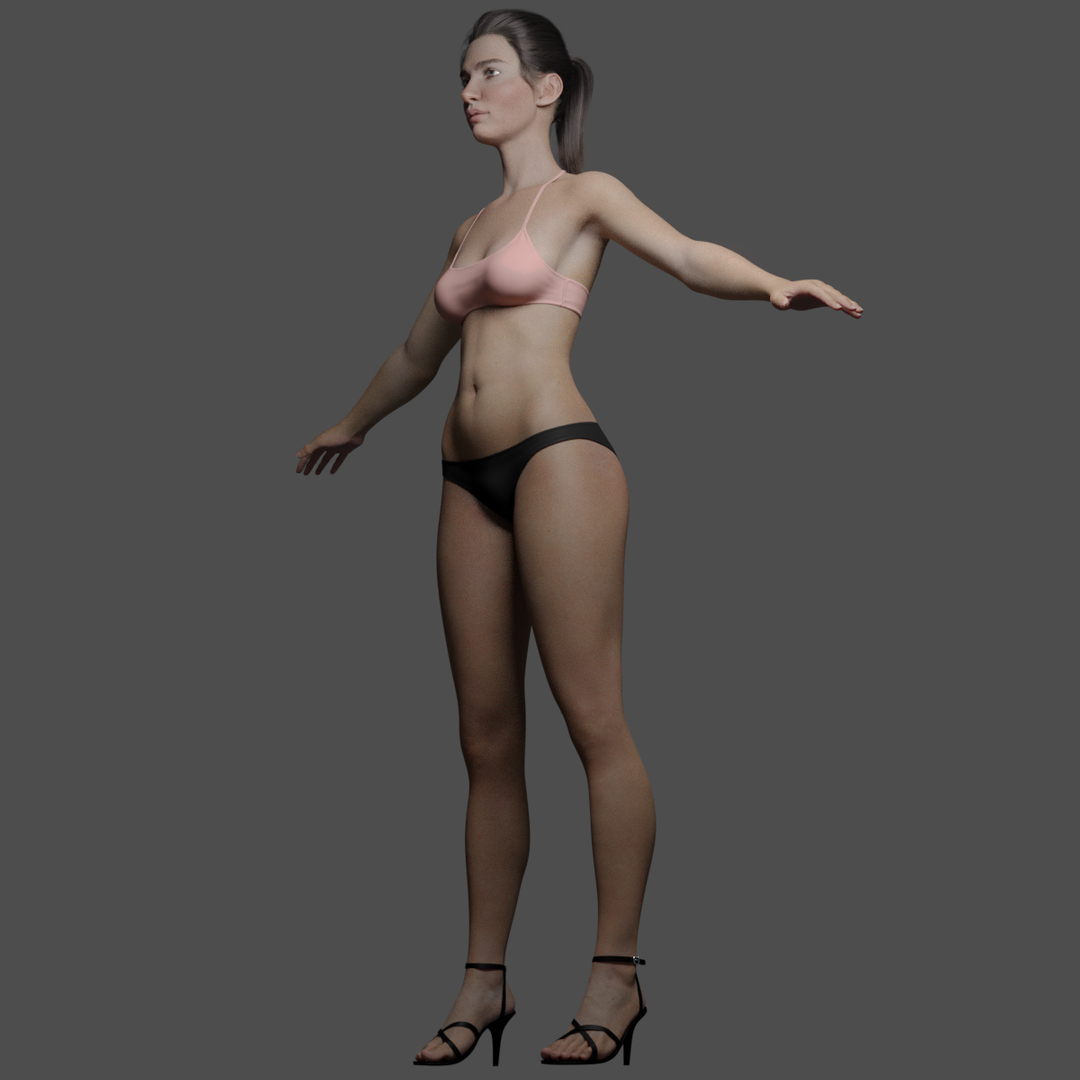
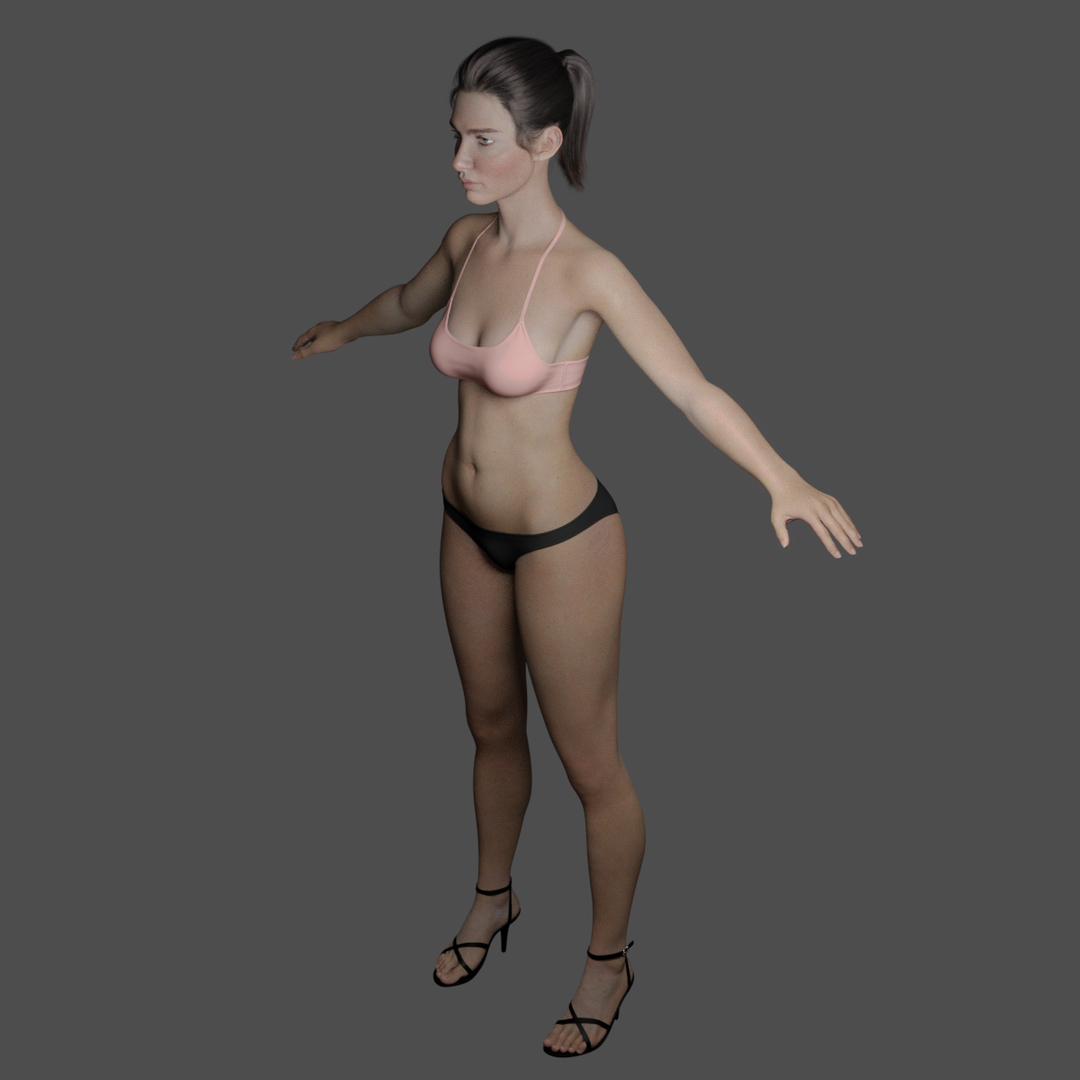
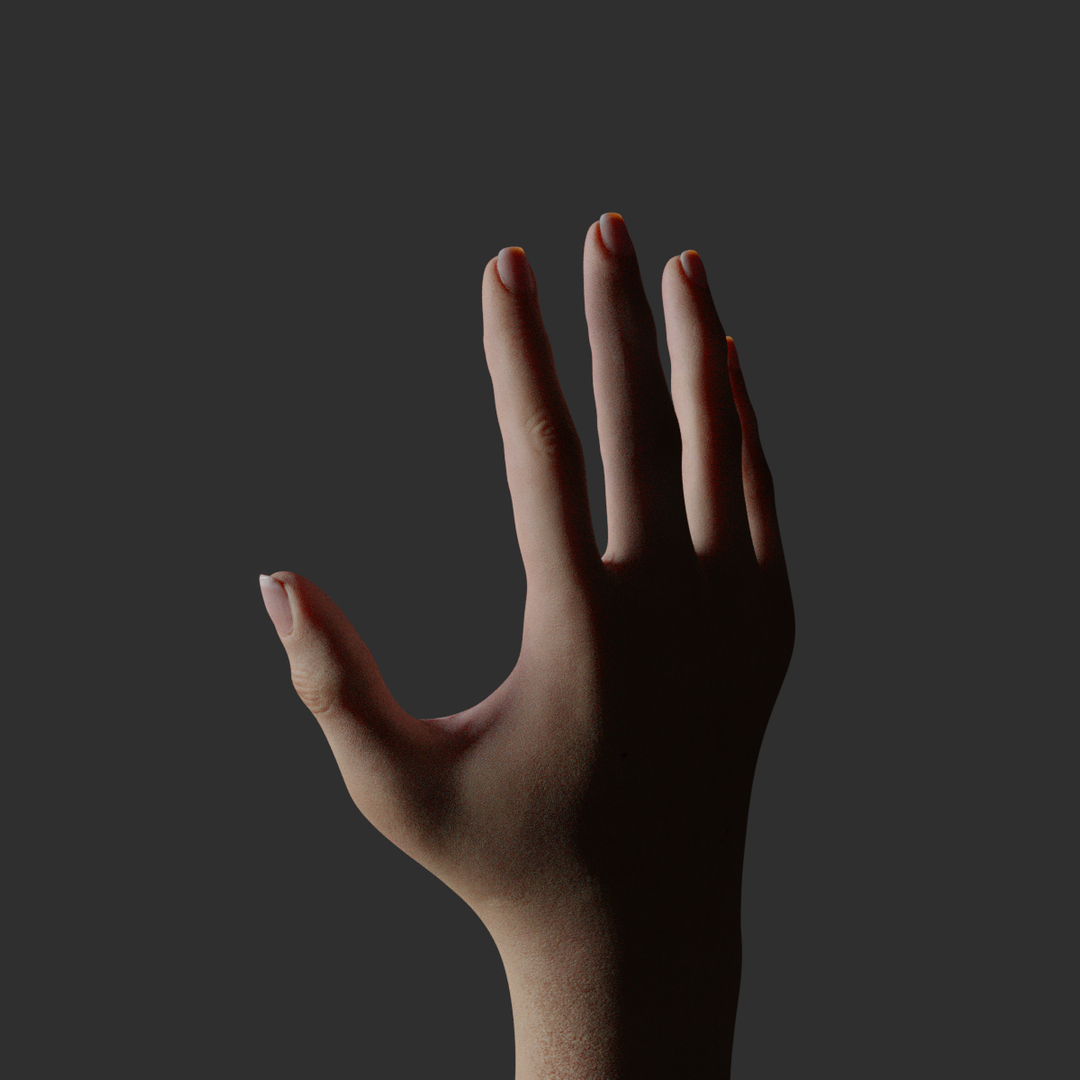
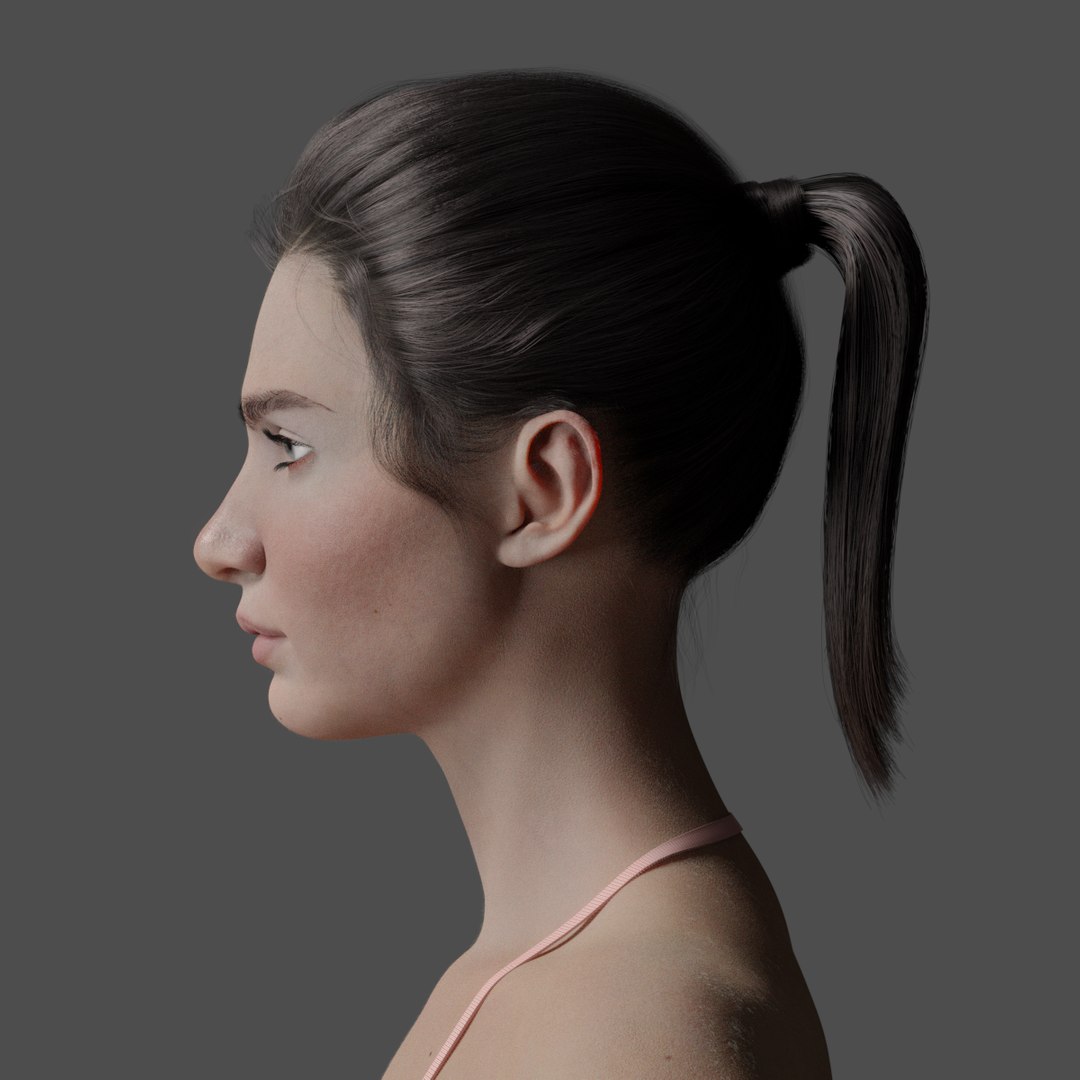
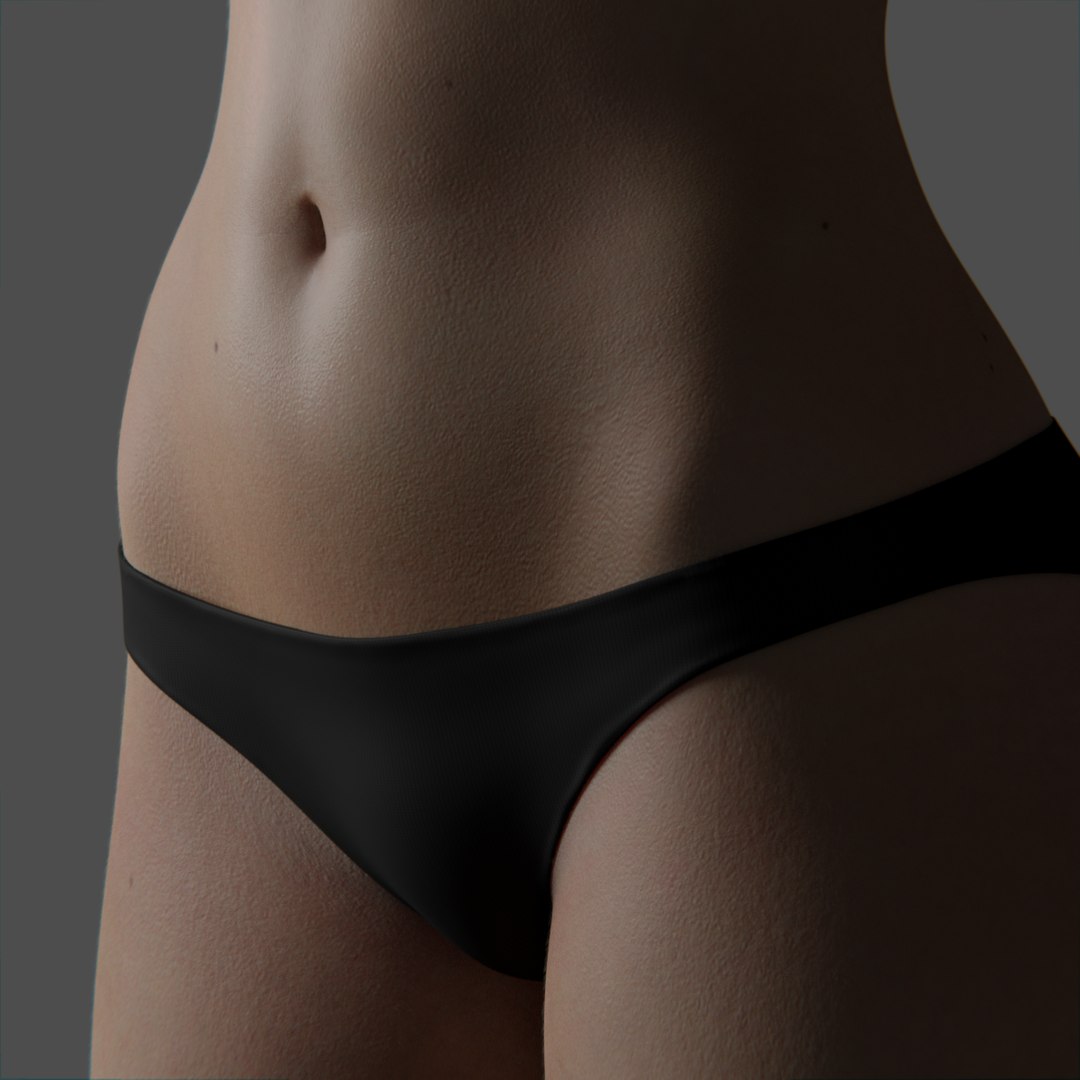
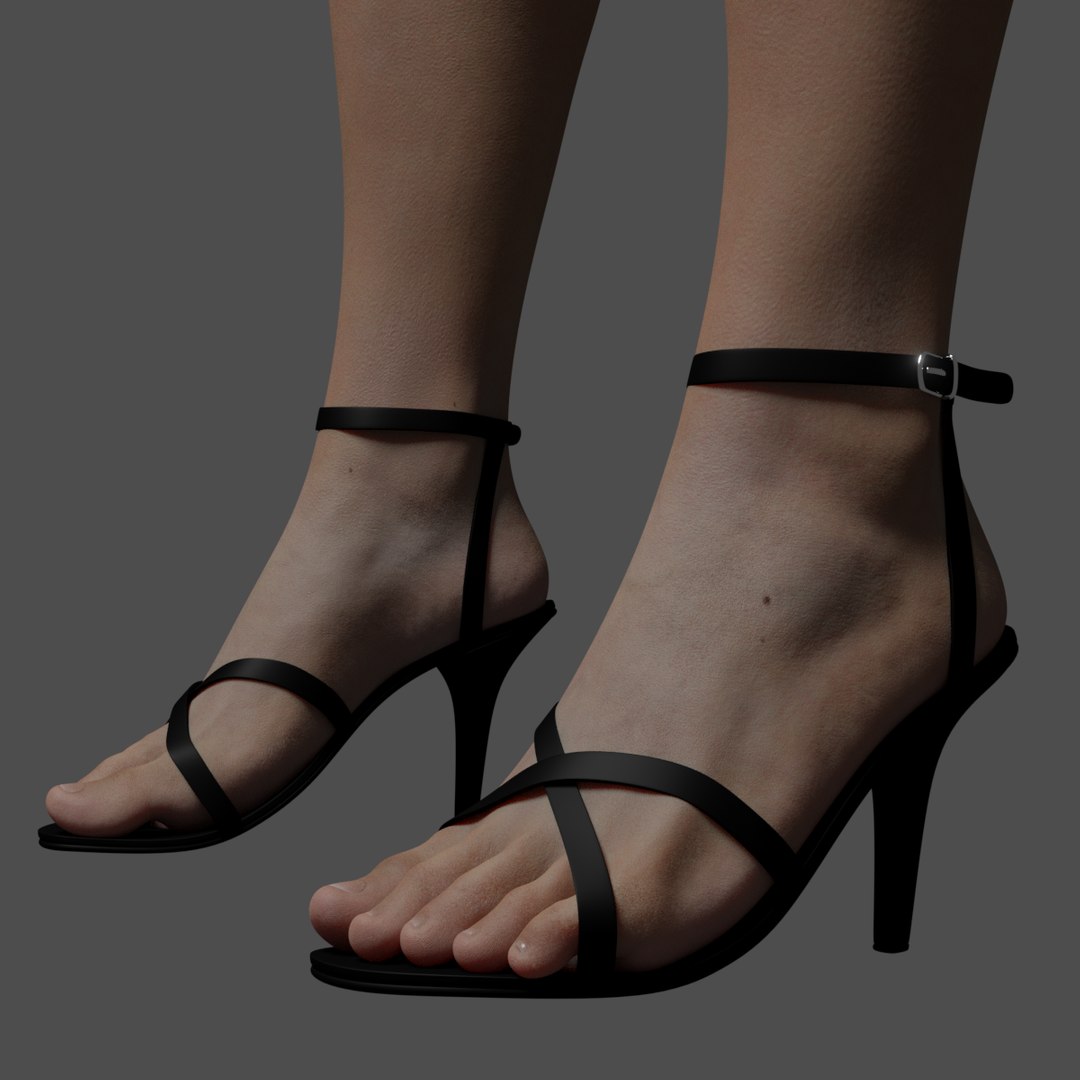
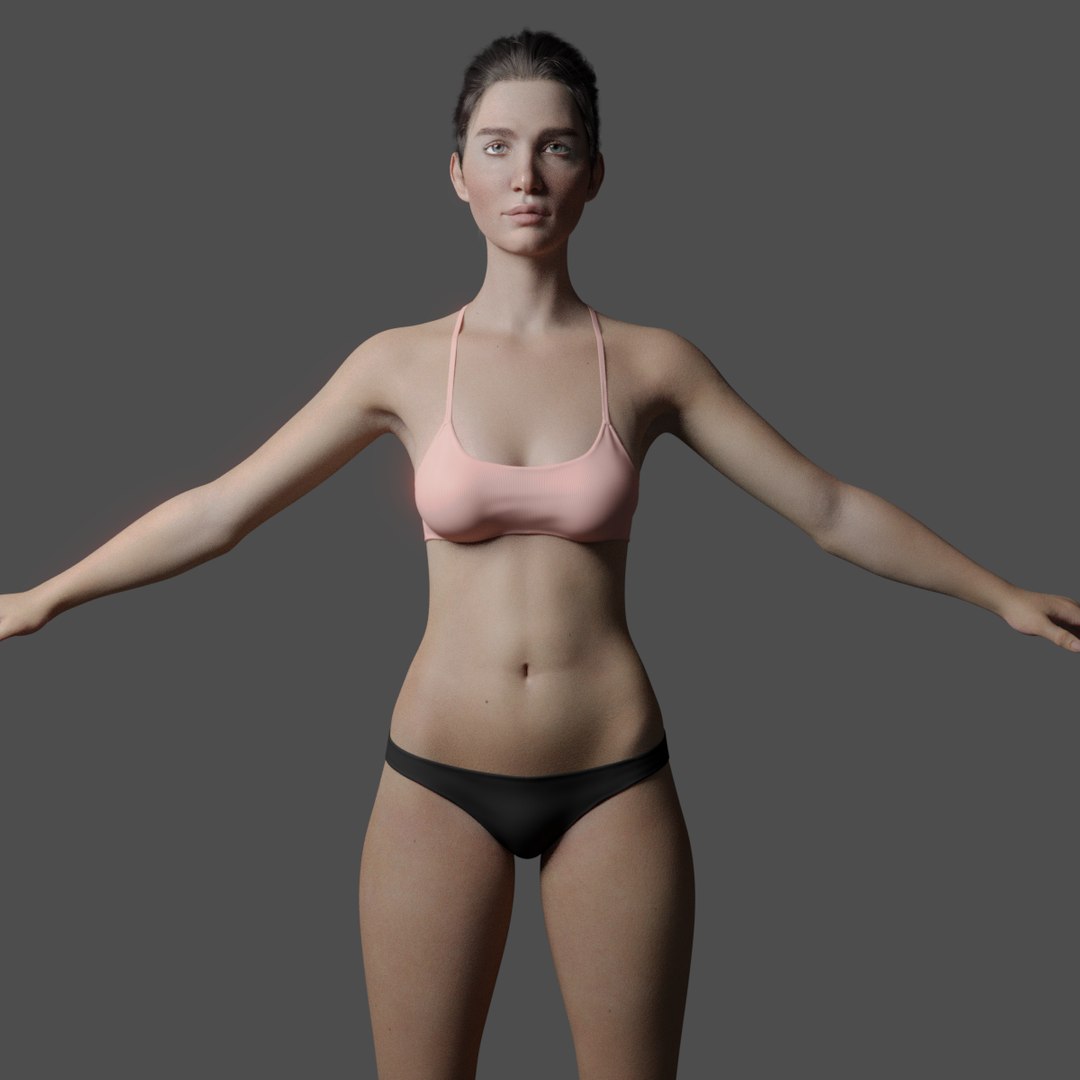
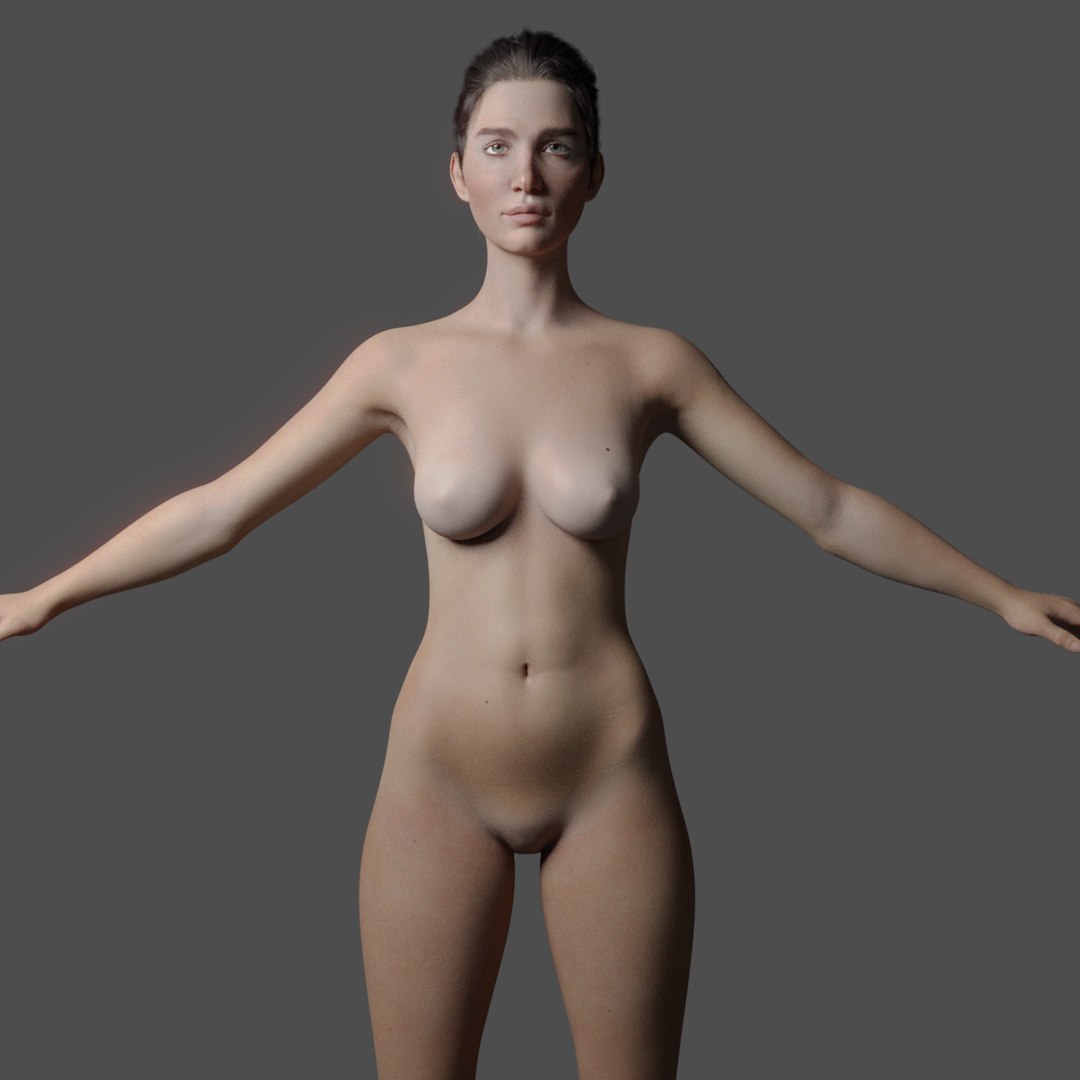
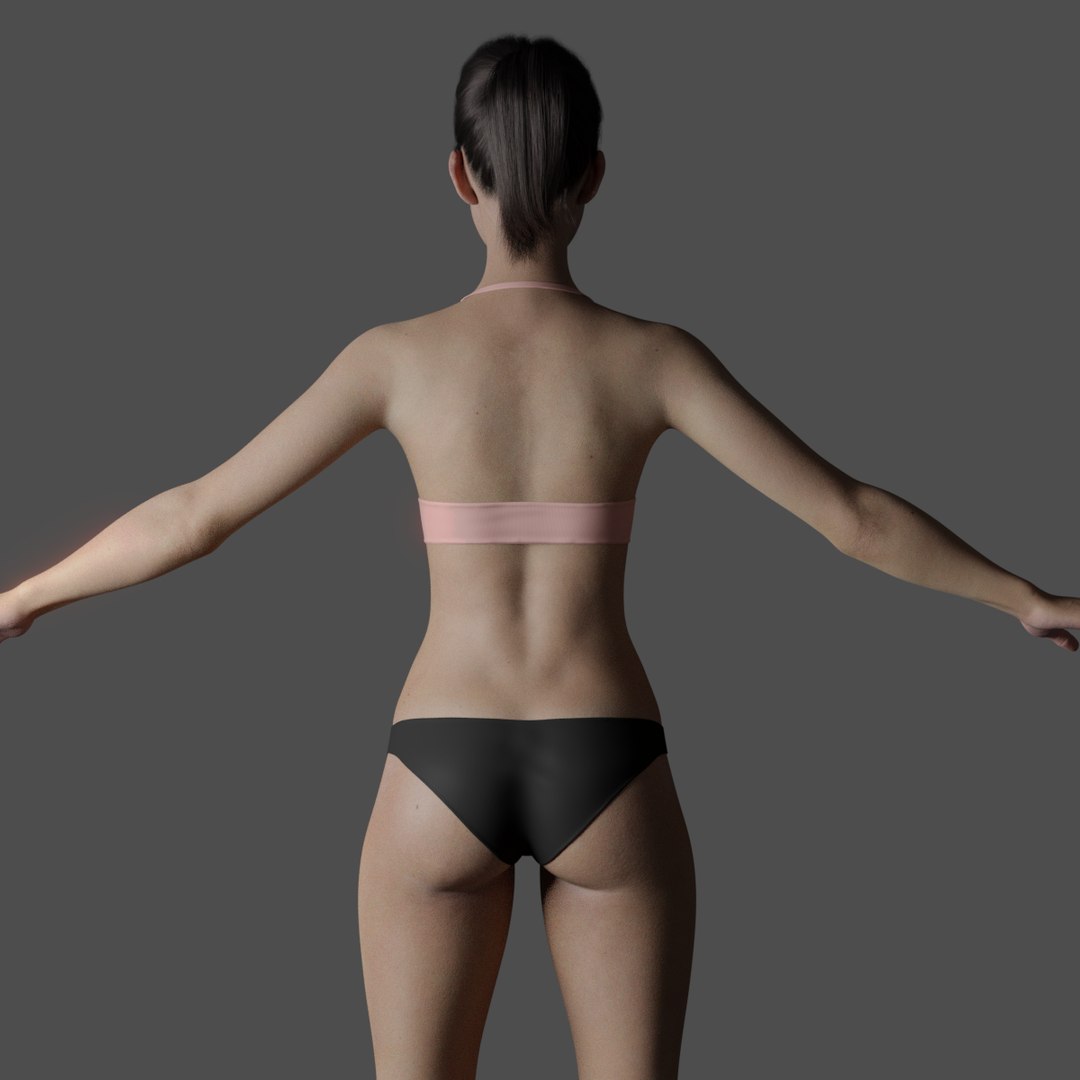
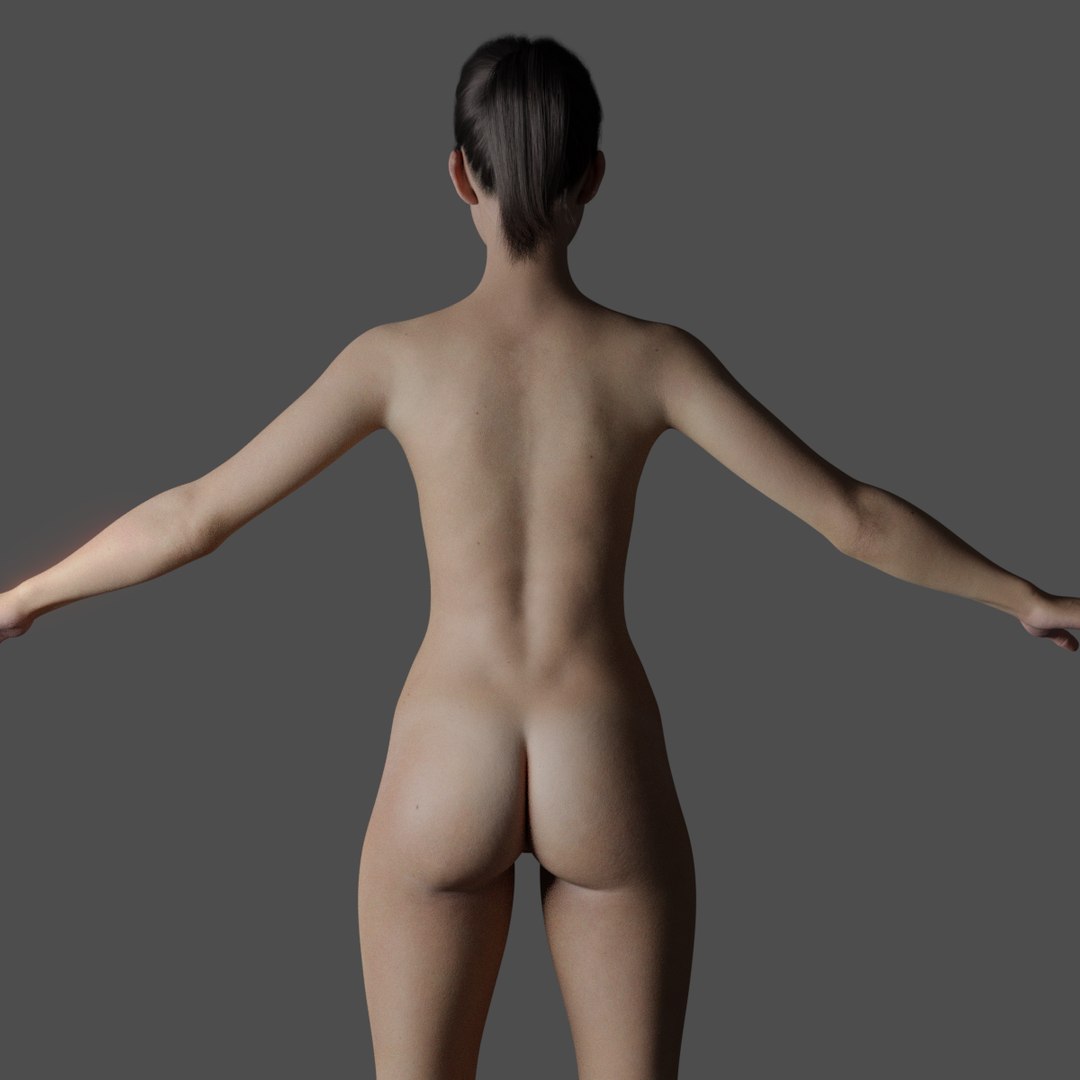
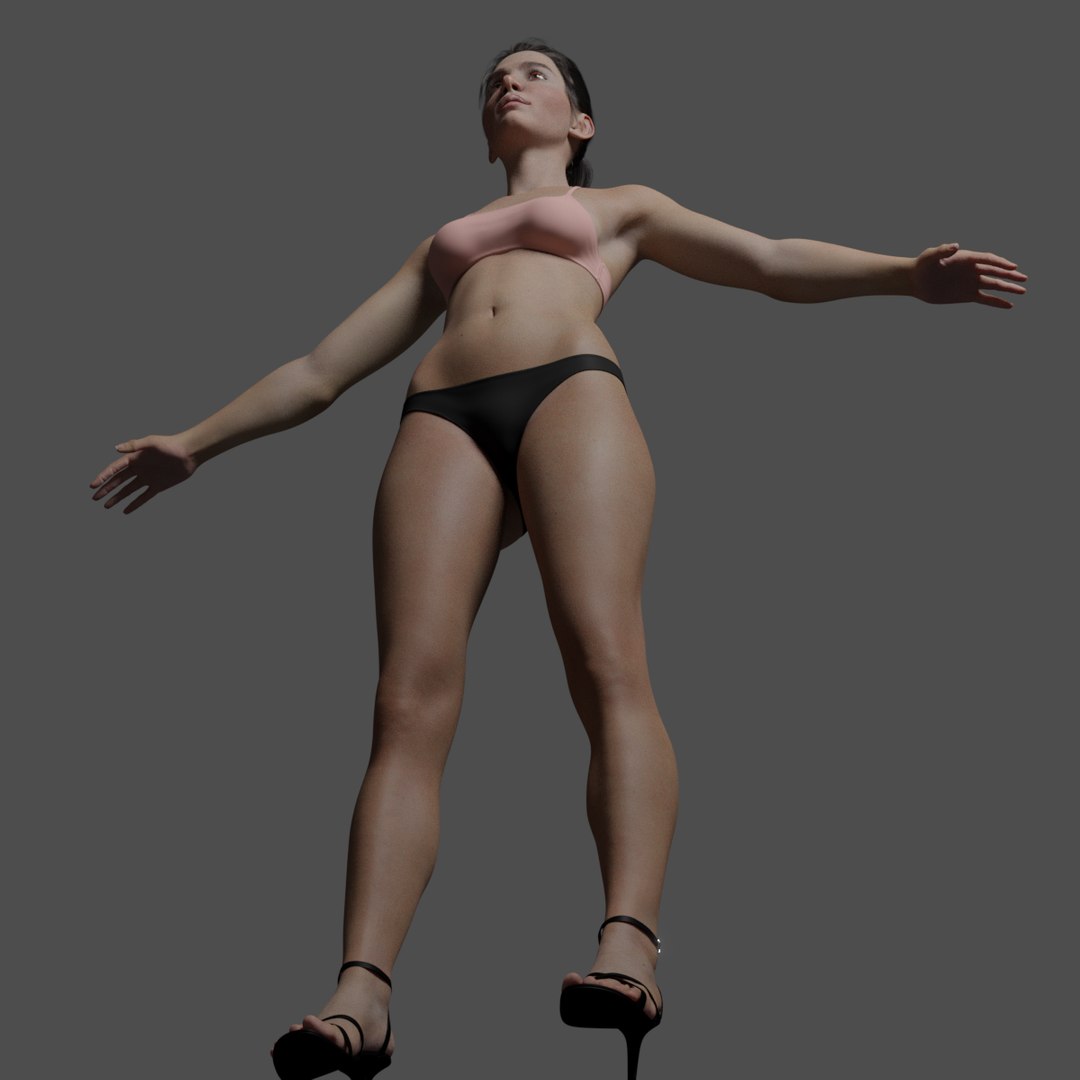
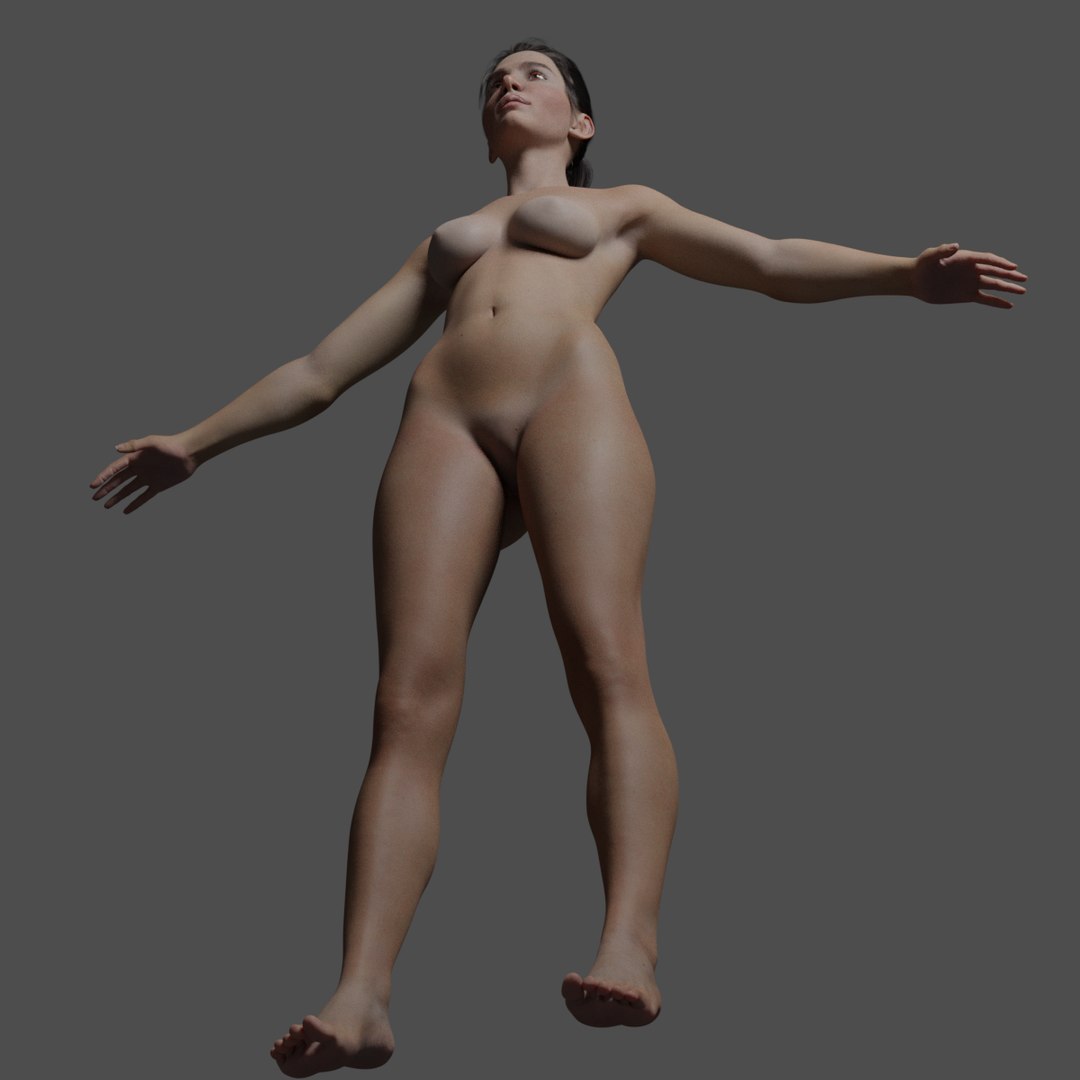
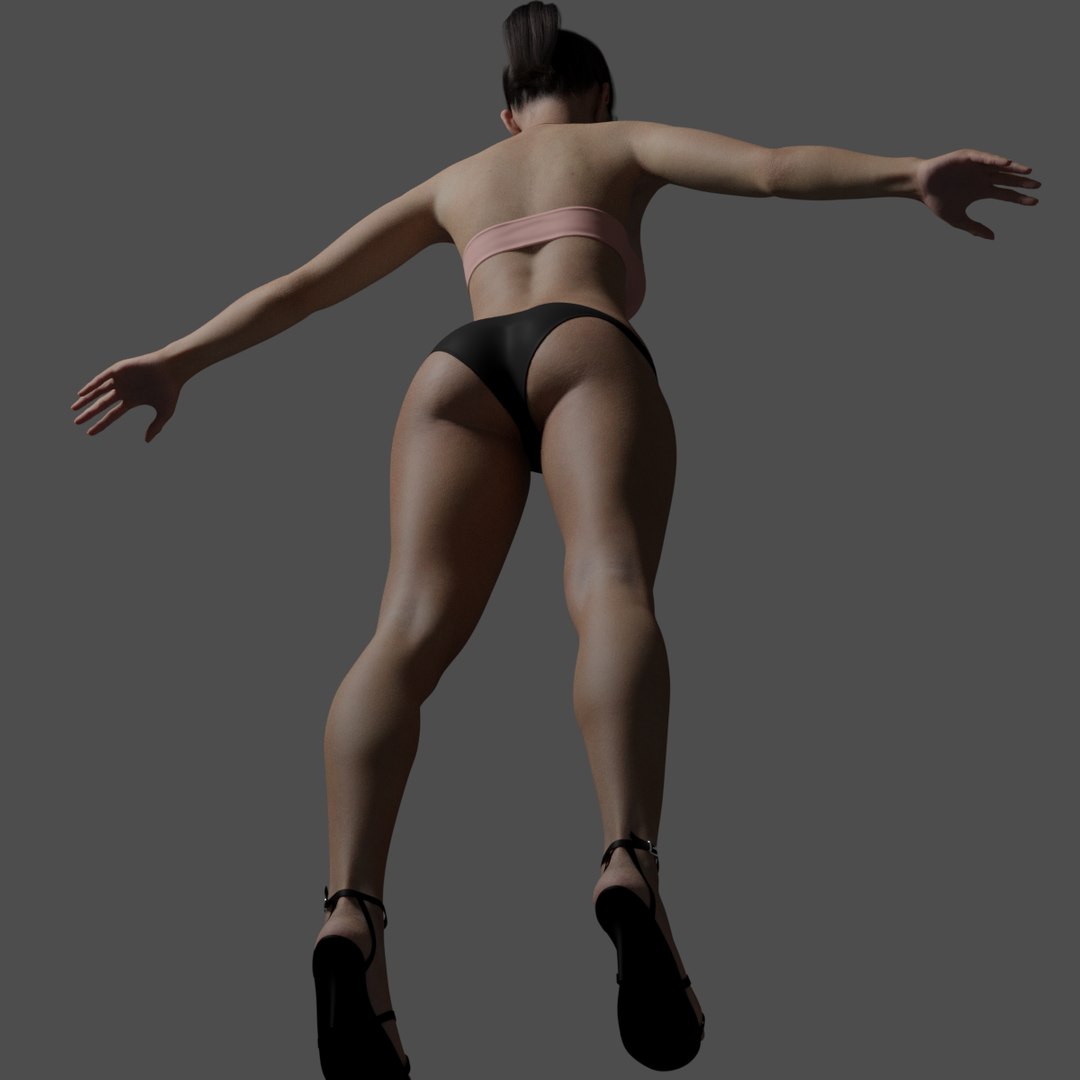
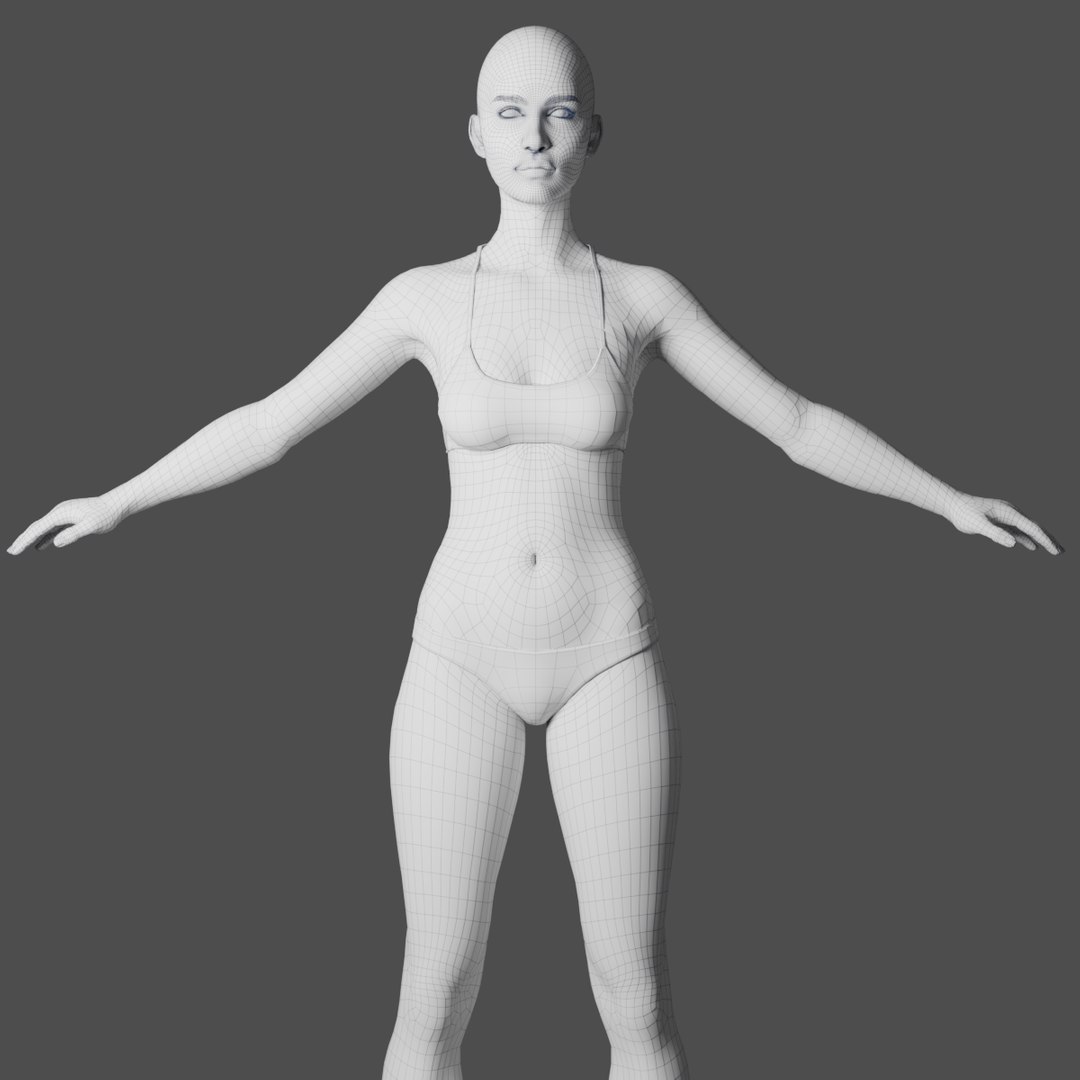
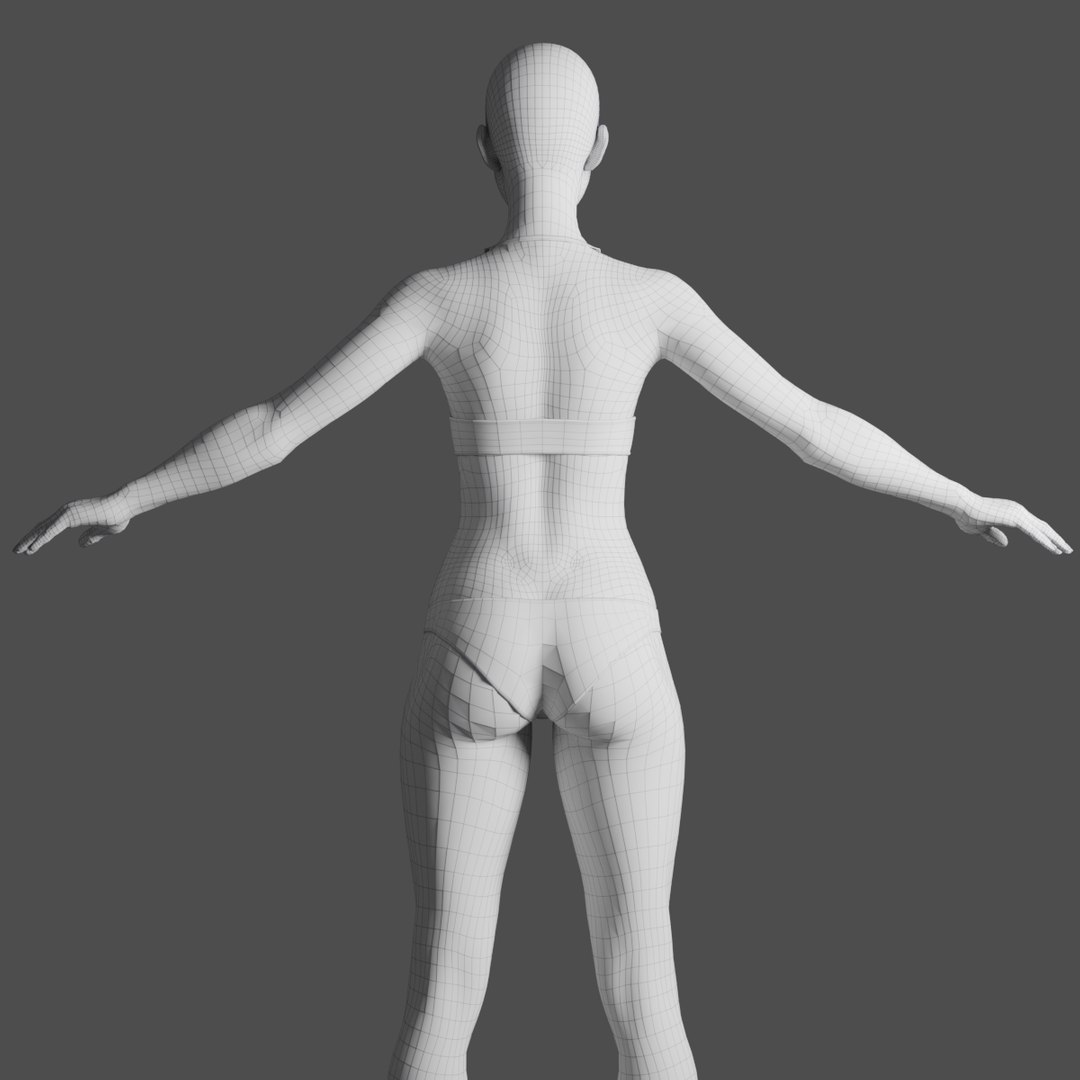
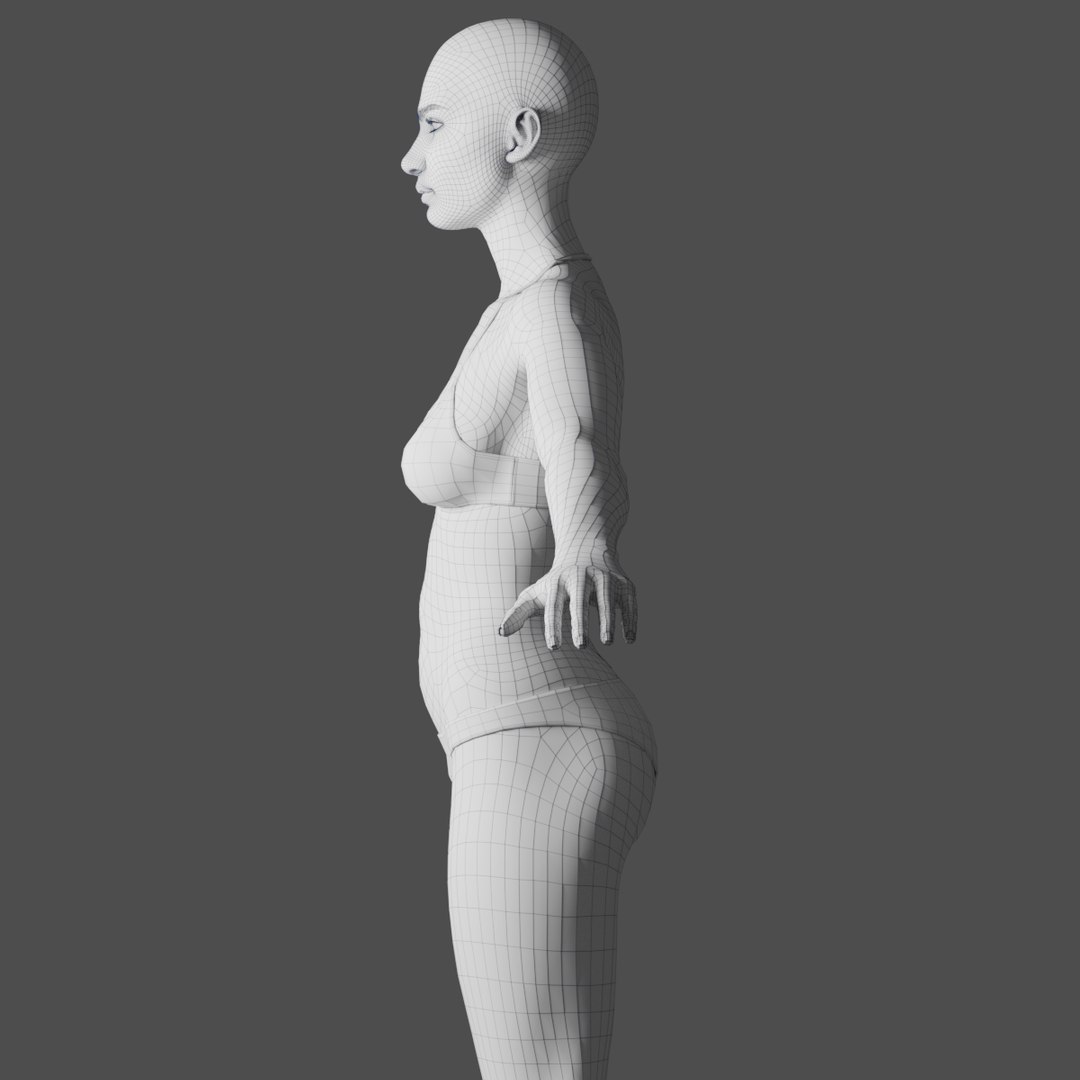
Galatea is a 3d model of a young attractive woman charcter, detailed at the pore. The presented images do not have edition except for the labels, a slight touch of glow. The raw render is absolutely impressive.
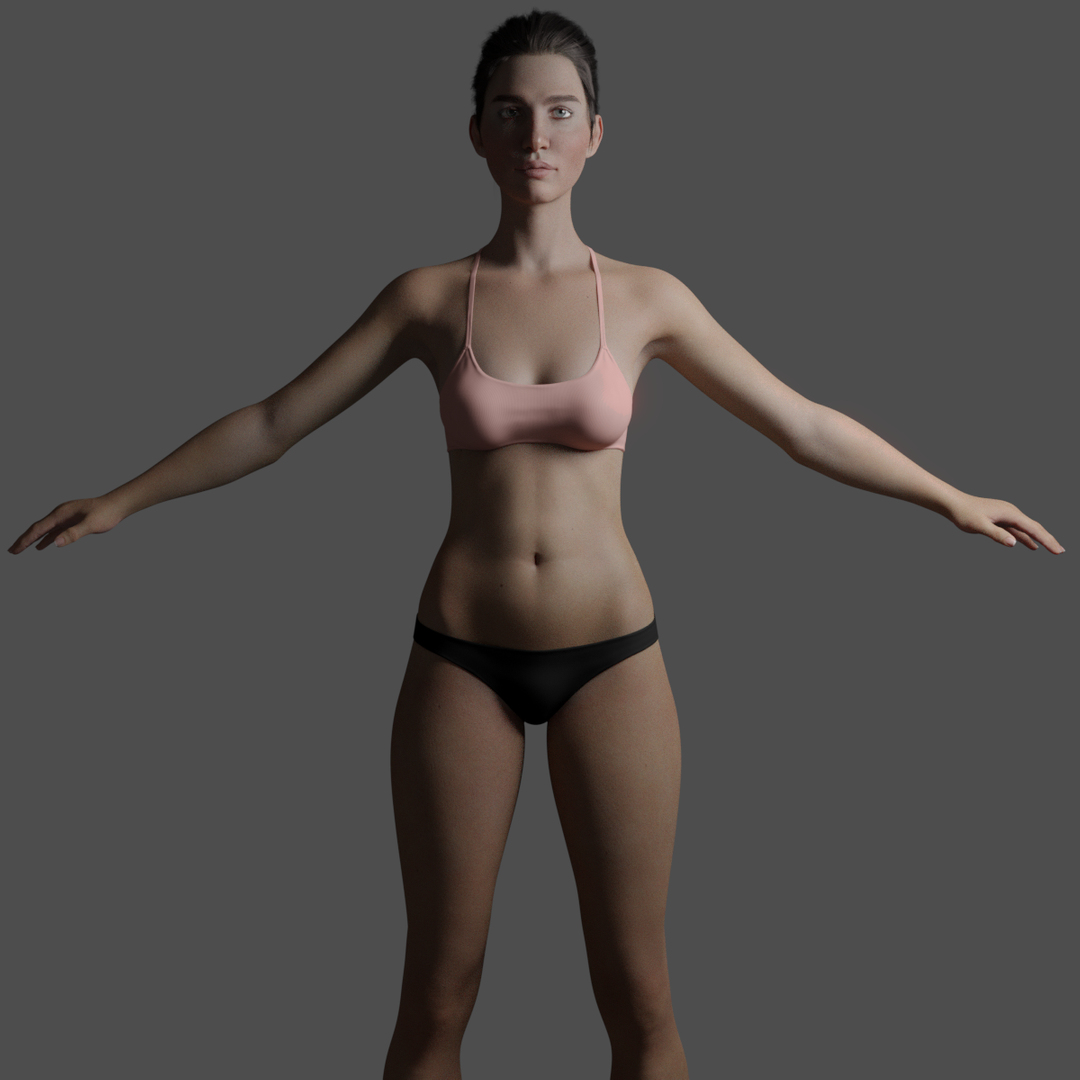
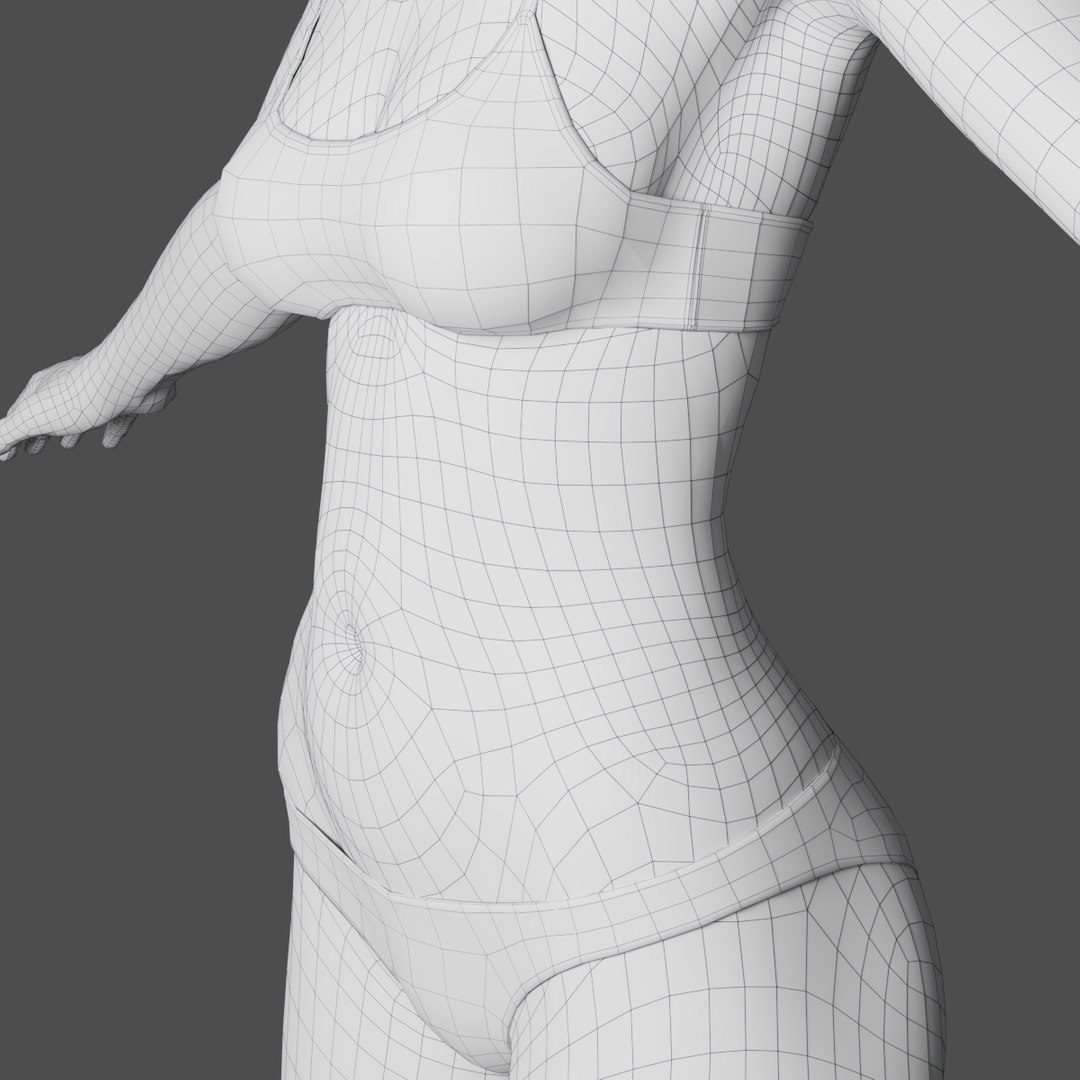
The proportions and the anatomy were absolutely taken care of, not exaggerating in their attributes and without falling into pretentiousness. It should also be mentioned that she does not have genitals as can be seen in the images of the presentation.
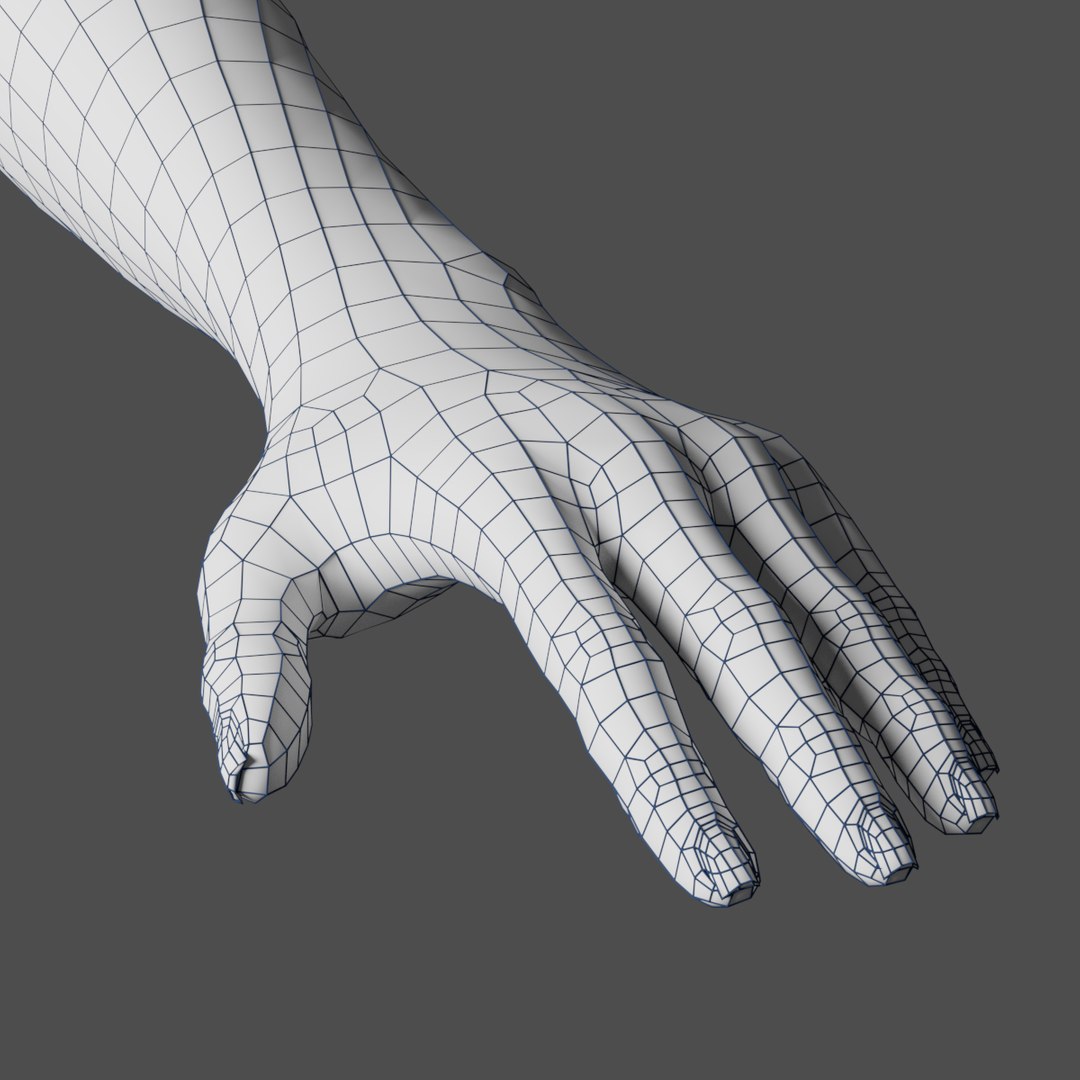
This version is not Rigged, but it is ready to be, the topology is ready for it.
All the elements are well organized and named.
MODELING
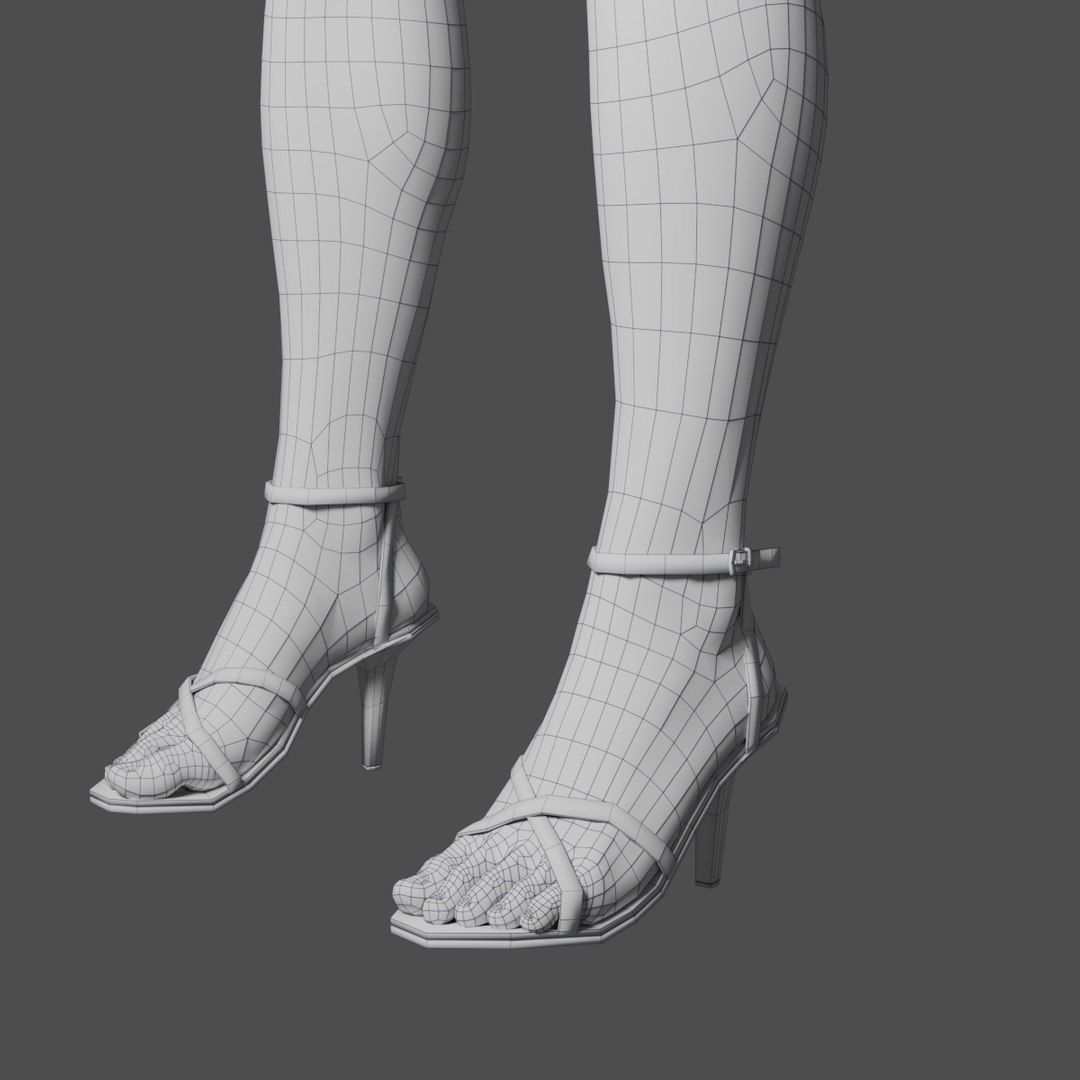
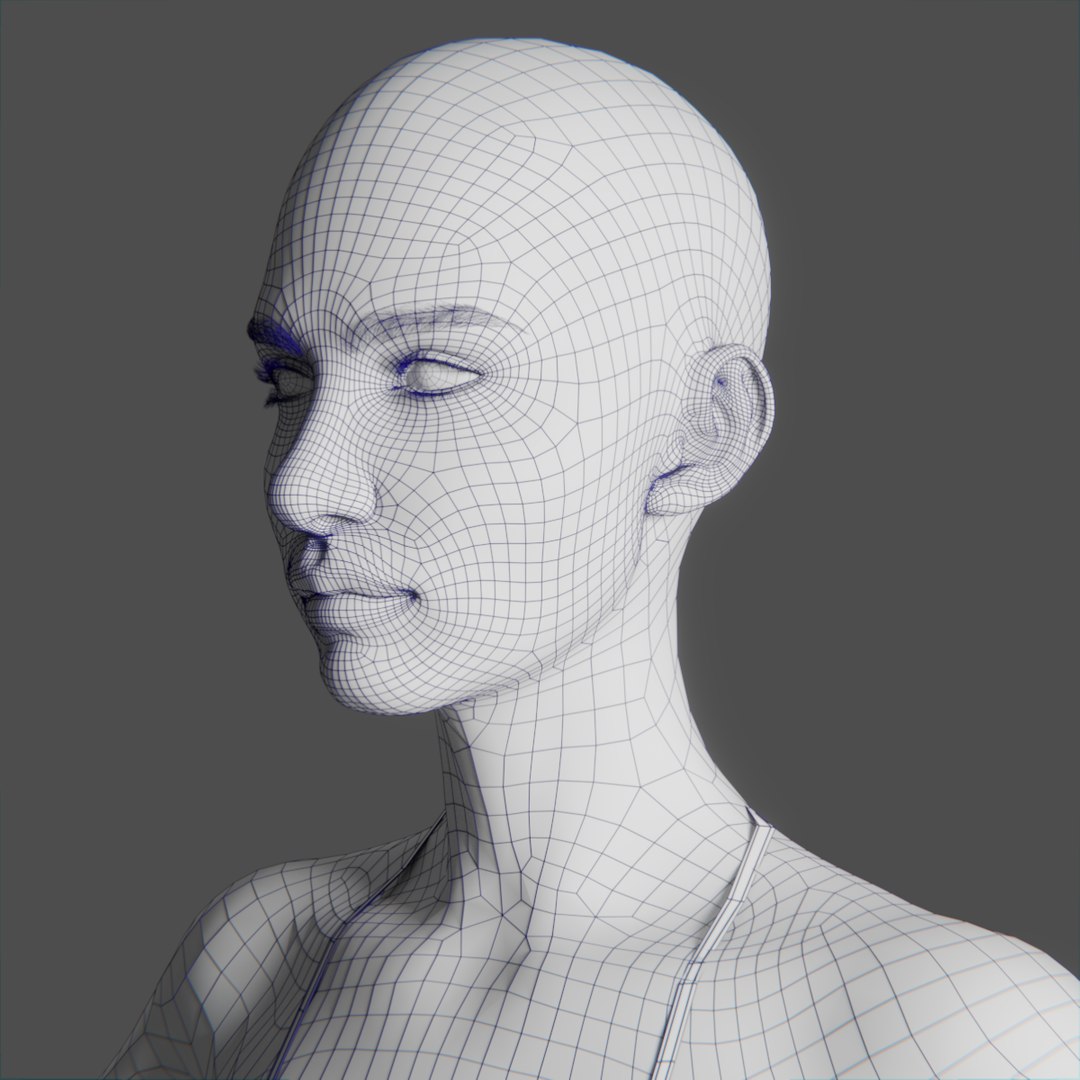
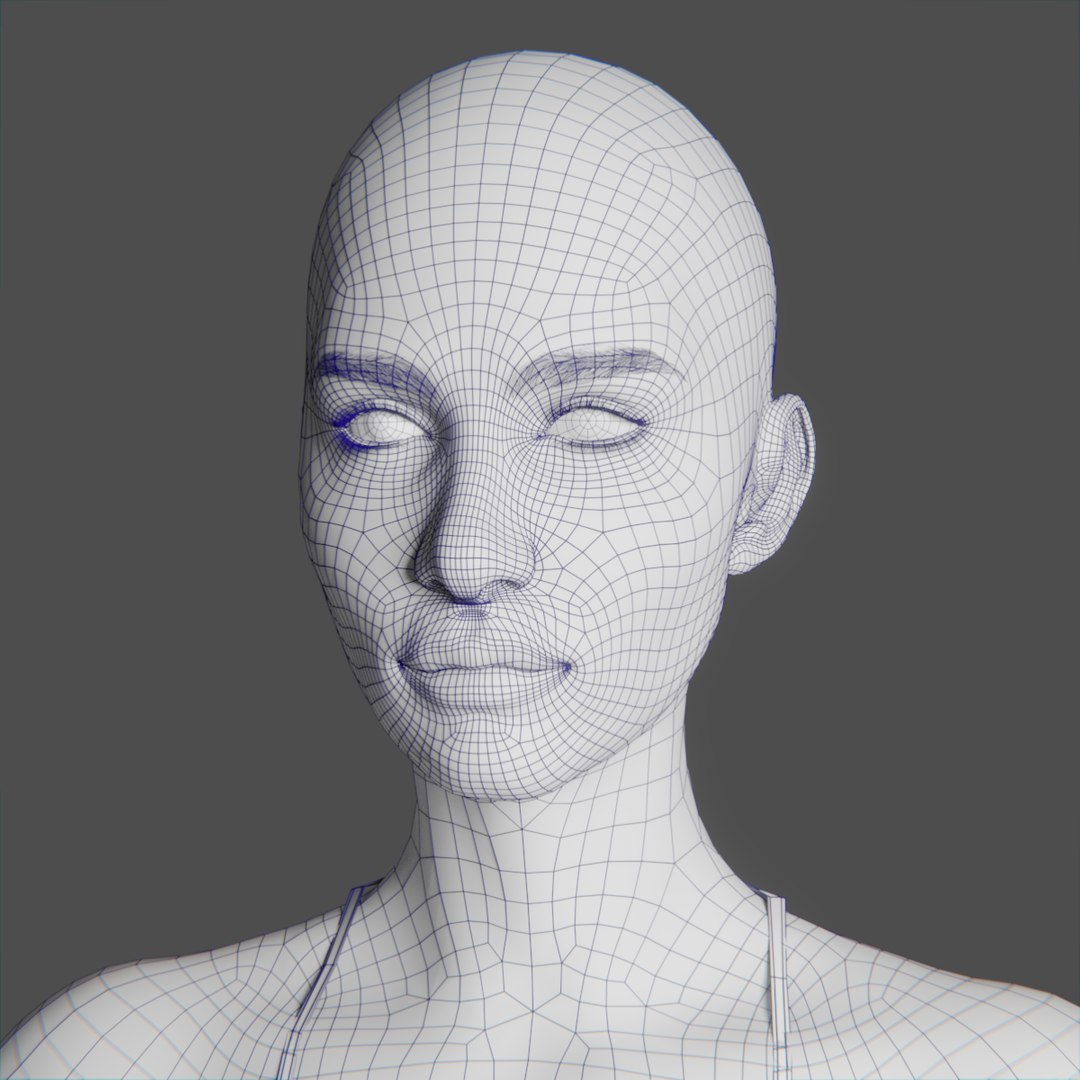
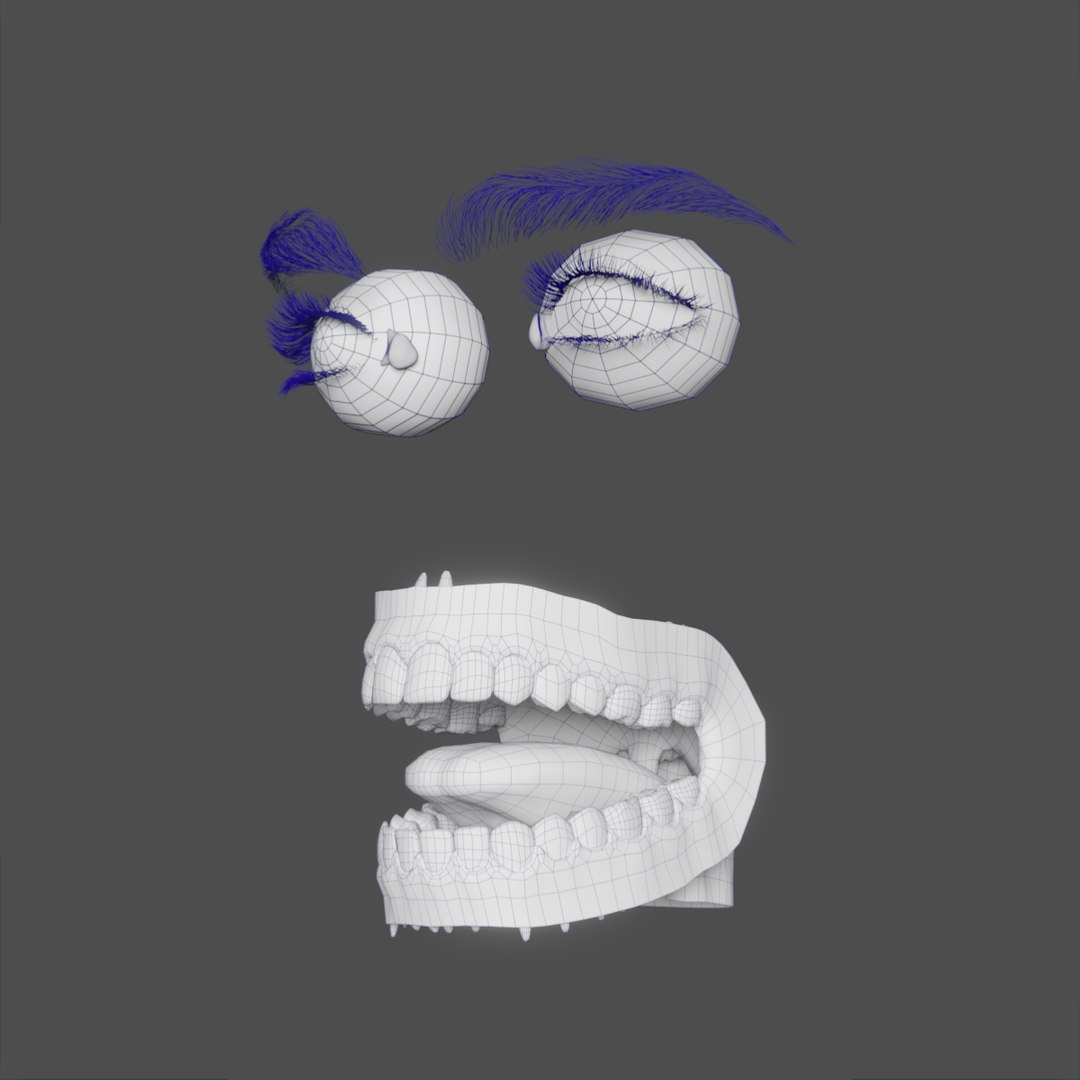
The body was modeled in Quad, Tris was used in the extremely necessary cases without obstructing the polygonal flow. The images were rendered with subdivision 3. The images in Wireframe have no subdivision applied.
The hair in general was created with the Blender particle system, and like the whole project the modifiers have not been collapsed, so they can be edited or changed by others if necessary.
Polygonal count all in without subdivition and Hair:
Body
Verts 22,013
Faces 21,961
Tris 43,886
Props
Verts 2,622
Faces 2,468
Tris 4,934
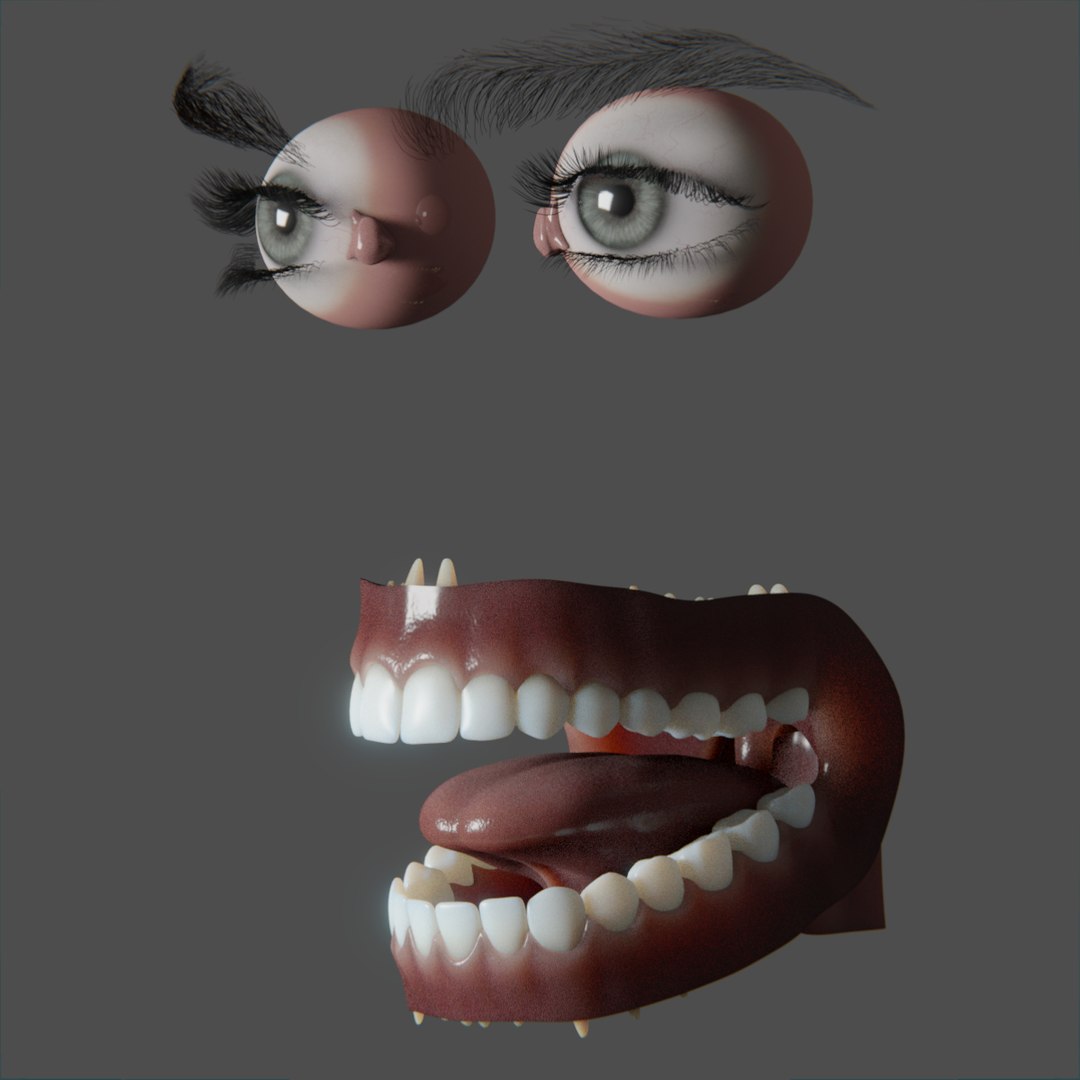
Eyes-Mouth
Verts 19,215
Faces 19,072
Tris 19,072
TEXTURES
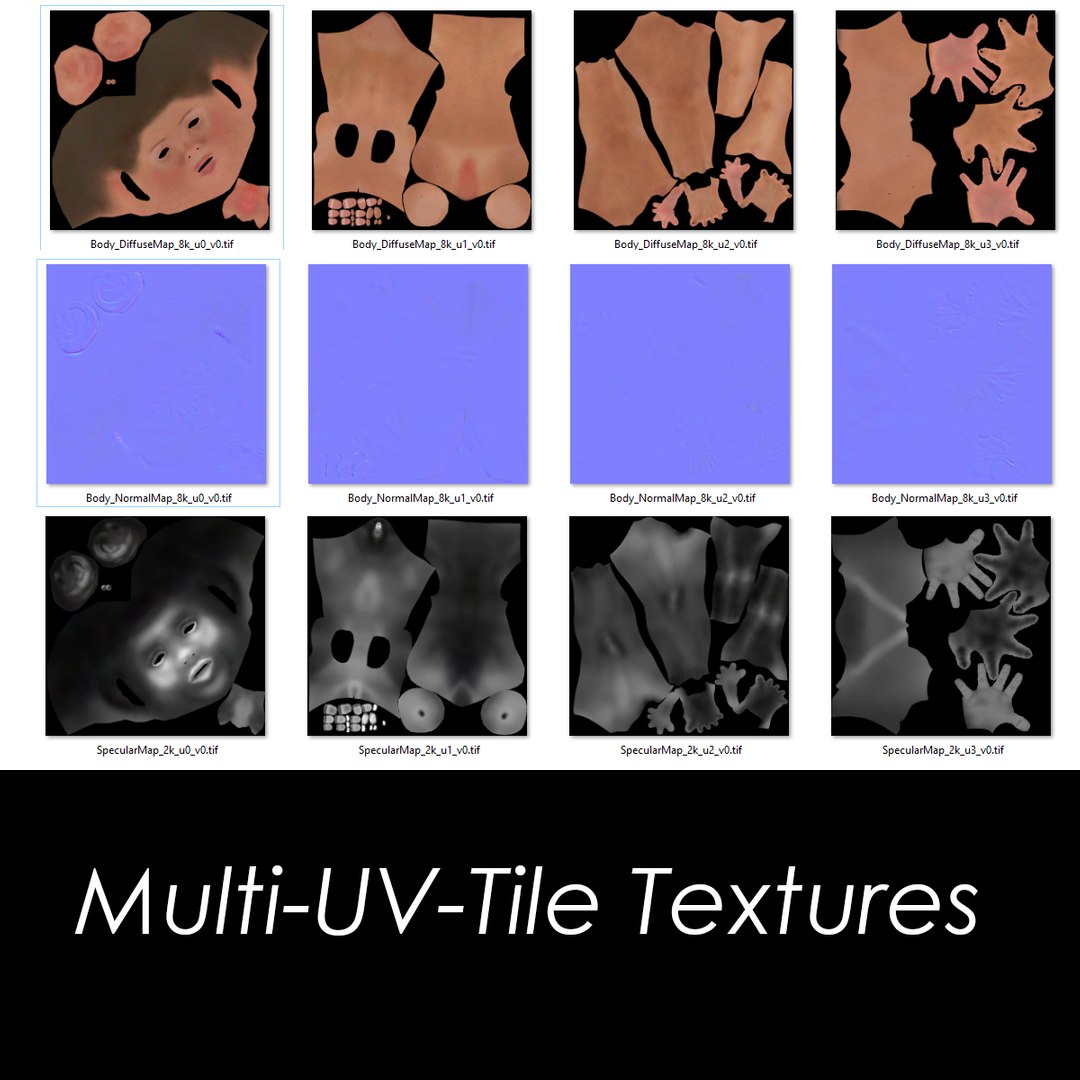
High resolution of textures in general. Only the body is configured in Multi-UV-Tile (UDIM) necessary to reach the level of realism in skin texture at the pore level equivalent to 16K resolution divided into 4 segments of 8K. As you can see there is no need for the SSS IntensityMap, the intensity value is only given by a single global value which works very well for the method of SSS RandomWalk.
Texture specifications:
Body
Body_DiffuseMap_8k_u0_v0.tif
Body_DiffuseMap_8k_u1_v0.tif
Body_DiffuseMap_8k_u2_v0.tif
Body_DiffuseMap_8k_u3_v0.tif
Body_NormalMap_8k_u0_v0.tif (& version with channel Green invert)
Body_NormalMap_8k_u1_v0.tif (& version with channel Green invert)
Body_NormalMap_8k_u2_v0.tif (& version with channel Green invert)
Body_NormalMap_8k_u3_v0.tif (& version with channel Green invert)
SpecularMap_2k_u0_v0.tif
SpecularMap_2k_u1_v0.tif
SpecularMap_2k_u2_v0.tif
SpecularMap_2k_u3_v0.tif
Mask_Eyelid_2k_u0_v0.tif
Mask_Eyelid_2k_u1_v0.tif
Mask_Eyelid_2k_u2_v0.tif
Mask_Eyelid_2k_u3_v0.tif
Eye
BumpMap_2k_Iris.tif
DiffuseMap_2k_Iris.tif
Sclera DiffuseMap.tif (2K)
Sclera mask.tif (1630x815)
Translucent mask.tif (1630x815)
Mouth
DiffuseMap_4k_Mouth_Gums.tif
DiffuseMap_4k_Teeth_down.tif
DiffuseMap_4k_Teeth_Top.tif
NormalMap_4k_Mouth_Gums.tif (& version with cannel Green invert)
Gums_SSS_Mask.tif
Suit
Thong.tif (4k) (& version with channel Green invert)
Top.tif (4k) (& version with channel Green invert)
weave03.tif (600x600)
MATERIALS
Extremely tested and well-finished materials, all named correctly and made with quality as the ultimate goal.
The brightness of the skin is adjustable for any situation (dry or wet finish). As mentioned above, it uses the SSS RandomWalk calculation method, which is only available in versions 2.79.6 and 2.8 of Blender. If you using an earlier version, the method will be replaced by a previous version of SSS and will not have the same finish. that you can visualize in the images presented.
ADDITIONAL DATA
Native Blender 2.79.6 & 2.8 project
The project was also exported in OBJ and FBX file for easy importation to other platforms.
Thanks!








 360
360
 360
360
 360
360
 360
360
 360
360
 360
360
 360
360


