
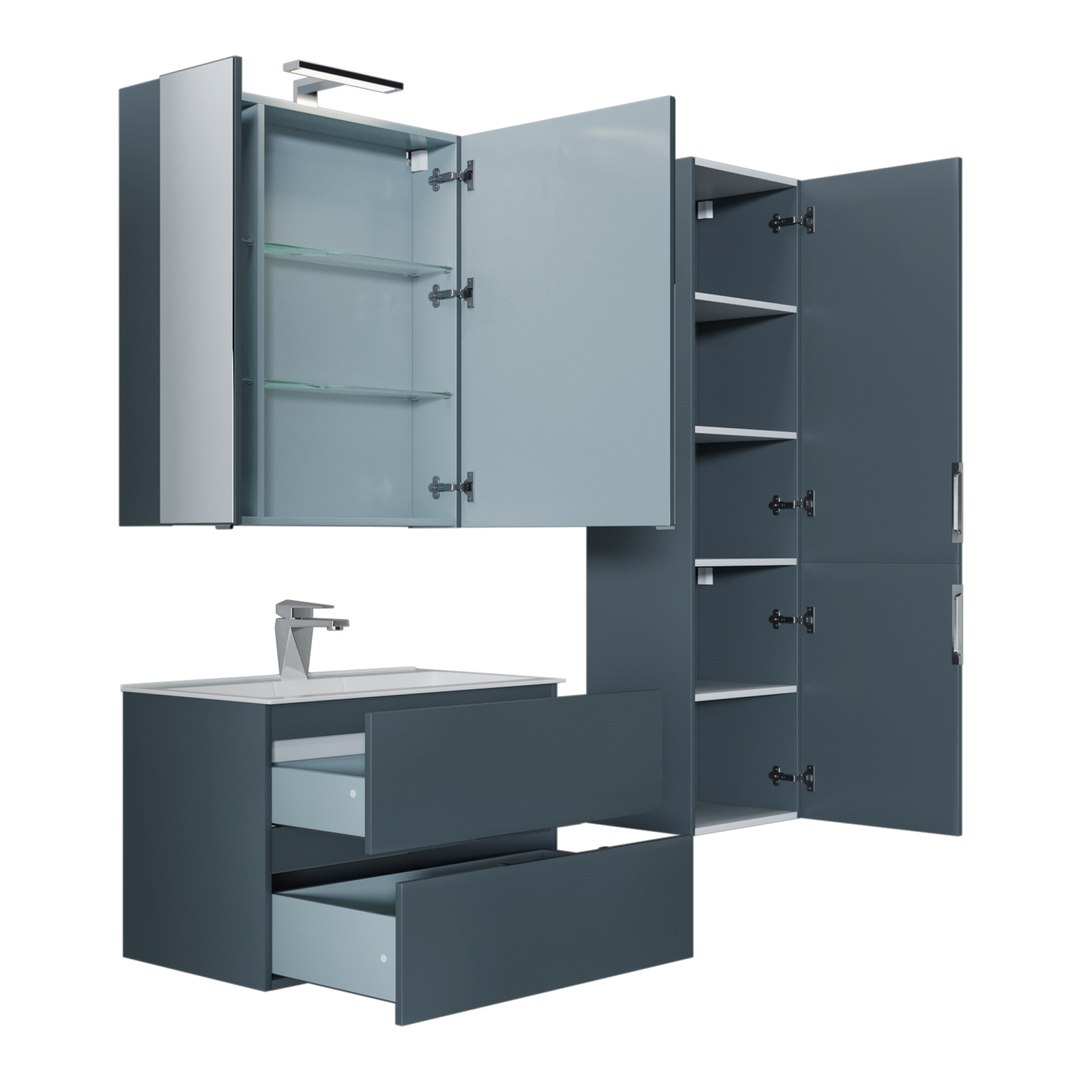
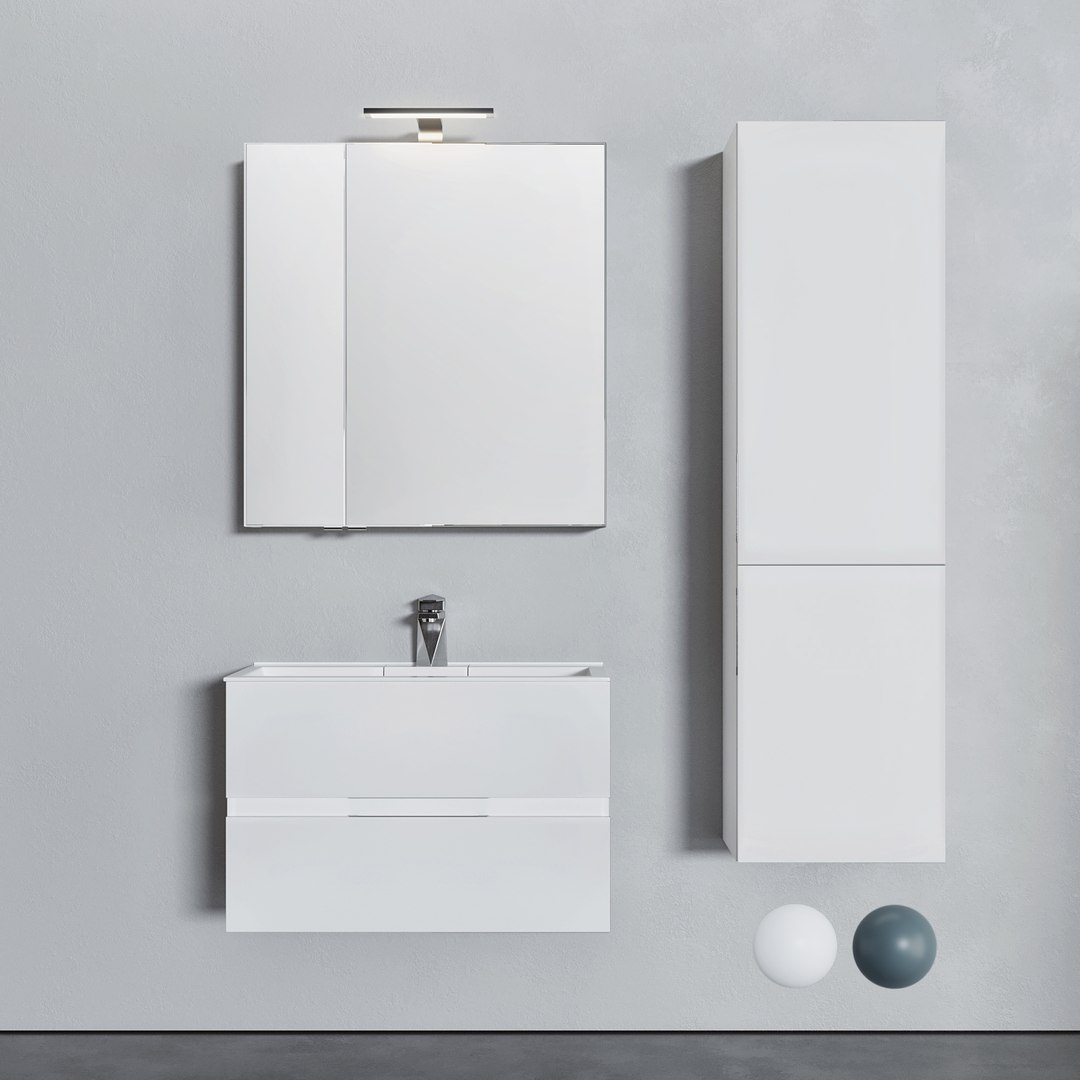
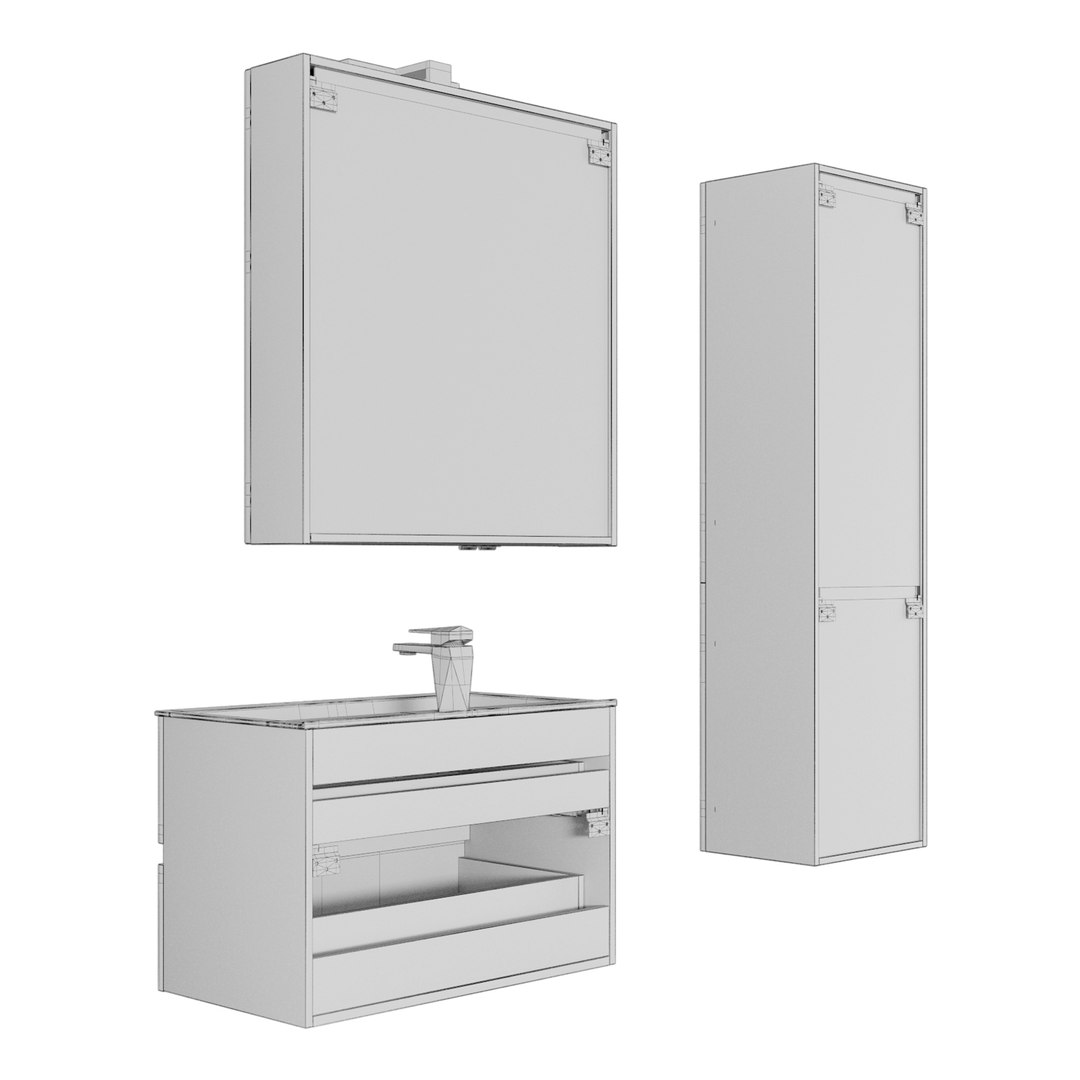
Furniture set Alvita 80

$10

Standard License | Upgrade License
Editorial Uses Only
Formats (3)
Native | 3ds Max 2014 | Corona 3
3ds Max 2014 | V-Ray 4
OBJ
Other Files
Textures.zip Vray mat.mat Corona mat.mat
Specifications
Publish Date February 04, 2024
Product ID 2185297
Polygons 552,020
Vertices 501,097
Polygonal Quads Only
Textures
Materials
Non-overlapping Unwrapped UVs
member avatar
snake3ddd
337 Products | Contributor Since 2024
Have questions? Chat with us now.

Description

Furniture Set: Alvita 80

Overall Dimensions (Depth x Height x Width):

  • Stand 80: 800 x 532 x 445 mm
  • Colors: Gloss White, Drawer Oak Sonoma, Anthracite
  • Features: The model includes drawers and doors that pull out and open. It also features a storage box that opens.

Mirror: Alvita 80 White

  • Overall Dimensions (Width x Height x Depth): 800 x 850 x 172 mm
  • Colors: Gloss White, Anthracite

Case: Alvita 40

  • Overall Dimensions (Width x Height x Depth): 440 x 1576 x 339 mm
  • Colors: Gloss White, Anthracite

Mixer: Bravat Iceberg F176110C

  • Overall Dimensions (Length x Height x Width): 50 x 145 x 71 mm
  • Material: Chrome

Included in the Archive:

  • 3D Max 2014 Vray & Corona format
  • OBJ file format
  • Folder with textures
  • Folder with materials
  • Measurement System: Millimeters (mm)

Special Highlights:

  • Ideal for those looking to add a modern touch to their bathroom with functional storage solutions. Wishing you great renderings!

Select Enhanced License

  • $10,000 in Legal Protection (Indemnification)
  • Uncapped Legal Protection (Indemnification)
  • Waiver from injunctive relief
  • Assignable model rights
  • $1,000,000 in Legal Protection (Indemnification)
  • Waiver from injunctive relief
  • Assignable model rights
  • $250,000 in Legal Protection (Indemnification)
  • Assignable model rights
Read more about enhanced license tiers, or contact us at enterprise@turbosquid.com. Already a Shutterstock Enterprise Customer? Contact your Shutterstock Sales Support Agent to talk about adding 3D.

About Conversion Requests

To submit a conversion request for a purchased asset, please complete our Conversion Request Form.

If you have not yet purchased a model, please review our Documentation about Conversions to learn about what limitations you may encounter with a conversion.

For any additional questions about a model’s suitability for conversion, please contact TurboSquid Support.

Loading...