
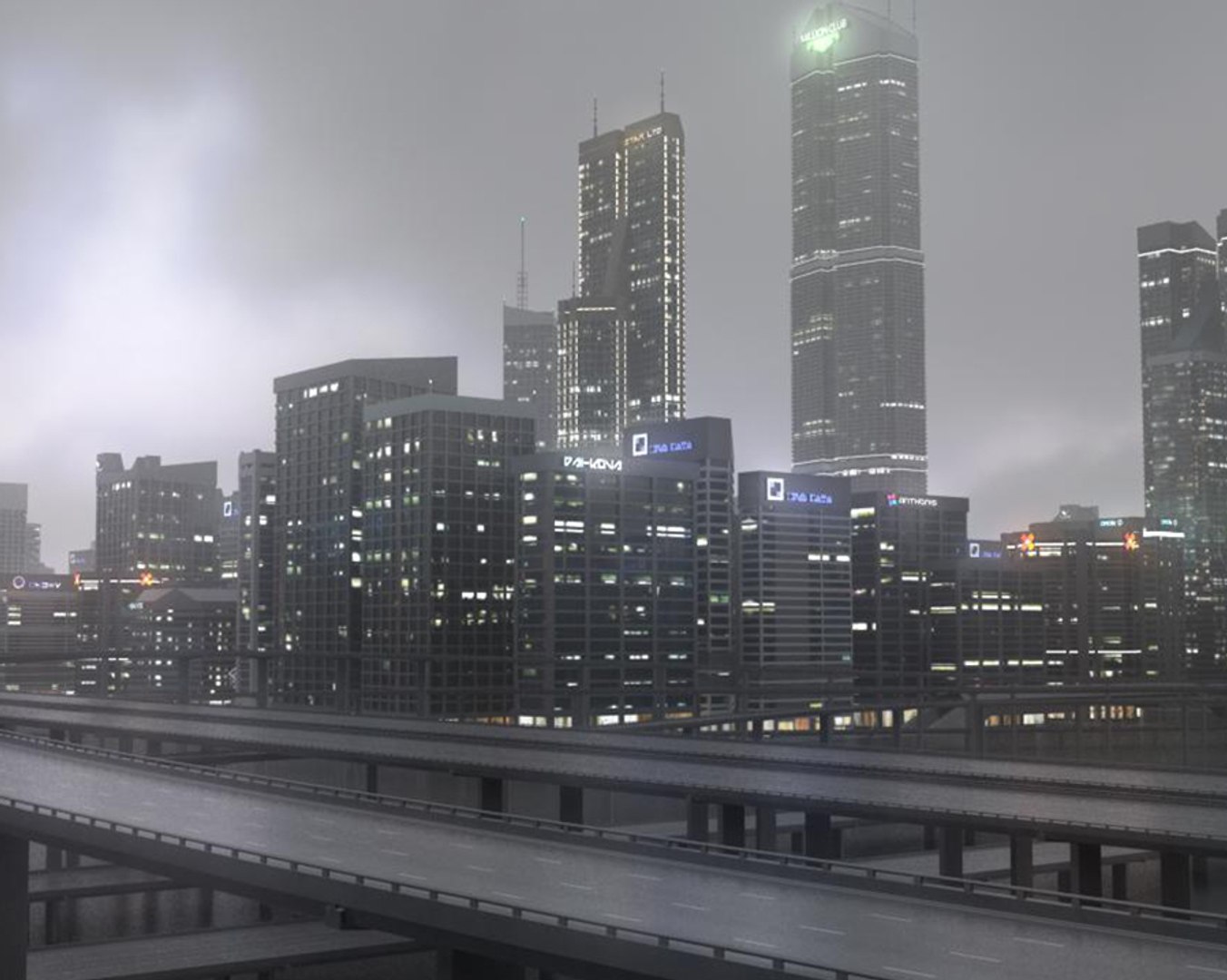
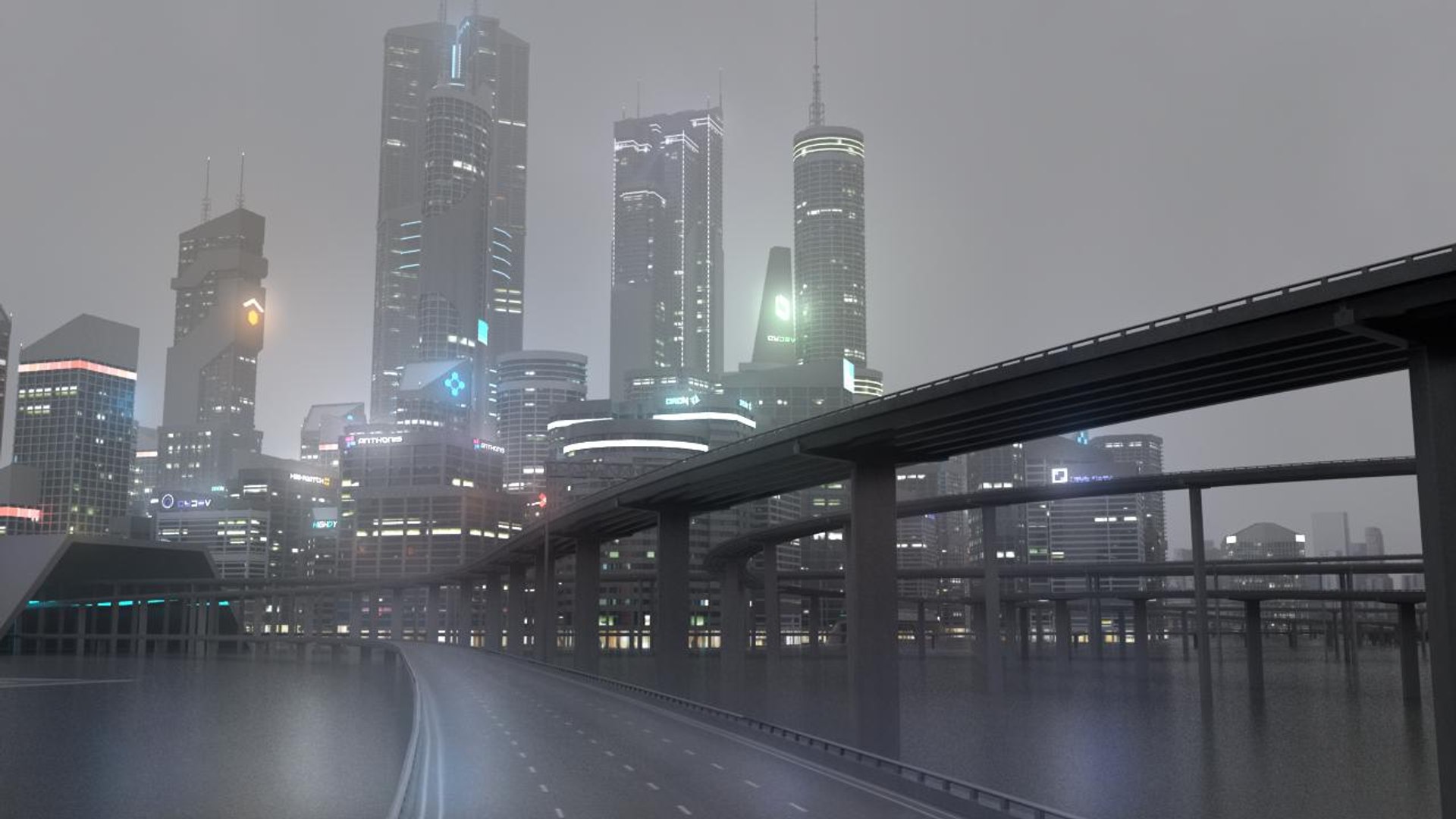
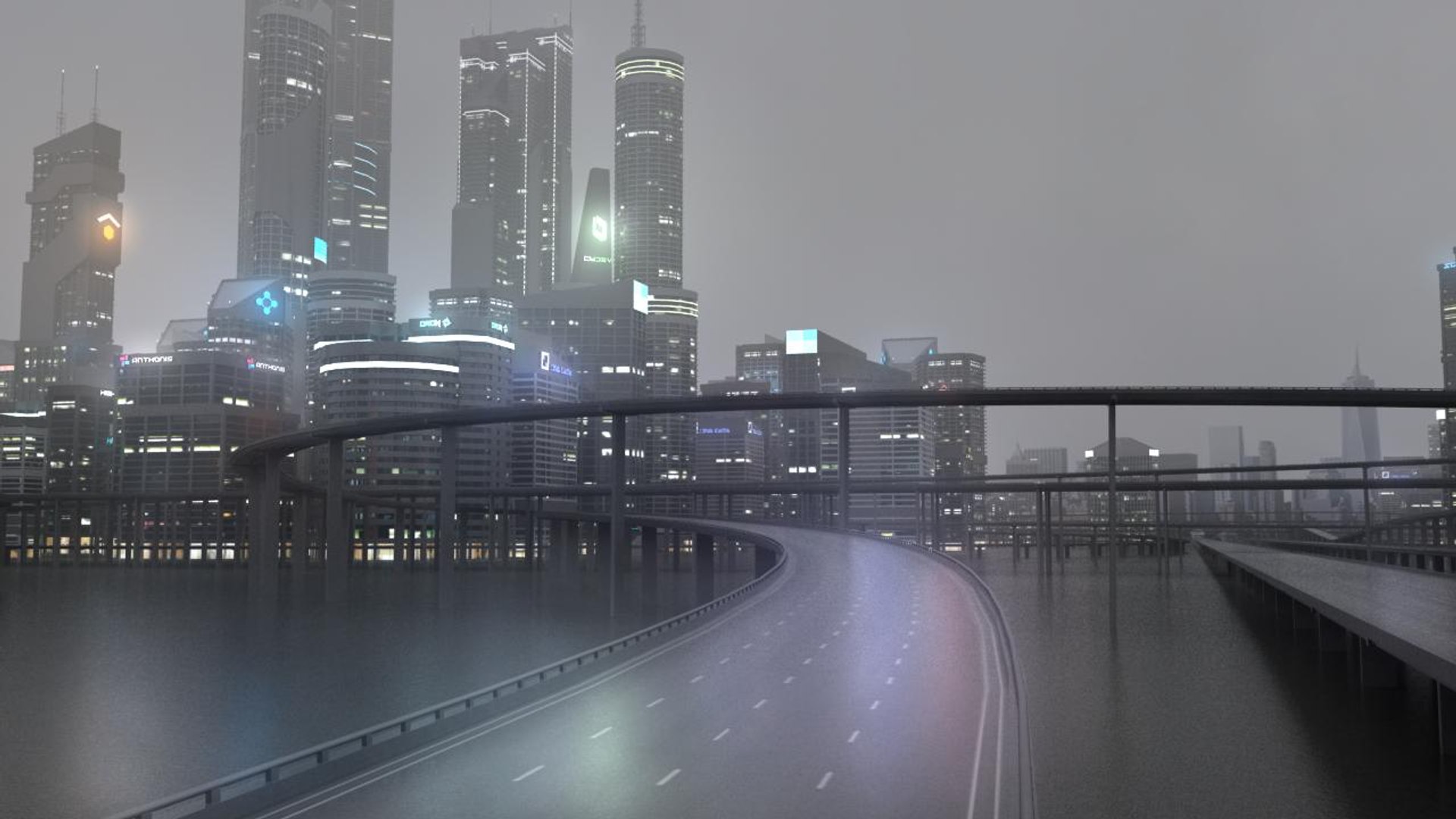
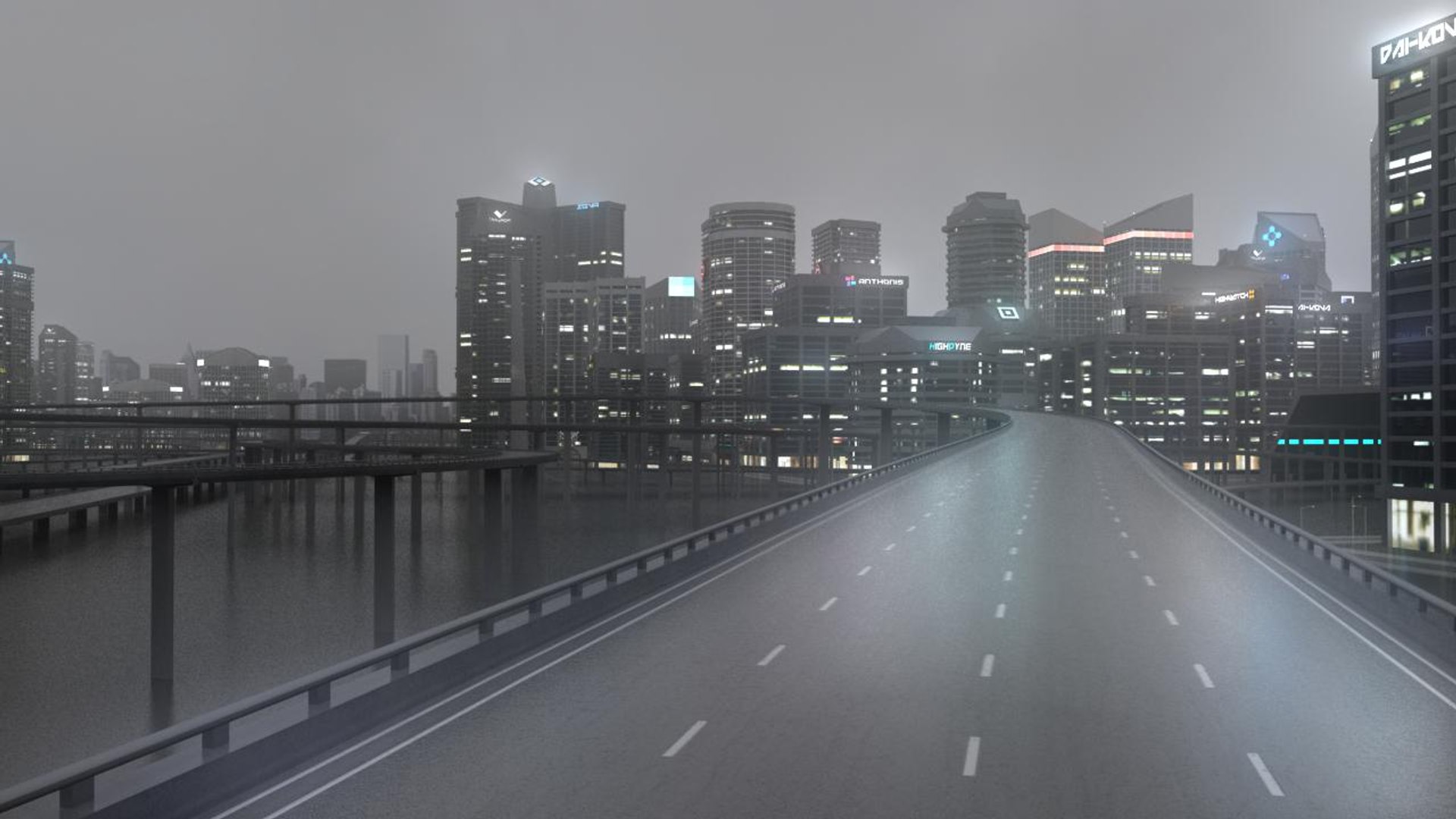
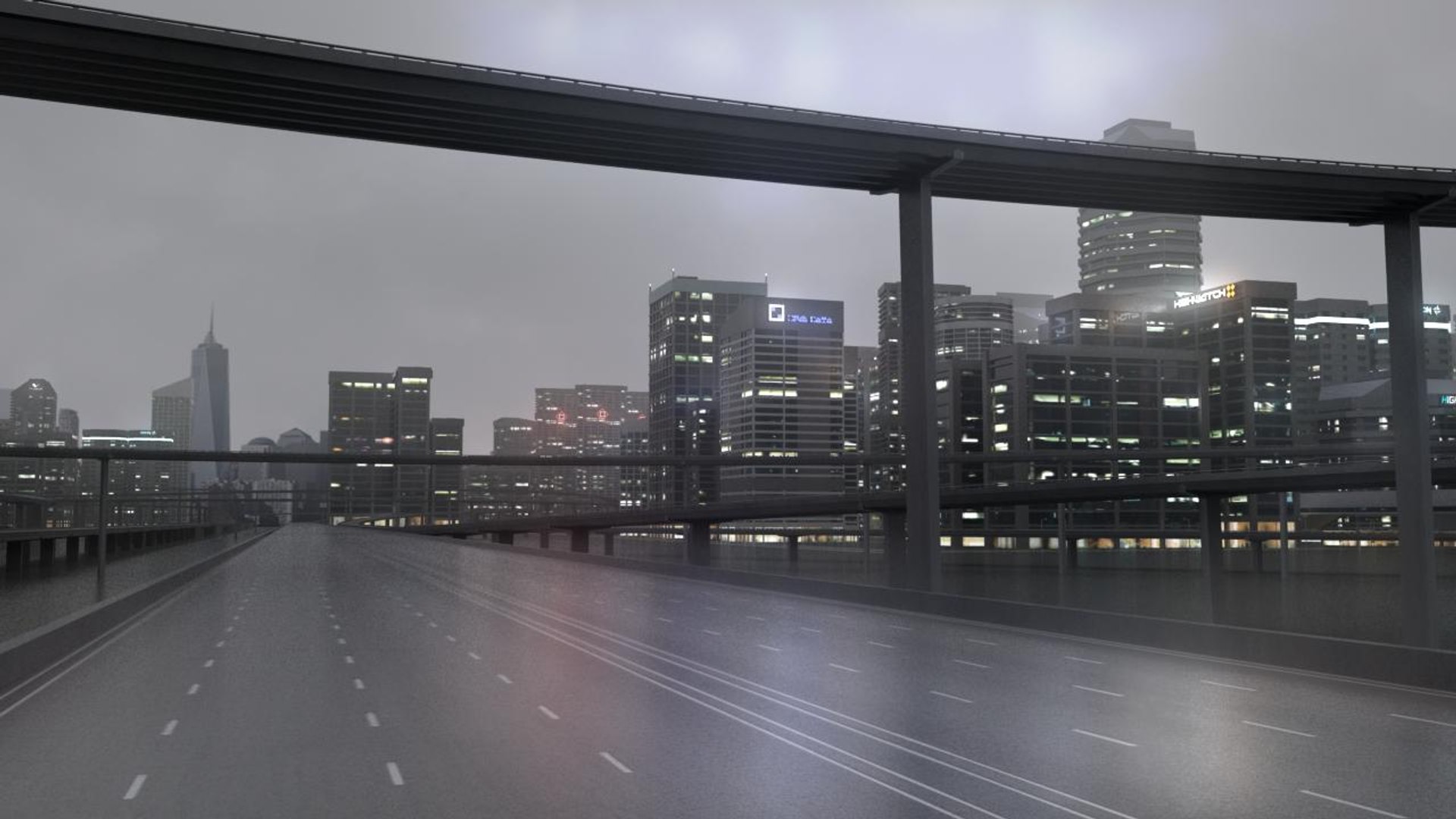
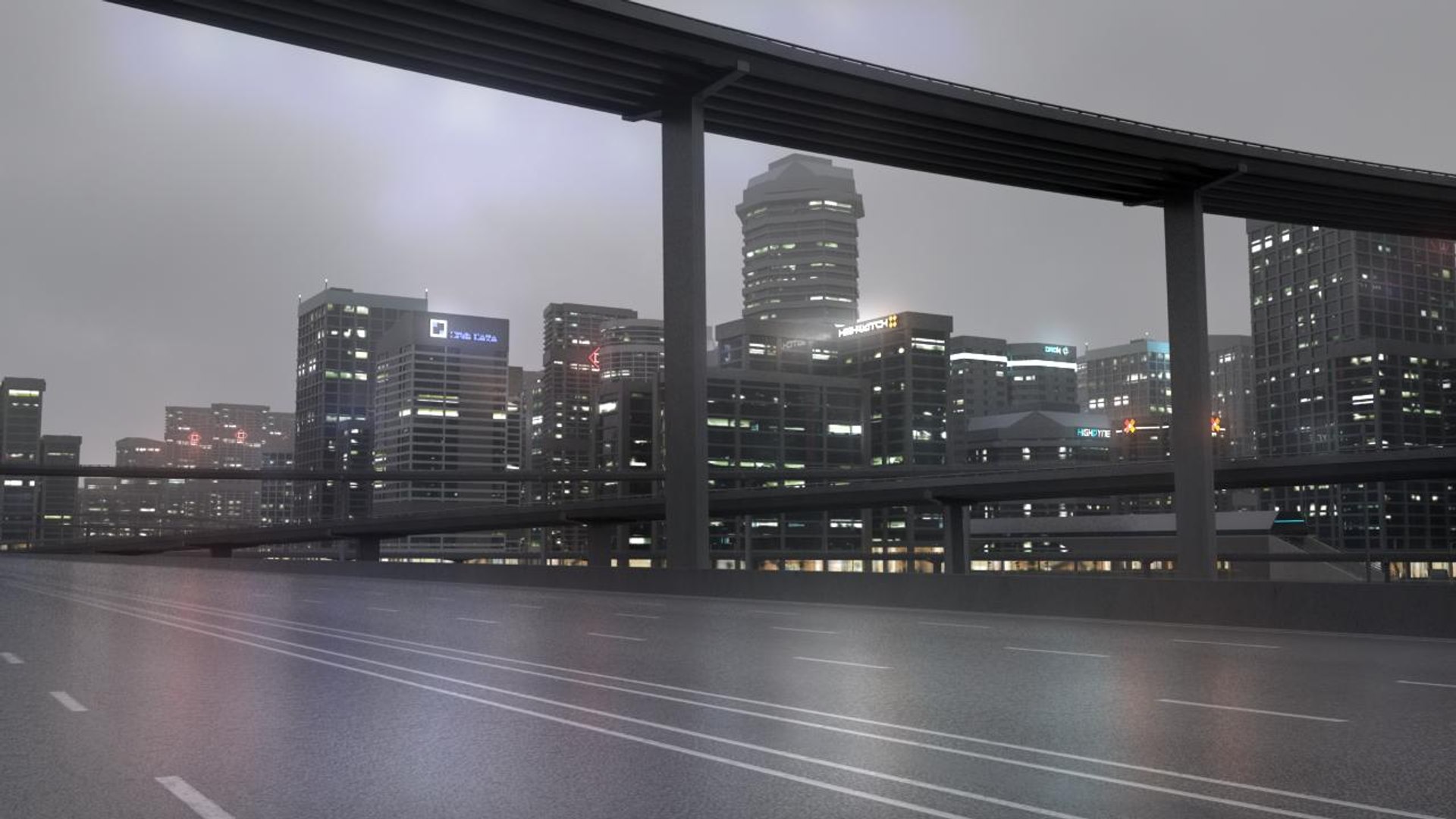
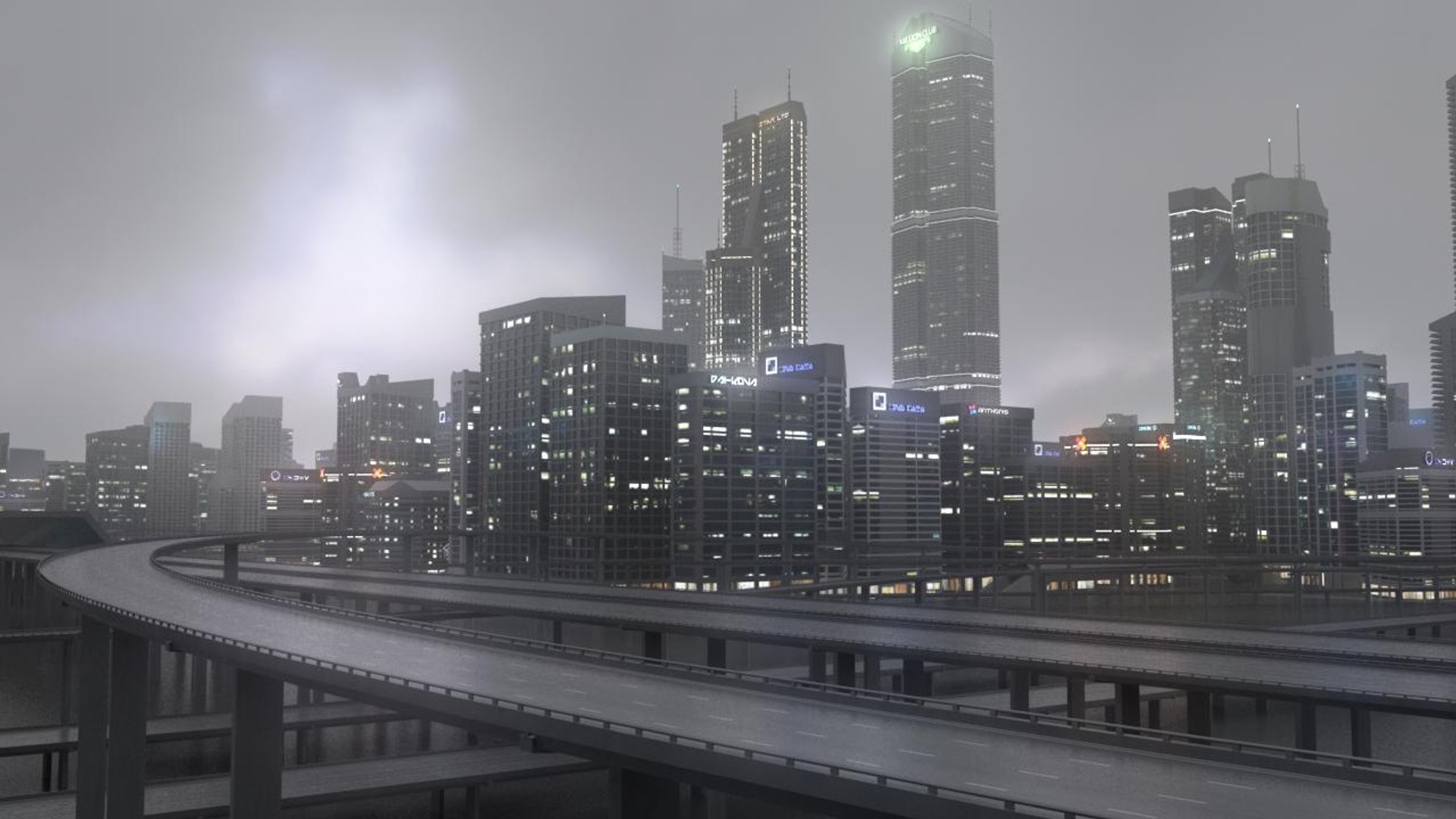
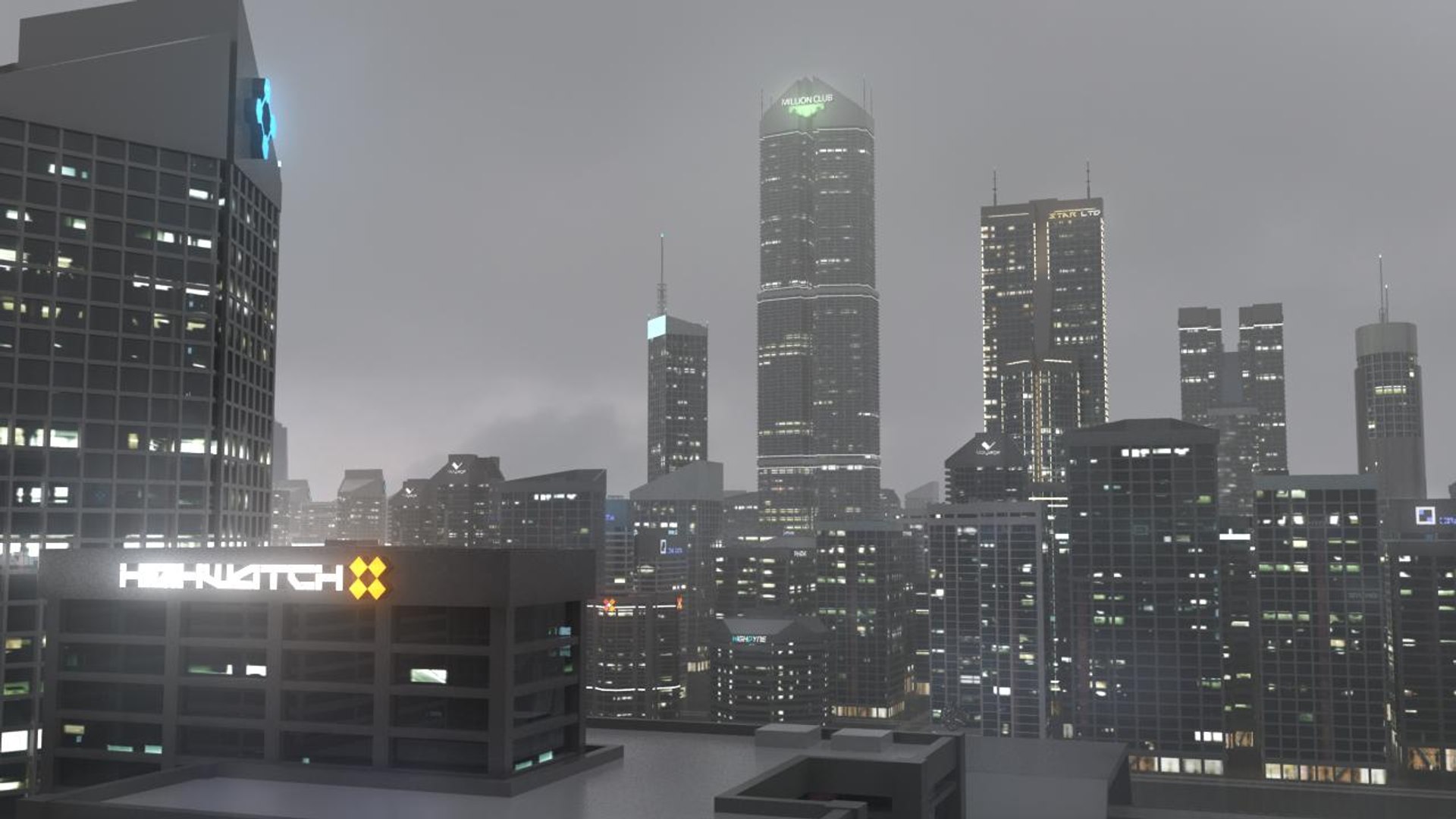
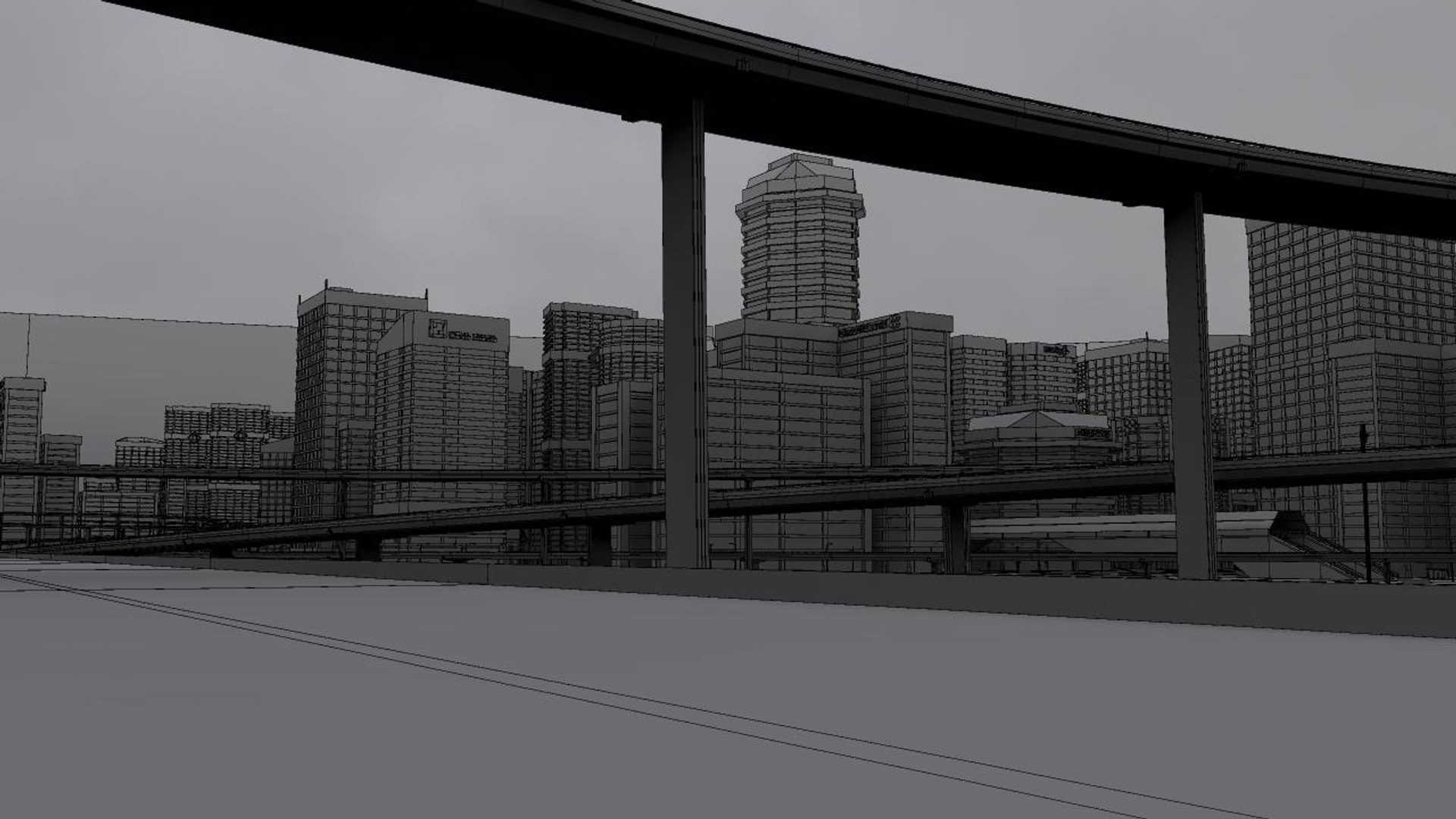
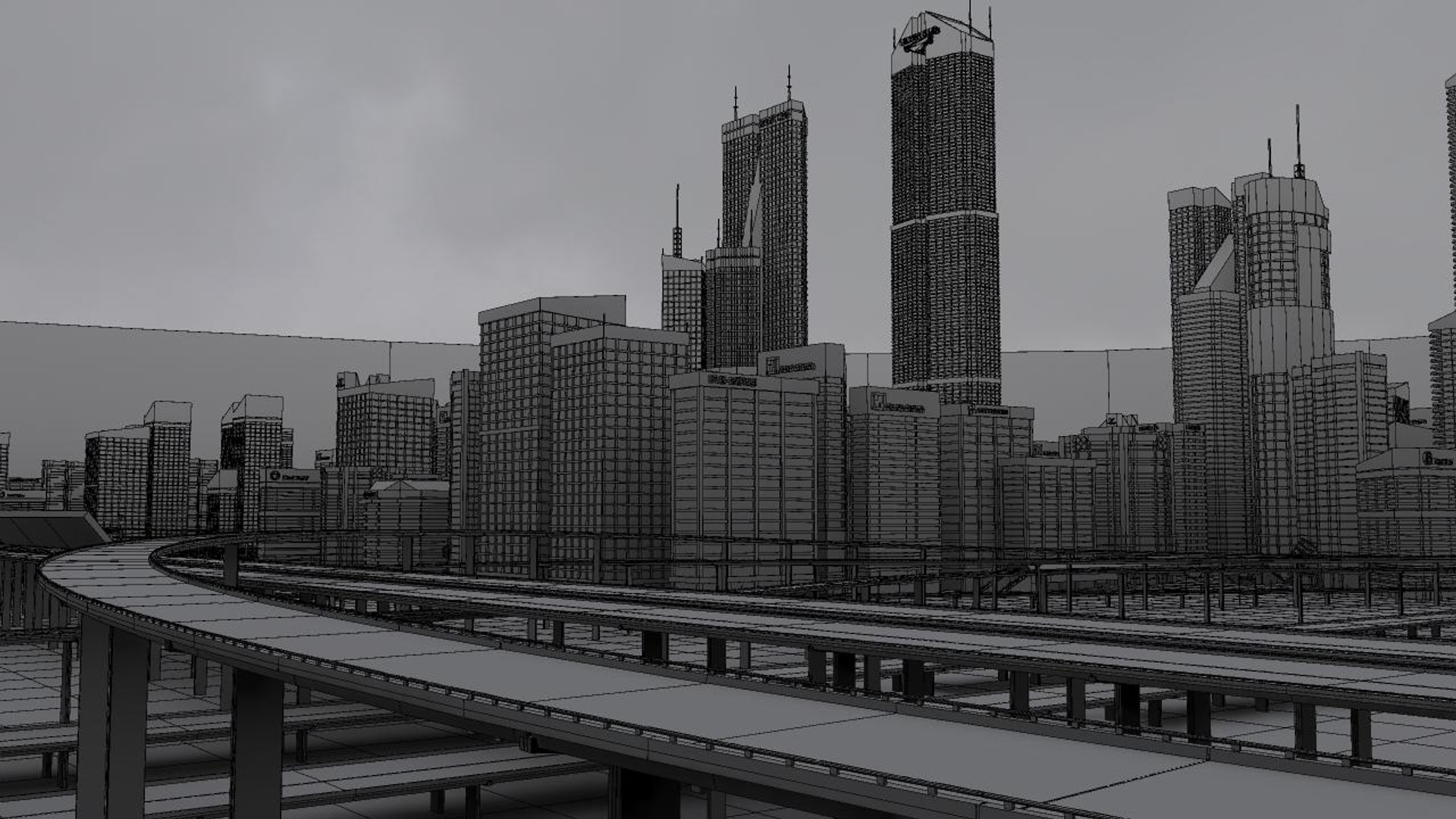
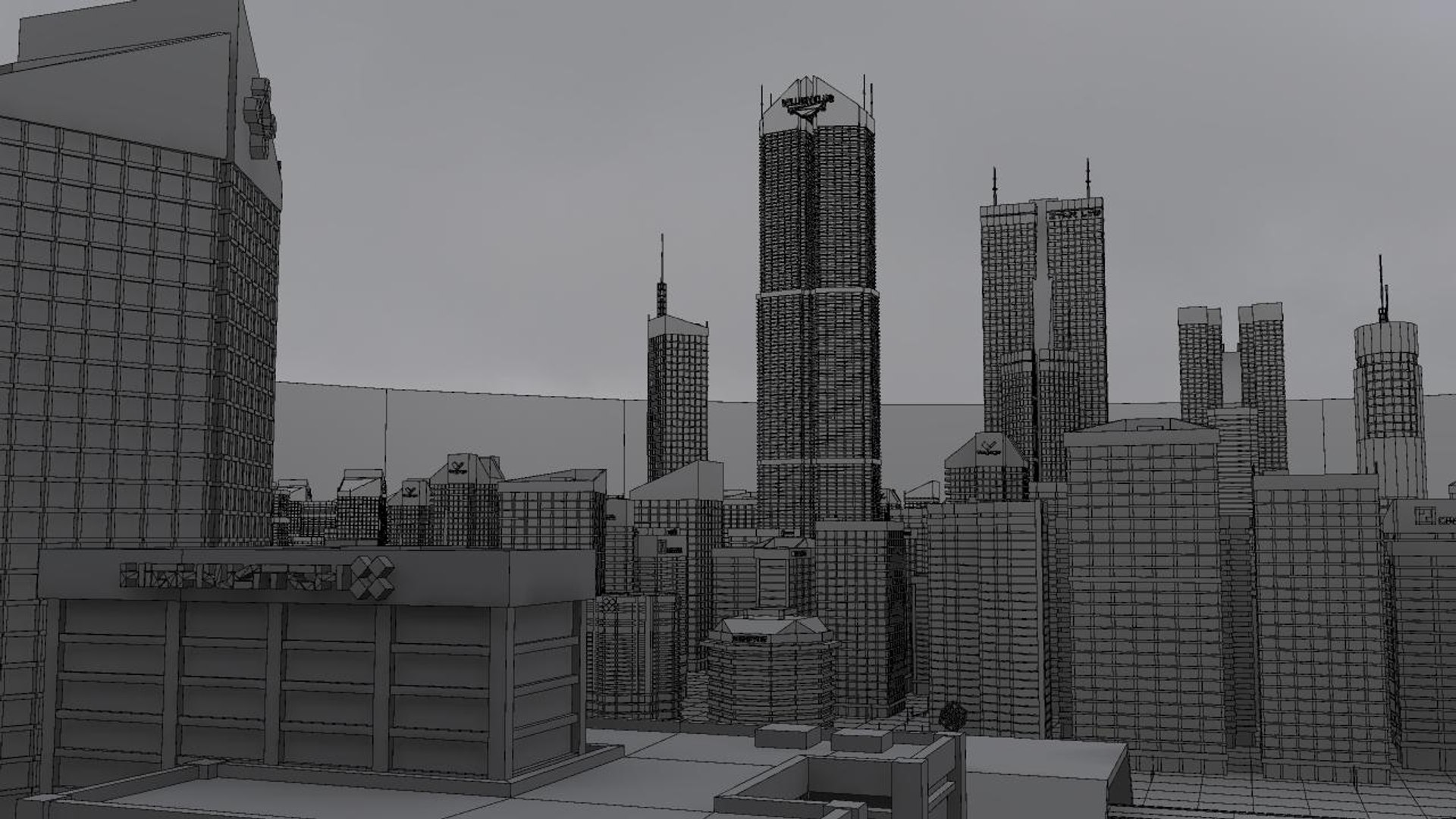
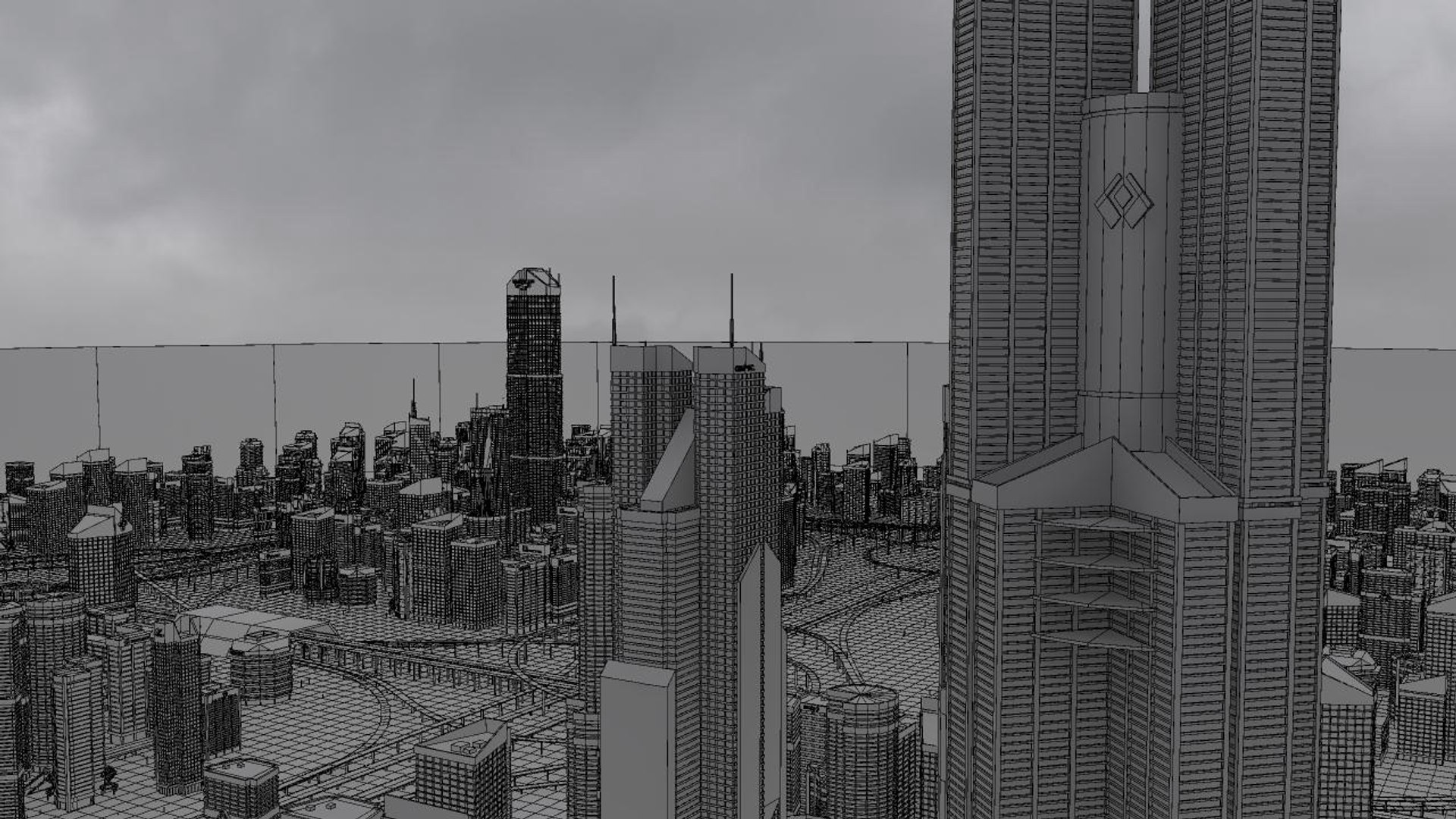
Freeway08 City

$749

Formats (3)
Free file format Conversions available
Native | Maya 2016 | mental ray 2016
Maya 2016 | mental ray 2016
Blender 2.93 | Blender Render 2.93
Specifications
Publish Date October 23, 2018
Product ID 1339704
Polygons 2,780,435
Vertices 3,264,120
Polygonal
Textures
Materials
UV Mapped
Mixed Unwrapped UVs
Rigged
TurboSquid Exclusive

member avatar
FrankJ3D
78 Products | Contributor Since 2008
Have questions? Chat with us now.

Description

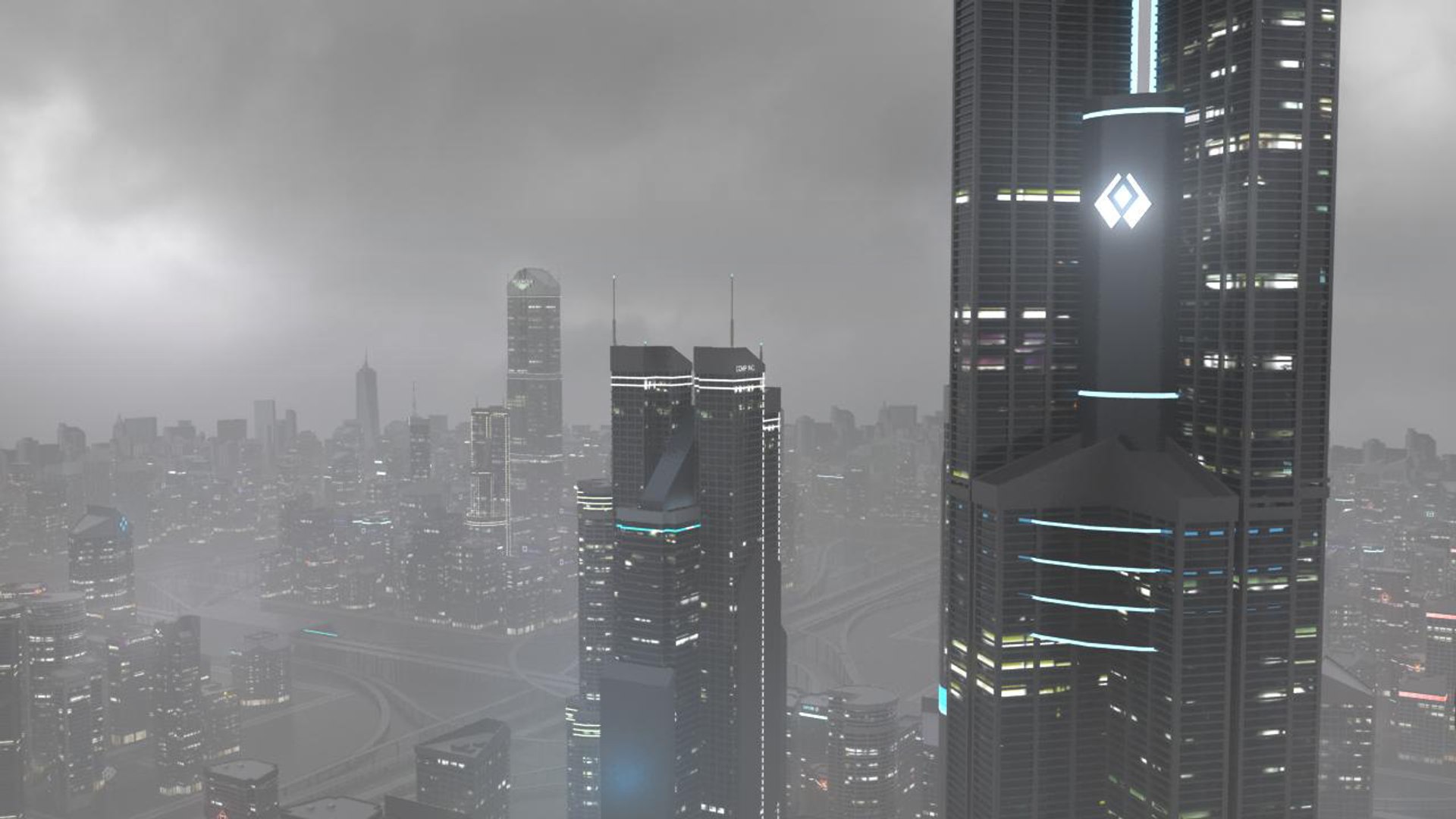
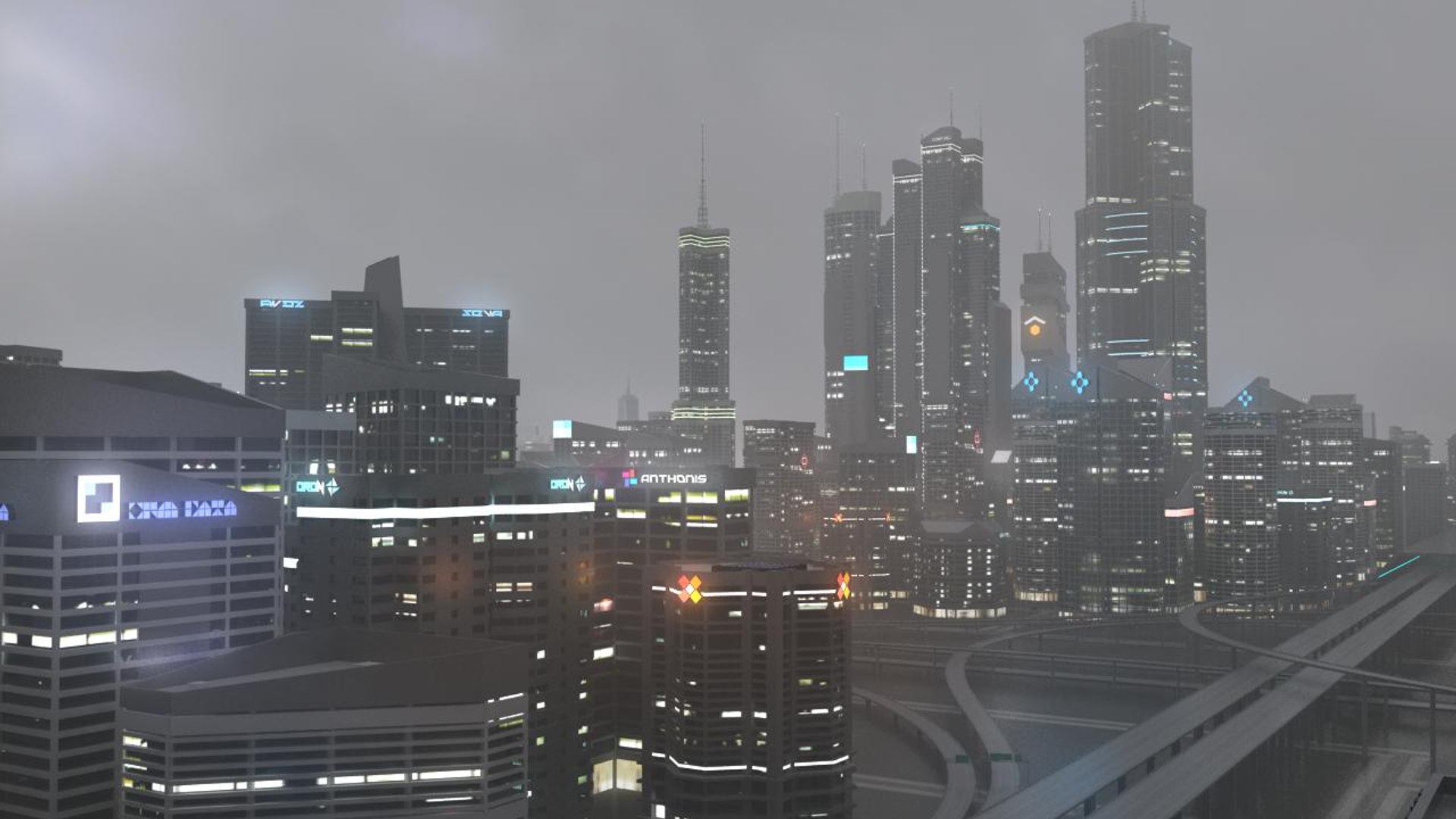
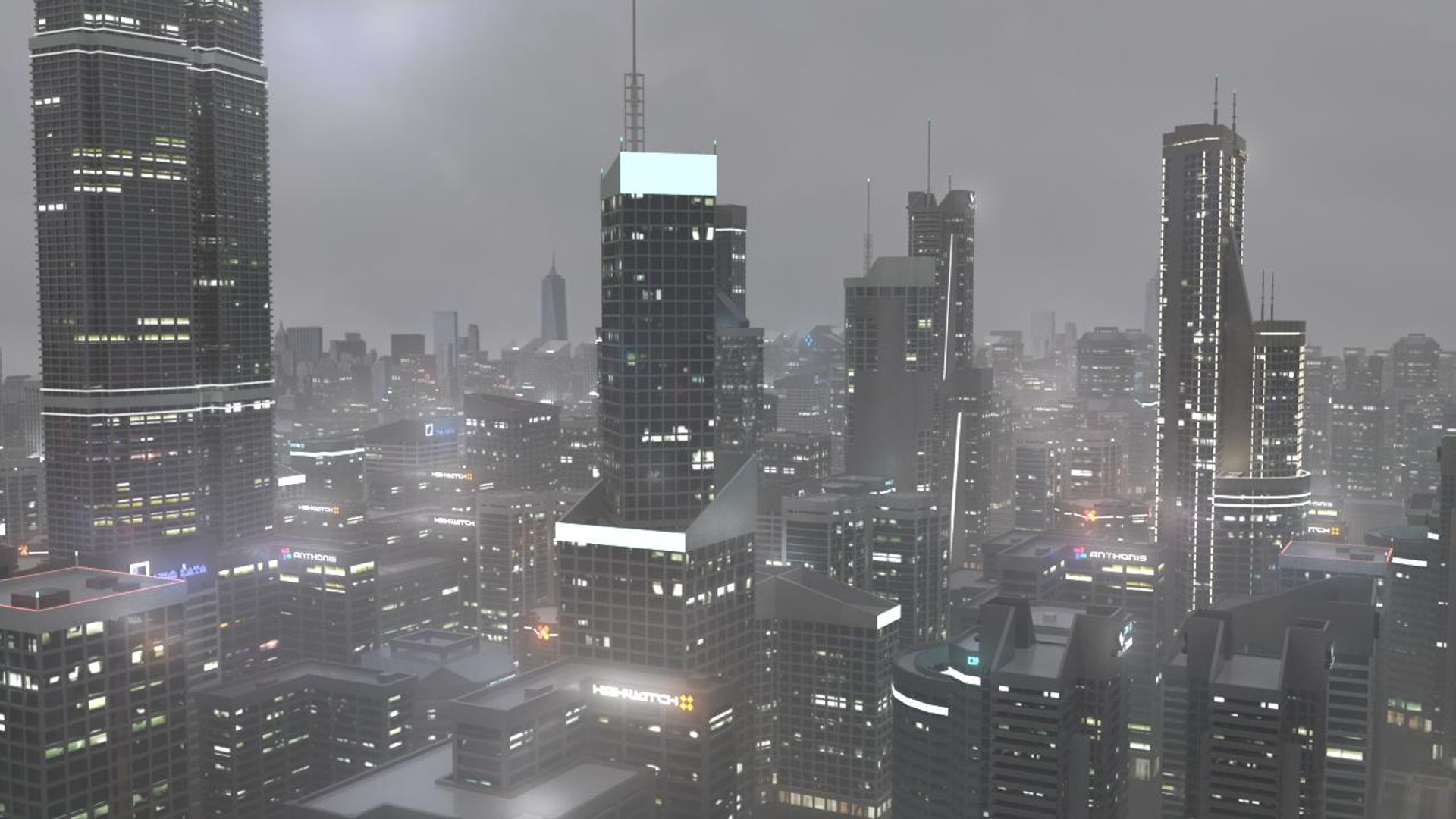
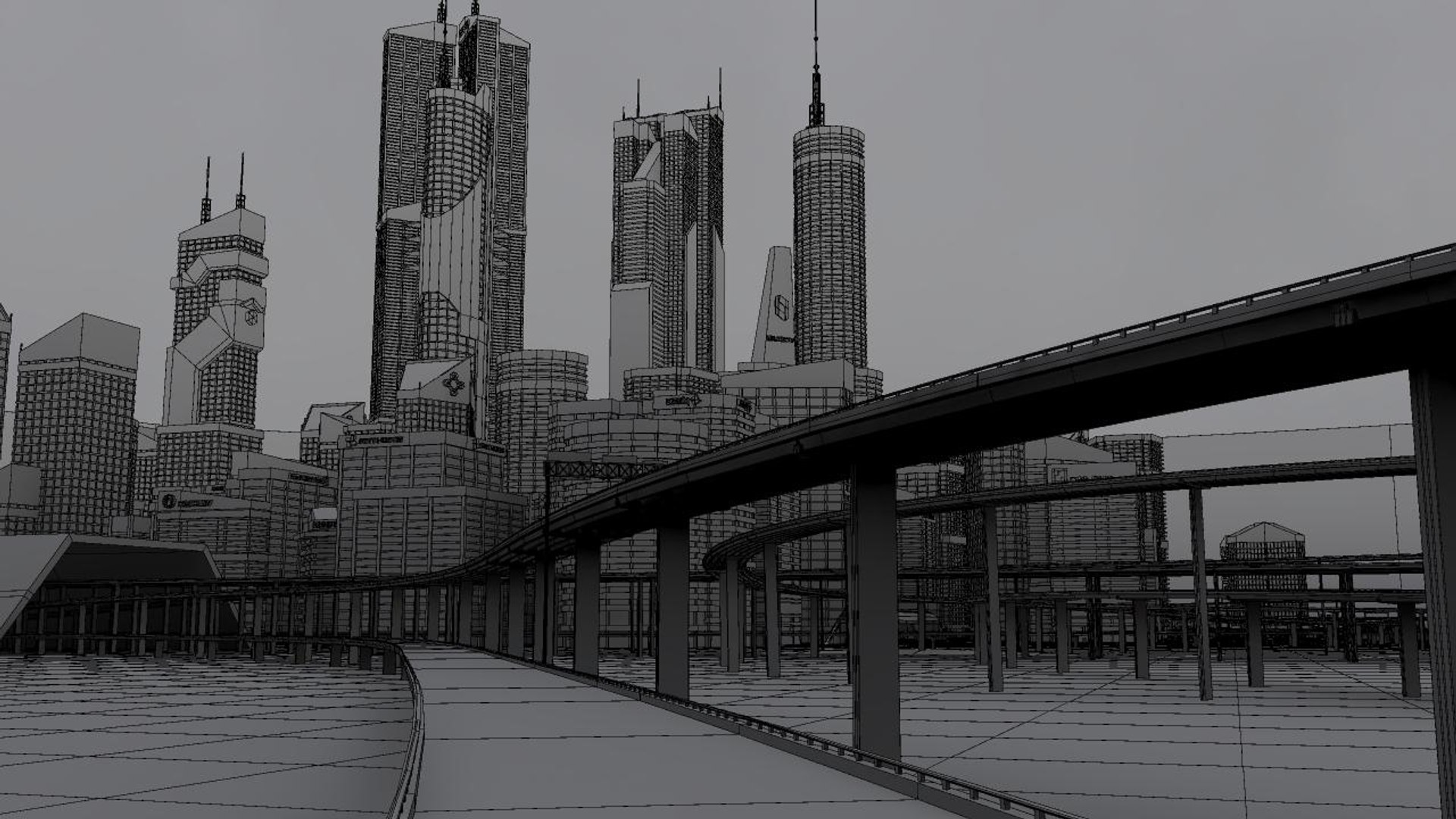
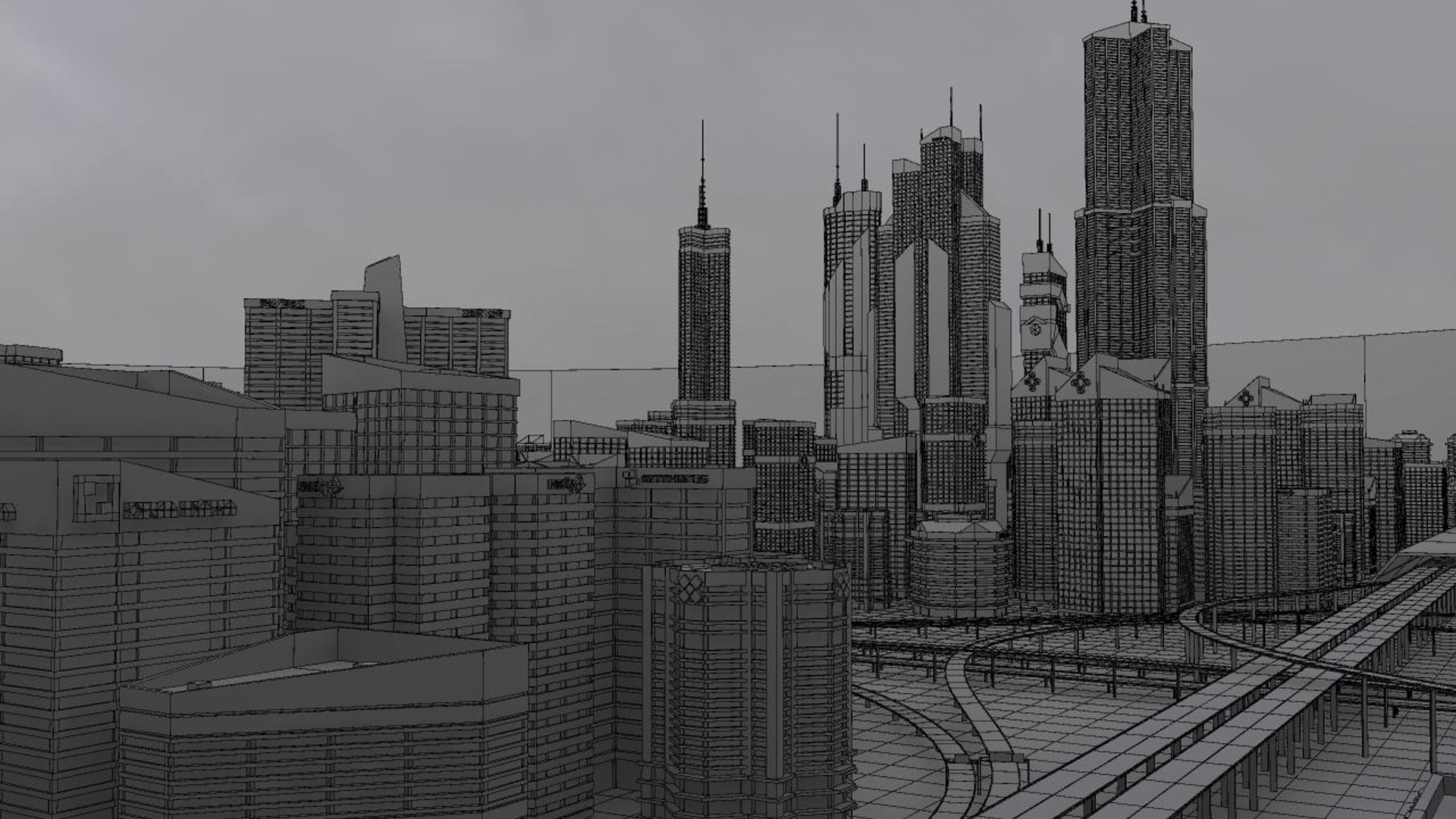
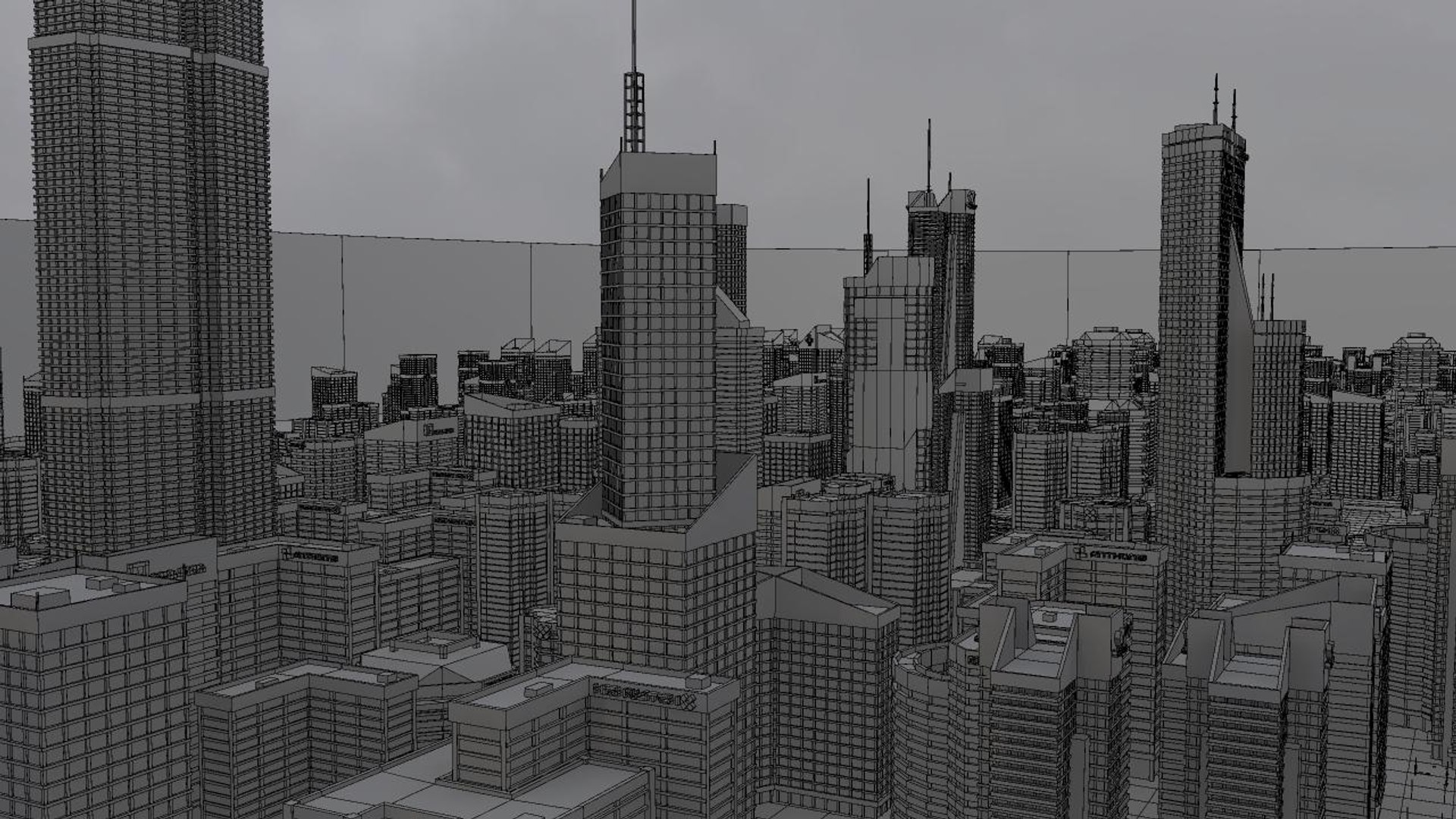
Freeway in a city environment with sun and sky light and 4k HDRI
rendered with Mental Ray with assigned shaders with textures.With built
in Glow lighting in the scenes environment.

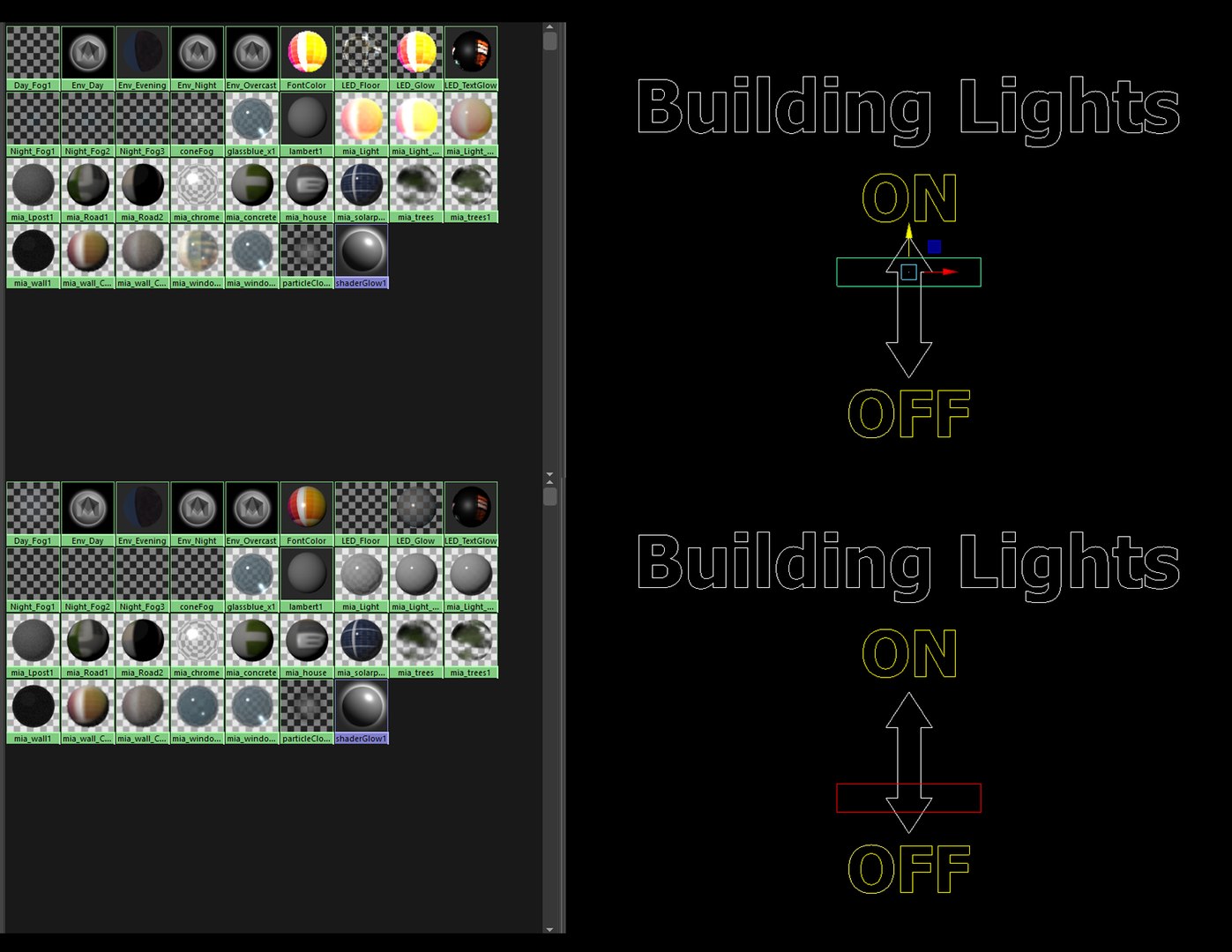
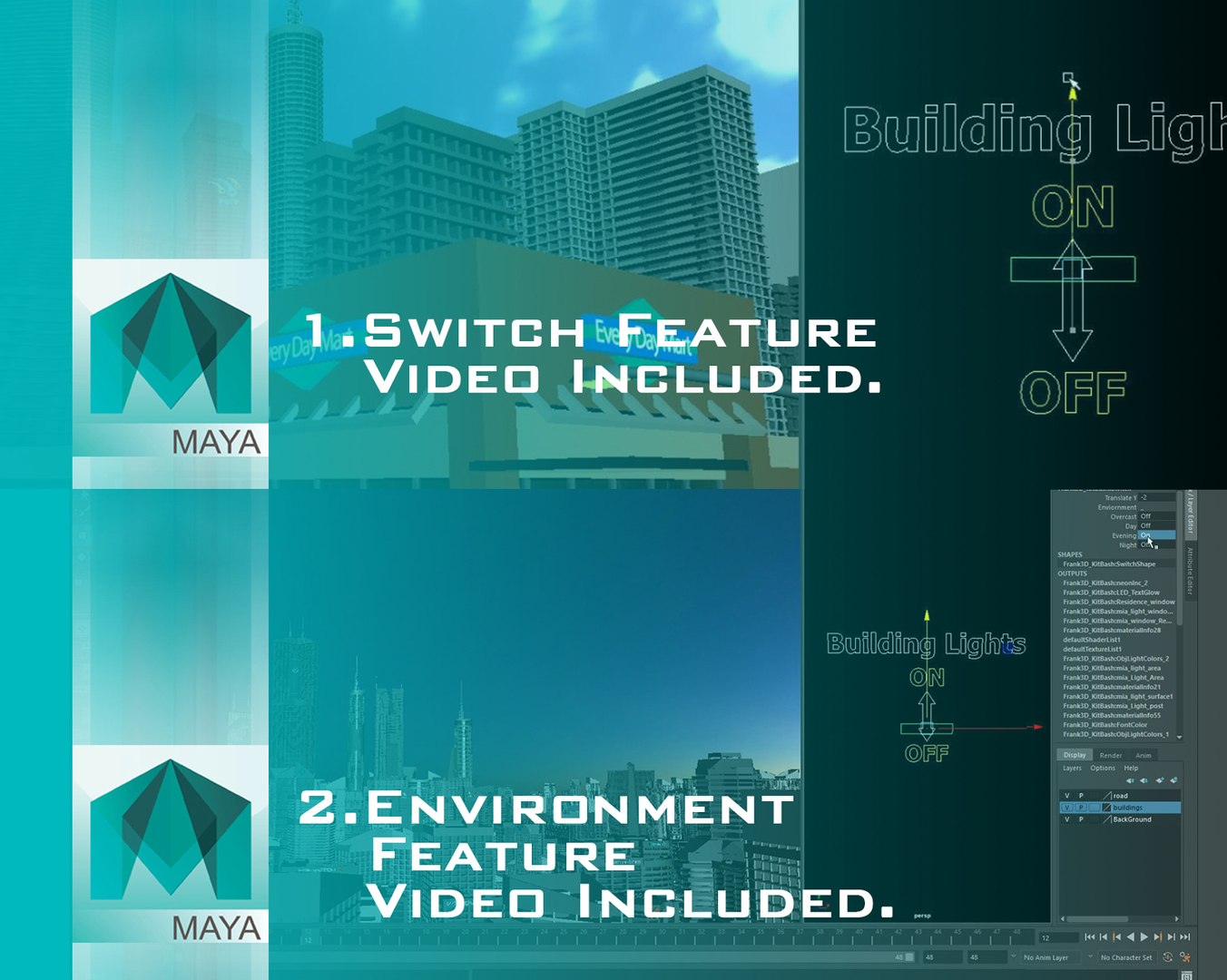
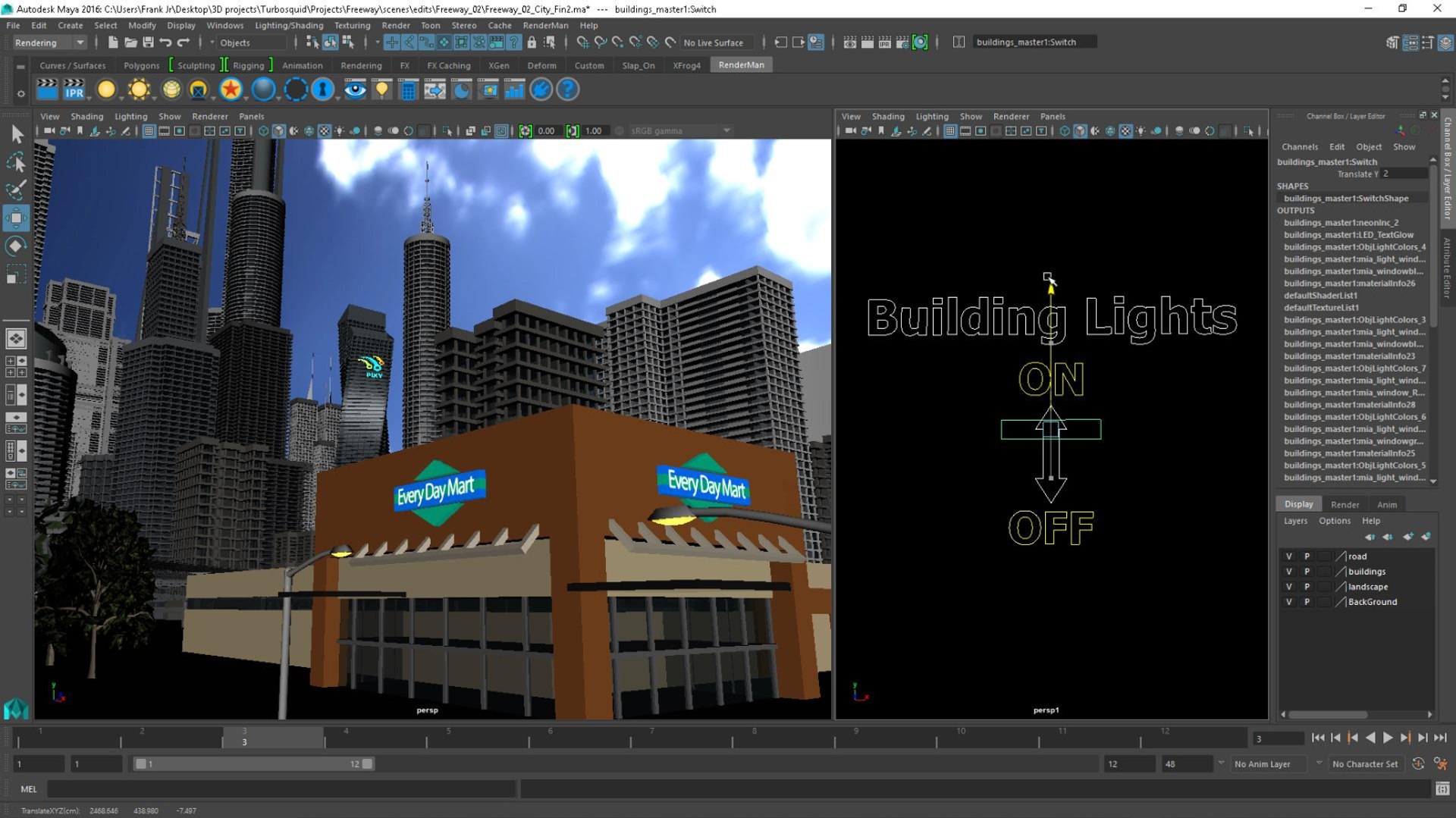
=BUILDING SWITCH=
This scene comes with a Light Switch:
Able to control intensity of Lights and Glow of the scenes buildings,
light post, sign posts etc.

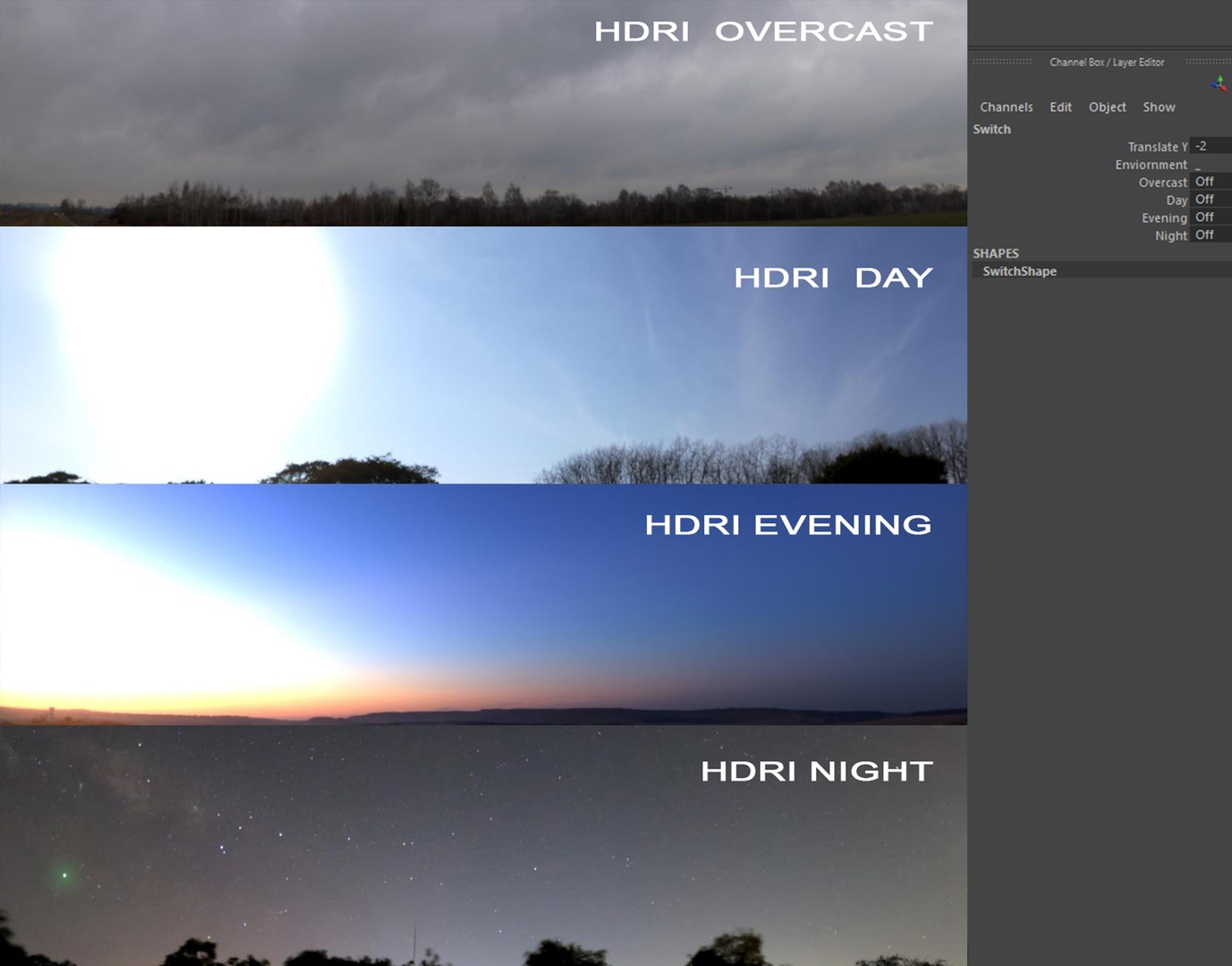
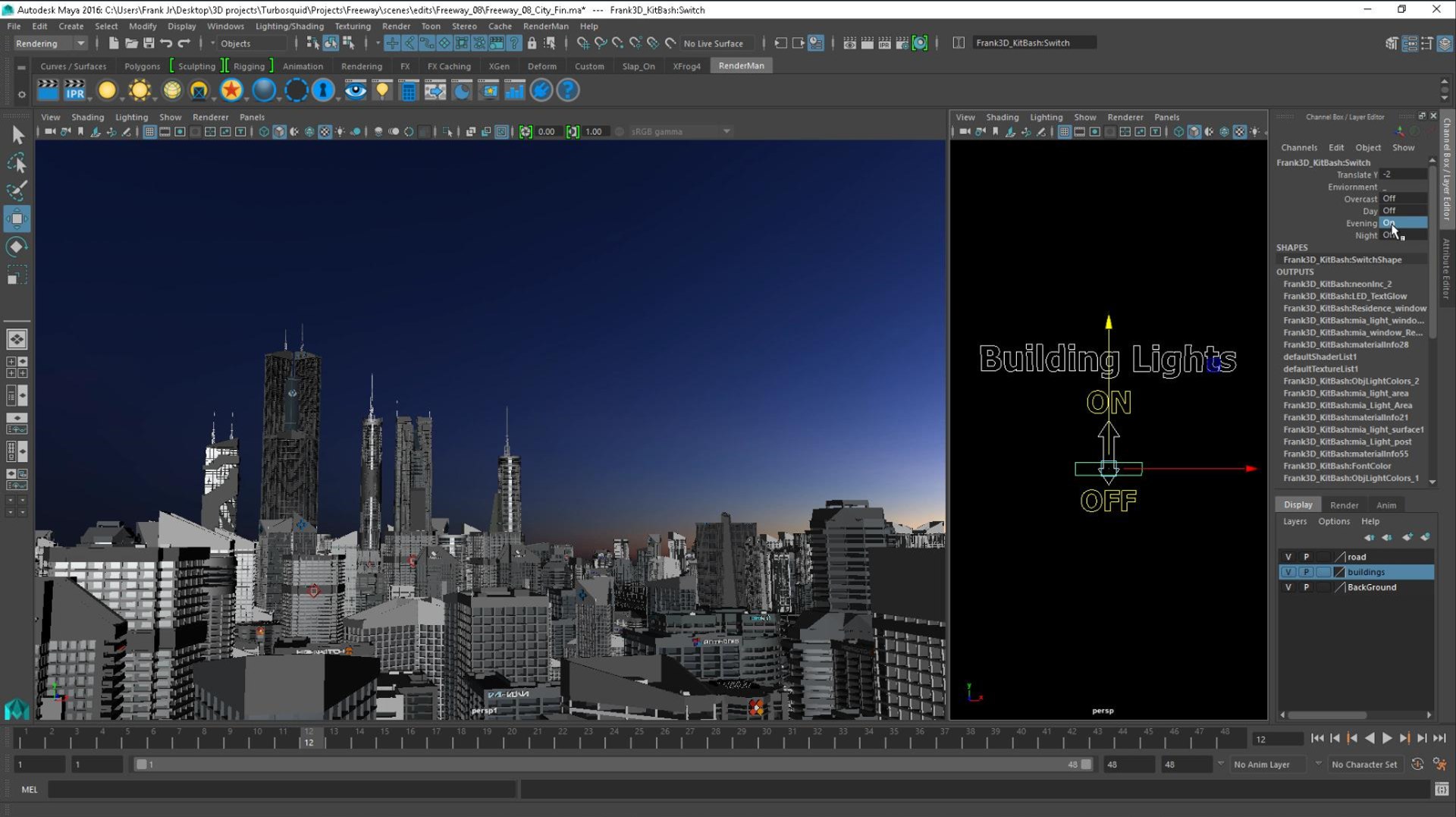
=ENVIRONMENT FEATURE=
Can switch ON and OFF the following HDRI environments:

Day
Evening
Night
Overcast

Each given their own environment textures.
More 4k HDRI Images are included in the Textures > Landscape >HDRI folder.

=VIDEOS=
This comes with some videos demonstrating the use of the key features step by step and how you can apply them to your own projects.

1. Switch Feature.mp4
2. Environment Feature.mp4

=FILES AND FORMATS= Maya 2016
Freeway_08.ma
Freeway_08.mb
Freeway_08.obj
Freeway_08.fbx
Freeway_08.mx

Freeway_08.blend
Freeway_08_Scene.ma
Freeway_08_Scene.mb
Freeway_08_City.ma
Freeway_08_City.mb
Freeway_08_City_Scene.ma
Freeway_08_City_Scene.mb

Select Enhanced License

  • $10,000 in Legal Protection (Indemnification)
  • Uncapped Legal Protection (Indemnification)
  • Waiver from injunctive relief
  • Assignable model rights
  • $1,000,000 in Legal Protection (Indemnification)
  • Waiver from injunctive relief
  • Assignable model rights
  • $250,000 in Legal Protection (Indemnification)
  • Assignable model rights
Read more about enhanced license tiers, or contact us at enterprise@turbosquid.com. Already a Shutterstock Enterprise Customer? Contact your Shutterstock Sales Support Agent to talk about adding 3D.

About Conversion Requests

To submit a conversion request for a purchased asset, please complete our Conversion Request Form.

If you have not yet purchased a model, please review our Documentation about Conversions to learn about what limitations you may encounter with a conversion.

For any additional questions about a model’s suitability for conversion, please contact TurboSquid Support.

Loading...