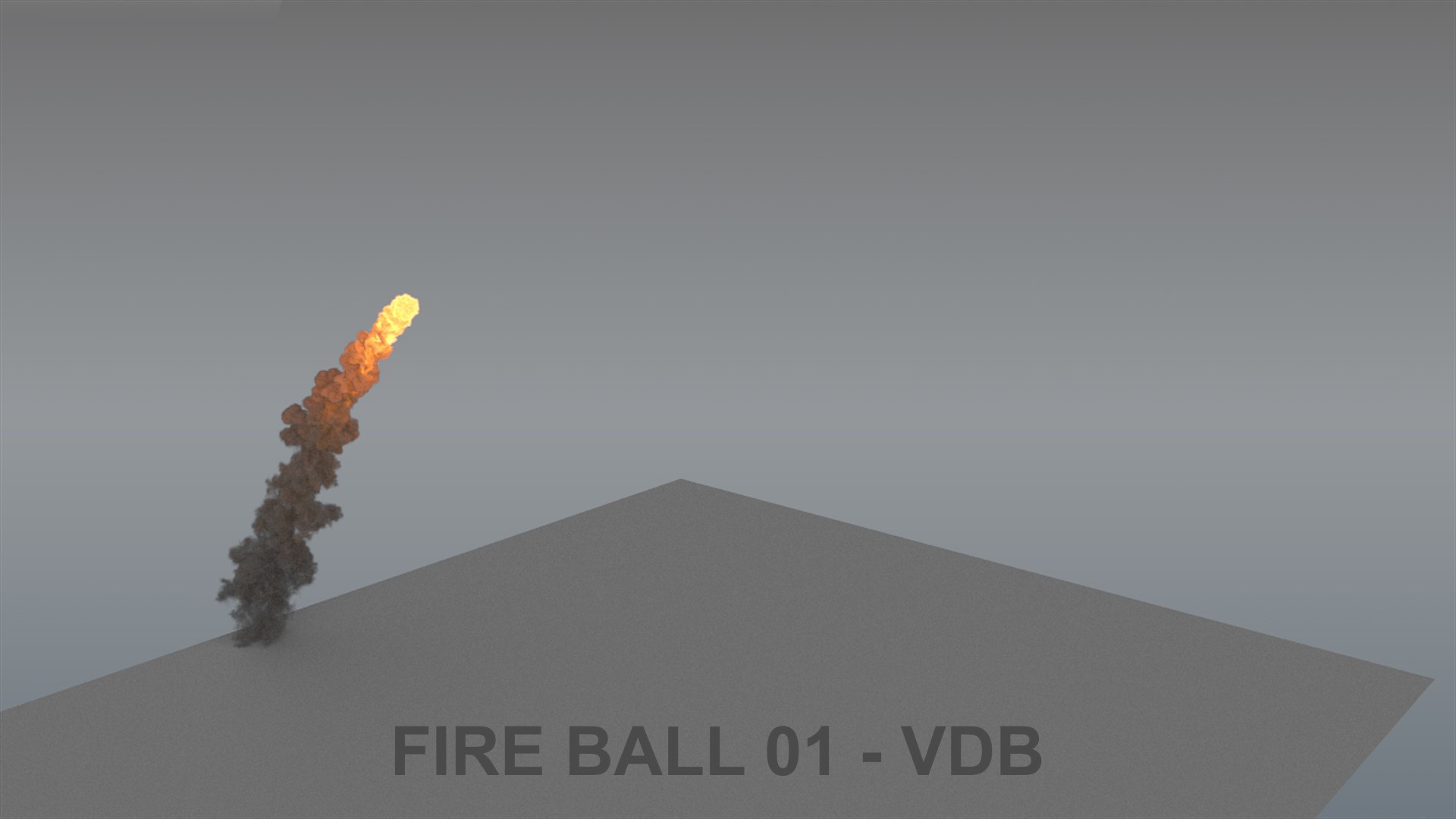
Fireball animation - VDB

$75

Standard License | Upgrade License
Formats (3)
Free file format Conversions available
Native | 3ds Max 2024 | V-Ray 6.1
3ds Max 2022 | V-Ray 6.1
Other Textures vdb
Previews

Download a preview

Sign in or create a TurboSquid account to download preview files.

Selected file:

Specifications
Publish Date December 30, 2023
Product ID 2170861
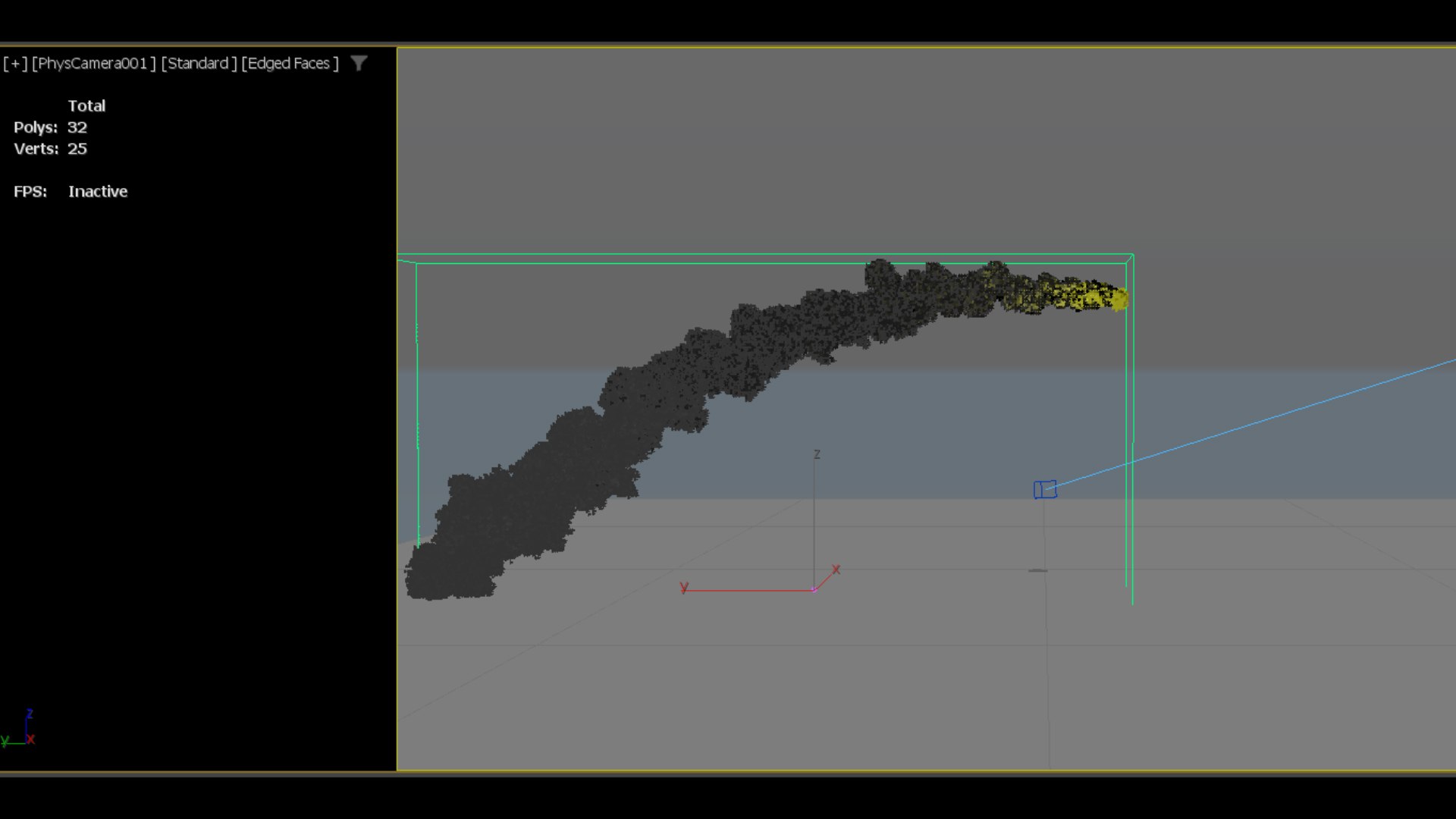
Polygons 32
Vertices 25
Polygonal Quads Only
Materials
Animated
TurboSquid Exclusive
member avatar
maylen3d
144 Products | Contributor Since 2014
Have questions? Chat with us now.

Description

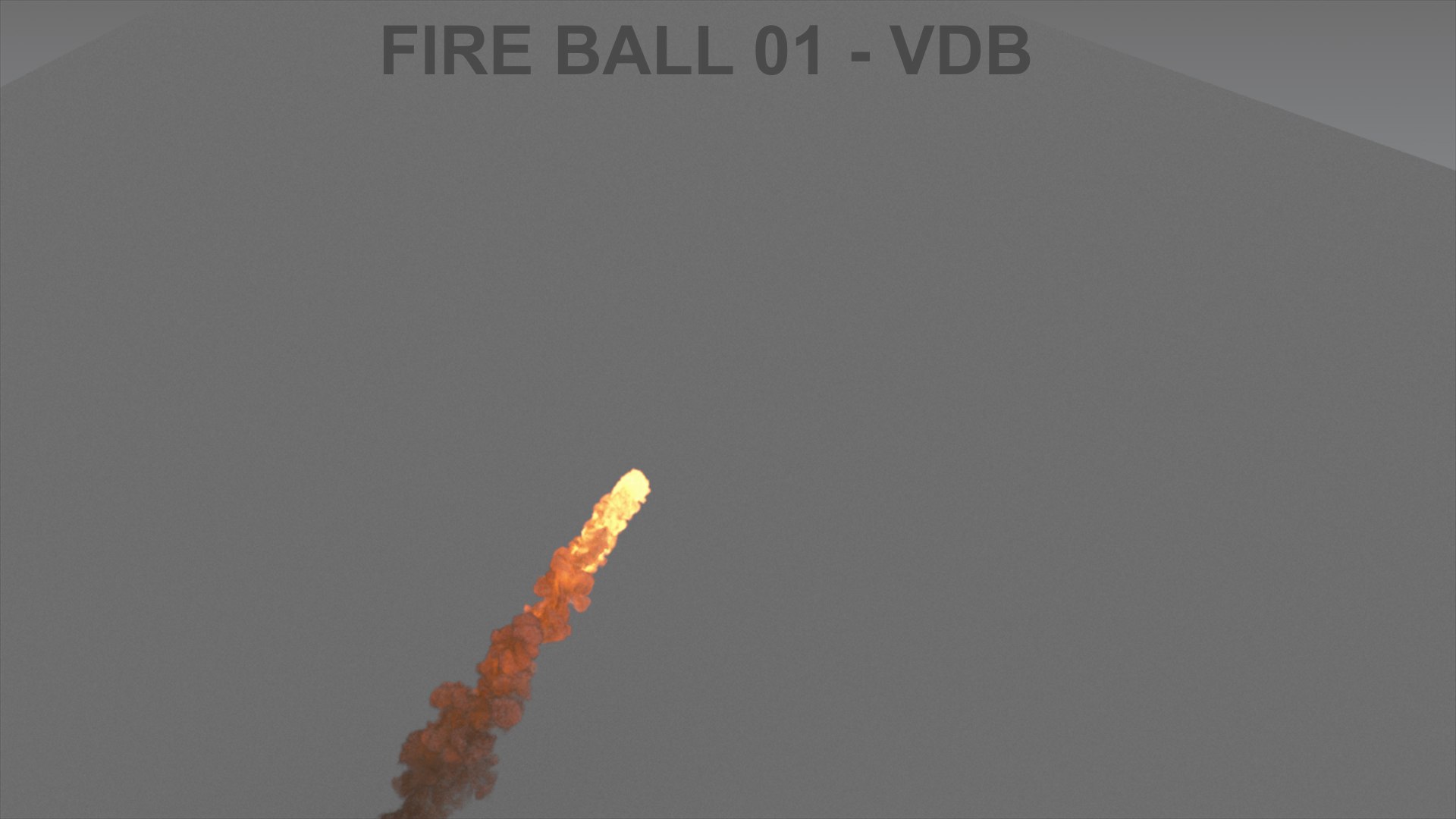
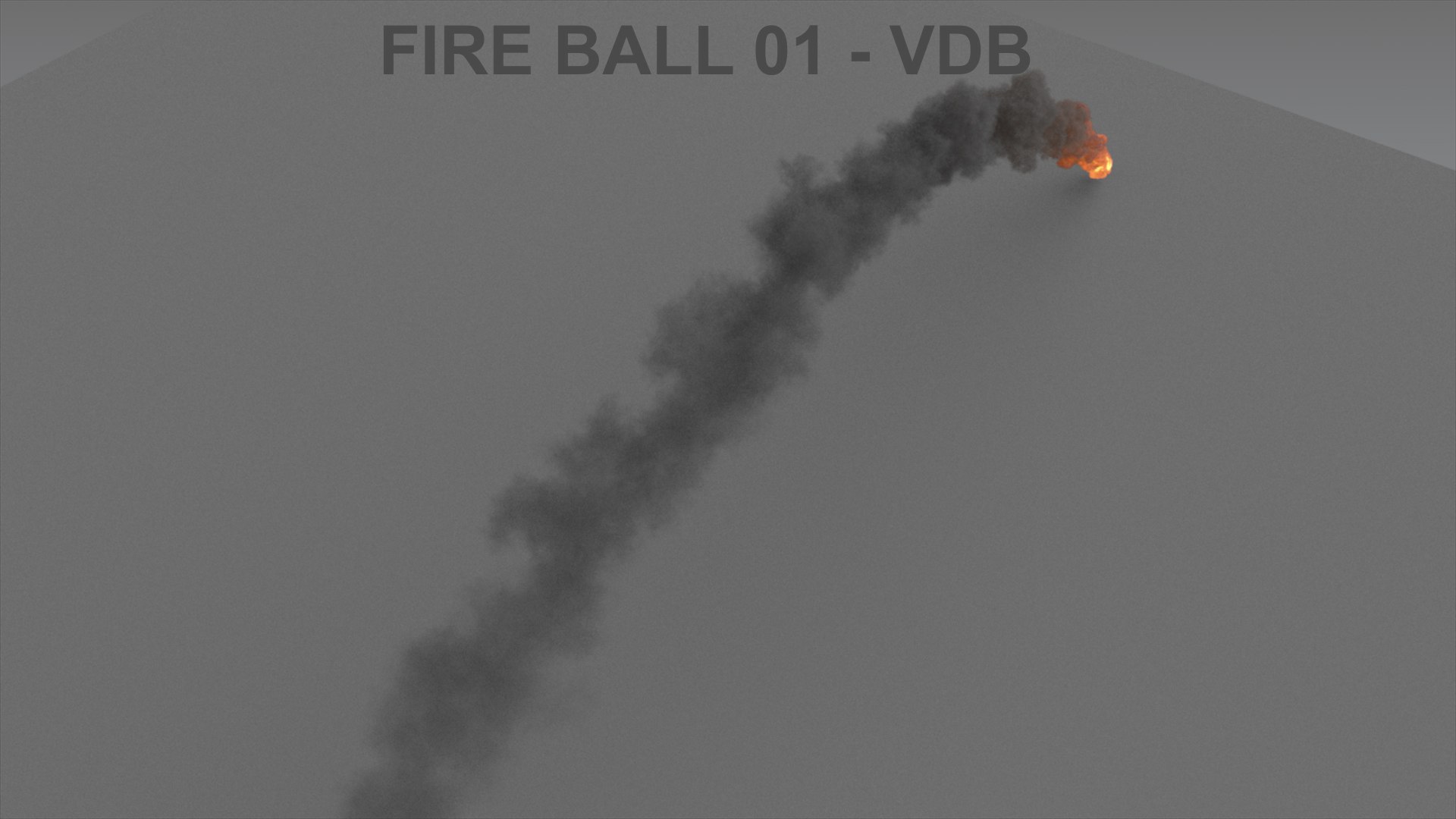
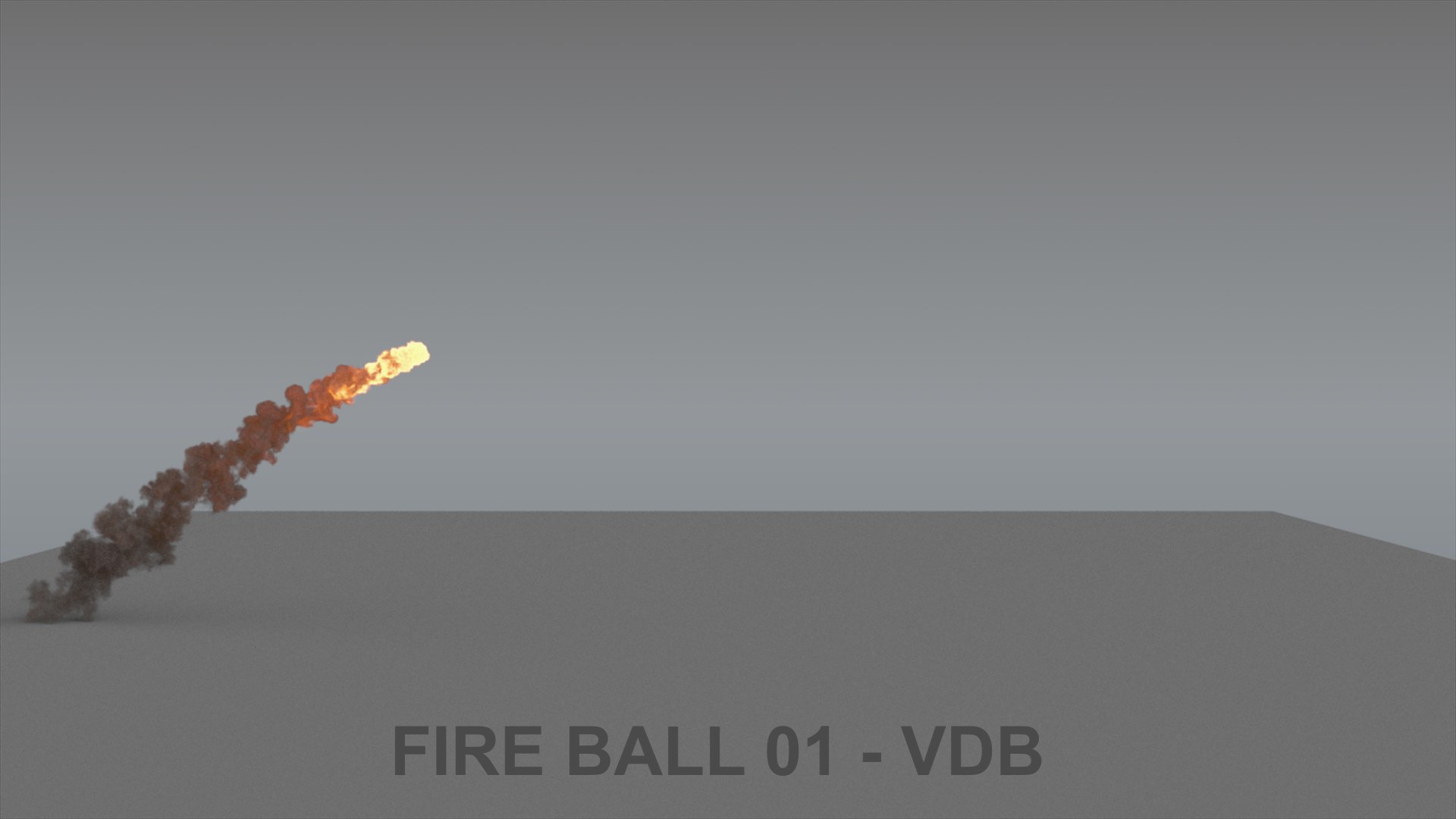
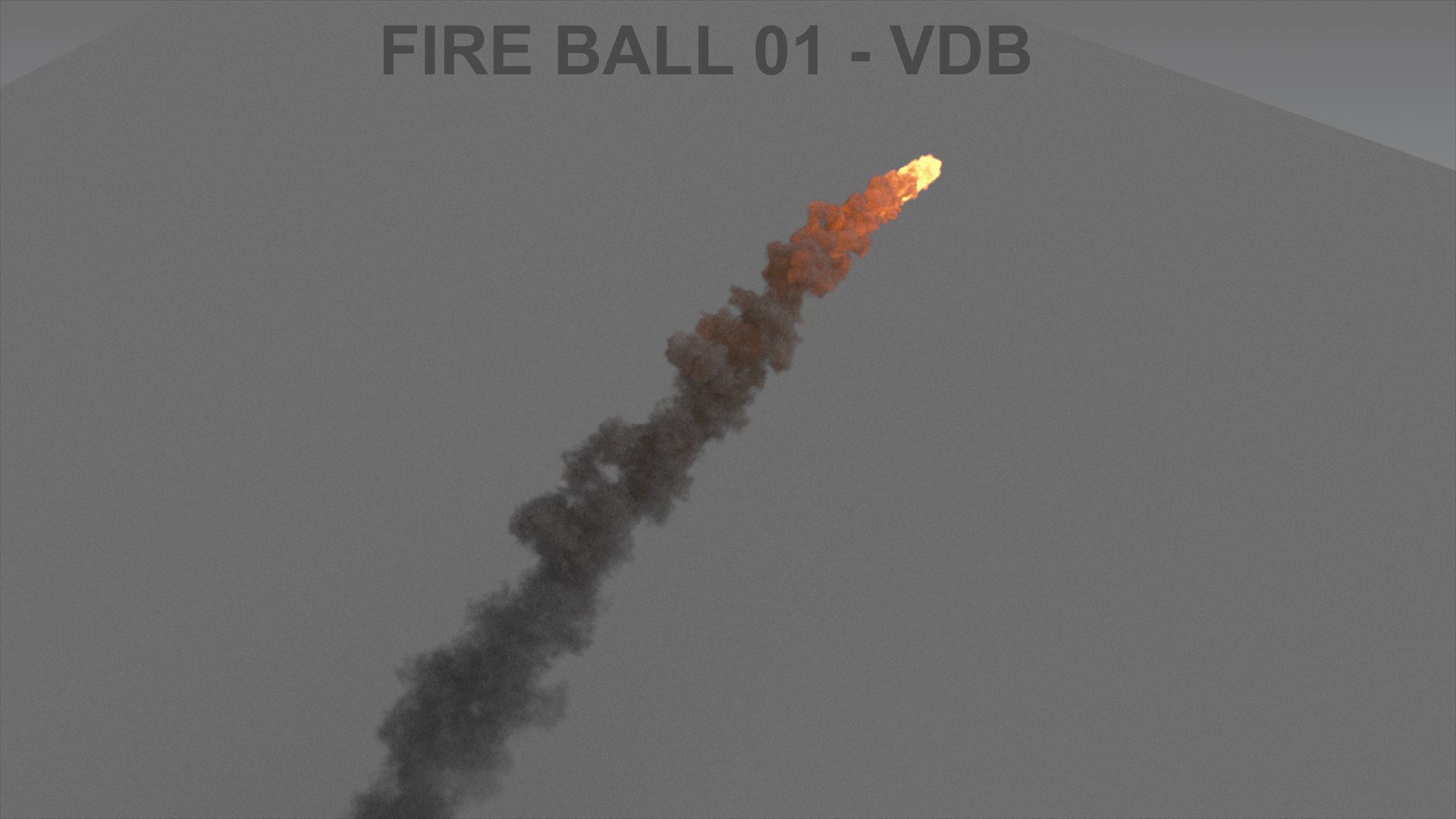
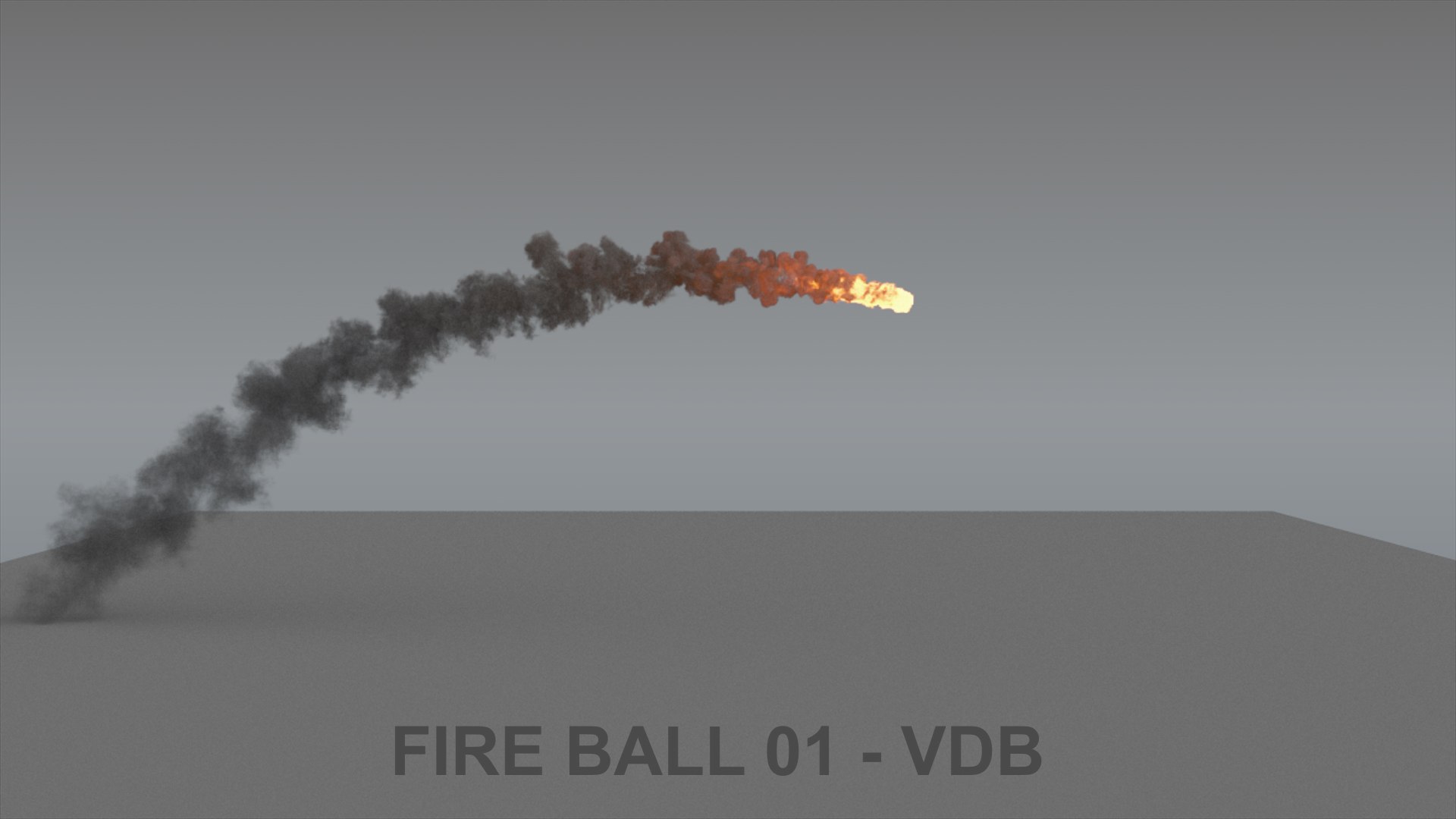
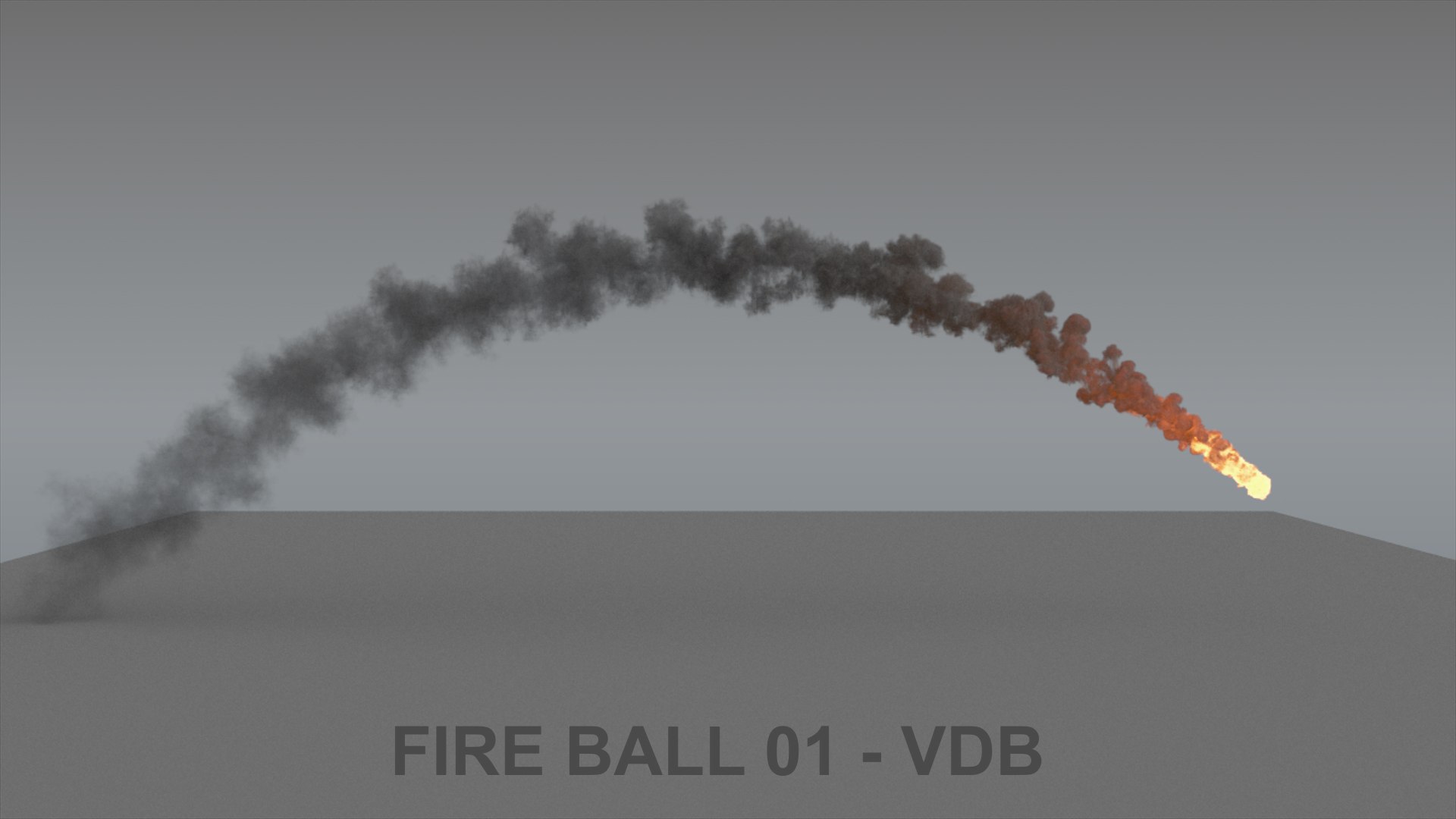
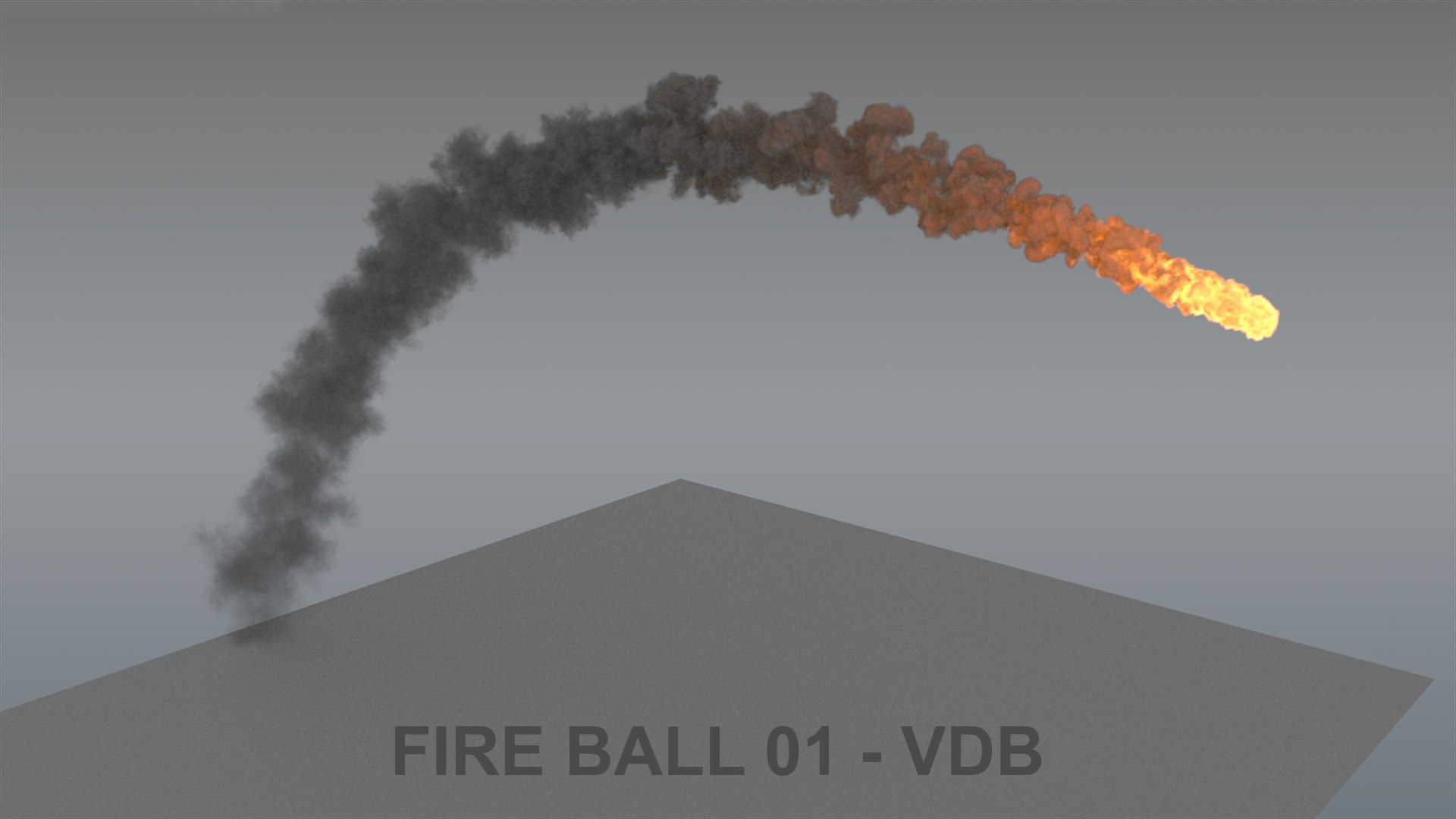
Realistic Fireball 01 (120 frames)

Get a realistic fire ball (catapult style) ready to load and render in any 3d software. Please download the promotional video to see it in motion.

You do not need to simulate, just load your VDB data(volumetric information) and done, ready to render! You can also scale or rotate it to fit your scene better.

3ds Max is already included with the VDB data loaded using VolumeGrid from VRay. All the shading and lighting its been already done.

If you loaded in other software or render engine, you just need to load and set up the shading. Density and temperature field is all you need to tweak smoke and fire.

You can also tweak the look really easily by changing the density and shadows, the smoke color and the fire curve, if you have any question feel free to ask.

A VDB file is a volume database file created by OpenVDB, and it has been adopted by Cinema 4D, Houdini, RenderMan, Arnold, RealFlow, Maxwell Render, LightWave 3D Modo, V-Ray, Octane Render, and 3Delight

Select Enhanced License

  • $10,000 in Legal Protection (Indemnification)
  • Uncapped Legal Protection (Indemnification)
  • Waiver from injunctive relief
  • Assignable model rights
  • $1,000,000 in Legal Protection (Indemnification)
  • Waiver from injunctive relief
  • Assignable model rights
  • $250,000 in Legal Protection (Indemnification)
  • Assignable model rights
Read more about enhanced license tiers, or contact us at enterprise@turbosquid.com. Already a Shutterstock Enterprise Customer? Contact your Shutterstock Sales Support Agent to talk about adding 3D.

About Conversion Requests

To submit a conversion request for a purchased asset, please complete our Conversion Request Form.

If you have not yet purchased a model, please review our Documentation about Conversions to learn about what limitations you may encounter with a conversion.

For any additional questions about a model’s suitability for conversion, please contact TurboSquid Support.

Loading...