
Animated Falling Bills

$59

Standard License | Upgrade License
Formats (5)
Free file format Conversions available
Native | Cinema 4D R20 | Default Scanline
3ds Max 2022 | Default Scanline
Blender 3.2.2 | Other
FBX 2020.1
Other Textures 1.7.14
Specifications
Publish Date September 06, 2022
Product ID 1954929
Polygons 16,800
Vertices 20,000
Polygonal Quads Only
Textures
Materials
UV Mapped
Non-overlapping Unwrapped UVs
Animated
TurboSquid Exclusive
member avatar
Sazarret
5 Products | Contributor Since 2008
Have questions? Chat with us now.

Description

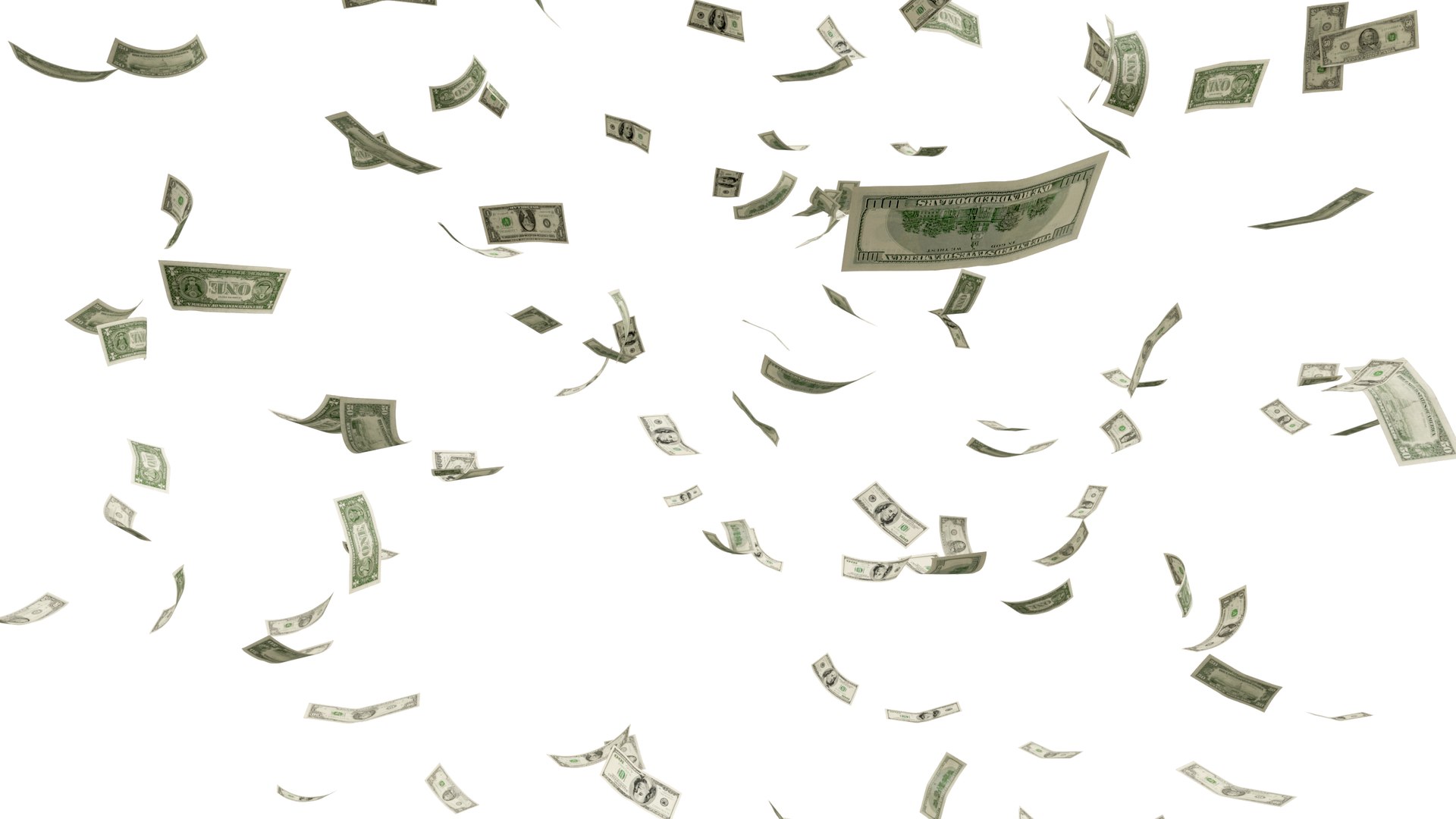
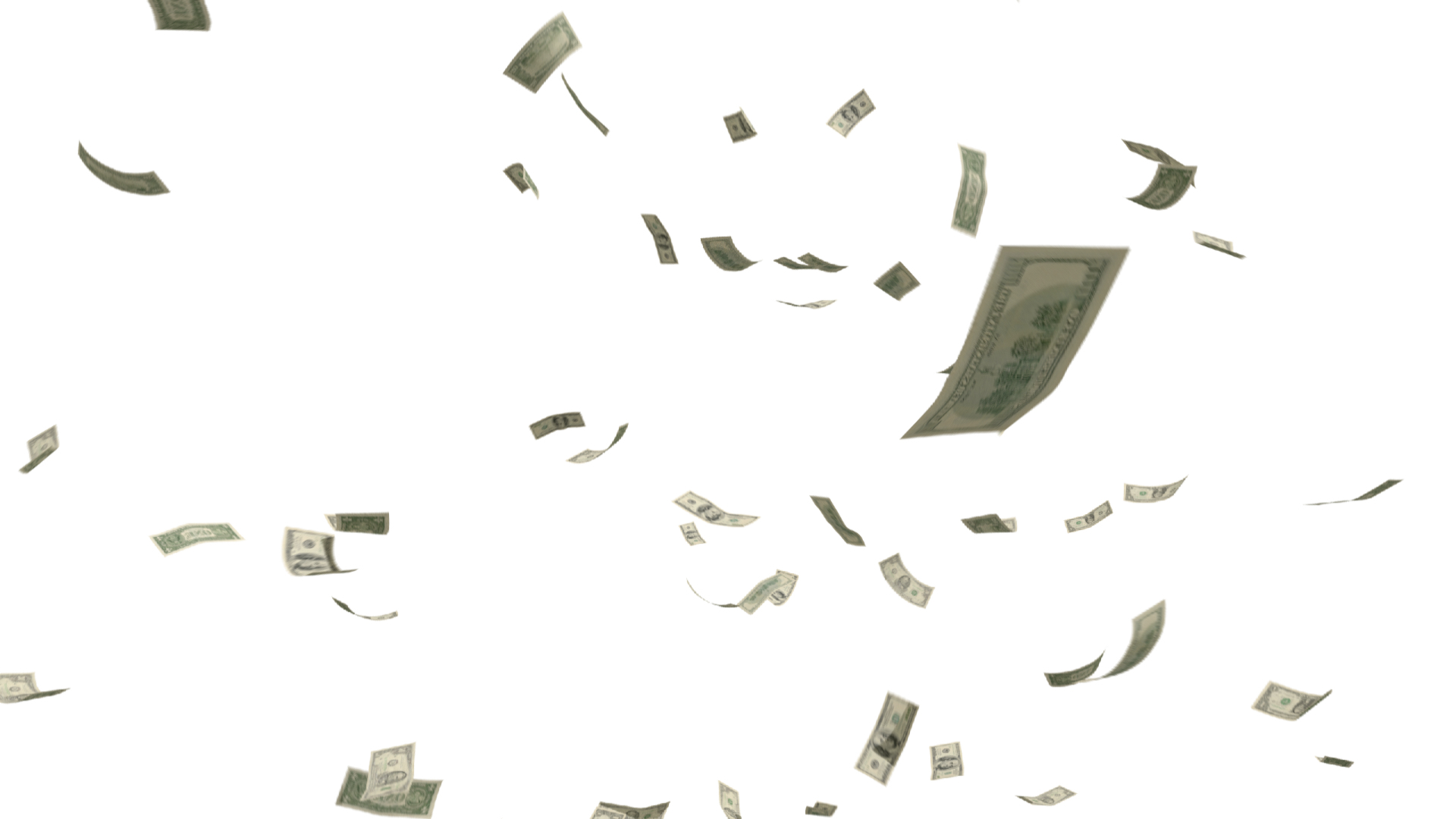
Fully customizable and pre-animated 3D banknotes.

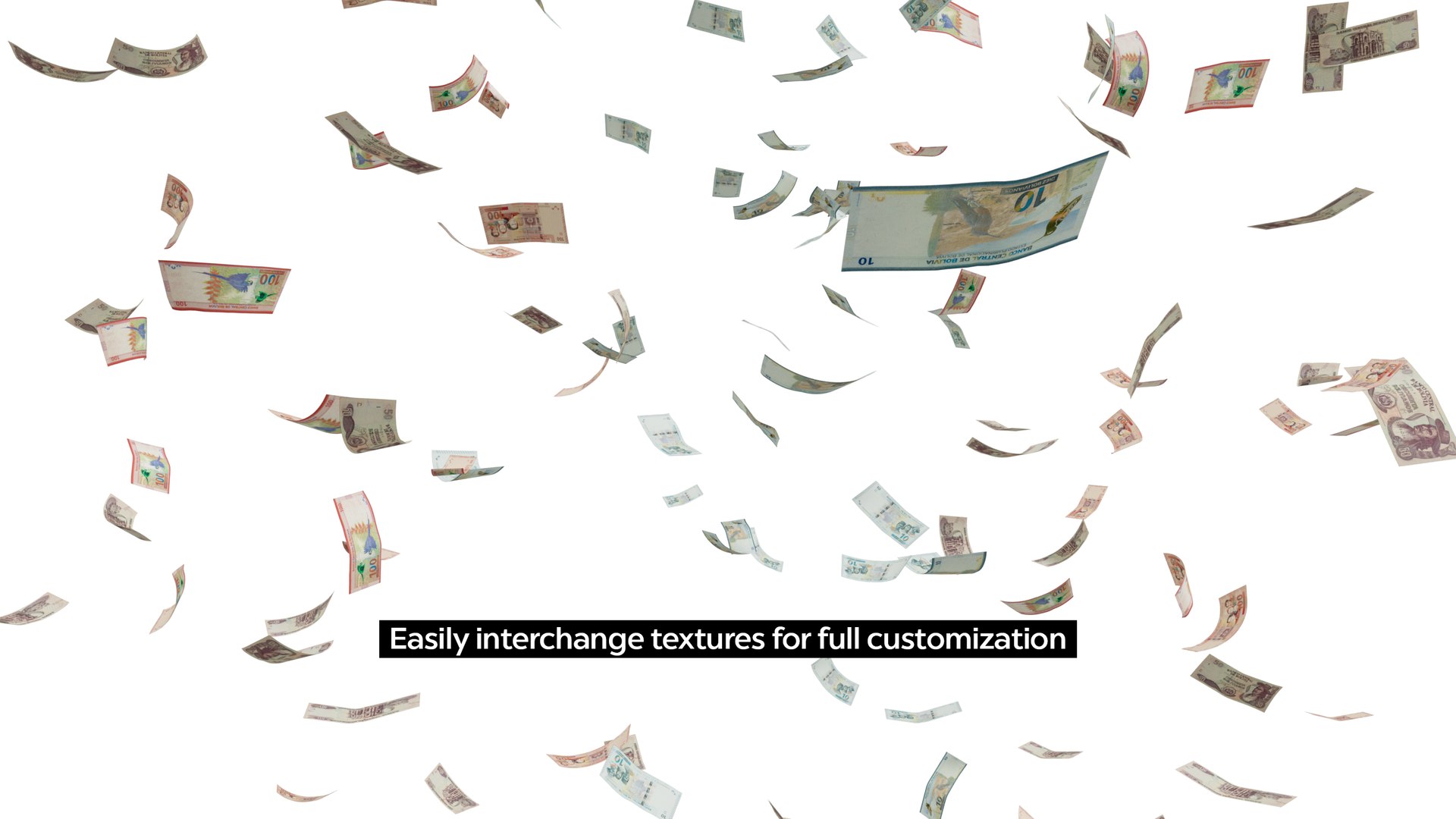
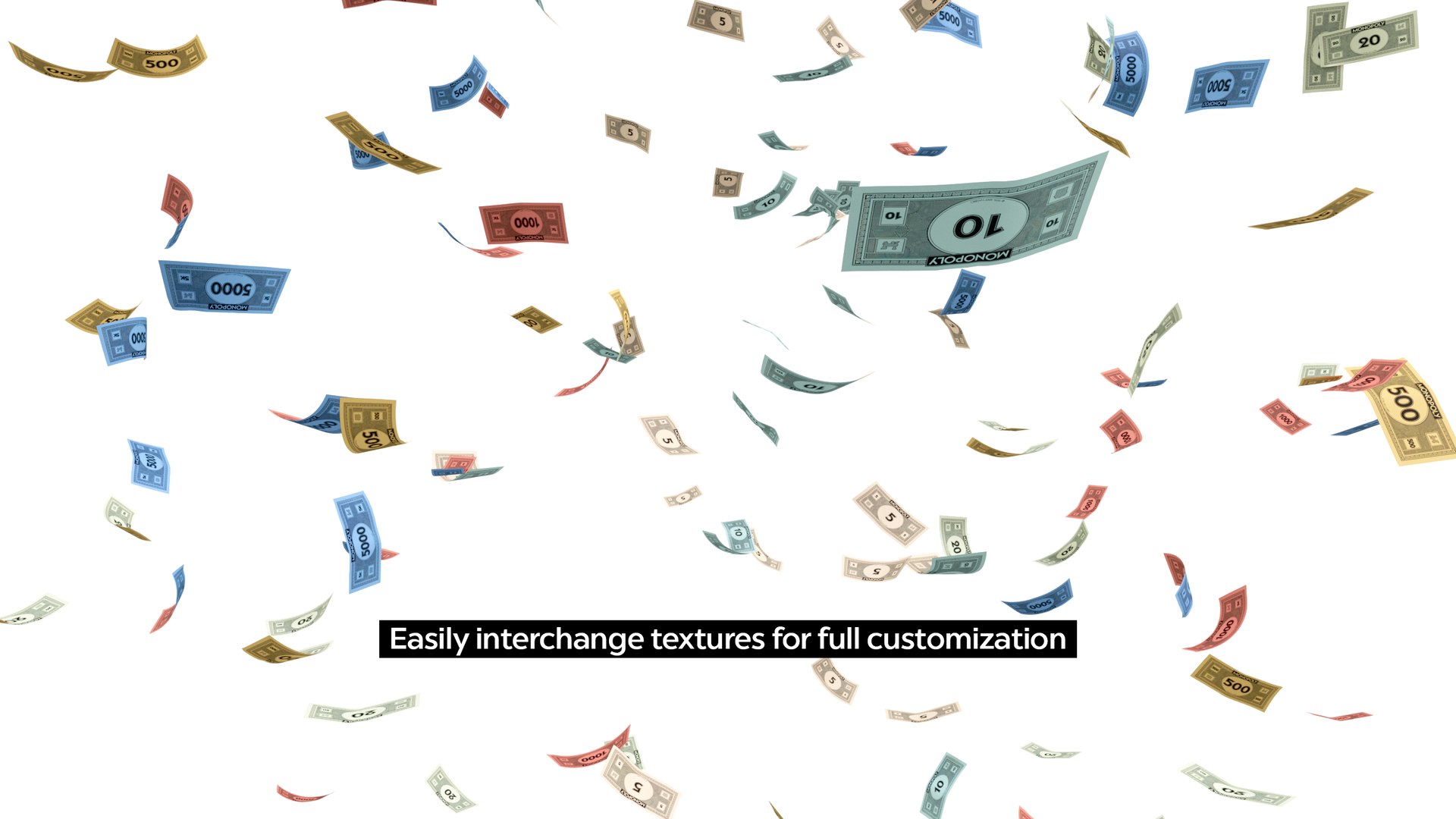
You can change textures, select, move and remove individual bills to completely customize the scene to your needs.

The only 3d scene of this kind you´ll ever need!

Watch the 360° video to preview the animation.

Customizing the scene

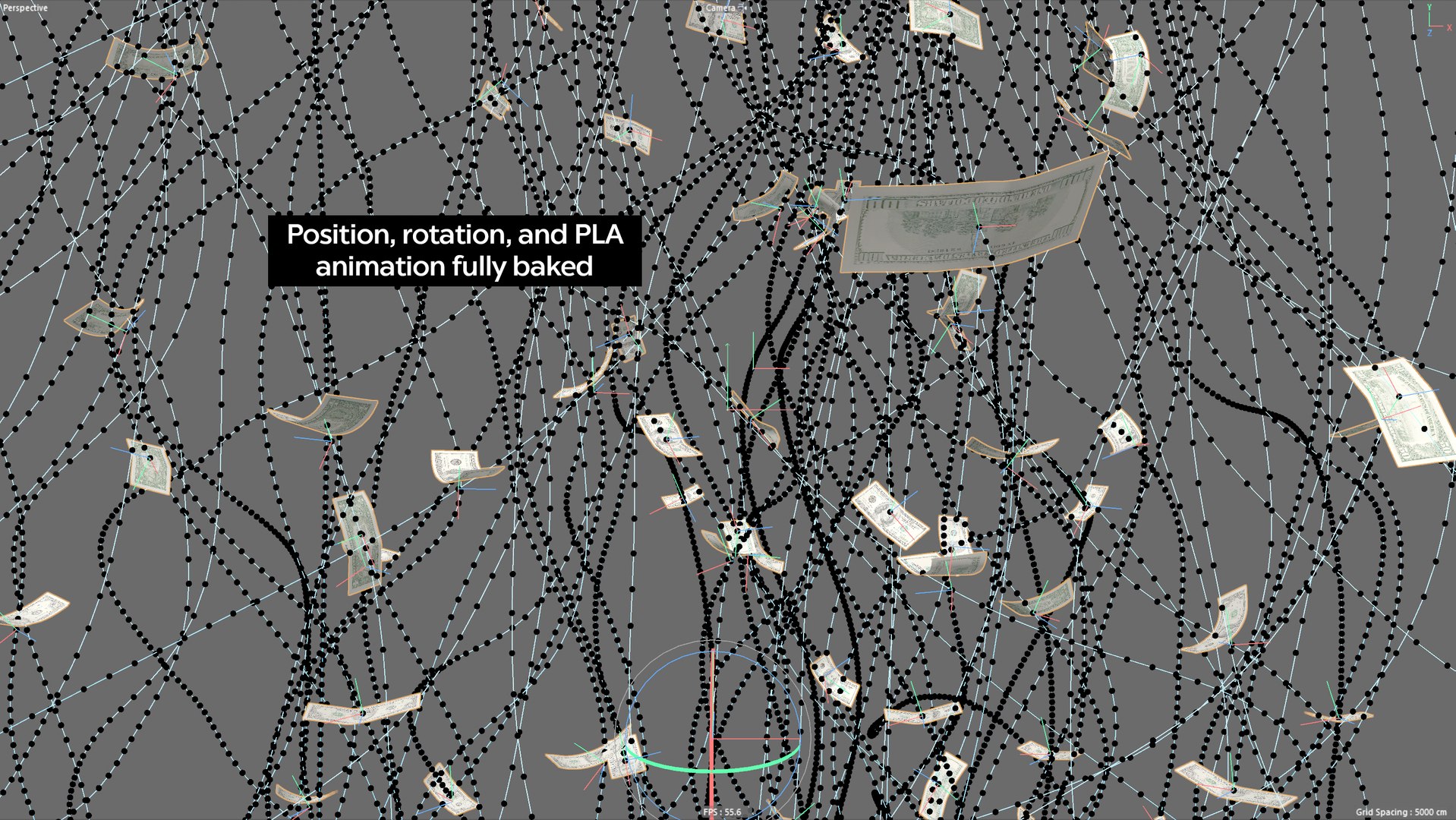
Every bill has its own animation baked (including bending via PLA). Select any individual note, hide it, or change its animation path via curves or any other method.

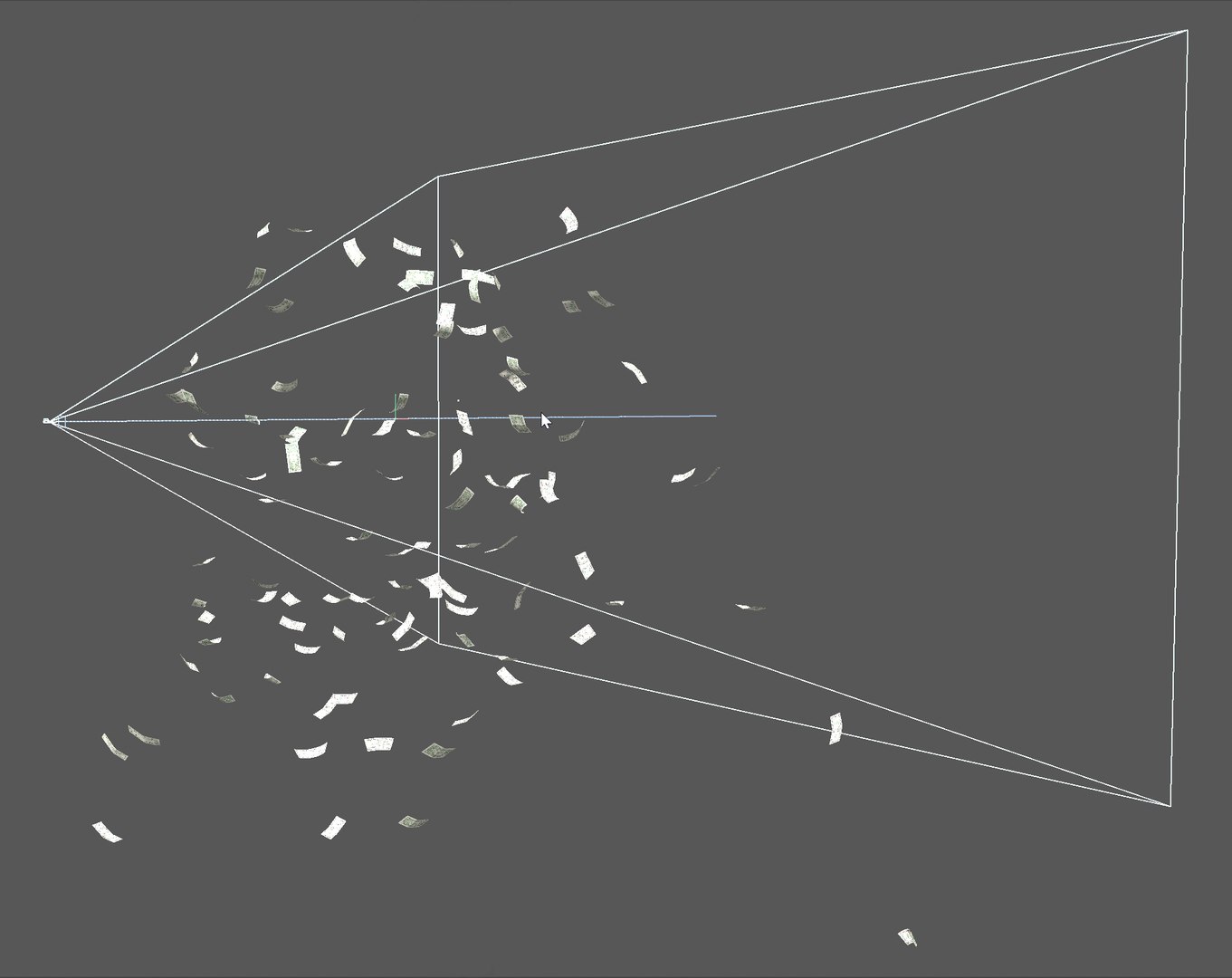
The bills are grouped in three sections, left, right, and center, so you can hide, for example, the middle section to allocate space for other objects.

The camera was placed in the middle of the scene for maximum coverage of the simulation, but you can change its position or use a completely different camera. 

Changing currencies

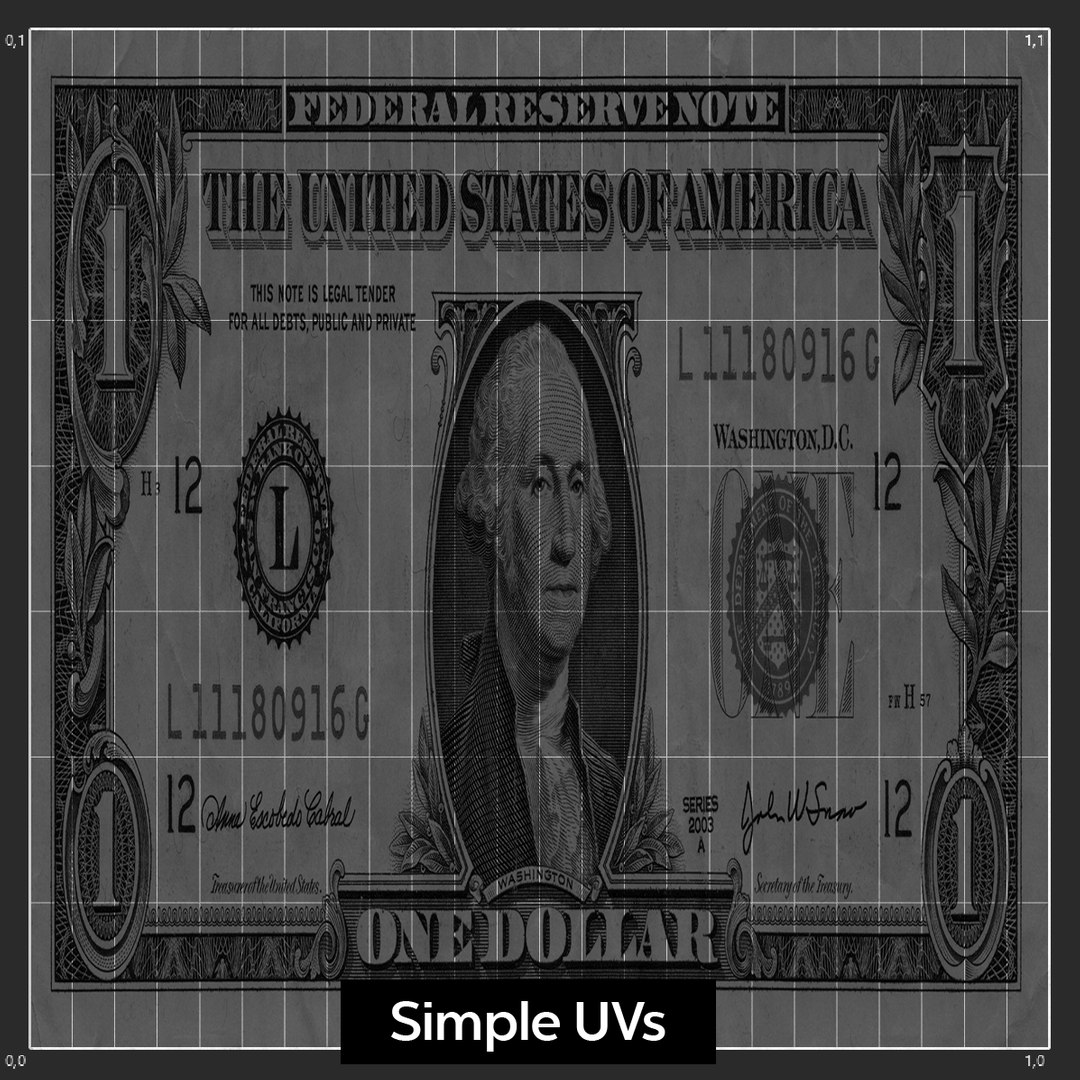
To switch currencies, just replace the front and back textures in the corresponding materials with any other banknote texture.

For better results, the textures must be cropped to the bills´ edges. The size and aspect ratio of the bills are not relevant.

There are three base materials for three different bills, but you can add as many materials as you want and assign them manually to any note you need. 

Textures

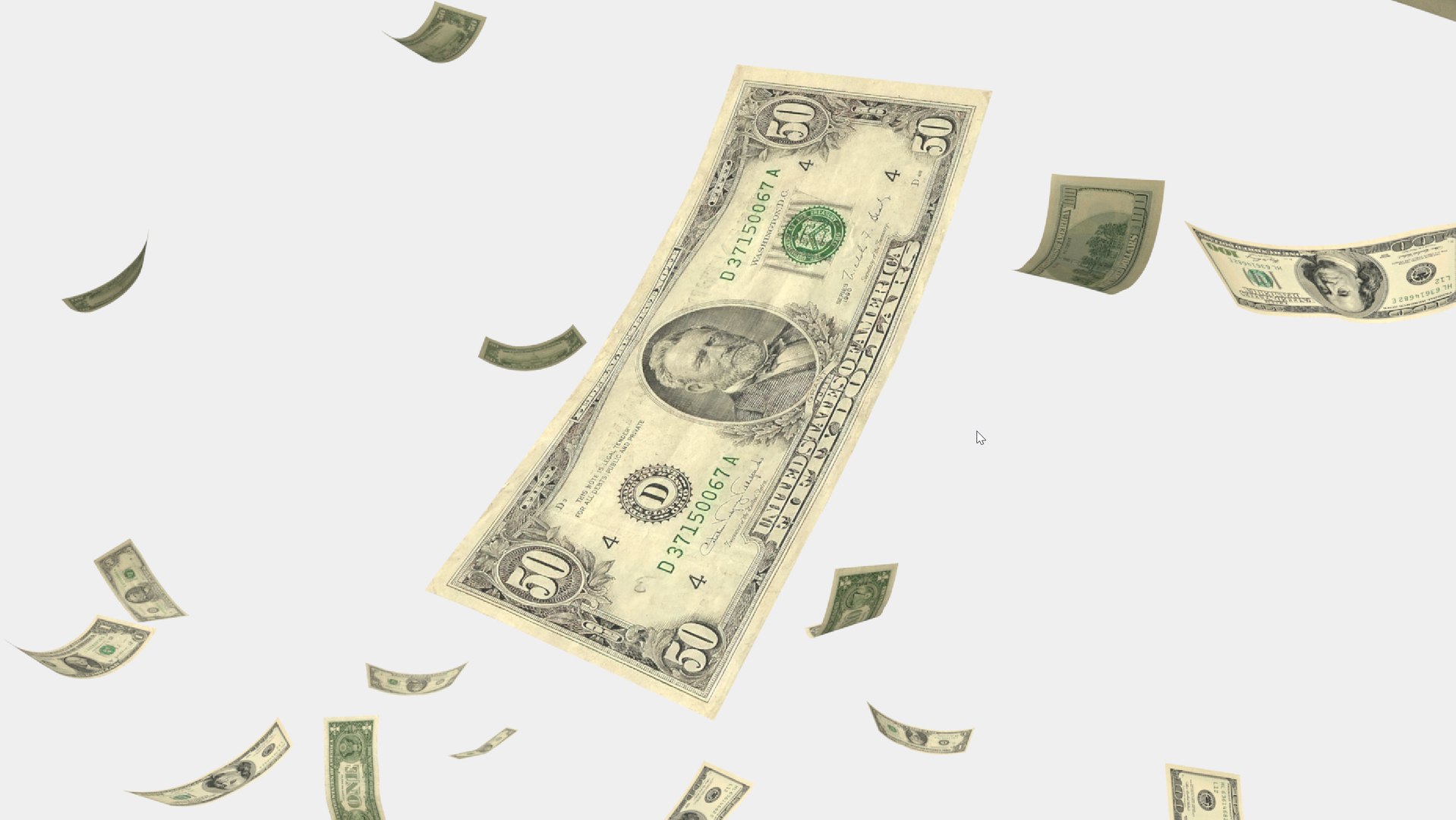
Front and back high-resolution textures for 1, 50, and 100 US Dollars are included. No other textures are included.

Formats

The native format is C4D. A very basic illumination setup is included within the scene for rendering.

Also included:

  • FBX: Tested and working, but you have to assign the material manually to every individual bill or bill group, using nodes or tags for the front and back sides of the planes.
  • Alembic: Tested and working, but you have to assign the material manually to every individual bill or bill group, using nodes or tags for the front and back sides of the planes.
  • 3DMax: Tested and working. NO RENDER SETUP.
  • Blender: Tested and working. NO RENDER SETUP.

Geometry

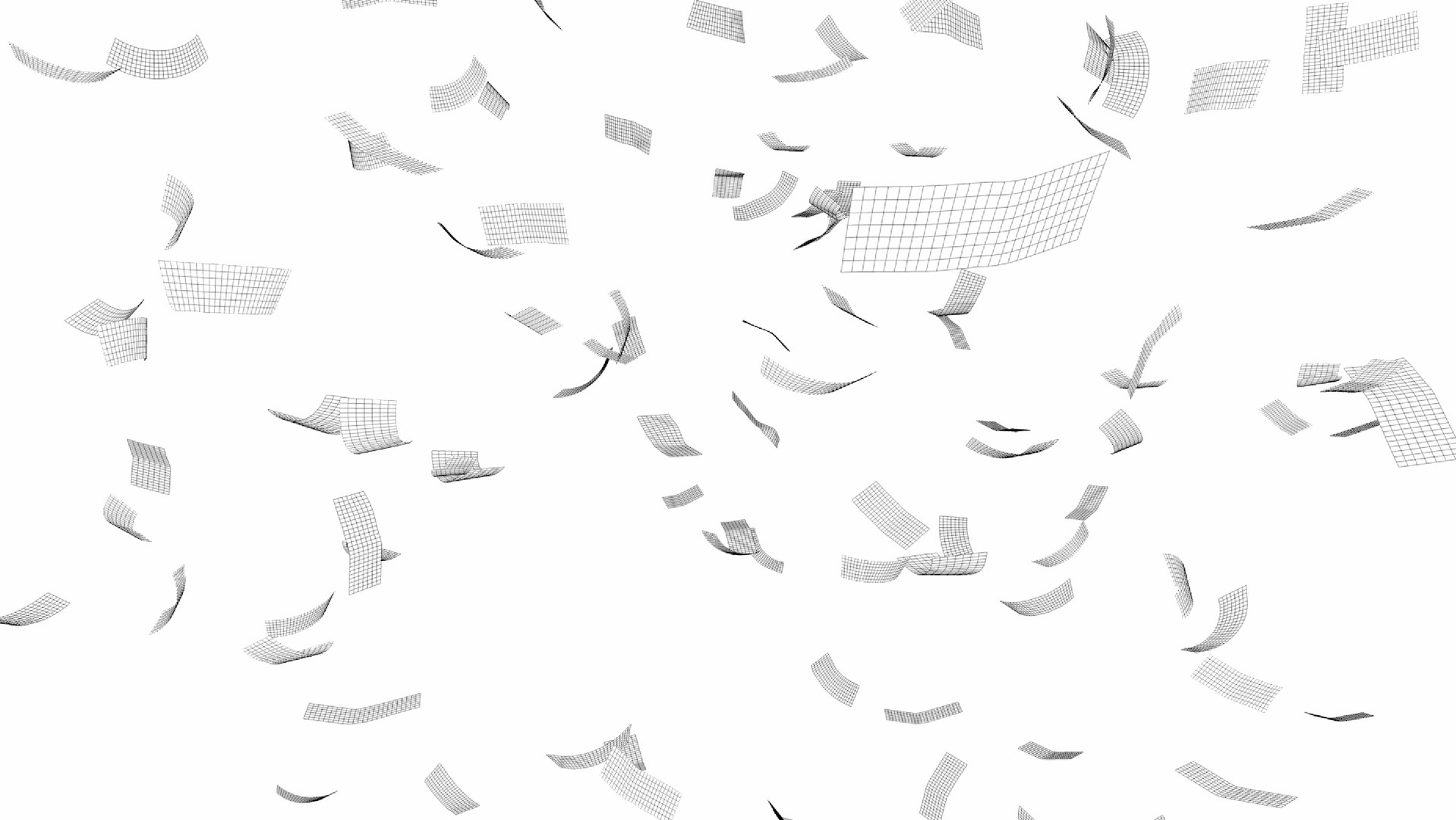
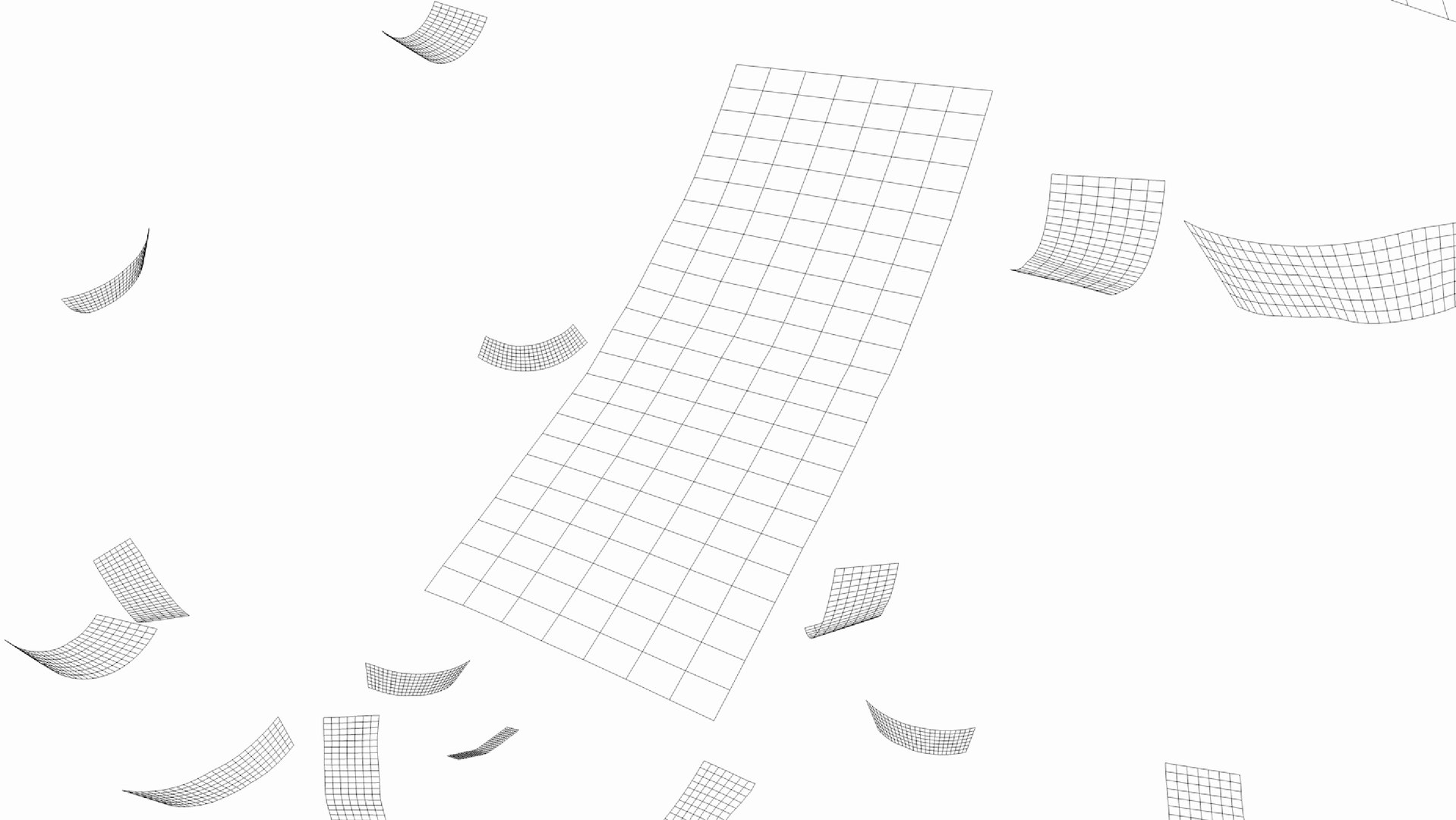
Very light scene (16800 polygons) with just quad-based planes containing pre-baked position, rotation, scale, and PLA information.

Select Enhanced License

  • $10,000 in Legal Protection (Indemnification)
  • Uncapped Legal Protection (Indemnification)
  • Waiver from injunctive relief
  • Assignable model rights
  • $1,000,000 in Legal Protection (Indemnification)
  • Waiver from injunctive relief
  • Assignable model rights
  • $250,000 in Legal Protection (Indemnification)
  • Assignable model rights
Read more about enhanced license tiers, or contact us at enterprise@turbosquid.com. Already a Shutterstock Enterprise Customer? Contact your Shutterstock Sales Support Agent to talk about adding 3D.

About Conversion Requests

To submit a conversion request for a purchased asset, please complete our Conversion Request Form.

If you have not yet purchased a model, please review our Documentation about Conversions to learn about what limitations you may encounter with a conversion.

For any additional questions about a model’s suitability for conversion, please contact TurboSquid Support.

Loading...