
Electrical Equipment Set for Hallway 2

$8

Standard License | Upgrade License
Editorial Uses Only
Formats (4)
Native | 3ds Max 2013 | Corona
OBJ
FBX
Other Files
Set_of_electrical_equipment_2_mat.mat maps.zip
Specifications
Publish Date April 13, 2026
Product ID 2556078
Polygons 49,349
Vertices 49,441
Polygonal
Textures
Materials
Mixed Unwrapped UVs

member avatar
ysonechko
127 Products | Contributor Since 2026
Have questions? Chat with us now.

Description

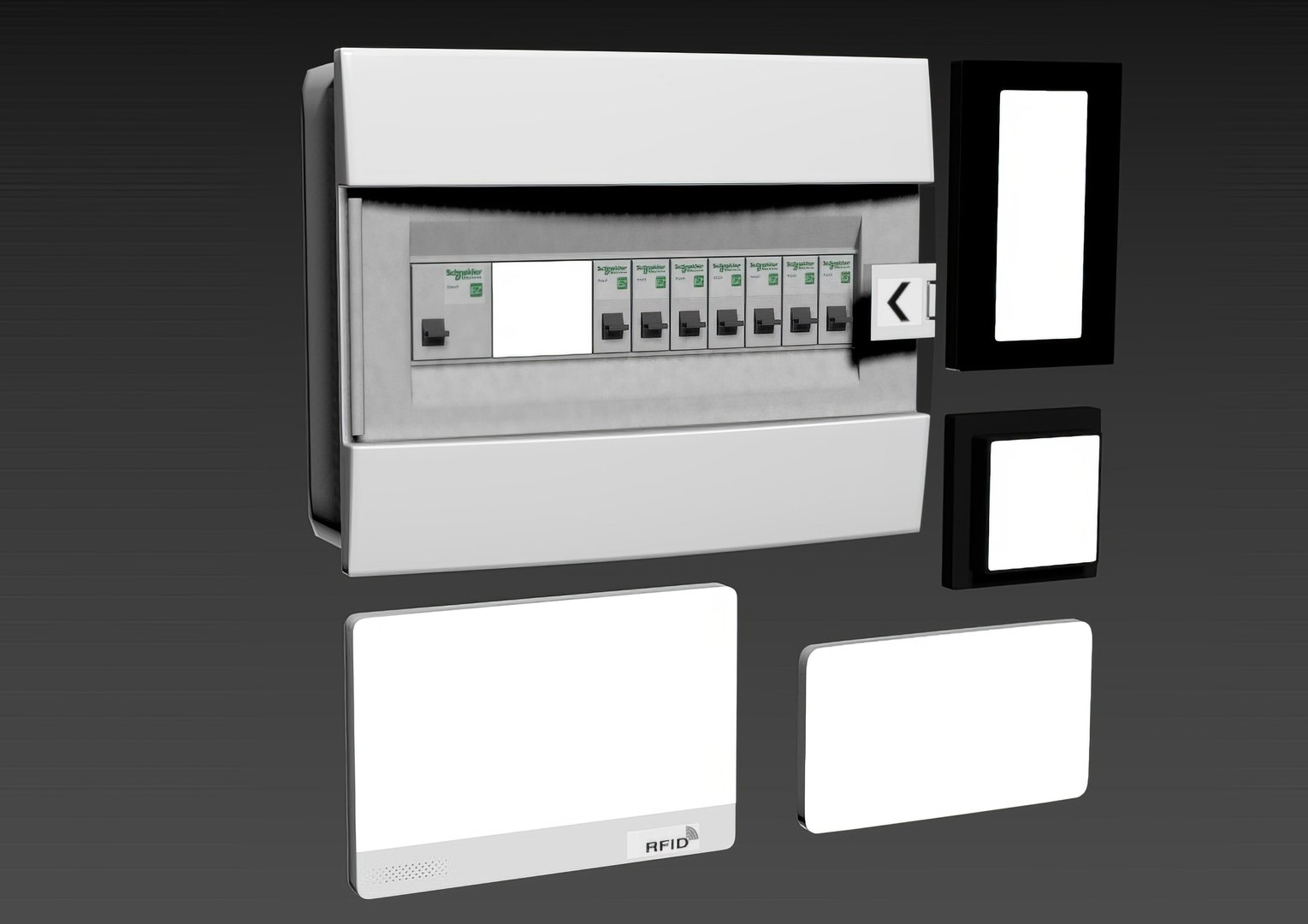
The screen glow is achieved using Self-Illumination in the material settings. To change the glow intensity (or turn it off): In the Material Editor, select the desired Multi/Sub-Object---CoronaMtl---Advanced options---Self-illumination---Multiplier---and set the desired value (or 0 to turn it off).
The archive contains: 3ds max_2013 model, textures, obj, fbx, mat.
ResetXform is complete, objects are grouped, Pivot is set.
Objects, materials, and textures have logical, individual names in Latin.
All model elements were created based on real objects; all dimensions and proportions are maintained.

Polys: 49349
Verts: 49441
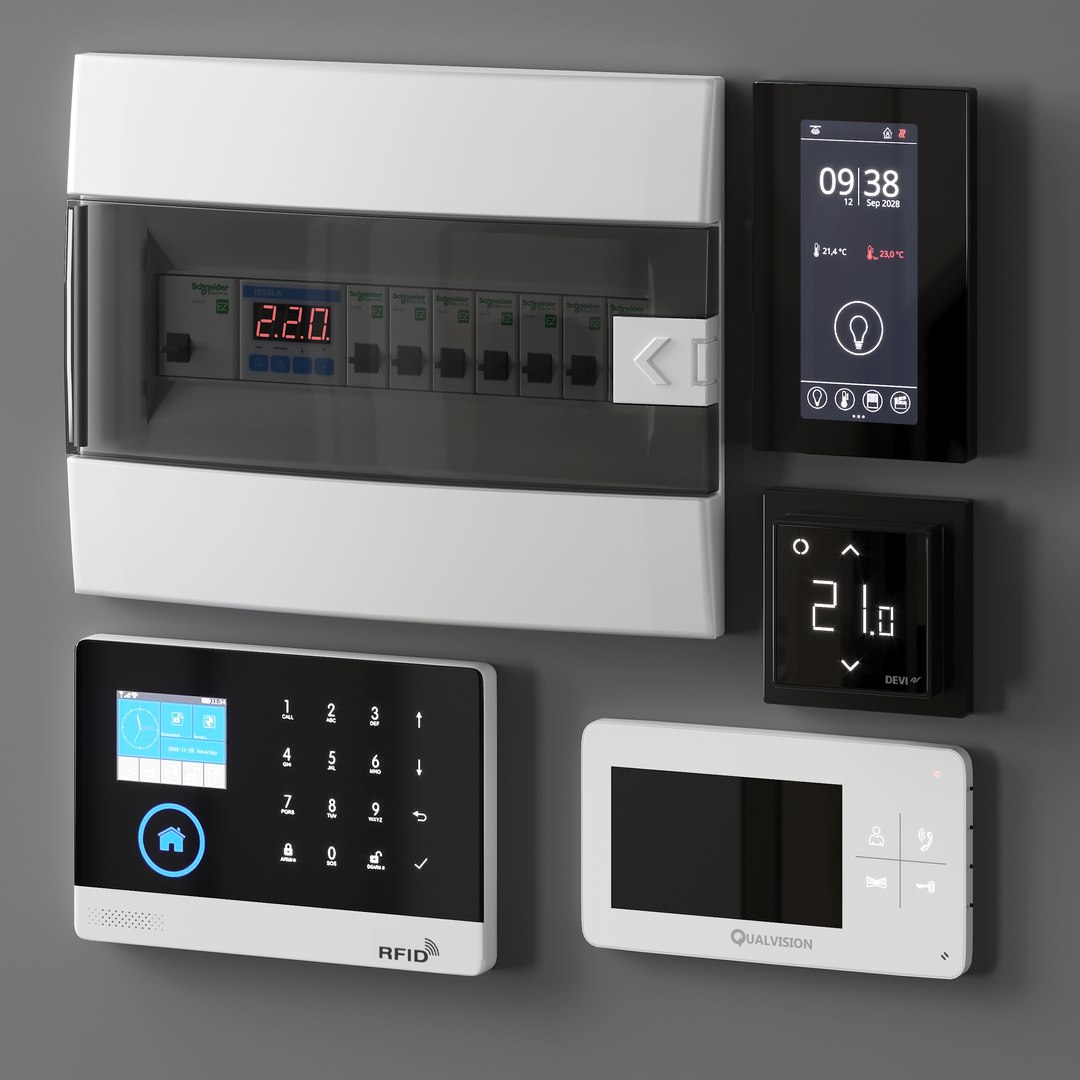
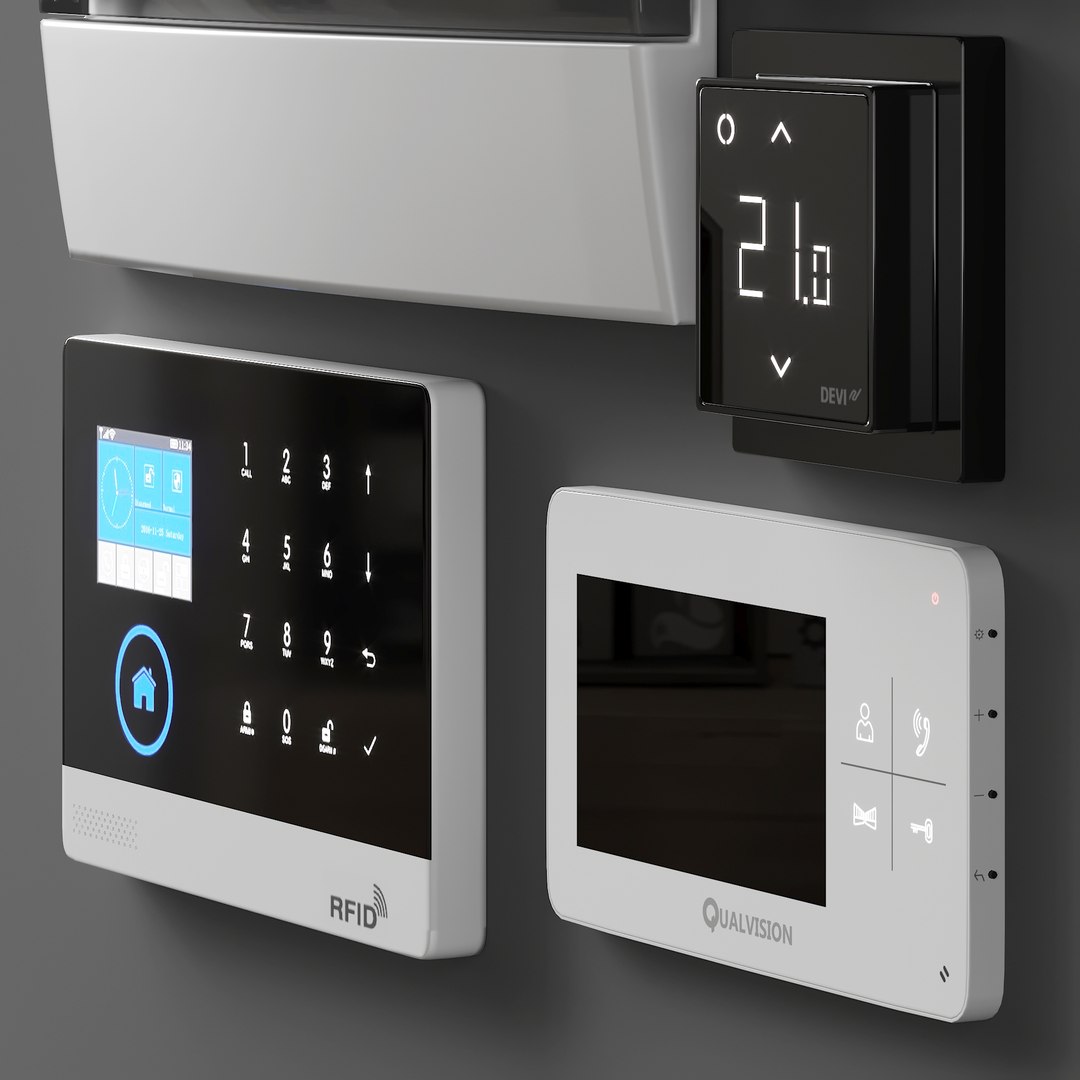
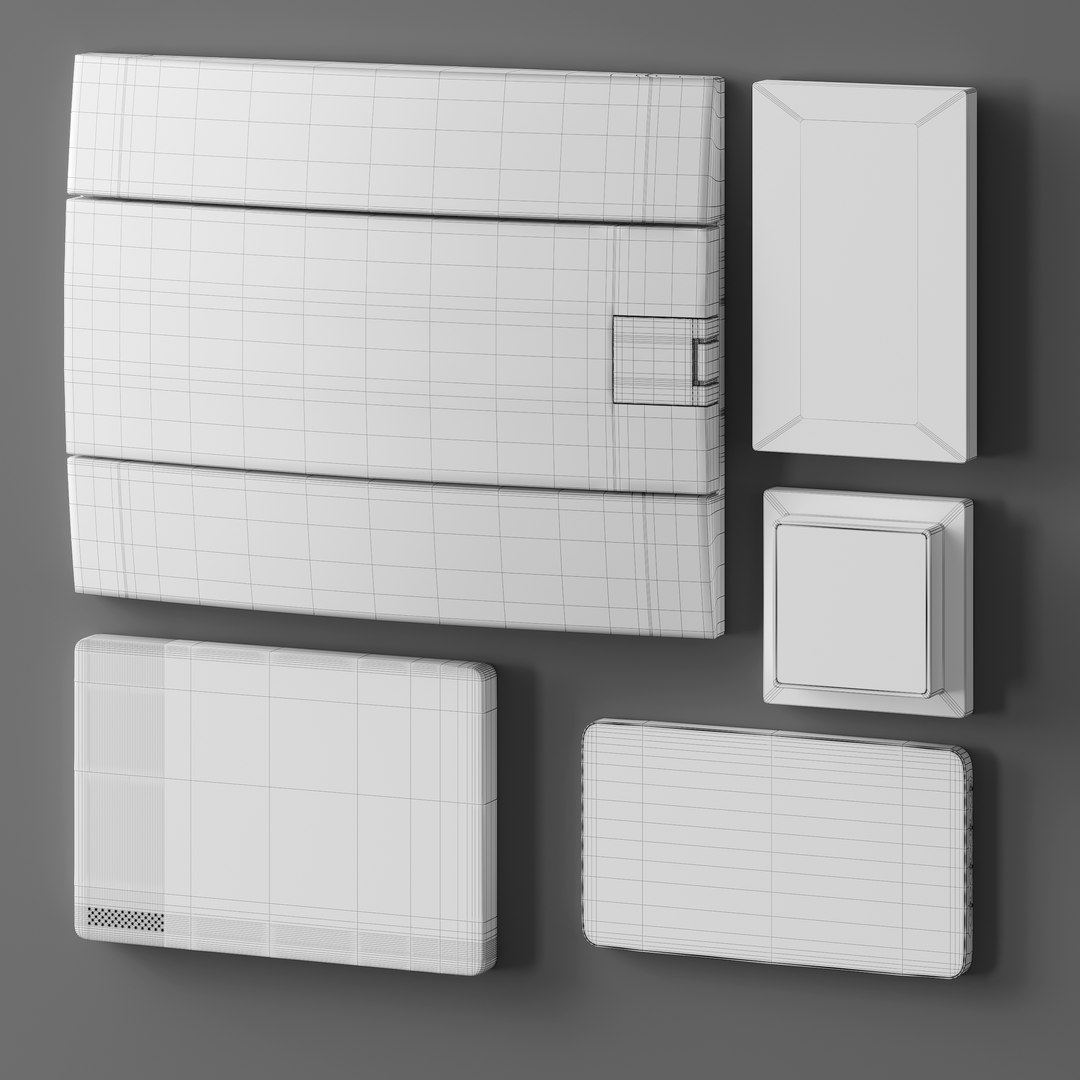
Included in the set:
-DEVIreg Smart Black Wi-Fi Touch Thermostat
-Qualvision QV-IDS4425 Video Intercom
-Thanos EVO Touch Climate Control Panel by Thermokon
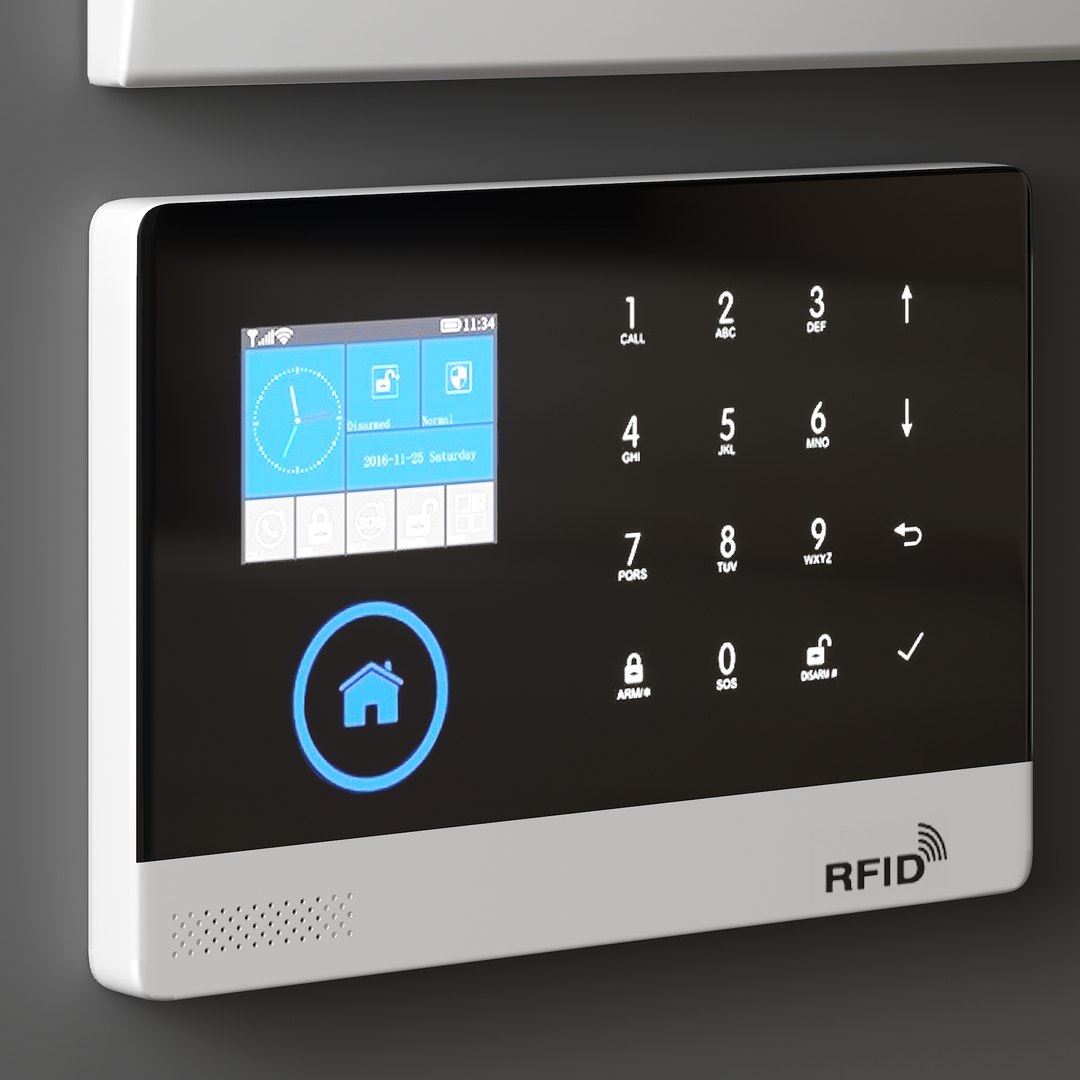
-Alarm JYX-W-G600 Alarm Control Panel
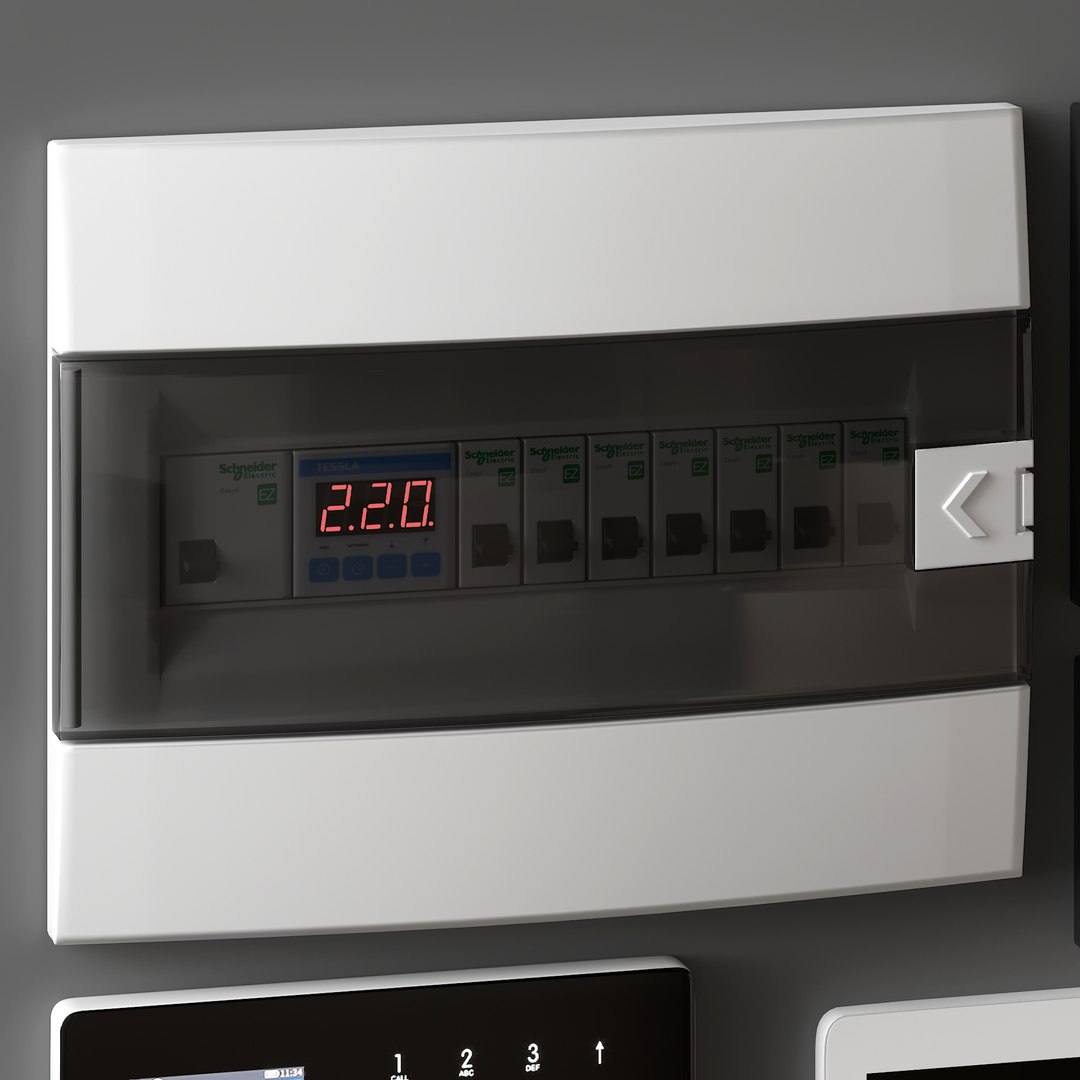
-Horoz Electric Flush Mounted-12 Indoor Electrical Panel for 12 Circuit Breakers, White

Enjoy using it!

Select Enhanced License

  • $10,000 in Legal Protection (Indemnification)
  • Uncapped Legal Protection (Indemnification)
  • Waiver from injunctive relief
  • Assignable model rights
  • $1,000,000 in Legal Protection (Indemnification)
  • Waiver from injunctive relief
  • Assignable model rights
  • $250,000 in Legal Protection (Indemnification)
  • Assignable model rights
Read more about enhanced license tiers, or contact us at enterprise@turbosquid.com. Already a Shutterstock Enterprise Customer? Contact your Shutterstock Sales Support Agent to talk about adding 3D.

About Conversion Requests

To submit a conversion request for a purchased asset, please complete our Conversion Request Form.

If you have not yet purchased a model, please review our Documentation about Conversions to learn about what limitations you may encounter with a conversion.

For any additional questions about a model’s suitability for conversion, please contact TurboSquid Support.

Loading...