
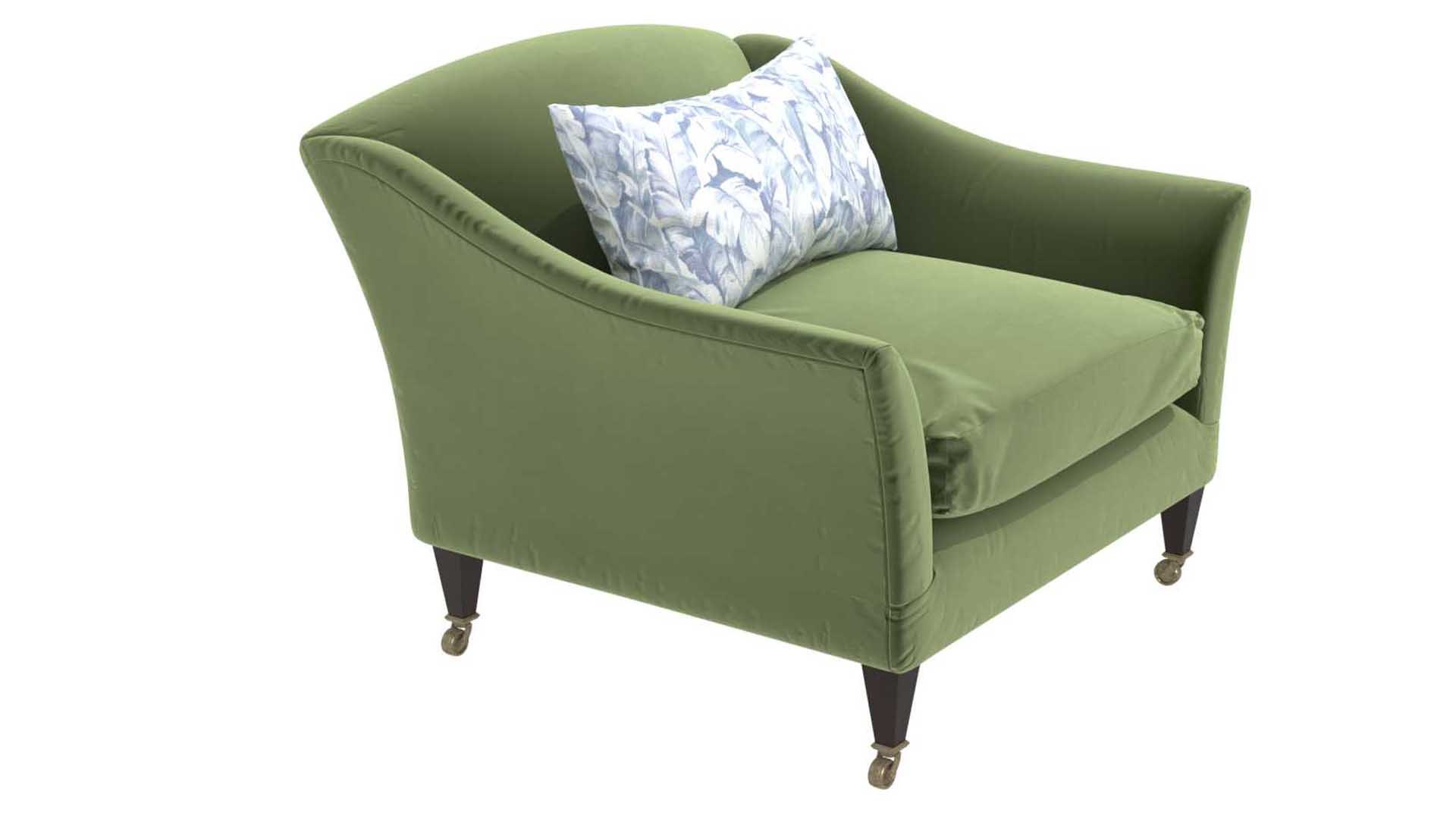
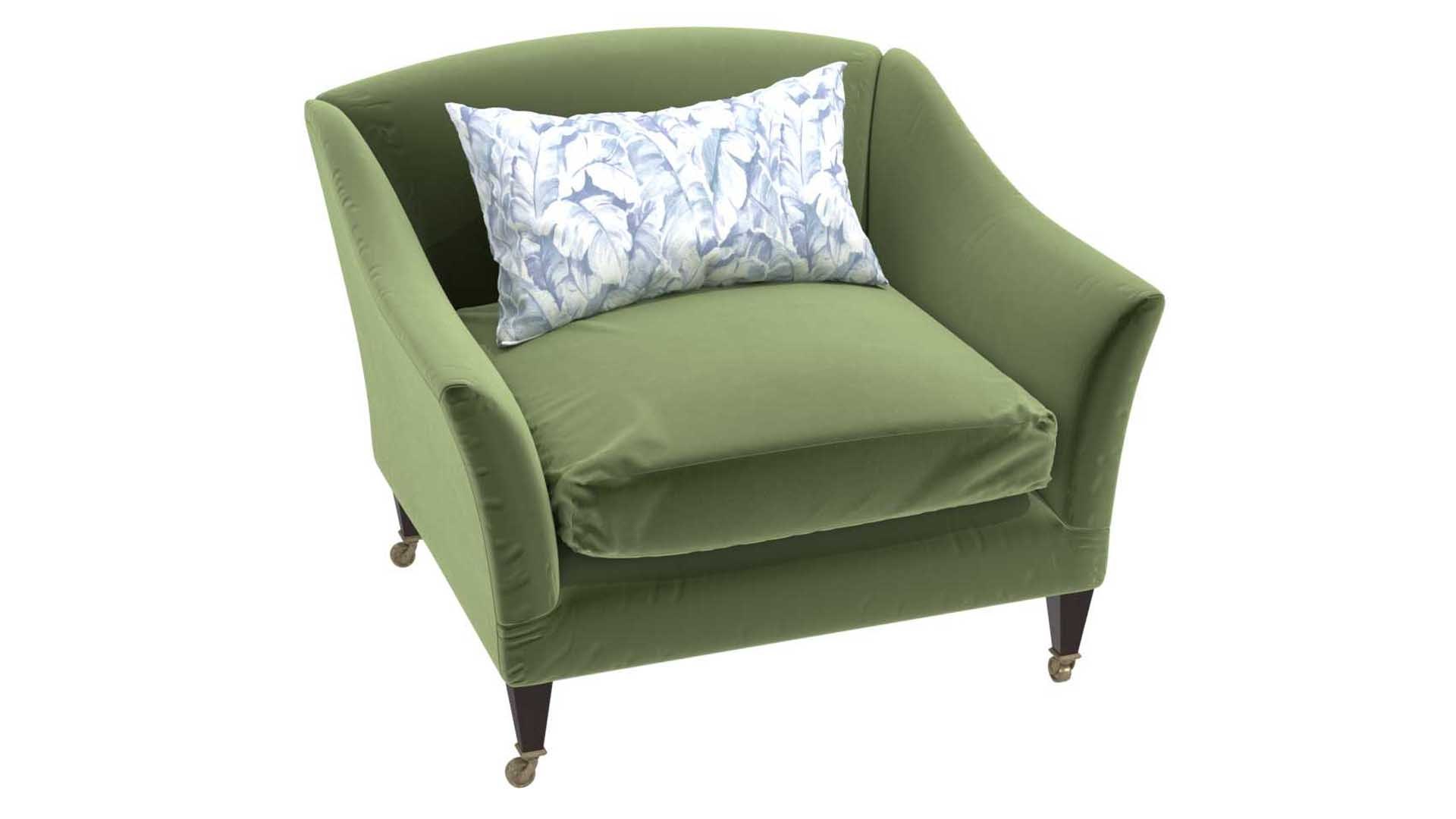
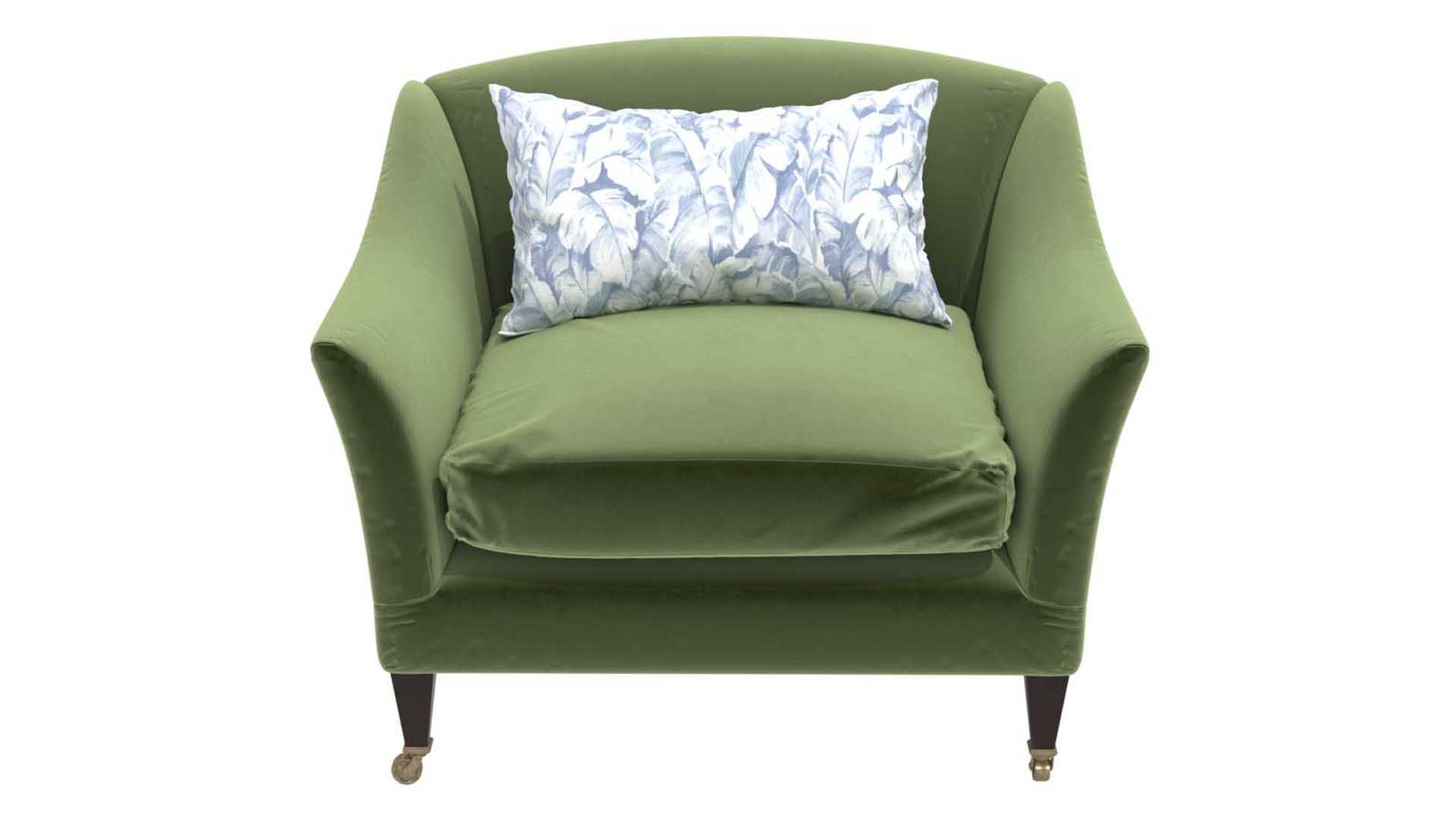
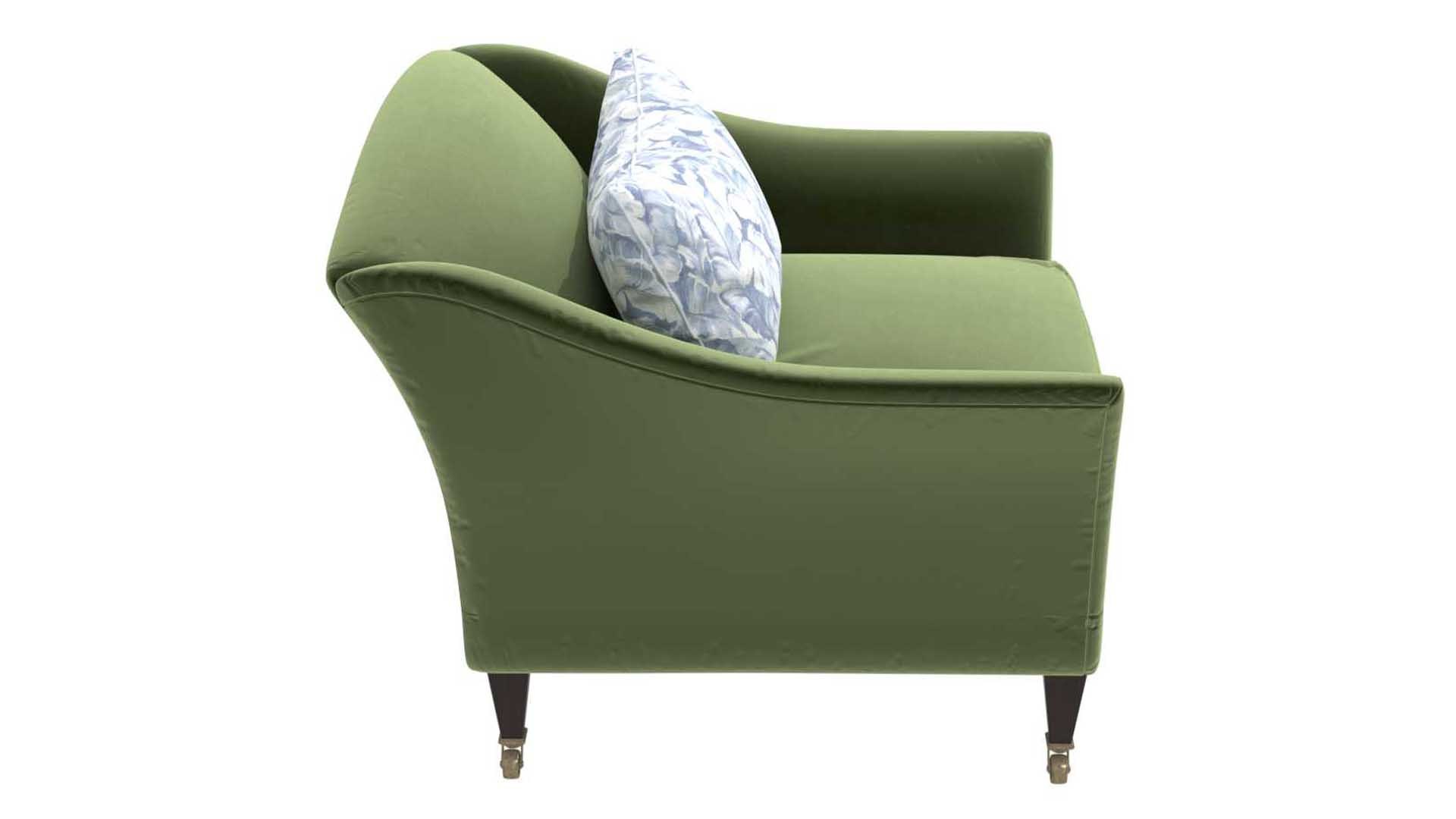
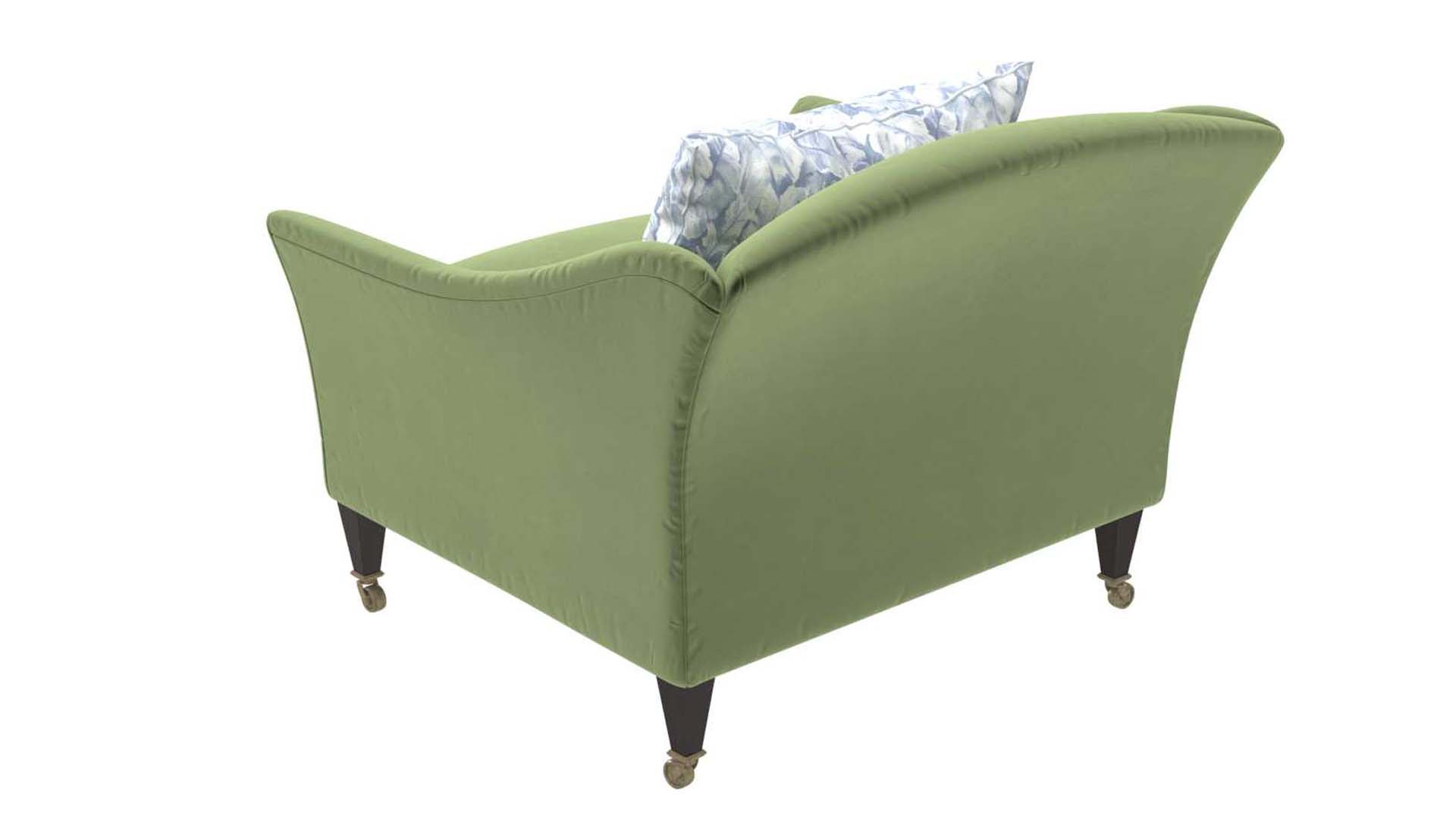
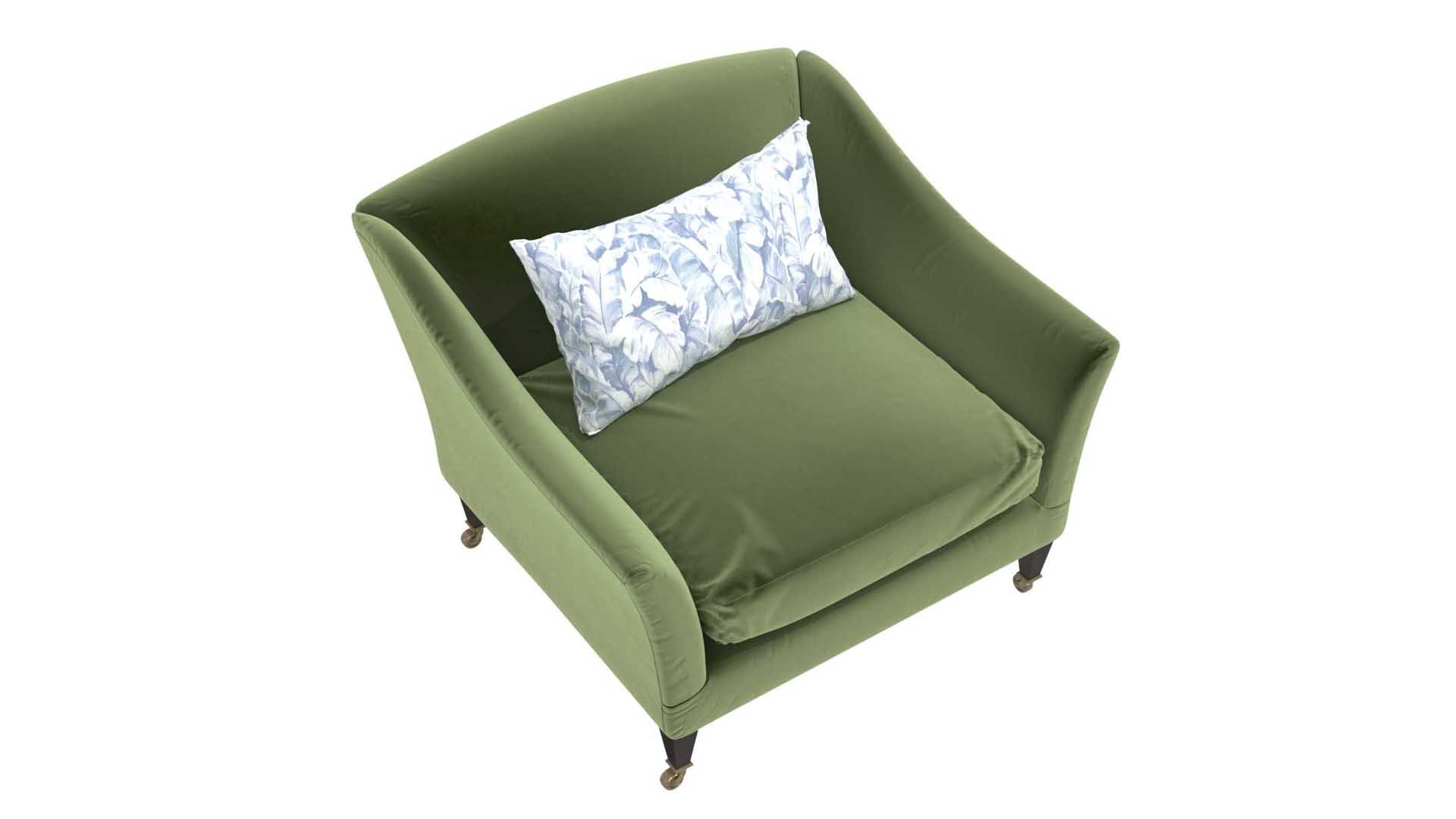
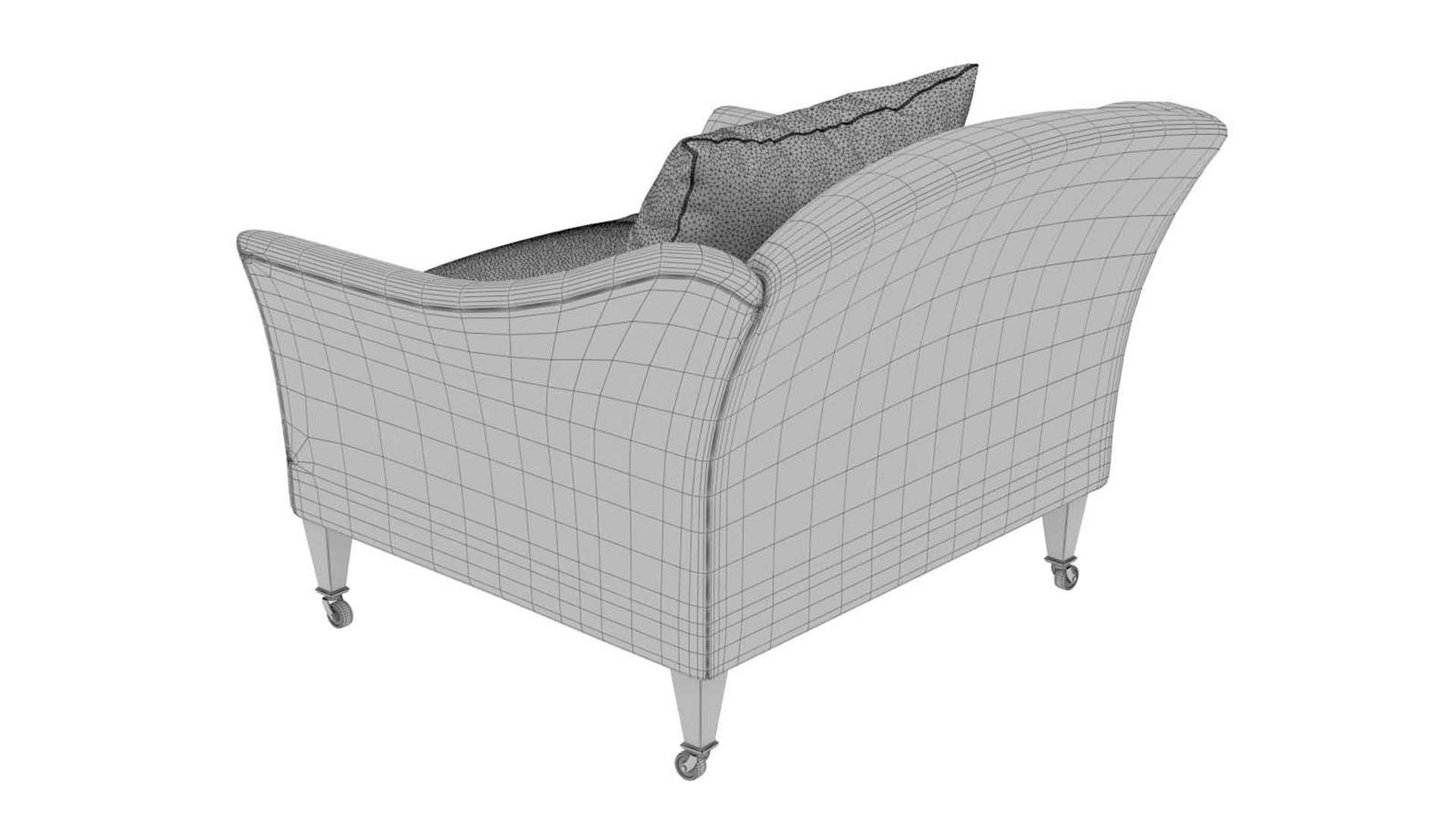
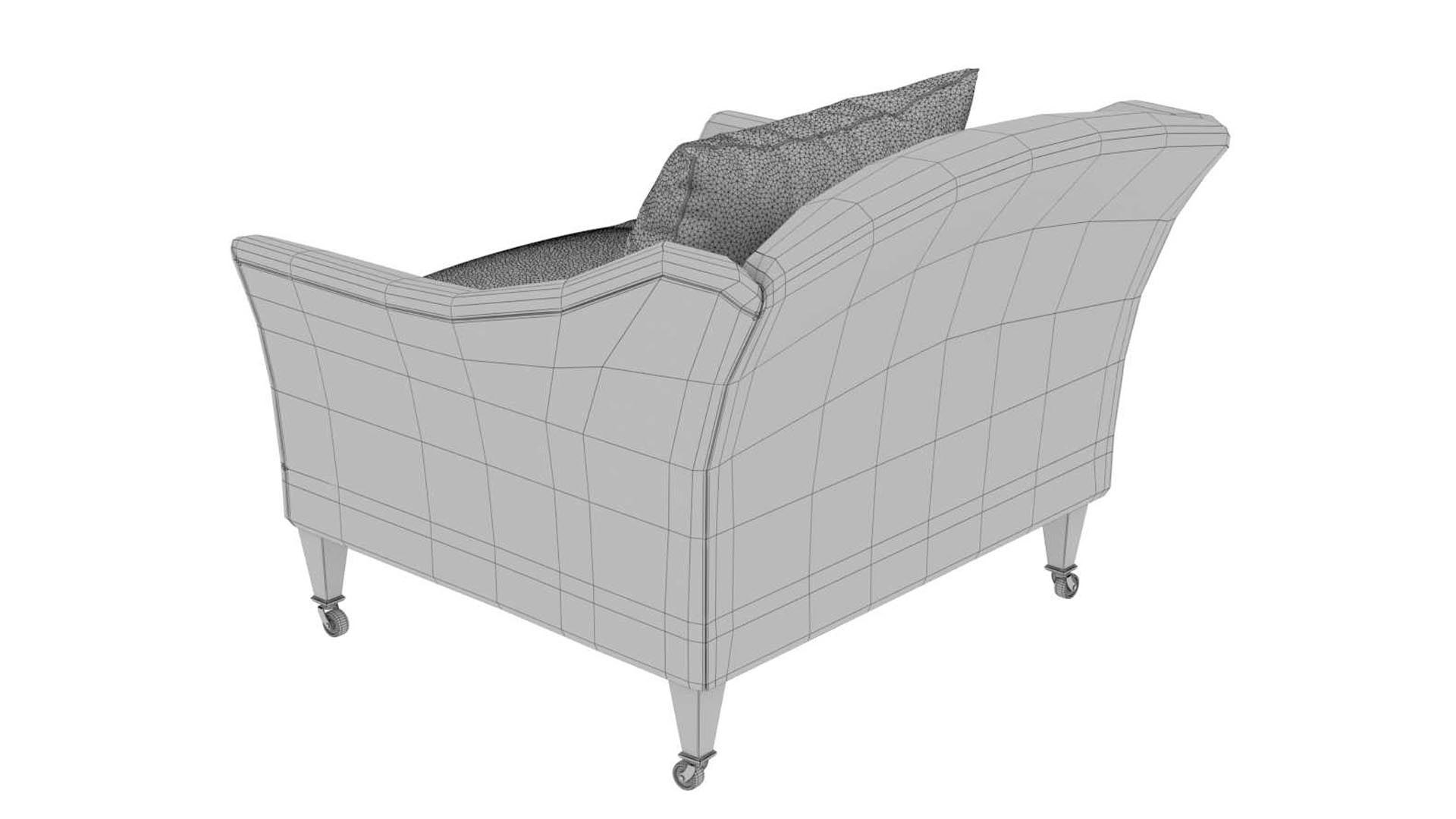
DRAWING ROOM ARMCHAIR BY ROSE UNIACKE

$7

Standard License | Upgrade License
Editorial Uses Only
Formats (5)
Native | 3ds Max 2010 | Corona 1.7
OBJ
AutoCAD drawing
3D Studio
FBX
Other Files
textures.rar
Specifications
Publish Date March 28, 2021
Product ID 1711826
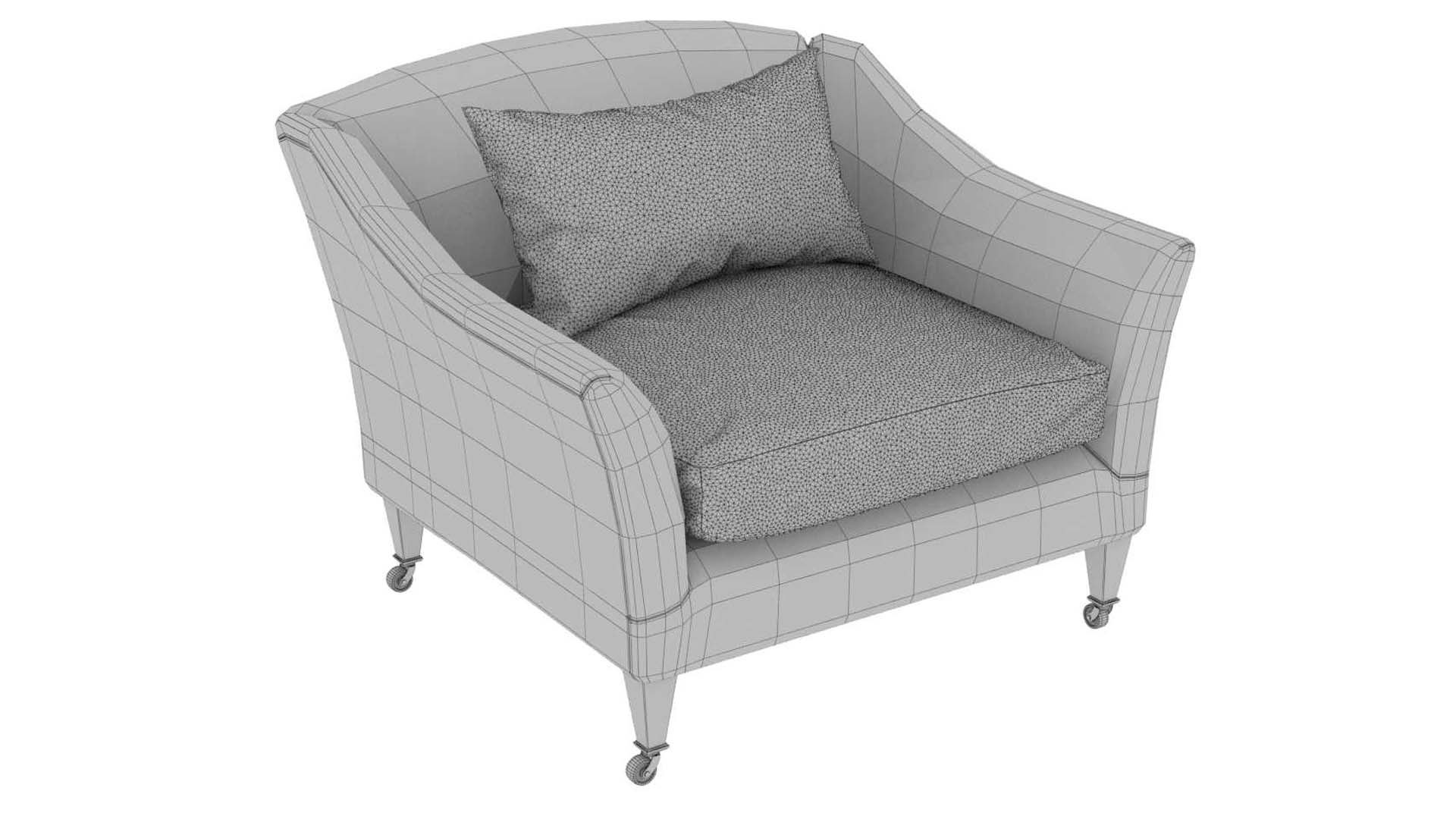
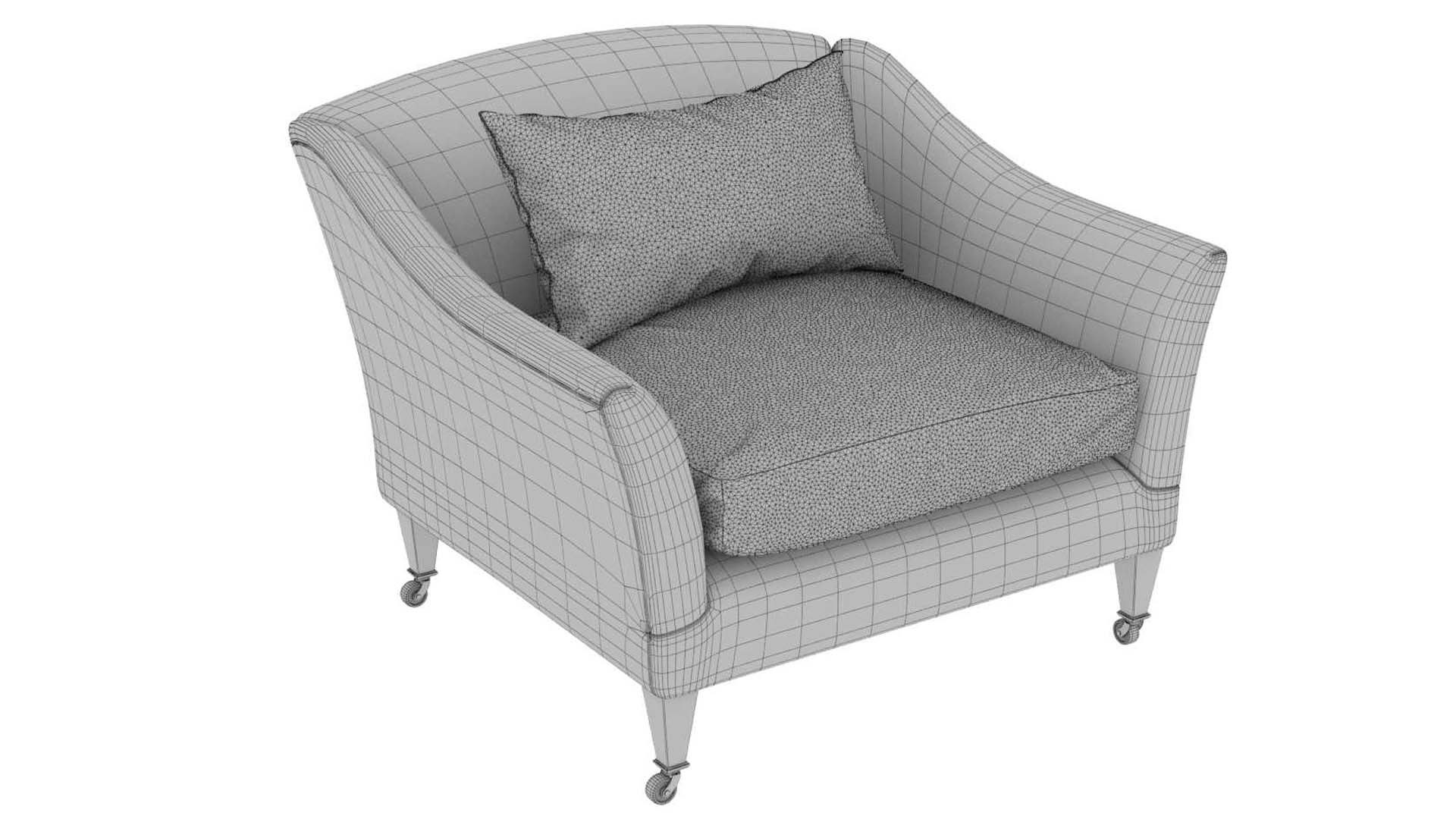
Polygons 79,642
Vertices 45,313
Polygonal Ngons Used
Textures
Materials
UV Mapped
Mixed Unwrapped UVs

member avatar
tkozodaev
3363 Products | Contributor Since 2011
Have questions? Chat with us now.

Description

This is high poly chair 3d model
Rendered in corona render
Stack not collapsed.
3ds, fbx, obj files exported without mesh smooth modifier.
No hidden objects
All objects grouped
All objects have materials
No missing textures and texture paths cleared
All objects have 1:1 scale
File have only model, no lights or cameras
Unit scale cm 1:1
Model optimized for rendering in 3ds max and corona, in other programs and renders may adjust materials

The Drawing Room armchair has a simple refined outline, with a fully traditionally upholstered back and swept-out arms. Standing on tapering square section legs, with brass castors to front and back, and a single down and feather seat cushion.
The armchair is extremely comfortable and conceived on a particularly grand scale to accommodate the depth of seat, whilst retaining its elegant proportions.
Shown here upholstered in Cotton Velvet Moss (4195)
Lead time 10 - 12 weeks
Fabric Quantity: 8.5m (not included)
green velvet upholstery, blue flowers pillow, back cushion,
DIMENSIONS
H 80cm x W 105cm x D 105cm
H 31¾" x W 41½" x D 41½"

79642 polys

Select Enhanced License

  • $10,000 in Legal Protection (Indemnification)
  • Uncapped Legal Protection (Indemnification)
  • Waiver from injunctive relief
  • Assignable model rights
  • $1,000,000 in Legal Protection (Indemnification)
  • Waiver from injunctive relief
  • Assignable model rights
  • $250,000 in Legal Protection (Indemnification)
  • Assignable model rights
Read more about enhanced license tiers, or contact us at enterprise@turbosquid.com. Already a Shutterstock Enterprise Customer? Contact your Shutterstock Sales Support Agent to talk about adding 3D.

About Conversion Requests

To submit a conversion request for a purchased asset, please complete our Conversion Request Form.

If you have not yet purchased a model, please review our Documentation about Conversions to learn about what limitations you may encounter with a conversion.

For any additional questions about a model’s suitability for conversion, please contact TurboSquid Support.

Loading...