


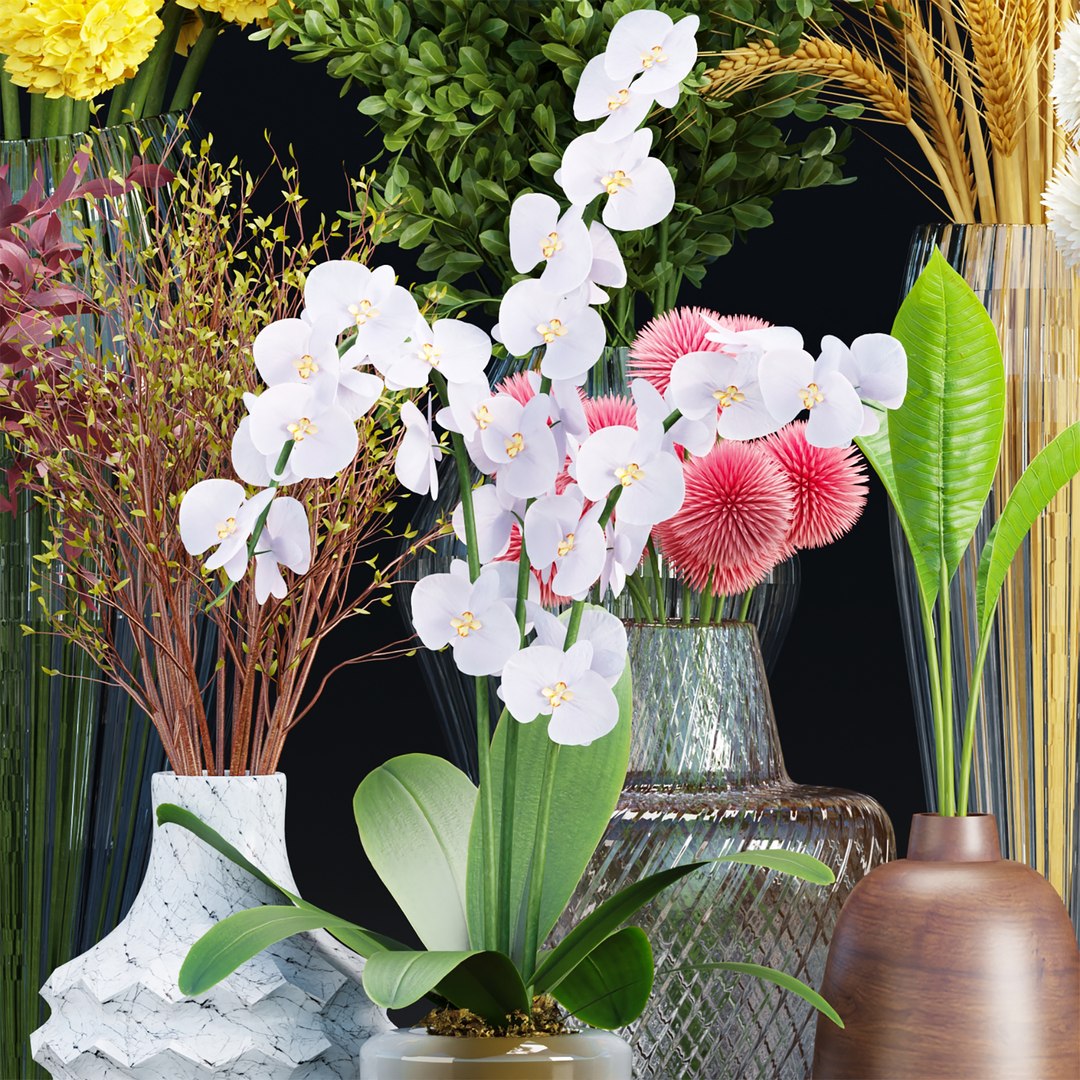

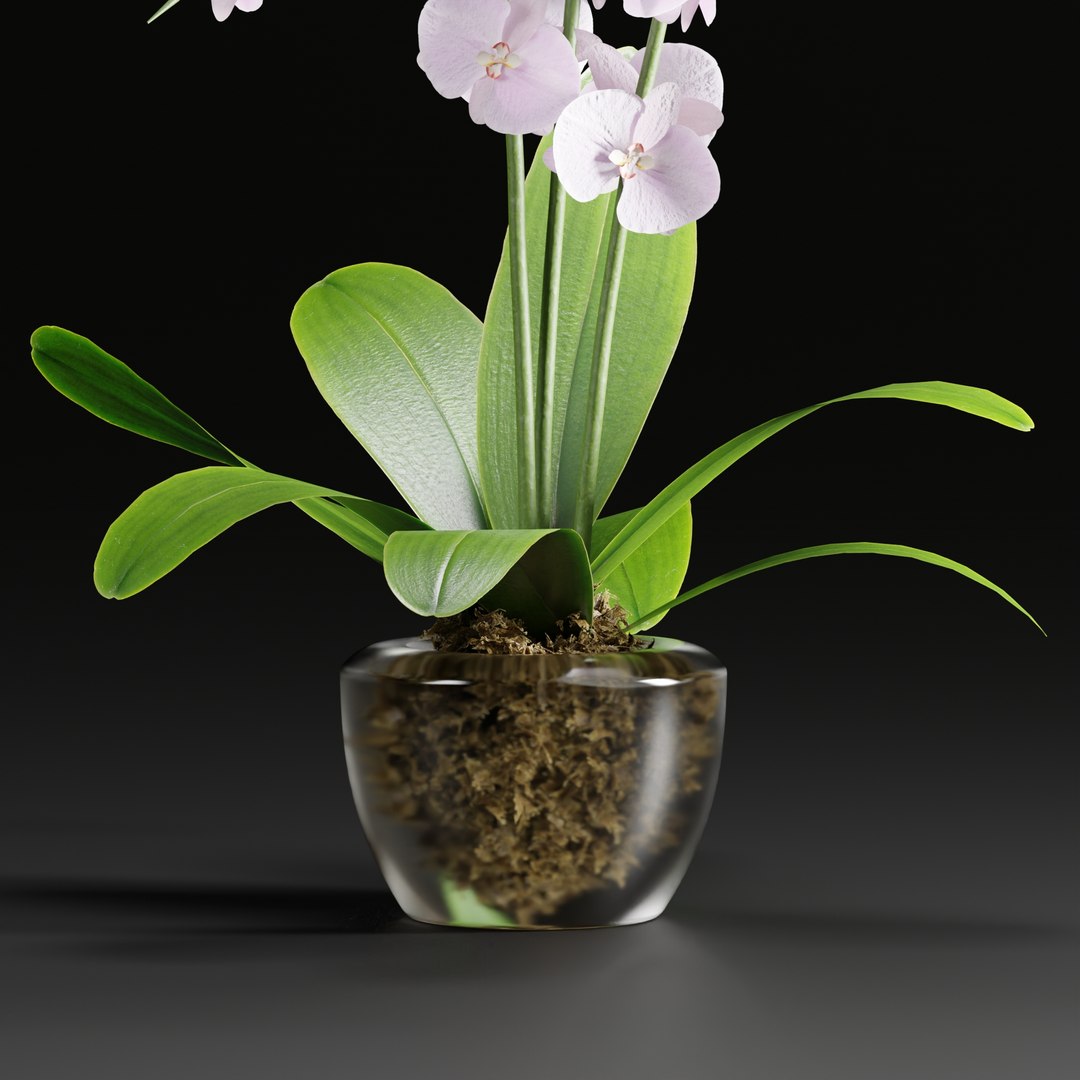

decorative plants collection vol 34-3dsmax-Blender

$40

Standard License | Upgrade License
Formats (35)
3ds Max 2012 | Corona 5
Cinema 4D s24 | V-Ray
3ds Max 2012 | V-Ray 3.1
Blender 3.3 | Cycles Render
OBJ
FBX
FBX 2012
OBJ 2012
STL 2012
Specifications
Publish Date August 15, 2024
Product ID 2268278
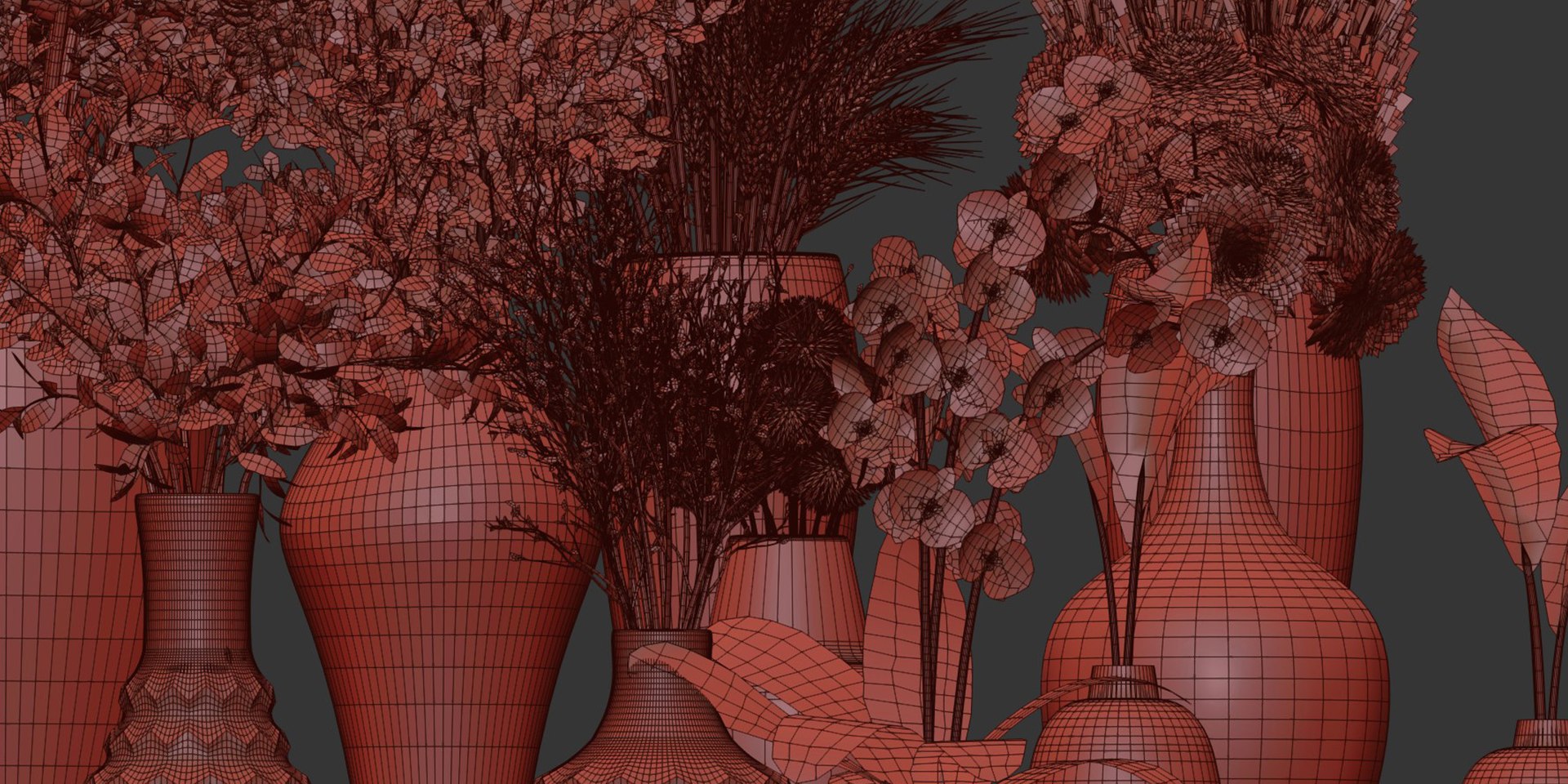
Polygons 683,450
Vertices 752,462
Polygonal Quads/Tris Geometry
Textures
Materials
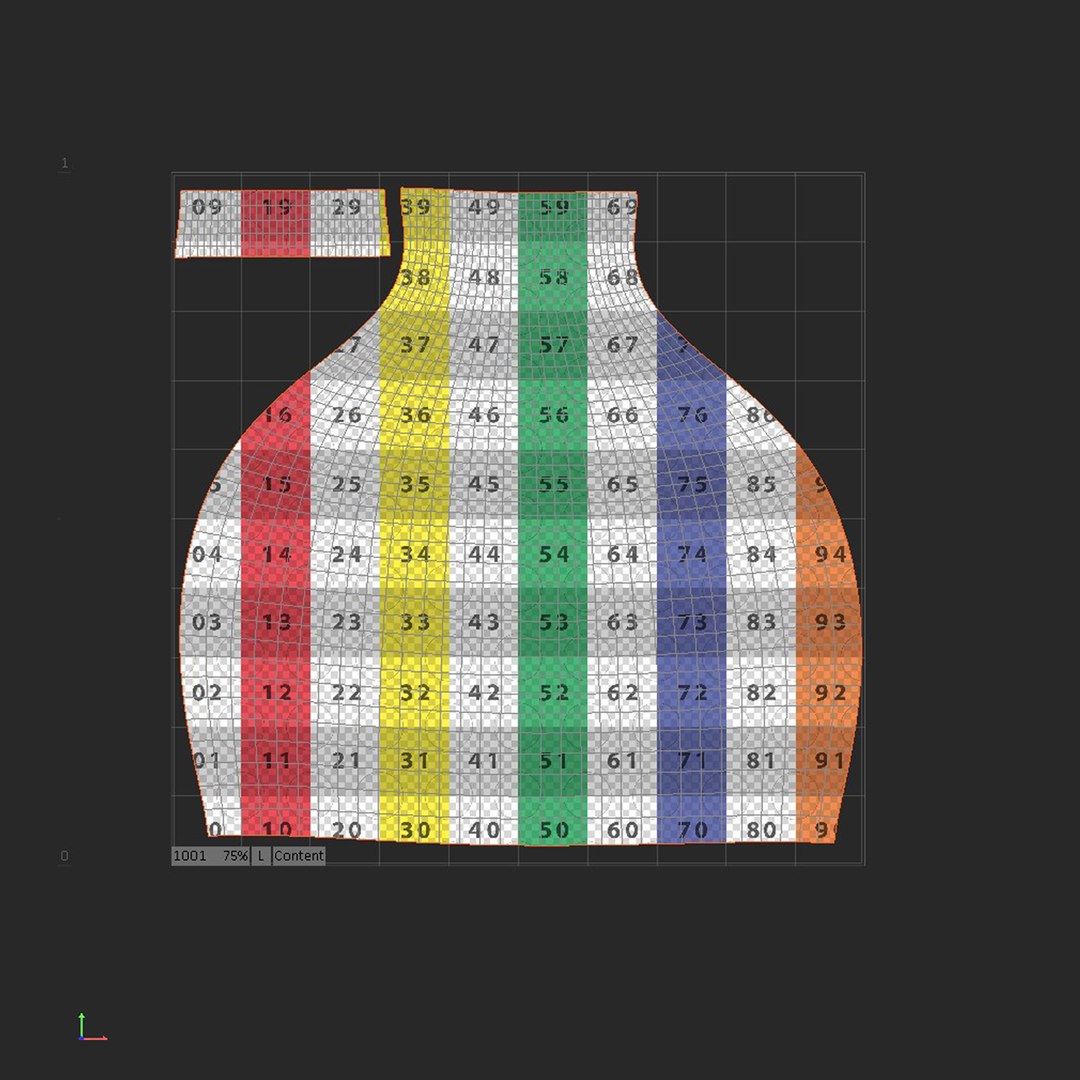
UV Mapped
Non-overlapping Unwrapped UVs
PBR

member avatar
3DGreenBox
670 Products | Contributor Since 2022
Have questions? Chat with us now.

Description

Collection Product: Bouquet in vase vol 249-3dmodel, Orchid flowers vol 173-Blender-3dmax, Bouquet in vase vol 249-Blender, Decorative Plants vol 197-Blender, Indoor plants collection vol 132-Blender-3dmodel, bouquet collection vol 81-Blender-3dmodel, Decorative Plants vol 197, Wooden Vase with plants vol 134 -3dmodel, bouquet collection vol 81-3dmodel

decorative plants collection vol 34-3dsmax-Blender

Features:

  • decorative plants collection vol 34: This model captures the intricate details and natural beauty, bringing life to your scenes.
  • Optimized for 3dsmax (V-Ray and Corona) and for Blender (Cycles): The model's materials
    and textures are specifically tailored for these industry-leading render
    engines, ensuring stunning visuals.
  • PBR Materials: Physically-based rendering materials provide realistic surface interactions and lighting, enhancing the model's realism.
  • FBX & OBJ formats.

For 3Dsmax:

  • Autodesk 3ds Max Version: 2012
  • Render (Native) : Corona
  • Render (Native) : V-Ray

For Blender :

  • Render (Native): Cycles

Select Enhanced License

  • $10,000 in Legal Protection (Indemnification)
  • Uncapped Legal Protection (Indemnification)
  • Waiver from injunctive relief
  • Assignable model rights
  • $1,000,000 in Legal Protection (Indemnification)
  • Waiver from injunctive relief
  • Assignable model rights
  • $250,000 in Legal Protection (Indemnification)
  • Assignable model rights
Read more about enhanced license tiers, or contact us at enterprise@turbosquid.com. Already a Shutterstock Enterprise Customer? Contact your Shutterstock Sales Support Agent to talk about adding 3D.

About Conversion Requests

To submit a conversion request for a purchased asset, please complete our Conversion Request Form.

If you have not yet purchased a model, please review our Documentation about Conversions to learn about what limitations you may encounter with a conversion.

For any additional questions about a model’s suitability for conversion, please contact TurboSquid Support.

Loading...