
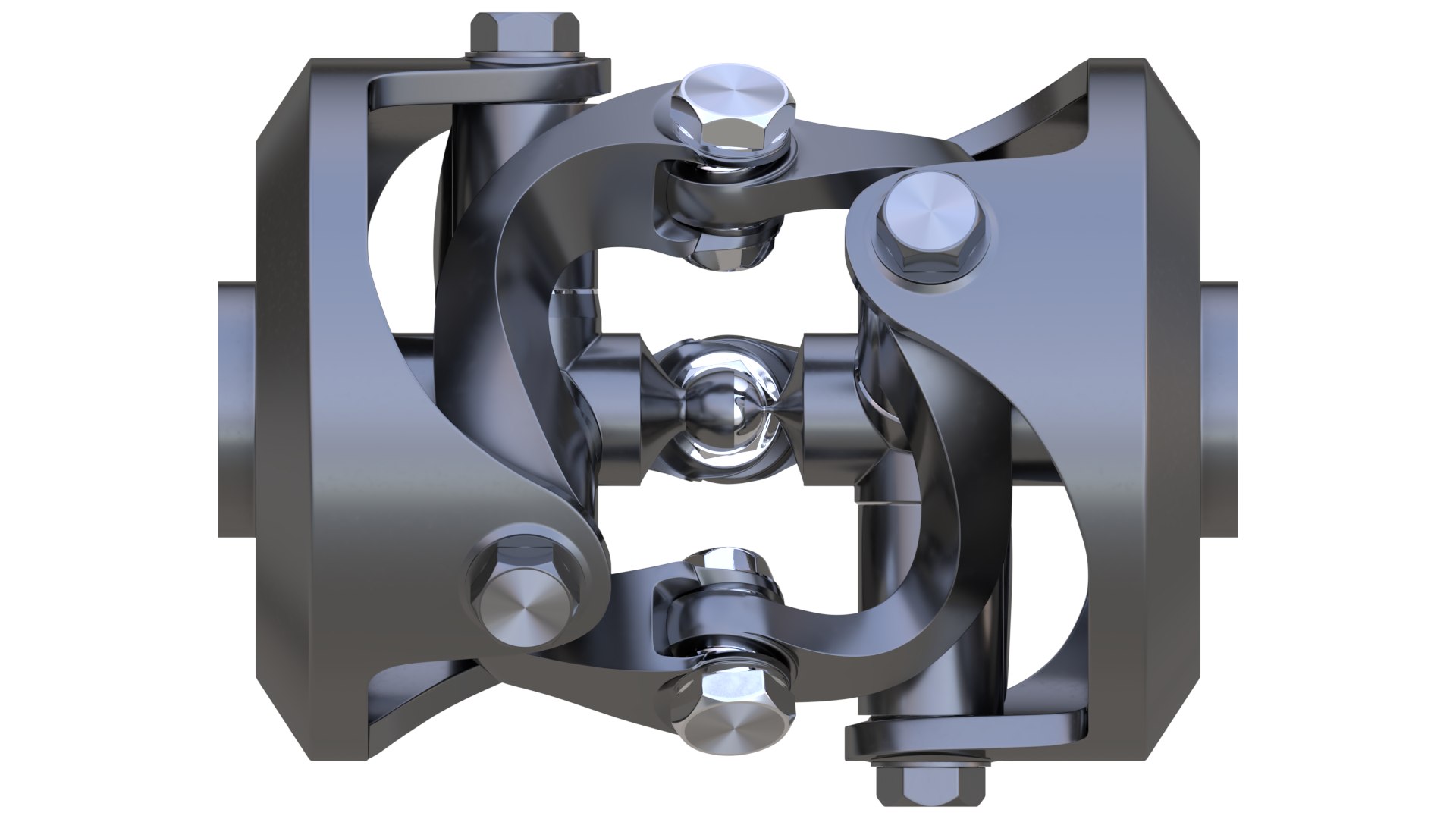
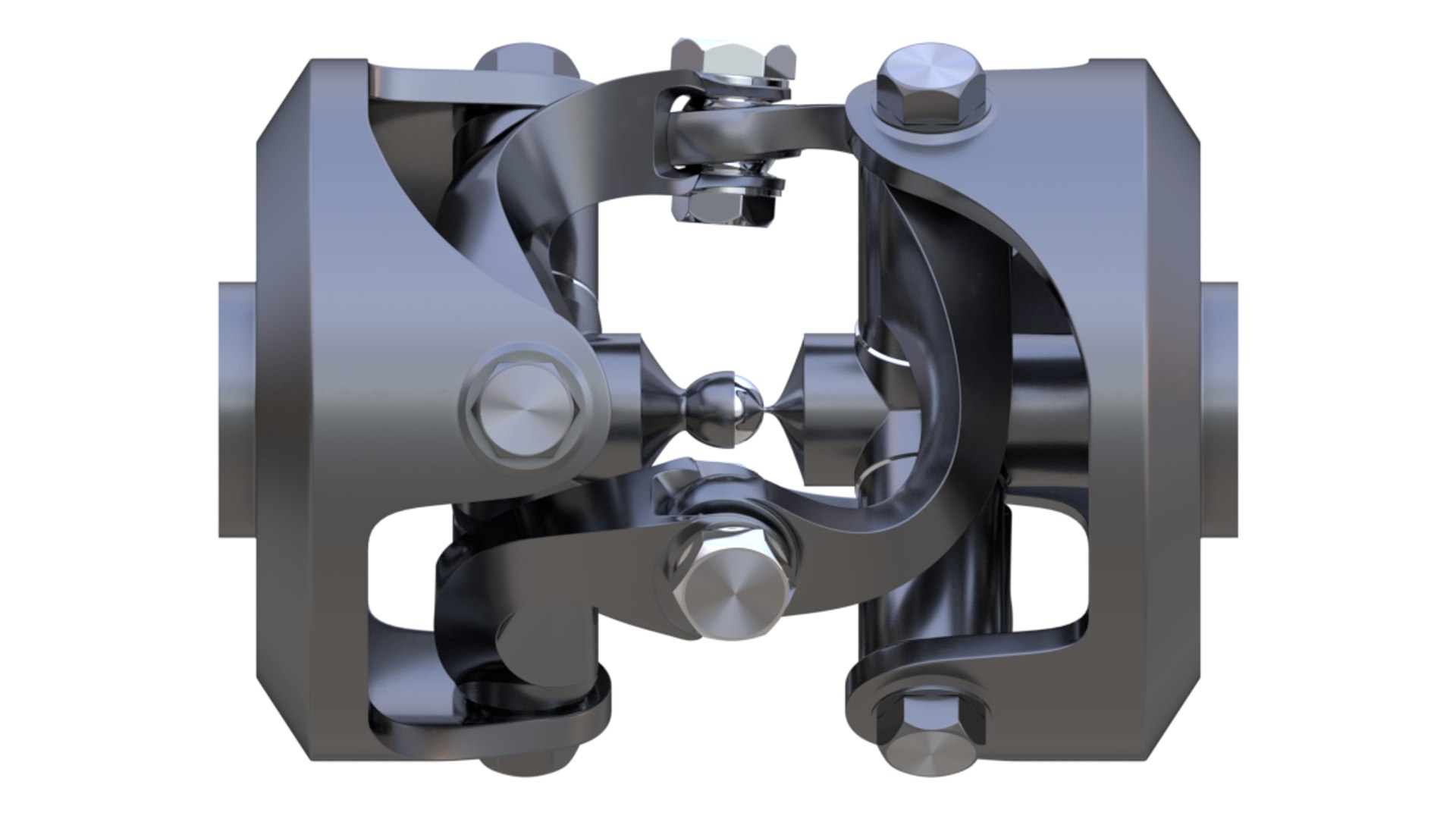
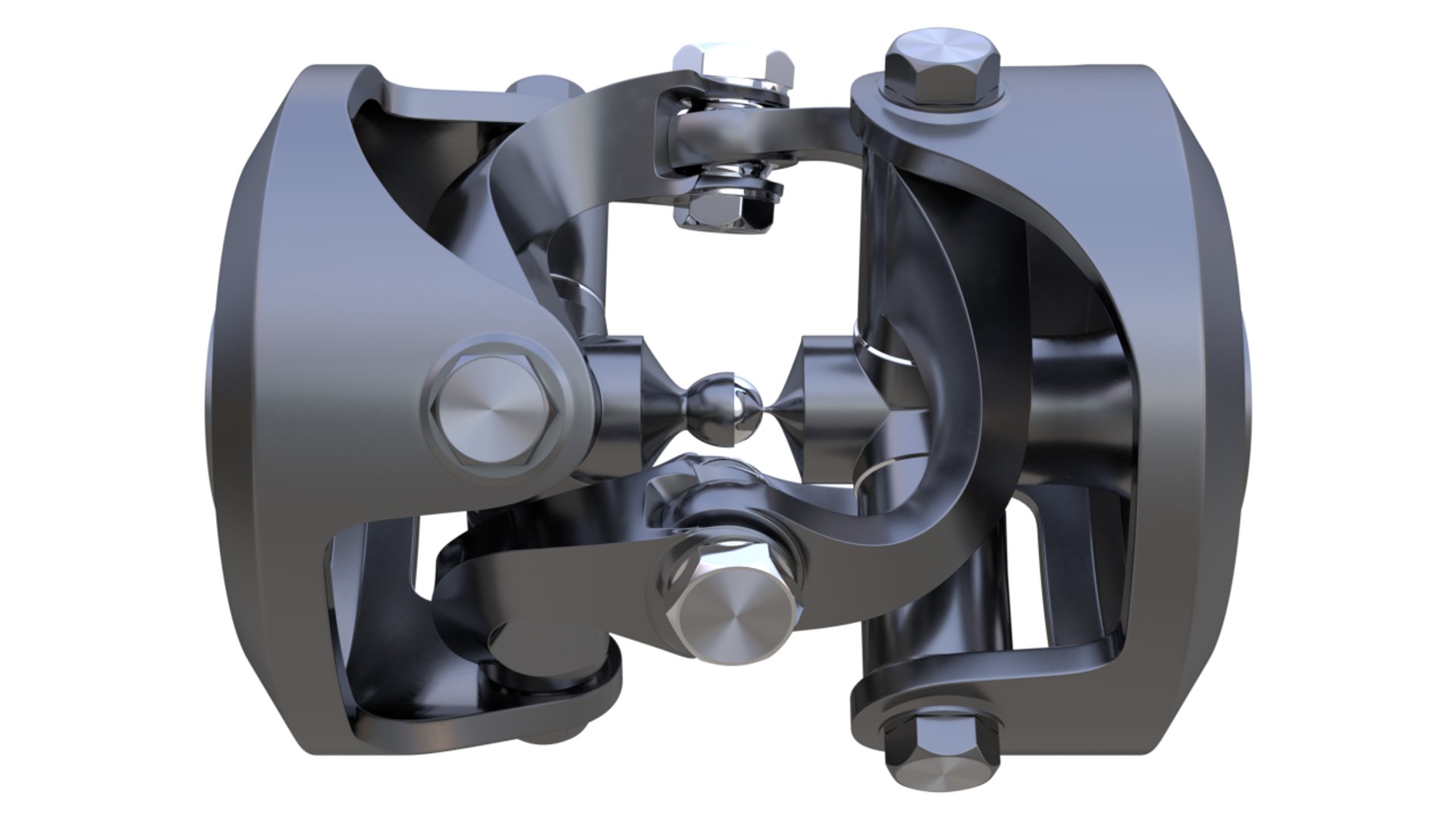
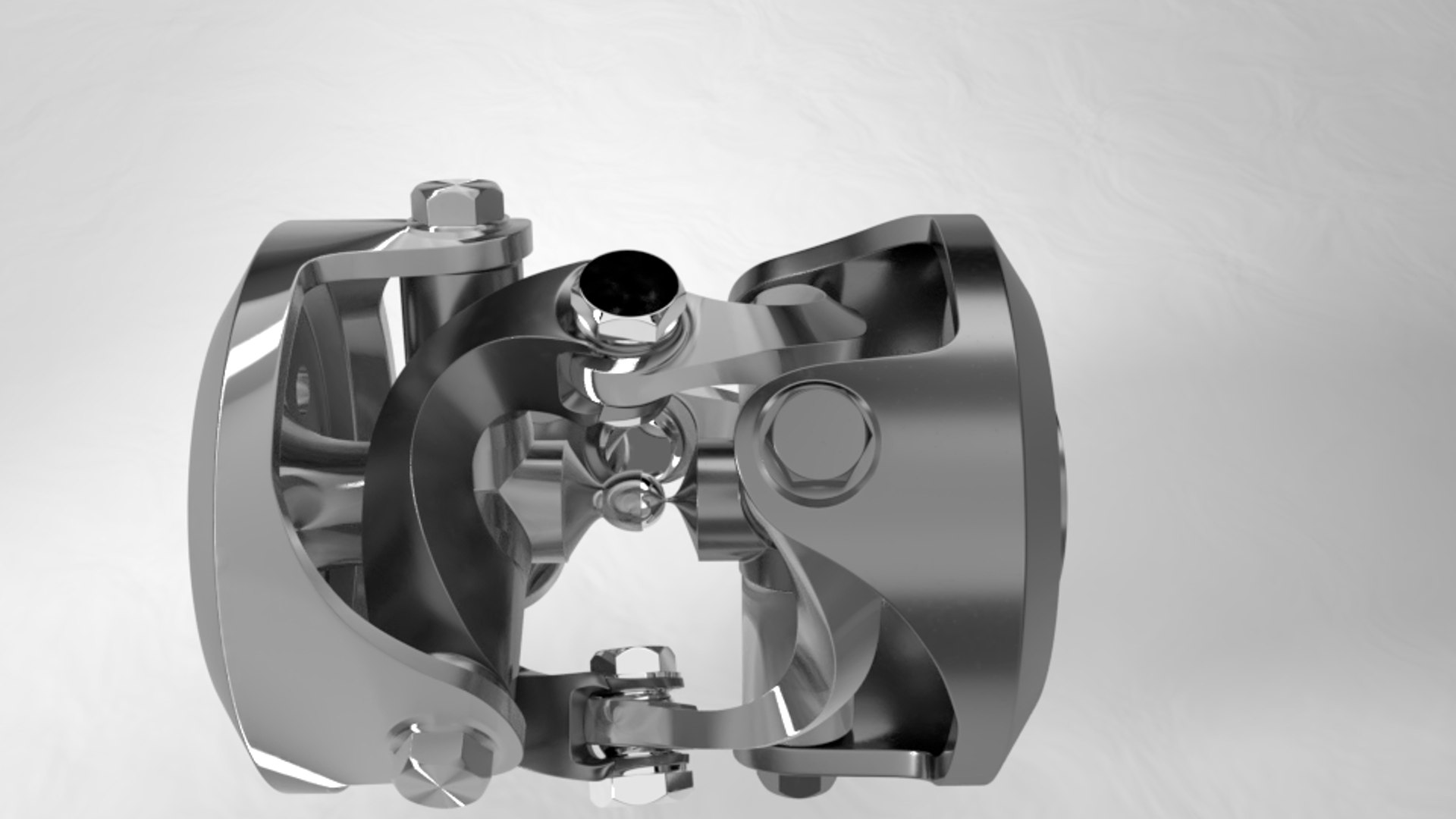
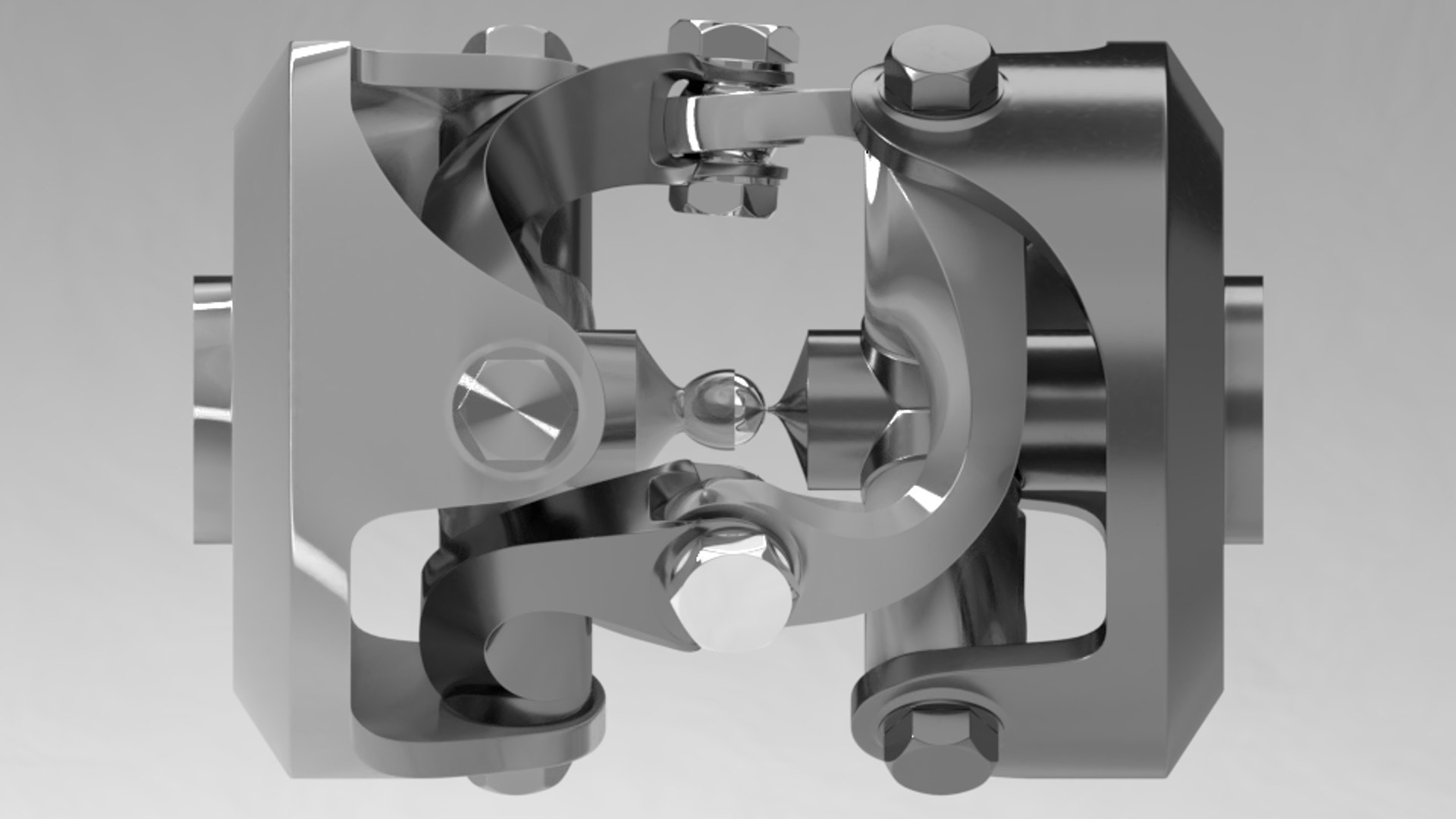
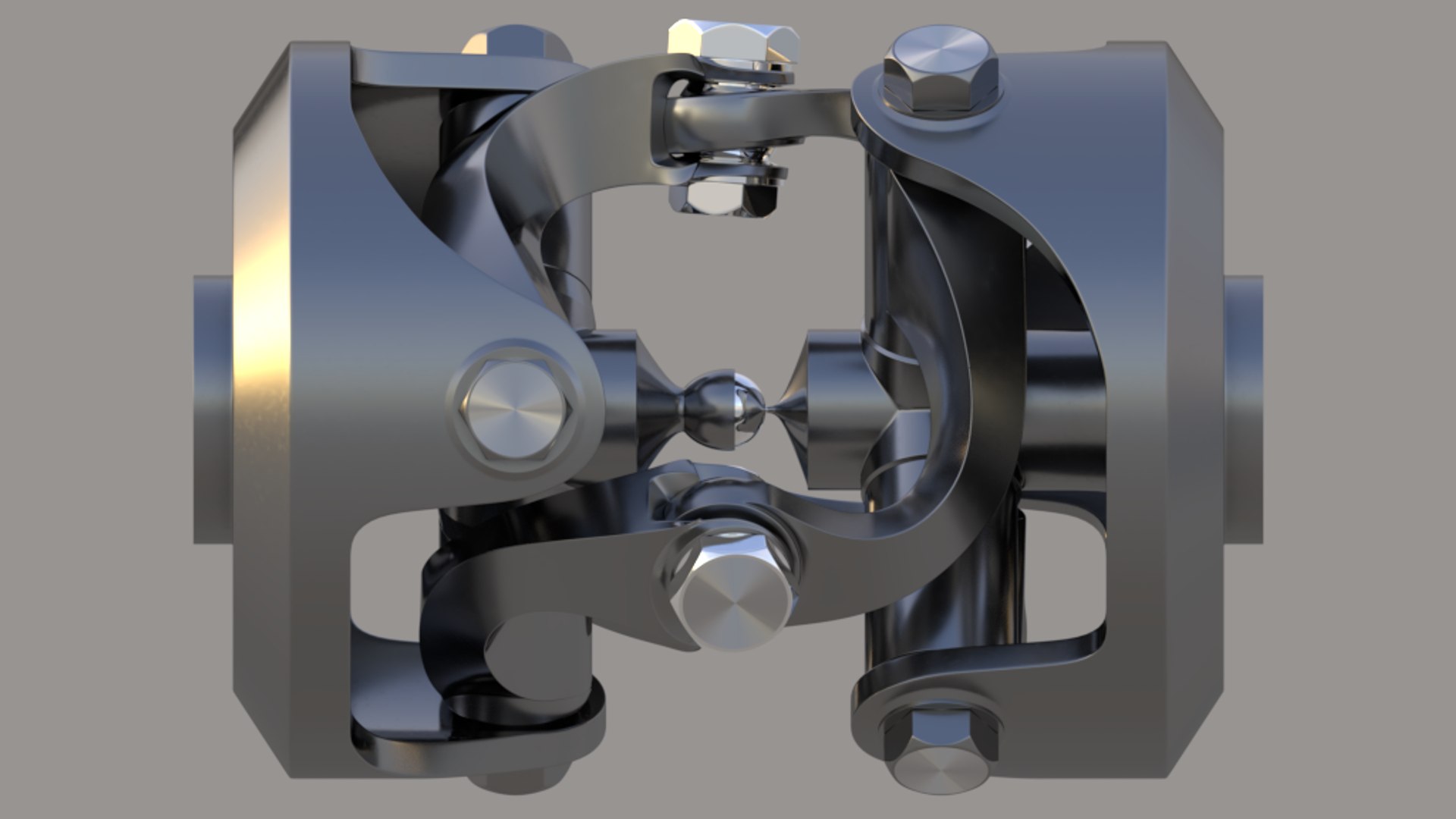
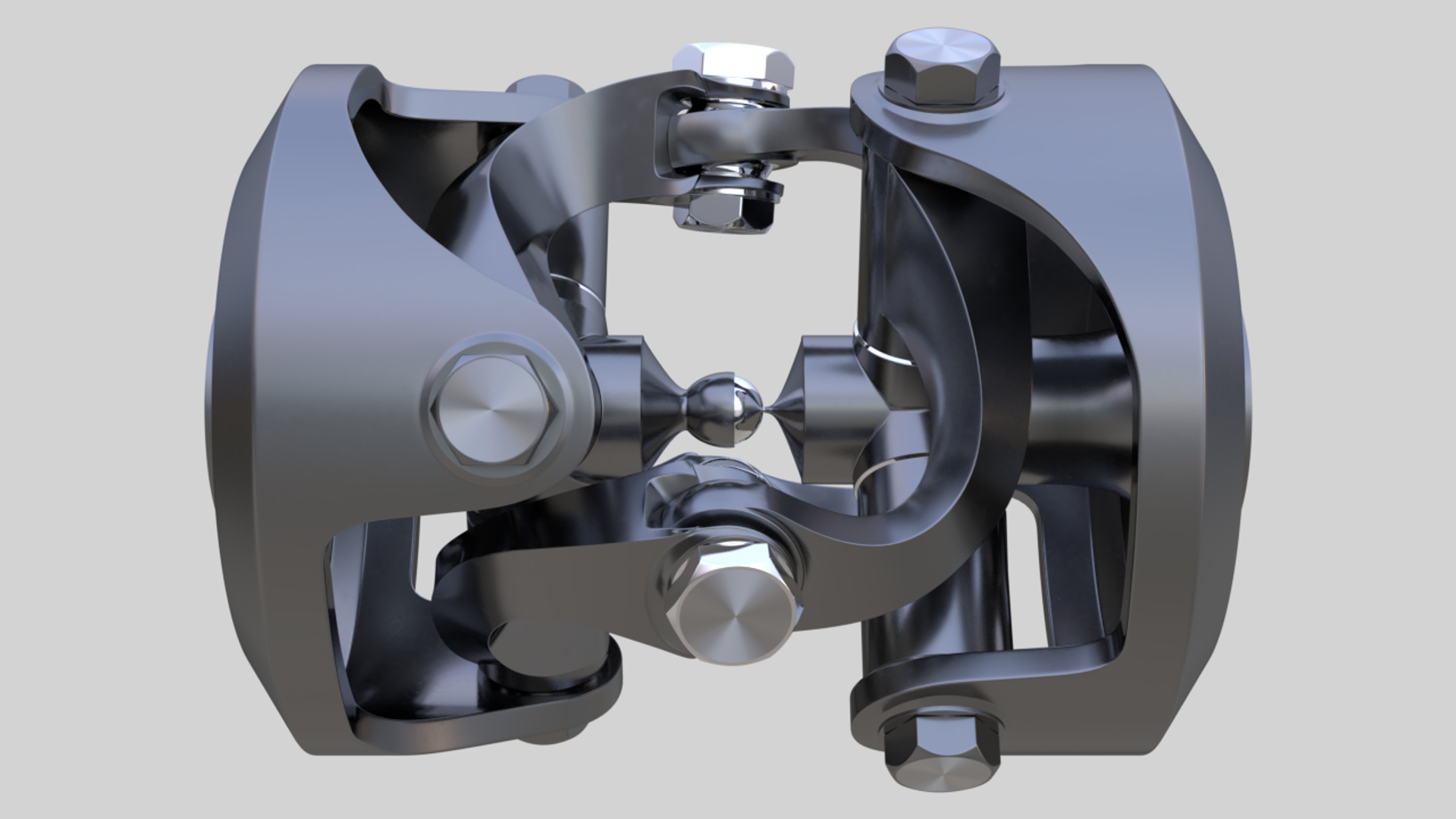
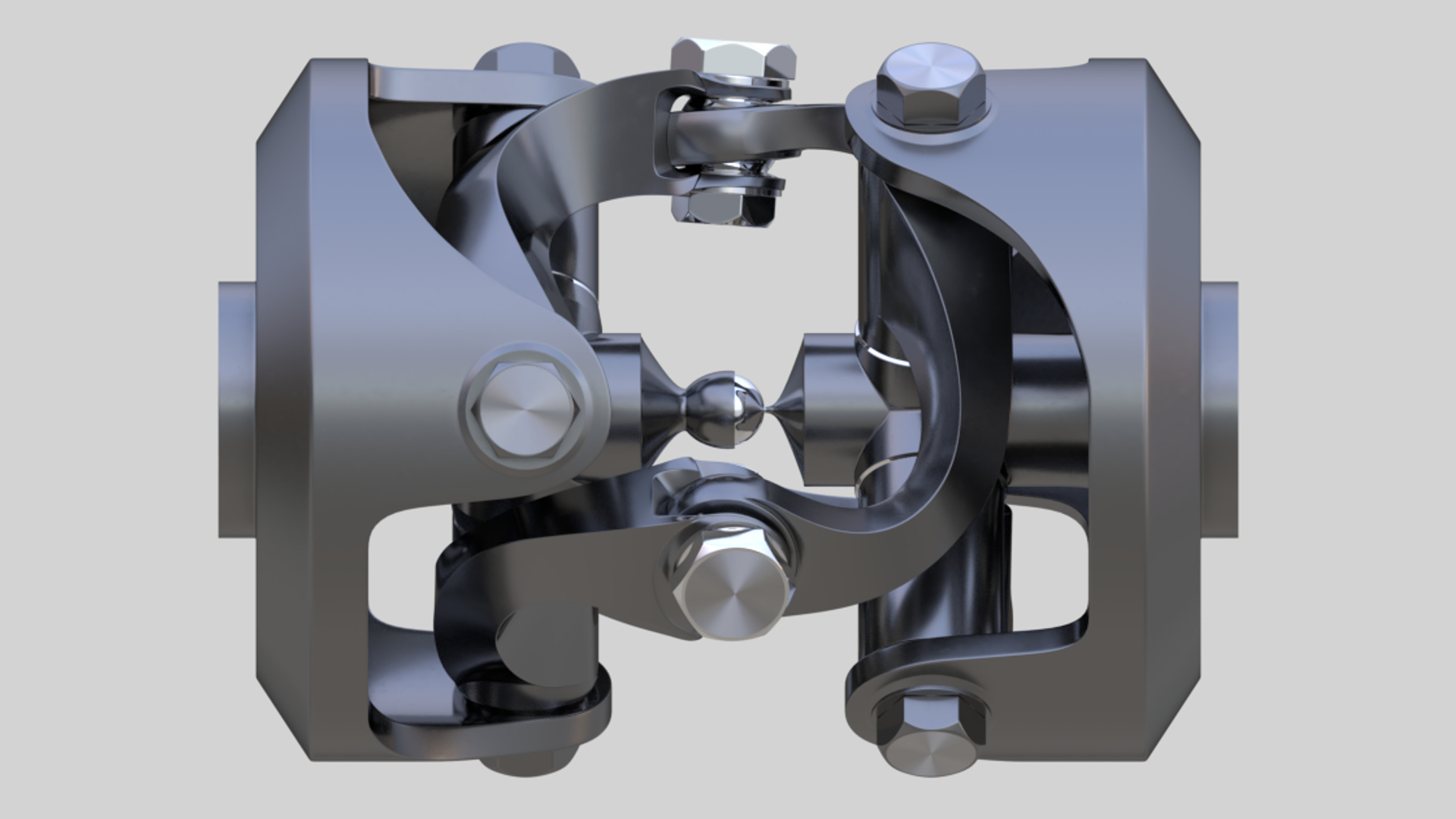
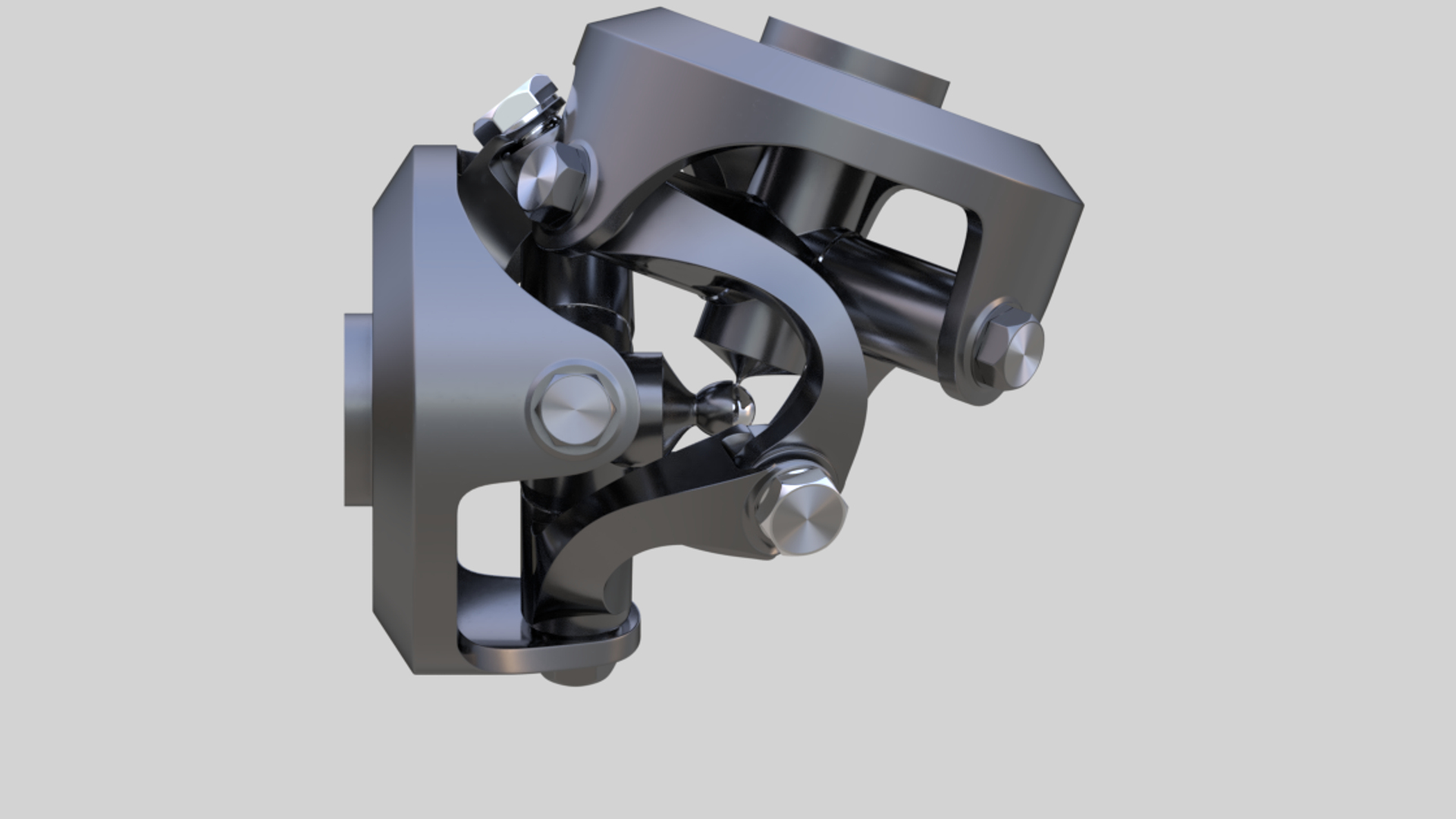
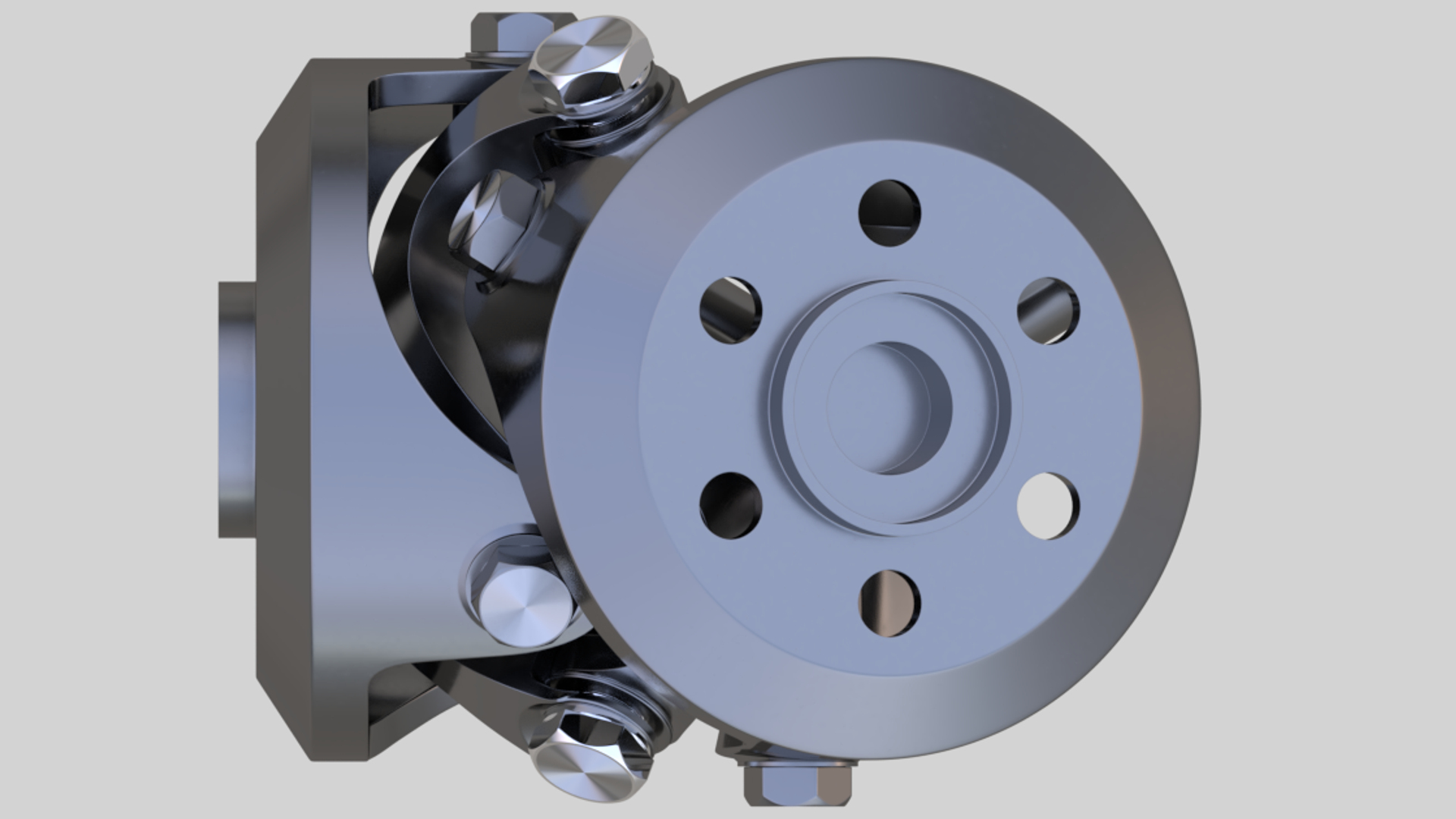
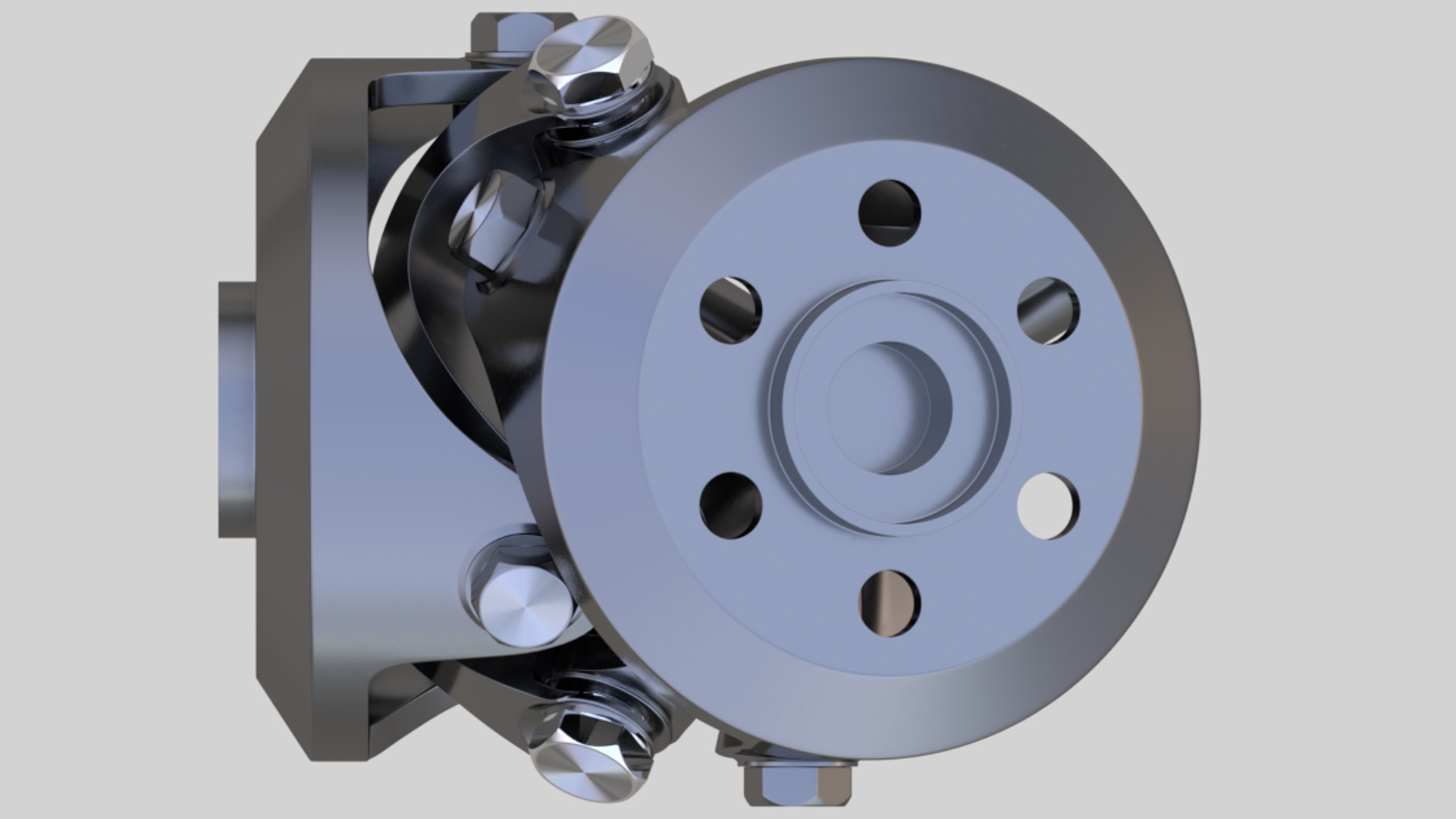
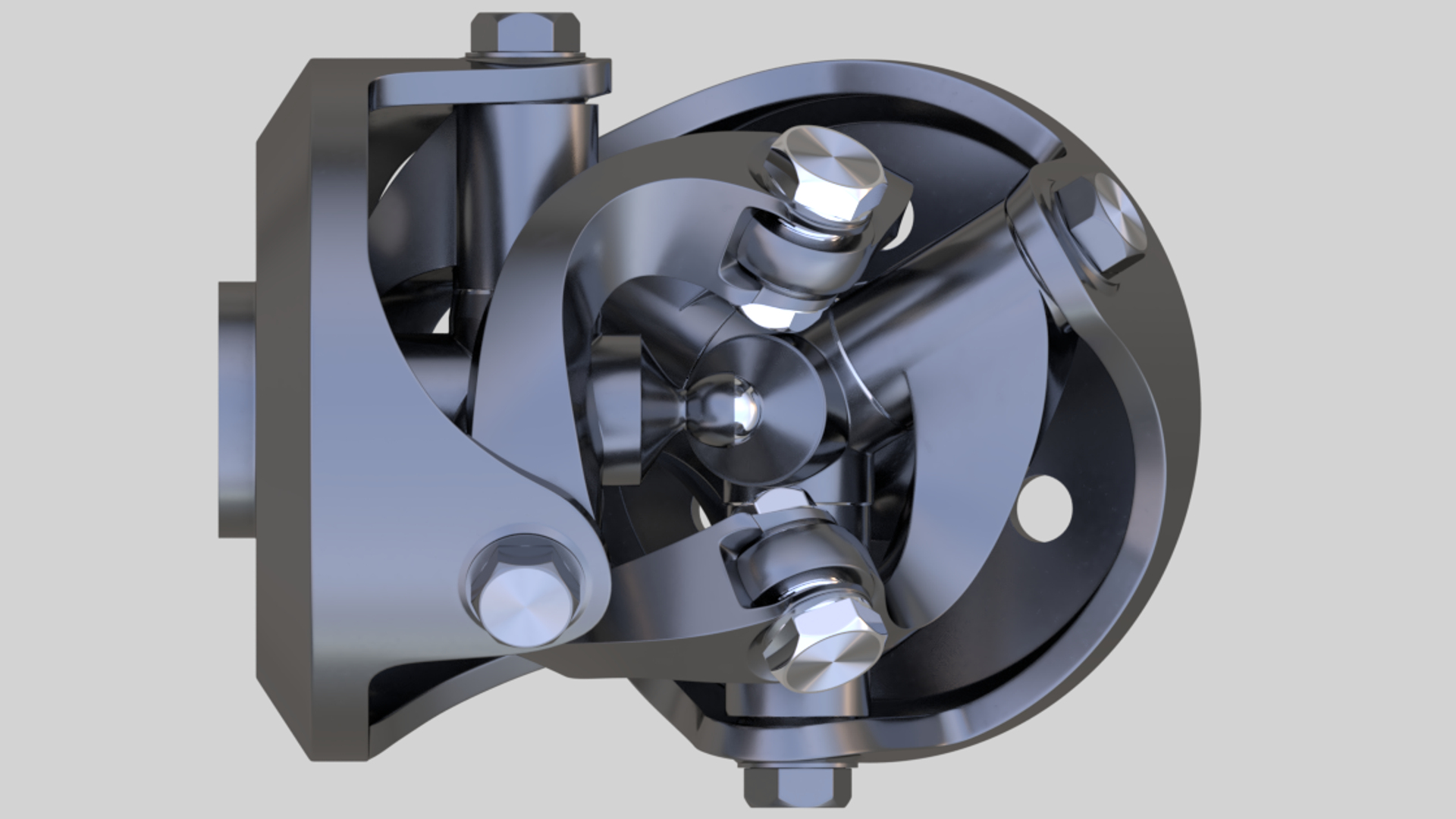
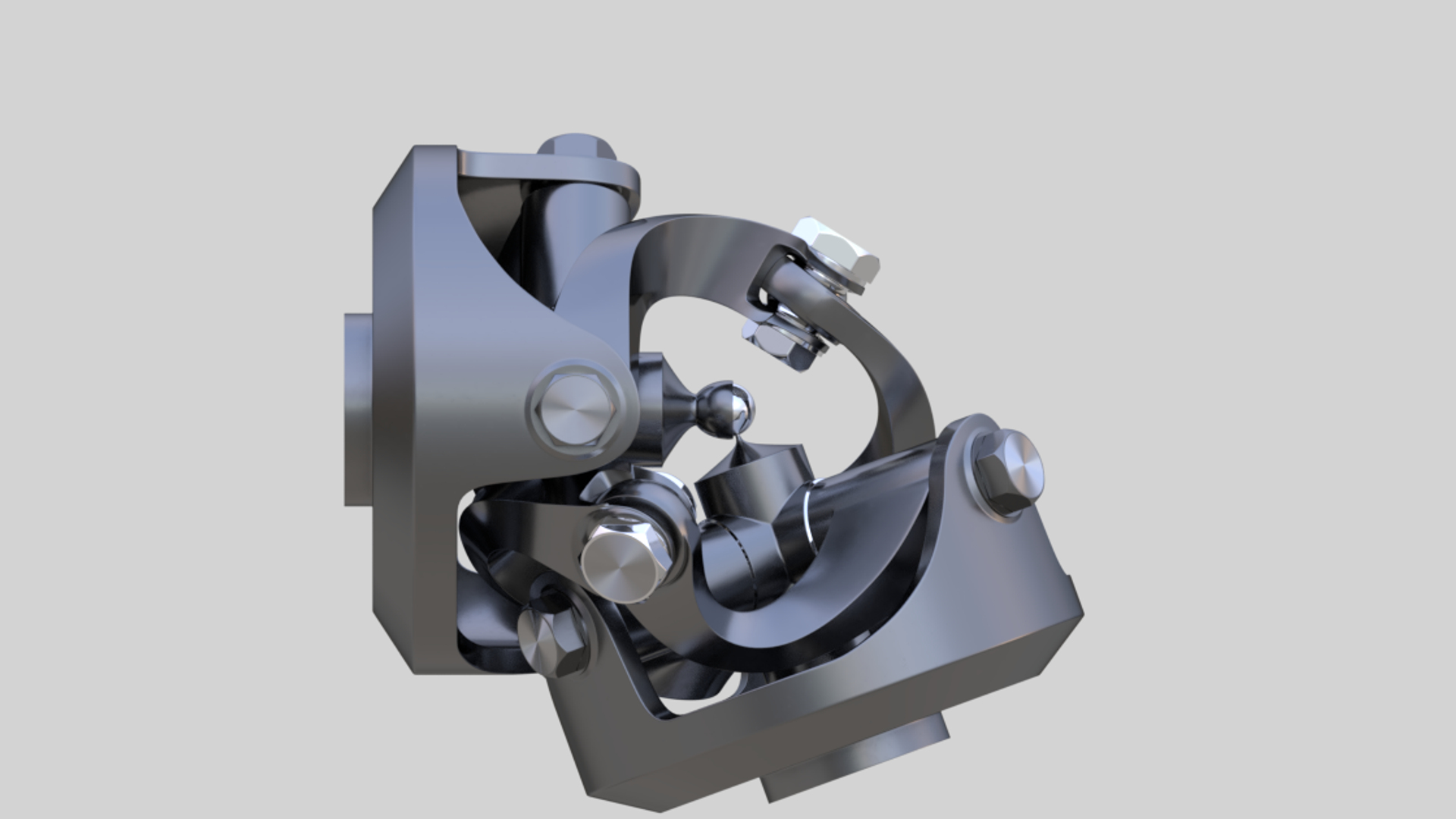
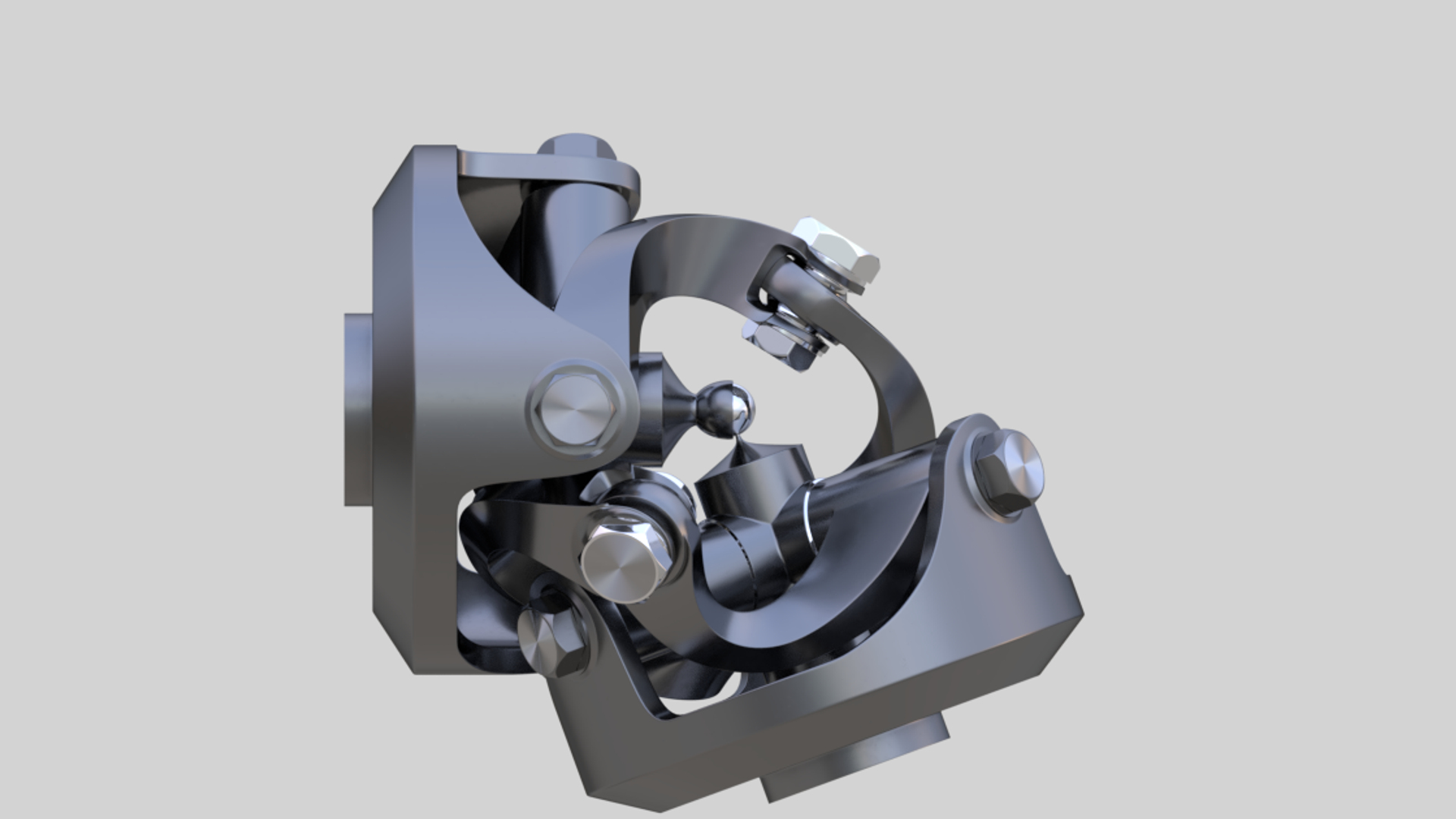
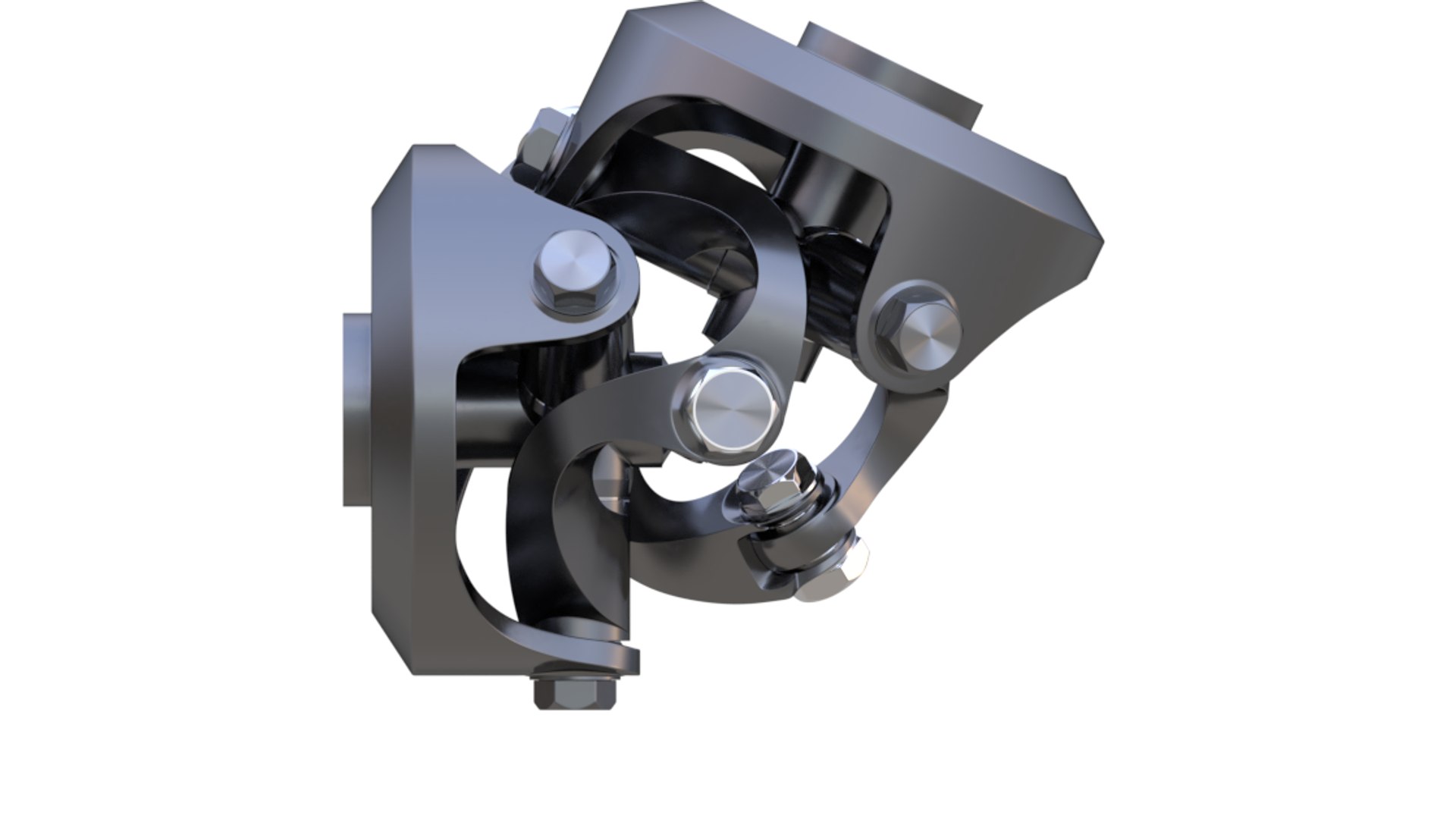
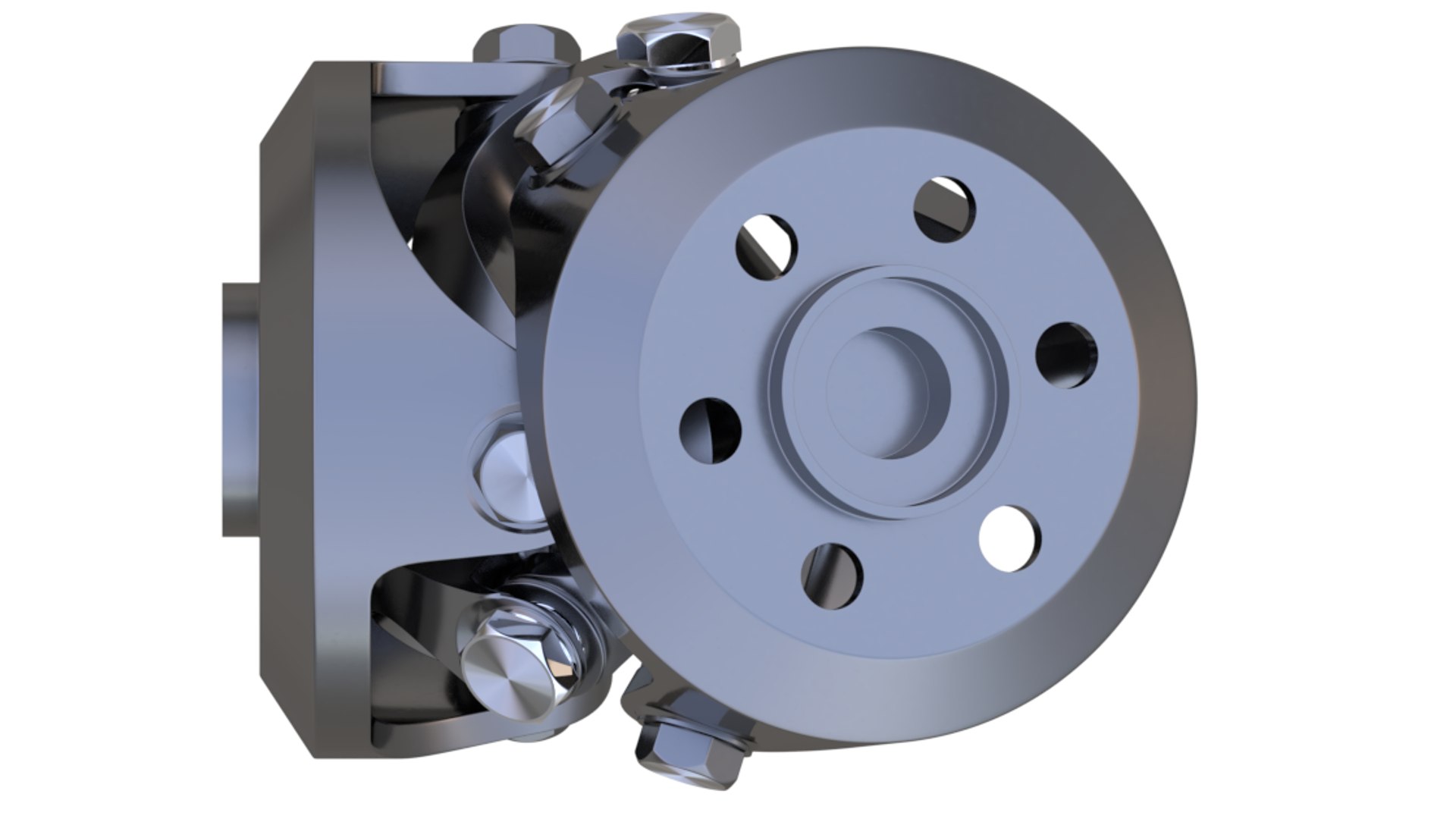
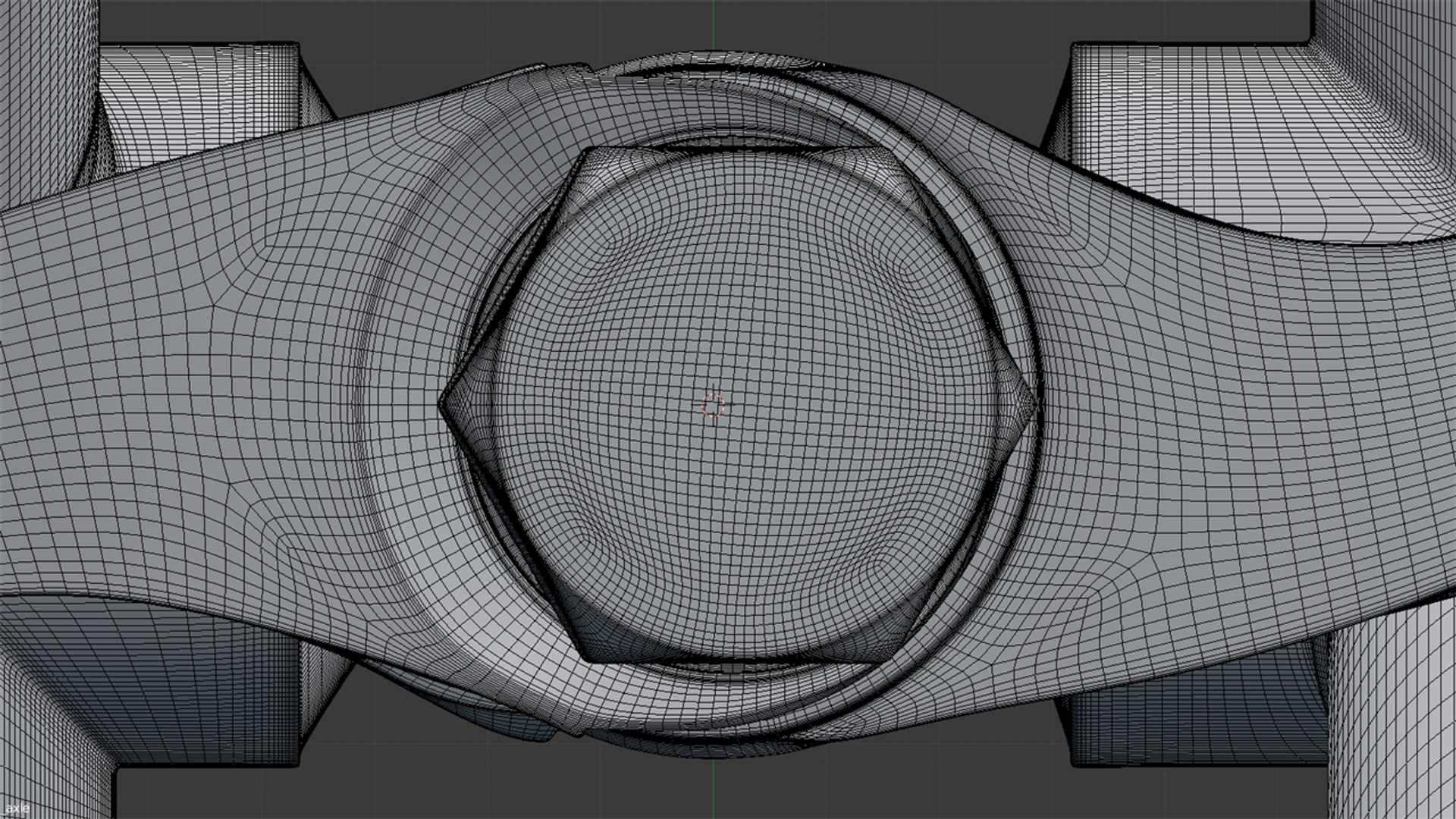
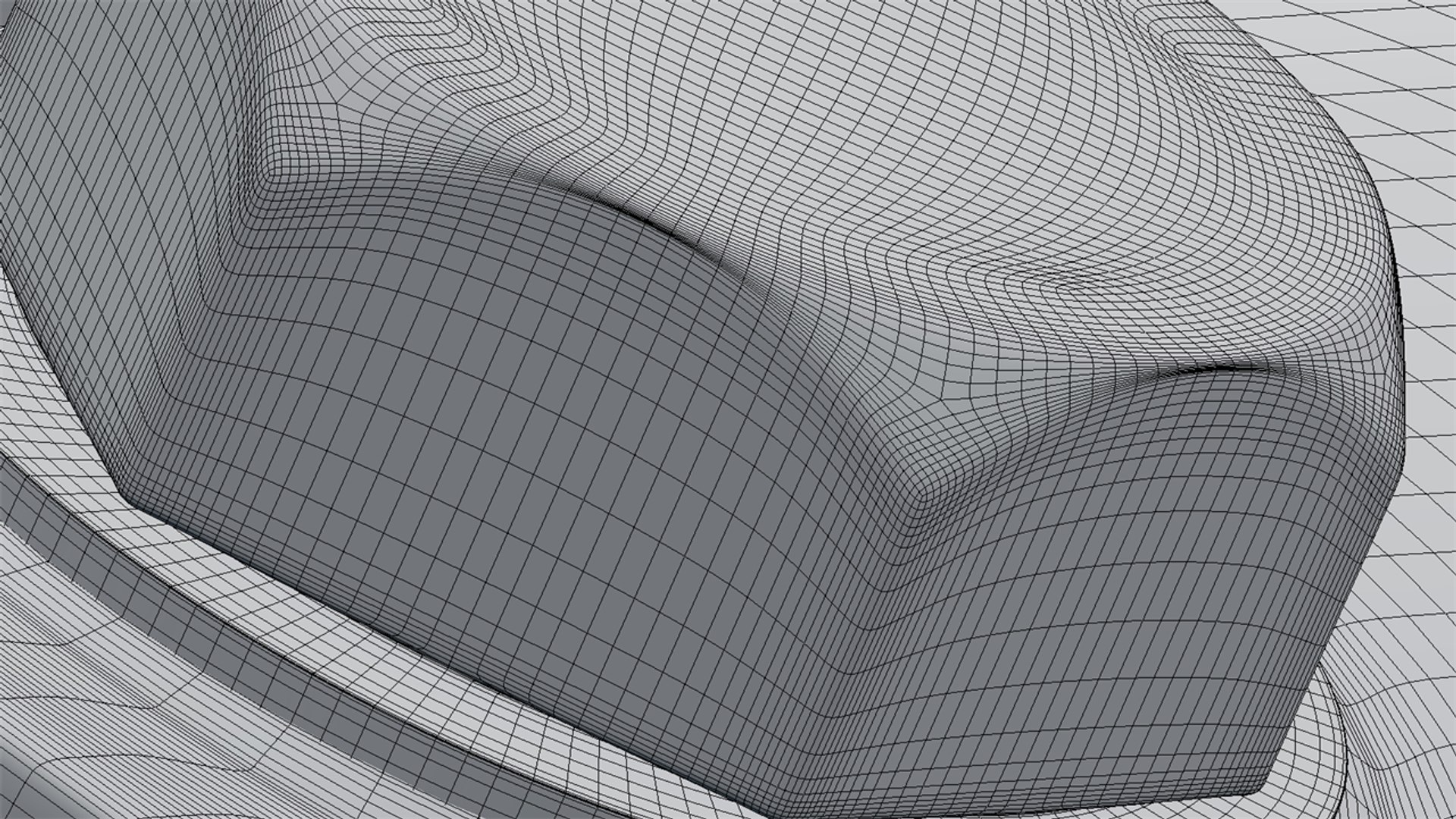
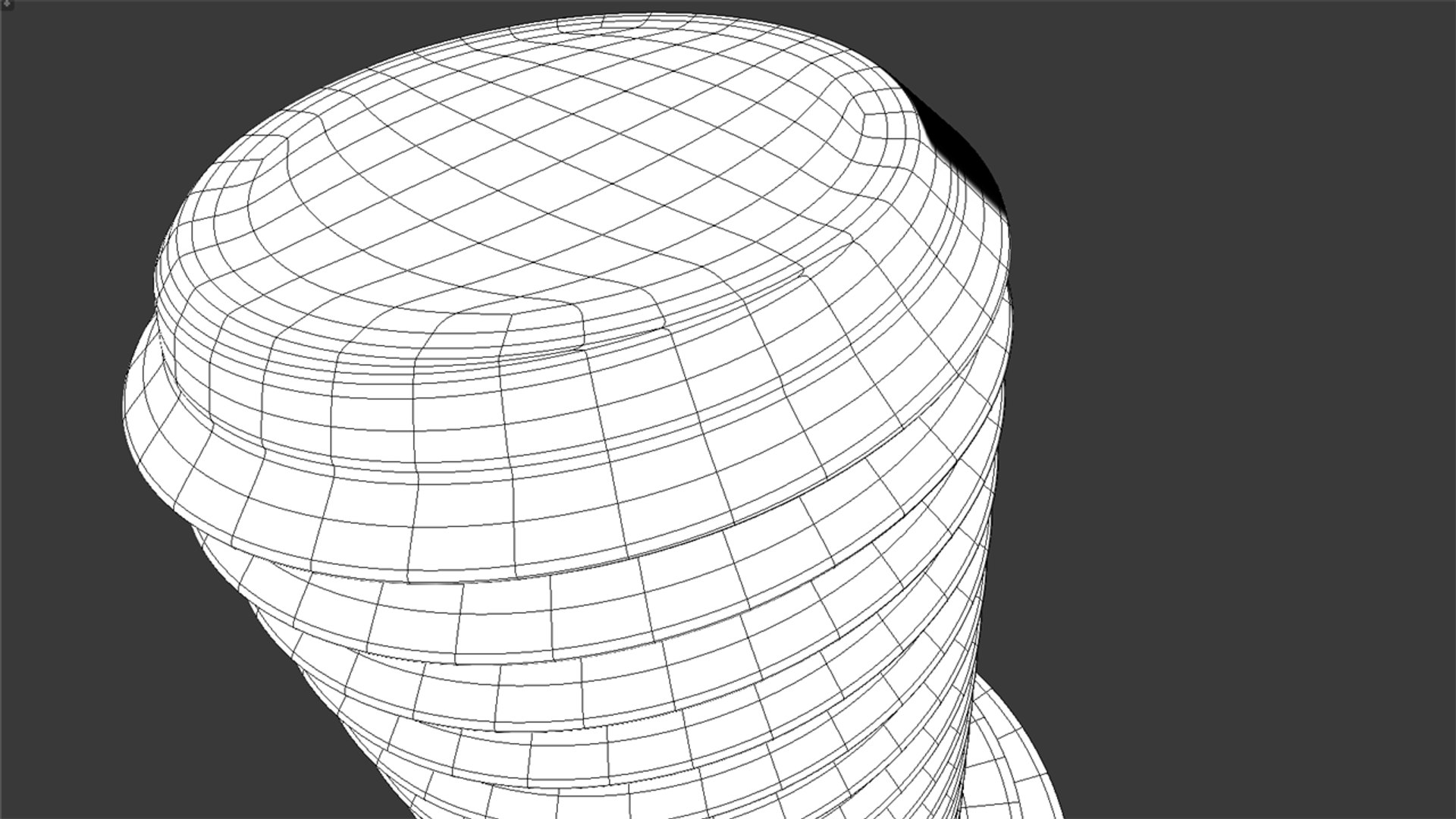
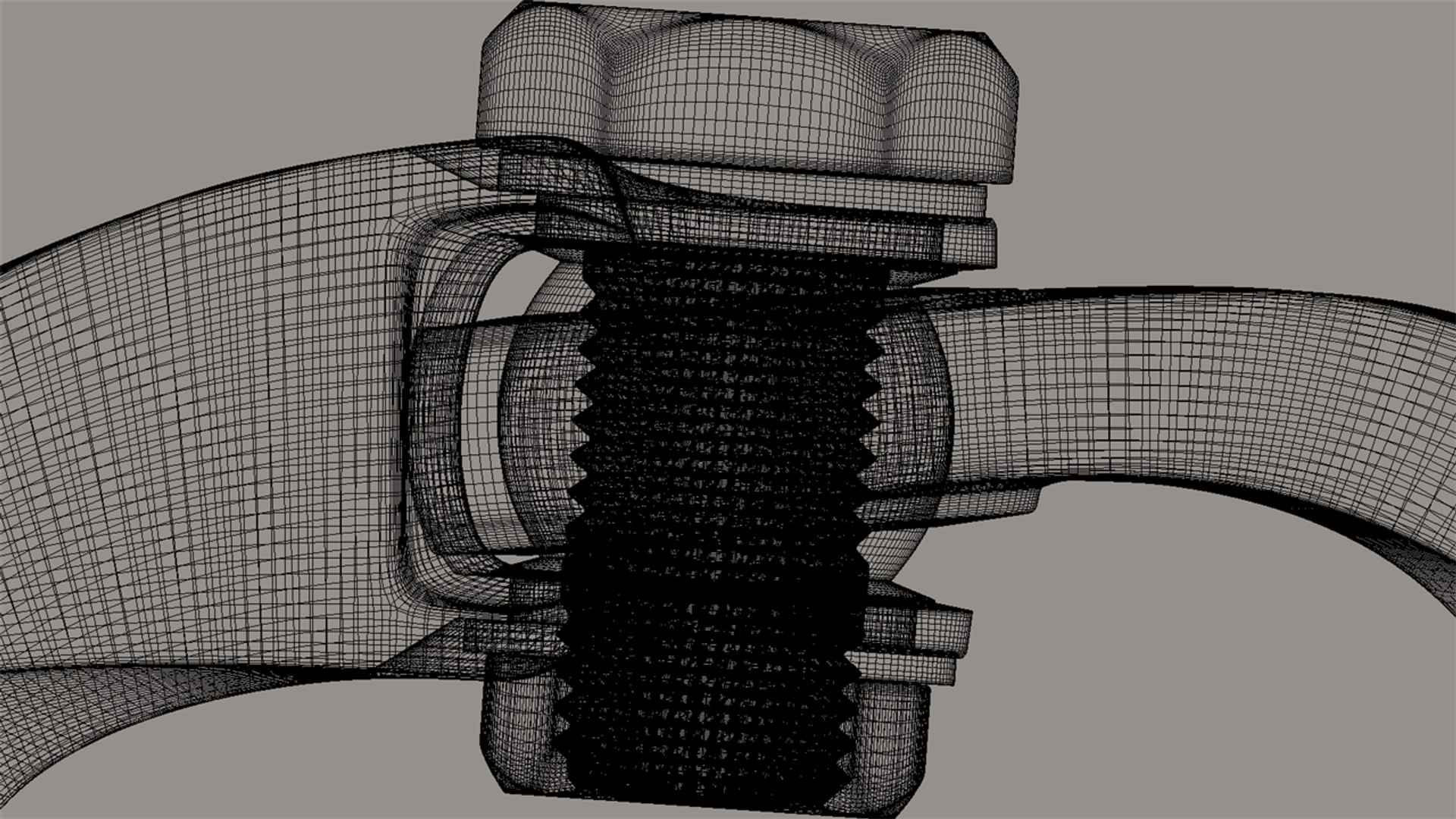
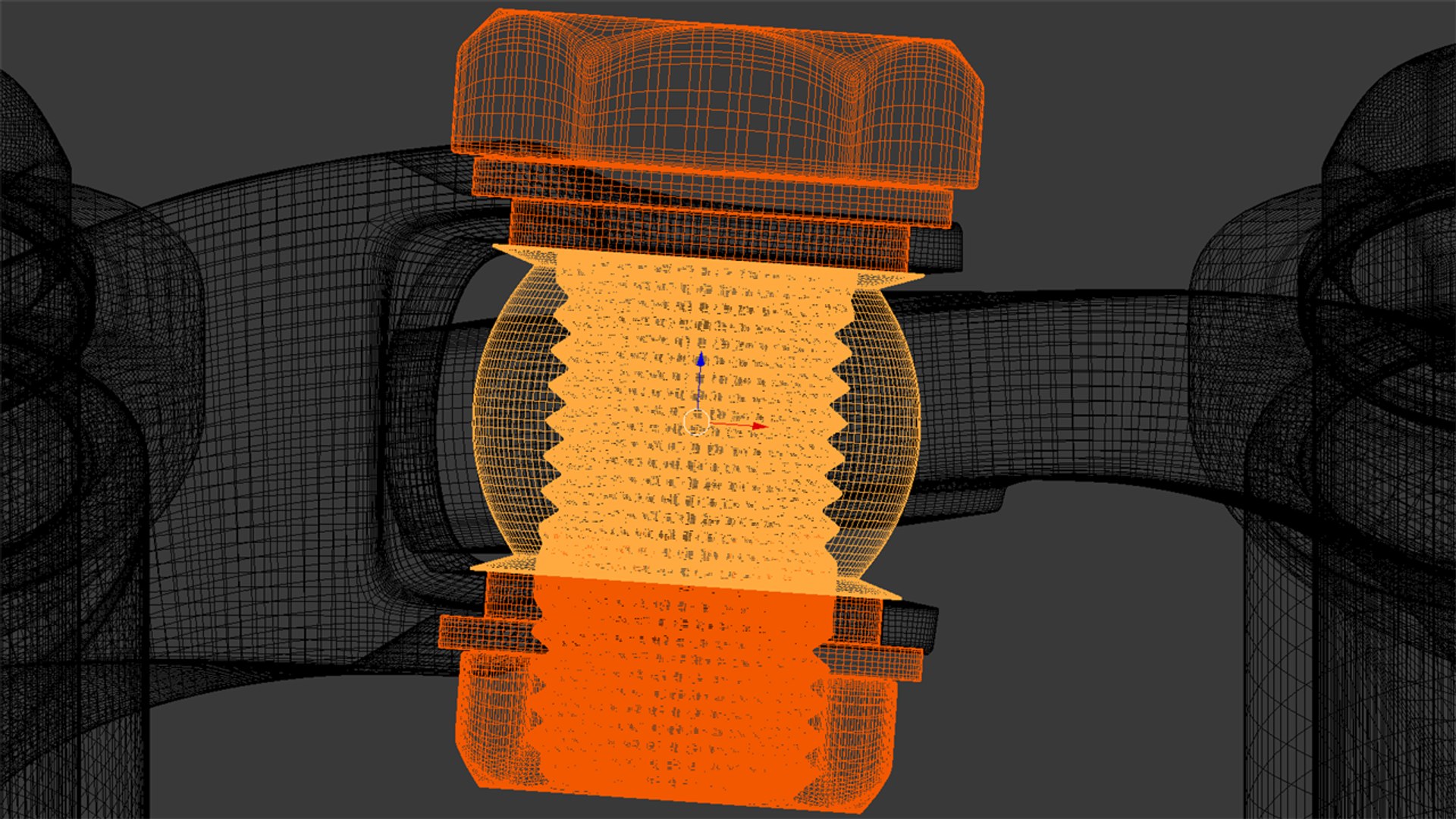
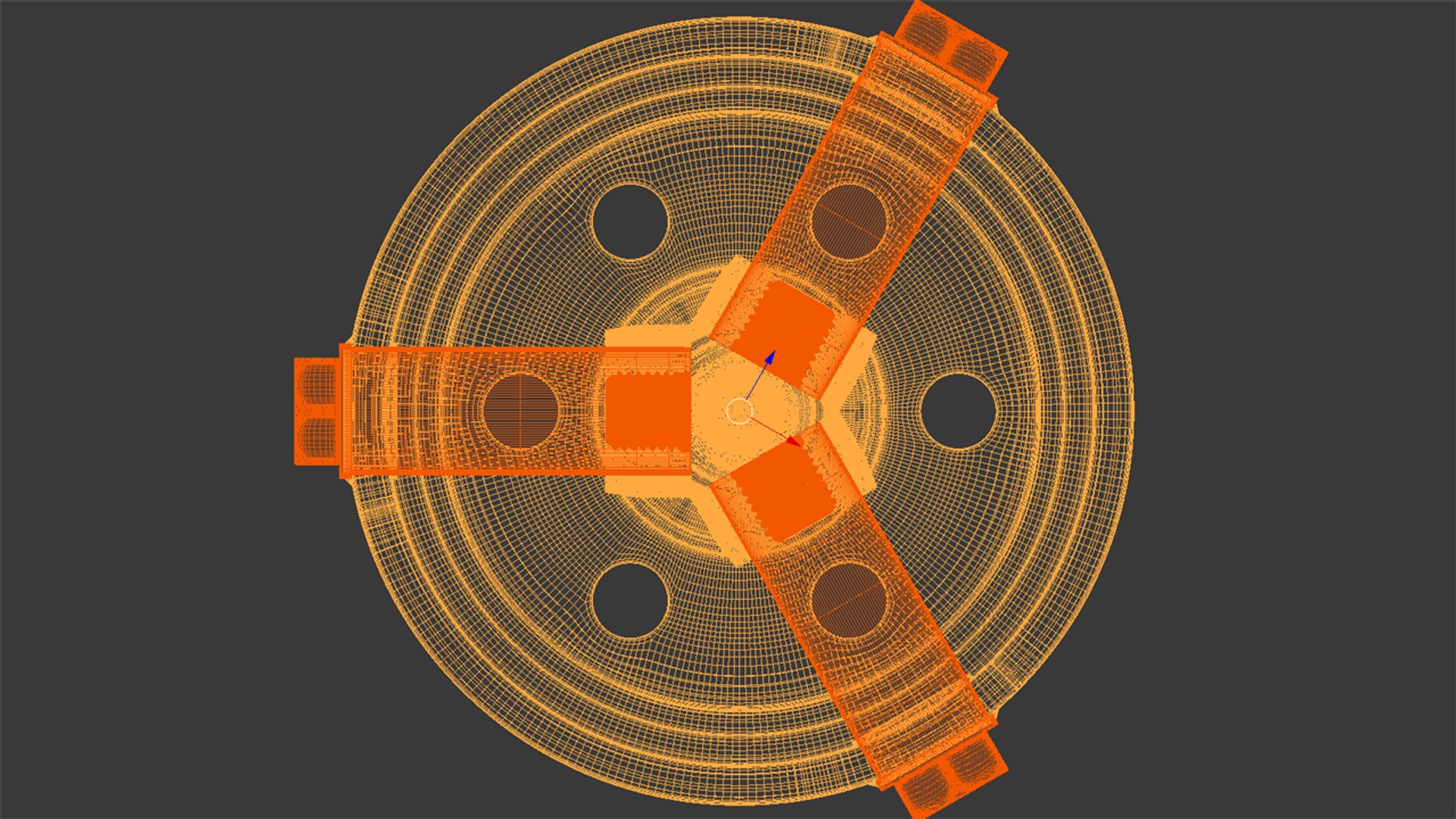
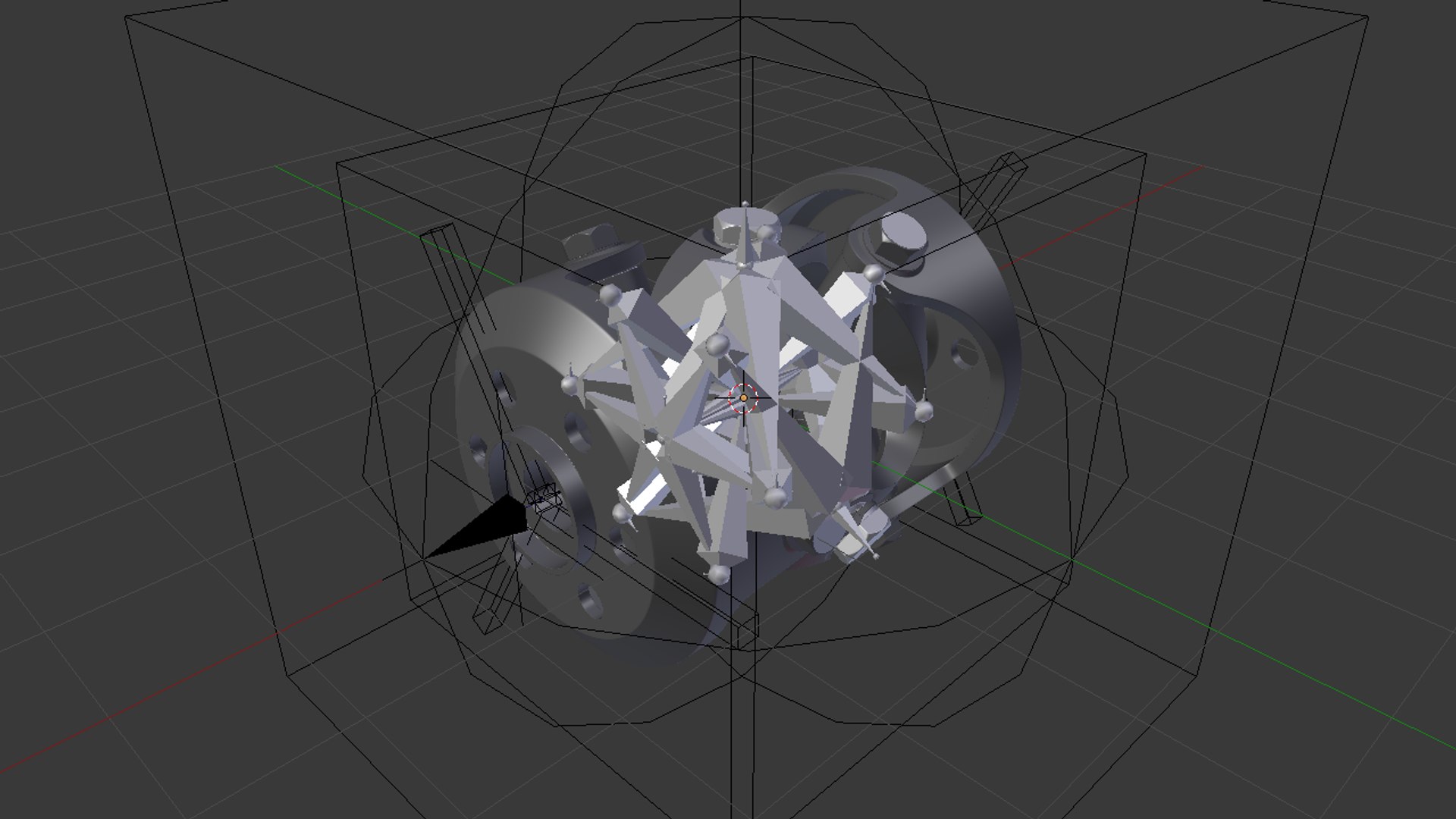
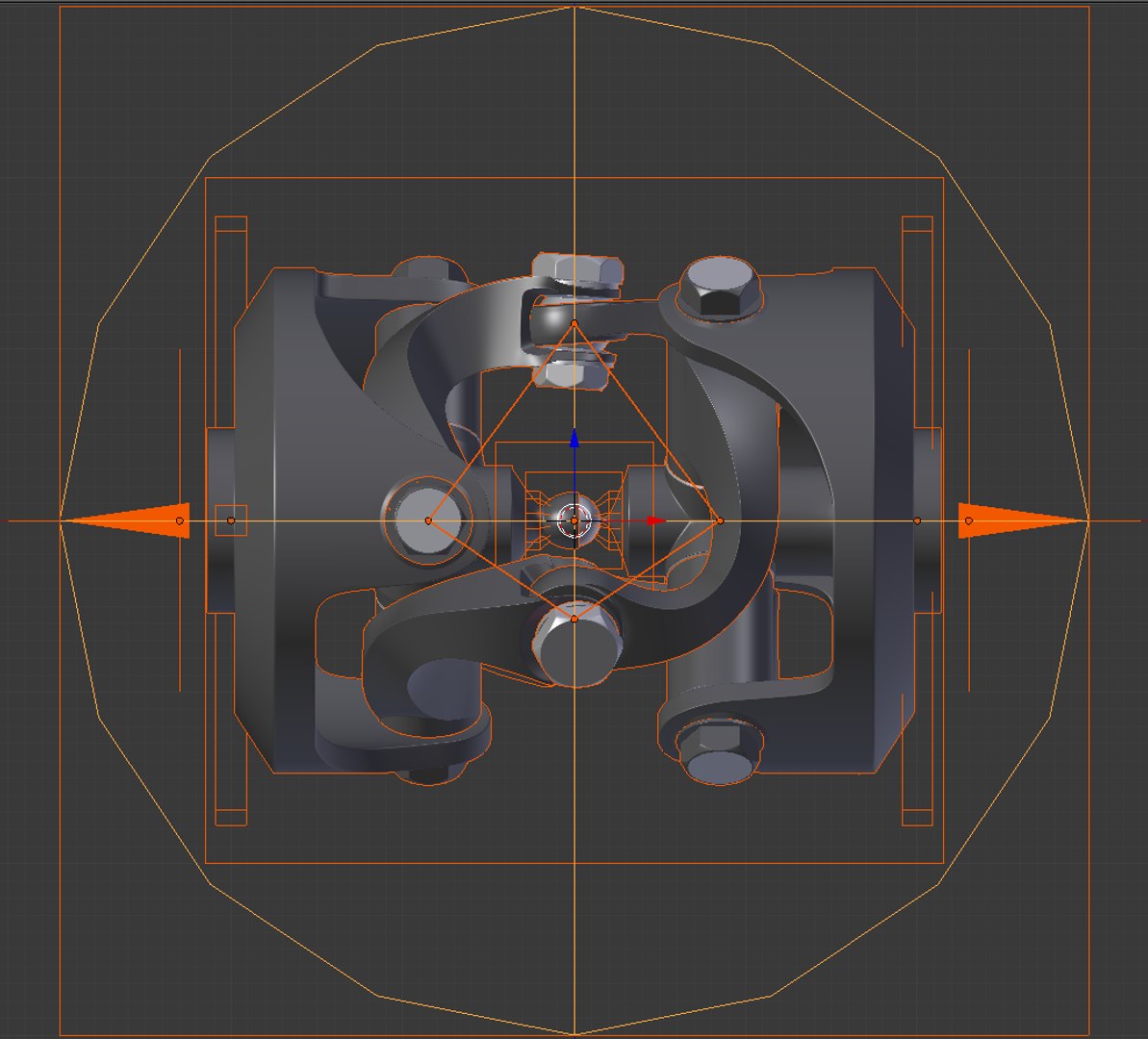
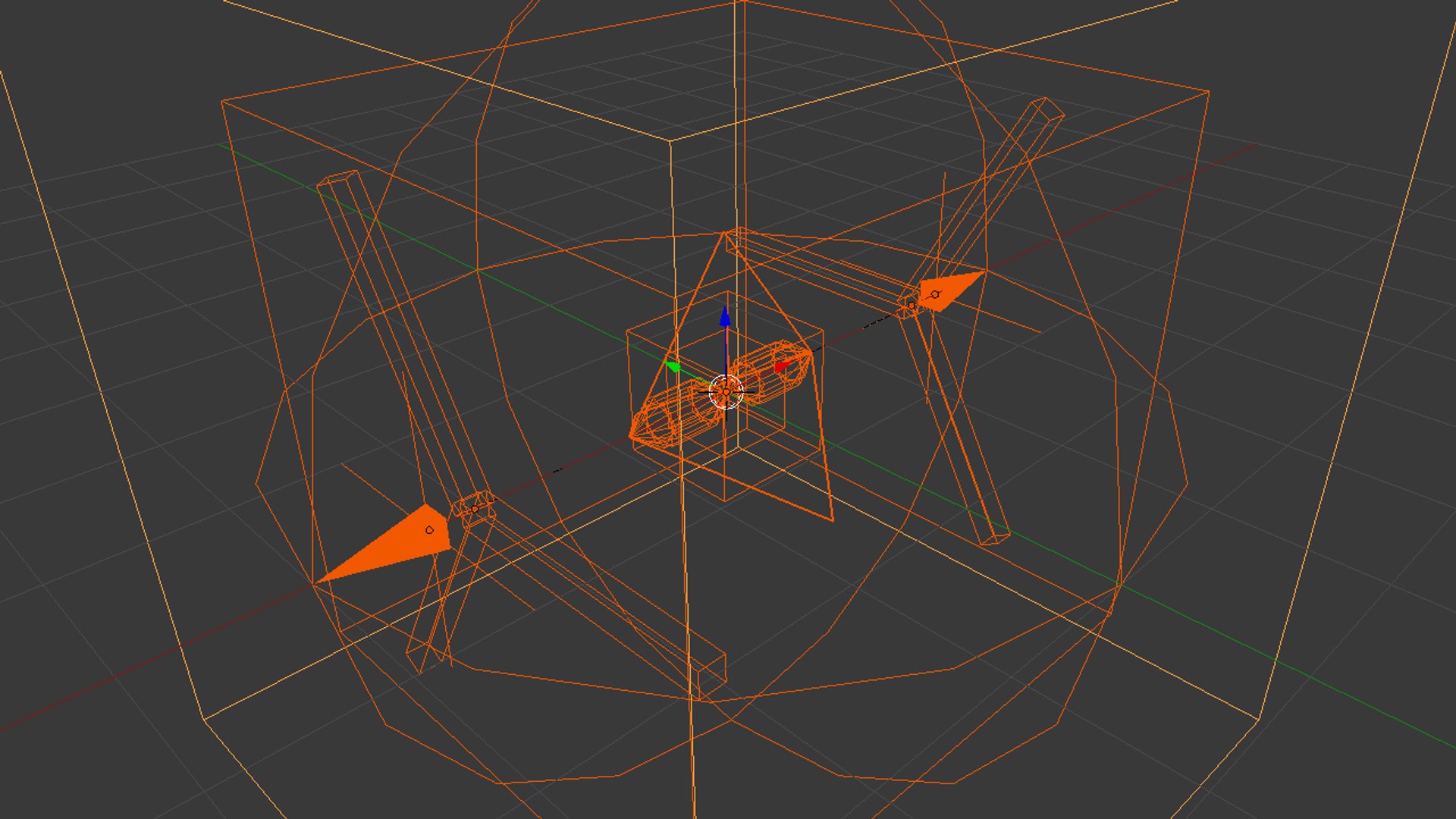
Harris CV Joint

$3

Standard License | Upgrade License
Editorial Uses Only
Formats (6)
Native | Blender 2.79b | Cycles Render 2.79b
Blender 2.79b | Cycles Render
FBX
OBJ
Other Files
animation videos.7z
Specifications
Publish Date December 14, 2018
Product ID 1356797
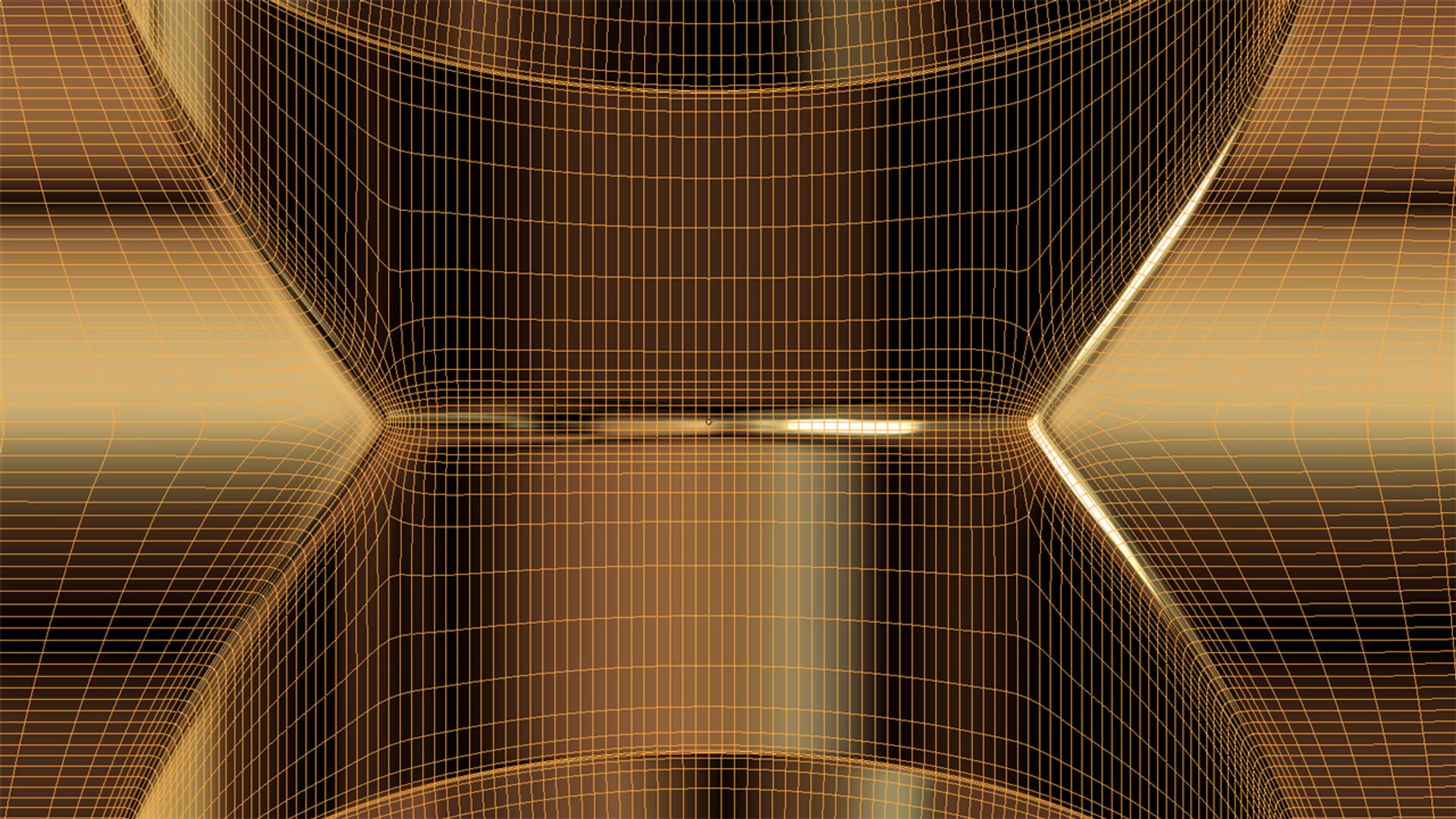
Polygons 177,060
Vertices 177,034
Polygonal Quads Only
Rigged
Animated
member avatar
Rhett King
3 Products | Contributor Since 2018
Have questions? Chat with us now.

Description

*********************************

Notes:
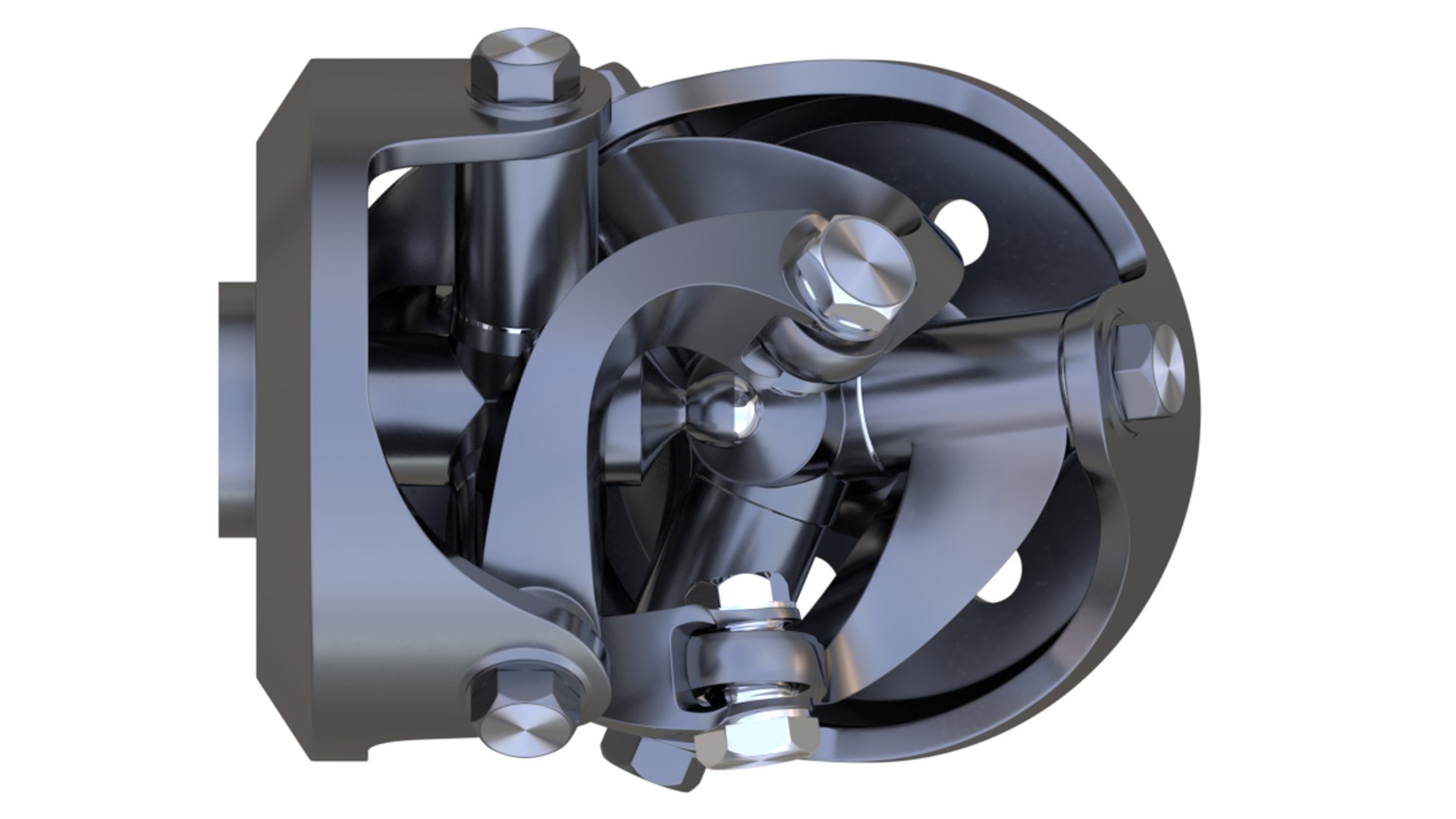
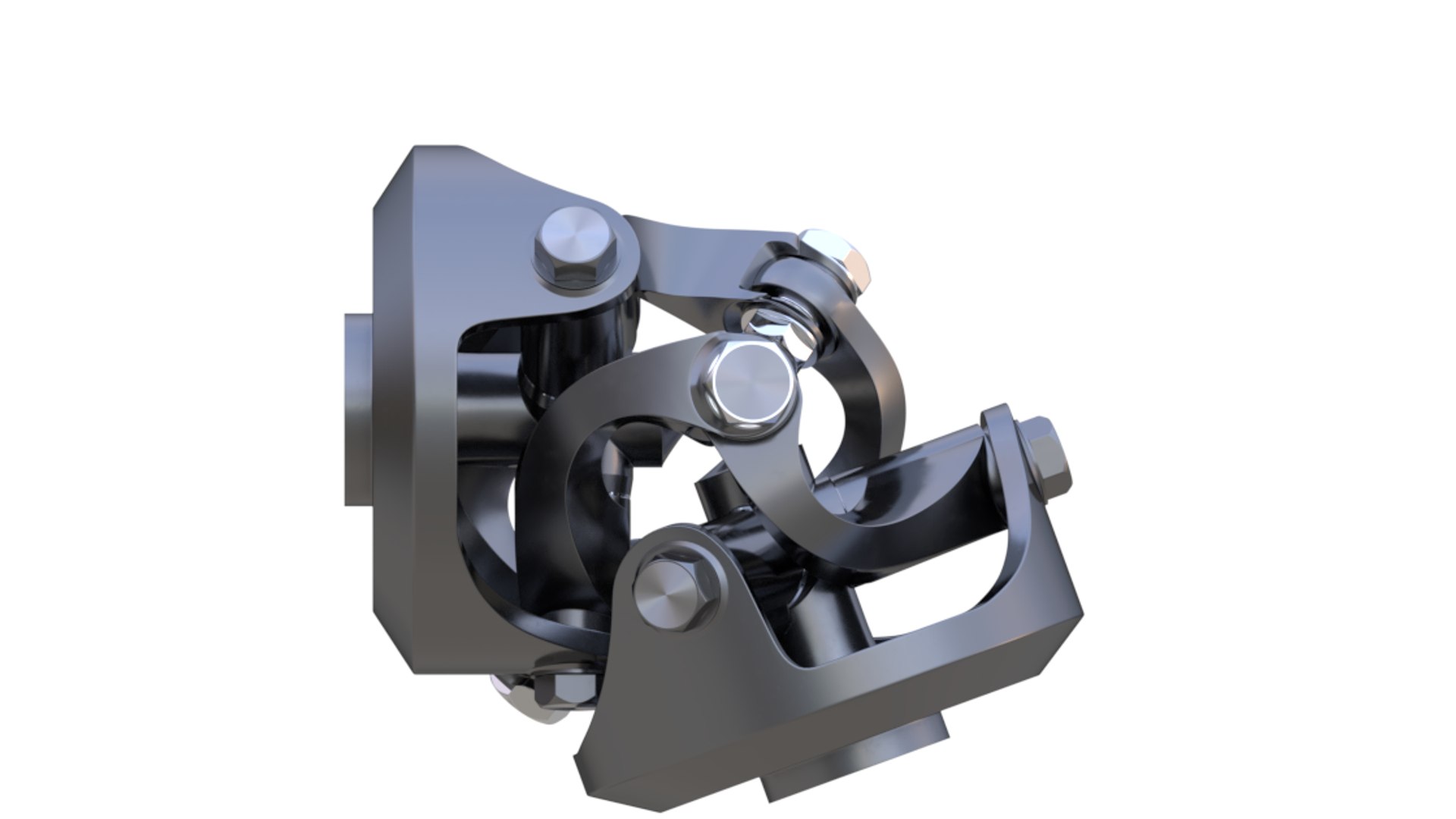
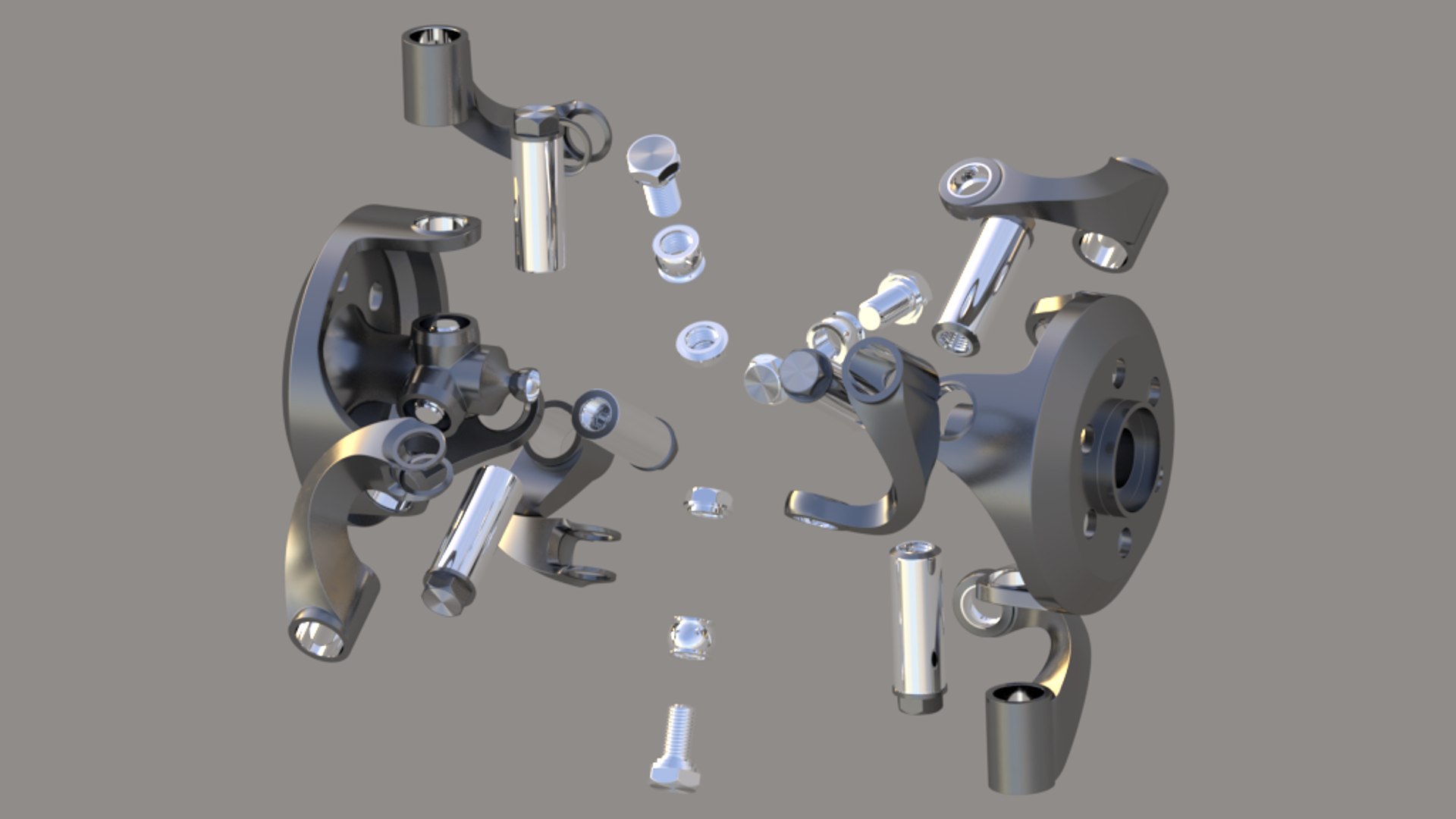
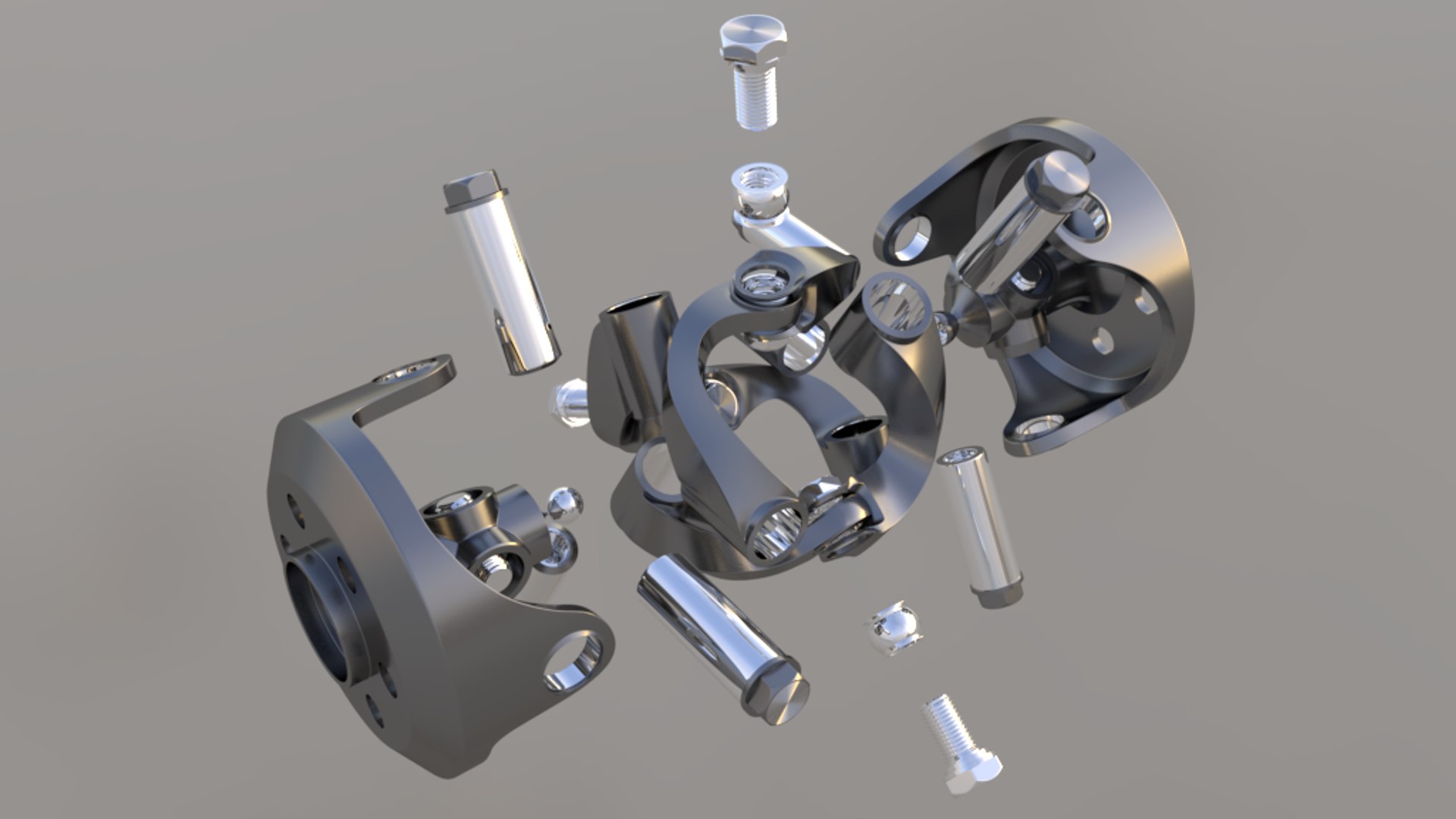
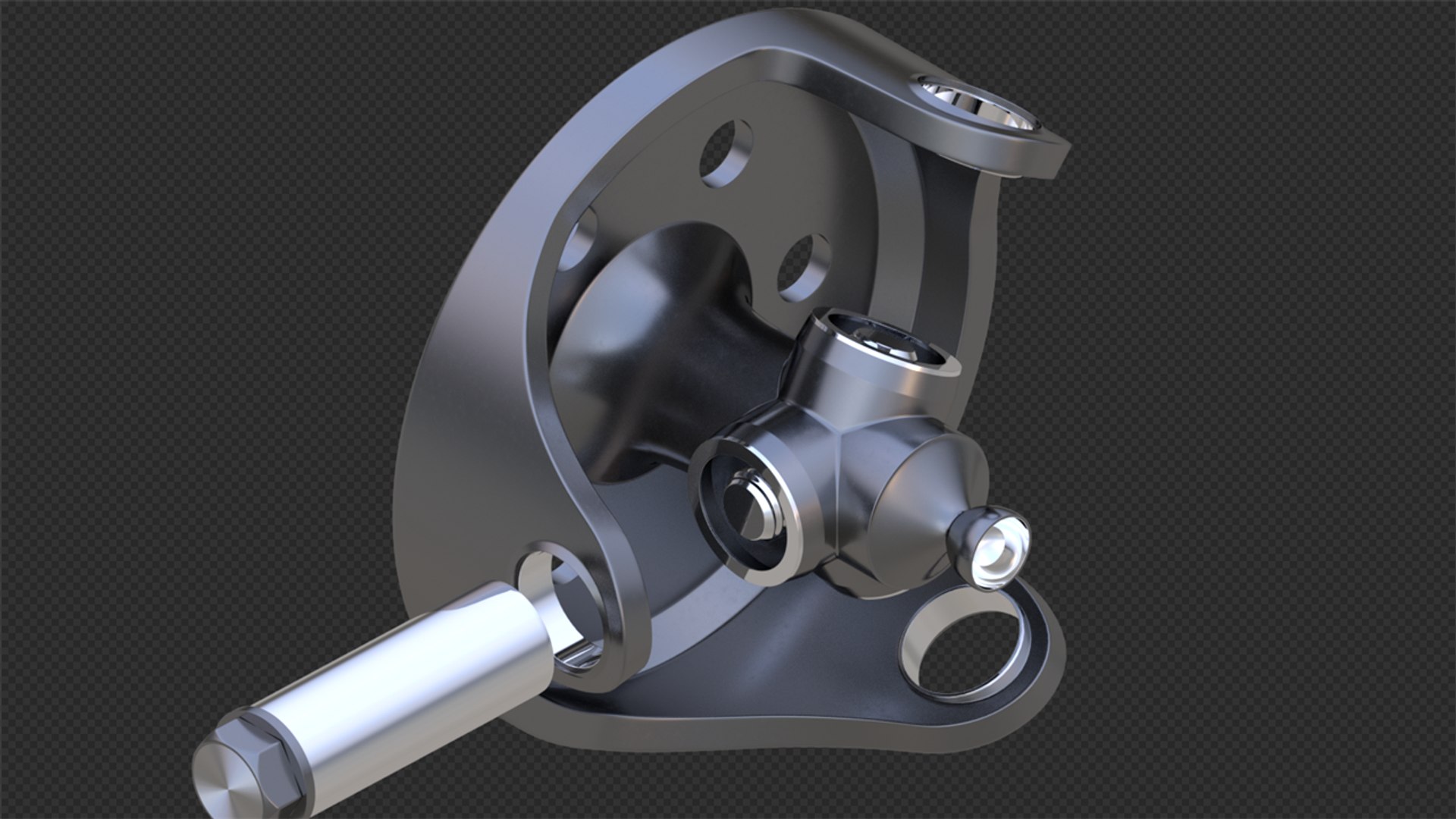
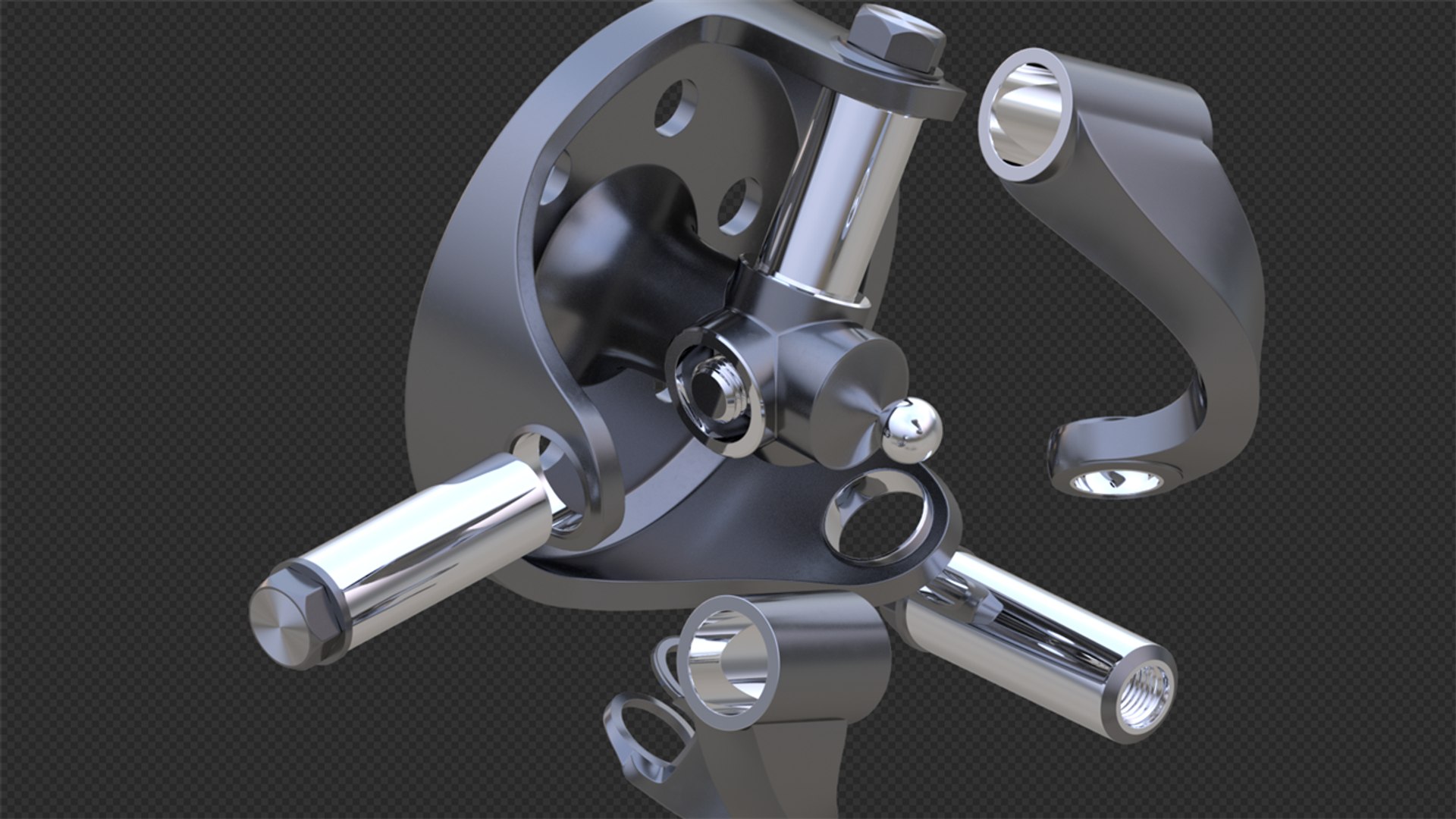
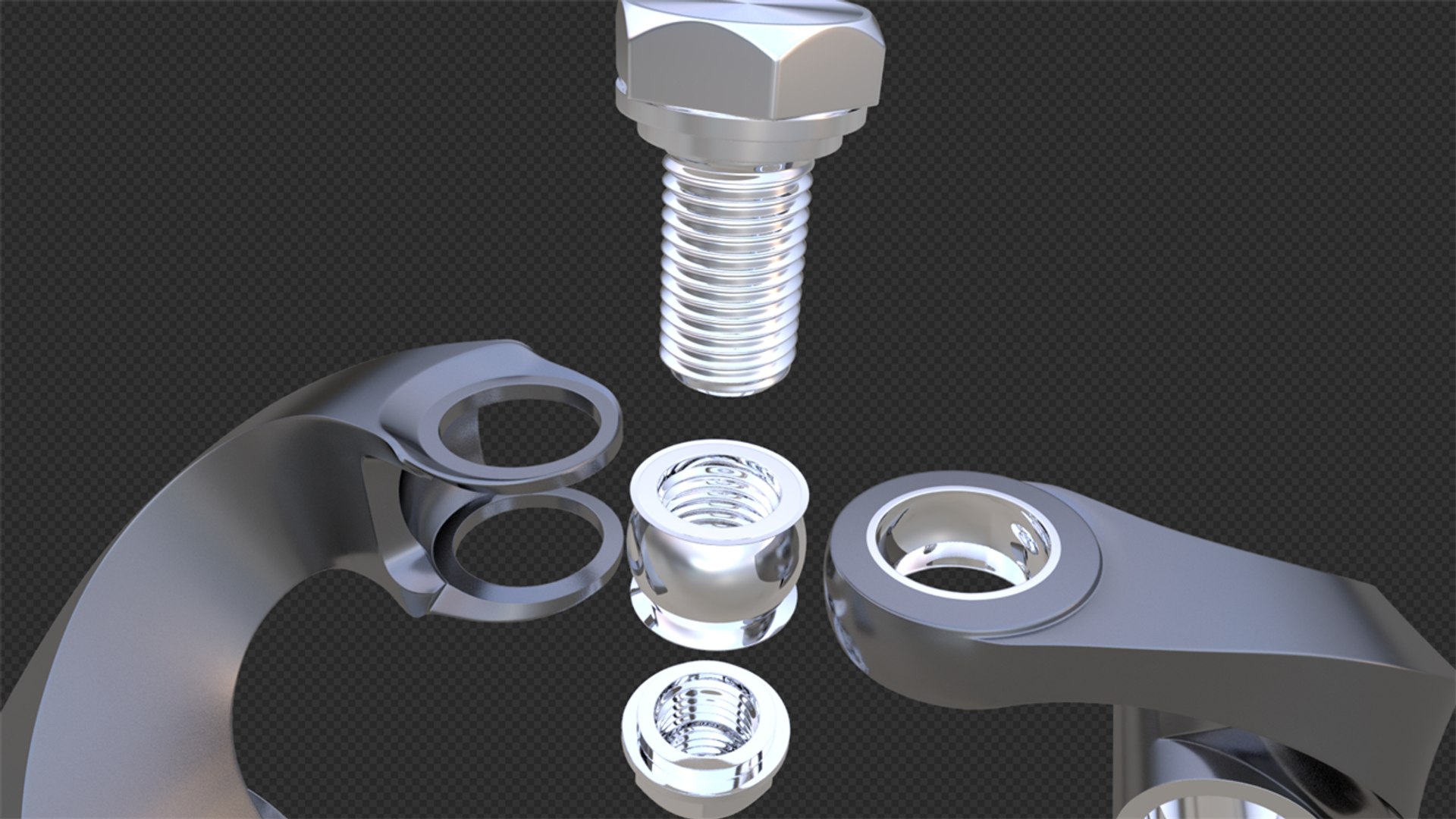
This kind of coupling is called "Harris Constant Velocity Joint" in full name or "Harris CV Joint" for short.

Legal Notice:
The intellectual property depicted in this model, including the brand "Harris", is not affiliated with or endorsed by the original rights holders.

*********************************

Features:

- This 3d model was originally created in Blender 2.79b and rendered with Cycles.
- No part-name confusion when importing several models into a scene.
- Only the .blend file is rigged and animated.
- Subdivision modifier is available in the history for .blend file formats (subdivision iteration 2 is set for all objects).
- So, you can get access to original non-smoothed mesh by deactivating the Subdivision modifier.
- No interference happens unless the articulation angle is bigger than 72 degrees.
- HDR Scene and Material can't be offered.
- Including two demonstrations about how to use the rigger.

*********************************

File Formats:

- .blend (Model Rigger Animation)
- .fbx (Low-Model only)
- .obj (Low-Model only)

*********************************

Select Enhanced License

  • $10,000 in Legal Protection (Indemnification)
  • Uncapped Legal Protection (Indemnification)
  • Waiver from injunctive relief
  • Assignable model rights
  • $1,000,000 in Legal Protection (Indemnification)
  • Waiver from injunctive relief
  • Assignable model rights
  • $250,000 in Legal Protection (Indemnification)
  • Assignable model rights
Read more about enhanced license tiers, or contact us at enterprise@turbosquid.com. Already a Shutterstock Enterprise Customer? Contact your Shutterstock Sales Support Agent to talk about adding 3D.

About Conversion Requests

To submit a conversion request for a purchased asset, please complete our Conversion Request Form.

If you have not yet purchased a model, please review our Documentation about Conversions to learn about what limitations you may encounter with a conversion.

For any additional questions about a model’s suitability for conversion, please contact TurboSquid Support.

Loading...