
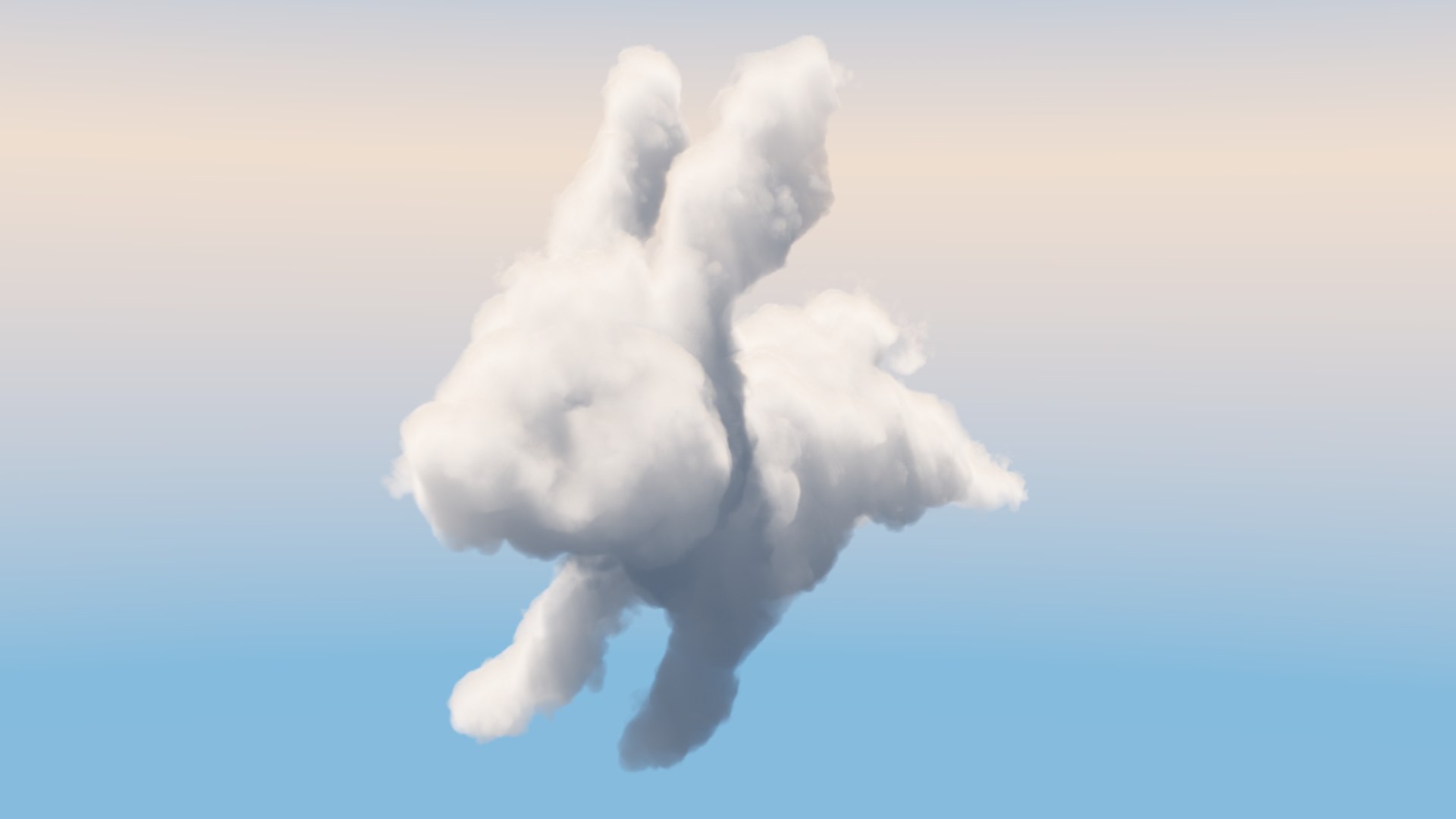
Cloud Bunny

$35

Standard License | Upgrade License
Formats (5)
Free file format Conversions available
3ds Max 2019 | V-Ray 5
3ds Max 2020 | V-Ray 5
3ds Max 2021 | V-Ray 5
3ds Max 2022 | V-Ray 5
Other Textures
Specifications
Publish Date September 28, 2021
Product ID 1792961
Polygons 5,622
Vertices 2,732
Polygonal Quads/Tris Geometry
Textures
Materials
Mixed Unwrapped UVs
TurboSquid Exclusive
member avatar
Dan Carpenter
48 Products | Contributor Since 2014
Have questions? Chat with us now.

Description

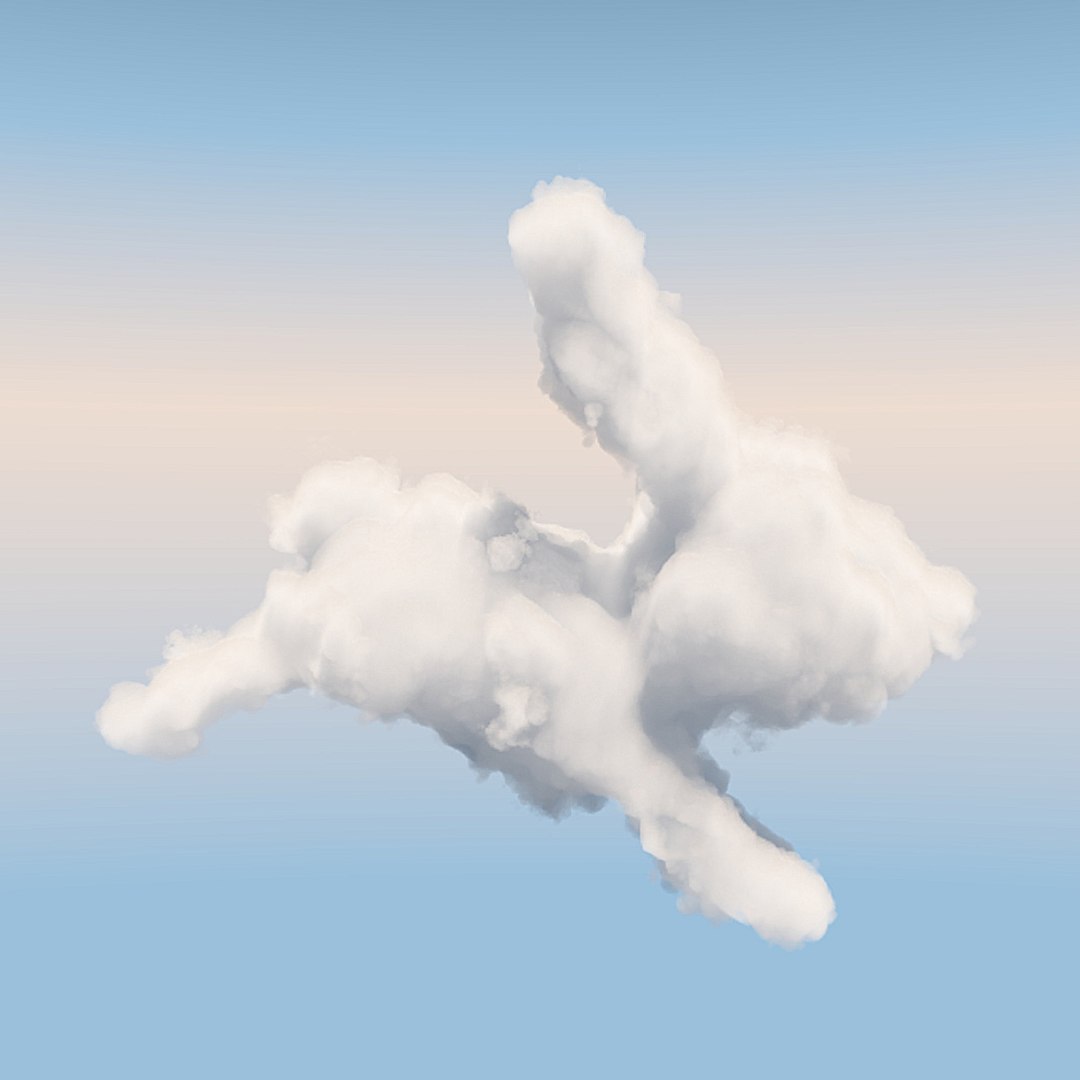
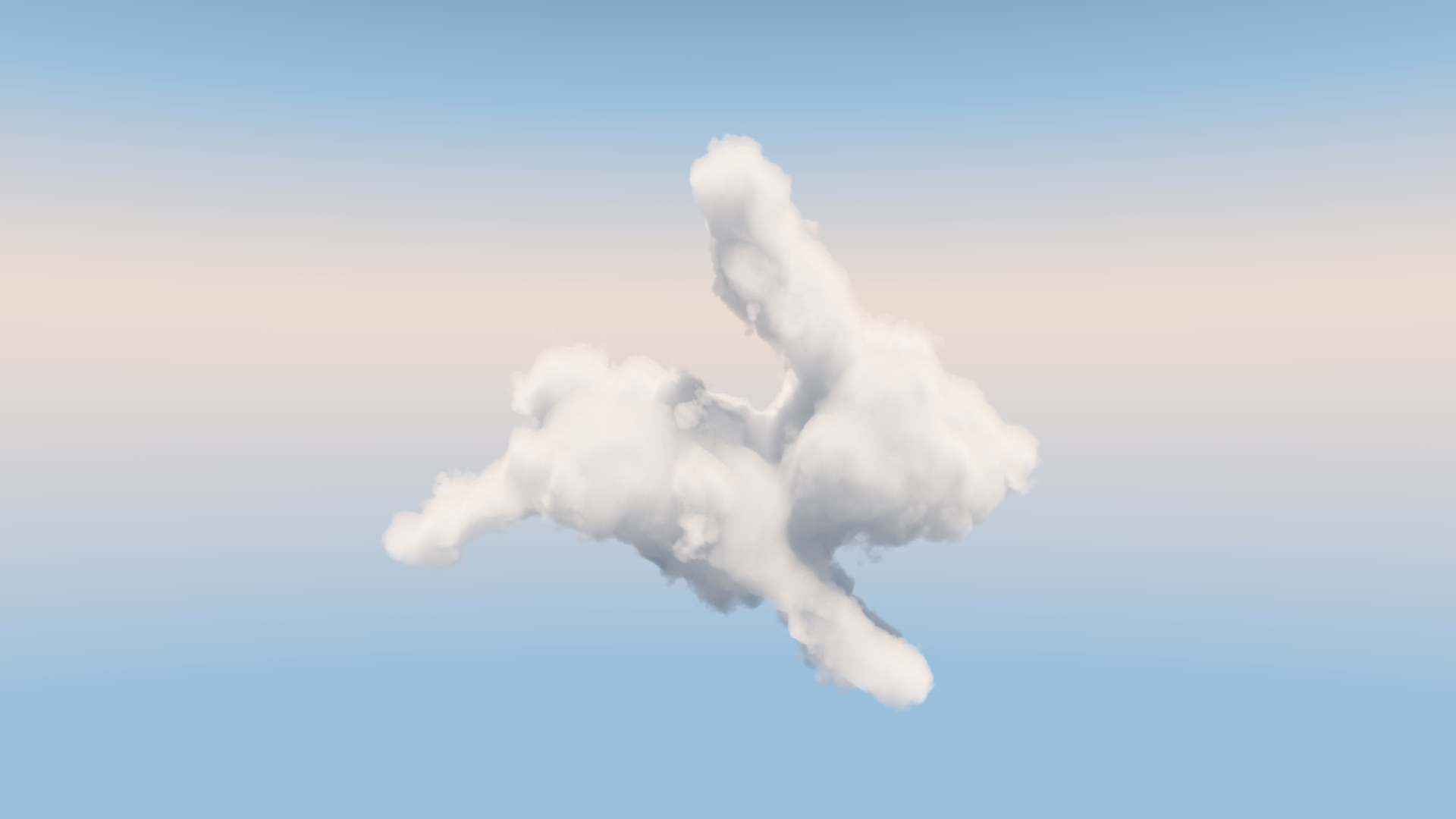
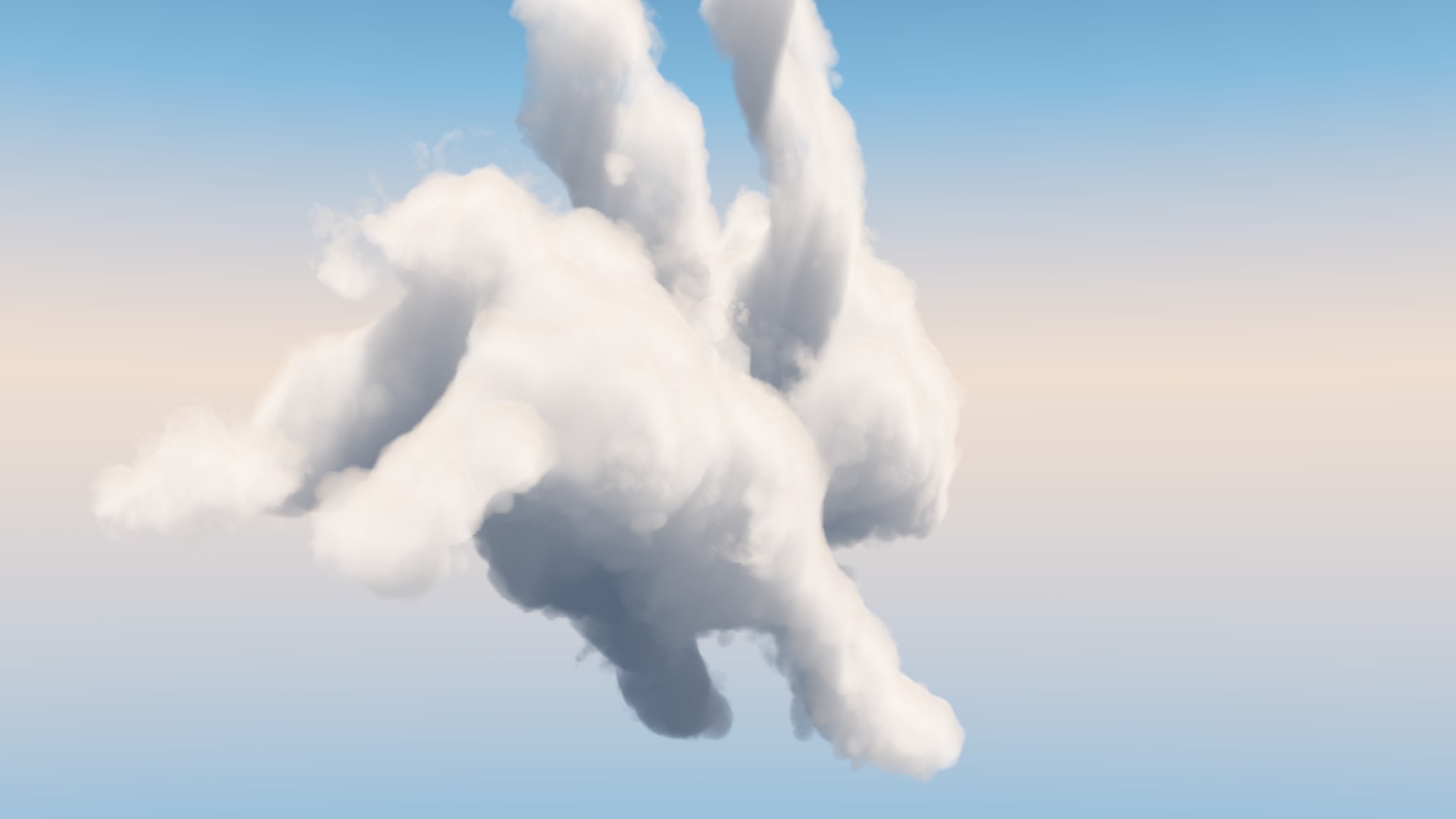
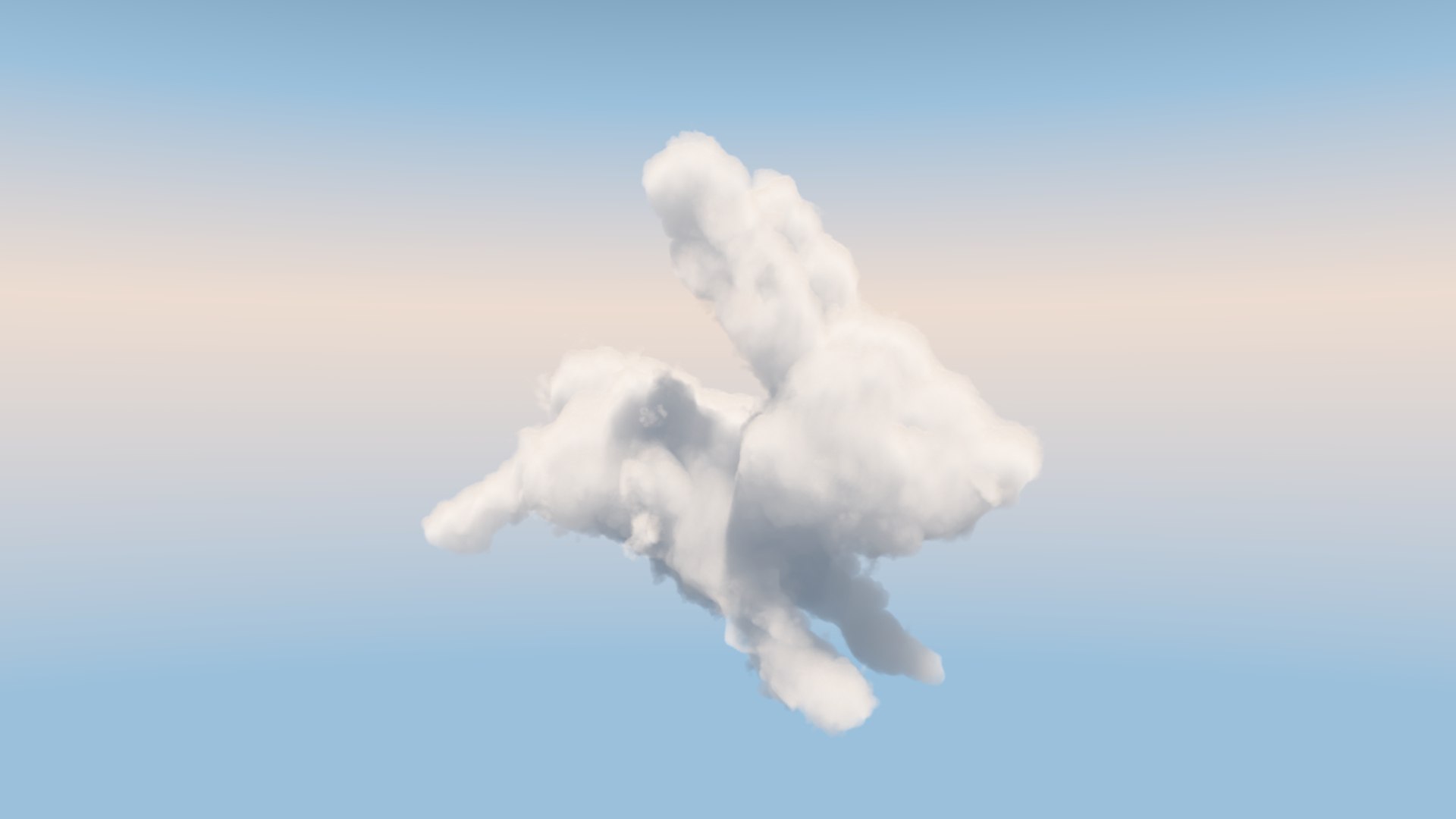
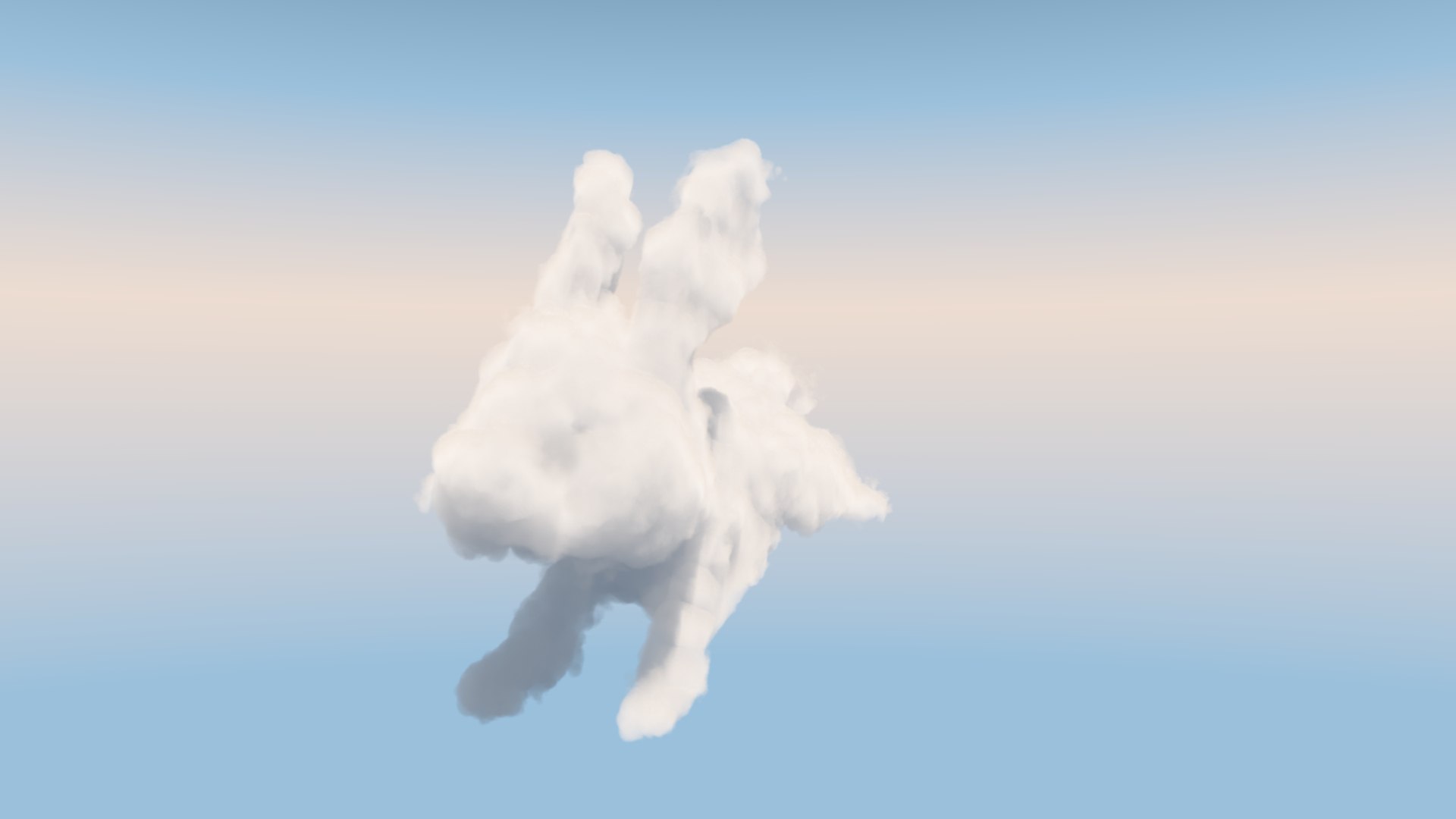
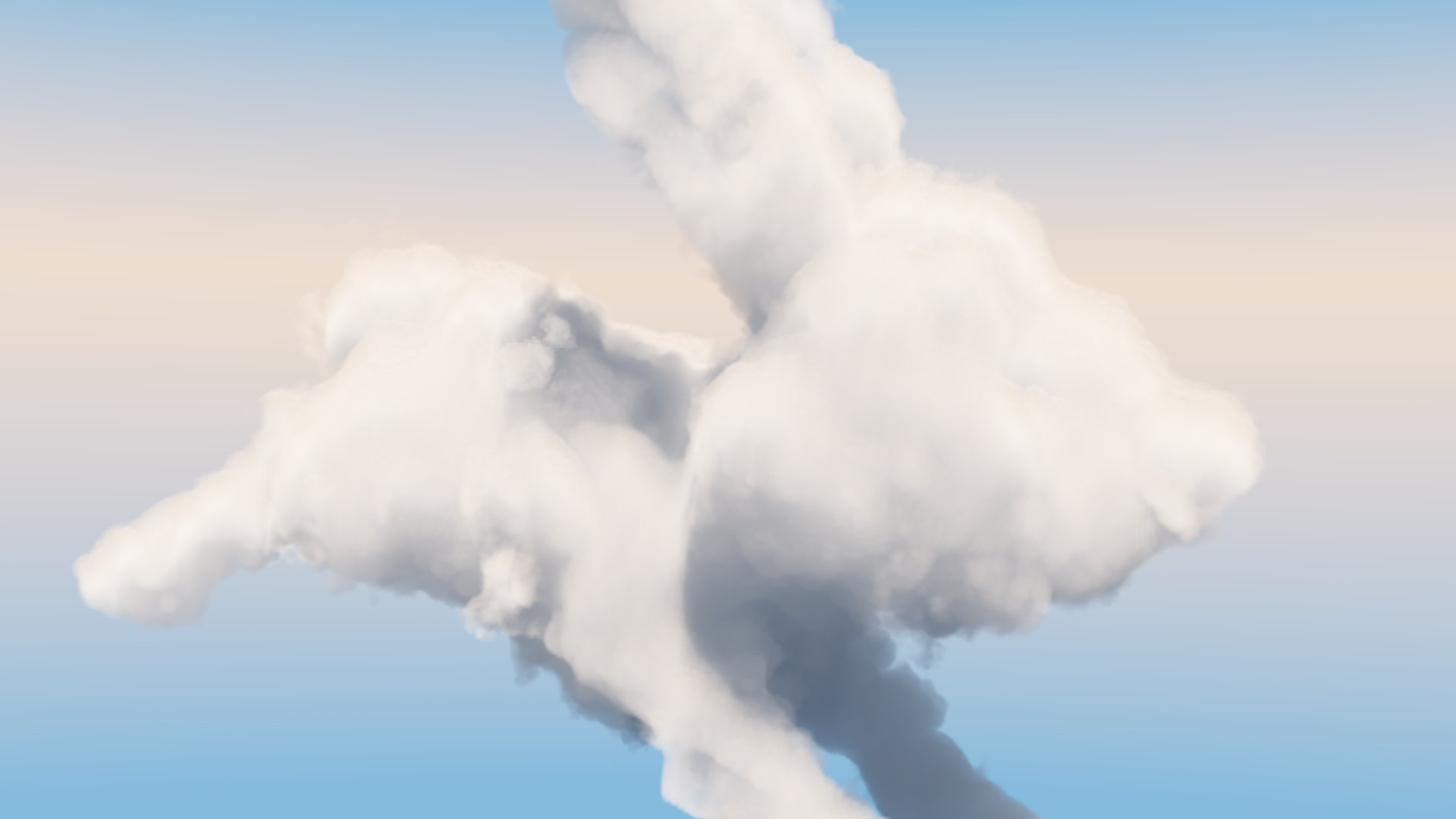
This photorealistic animal cloud comes with complete volumetric cloud setup including shading and lighting with V-Ray.
But you can also load the VDB-Cloud in other 3d Programs like Maya, Houdini, Cinema 4D or Blender.

The clouds are set up with with Vray Volumetric Grid

-Scene is completely set up (full atmospheric shading and lighting) and ready to render with Vray

- NO ADDITIONAL PLUGINS needed!

- 3D volumetric clouds

- proper naming

- the Scale of the whole scene can easily be changed be just scaling the Master Helper up or down, so you can easily fit it to your needs.

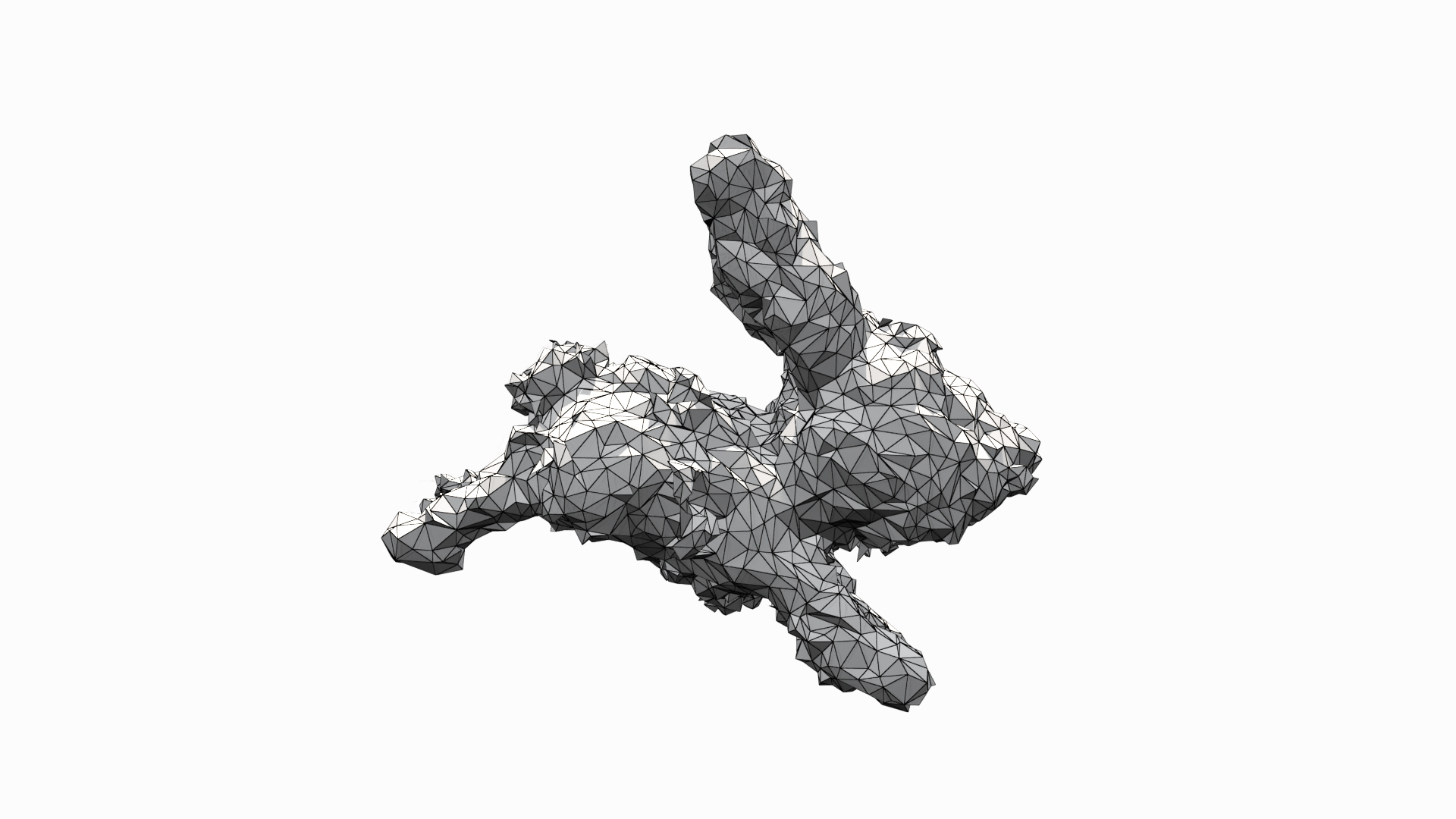
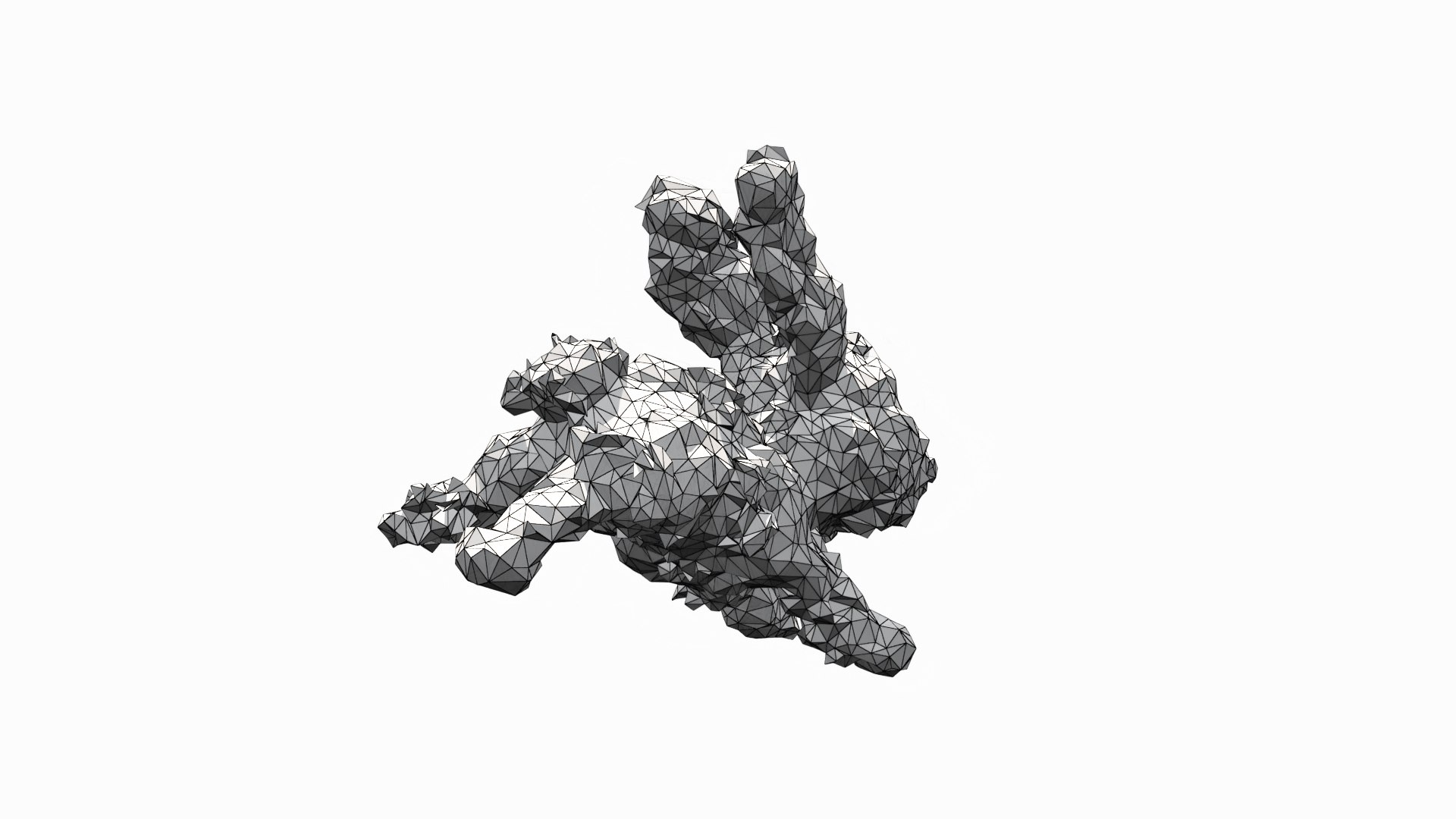
- the goemetry in the scene is only there to give you a better preview of the clouds positions and dimensions. So you can easily position and animate additional Objects. If so desired you can hide or delete the preview geometry.

------

additional info:
The Scene automaticaly loads the included cache-files into the several V-Ray environment containers. Please put the 'cache-folder' into your 'C:' (so that your structure is: C:cacheclouds) to let the scene use the proper paths!

Select Enhanced License

  • $10,000 in Legal Protection (Indemnification)
  • Uncapped Legal Protection (Indemnification)
  • Waiver from injunctive relief
  • Assignable model rights
  • $1,000,000 in Legal Protection (Indemnification)
  • Waiver from injunctive relief
  • Assignable model rights
  • $250,000 in Legal Protection (Indemnification)
  • Assignable model rights
Read more about enhanced license tiers, or contact us at enterprise@turbosquid.com. Already a Shutterstock Enterprise Customer? Contact your Shutterstock Sales Support Agent to talk about adding 3D.

About Conversion Requests

To submit a conversion request for a purchased asset, please complete our Conversion Request Form.

If you have not yet purchased a model, please review our Documentation about Conversions to learn about what limitations you may encounter with a conversion.

For any additional questions about a model’s suitability for conversion, please contact TurboSquid Support.

Loading...