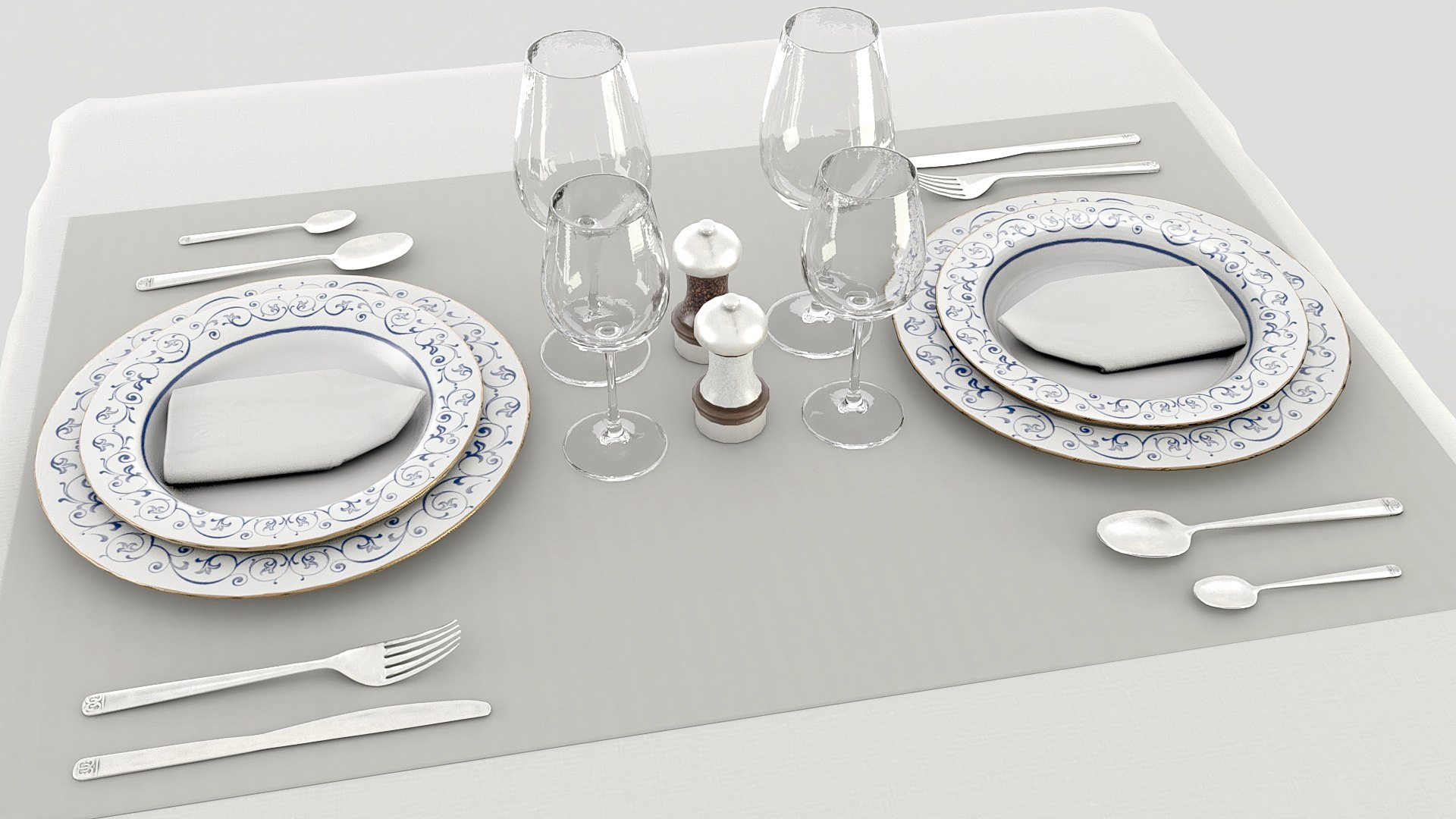

Classic restaurant table style vray

$22

Standard License | Upgrade License
Formats (22)
Native | 3ds Max 2023 | V-Ray 6
Blender 4 | Cycles Render
3ds Max 2023 | Default Scanline
FBX
OBJ
Other Files
textures.rar glasses.mtl classic restaurant table.mtl salt pepper.mtl lamp.mtl cutlery.mtl tablecloth.mtl plates.mtl chair.mtl napkin.mtl table.mtl textures.rar
Specifications
Publish Date March 26, 2024
Product ID 2209498
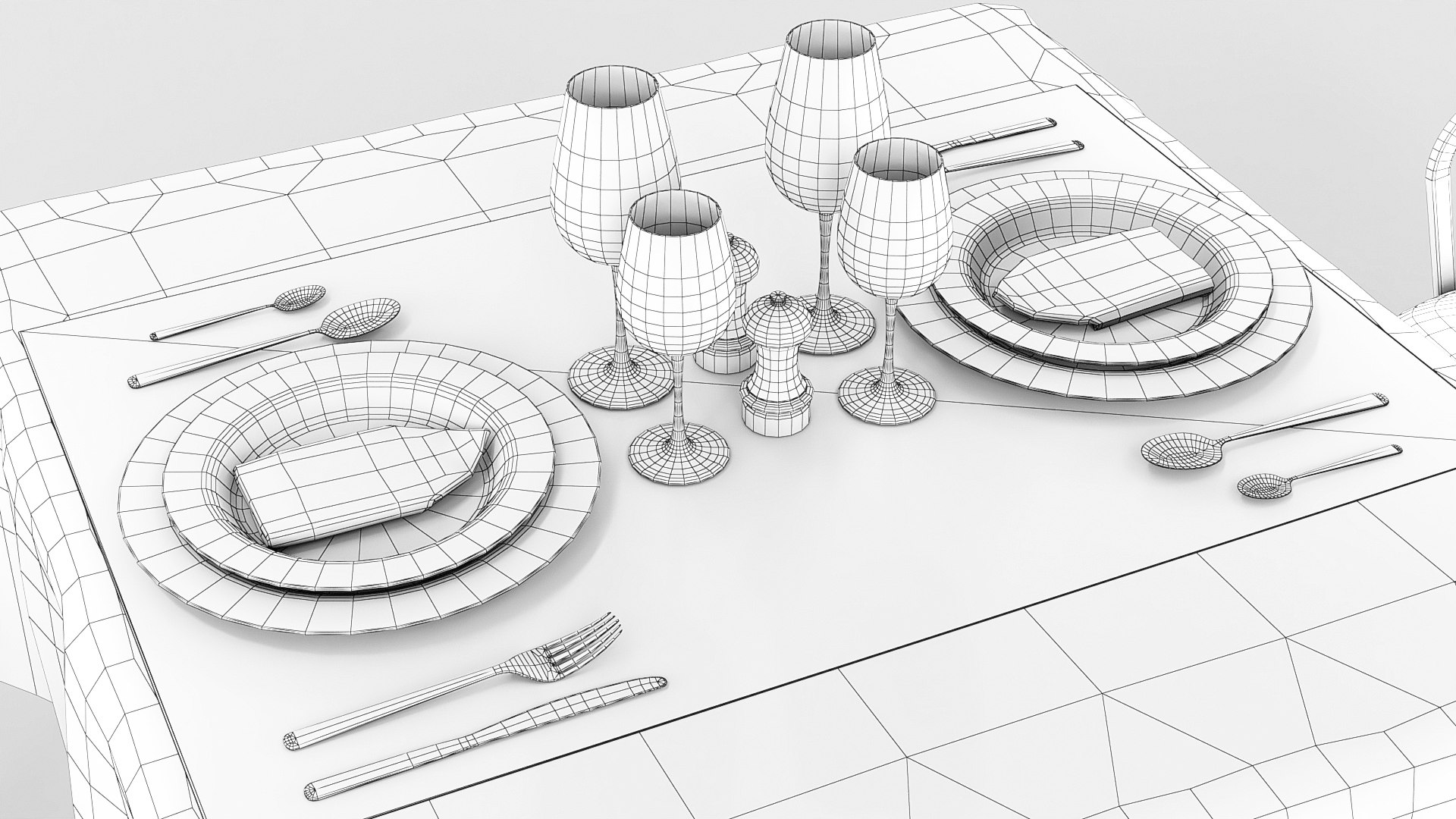
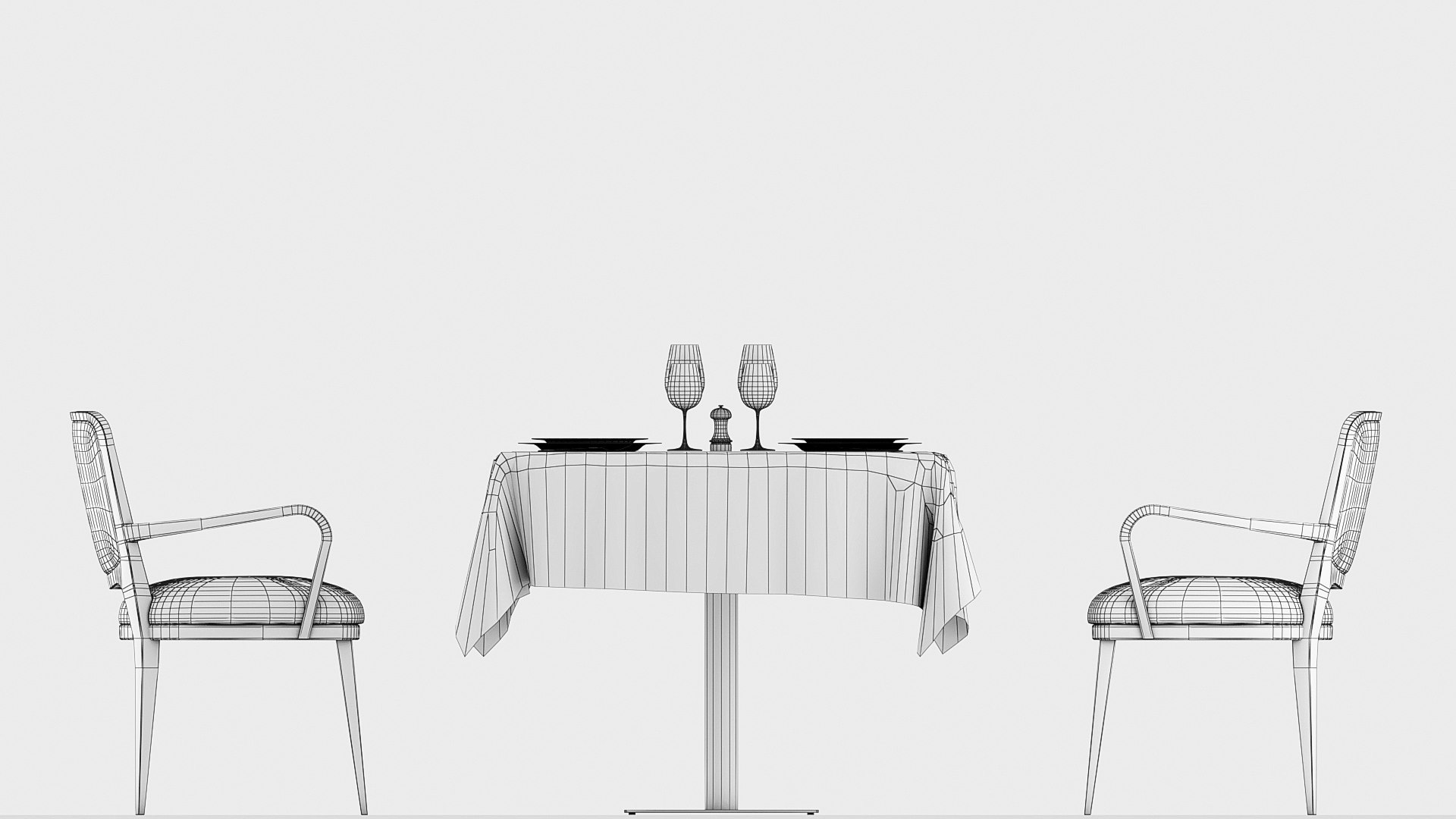
Polygons 32,009
Vertices 32,948
Polygonal Quads Only
Textures
Materials
UV Mapped
Overlapping Unwrapped UVs
PBR
member avatar
Markusenes
134 Products | Contributor Since 2018
Have questions? Chat with us now.

Description

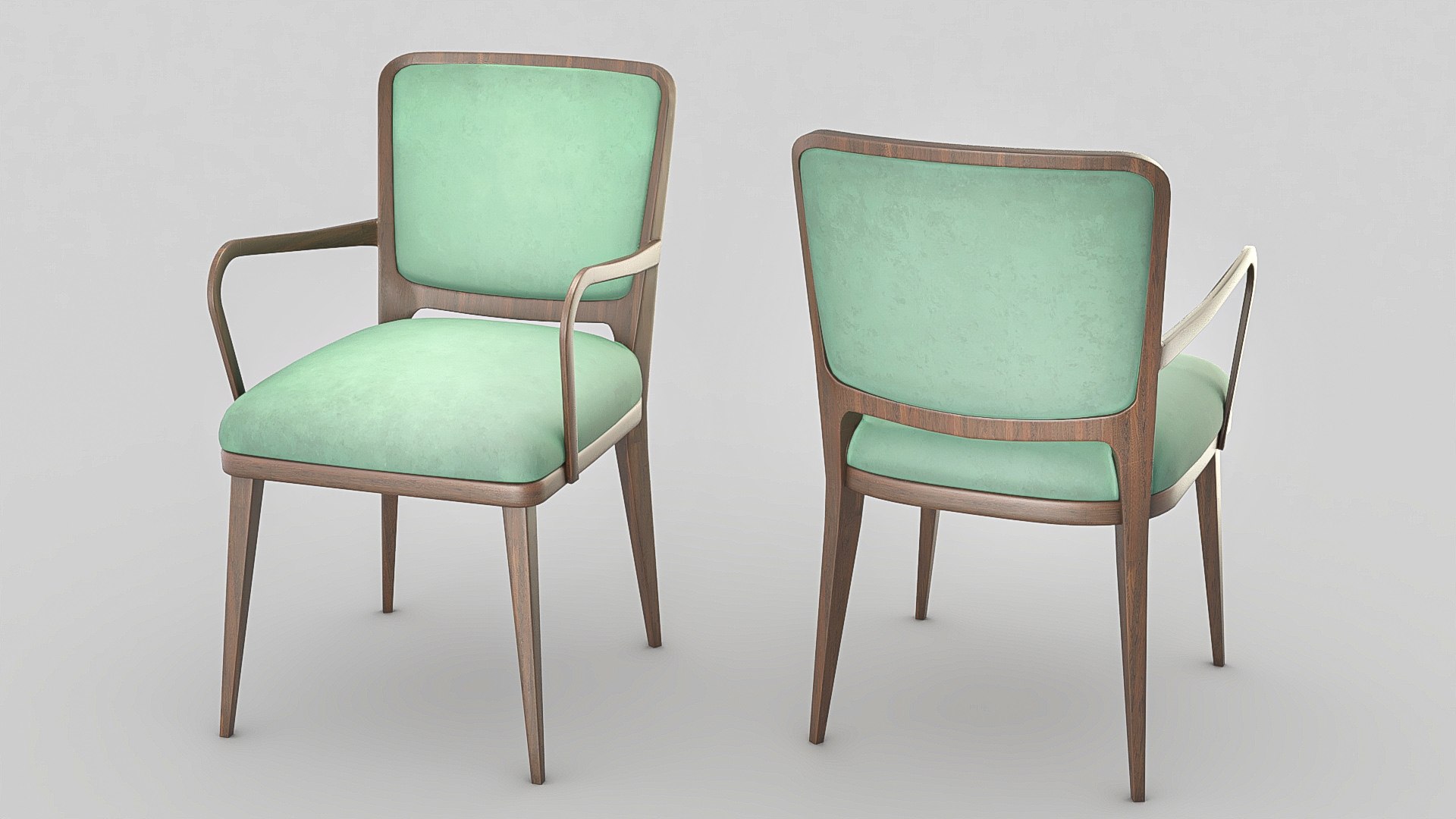
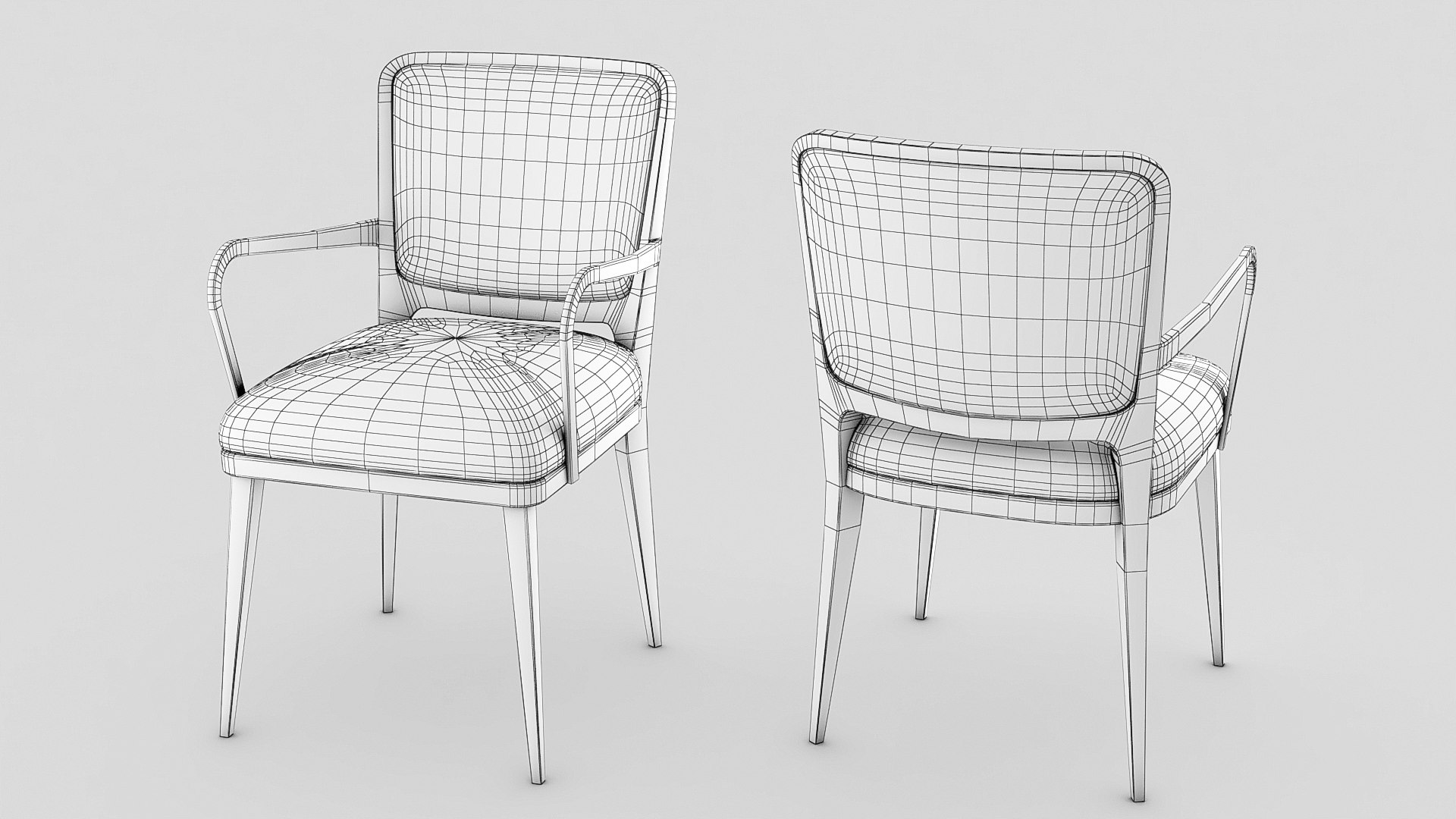
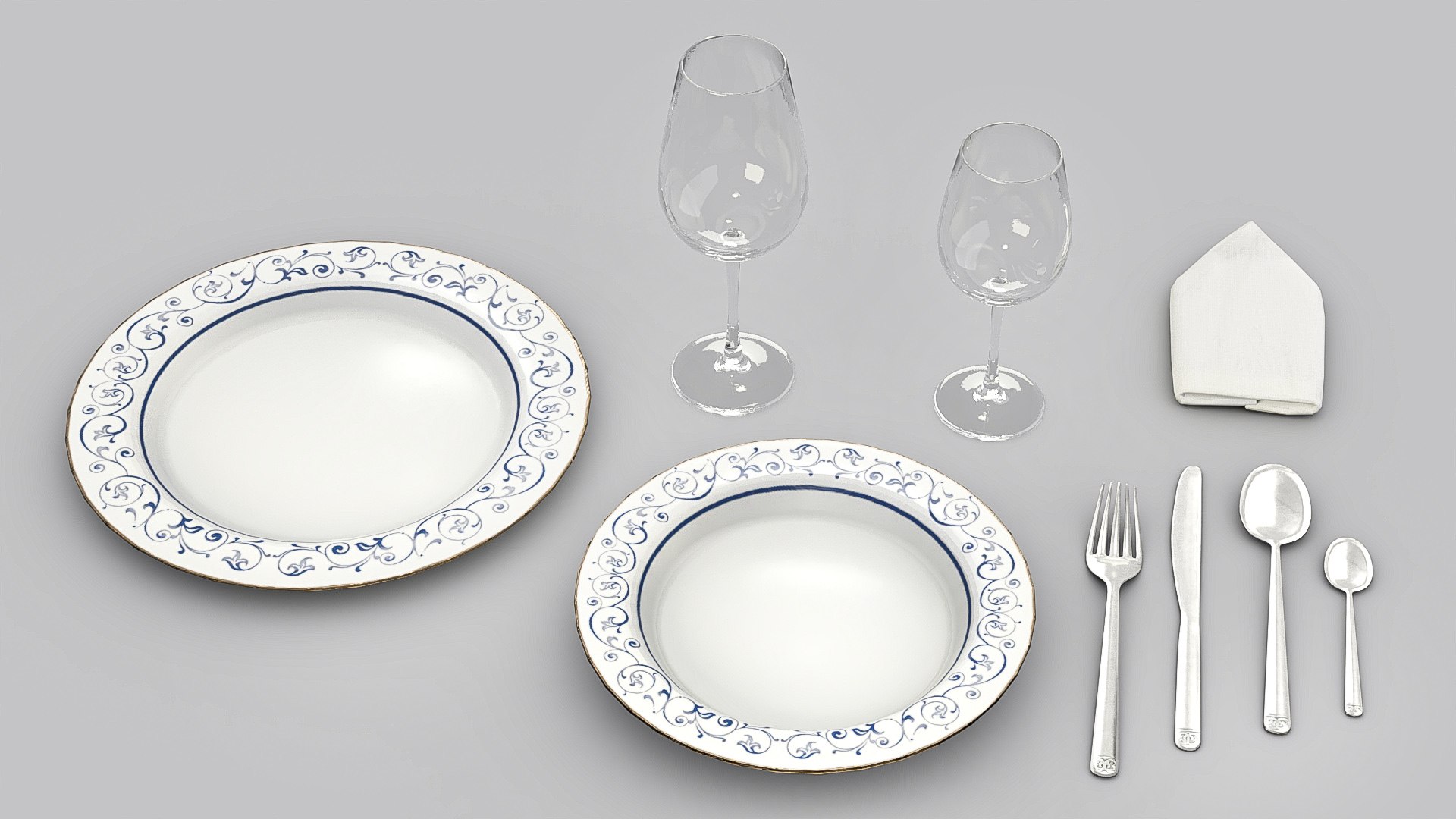
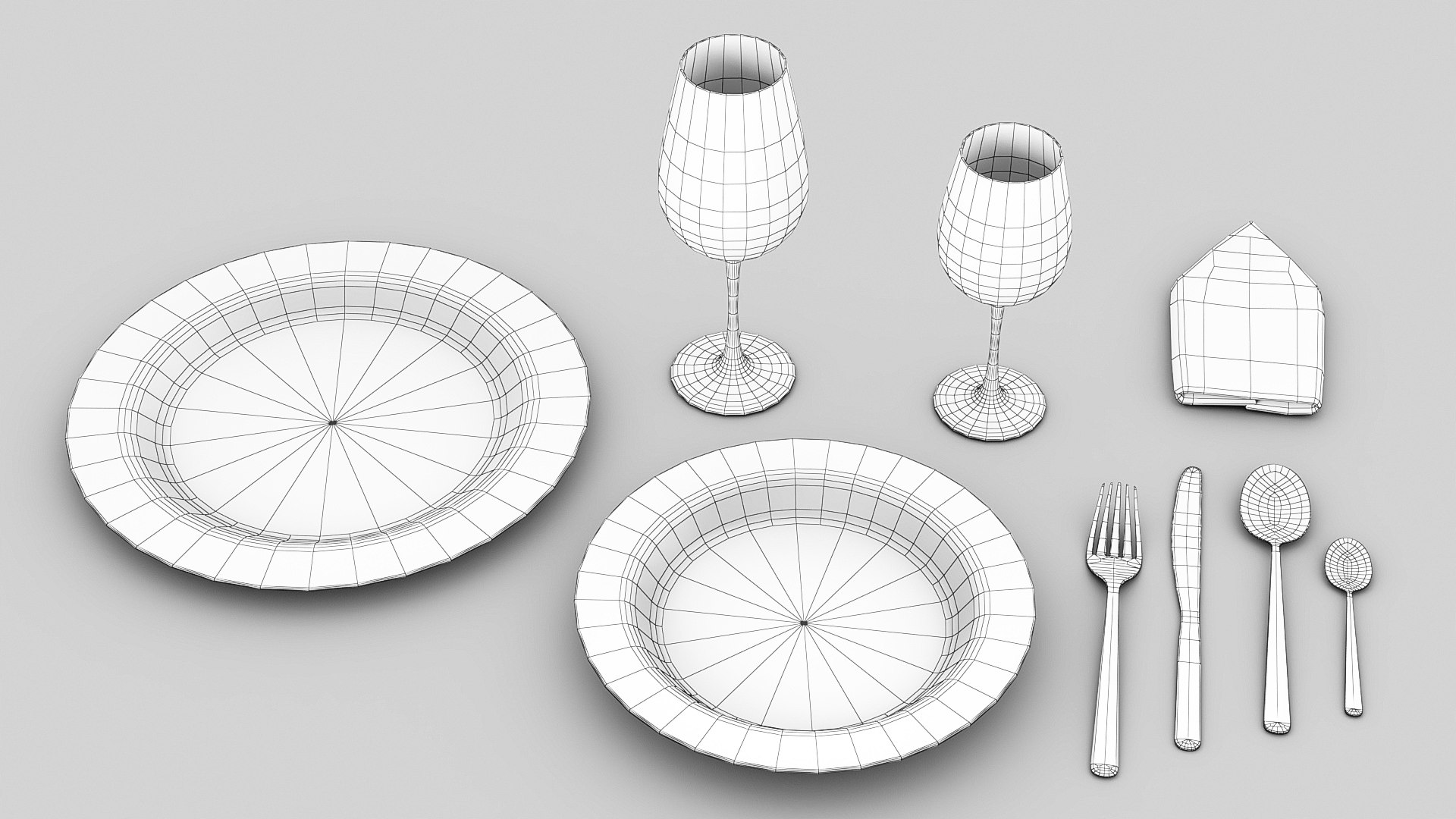
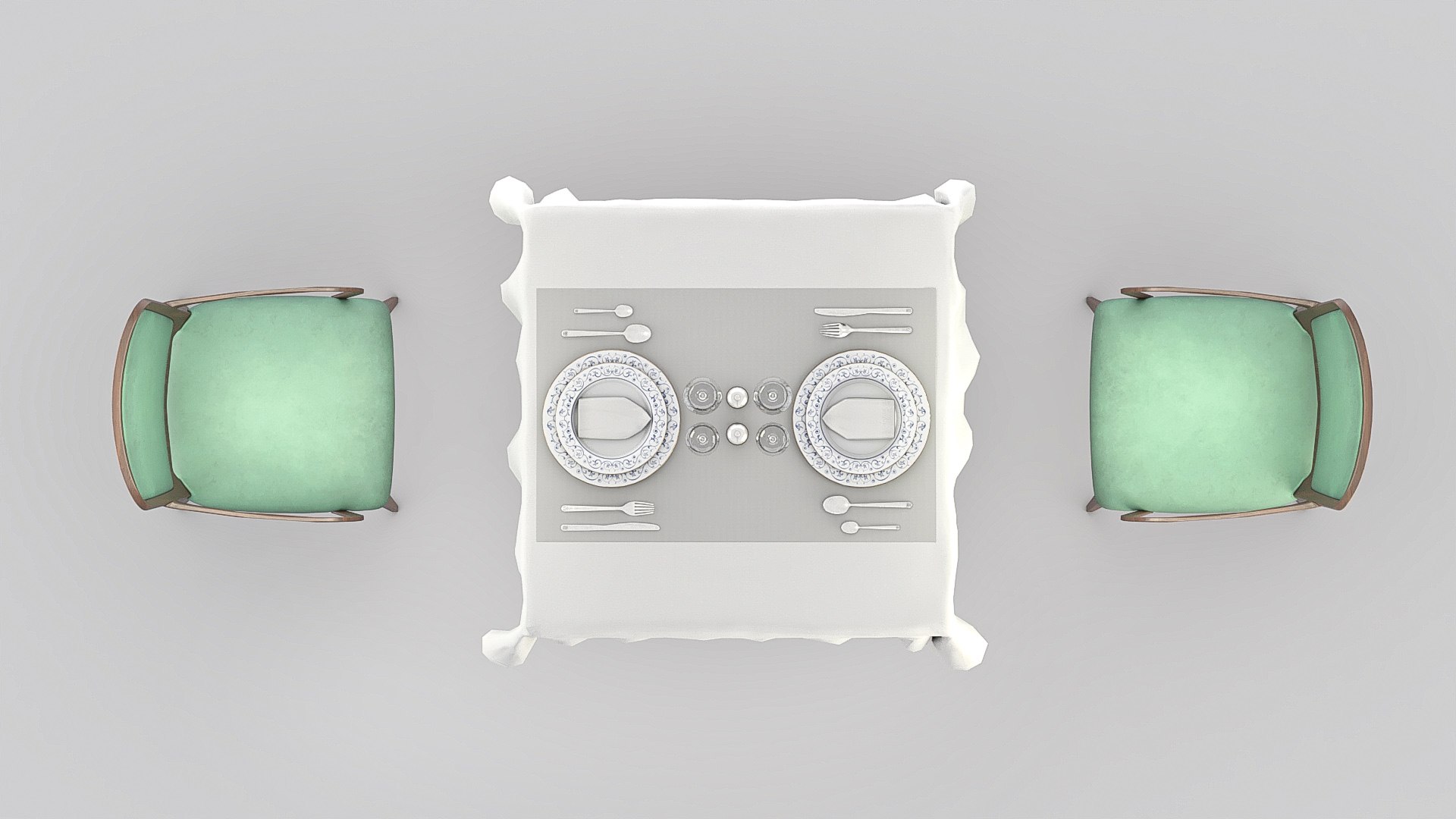
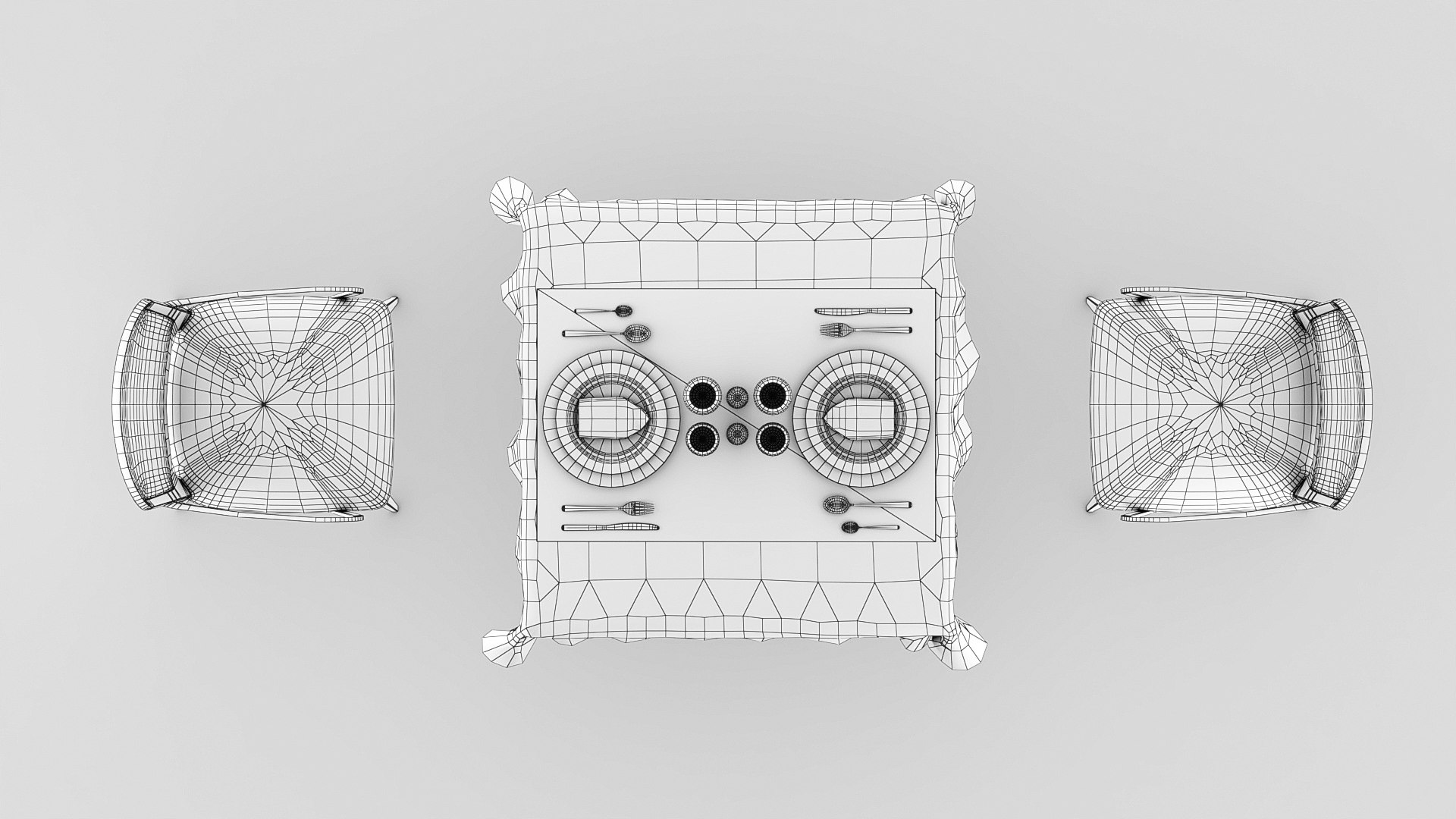
Complete classic restaurant table optimiced to use as a forniture in any 3d project.
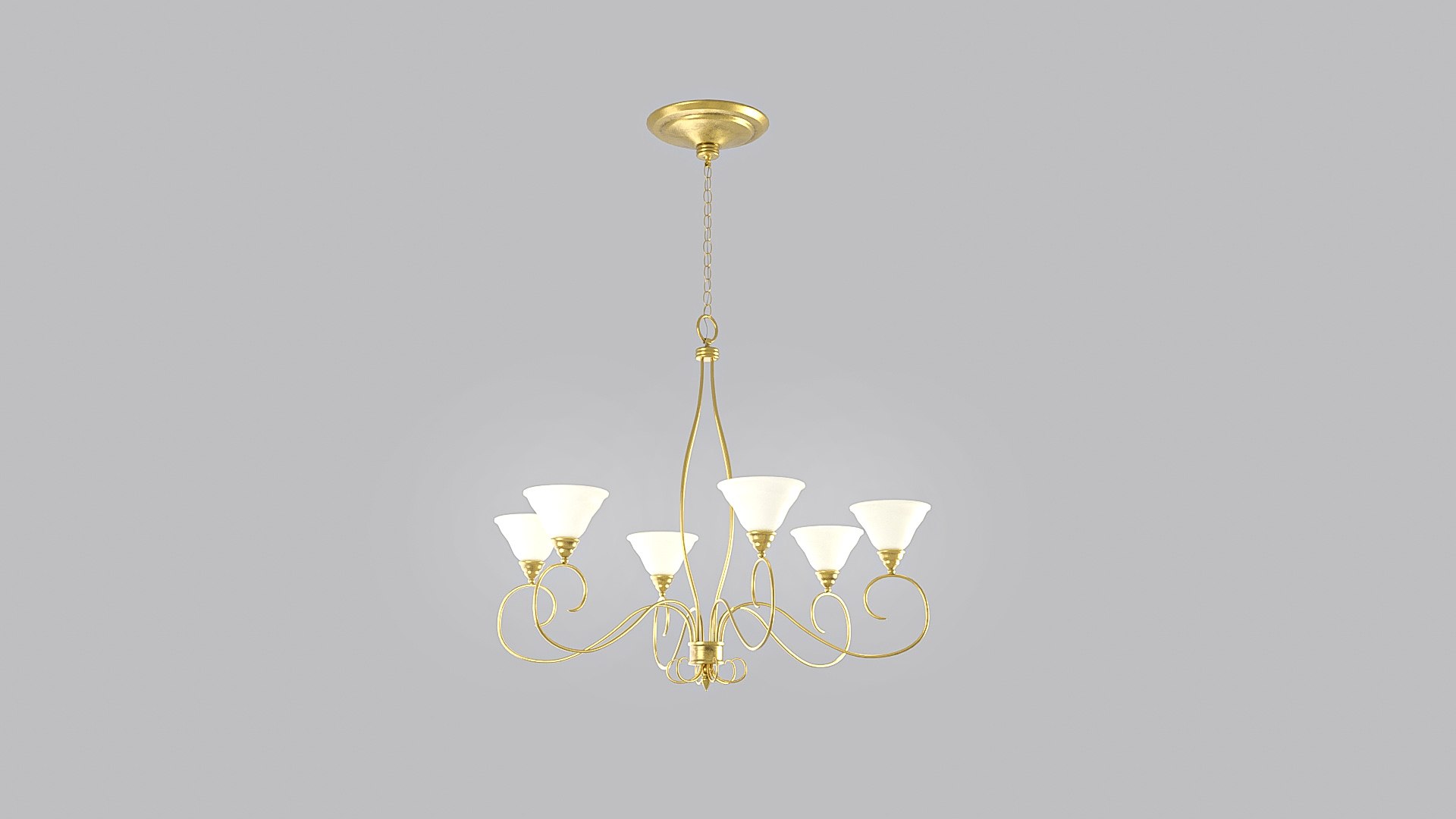
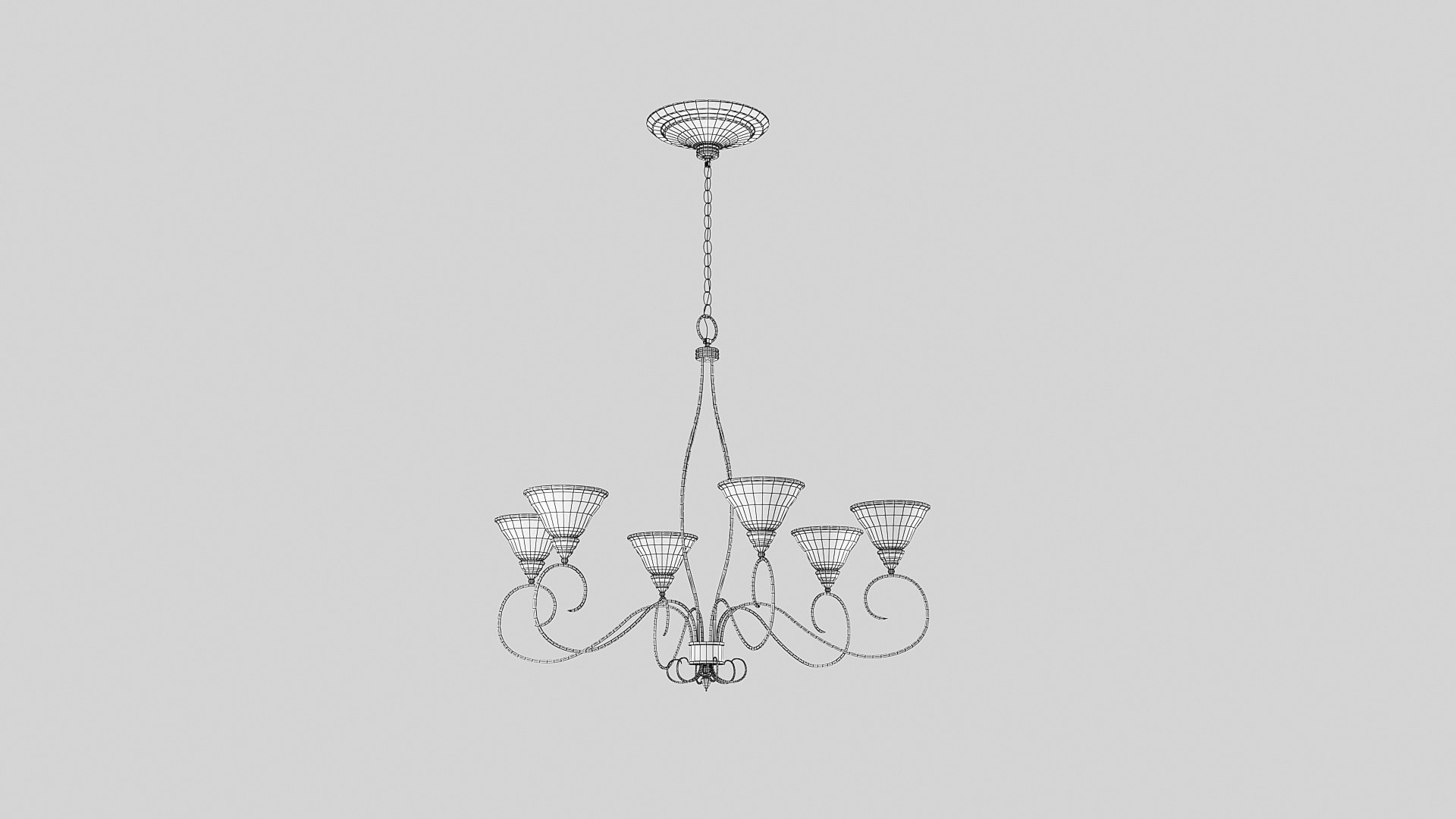
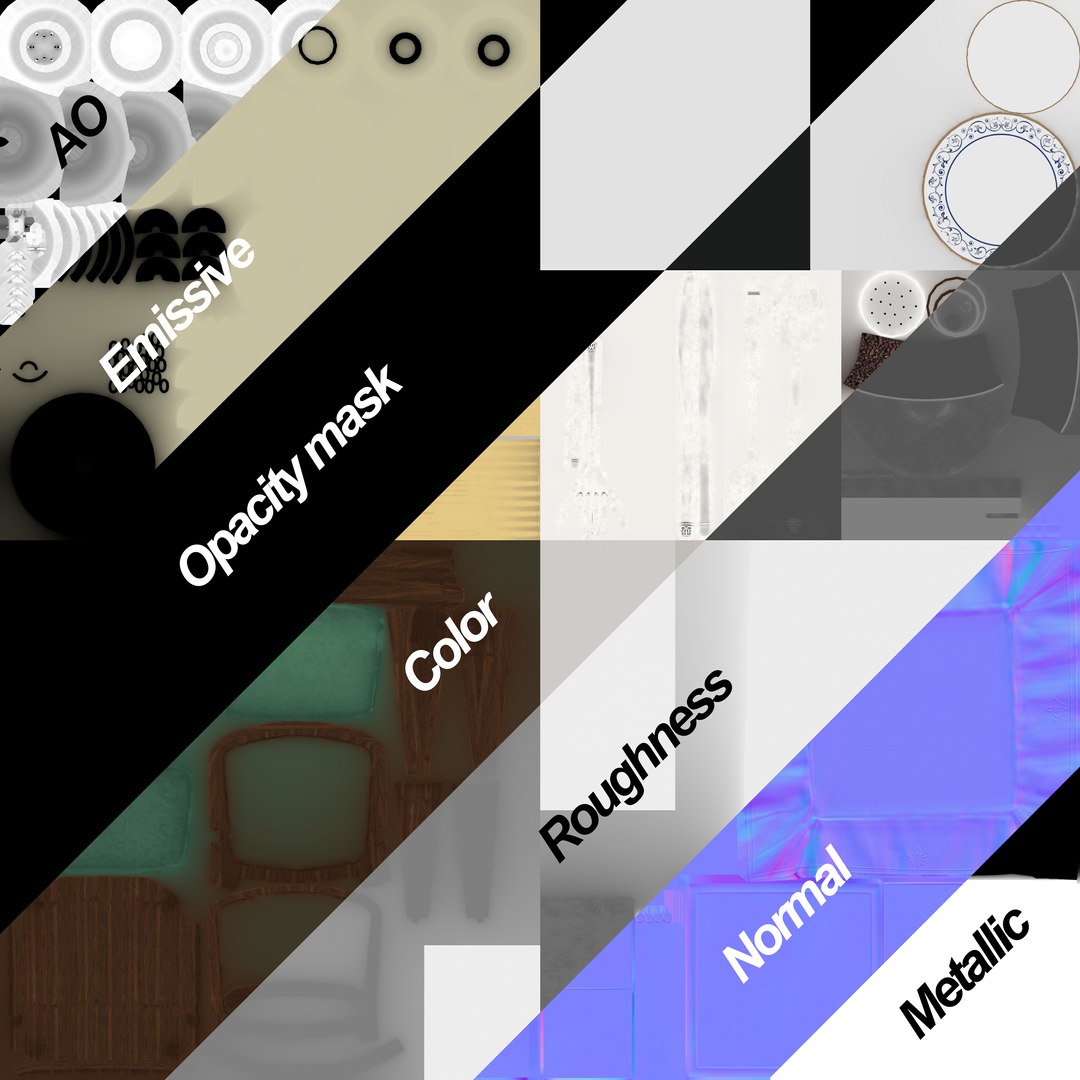
This pack is oriented to use in projects in which it is really important to optimize the number of polygons in order to obtain a right workflow with high amount of assets in one scene with a professional and realistic appearance. The pack contains a escene with all the assets with materials in 3dsmax(2023) estandard, 3dsmax(2023) vray and blender with a total of 32002 polys. Besides, it is included each asset in a separate obj , fbx files of: chair, table, tablecloth, napkin, plates, spoons, knife, fork, pepper and salt, glasses and restaurant lamp. The assets are centered in 0,0 coordinates, named and in real size. The pack only uses a shared single group of 4096x4096 textures, roughness, metallic, normal, AO, color, emission map and a transparency mask (The transparency have to be rebuilt in the final render using that opacity mask).

Select Enhanced License

  • $10,000 in Legal Protection (Indemnification)
  • Uncapped Legal Protection (Indemnification)
  • Waiver from injunctive relief
  • Assignable model rights
  • $1,000,000 in Legal Protection (Indemnification)
  • Waiver from injunctive relief
  • Assignable model rights
  • $250,000 in Legal Protection (Indemnification)
  • Assignable model rights
Read more about enhanced license tiers, or contact us at enterprise@turbosquid.com. Already a Shutterstock Enterprise Customer? Contact your Shutterstock Sales Support Agent to talk about adding 3D.

About Conversion Requests

To submit a conversion request for a purchased asset, please complete our Conversion Request Form.

If you have not yet purchased a model, please review our Documentation about Conversions to learn about what limitations you may encounter with a conversion.

For any additional questions about a model’s suitability for conversion, please contact TurboSquid Support.

Loading...