
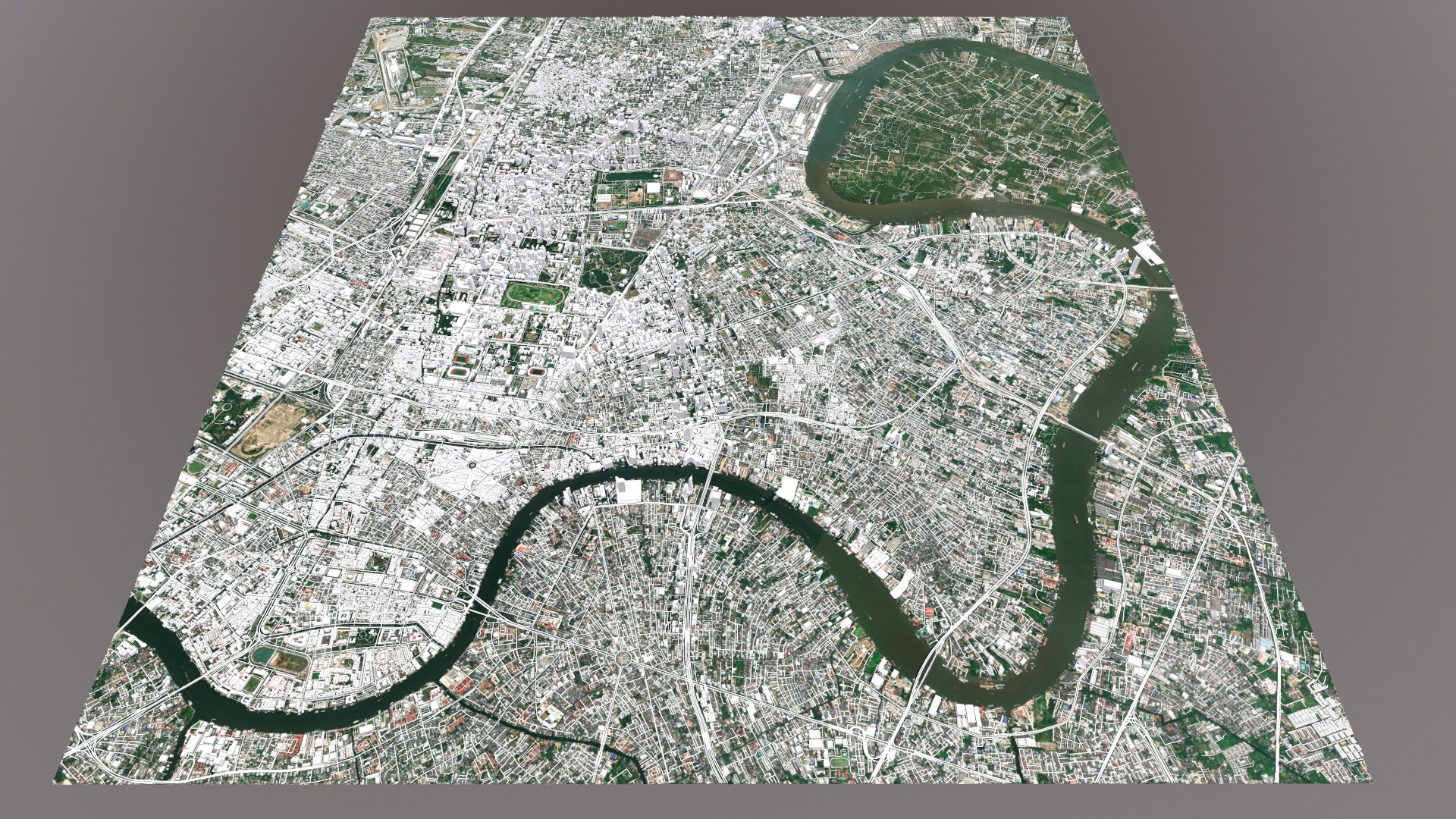
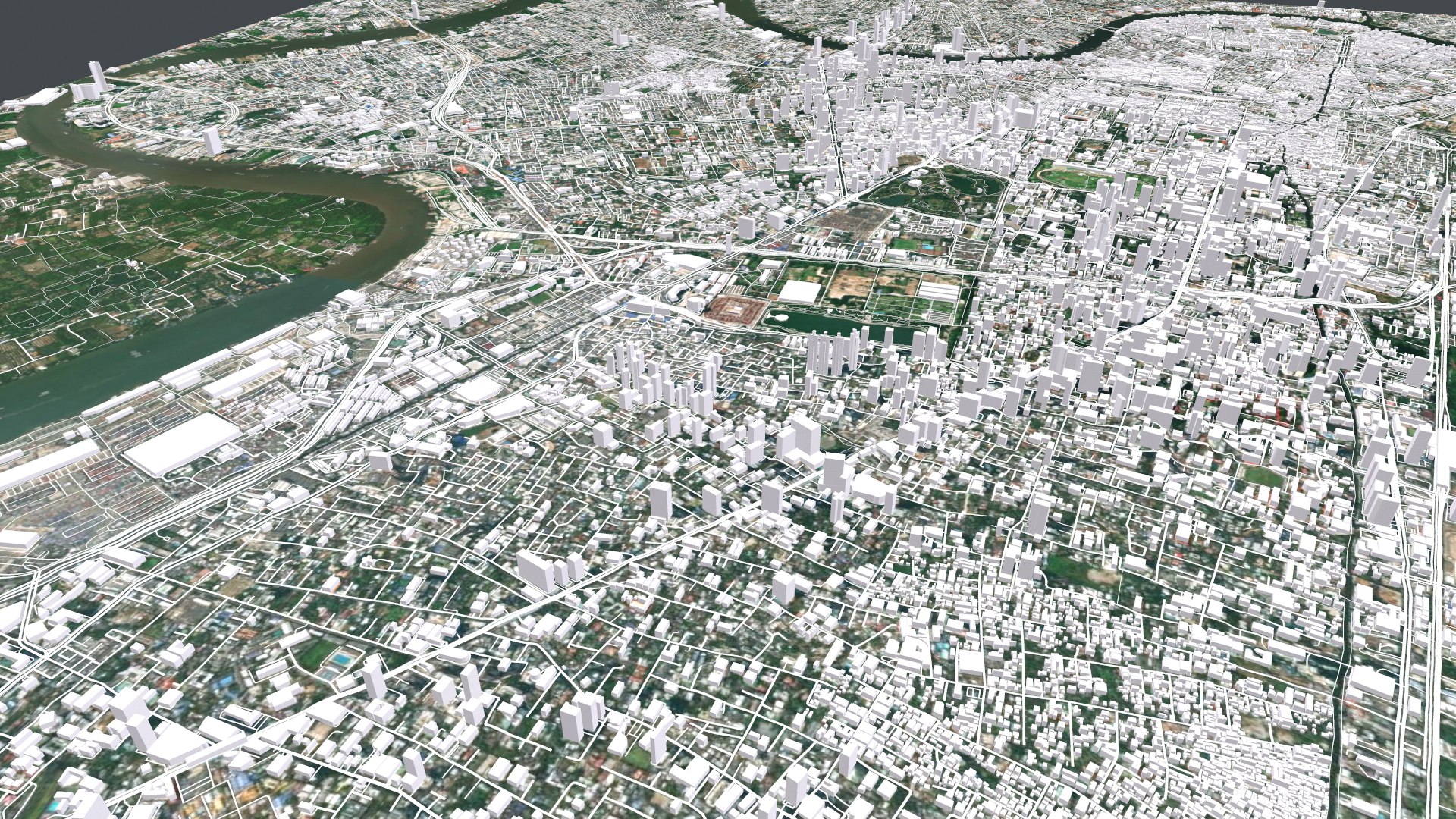
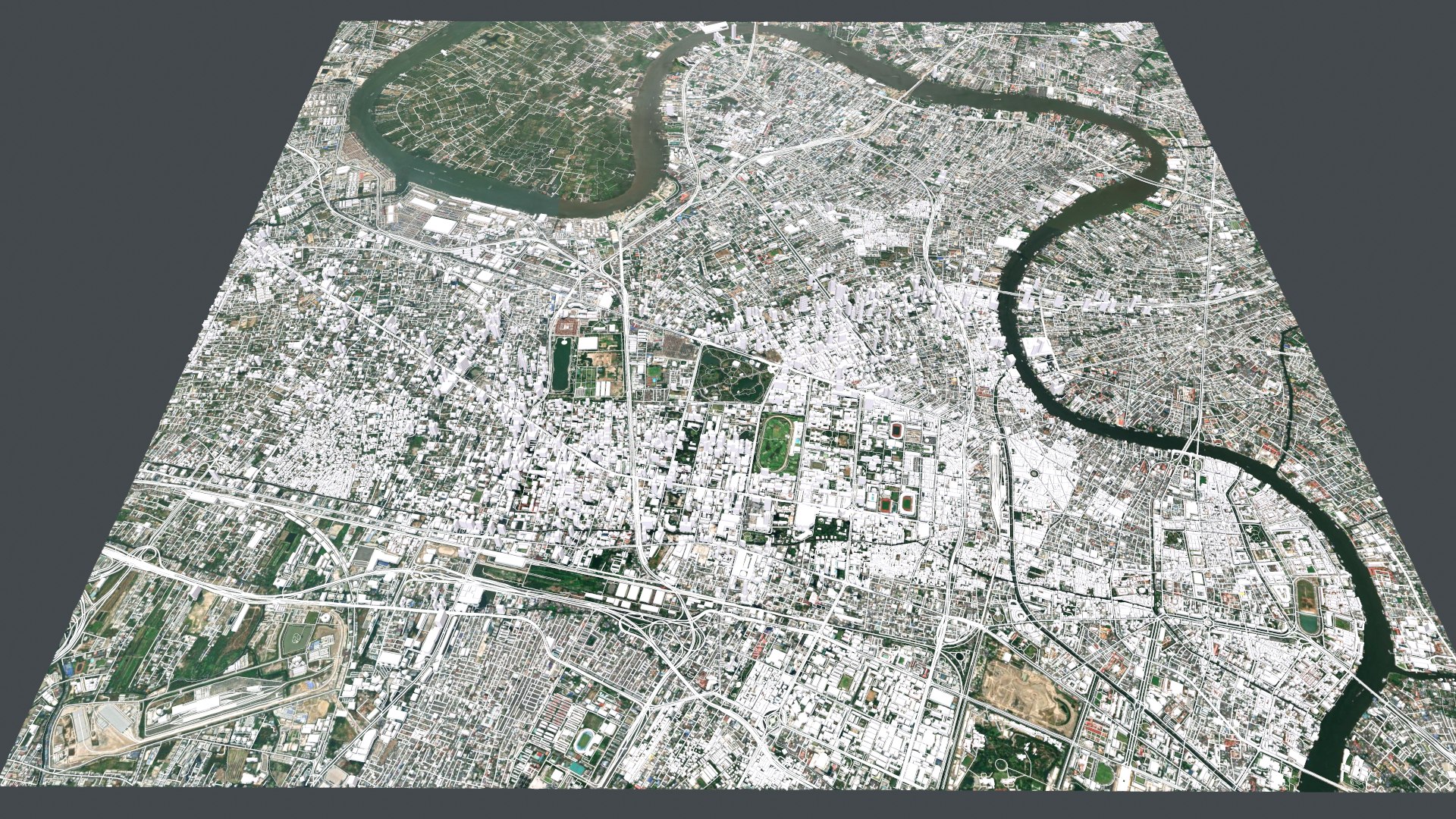
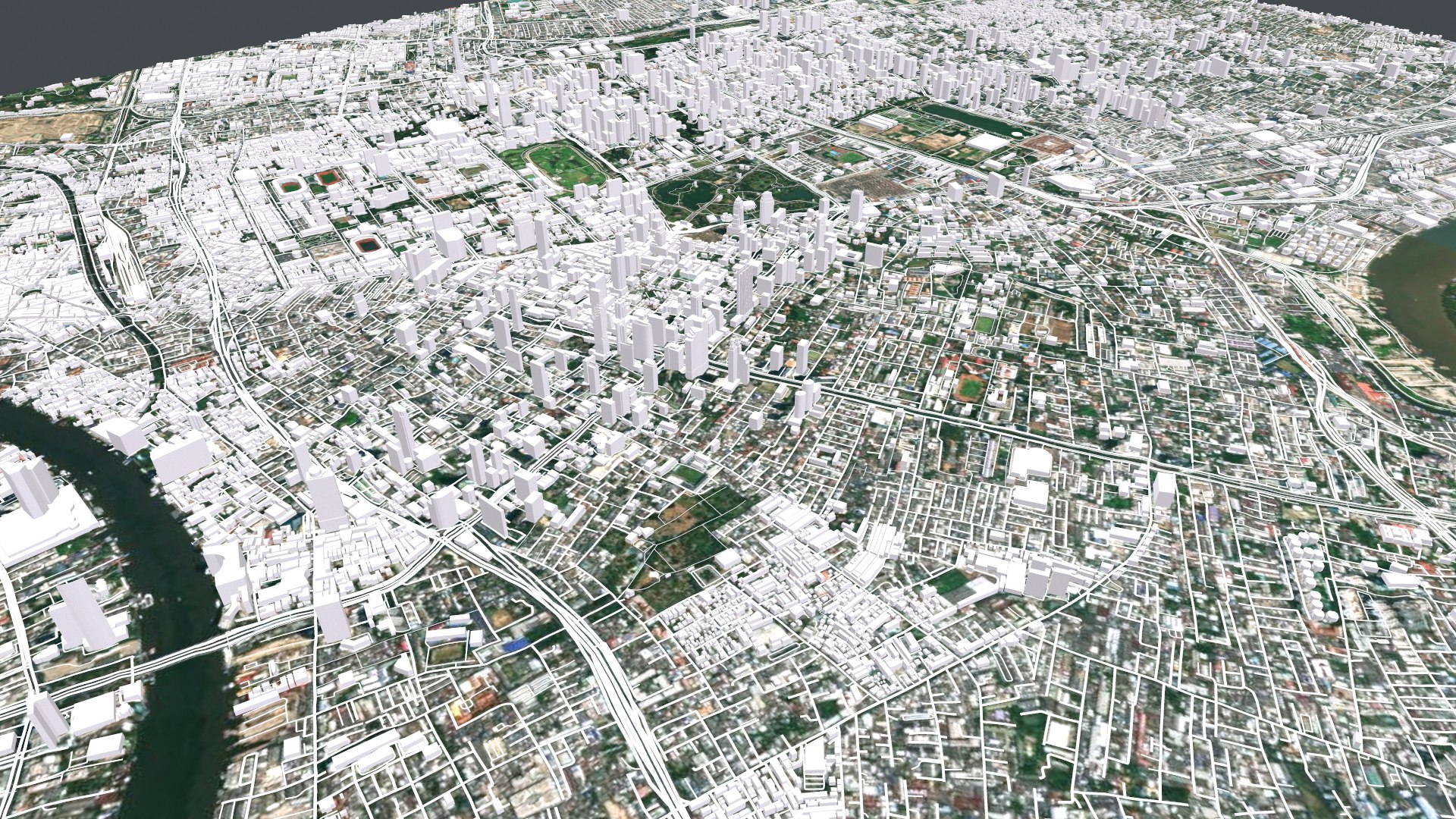
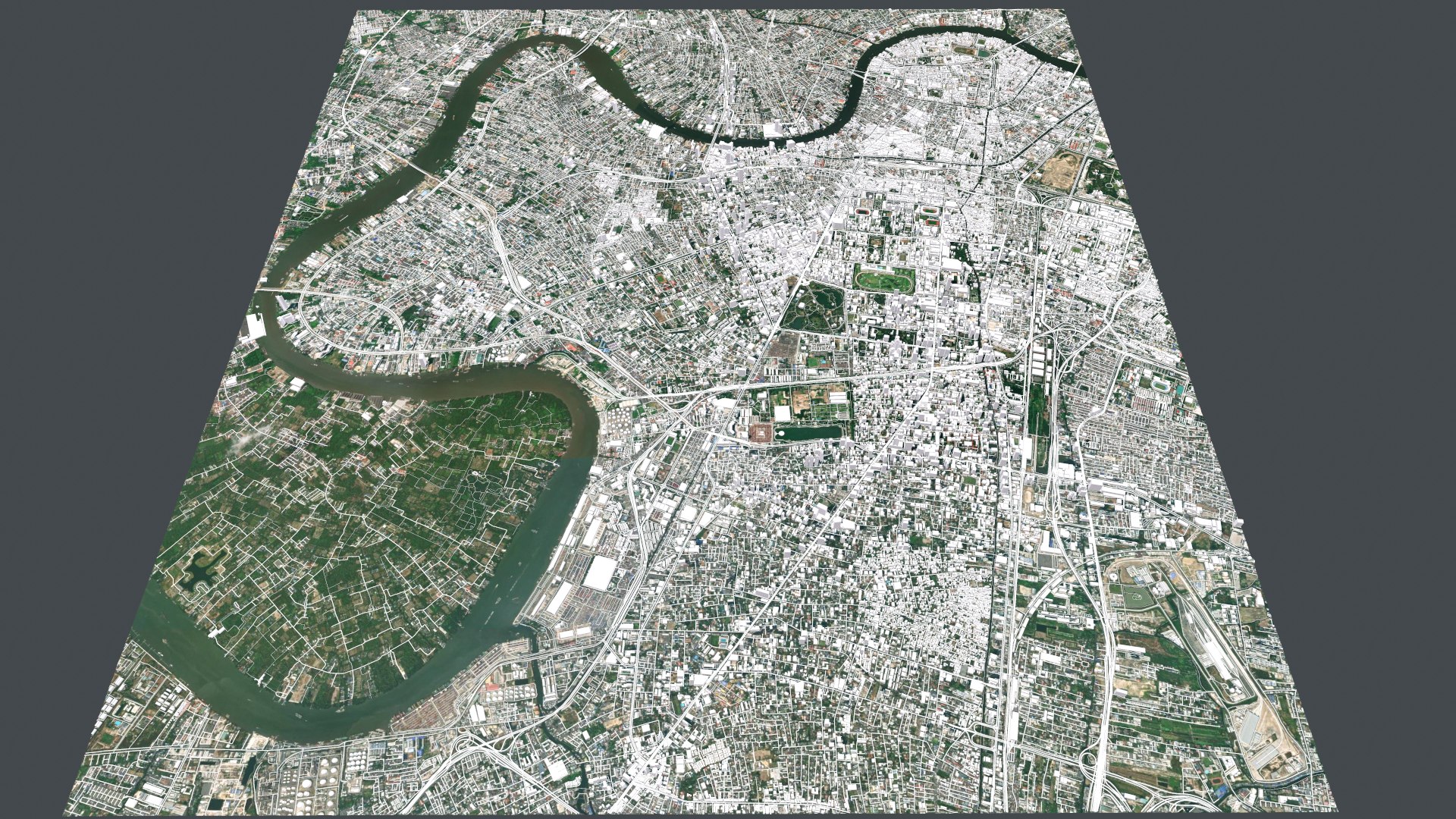
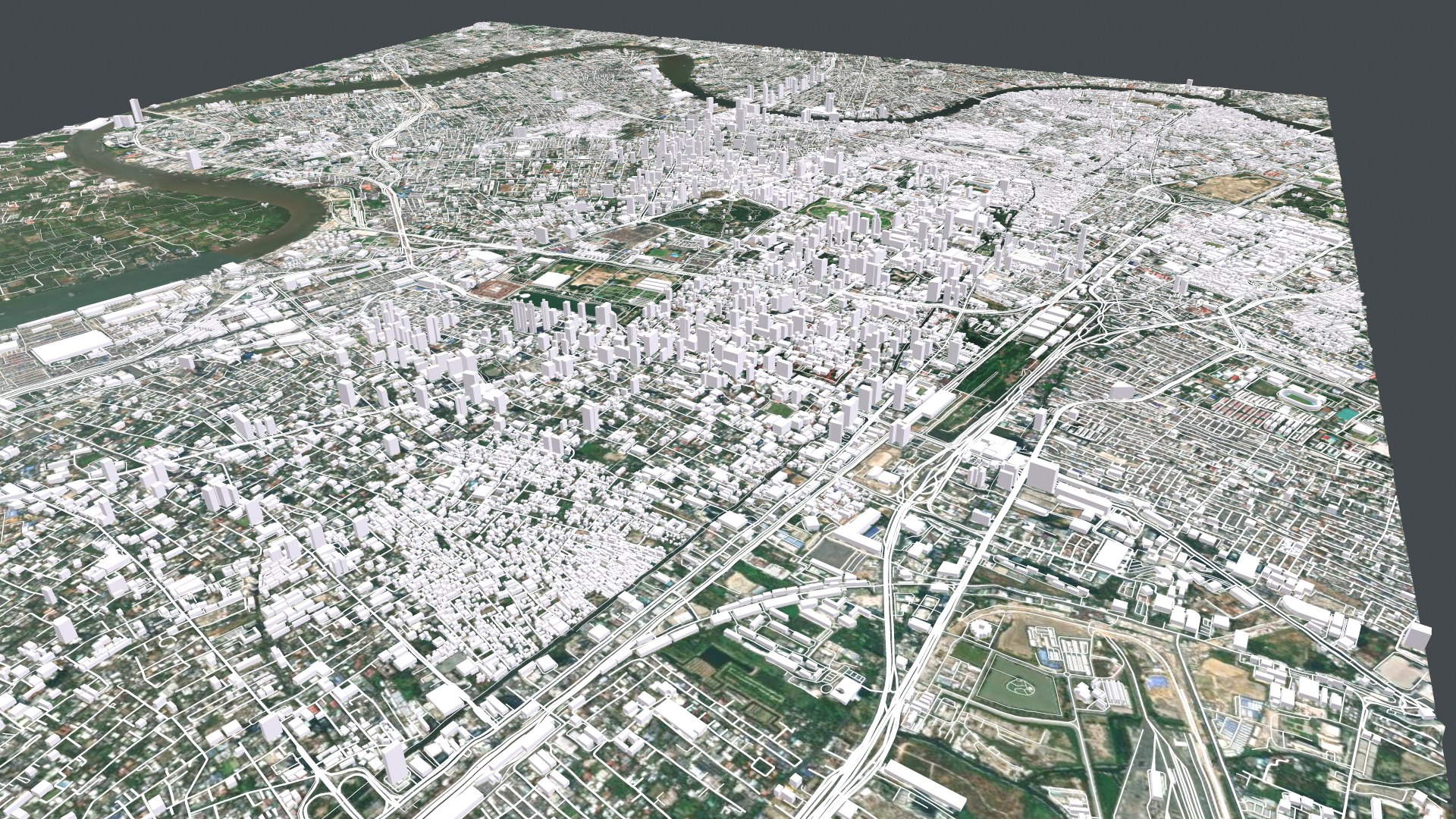
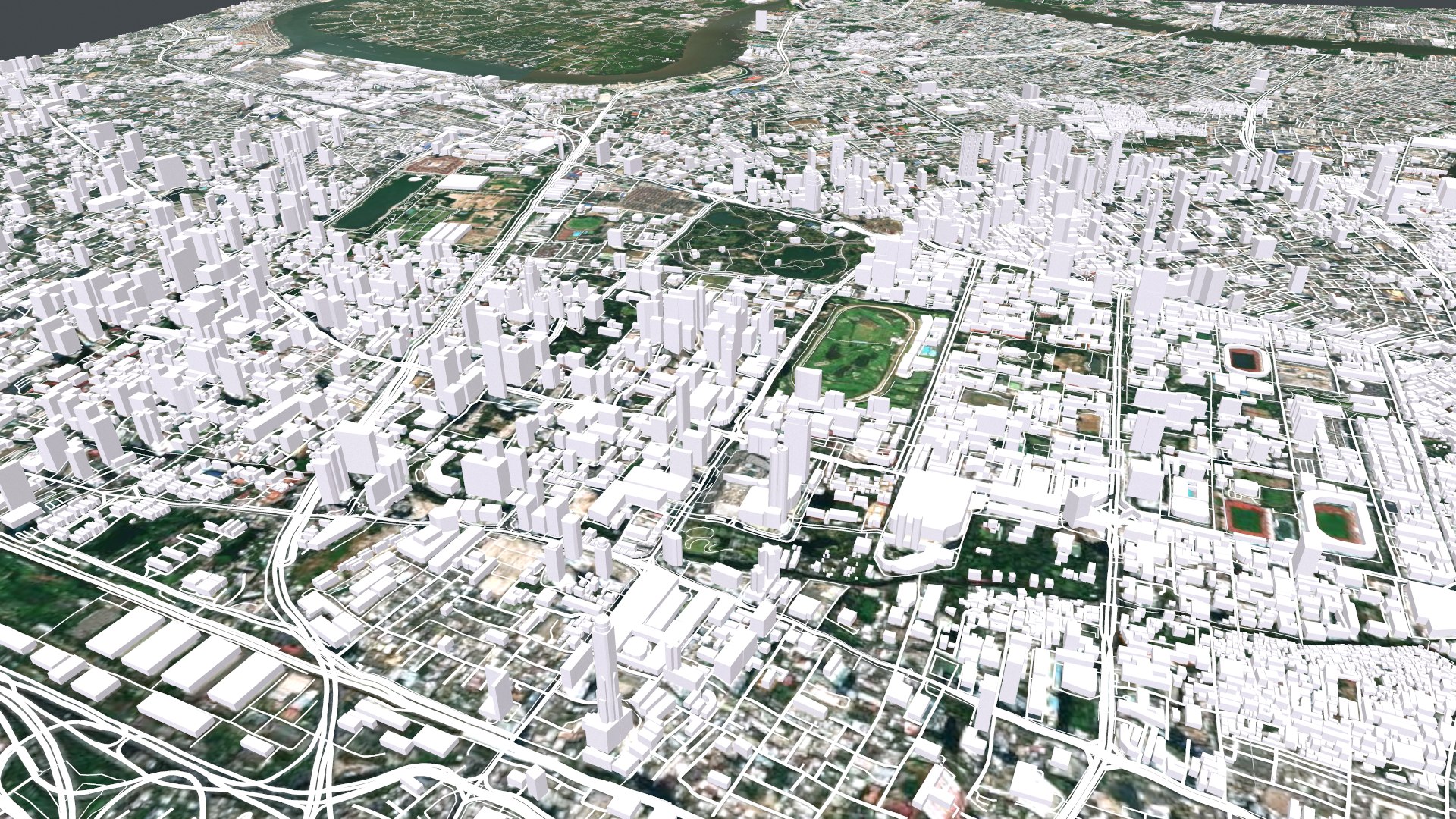
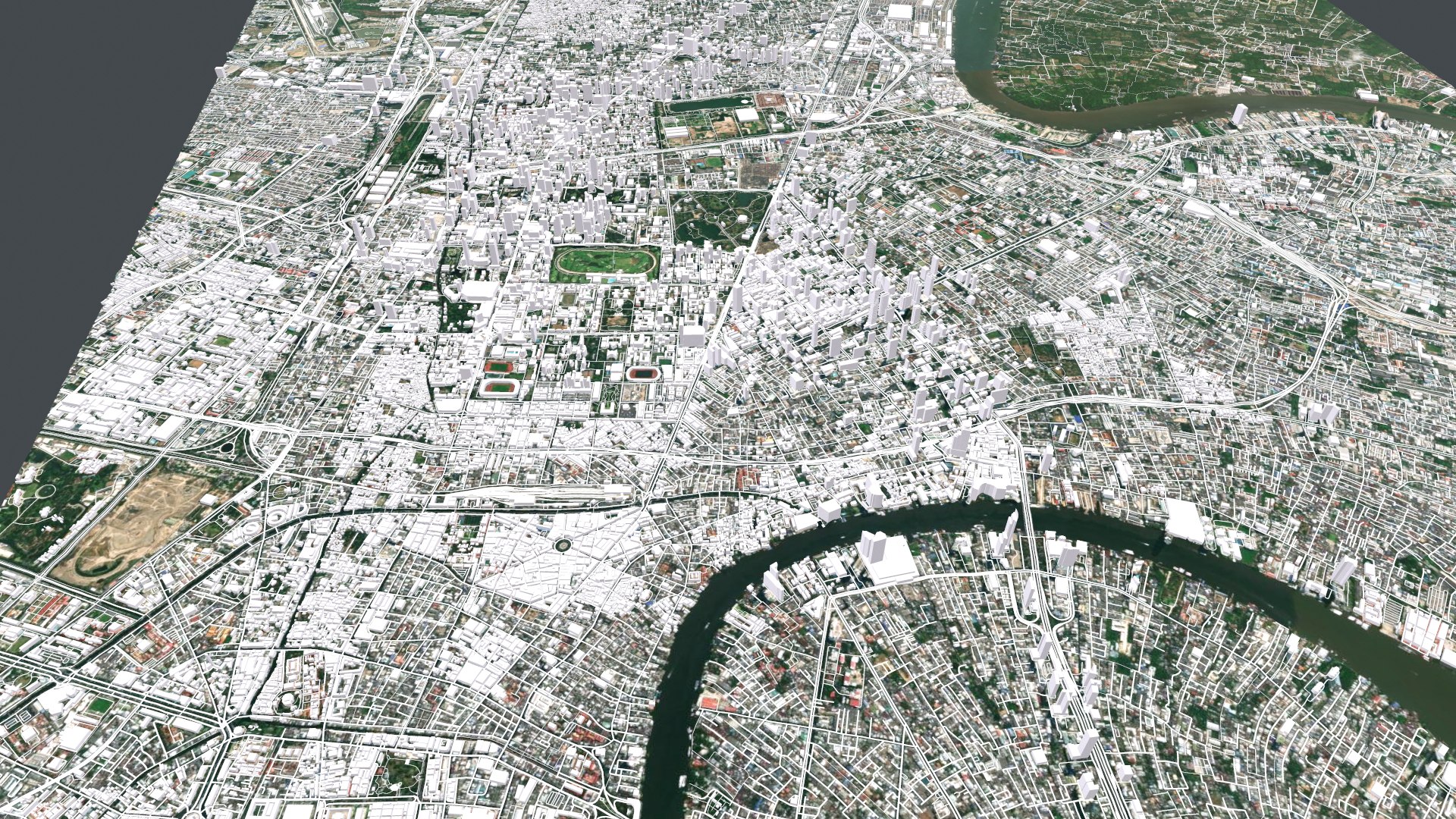

Cityscape Bangkok Thailand

$39

Standard License | Upgrade License
Formats (9)
Free file format Conversions available
Native | 3ds Max 2015 | Corona 1.7
Blender 2.91.2 | Blender Render
FBX
Collada
3D Studio
OBJ
Other Textures
Unity
Other Files
3.mtl overlay.rar
Specifications
Publish Date February 18, 2022
Product ID 1856835
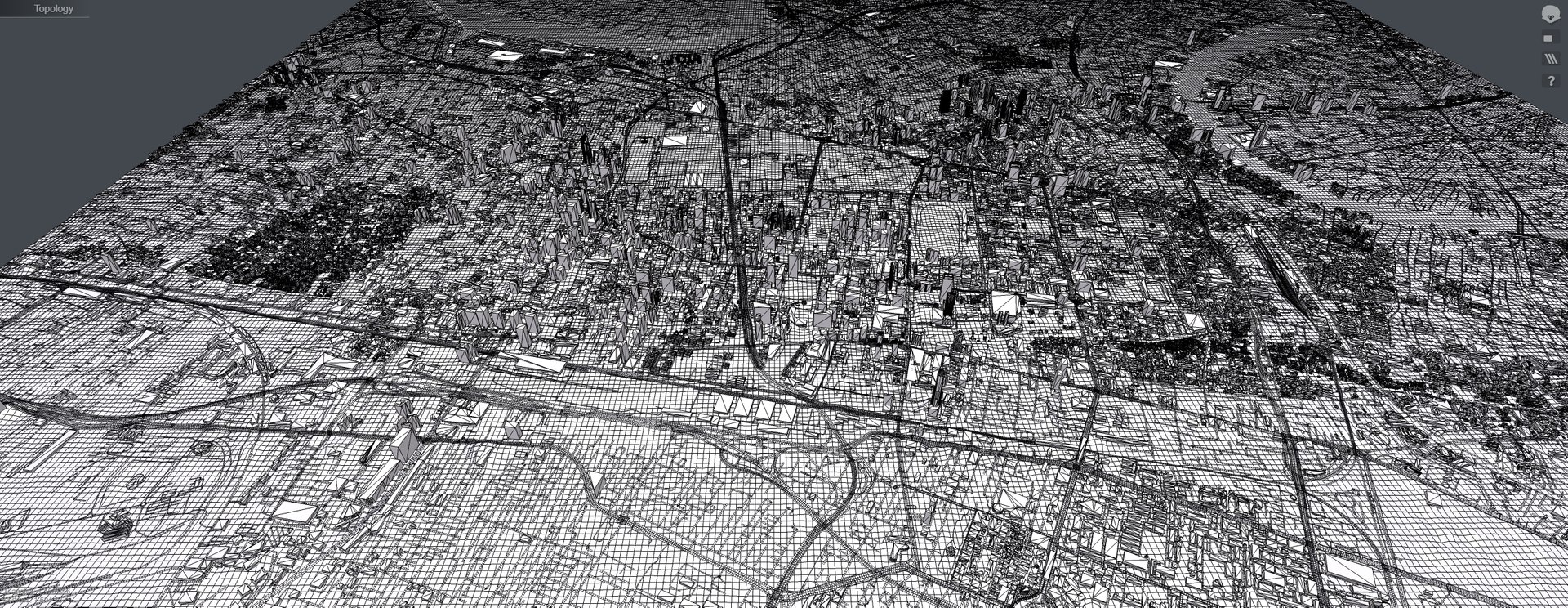
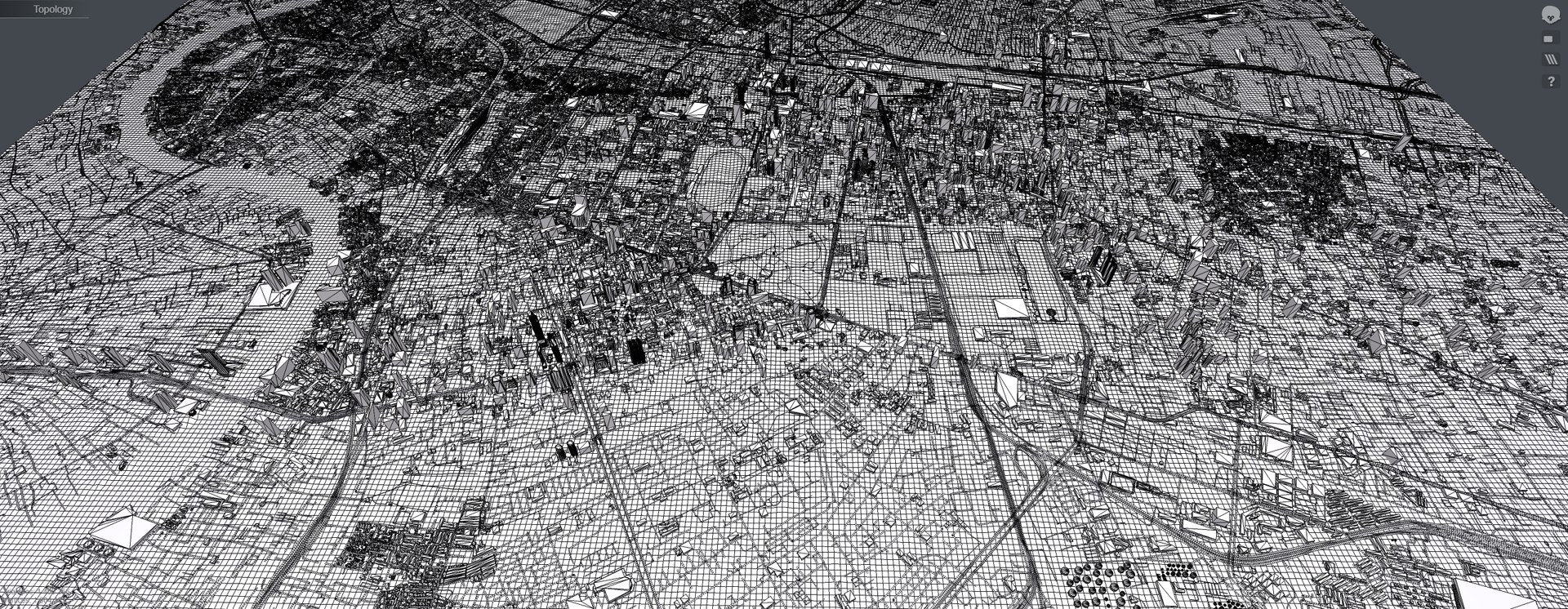
Polygons 1,406,356
Vertices 1,604,133
Polygonal
Textures
Materials
UV Mapped
Mixed Unwrapped UVs
PBR
Real-Time

member avatar
clickpay3d
2140 Products | Contributor Since 2020
Have questions? Chat with us now.

Description

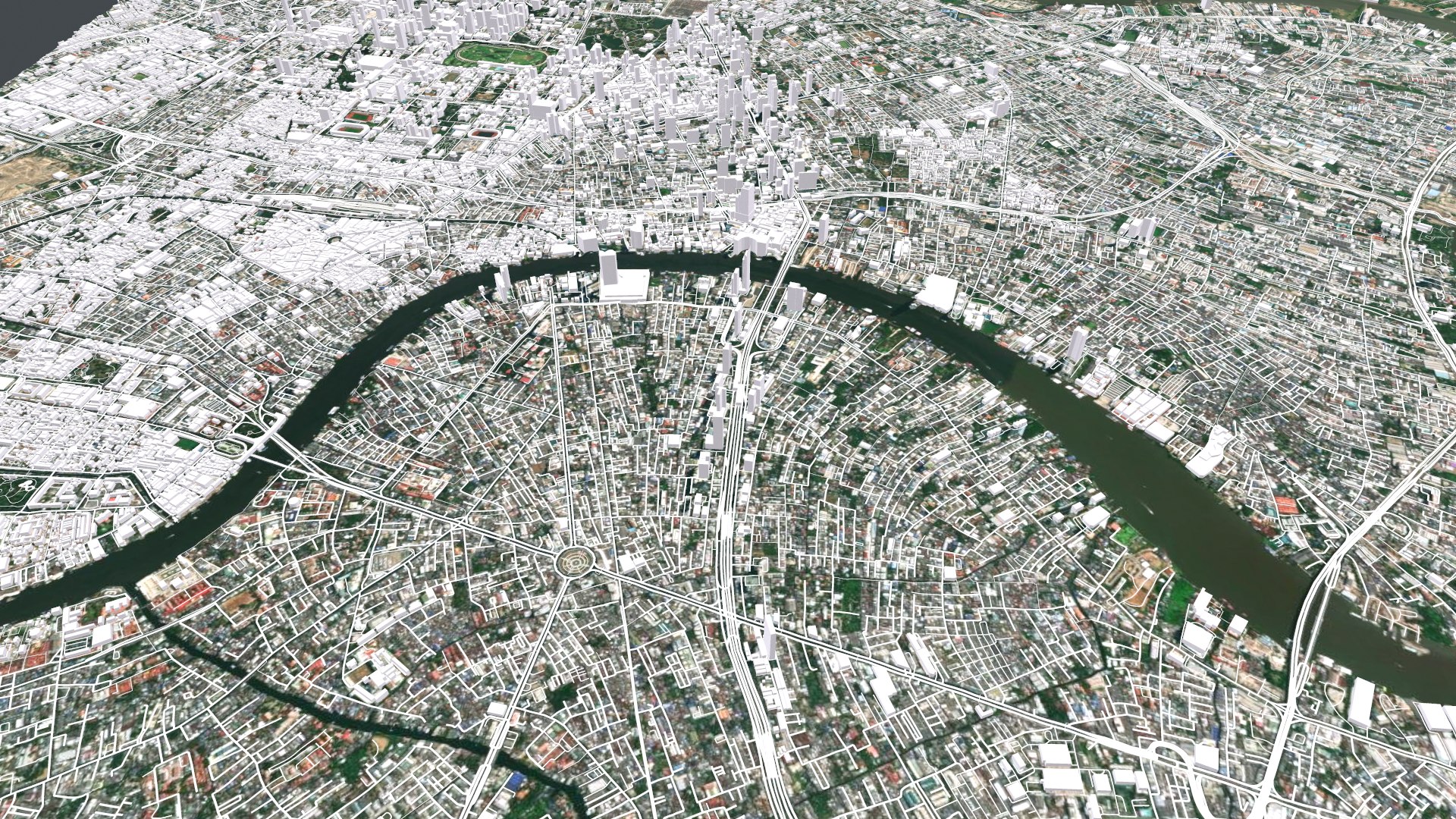
Cityscape Bangkok Thailand

Bangkok is the capital of Thailand, a huge city known for its ornate temples and vibrant nightlife. The navigable Chao Phraya River flows through the city, which feeds numerous canals with its waters. On the bank of one of the channels lies the royal district of Rattanakosin, where the magnificent Grand Palace, the sacred temple of Phrakew and Wat Pho with a giant statue of the Resting Buddha are located. On the opposite bank is Wat Arun with steep steps and a Khmer-style spire.

Model resolutions are optimized for polygon efficiency. All colors can be easily modified. Model is fully textured with all materials applied. No cleaning up necessary, just drop your models into the scene and start rendering. No special plugin needed to open scene.

File formats:

3ds Max 2015

OBJ (Multi Format)

3DS (Multi Format)

FBX (Multi Format)

Marmoset Toolbag 3 scene with materials

Unitypackage

(blend) Blender 2.91.2

(dae) Collada

Select Enhanced License

  • $10,000 in Legal Protection (Indemnification)
  • Uncapped Legal Protection (Indemnification)
  • Waiver from injunctive relief
  • Assignable model rights
  • $1,000,000 in Legal Protection (Indemnification)
  • Waiver from injunctive relief
  • Assignable model rights
  • $250,000 in Legal Protection (Indemnification)
  • Assignable model rights
Read more about enhanced license tiers, or contact us at enterprise@turbosquid.com. Already a Shutterstock Enterprise Customer? Contact your Shutterstock Sales Support Agent to talk about adding 3D.

About Conversion Requests

To submit a conversion request for a purchased asset, please complete our Conversion Request Form.

If you have not yet purchased a model, please review our Documentation about Conversions to learn about what limitations you may encounter with a conversion.

For any additional questions about a model’s suitability for conversion, please contact TurboSquid Support.

Loading...