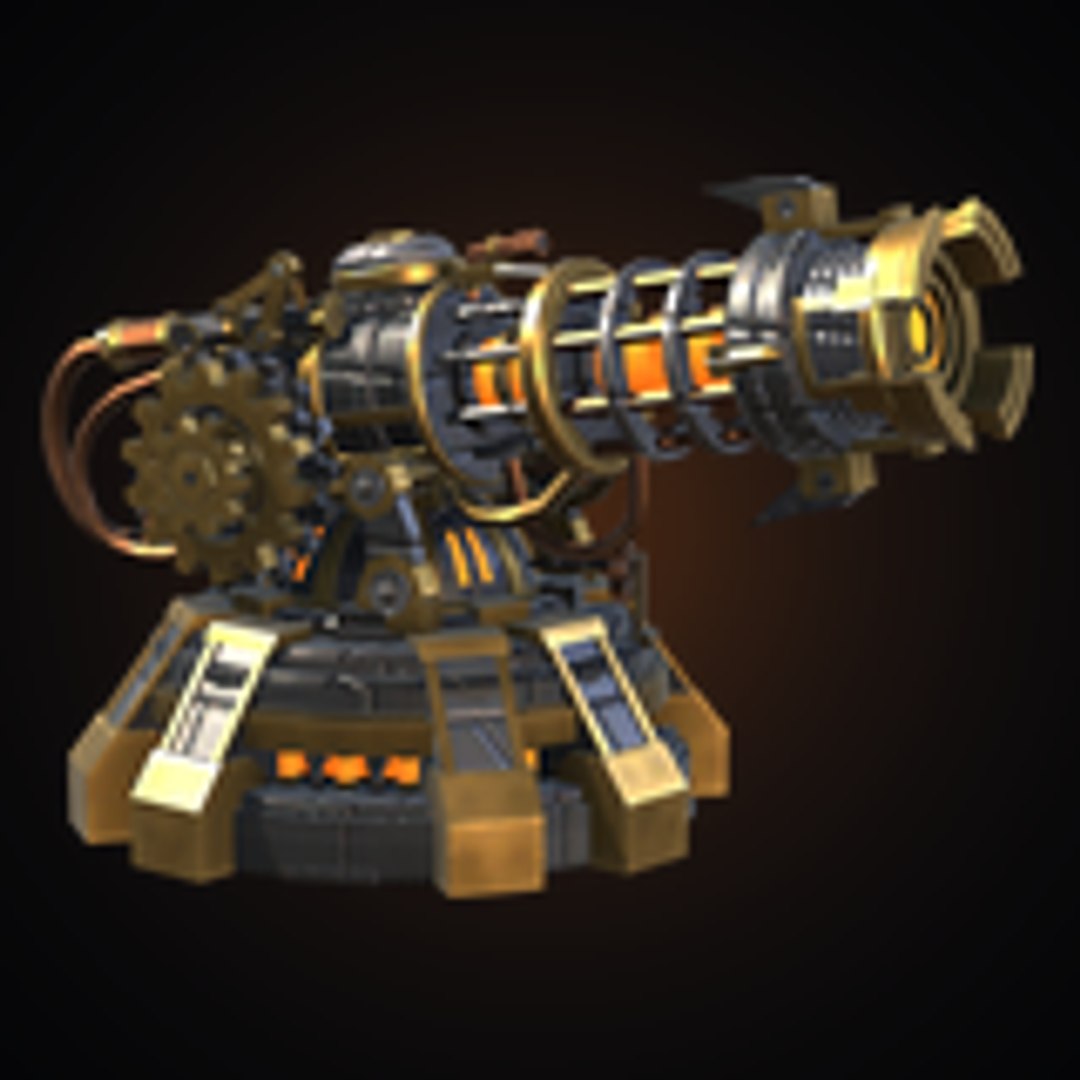
ChronoblasterTower

$20

Formats (3)
Native | Unity 2023 | Other
FBX
glTF
Other Files
ChronoblasterTower_Metallic.png ChronoblasterTower_Normal.png ChronoblasterTower_Roughness.png ChronoblasterTower_Emission.png ChronoblasterTower_MetallicSmoothness.png ChronoblasterTower_BaseColor.png
Specifications
Publish Date November 14, 2026
Product ID 2652015
Polygons 16,034
Vertices 16,034
Polygonal Tris Only
Textures
Materials
Unknown Unwrapped UVs
Animated
member avatar
wakashi
1 Products | Contributor Since 2026
Have questions? Chat with us now.

Description

Number of textures:
4 (Base Color, Normal, Metallic/Smoothness, Emission)

Texture dimensions:
2048 x 2048

Polygon count of Chronoblaster Tower:
16,034 triangles

Minimum polygon count:
16,034 triangles

Maximum polygon count:
16,034 triangles

Number of meshes/prefabs:
7 meshes (the tower body plus 6 separate gears, in one FBX) and 1 prefab

Rigging:
No

Animation count:
0 animation clips. The 6 gears spin through the included script (ChronoblasterGears), with adjustable speed and an on/off toggle.

Animation type list:
Procedural rotation (script-driven gear spin), no animation clips

UV mapping:
Yes (one non-overlapping UV set, every part with its own texture space)

LOD information:
1 level (no LODs)

Types of materials and texture maps:
1 PBR material (Metallic workflow) with an included shader: URP Lit lighting in URP, Standard lighting in the Built-in Render Pipeline. Maps: Base Color (Albedo), Normal, Metallic/Smoothness, Emission.

Select Enhanced License

  • $10,000 in Legal Protection (Indemnification)
  • Uncapped Legal Protection (Indemnification)
  • Waiver from injunctive relief
  • Assignable model rights
  • $1,000,000 in Legal Protection (Indemnification)
  • Waiver from injunctive relief
  • Assignable model rights
  • $250,000 in Legal Protection (Indemnification)
  • Assignable model rights
Read more about enhanced license tiers, or contact us at enterprise@turbosquid.com. Already a Shutterstock Enterprise Customer? Contact your Shutterstock Sales Support Agent to talk about adding 3D.

About Conversion Requests

To submit a conversion request for a purchased asset, please complete our Conversion Request Form.

If you have not yet purchased a model, please review our Documentation about Conversions to learn about what limitations you may encounter with a conversion.

For any additional questions about a model’s suitability for conversion, please contact TurboSquid Support.

Loading...