
Waiting For Santa Claus

$30

Standard License | Upgrade License
Formats (3)
Free file format Conversions available
Blender
Collada
OBJ
Specifications
Publish Date November 29, 2014
Product ID 872437
Polygons 247,700
Vertices 247,613
Polygonal
Textures
Materials
UV Mapped
Non-overlapping Unwrapped UVs
member avatar
MatVic
39 Products | Contributor Since 2014
Have questions? Chat with us now.

Description

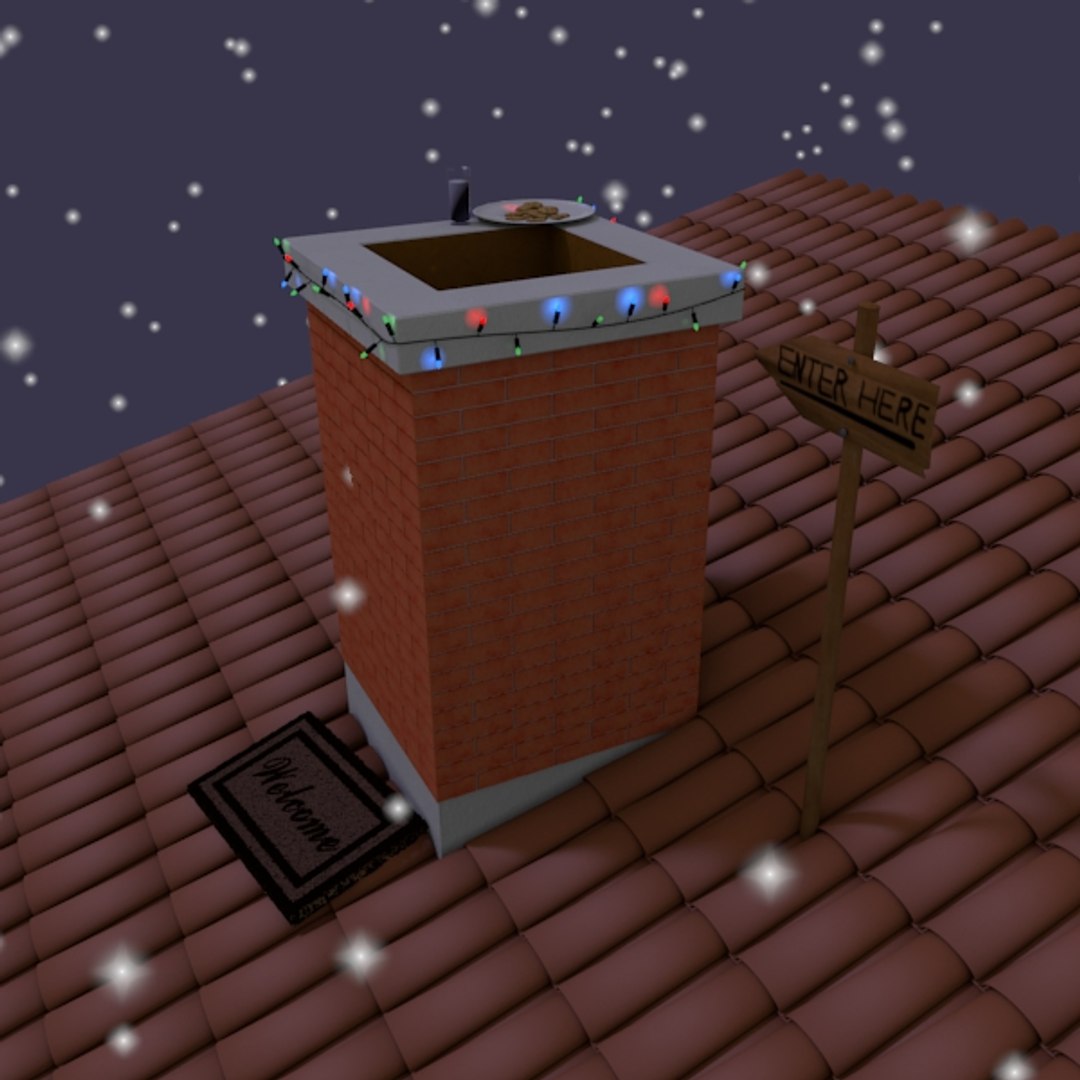
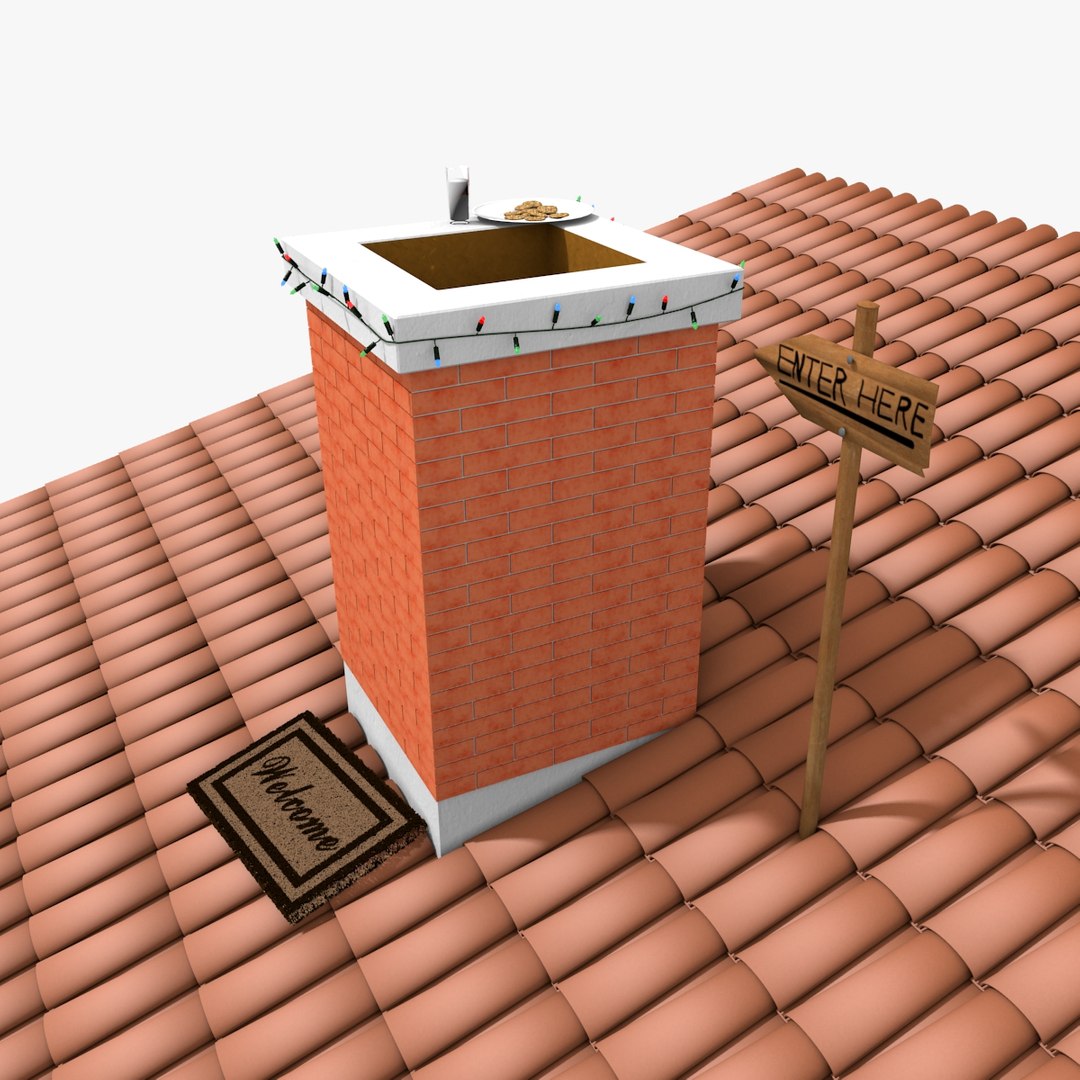
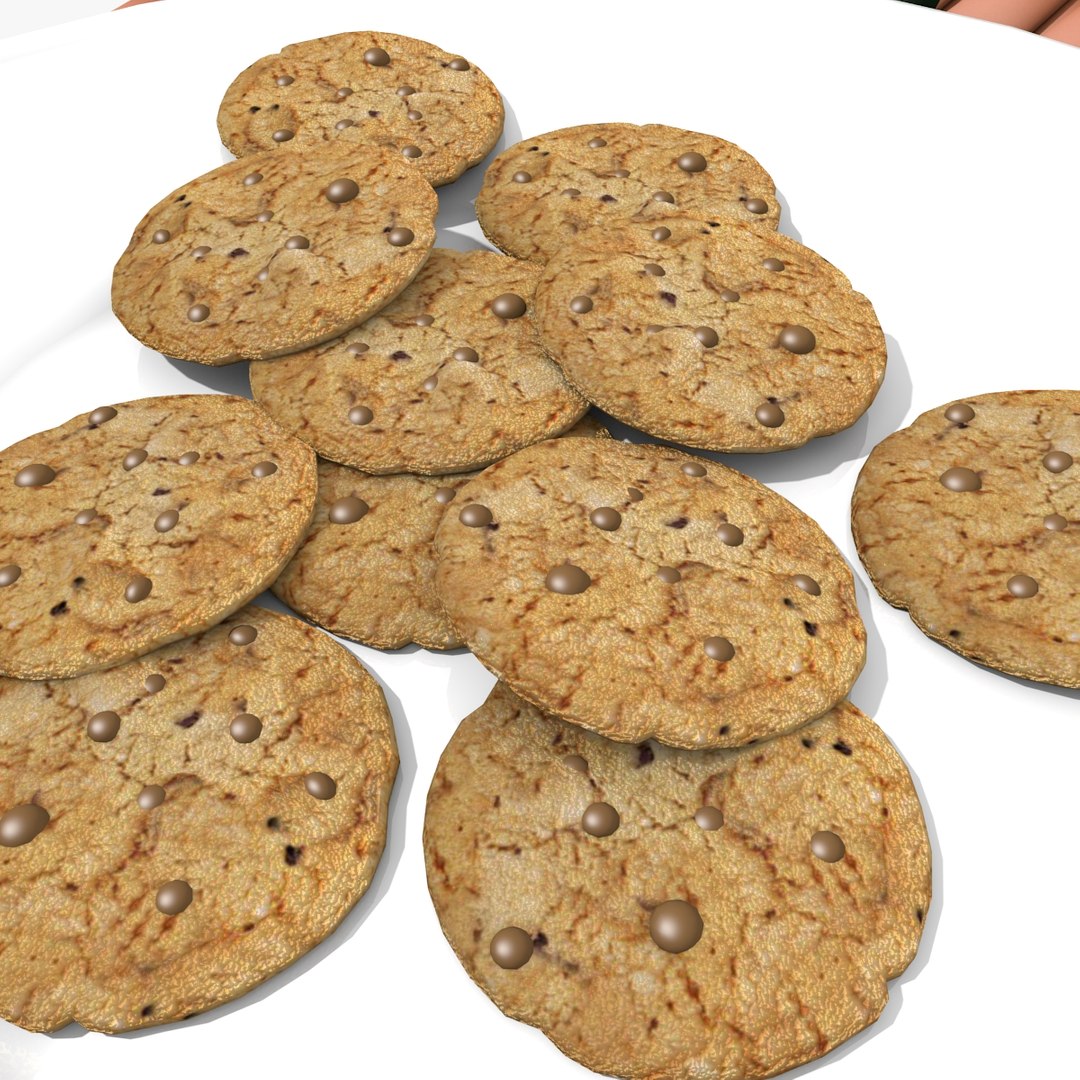
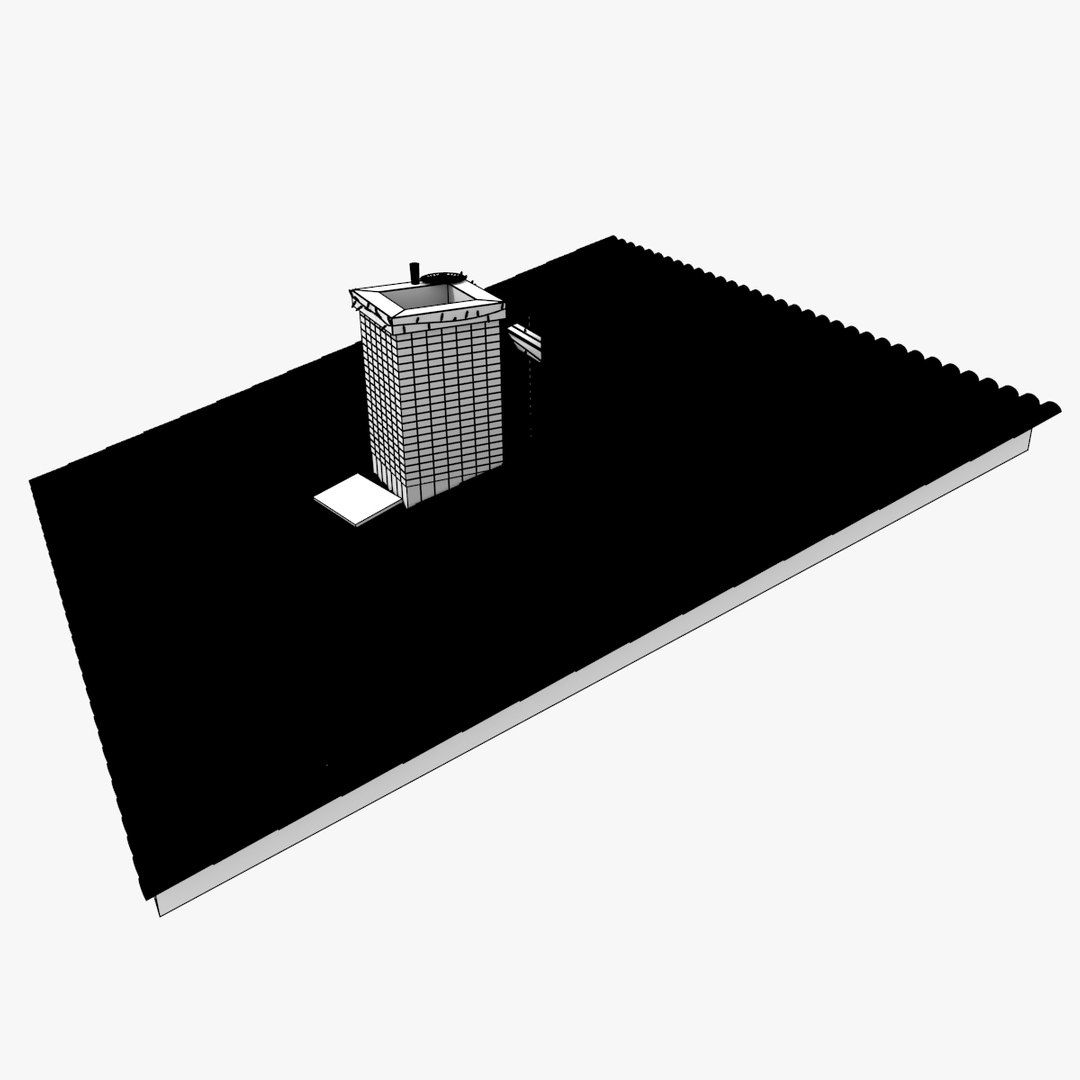
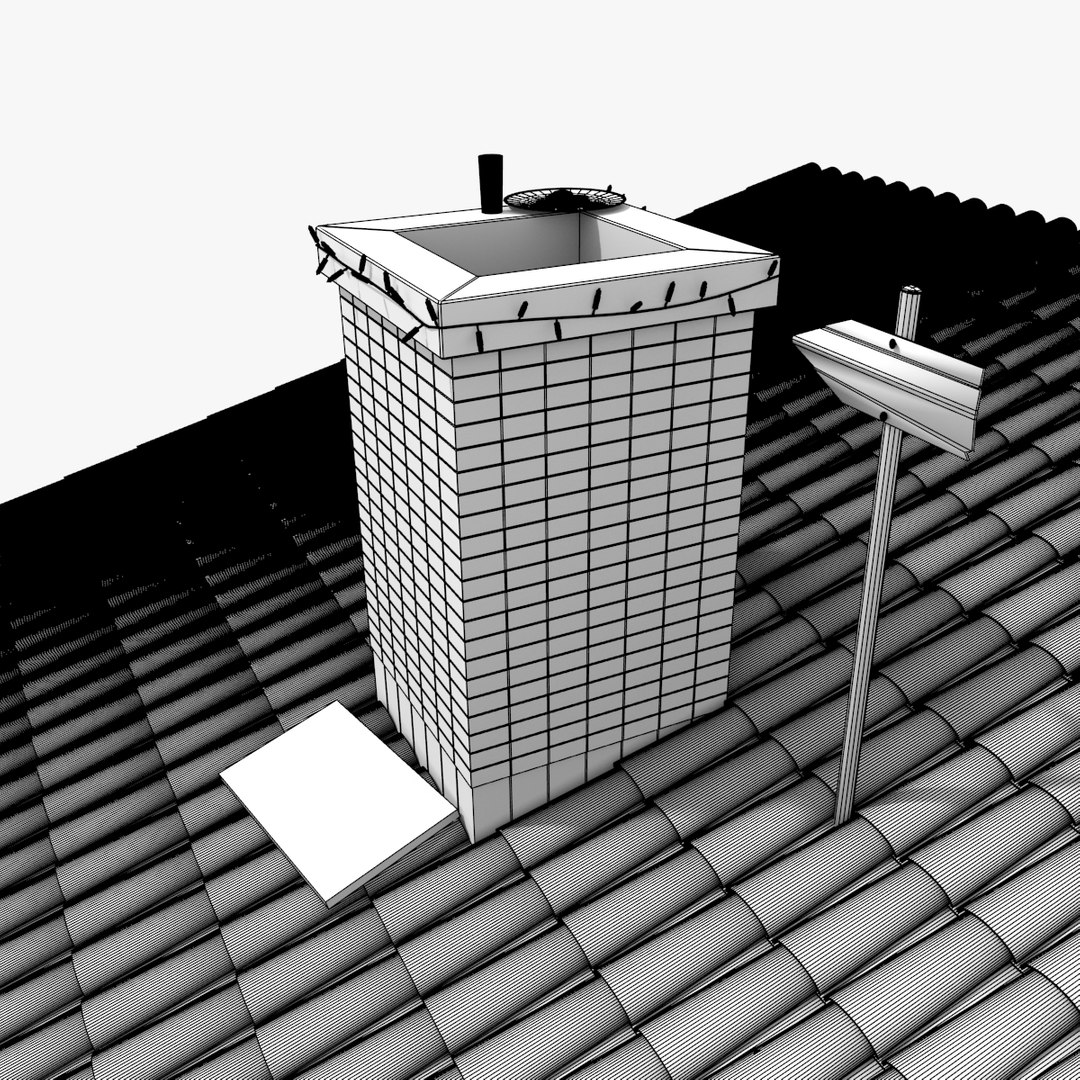
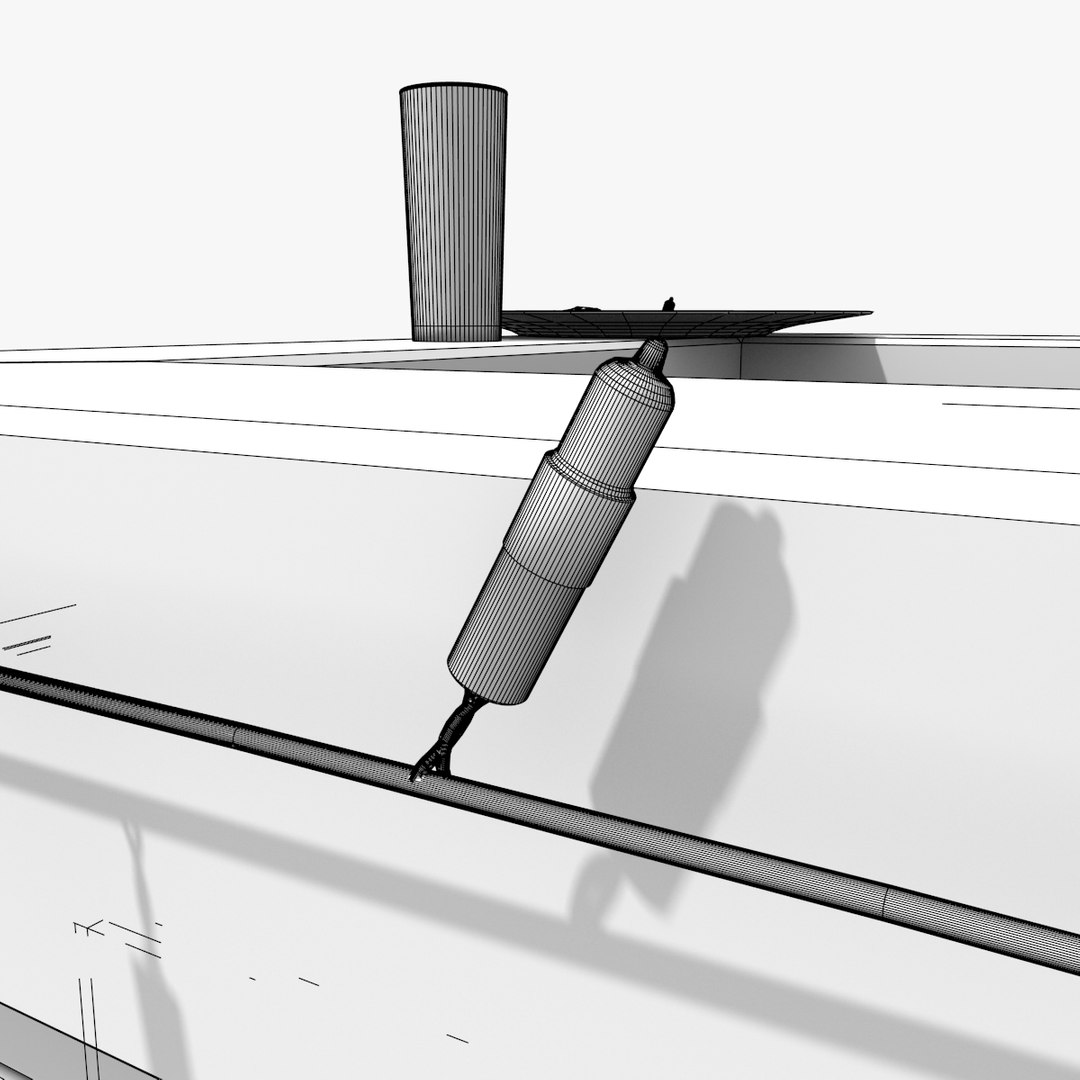
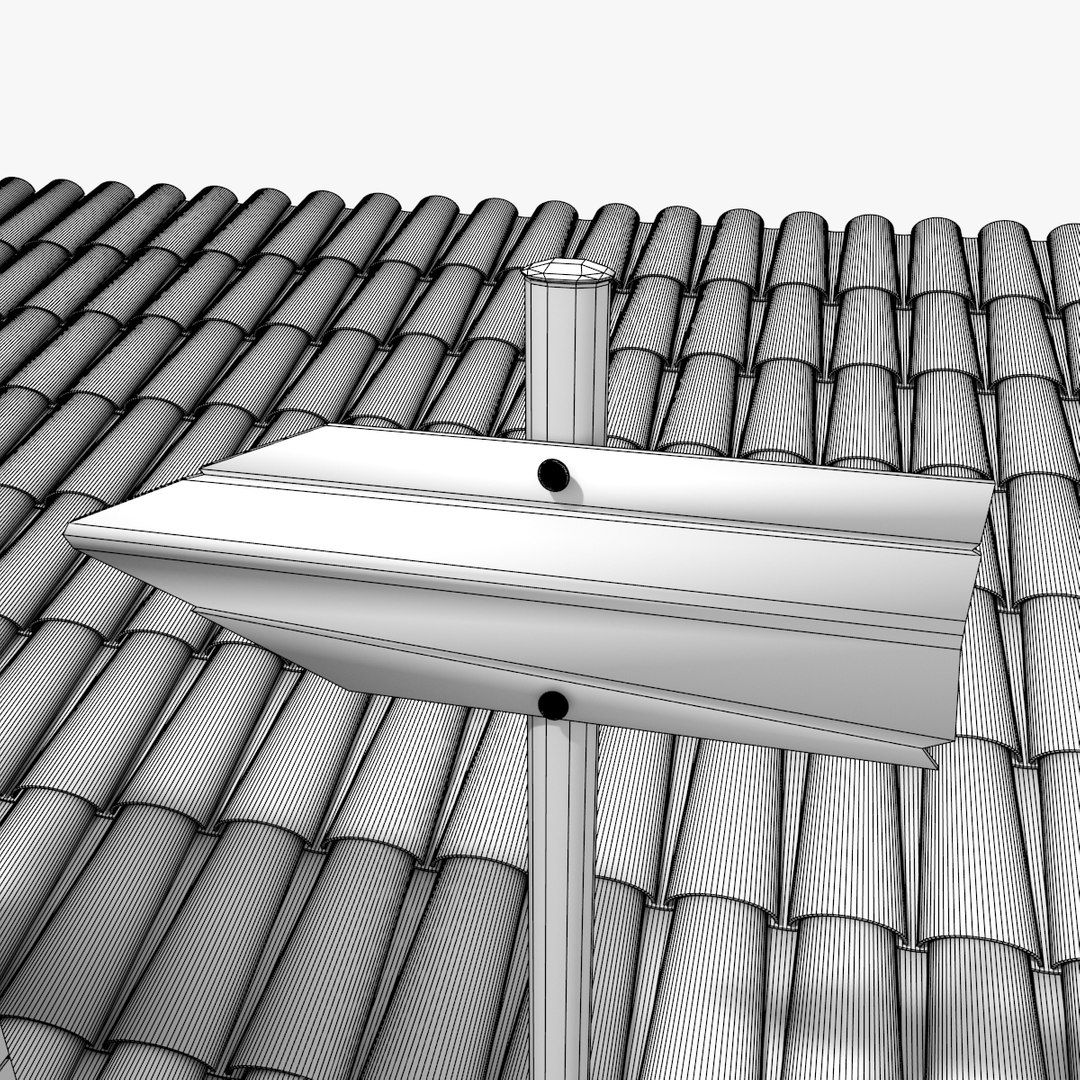
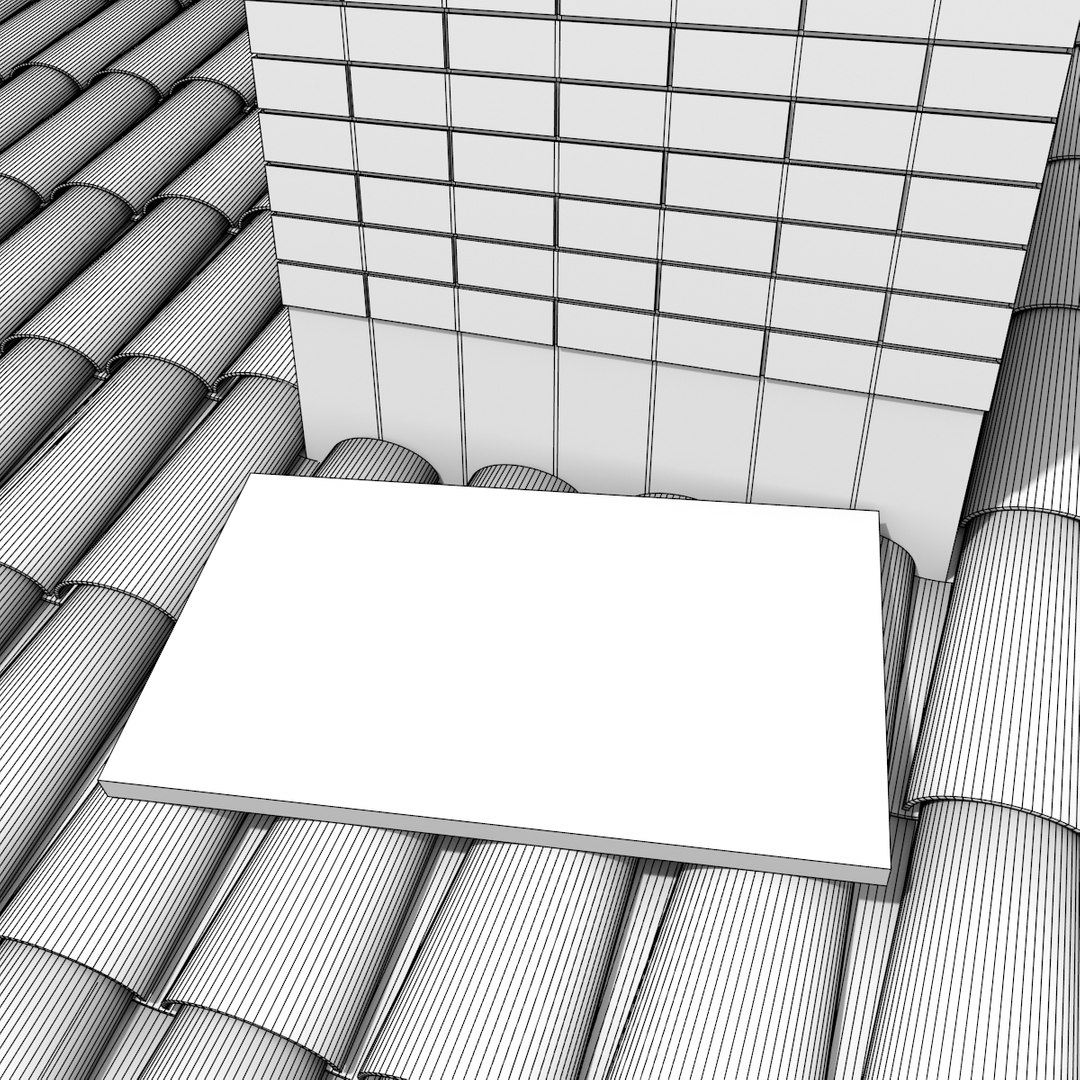
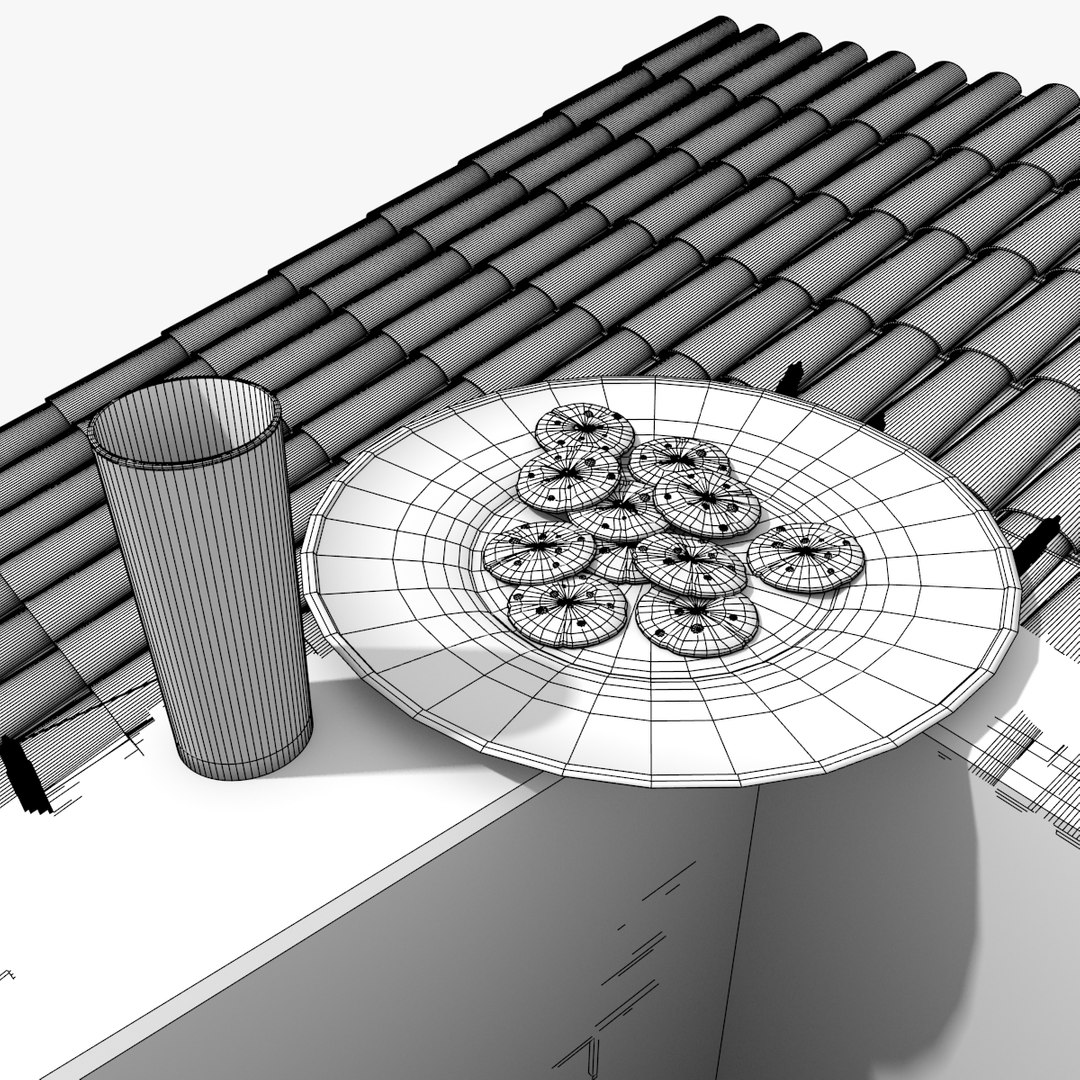
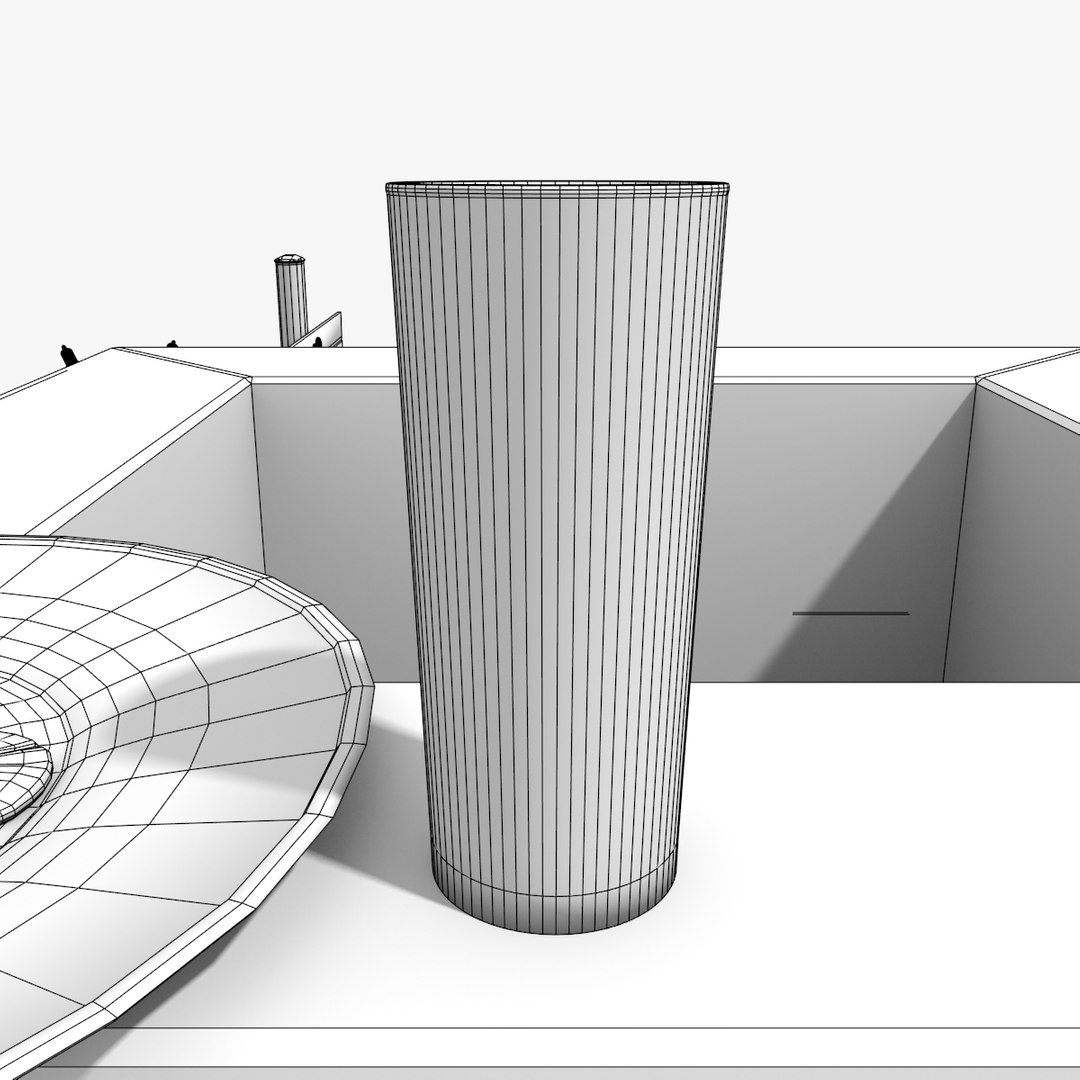
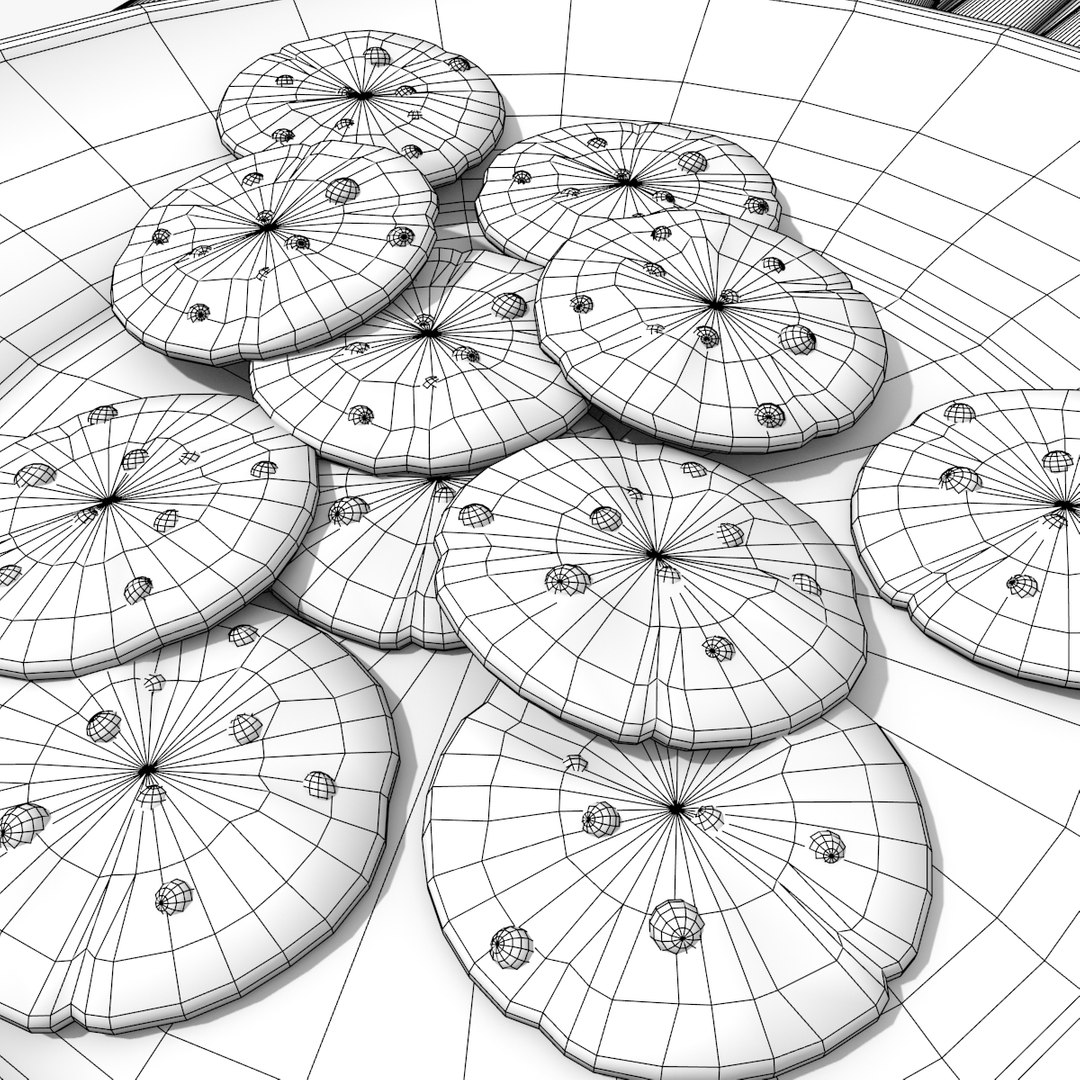
3D model of a scene with chimney, roof, lights, biscuits and glass of milk.
The scene is modelled in Blender v2.70a.
The objects are completed of materials and textures.
You can find the UV Layout in the ZIP - see folder 'UV Layout'.

Objects in the scene:
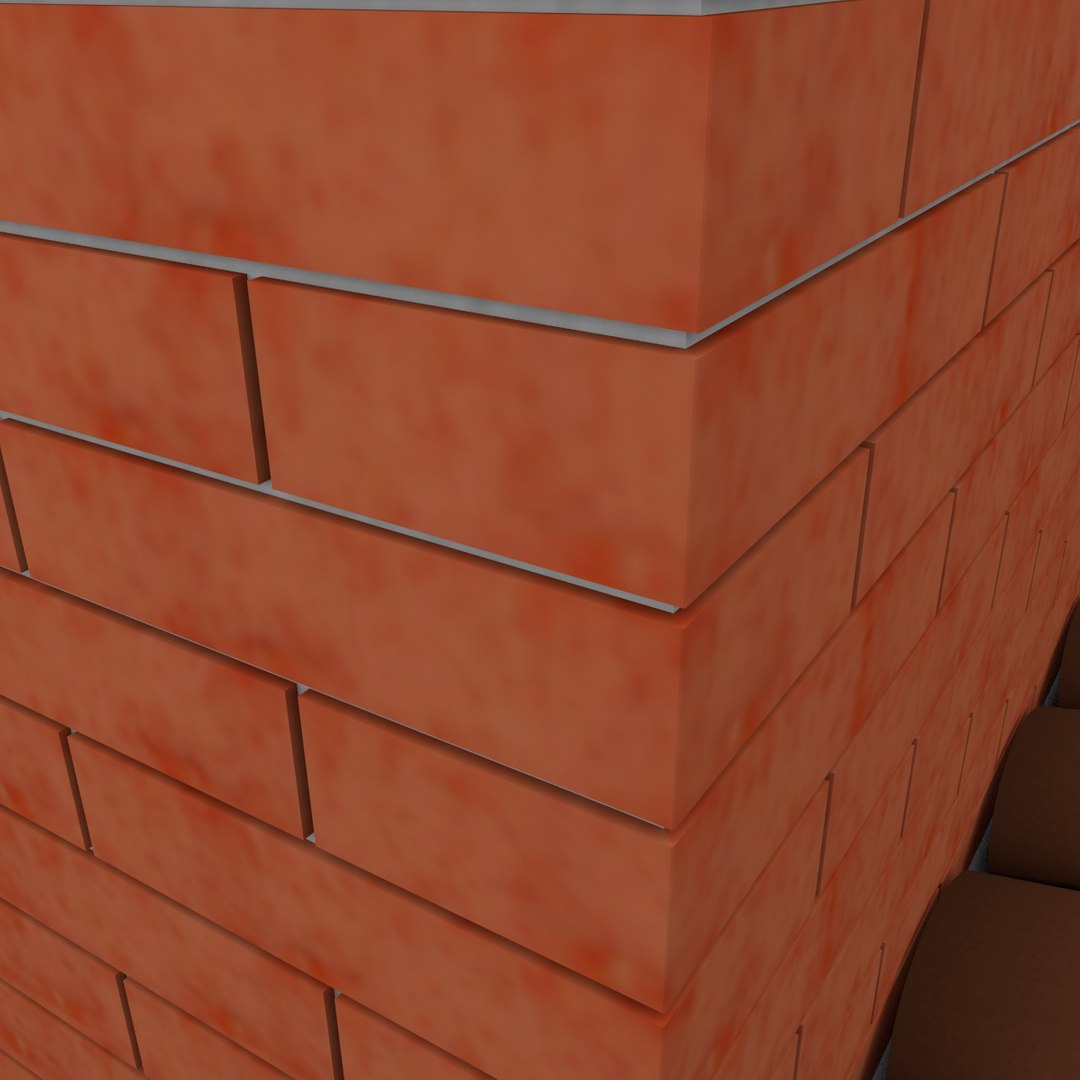
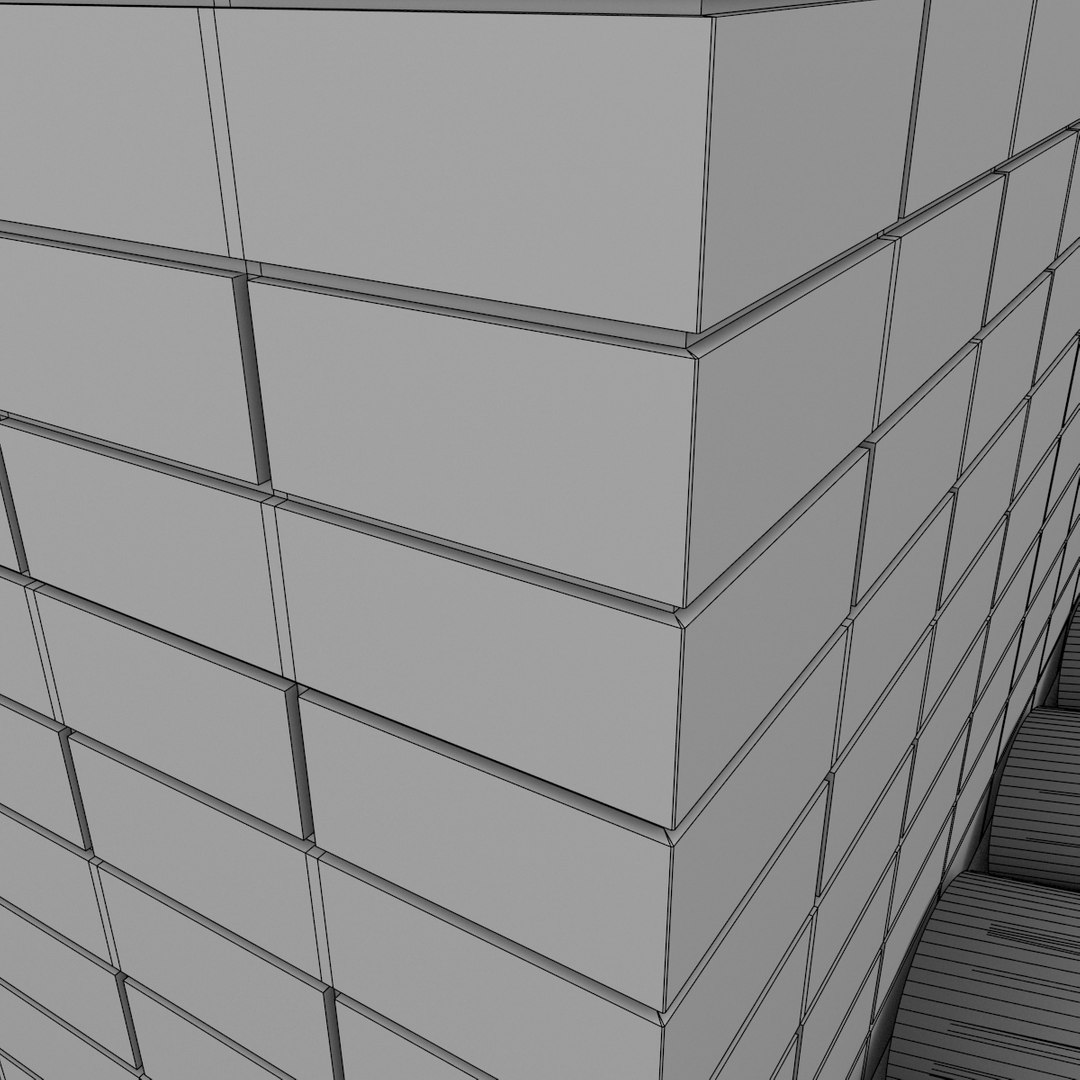
- chimney;
- roof built with shingles;
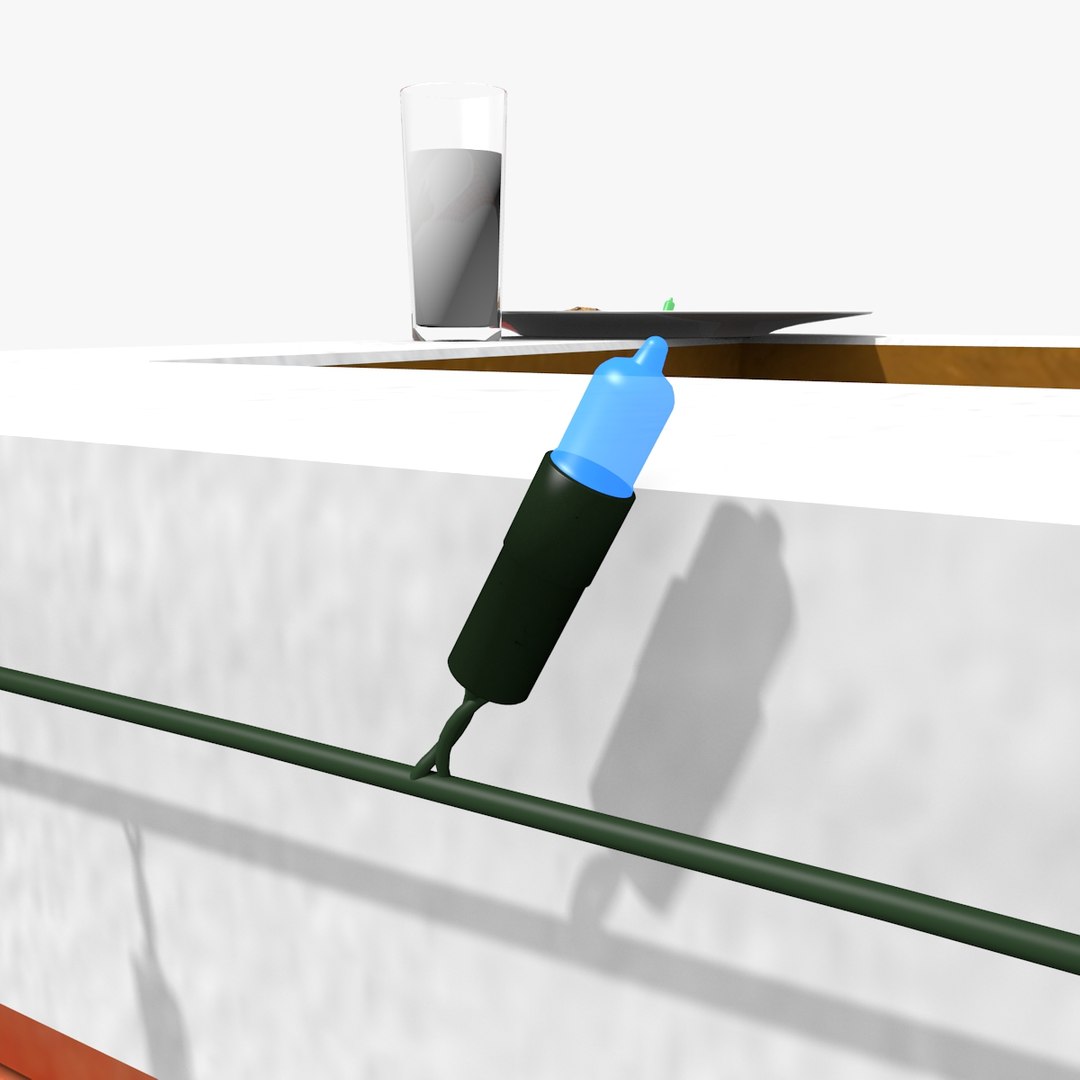
- Christmas lights;
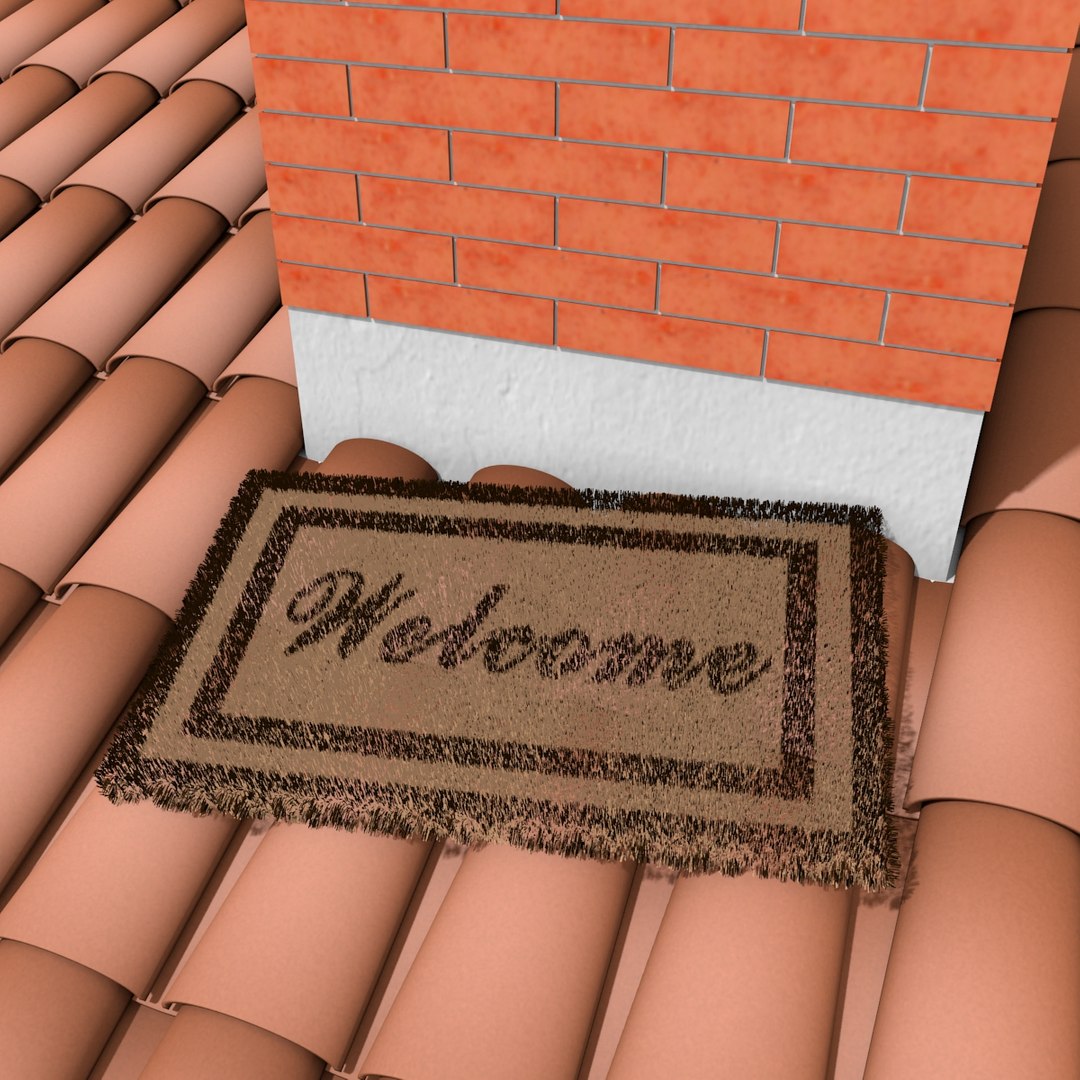
- doormat;
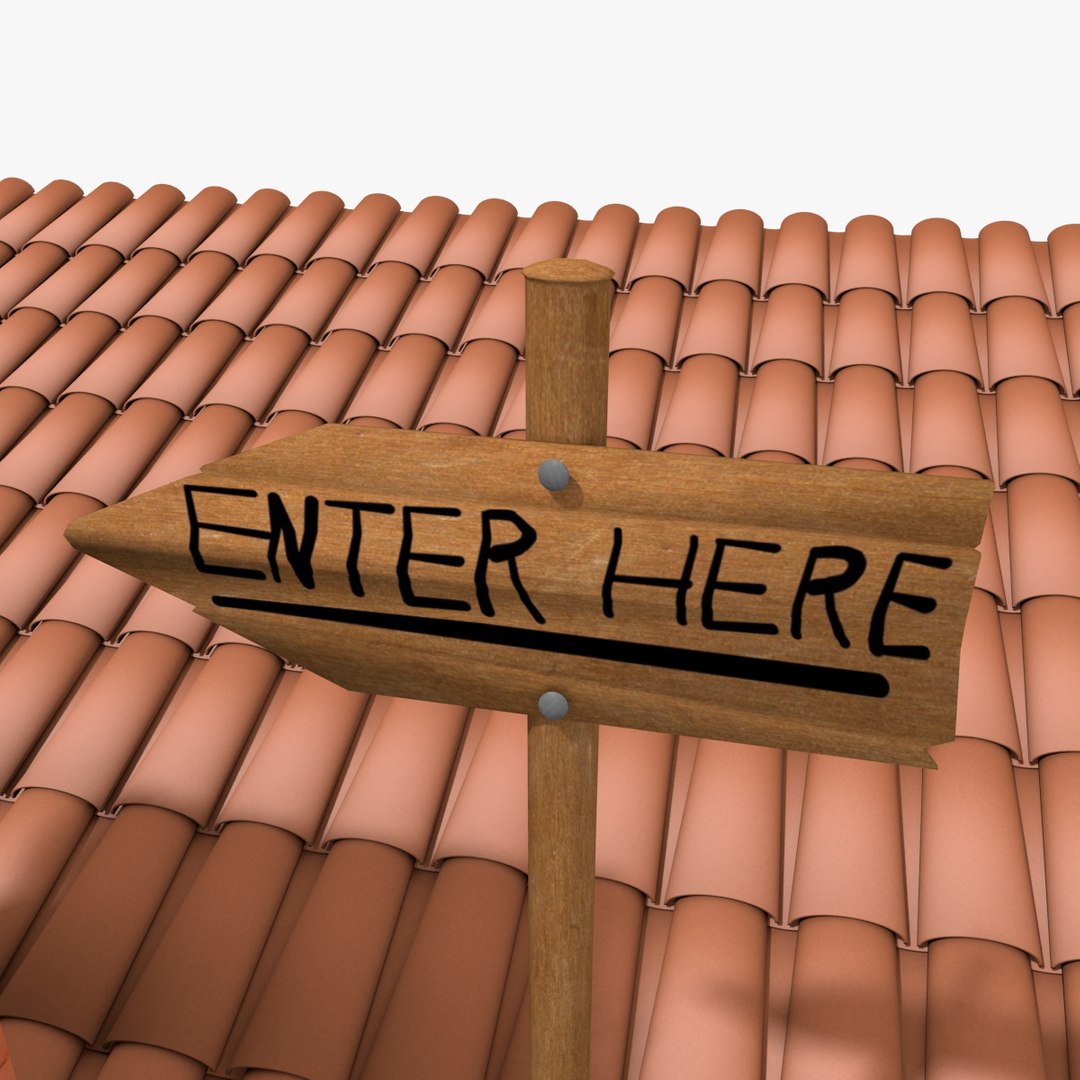
- sign for invite Santa Claus to enter;
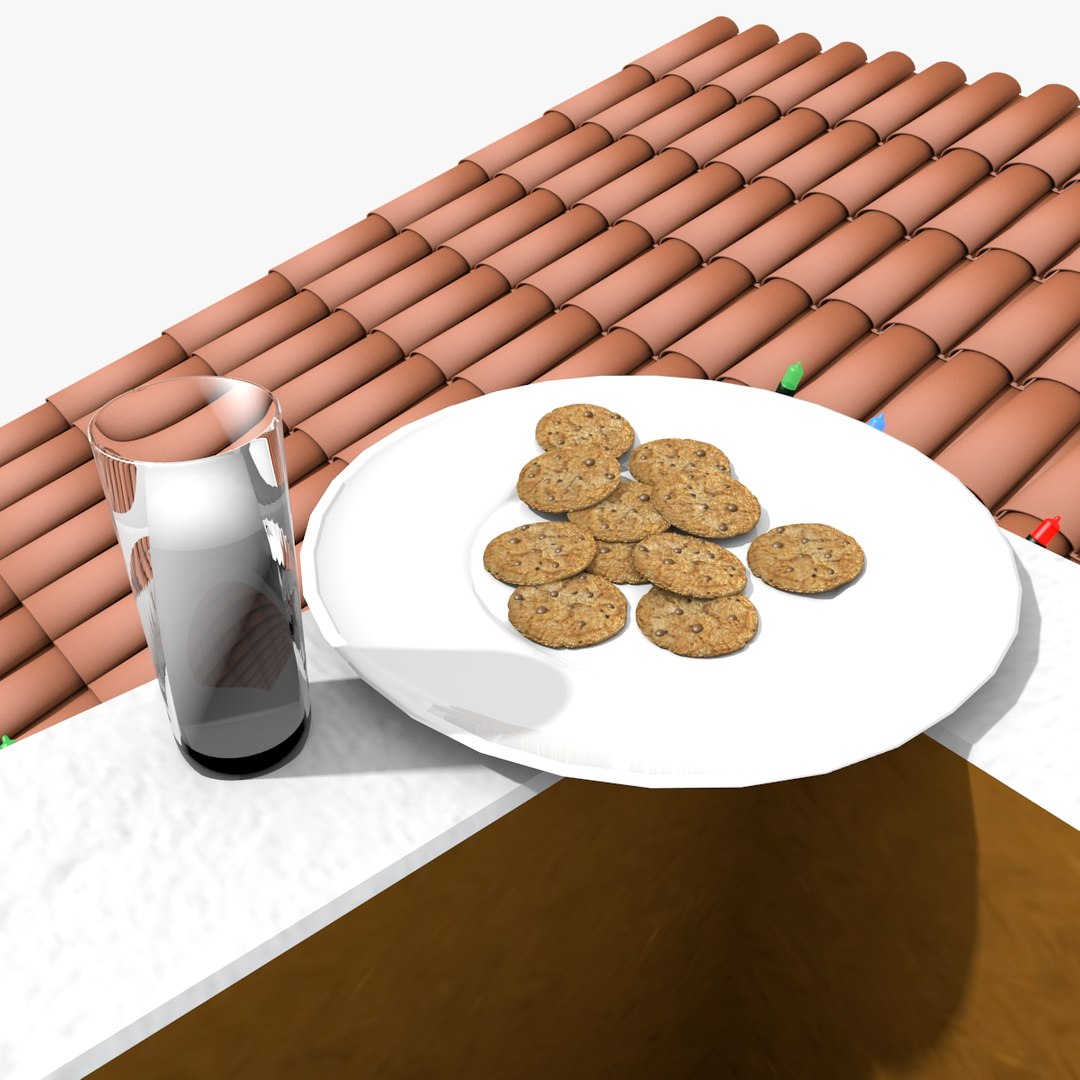
- biscuits on a saucer;
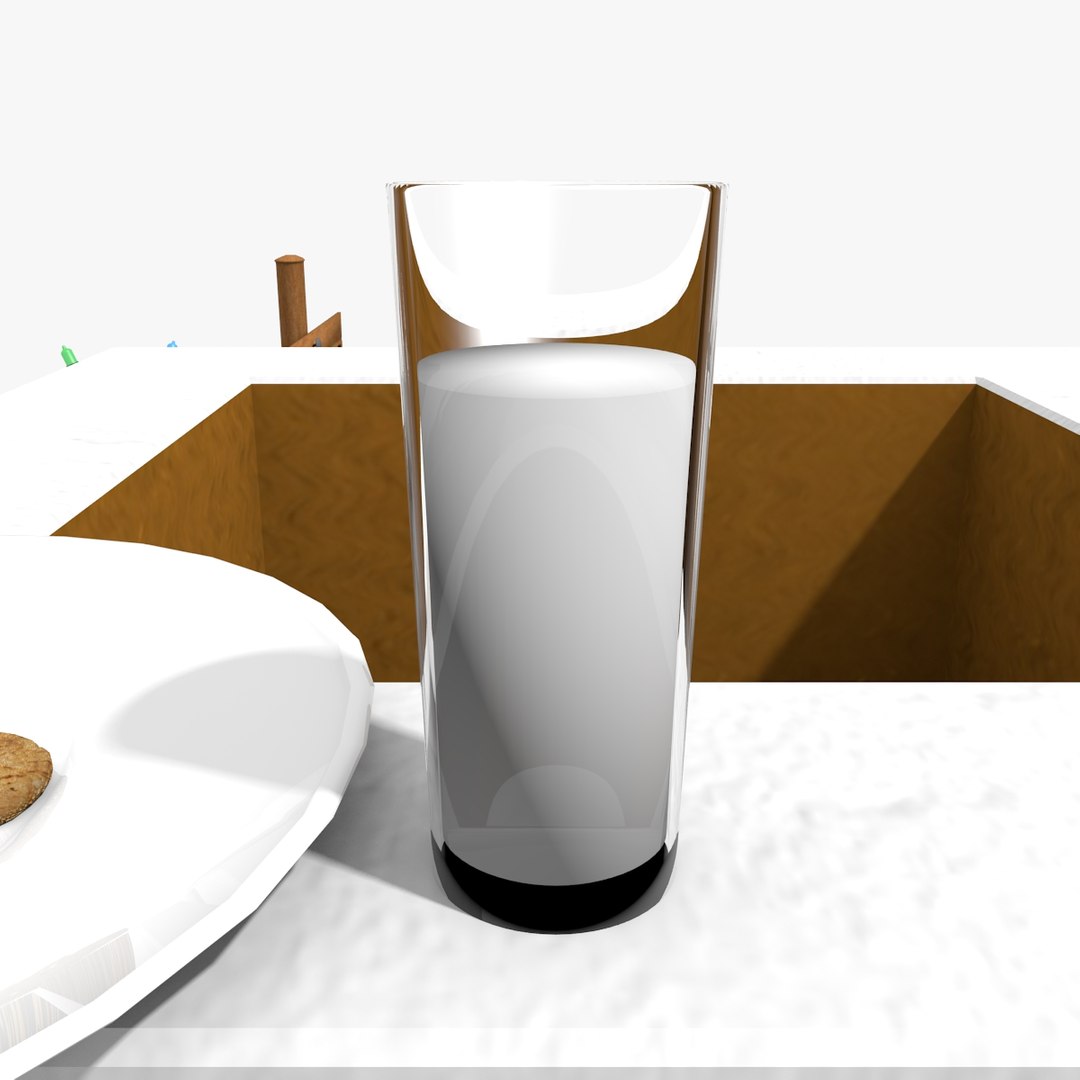
- glass of milk;
- emitter for snow.

How to enable the snow (only for Blender):
- enable to render the object called SnowEmitter;
- enable to render the object called Snow;
- move to the frame you want. The snowing is animated.

The fur of the doormat is rendered in Blender using the particles function.
The snowing is rendered in Blender using the particles function.

List of textures:
- chimney.jpg 2048x2048 px
- chimney2.jpg 2048x2048 px
- cookie.jpg 512x512 px
- doormat.jpg 1024x512 px


The model is available in the following formats:
- Blender format .BLEND;
- COLLADA format (.dae);
- Wavefront OBJ (+ MTL file for materials);

The scene is rendered with Blender.

Select Enhanced License

  • $10,000 in Legal Protection (Indemnification)
  • Uncapped Legal Protection (Indemnification)
  • Waiver from injunctive relief
  • Assignable model rights
  • $1,000,000 in Legal Protection (Indemnification)
  • Waiver from injunctive relief
  • Assignable model rights
  • $250,000 in Legal Protection (Indemnification)
  • Assignable model rights
Read more about enhanced license tiers, or contact us at enterprise@turbosquid.com. Already a Shutterstock Enterprise Customer? Contact your Shutterstock Sales Support Agent to talk about adding 3D.

About Conversion Requests

To submit a conversion request for a purchased asset, please complete our Conversion Request Form.

If you have not yet purchased a model, please review our Documentation about Conversions to learn about what limitations you may encounter with a conversion.

For any additional questions about a model’s suitability for conversion, please contact TurboSquid Support.

Loading...