
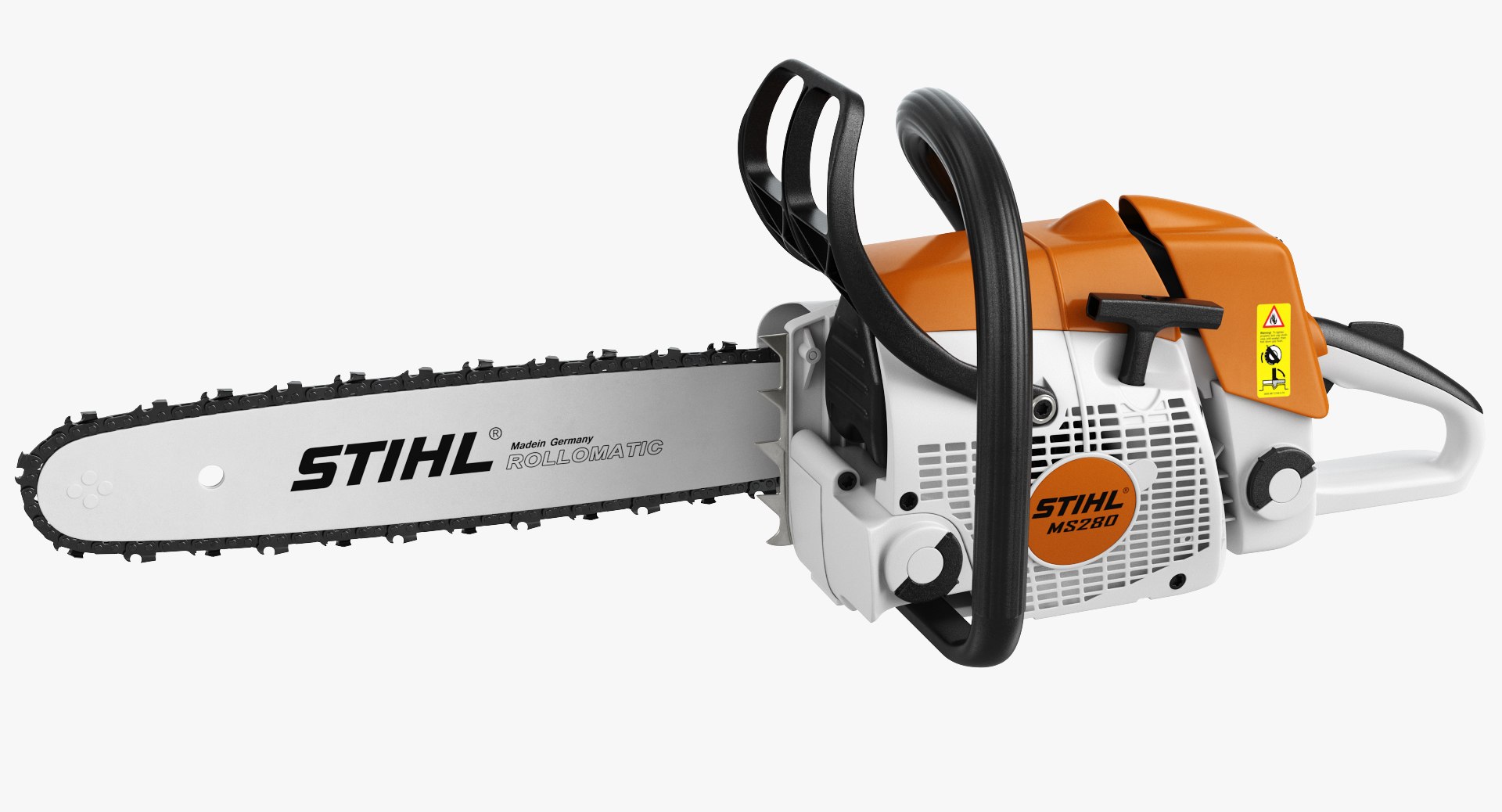
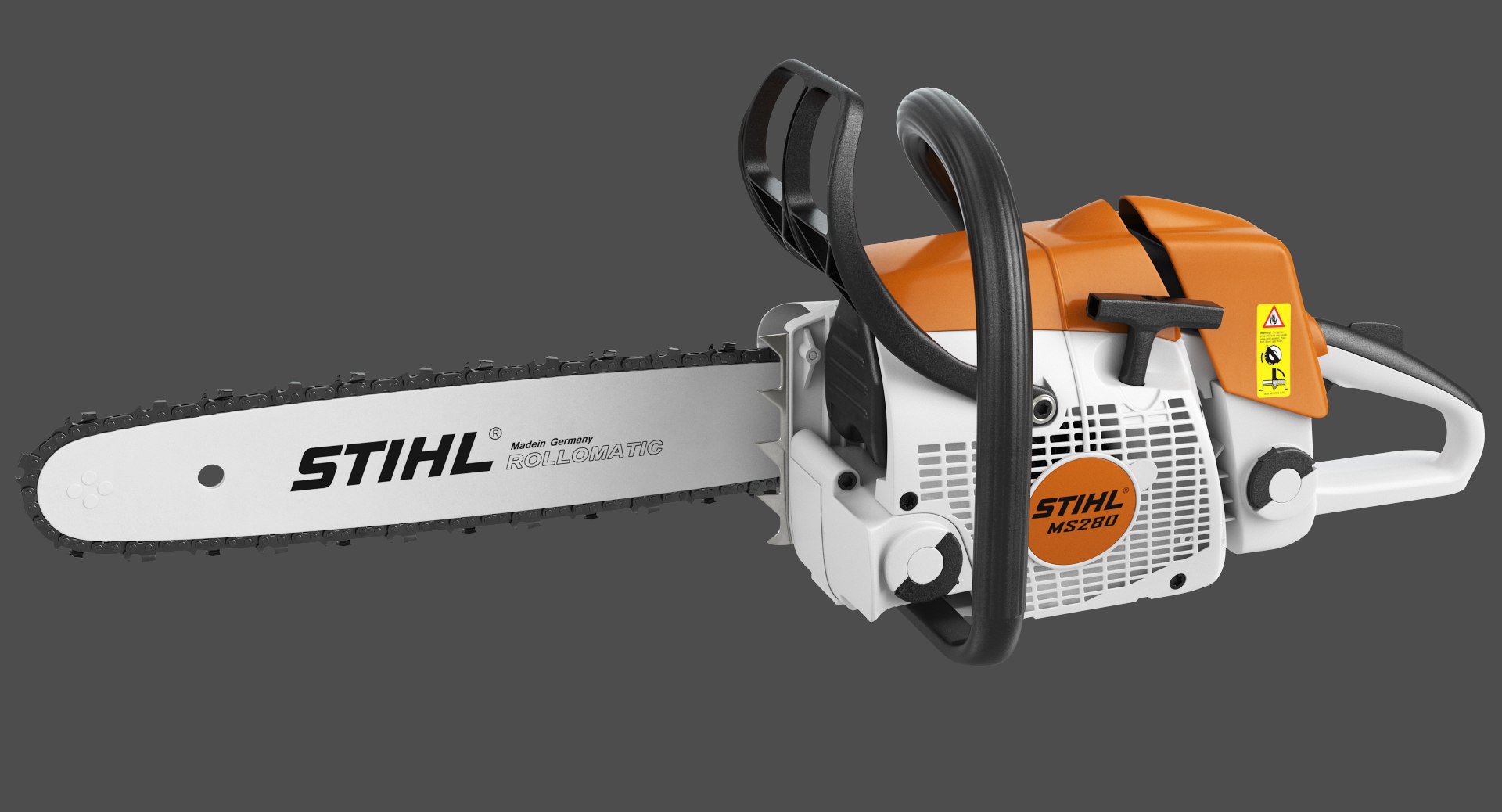
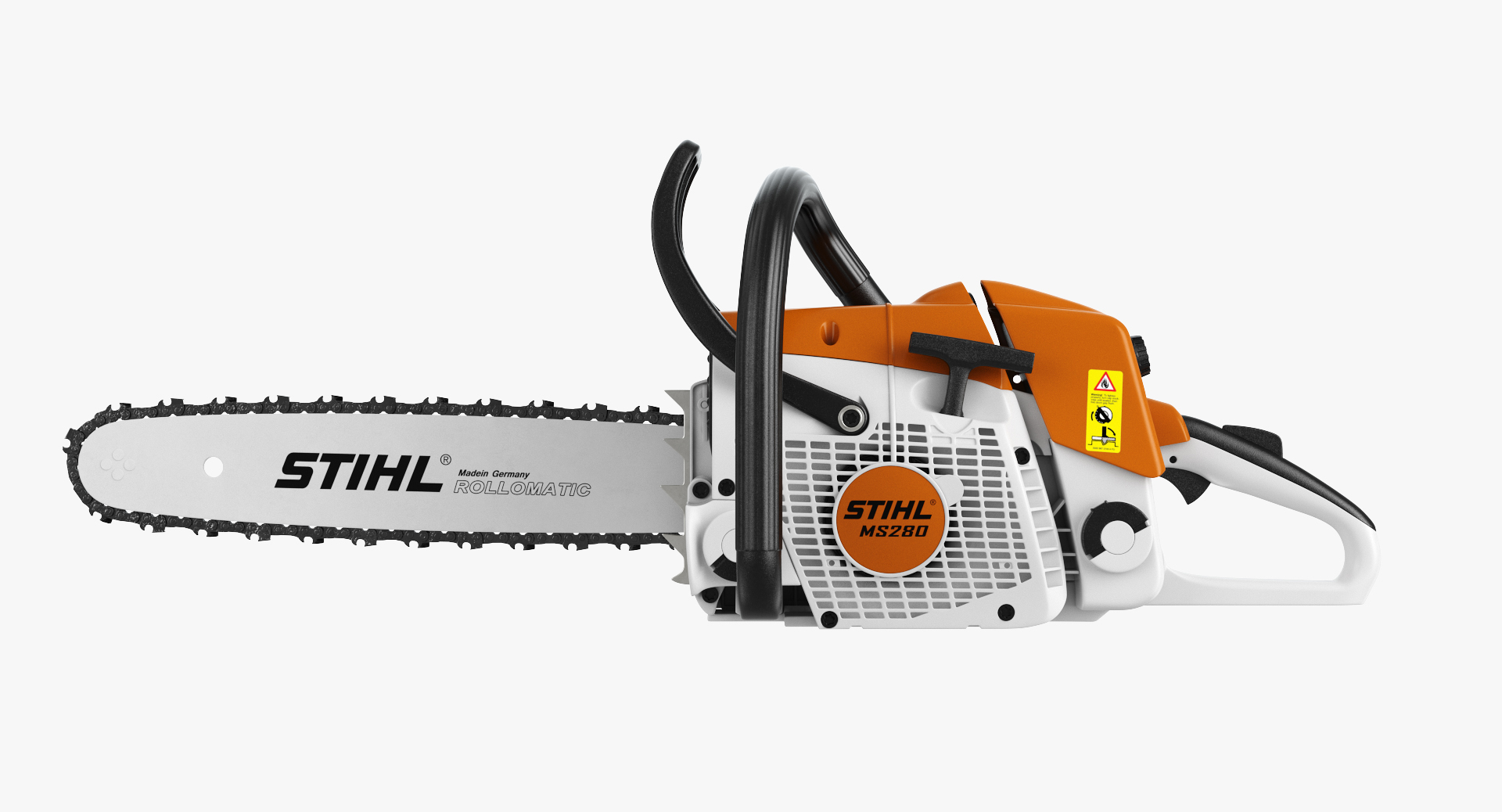
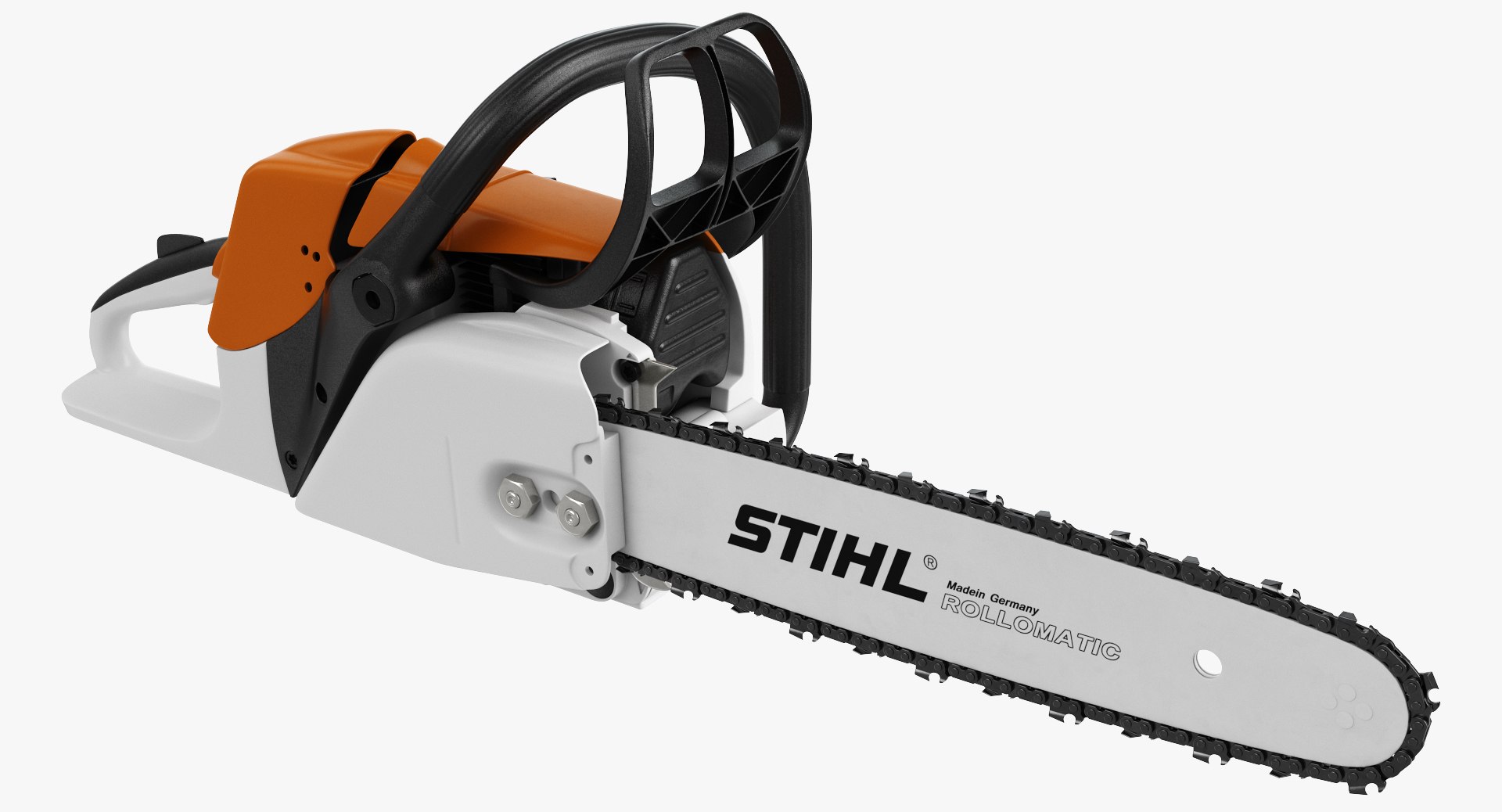
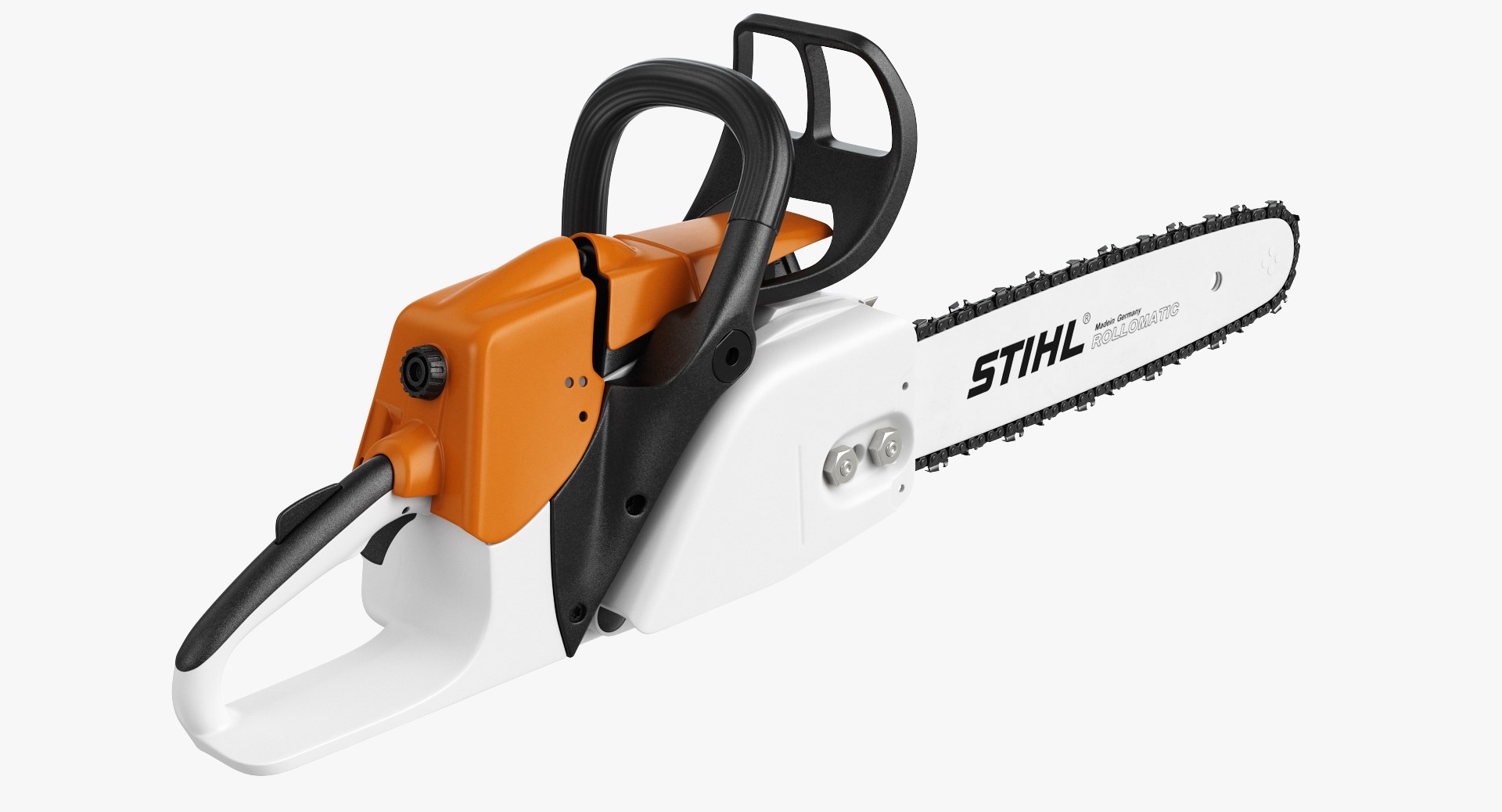
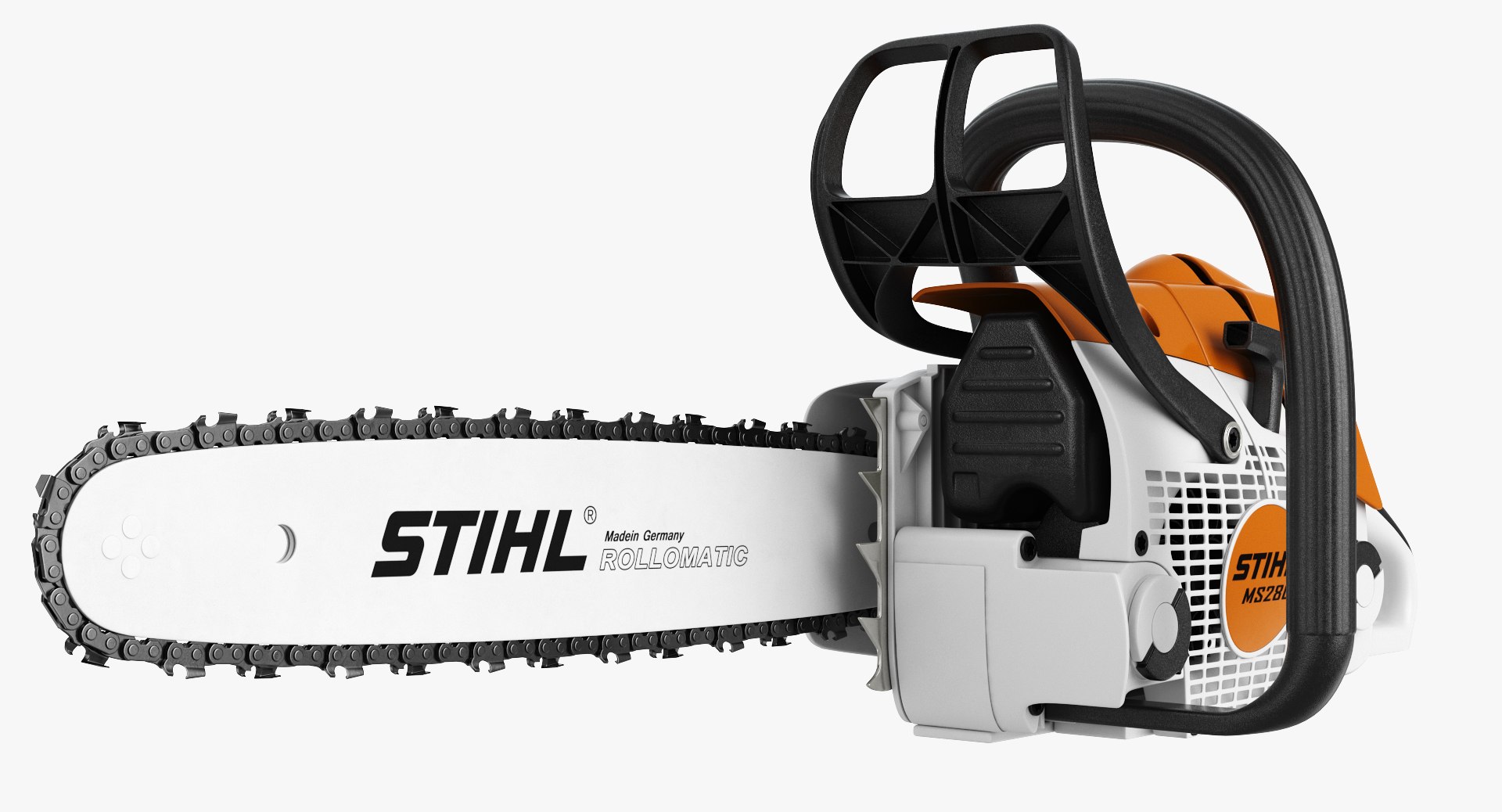
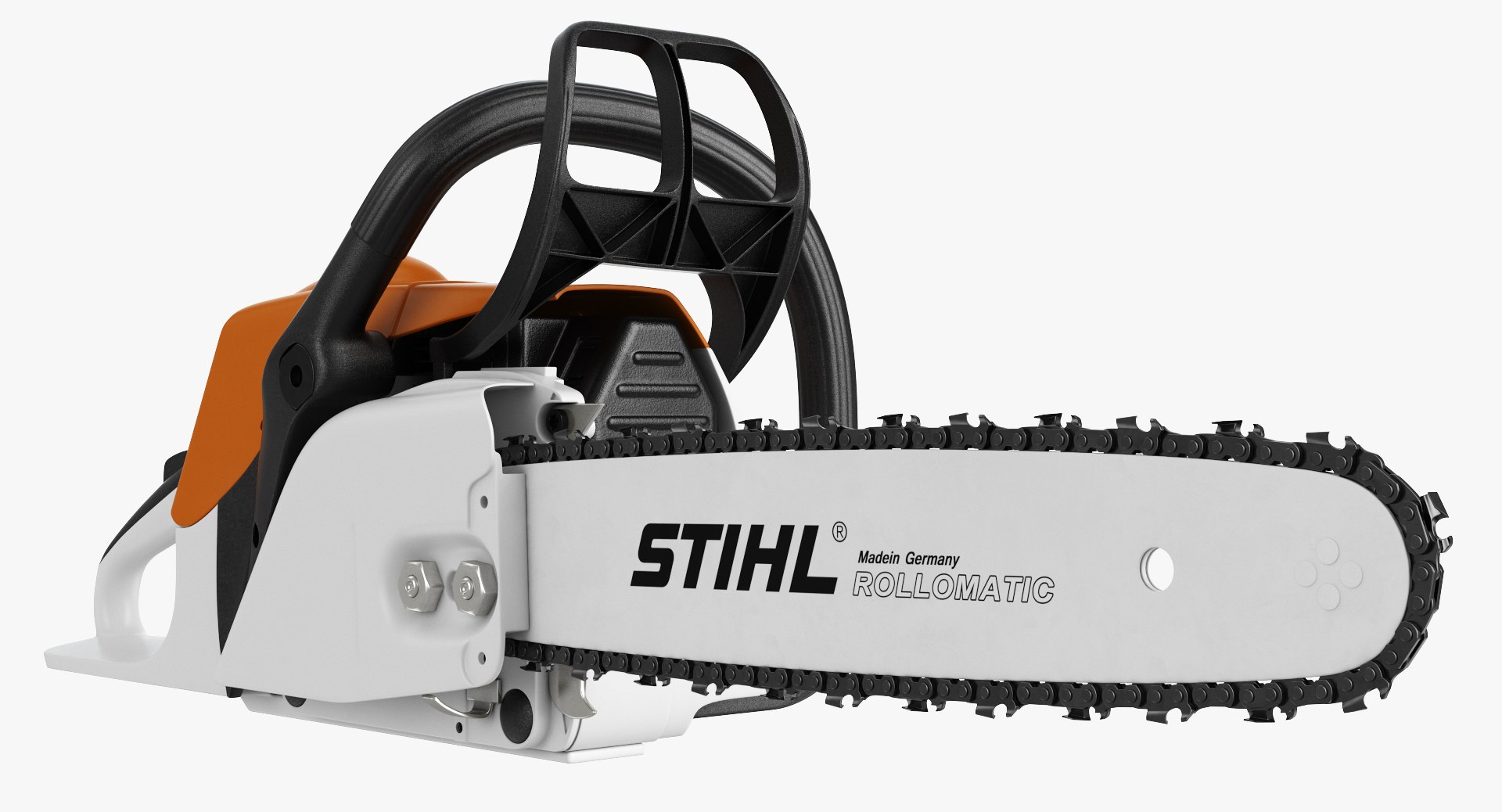
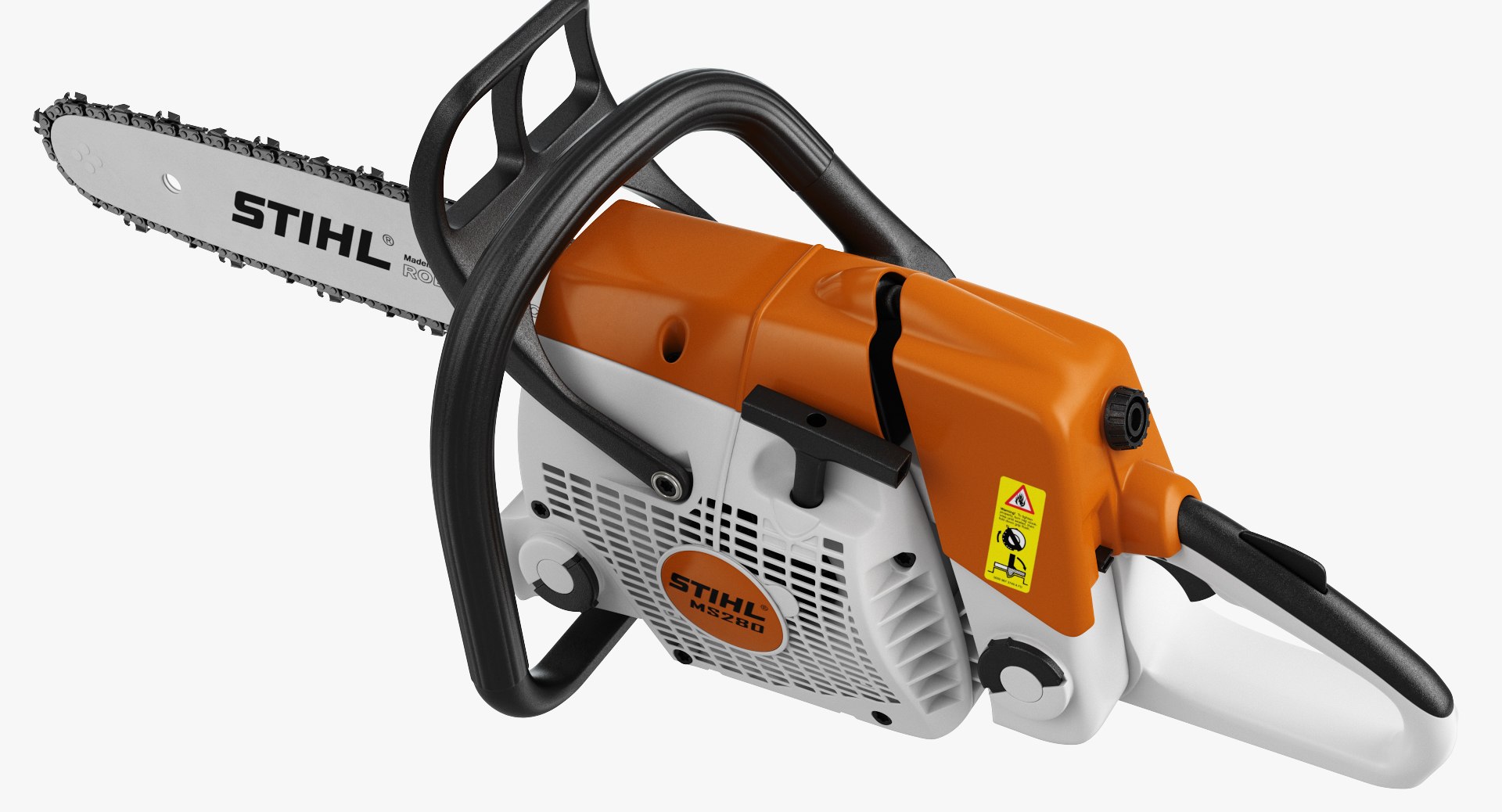
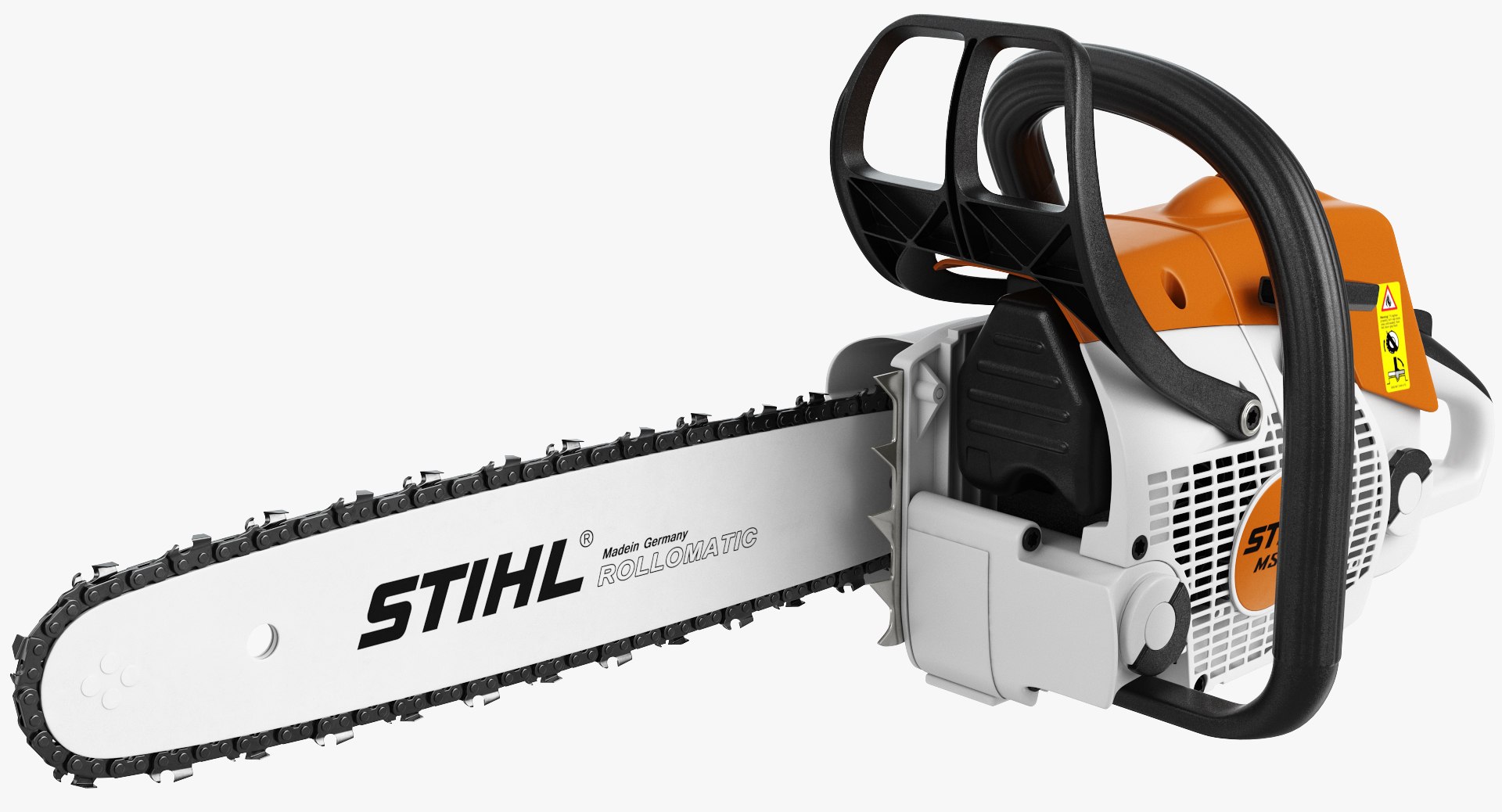
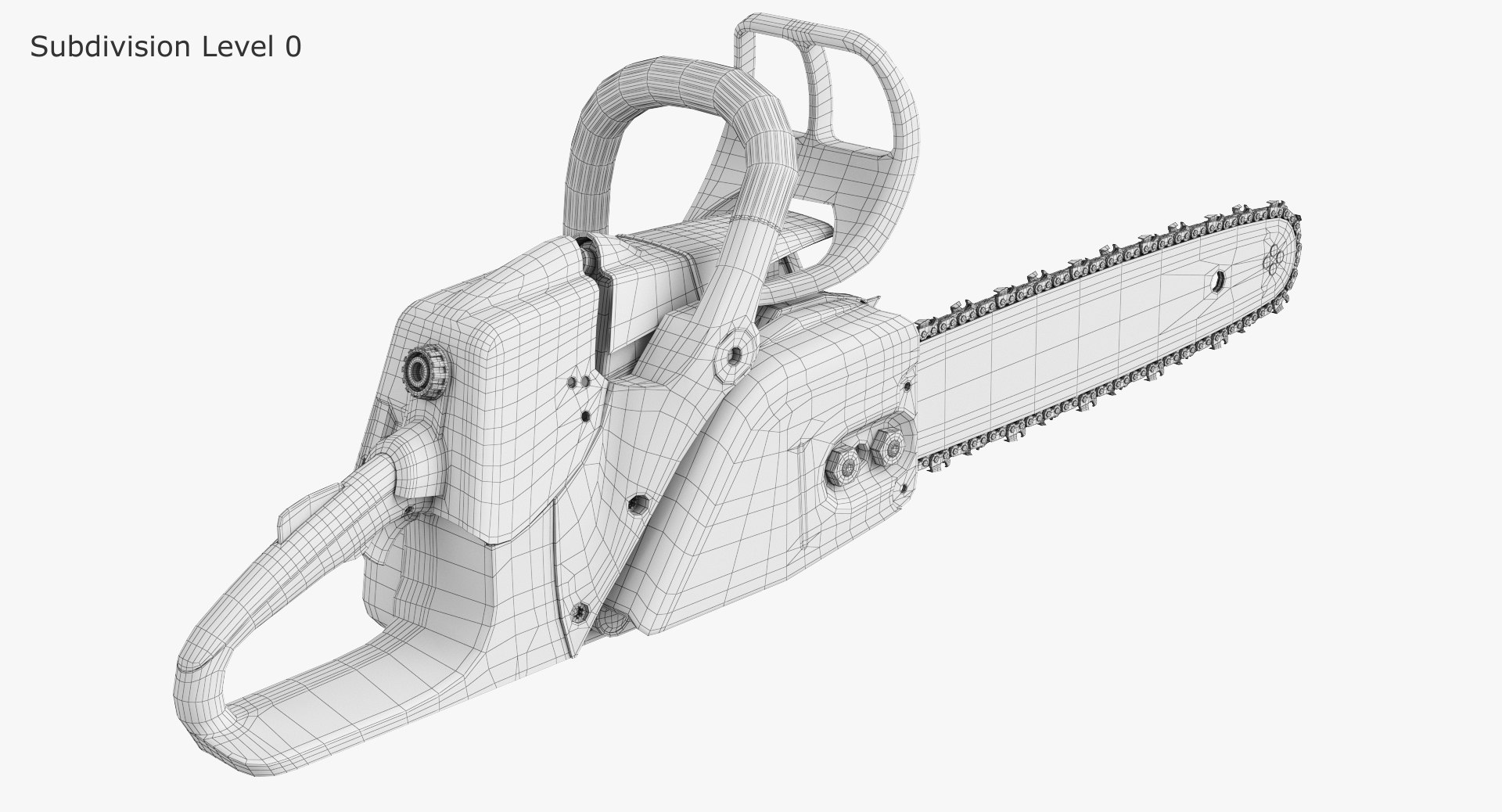
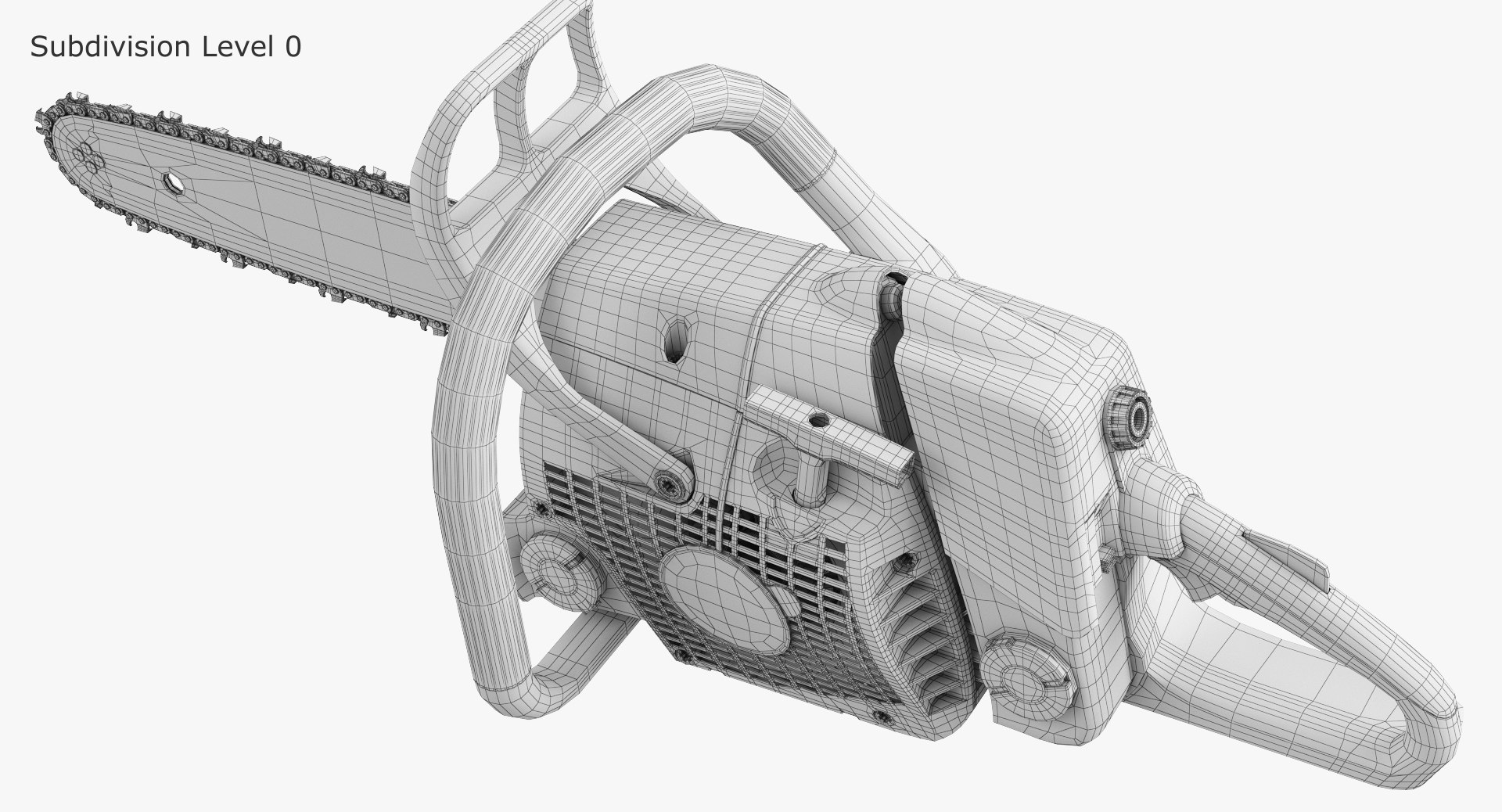
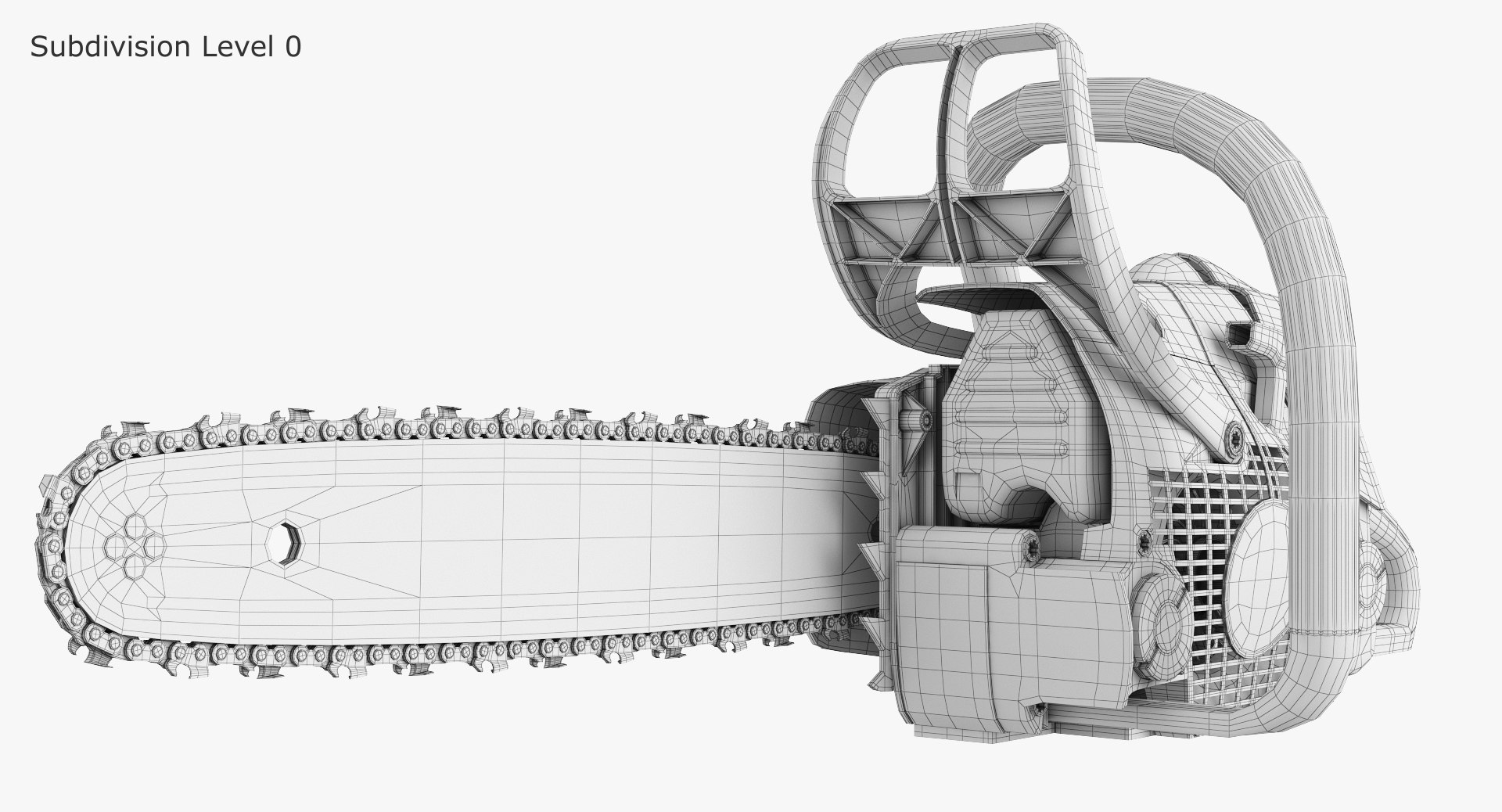
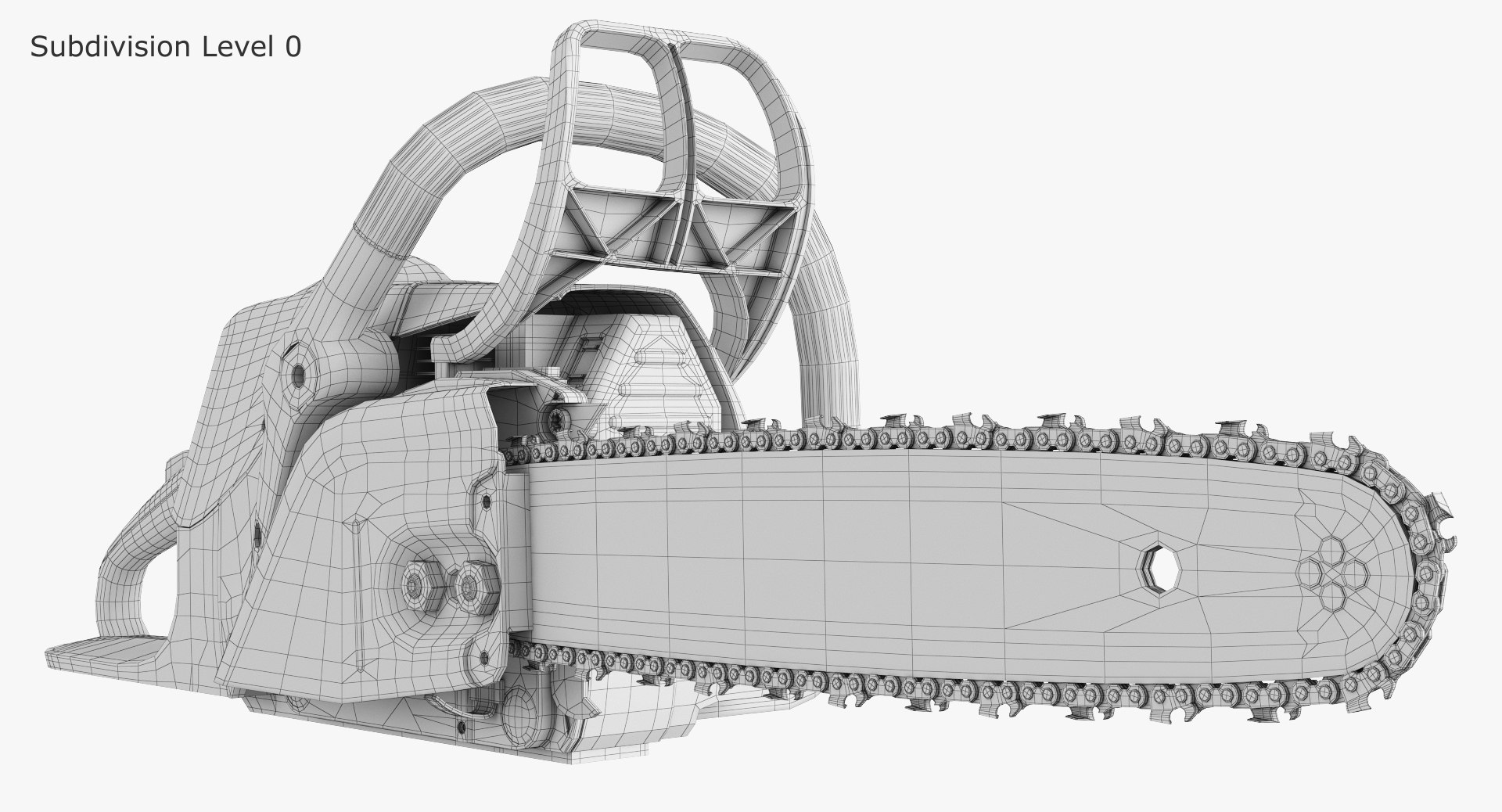
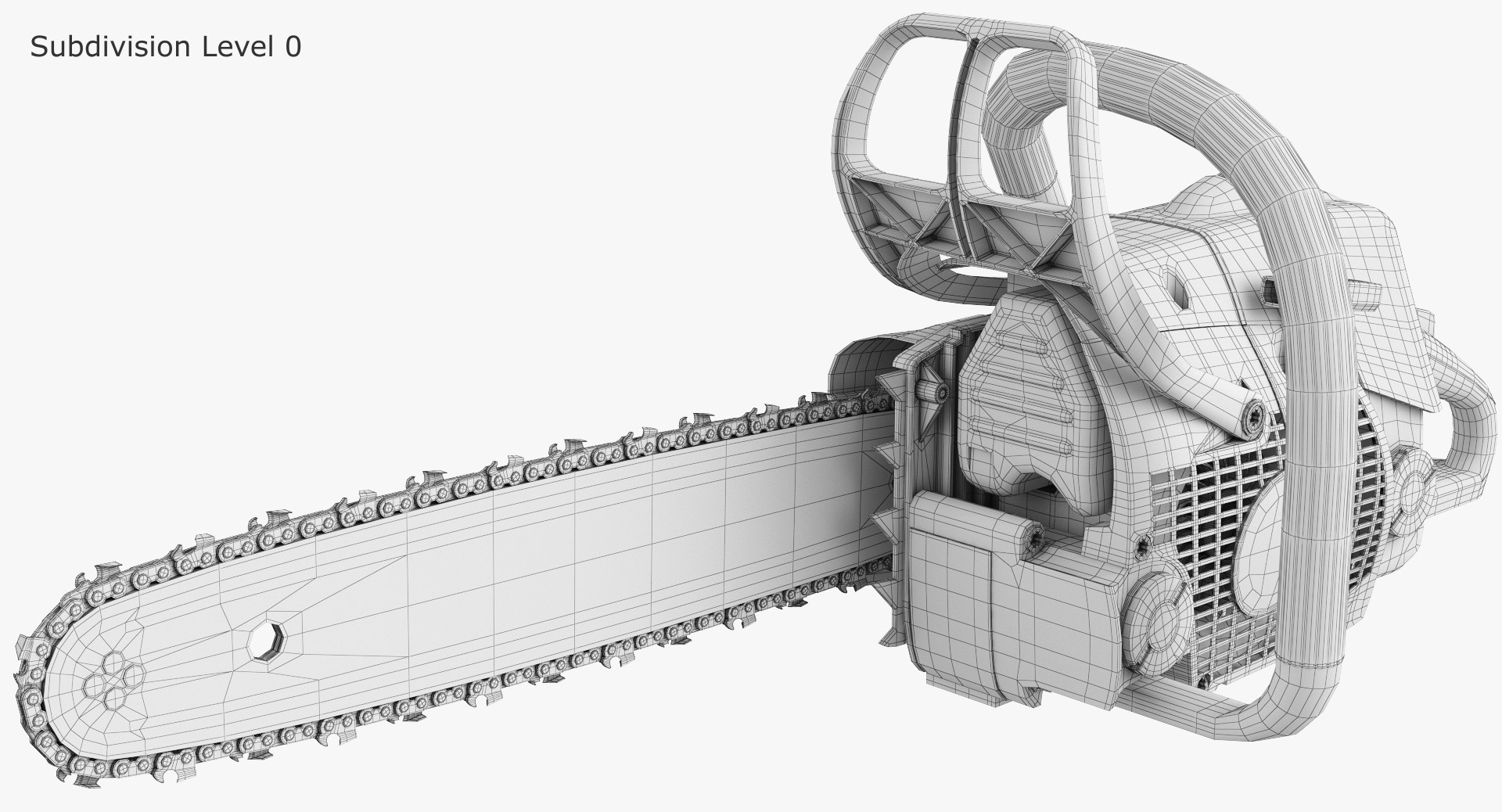
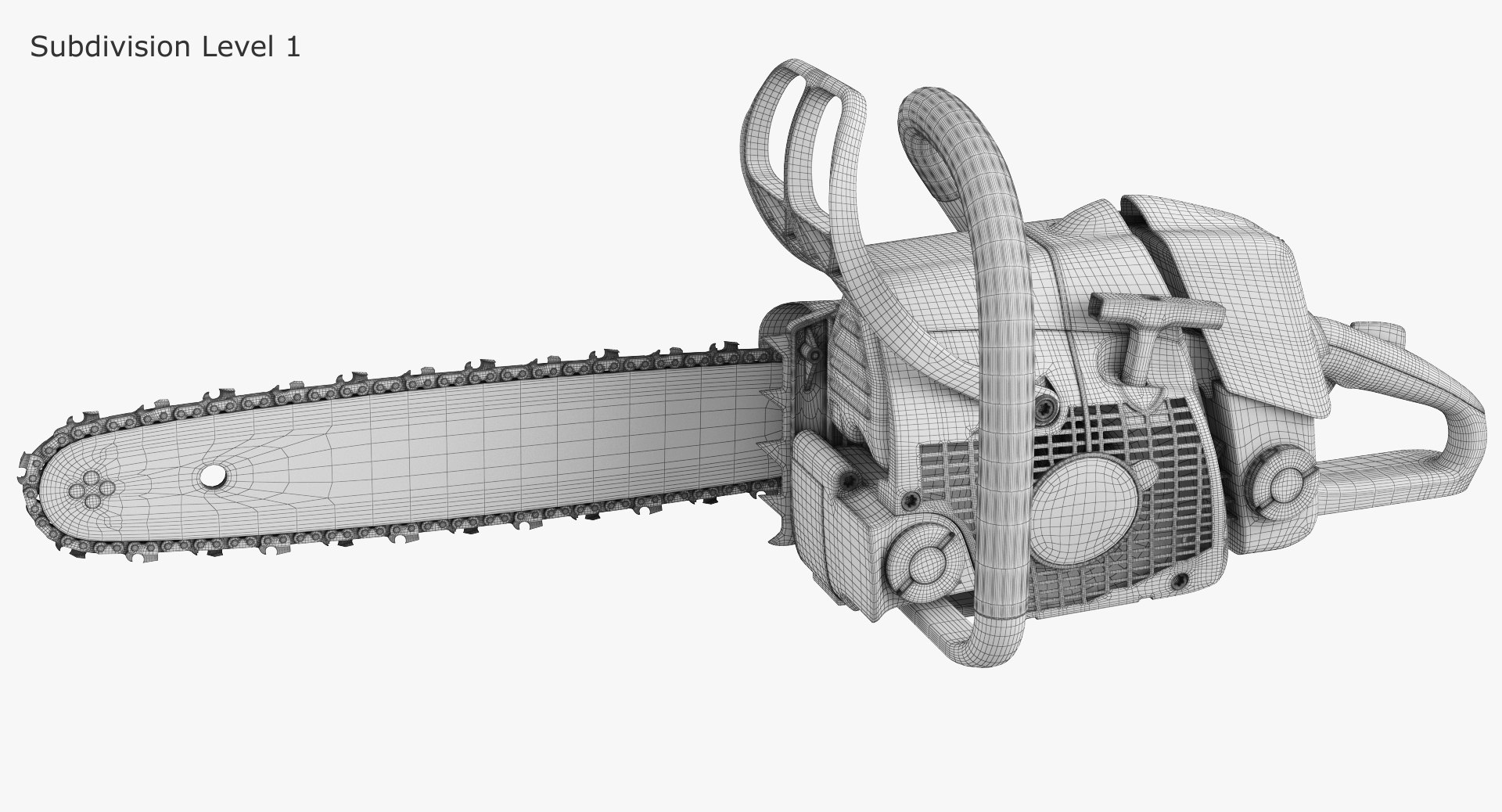
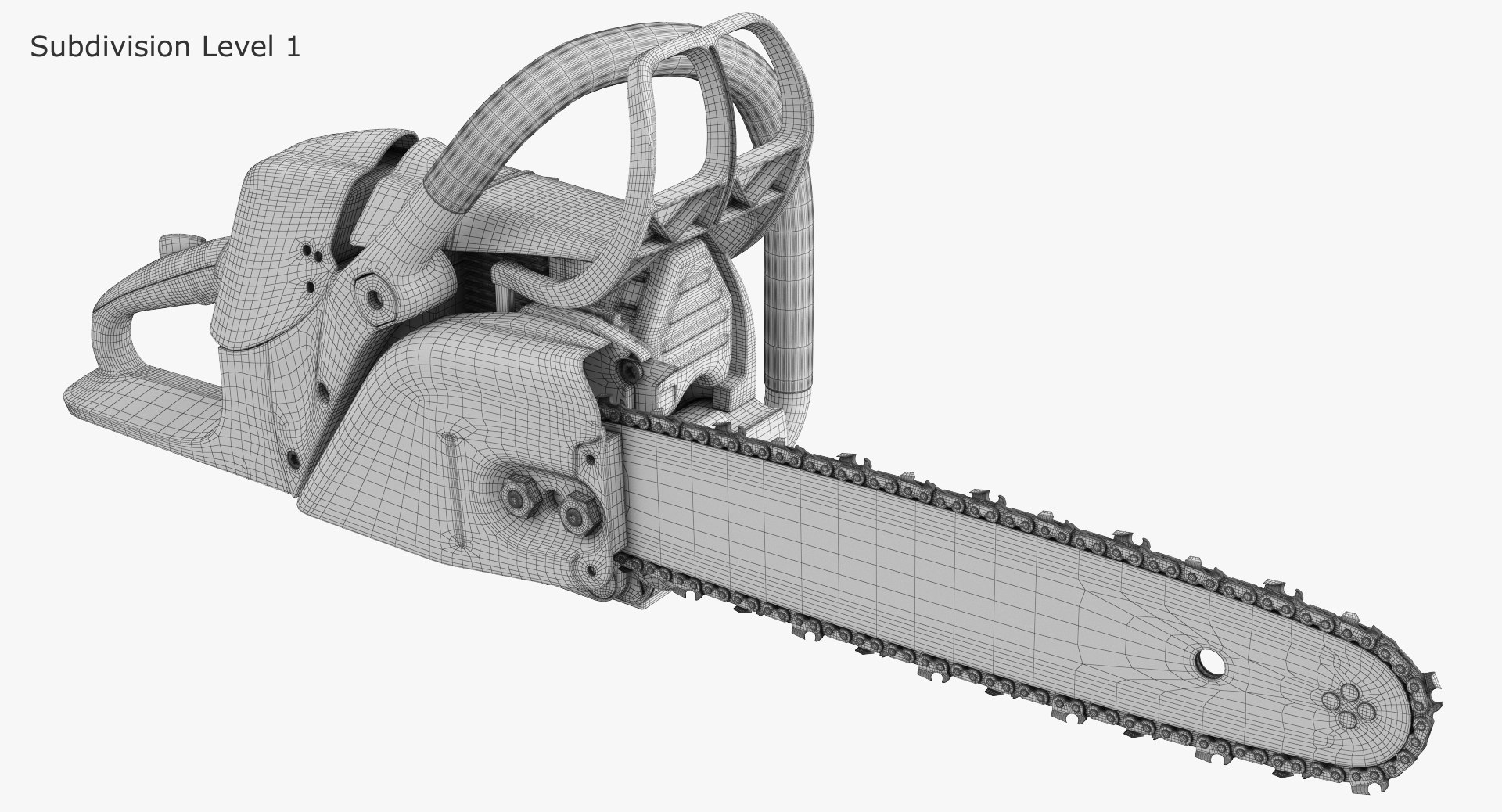
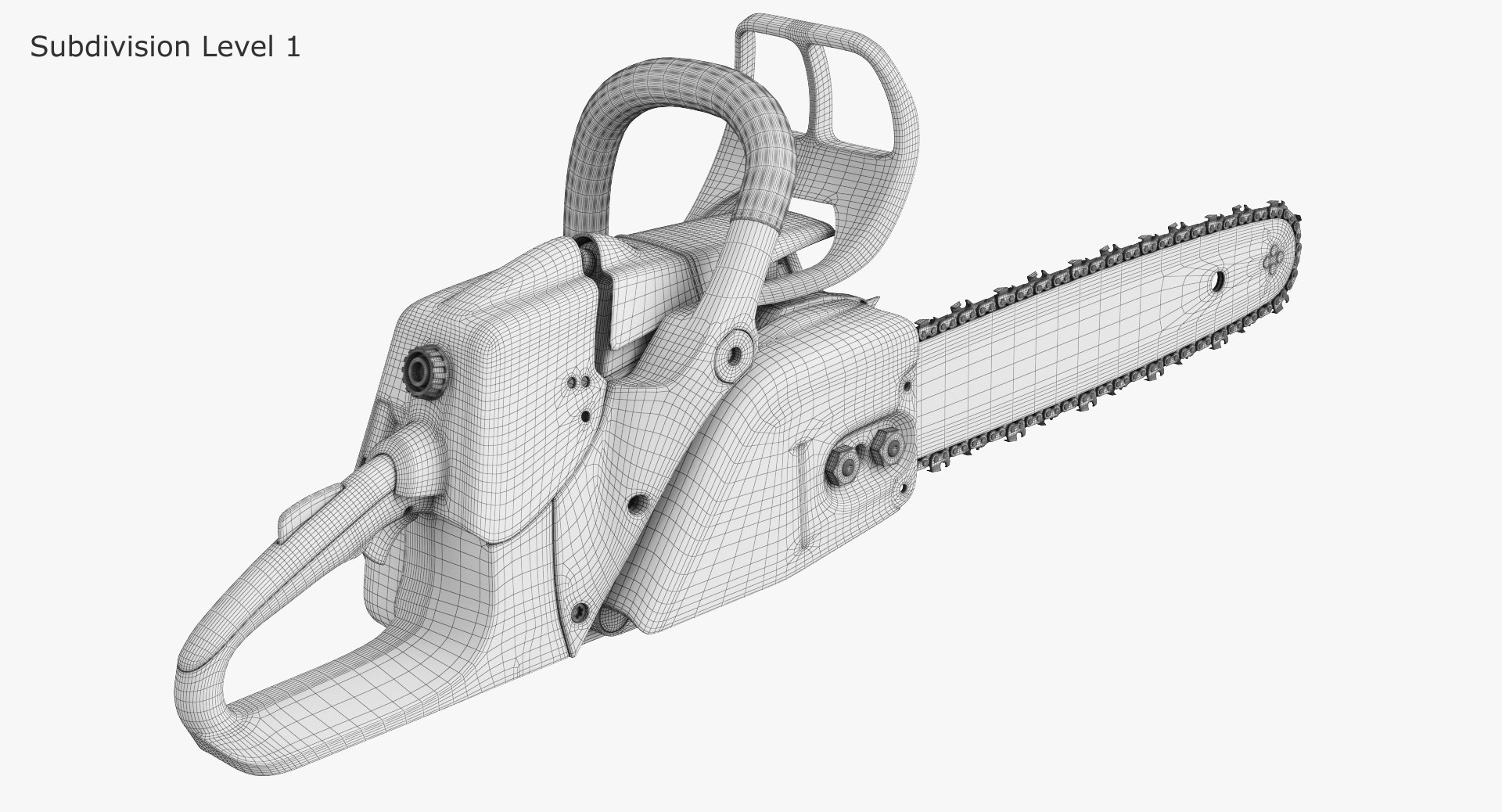
Chainsaw Stihl MS 280

$79

Standard License | Upgrade License
Editorial Uses Only
Formats (3)
Free file format Conversions available
Native | 3ds Max 2011 | V-Ray
FBX
OBJ
Specifications
Publish Date March 19, 2016
Product ID 1018588
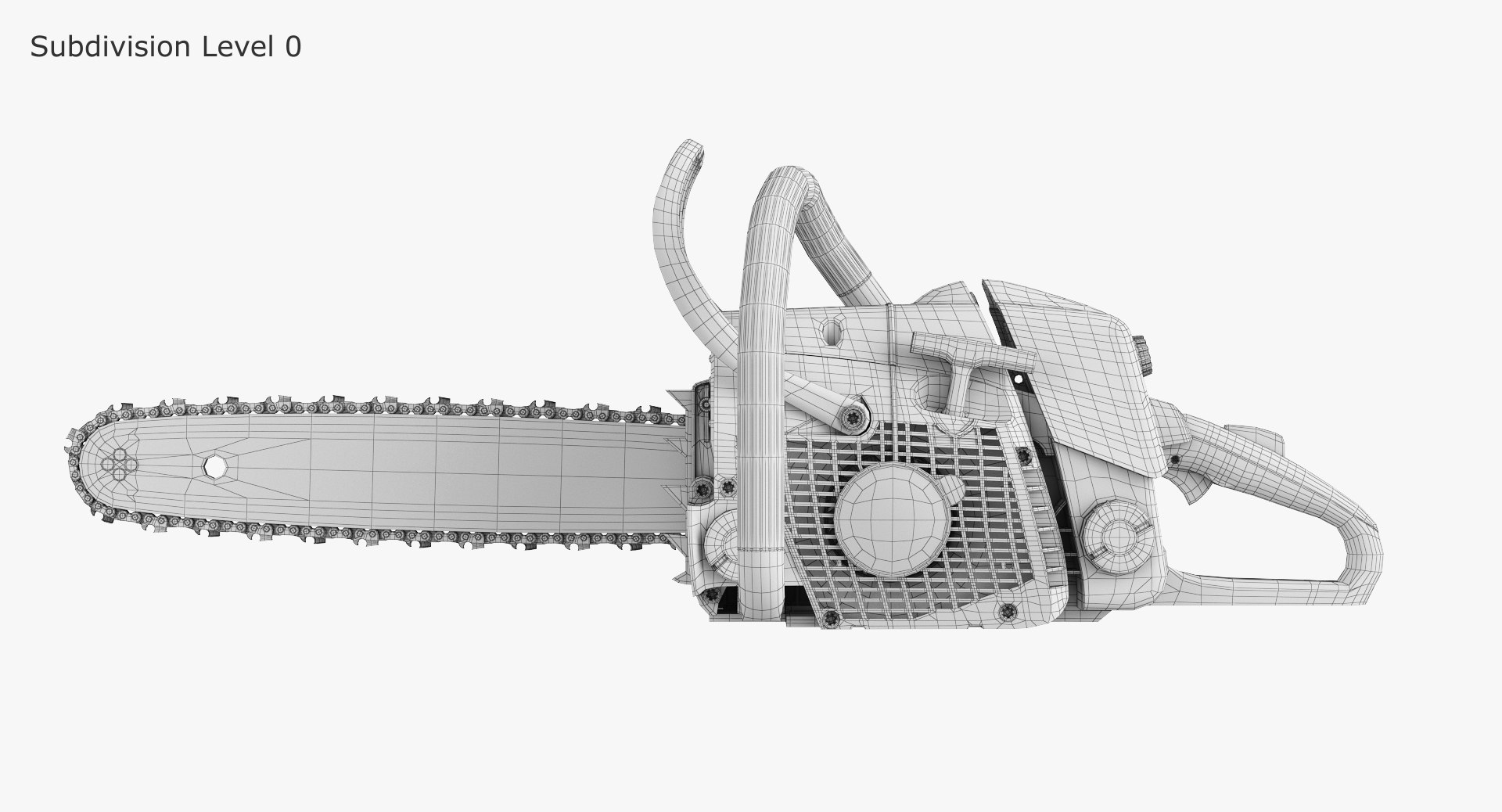
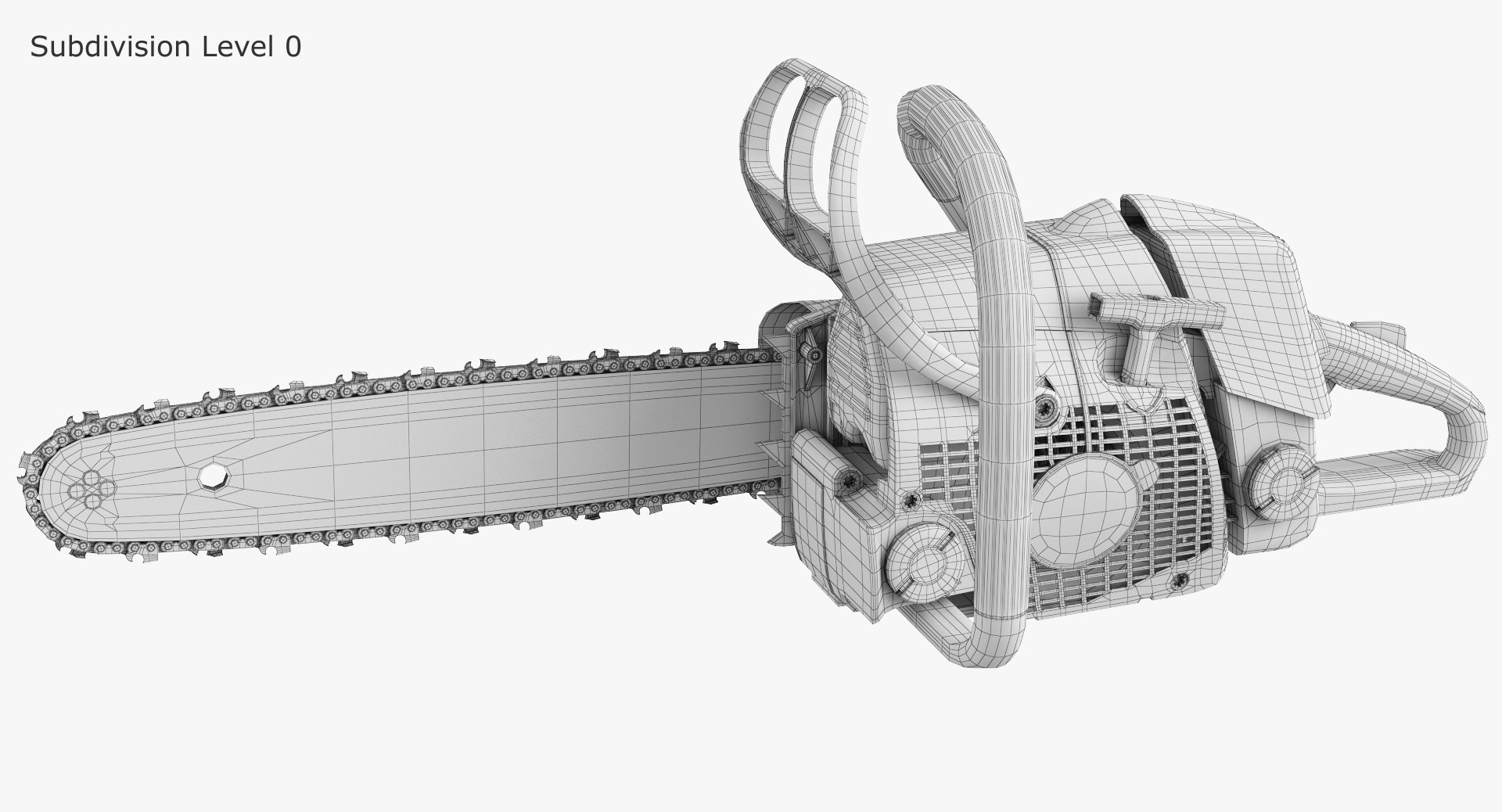
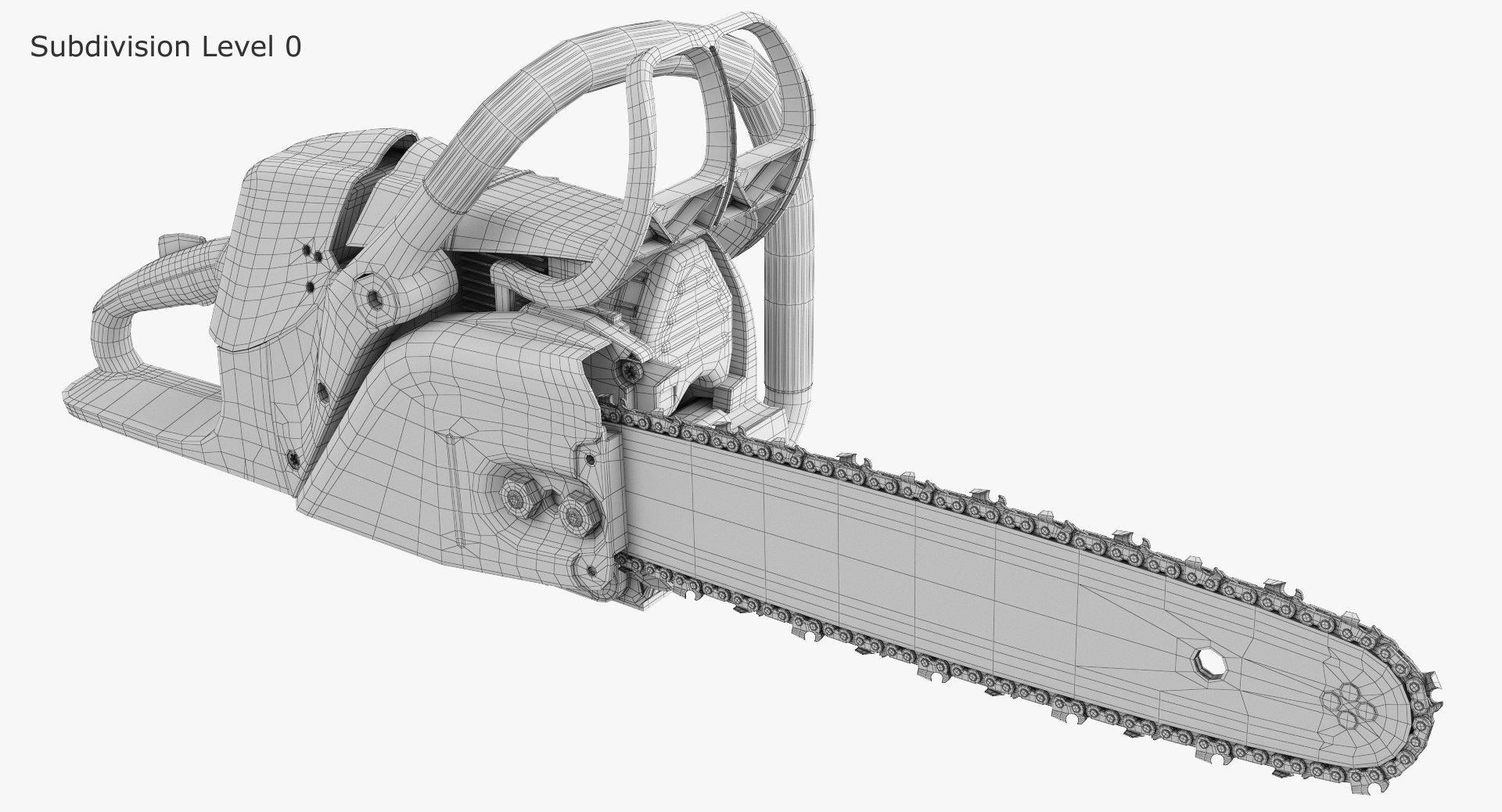
Polygons 98,275
Vertices 101,162
Polygonal Quads/Tris Geometry
Textures
Materials
UV Mapped
Mixed Unwrapped UVs
TurboSquid Exclusive

member avatar
Calmod
74 Products | Contributor Since 2013
Have questions? Chat with us now.

Description

Chainsaw Stihl MS 280
Ready to RENDER. HDRI map included
High quality model for TurboSmooth
Originally created with 3ds Max 2011
Model supports VRay Render
There is light in the scene VRay Dome
Includes high-resolution textures
Formats include FBX and OBJ (not smoothed)
Intended for game/realtime/background use

[ USAGE ]
- This model is suitable for use in broadcast, high-res film close-ups, advertising, design visualization, forensic presentation, etc
- The model is accurate with the real world size and scale

[ GENERAL ]
- Model is built to real-world scale
- Scene objects are organized by groups
- No third-party renderer or plug-ins

[GEOMETRY]
No smooth:
Polygons: 98 275
Vertices: 101 162
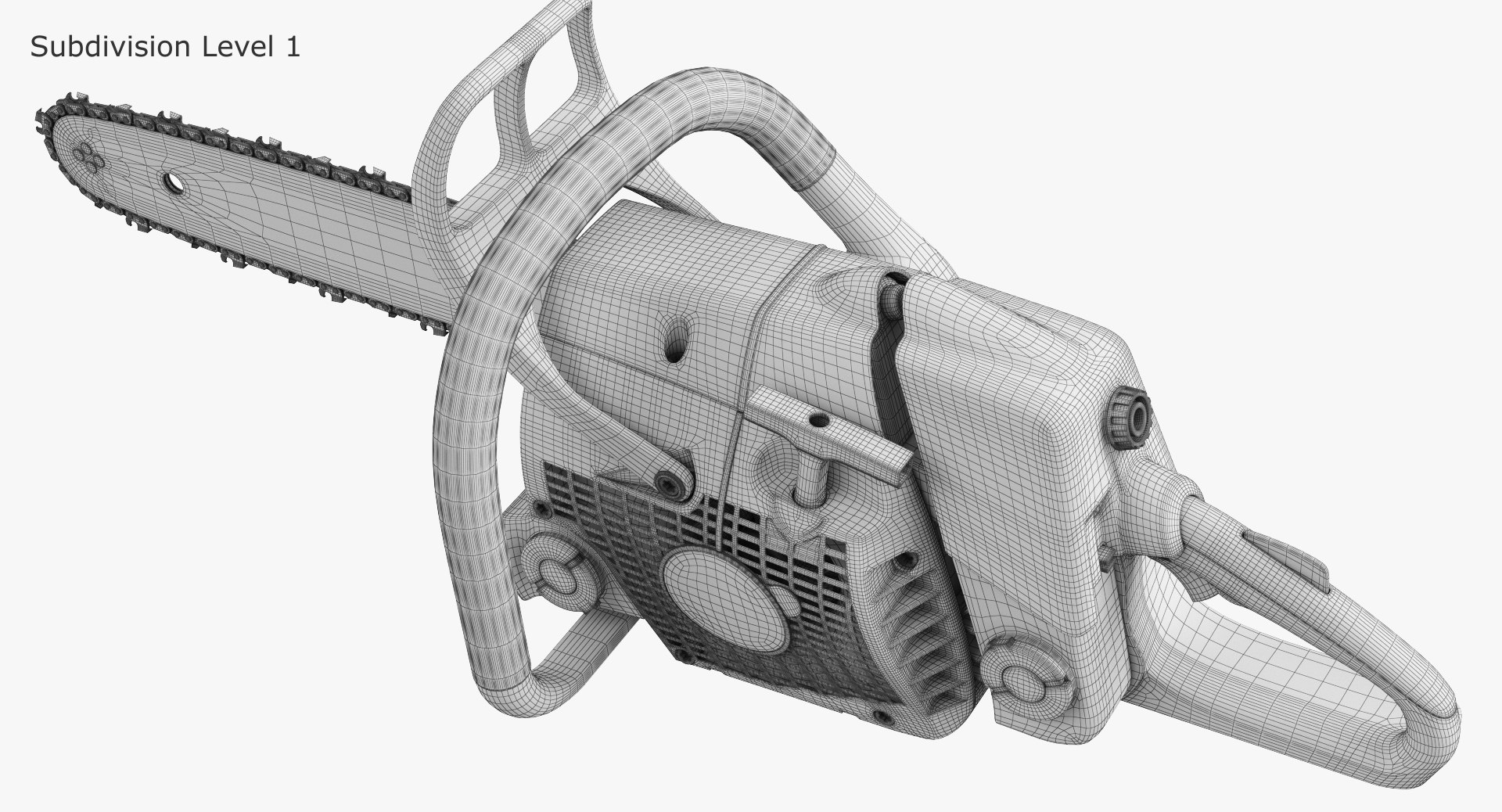
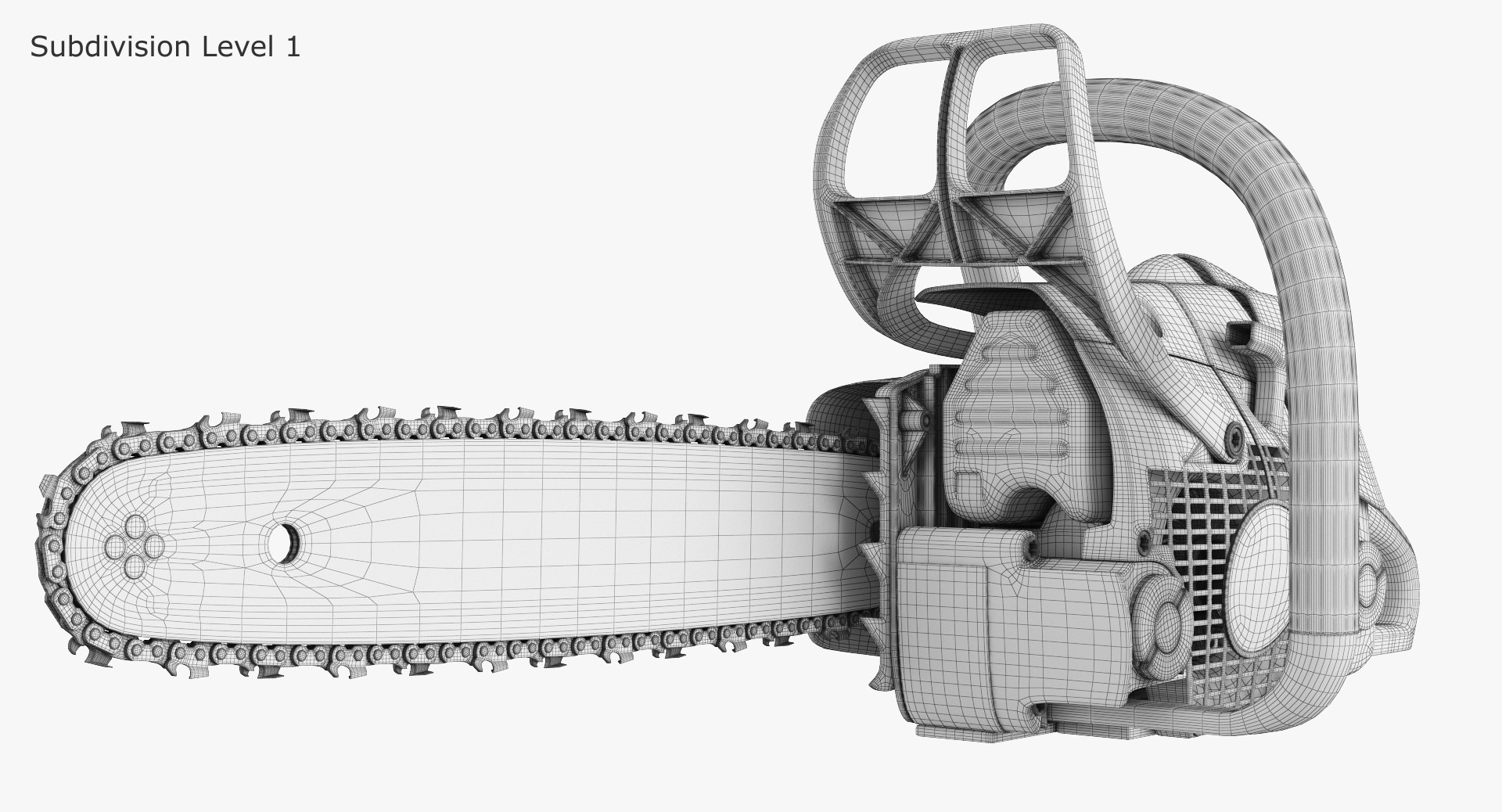
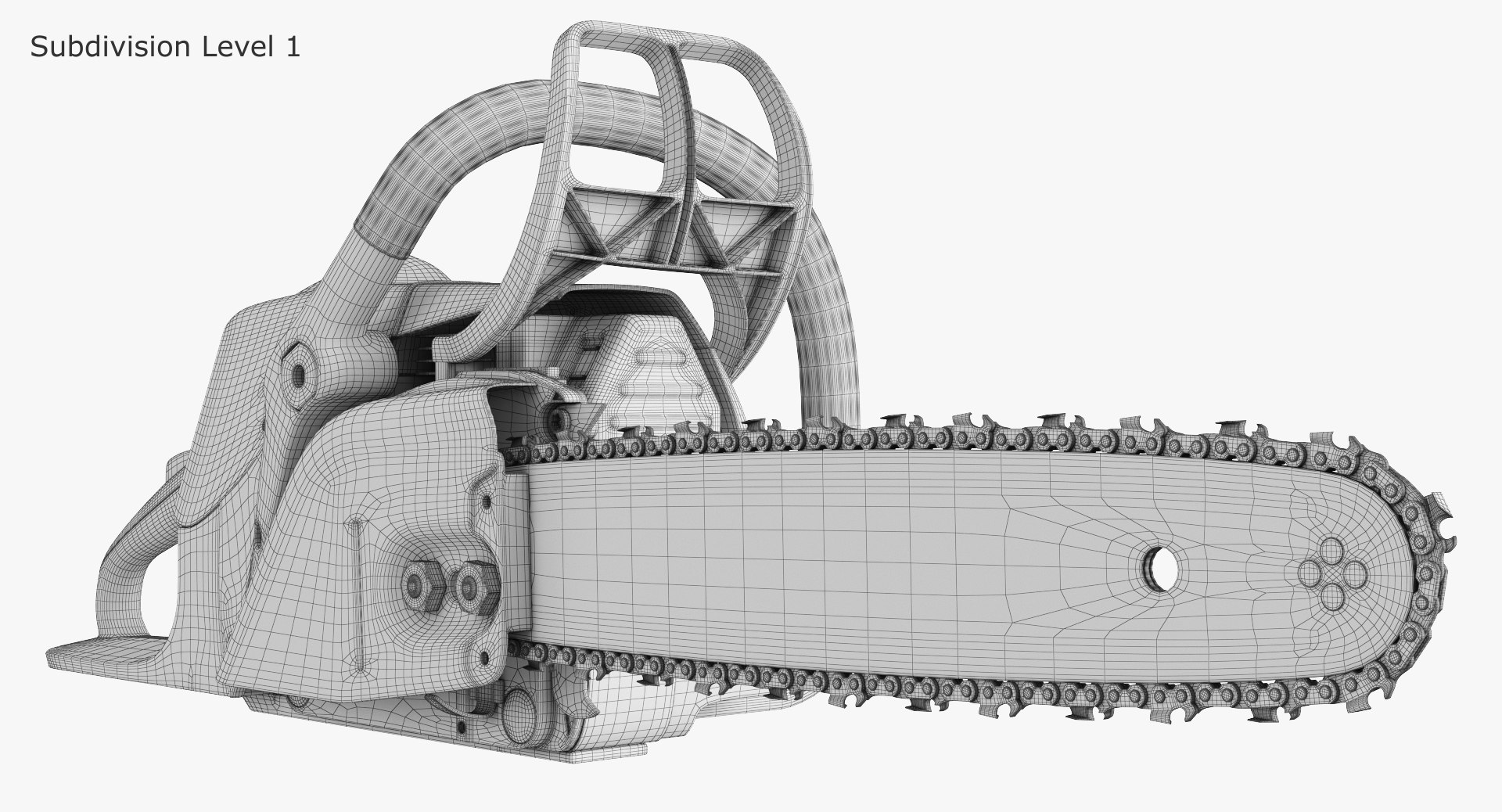
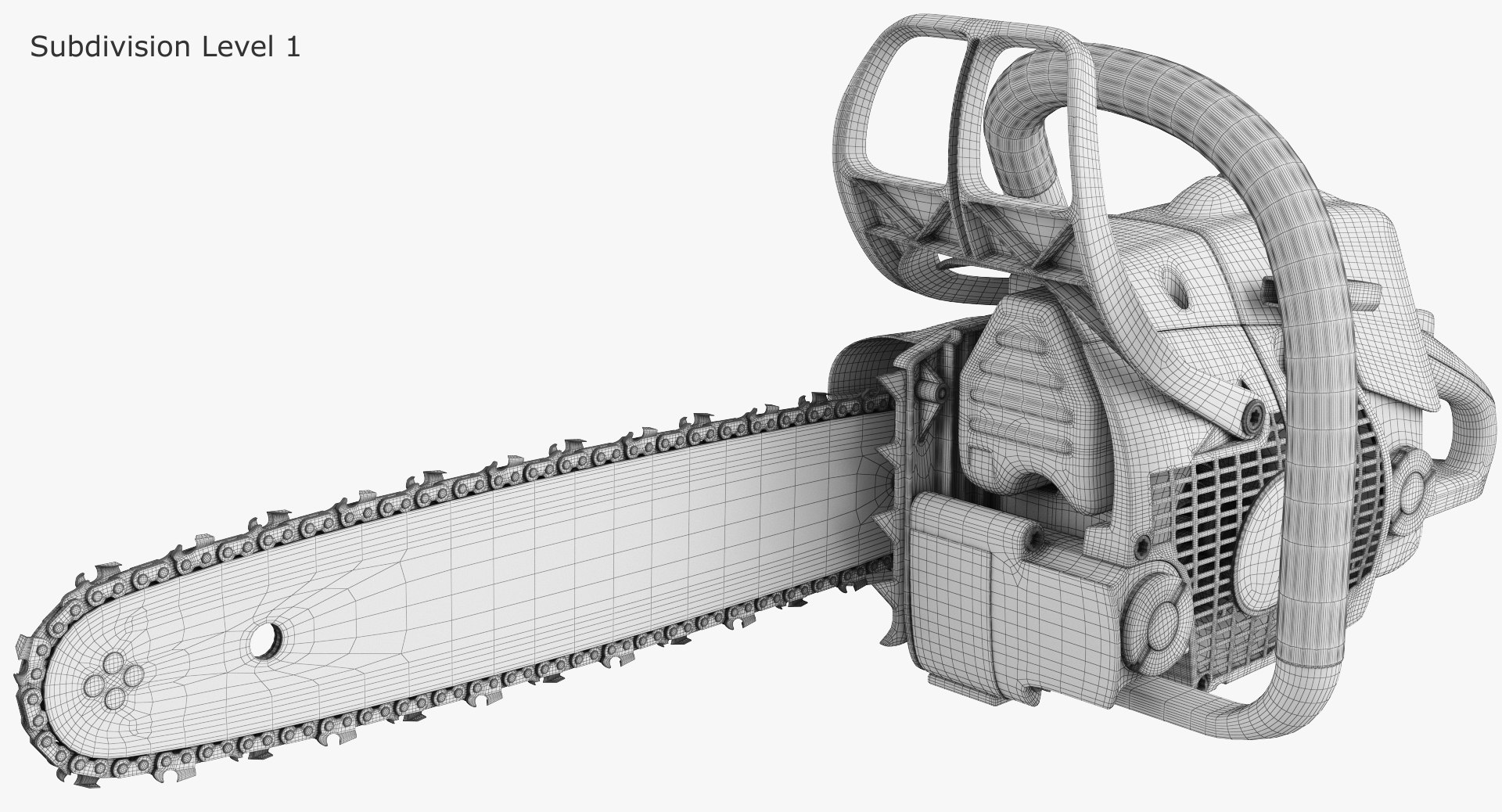
Subdivision Level 1
Polygons: 783 256
Vertices: 398 349
Subdivision Level 2
Polygons: 3 133 024
Vertices: 1 579 429

[TEXTURE ]
High-resolution textures number: 9
8192*8192 each

[ ADDITIONAL NOTES ]
- File formats other than 3ds Max exported as base mesh (not smoothed)
*If you have any questions, you can contact me through support. Just send a support ticket! *

Select Enhanced License

  • $10,000 in Legal Protection (Indemnification)
  • Uncapped Legal Protection (Indemnification)
  • Waiver from injunctive relief
  • Assignable model rights
  • $1,000,000 in Legal Protection (Indemnification)
  • Waiver from injunctive relief
  • Assignable model rights
  • $250,000 in Legal Protection (Indemnification)
  • Assignable model rights
Read more about enhanced license tiers, or contact us at enterprise@turbosquid.com. Already a Shutterstock Enterprise Customer? Contact your Shutterstock Sales Support Agent to talk about adding 3D.

About Conversion Requests

To submit a conversion request for a purchased asset, please complete our Conversion Request Form.

If you have not yet purchased a model, please review our Documentation about Conversions to learn about what limitations you may encounter with a conversion.

For any additional questions about a model’s suitability for conversion, please contact TurboSquid Support.

Loading...