
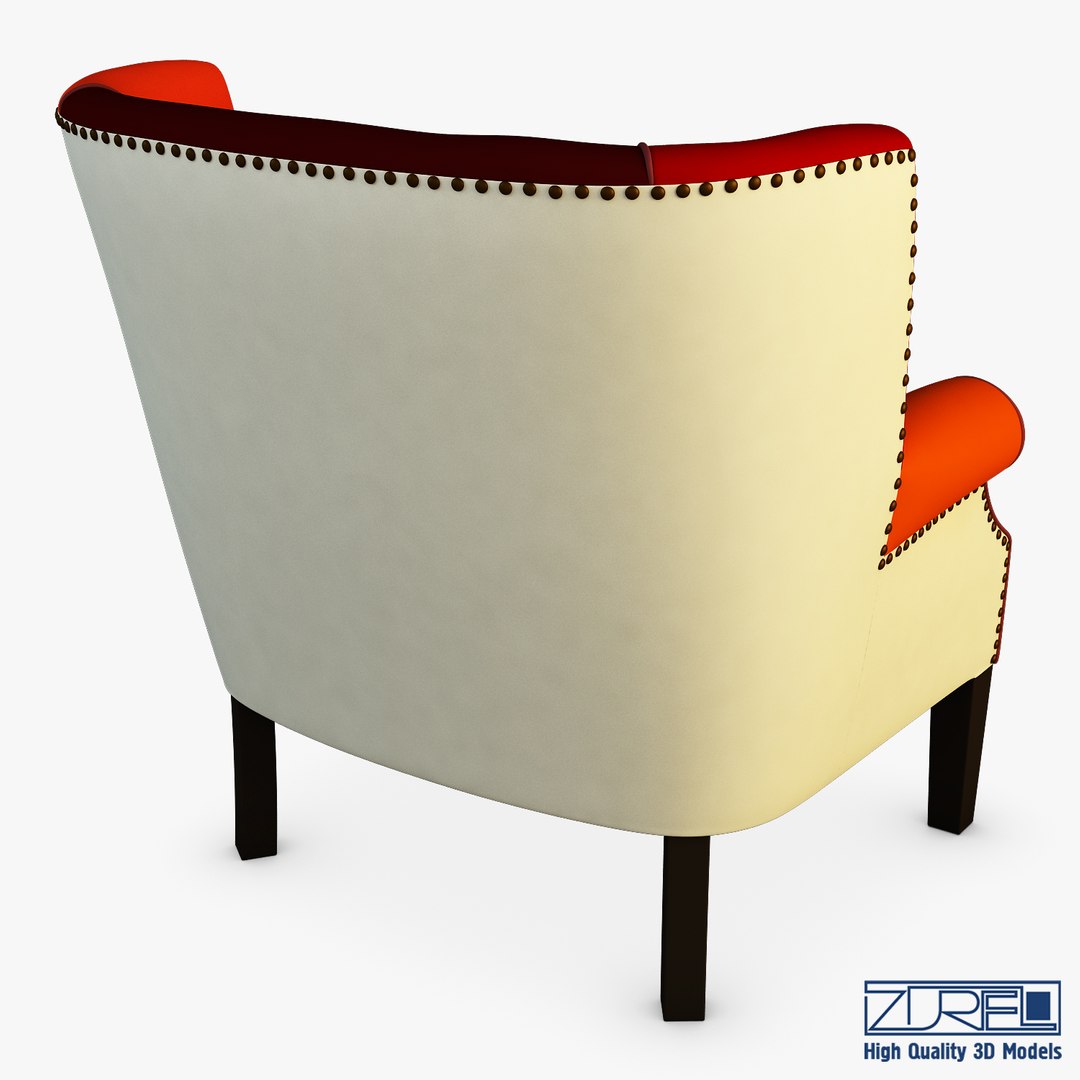
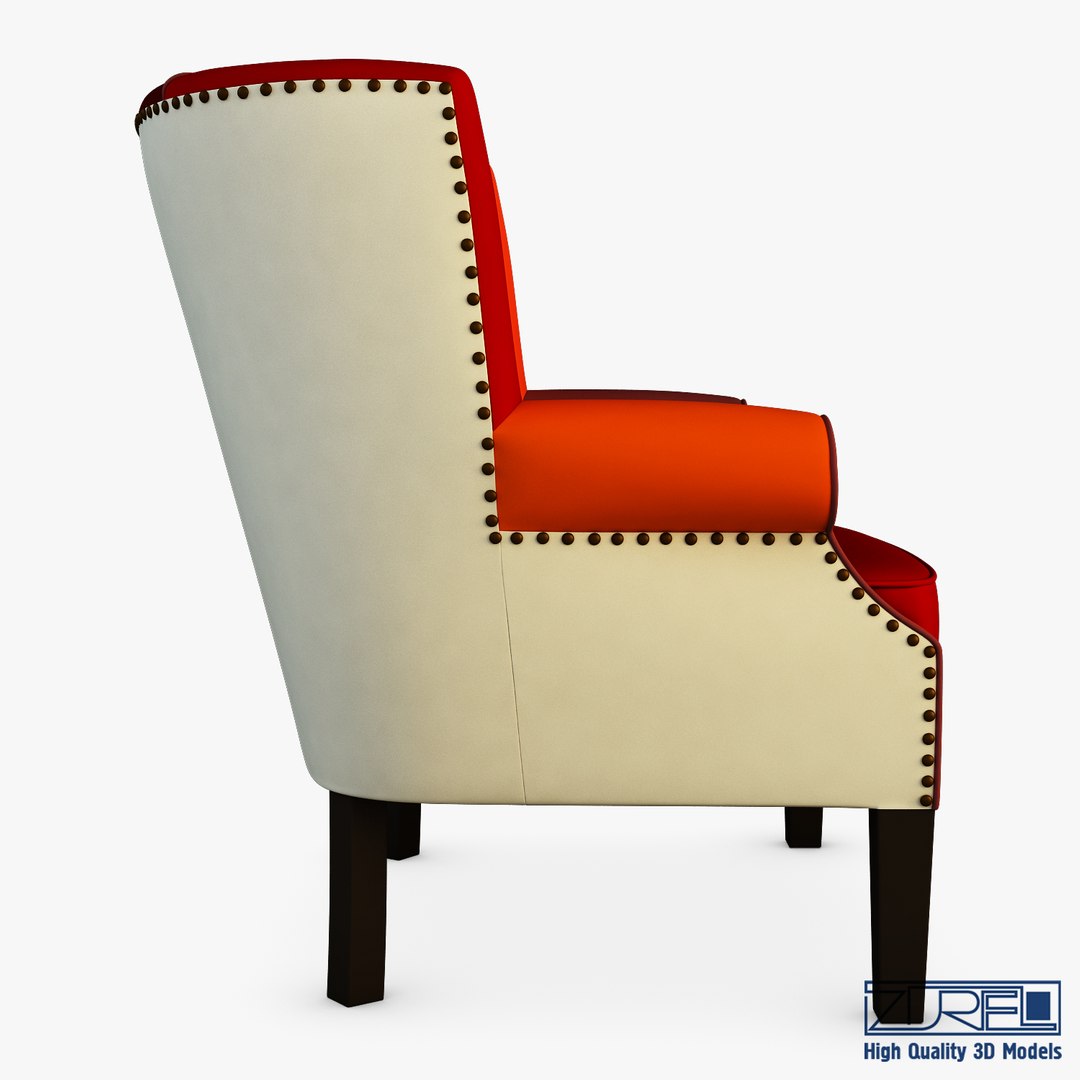
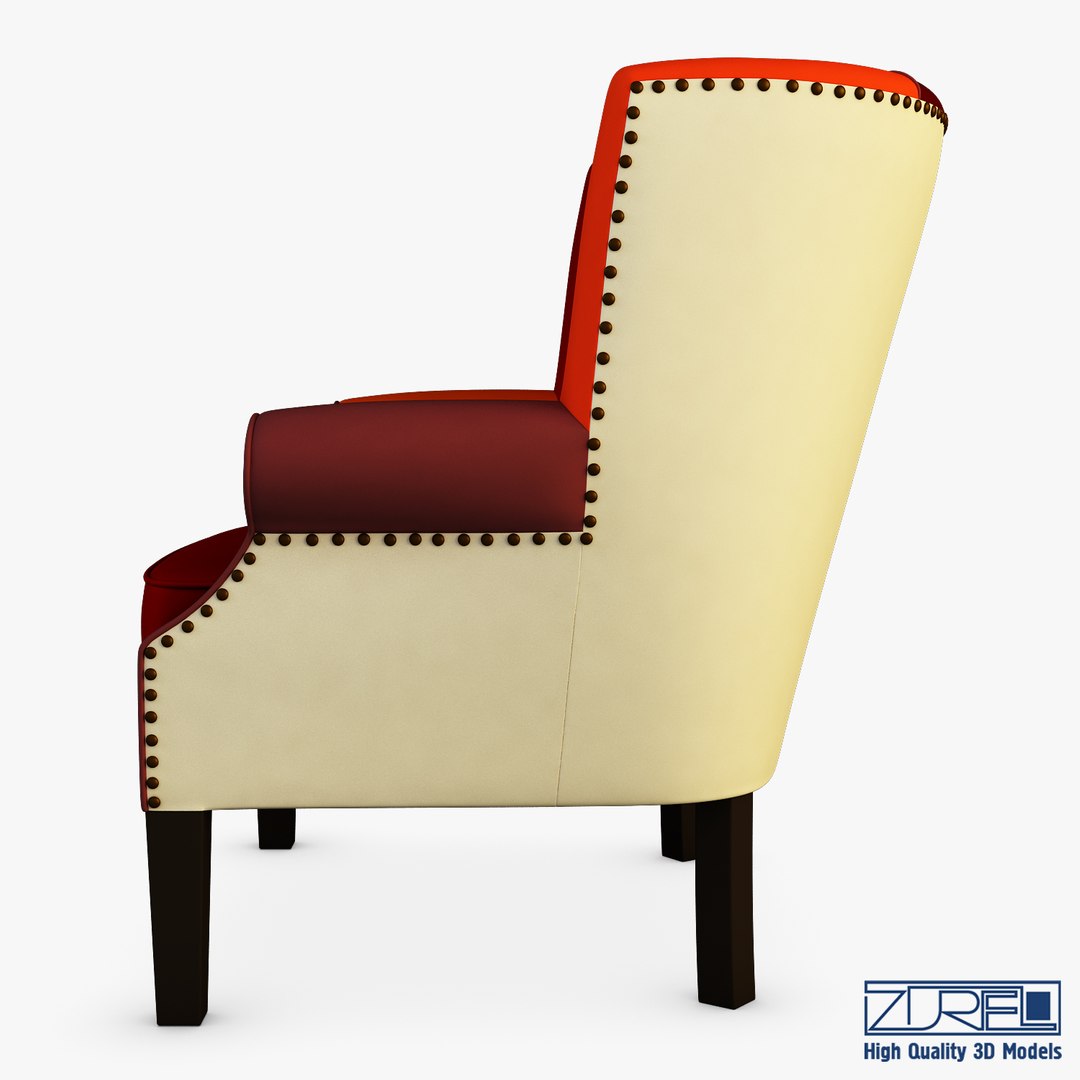
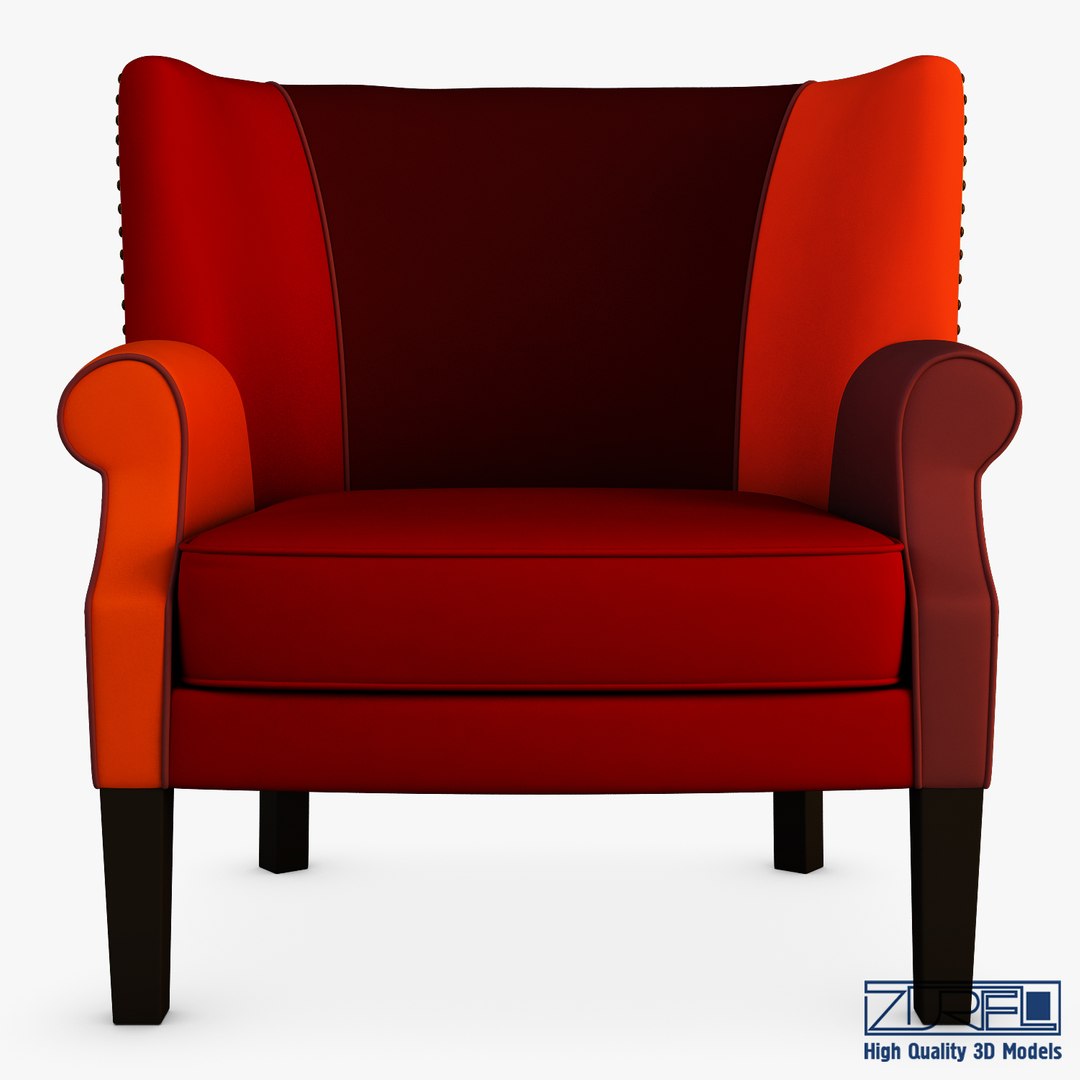
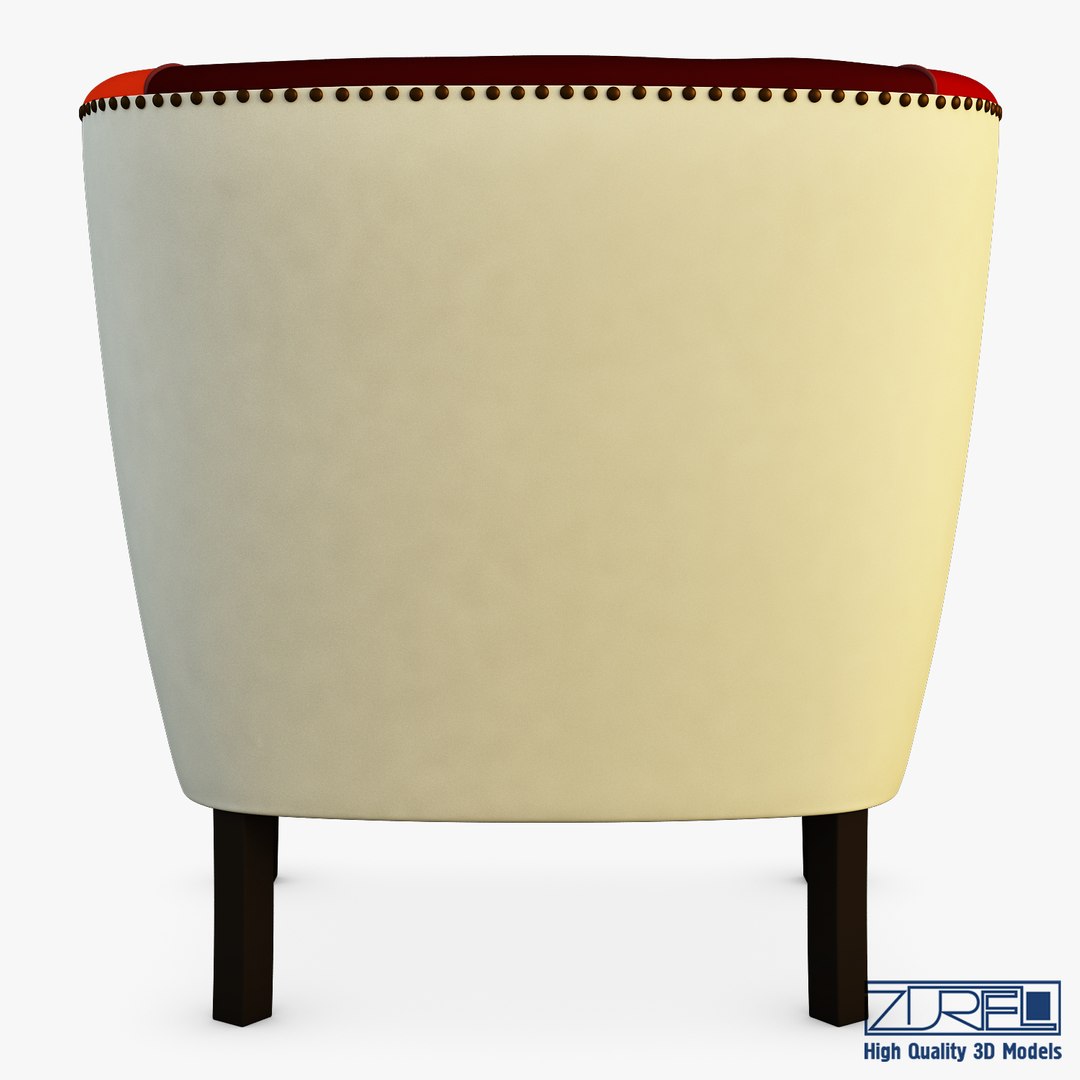
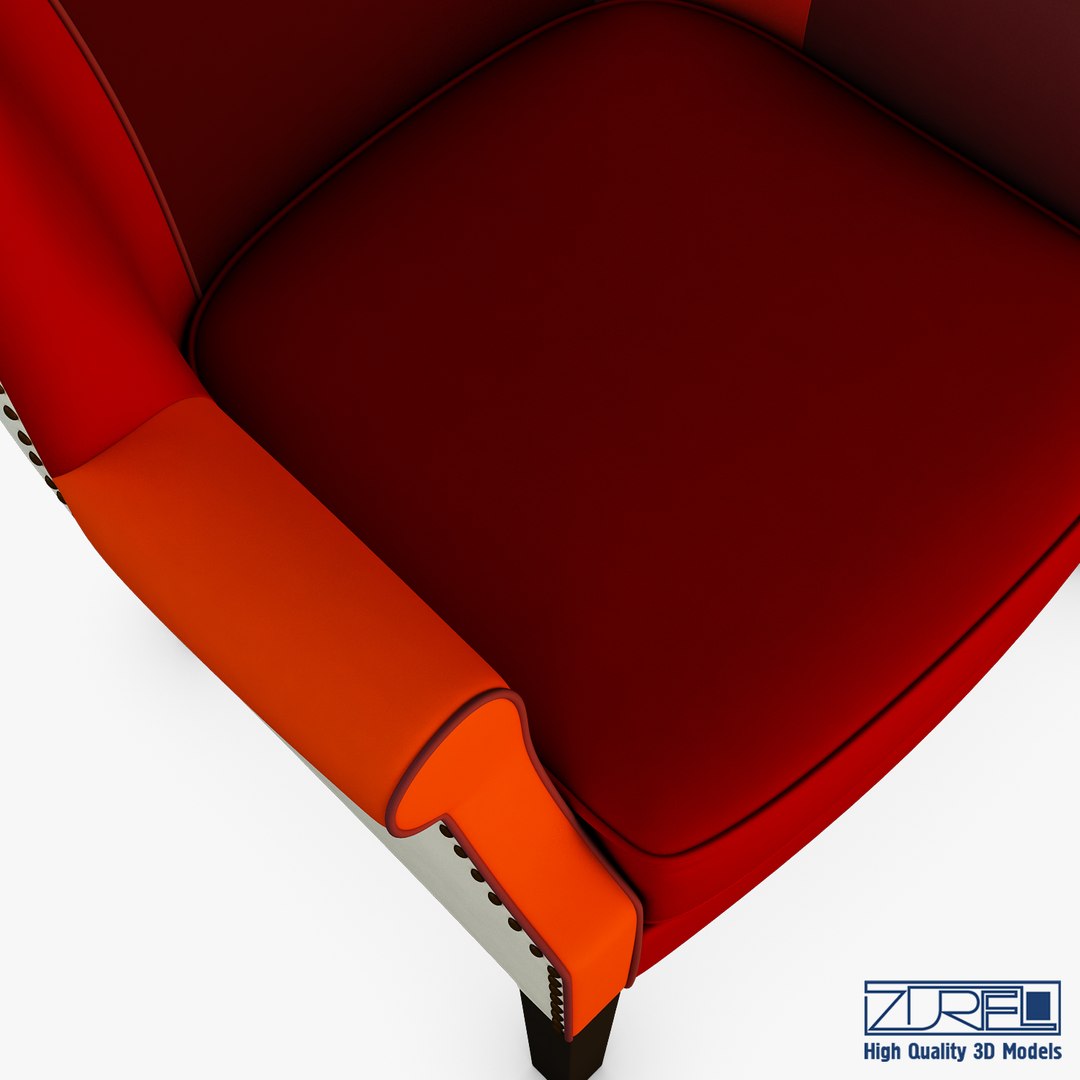
Casis armchair

$5

Formats (3)
Native | 3ds Max 2019 | Default Scanline
FBX
OBJ
Specifications
Publish Date October 07, 2017
Product ID 1211139
Polygons 137,332
Vertices 139,280
Polygonal Quads/Tris Geometry

member avatar
ZUREL
1463 Products | Contributor Since 2013
Have questions? Chat with us now.

Description

High quality model 'Casis armchair' specially for your projects.
Quality and accurate modeling, allows you to use model in any projects. Elaborated all small details, make the model more realistic, allowing you to use a model in high-resolution renderers (close-up), as well as for creating videos, or video advertising or use in the film industry.
Multi/Sub-Object with standard materials are assigned to models.
The model is created in Autodesk 3ds Max 2010, rendered with Vray 2.20.02.
Please don't forget to rate the model, for us it is very important :)

3D model available in these formats: 3ds Max 2010 (.max), Autodesk FBX 2006 (.fbx), OBJ (.obj)

Scene Statistic below:

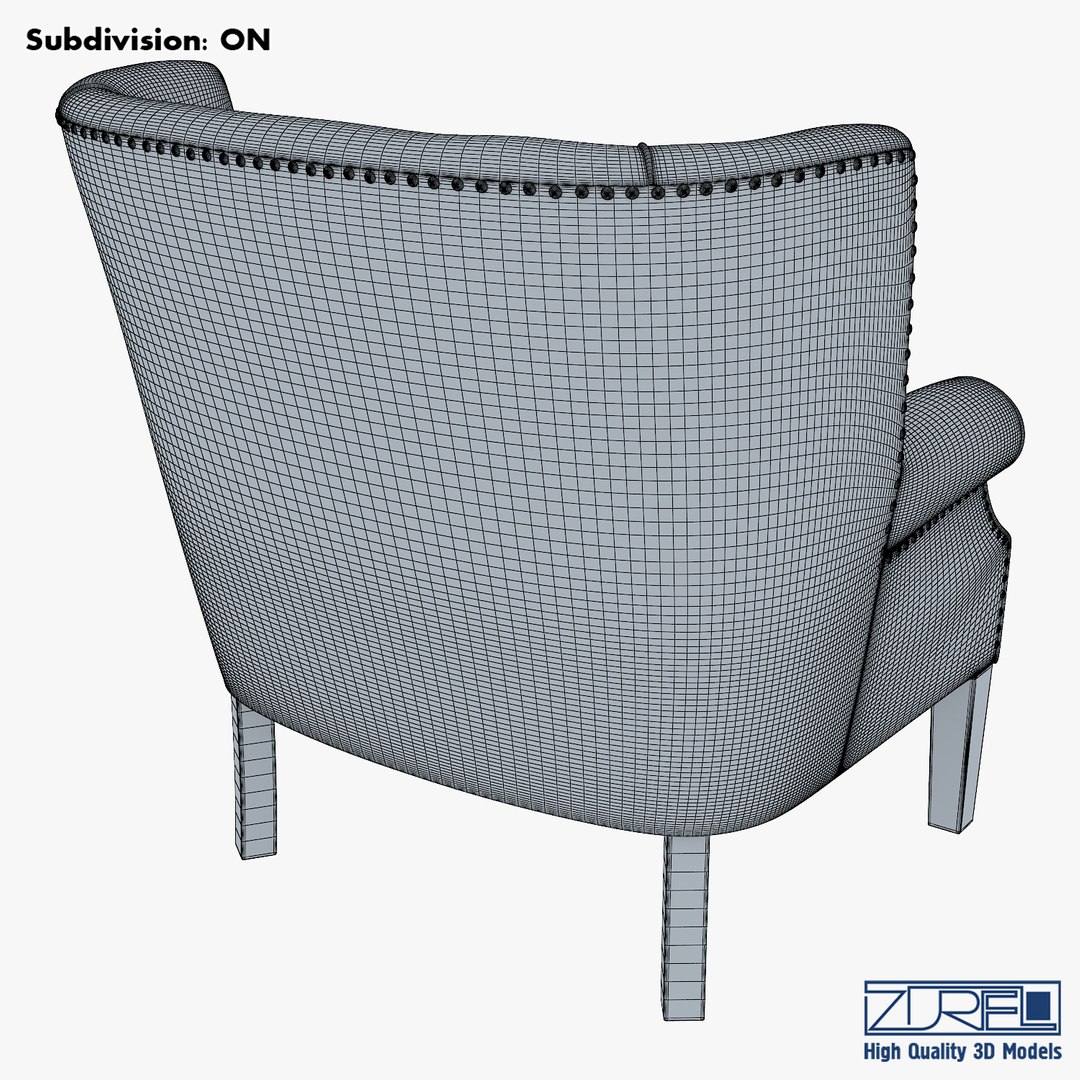
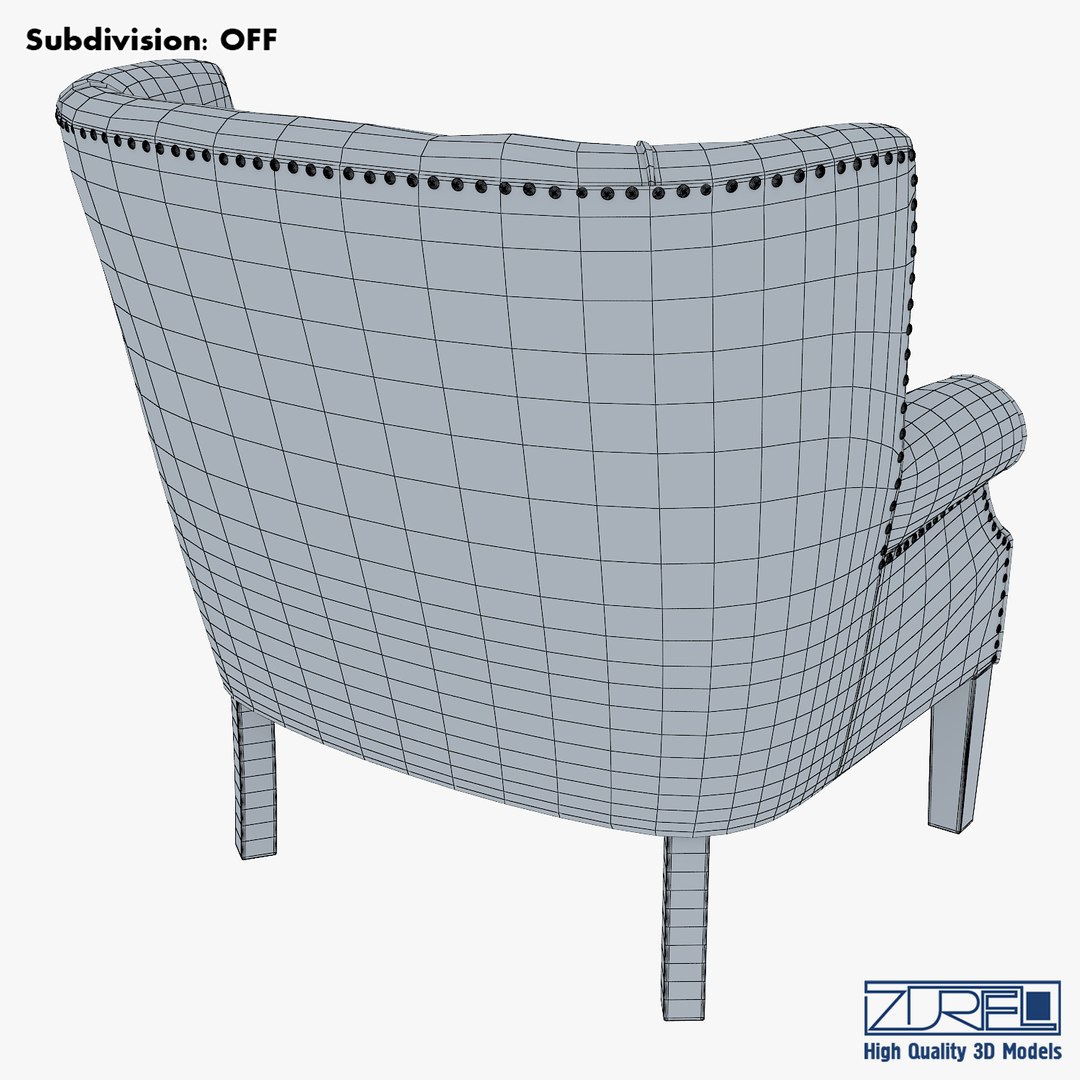
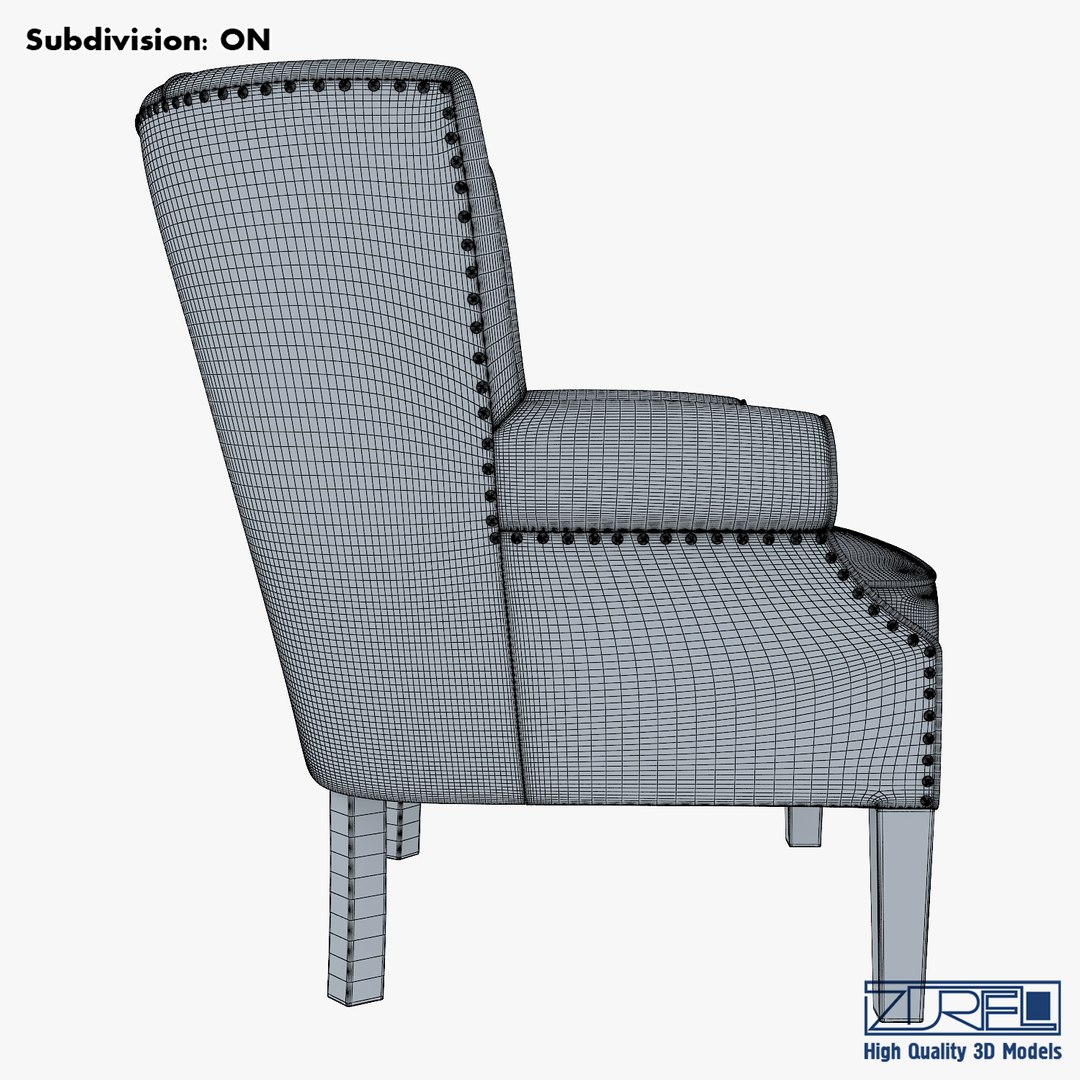
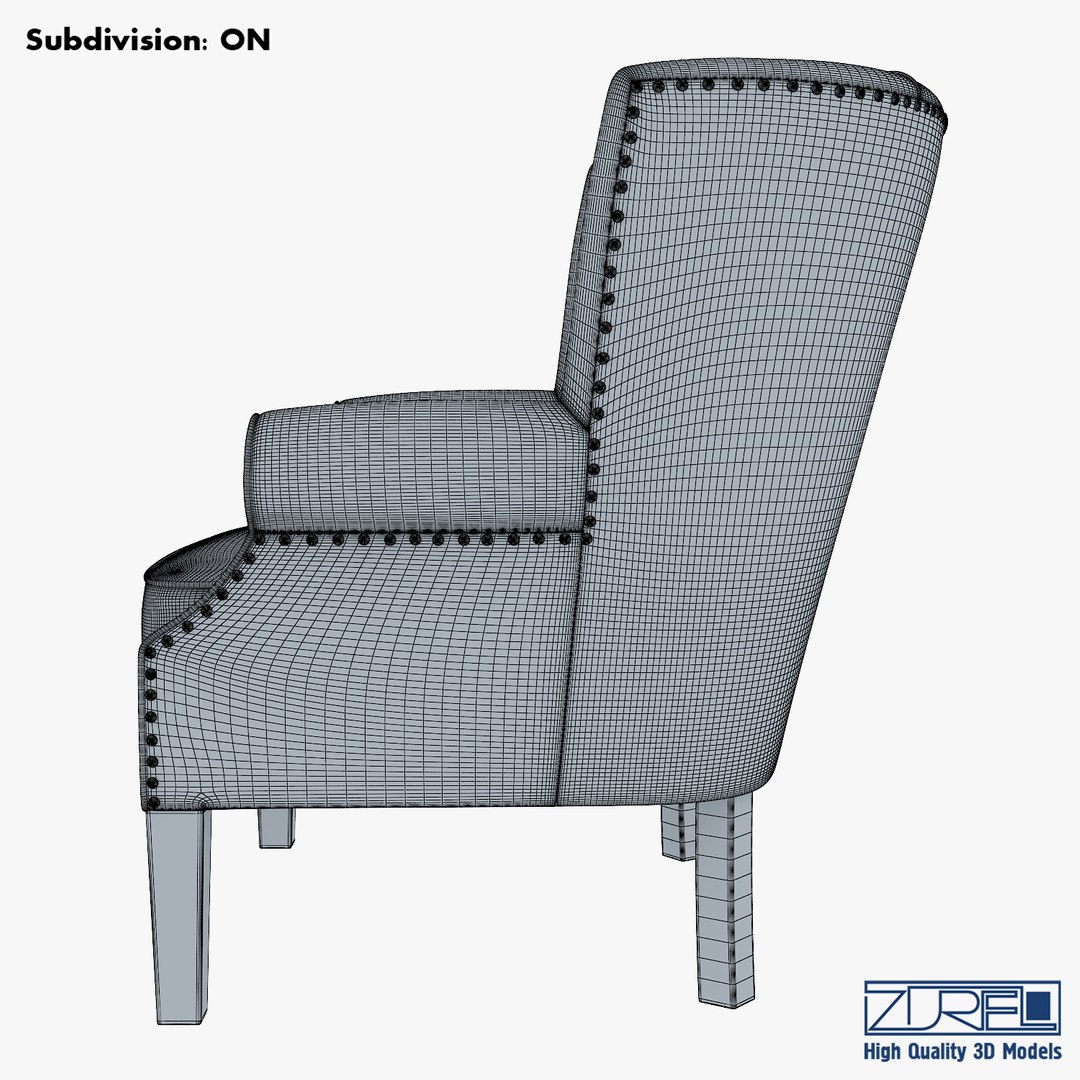
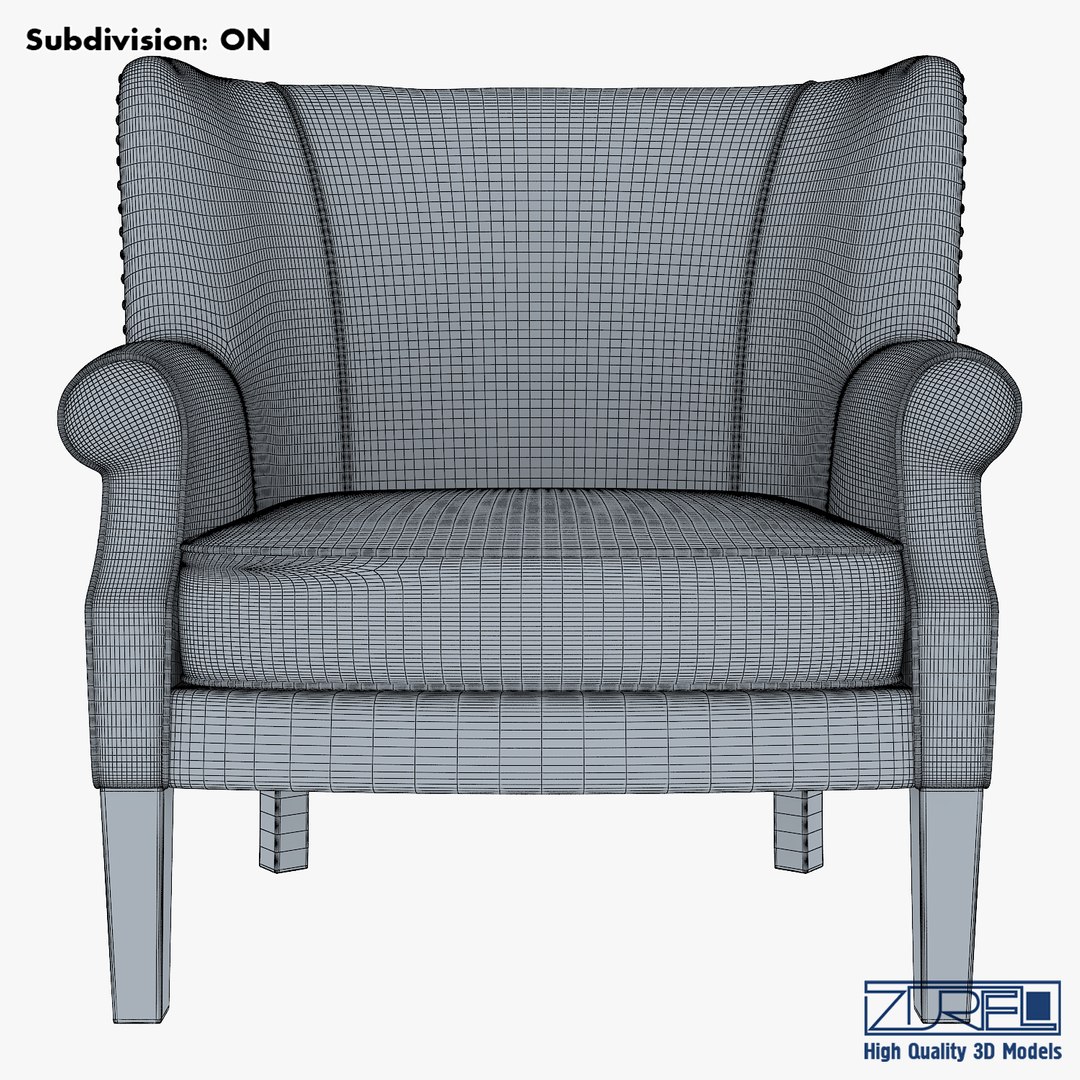
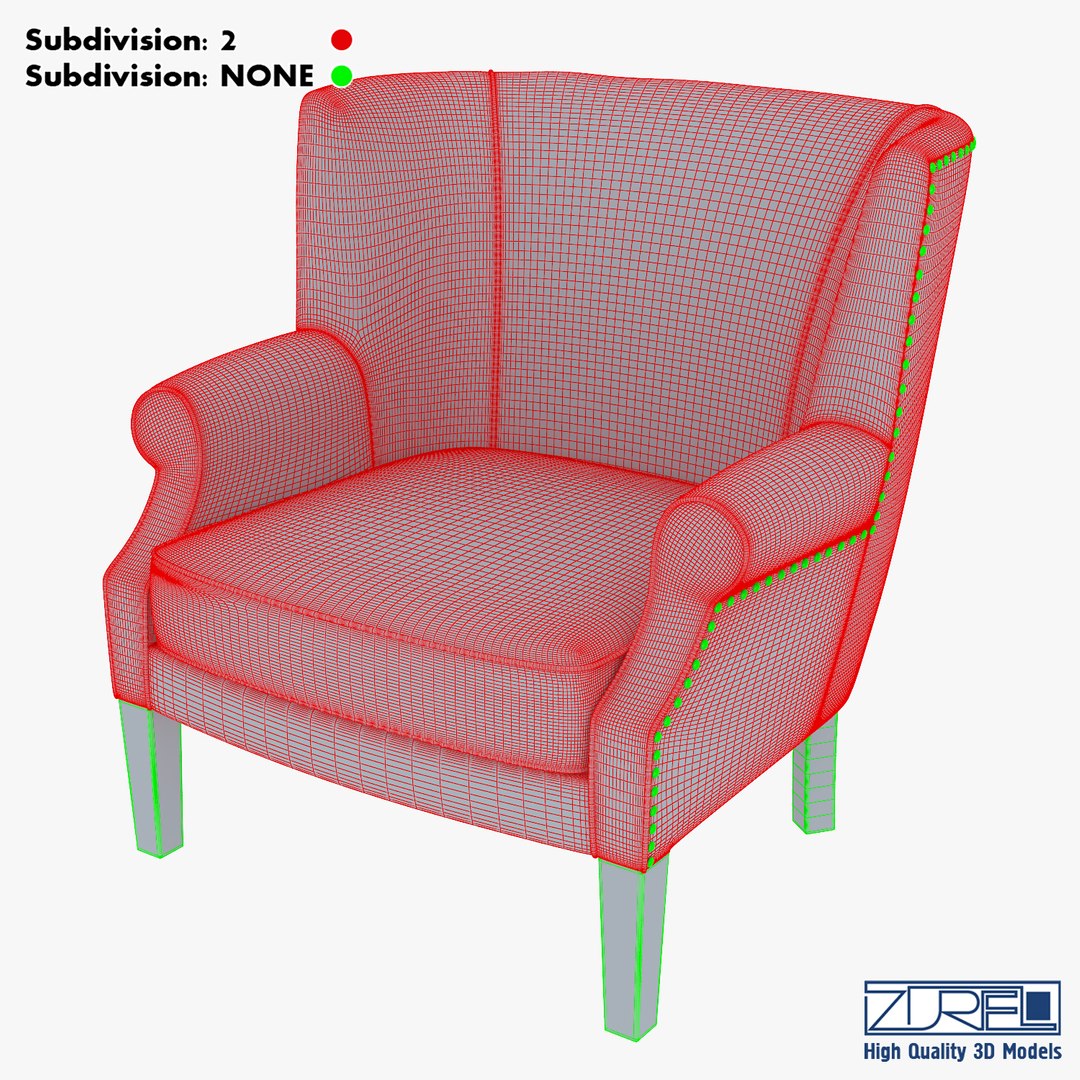
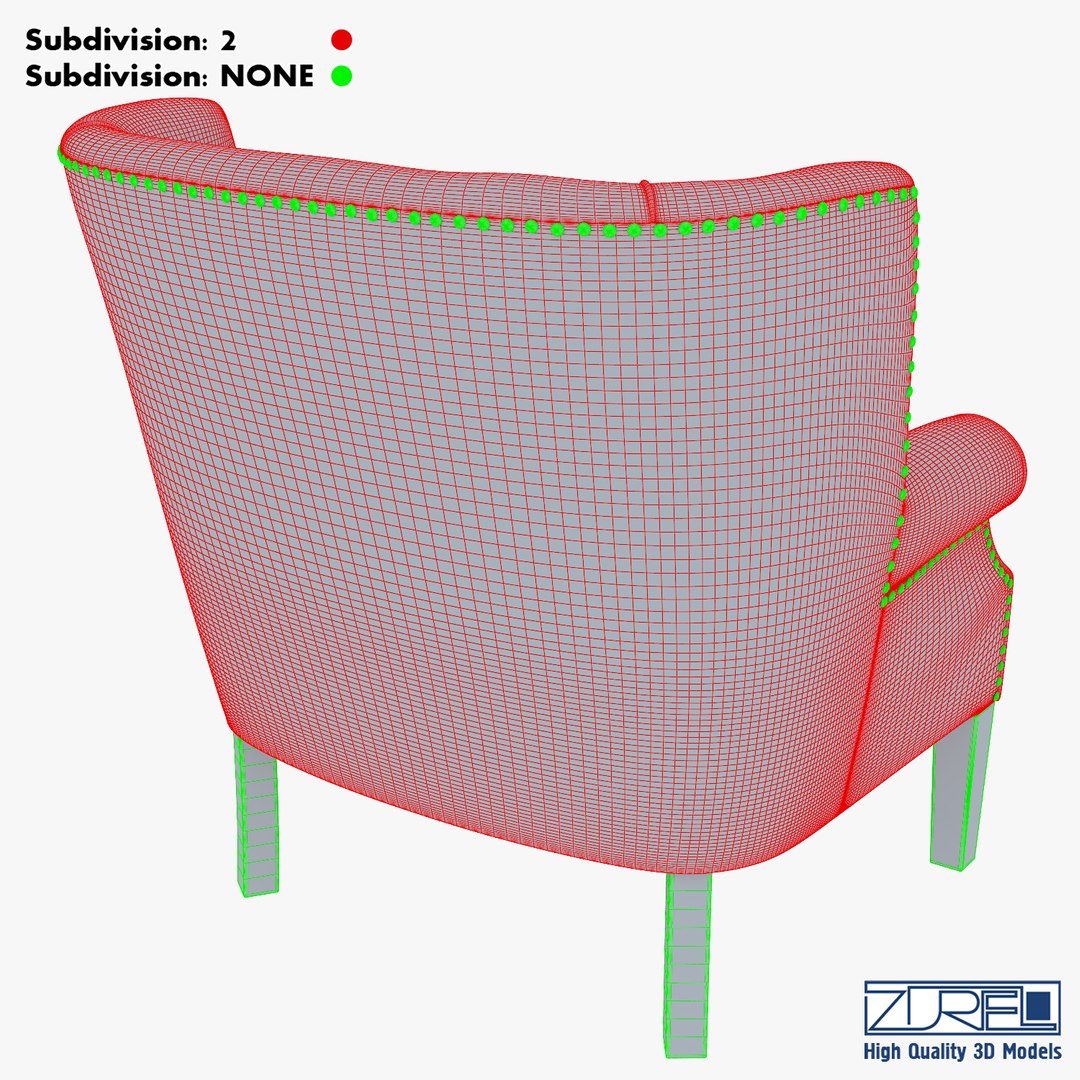
-Subdivision ON:
Polys: 137 332
Tris: 271 008
Edges: 276 440
Verts: 139 280

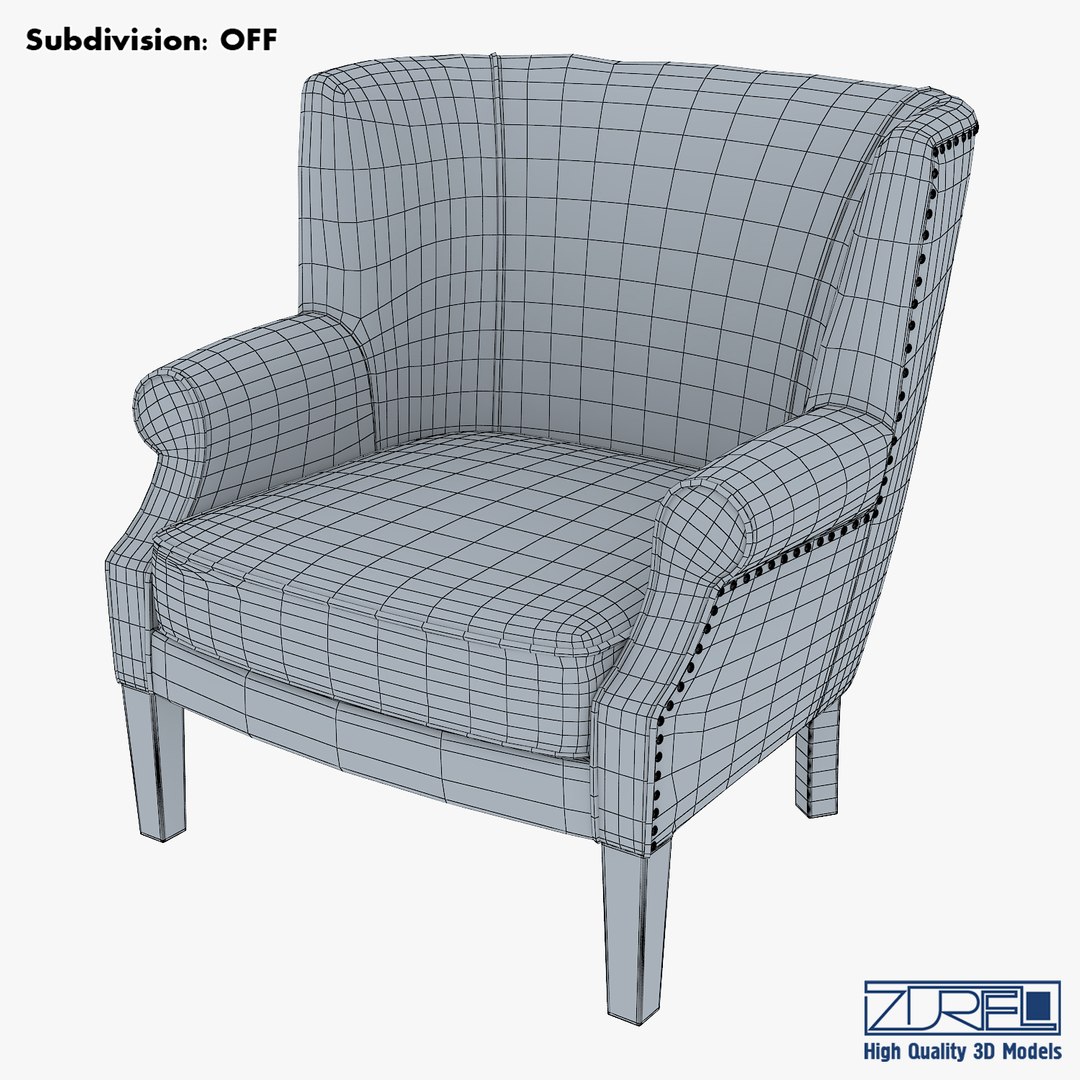
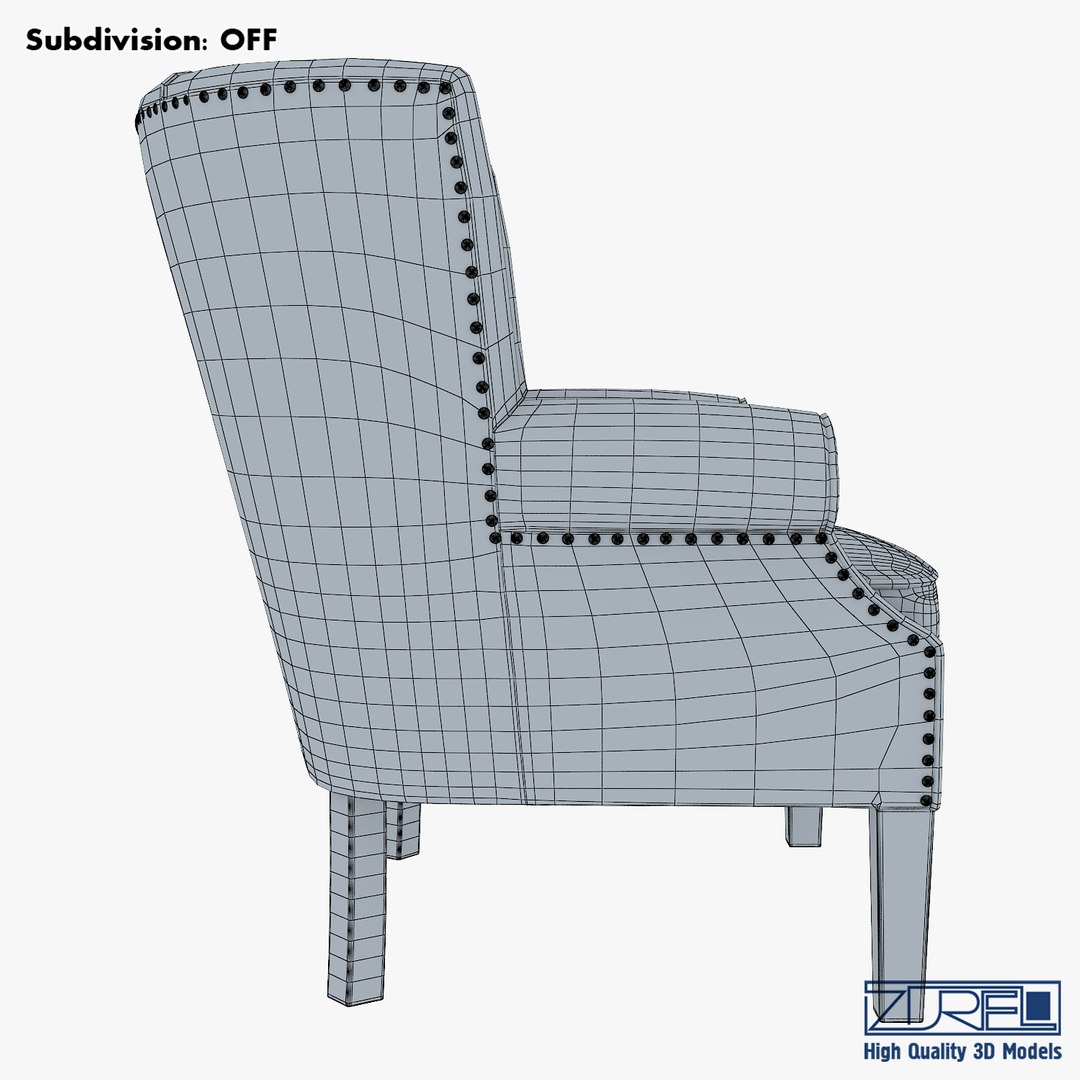
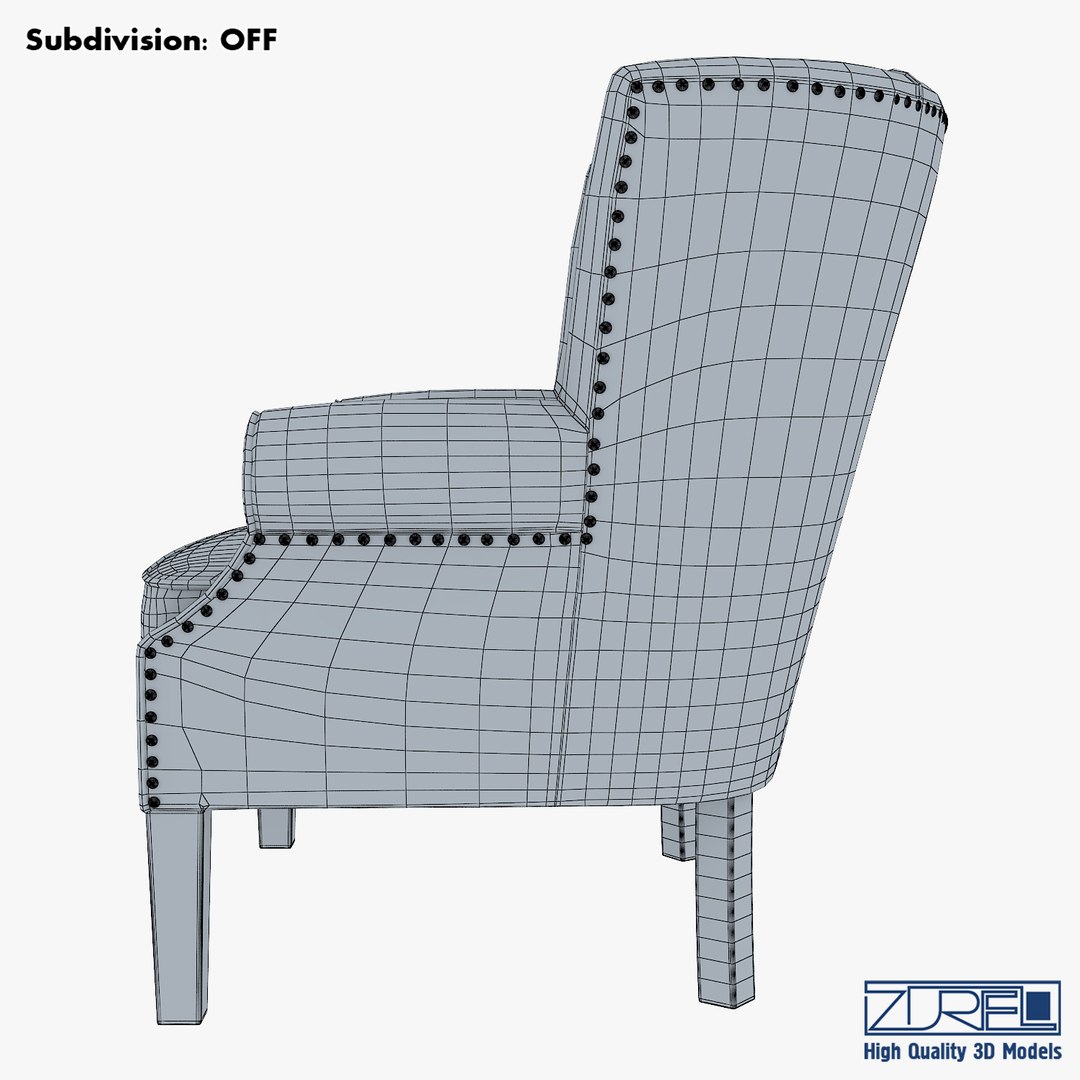
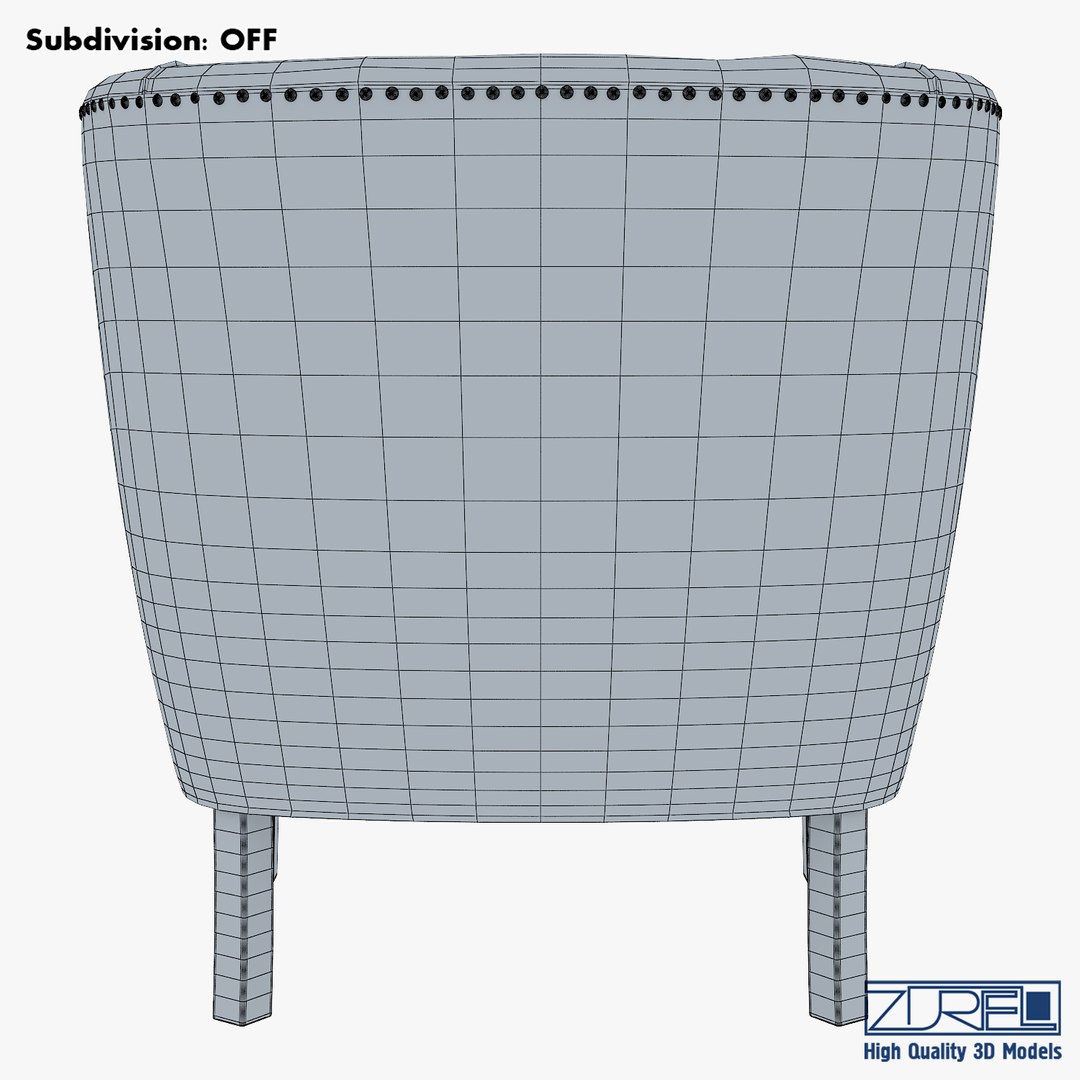
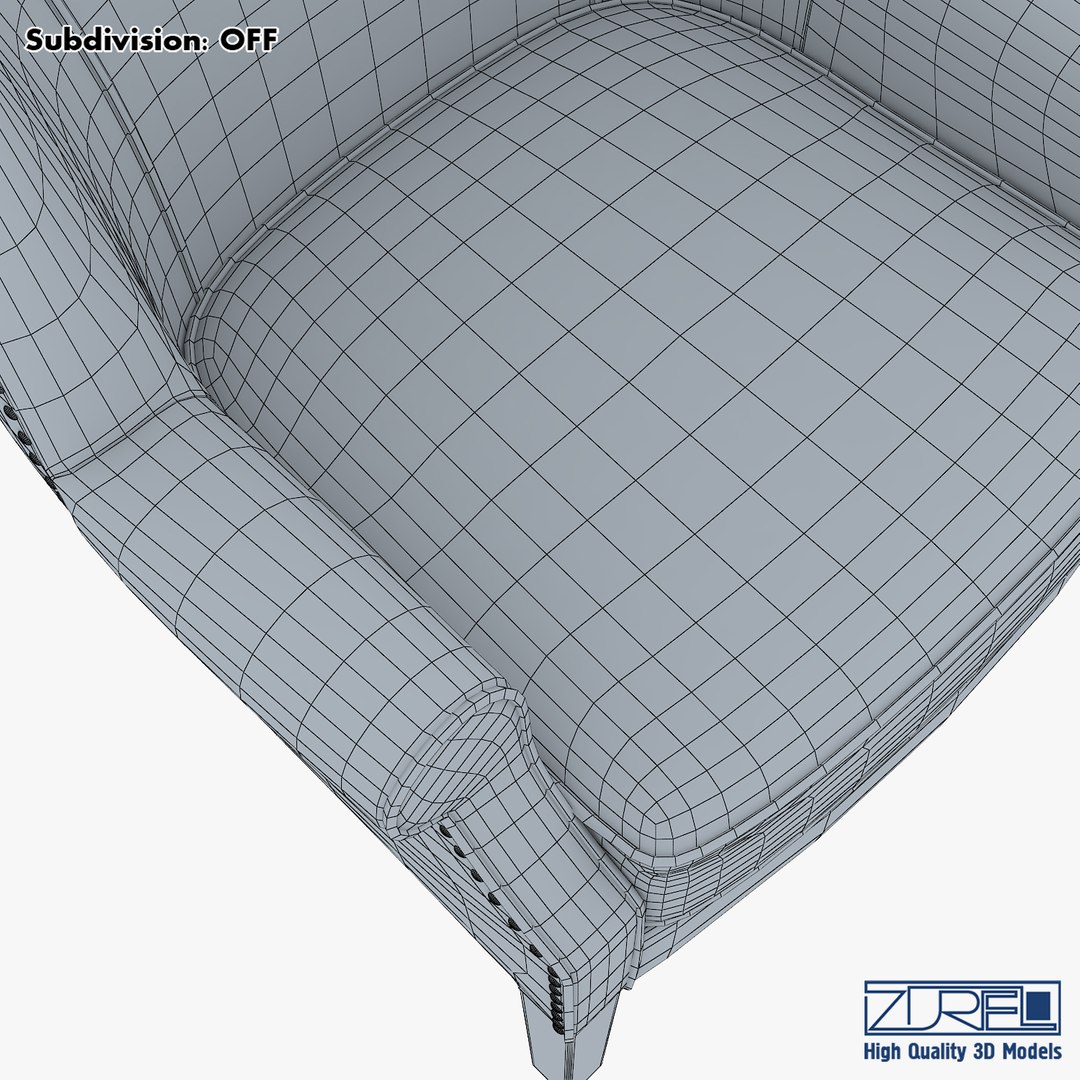
-Subdivision OFF:
Polys: 40 772
Tris: 77 886
Edges: 82 013
Verts: 41 417

- Scale of all details (100,100,100)
- Model has real-world scale and is centered at 0,0,0
- All pivots in place
- No cleaning up necessary, just drop your models into the scene and start rendering

Please don't forget to rate the model, for us it is very important :)

Leonid Naku [Zurel] 2017

Select Enhanced License

  • $10,000 in Legal Protection (Indemnification)
  • Uncapped Legal Protection (Indemnification)
  • Waiver from injunctive relief
  • Assignable model rights
  • $1,000,000 in Legal Protection (Indemnification)
  • Waiver from injunctive relief
  • Assignable model rights
  • $250,000 in Legal Protection (Indemnification)
  • Assignable model rights
Read more about enhanced license tiers, or contact us at enterprise@turbosquid.com. Already a Shutterstock Enterprise Customer? Contact your Shutterstock Sales Support Agent to talk about adding 3D.

About Conversion Requests

To submit a conversion request for a purchased asset, please complete our Conversion Request Form.

If you have not yet purchased a model, please review our Documentation about Conversions to learn about what limitations you may encounter with a conversion.

For any additional questions about a model’s suitability for conversion, please contact TurboSquid Support.

Loading...