
Carob or Ceratonia siliqua Tree

$2

Standard License | Upgrade License
Formats (5)
Native | 3ds Max 2014 | V-Ray 5
Cinema 4D S24 | Default Scanline
Blender 2.92 | Cycles Render
Unreal 4 | Other
OBJ Exchange
Specifications
Publish Date October 05, 2022
Product ID 1968429
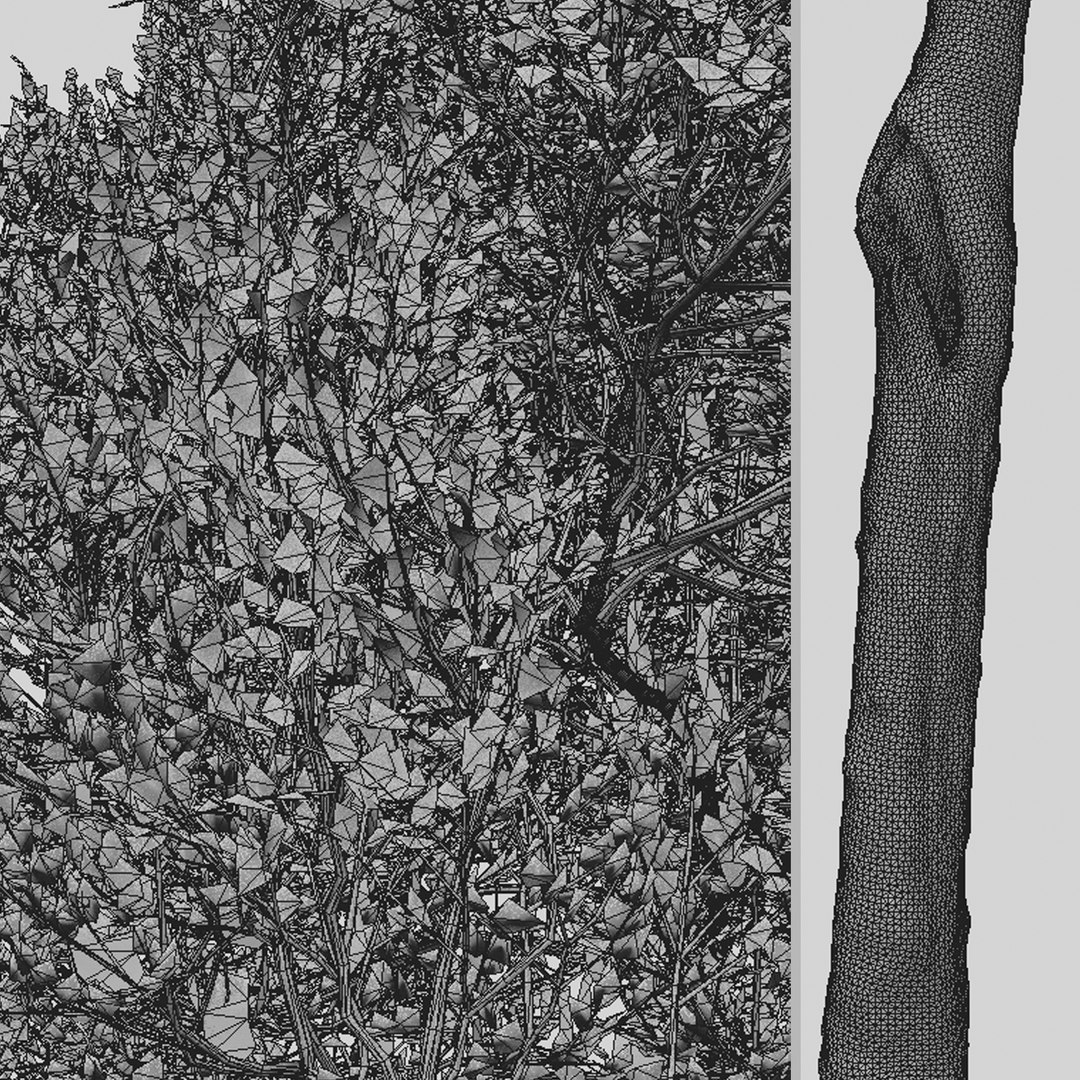
Polygons 934,419
Vertices 1,008,434
Polygonal
Textures
Materials
UV Mapped
Overlapping Unwrapped UVs

member avatar
Moonikoffice1
498 Products | Contributor Since 2022
Have questions? Chat with us now.

Description

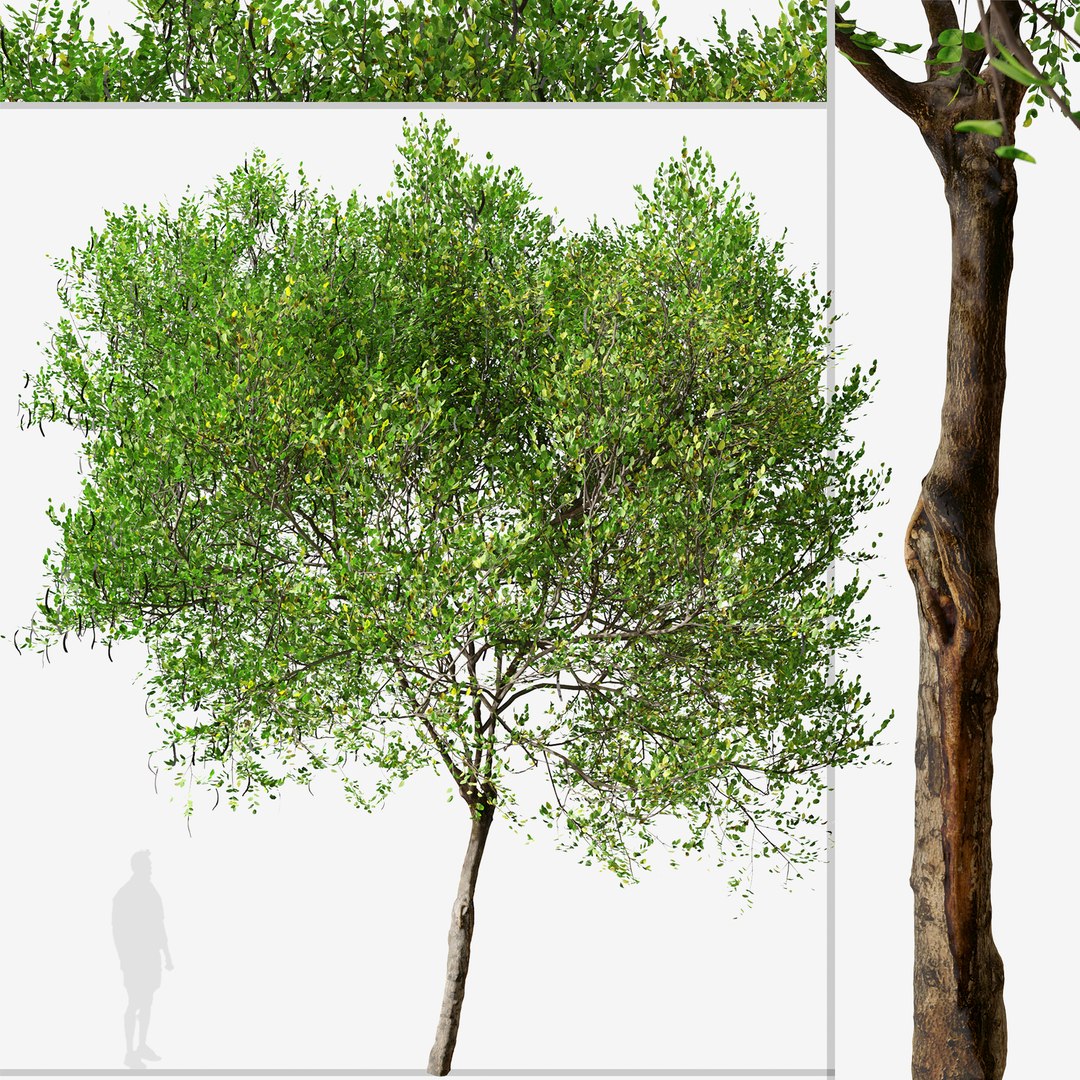
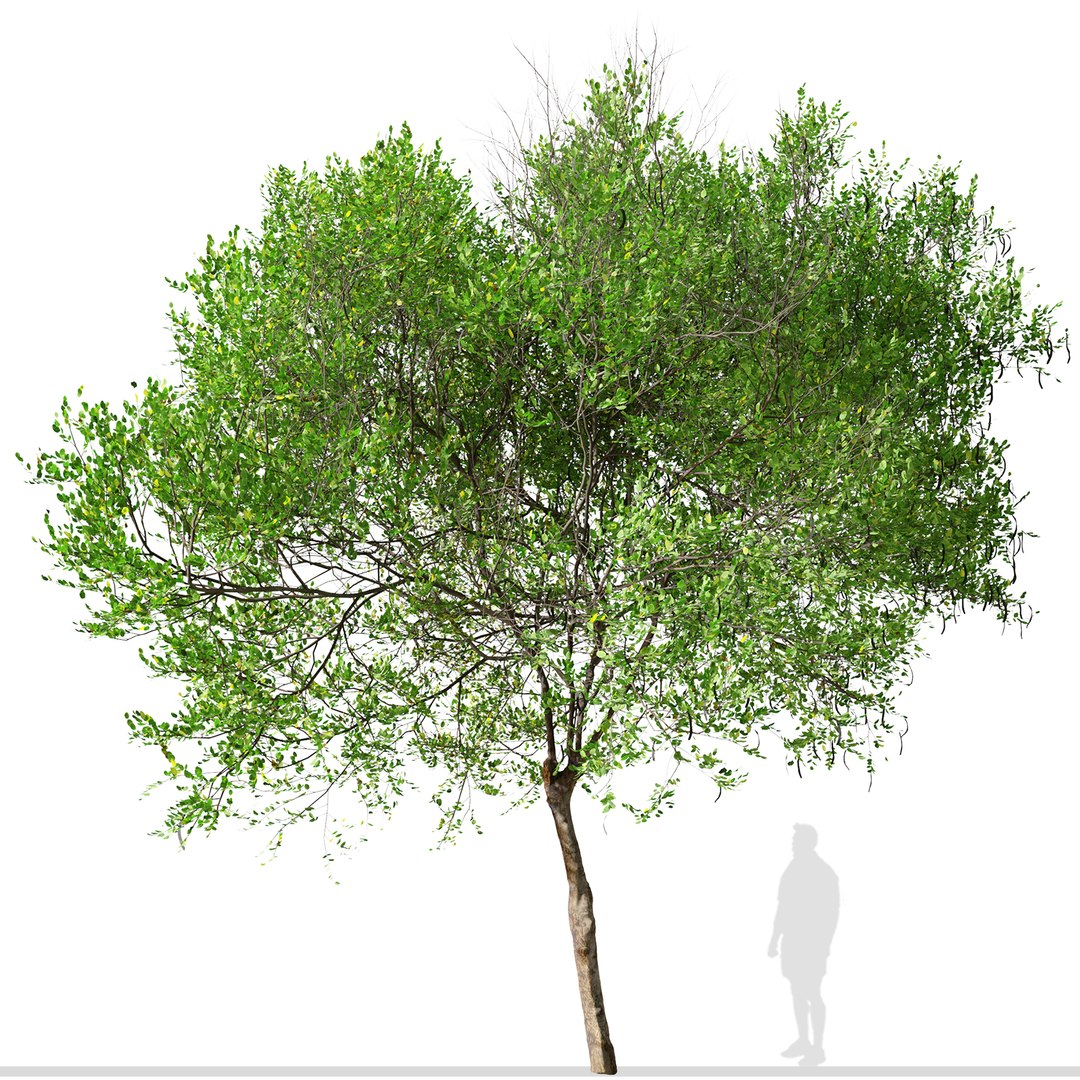
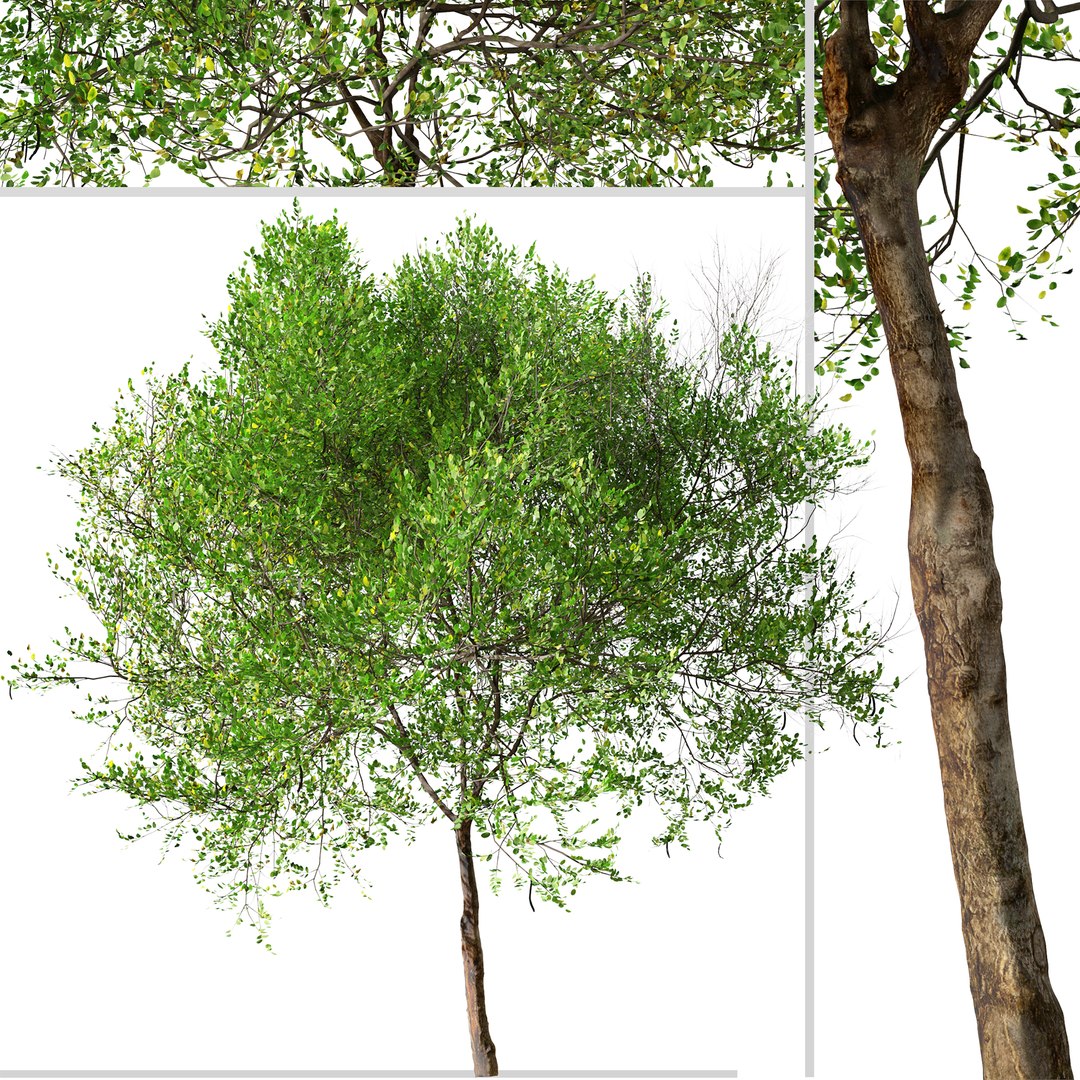
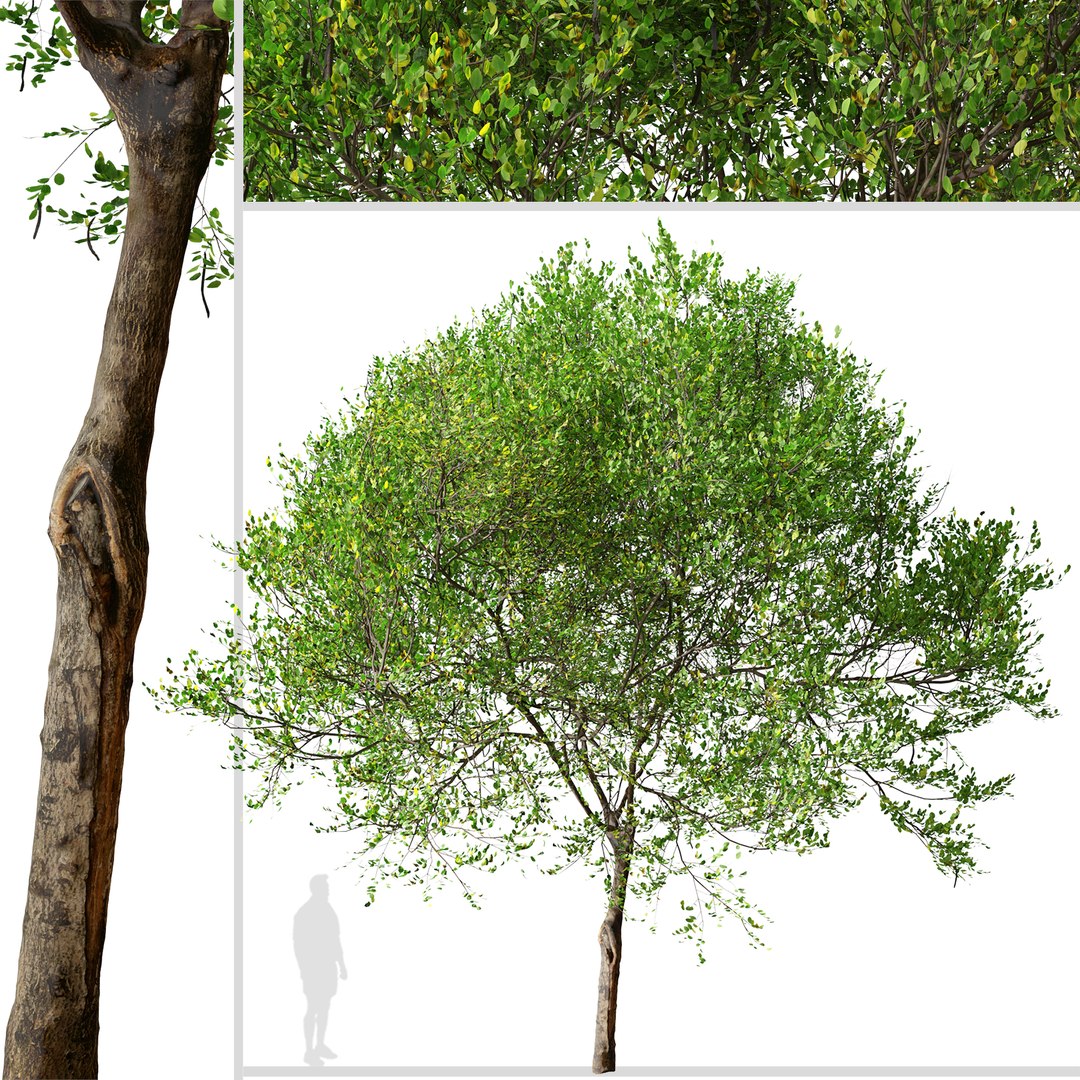
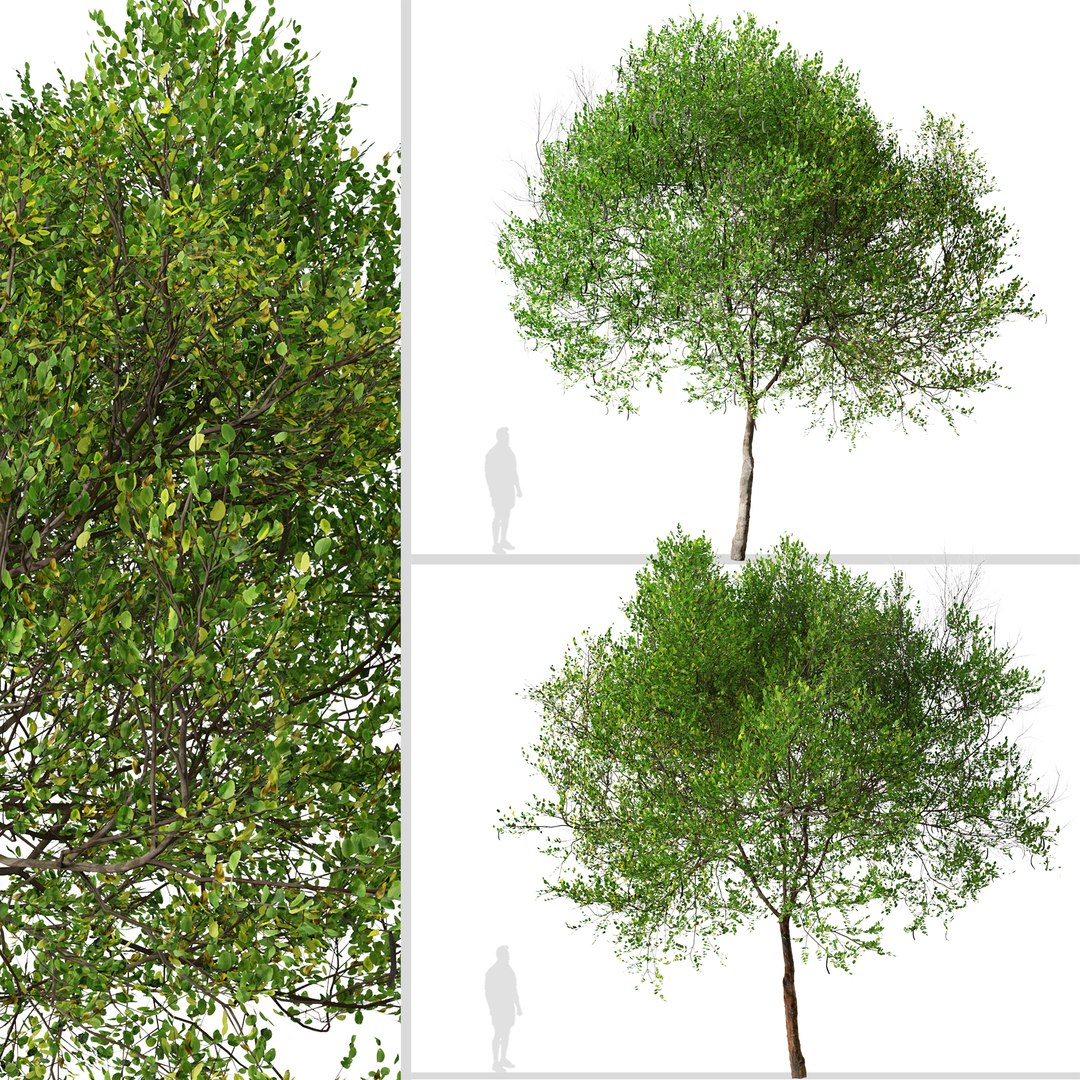
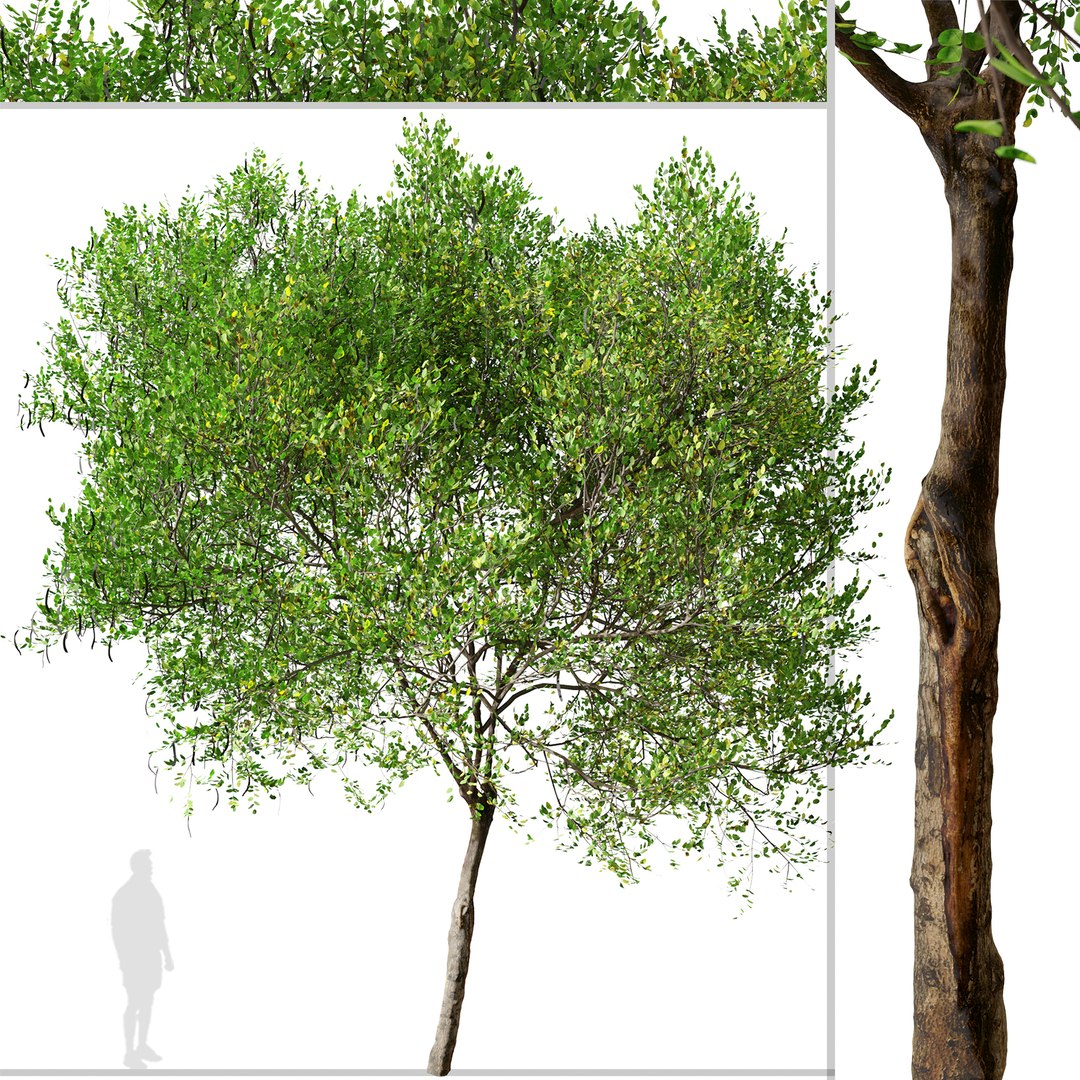
1 Carob tree in the scene.

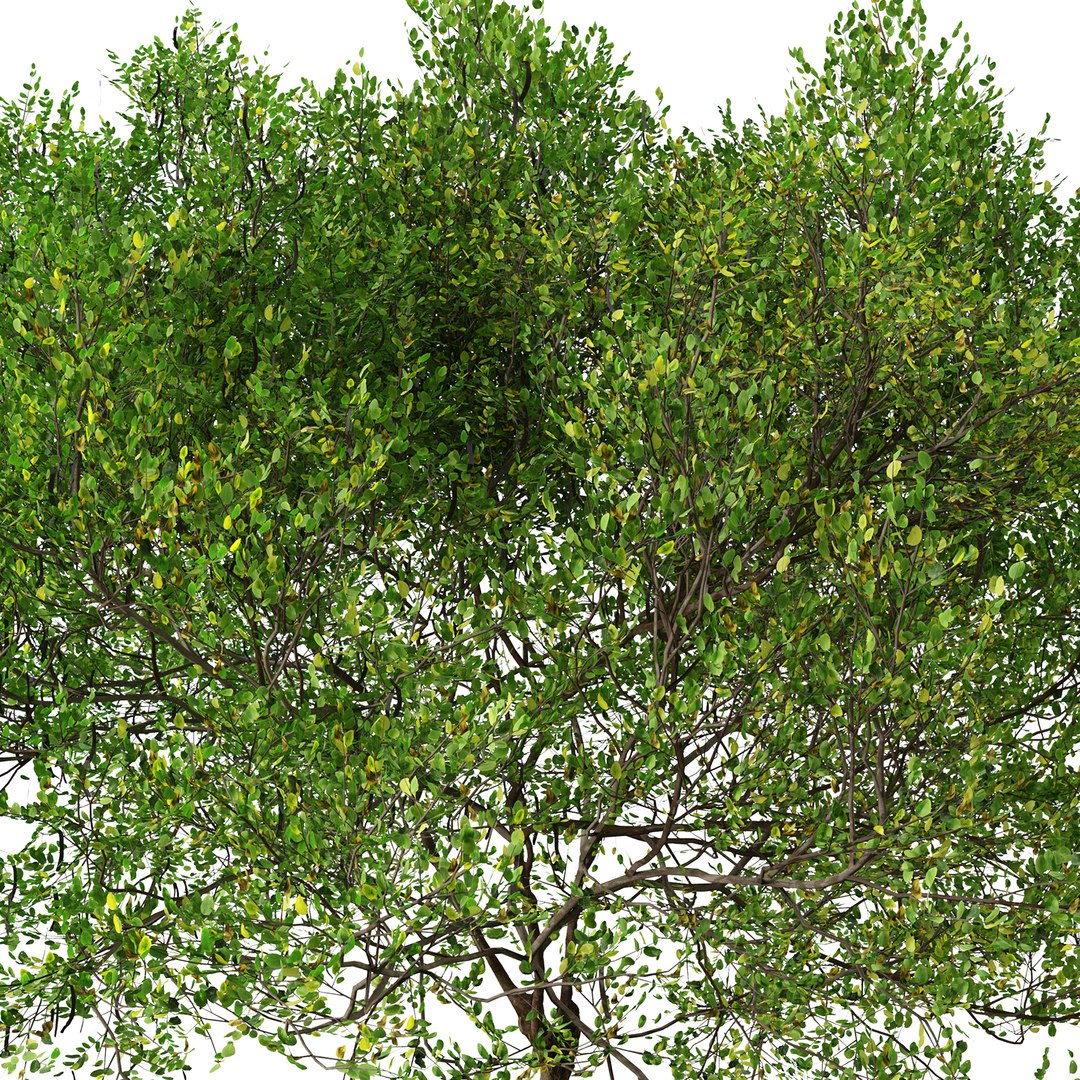
The carob is a flowering evergreen tree or shrub in the Caesalpinioideae sub-family of the legume family, Fabaceae. It is widely cultivated for its edible pods, and as an ornamental tree in gardens and landscapes. The carob tree is native to the Mediterranean region and the Middle East. The crown is broad and semispherical, supported by a thick trunk with rough brown bark and sturdy branches. Its leaves are 10 to 20 cm long, alternate, pinnate, and may or may not have a terminal leaflet.

Polygons (Total number of scene): 934,419

Verts (Total number of scene): 1,008,434

Carob Tree1: 8 m

In the archive: 3Ds MAX ( V-ray - 2014 ) , Blender , OBJ , FBX , Unreal Engine , Cinema 4D and ...

* Features:

-Optimized for Distant and Closeup Views

- Clean Topology

- Unwrapped Overlapping

- Real-World Scale

- Transformed into zero

- Objects Named

- Materials Named

- Units: Centimeters

Have a good one!

Categories

Select Enhanced License

  • $10,000 in Legal Protection (Indemnification)
  • Uncapped Legal Protection (Indemnification)
  • Waiver from injunctive relief
  • Assignable model rights
  • $1,000,000 in Legal Protection (Indemnification)
  • Waiver from injunctive relief
  • Assignable model rights
  • $250,000 in Legal Protection (Indemnification)
  • Assignable model rights
Read more about enhanced license tiers, or contact us at enterprise@turbosquid.com. Already a Shutterstock Enterprise Customer? Contact your Shutterstock Sales Support Agent to talk about adding 3D.

About Conversion Requests

To submit a conversion request for a purchased asset, please complete our Conversion Request Form.

If you have not yet purchased a model, please review our Documentation about Conversions to learn about what limitations you may encounter with a conversion.

For any additional questions about a model’s suitability for conversion, please contact TurboSquid Support.

Loading...