
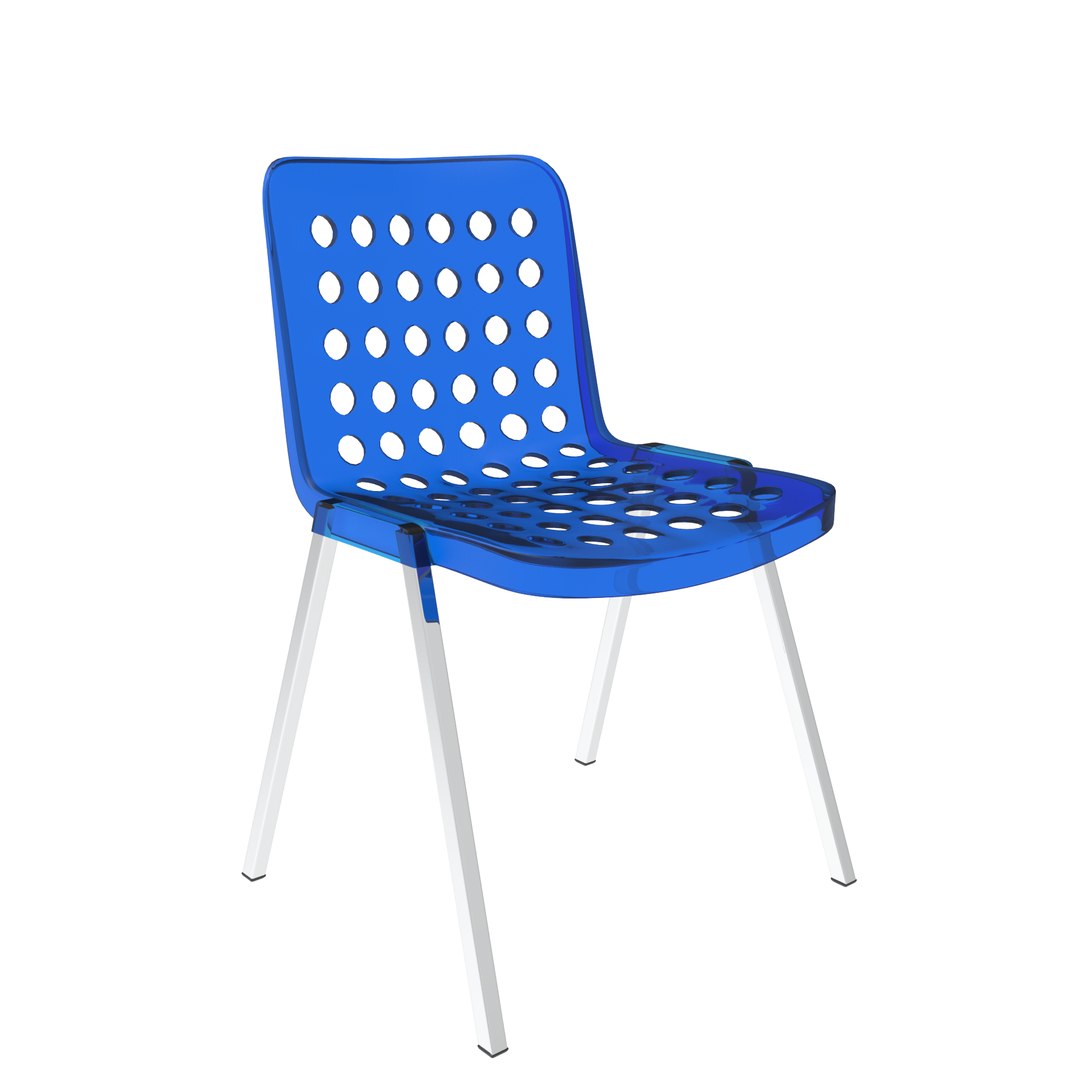
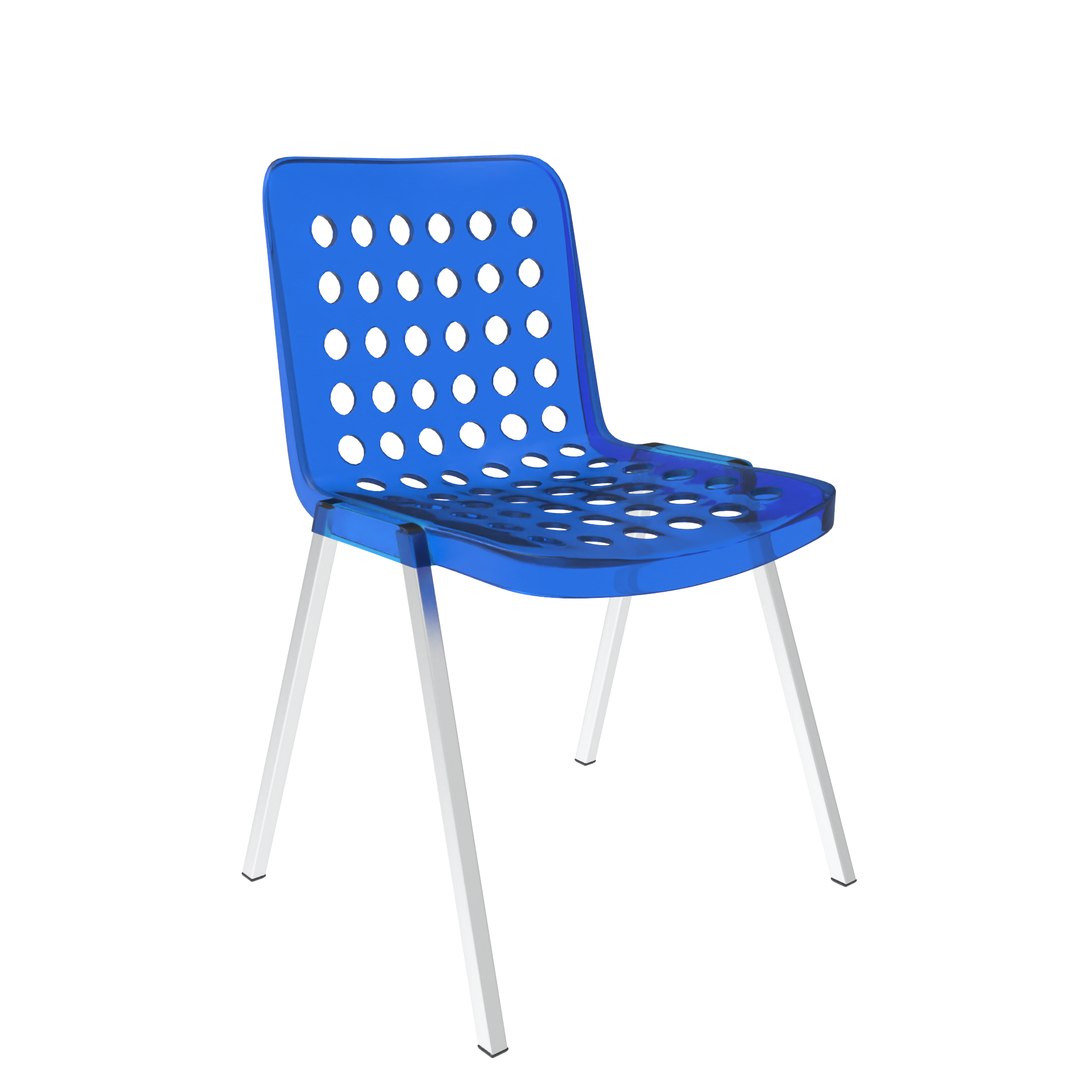
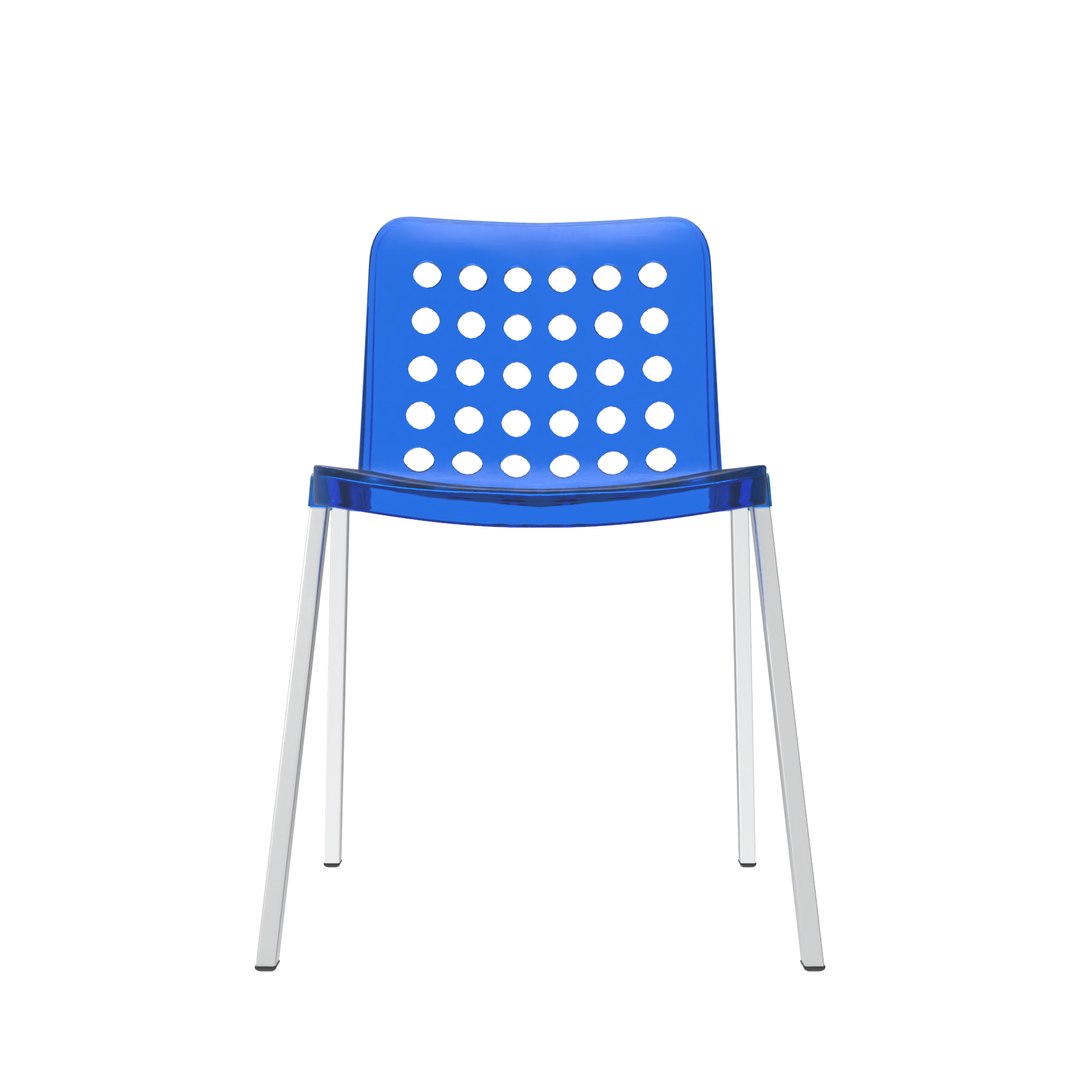
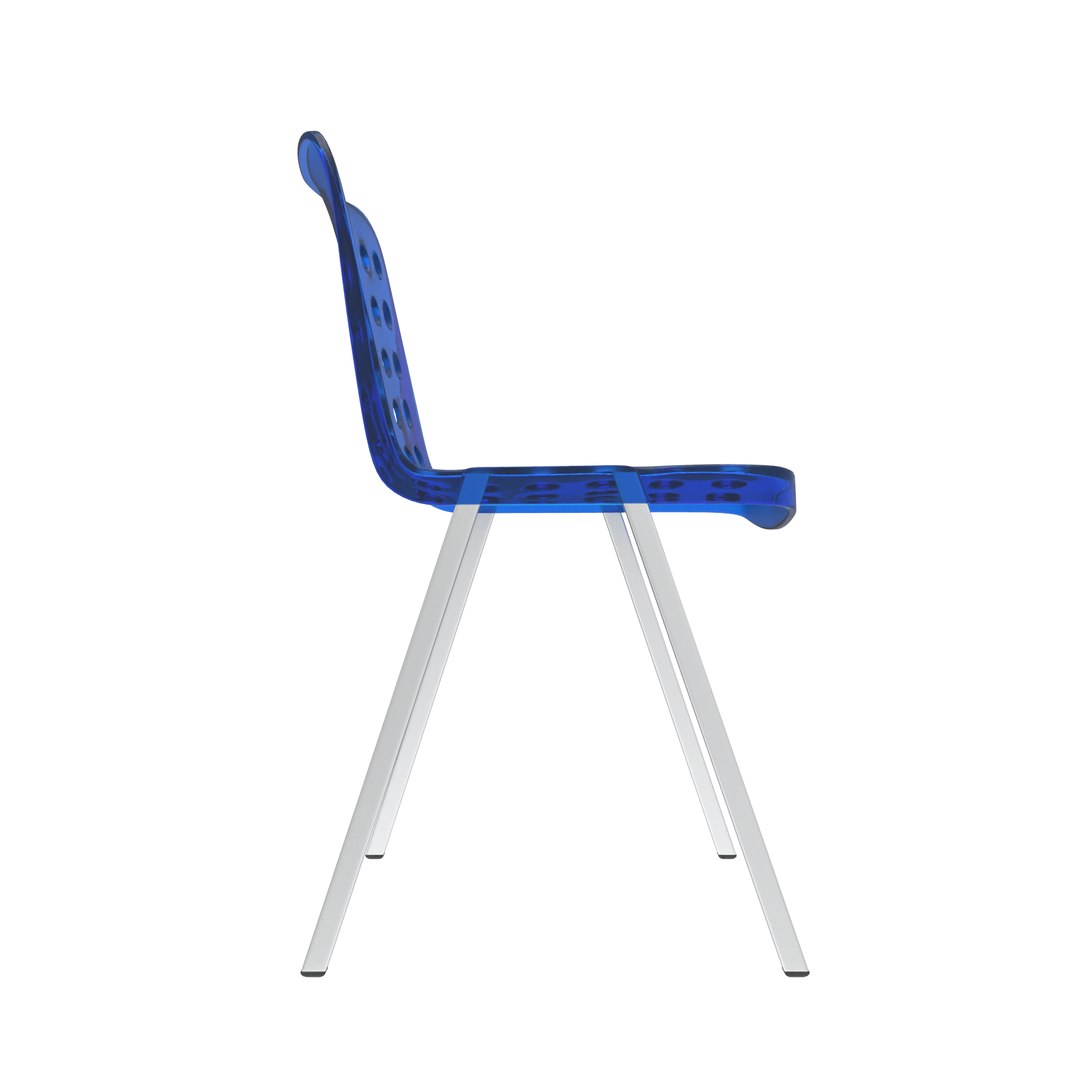
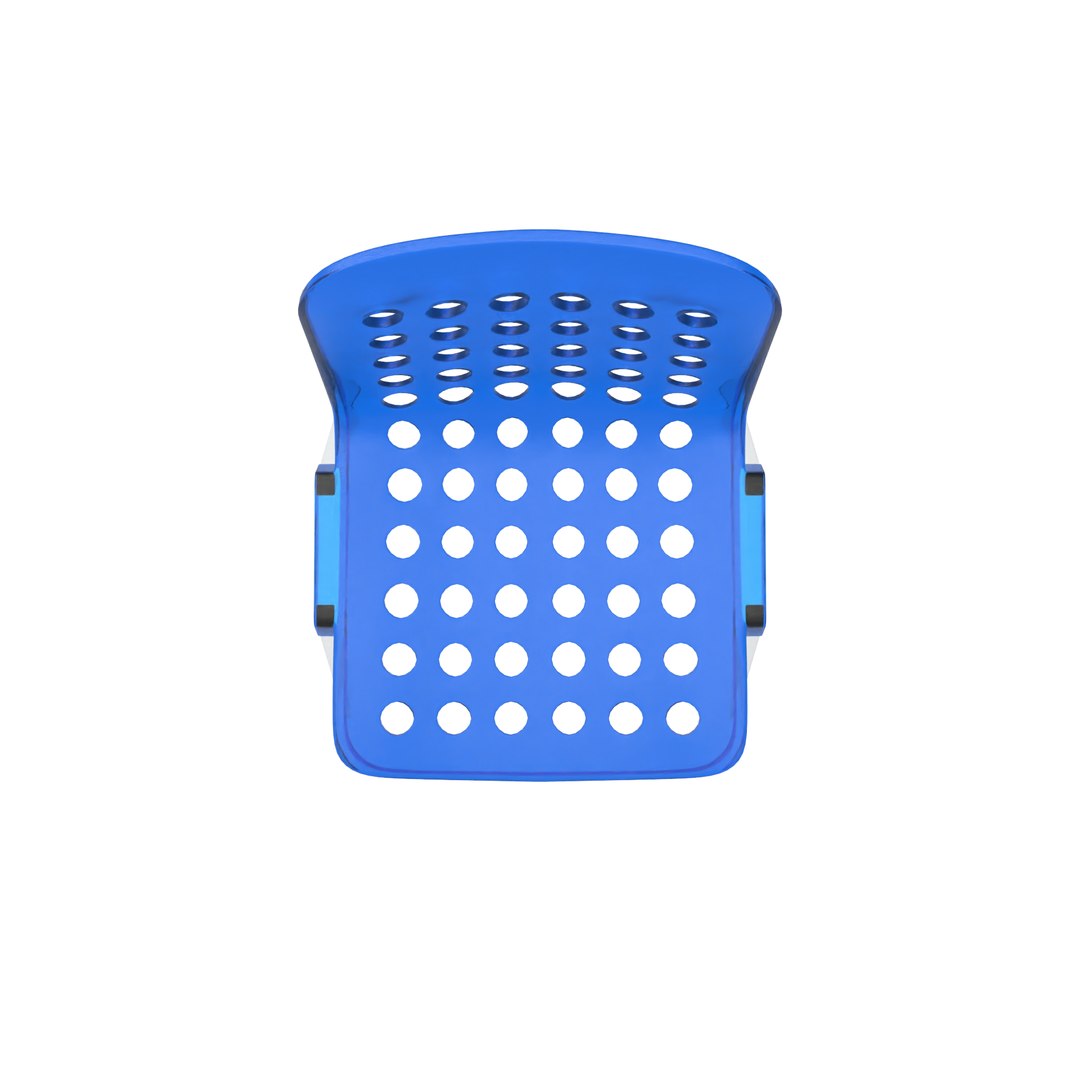
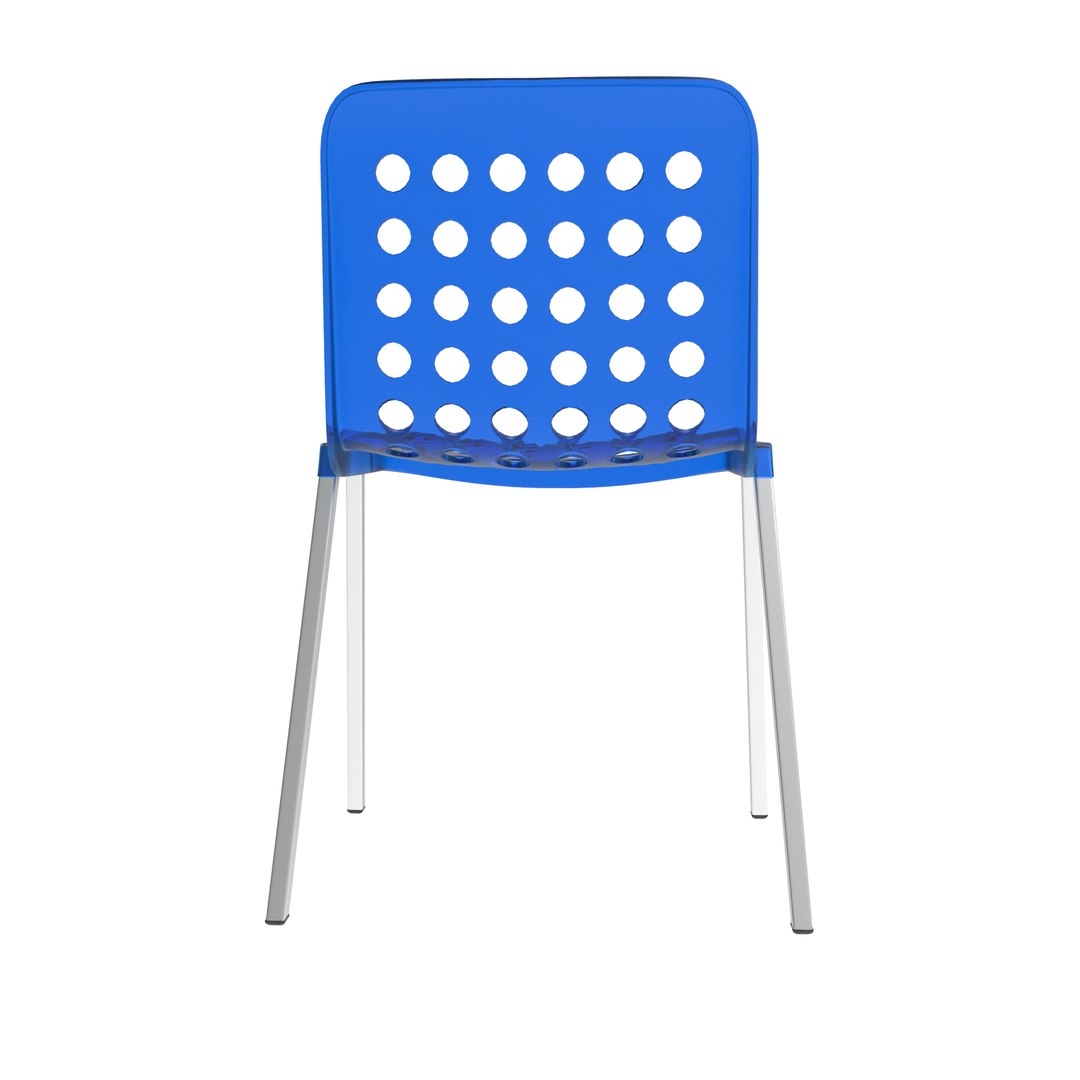
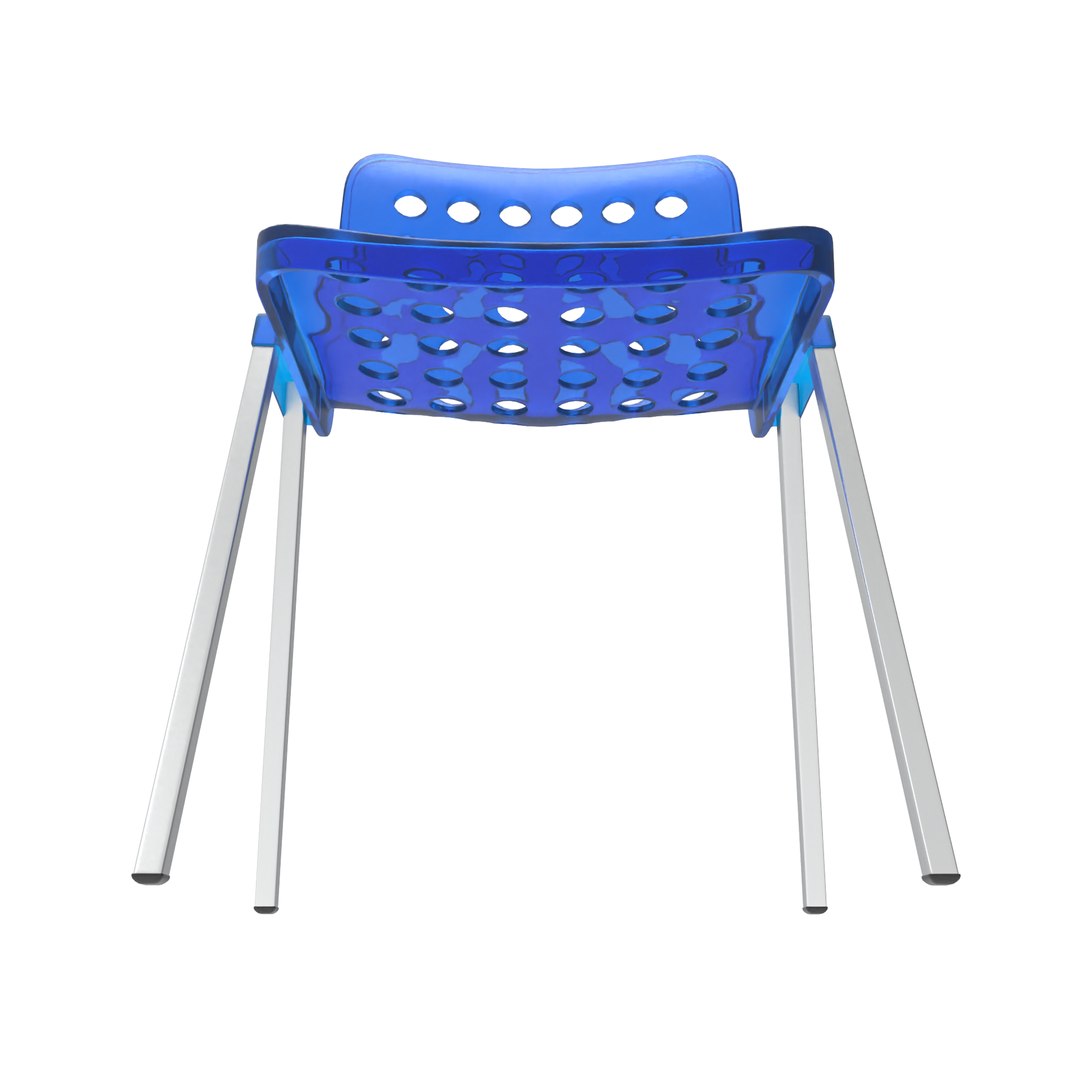
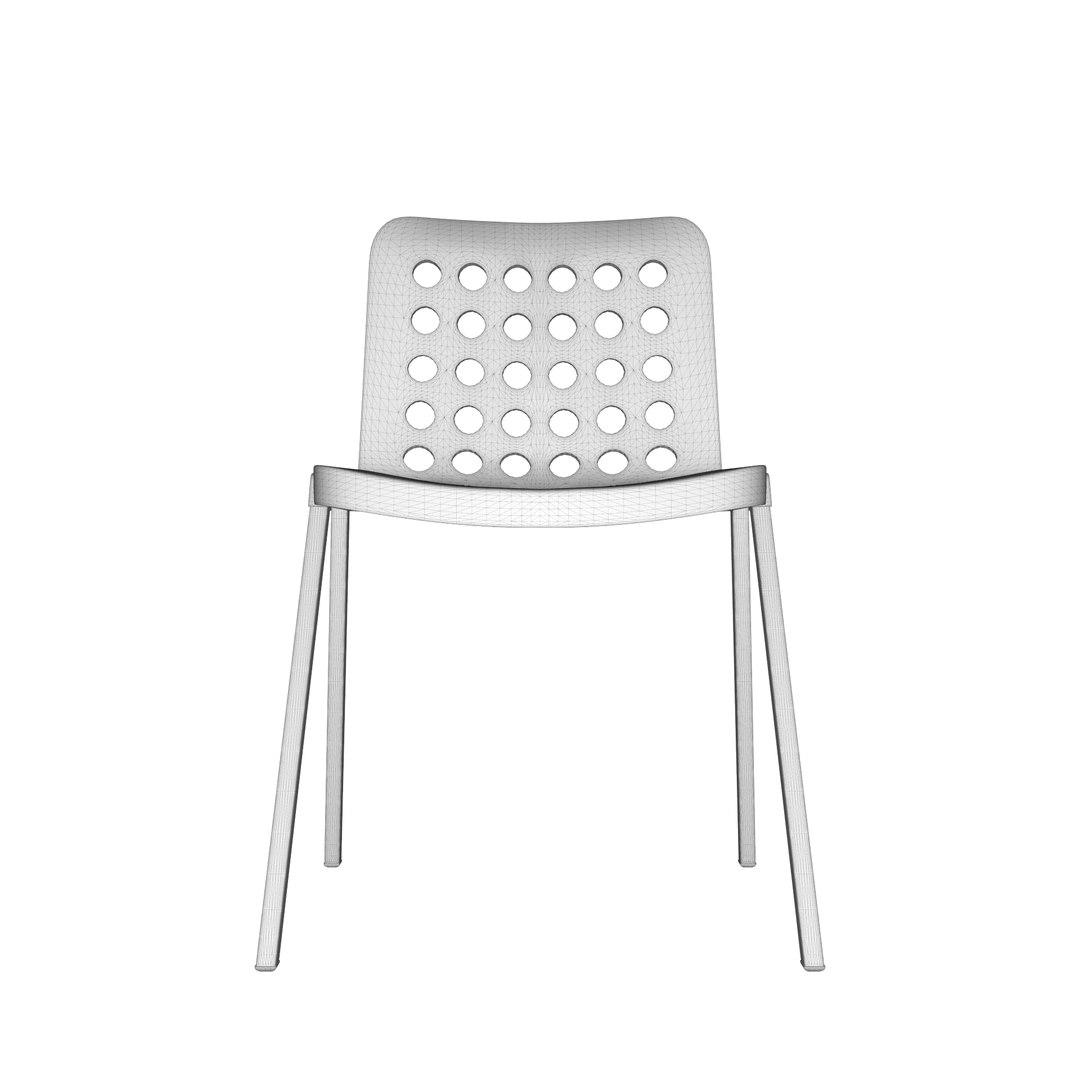
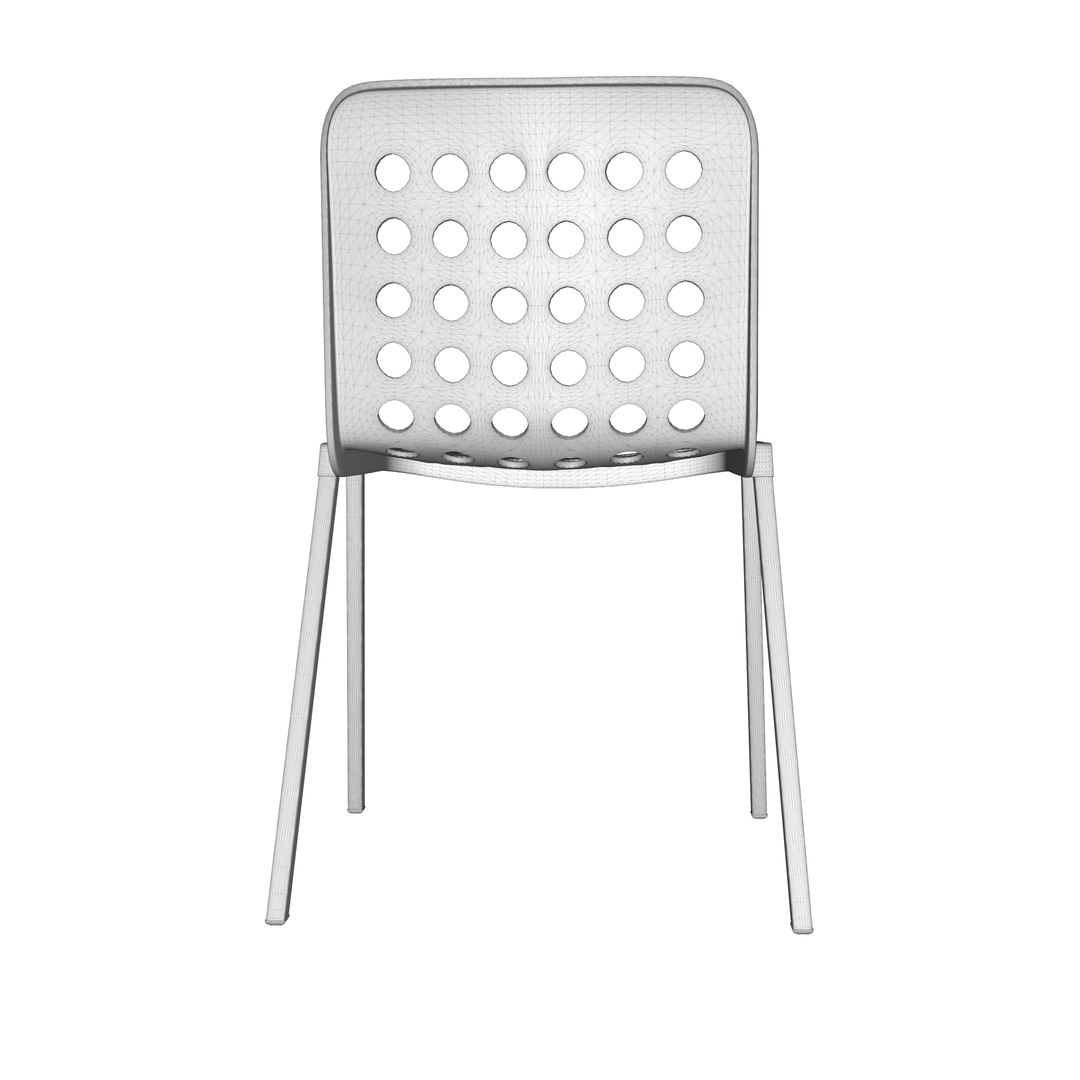
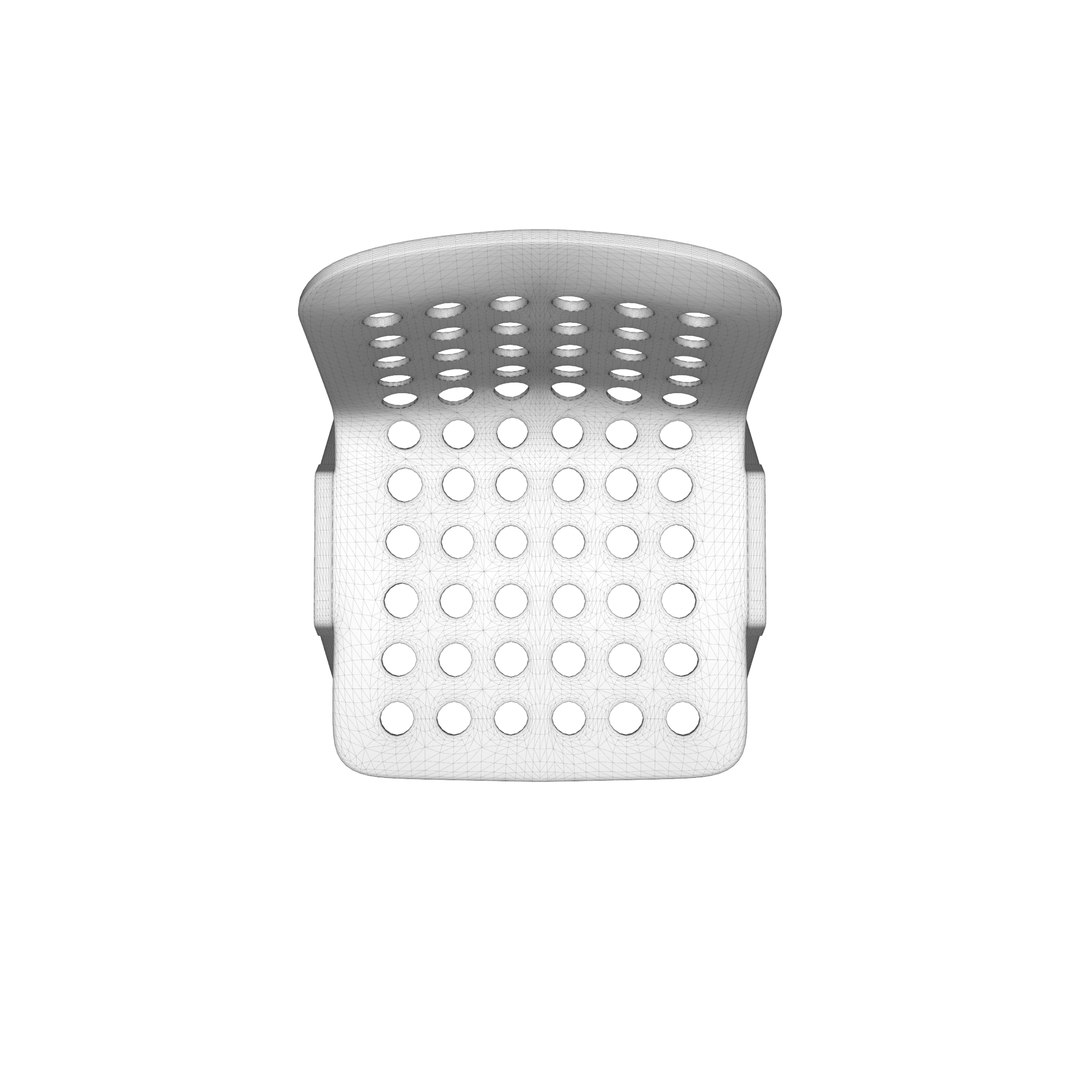
cafeteria chair

$13

Formats (4)
Native | 3ds Max 2024 | Arnold
OBJ 2024
Other Textures
Other Files
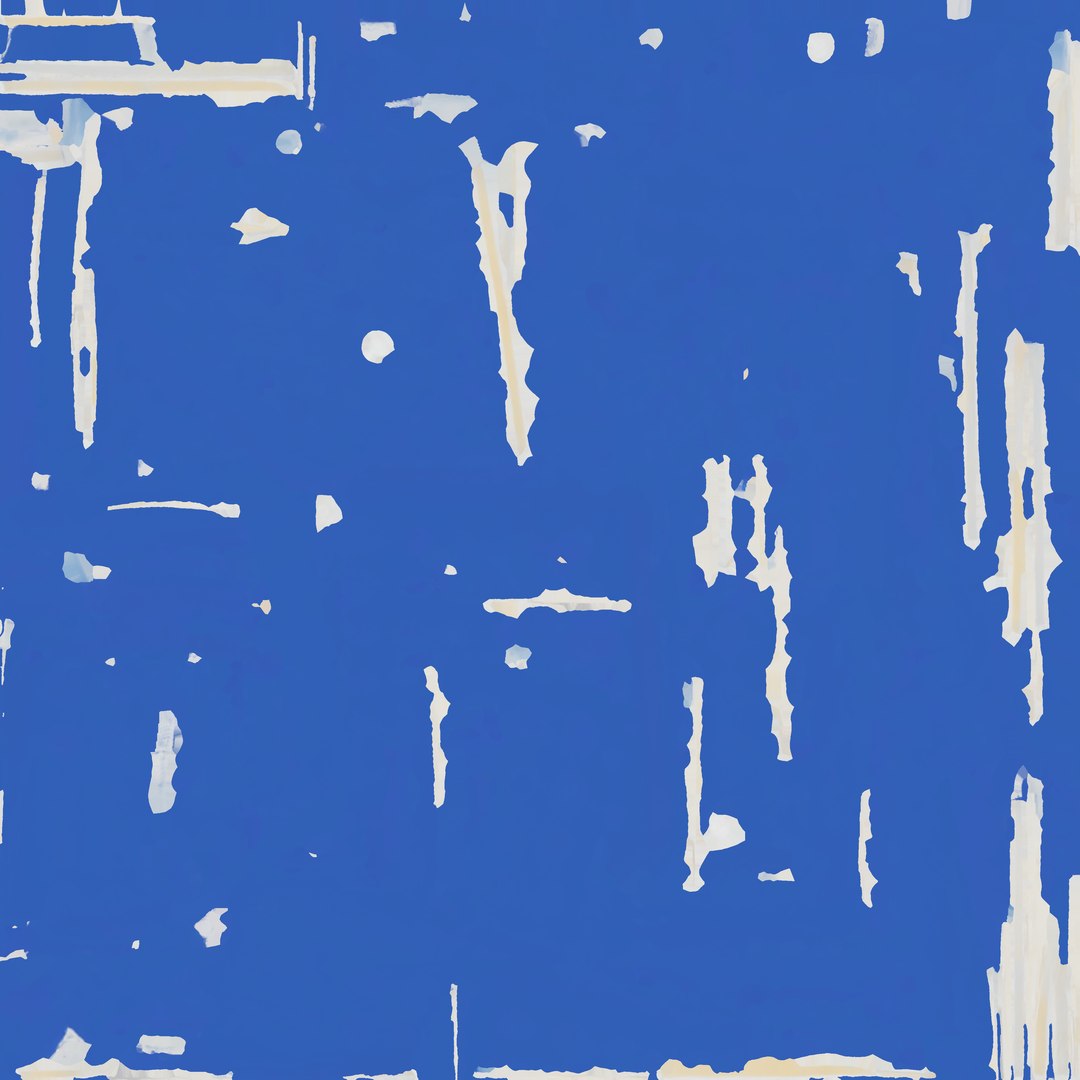
Displacment.png Roughness.png Base Color.png M.png ORM.png AO.png Normal.png
Specifications
Publish Date September 25, 2026
Product ID 2626792
Polygons 79,168
Vertices 39,668
Polygonal Quads/Tris Geometry
Textures
Materials
UV Mapped
Mixed Unwrapped UVs
TurboSquid Exclusive
member avatar
3DVertex Studio
20 Products | Contributor Since 2013
Have questions? Chat with us now.

Description

This chair is designed for versatile, high-traffic environments due to its durability, lightweight build, and easy-to-clean materials. Common uses include:
Dining & Cafeterias: Used in breakrooms, food courts, and casual dining spaces because the plastic shell and metal frame can be wiped down quickly.
Events & Conferences: Frequently deployed in rows for seminars, community halls, or outdoor/indoor gatherings because many models are stackable for easy storage and transport.
Office & Waiting Areas: Utilized as auxiliary seating in reception areas, meeting rooms, or classrooms.
Ventilation: The grid of holes ("perforations") on the backrest and seat provides airflow, keeping the user cooler during extended periods of sitting.

There is 2 mesh type included :

- High Poly with PBR Tex (3ds Max is native).

- Low Poly with UVW PBR Mats (GLB is native).

includes all files and folders and PBR for easy to locate will have OTHER as description format.

-PBR Texture has meta form for short :

- B = Base Color/Albedo
- N = Normal Map
- R = Roughness map
-D = Displacement Map
-AO = Ambient occlusion map
-M = Metallic map

Select Enhanced License

  • $10,000 in Legal Protection (Indemnification)
  • Uncapped Legal Protection (Indemnification)
  • Waiver from injunctive relief
  • Assignable model rights
  • $1,000,000 in Legal Protection (Indemnification)
  • Waiver from injunctive relief
  • Assignable model rights
  • $250,000 in Legal Protection (Indemnification)
  • Assignable model rights
Read more about enhanced license tiers, or contact us at enterprise@turbosquid.com. Already a Shutterstock Enterprise Customer? Contact your Shutterstock Sales Support Agent to talk about adding 3D.

About Conversion Requests

To submit a conversion request for a purchased asset, please complete our Conversion Request Form.

If you have not yet purchased a model, please review our Documentation about Conversions to learn about what limitations you may encounter with a conversion.

For any additional questions about a model’s suitability for conversion, please contact TurboSquid Support.

Loading...