
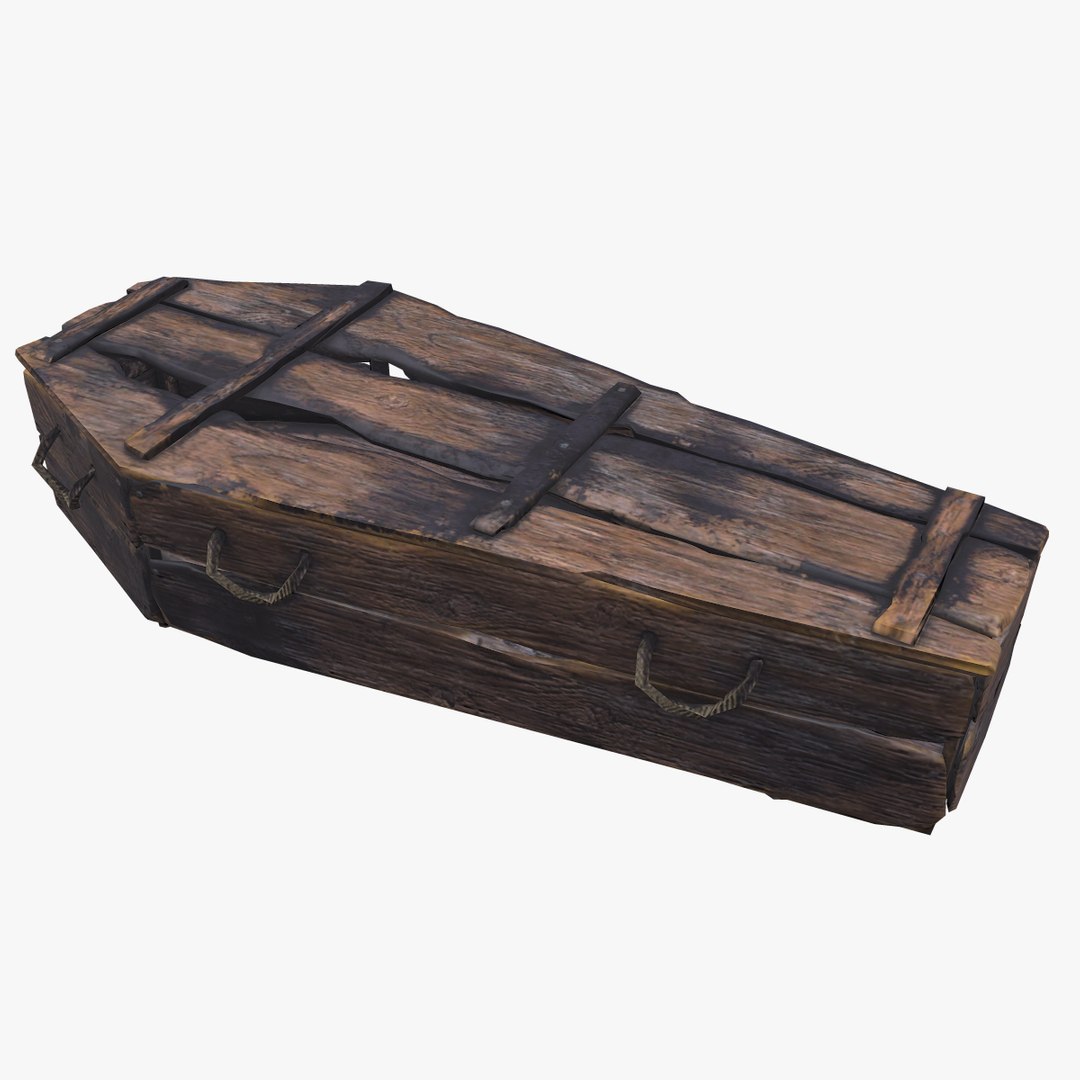
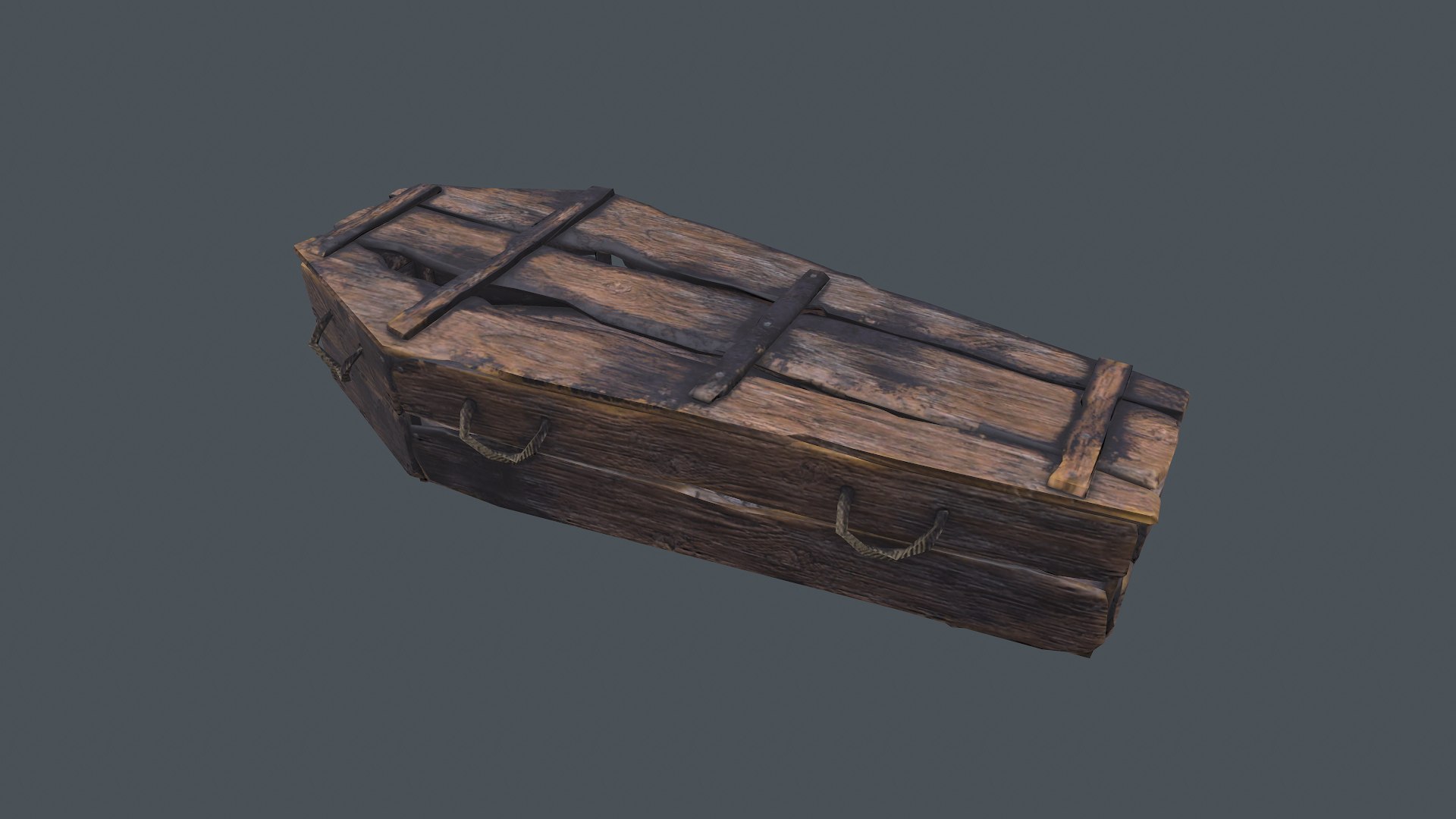
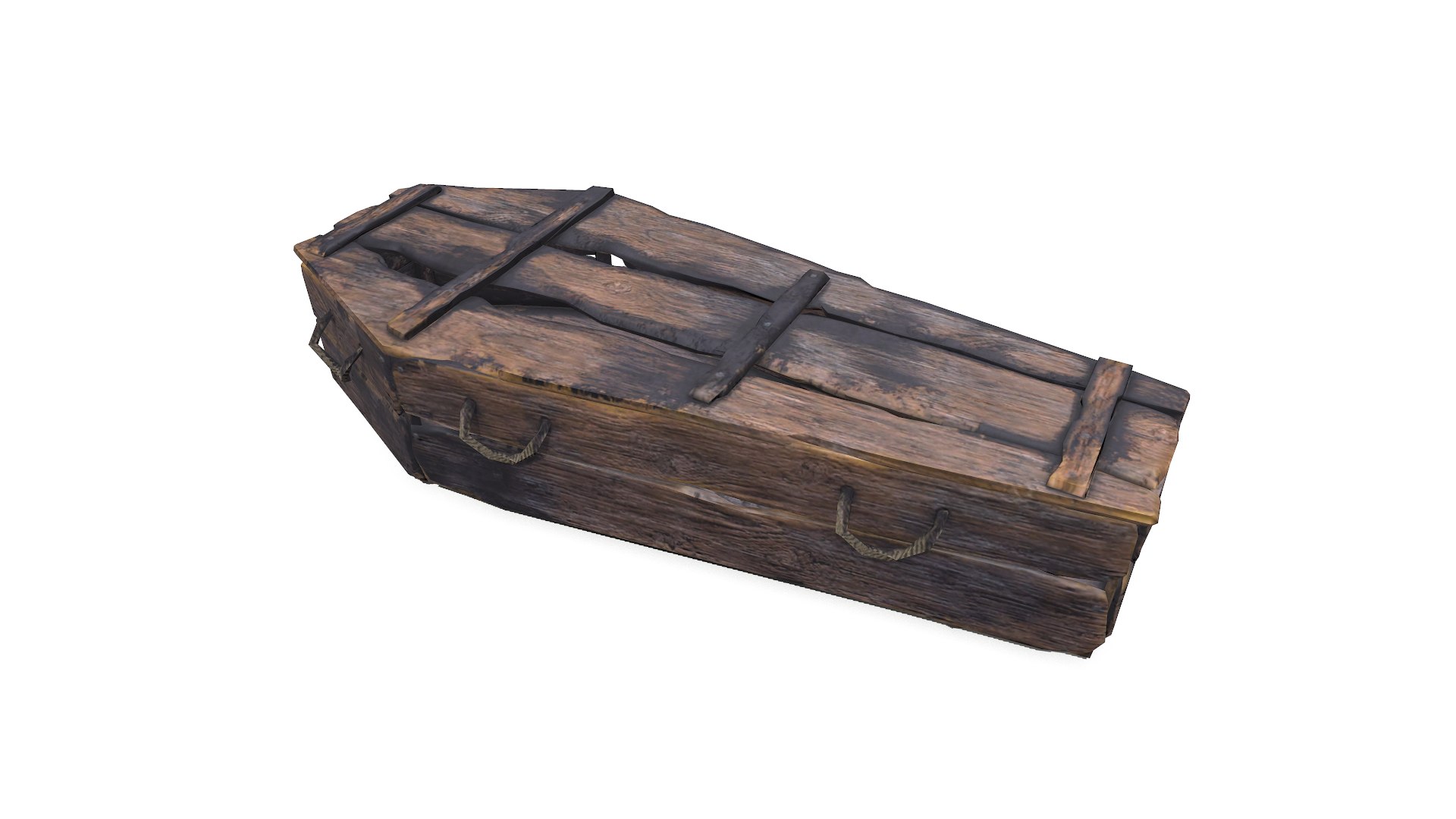
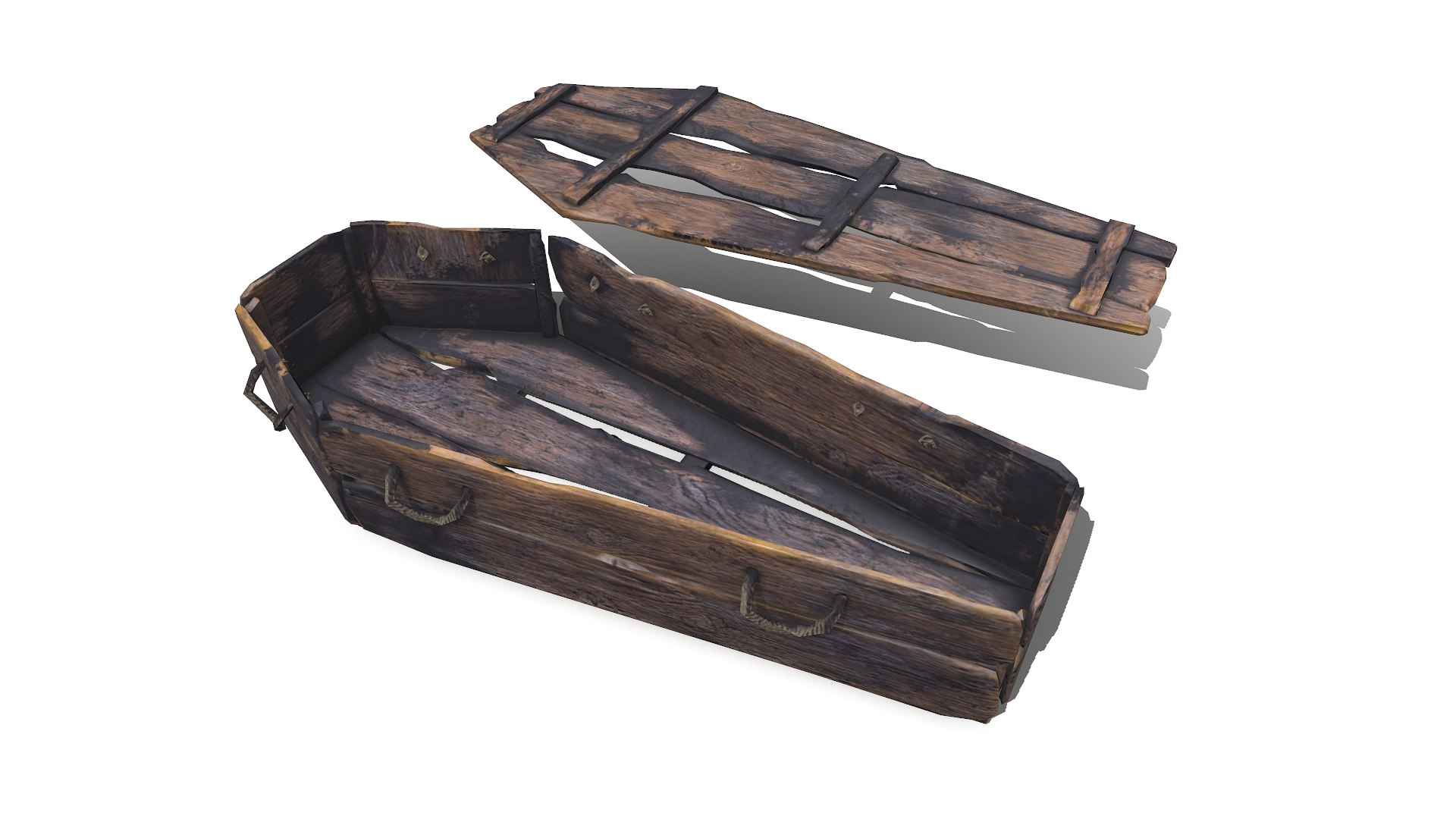
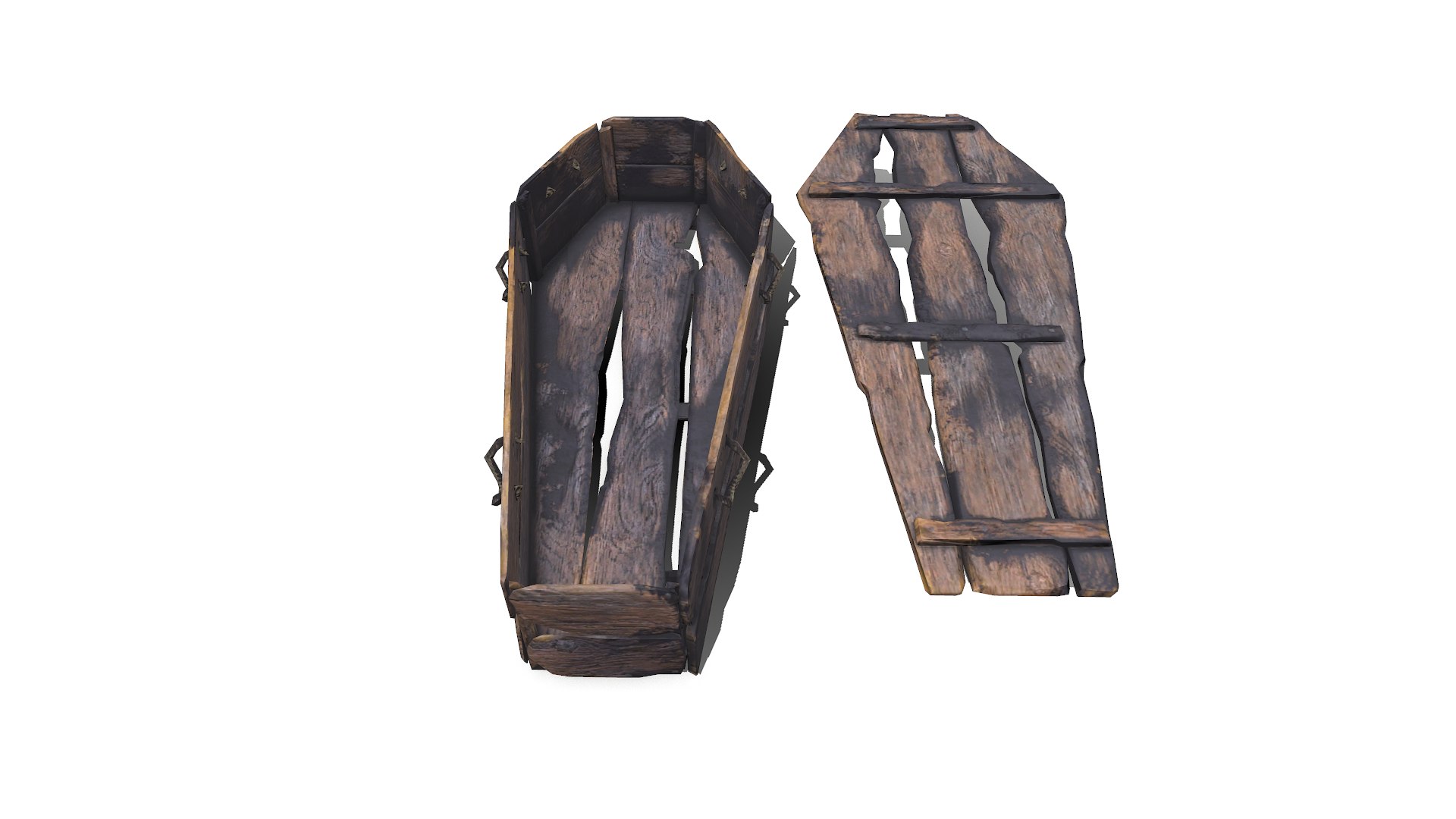
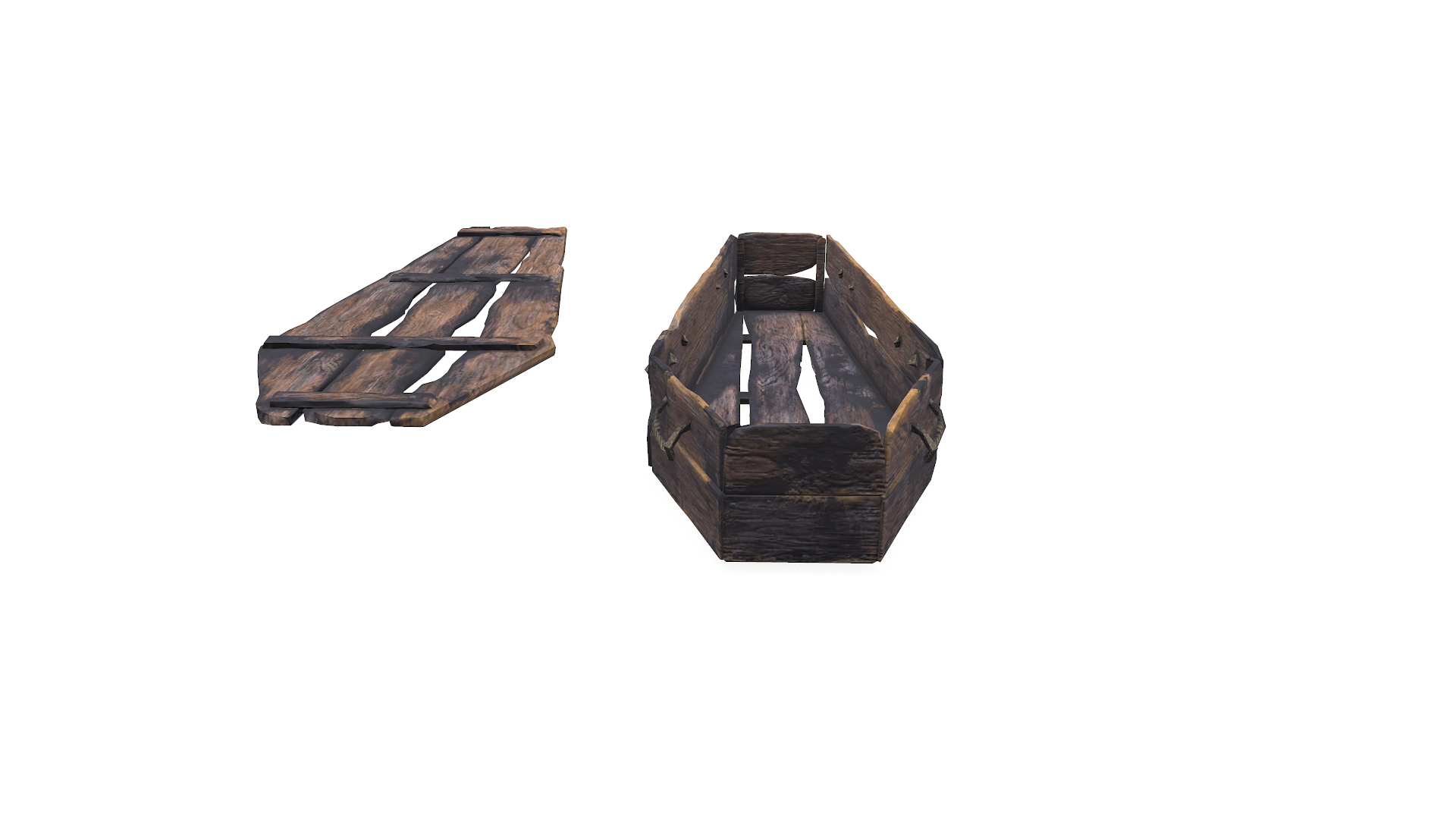
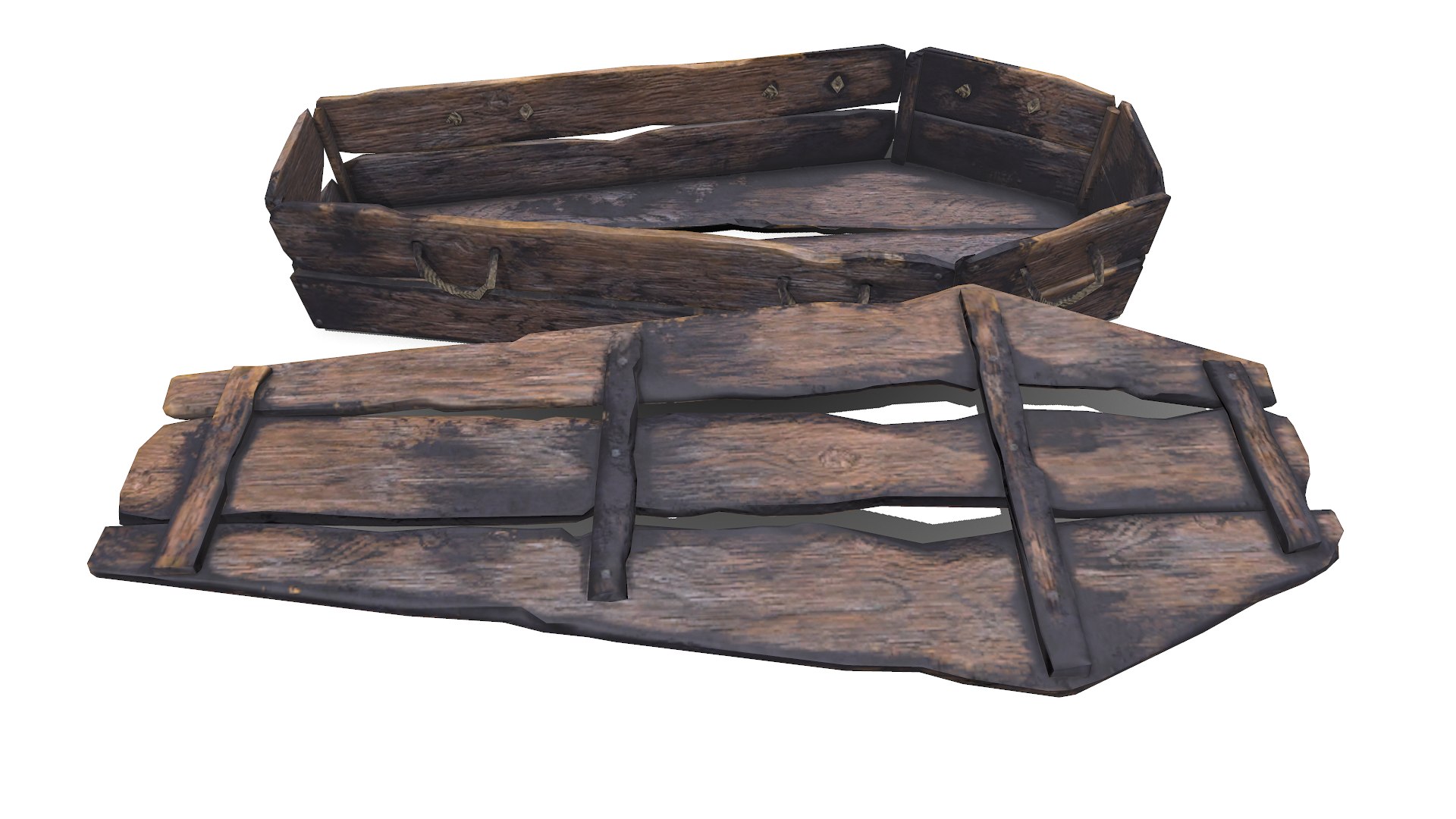
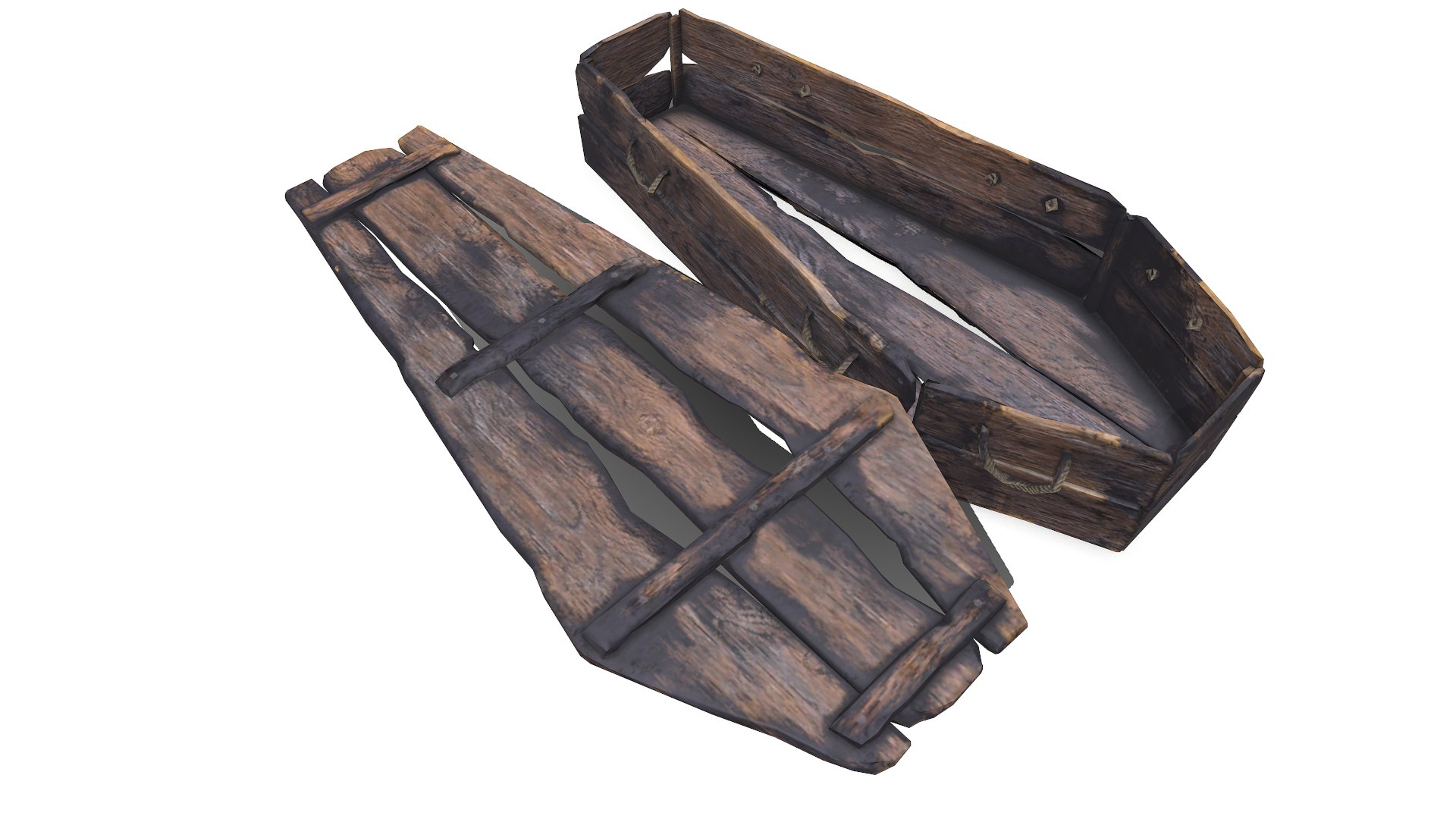
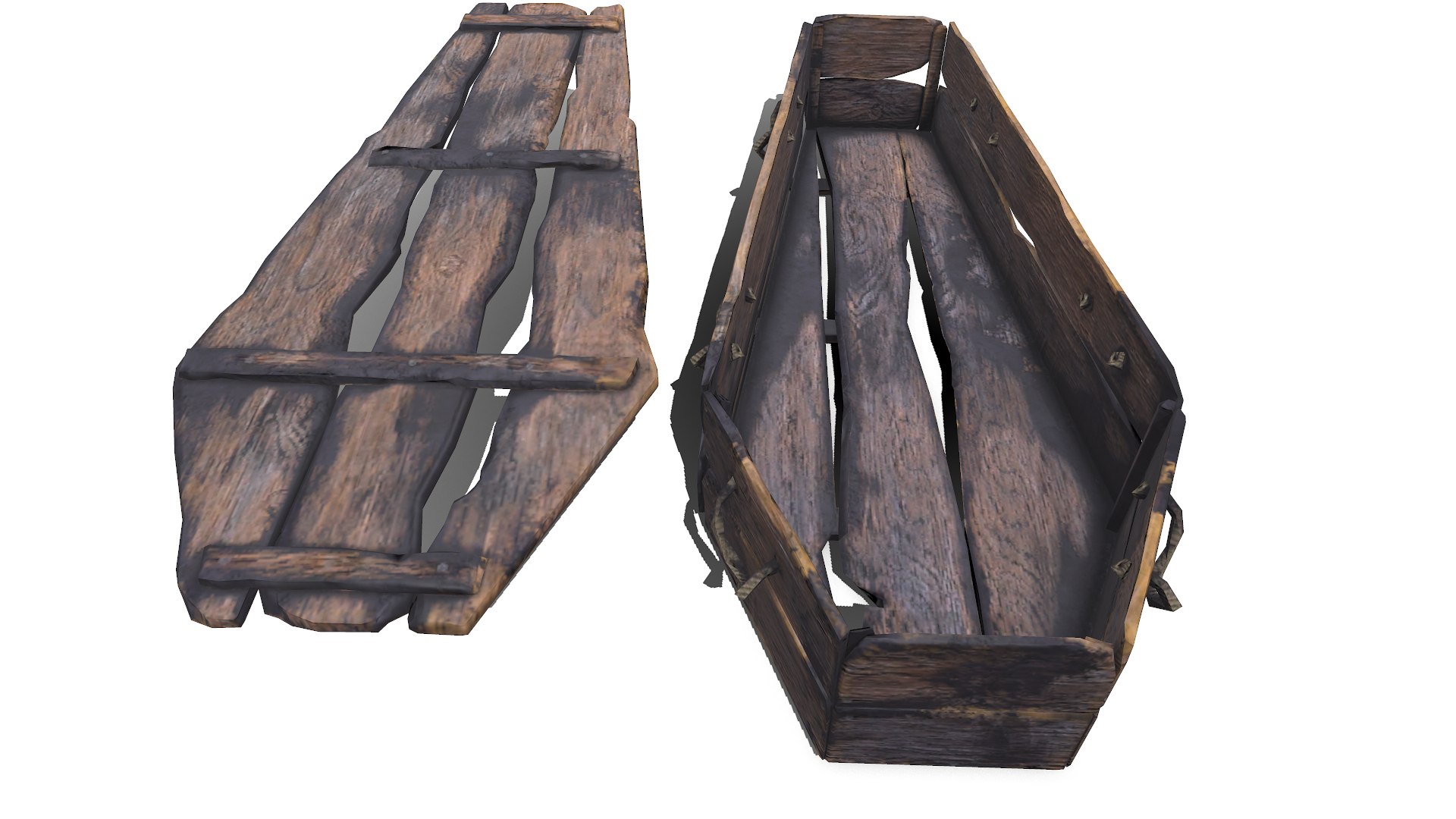
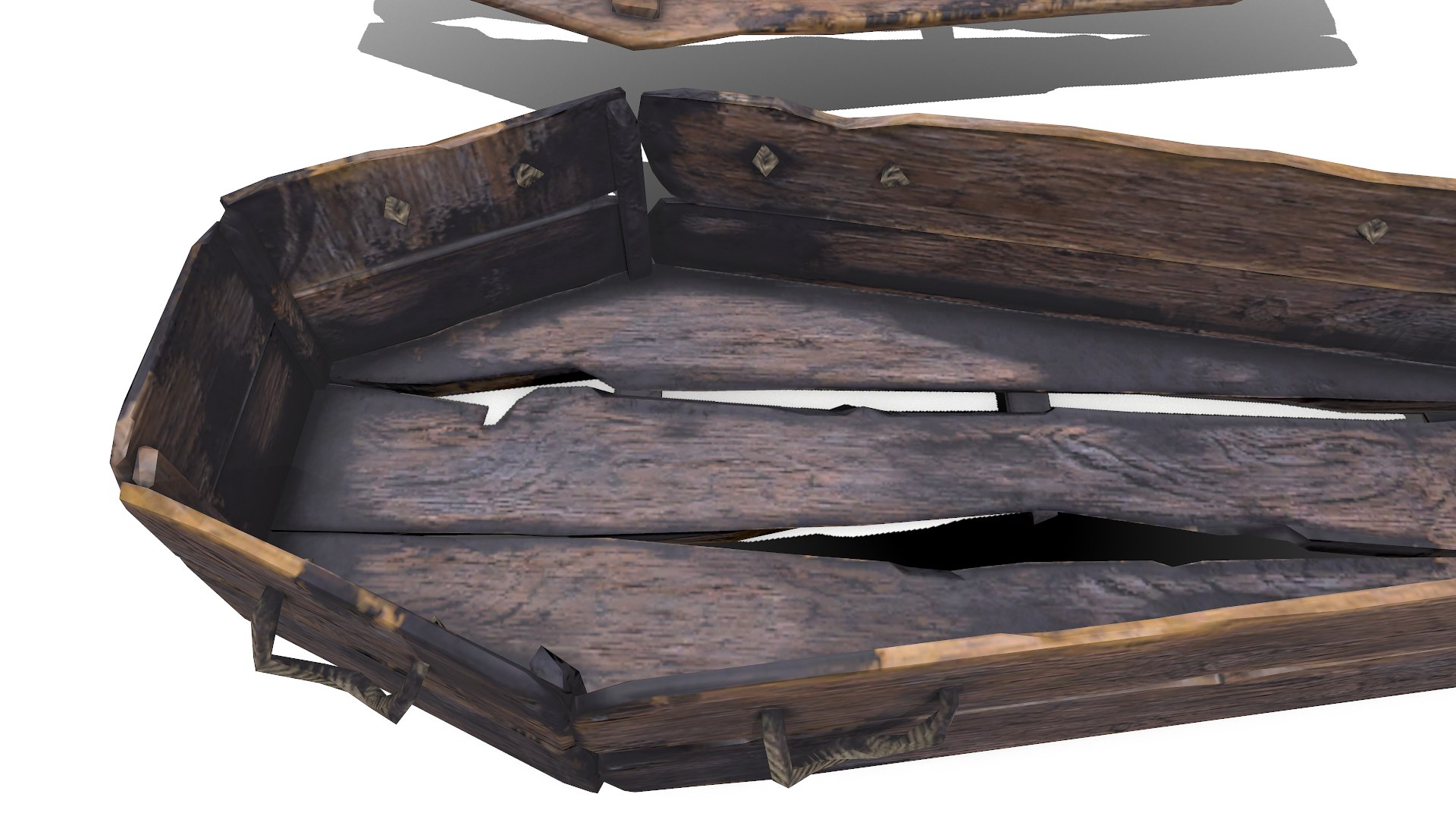
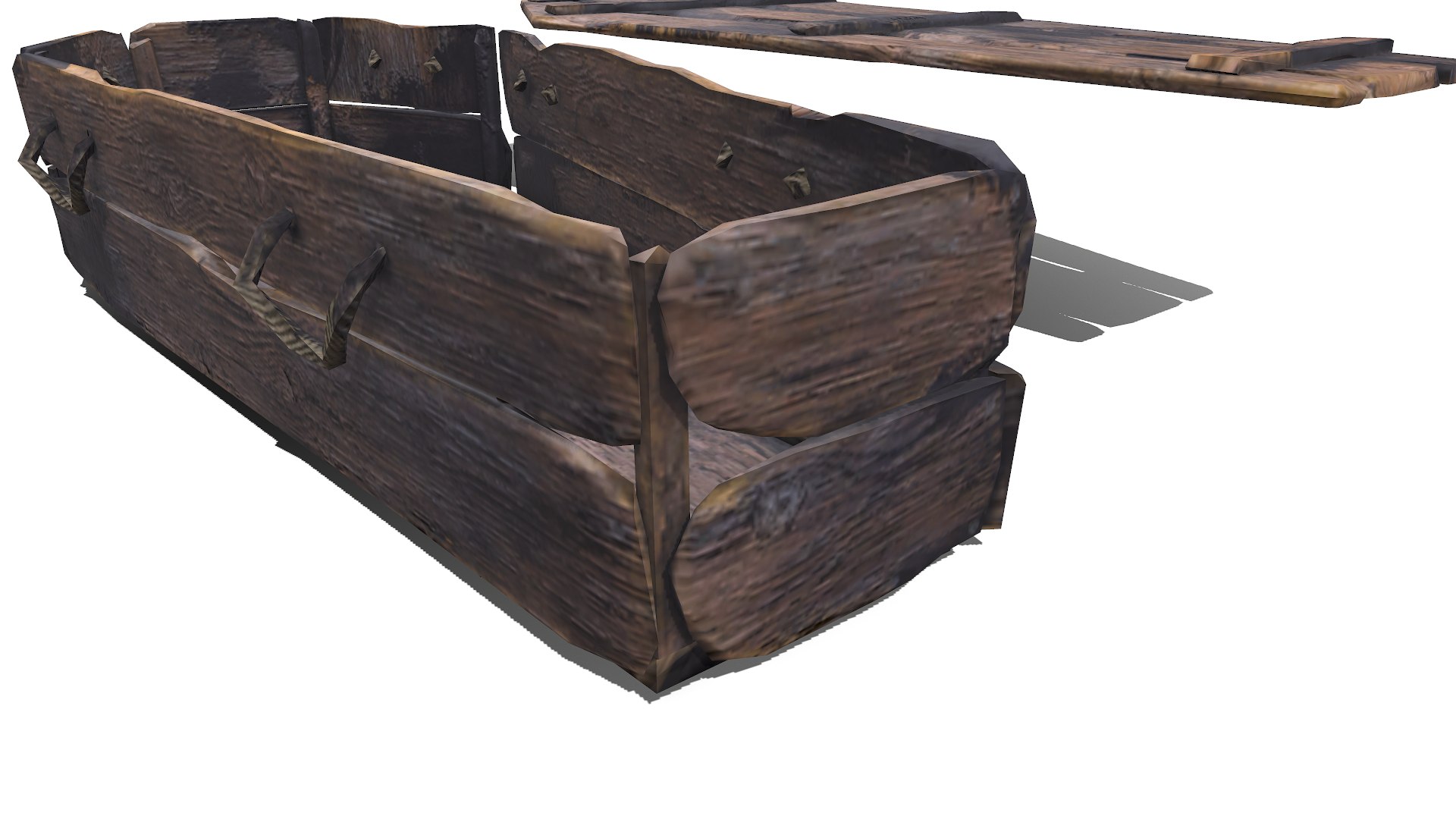
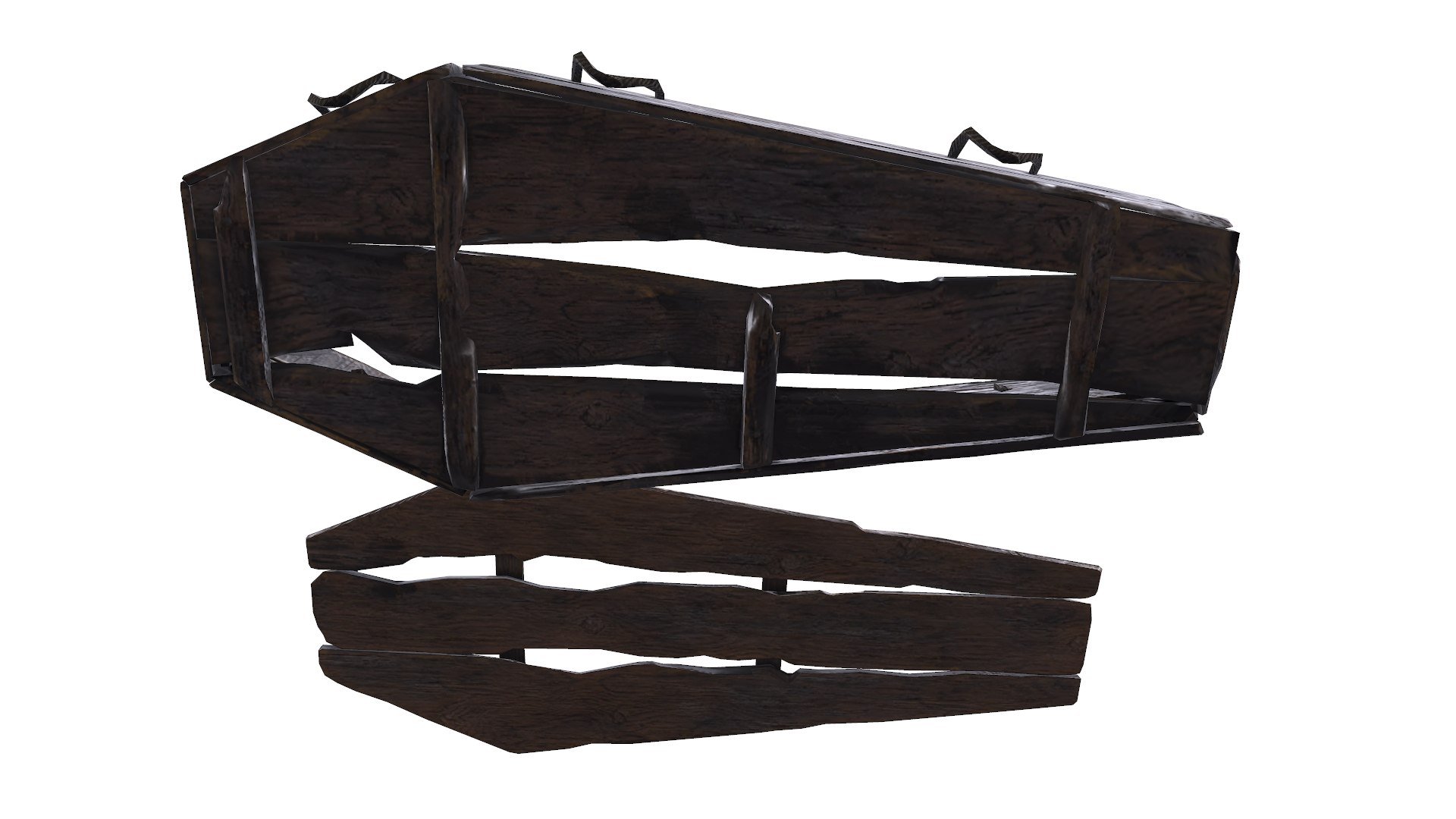
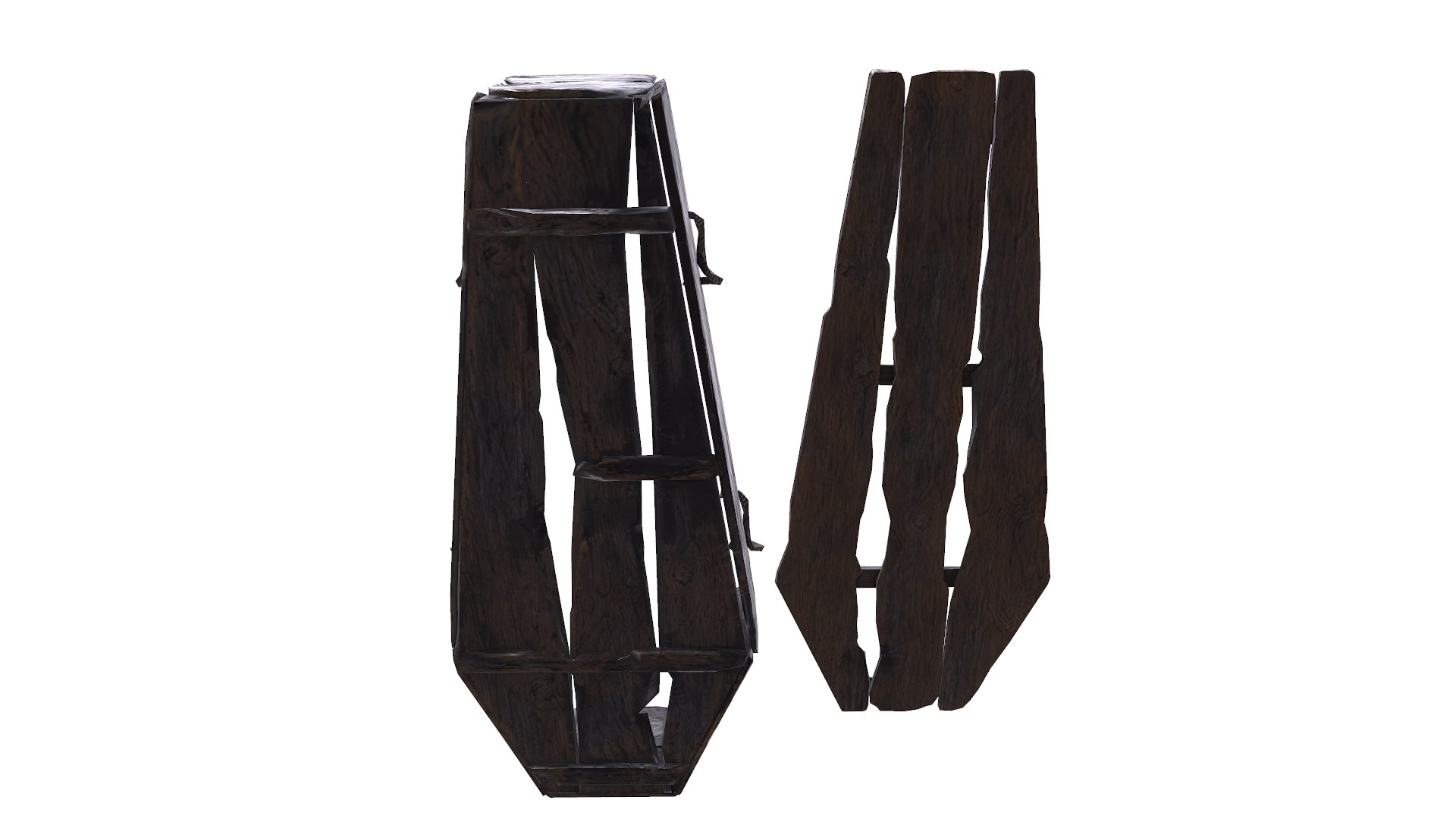
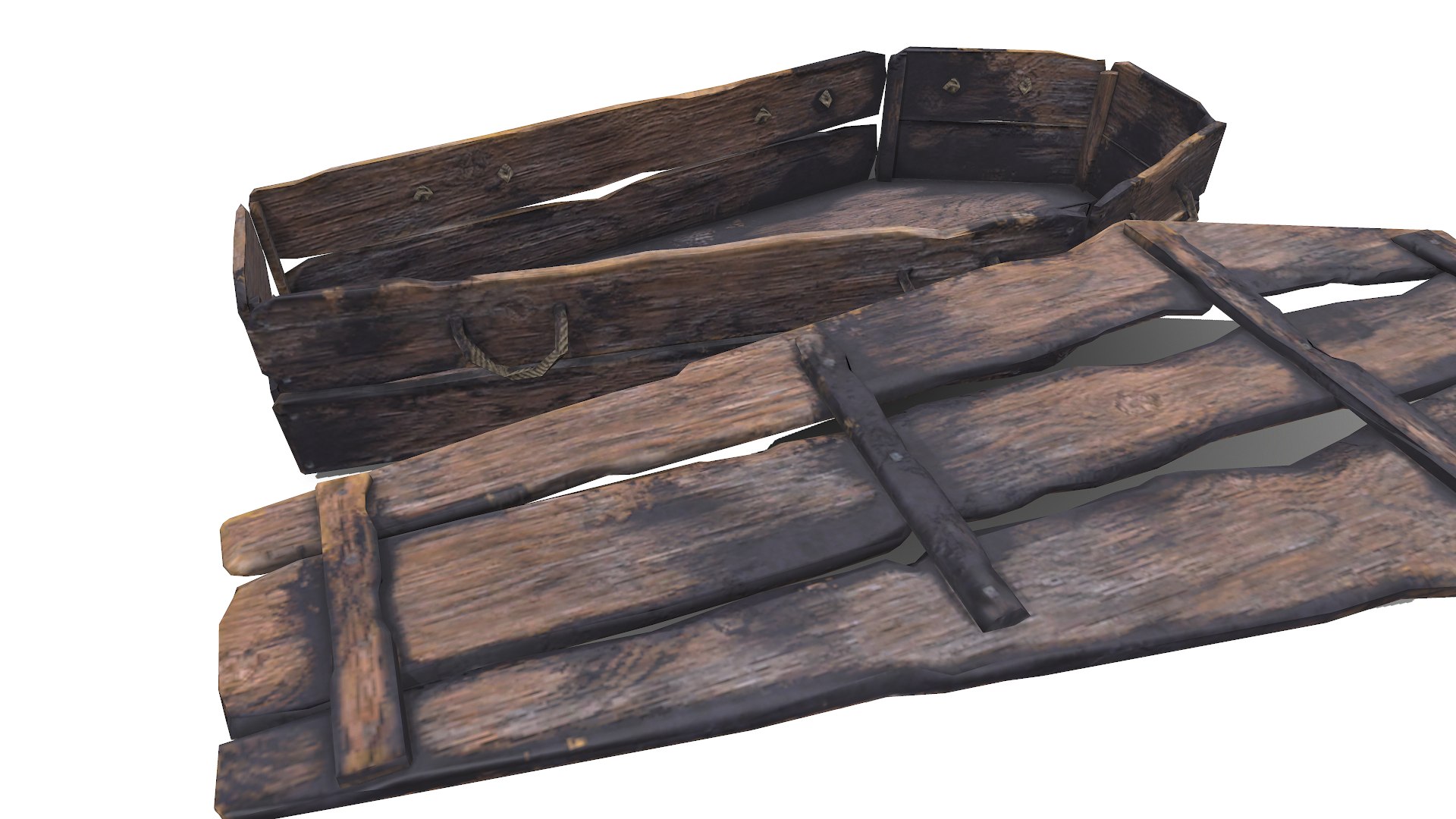
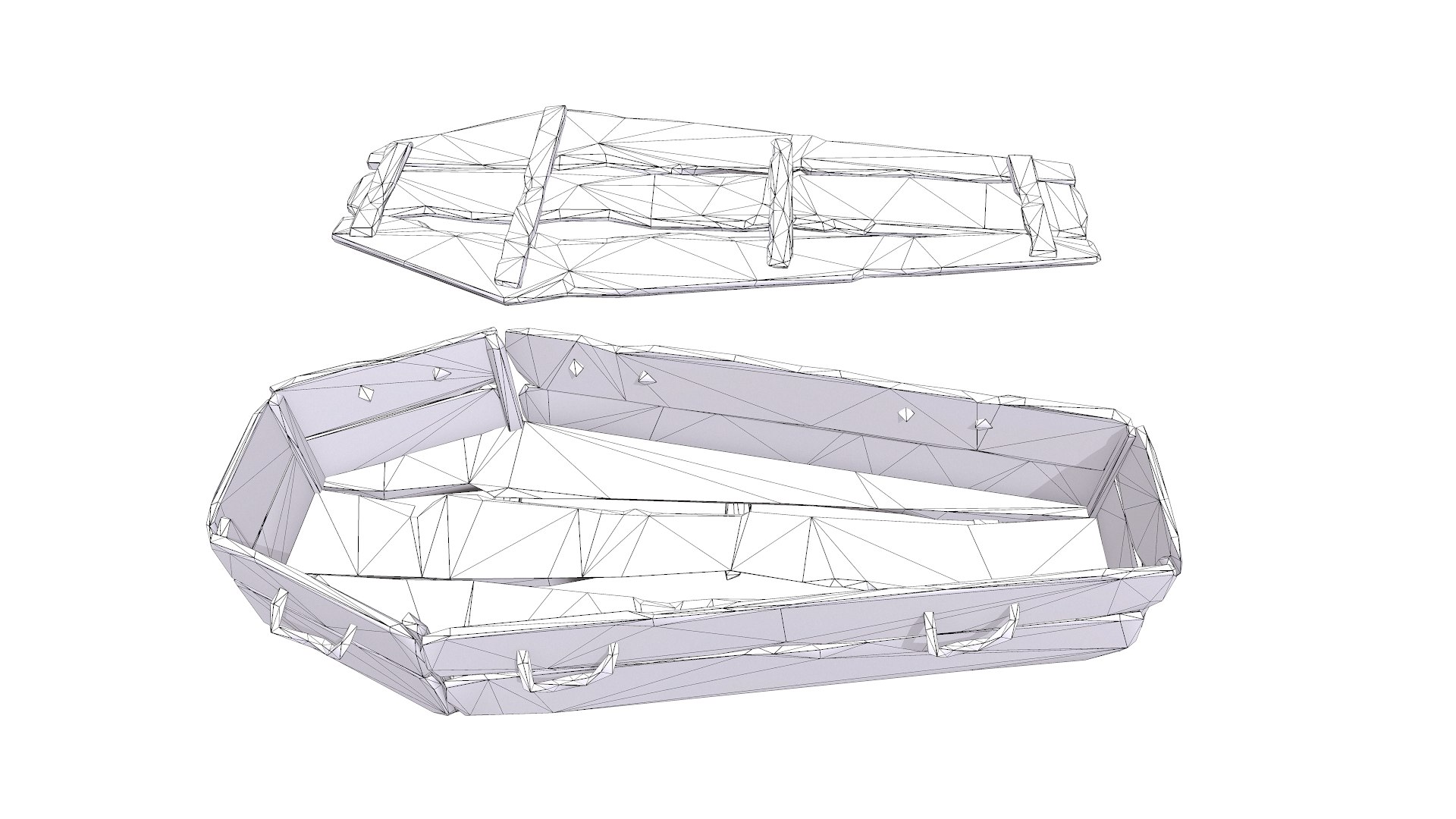
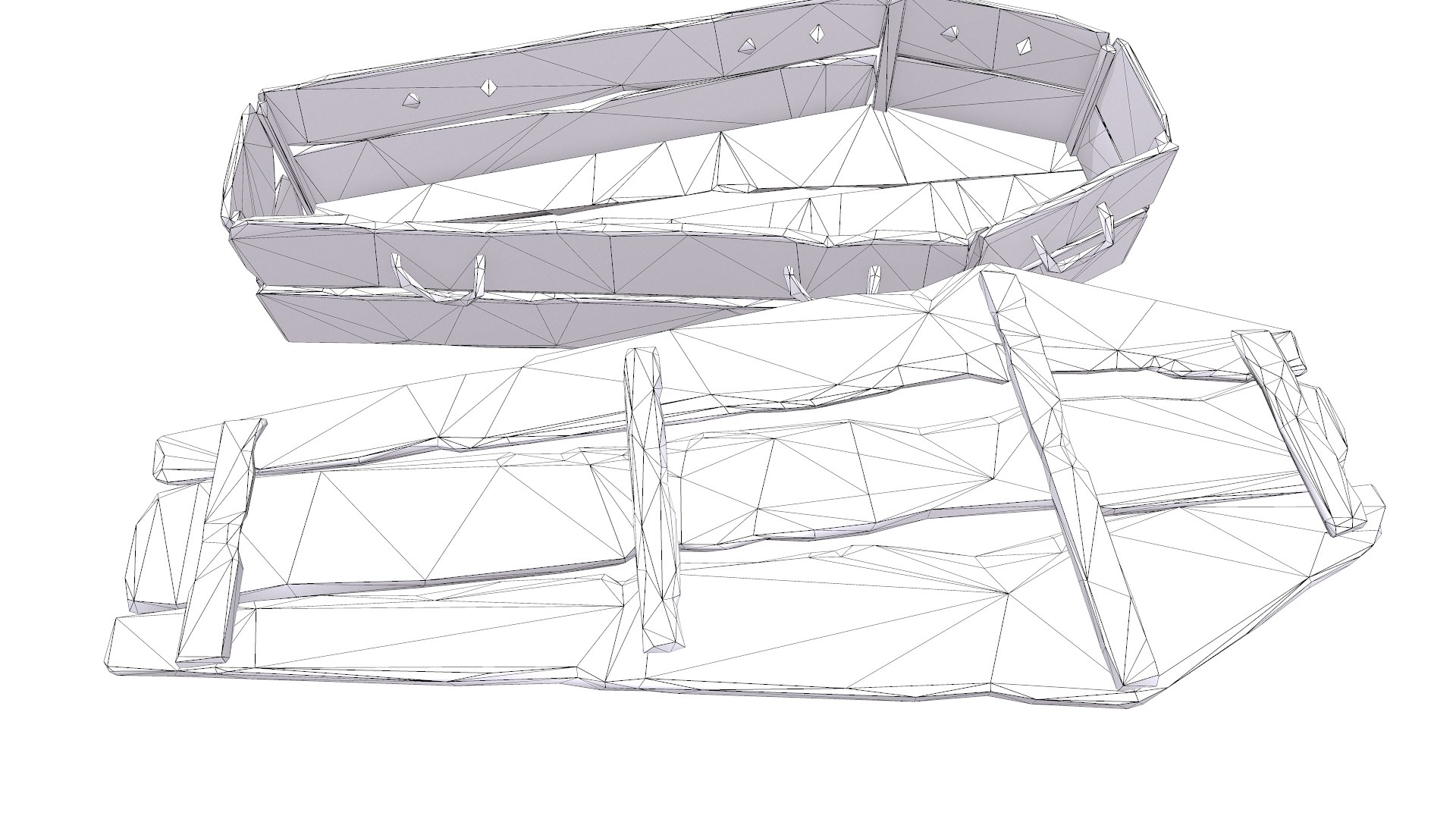
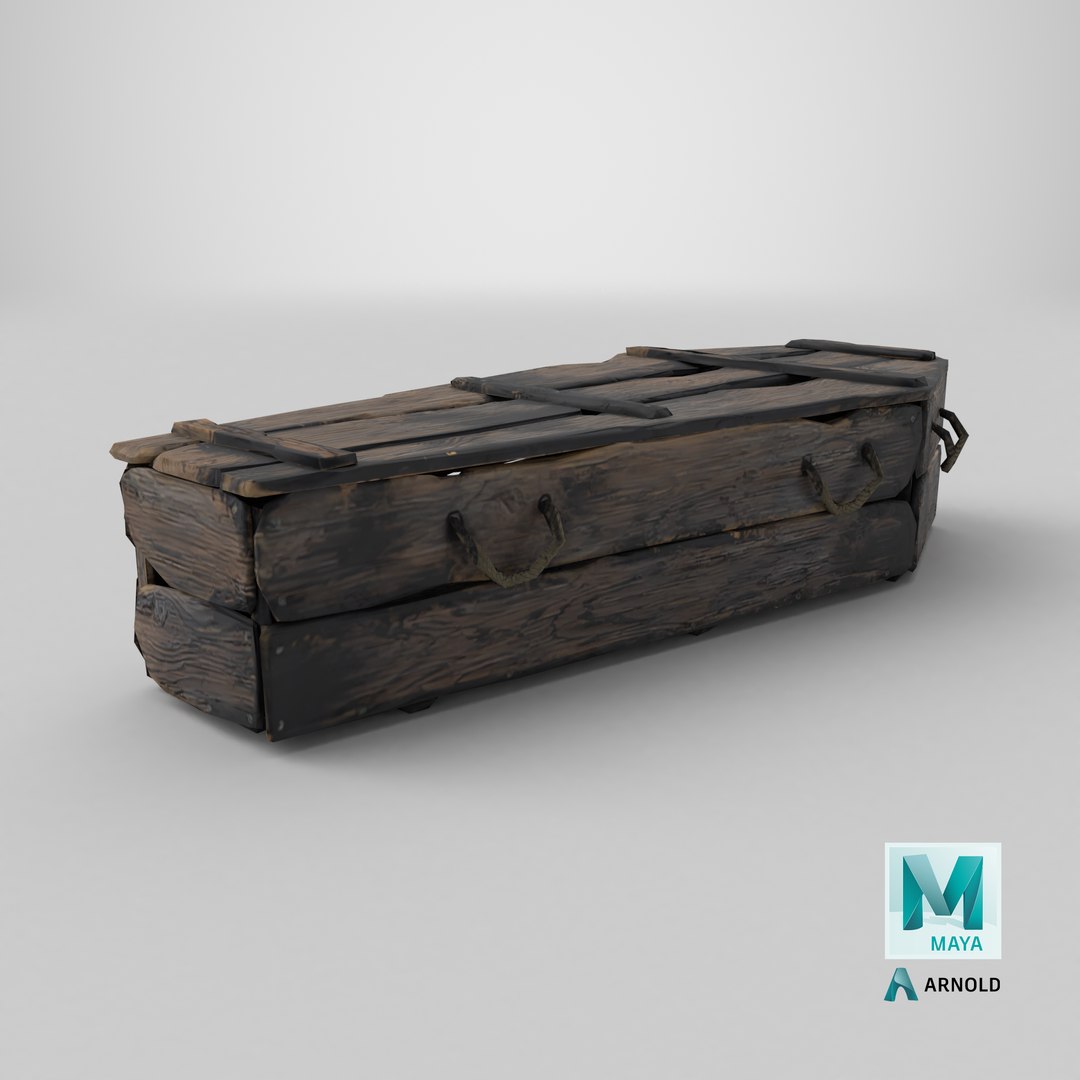
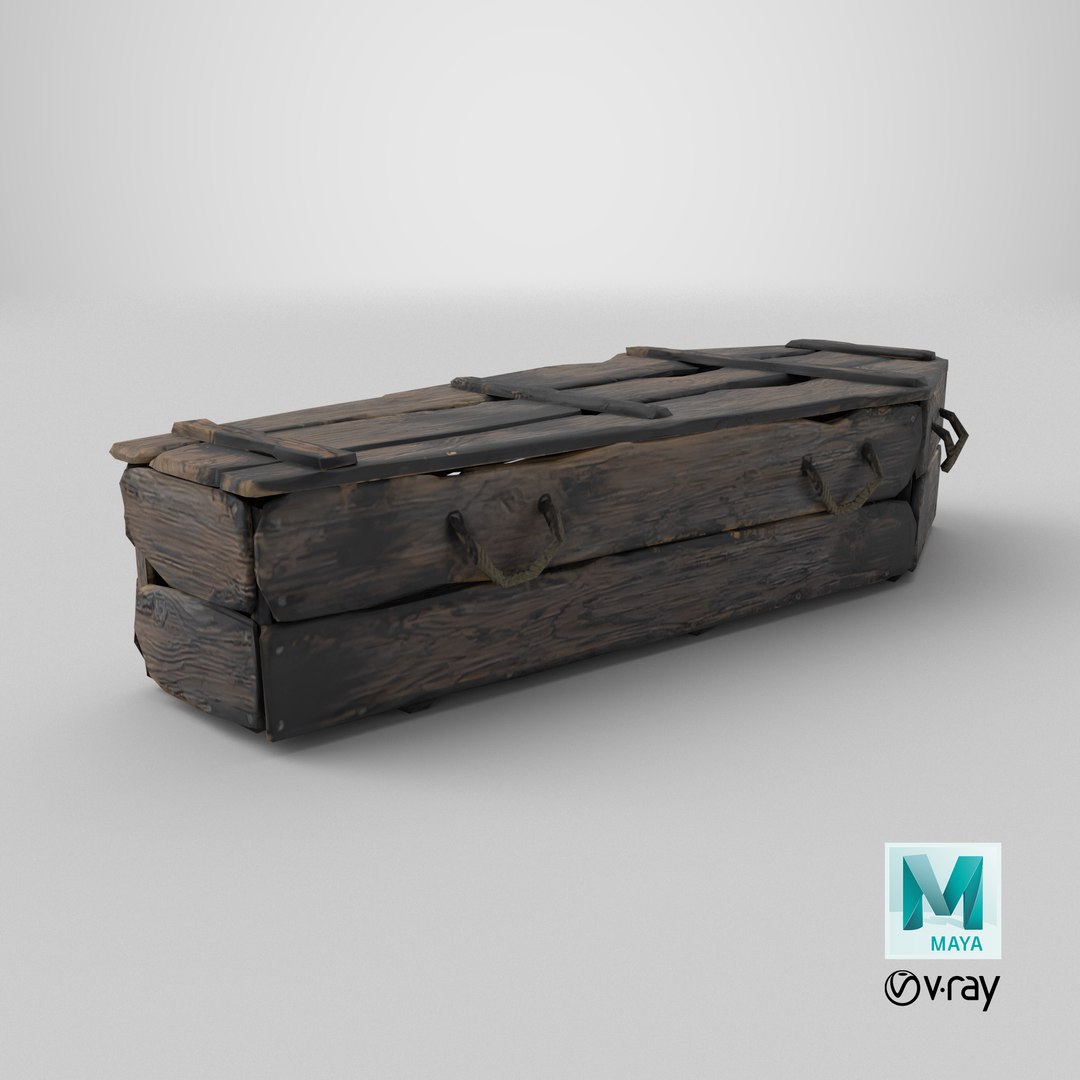
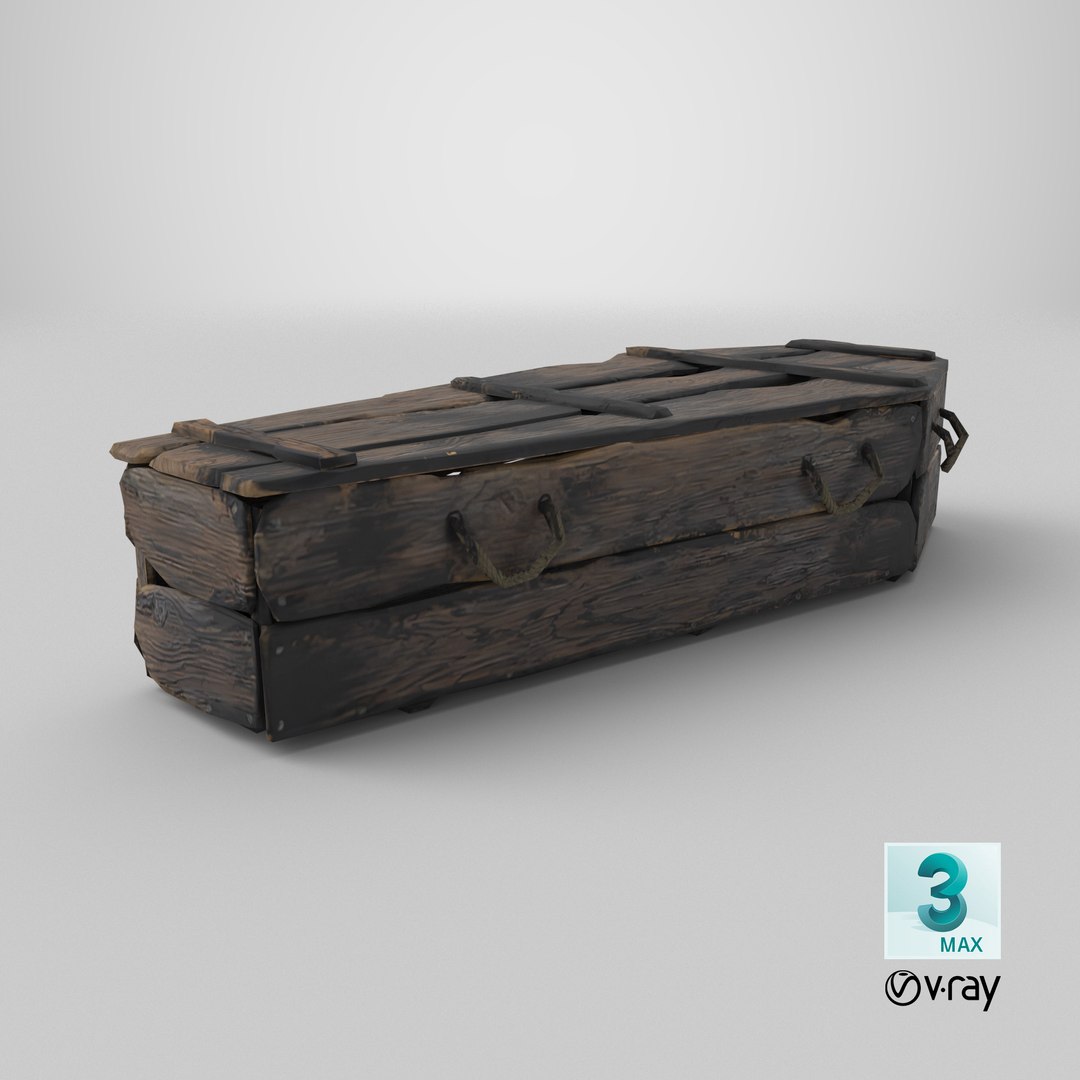
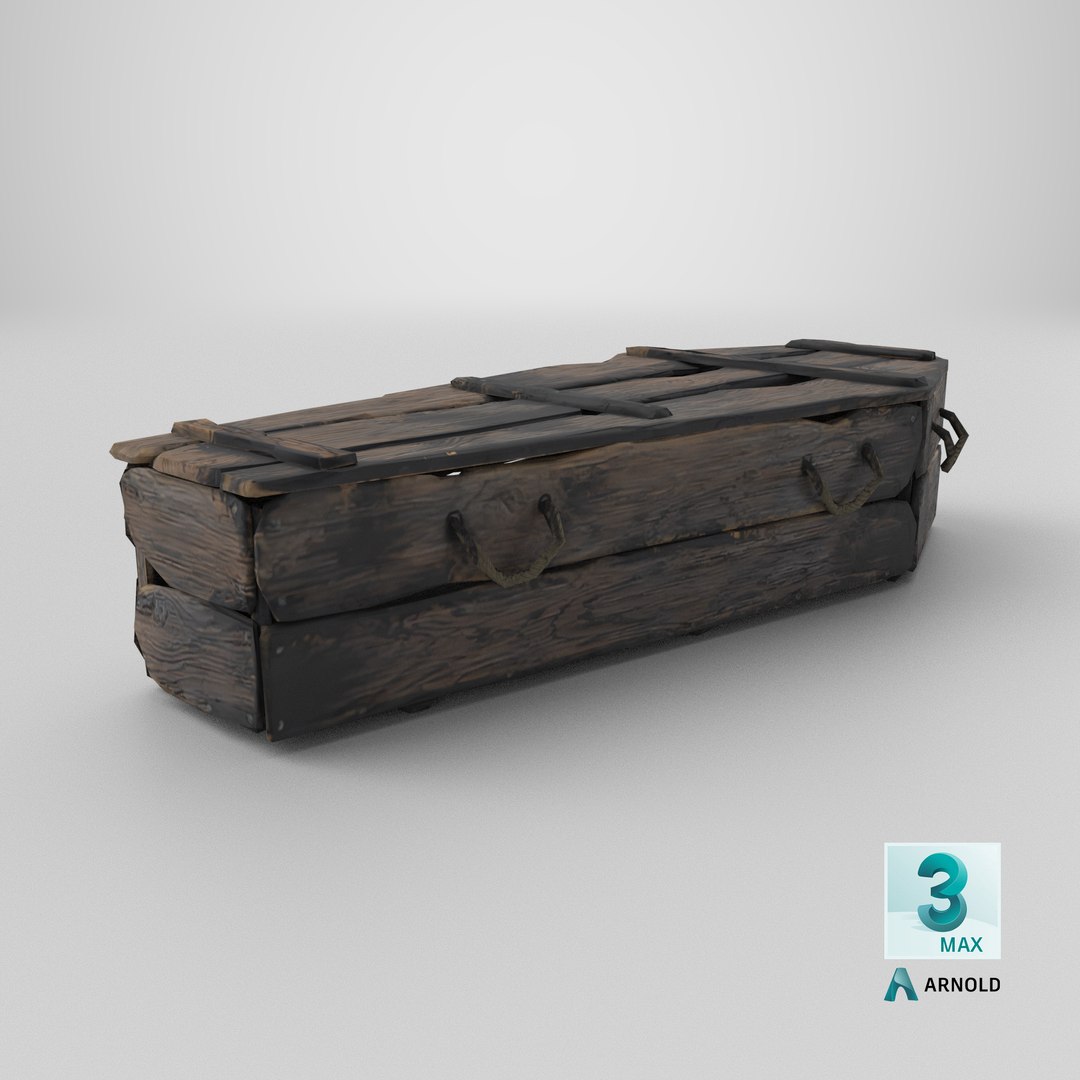
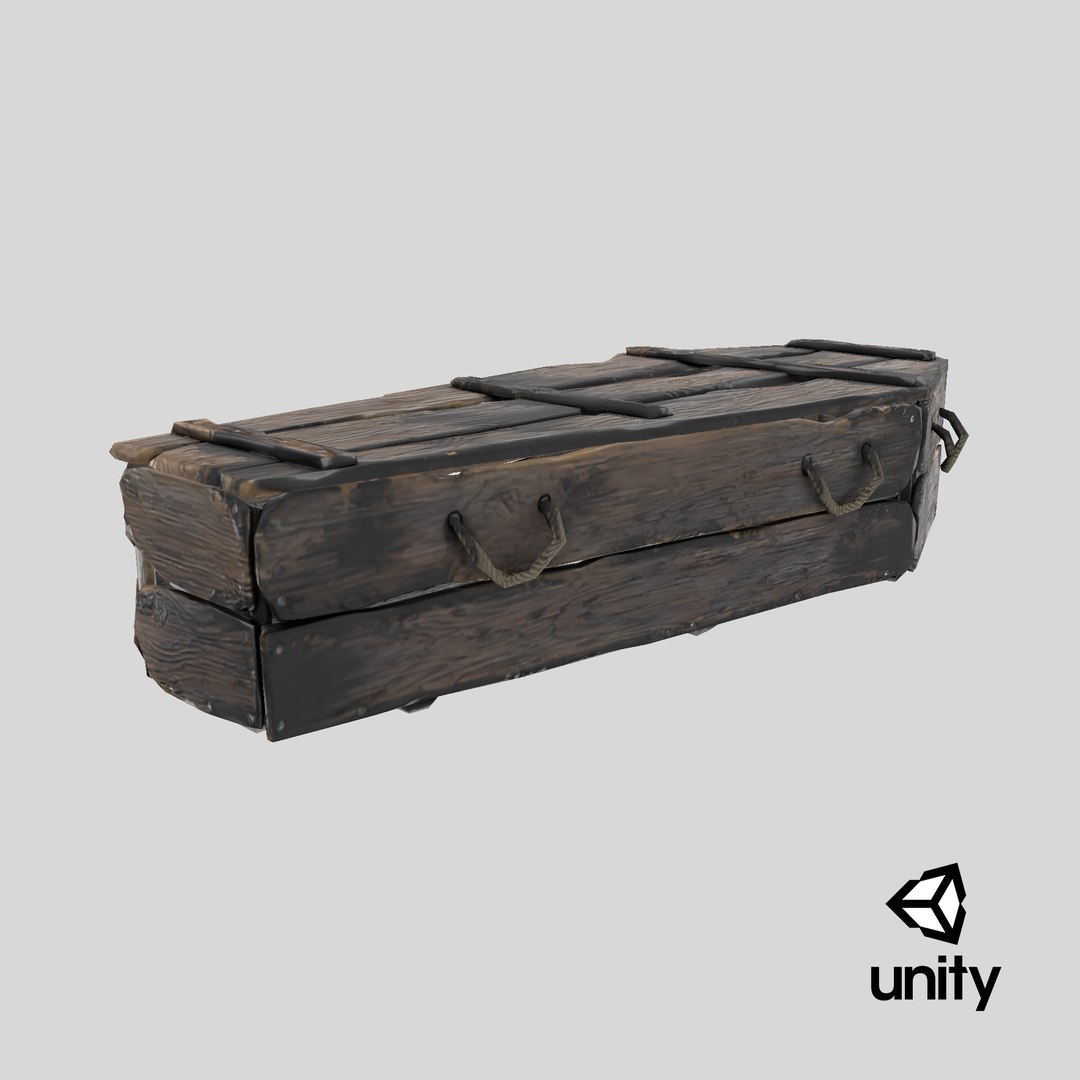

Burnt Coffin Low-poly PBR

$19

Standard License | Upgrade License
Formats (17)
Native | 3ds Max 2018 | Default Scanline
3ds Max 2015 | Default Scanline
Blender | Blender Render 3.4
Maya 2017 | Arnold 5.3.1.1
Maya 2015 | V-Ray 3.2
Cinema 4D R18 | Arnold 3.2
Cinema 4D R18 | Advanced Render 3.2
3ds Max 2015 | V-Ray 5.20.23
3ds Max 2018 | Arnold 7.0
FBX
glTF
Unreal
Unity
USD
3D Studio
FBX
OBJ
Other Files
Burnt Coffin Marmoset.zip Burnt Coffin.zip
Specifications
Publish Date September 04, 2023
Product ID 2120326
Polygons 3,546
Vertices 1,885
Polygonal Tris Only
Textures
Materials
UV Mapped
Non-overlapping Unwrapped UVs
PBR
Real-Time
StemCell Certified
member avatar
HuNtEr_3DdD
780 Products | Contributor Since 2019
Have questions? Chat with us now.

Description

Burnt Coffin polygons: 3546 verts: 1885

Ready to use in Games, AR / VR PBR game engines/renderers

This product is intended for game/real-time/background use. Renders done in Marmoset Toolbag 3. Default renders in 3ds Max will not look like the preview images. The Marmoset Toolbag scene is included.

  • Created in 3ds MAX 2018 no plugins used.
  • Low-poly (3546Tris) ready to use in games, AR/VR.
  • Textures are in PNG format 1024x1024 PBR metalness 1 set textures.
  • Available formats: MAX 2018 and 2015, OBJ, MTL, FBX, .tbscene.
  • Files unit: Centimeters.
  • Inspect the model complete in marmoset viewer 2nd preview image
  • If you need any other file format you can always request it.
  • All formats include materials and textures.


Select Enhanced License

  • $10,000 in Legal Protection (Indemnification)
  • Uncapped Legal Protection (Indemnification)
  • Waiver from injunctive relief
  • Assignable model rights
  • $1,000,000 in Legal Protection (Indemnification)
  • Waiver from injunctive relief
  • Assignable model rights
  • $250,000 in Legal Protection (Indemnification)
  • Assignable model rights
Read more about enhanced license tiers, or contact us at enterprise@turbosquid.com. Already a Shutterstock Enterprise Customer? Contact your Shutterstock Sales Support Agent to talk about adding 3D.

About Conversion Requests

To submit a conversion request for a purchased asset, please complete our Conversion Request Form.

If you have not yet purchased a model, please review our Documentation about Conversions to learn about what limitations you may encounter with a conversion.

For any additional questions about a model’s suitability for conversion, please contact TurboSquid Support.

Loading...