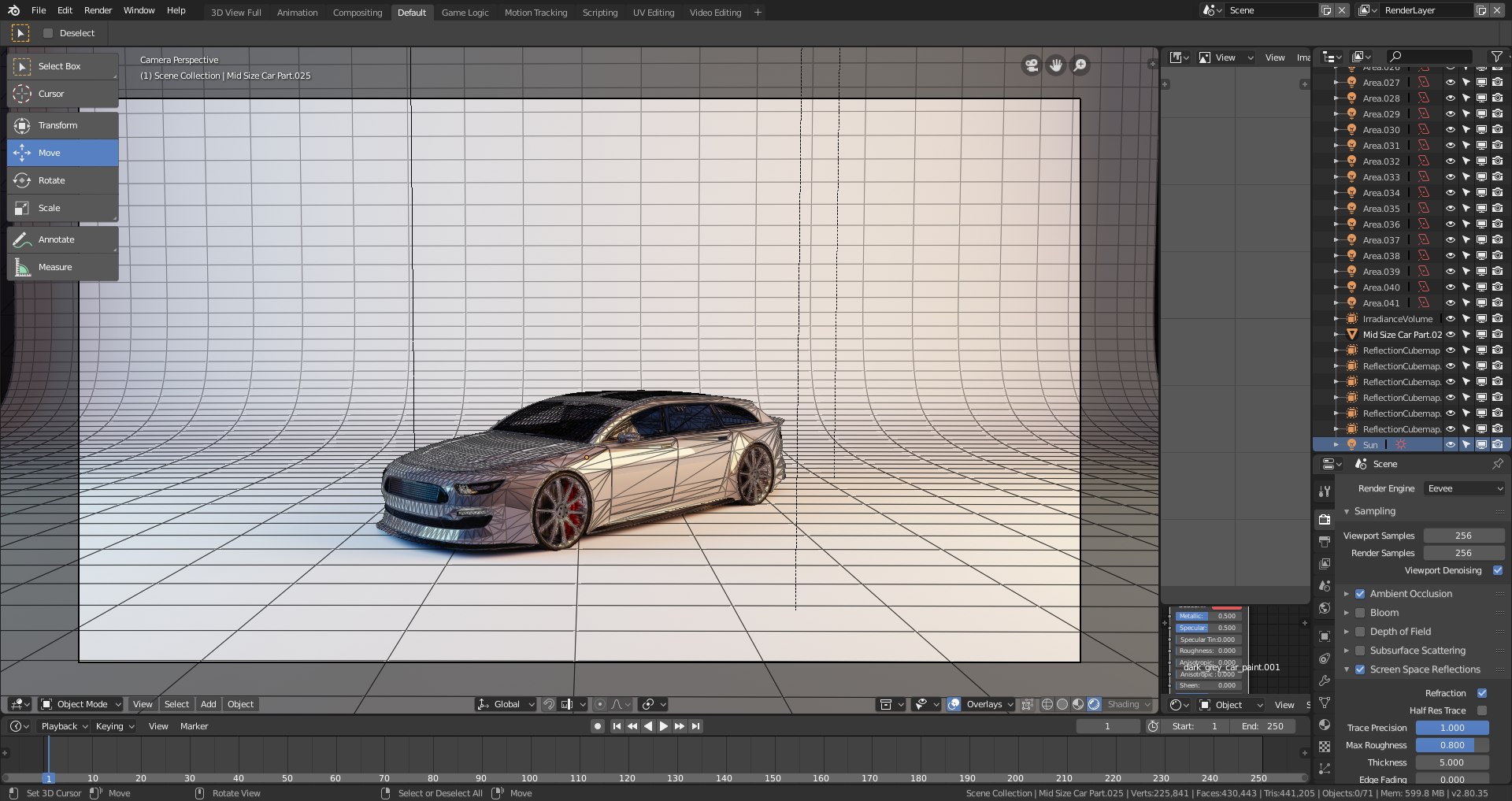
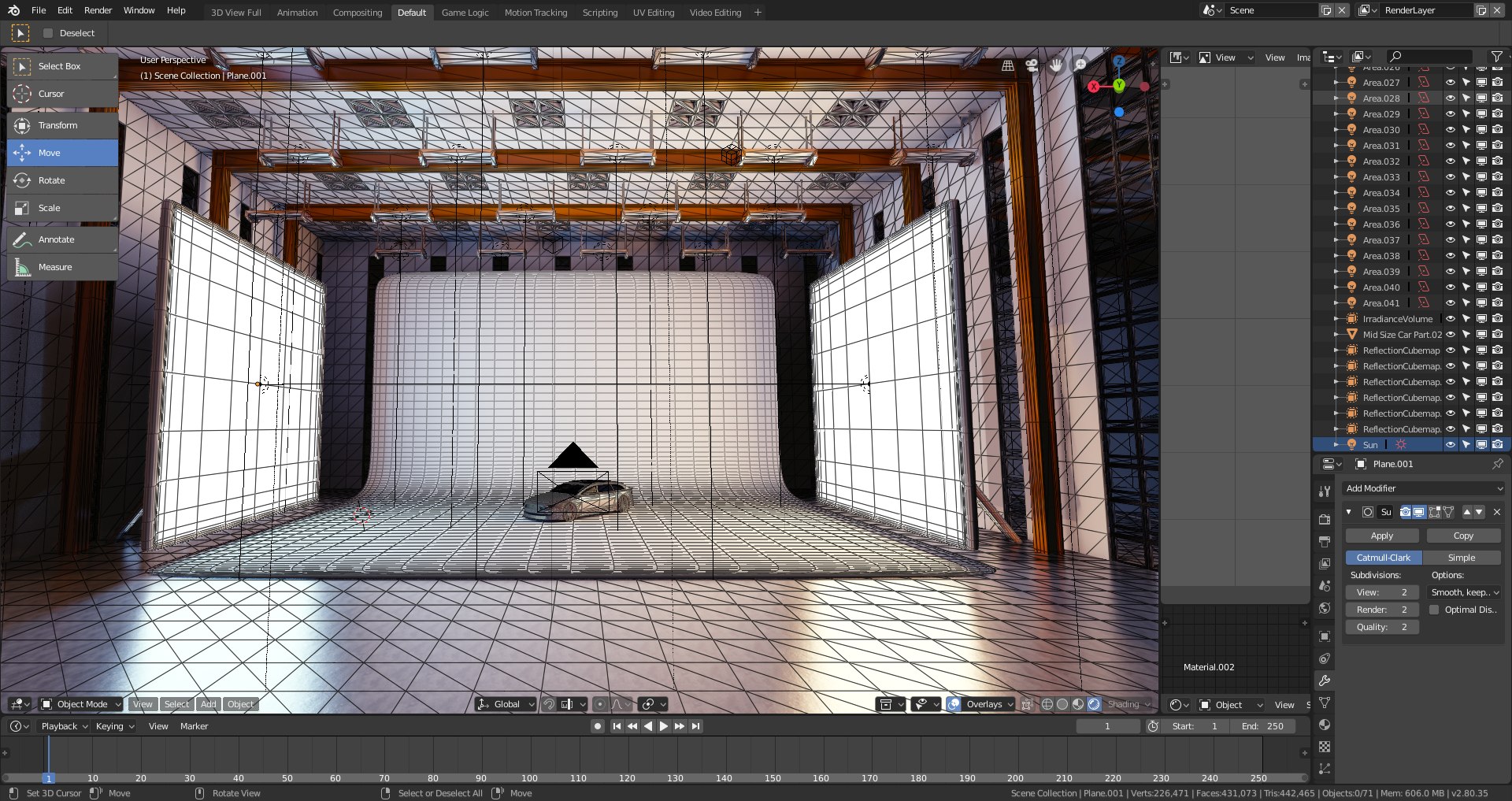
Blender Eevee studio and building

$16.99

Formats (1)
Other Textures
Specifications
Publish Date April 05, 2019
Product ID 1394841
Polygons 442,465
Vertices 226,471
Polygonal
Textures
Materials
member avatar
denniswoo1993
320 Products | Contributor Since 2017
Have questions? Chat with us now.

Description

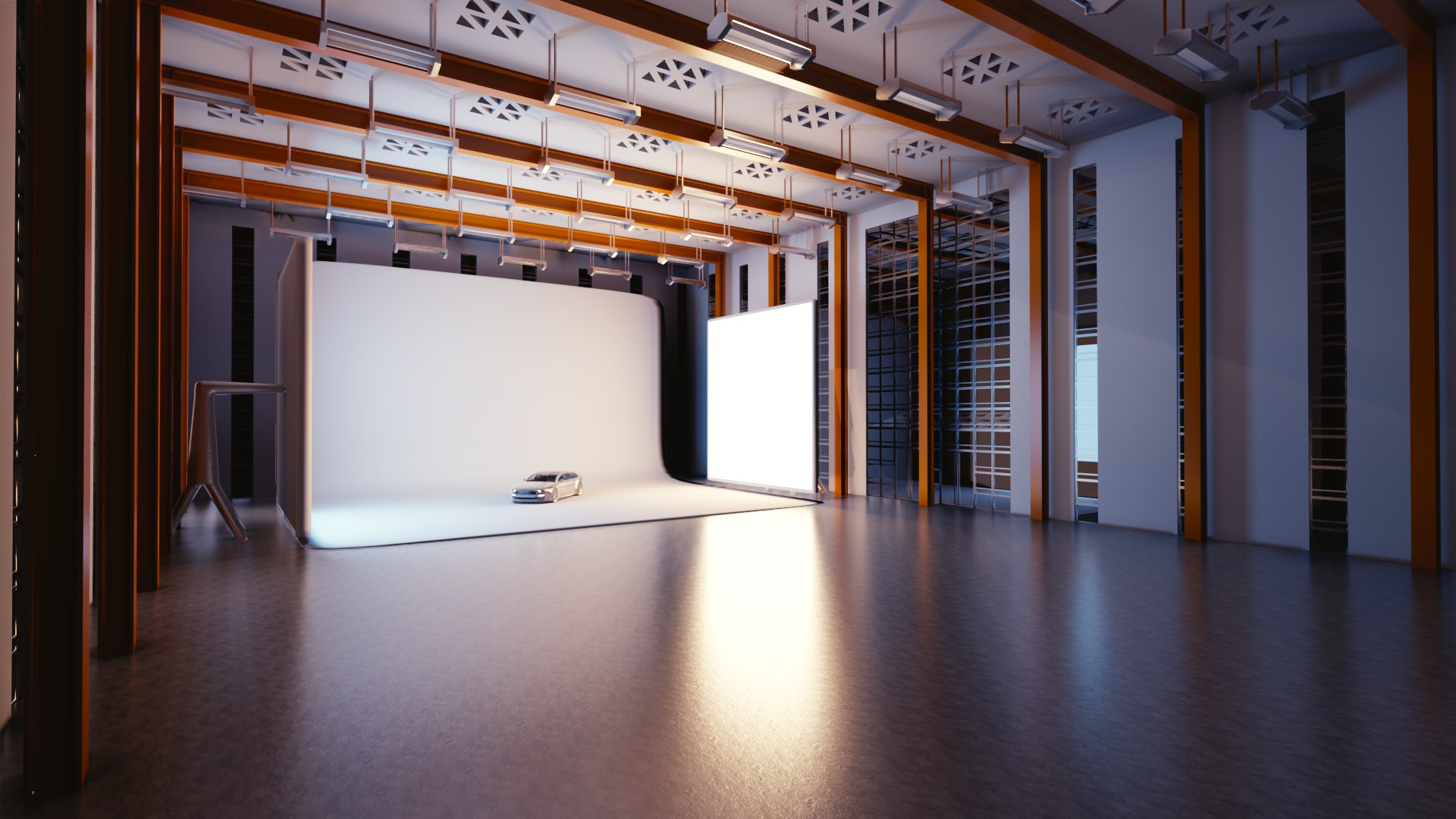
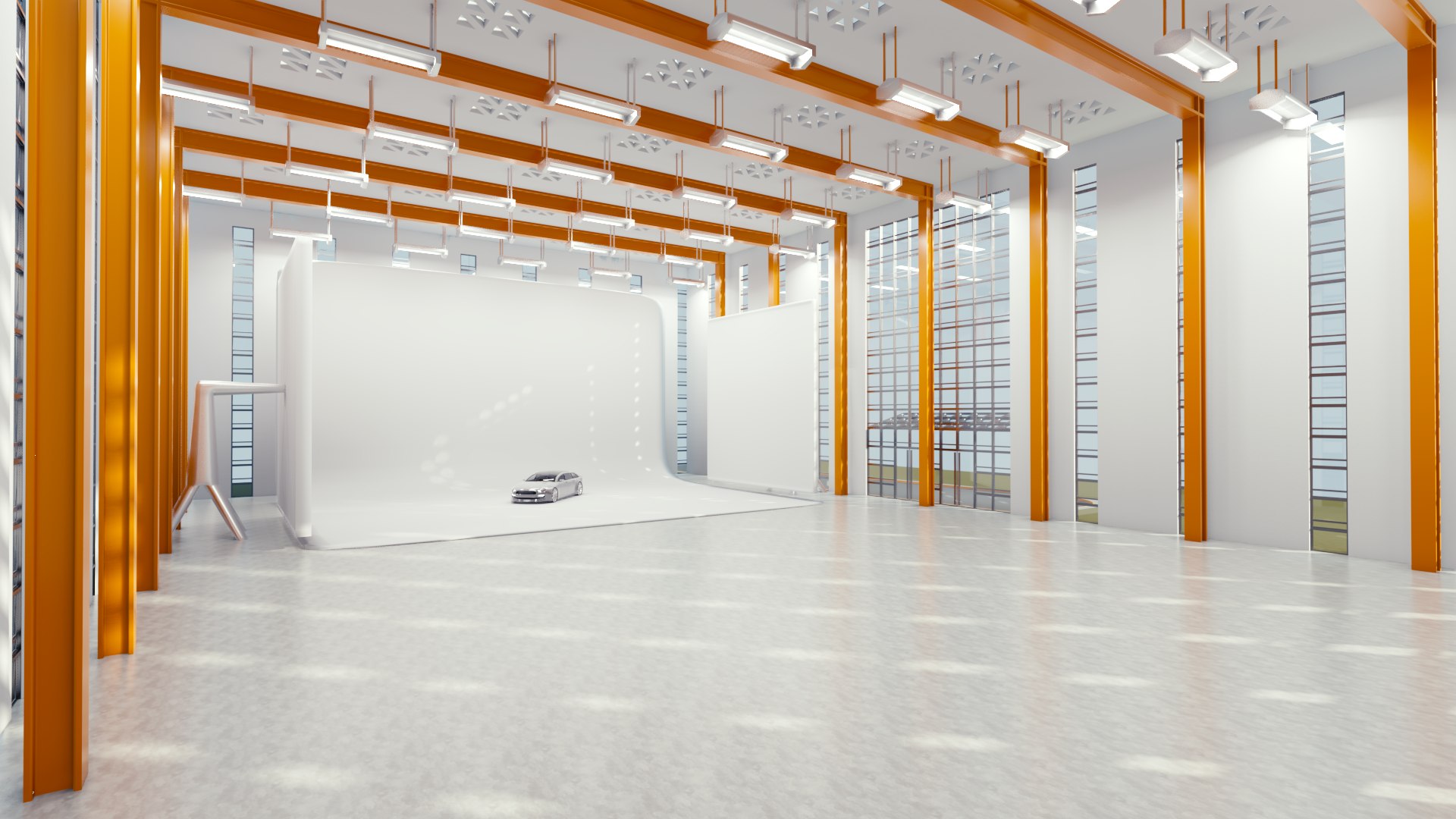
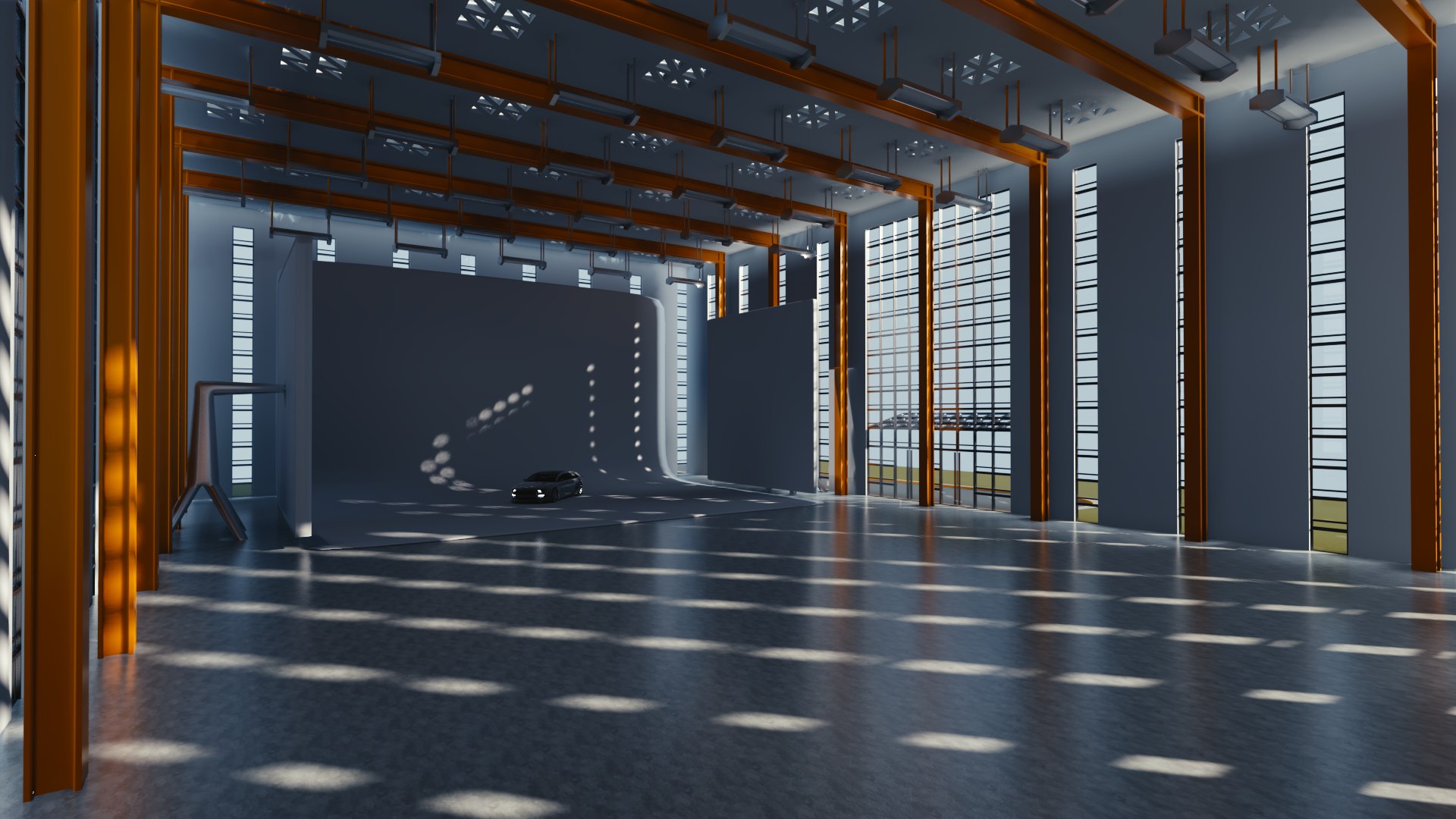
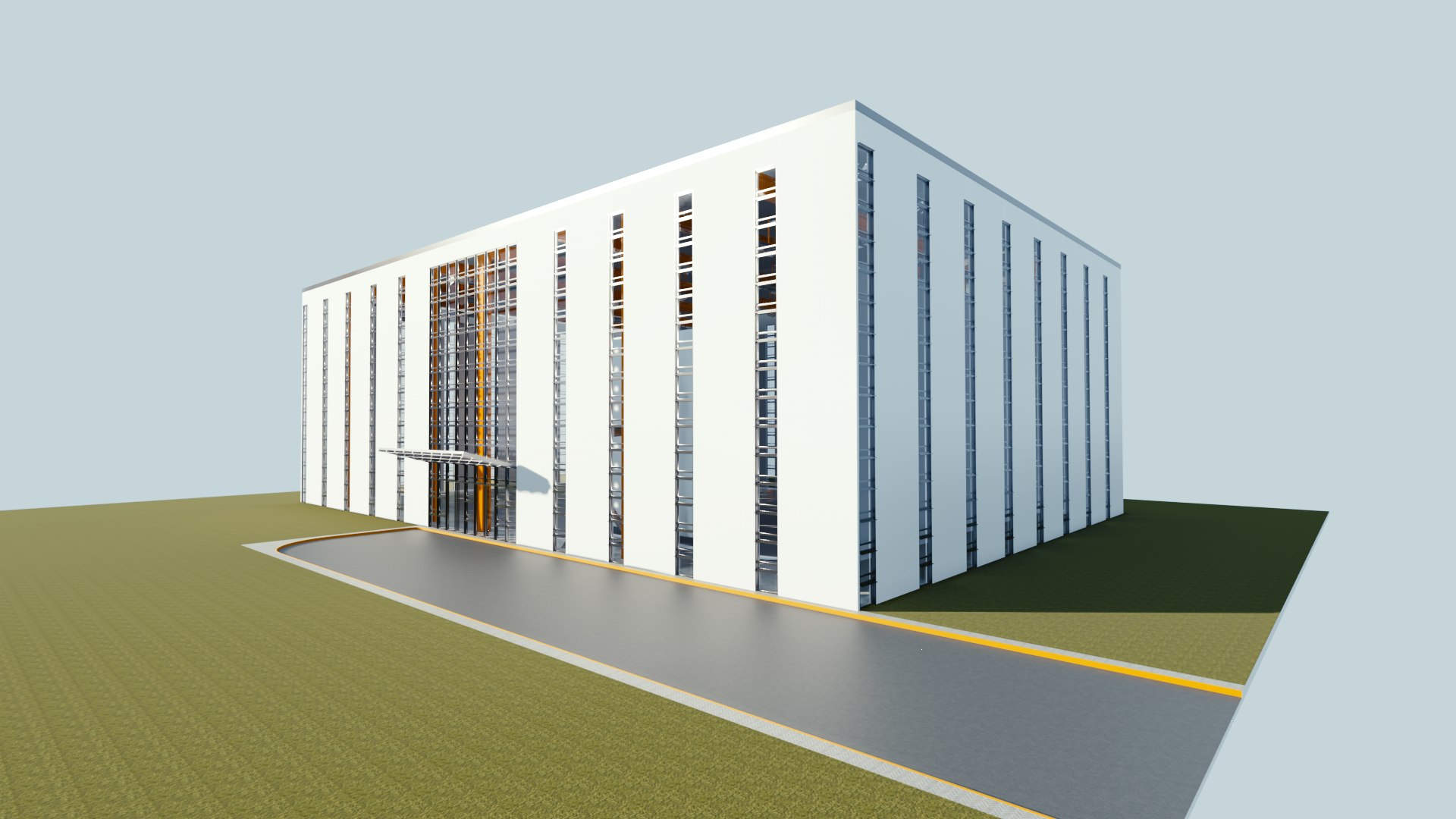
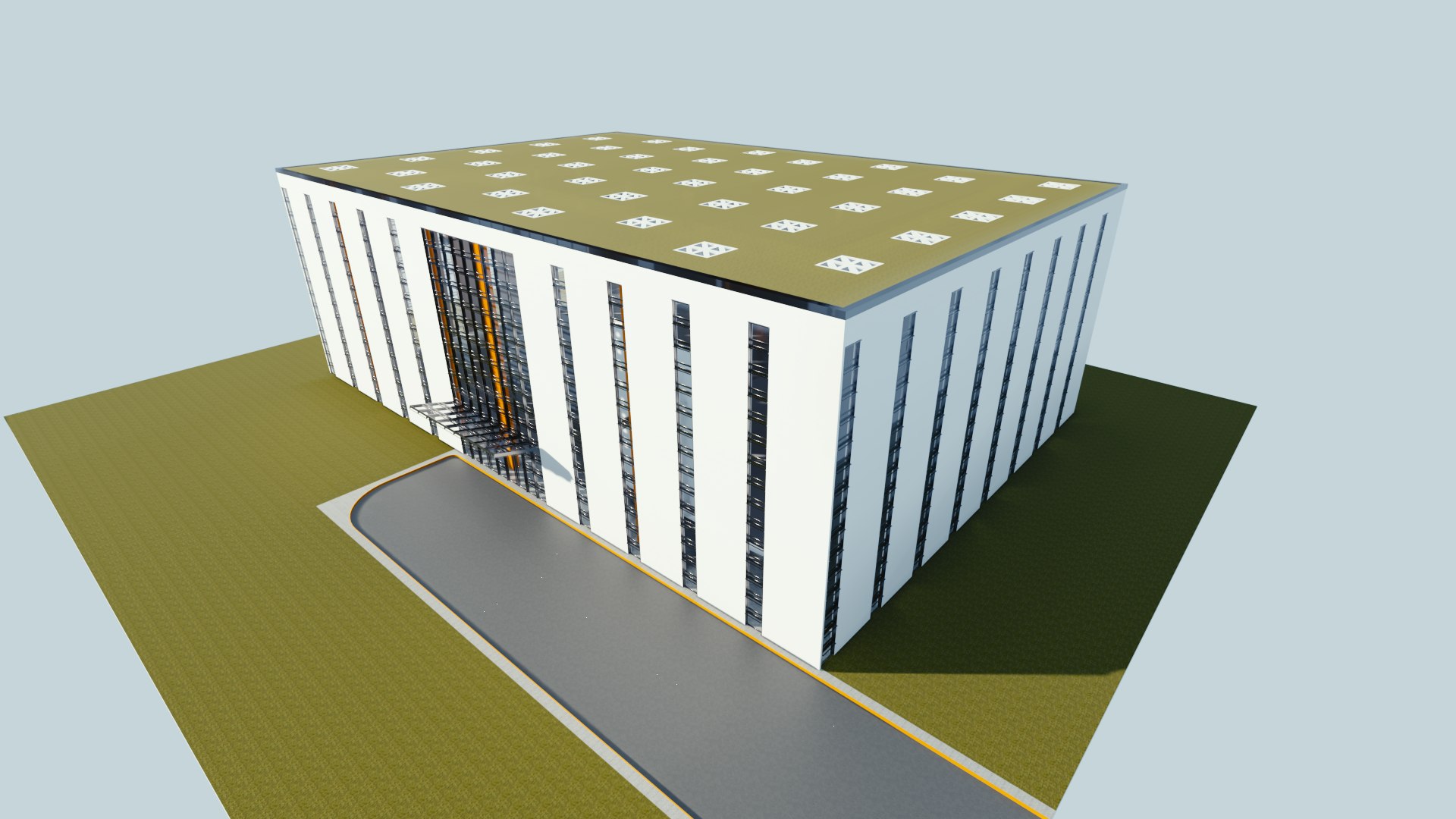
Blender Eevee studio and building

This product only works with blender 2.8 because it uses their new eevee engine for realtime renders.

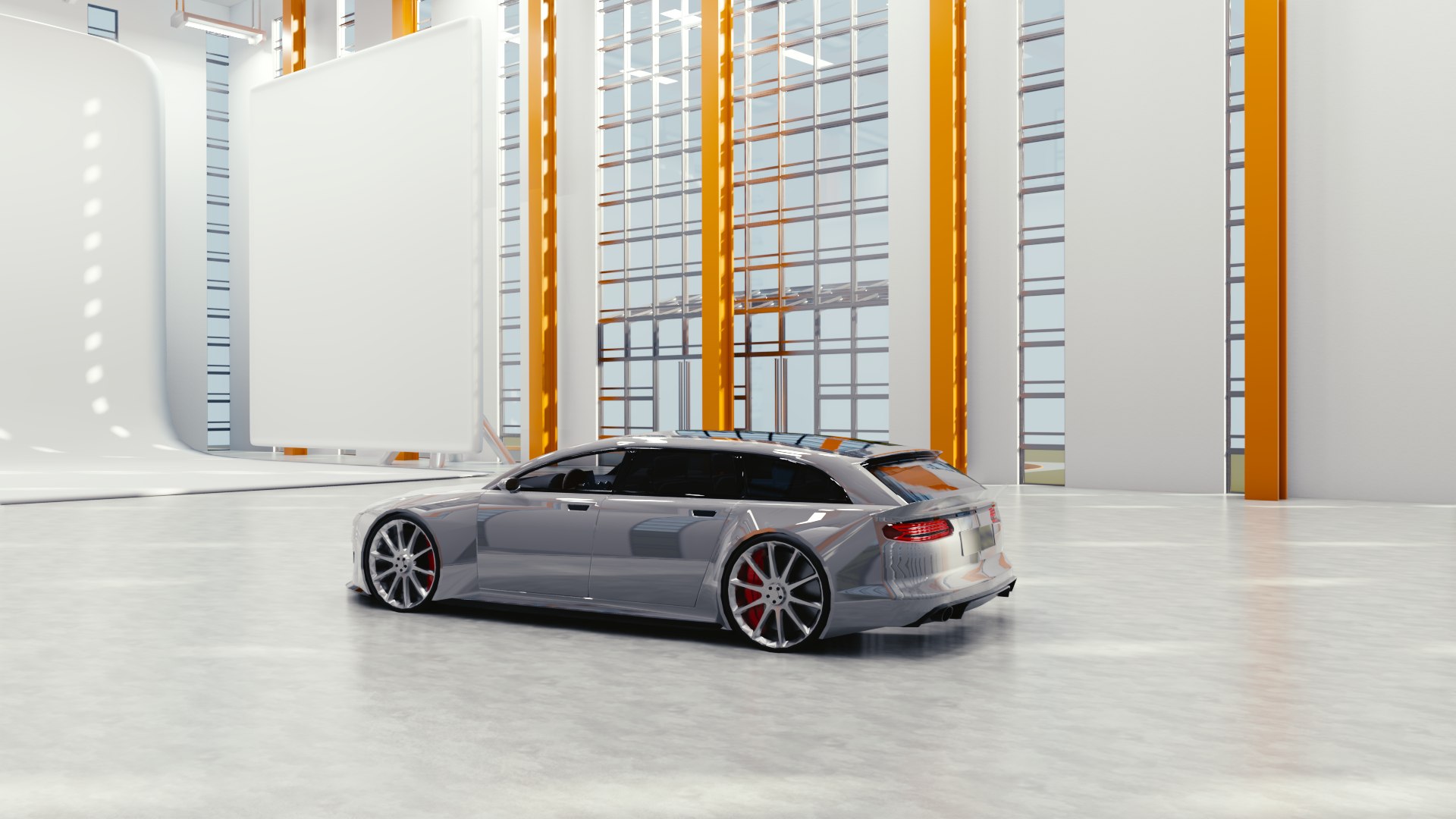
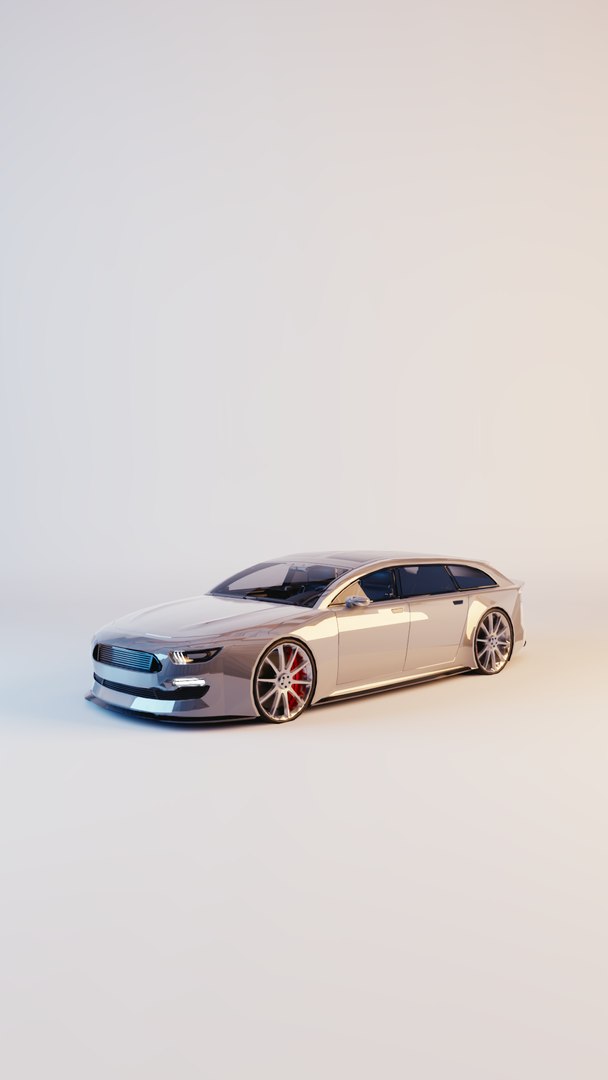
This studio can be used to create quick high quality renders of your products.
the building can also be exported to other renderers/game engines

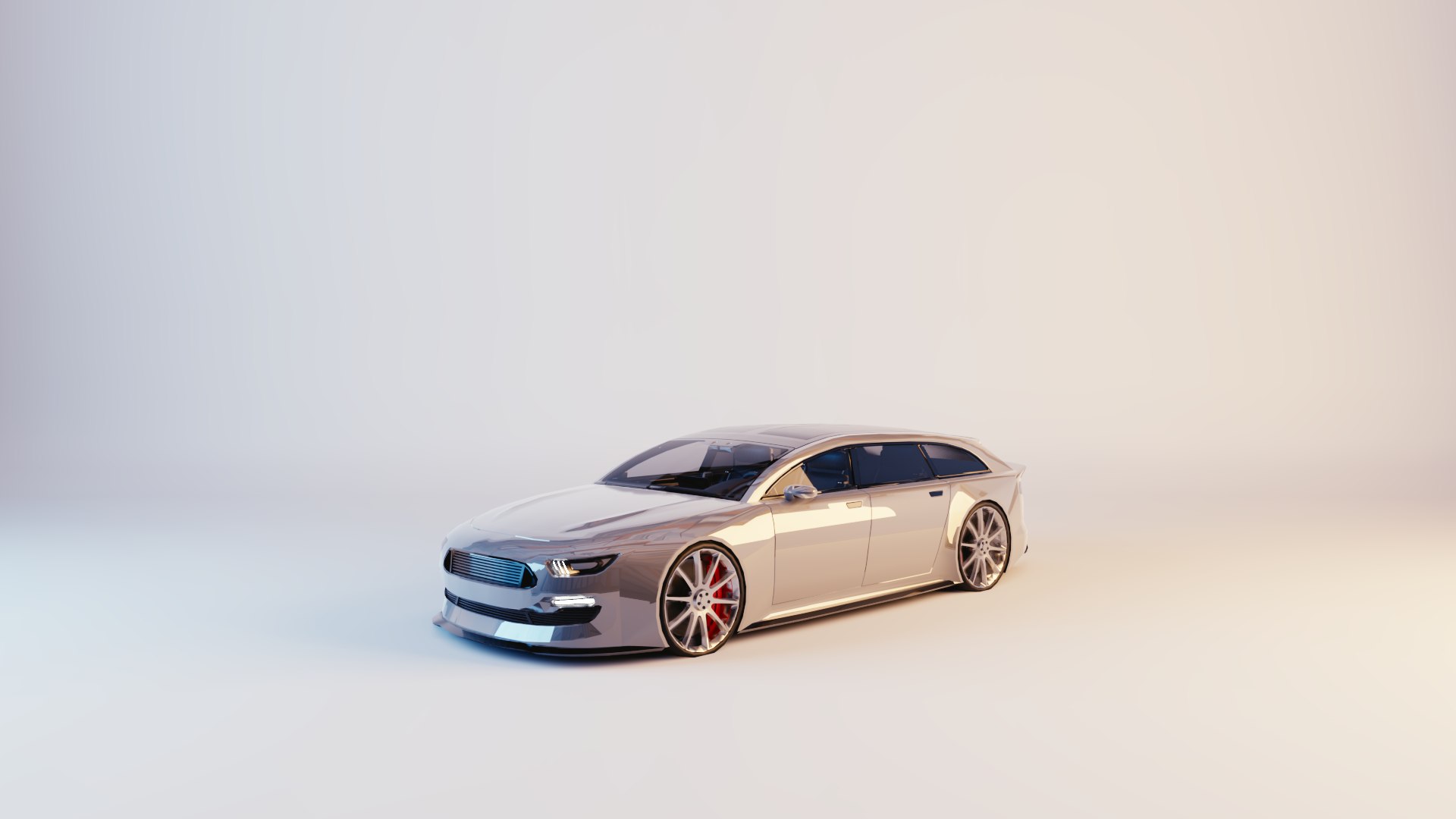
The car in the renders is included for free

every object and material you import into this studio will automaticly adapt the direct/indirect lighting and reflections.

For optimisation reasons the building is linked together by material (so every material is a single object)
The included car is also linked into one object

The studio and area lights are separately linked.

The white background is ideal for product presentation, but the rest of the building space is also suited for renders.

by using this studio takes about 1 minute to generate a 1080P render on a GTX960 graphics card.

There are 3 presets of lighting in the product folder:

. nighttime white studio lighting (use this one for the white background renders)
. daytime ceiling lighting
. daytime natural lighting only

If you decide to rebake the indirect lighting and reflectionprobes, it will take about 10 minutes on a GTX960 graphics card.

Select Enhanced License

  • $10,000 in Legal Protection (Indemnification)
  • Uncapped Legal Protection (Indemnification)
  • Waiver from injunctive relief
  • Assignable model rights
  • $1,000,000 in Legal Protection (Indemnification)
  • Waiver from injunctive relief
  • Assignable model rights
  • $250,000 in Legal Protection (Indemnification)
  • Assignable model rights
Read more about enhanced license tiers, or contact us at enterprise@turbosquid.com. Already a Shutterstock Enterprise Customer? Contact your Shutterstock Sales Support Agent to talk about adding 3D.

About Conversion Requests

To submit a conversion request for a purchased asset, please complete our Conversion Request Form.

If you have not yet purchased a model, please review our Documentation about Conversions to learn about what limitations you may encounter with a conversion.

For any additional questions about a model’s suitability for conversion, please contact TurboSquid Support.

Loading...