
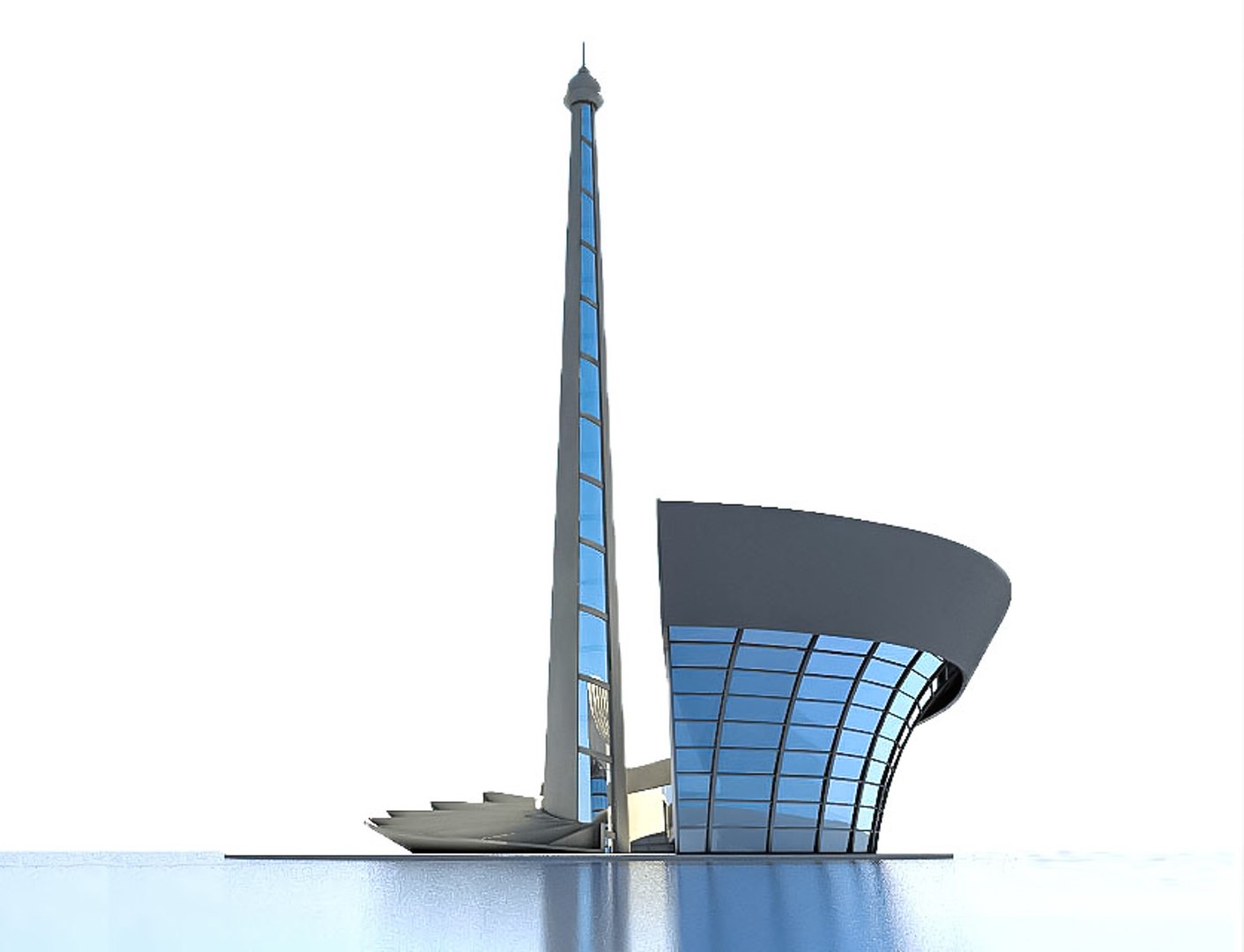
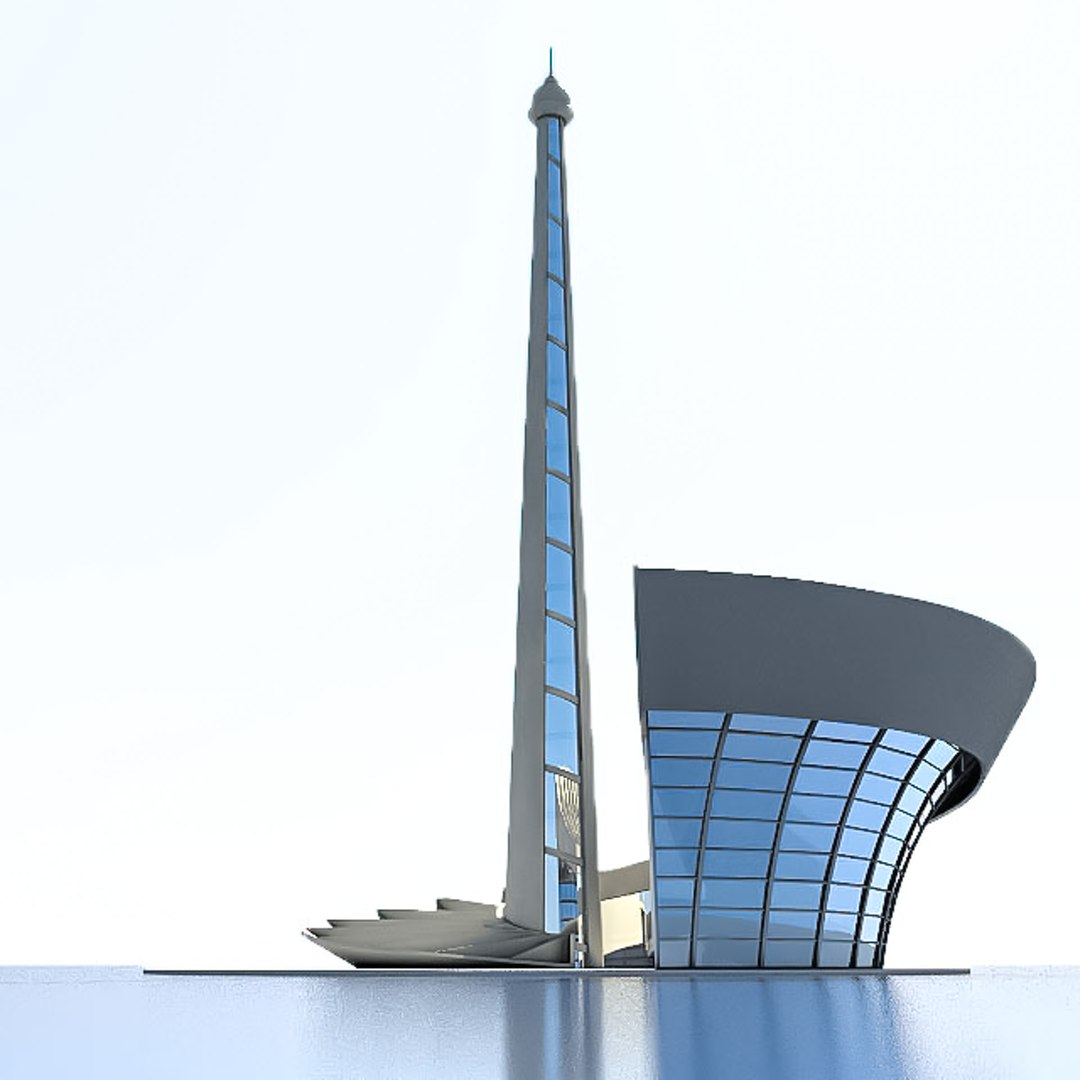
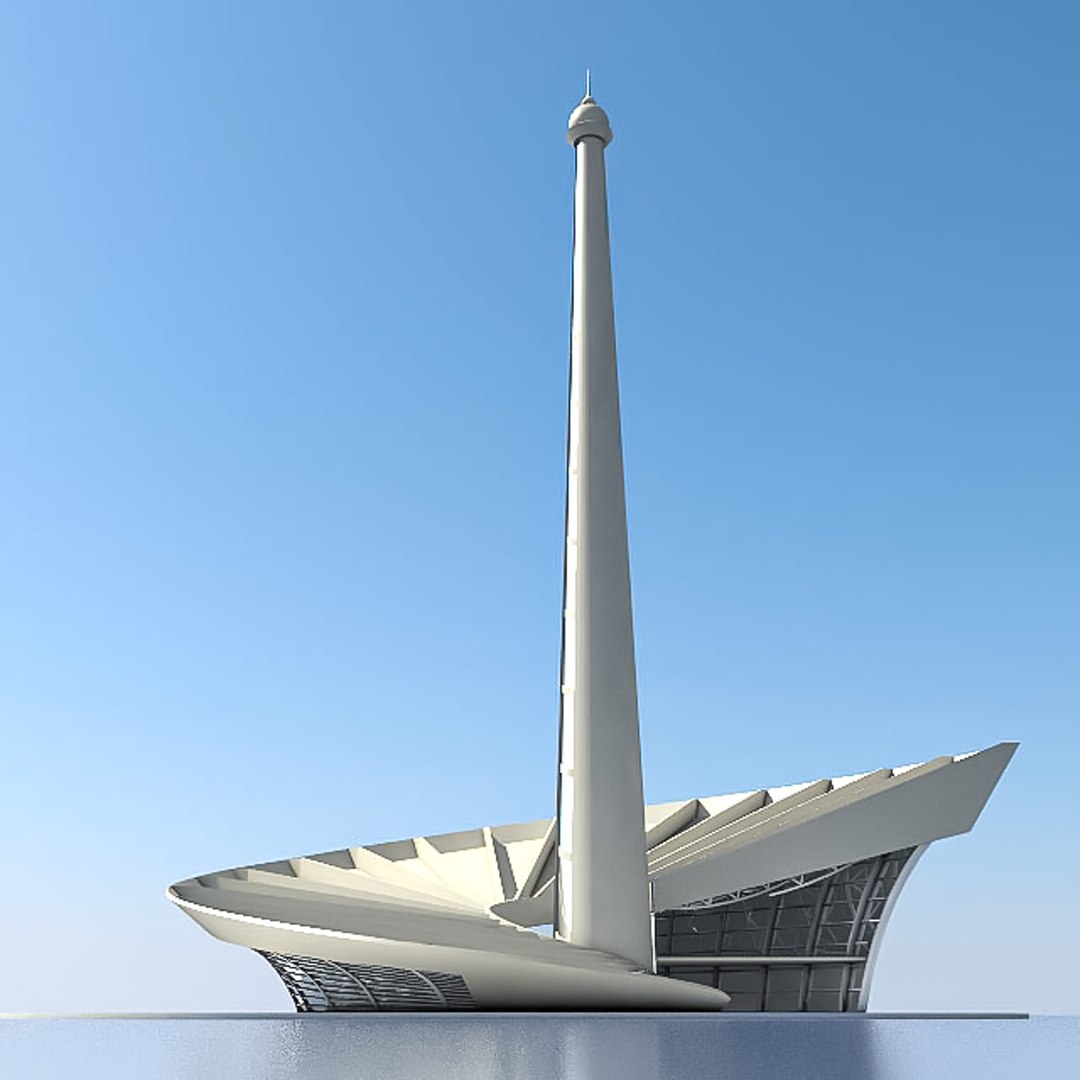
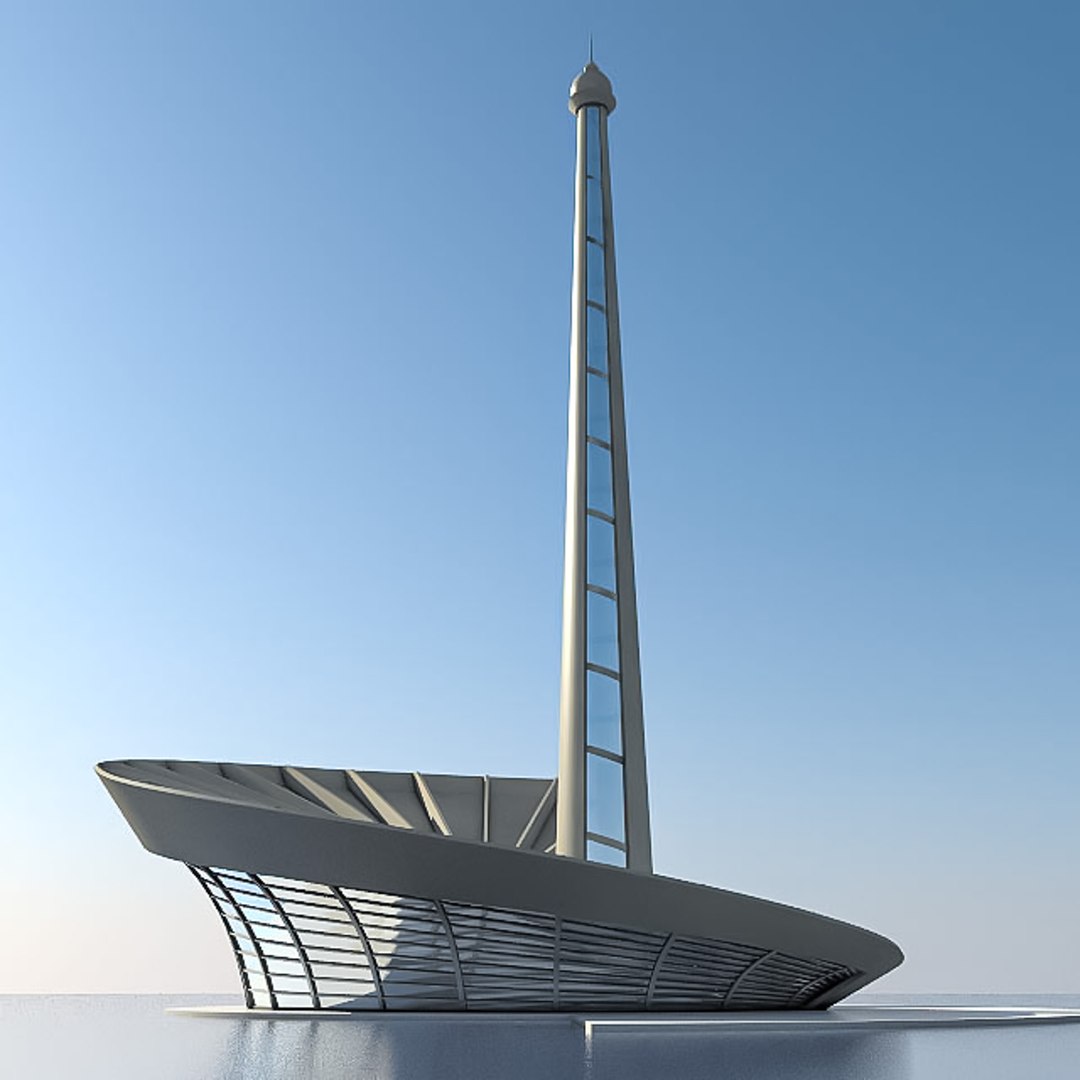
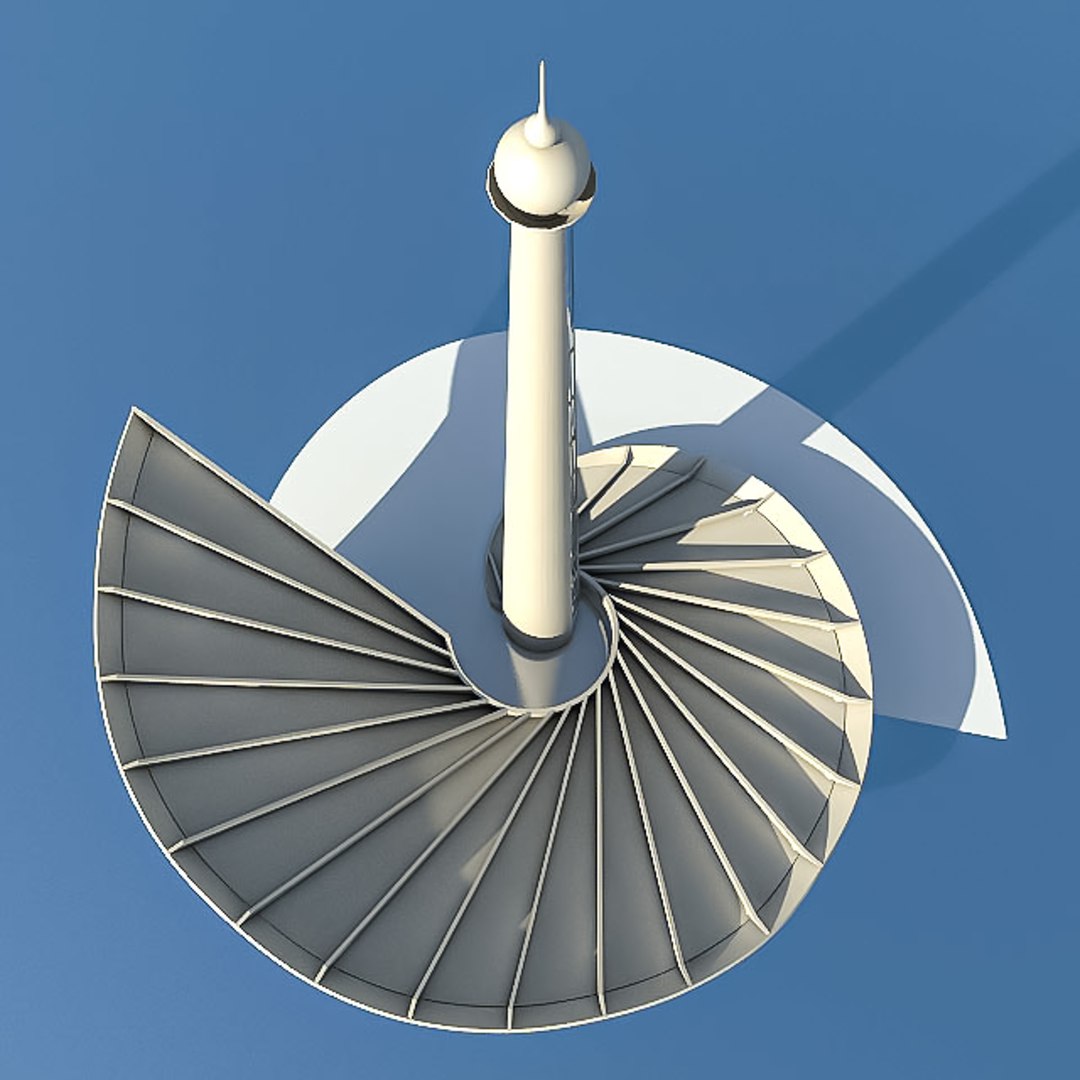
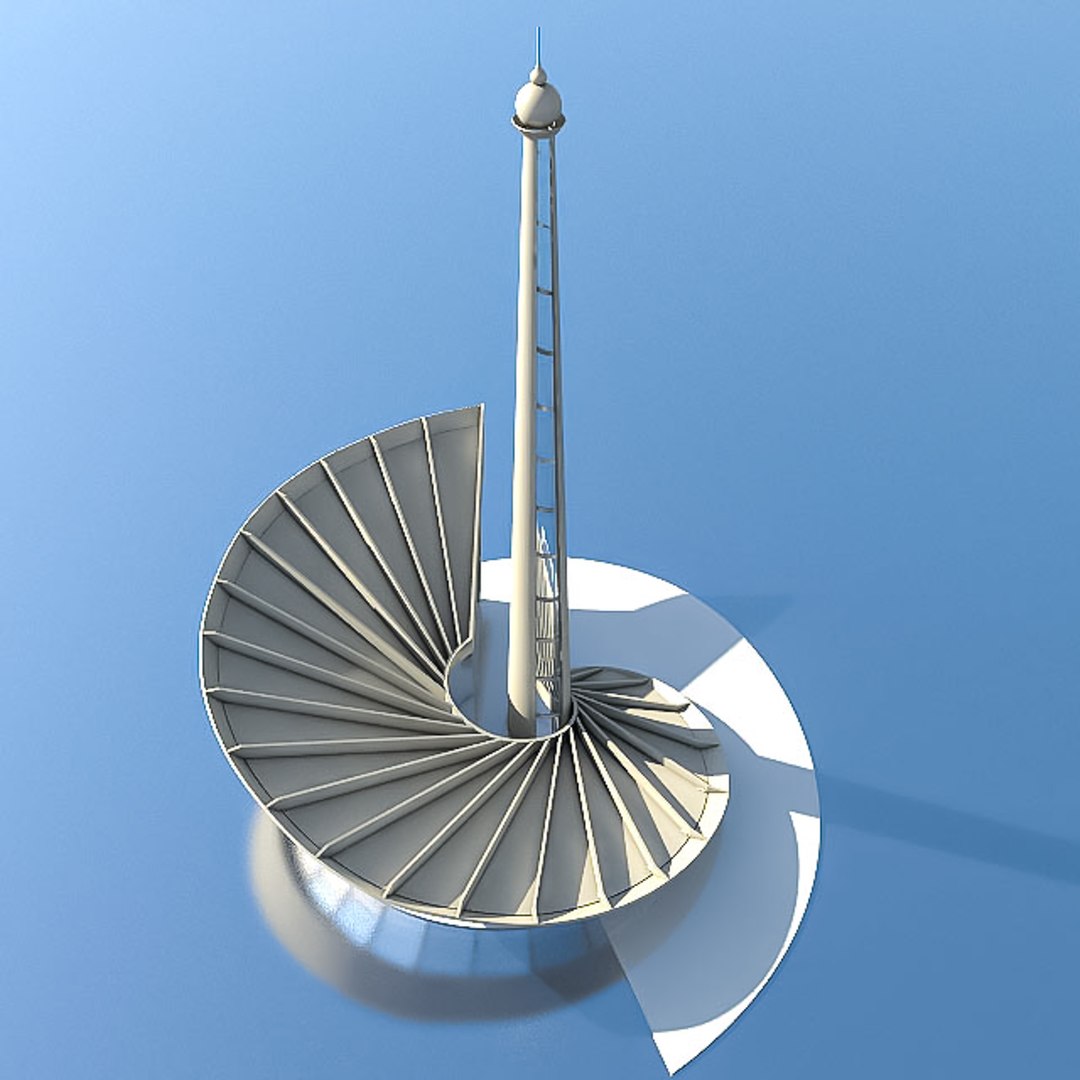
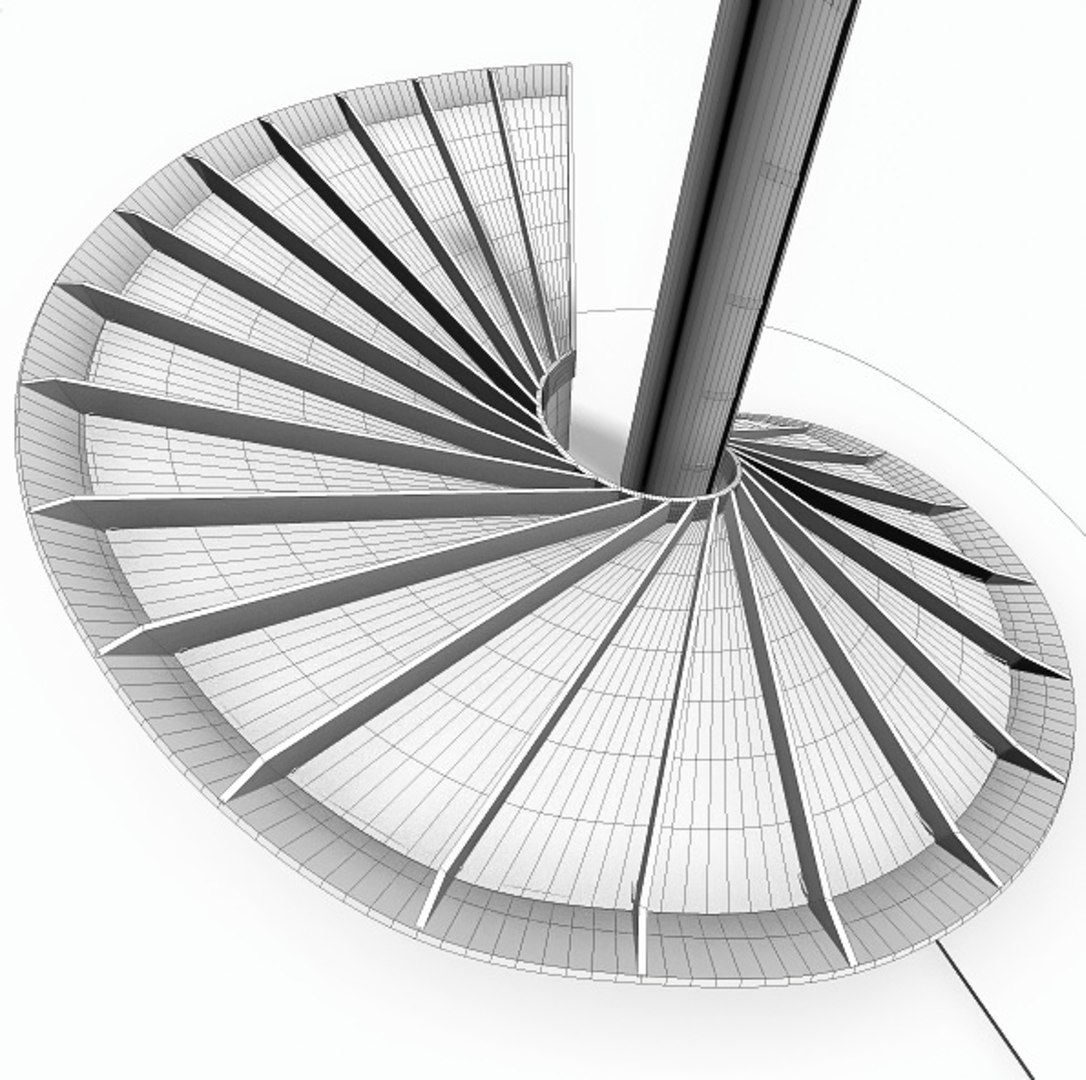
Baku Stadium

$29

Standard License | Upgrade License
Formats (5)
Free file format Conversions available
Native | 3ds Max 2010 | V-Ray
3D Studio
FBX
Collada
OBJ
Specifications
Publish Date June 25, 2021
Product ID 1751126
Polygons 27,808
Vertices 29,255
Polygonal
Textures
Materials
UV Mapped
member avatar
Viktar Kalesnikau
293 Products | Contributor Since 2021
Have questions? Chat with us now.

Description

This is real-world-size model of Baku Stadium made by professional architect.

- Dimensions: 105m x 90m x 125m (height)
- Units used: Centimeters
- Originally created with 3ds Max 2011

LEVEL OF DETAIL and USAGE

- This model is suitable for different purpose - realtime and game use, Unity, UE4, CGI exterior visualization and achitecture
- 27.808 polygons
- 29.255 vertices

GEOMETRY

- The models mesh is high quality, with clean edge flow.
- Geometry is carefully tested for holes, flipped normals and overlapping polygons.
- Mesh is low-poly, allows you to easily build up the additional details, edit geometry.
- All similar objects are Instances - easy change or replace
- Shell Modifier applied and disabled for glass objects.

PRESENTATION IMAGES

- All preview images are rendered with 3.20 V-Ray.
- Wire images done with VrayLightMtl + VrayDirt for geometry test.
- VRayHDRI with map and VRayCamera are included - product is ready to render out-of-the-box.

MATERIALS

- This model contains both V-Ray and Standard materials.
- JPG and PNG textures comes in separate archive.
- All objects are UV mapped. All materials are named properly.

ADDITIONAL NOTES

- No third-party plug-ins needed

Select Enhanced License

  • $10,000 in Legal Protection (Indemnification)
  • Uncapped Legal Protection (Indemnification)
  • Waiver from injunctive relief
  • Assignable model rights
  • $1,000,000 in Legal Protection (Indemnification)
  • Waiver from injunctive relief
  • Assignable model rights
  • $250,000 in Legal Protection (Indemnification)
  • Assignable model rights
Read more about enhanced license tiers, or contact us at enterprise@turbosquid.com. Already a Shutterstock Enterprise Customer? Contact your Shutterstock Sales Support Agent to talk about adding 3D.

About Conversion Requests

To submit a conversion request for a purchased asset, please complete our Conversion Request Form.

If you have not yet purchased a model, please review our Documentation about Conversions to learn about what limitations you may encounter with a conversion.

For any additional questions about a model’s suitability for conversion, please contact TurboSquid Support.

Loading...