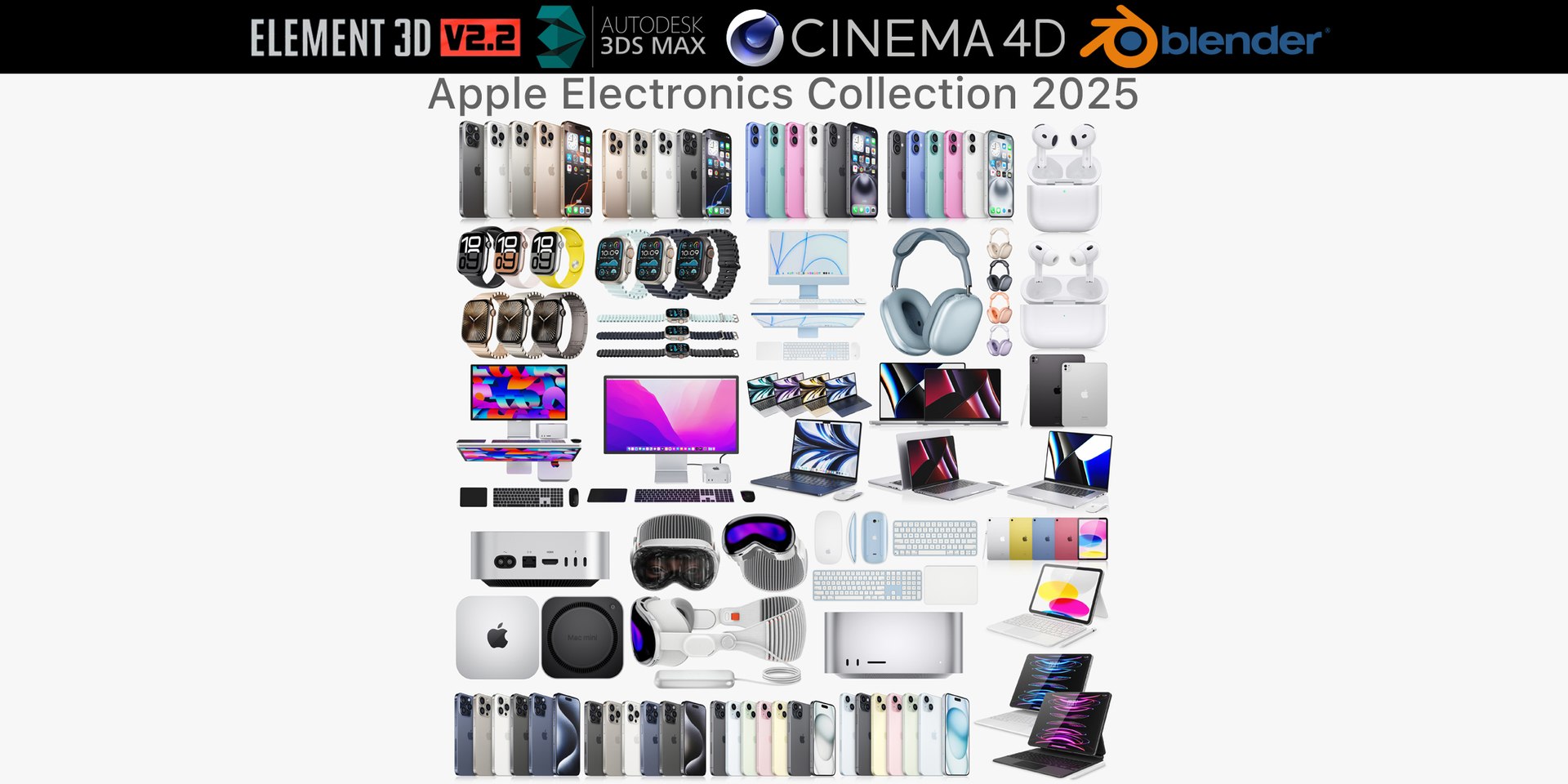
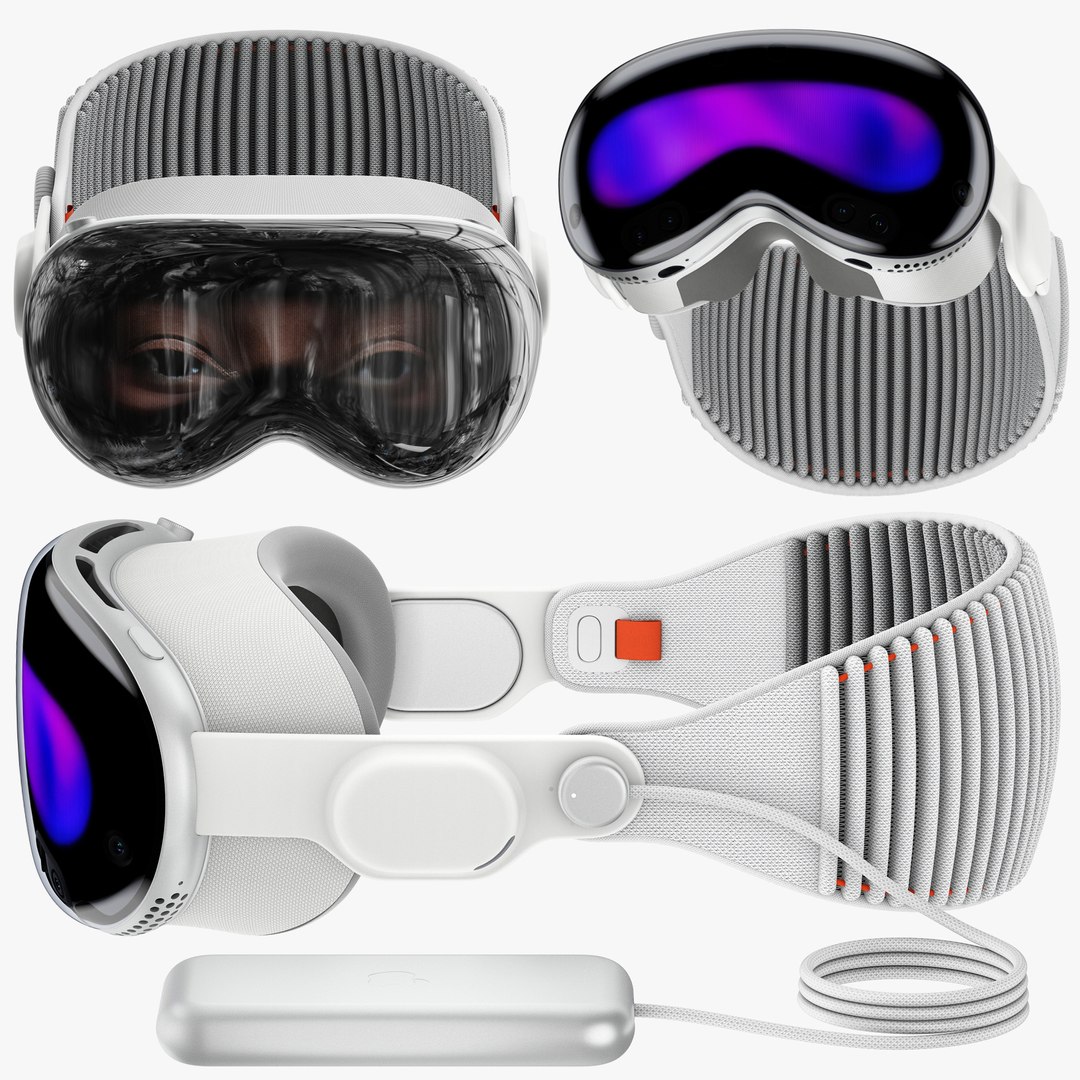
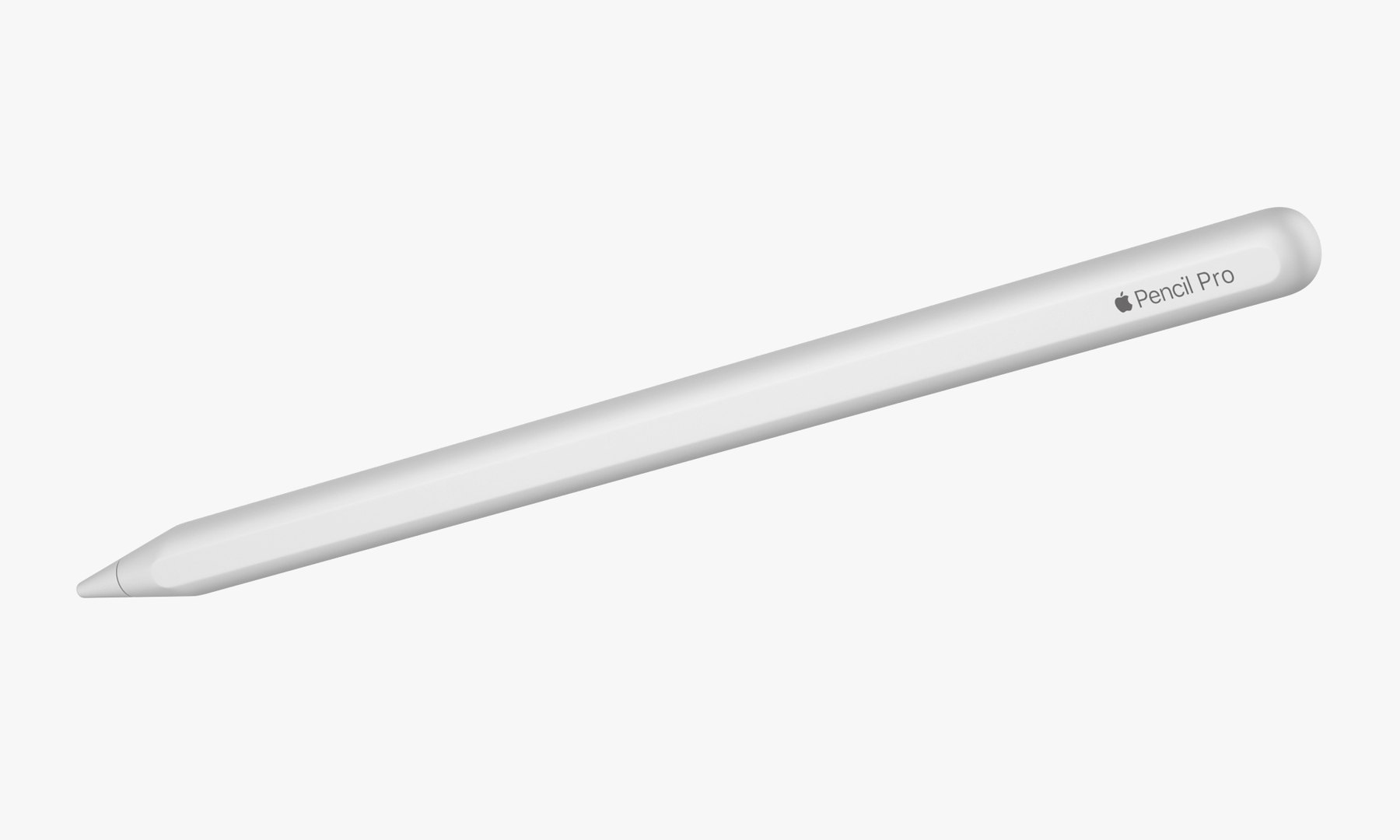
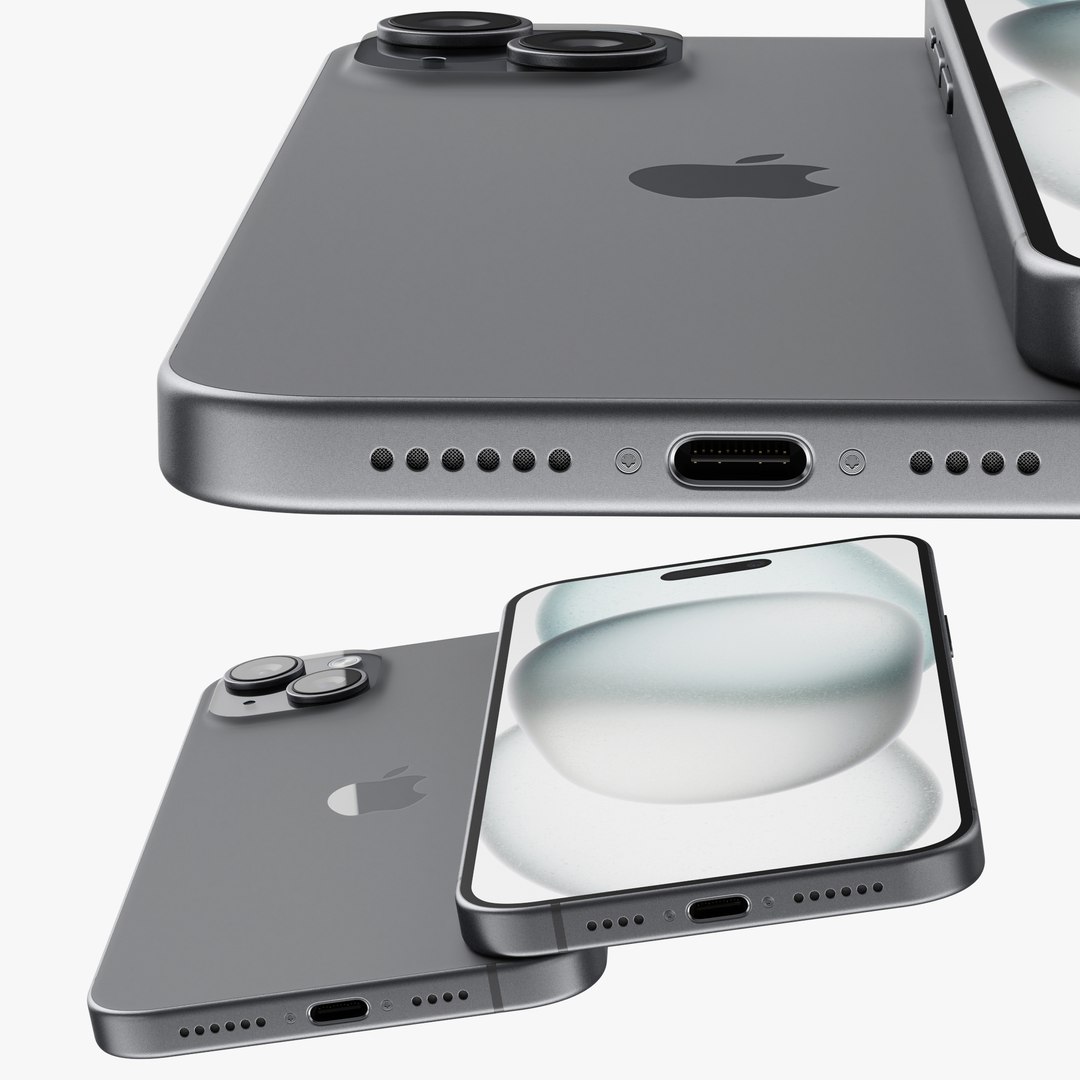
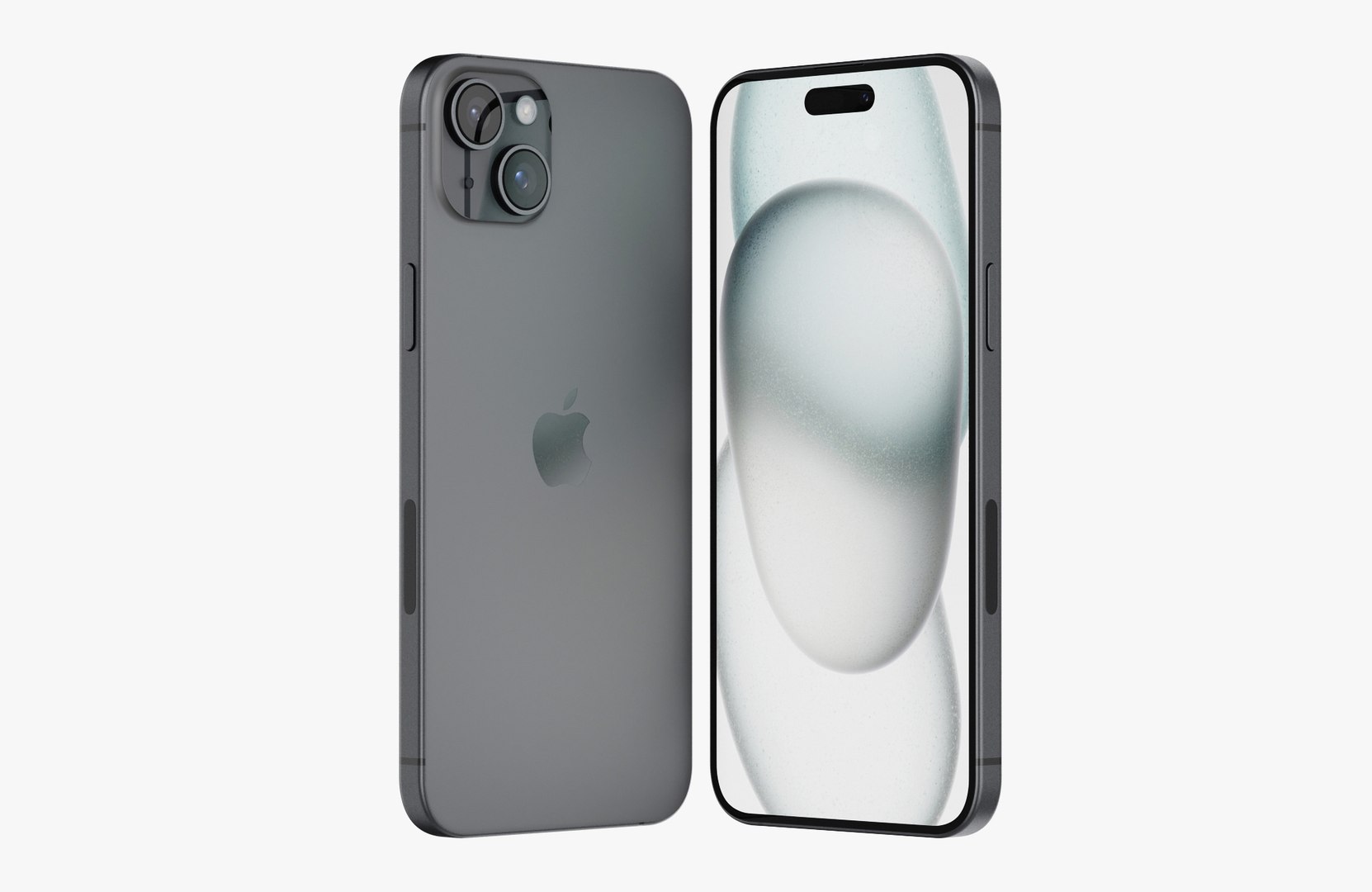
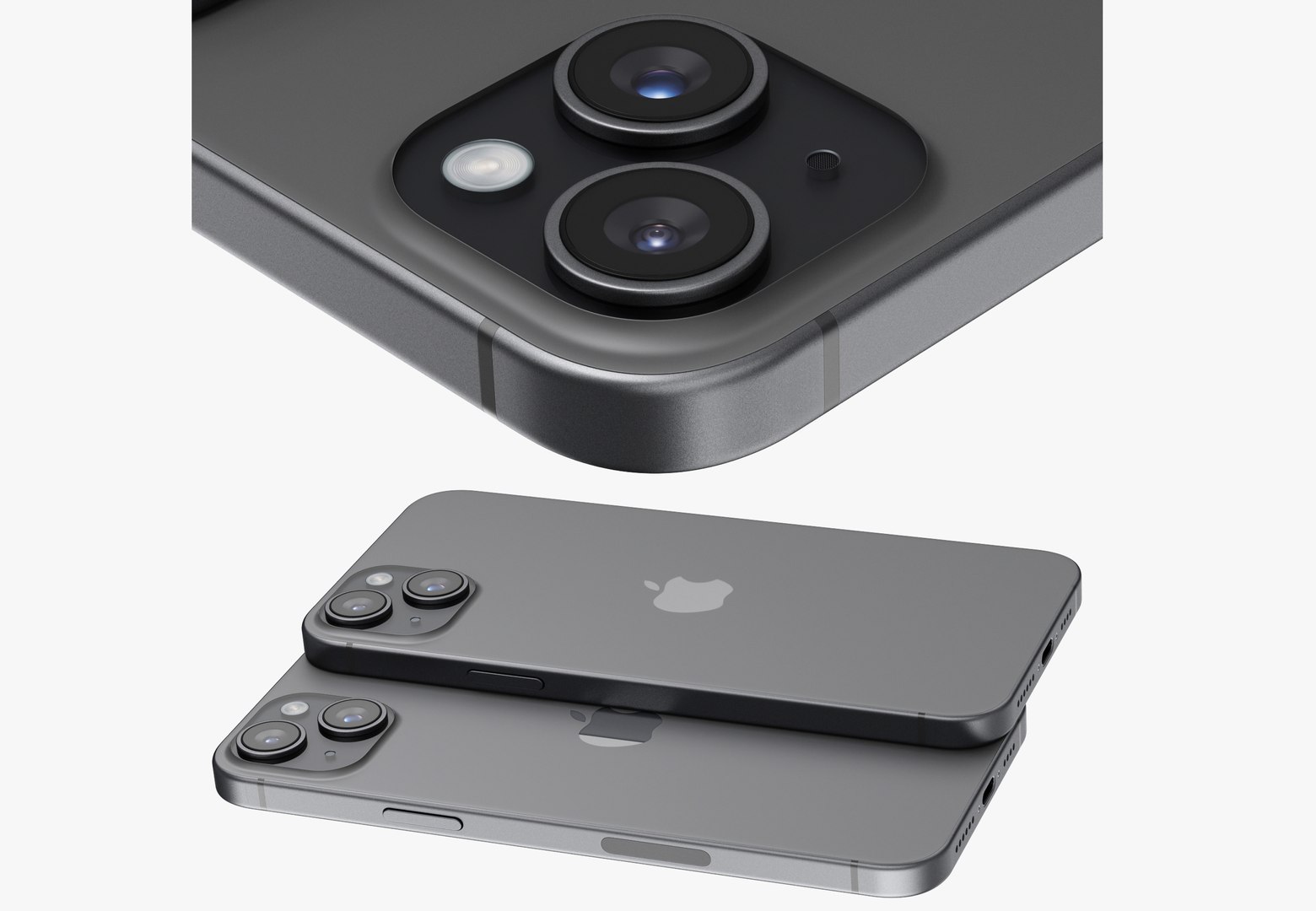
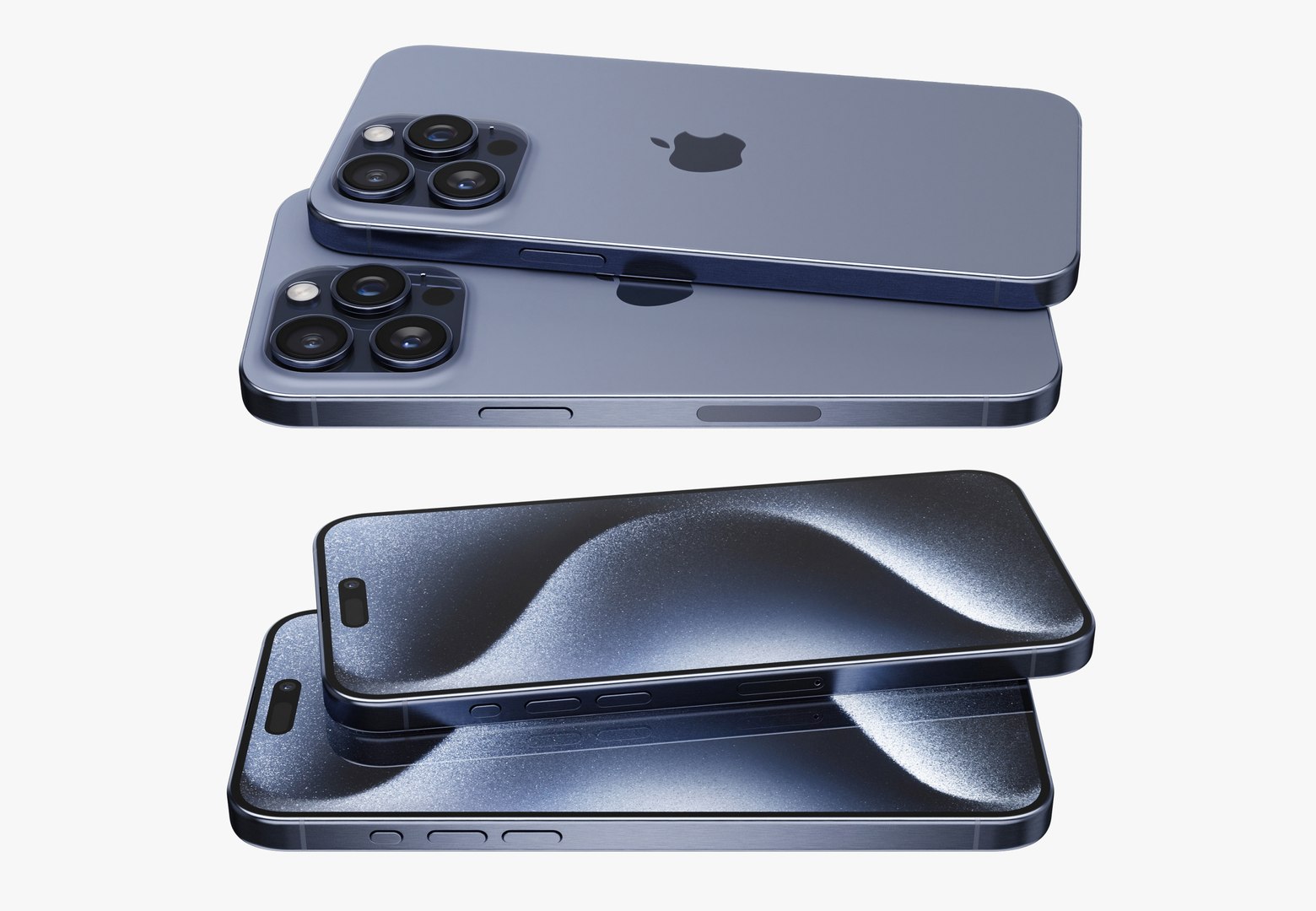
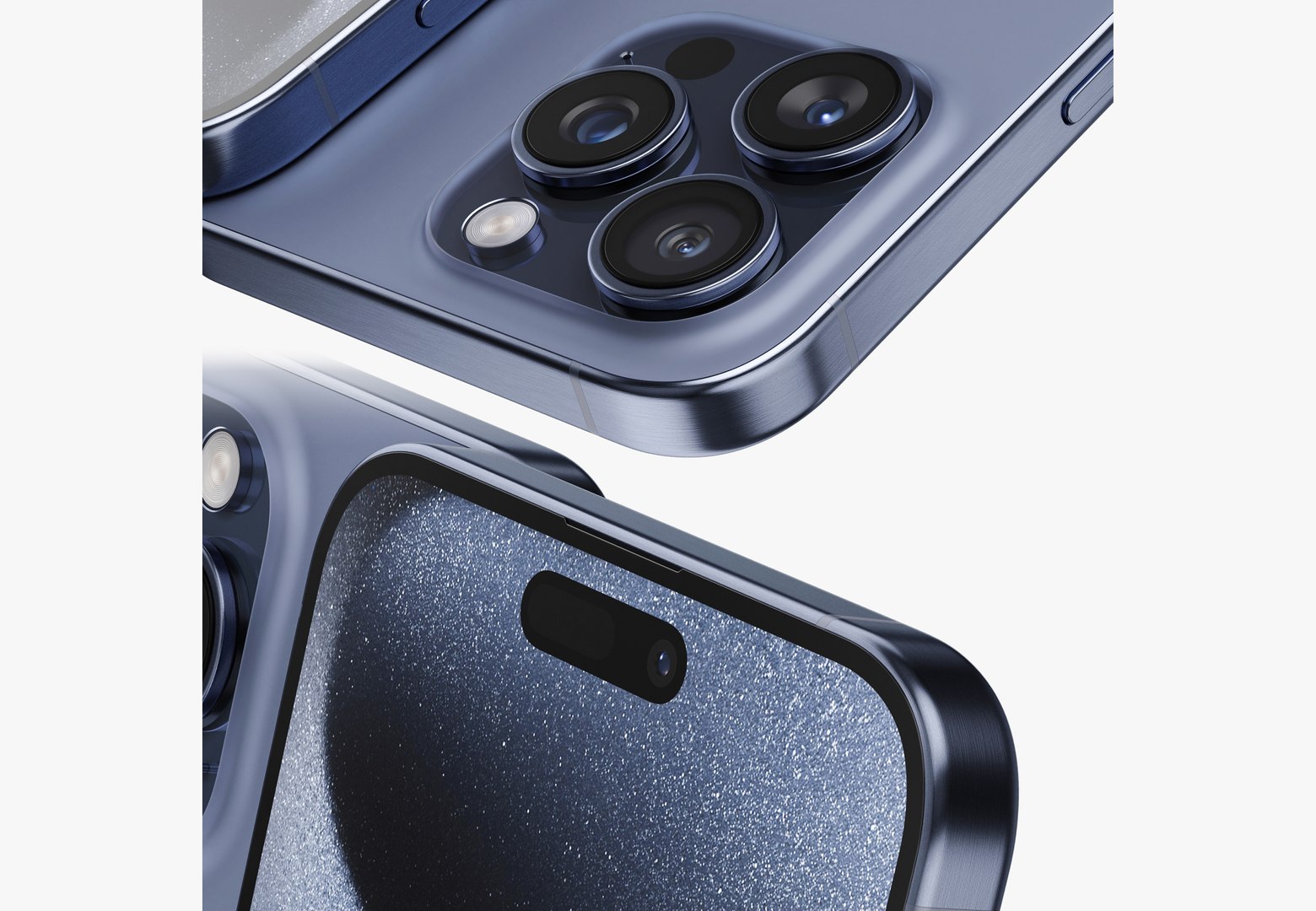
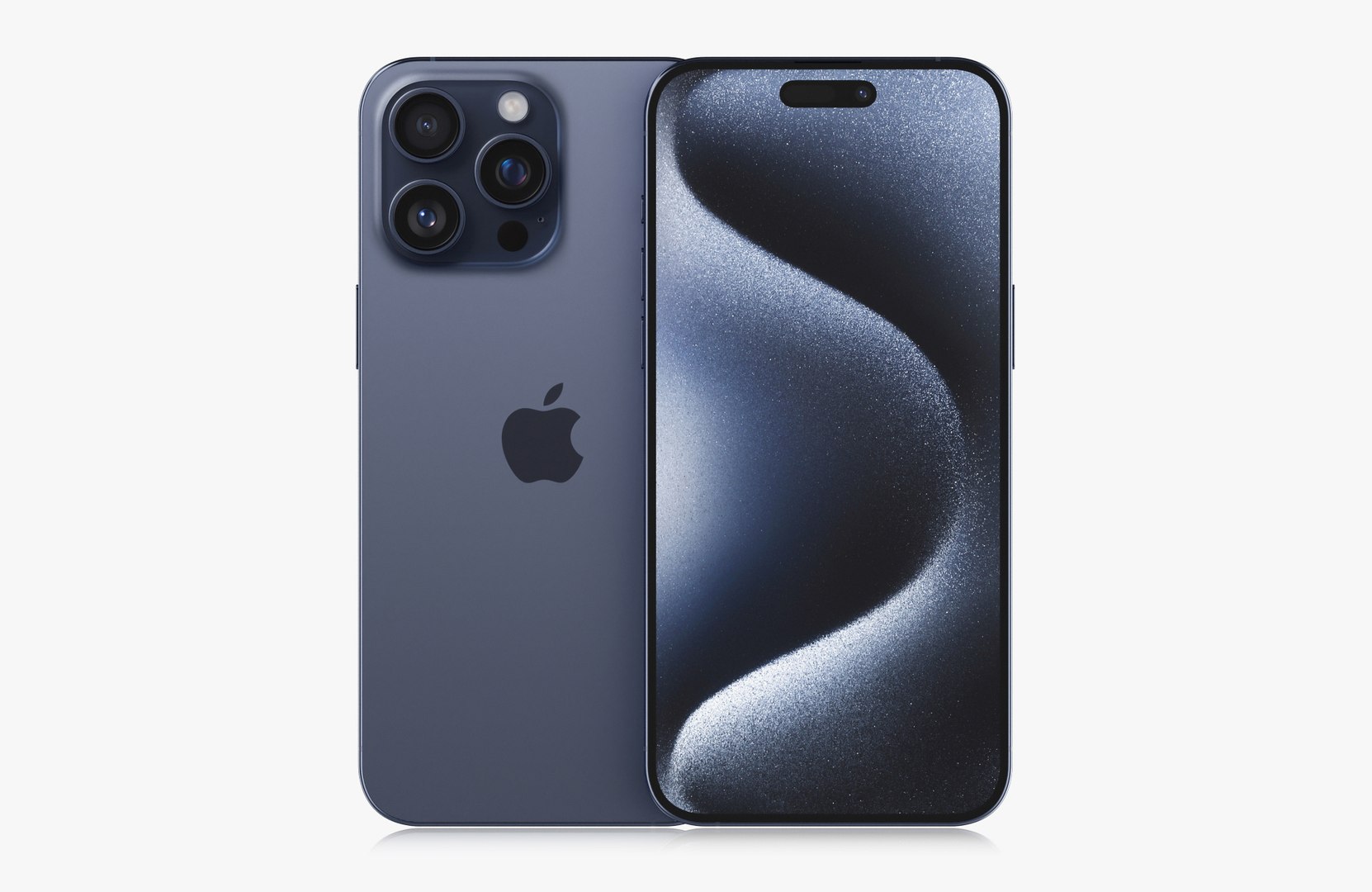
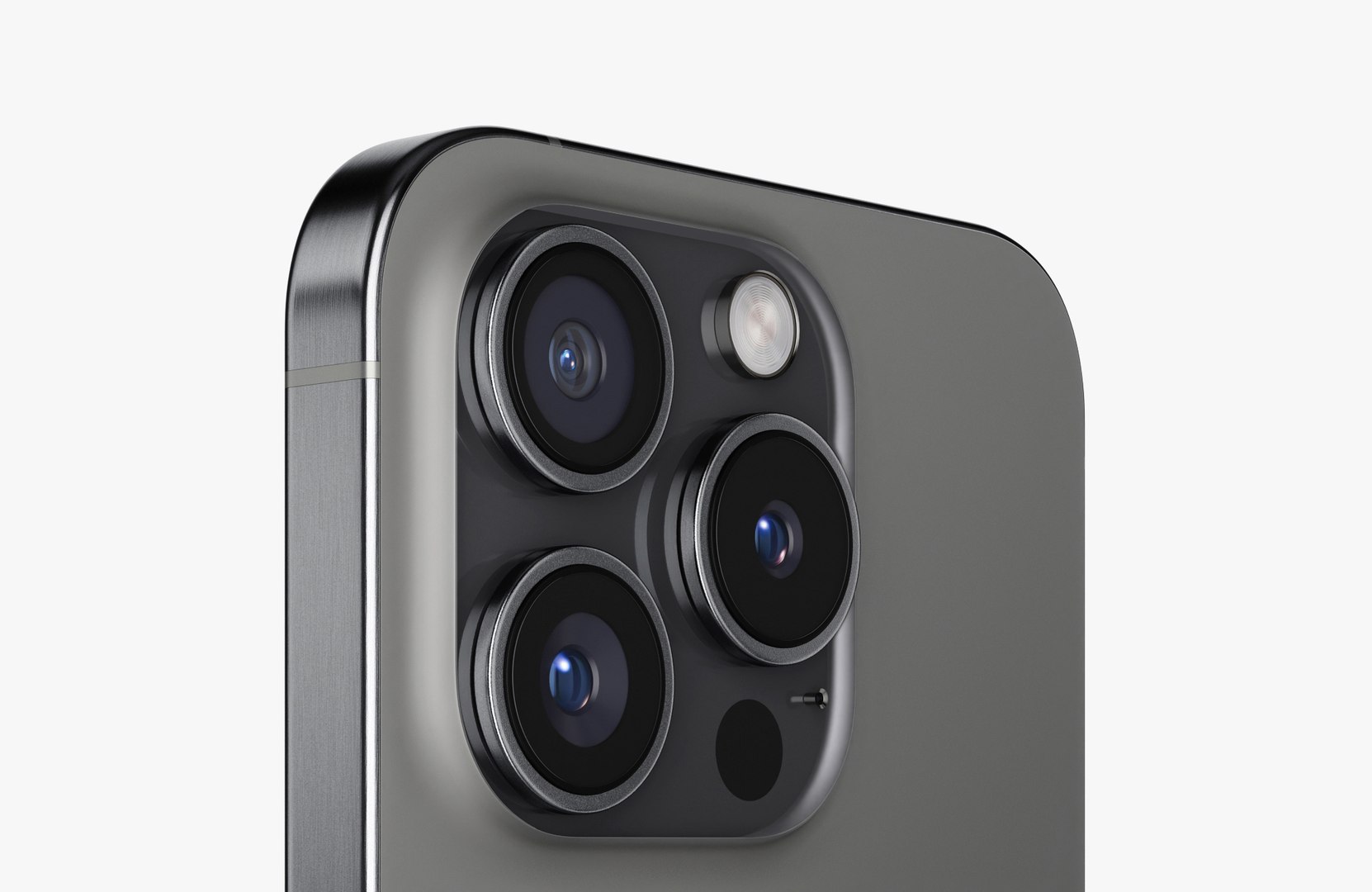
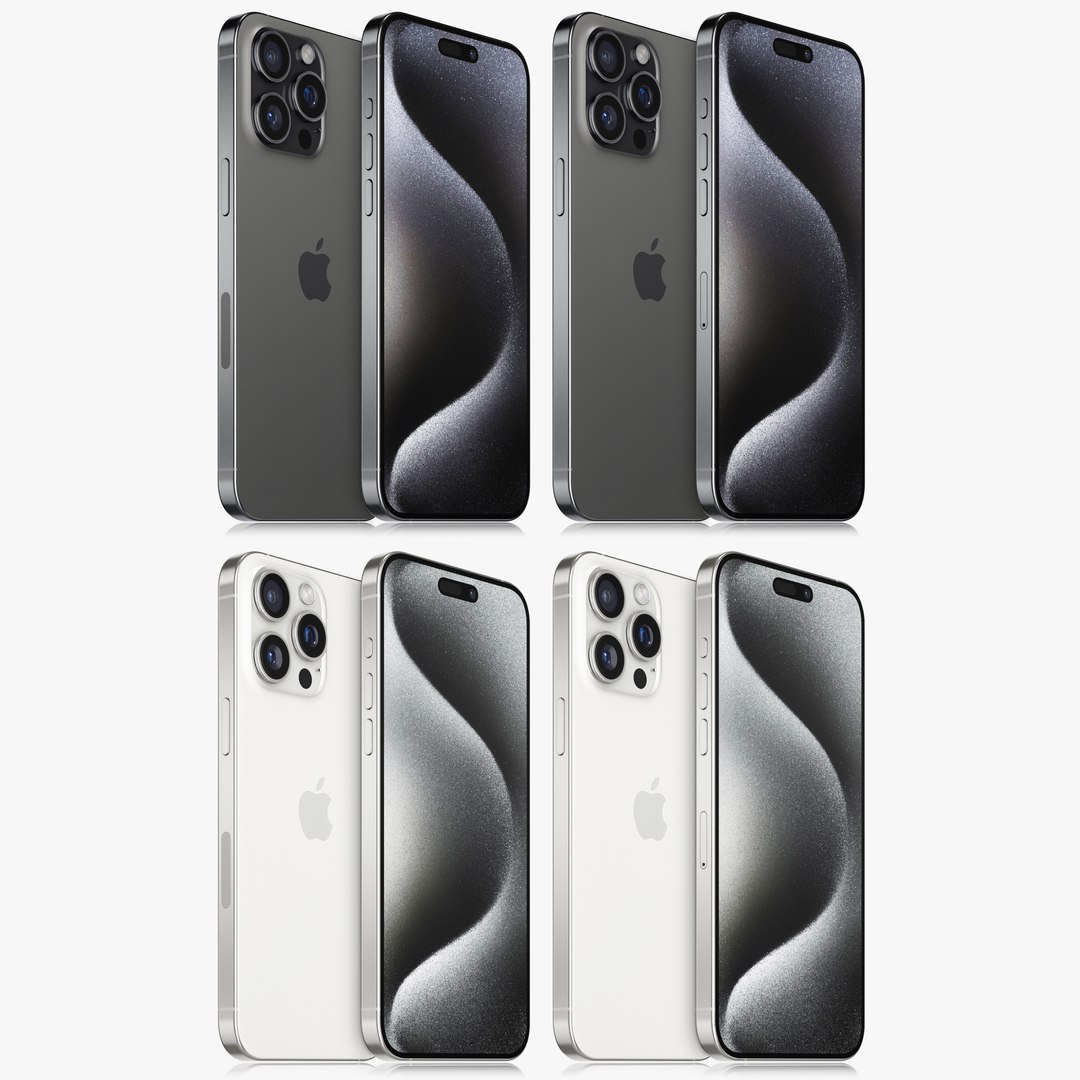
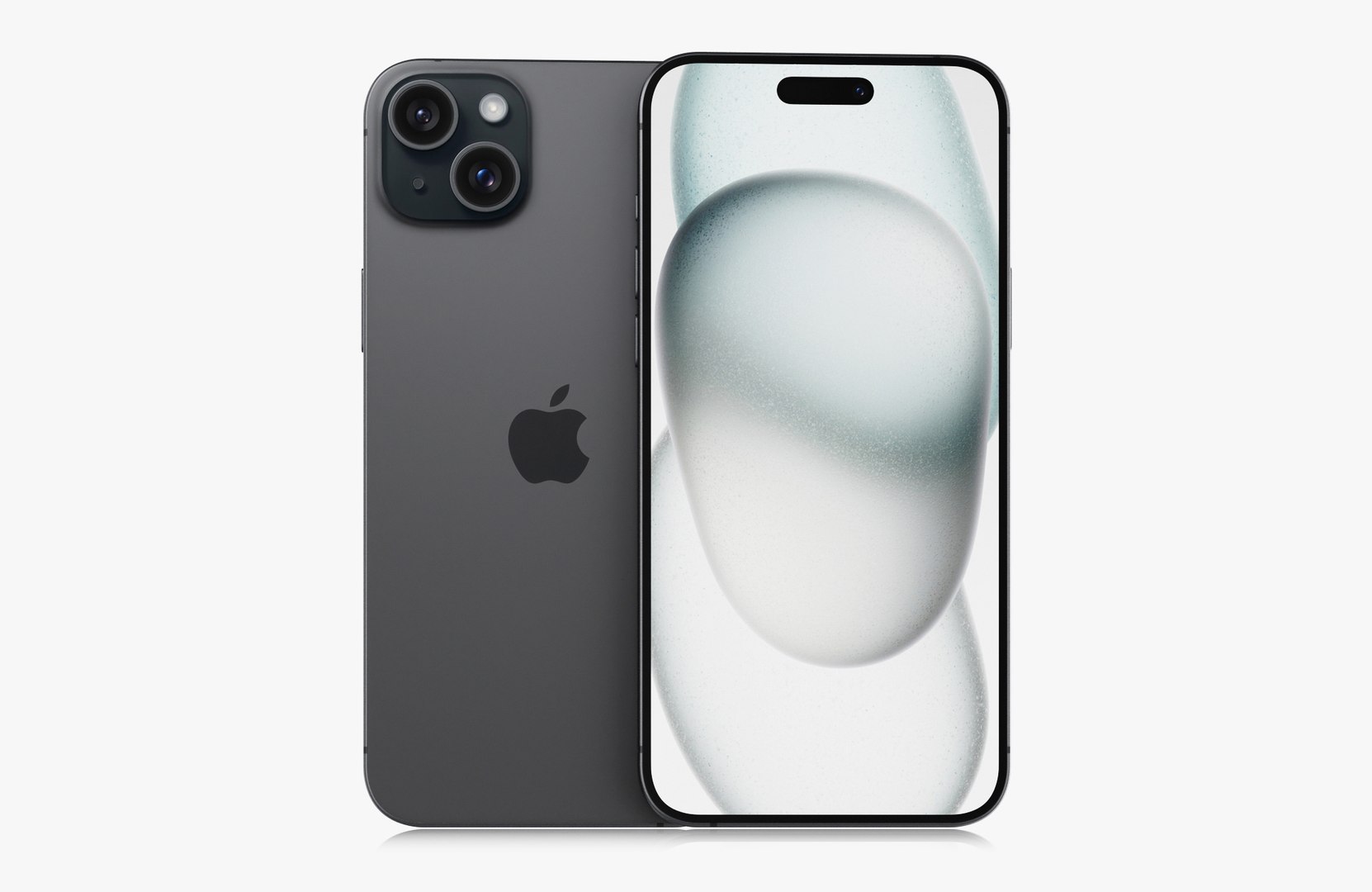
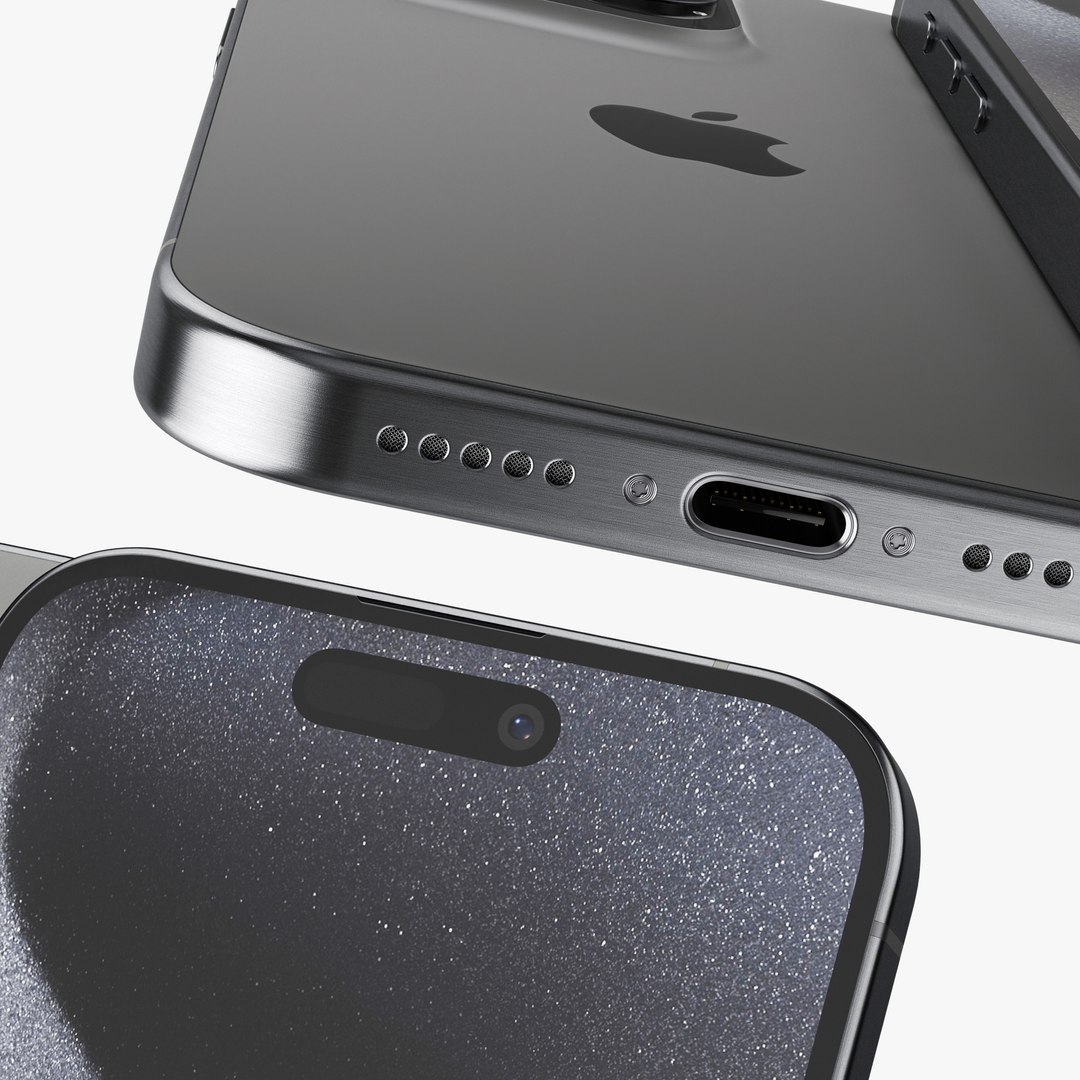
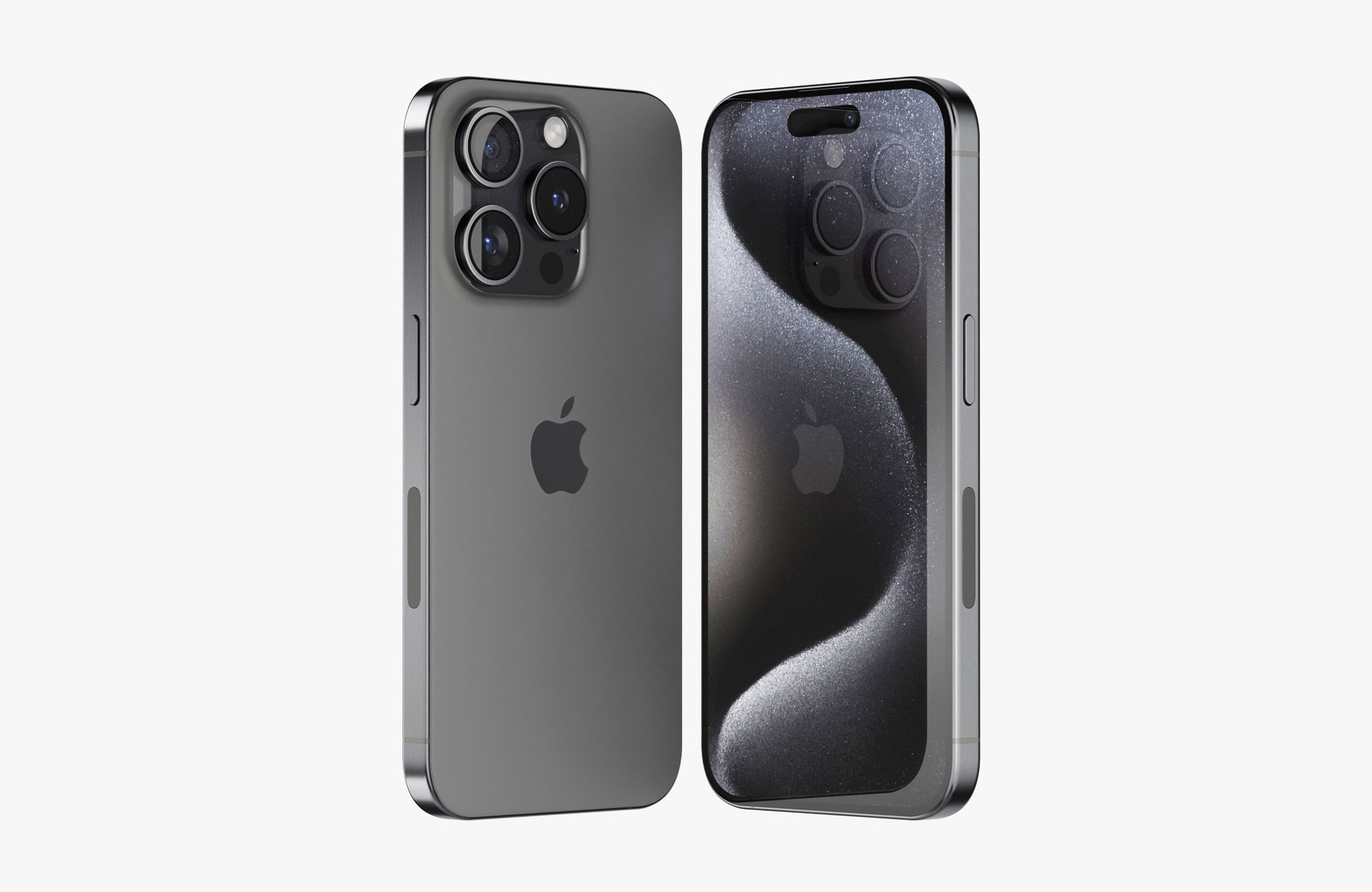
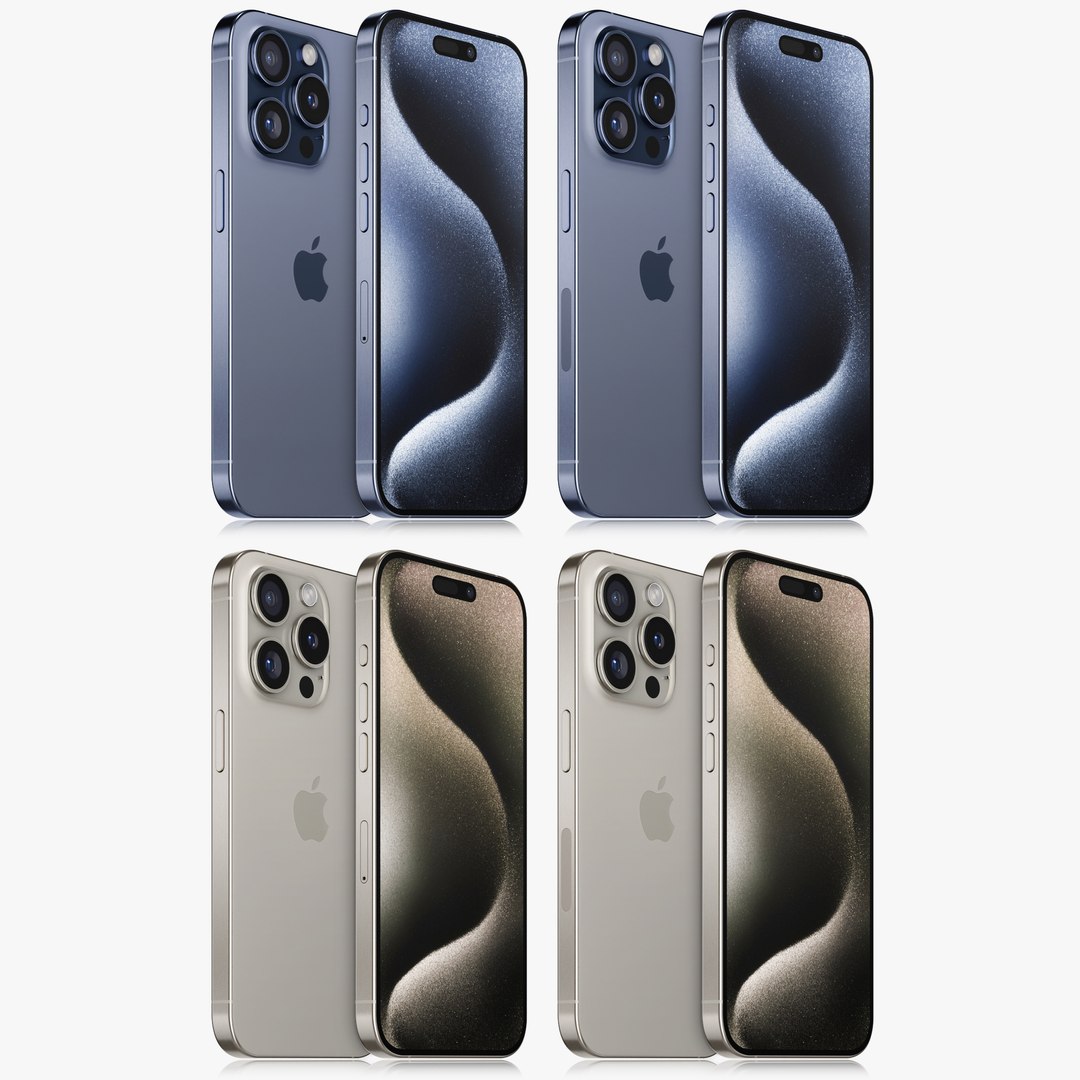
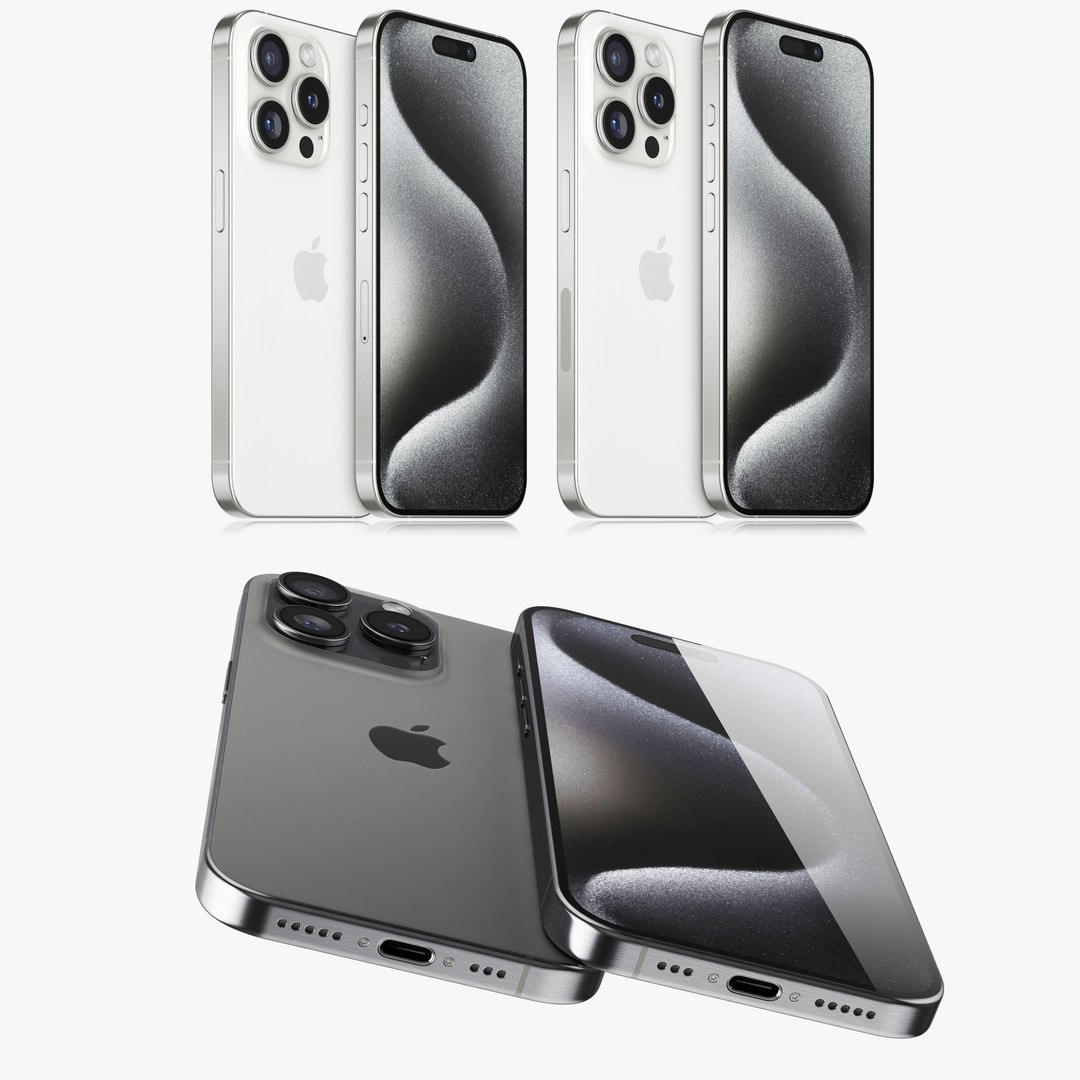
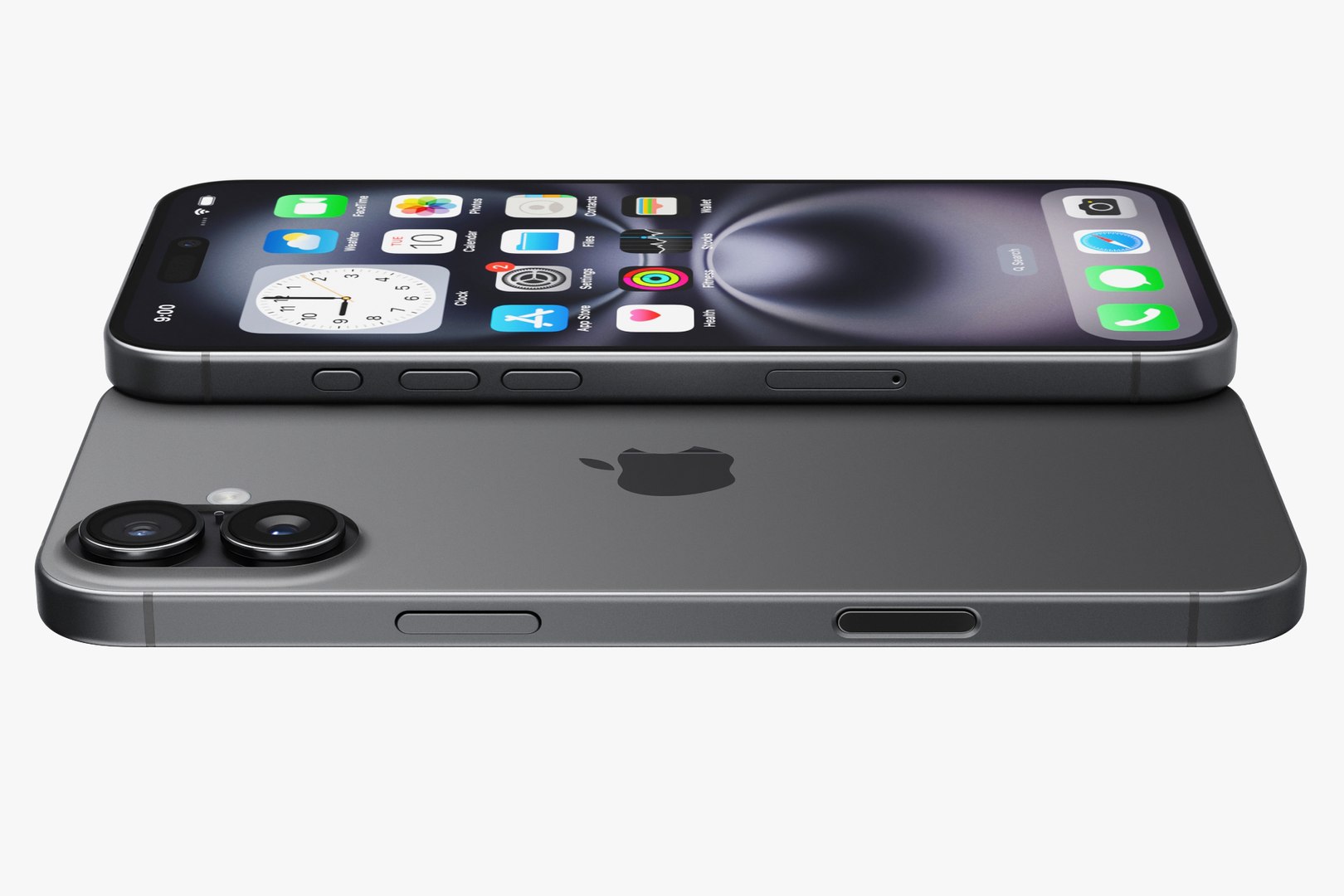
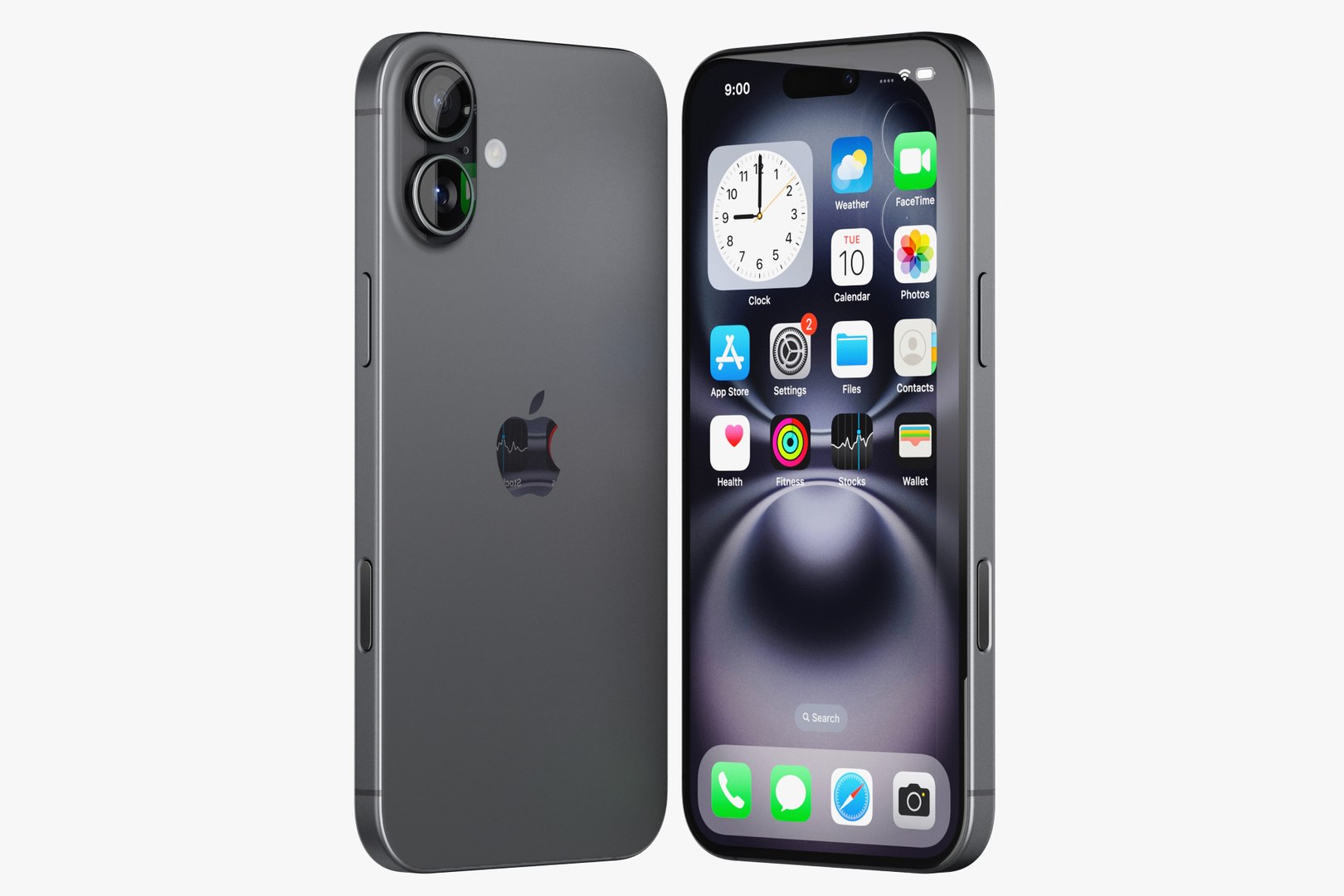
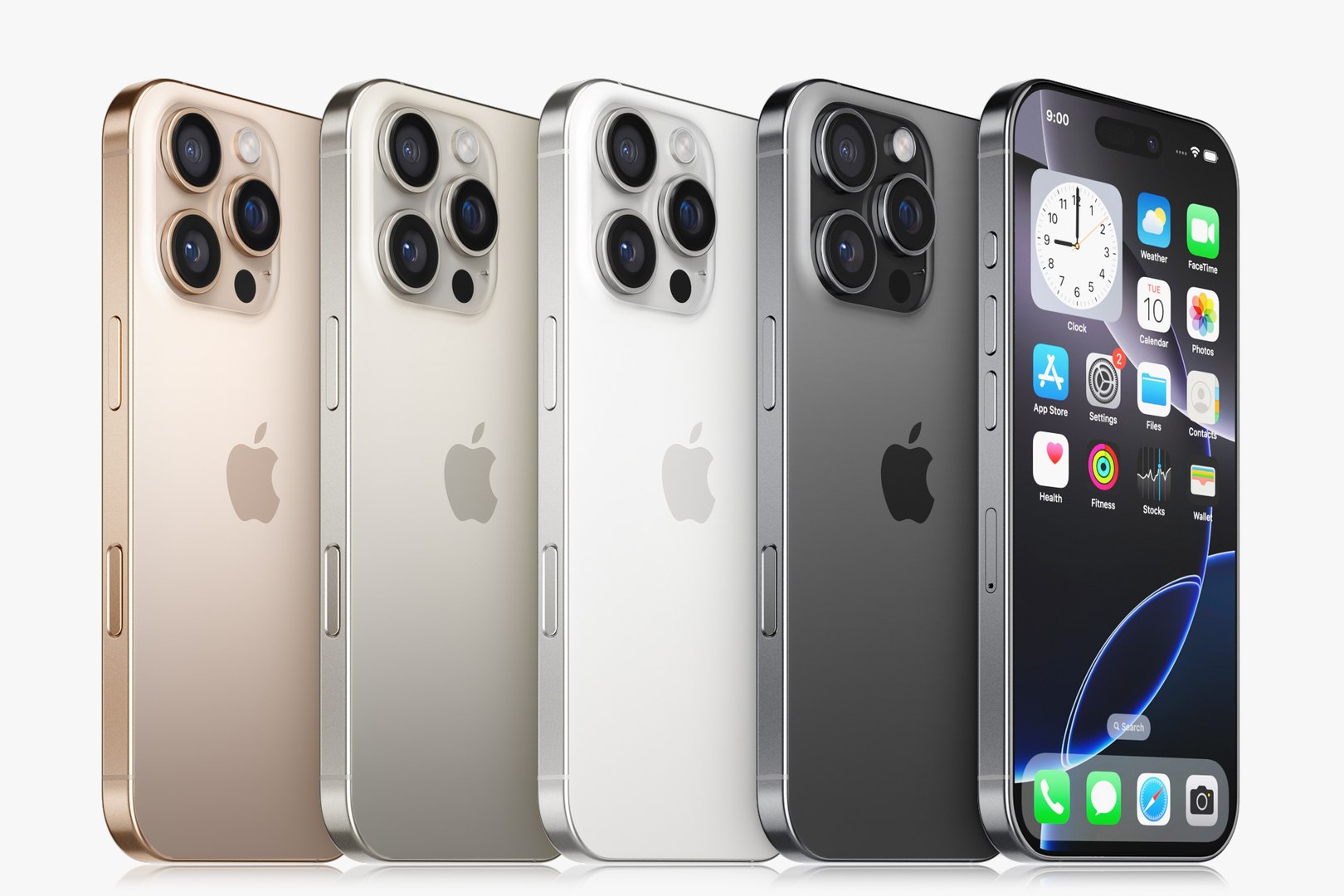
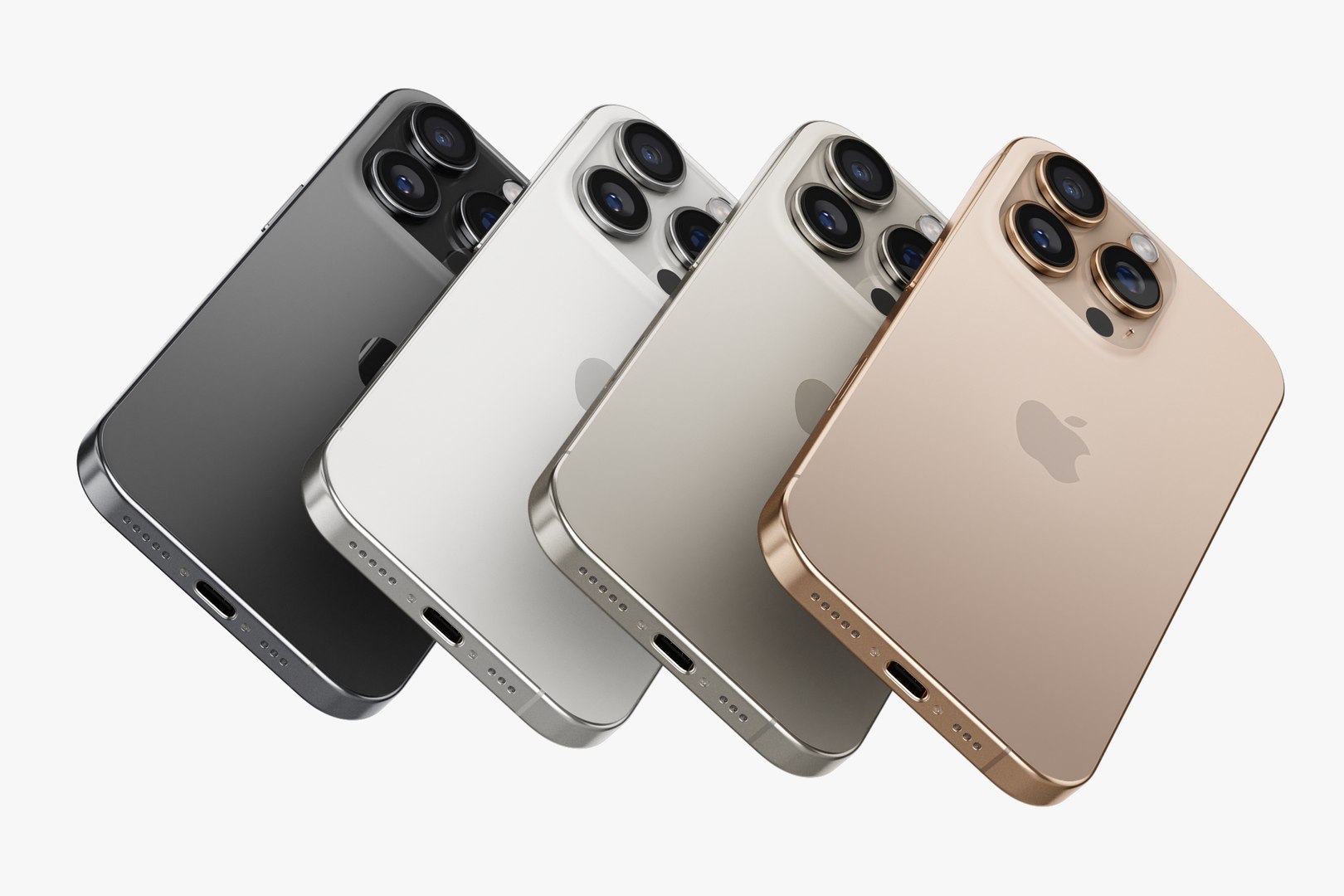
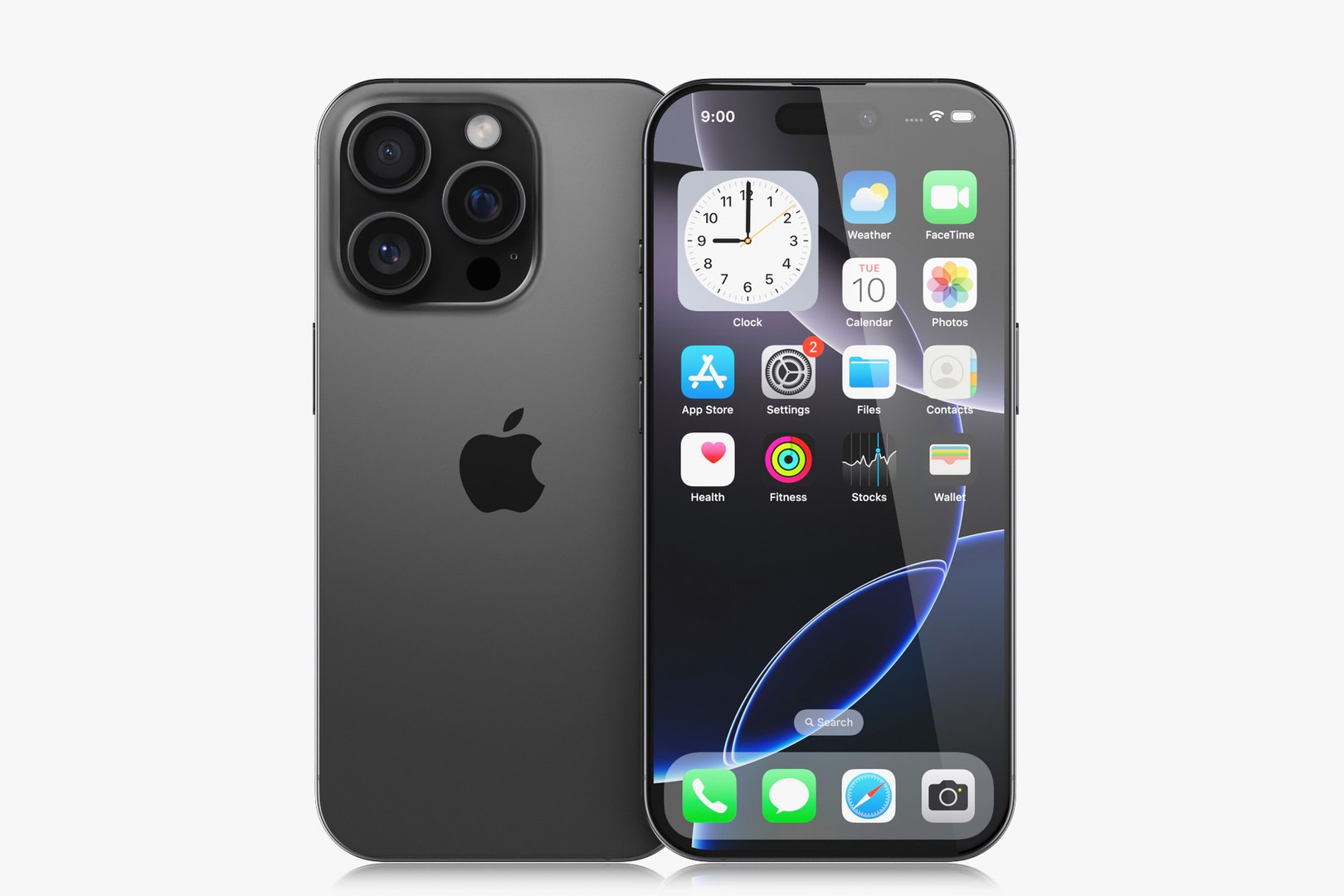
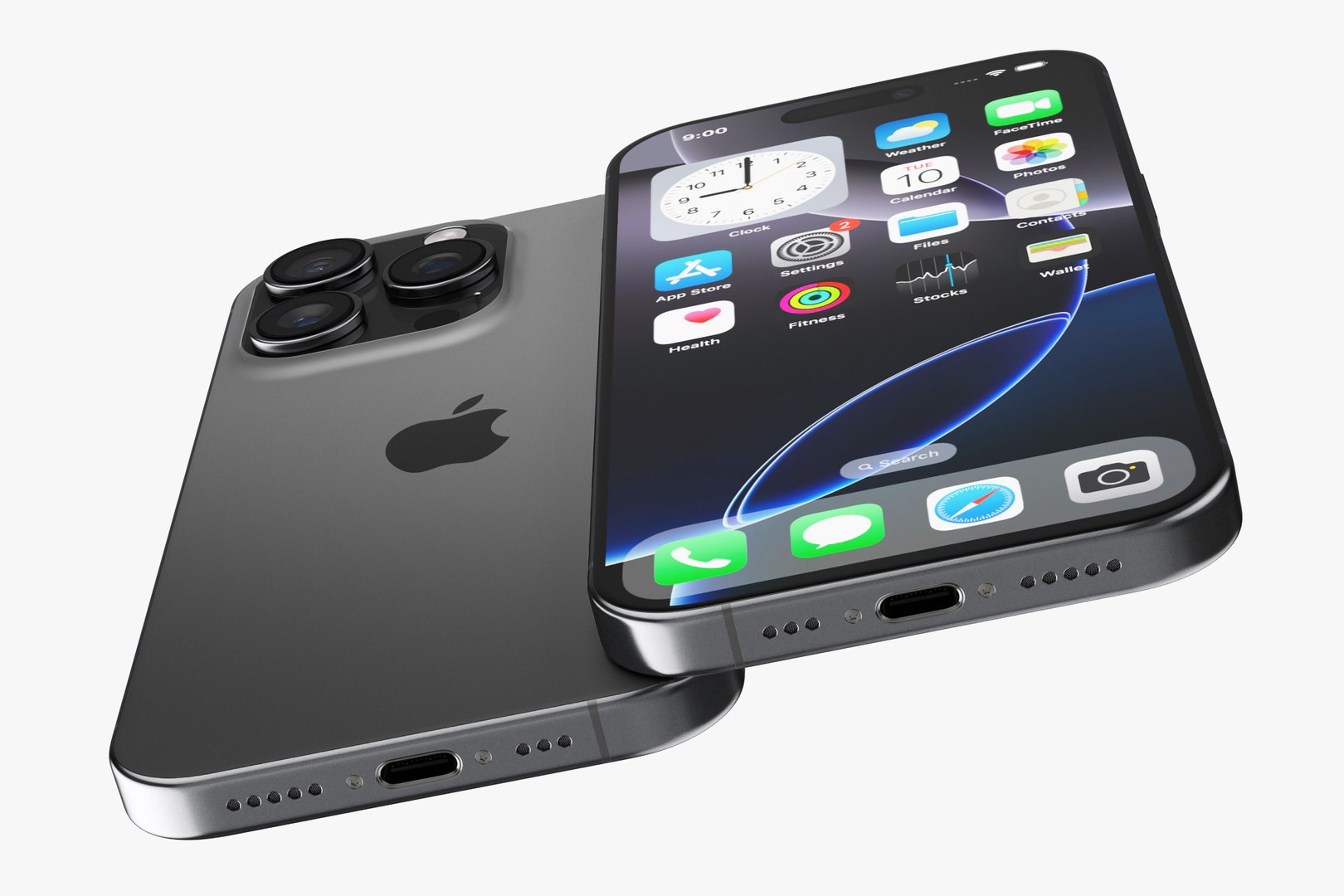
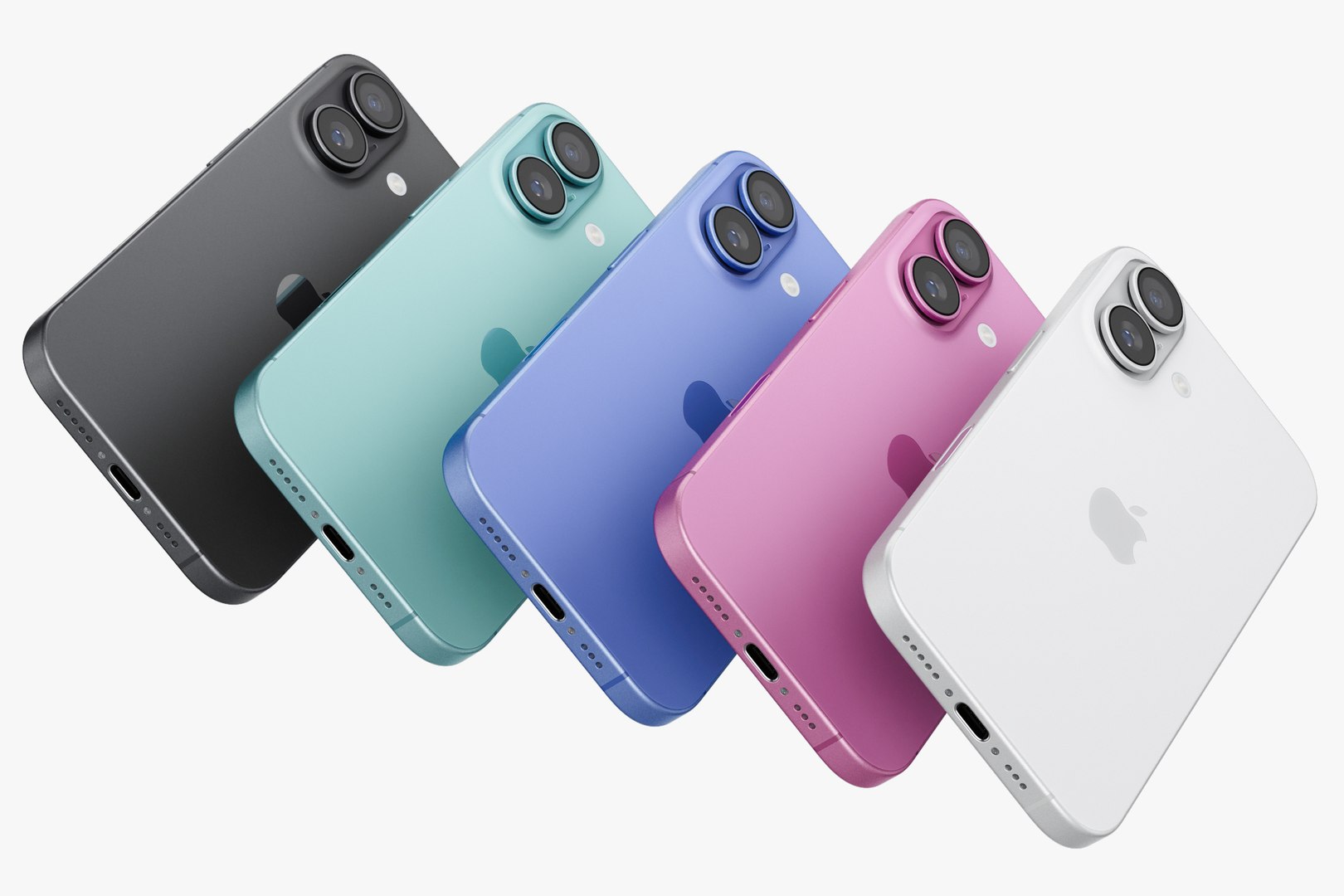
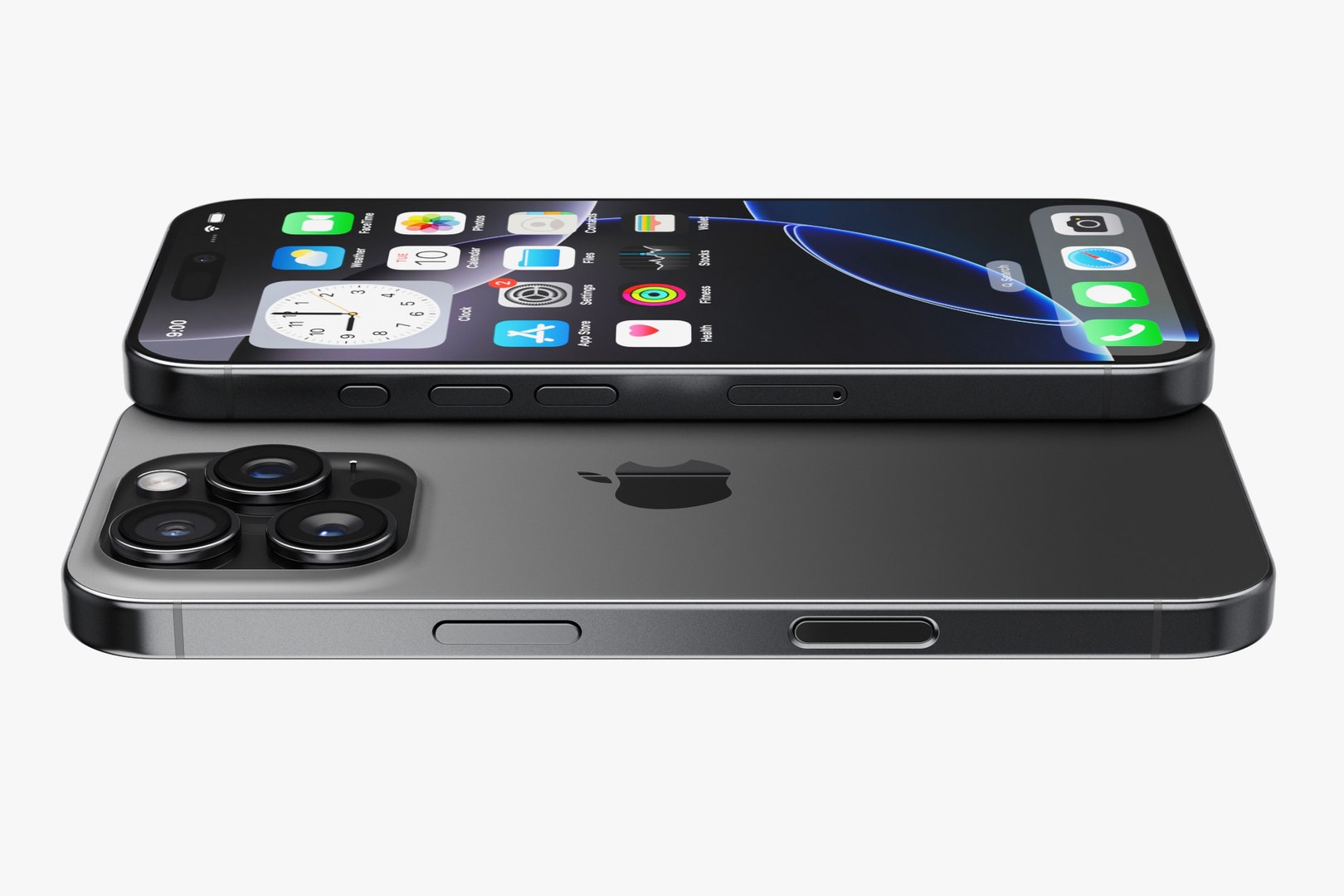
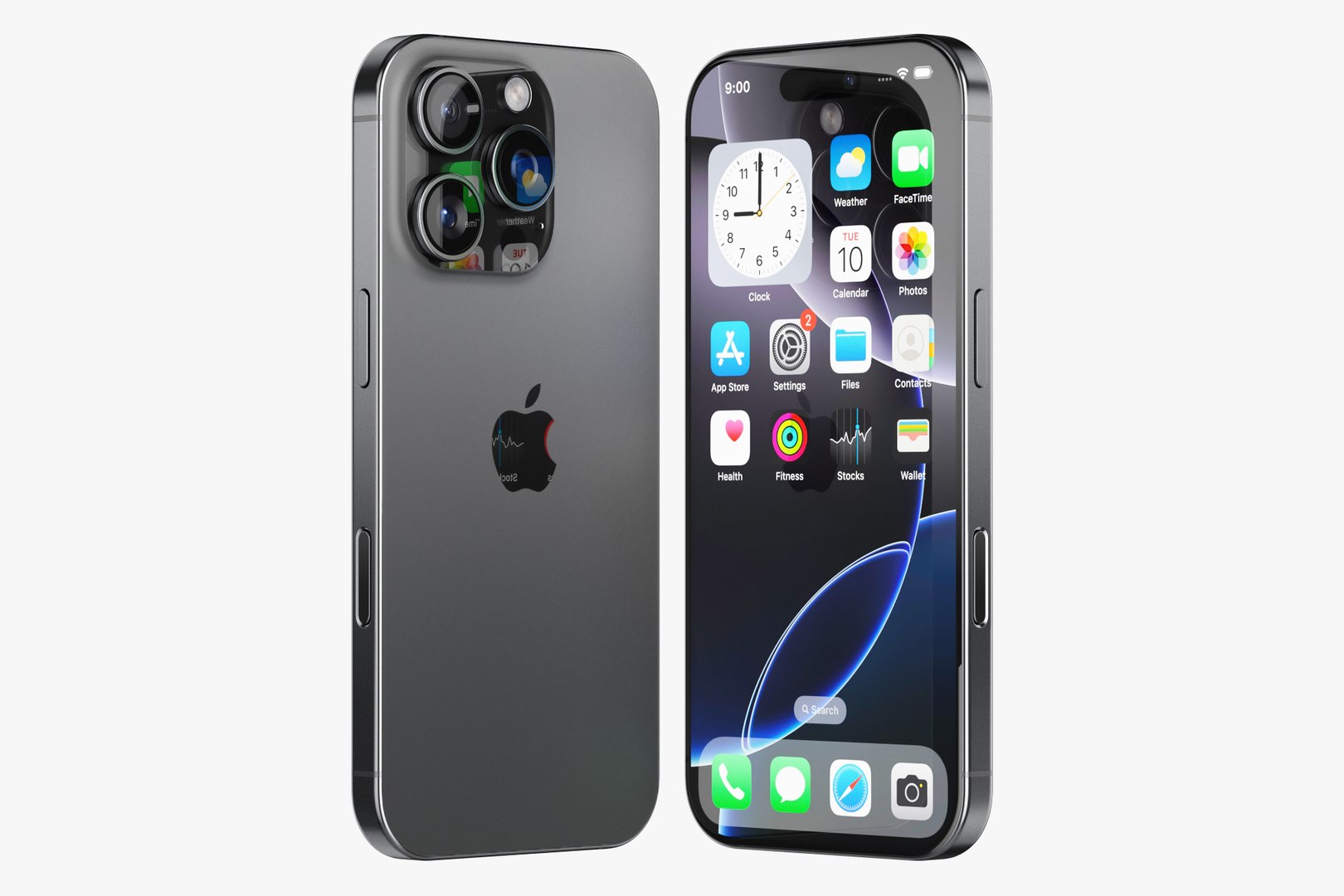
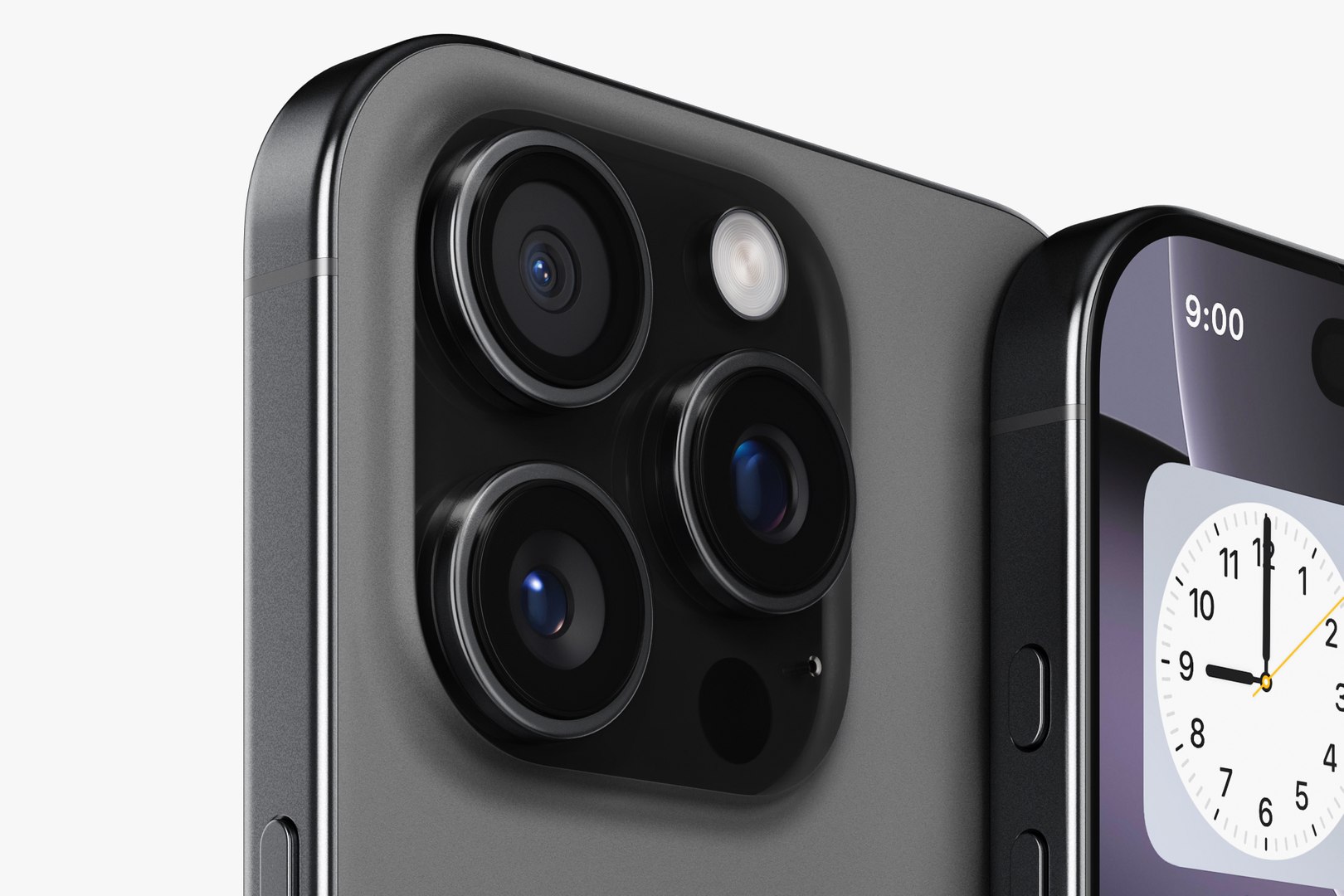
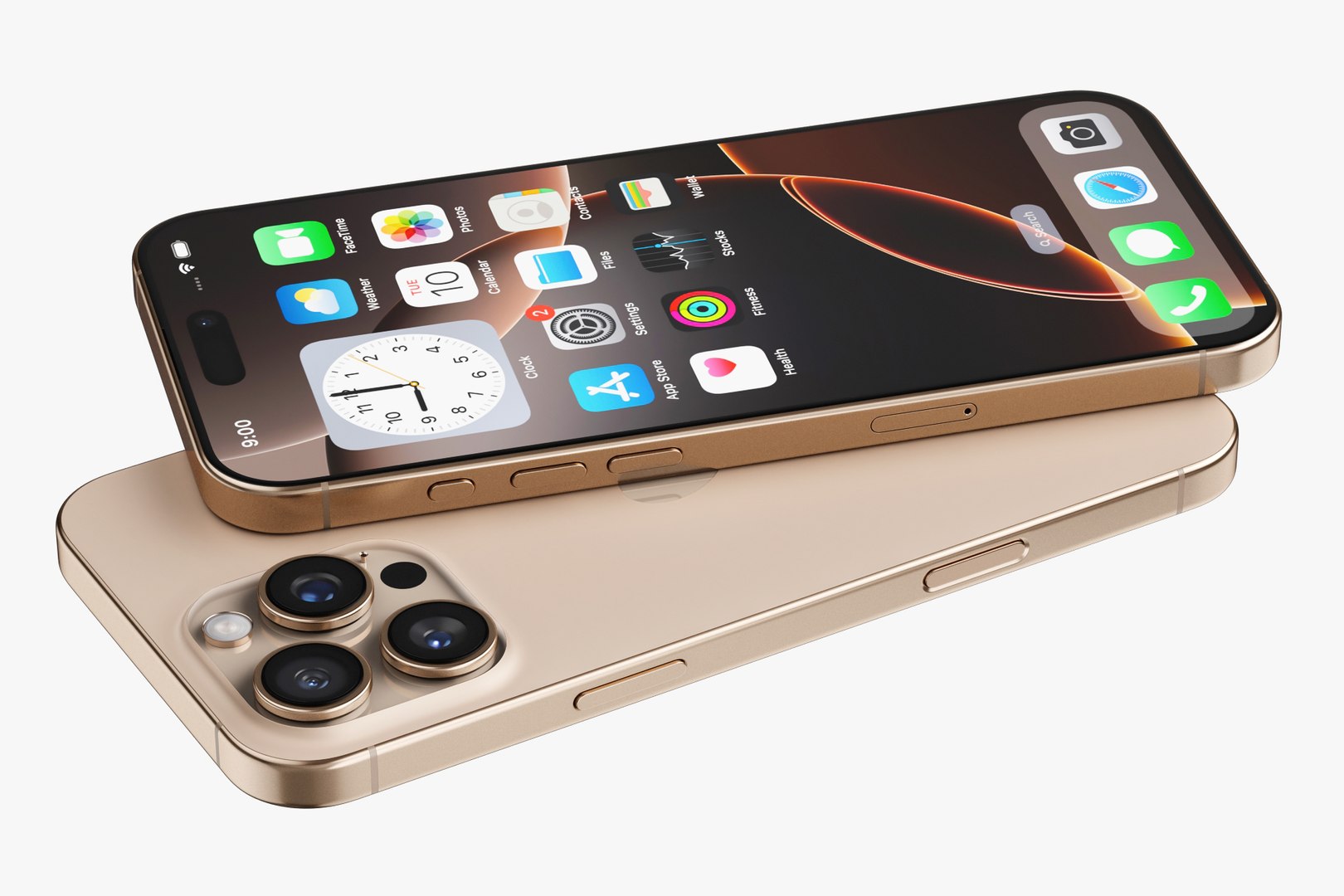
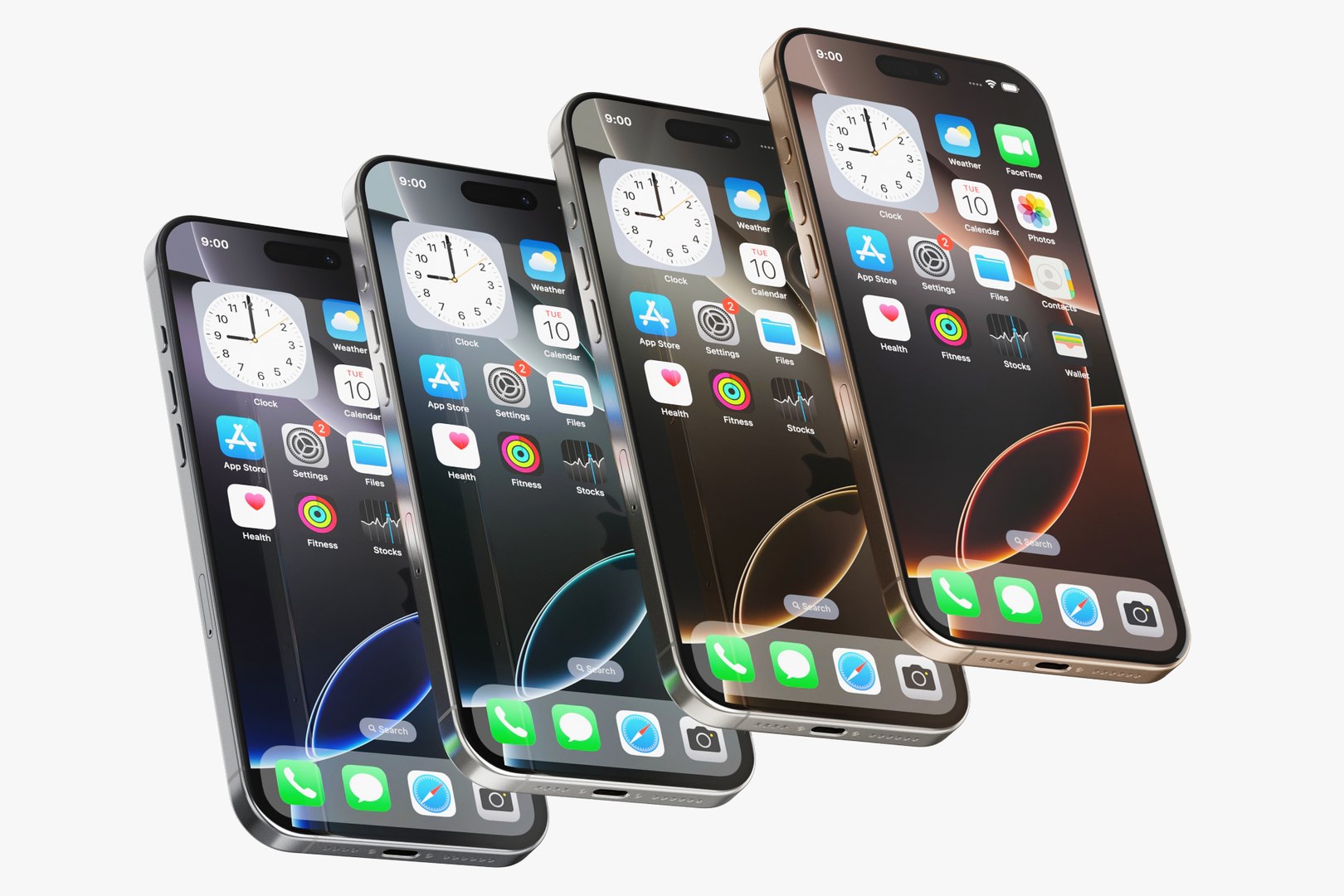
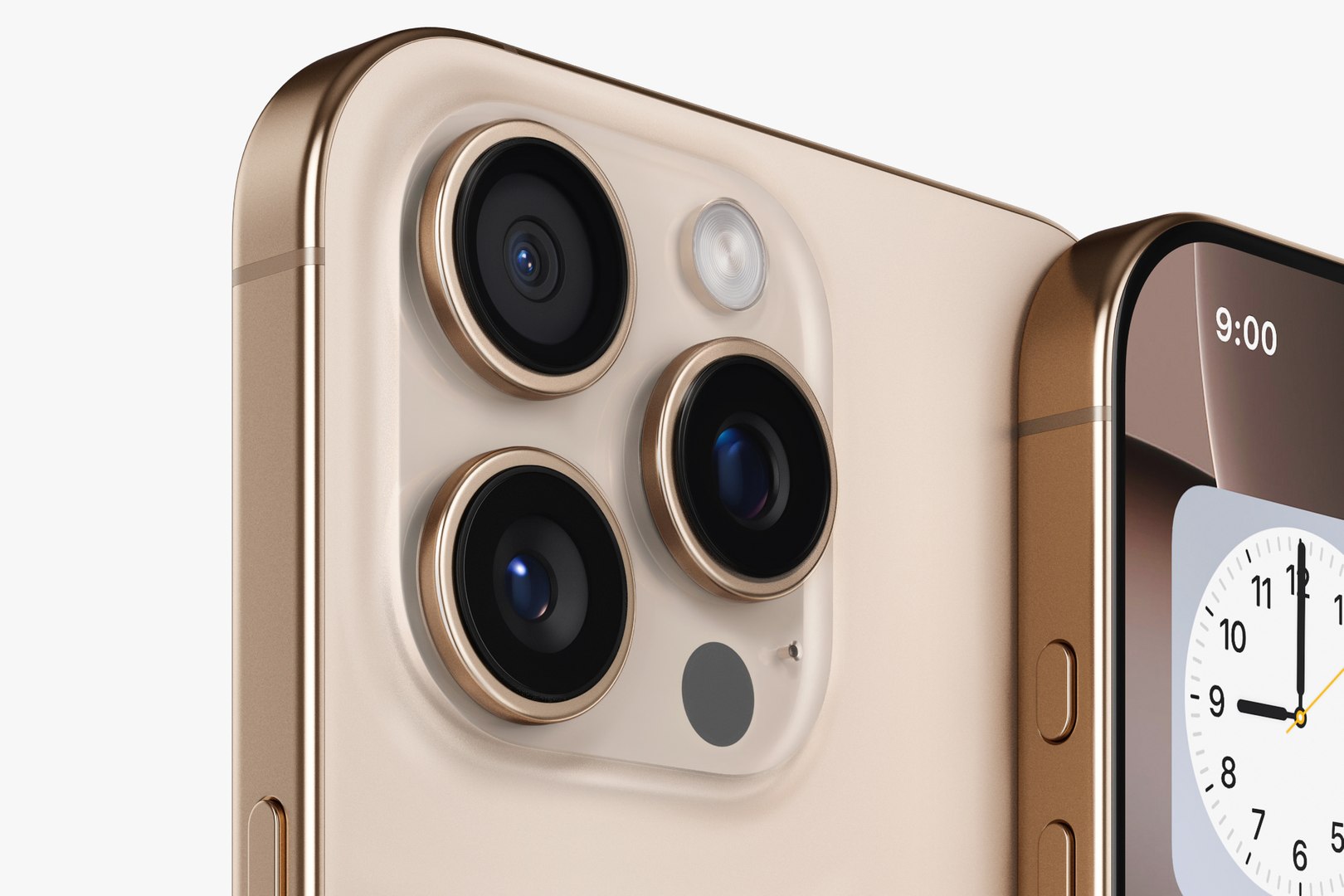
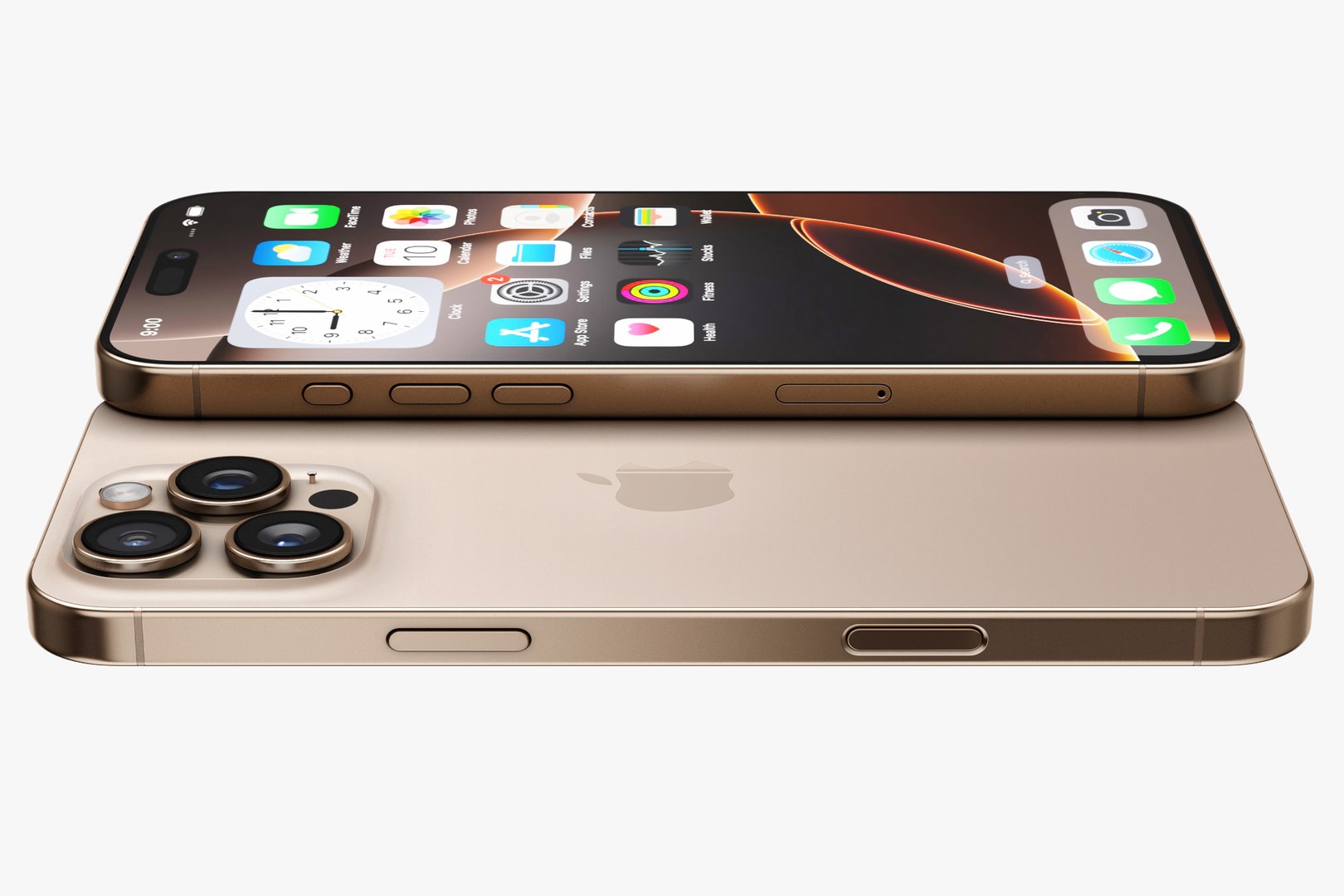
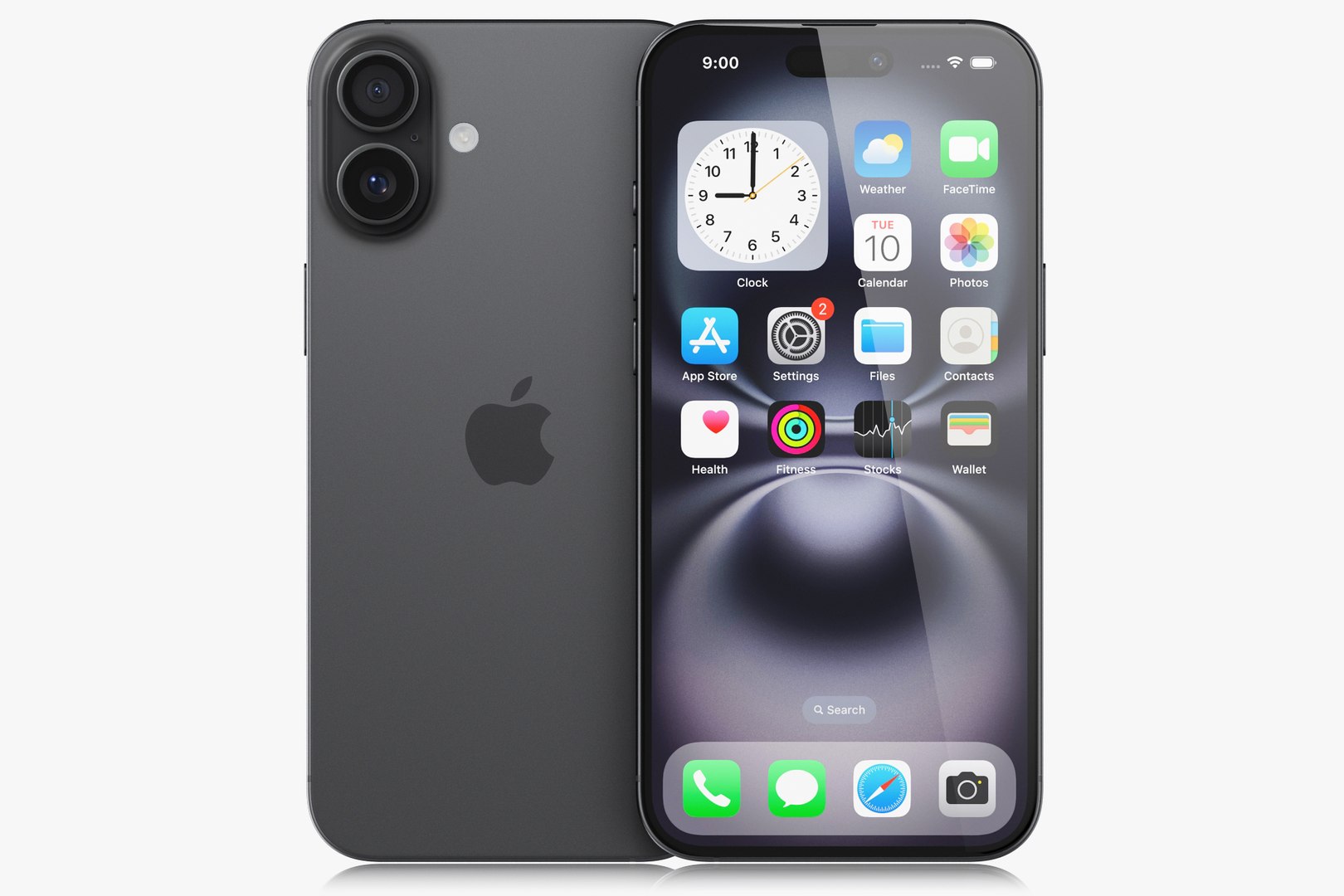
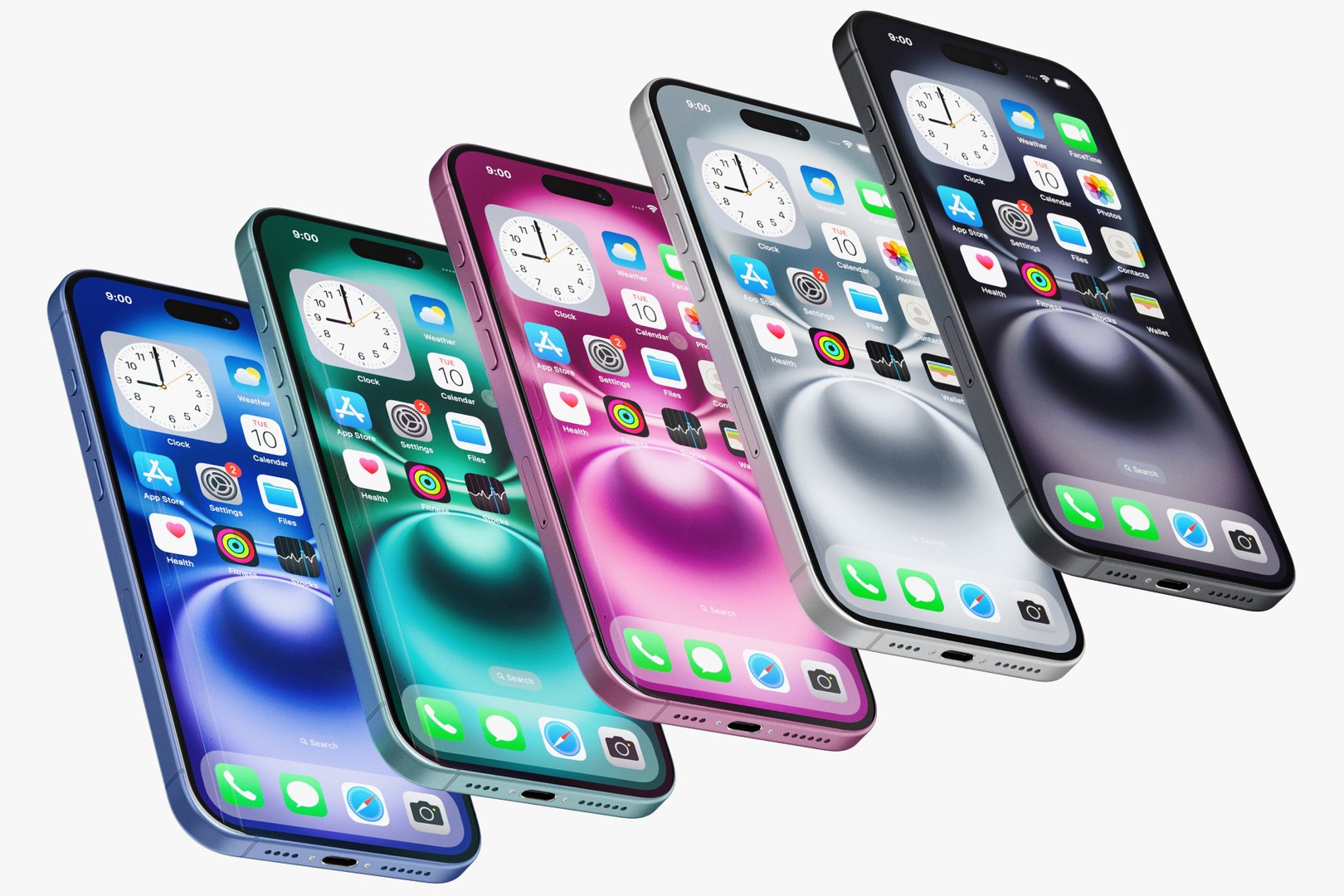
Realistic (copy) 3d model of Apple Electronics Collection 2024 - 2025.
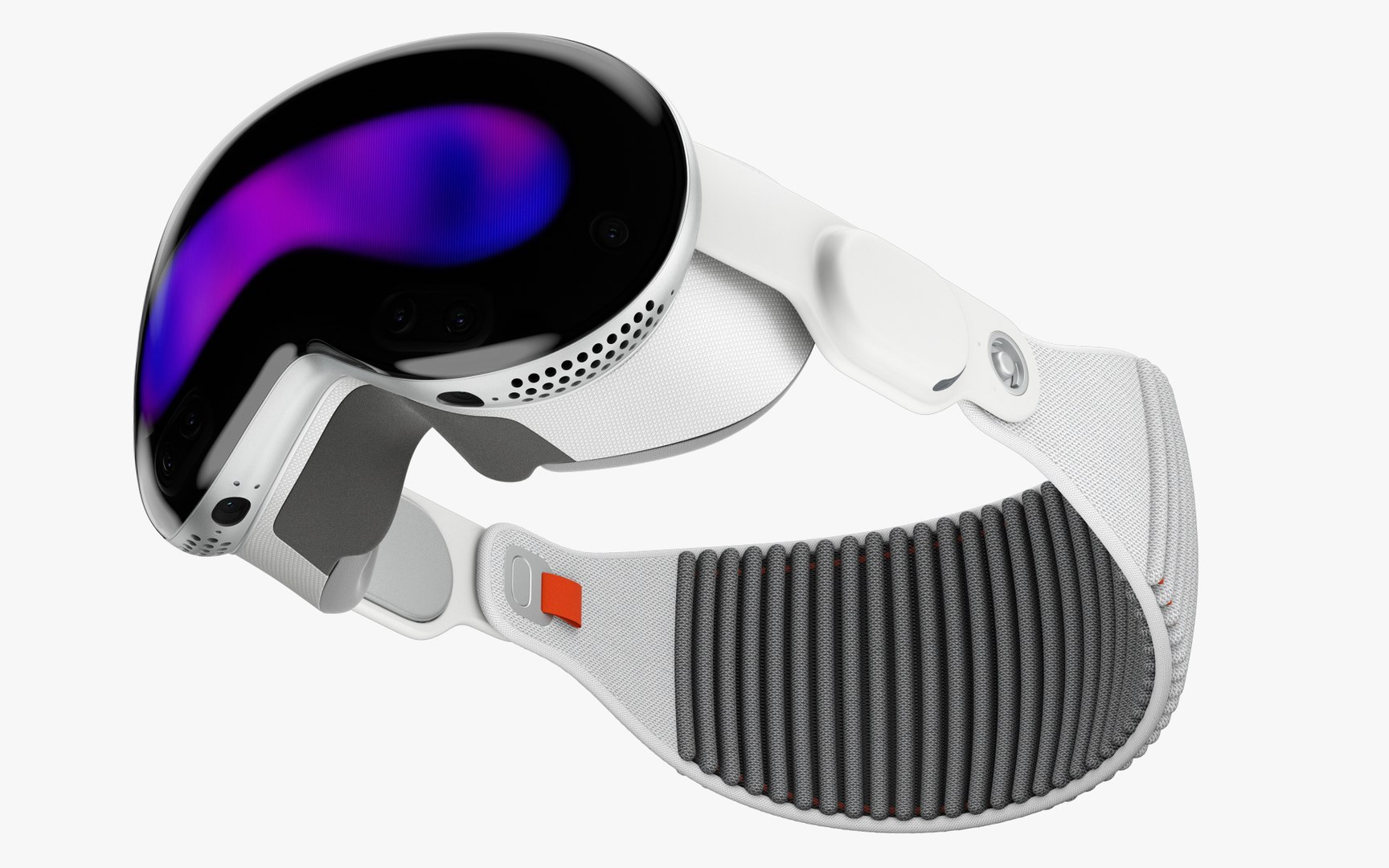
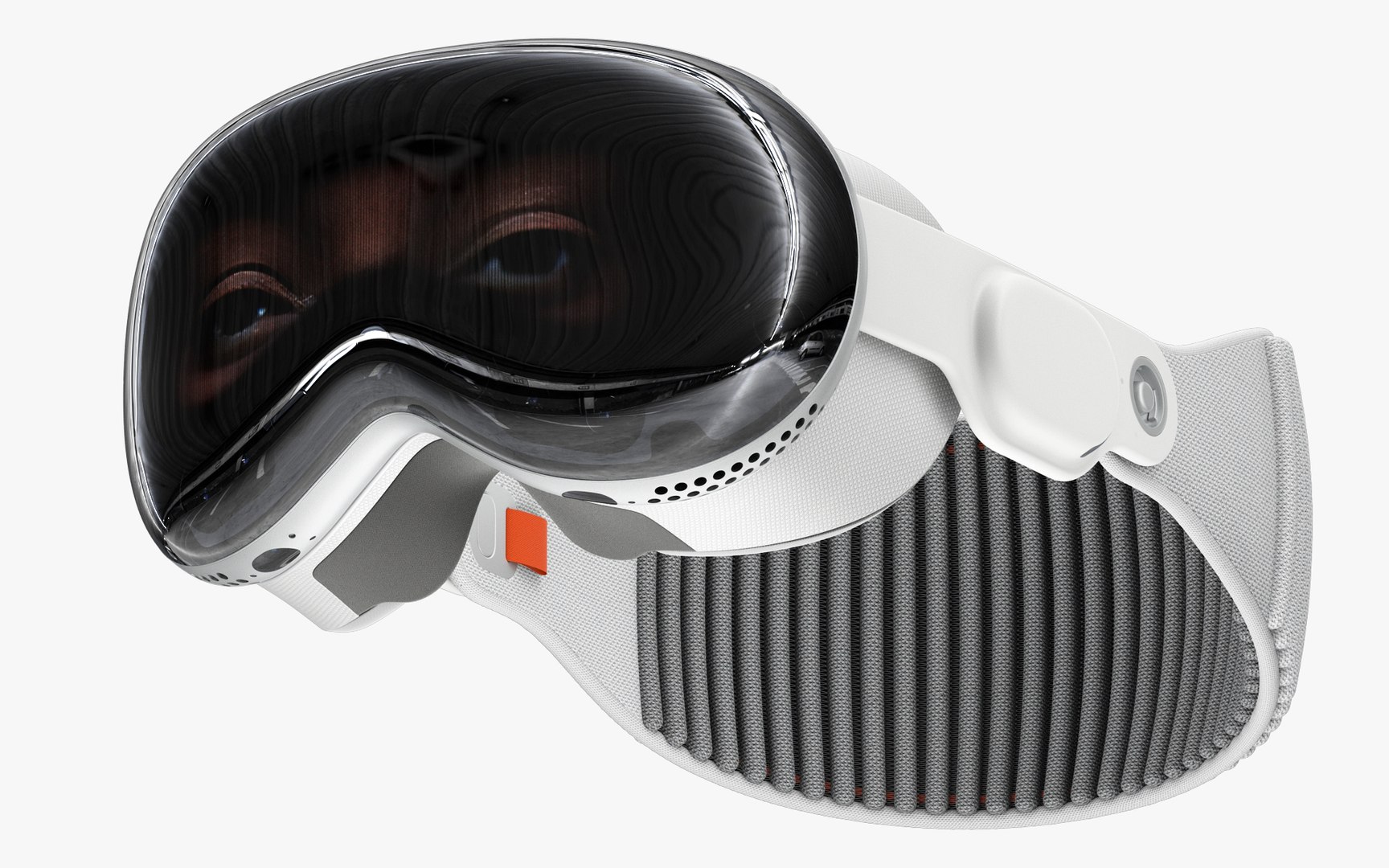
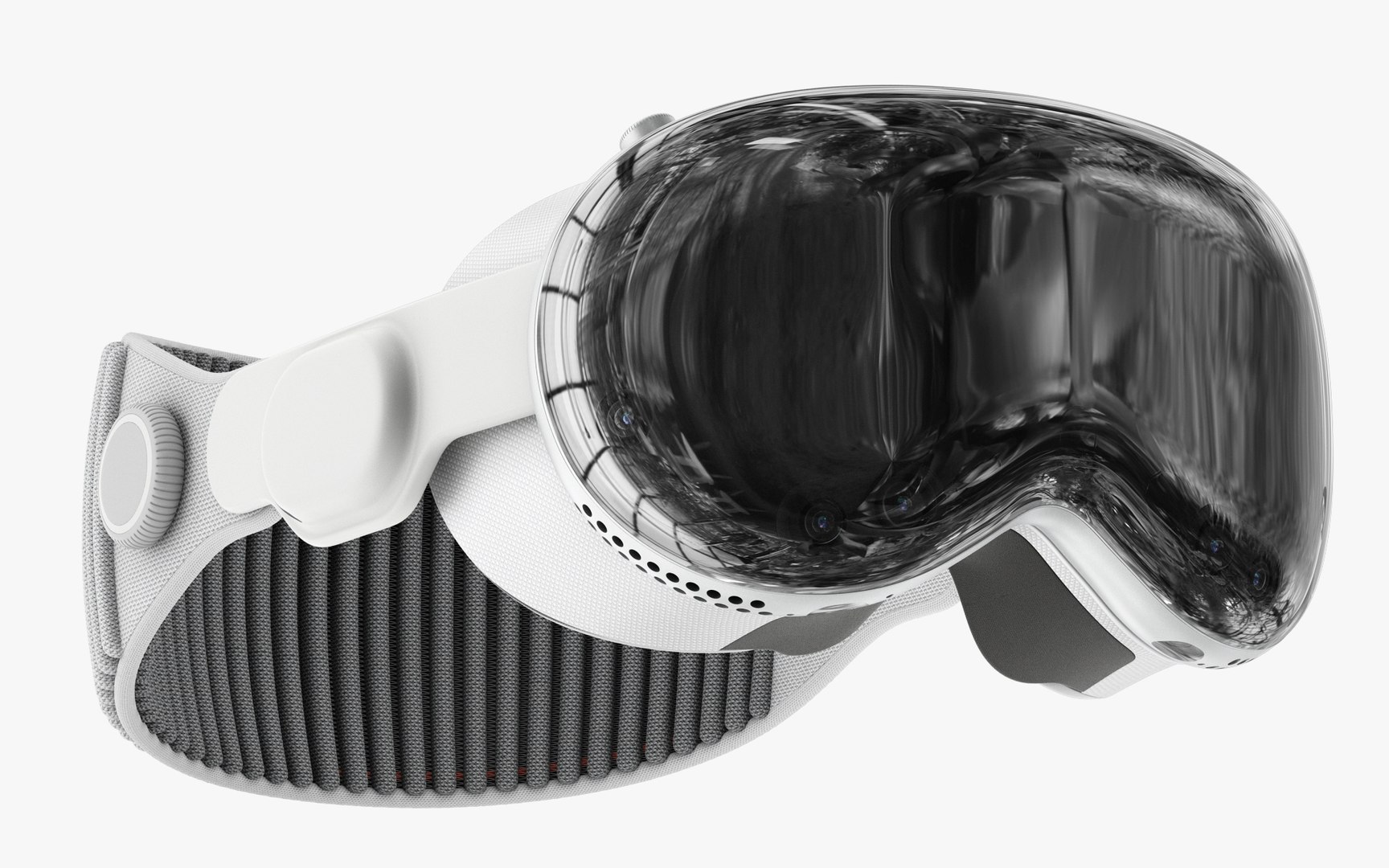
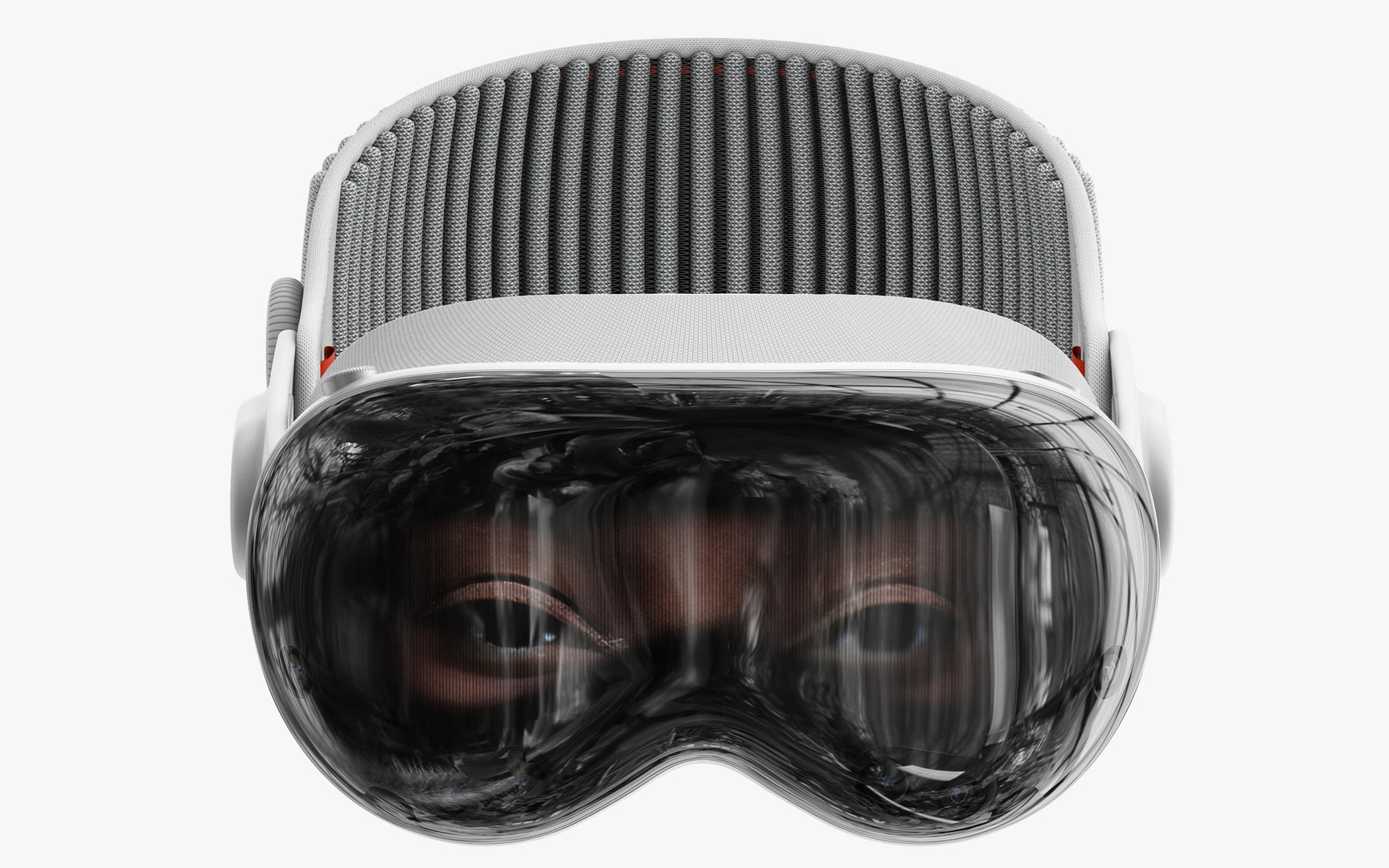
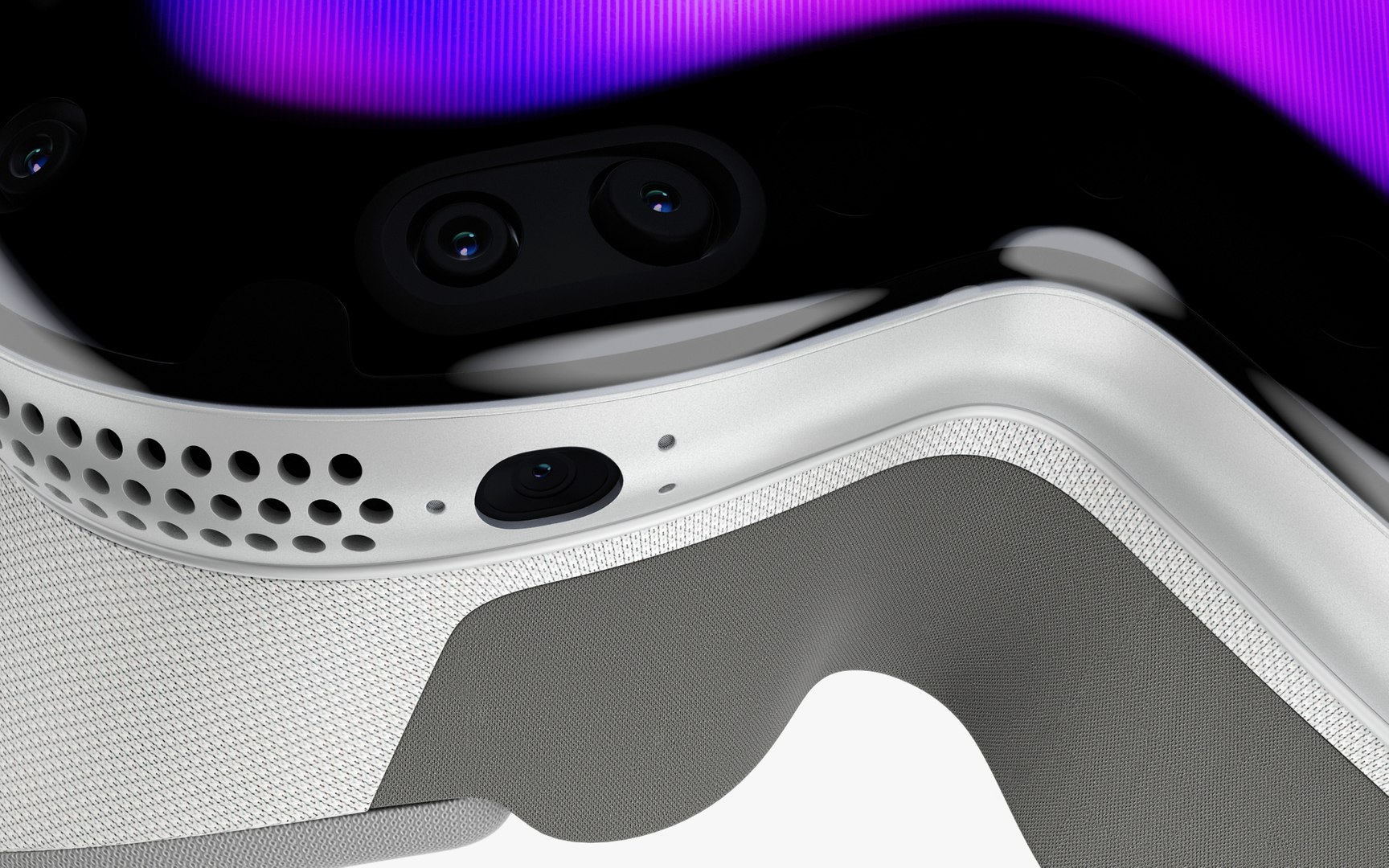
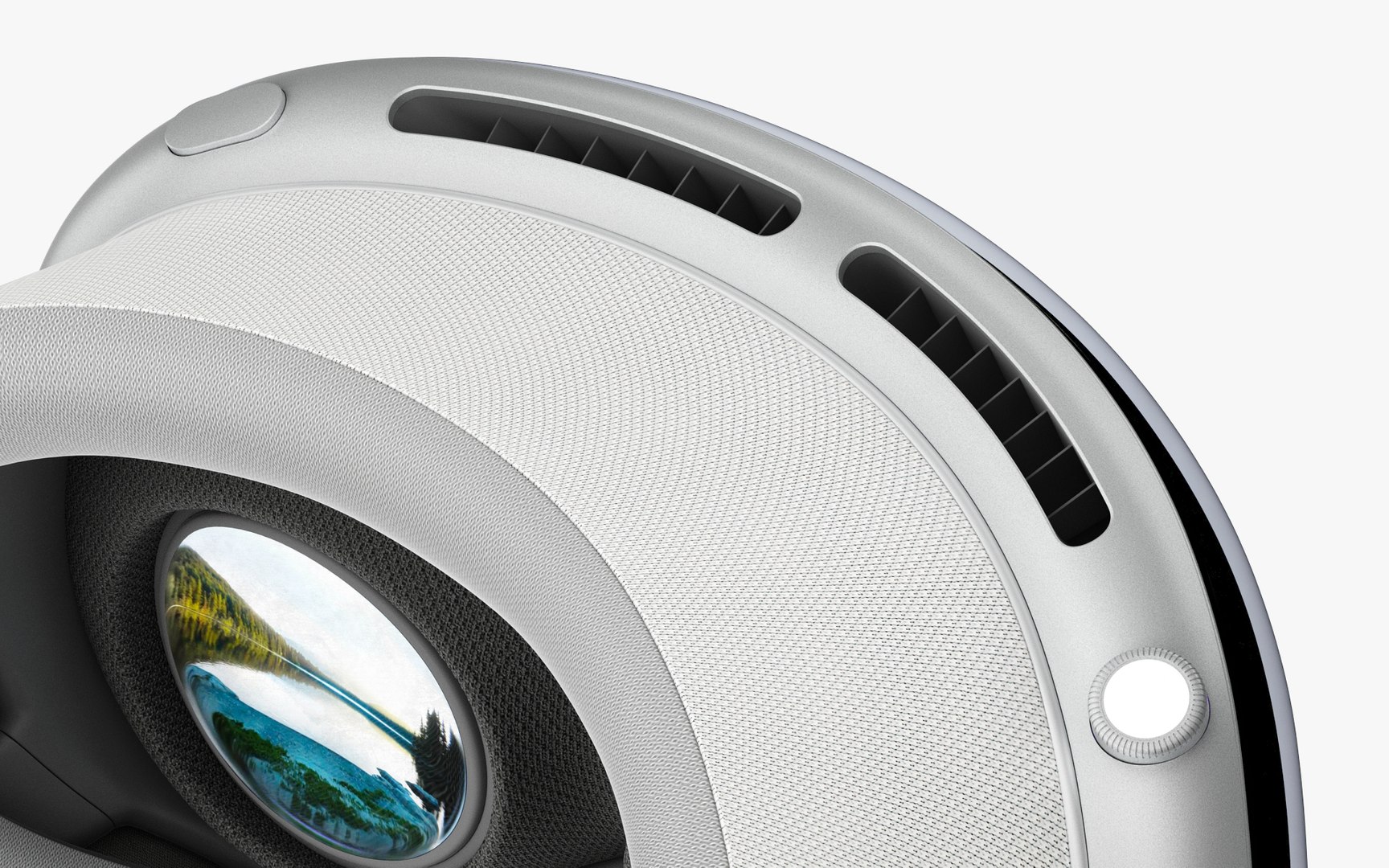
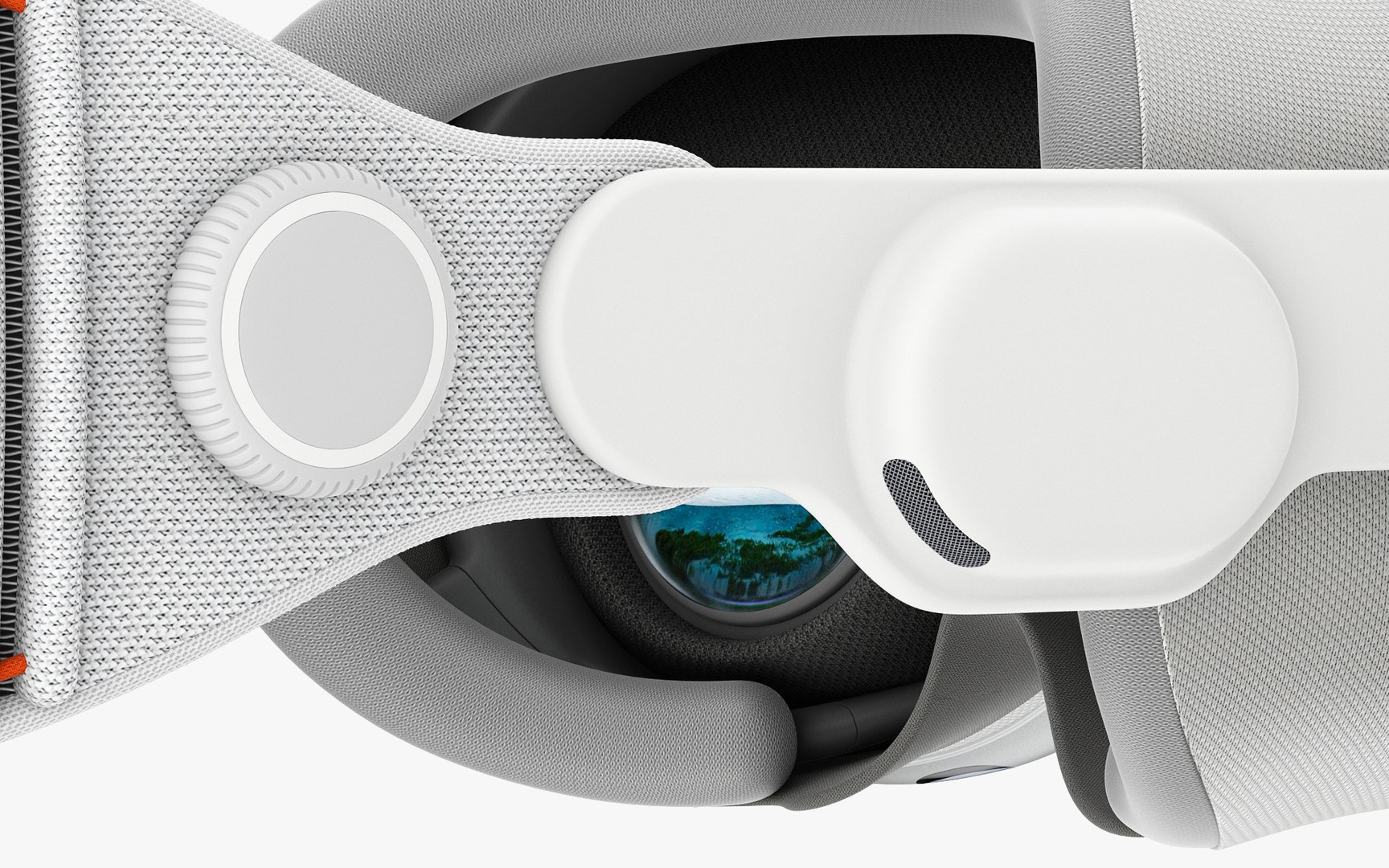
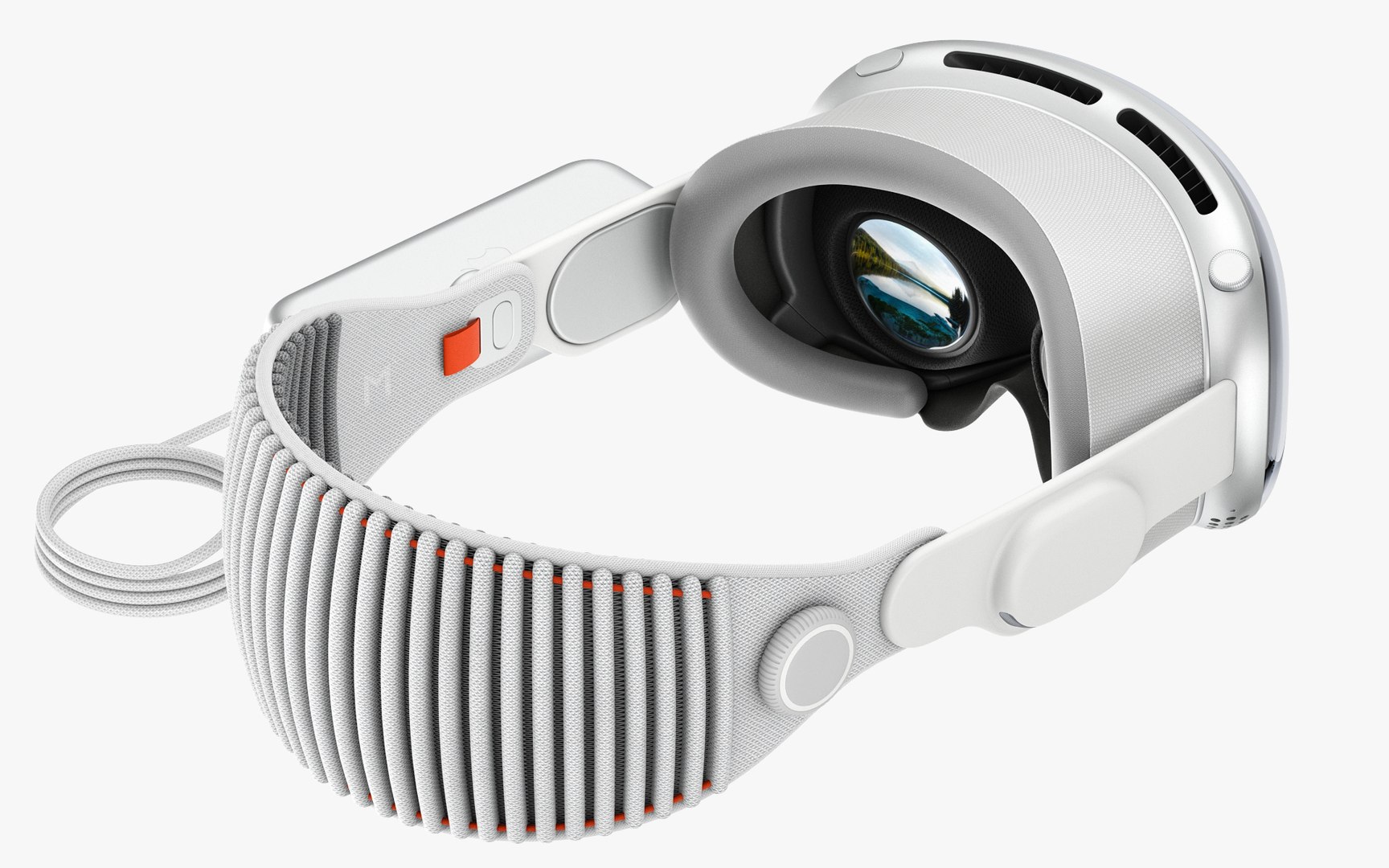
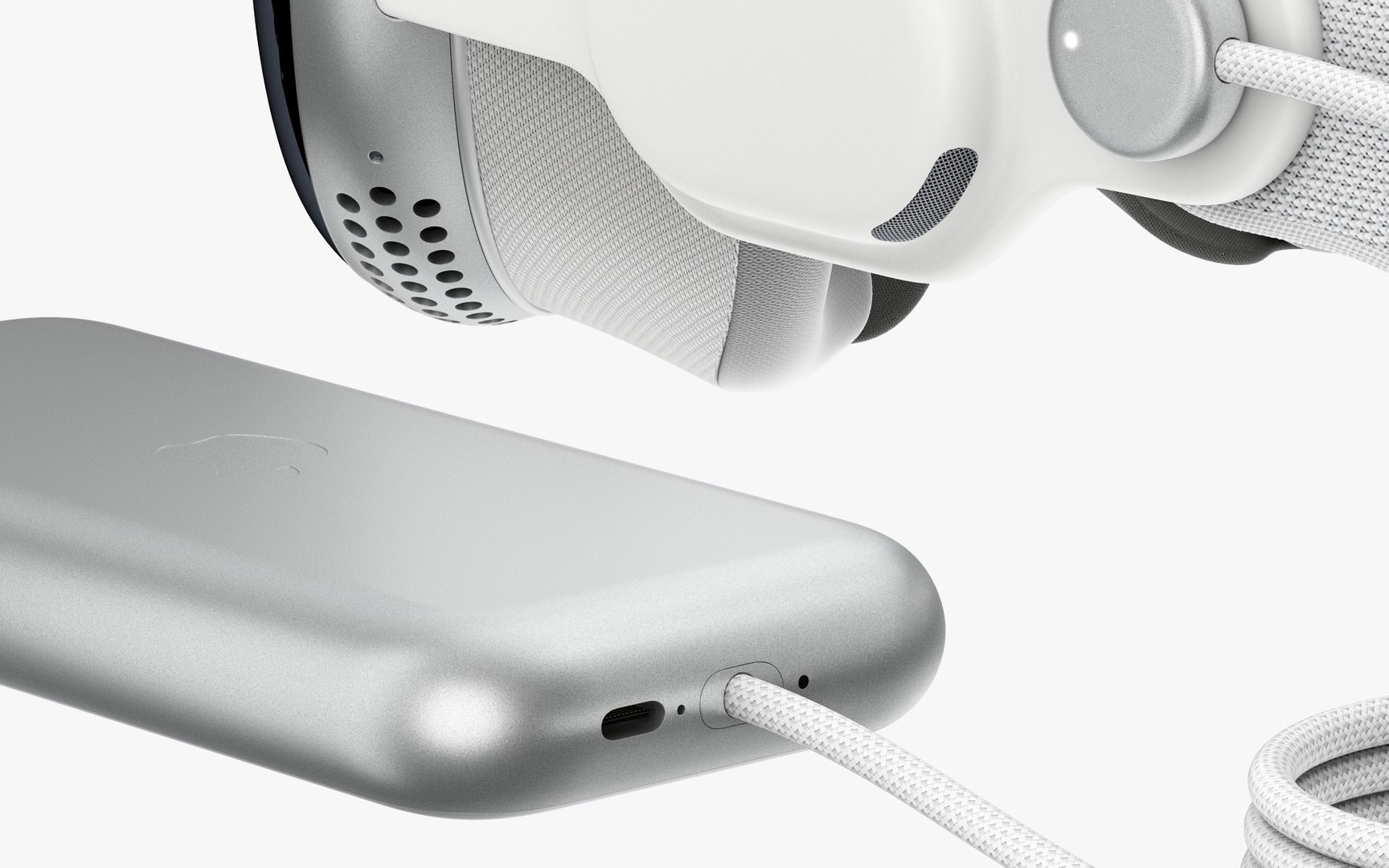
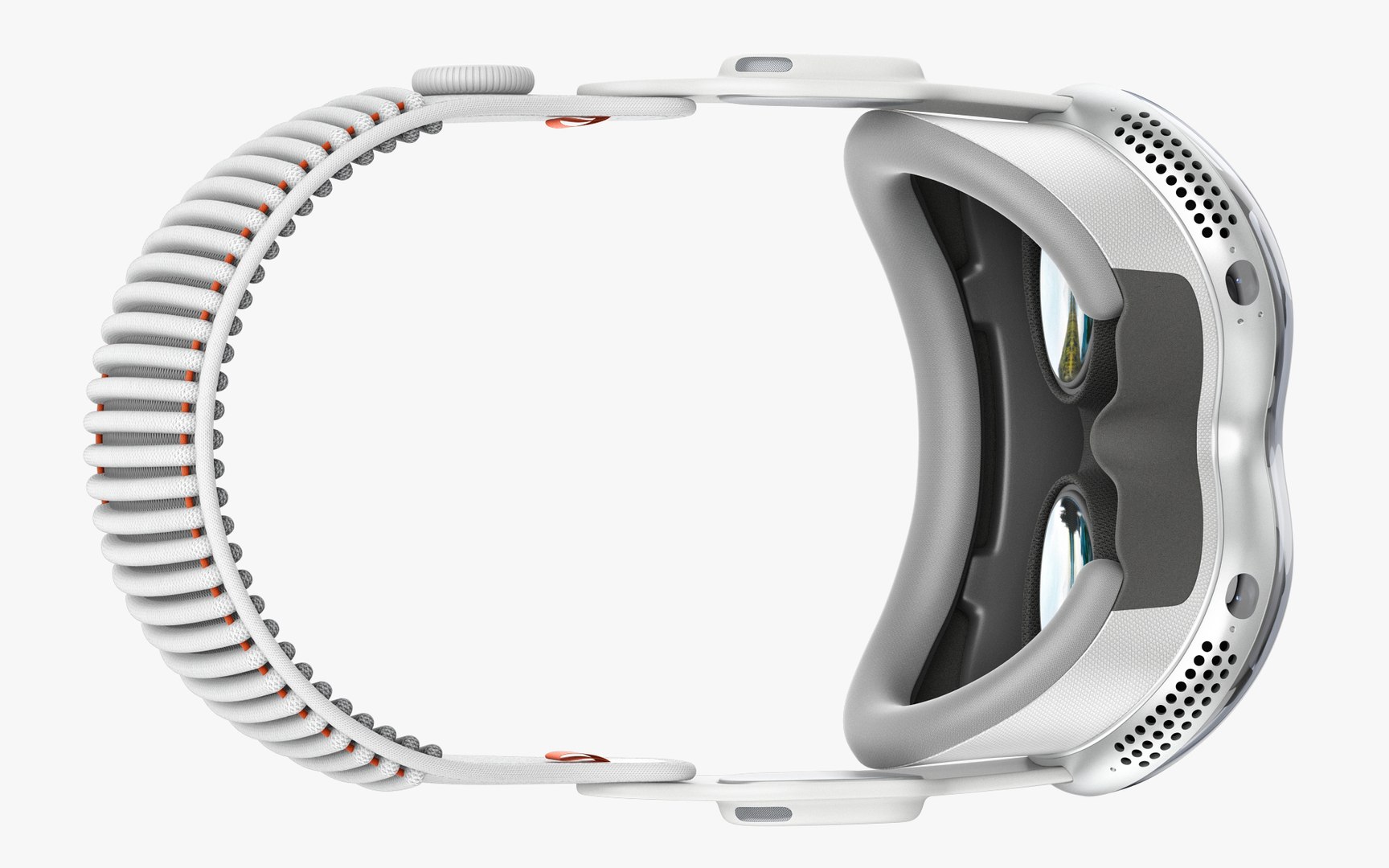
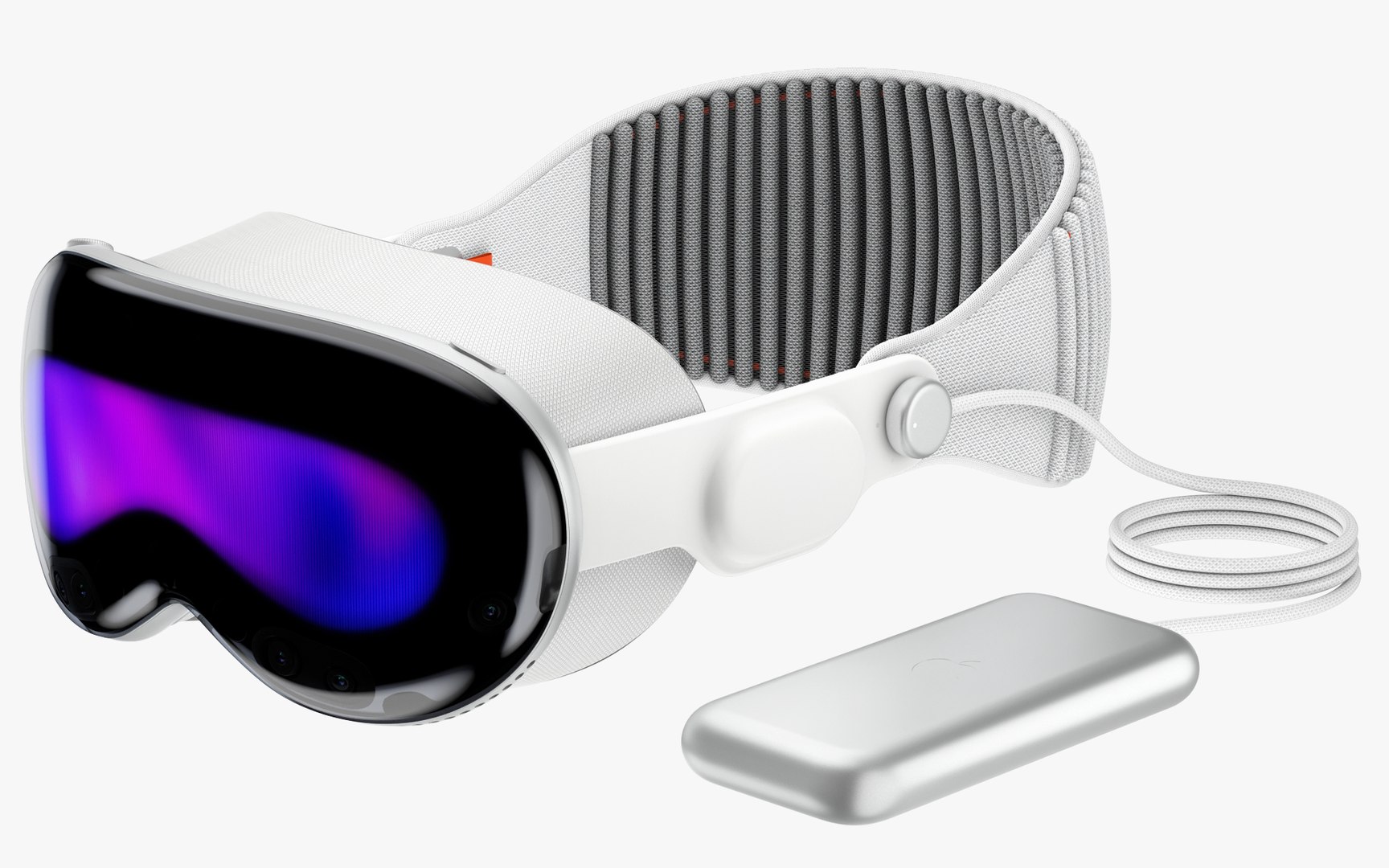
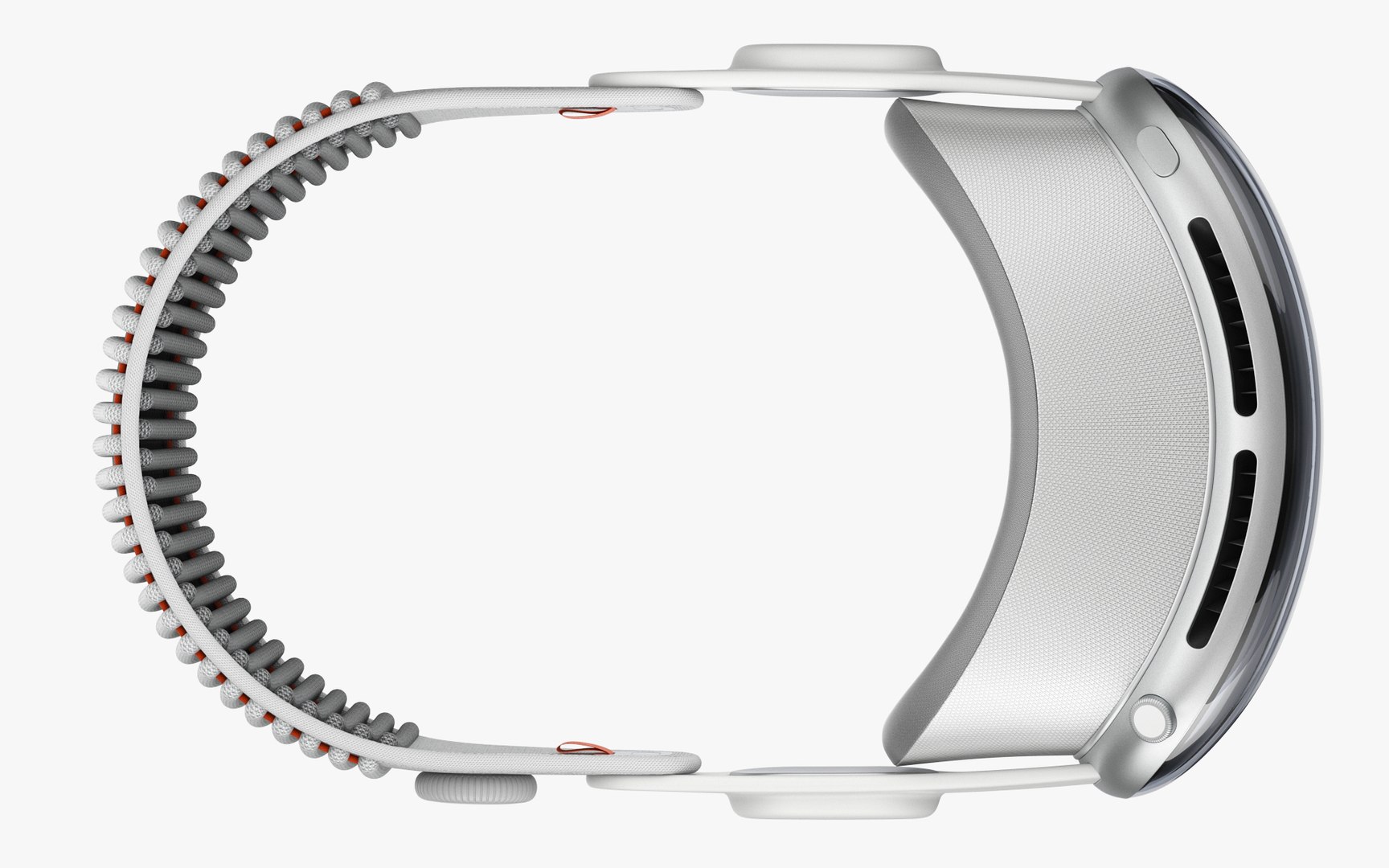
Apple Vision Pro
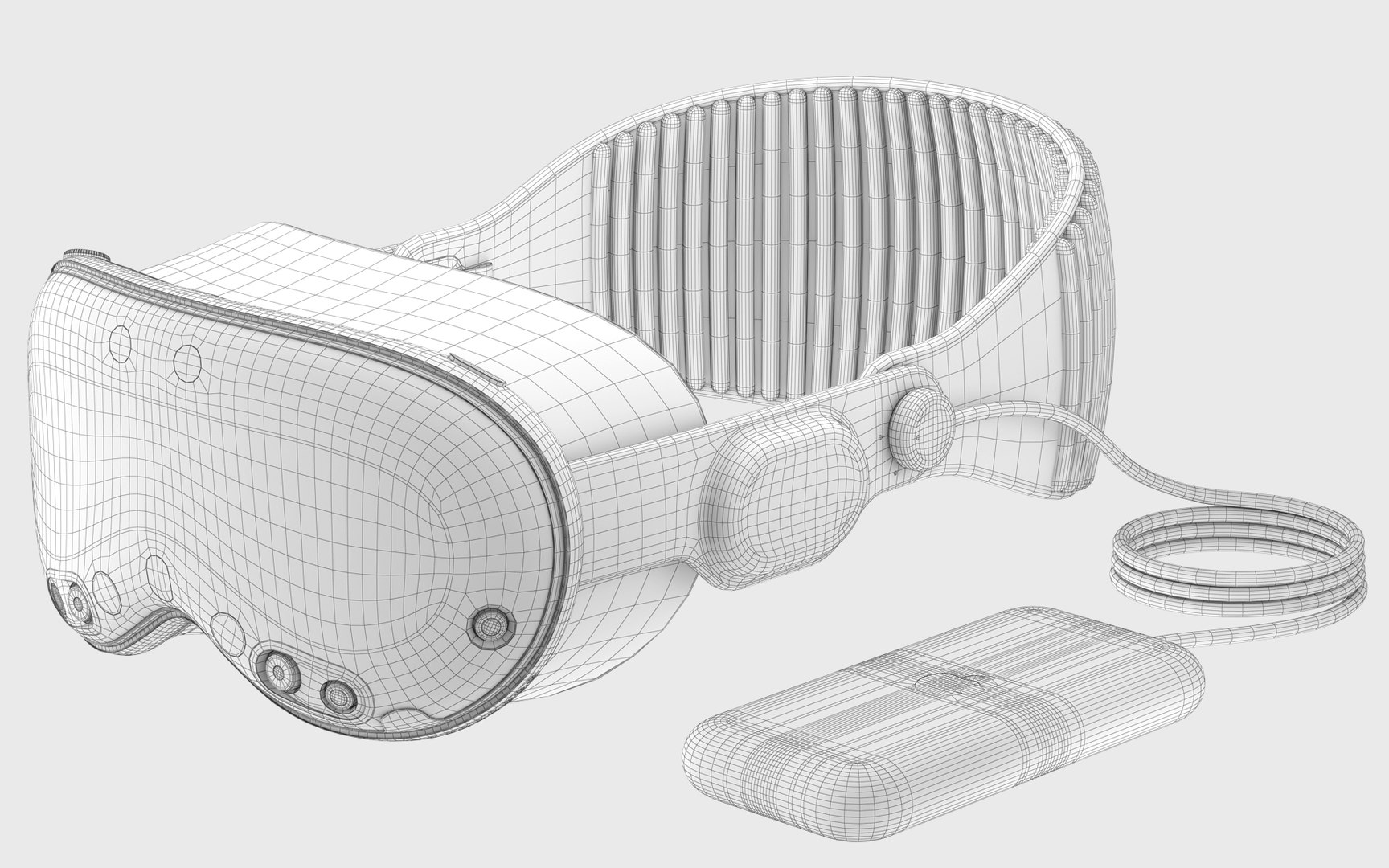
71145 Polygons
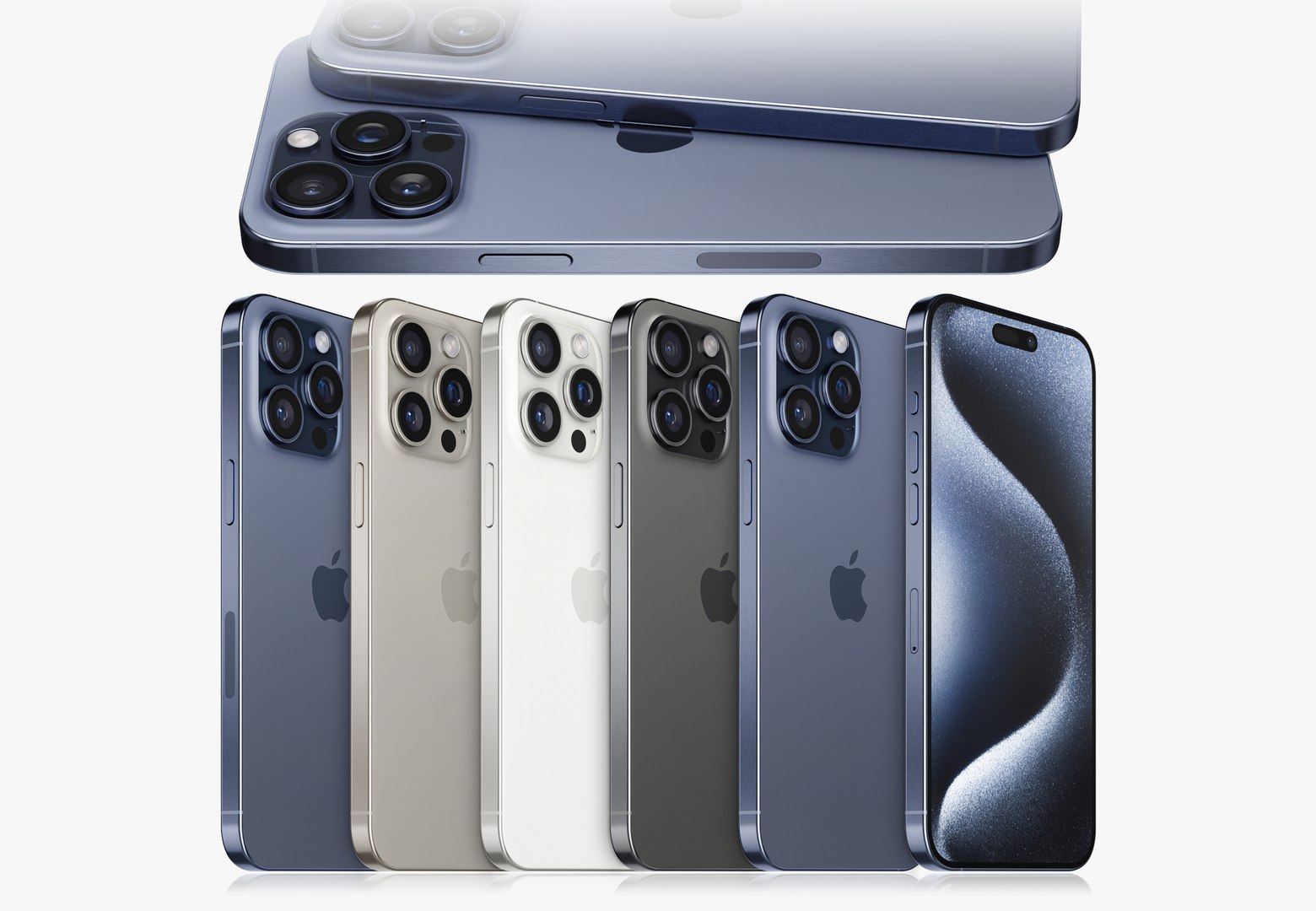
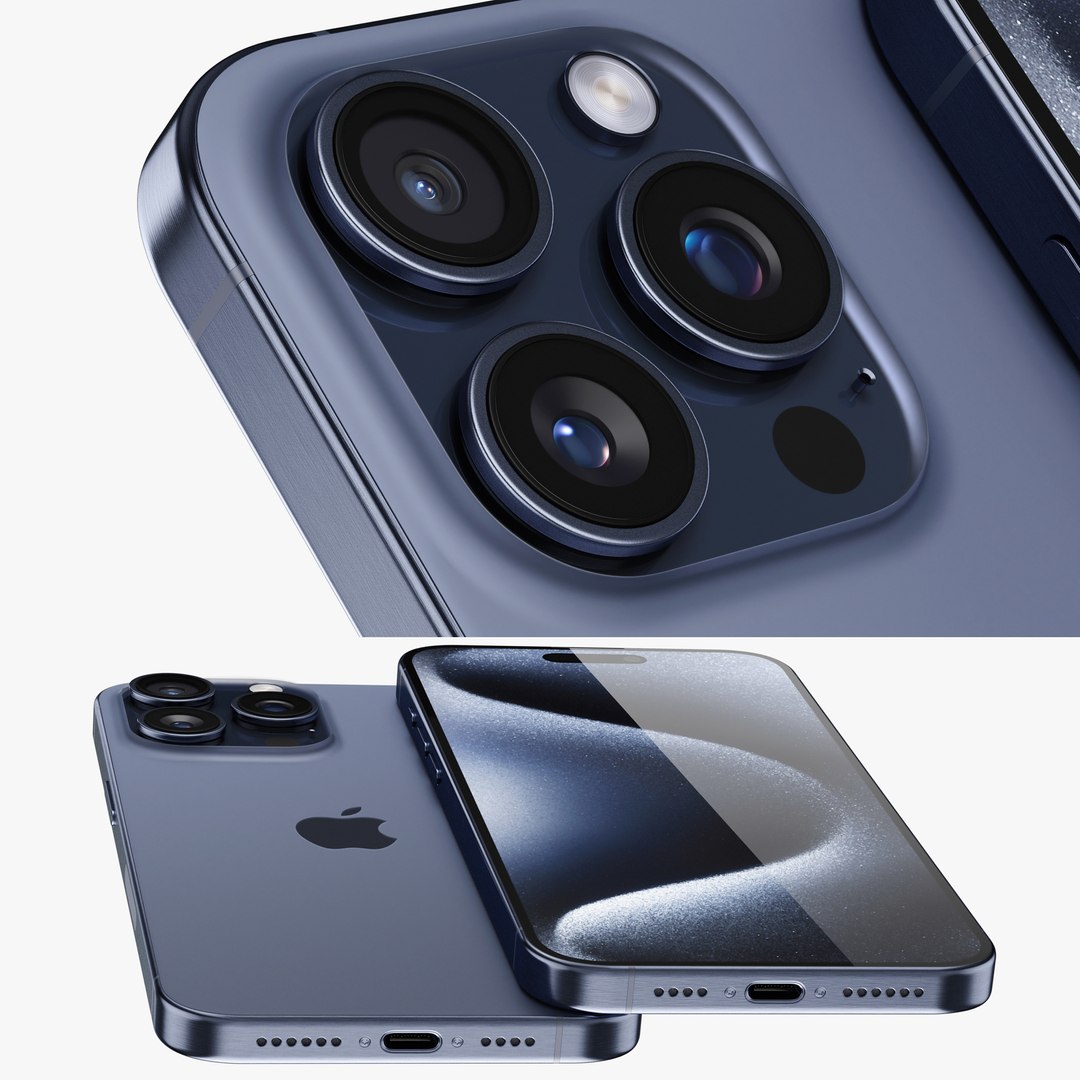
Apple iPhone 15 pro MAX
34009 Polygons
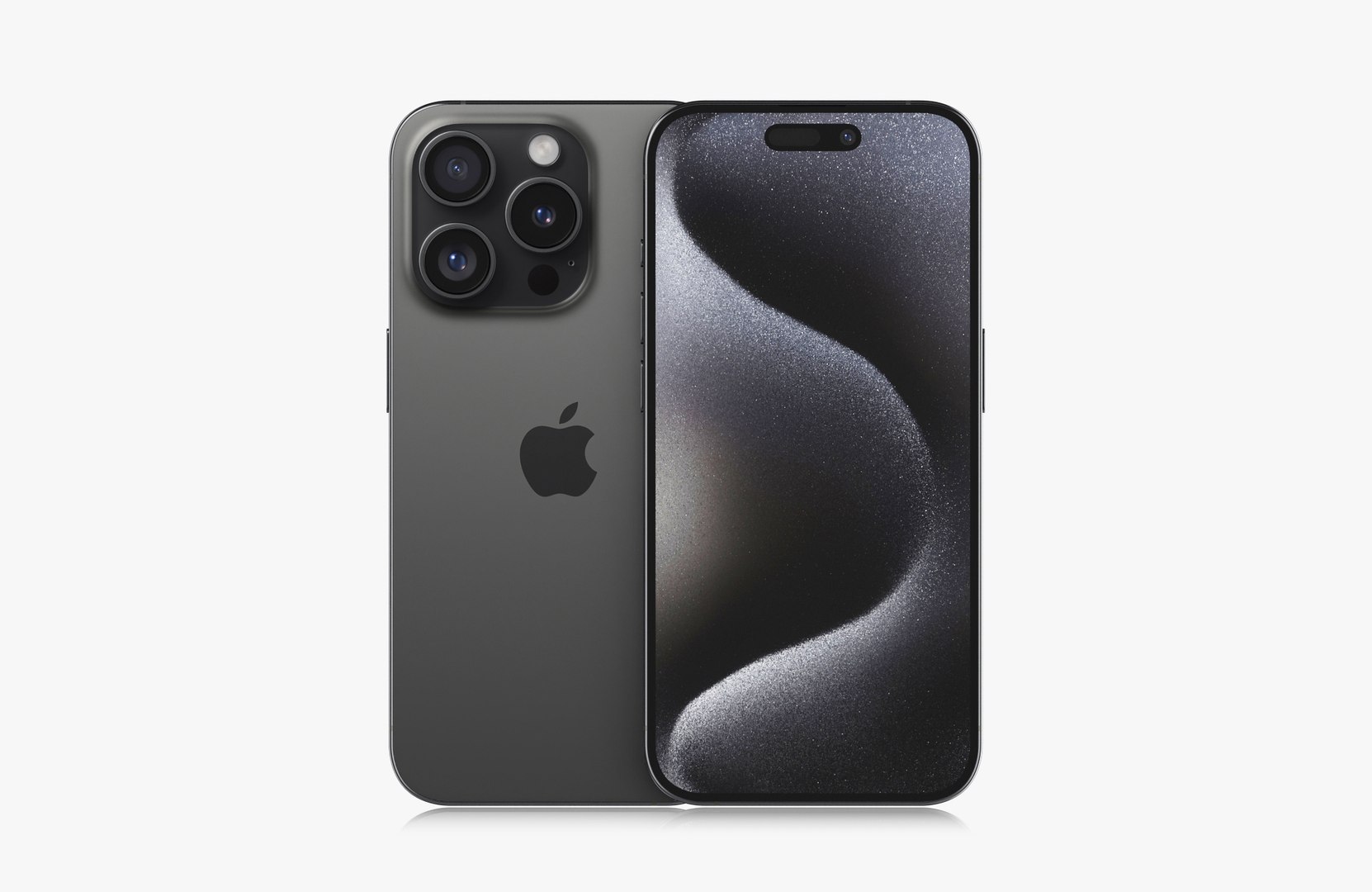
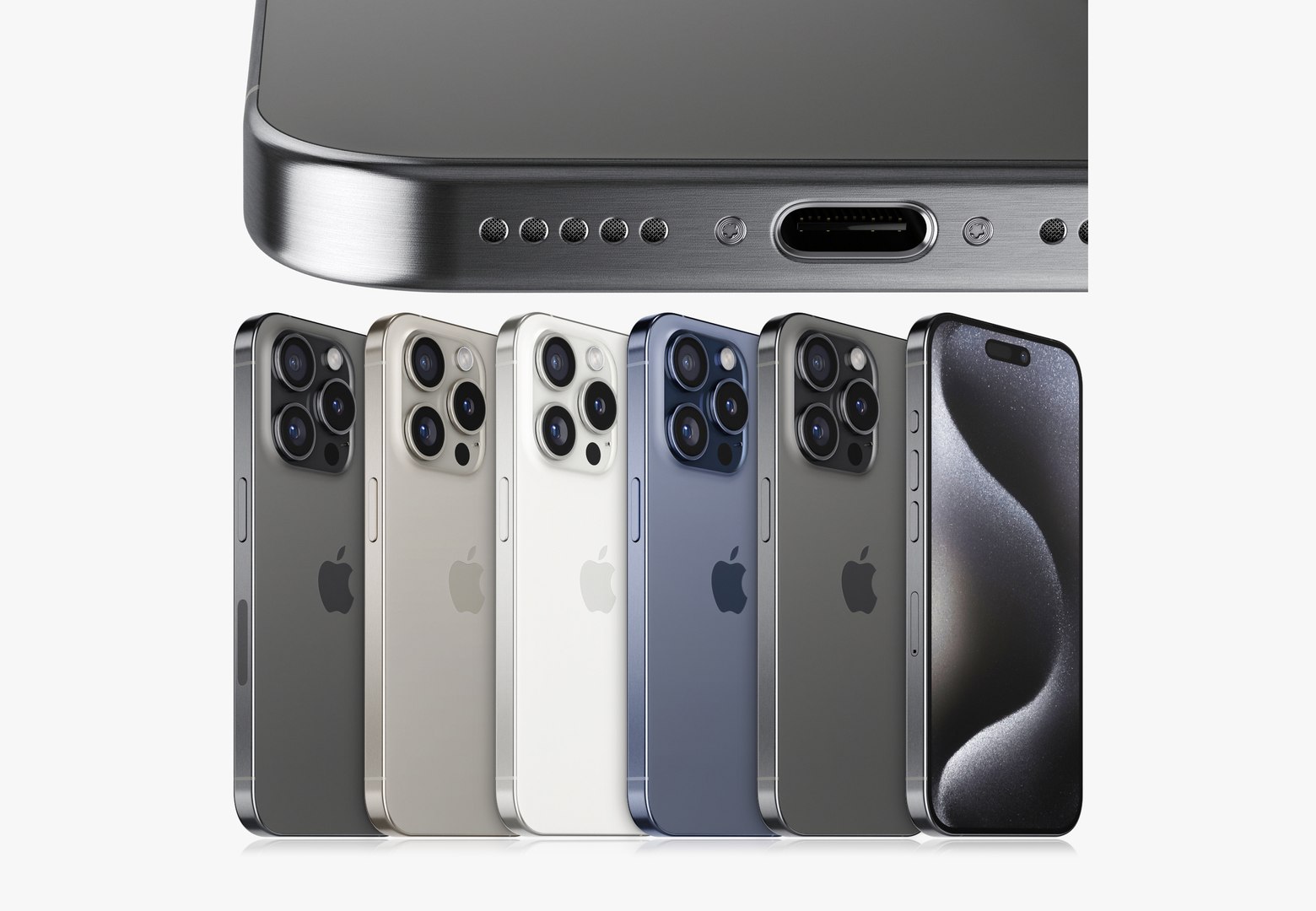
Apple iPhone 15 pro
31163 Polygons
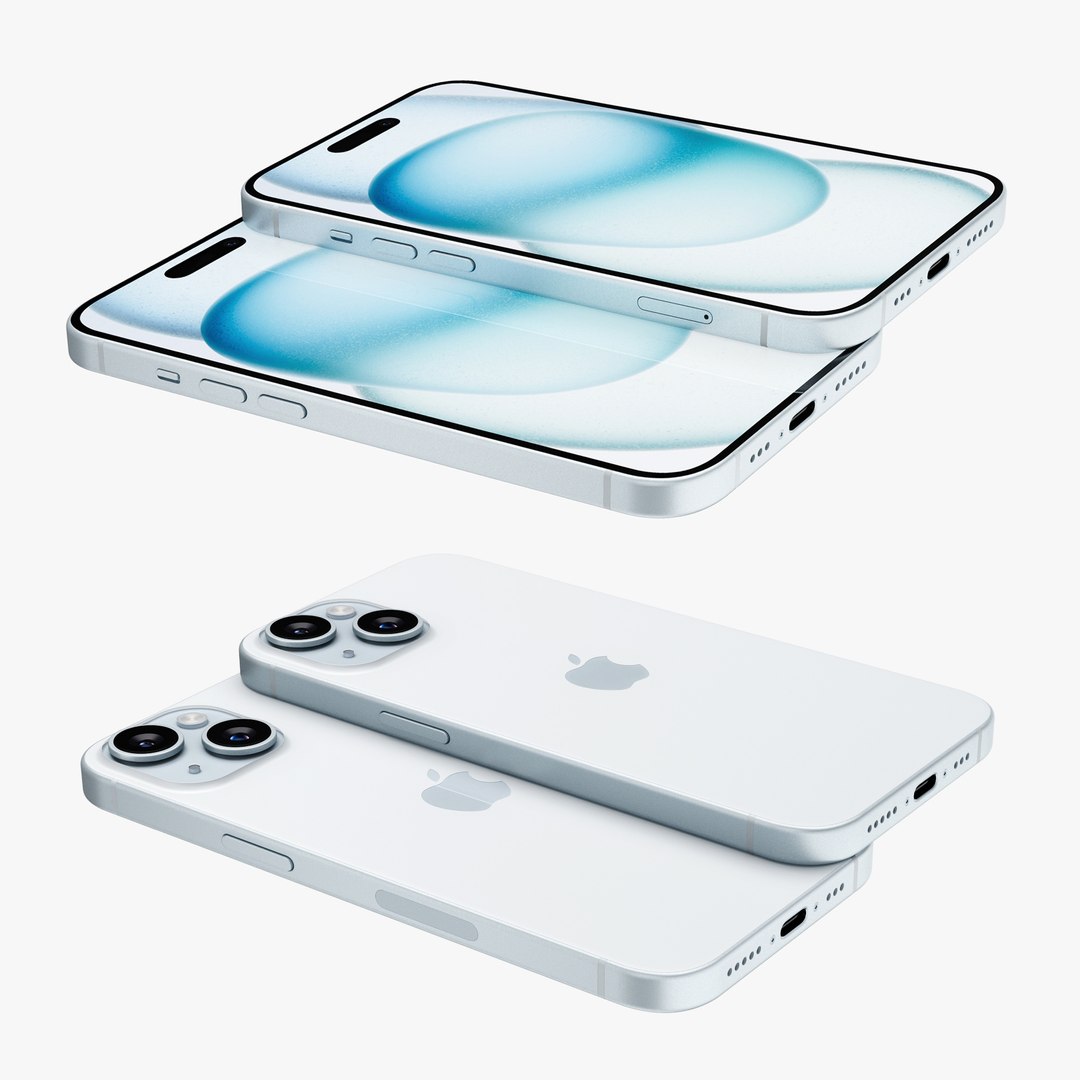
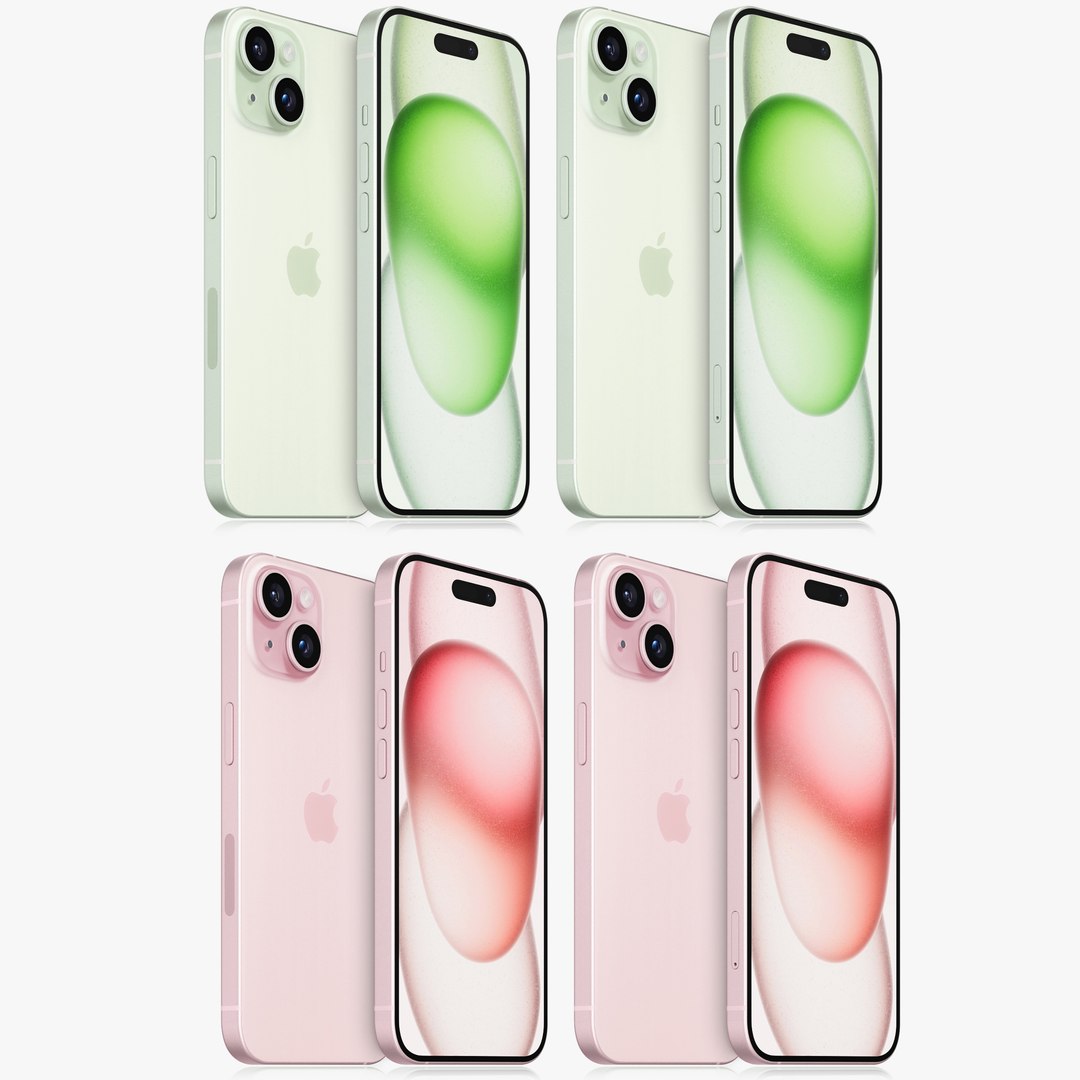
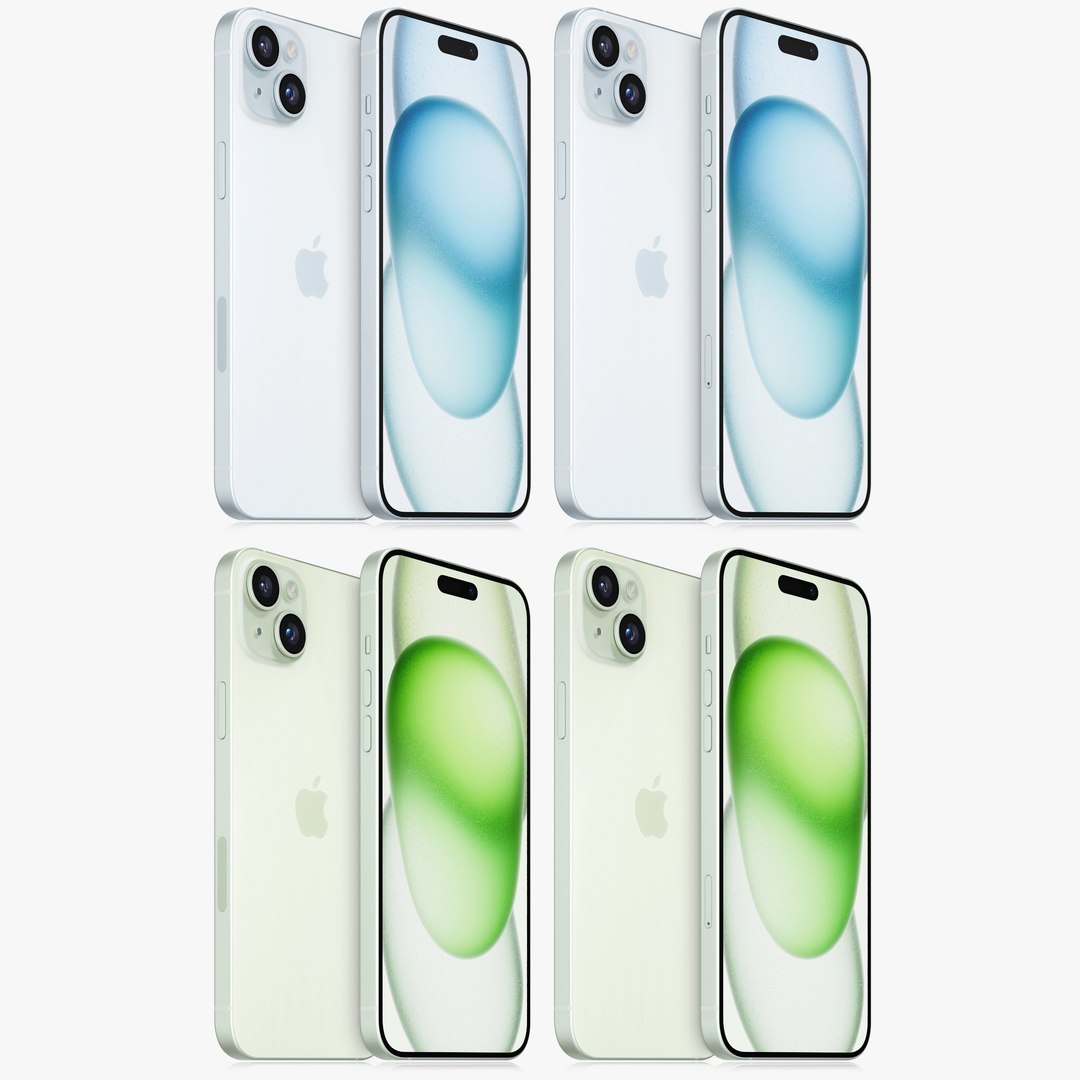
Apple iPhone 15 Plus
30794 Polygons
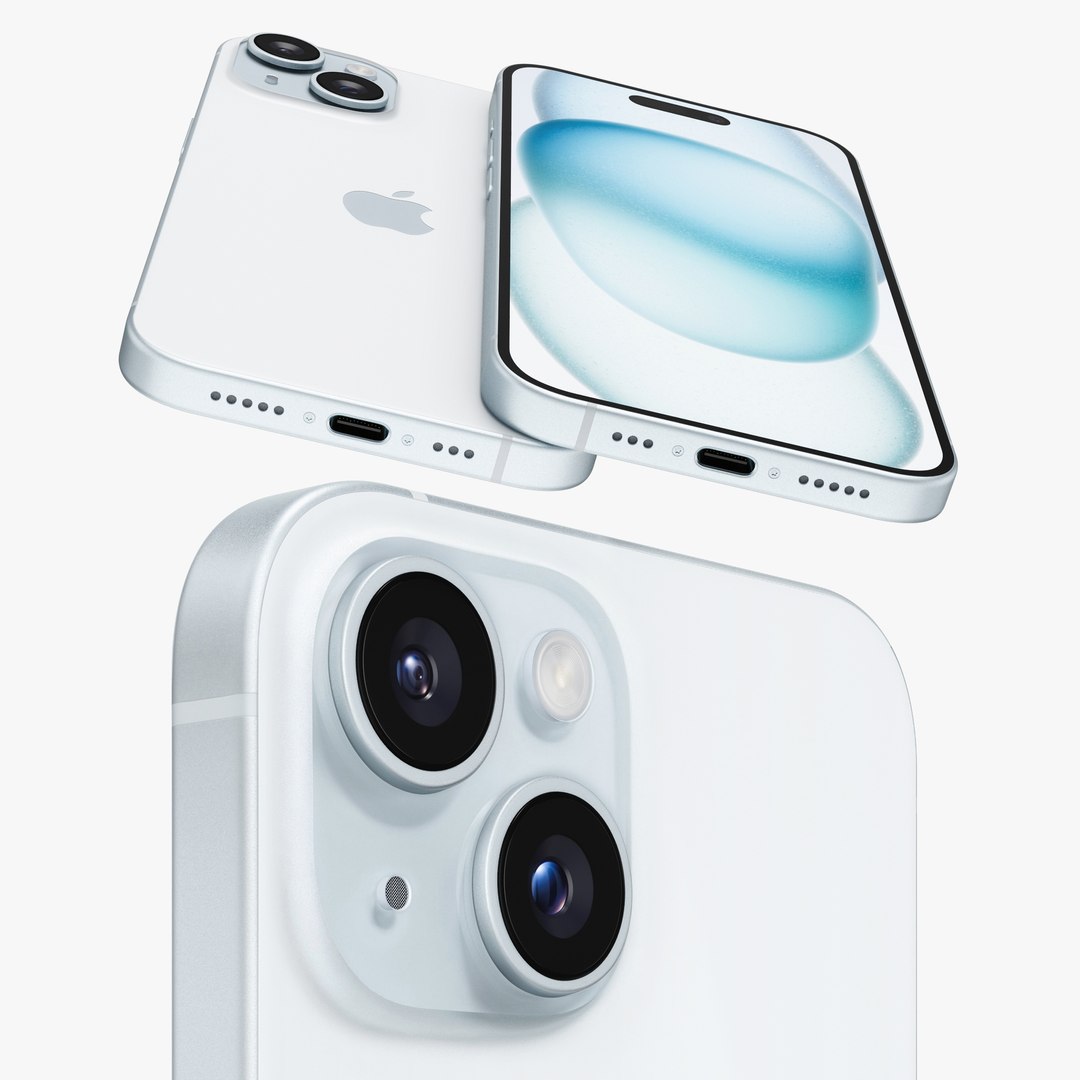
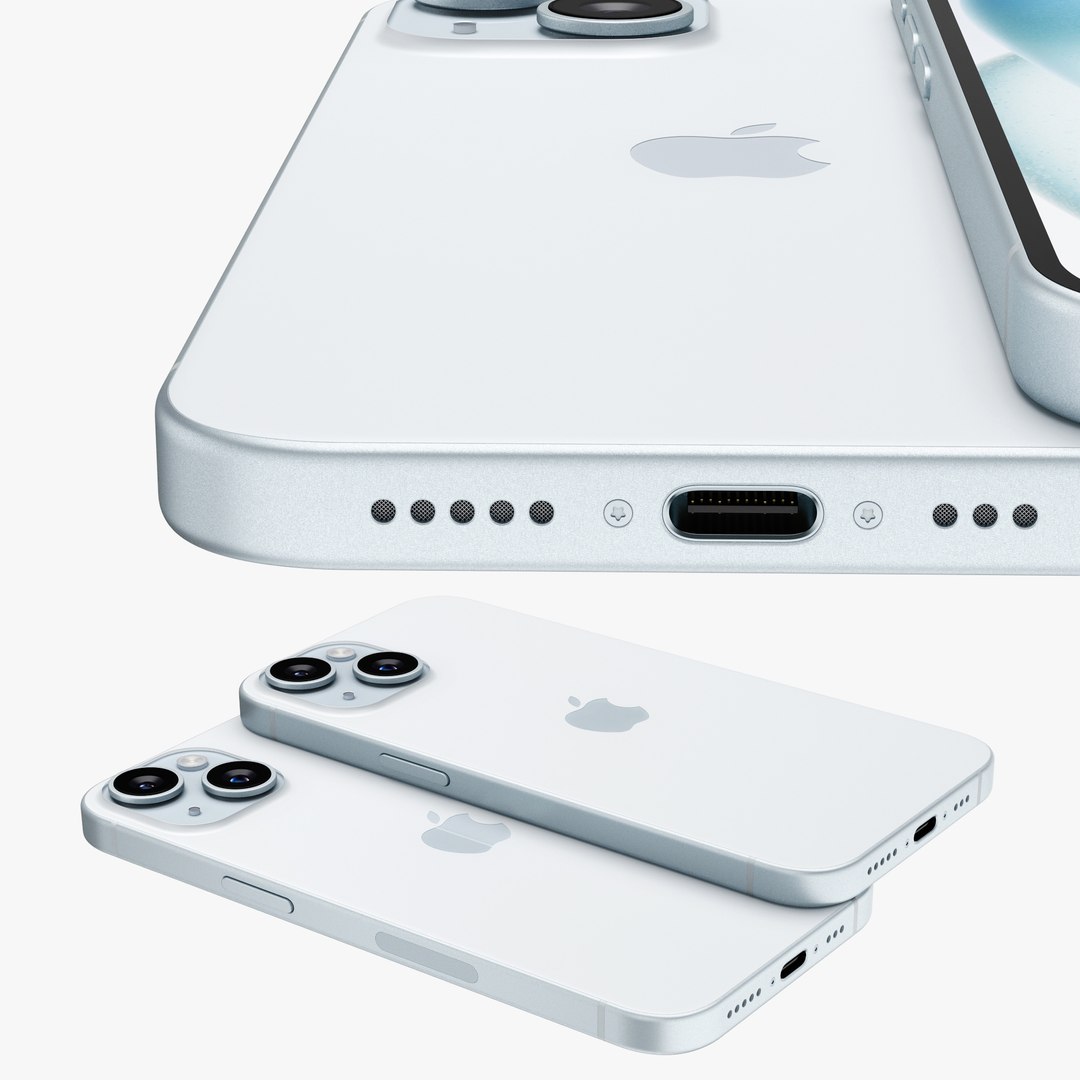
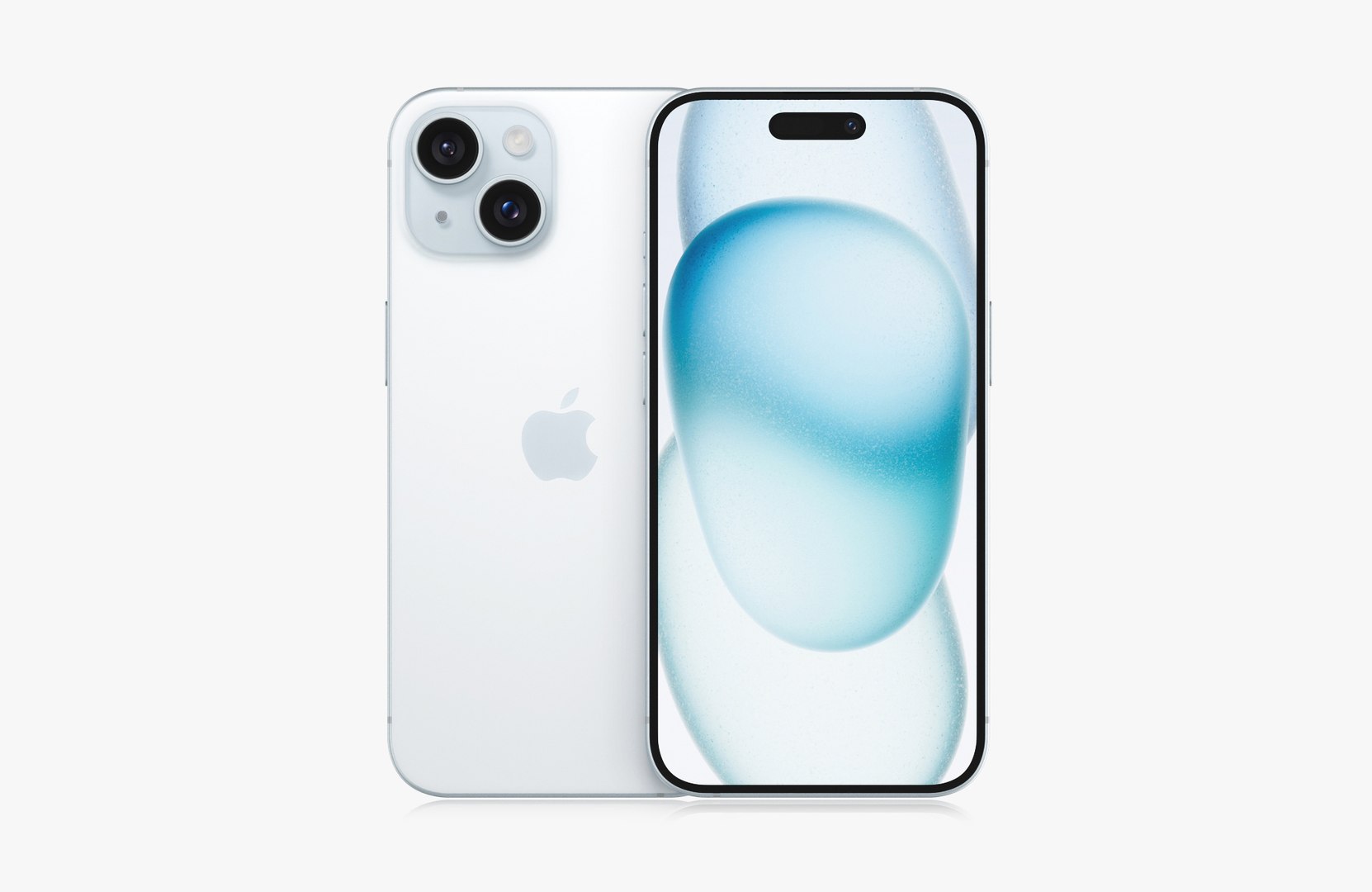
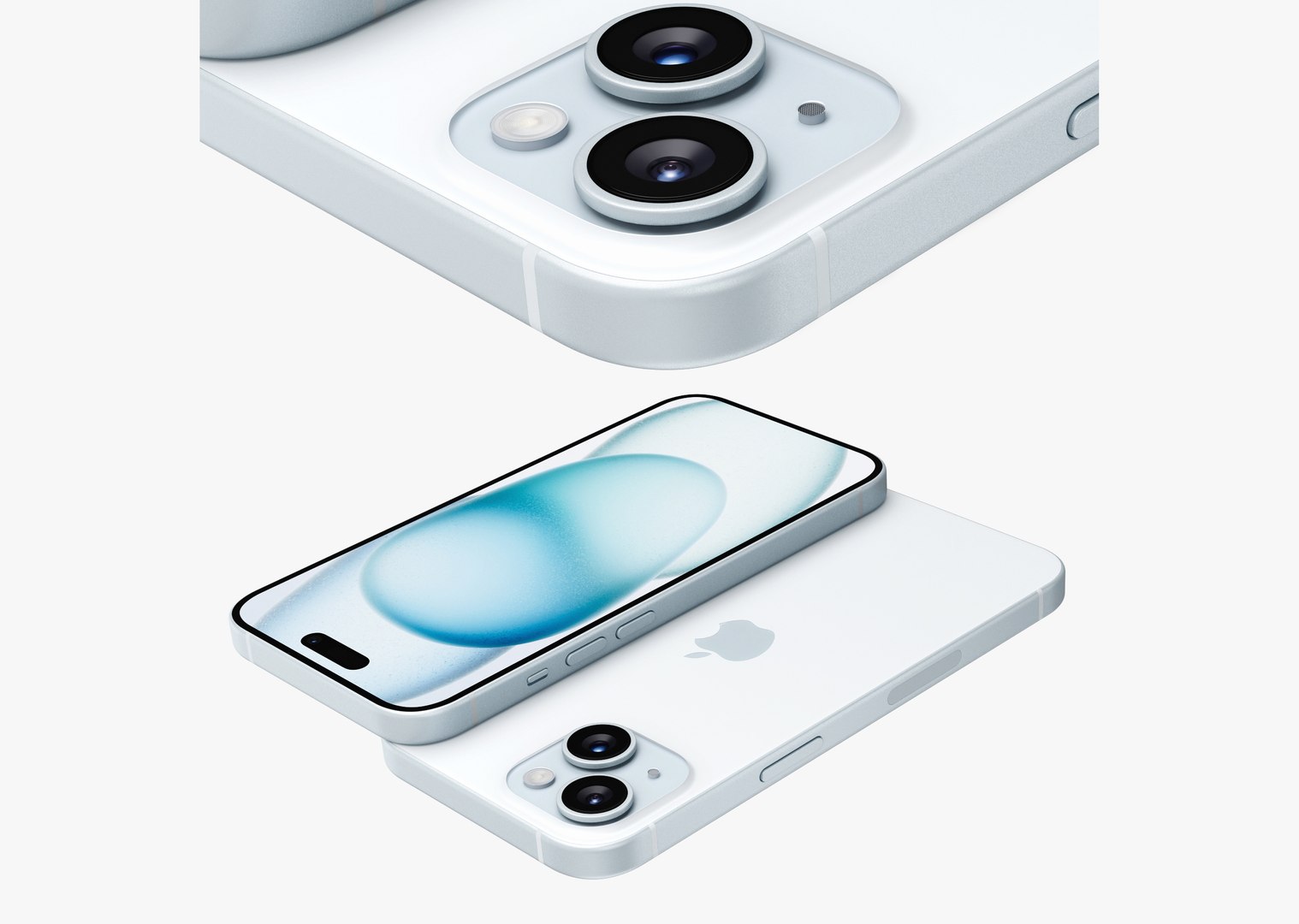
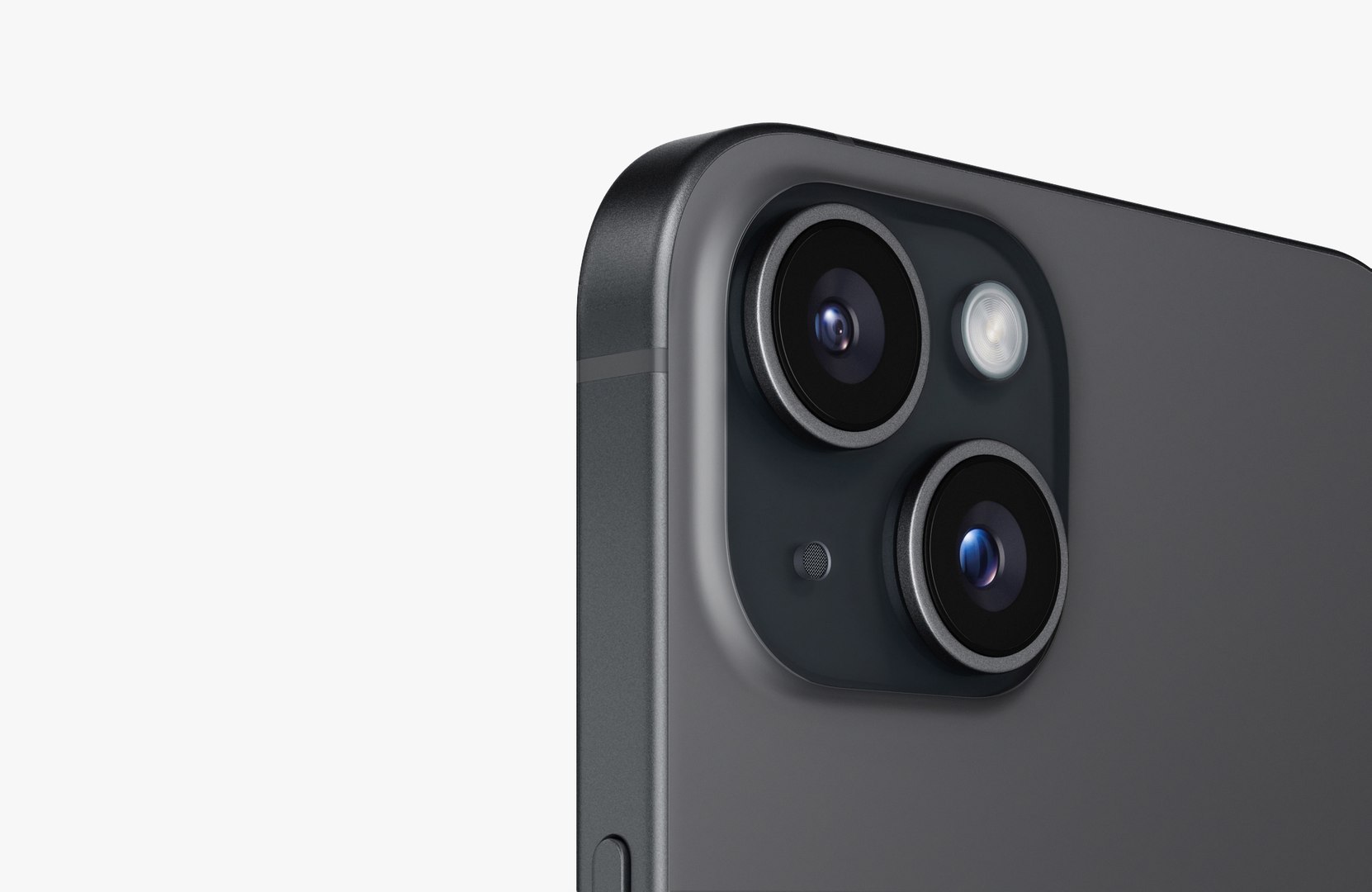
Apple iPhone 15
28186 Polygons
Apple iPhone 16 pro MAX
34839 Polygons
Apple iPhone 16 pro
32251 Polygons
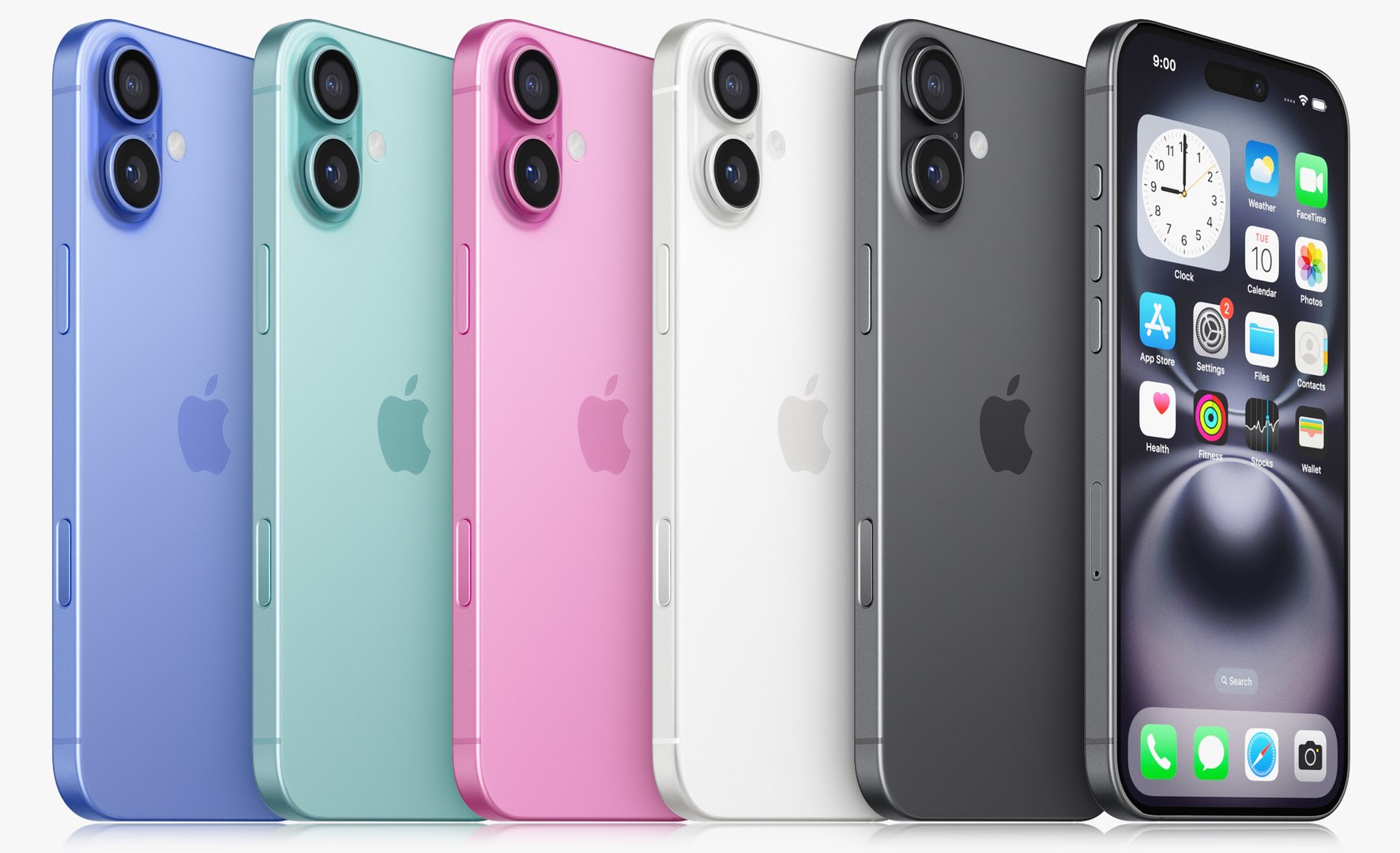
Apple iPhone 16 Plus
32198 Polygons
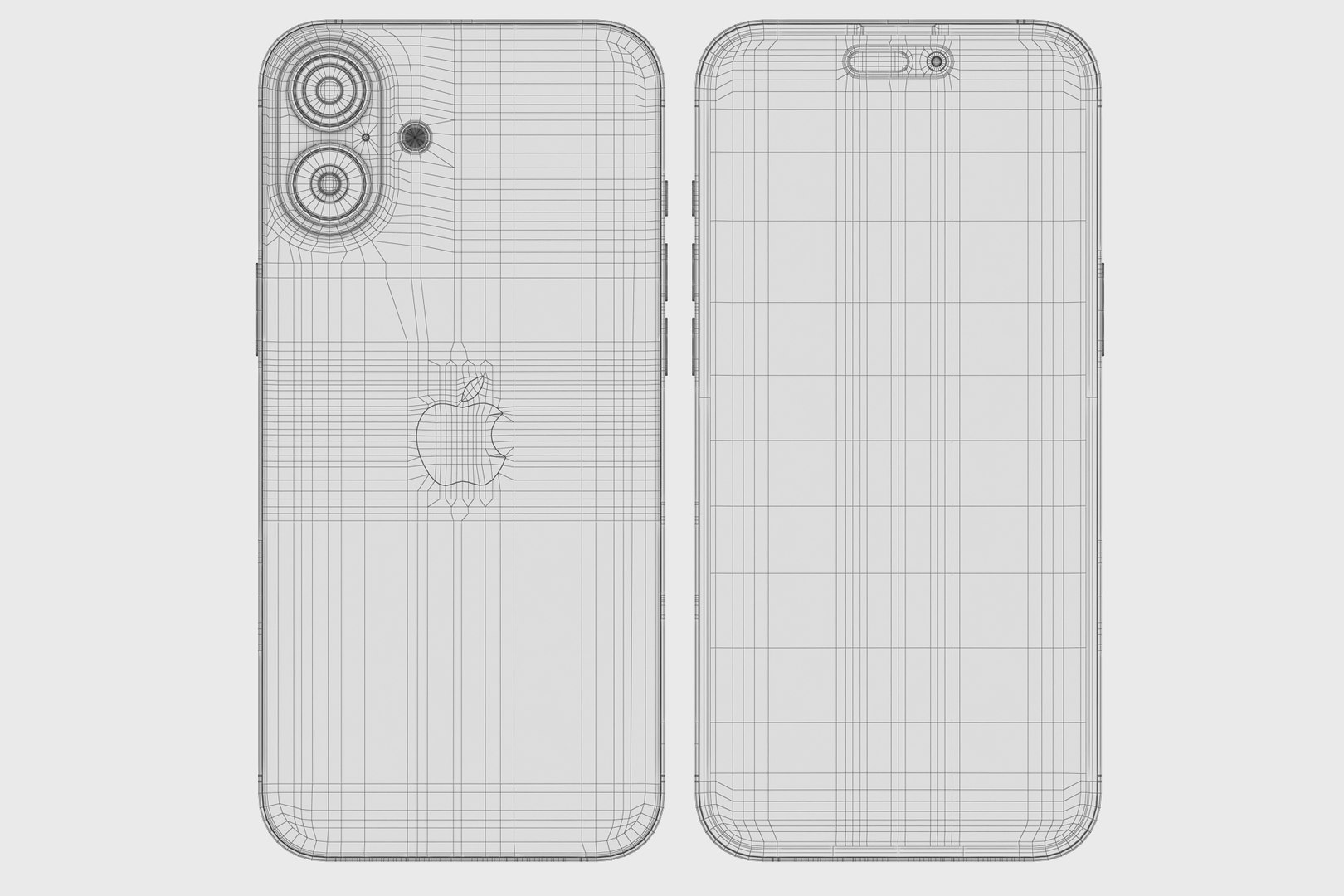
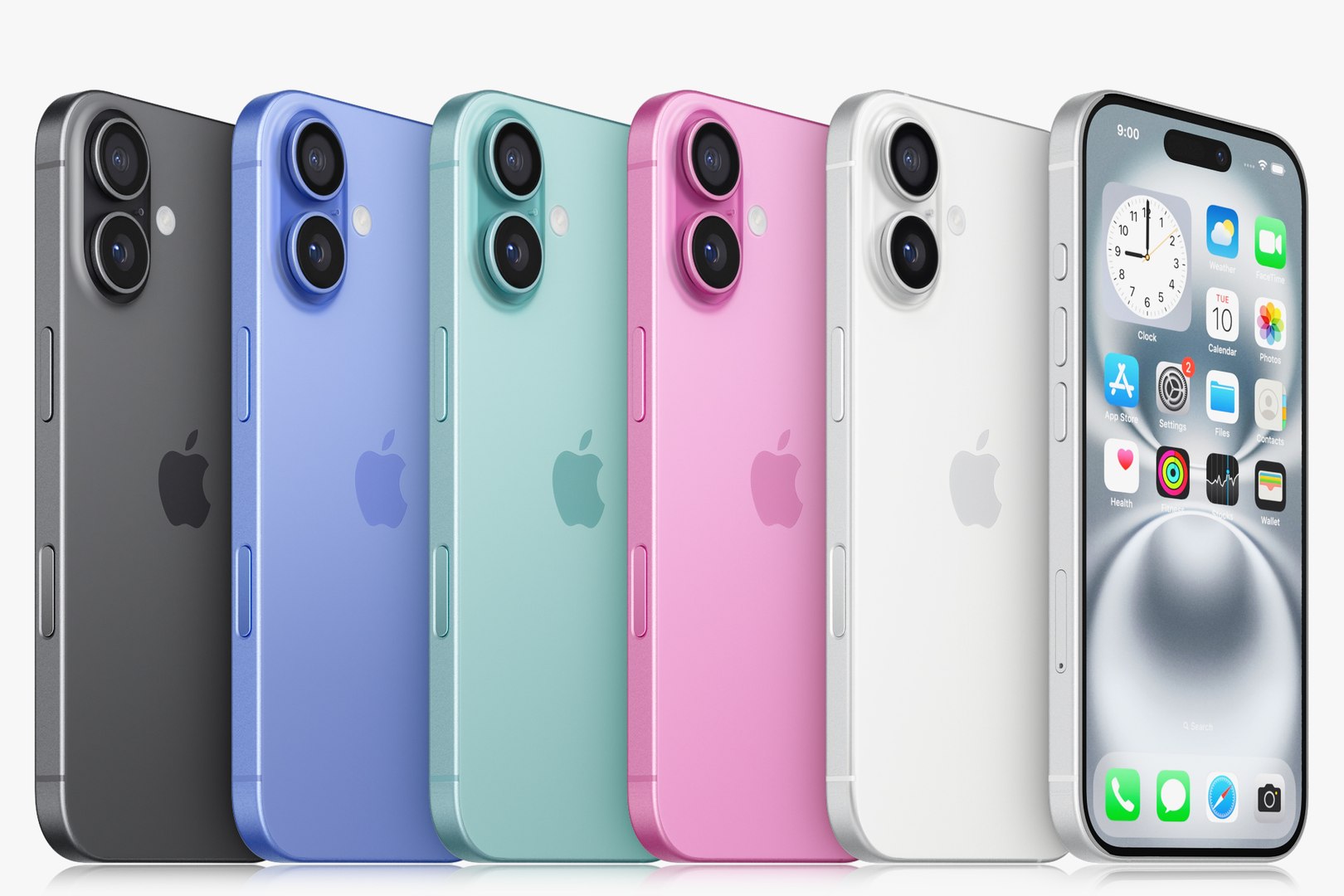
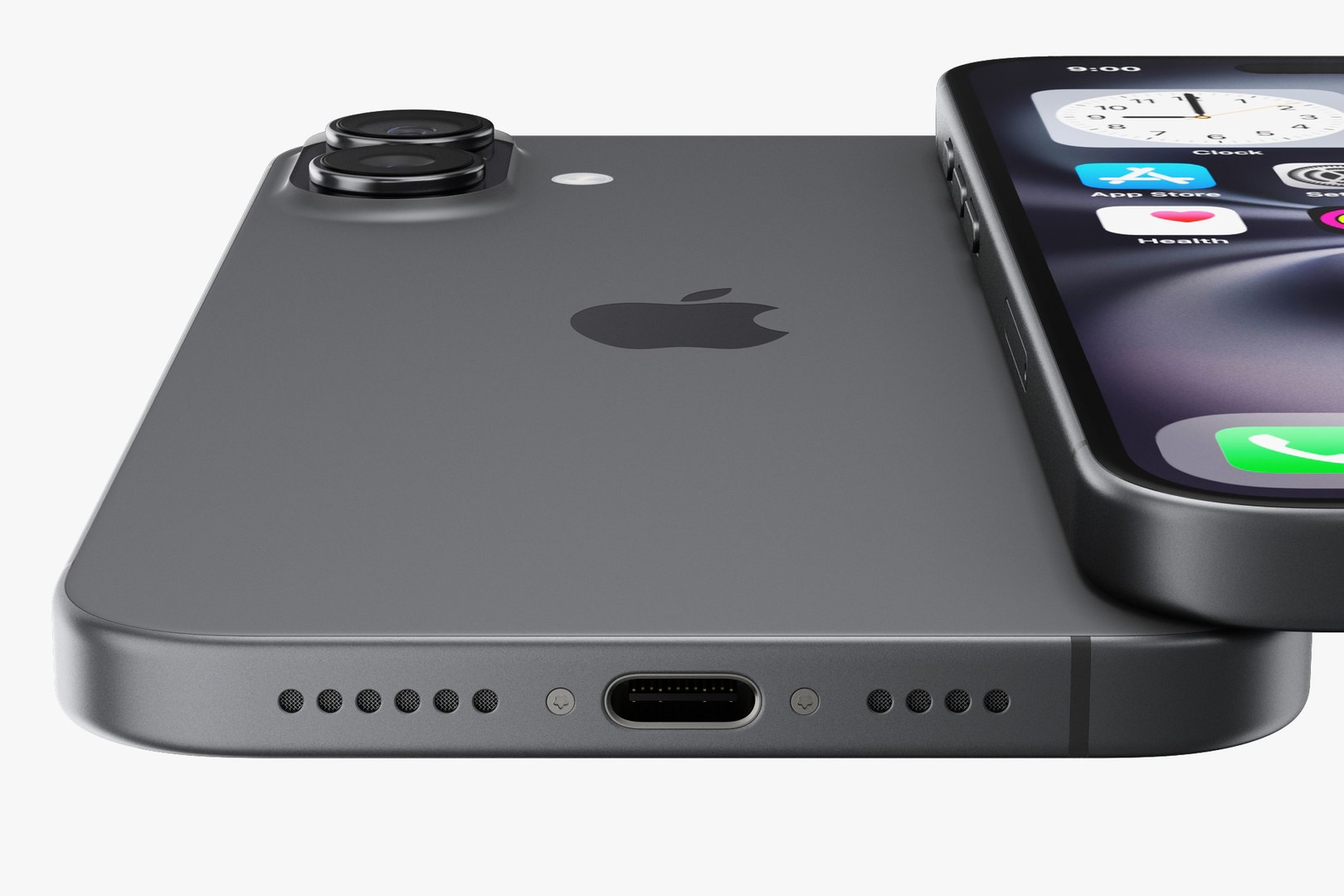
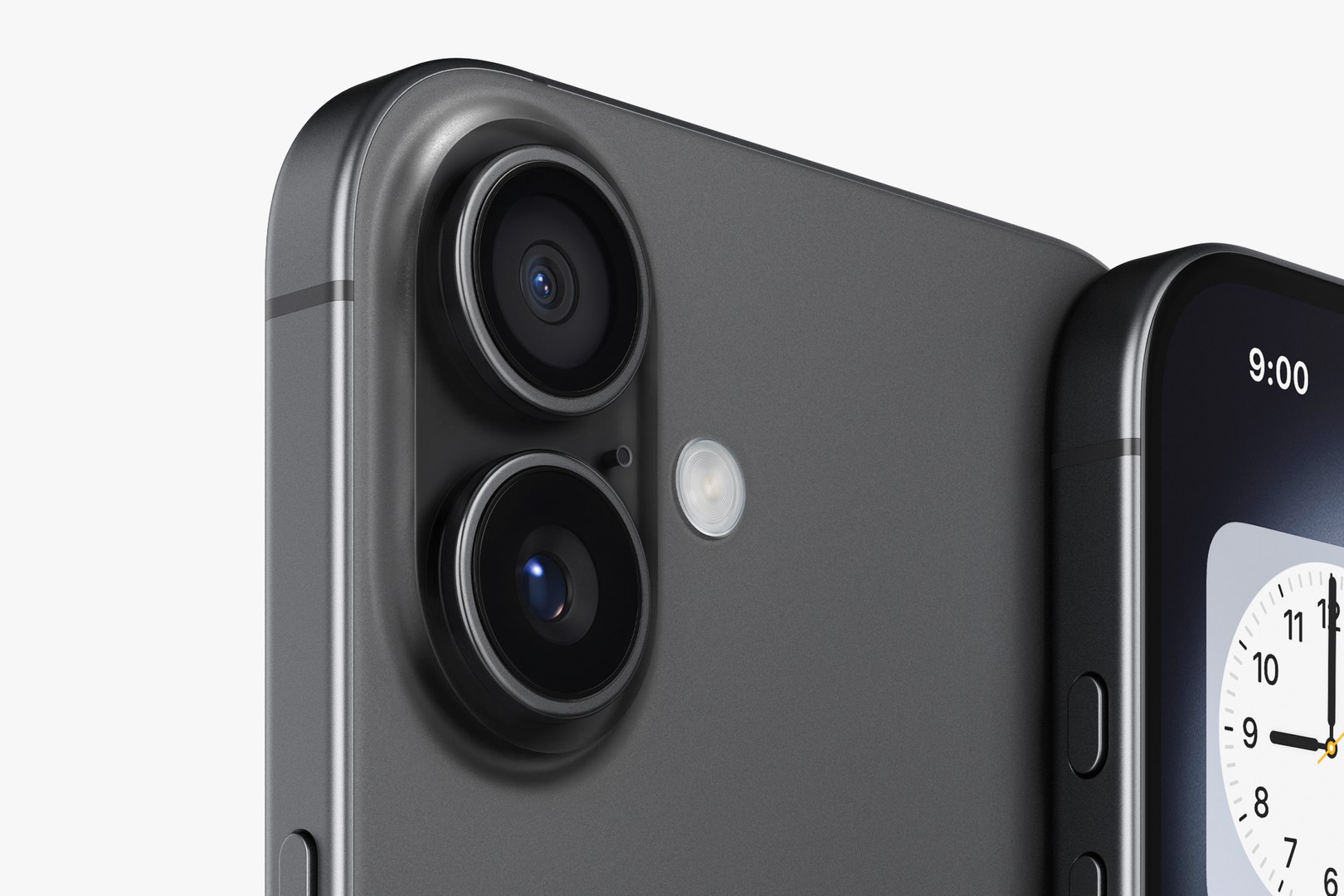
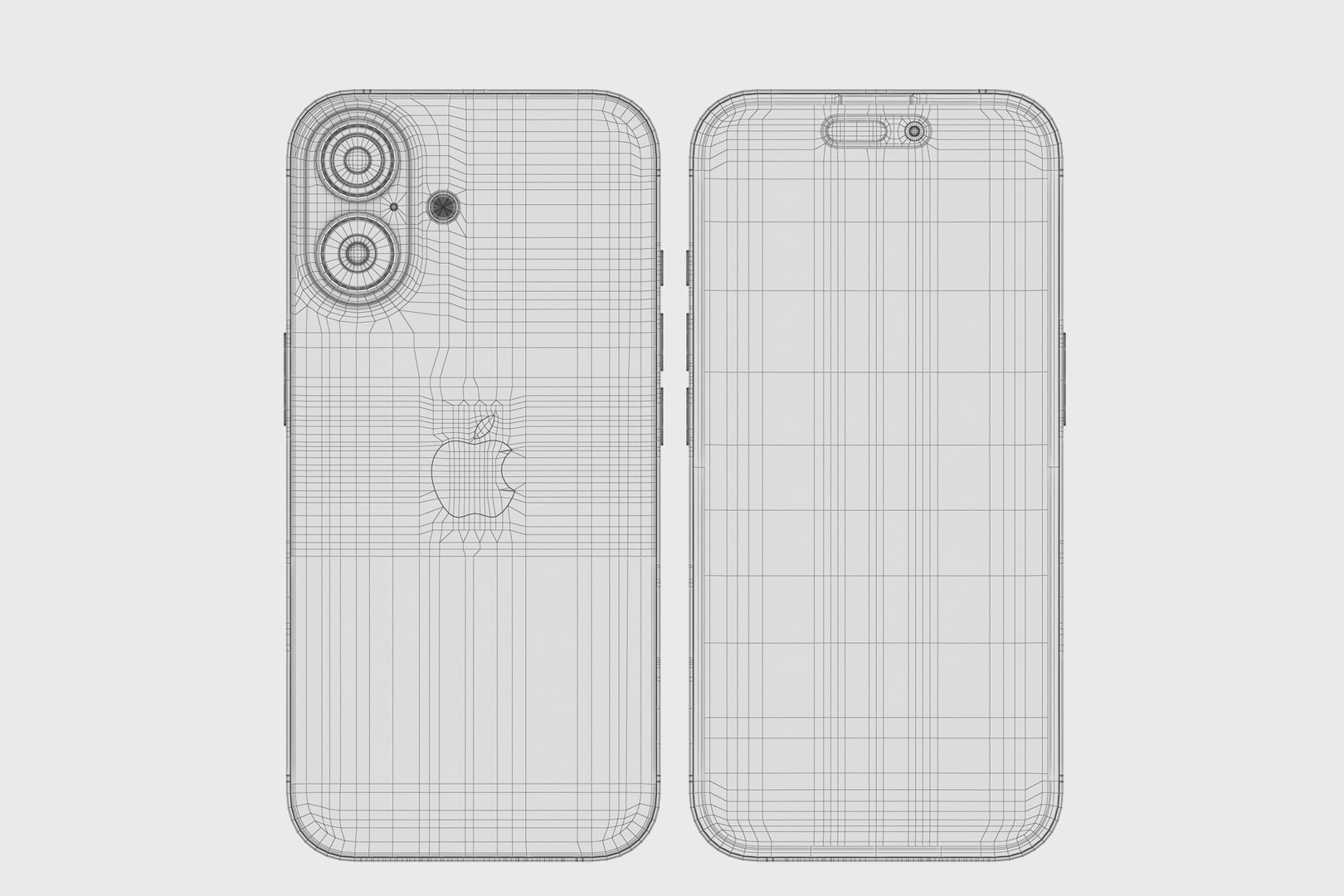
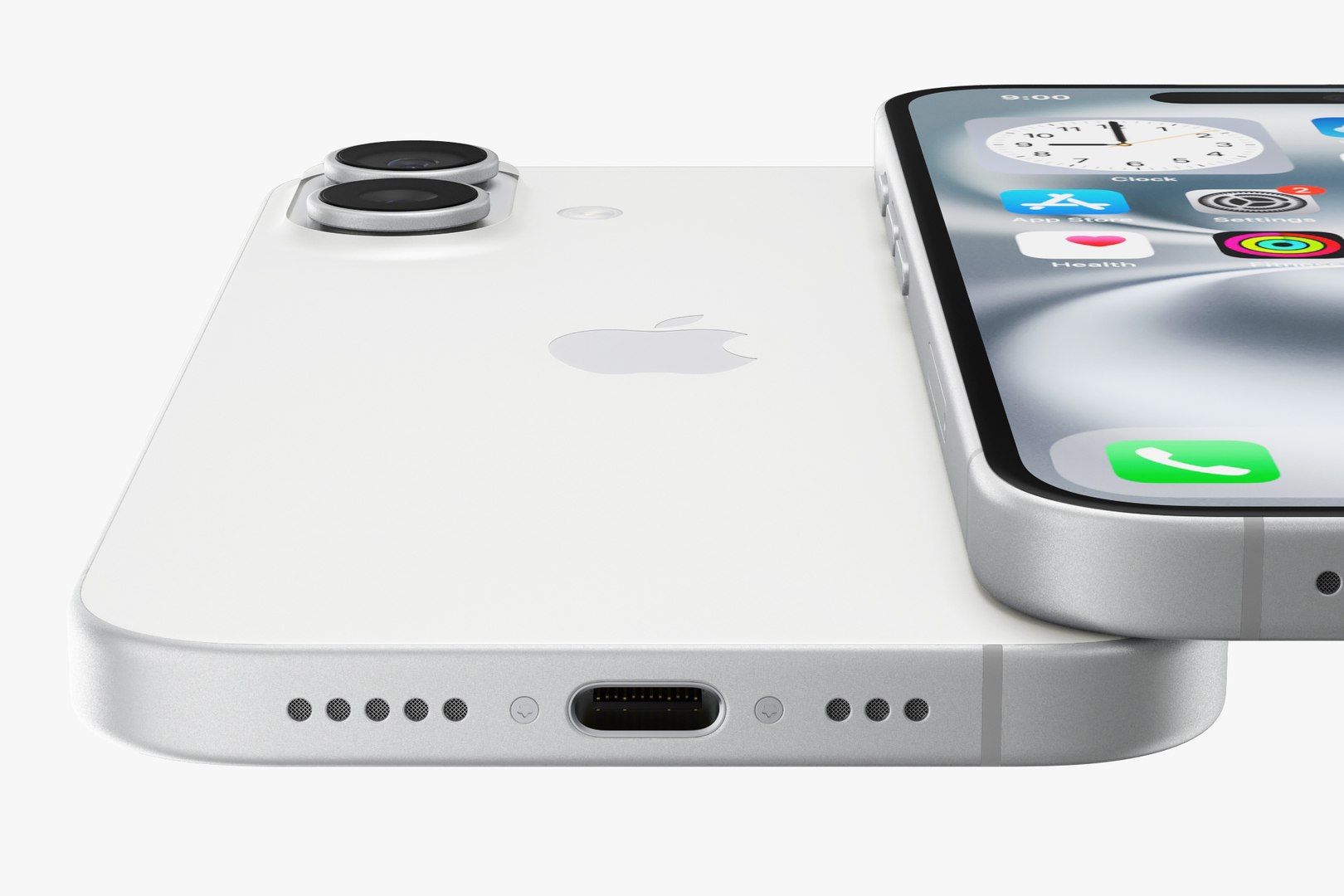
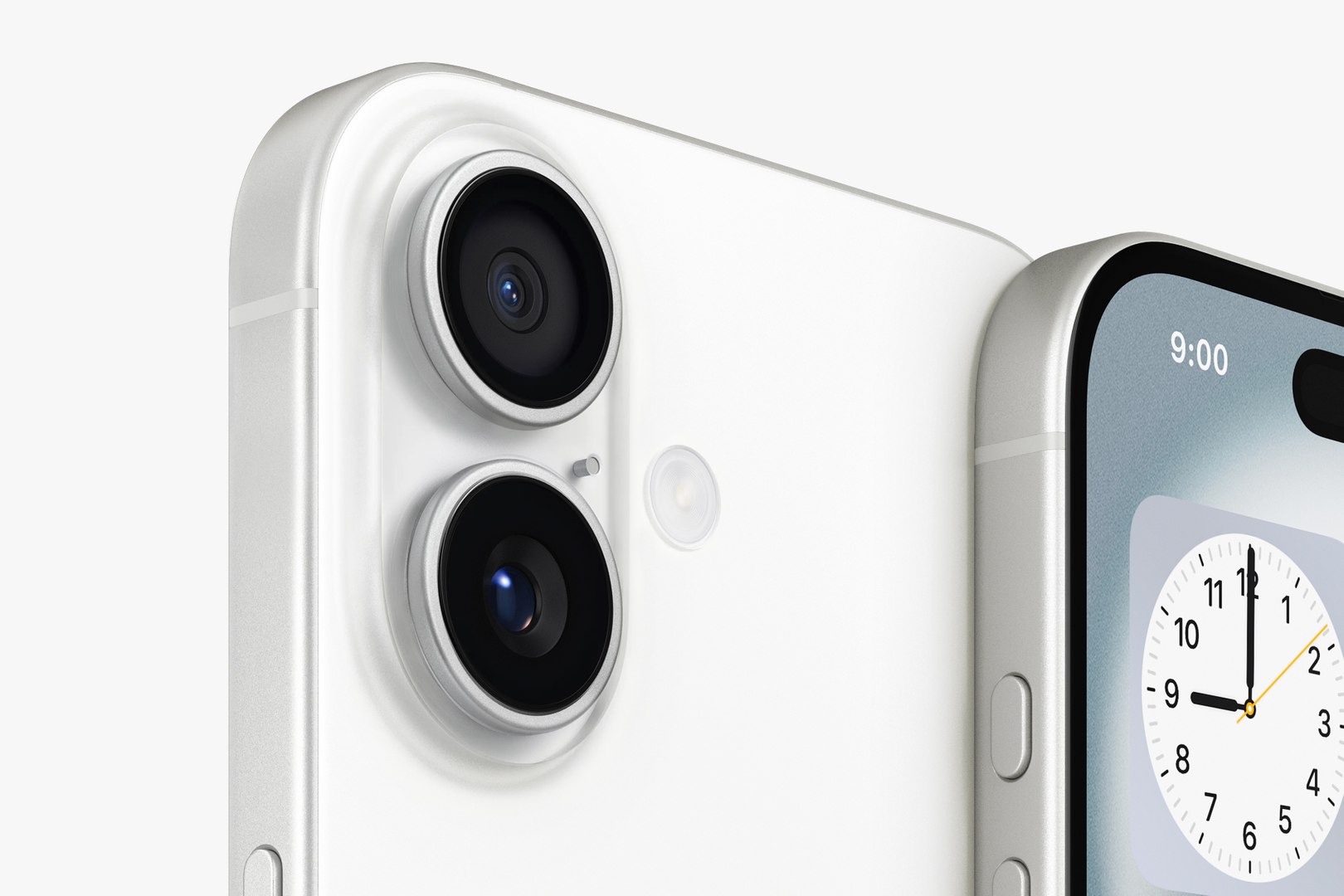
Apple iPhone 16
29590 Polygons
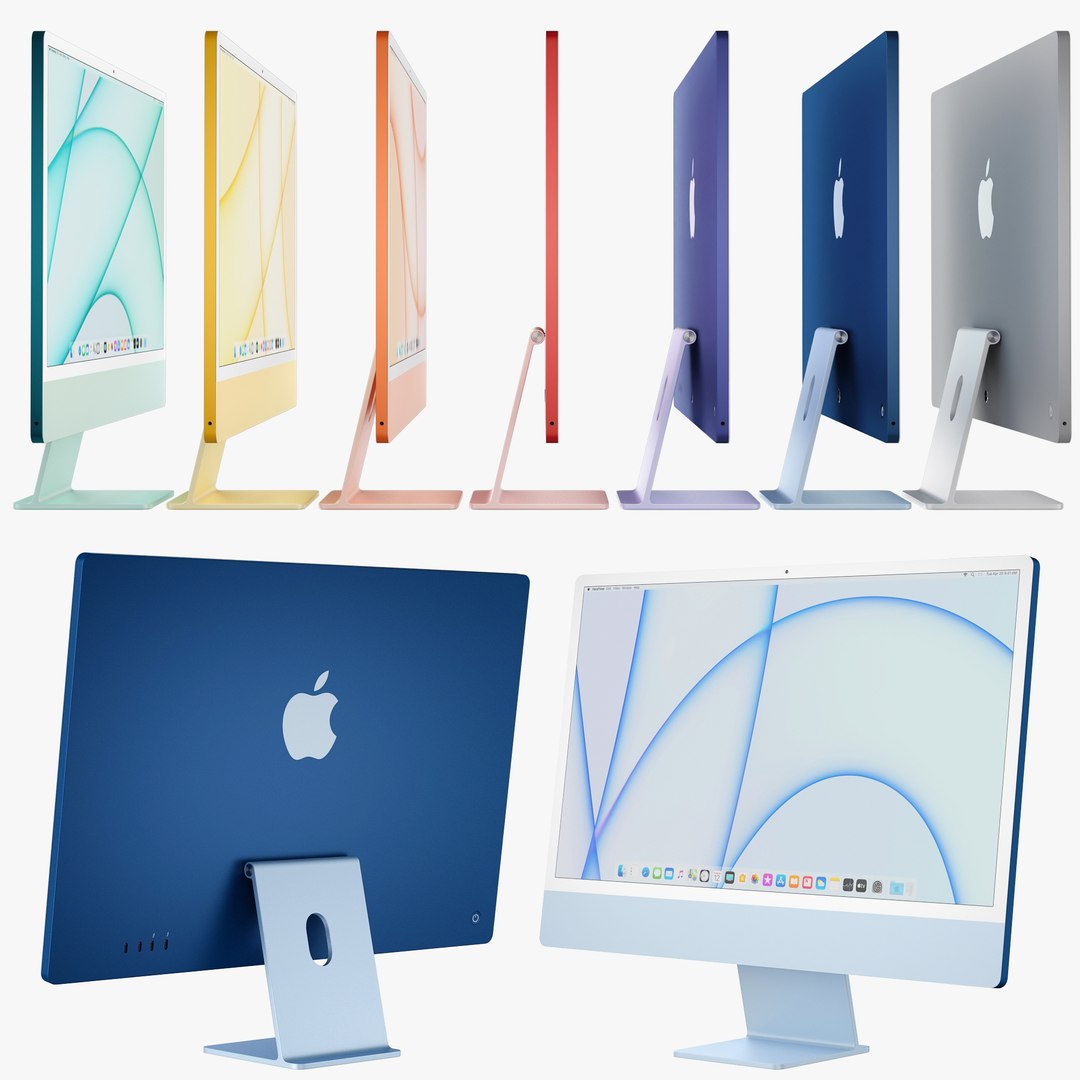
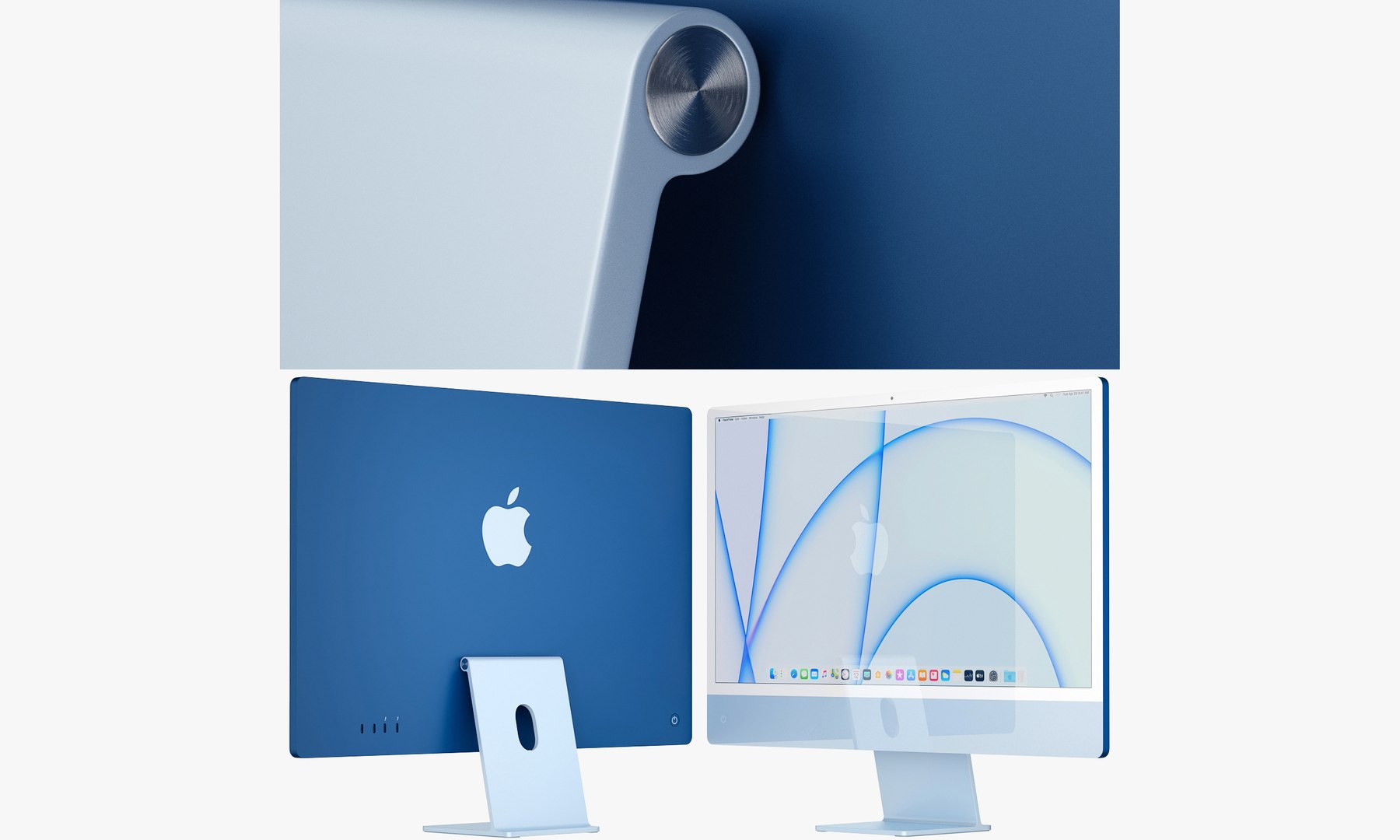
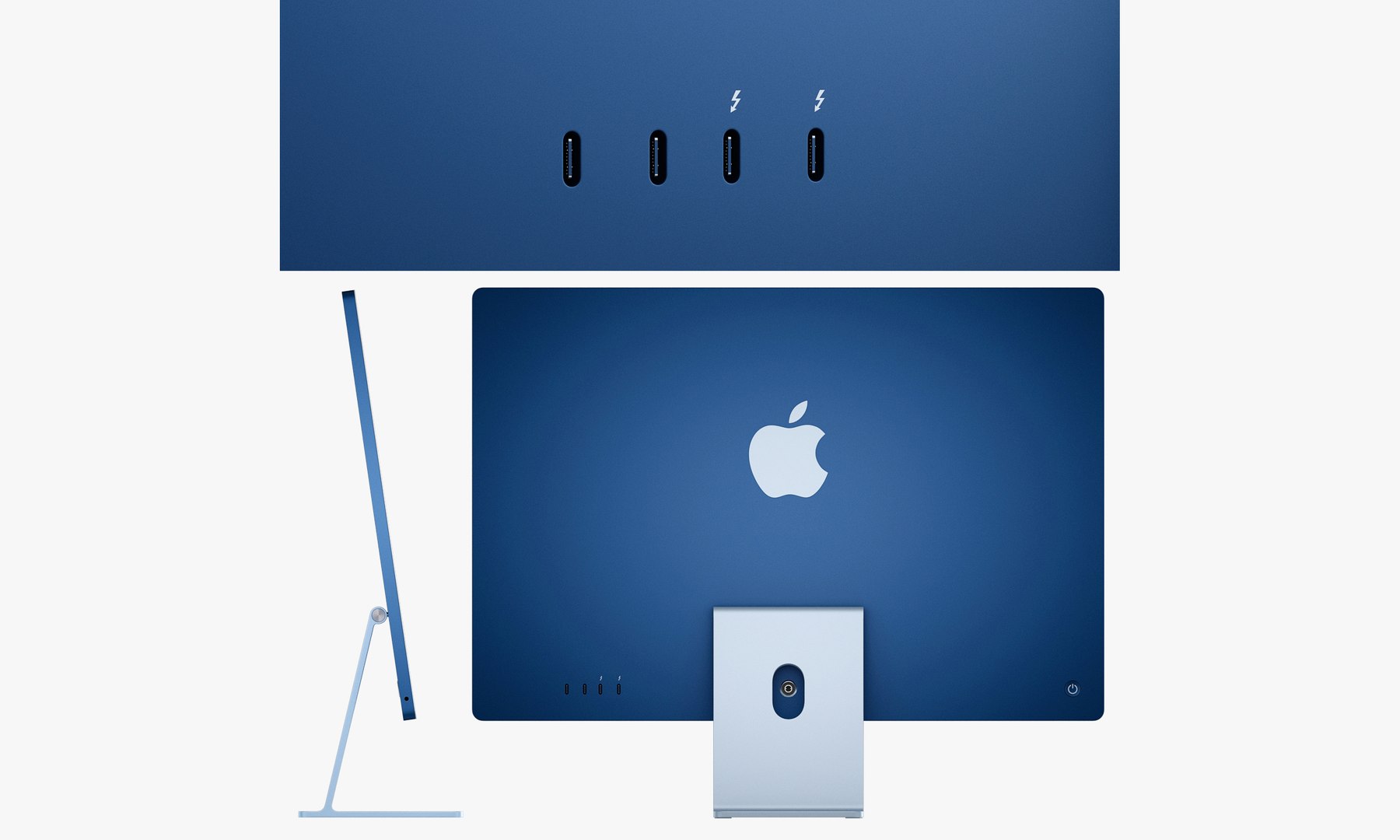
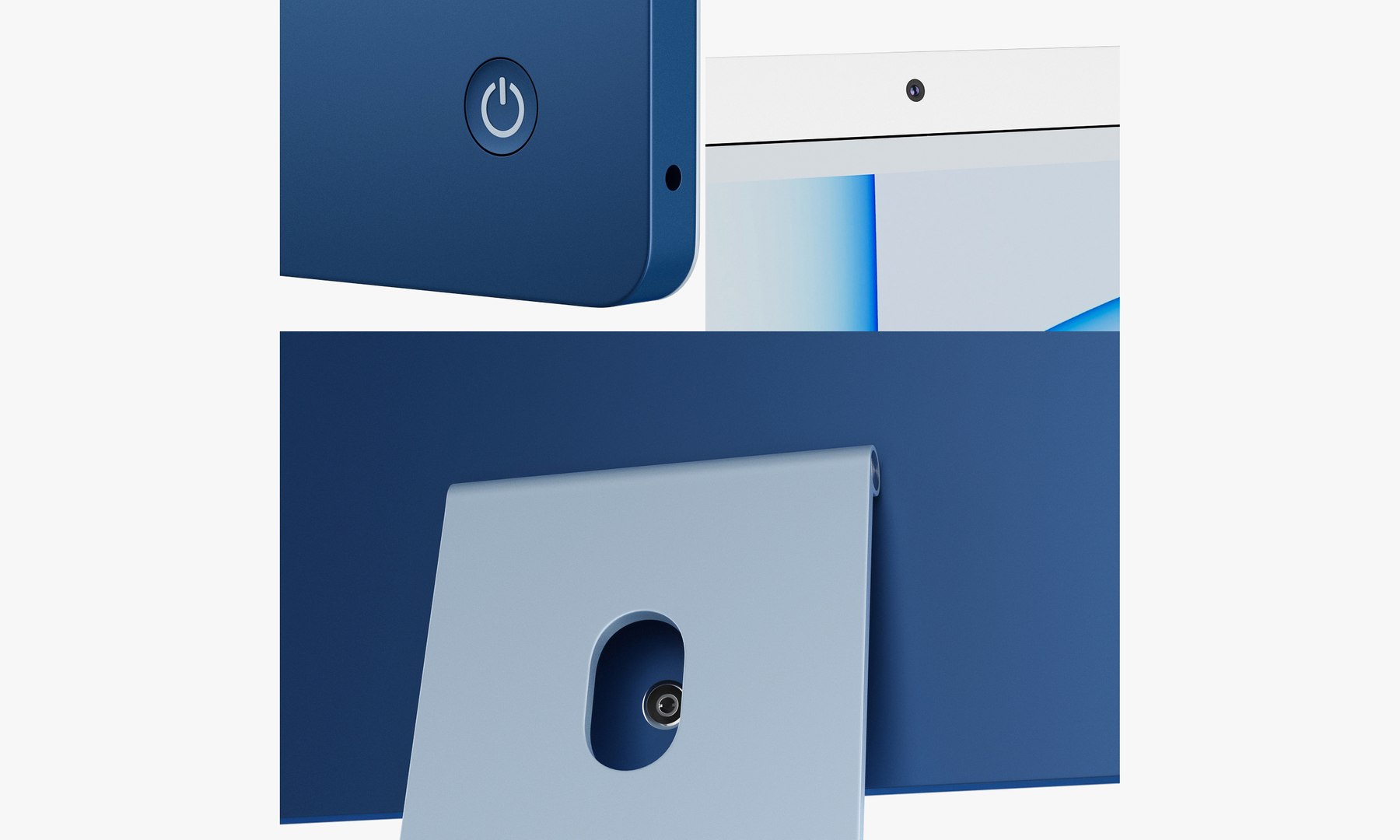
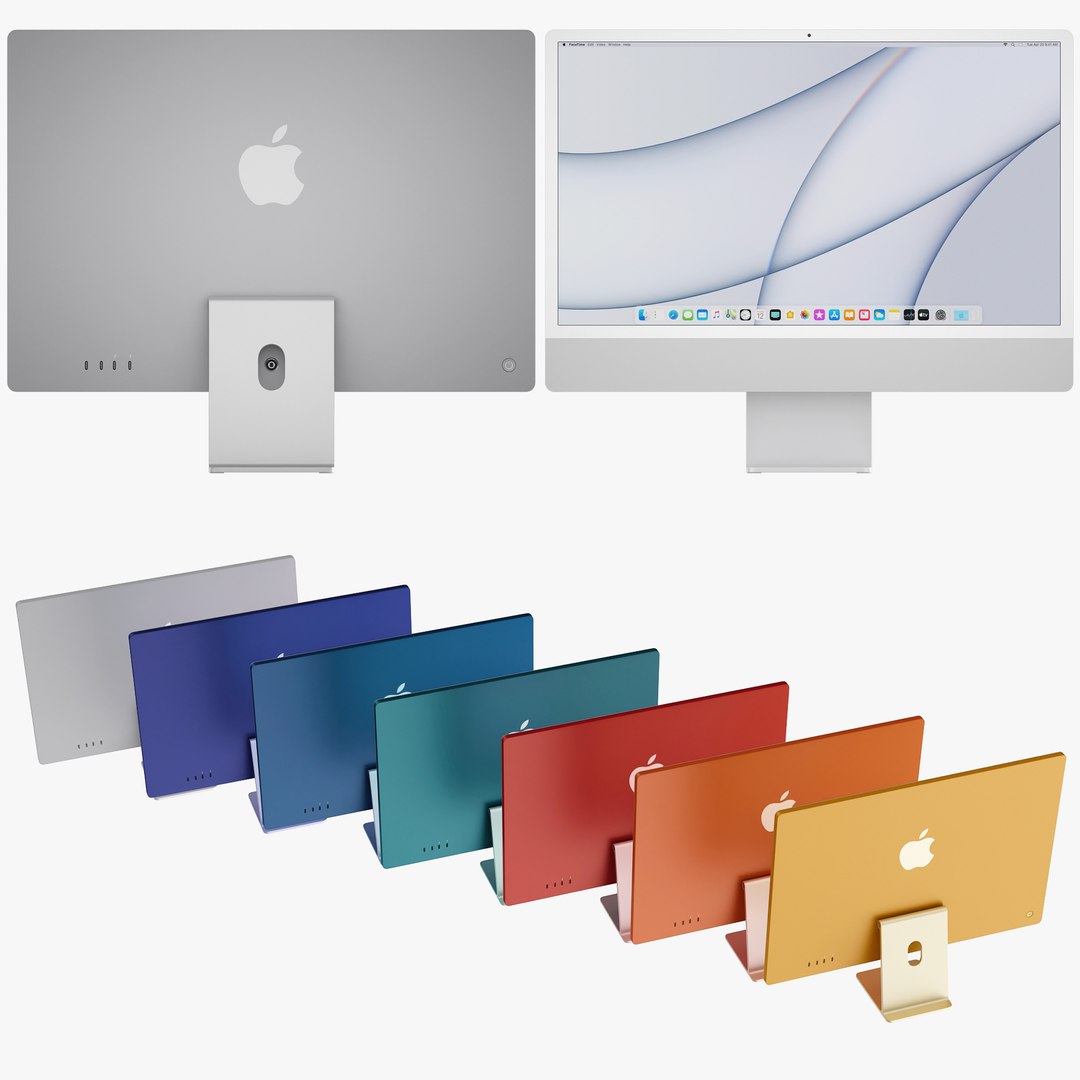
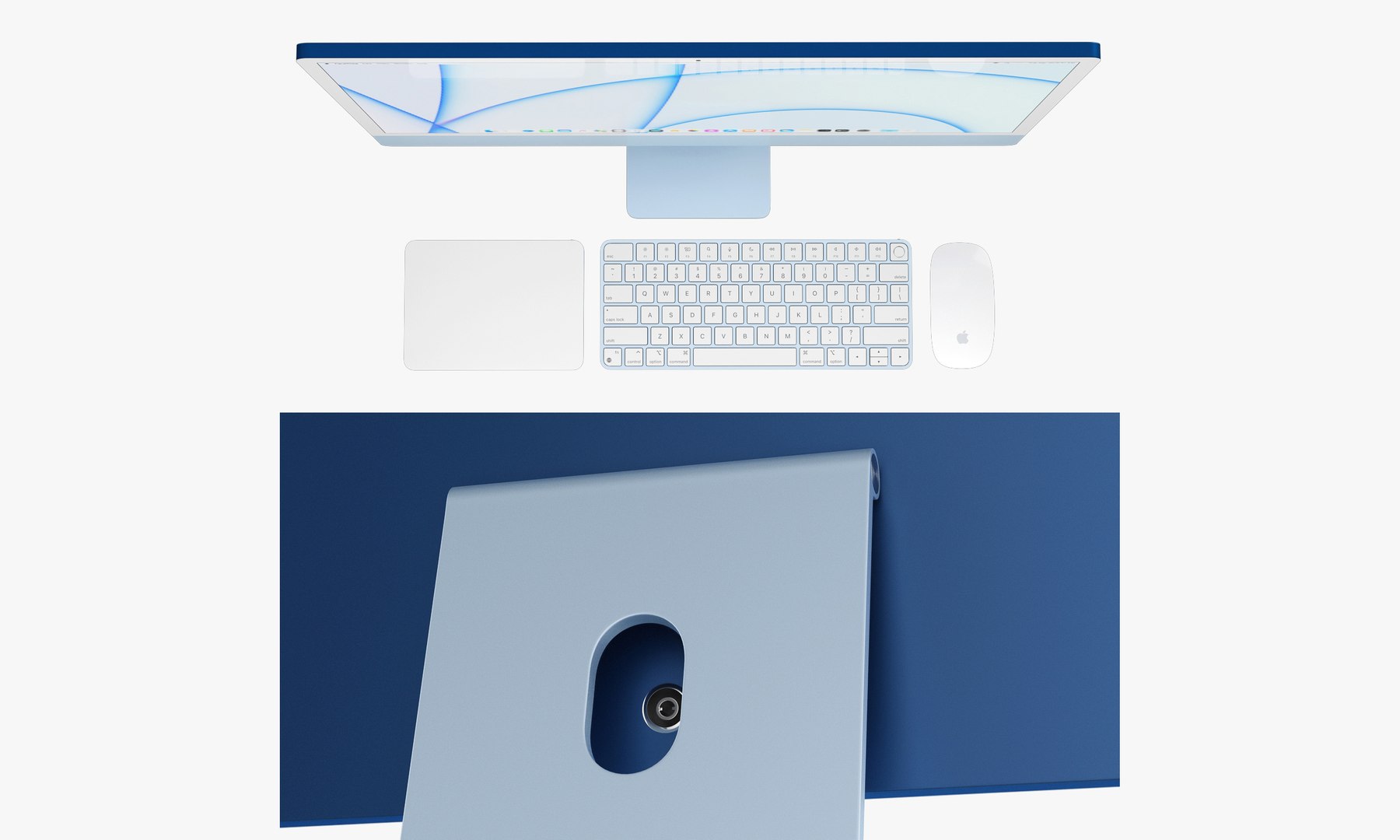
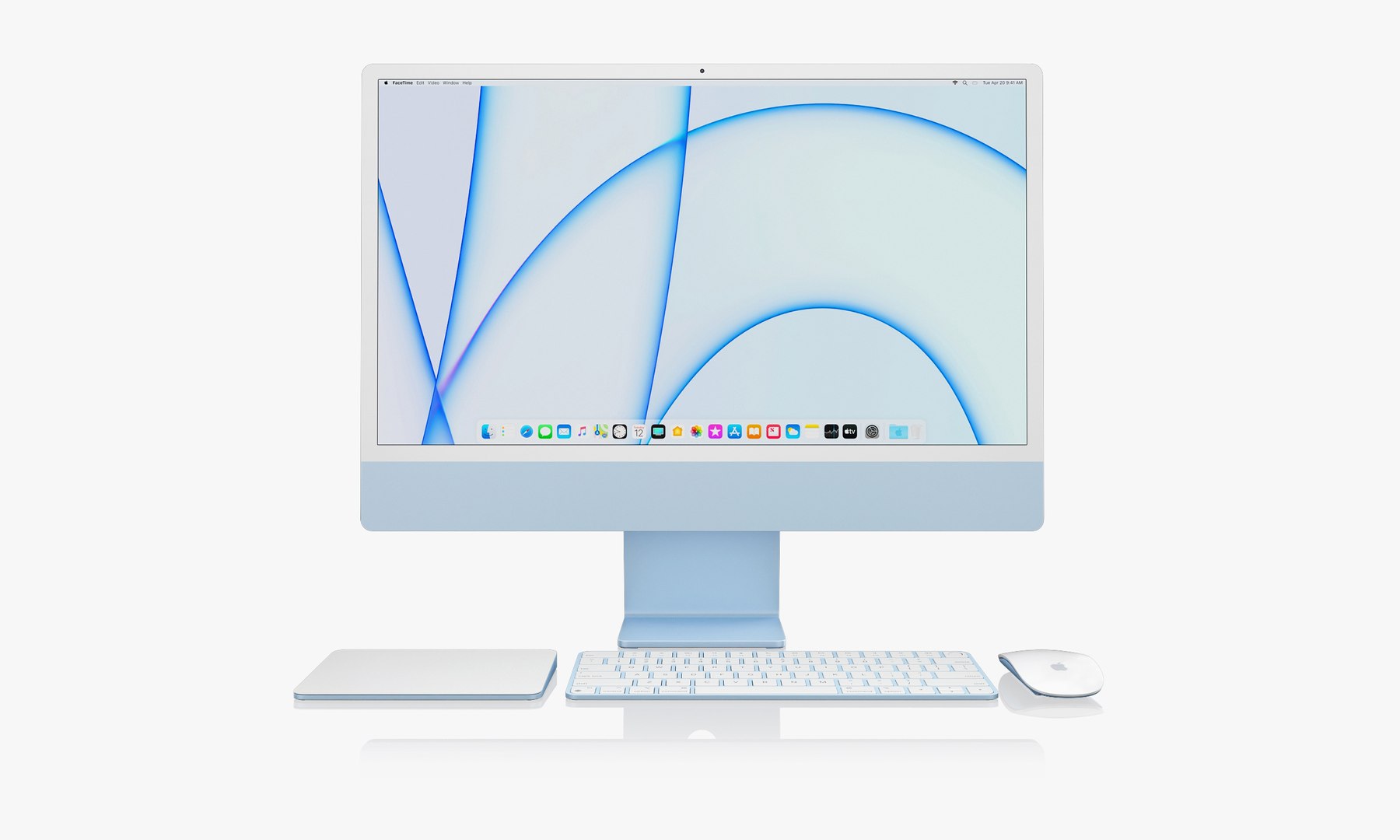
Apple iMac 24-inch 2021 full set 1
69065 Polygons
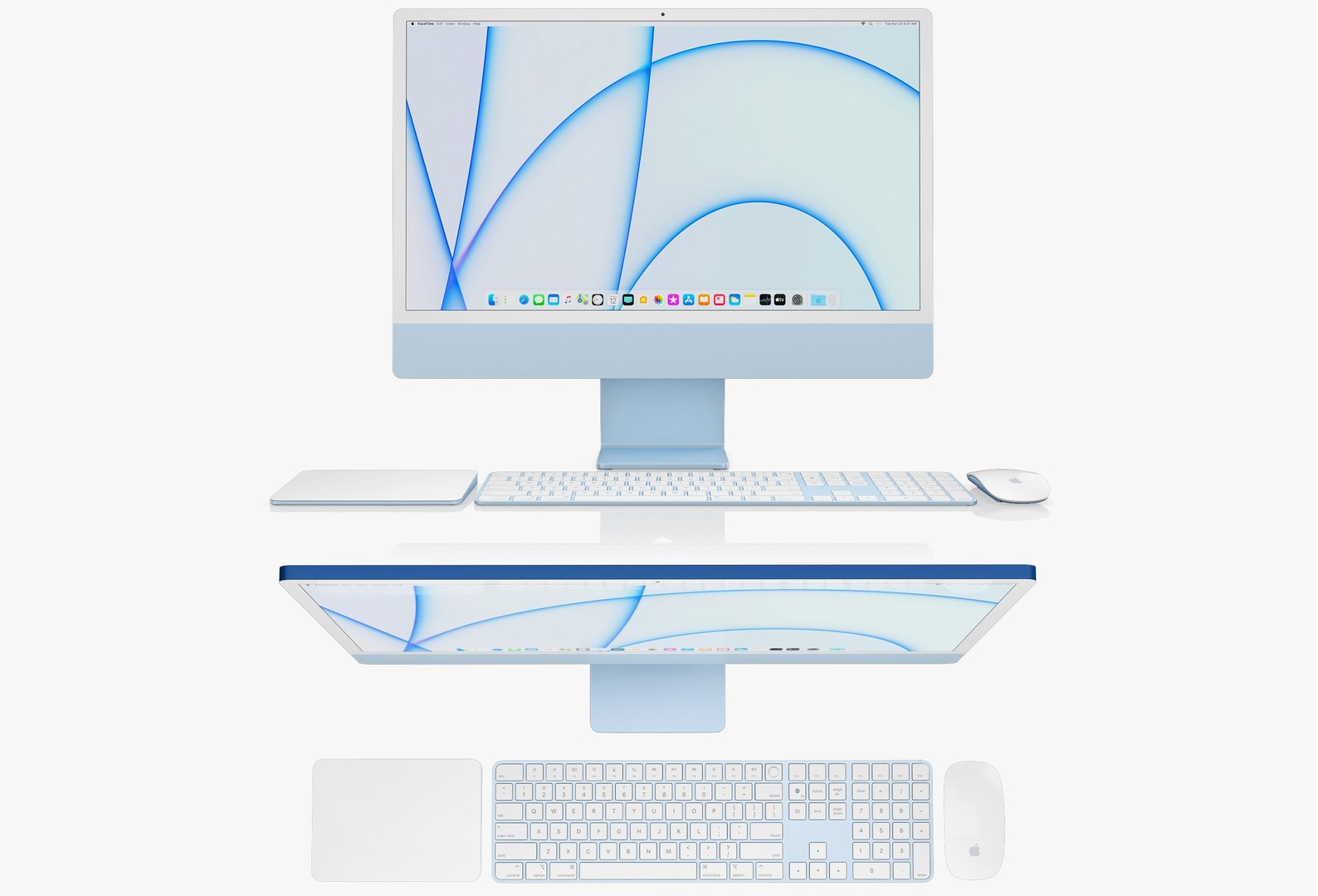
Apple iMac 24-inch 2021 full set 2
86169 Polygons
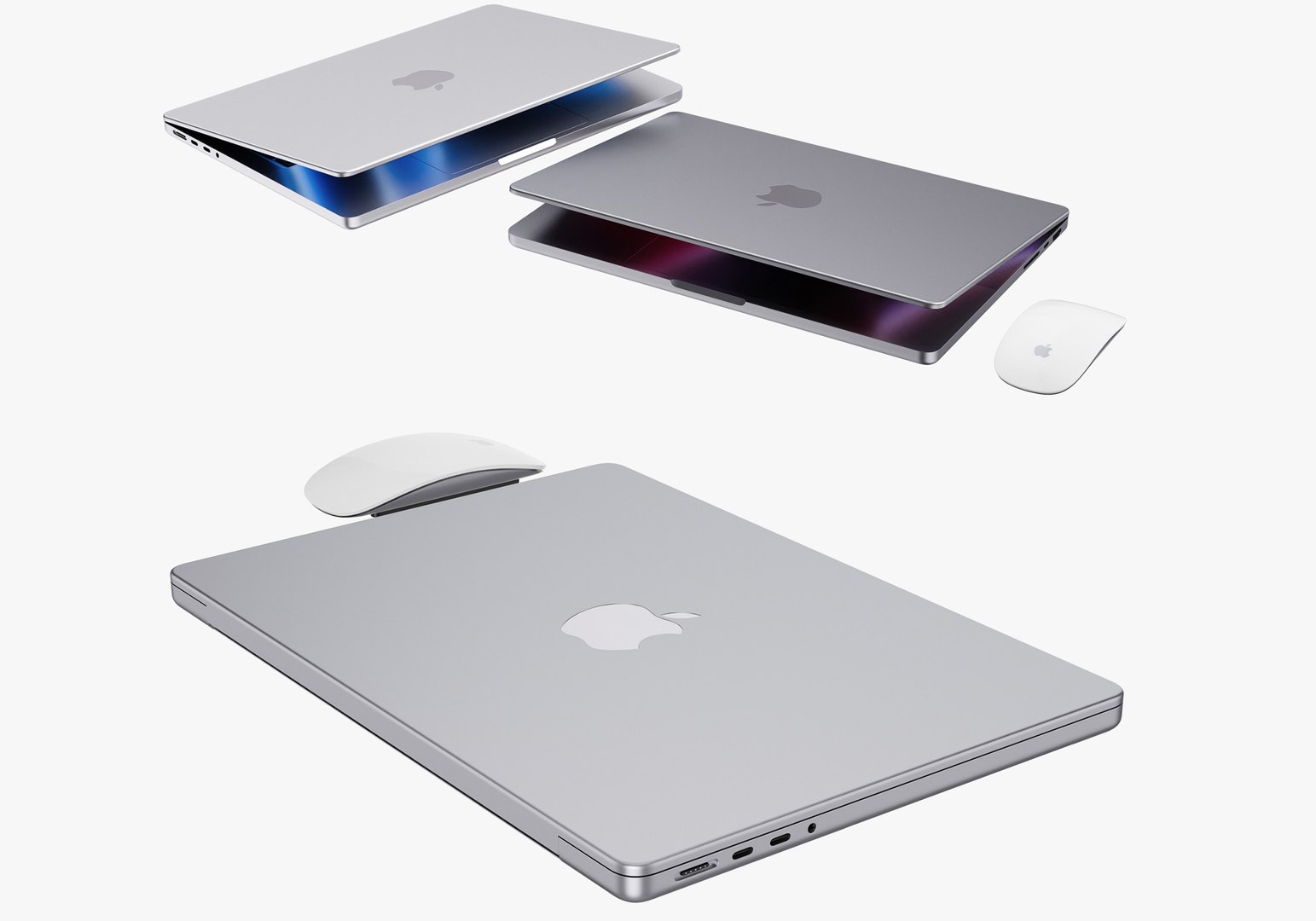
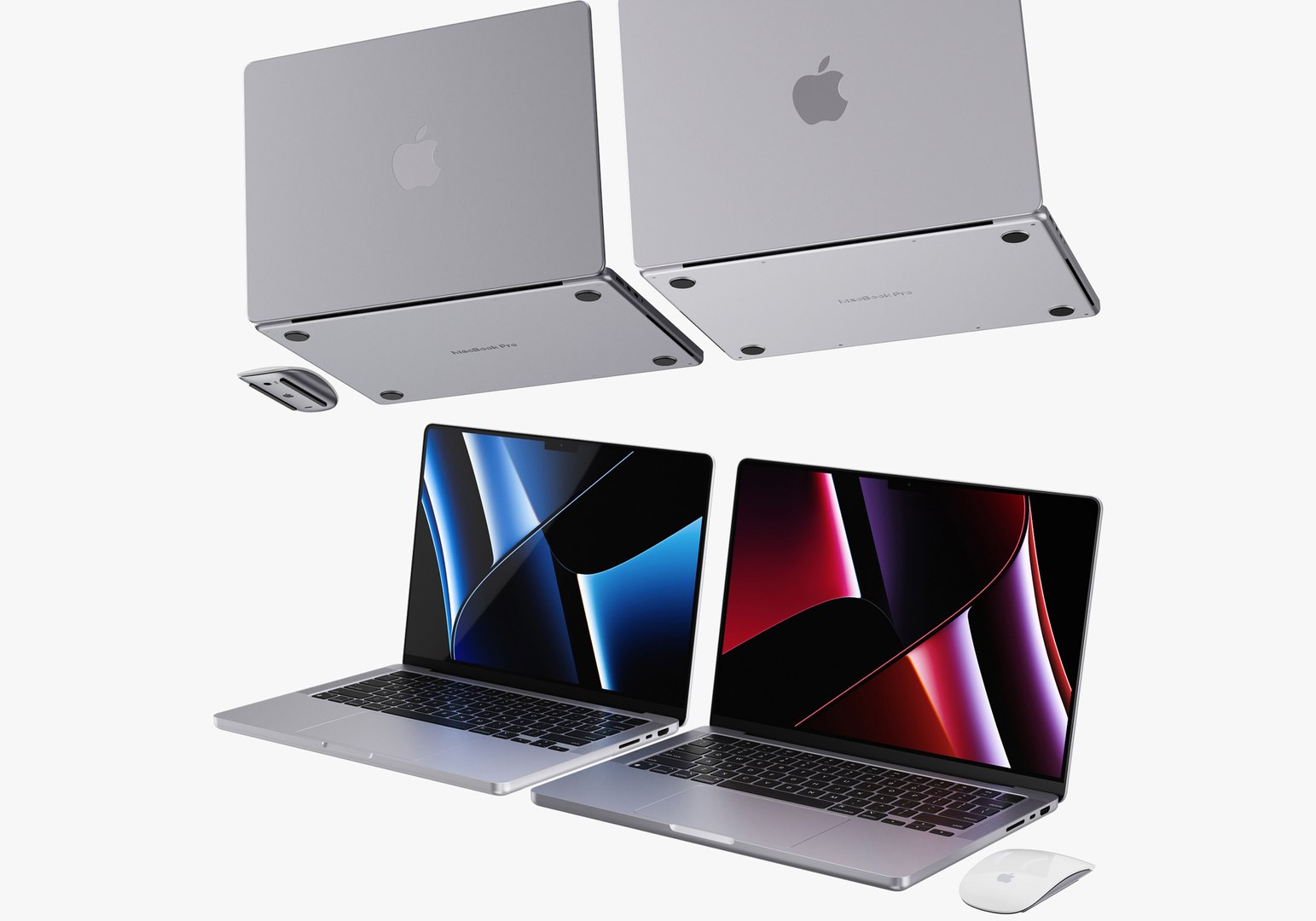
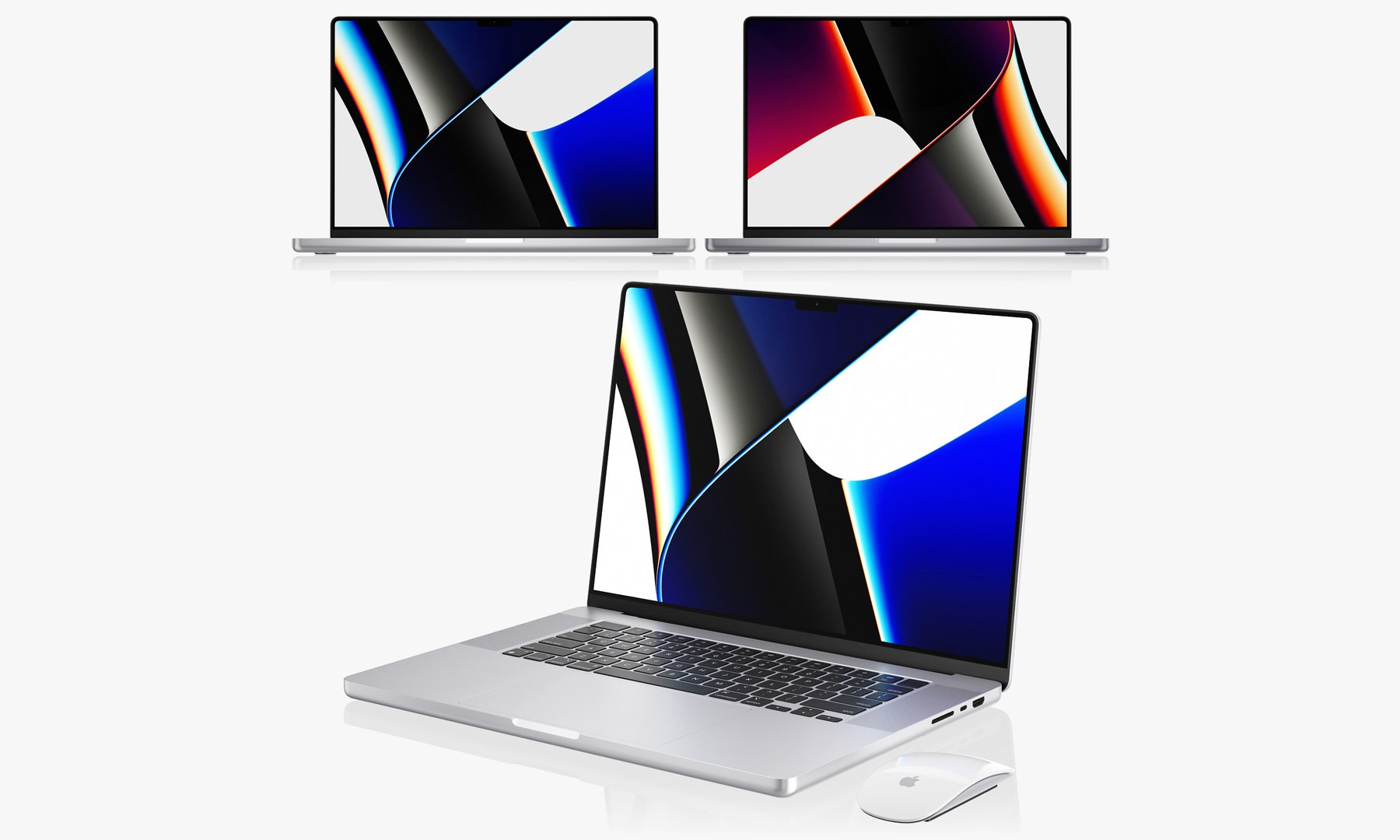
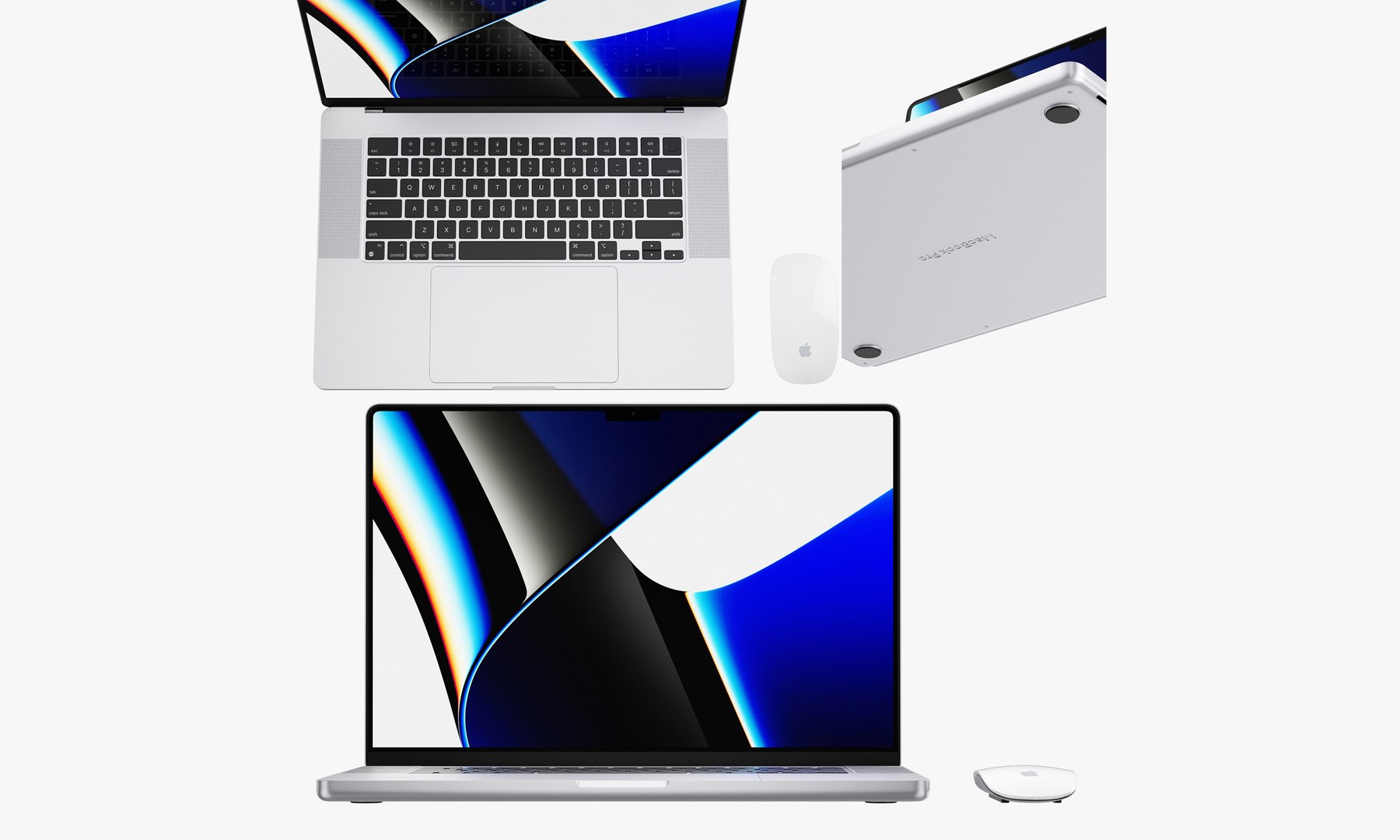
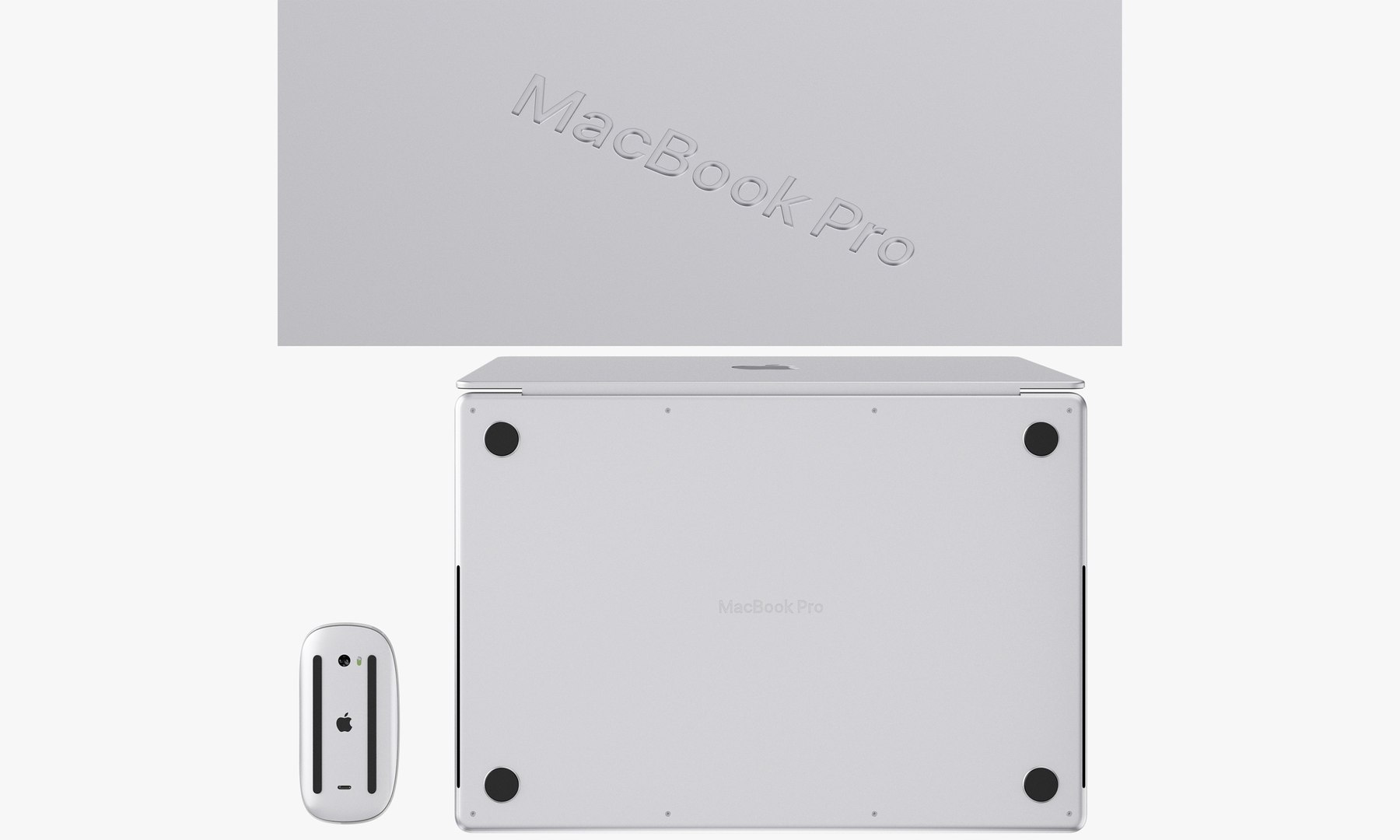
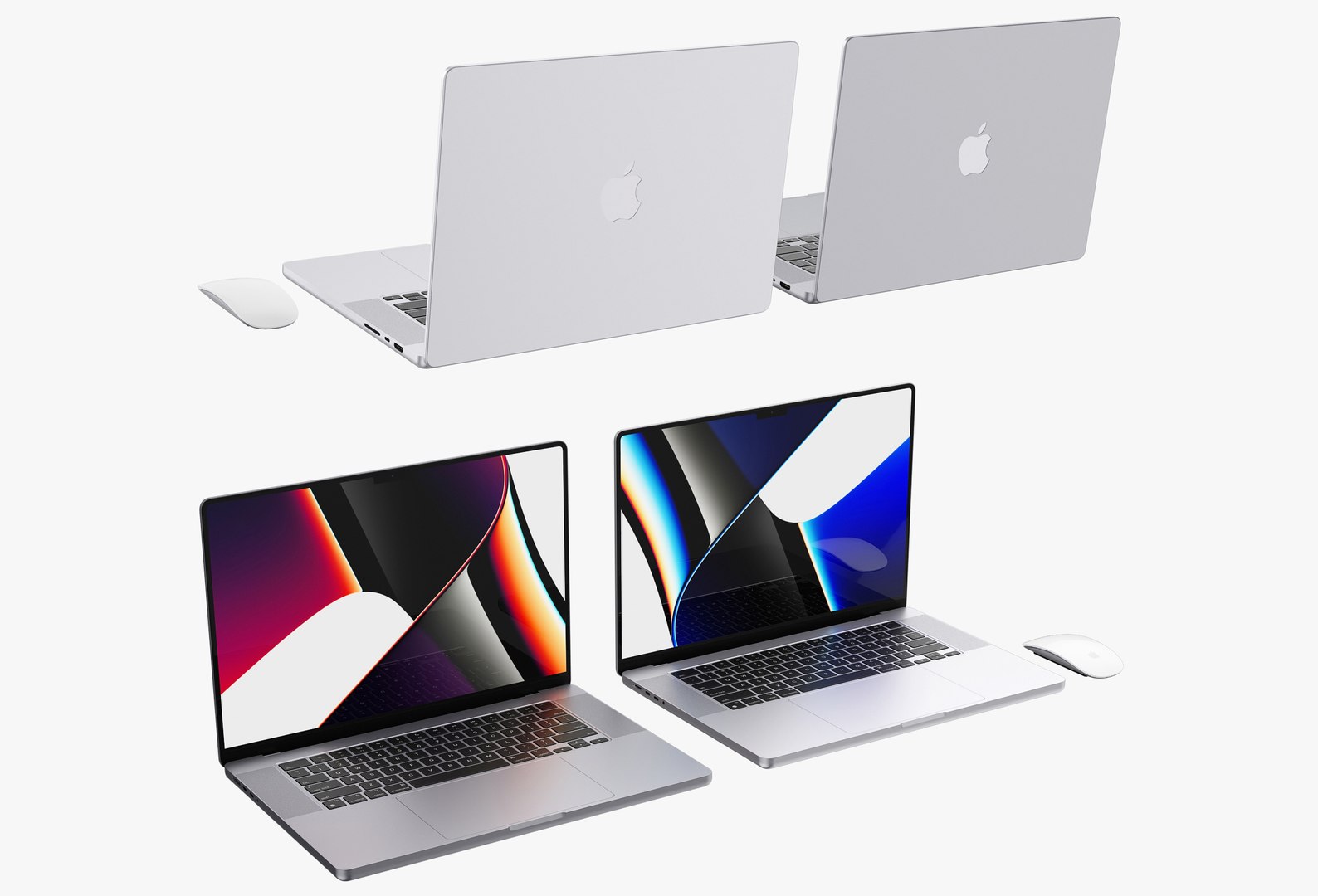
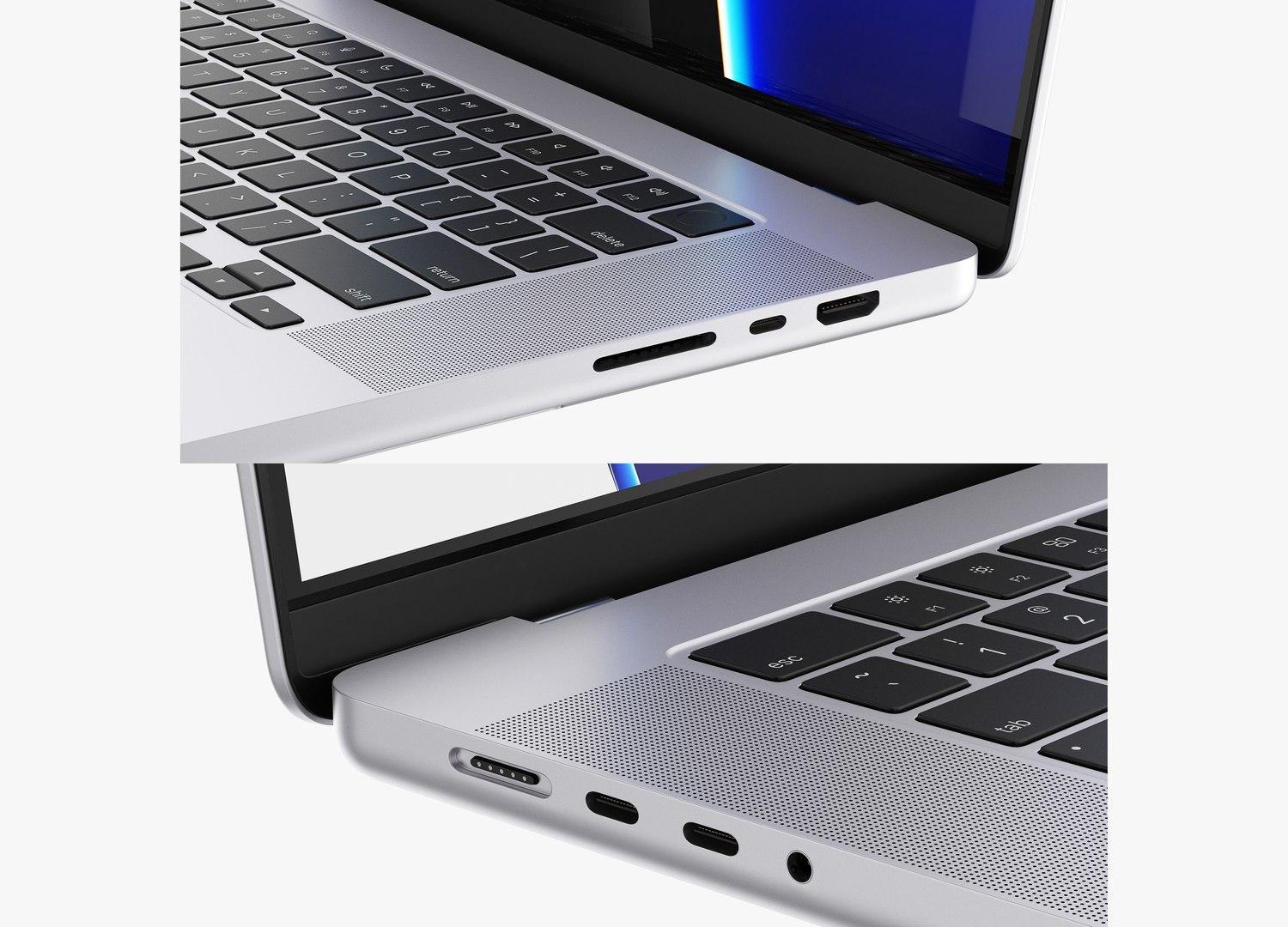
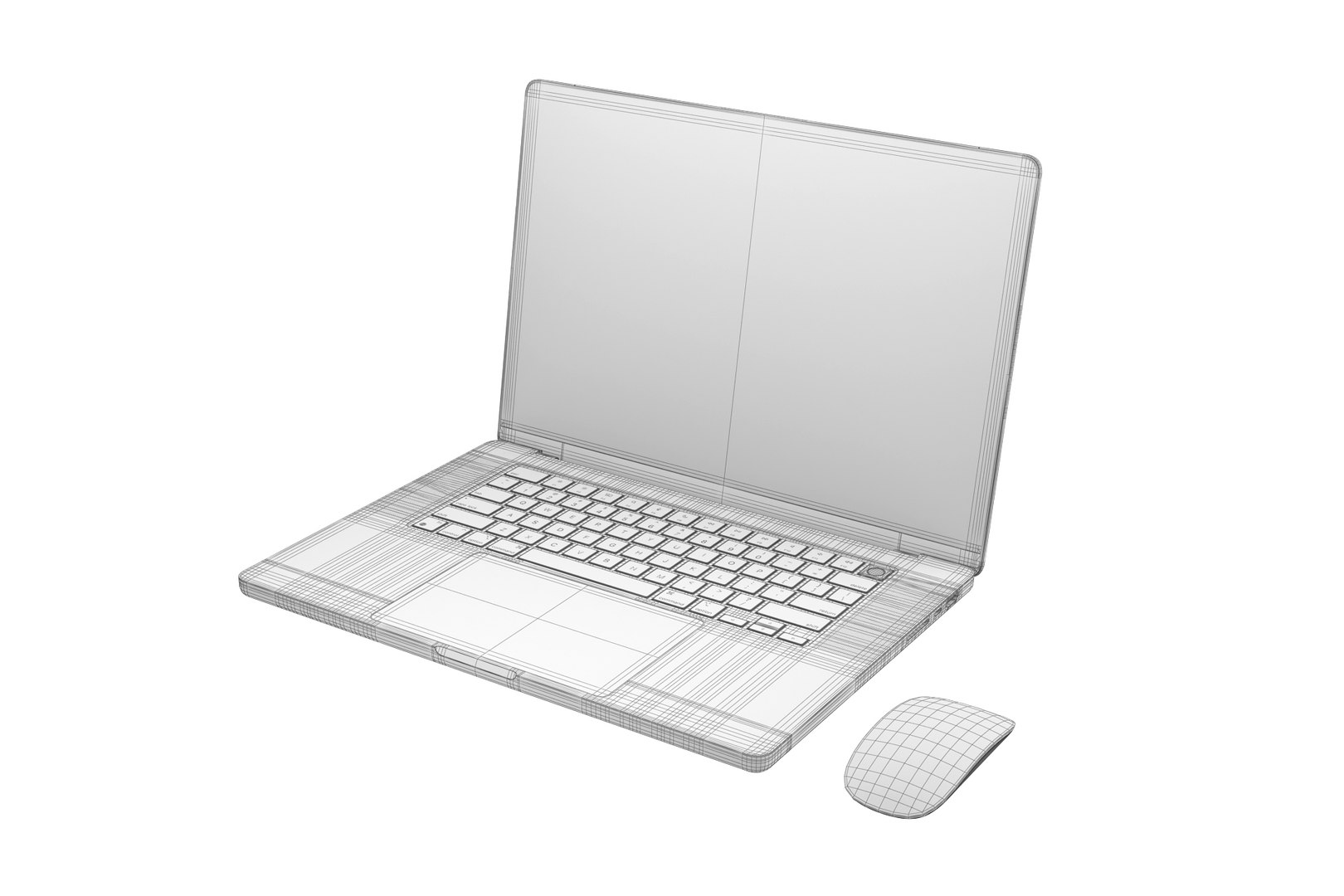
Apple MacBook Pro 16-inch 2021
227801 Polygons
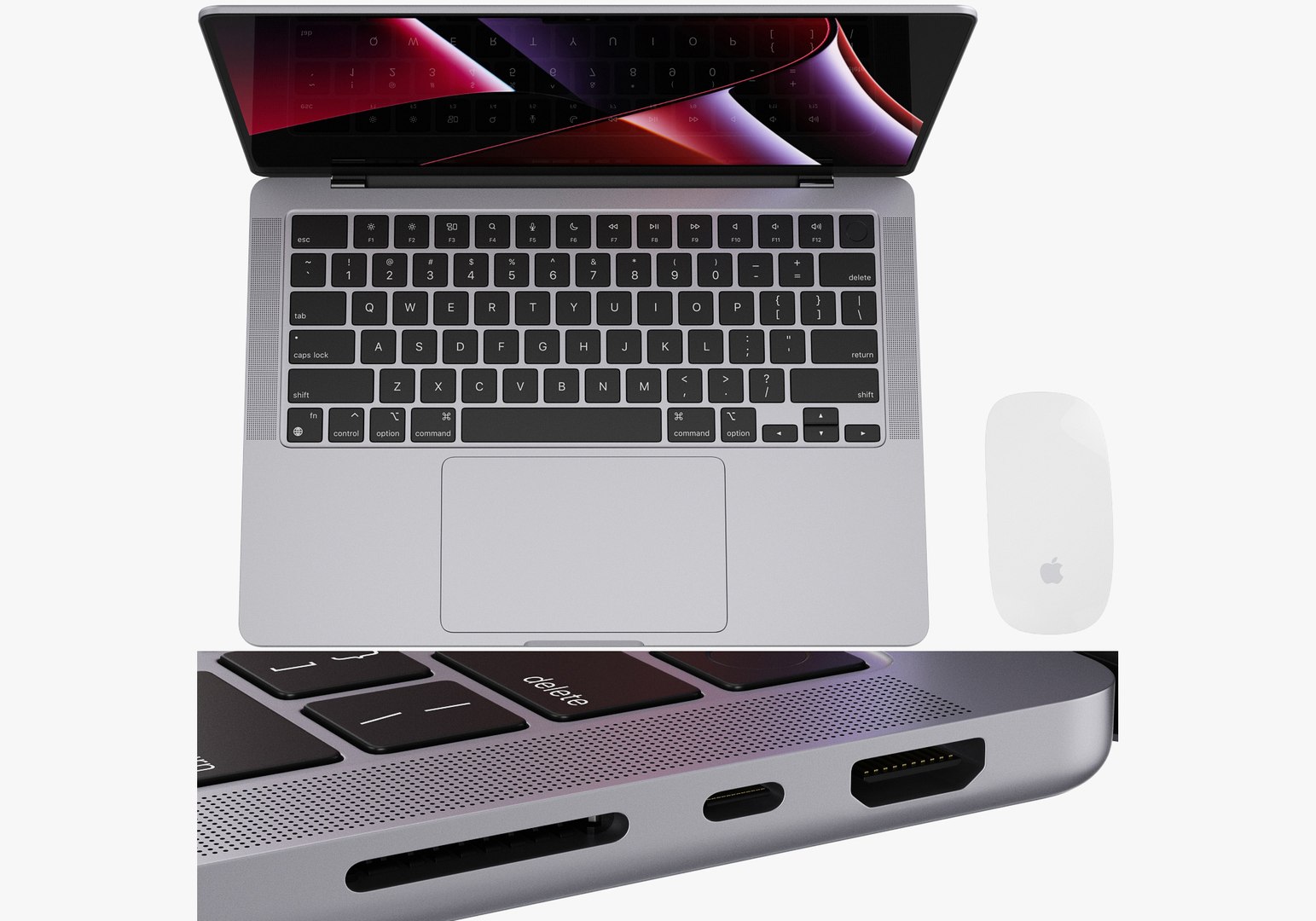
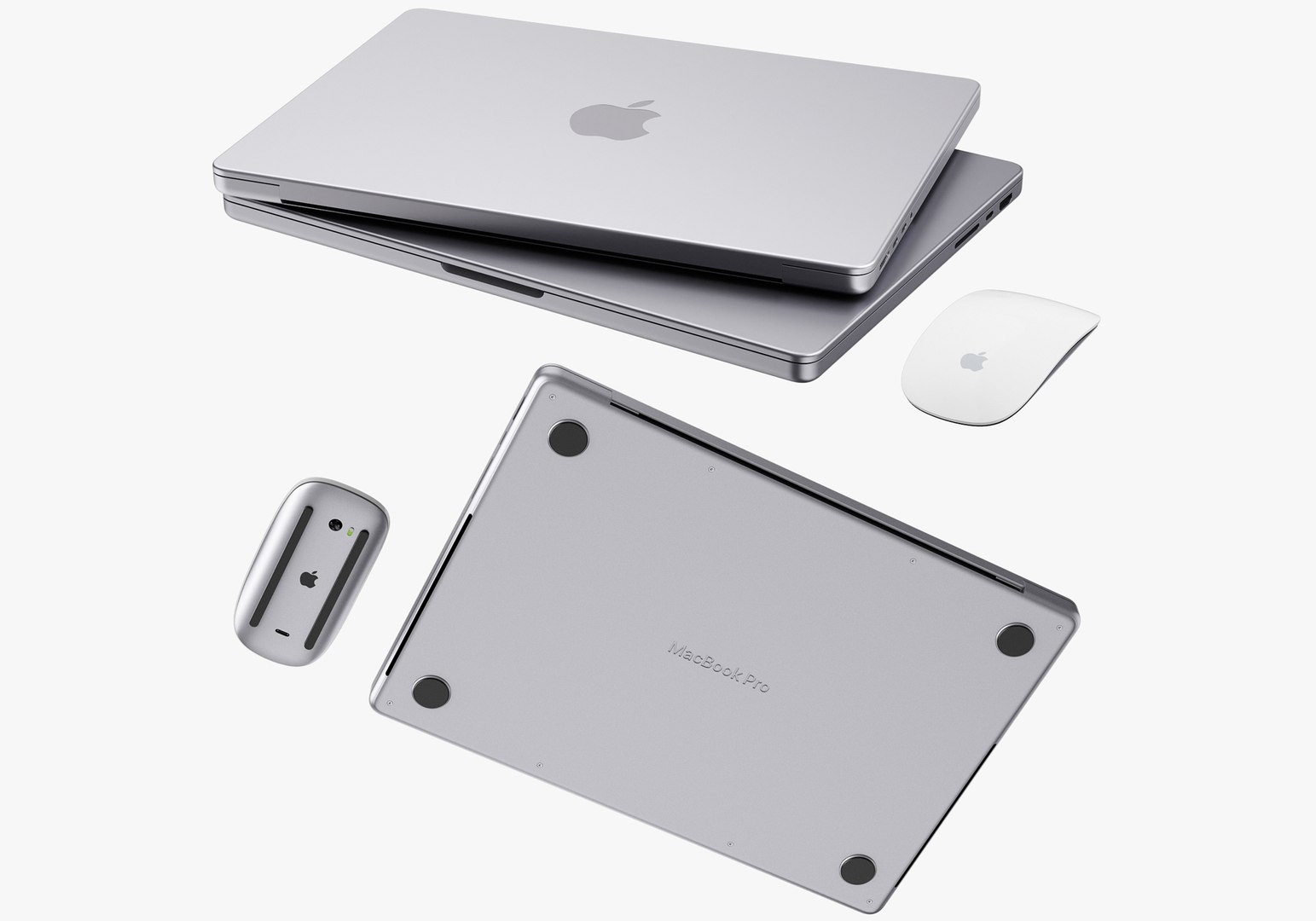
Apple MacBook Pro 14-inch 2021
139286 Polygons
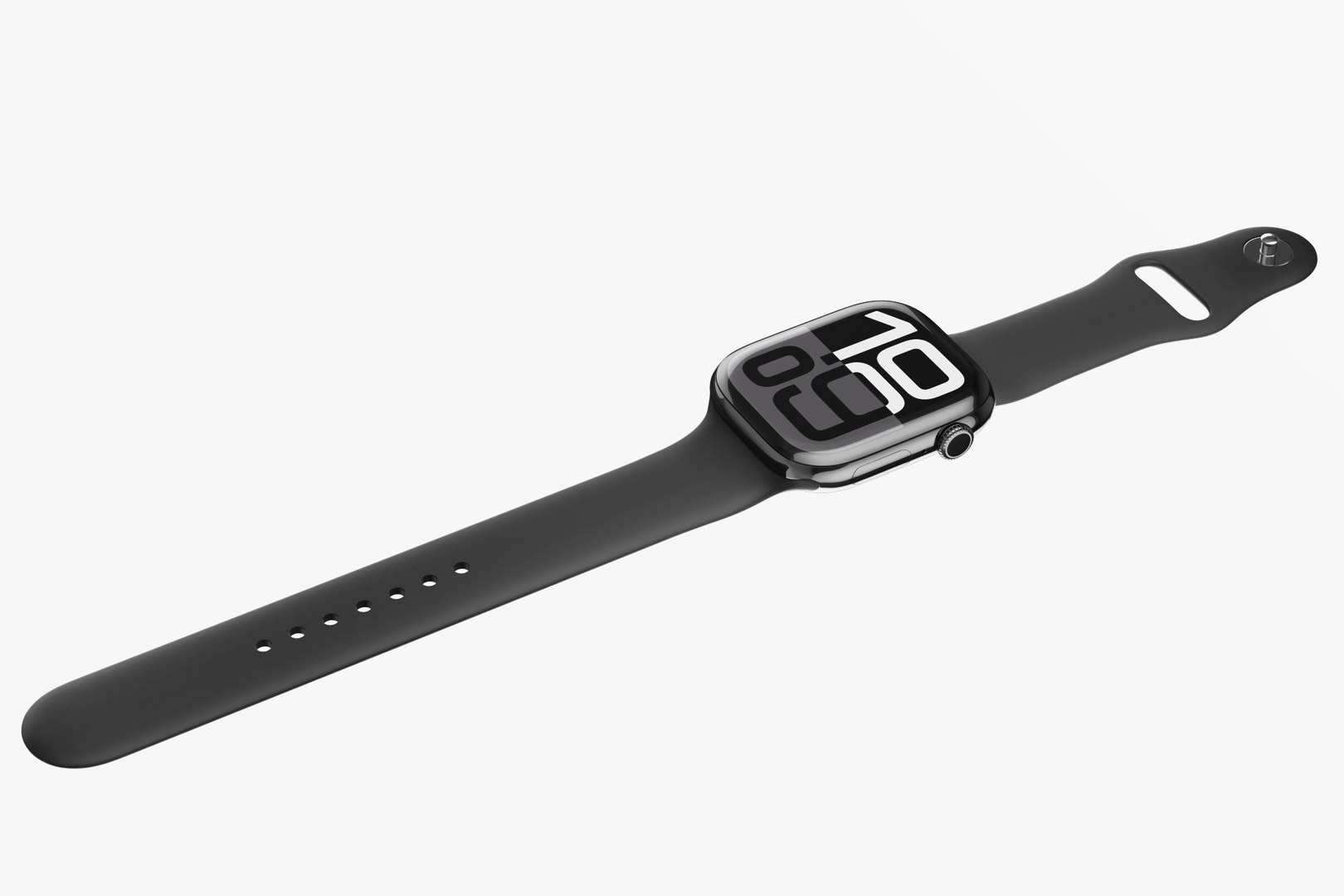
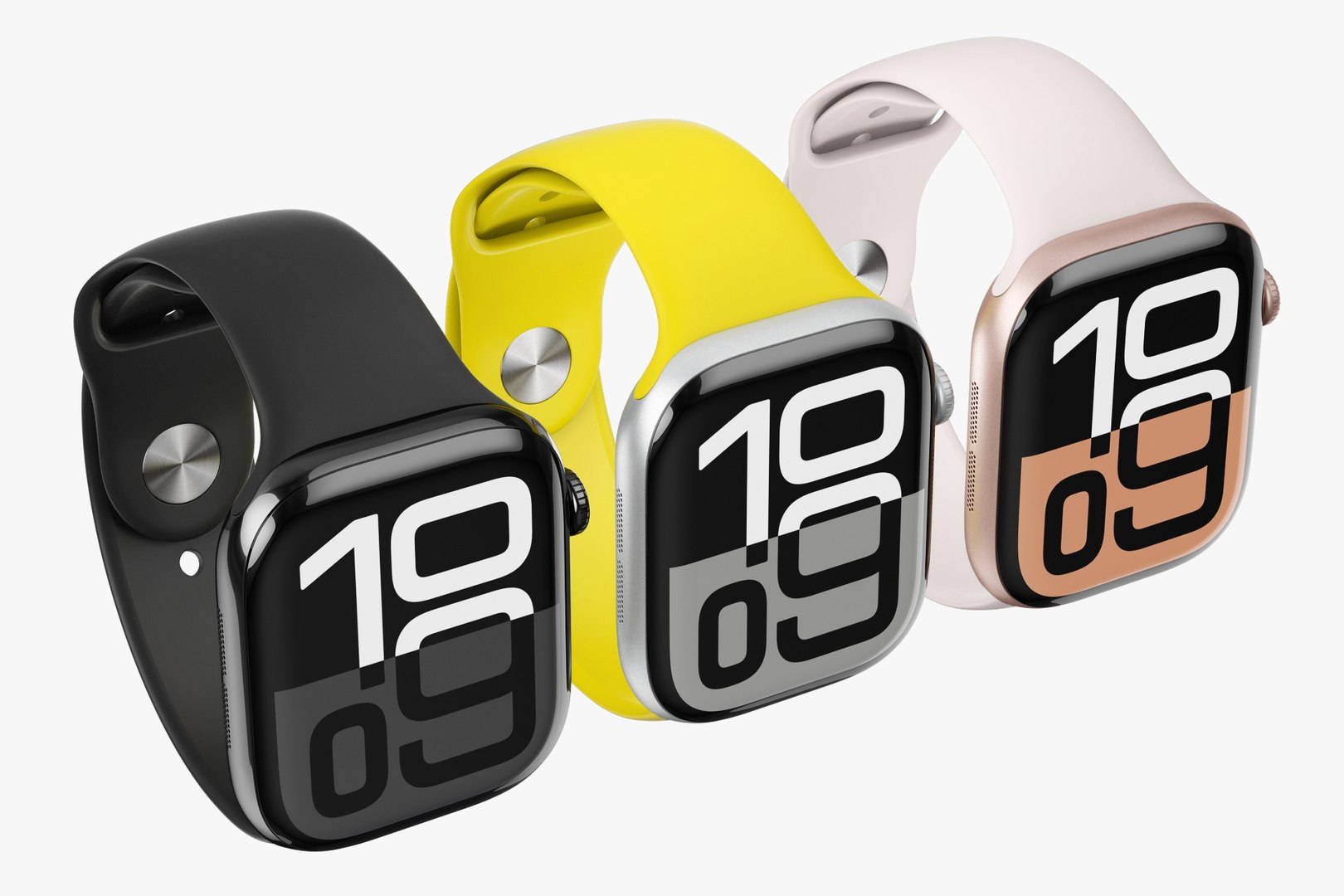
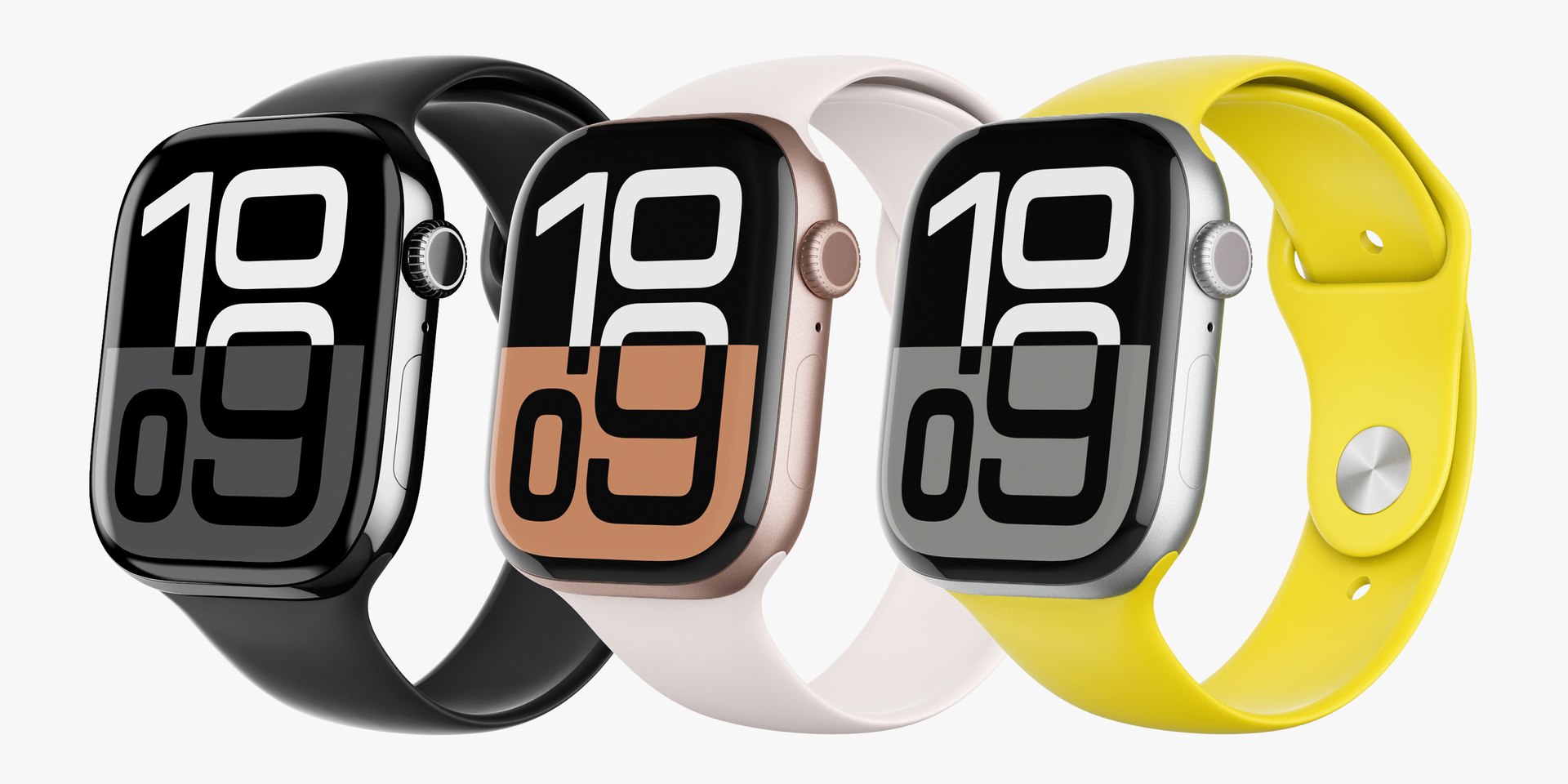
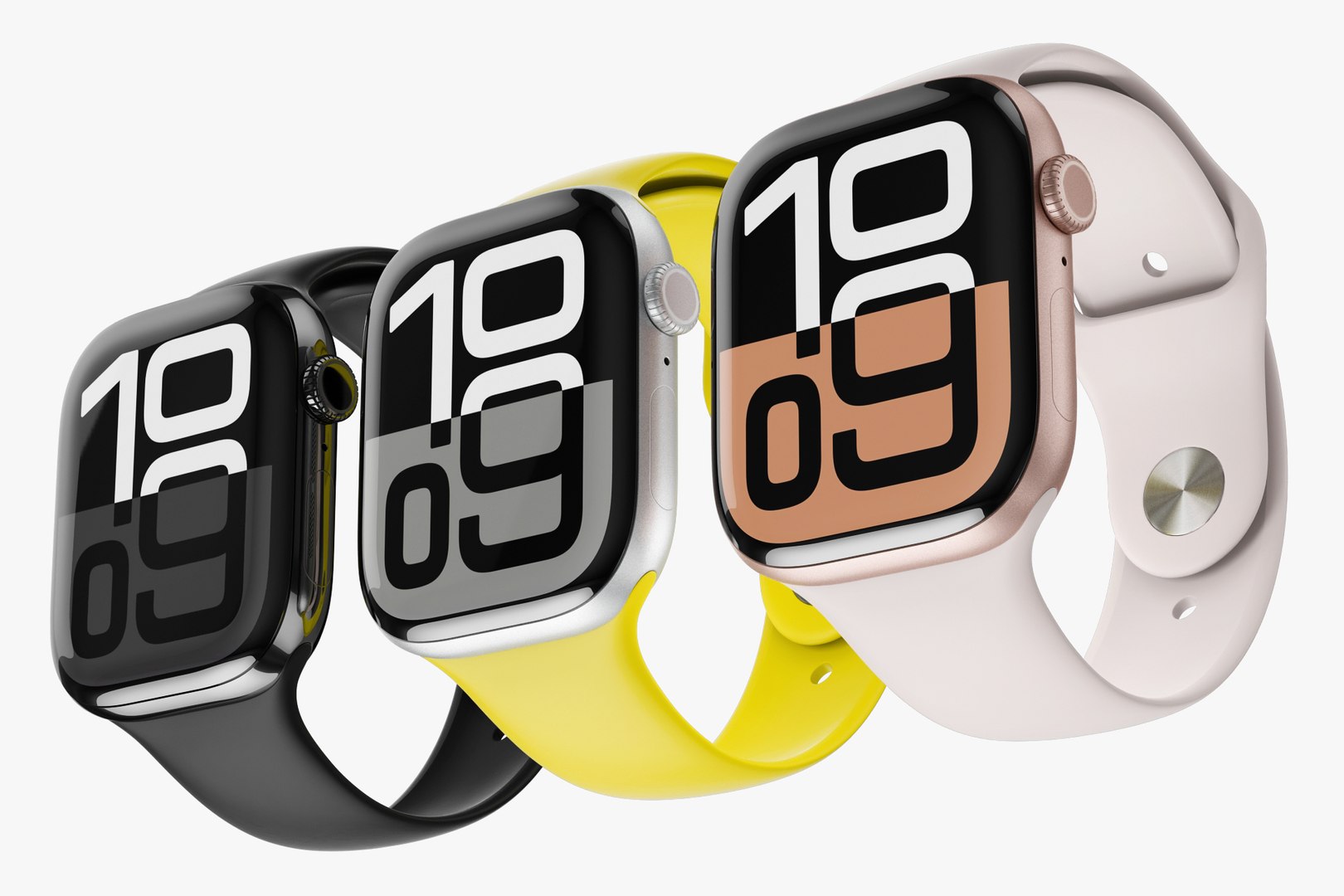
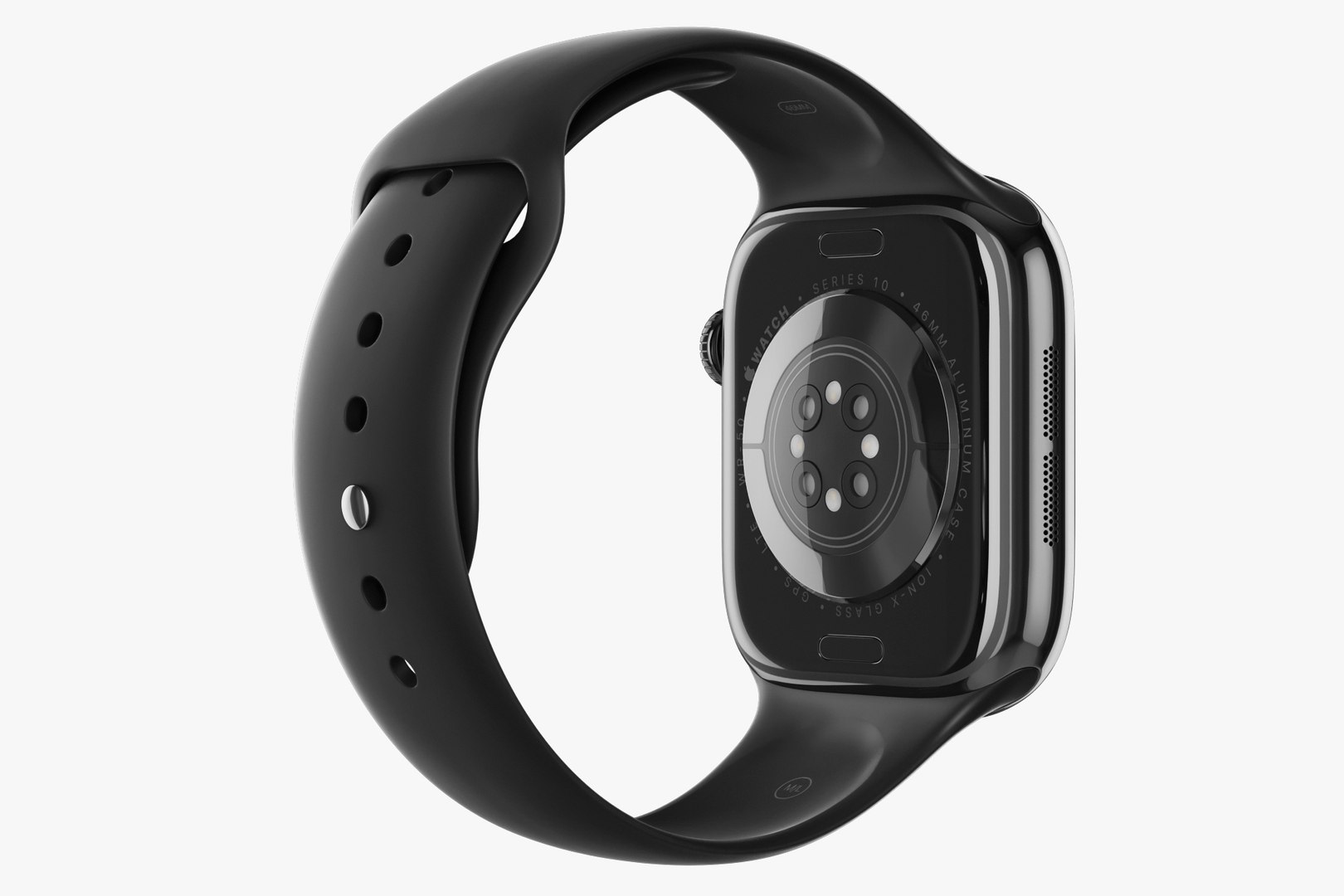
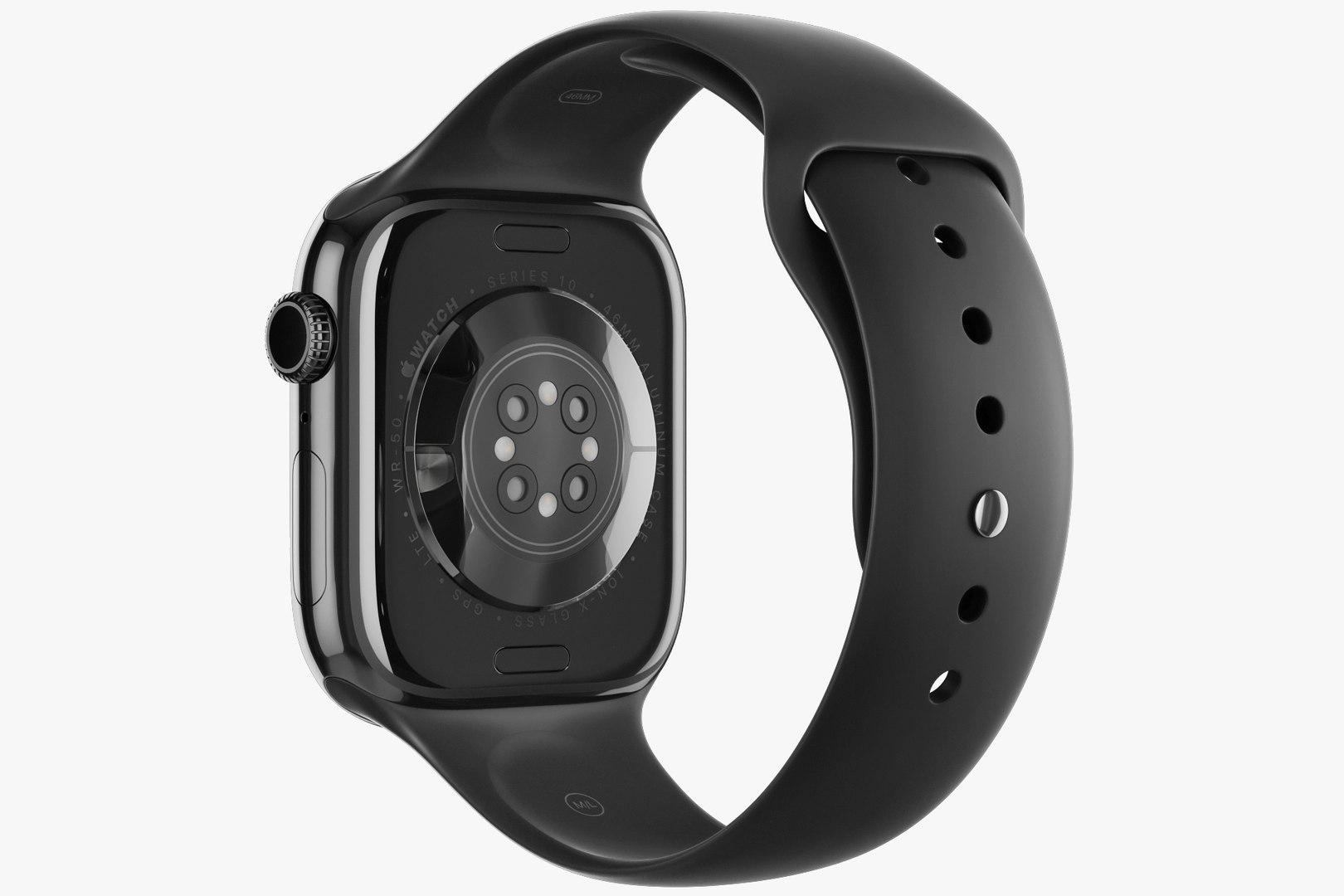
Apple Watch Series 10 Aluminum
22458 Polygons
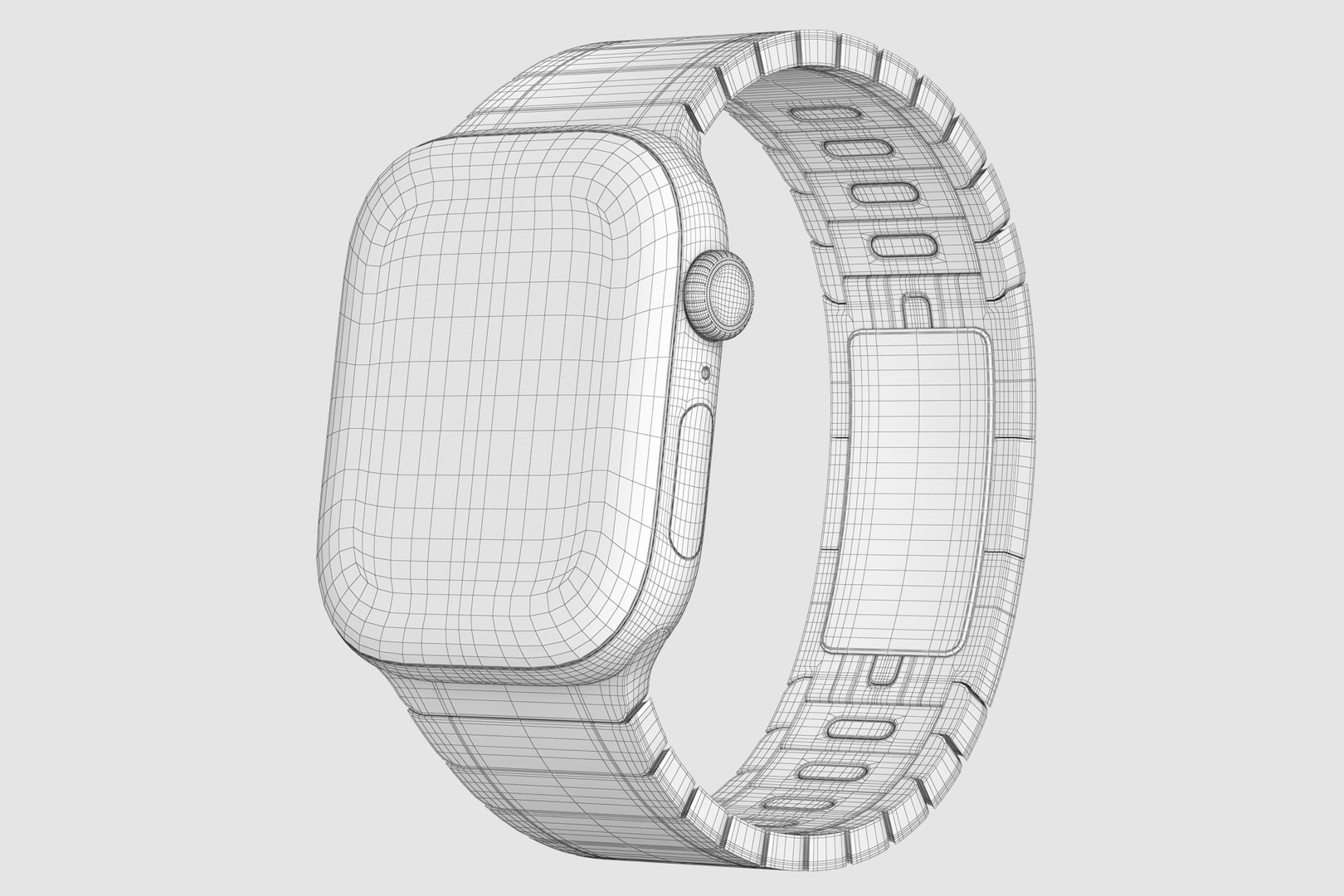
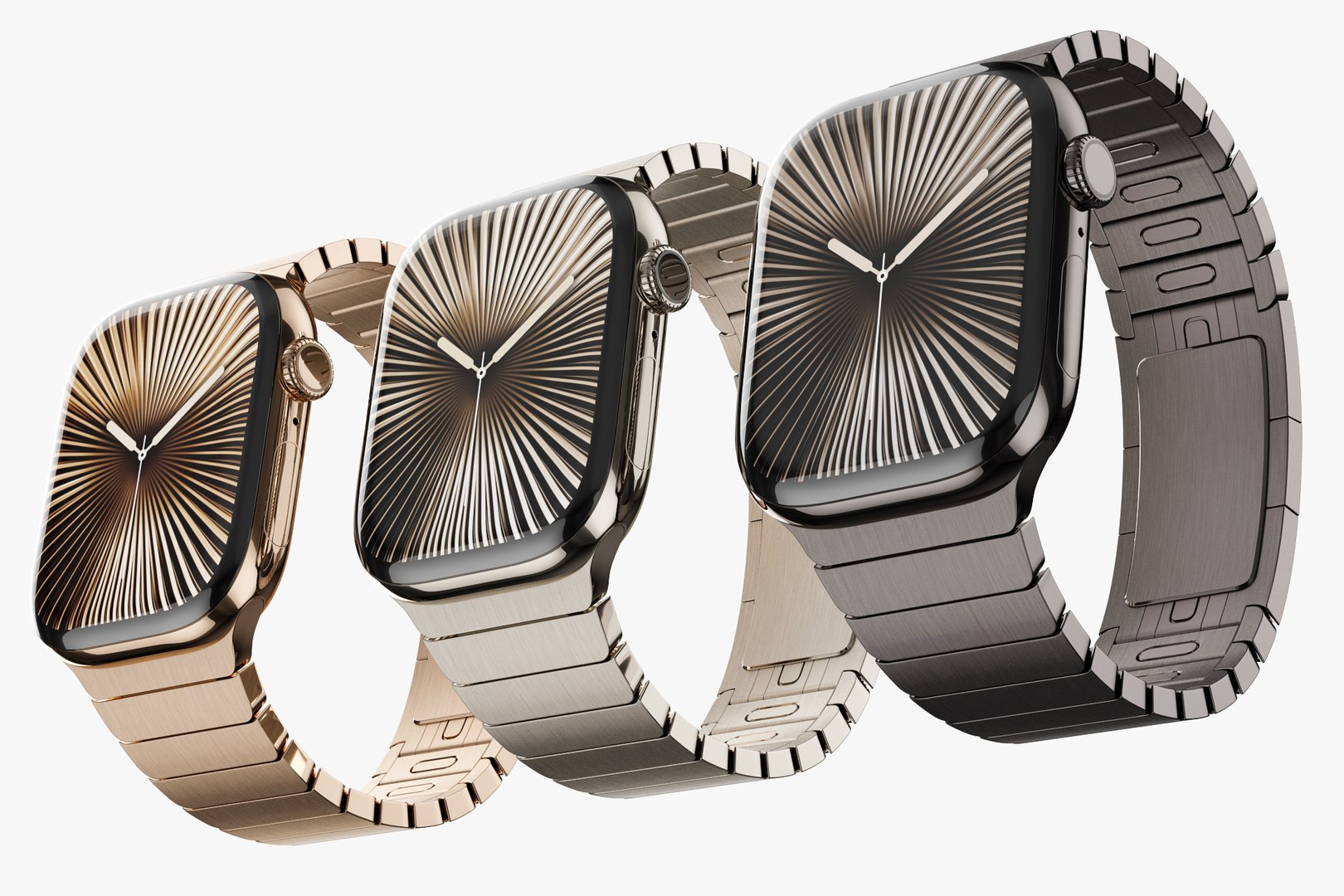
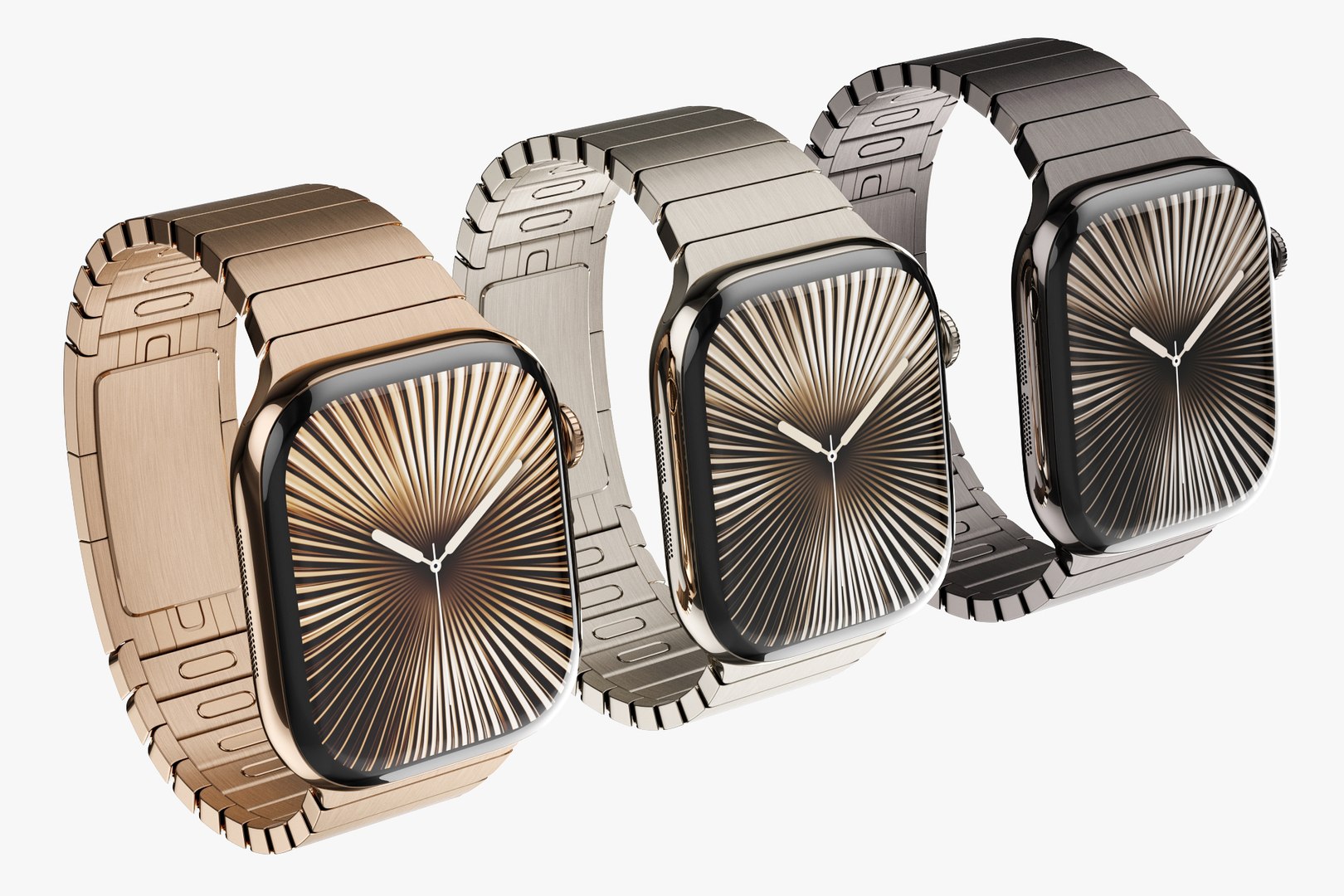
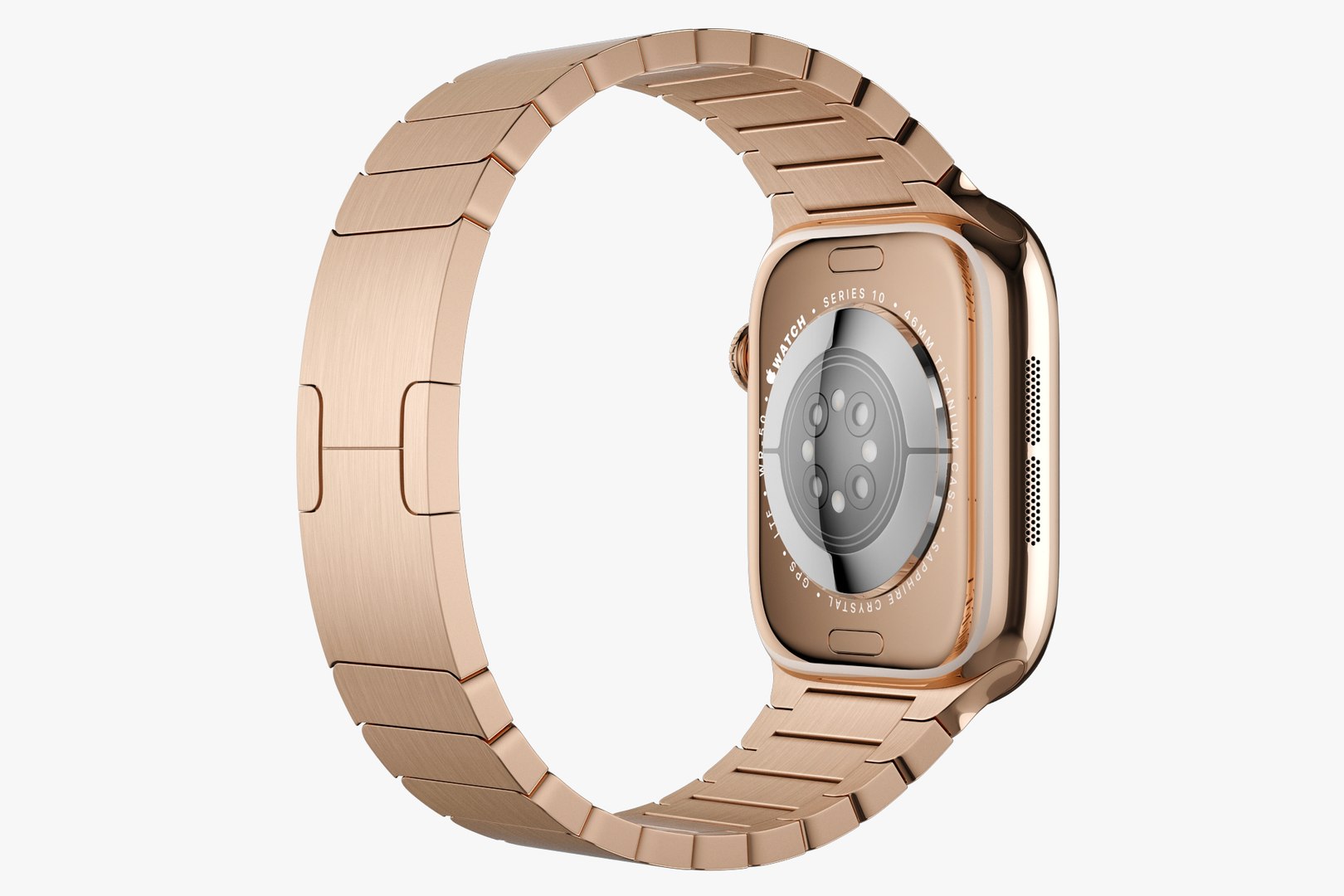
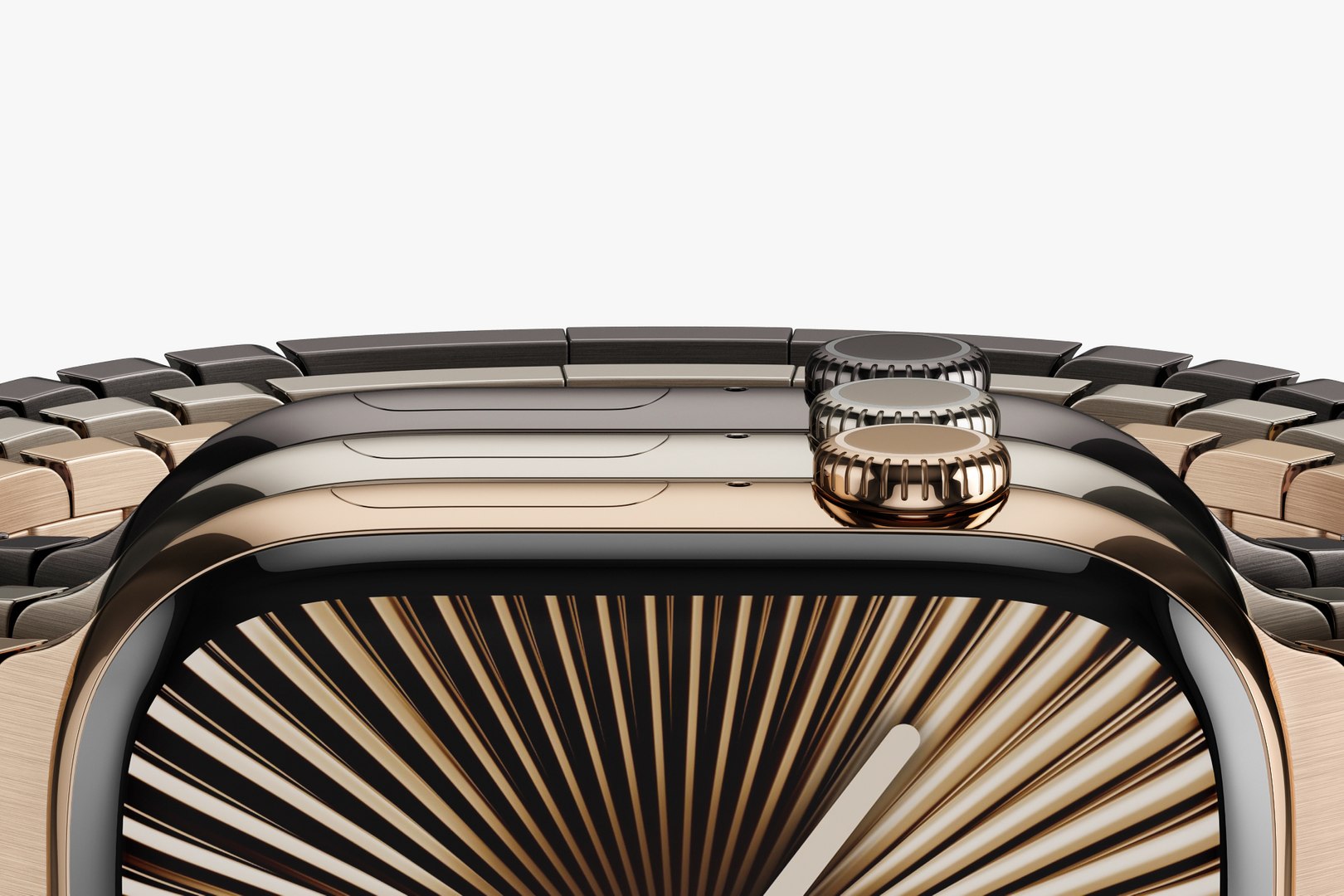
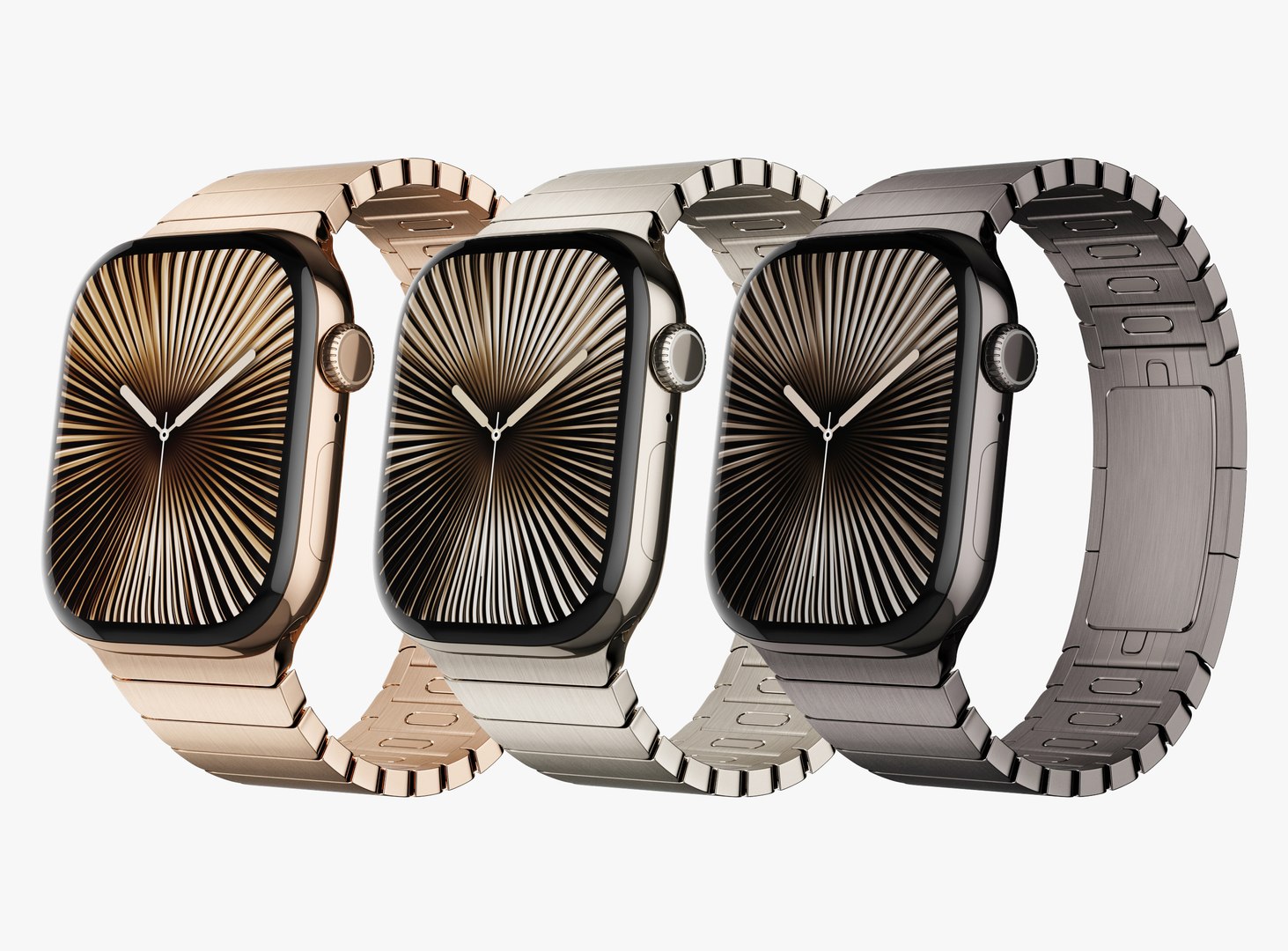
Apple Watch Series 10 Titanium
50869 Polygons
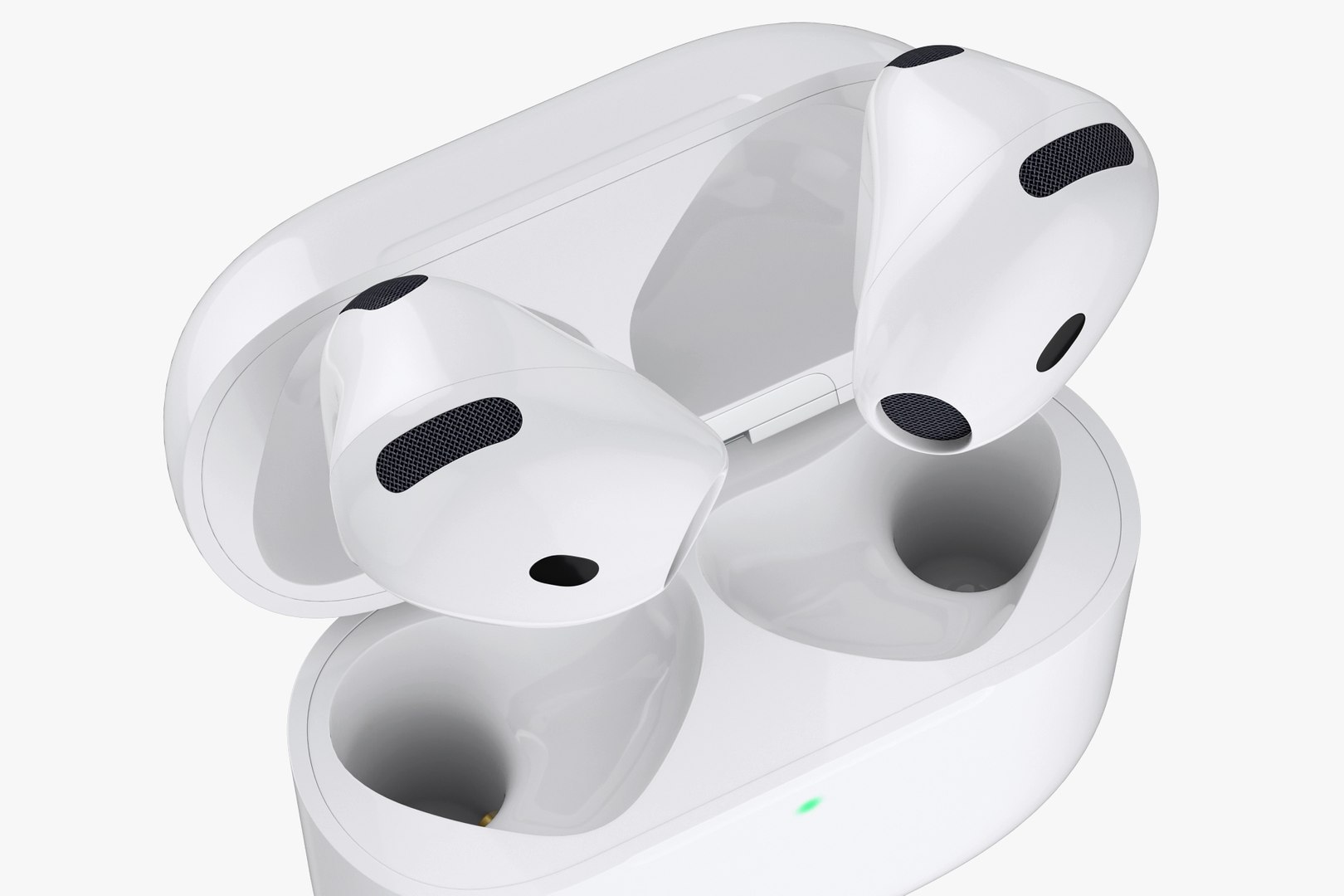
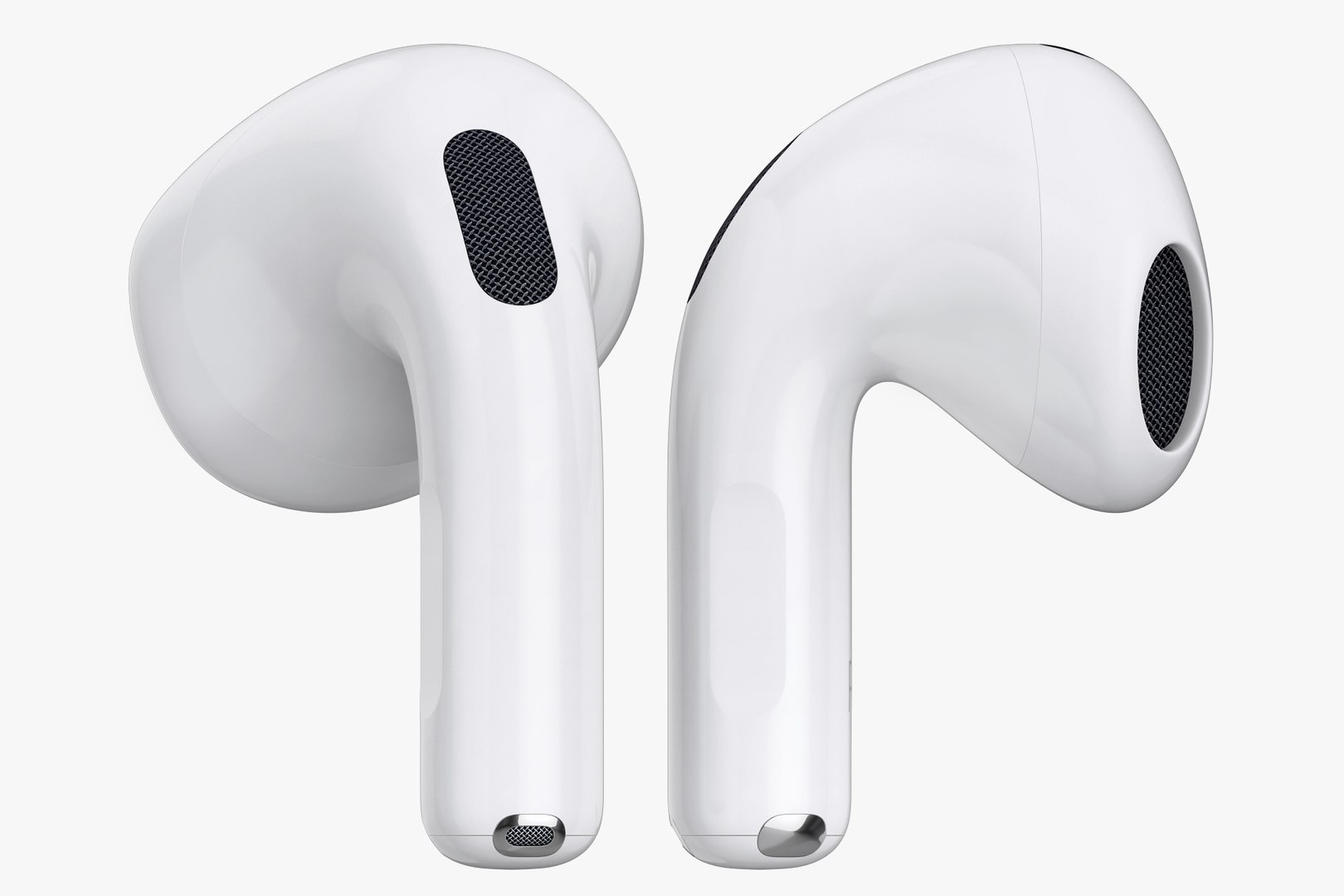
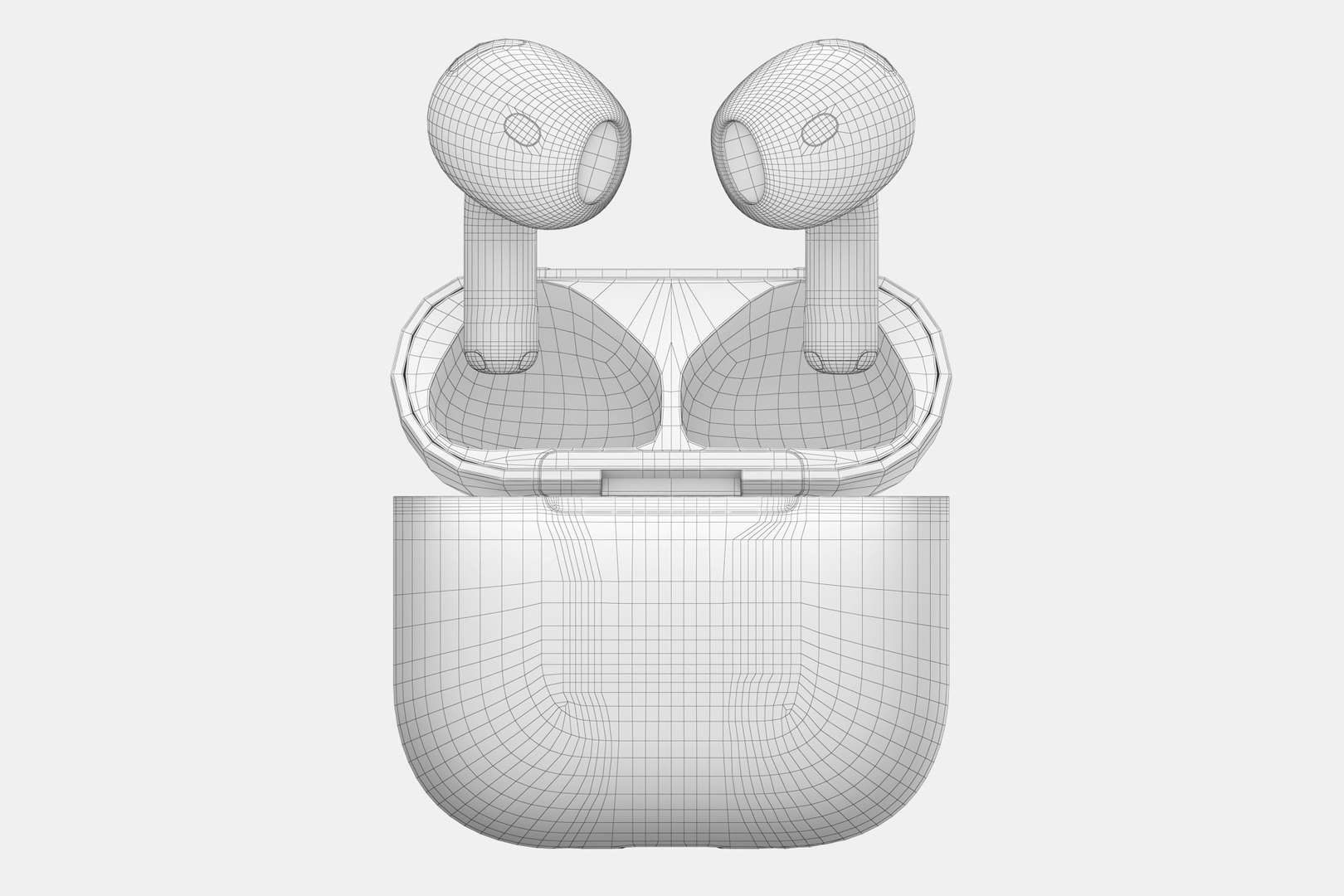
Apple AirPods 4
18646 Polygons
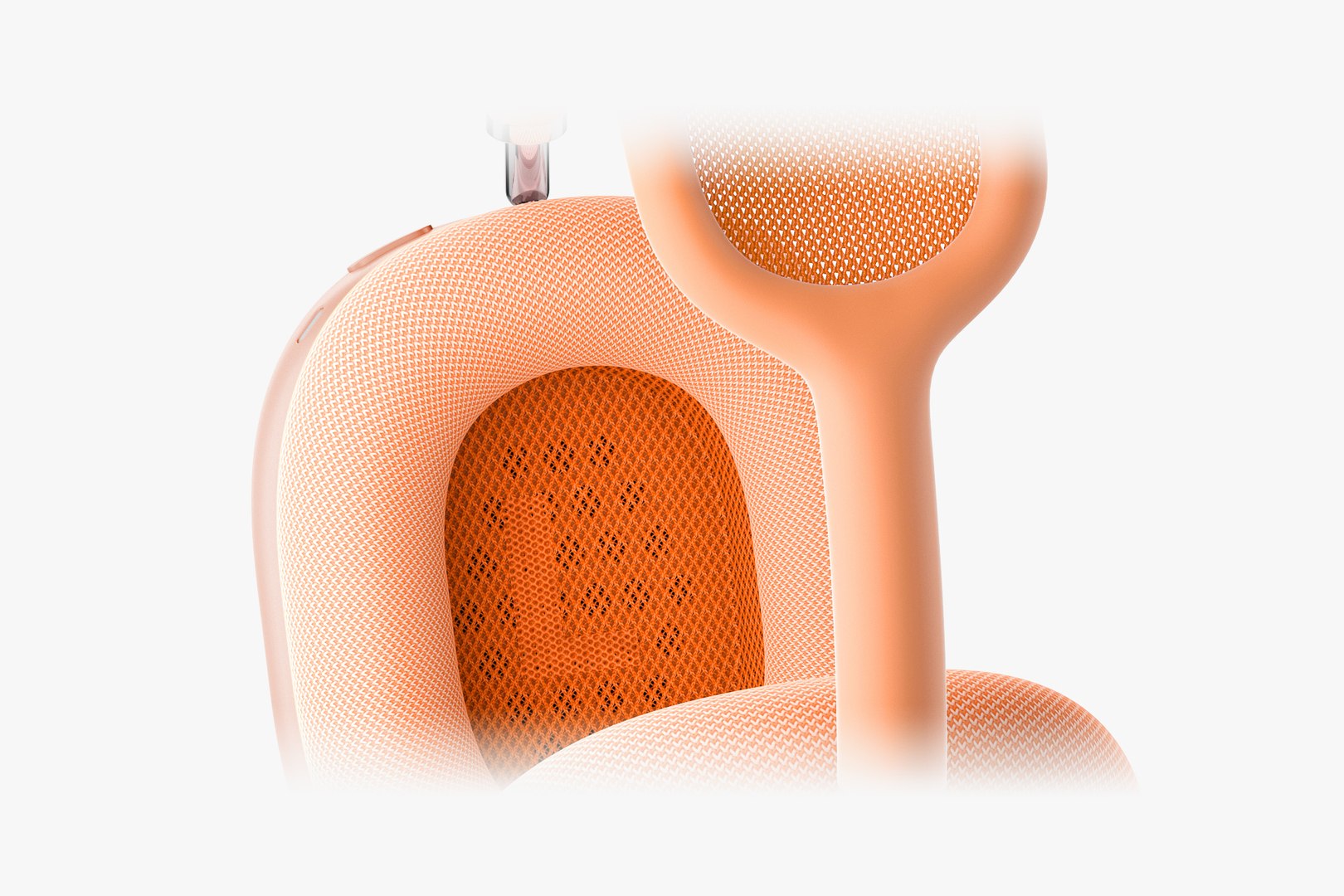
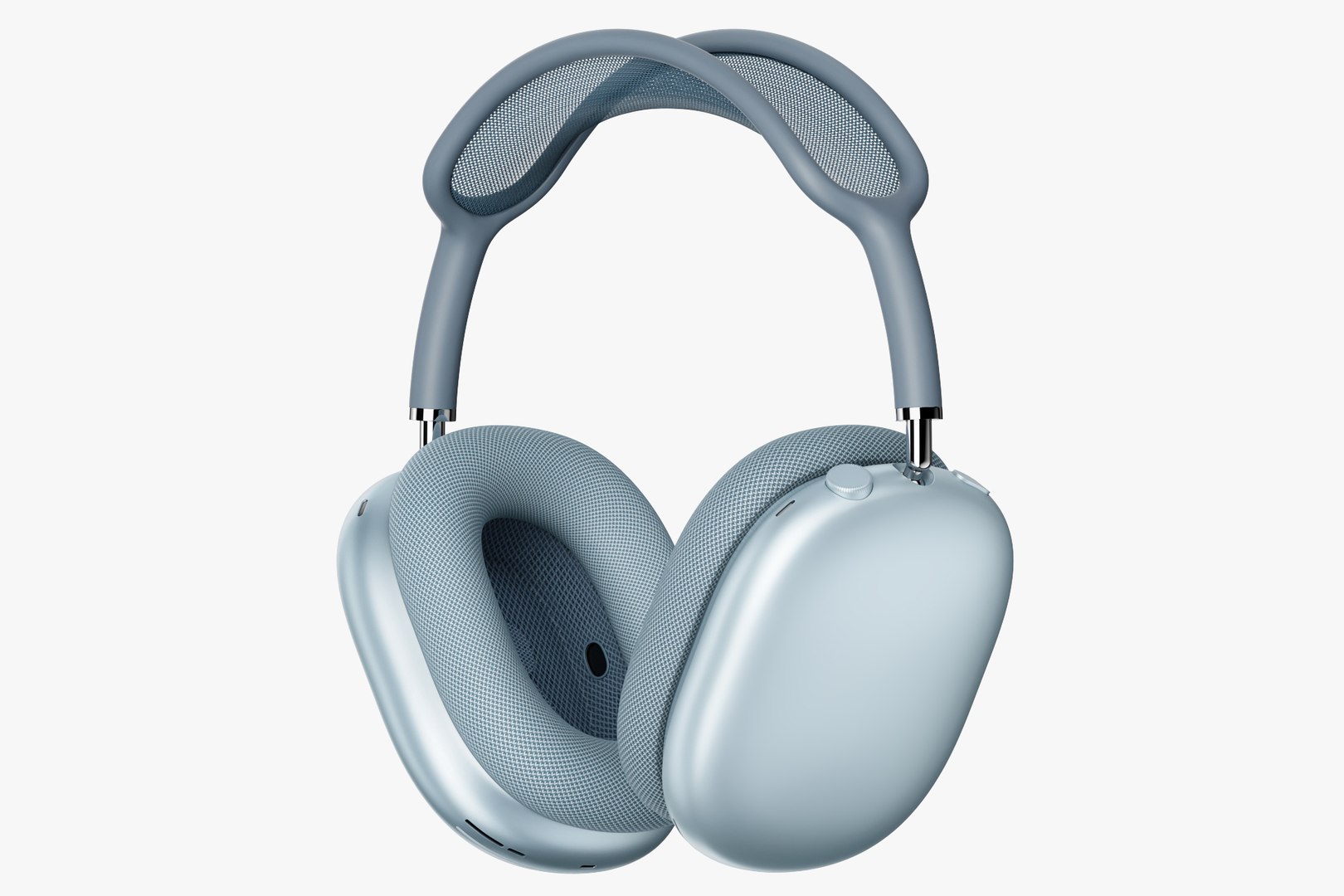
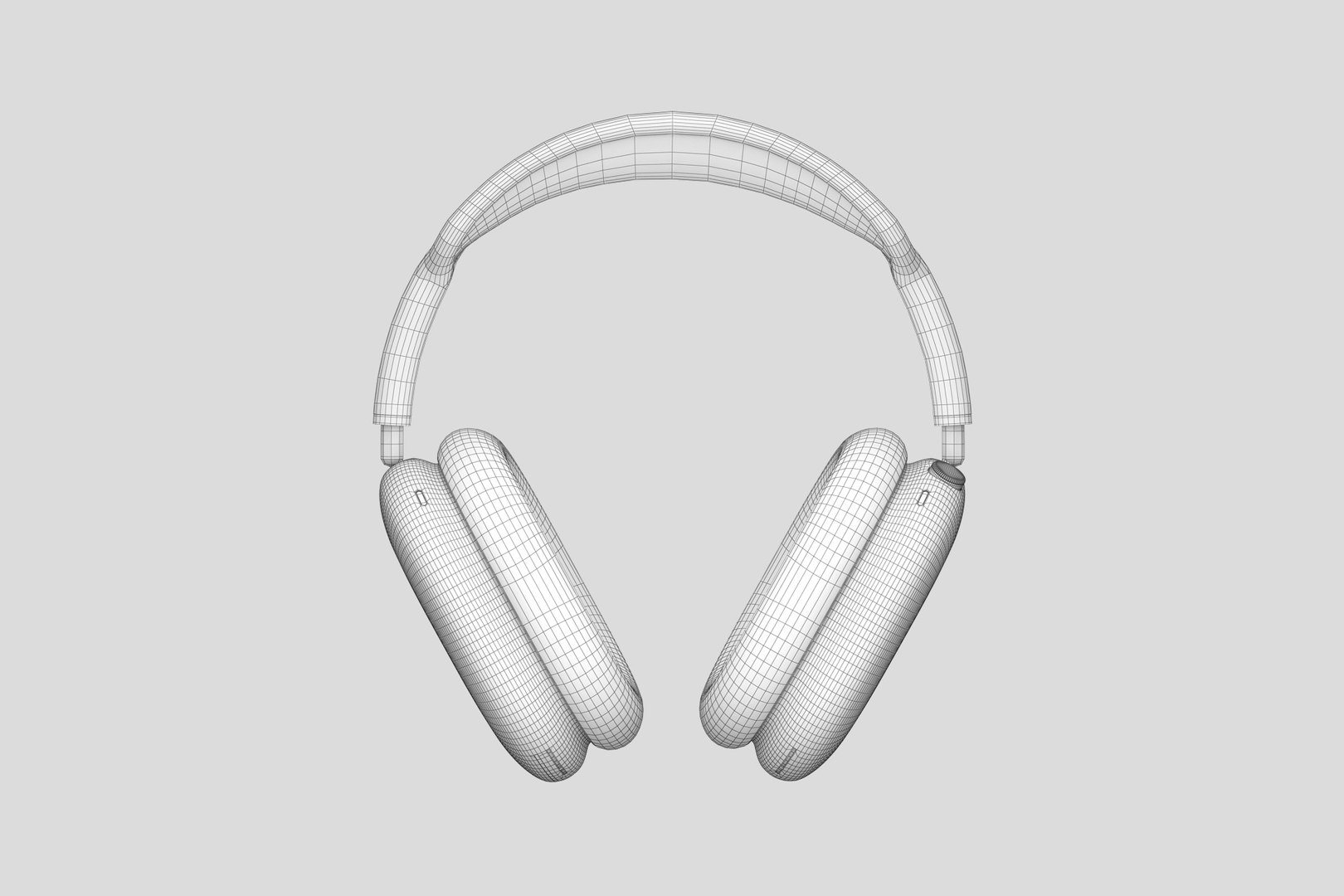
Apple AirPods MAX new
42015 Polygons
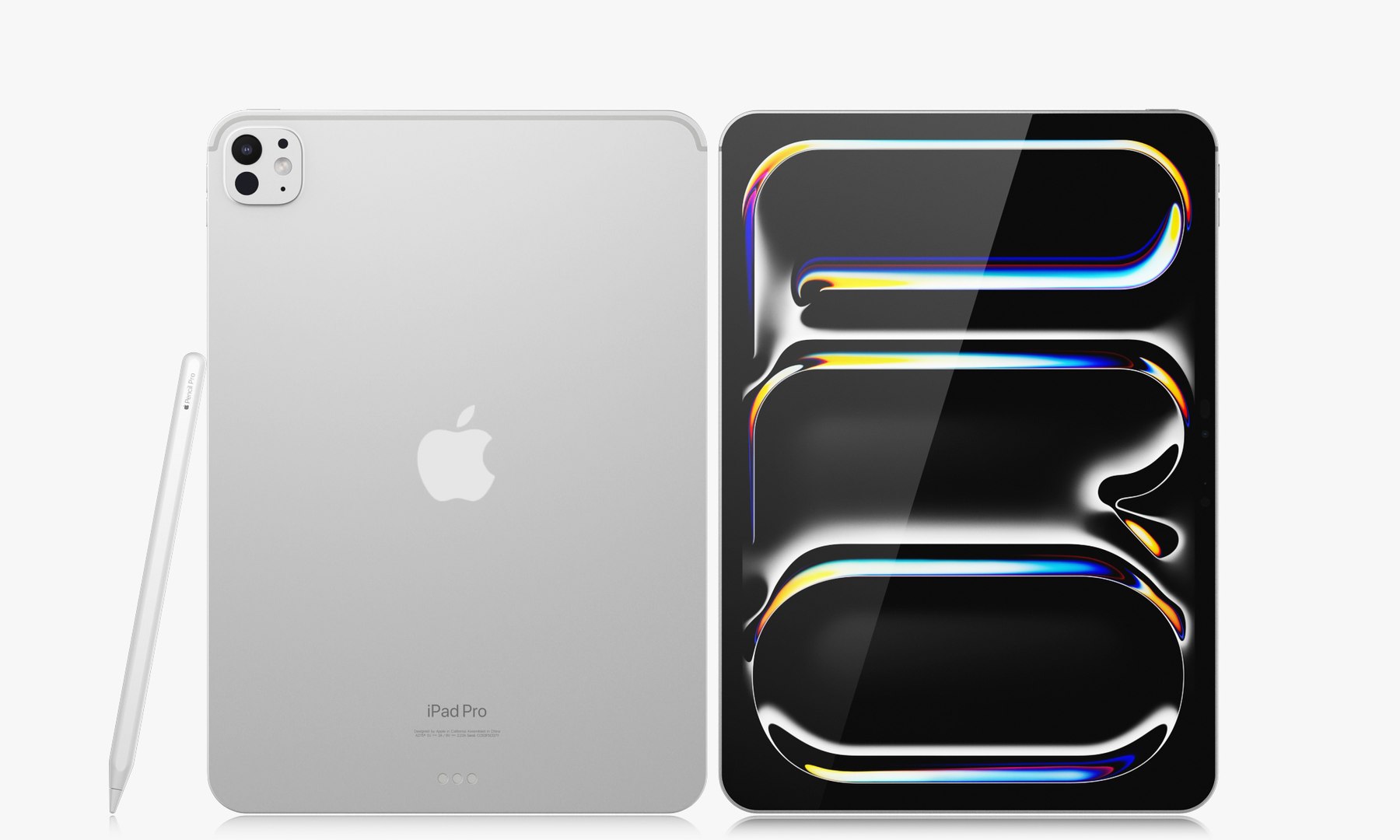
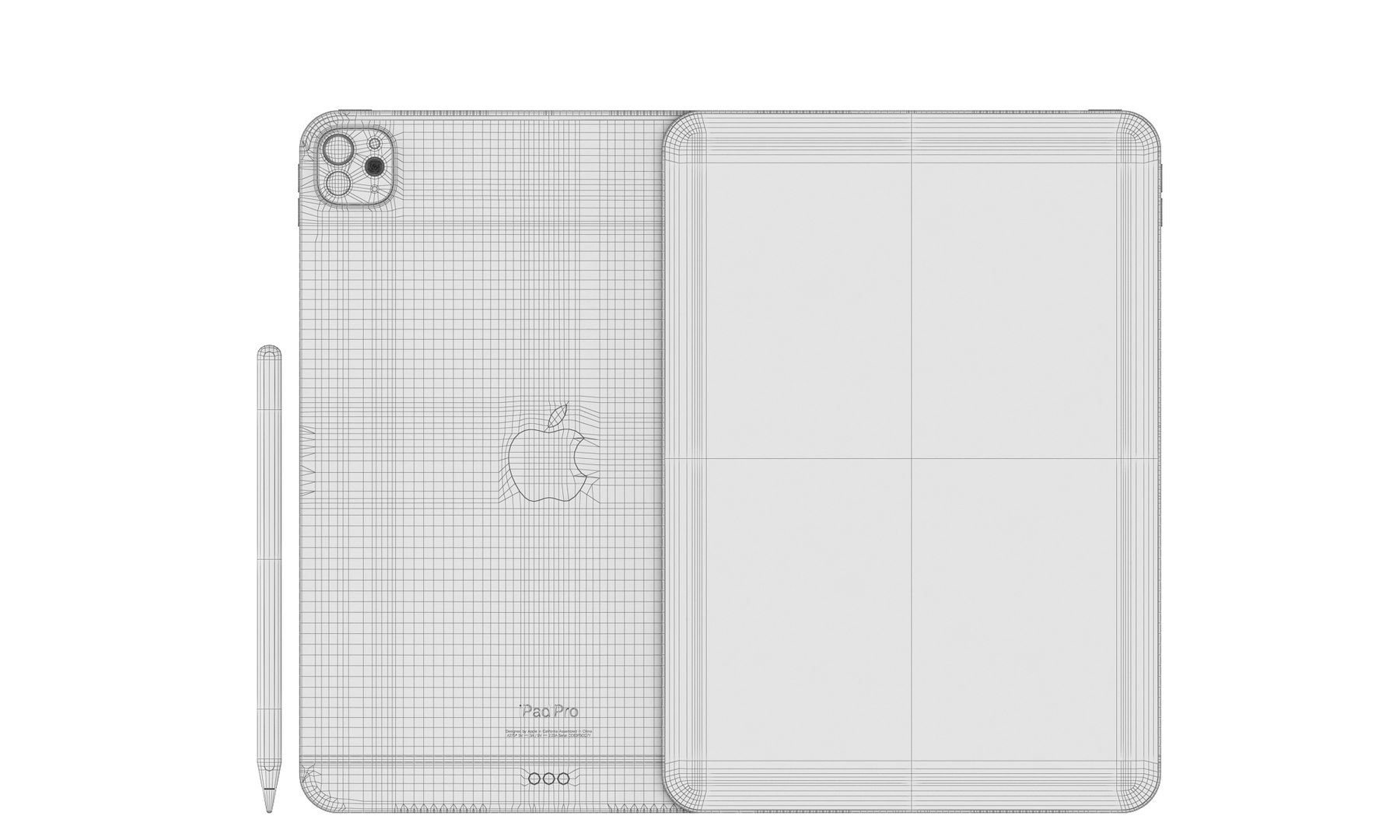
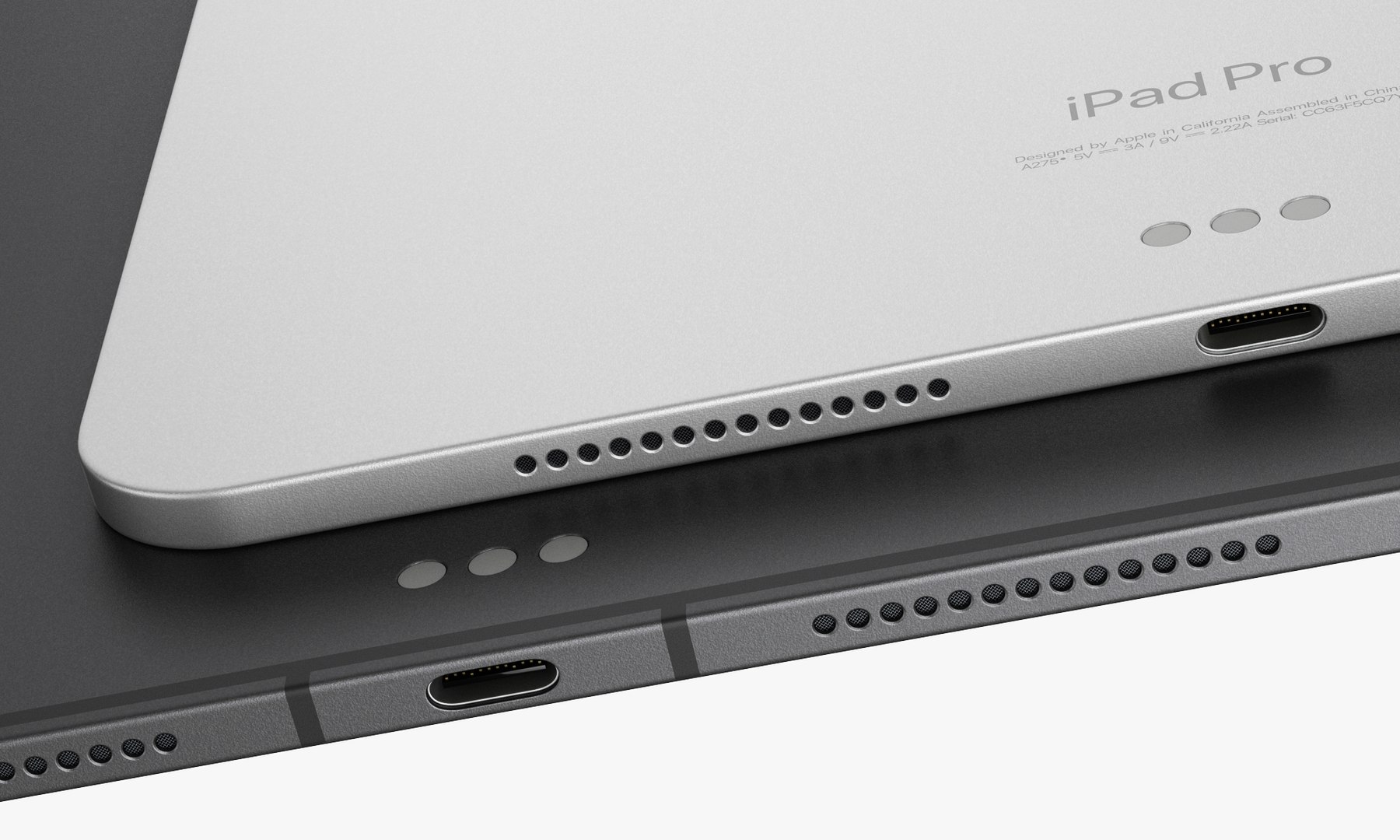
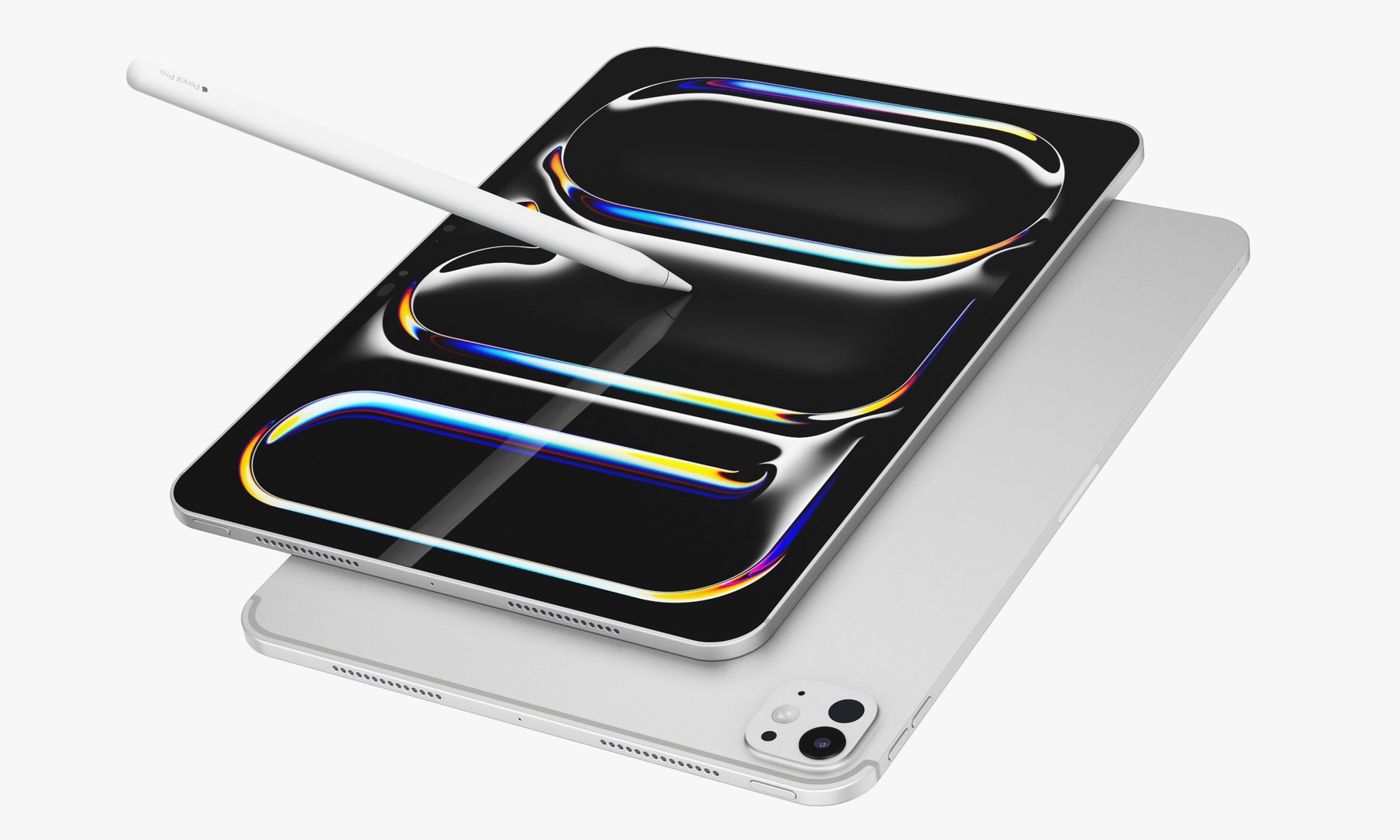
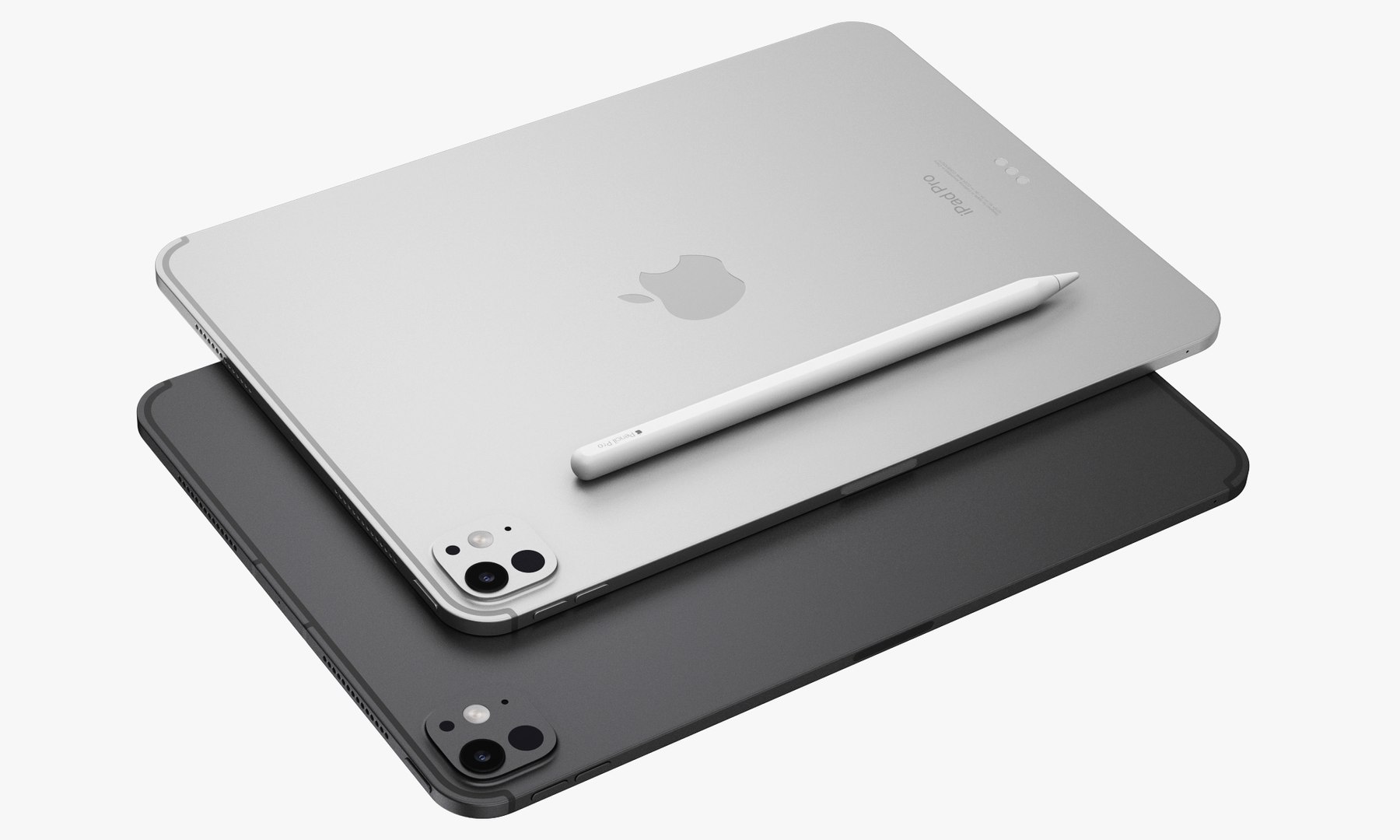
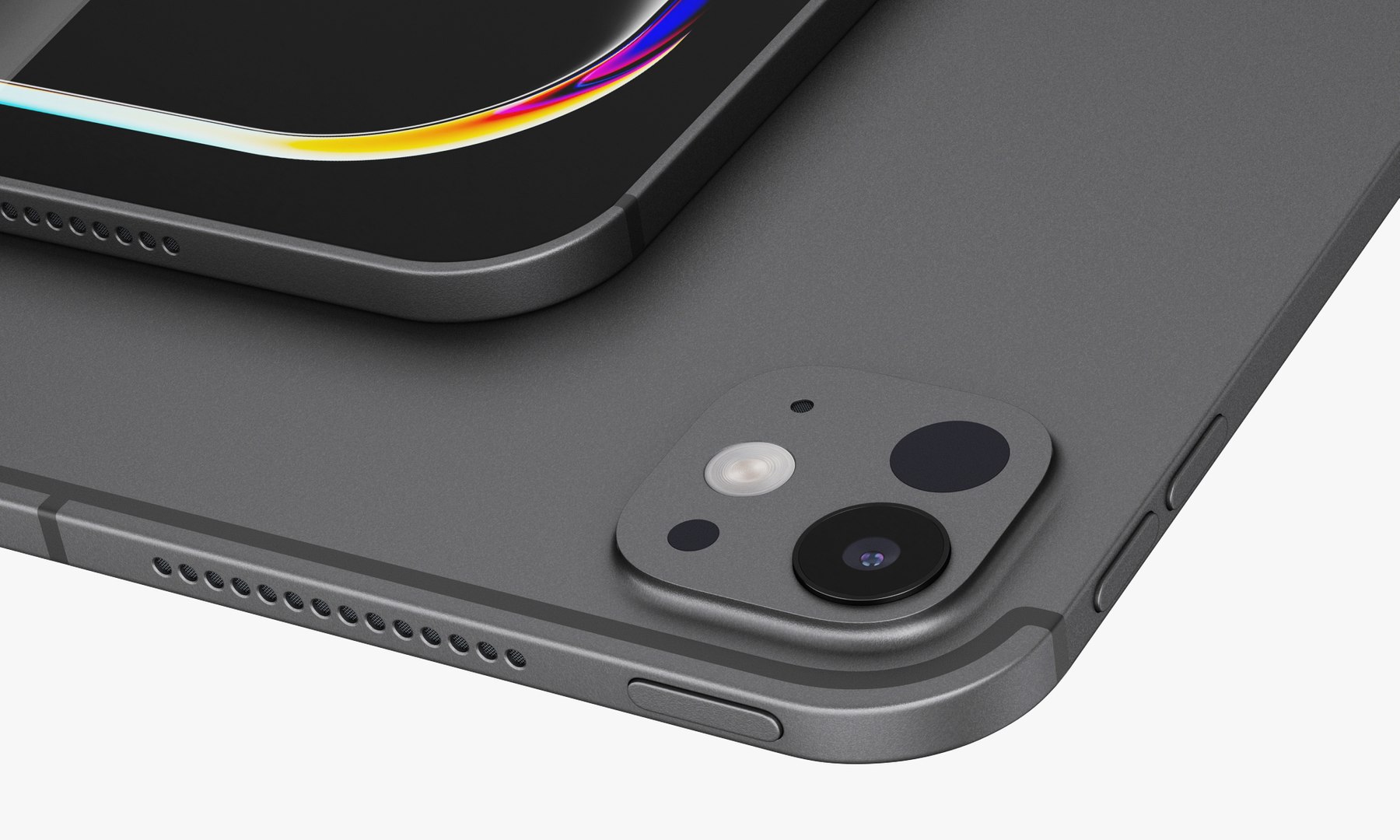
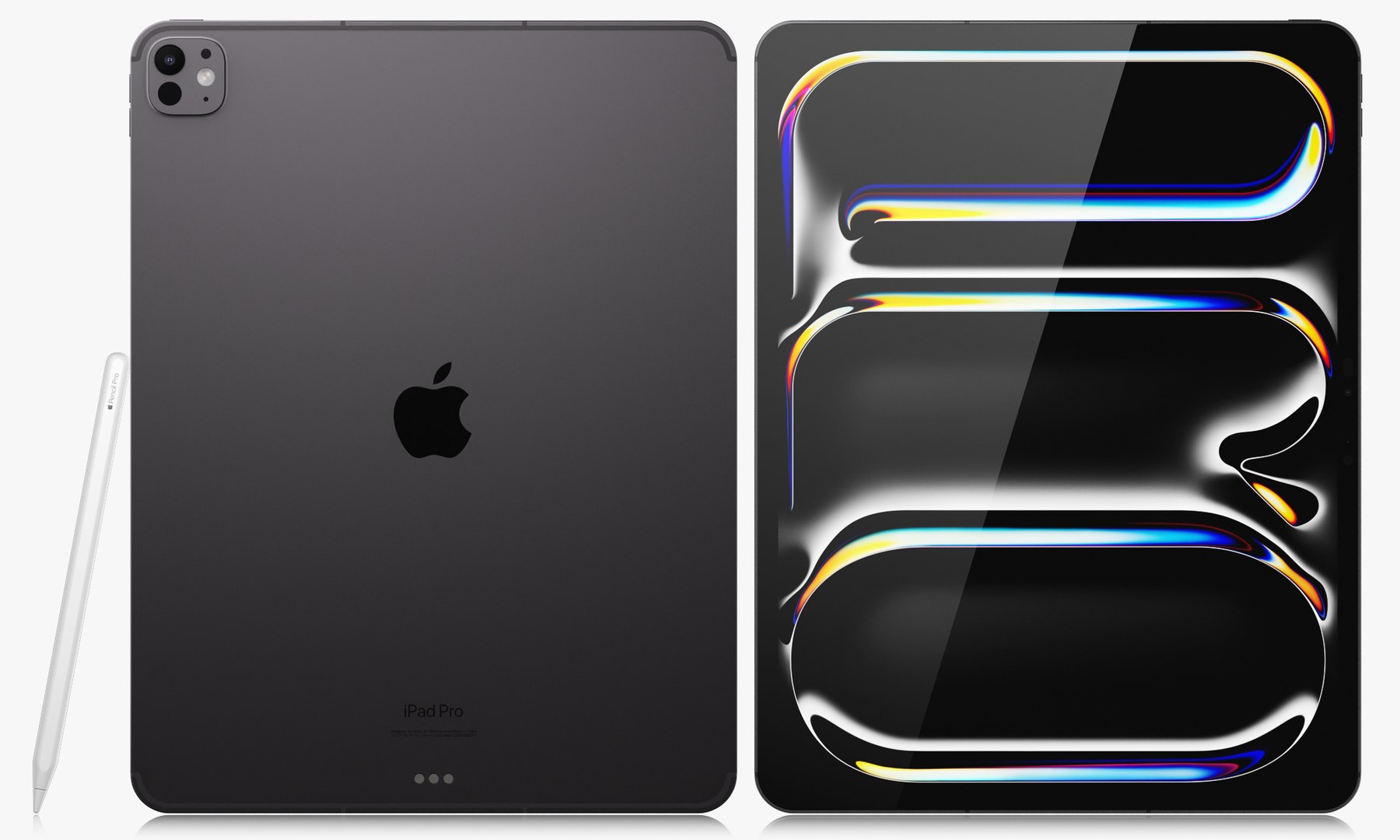
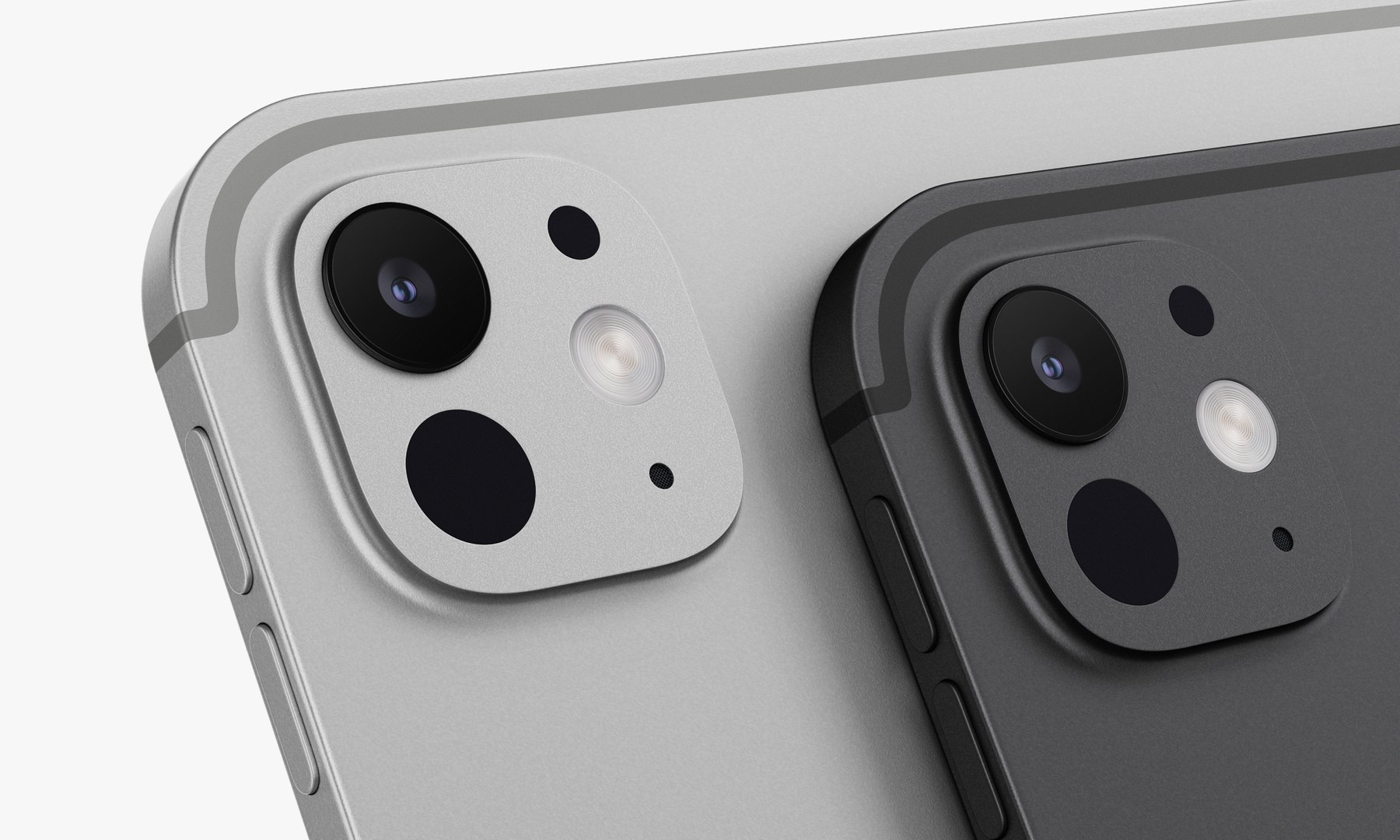
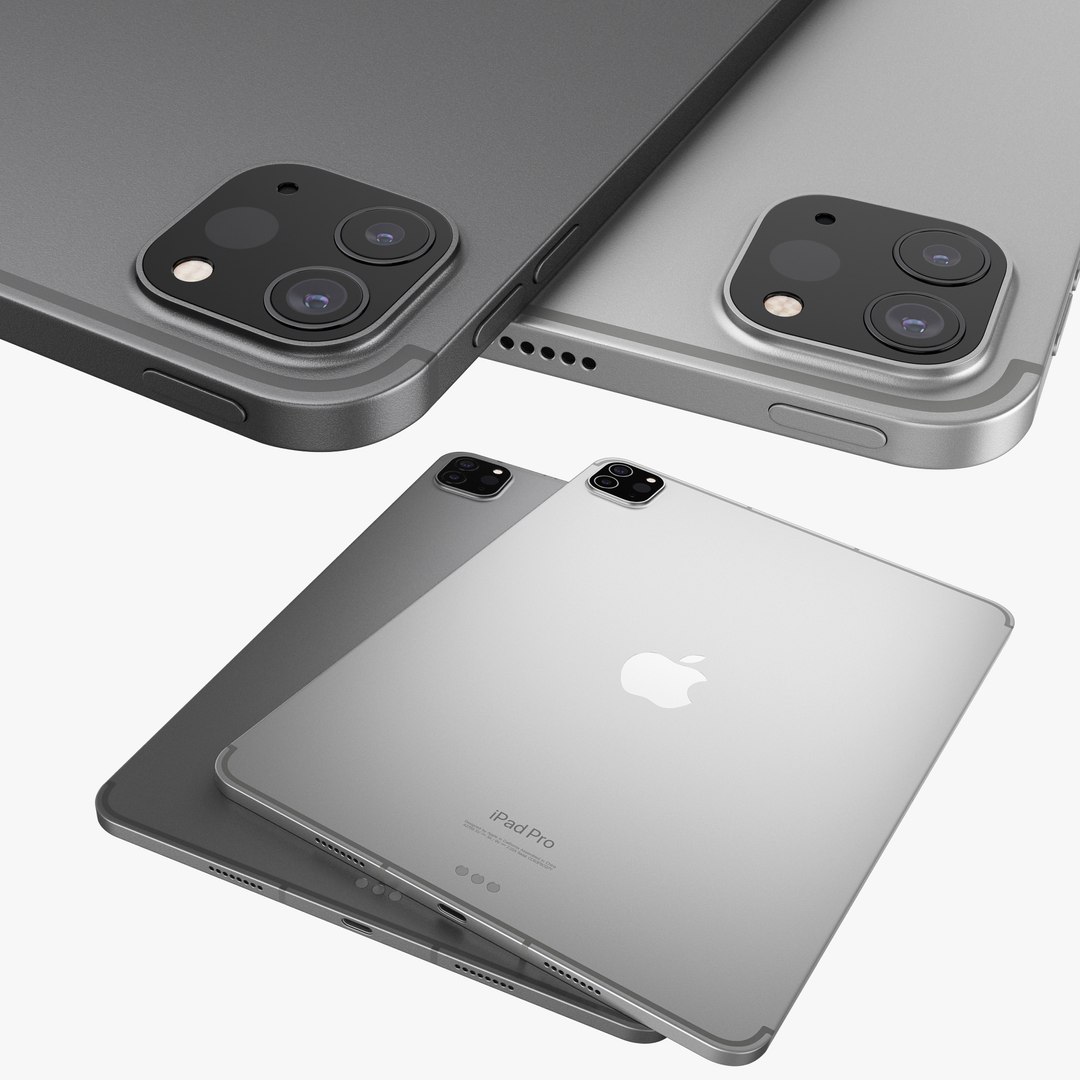
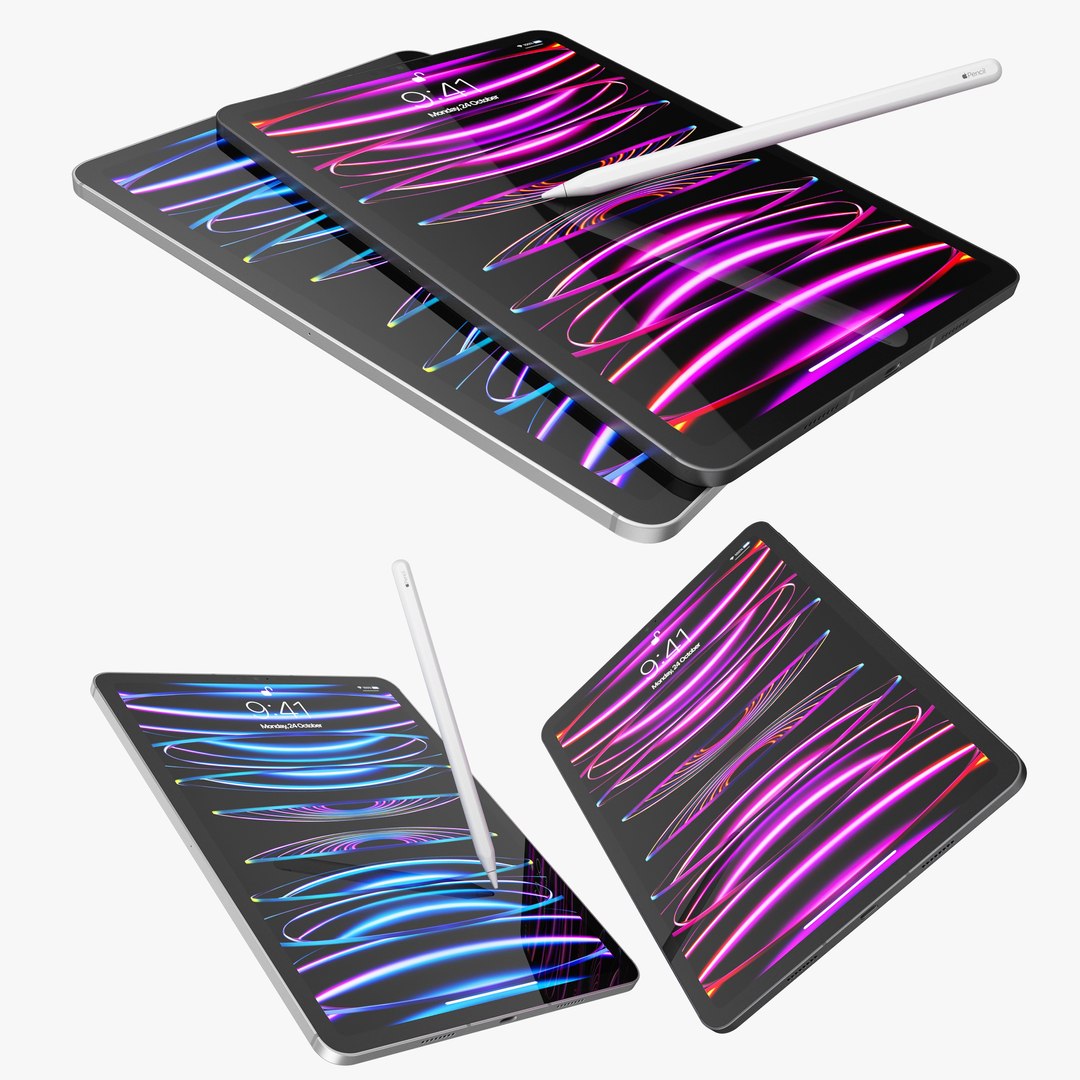
Apple iPad Pro 11-inch M2 2024
27662 Polygons
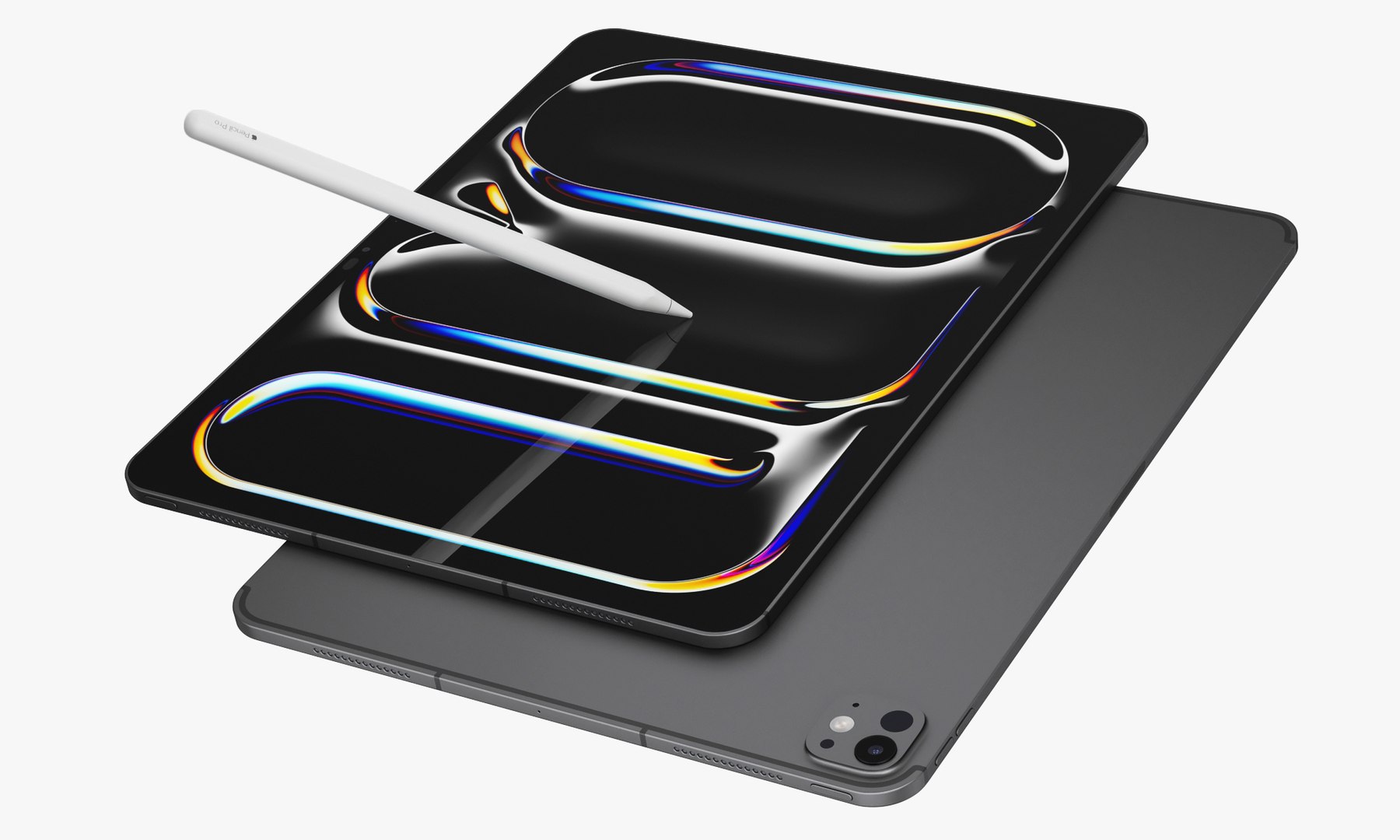
Apple iPad Pro 13-inch M2 2024
29128 Polygons
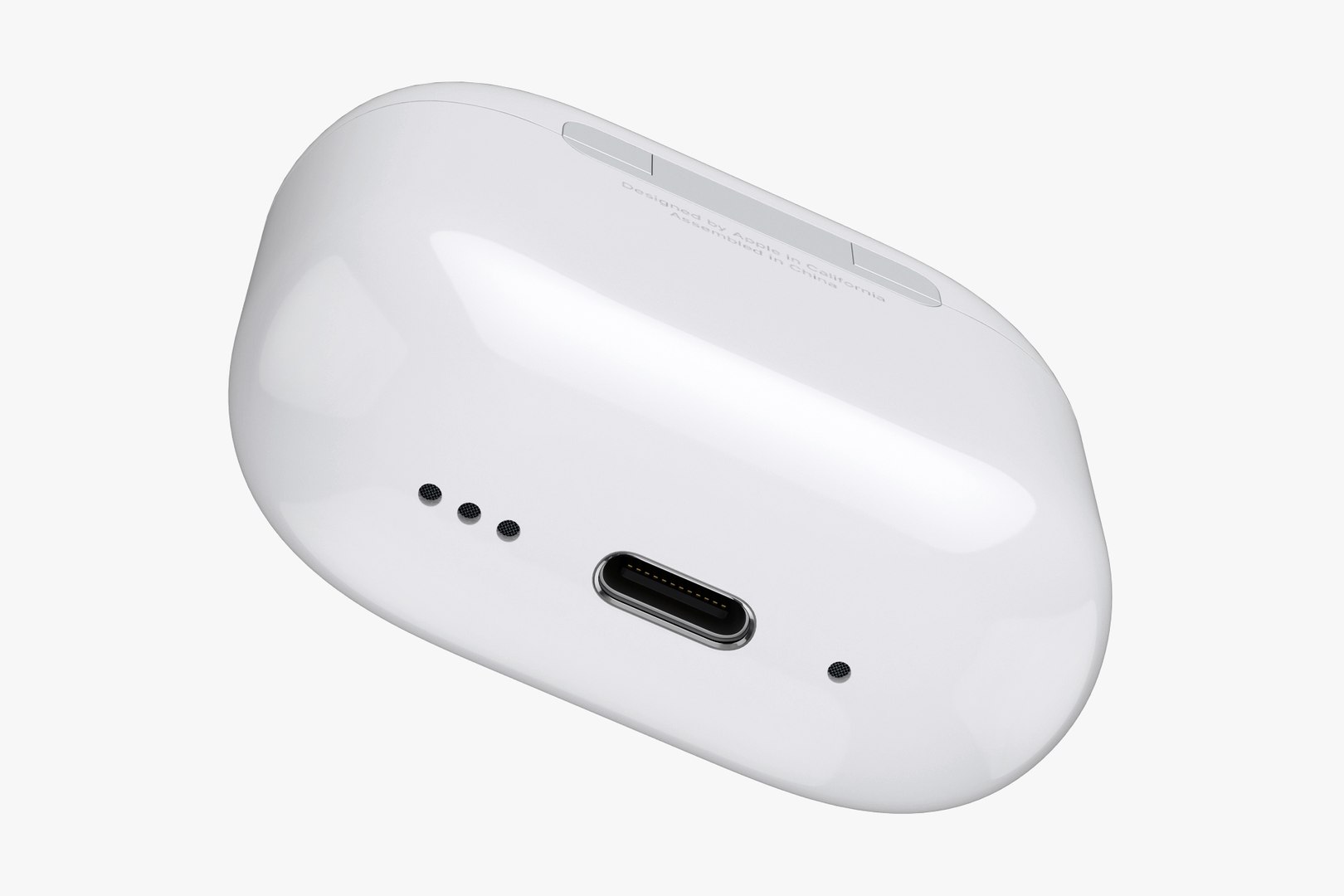
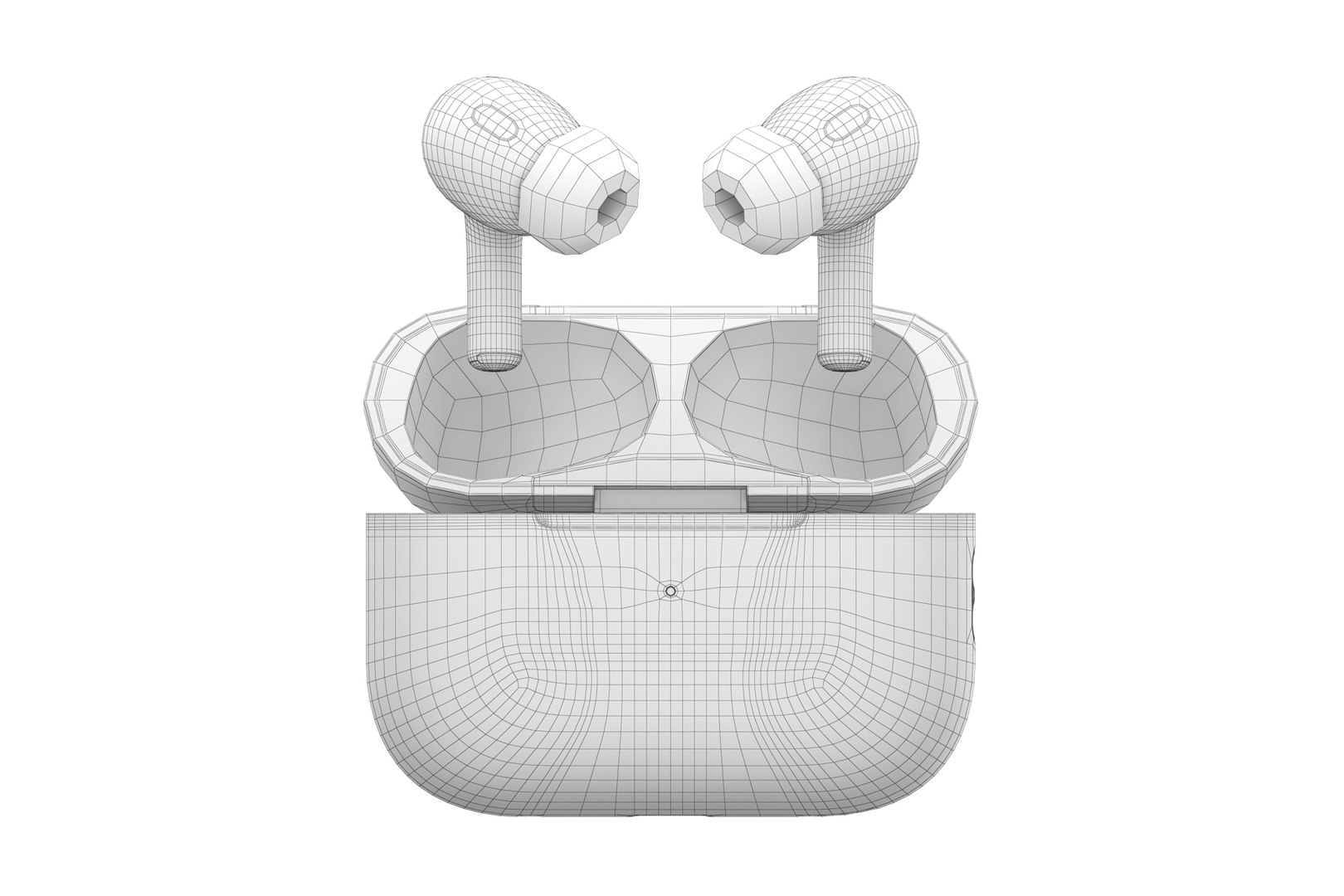
Apple AirPods Pro 2nd generation
26,081 Polygons
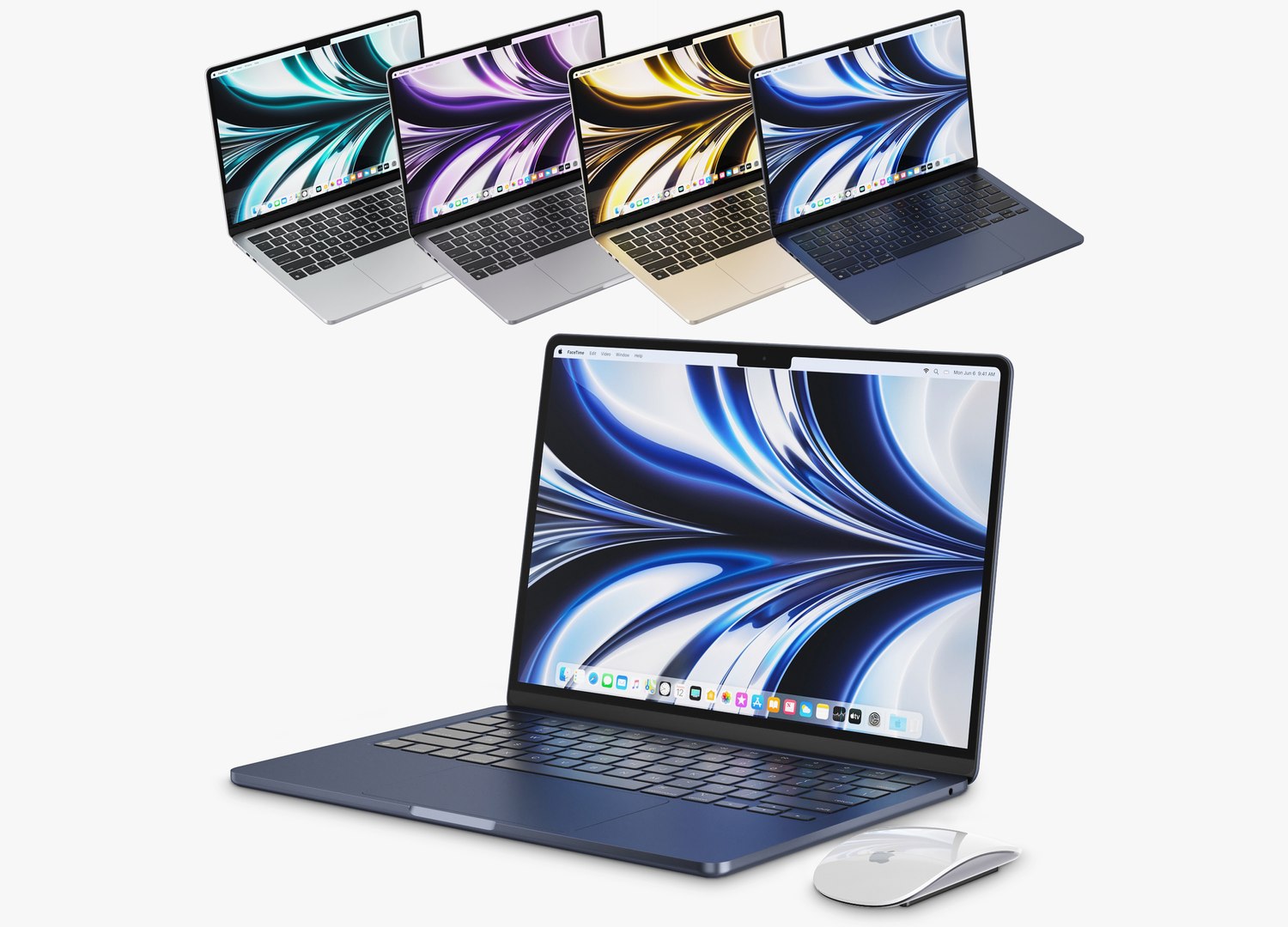
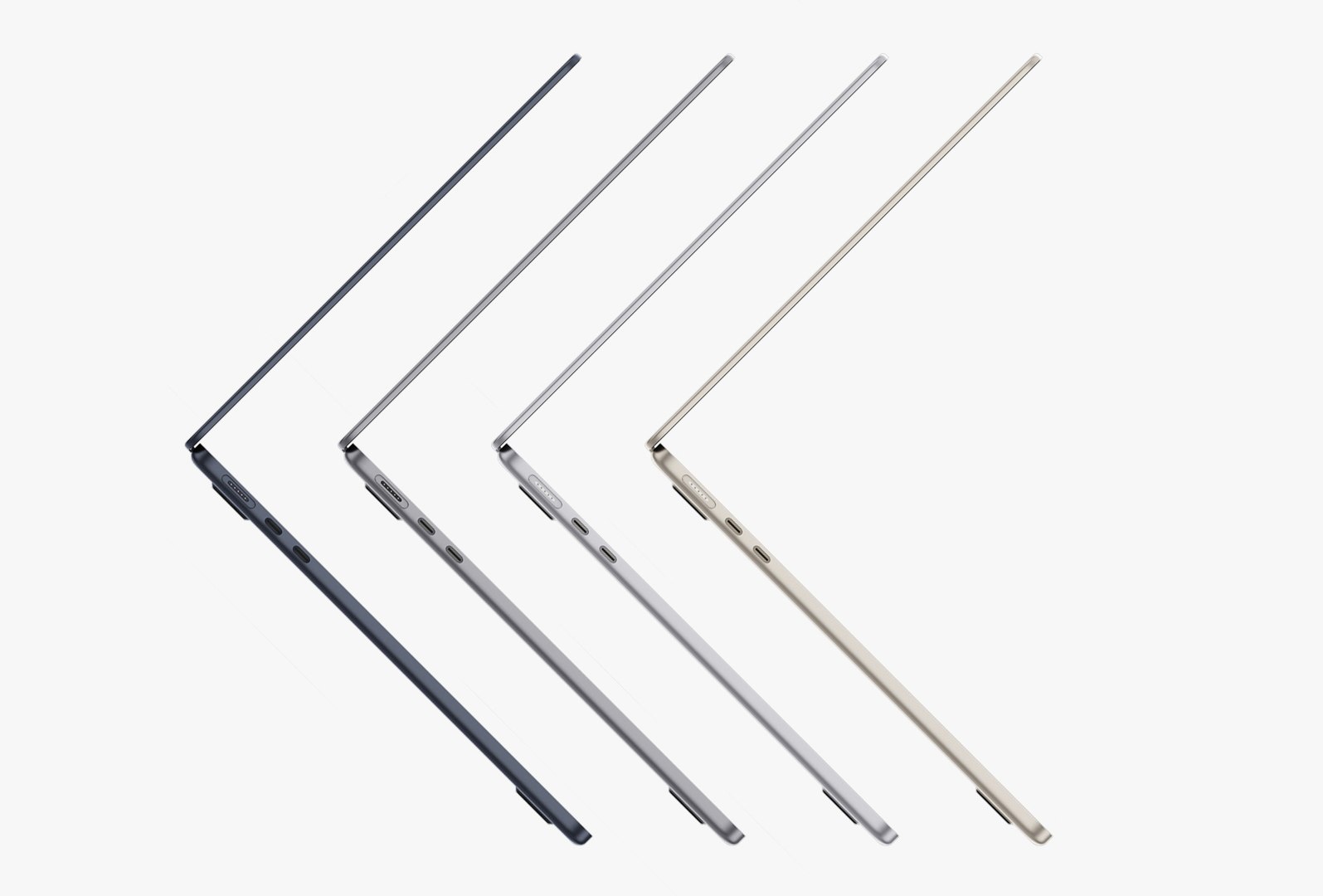
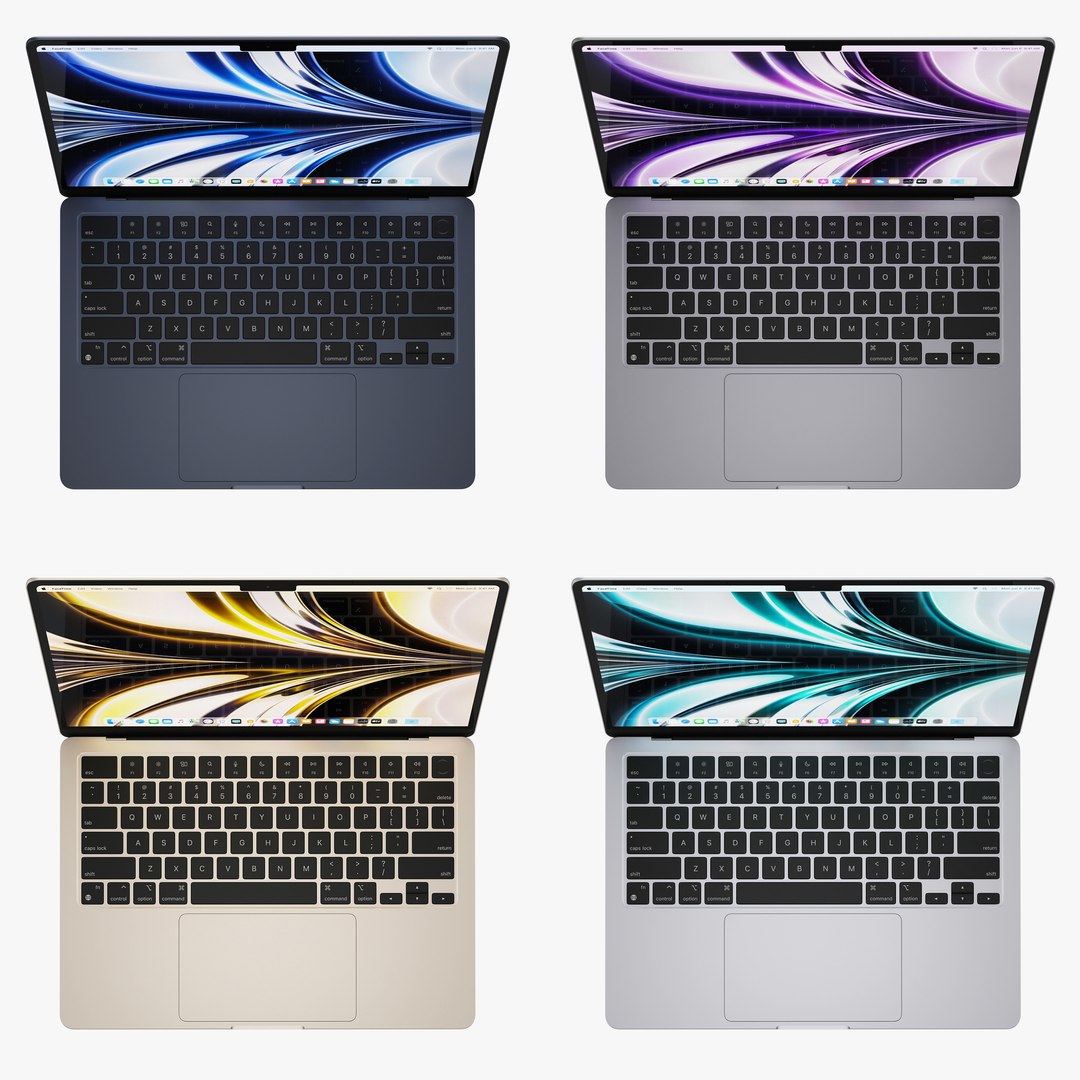
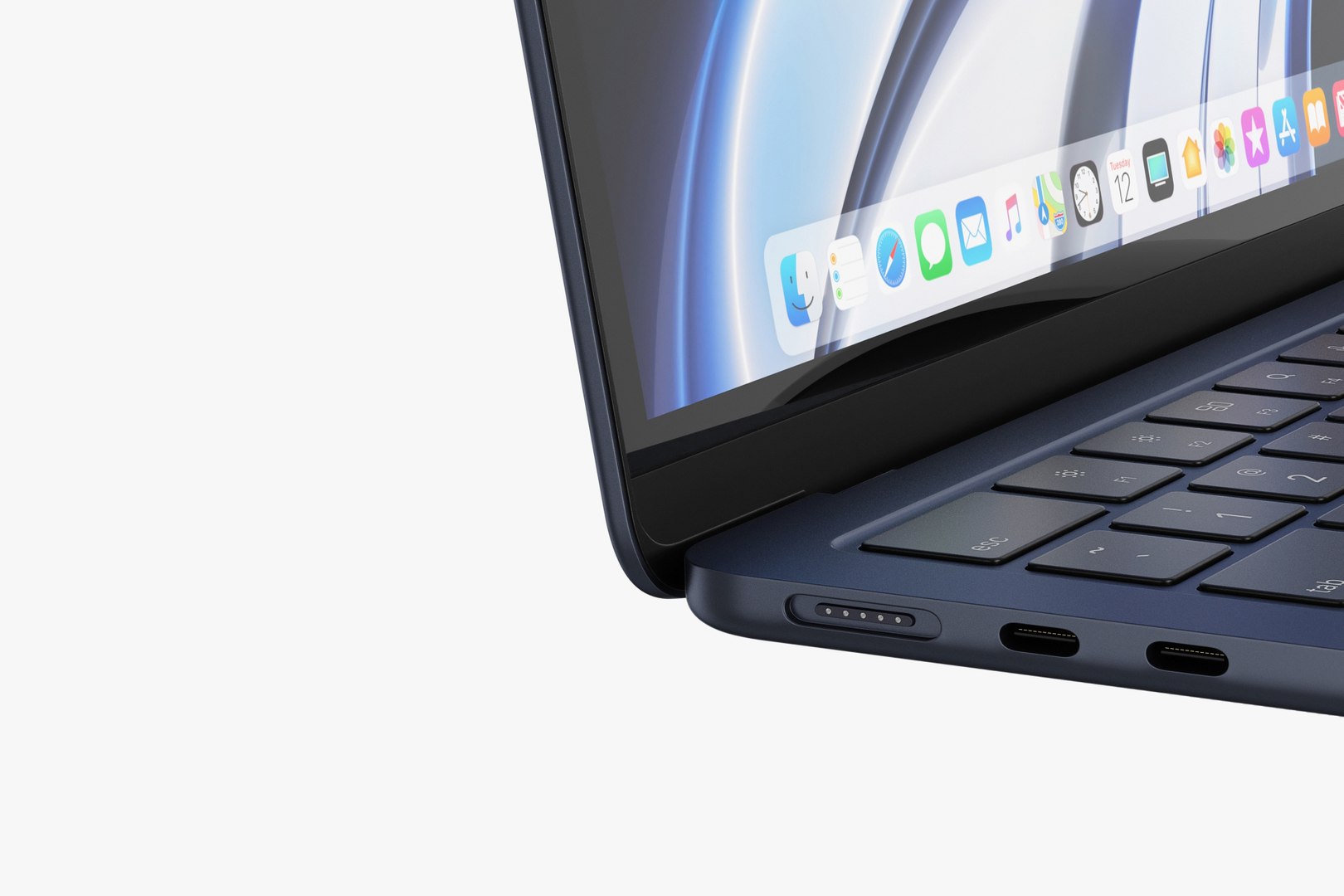
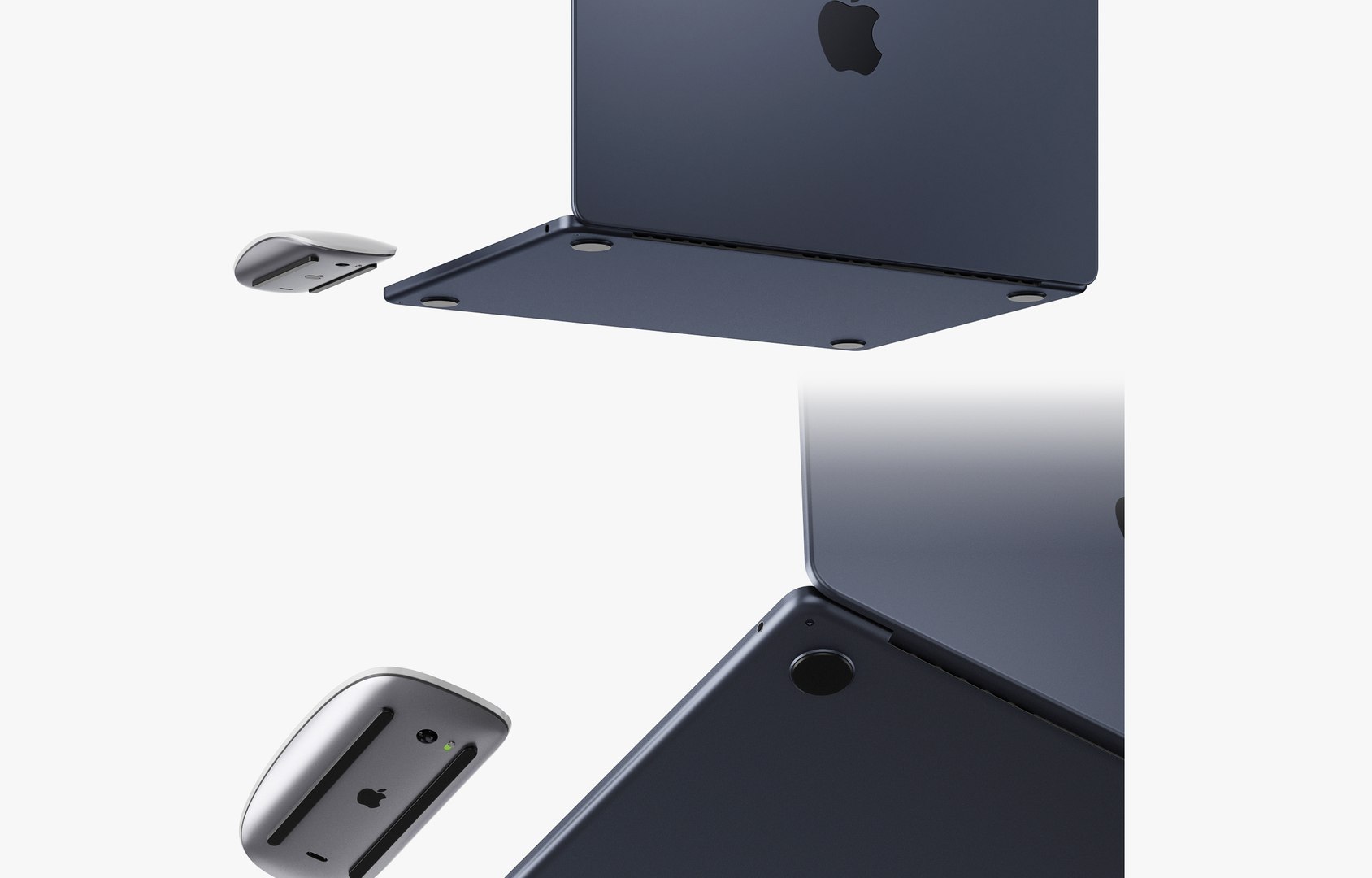
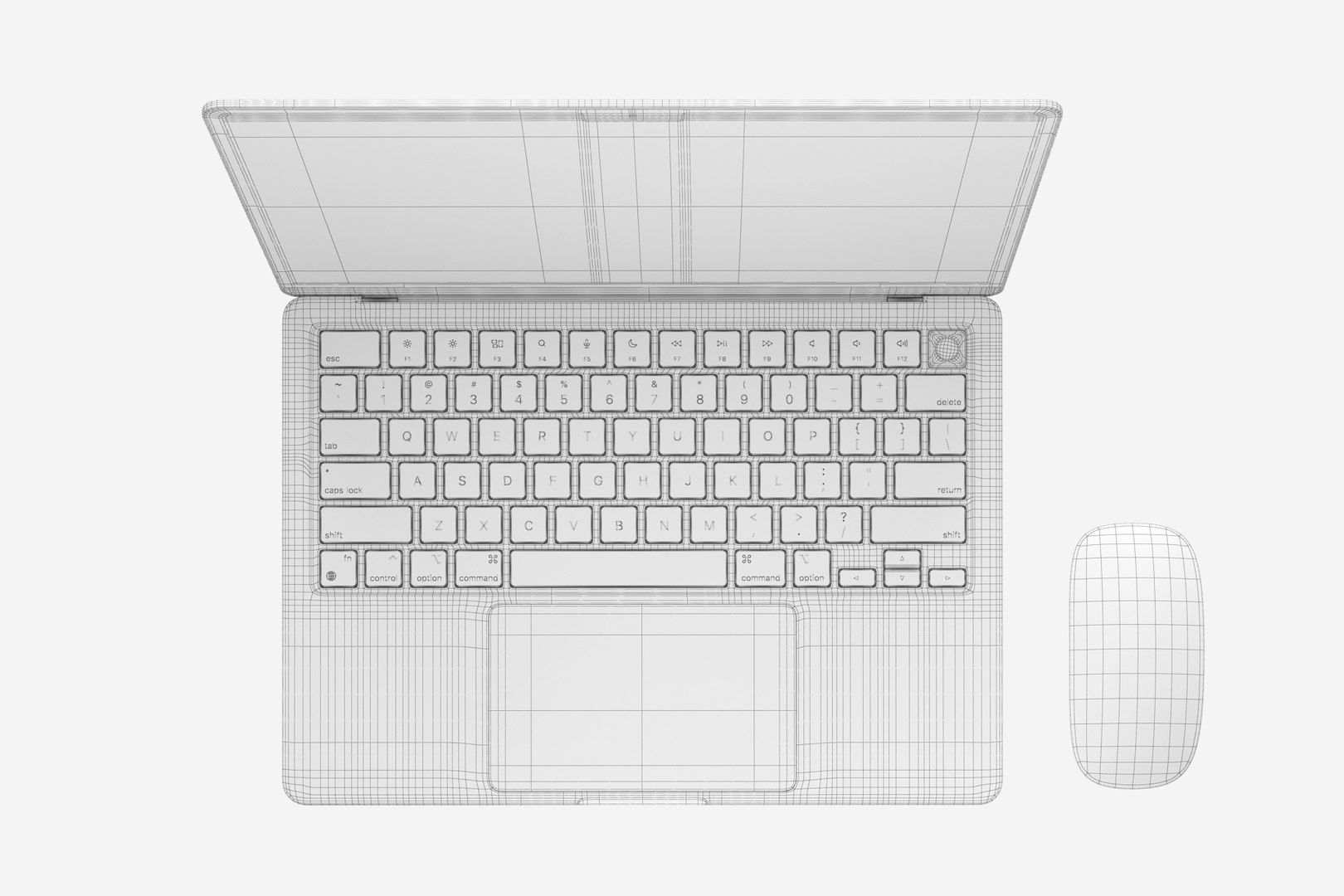
Apple MacBook Air M2 2022
67175 Polygons
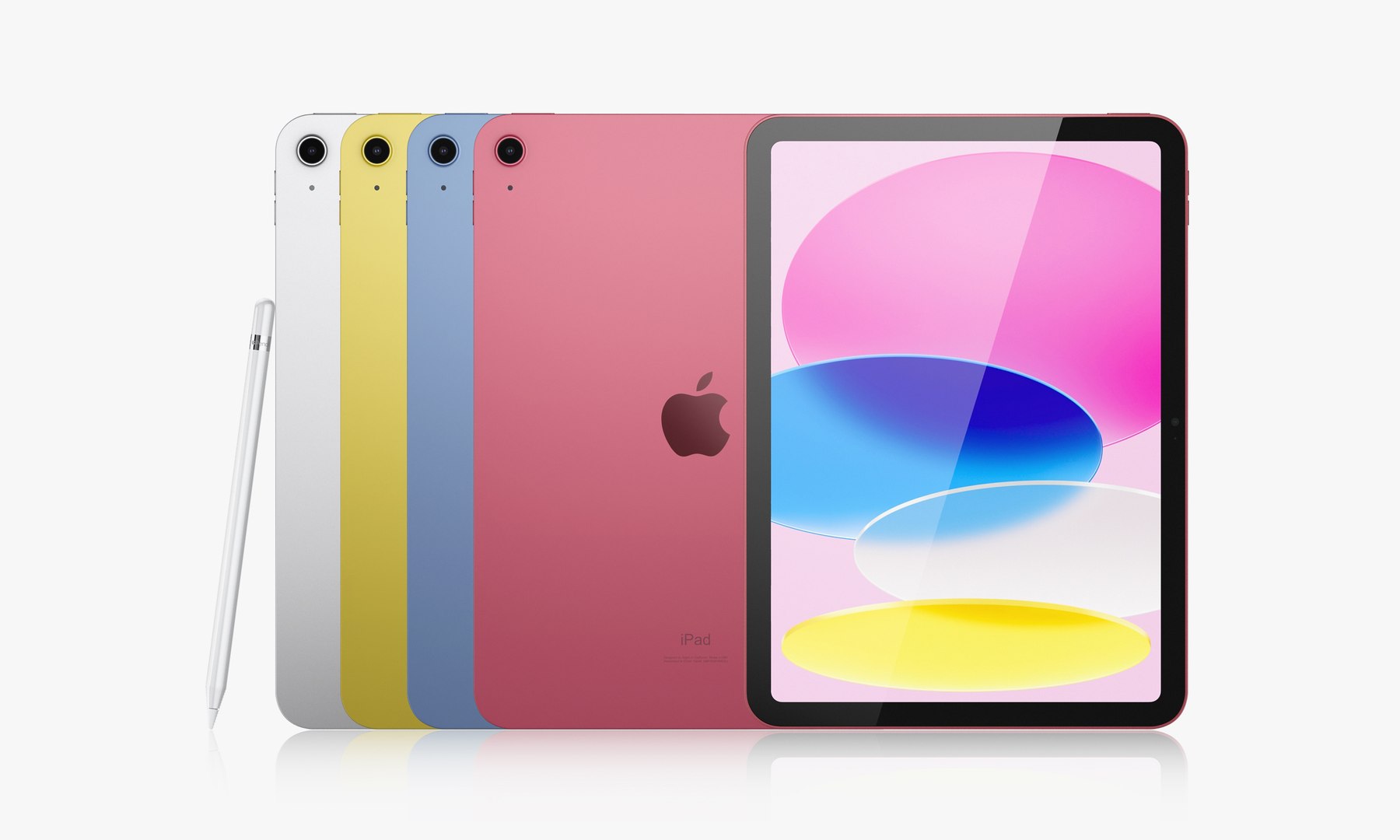
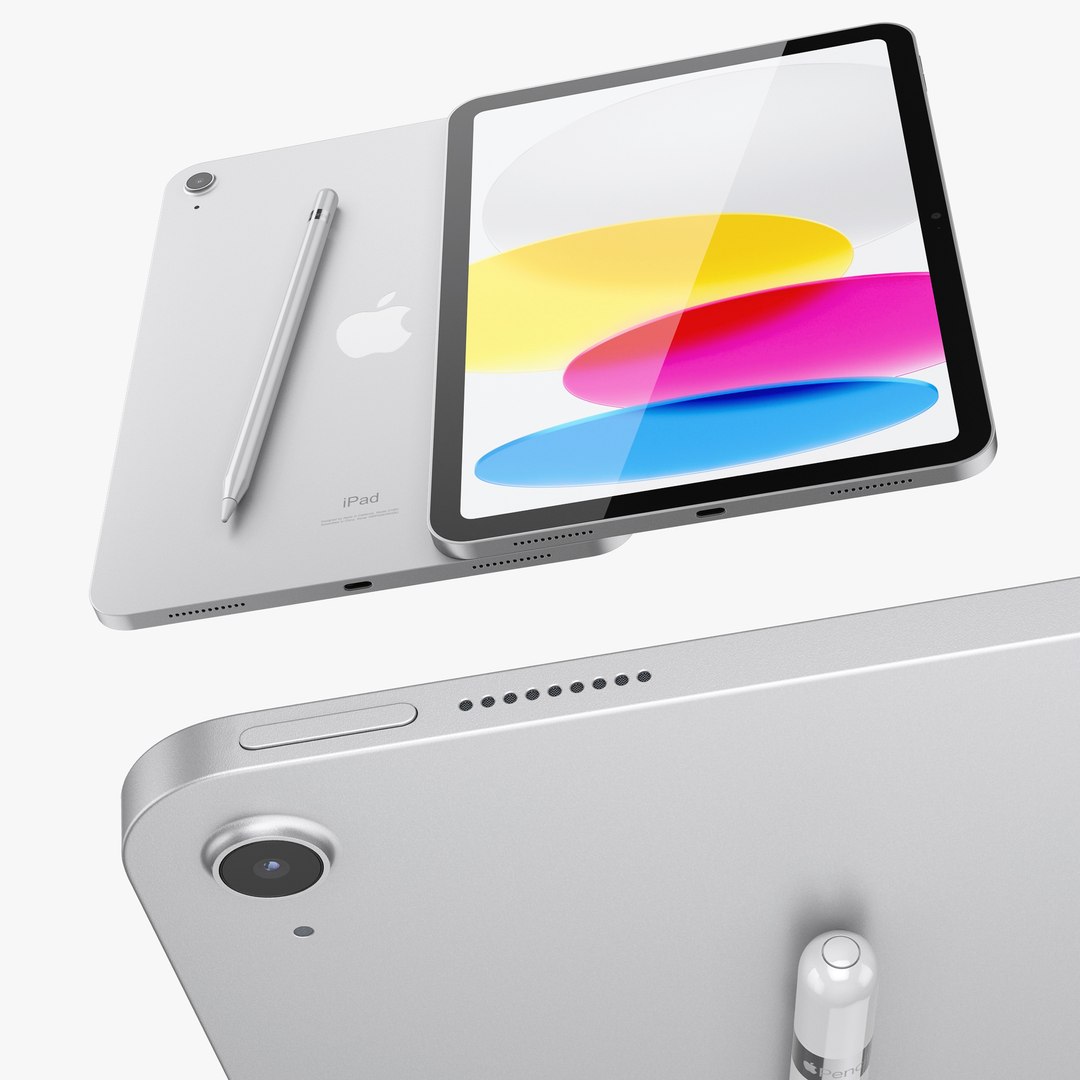
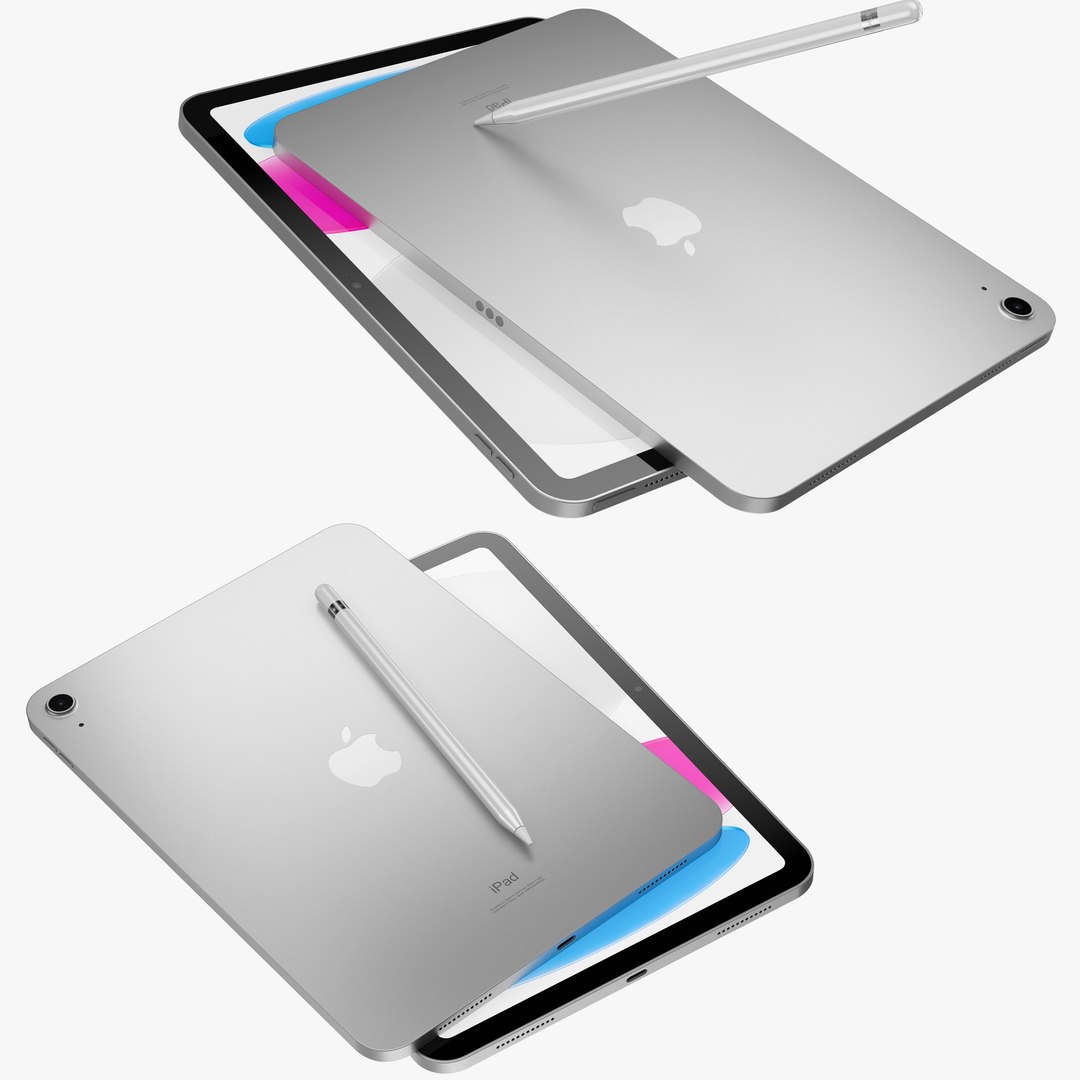
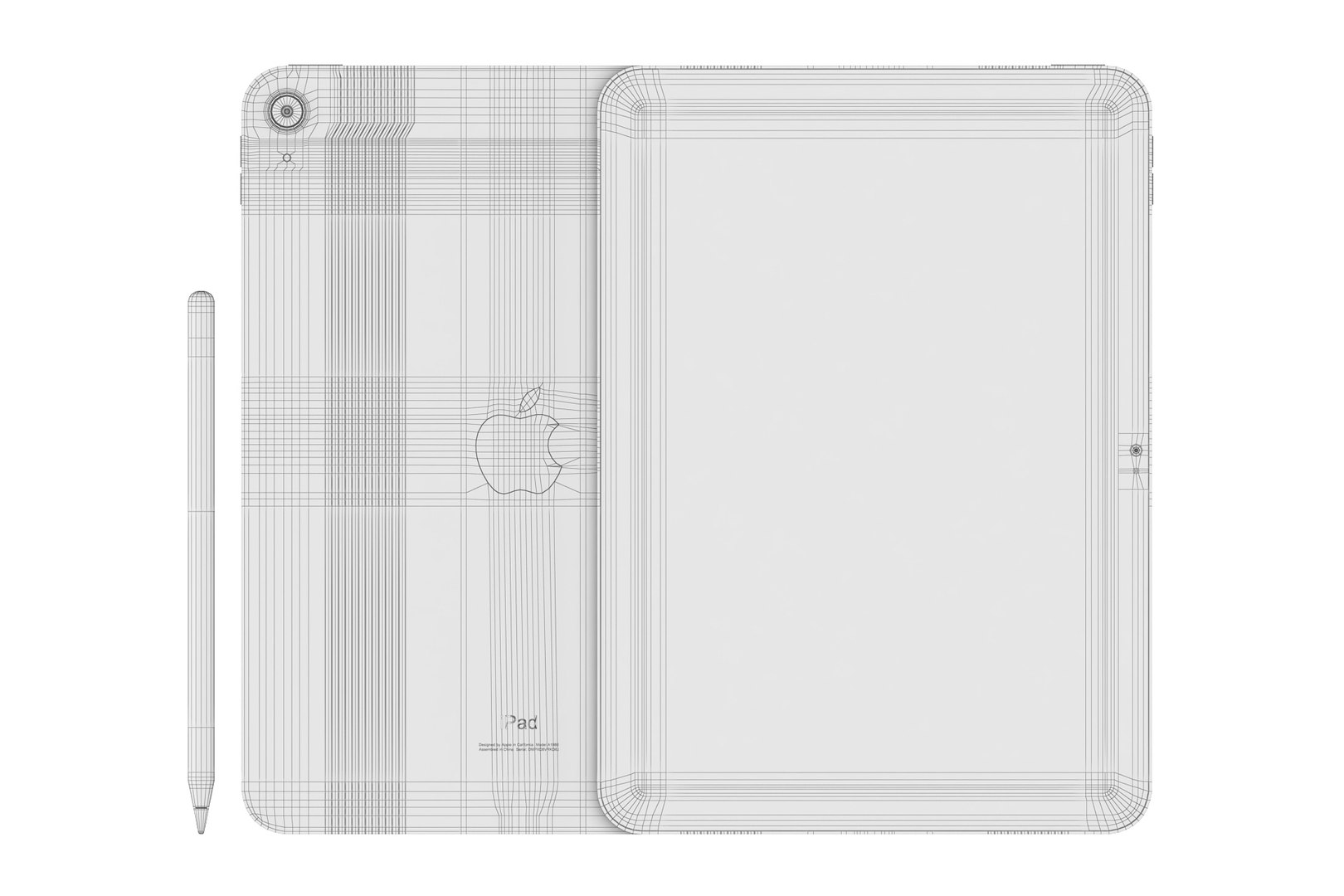
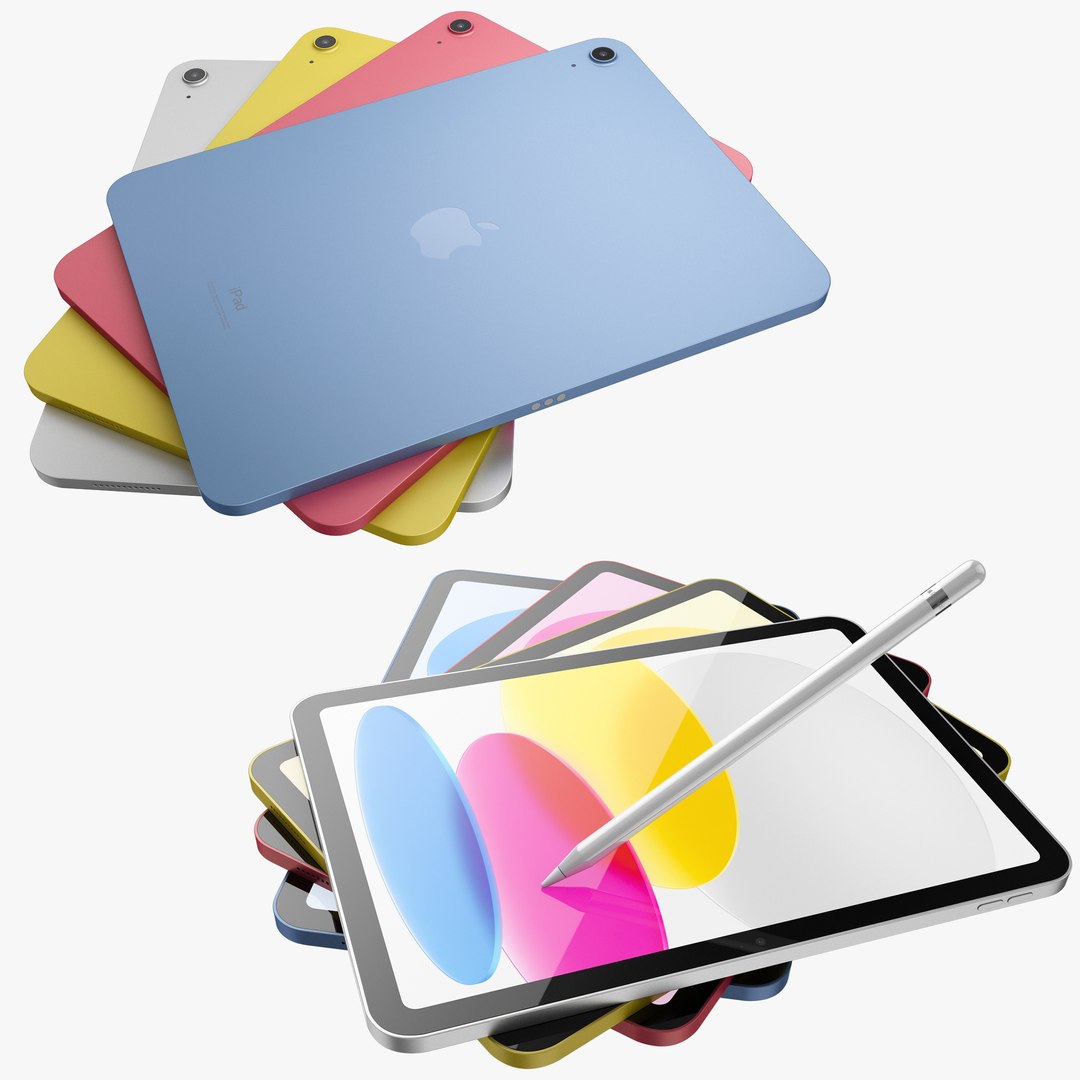
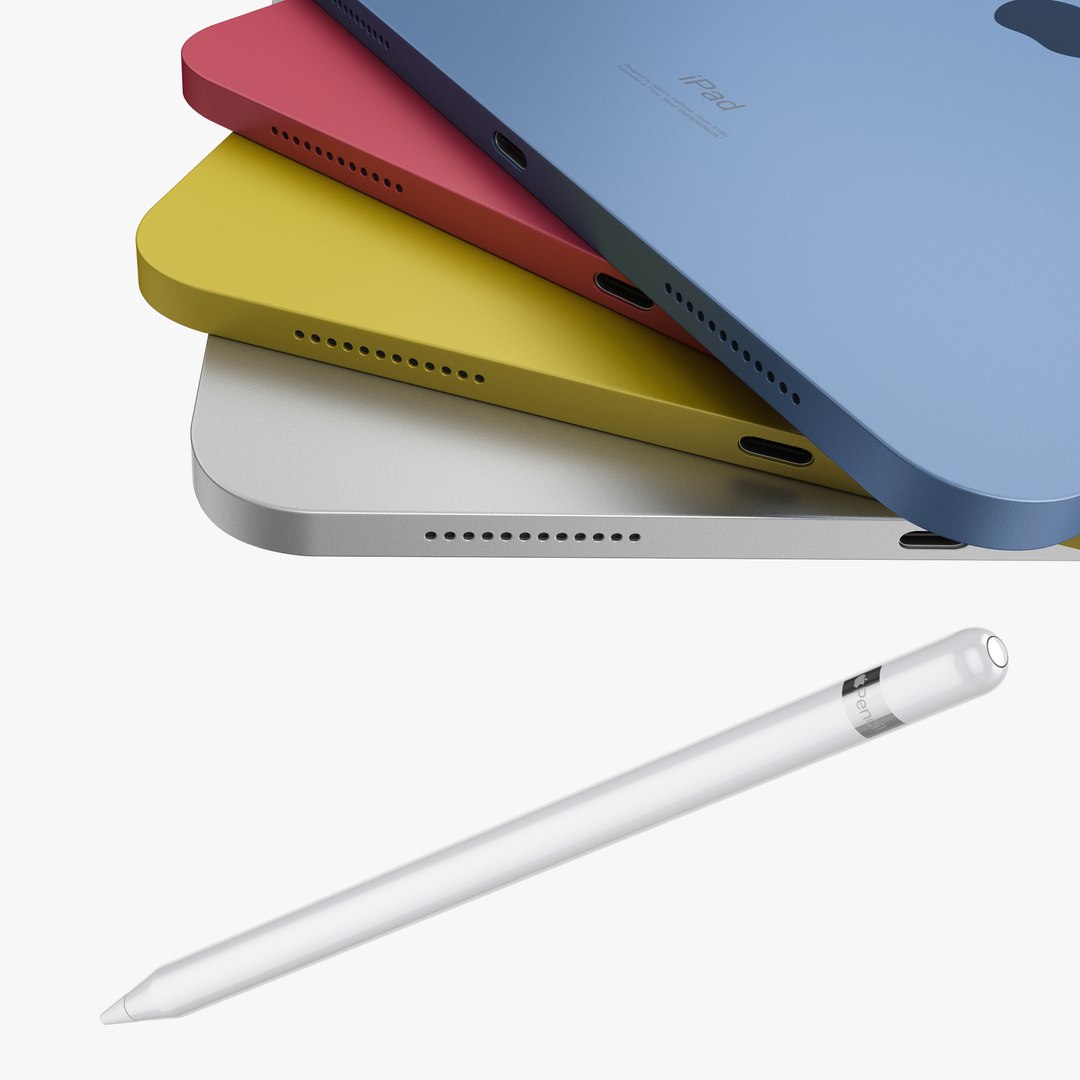
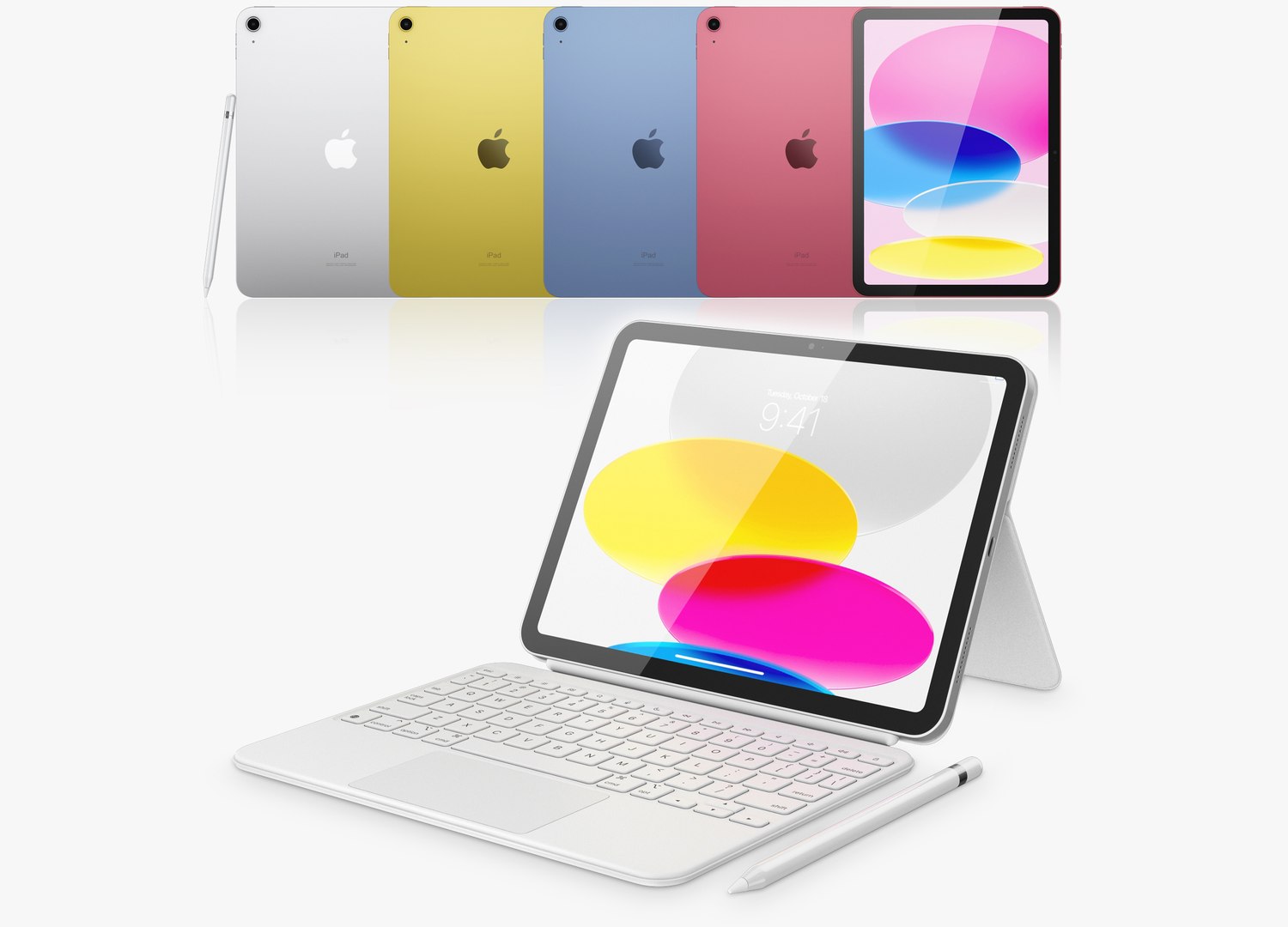
Apple iPad 10th generation
19775 Polygons
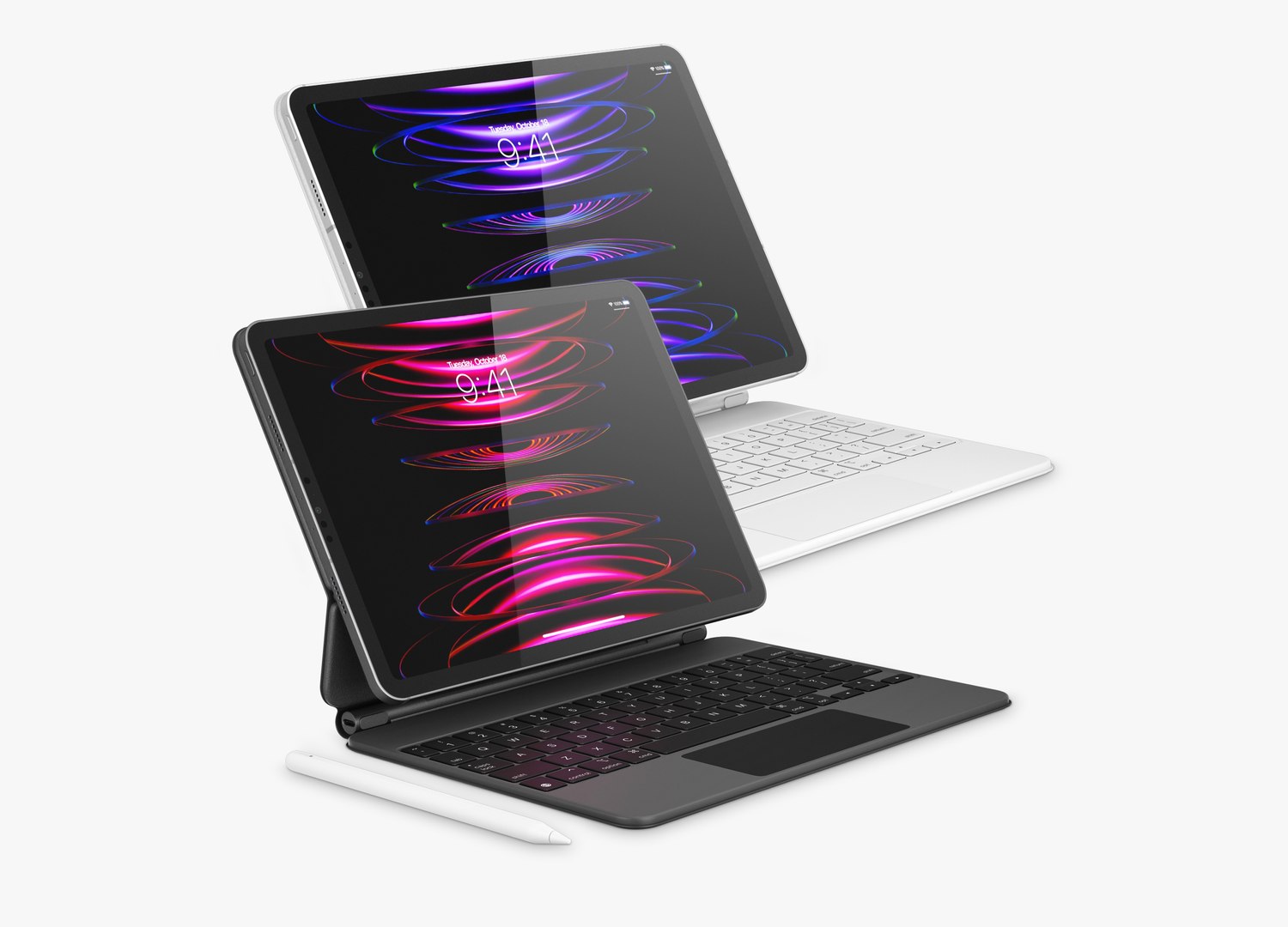
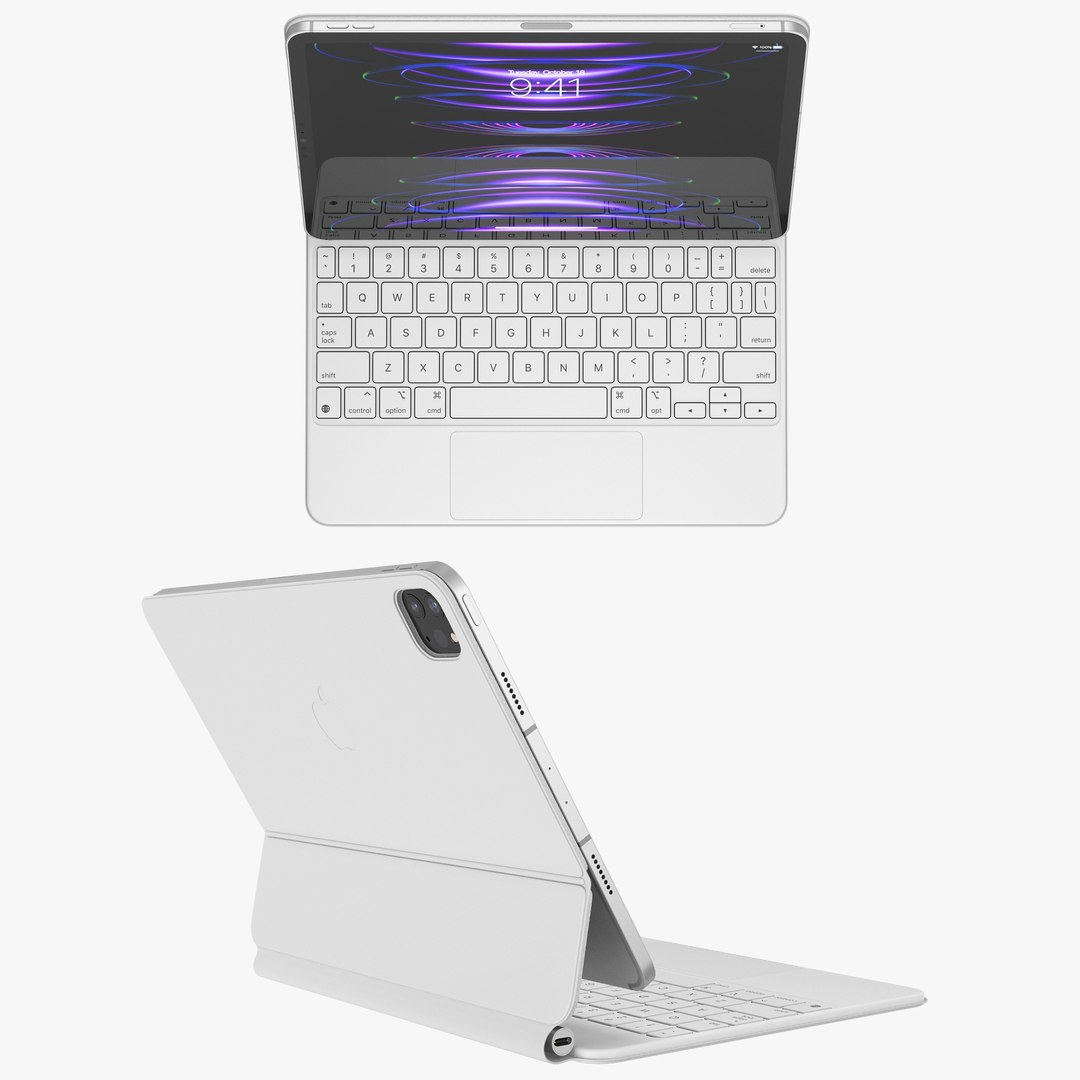
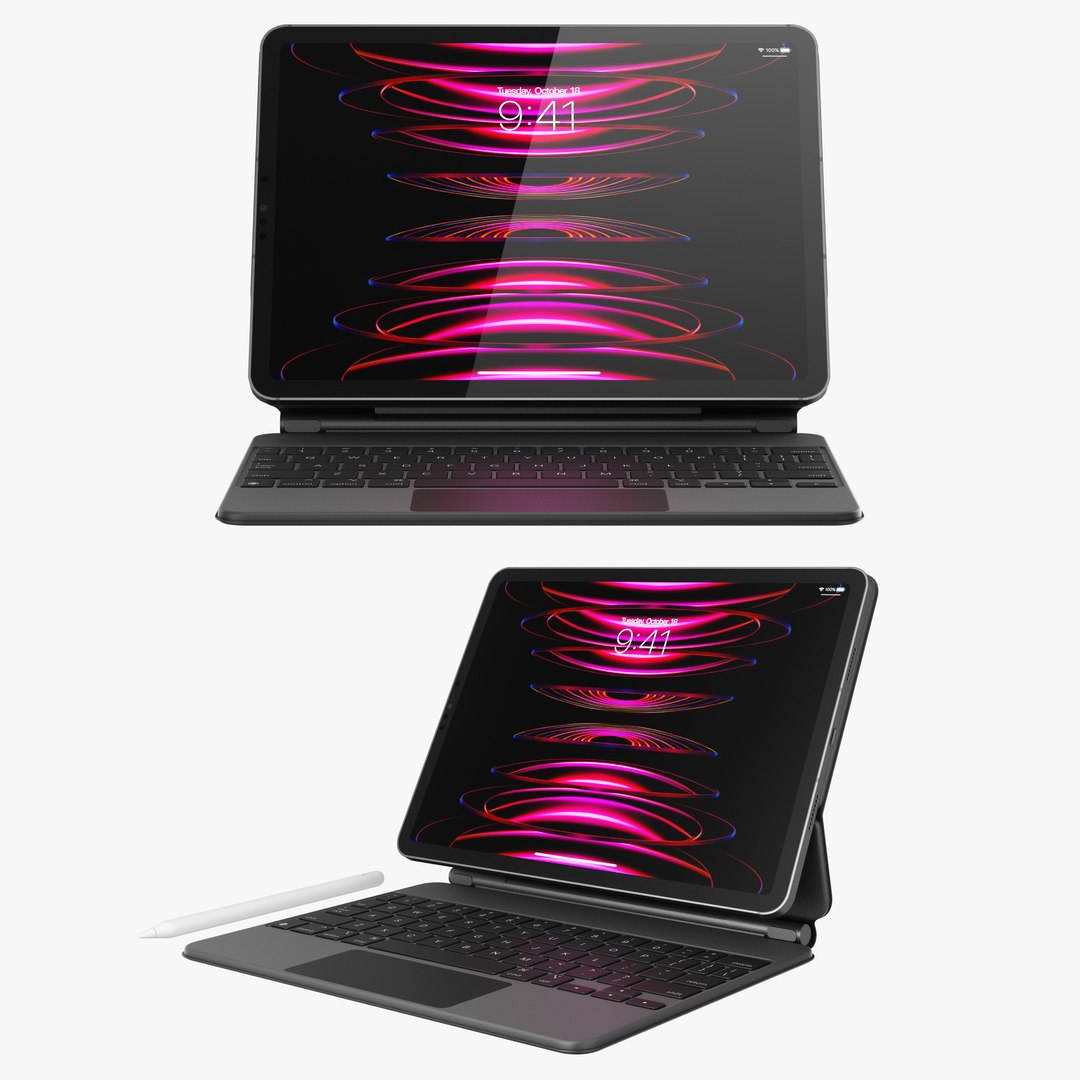
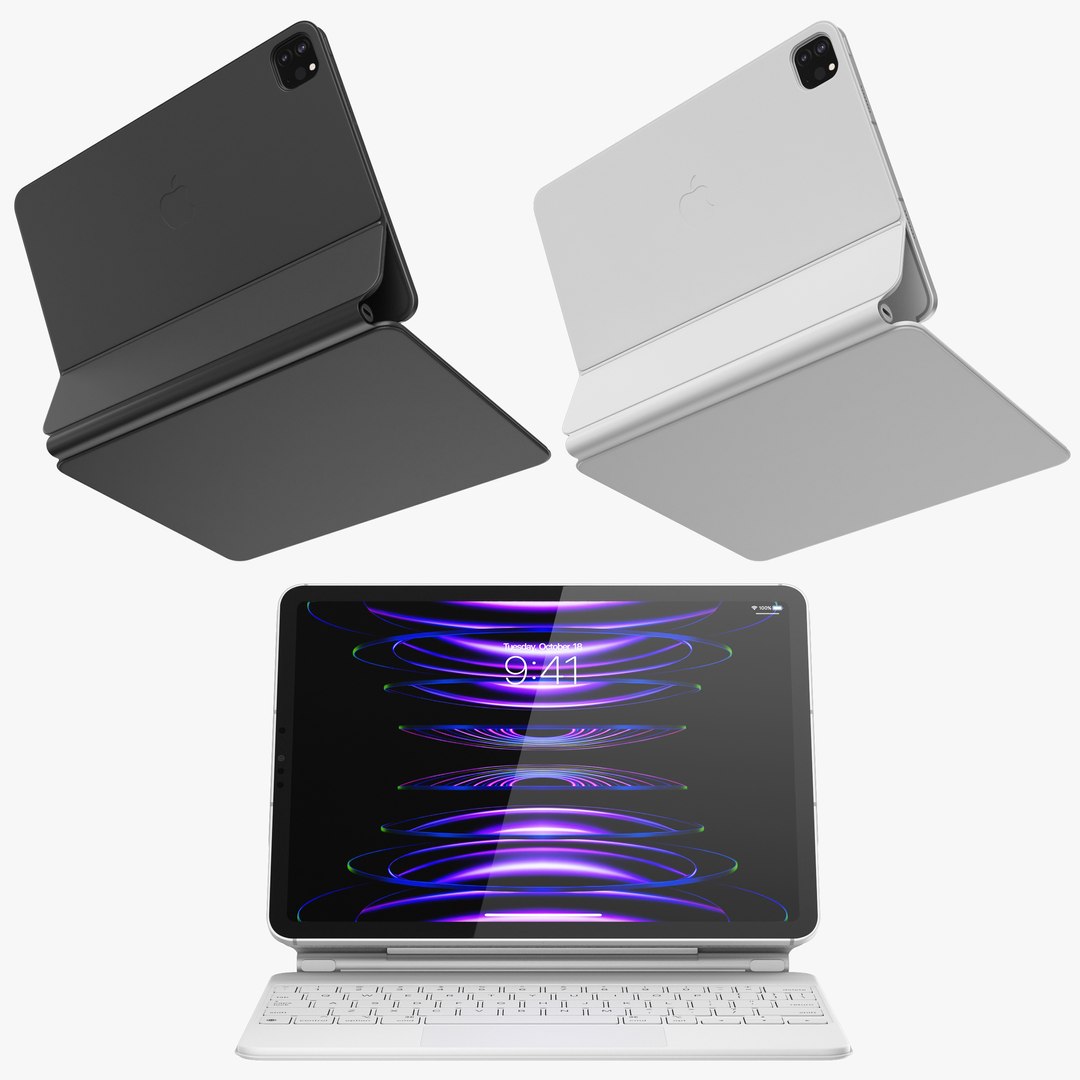
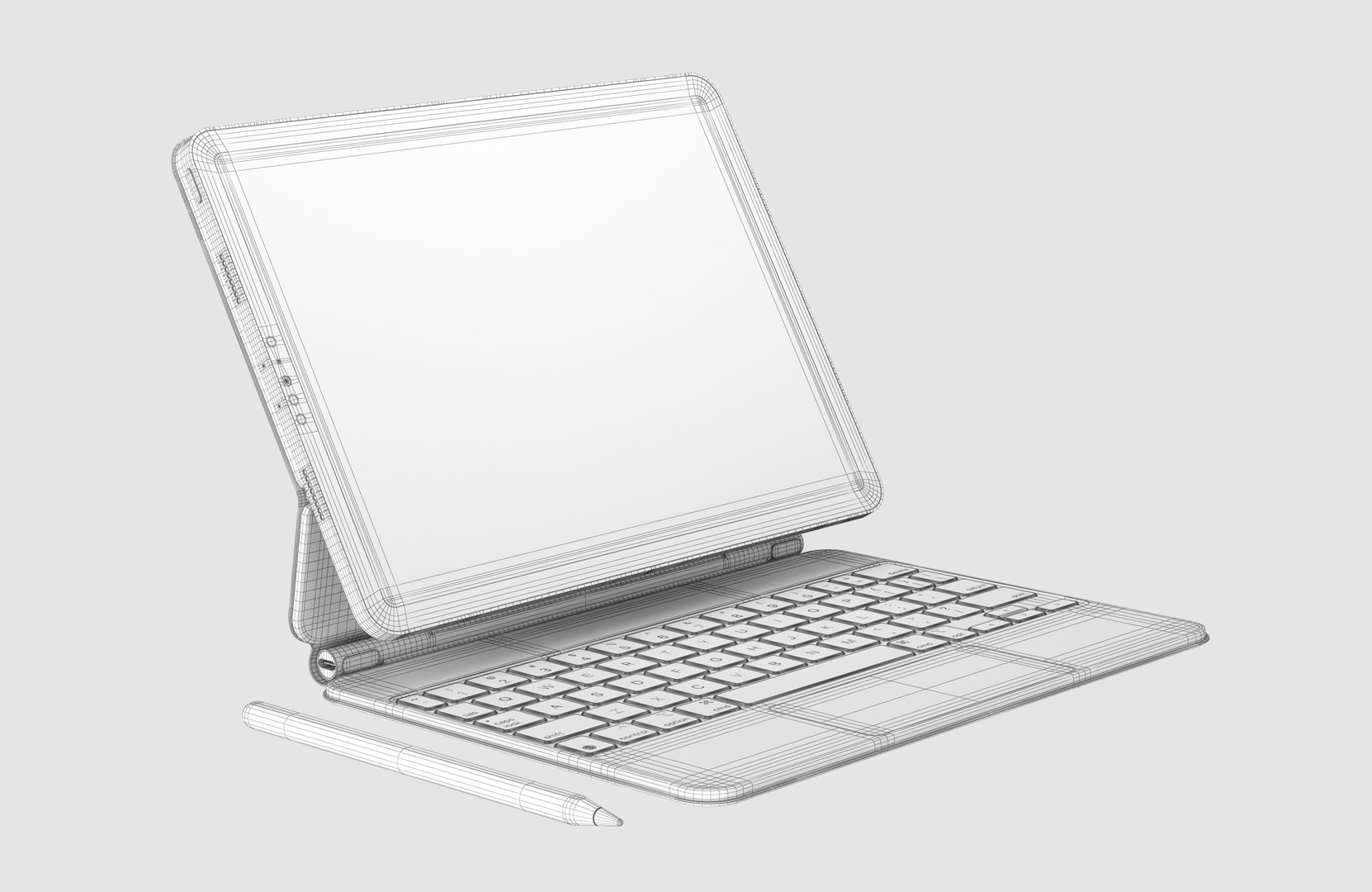
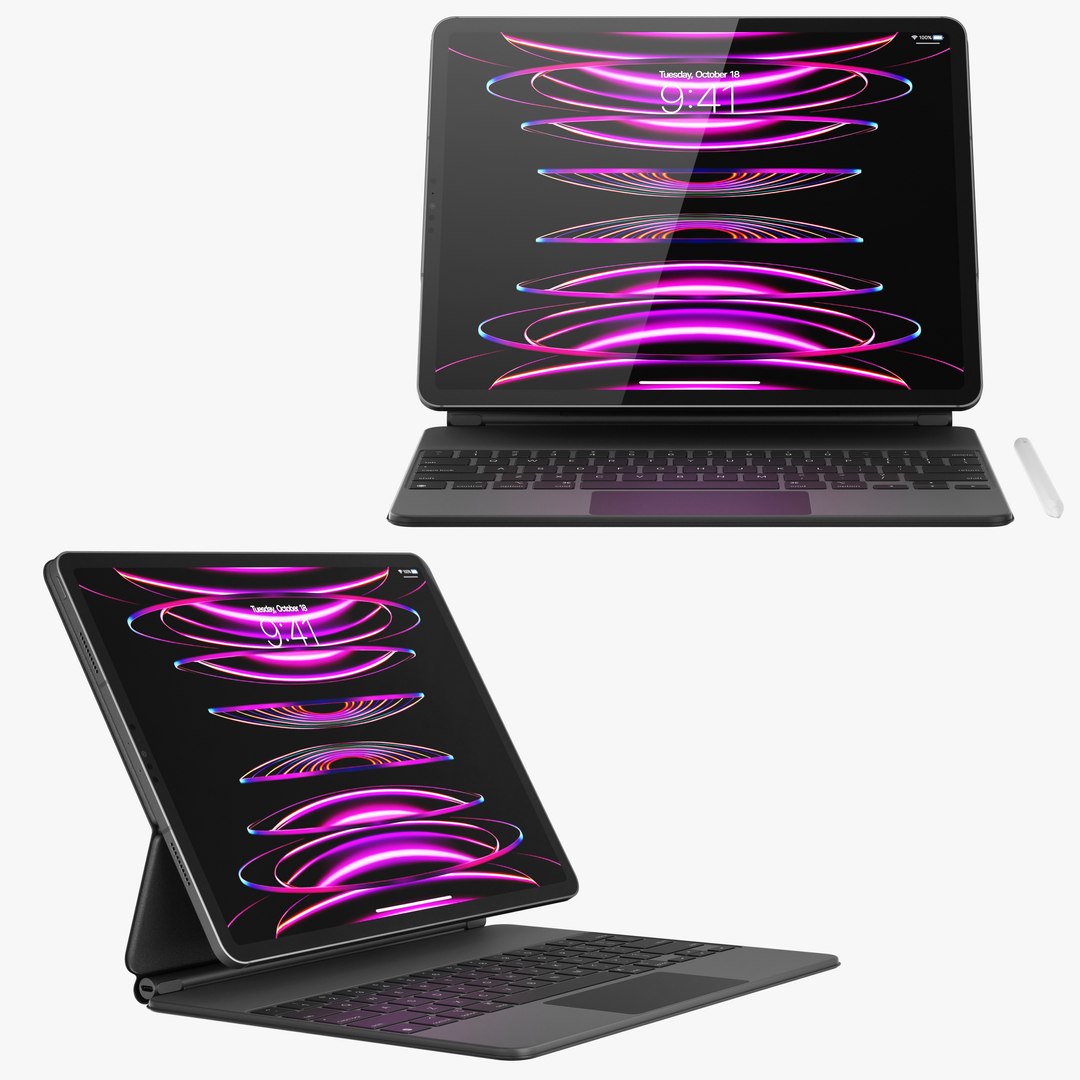
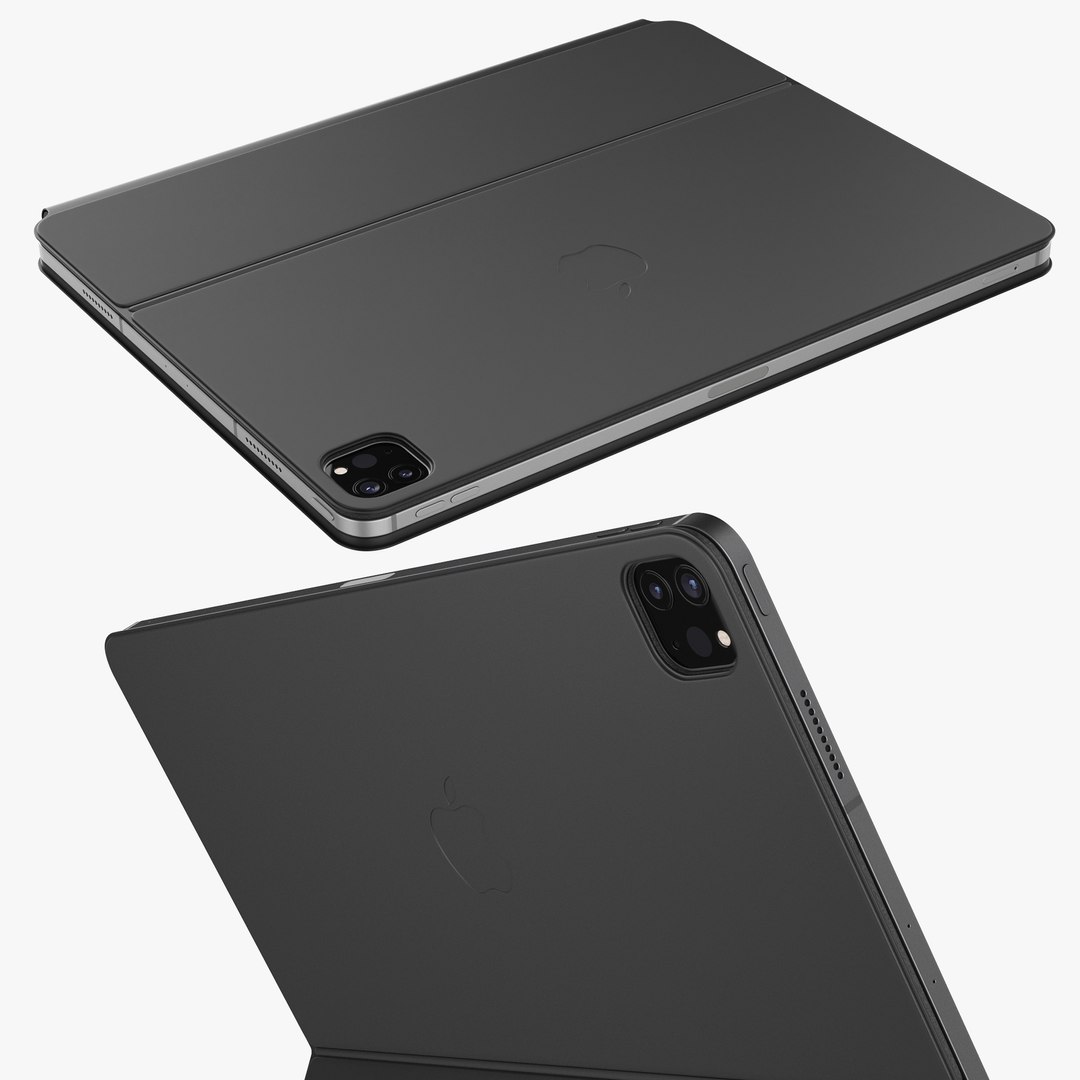
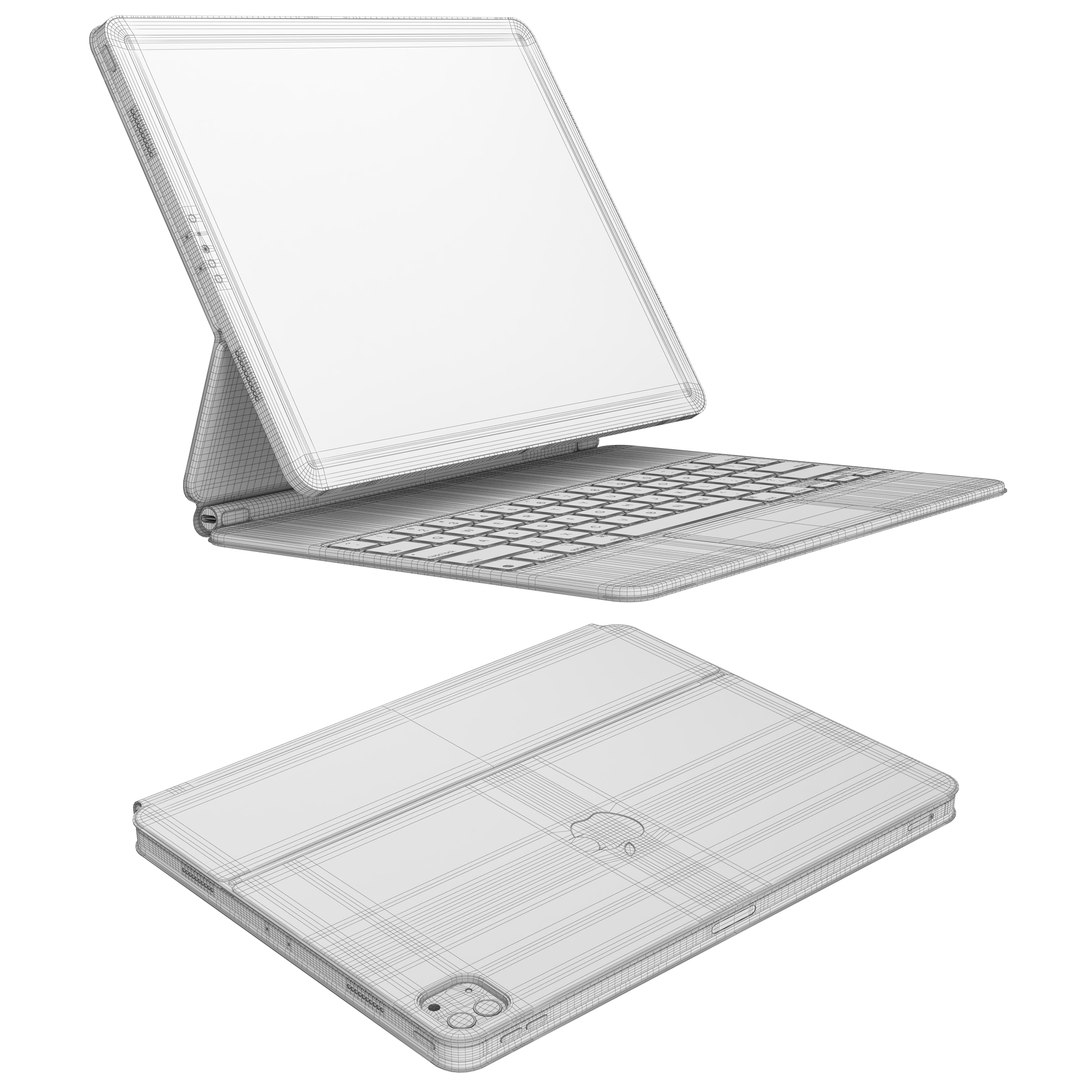
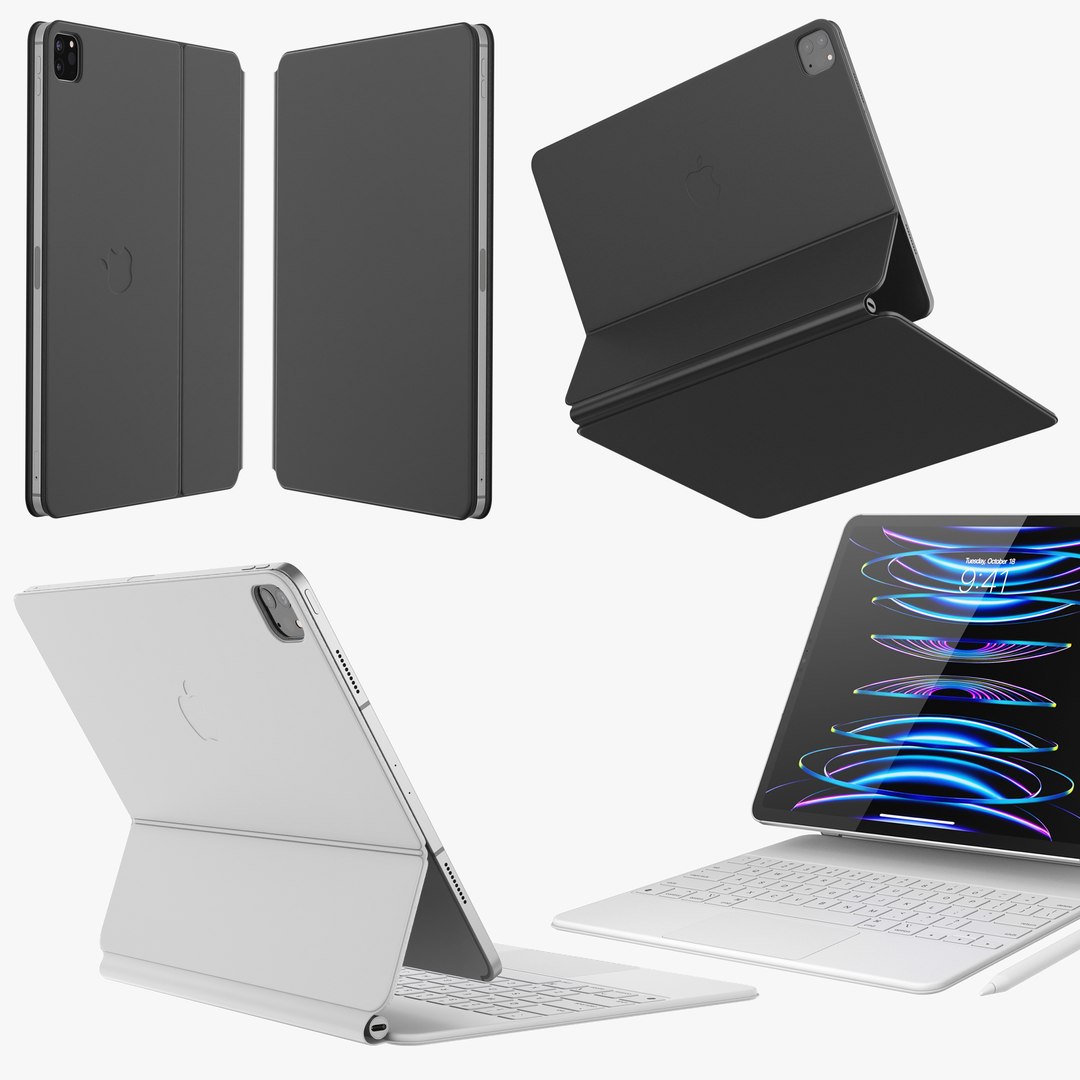
Apple iPad Pro 13-inch M2 and Magic Keyboard
77712 Polygons
Apple iPad Pro 11-inch M2 and Magic Keyboard
67825 Polygons
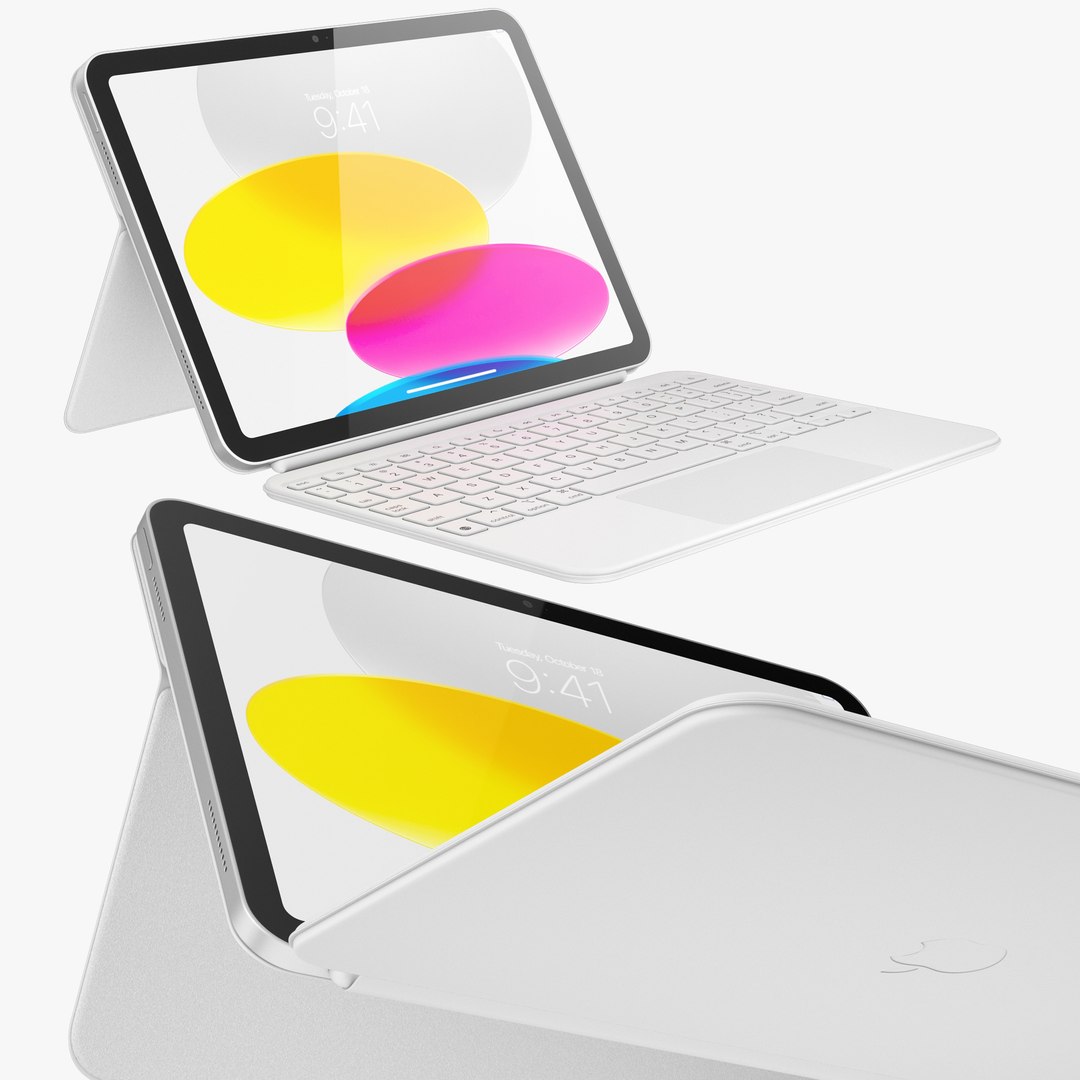
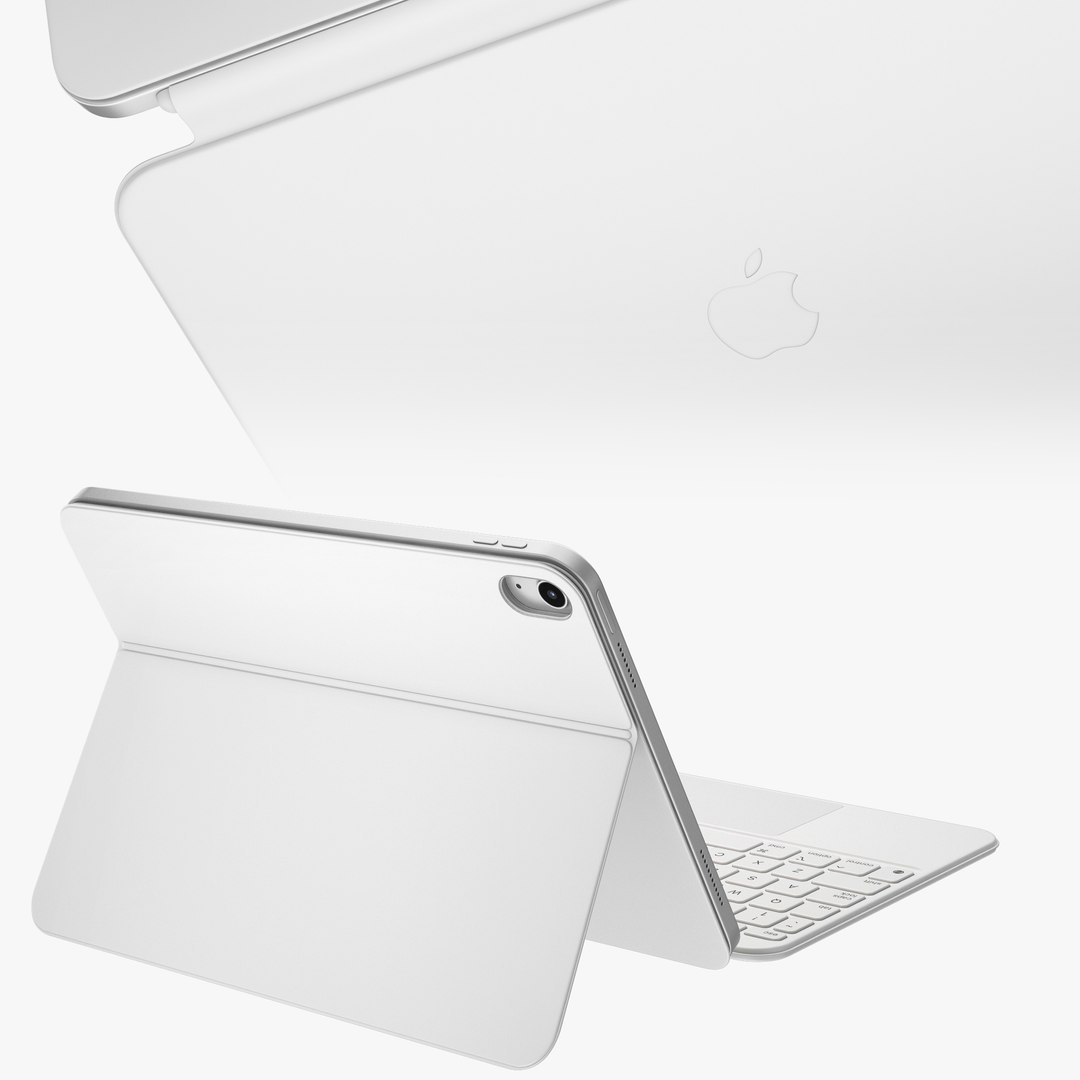
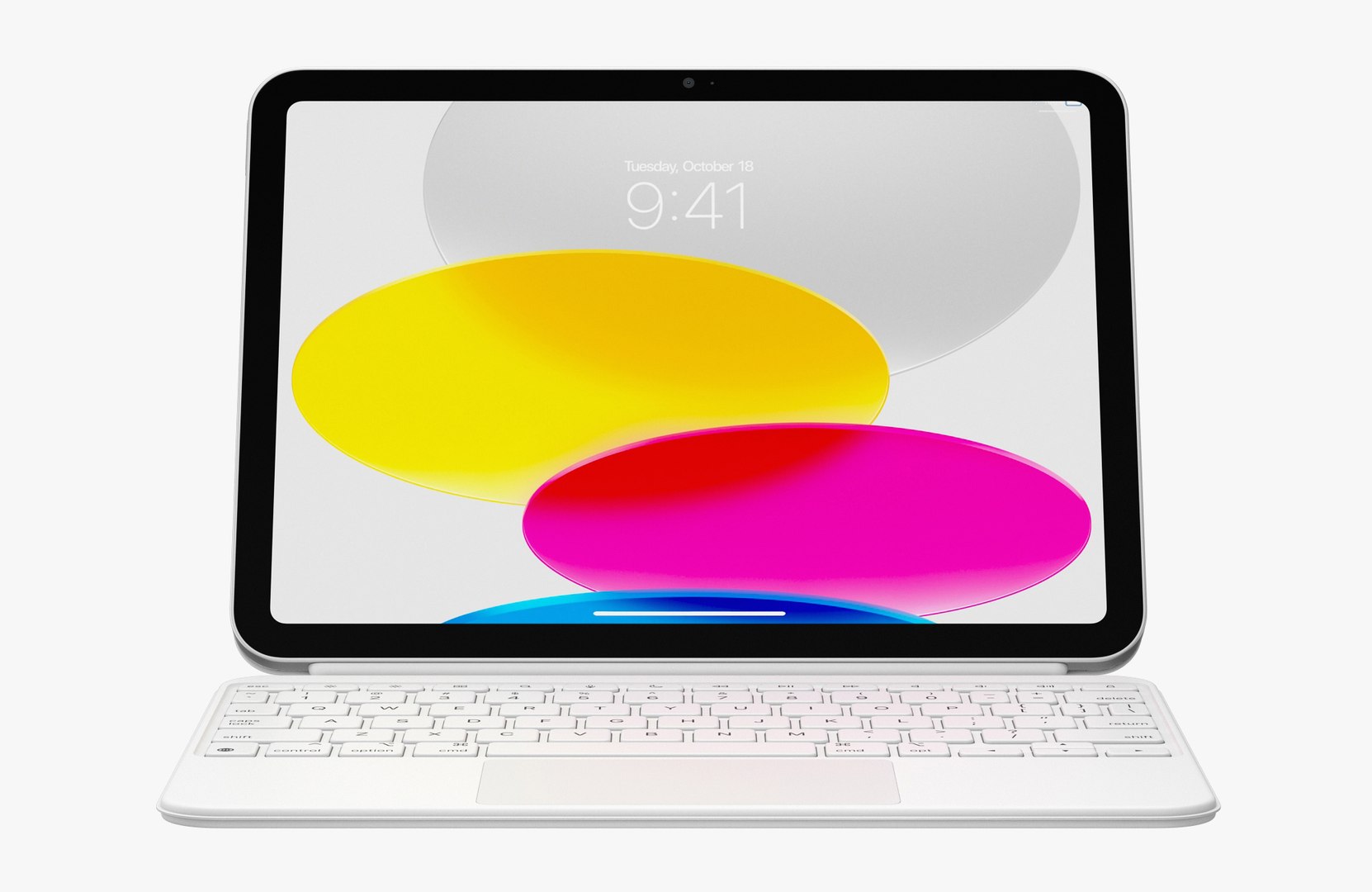
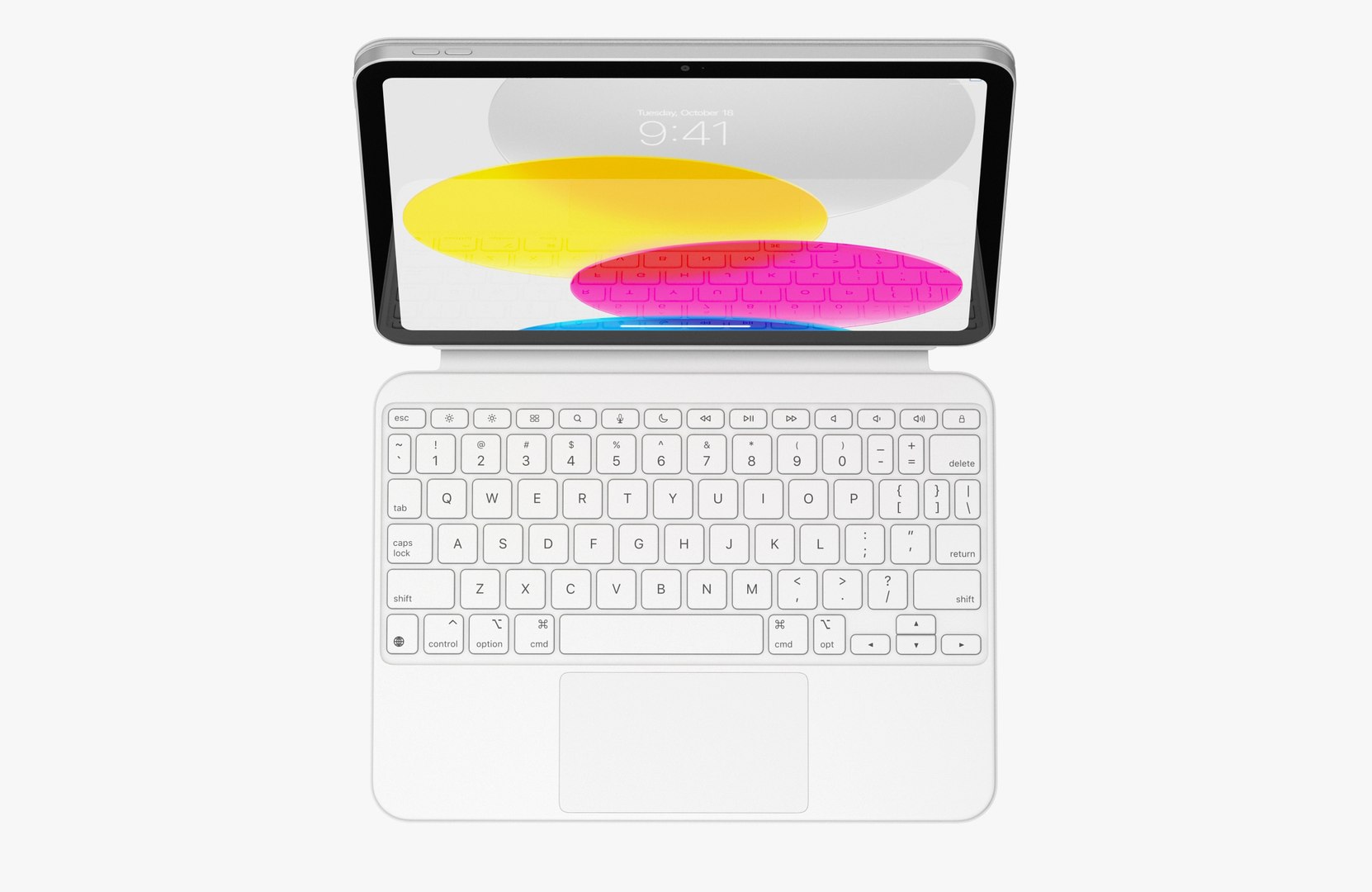
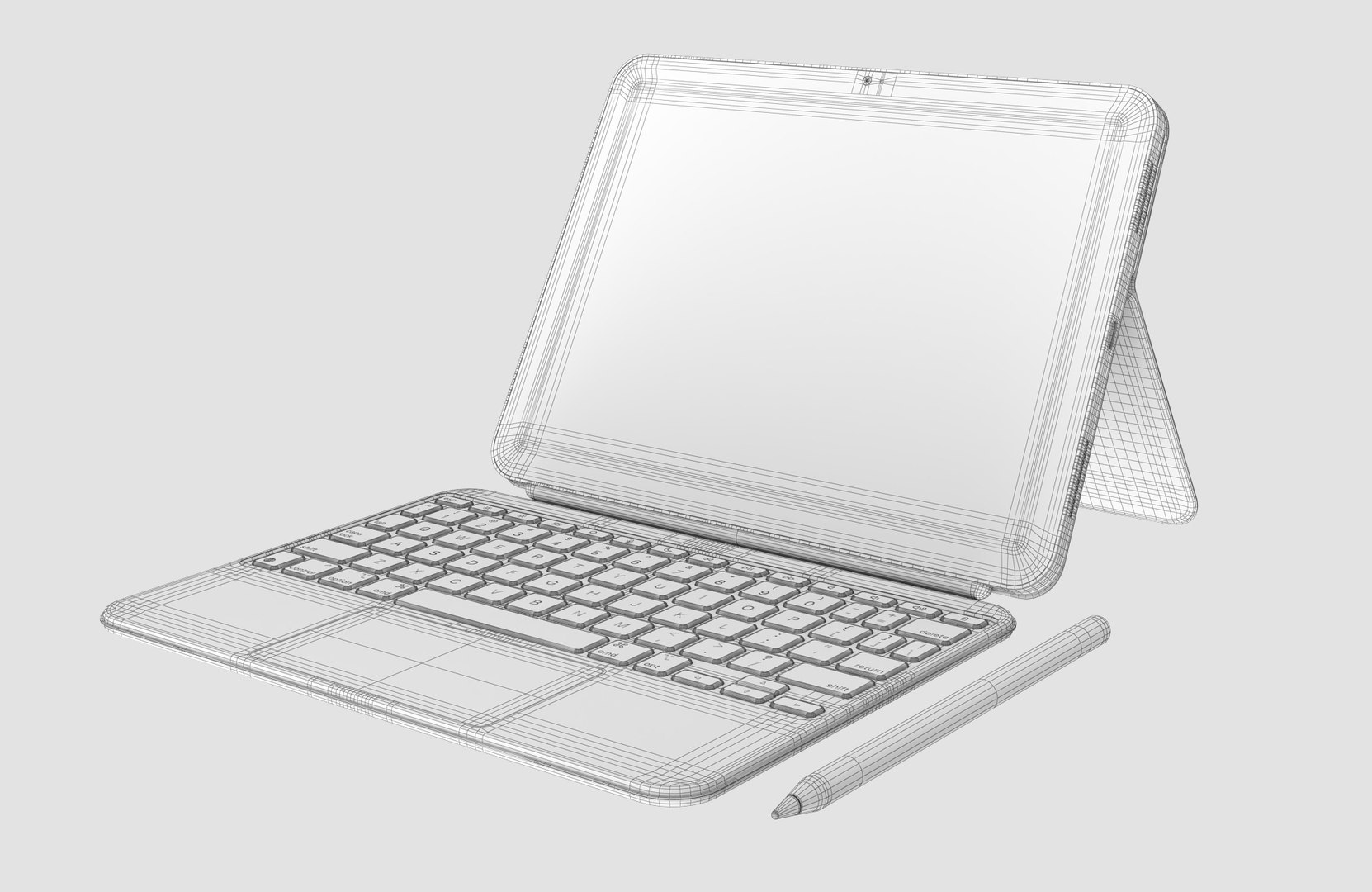
Apple iPad 10th gen and Magic Keyboard Folio
73039 Polygons
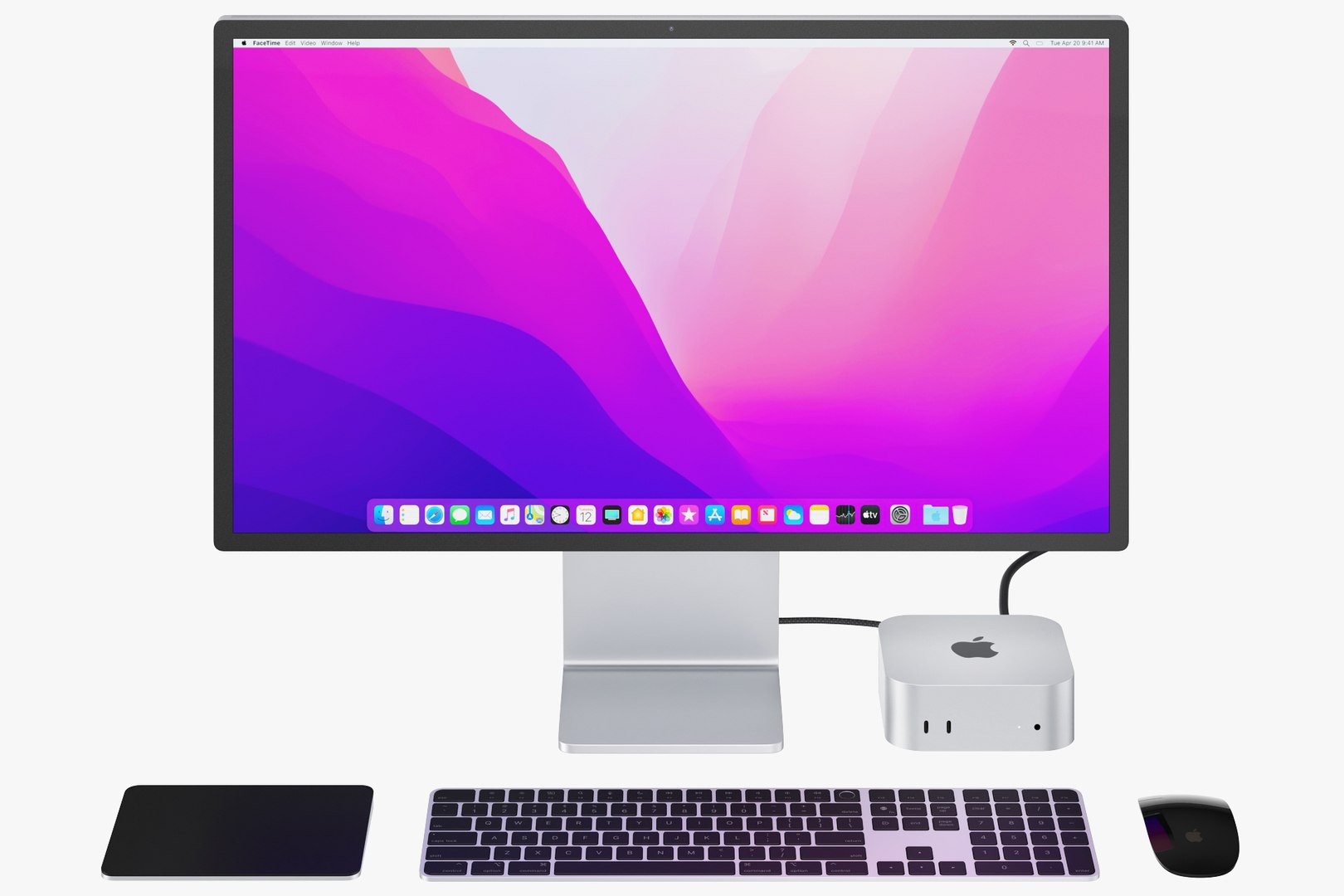
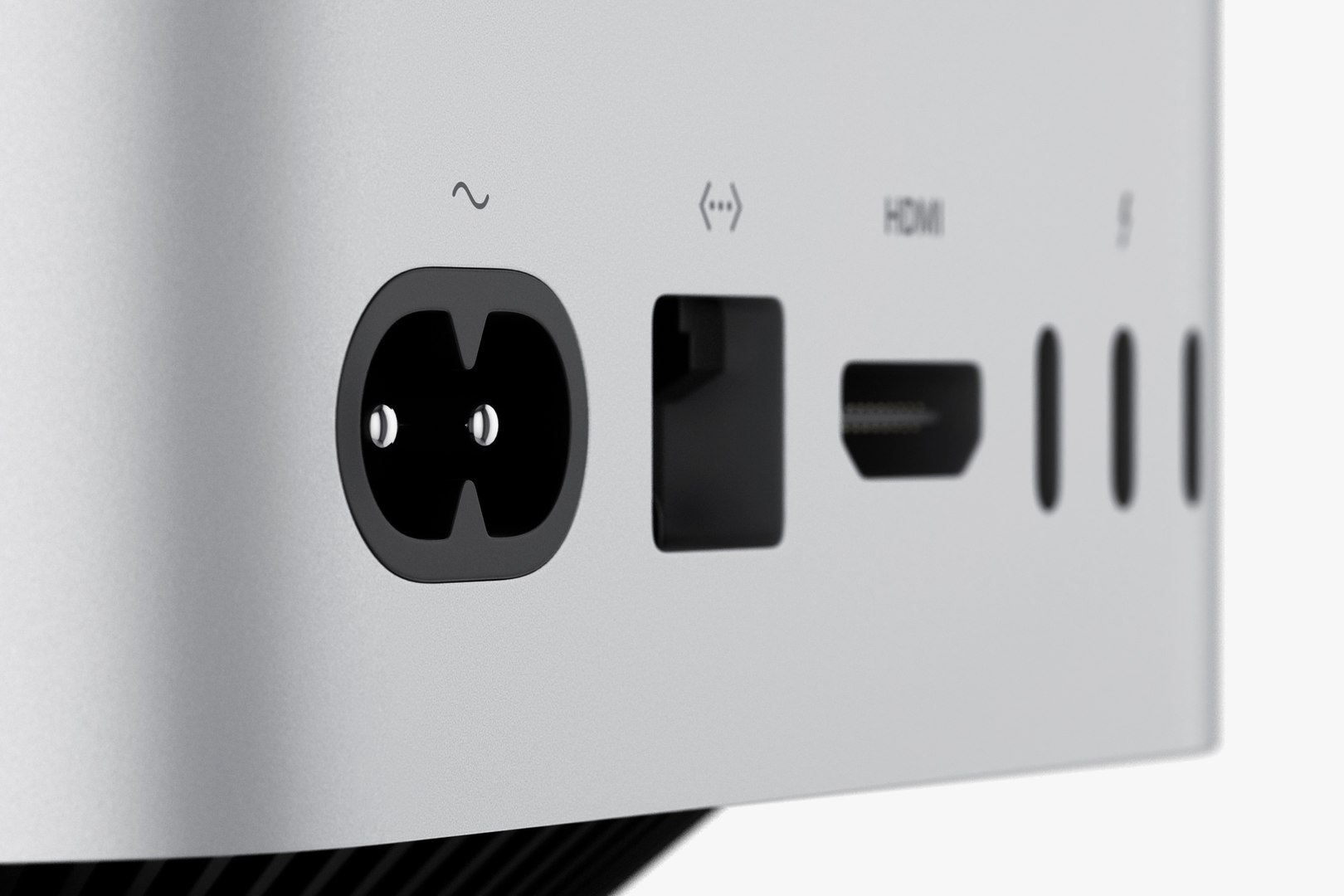
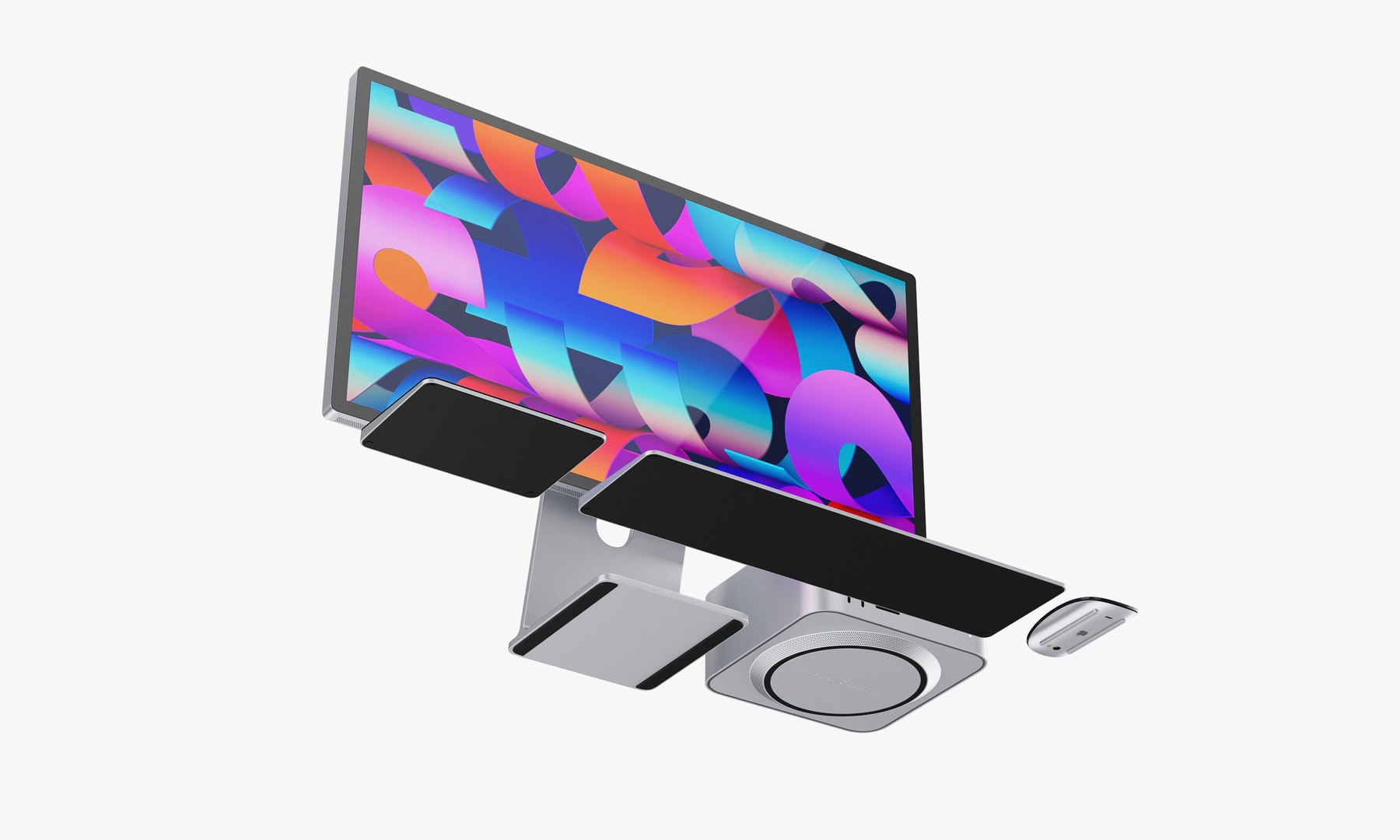
Apple Studio Display and Mac studio full set
12856 Polygons
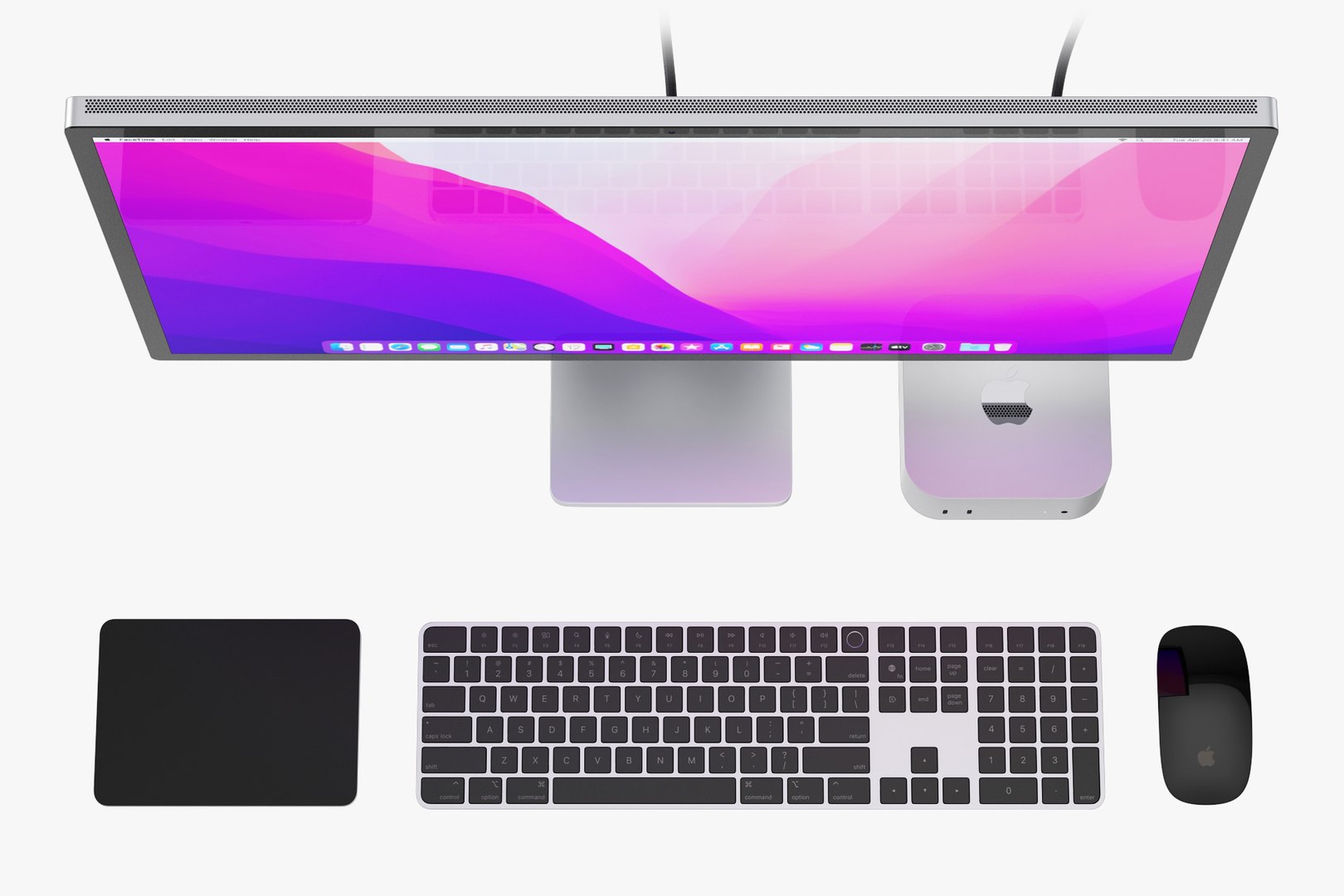
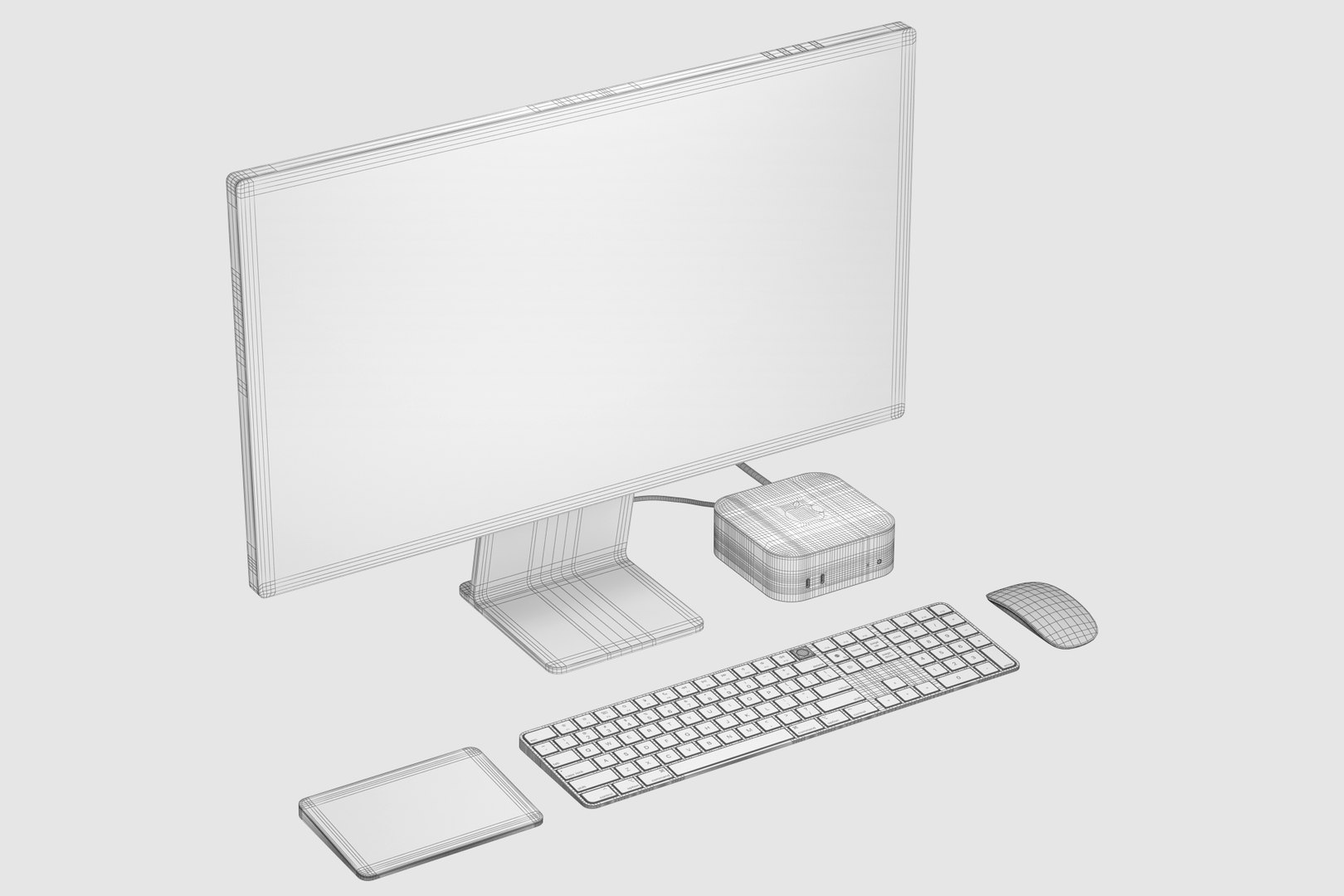
Apple Studio Display and Mac mini M4 full set 2
67810 Polygons
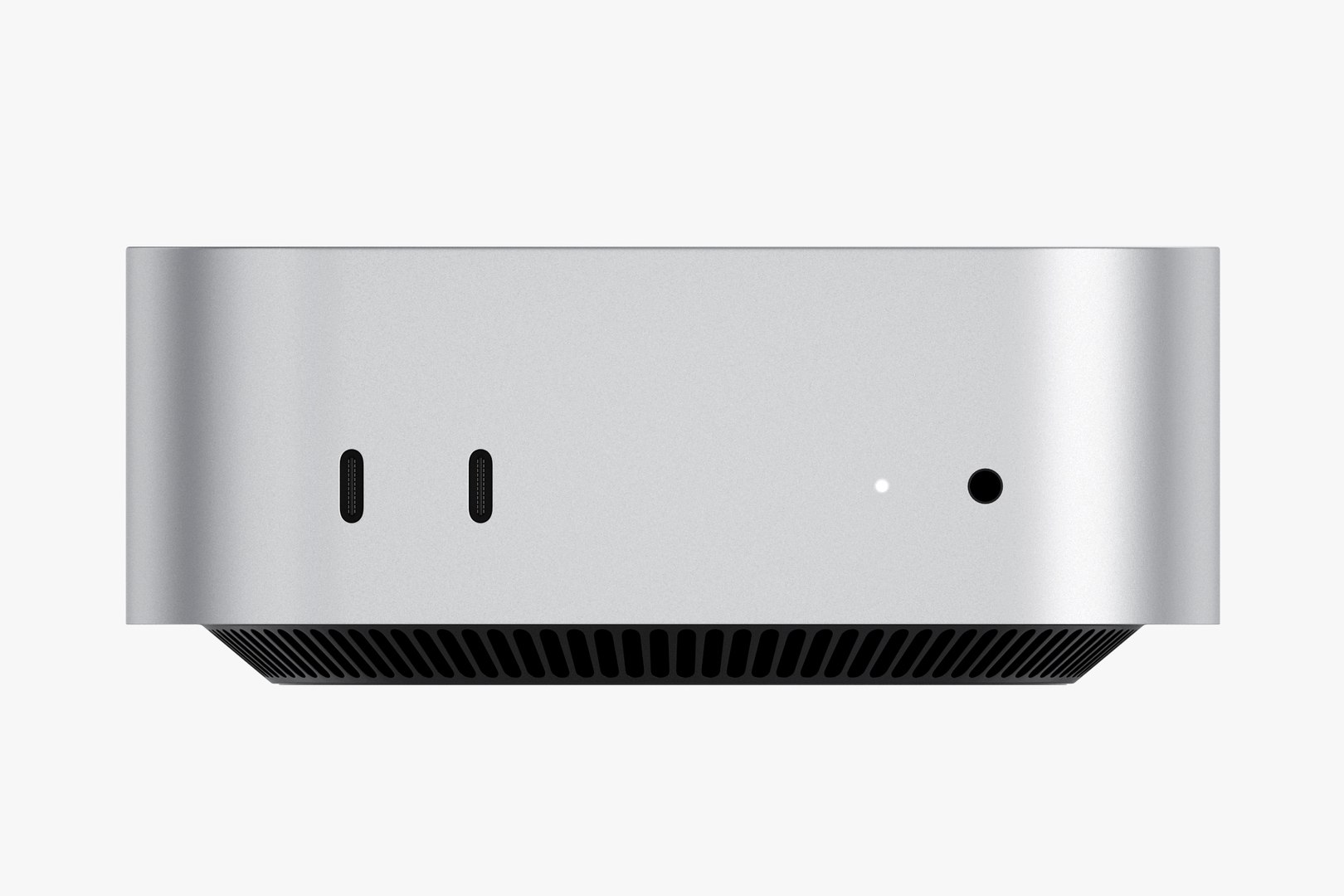
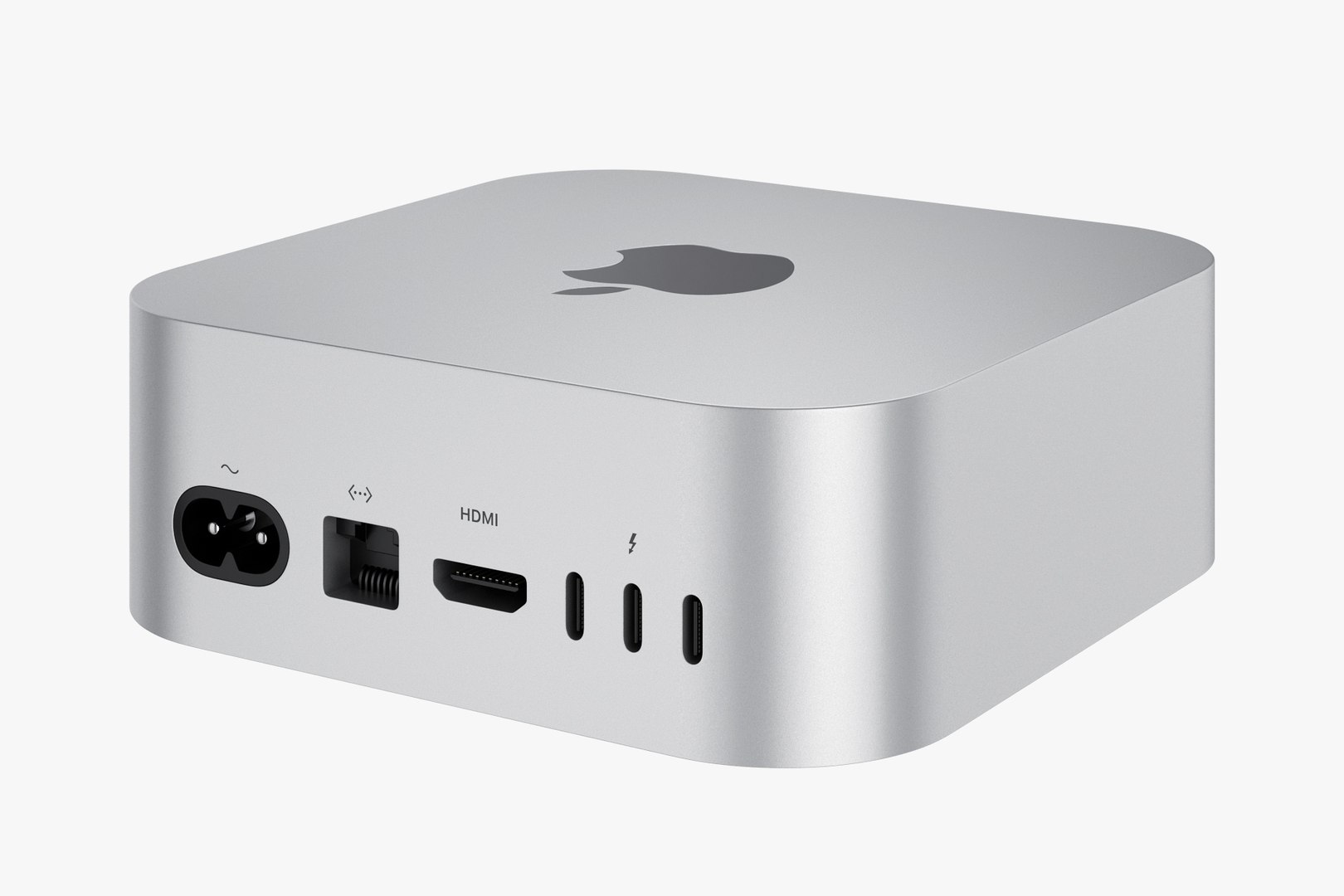
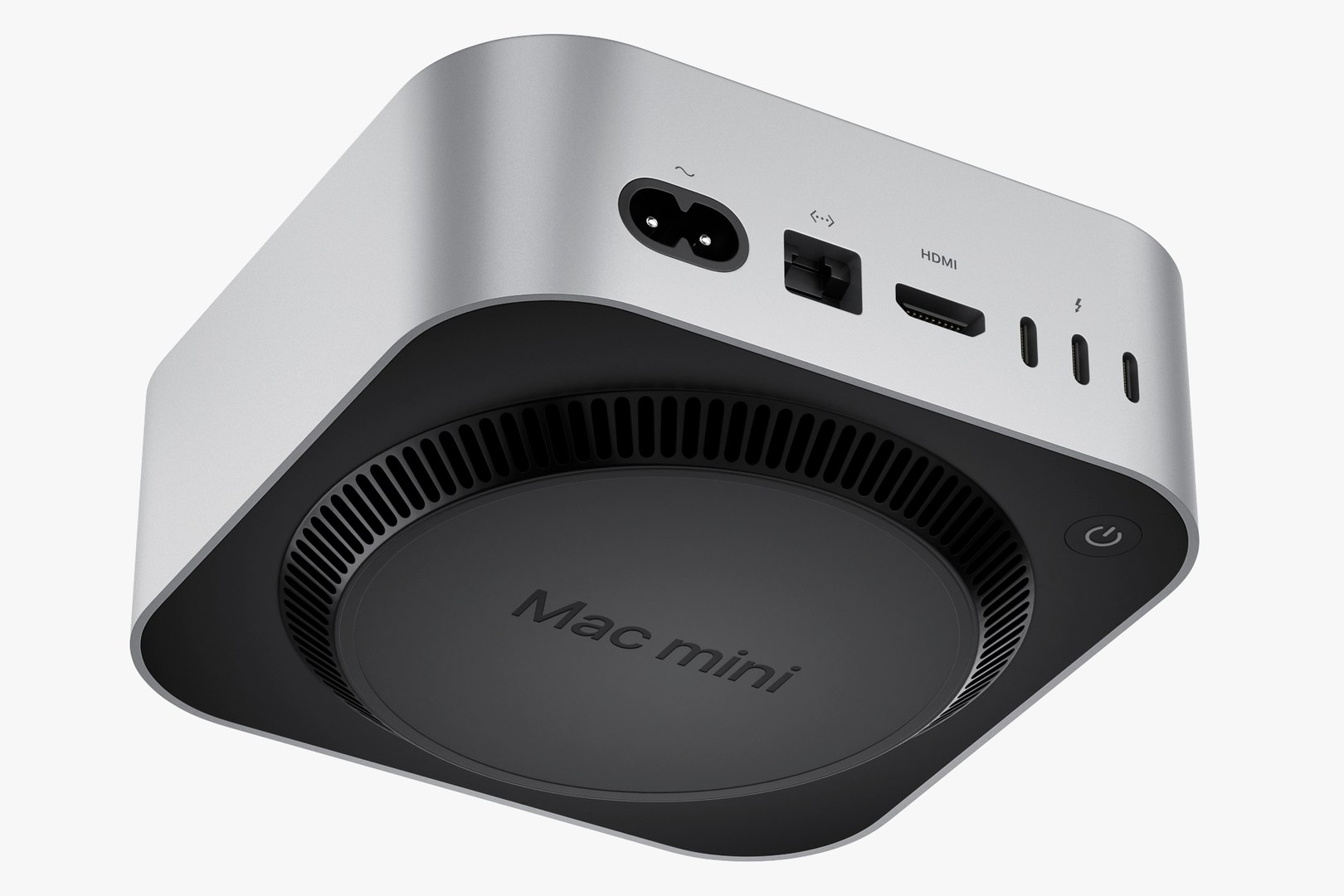
Apple Mac mini M4
54954 Polygons
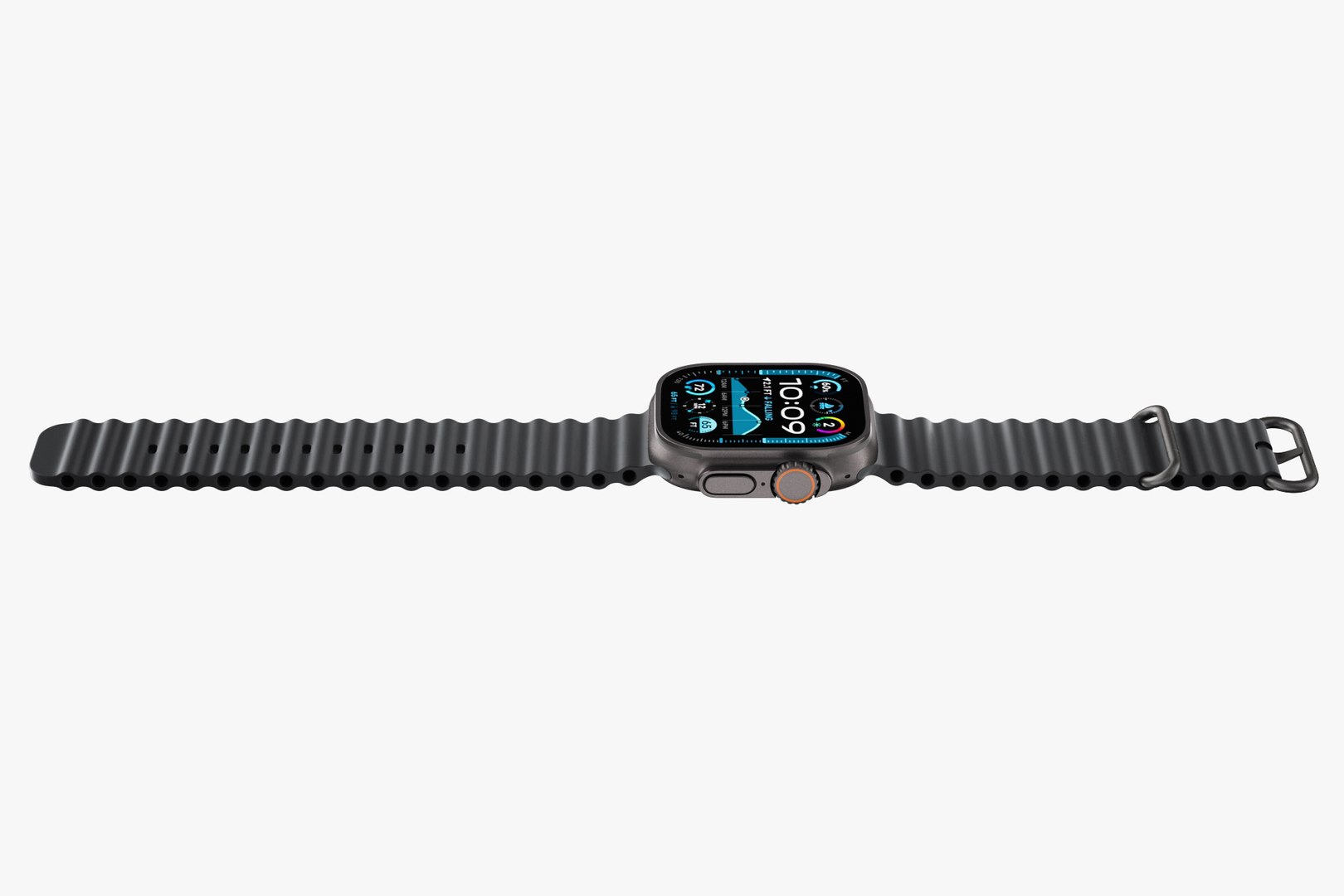
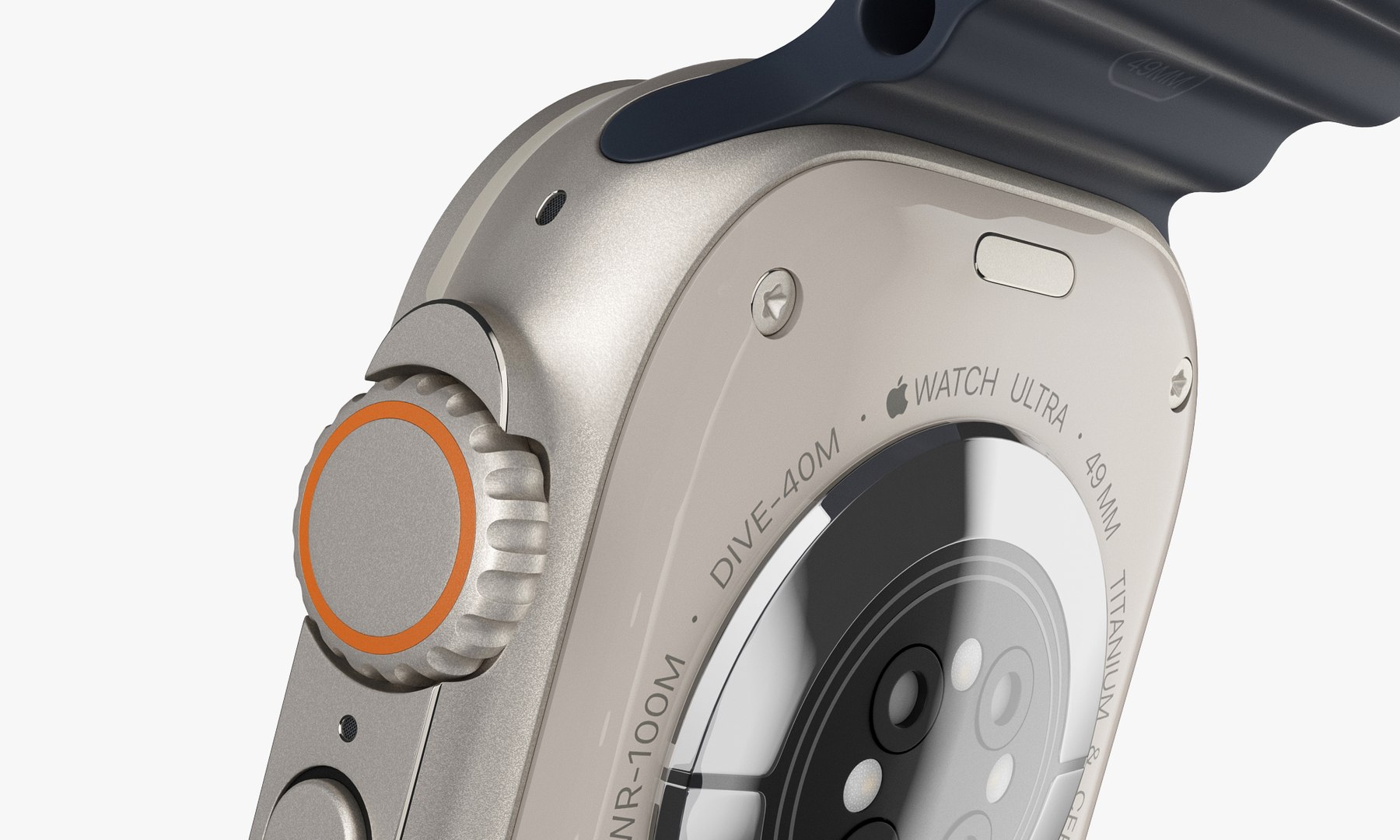
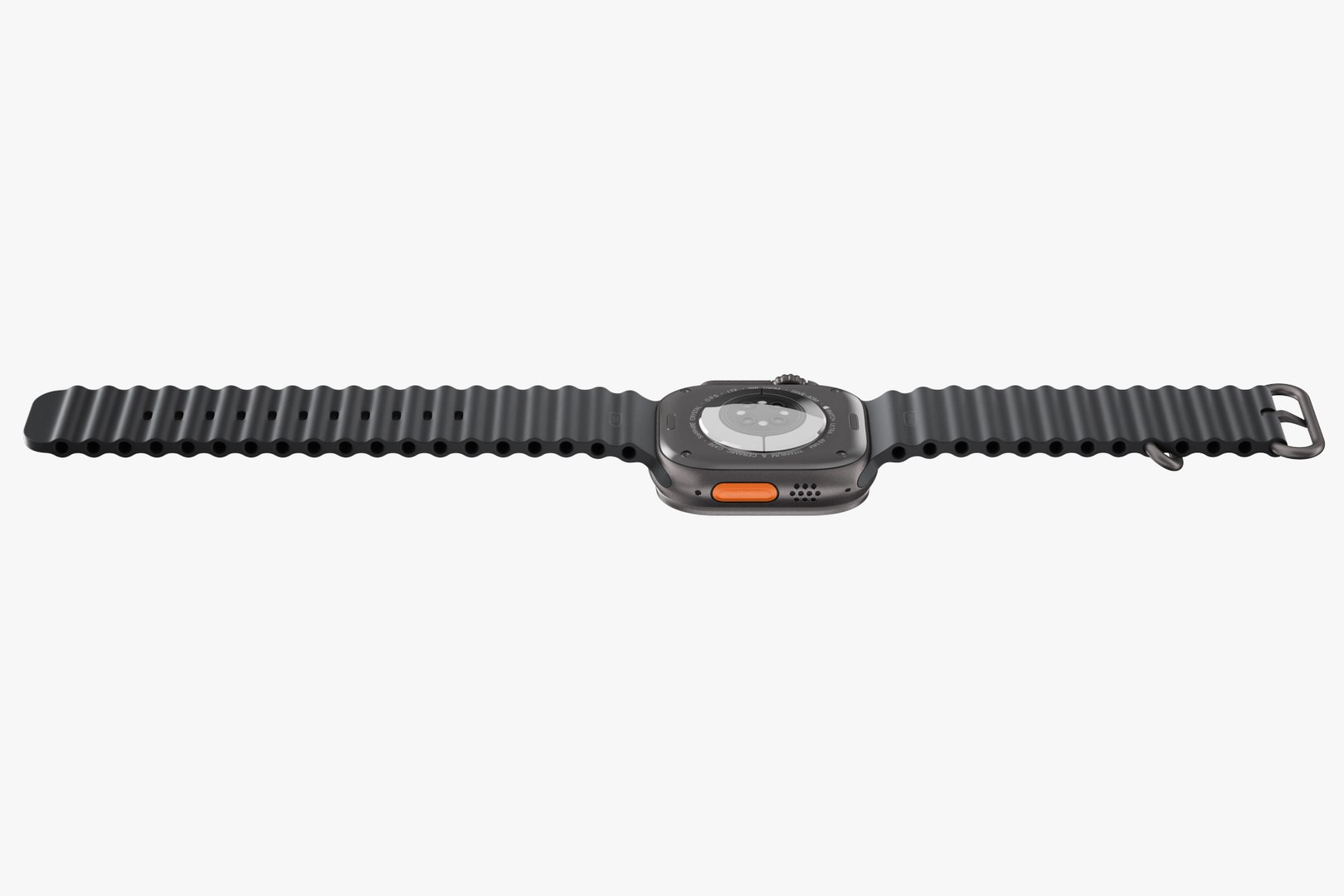
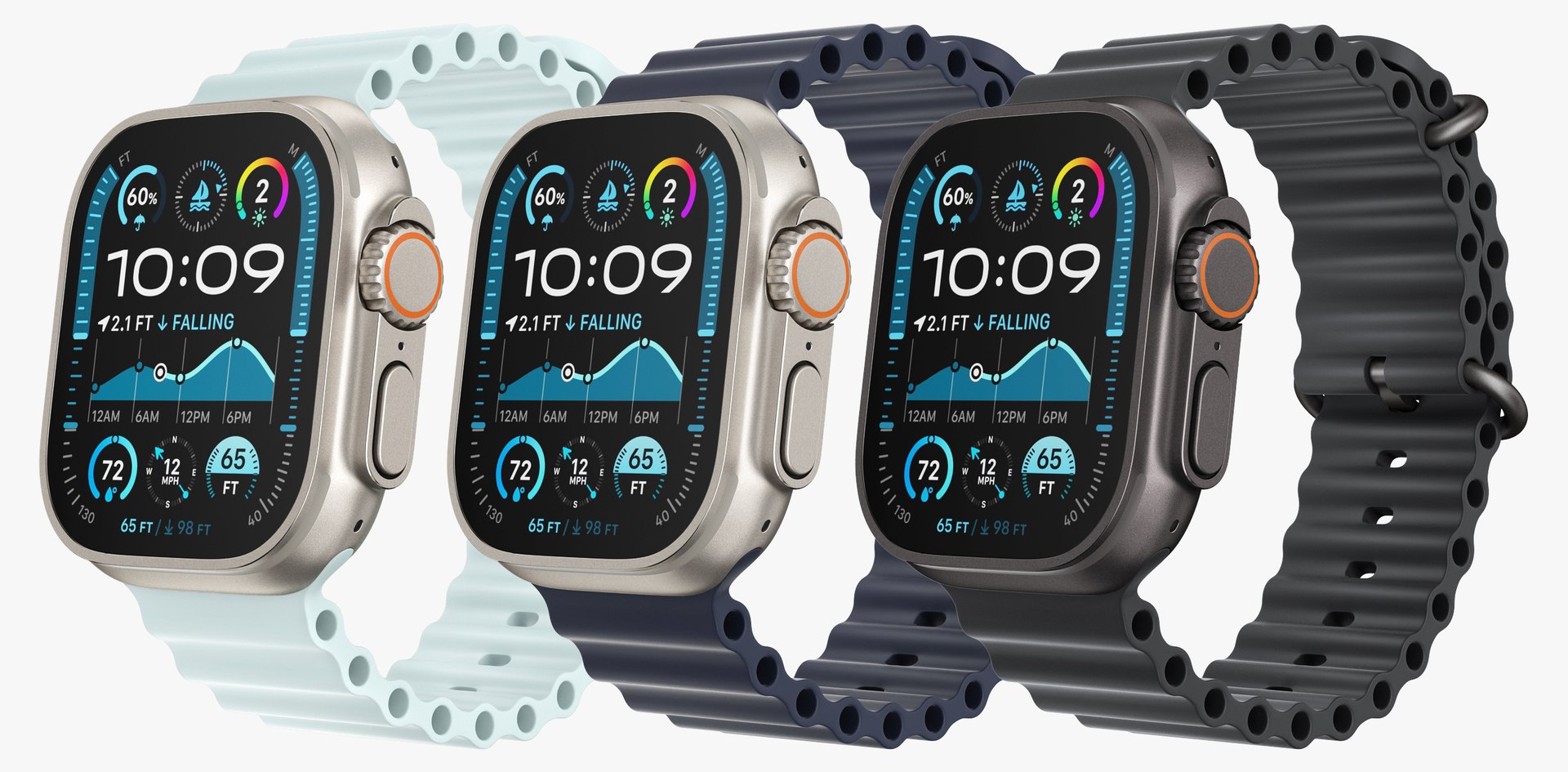
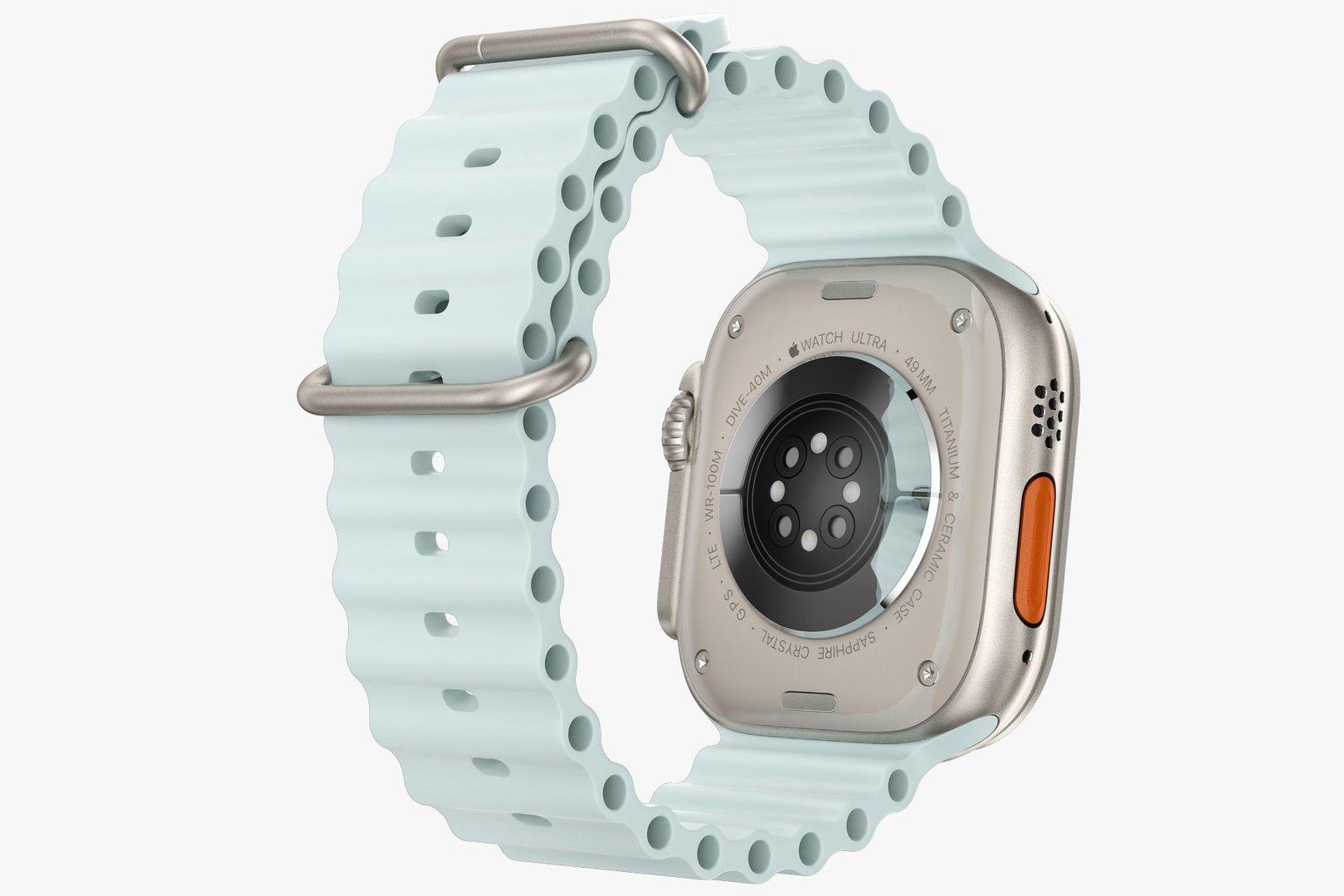
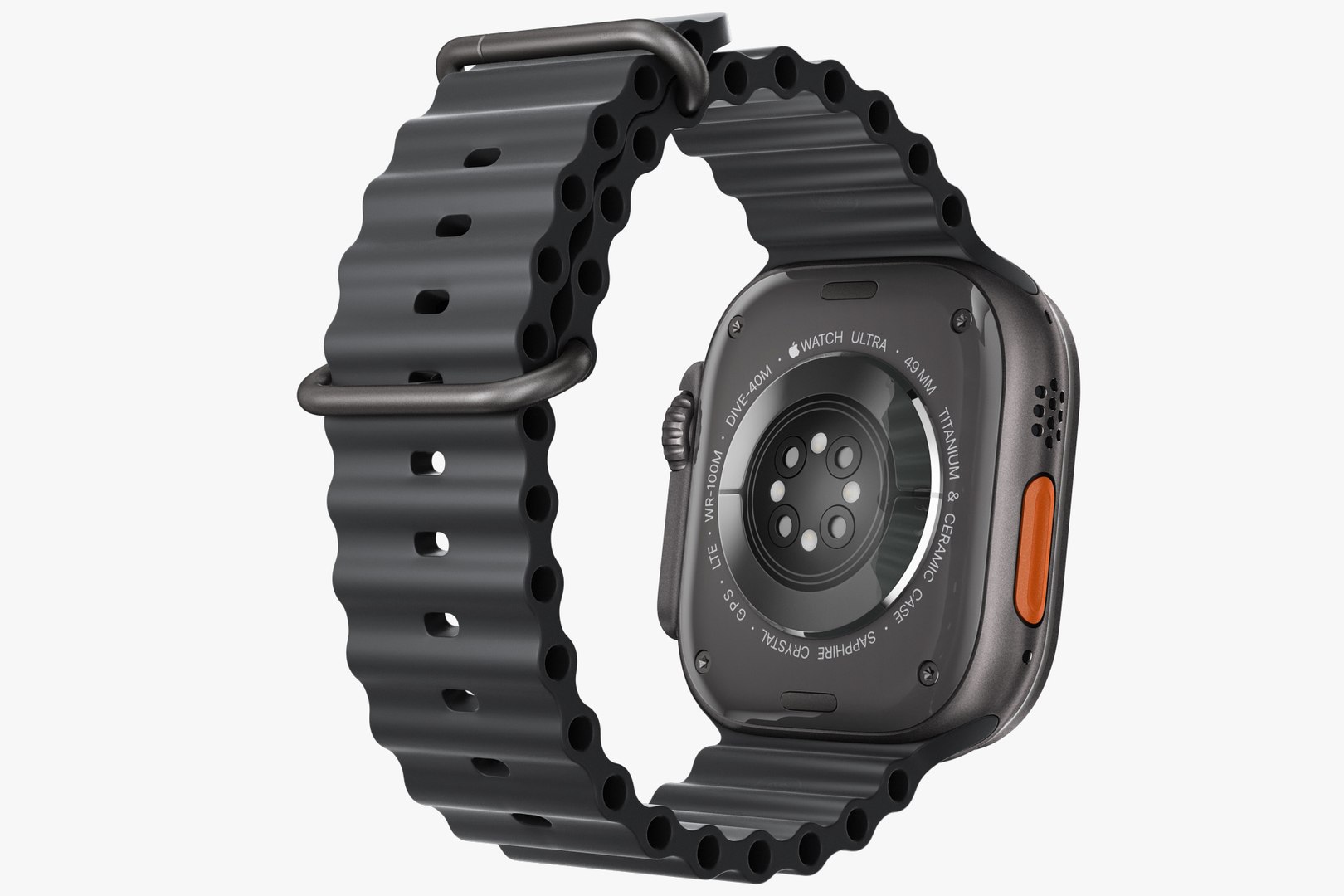
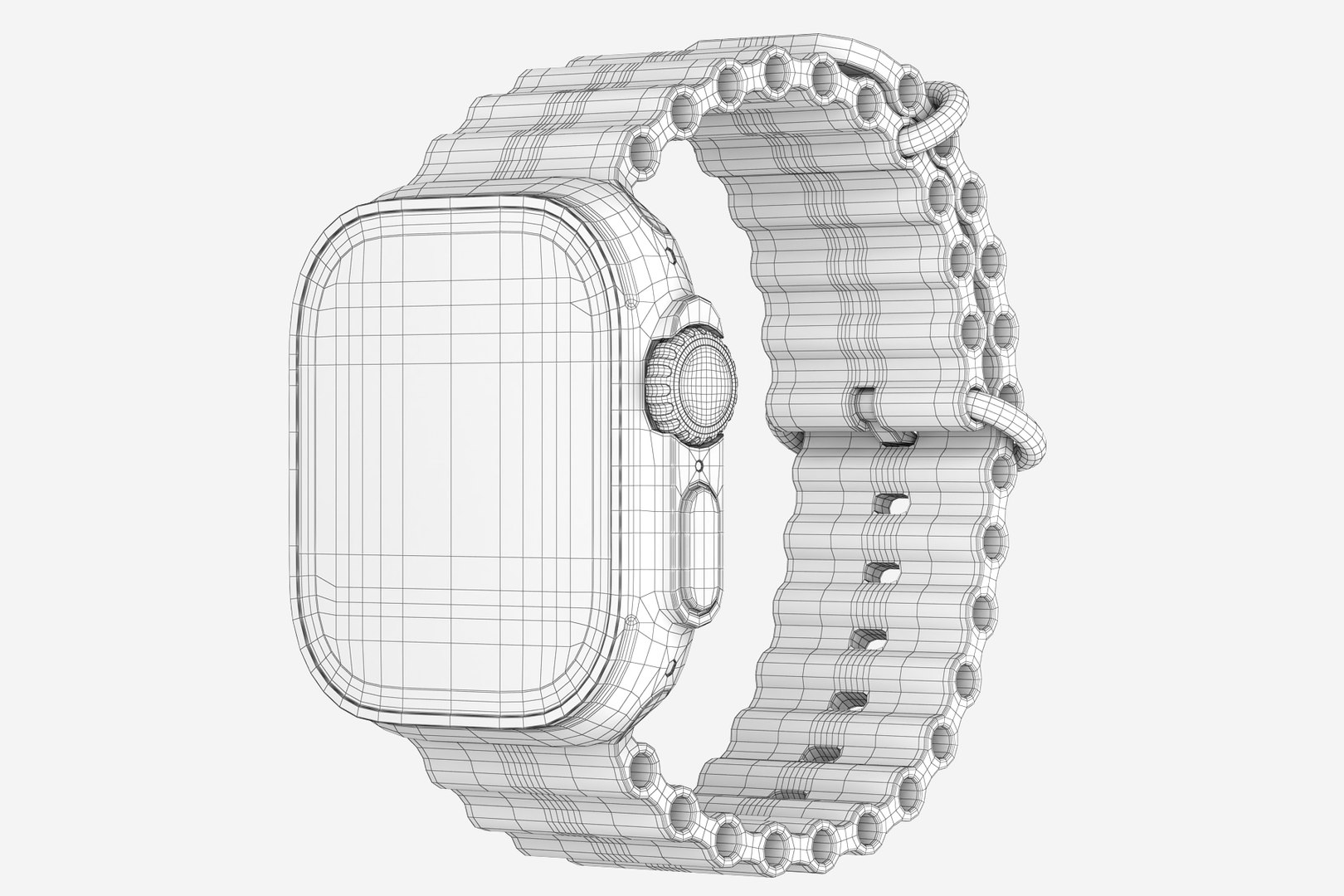
Apple Watch Ultra 2 all colors
24870 Polygons
This set:
- file obj standard
- file 3ds Max 2013 vray material
- file 3ds Max 2013 corona material
- file of 3Ds
- file e3d full set of materials.
- file cinema 4d standard.
- file blender cycles.
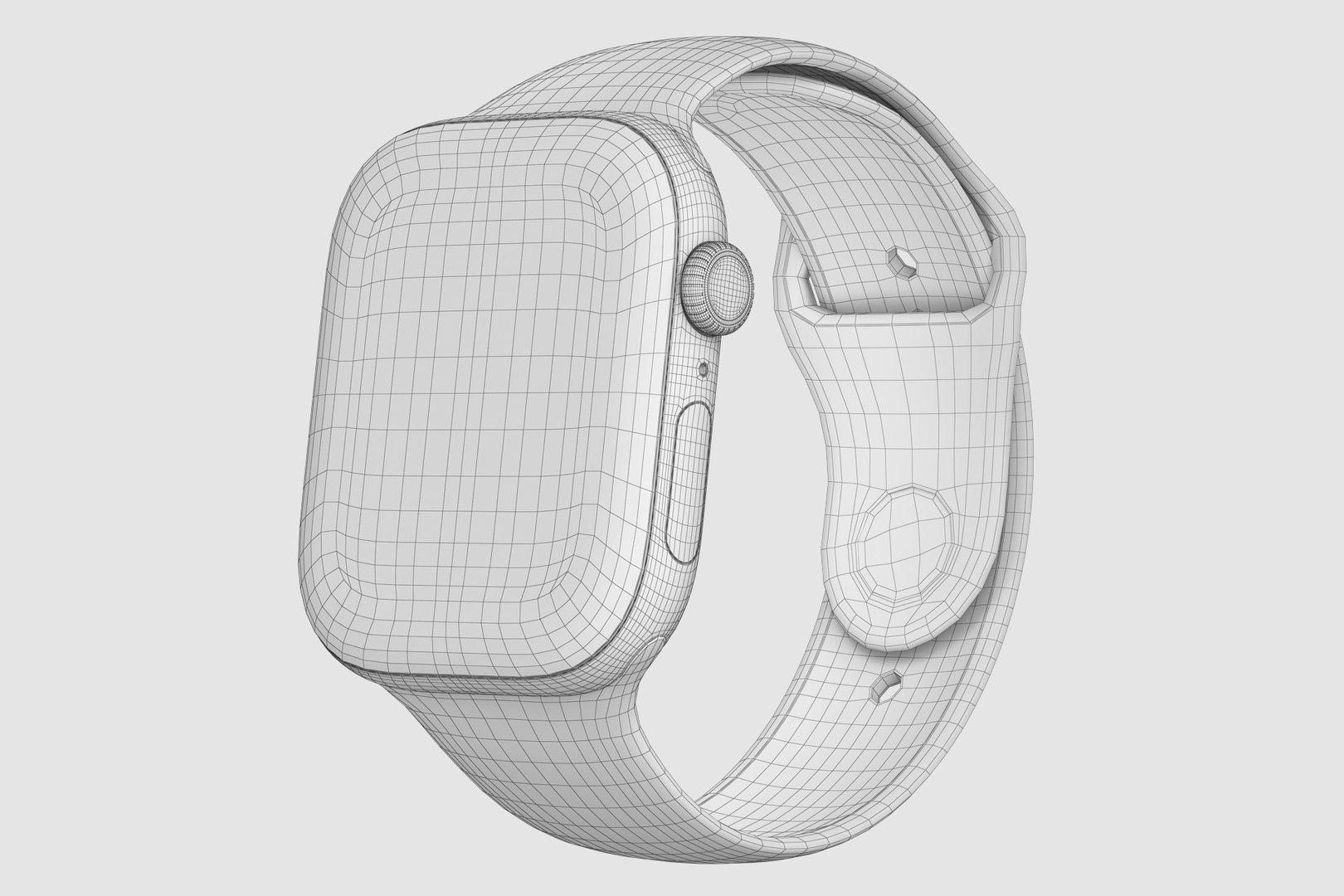
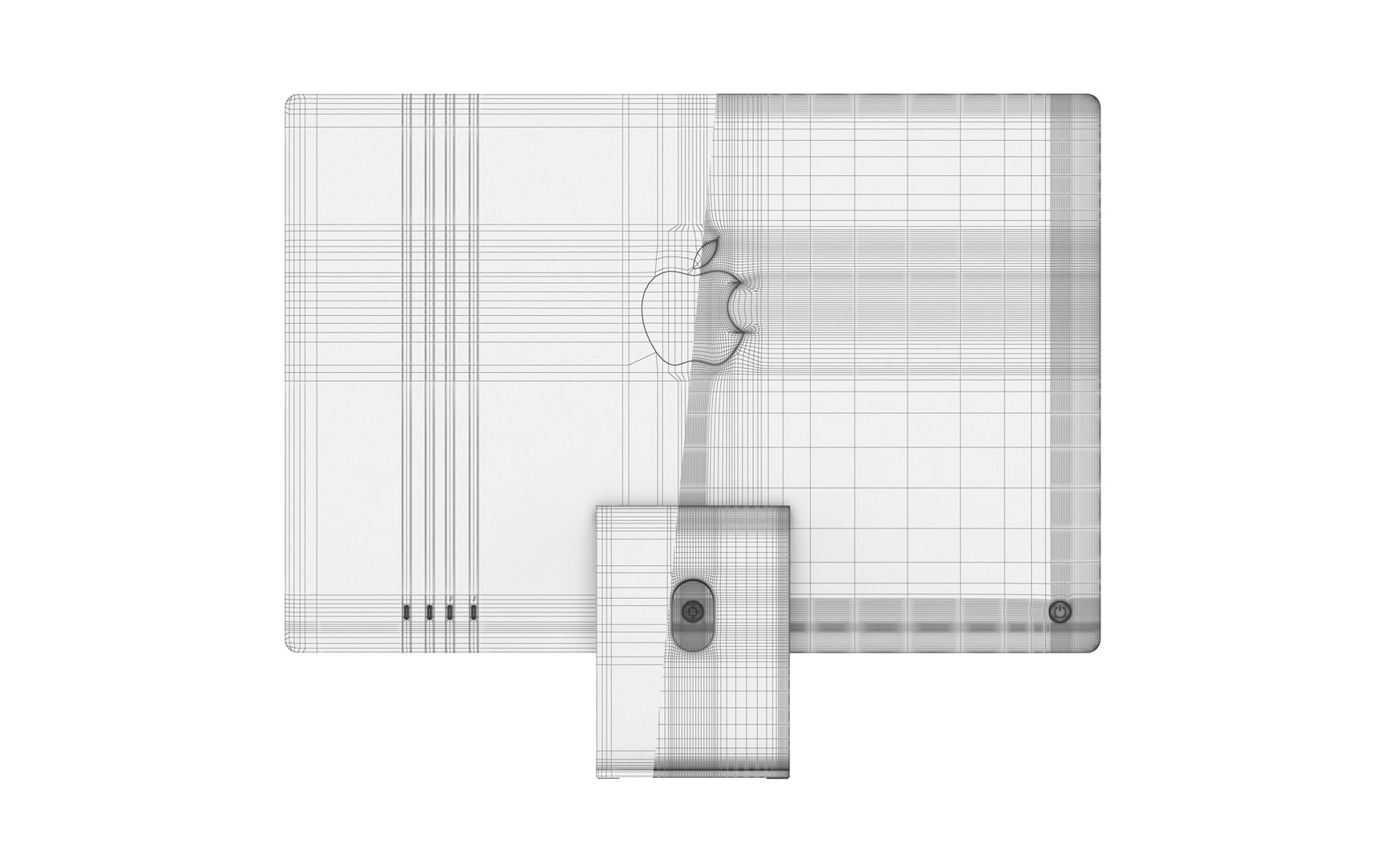
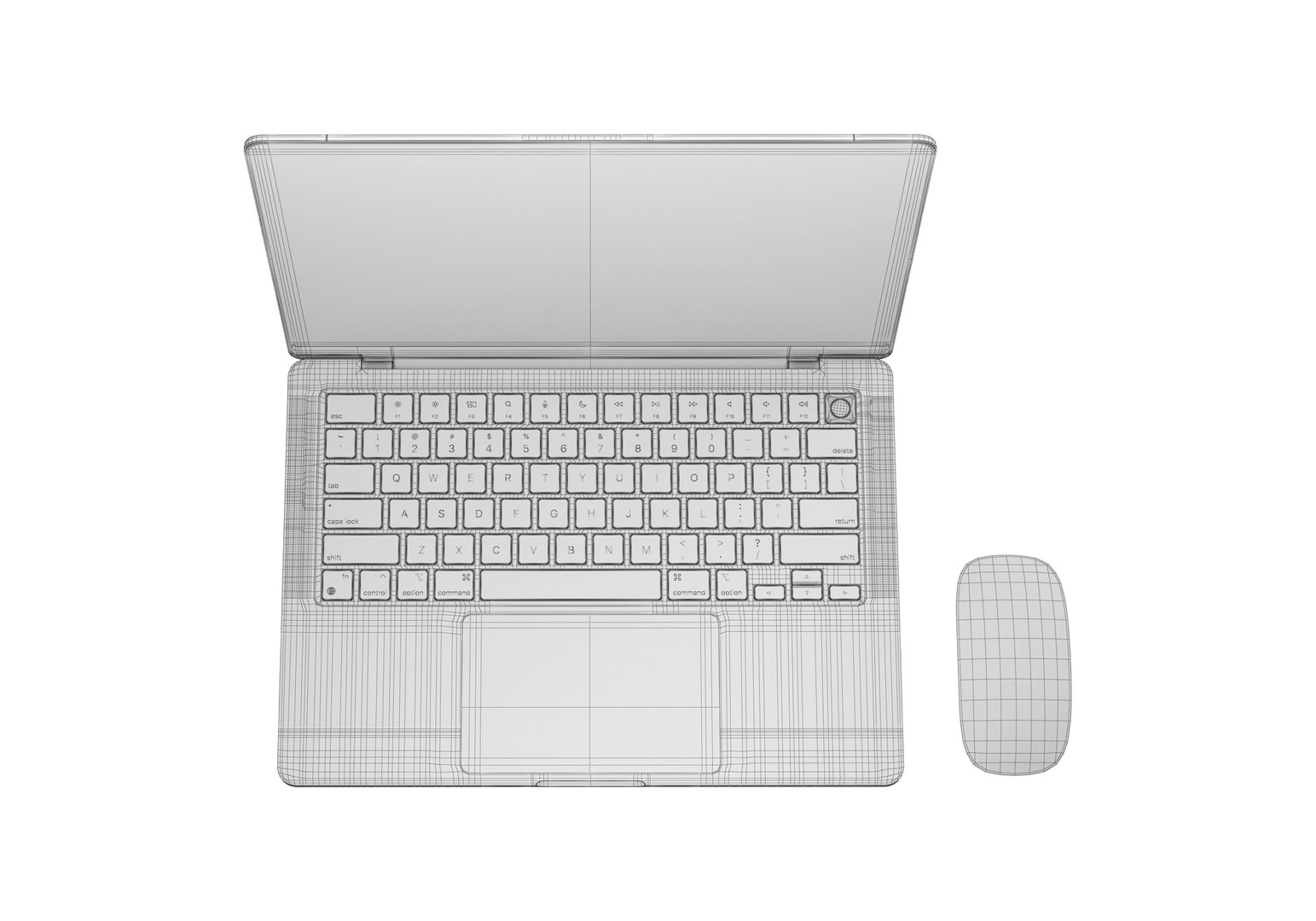
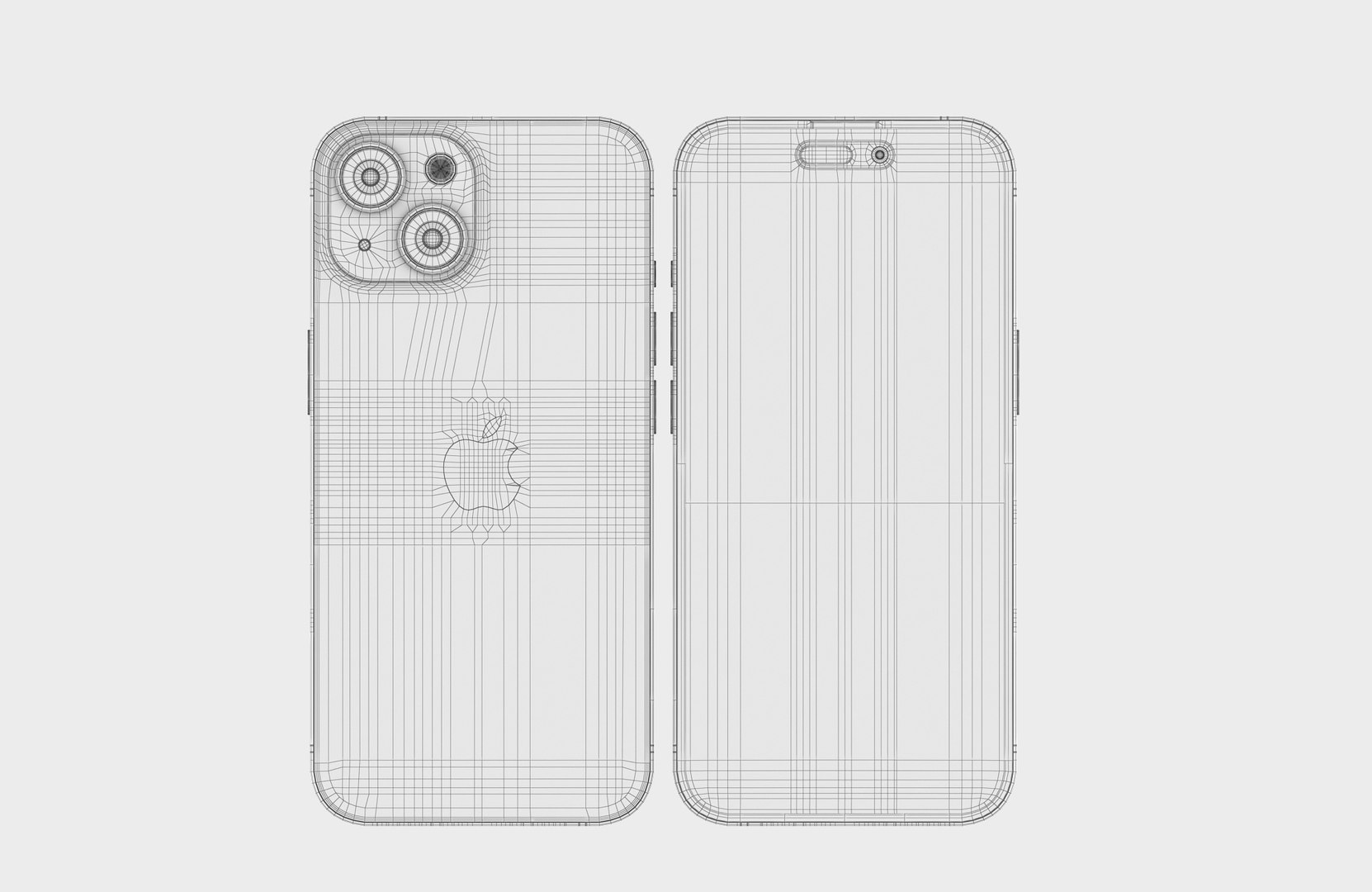
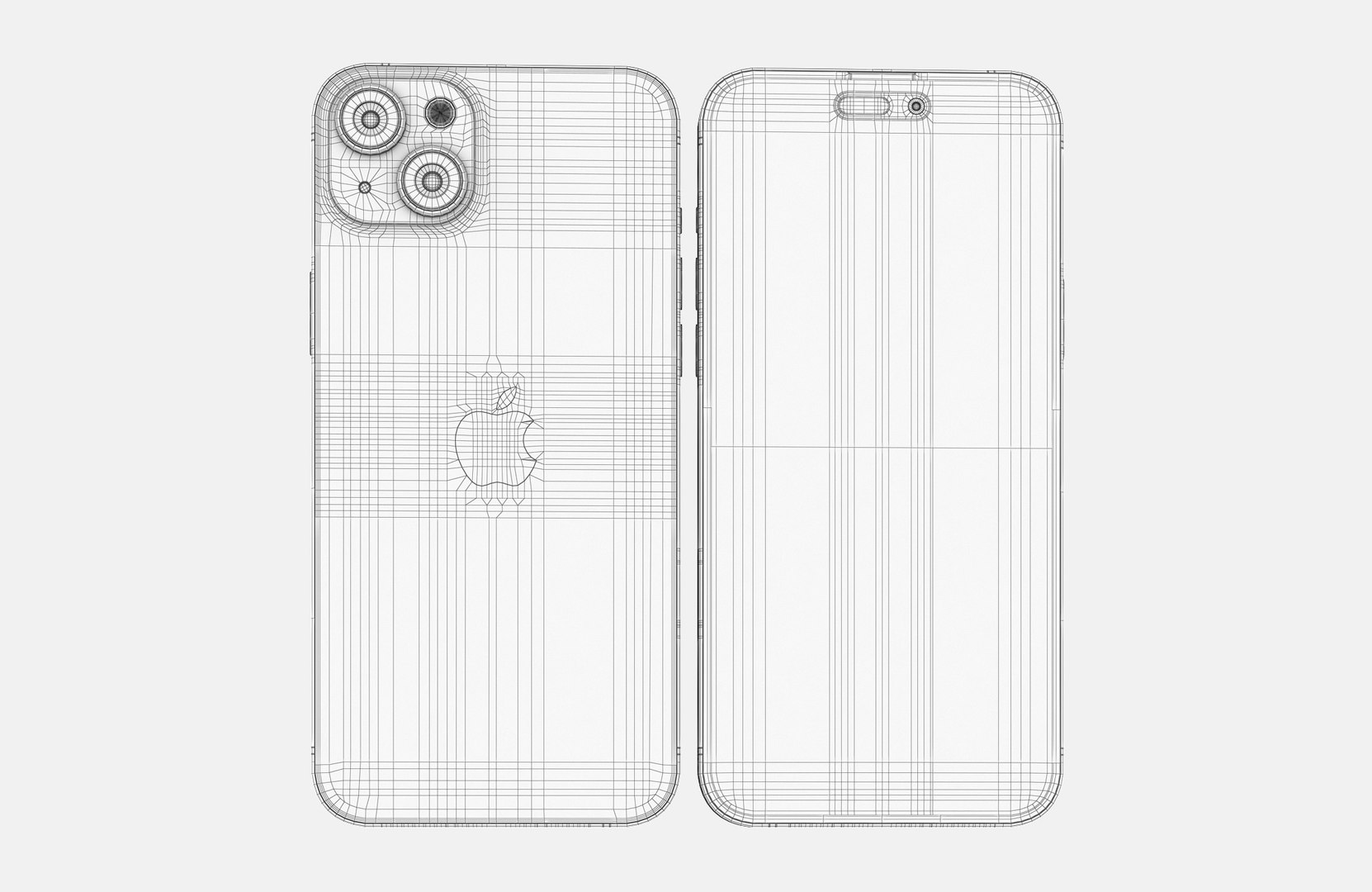
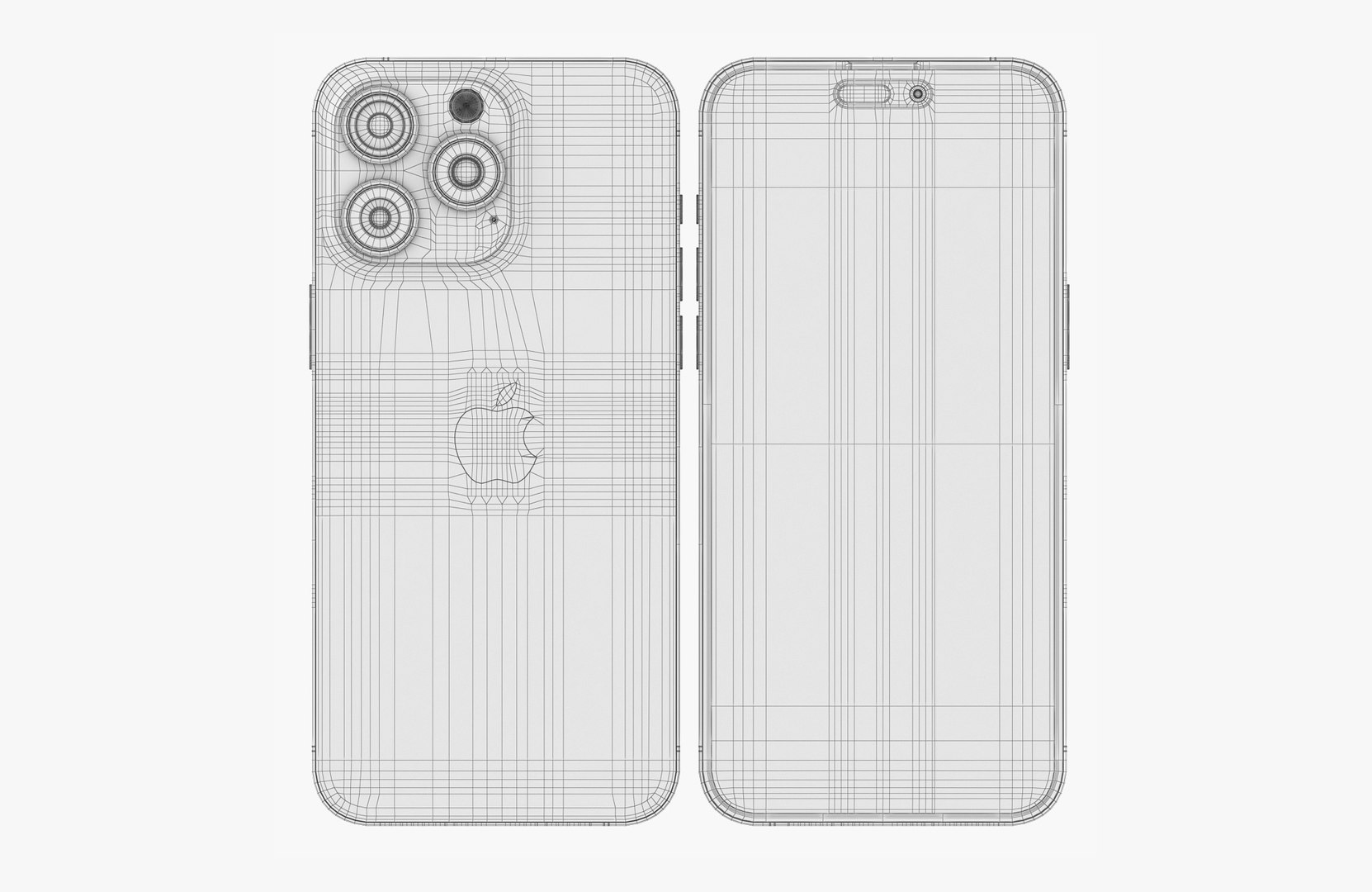
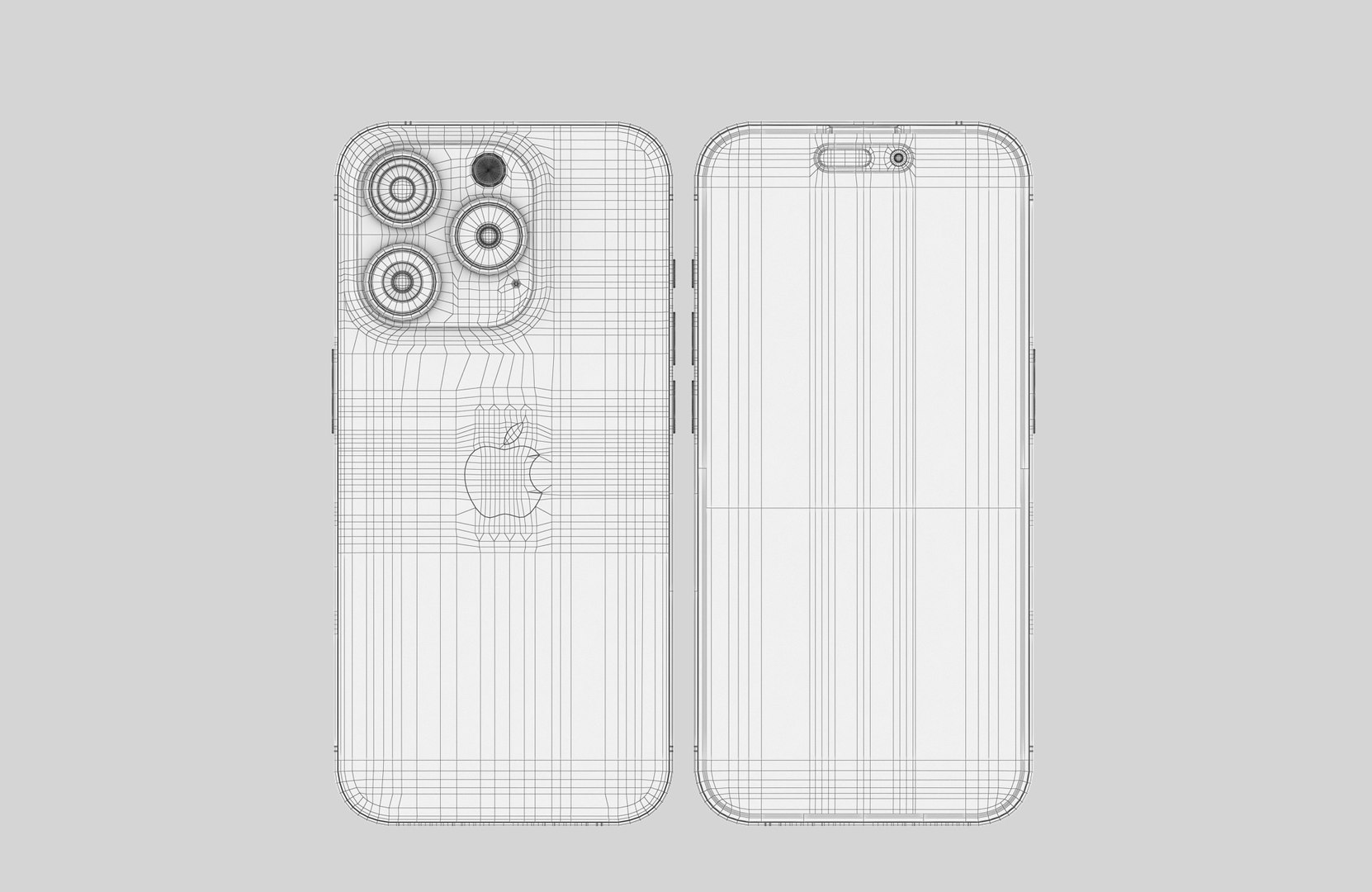
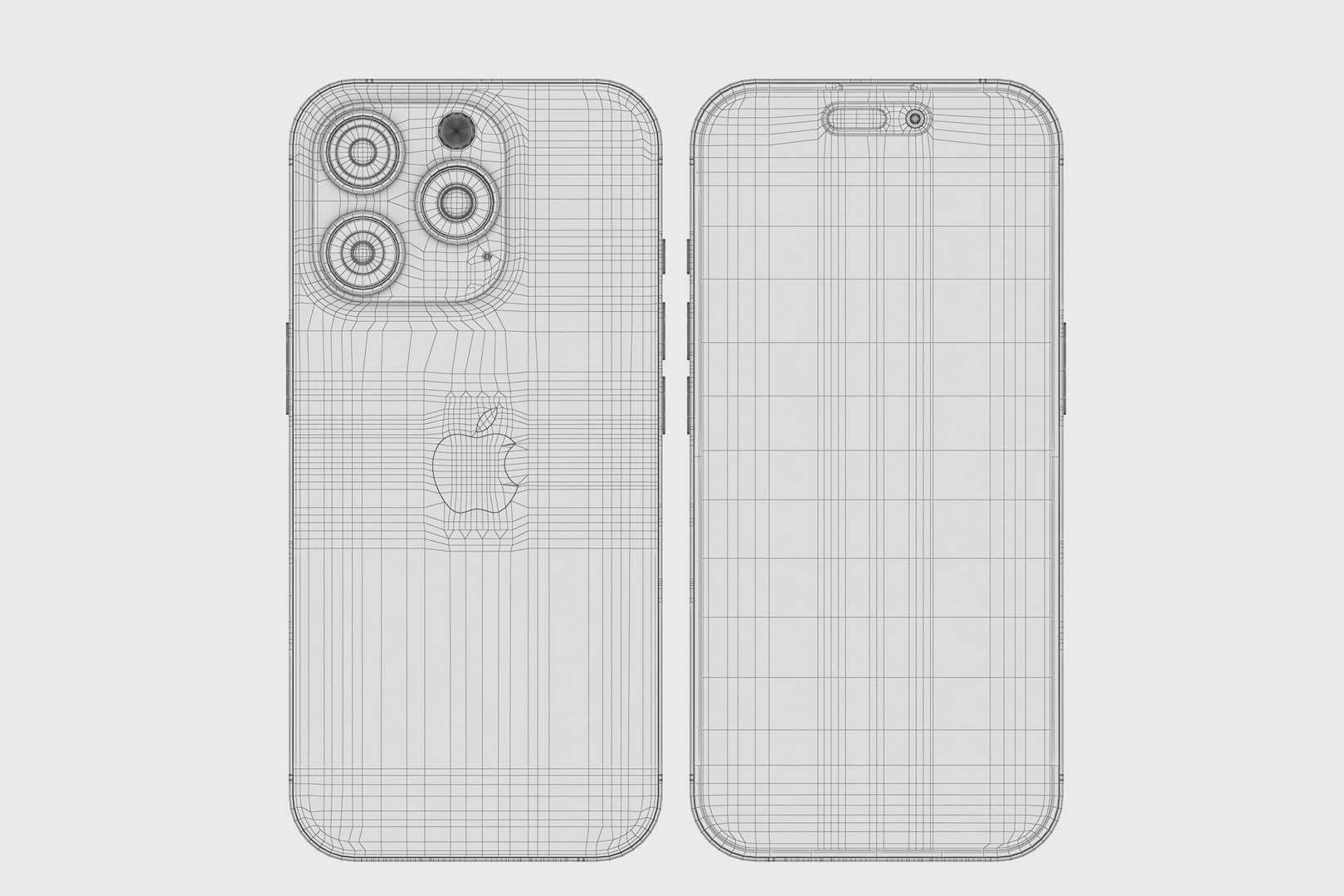
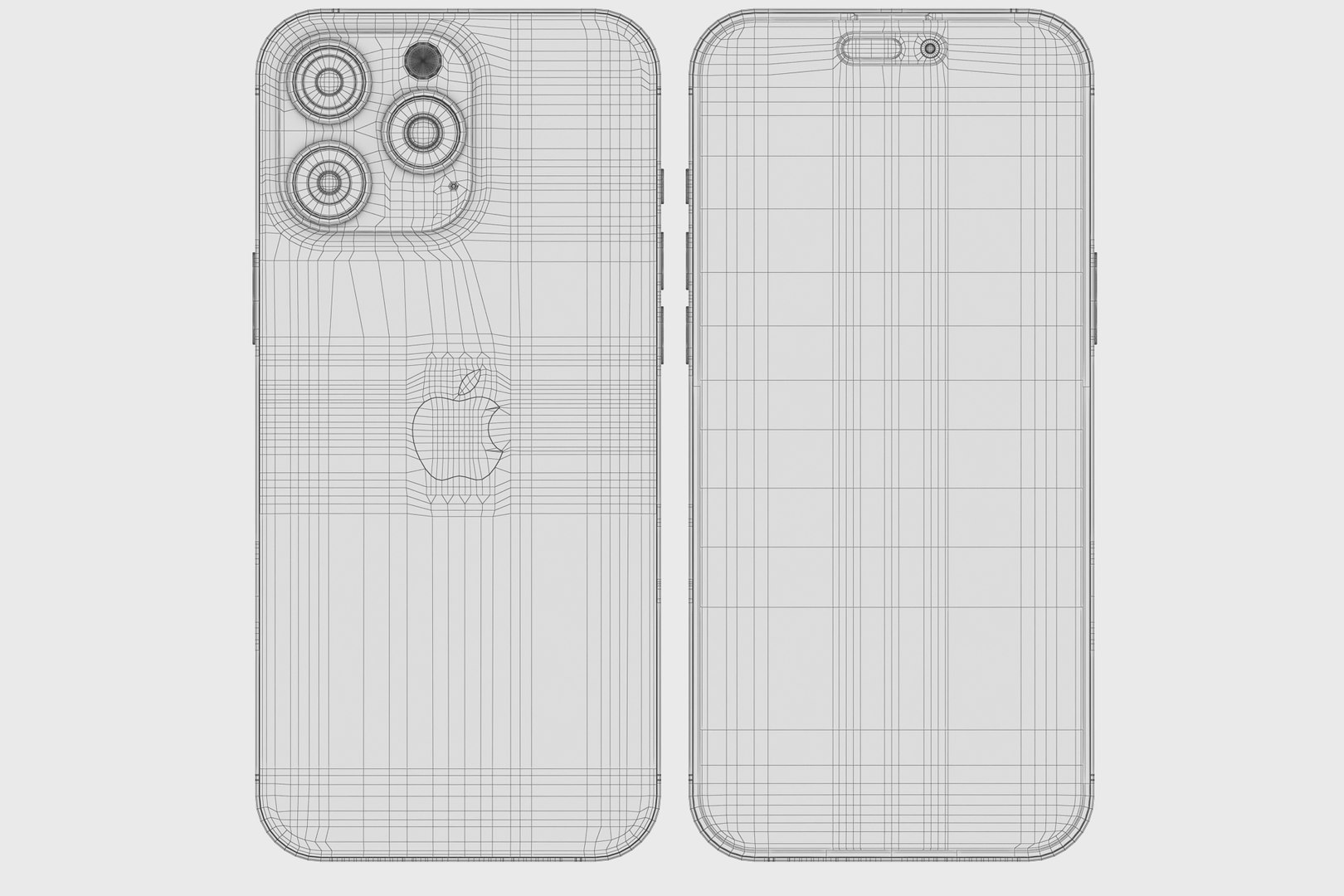
Topology of geometry:
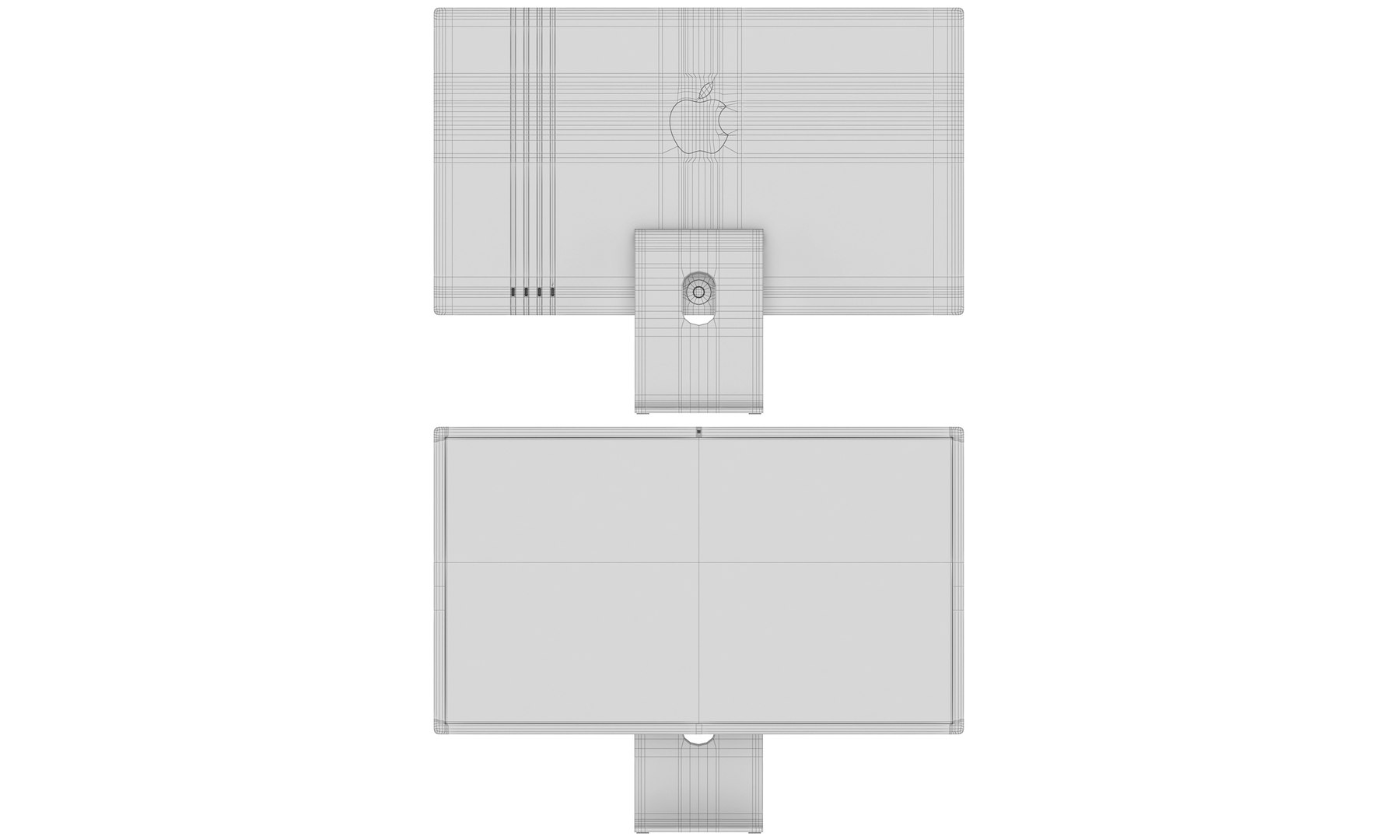
- forms and proportions of The 3D model
- the geometry of the model was created very neatly
- there are no many-sided polygons
- detailed enough for close-up renders
- the model optimized for turbosmooth modifier
- Not collapsed the turbosmooth modified
- apply the Smooth modifier with a parameter to get the desired level of detail
Materials and Textures:
- 3ds max files included Vray-Shaders
- 3ds max files included Corona-Shaders
- 3ds max files included Standard-Shaders
- Blender files included cycles shaders
- Cinema 4d files included Standard-Shaders
- Element 3d files
- all texture paths are cleared
Organization of scene:
- to all objects and materials
- real world size (system units - mm)
- coordinates of location of the model in space (x0, y0, z0)
- does not contain extraneous or hidden objects (lights, cameras, shapes etc.)
How to use it?
1. Discovery after the impact of CC 2014-2017 (or above) and create a new composition (you need Element 3D v2.2 to use)
2. Create a new solid layer and add the effect of the elements. (Effect / Video Copilot / Element)
3. Select Install Location
4. Click on the import inside the Element 3D Installation location
5. Select my .e3d according to the model and click on the open button.
If you do not see the model, do not forget to right click on the model name and press the replace model select.
Excellent renders to you!