
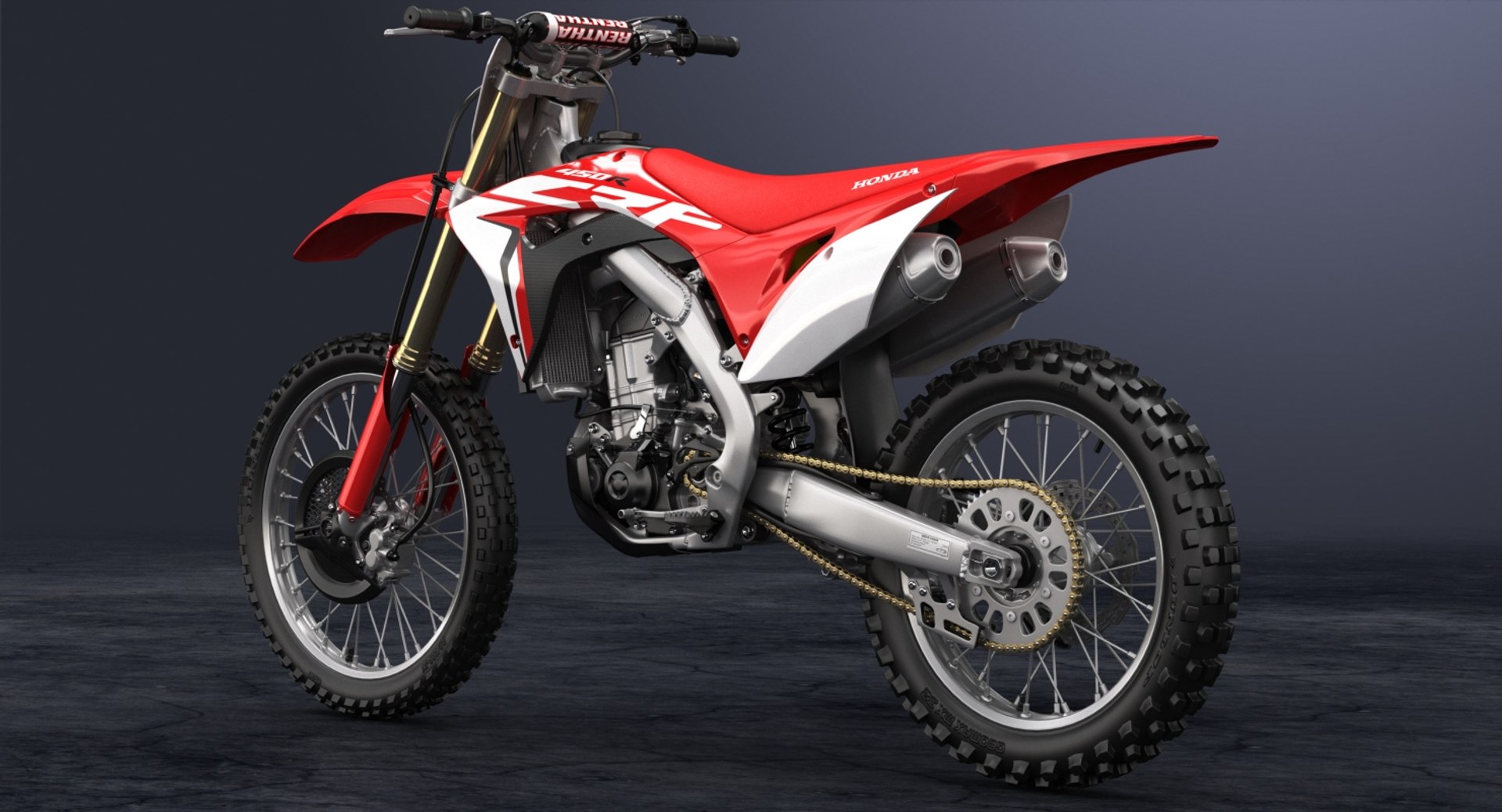
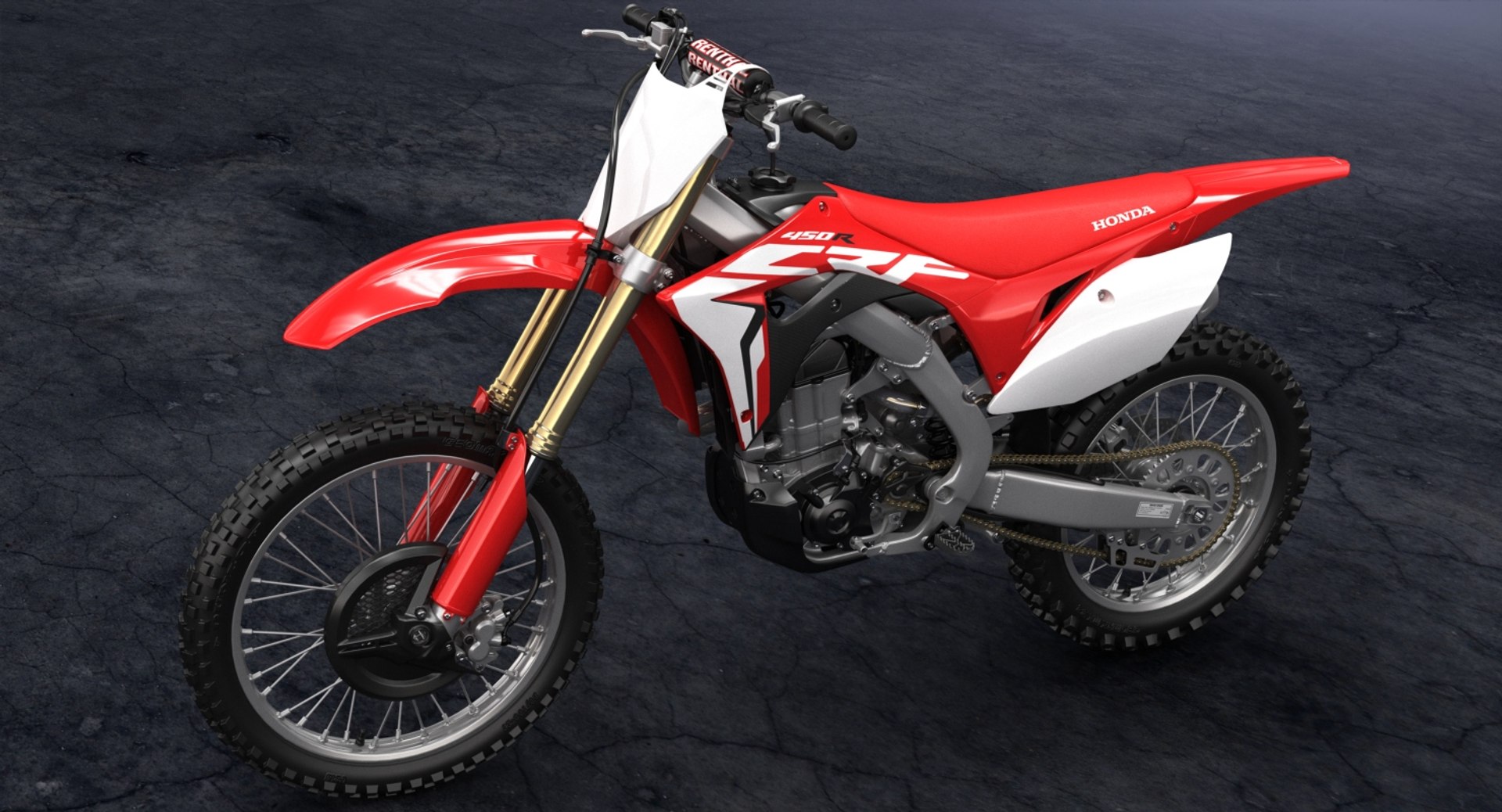
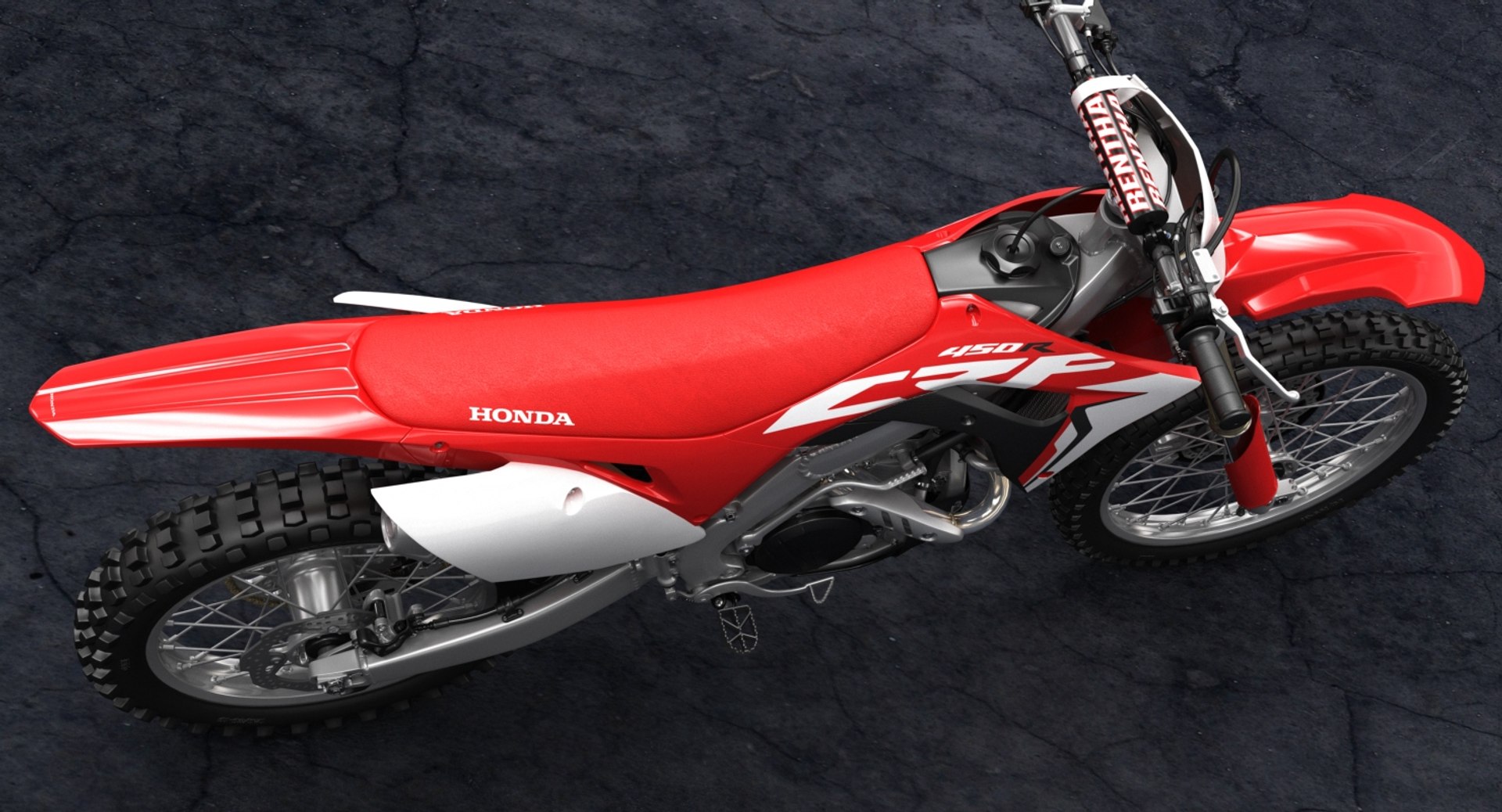
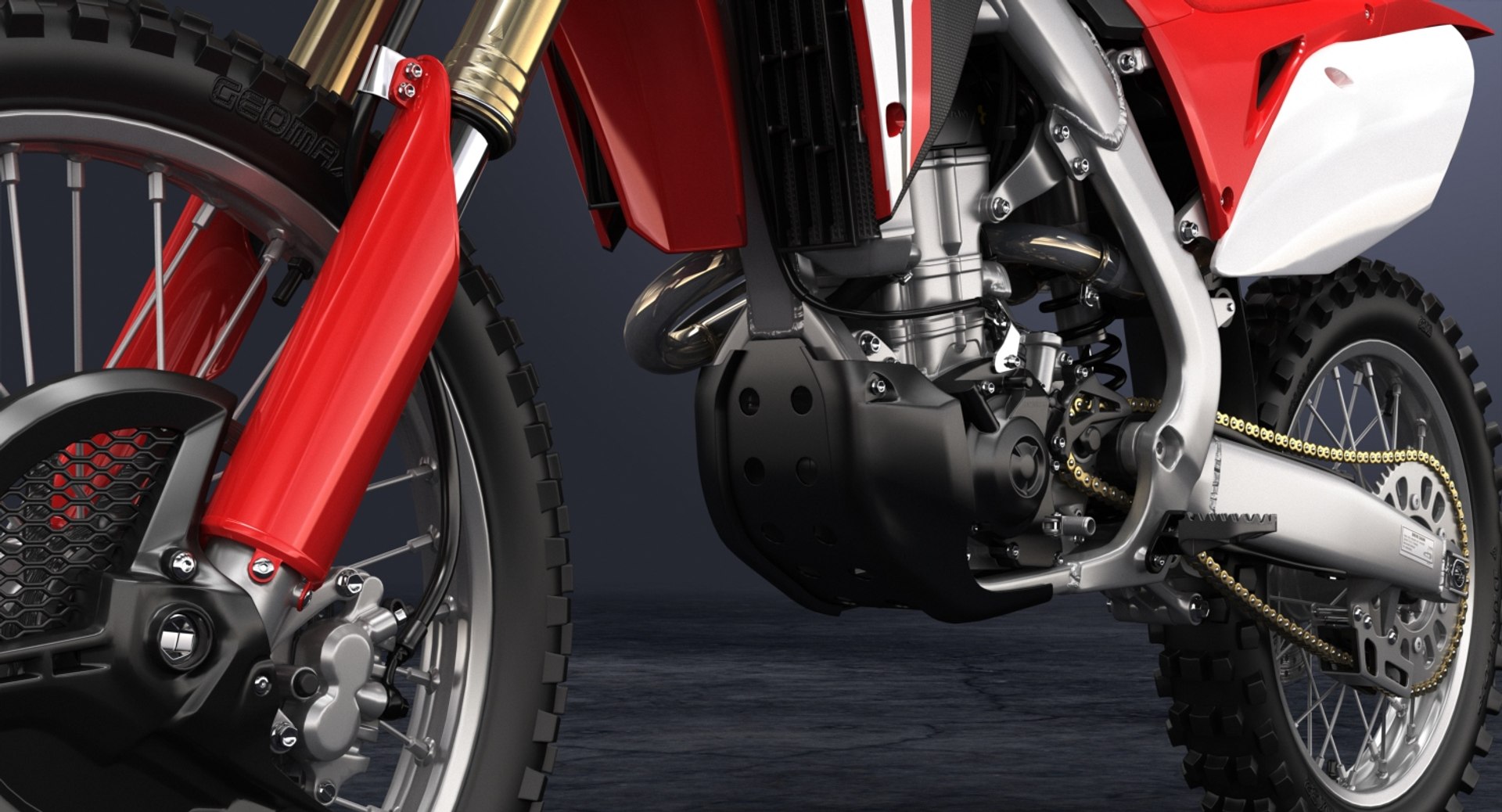
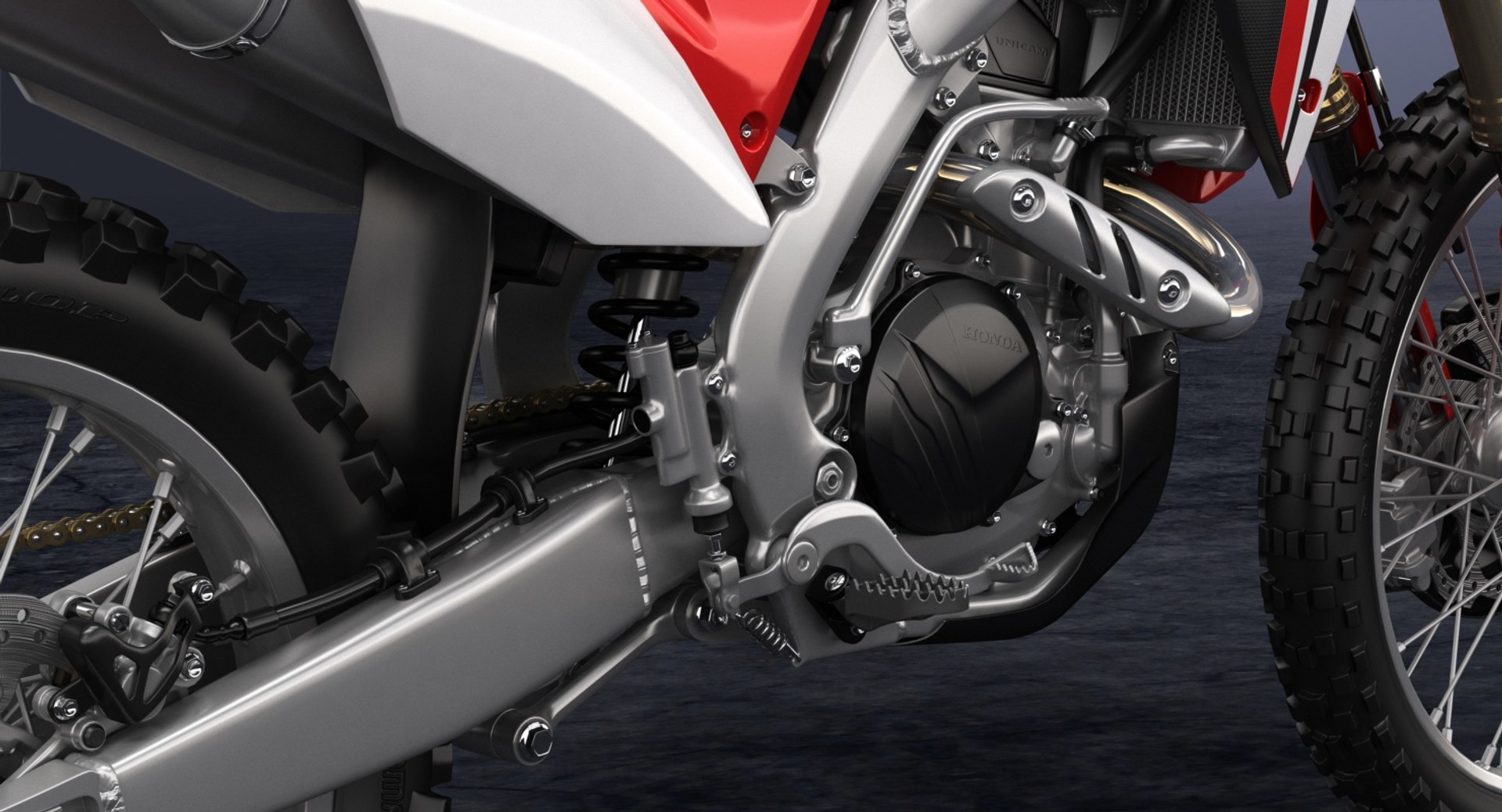
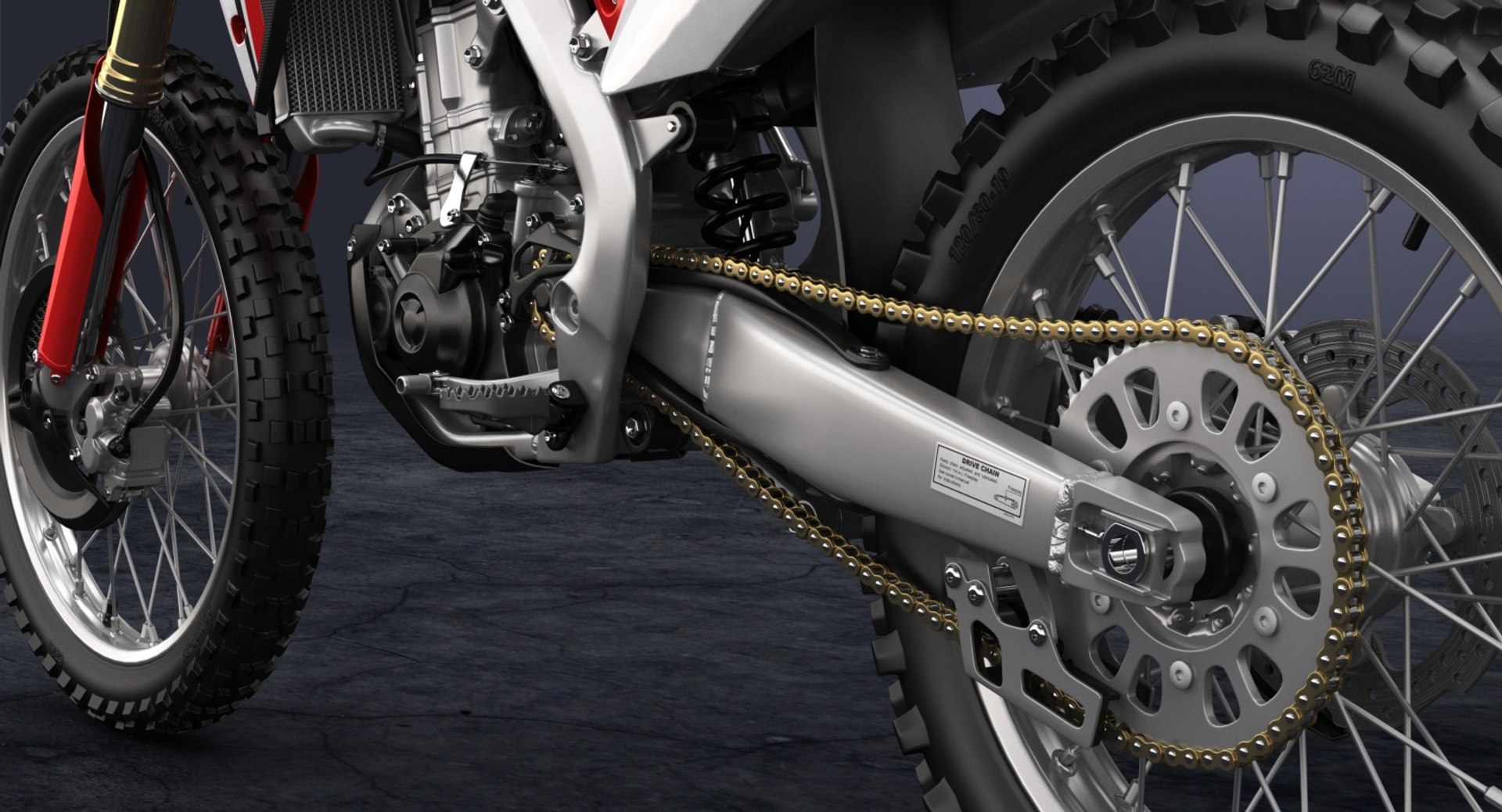
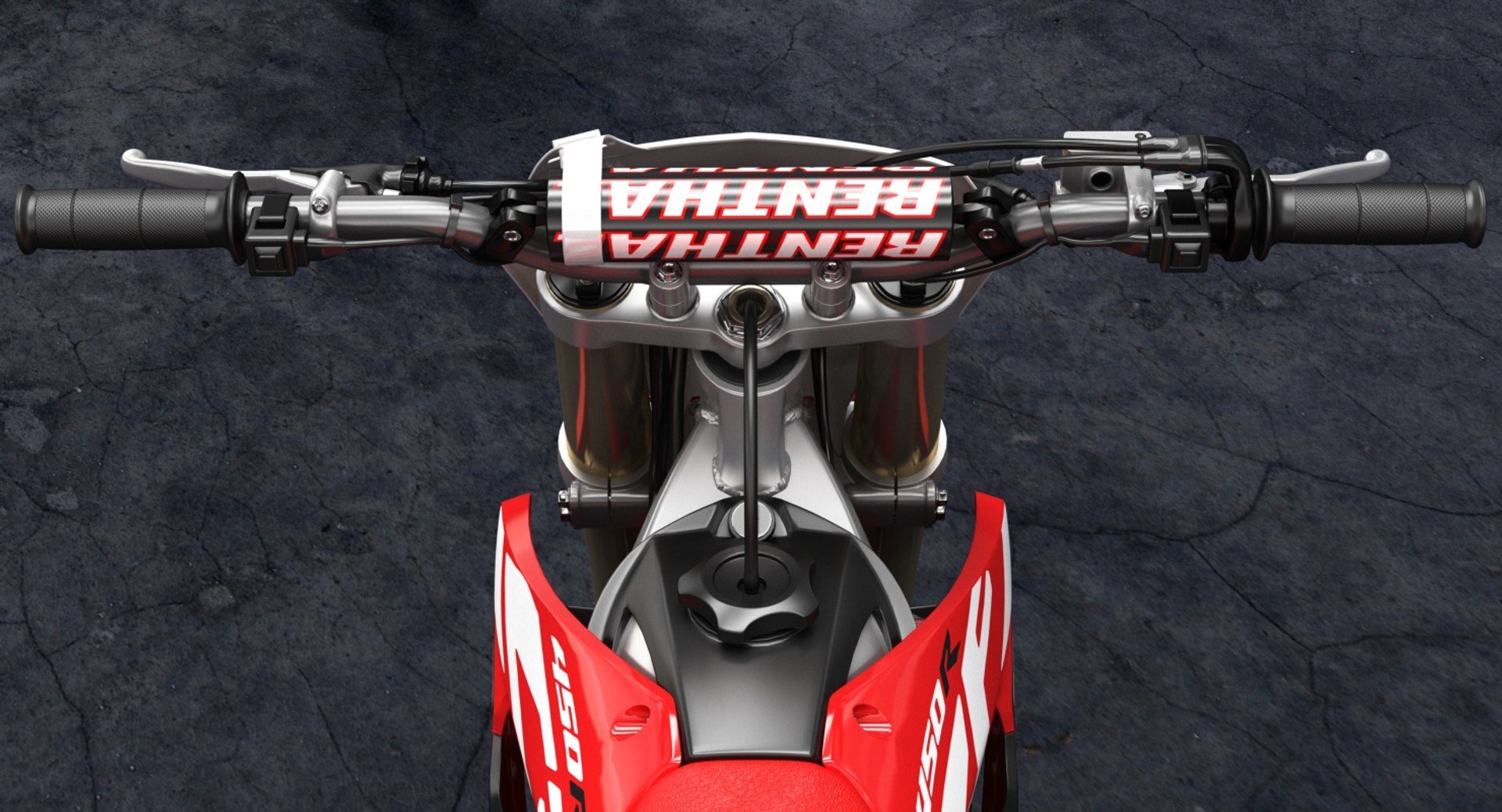
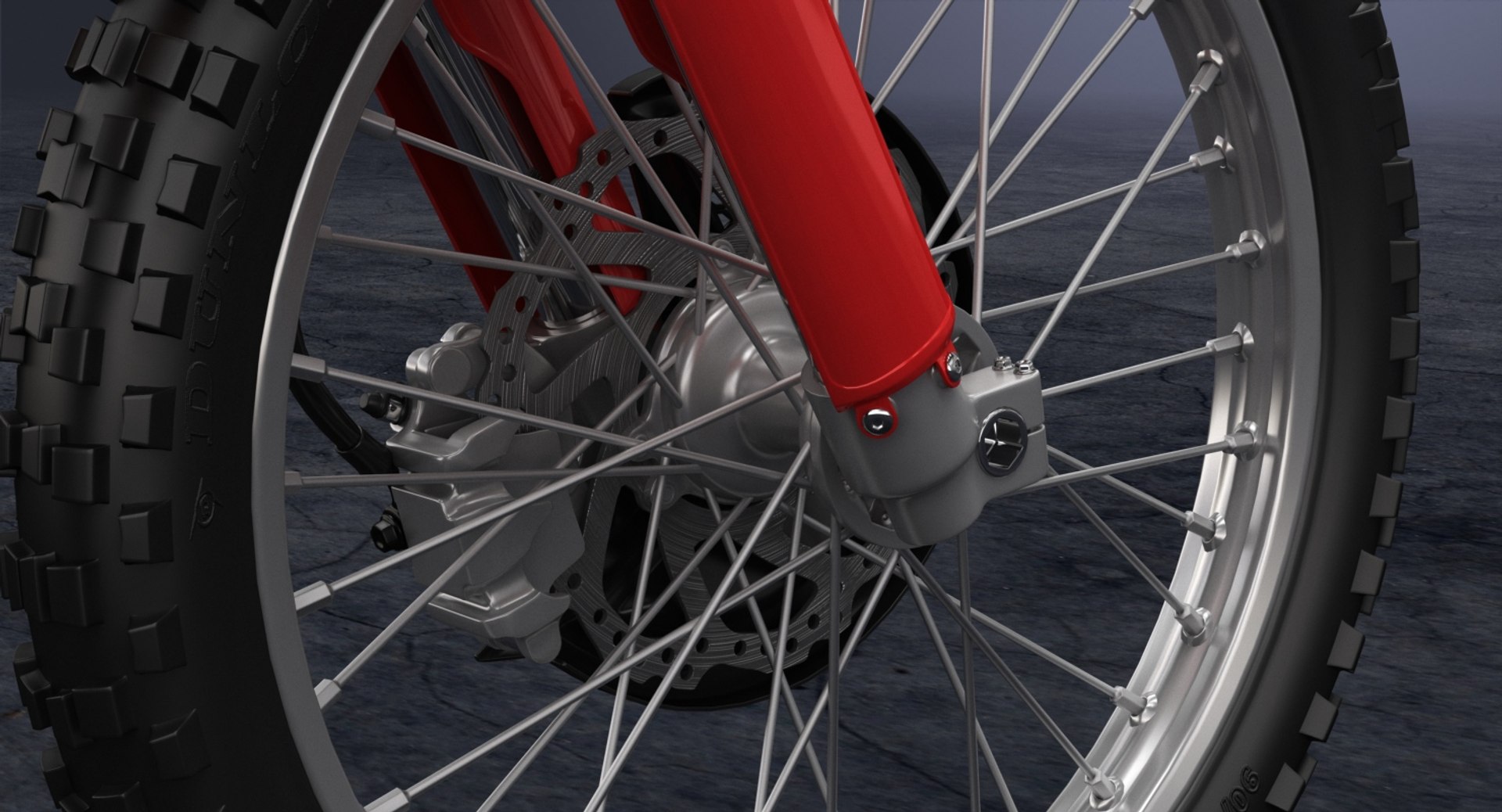
2018 Honda CRF450R

$99

Standard License | Upgrade License
Editorial Uses Only
Formats (8)
Free file format Conversions available
Native | 3ds Max 2015 | V-Ray 3.50.04
Maya 2015 | V-Ray 3.10.01
Maya 2015 | Maya Software
3ds Max 2015 | Default Scanline
Cinema 4D R17 | Advanced Render
3D Studio
FBX
OBJ
Specifications
Publish Date December 27, 2017
Product ID 1237422
Polygons 369,060
Vertices 382,839
Polygonal Quads/Tris Geometry
Textures
Materials
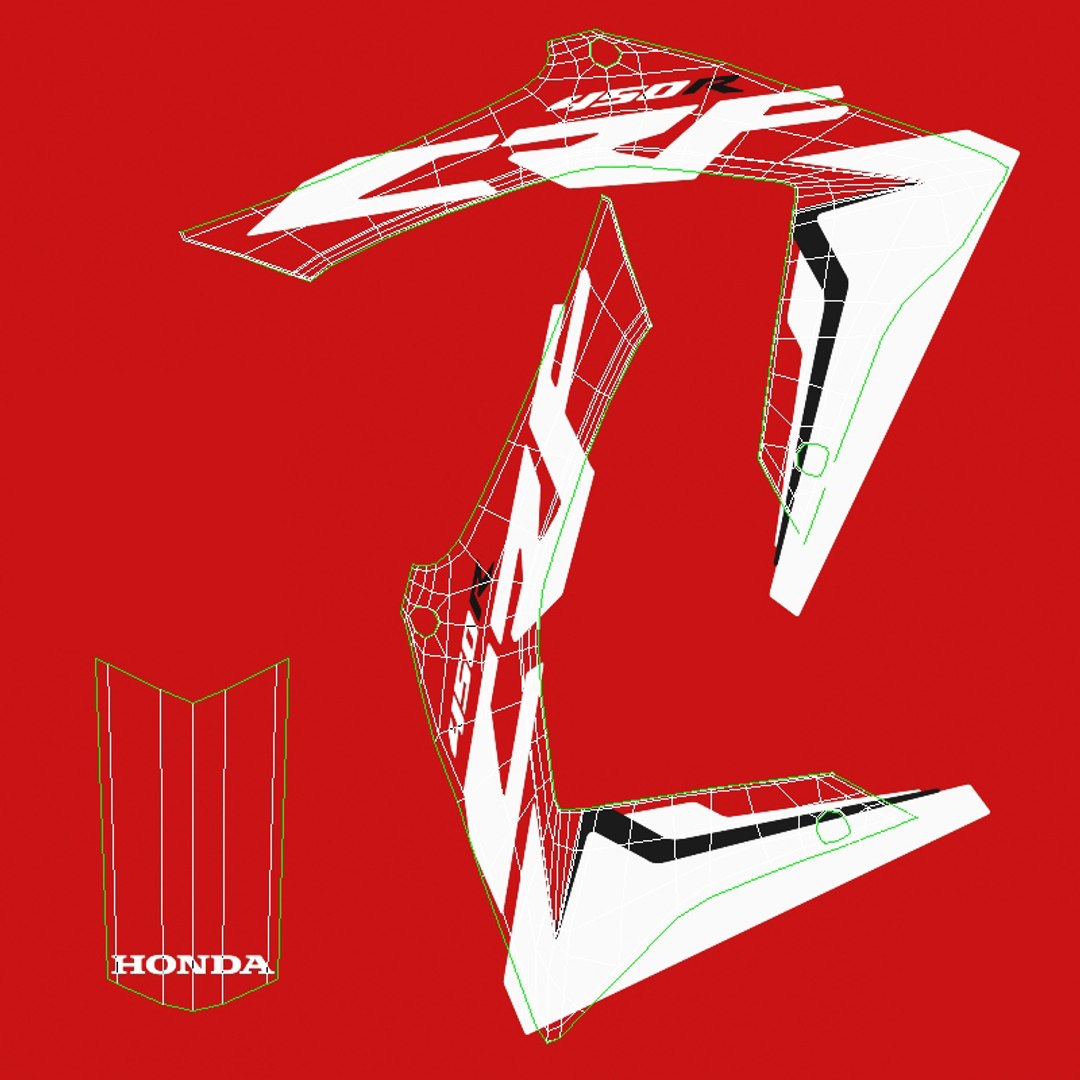
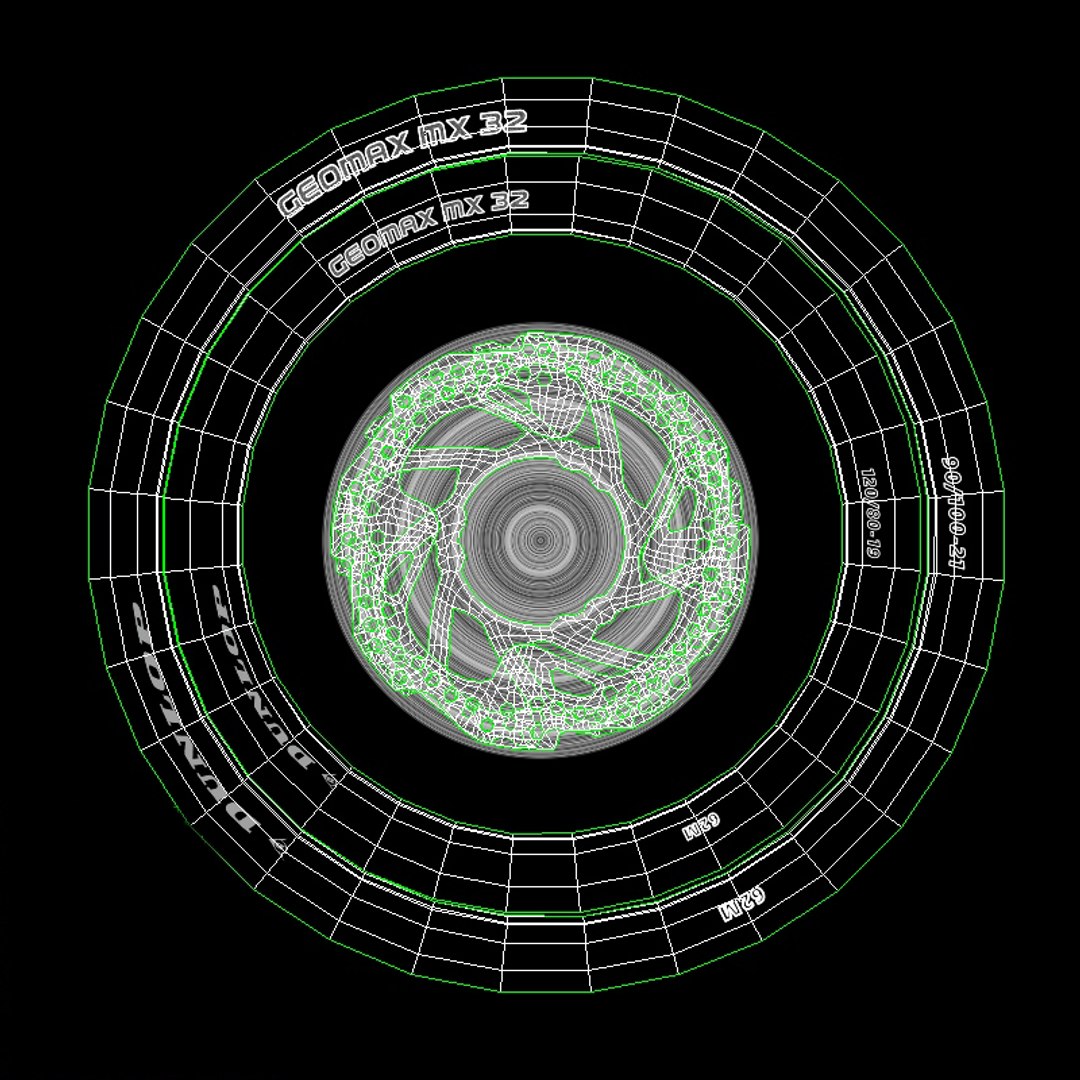
UV Mapped
Mixed Unwrapped UVs

member avatar
HKV Studios
746 Products | Contributor Since 2005
Have questions? Chat with us now.

Description

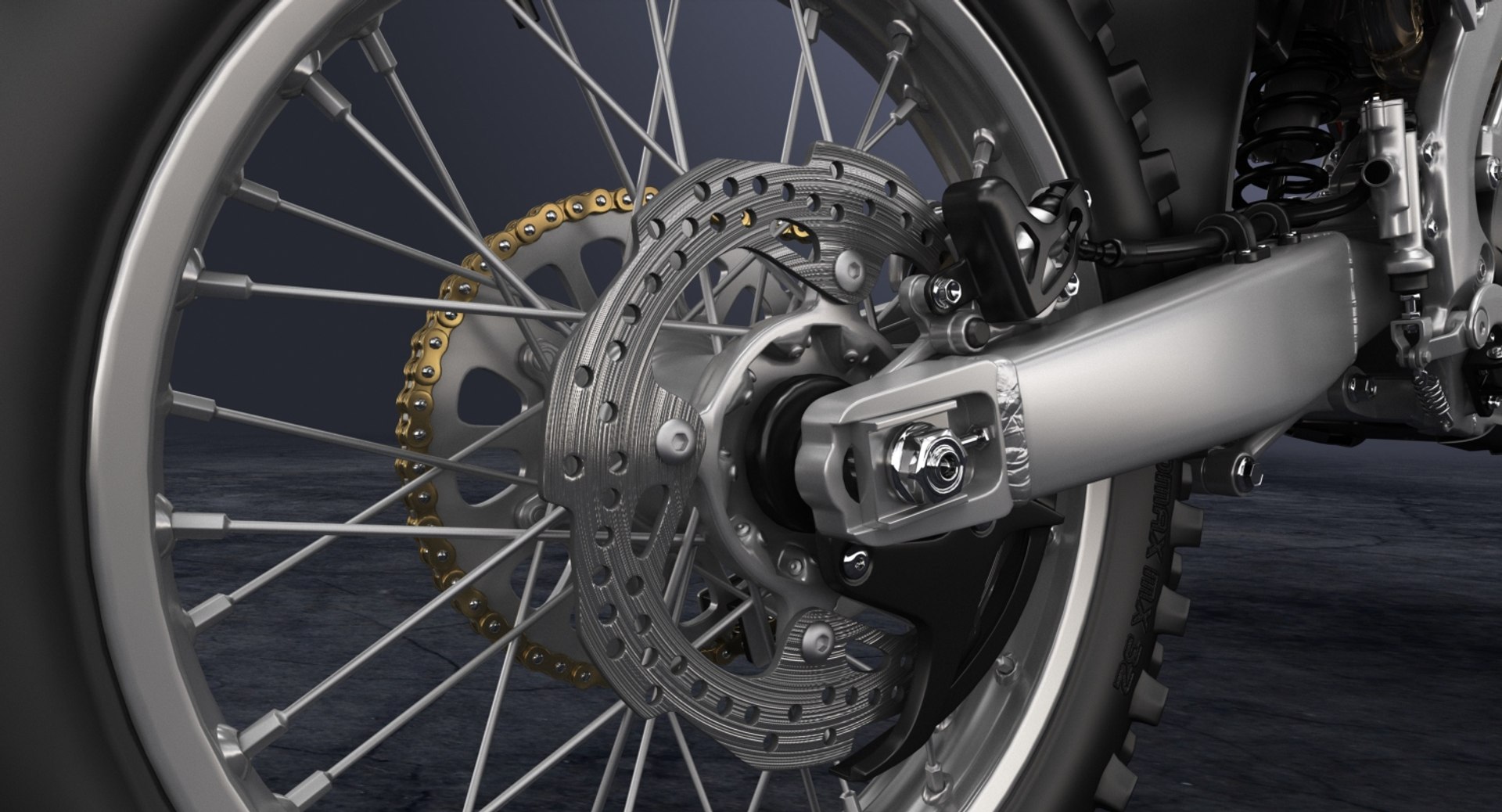
High detailed 3D model of 2018 Honda CRF450R.

Main features:
- Originally created with 3ds Max 2015
- Two MAX files with V-Ray and Standard 3ds Max materials
- Two MB files with V-Ray and Standard Maya materials
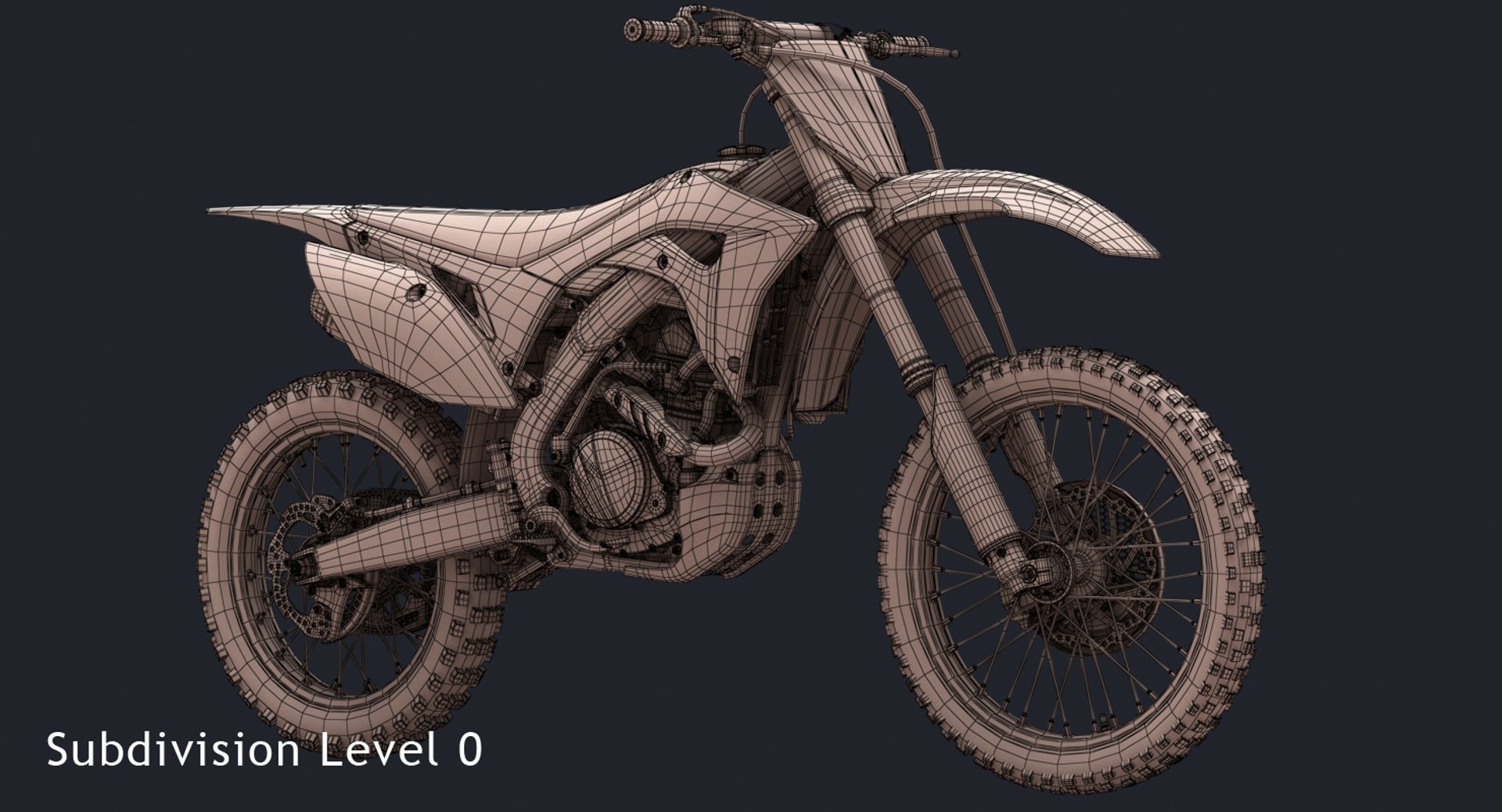
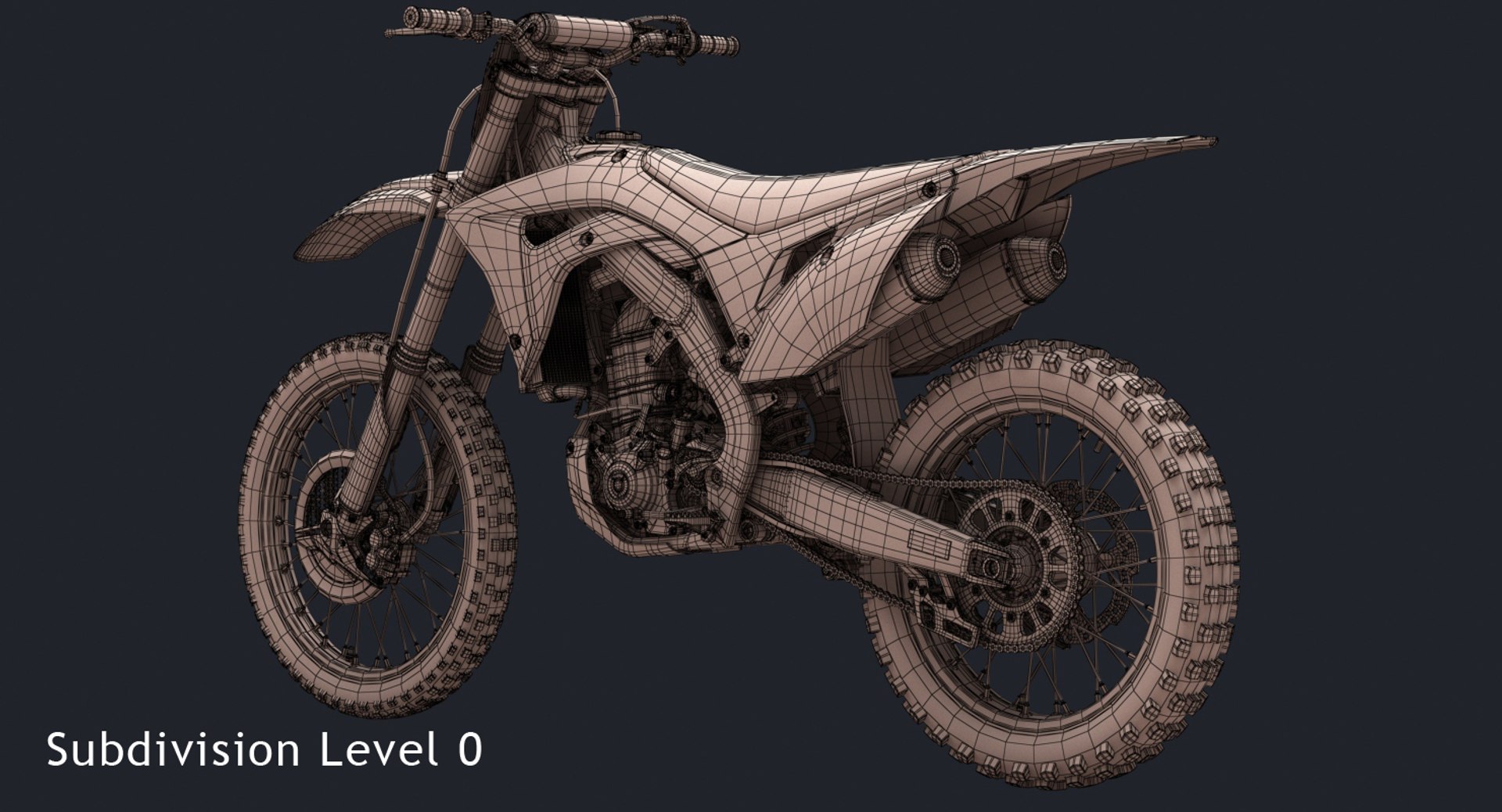
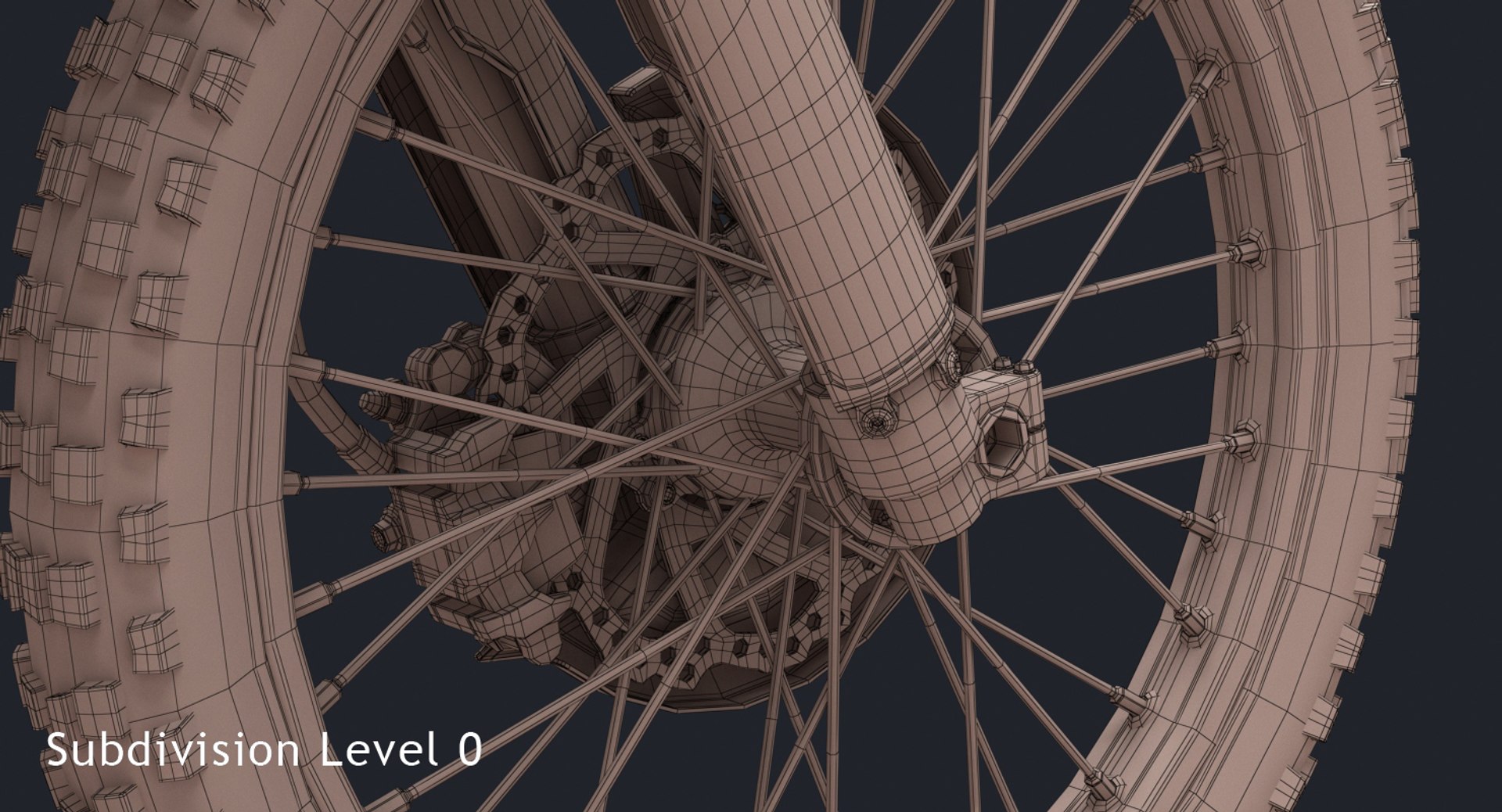
- Subdivision modifier is available in the history for MAX, MB and C4D file formats (subdivision iteration 1 is set for all objects). So you can get access to original non-smoothed mesh by deactivating the Subdivision modifier
- Separate objects like frame, wheels, suspension etc. Total number of objects is 15. All objects are intelligently named
- Unit system is set to metric (millimeters). Real-world scale
- All textures and materials are included and assigned
- 12 textures, which vary in resolution from 512x512px to 4000x4000px
- Previews rendered in 3ds Max 2015 with V-Ray 3.50.04

Special notes:
- OBJ format is recommended for import in other 3d software. If your software doesn't support OBJ format, please use 3DS format; OBJ format was exported from 3ds Max. The geometry for OBJ format is set to quads
- MAX files can be loaded in 3ds Max 2015 or higher. In order to use V-Ray rendering setups and materials, V-Ray 3.50.04 or higher is needed. V-Ray shaders and render setups are backwards compatible, so you can use V-Ray 2.0 or higher
- MB files can be loaded in Autodesk Maya 2015 or higher. In order to use V-Ray rendering setups and materials in Maya, V-Ray 3.10.01 or higher is needed. V-Ray shaders and render setups are backwards compatible, so you can use V-Ray 2.0 or higher. Maya V-Ray renders are similar to 3ds Max V-Ray rendered previews, but not identical
- C4D file can be loaded in MAXON Cinema4D R17 or higher. Only standard Cinema4D materials and Standard renderer used

Polycounts:
MAX format (only one file included with MeshSmooth iteration 1 applied to all objects):
no MeshSmooth: 369,060 faces and 382,839 vertices
MeshSmooth iteration 1: 1,472,113 faces and 1,502,349 vertices
MeshSmooth iteration 2: 5,888,452 faces and 5,947,475 vertices

MB format (only one file included with Subdivision iteration 1 applied to all objects):
no Subdivision: 369,060 faces and 382,839 vertices
Subdivision iteration 1: 1,472,113 faces and 1,502,349 vertices
Subdivision iteration 2: 5,888,452 faces and 5,947,475 vertices

C4D format (only one file included with Subdivision iteration 1 applied to all objects):
no Subdivision: 369,060 faces and 382,839 vertices
Subdivision iteration 1: 1,841,173 faces and 1,885,188 vertices
Subdivision iteration 2: 6,257,512 faces and 6,330,314 vertices

FBX and OBJ formats (3 files included for each format):
low: 369,060 faces and 382,839 vertices
medium: 1,472,113 faces and 1,502,349 vertices
high: 5,888,452 faces and 5,947,475 vertices

3DS format (3 files included):
low: 733,993 faces and 678,296 vertices
medium: 2,944,226 faces and 2,060,581 vertices
high: 11,776,904 faces and 7,099,833 vertices

Select Enhanced License

  • $10,000 in Legal Protection (Indemnification)
  • Uncapped Legal Protection (Indemnification)
  • Waiver from injunctive relief
  • Assignable model rights
  • $1,000,000 in Legal Protection (Indemnification)
  • Waiver from injunctive relief
  • Assignable model rights
  • $250,000 in Legal Protection (Indemnification)
  • Assignable model rights
Read more about enhanced license tiers, or contact us at enterprise@turbosquid.com. Already a Shutterstock Enterprise Customer? Contact your Shutterstock Sales Support Agent to talk about adding 3D.

About Conversion Requests

To submit a conversion request for a purchased asset, please complete our Conversion Request Form.

If you have not yet purchased a model, please review our Documentation about Conversions to learn about what limitations you may encounter with a conversion.

For any additional questions about a model’s suitability for conversion, please contact TurboSquid Support.

Loading...