
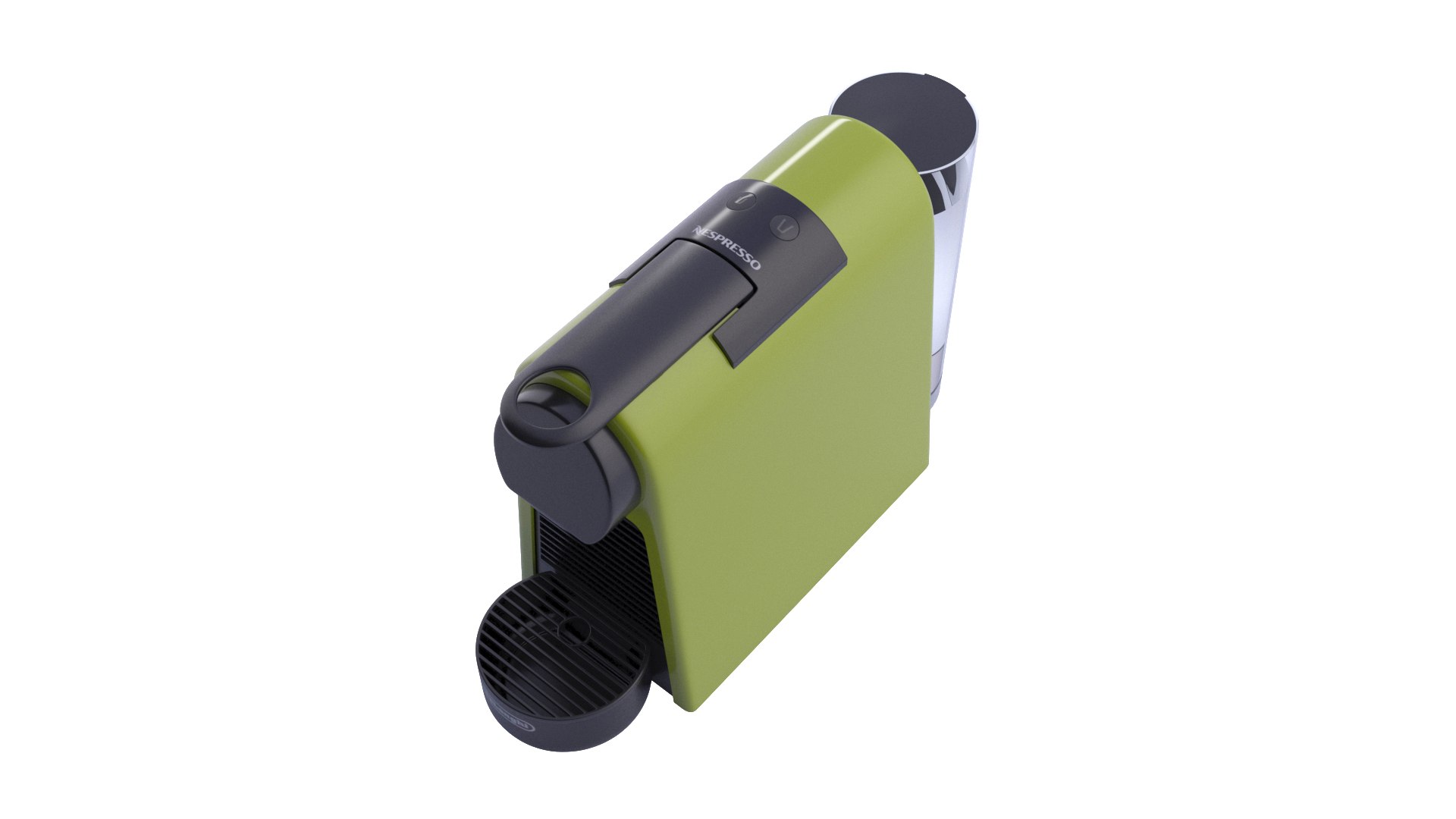
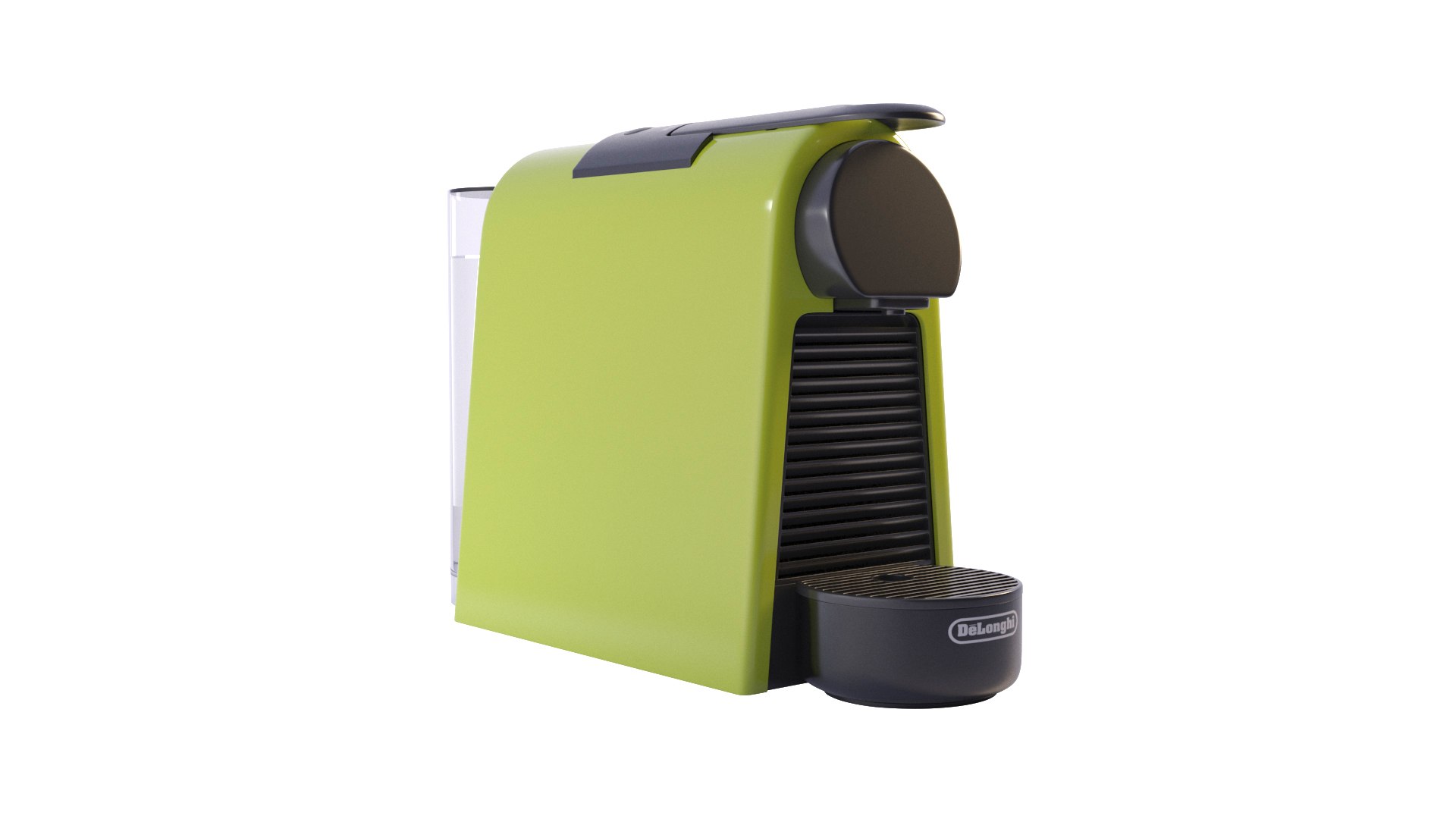
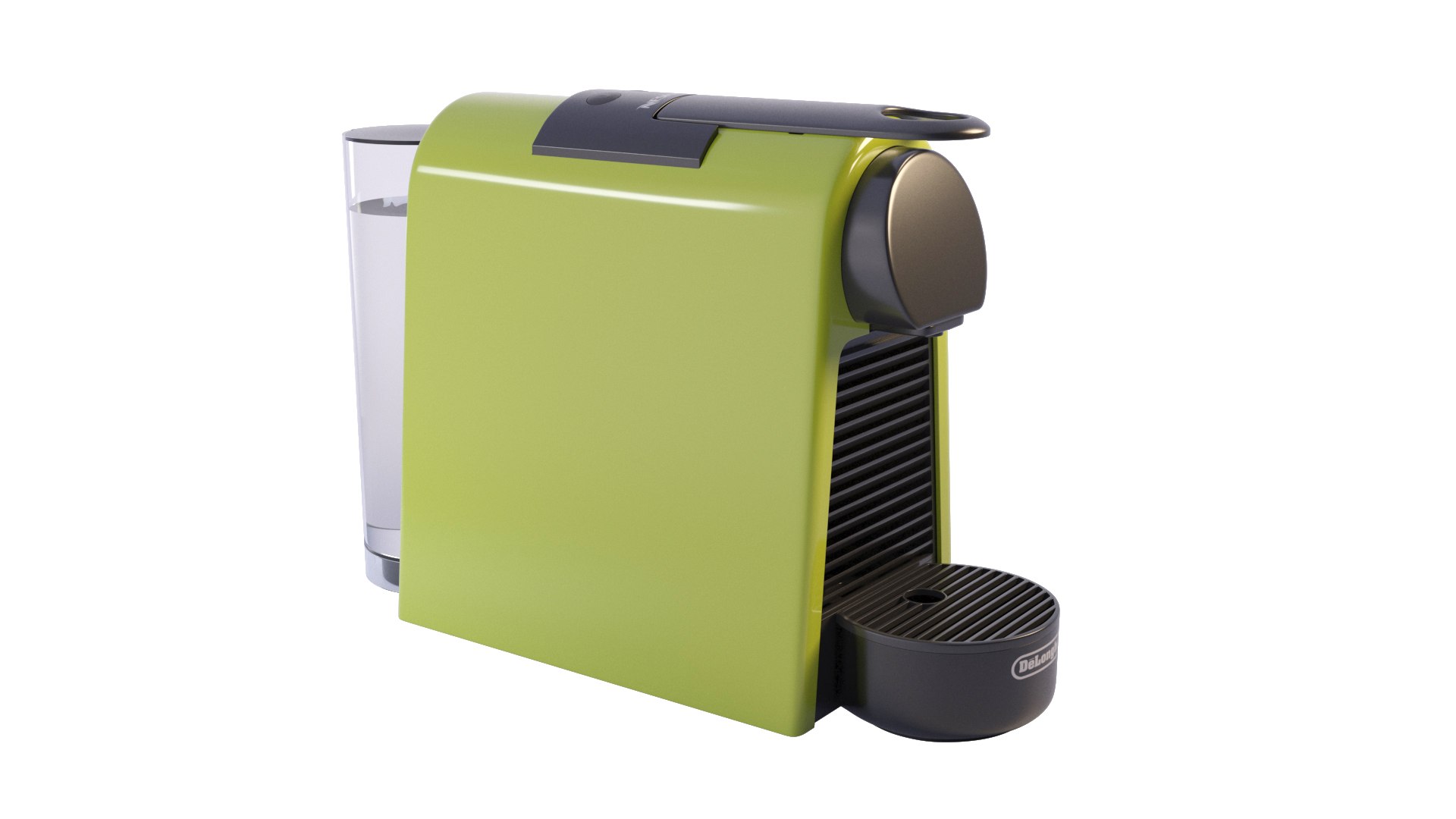
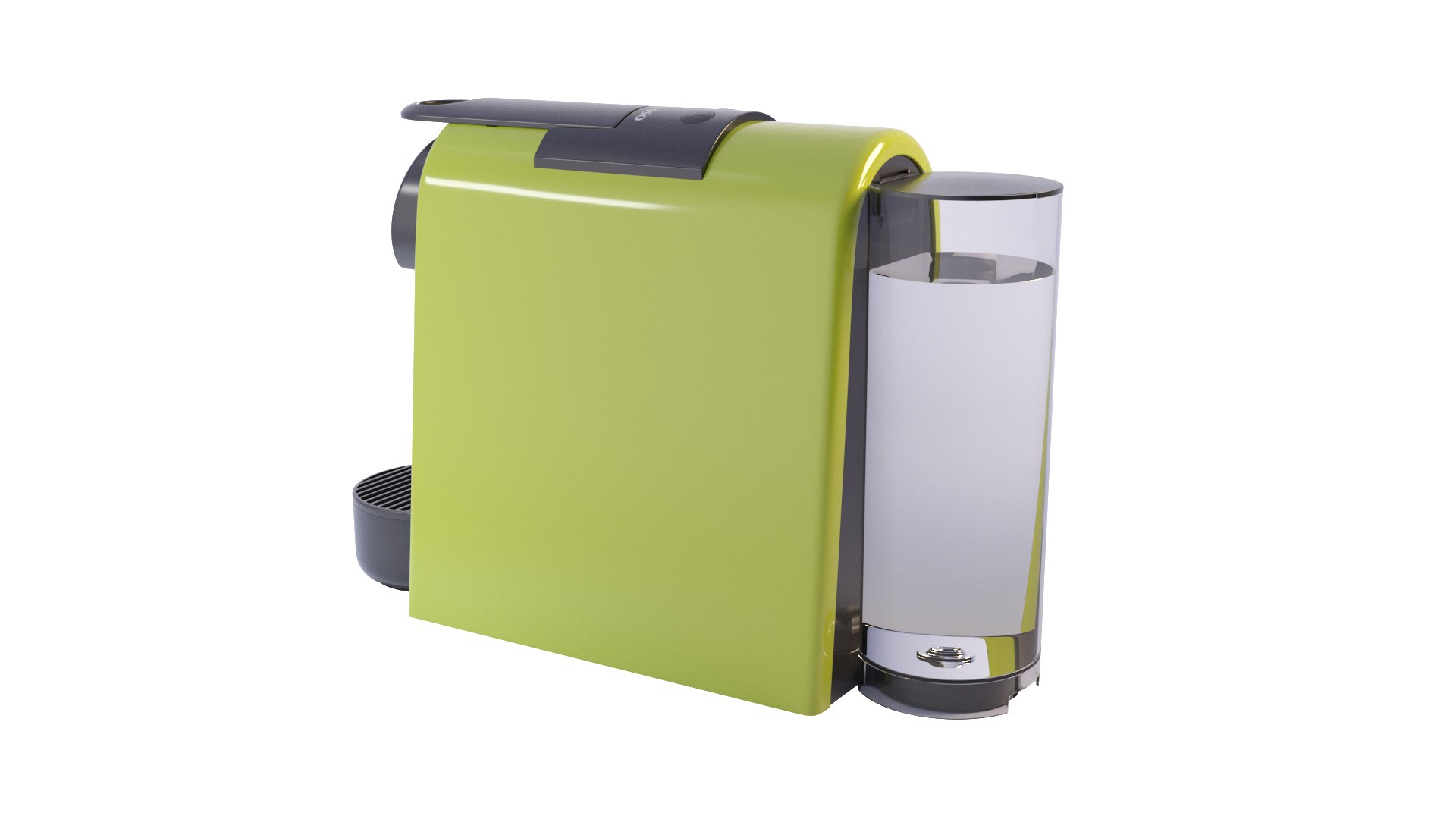
Nespresso Mini Essenza - Coffee maker

$16

Standard License | Upgrade License
Editorial Uses Only
Formats (4)
Native | 3ds Max 2015 | V-Ray Adv3.00.07
3ds Max 2014 | Default Scanline 2014
FBX
OBJ
Specifications
Publish Date June 12, 2020
Product ID 1575250
Polygons 37,513
Vertices 37,575
Polygonal Quads/Tris Geometry
Textures
Materials
UV Mapped
Mixed Unwrapped UVs
TurboSquid Exclusive
member avatar
MTiziana
6 Products | Contributor Since 2017
Have questions? Chat with us now.

Description

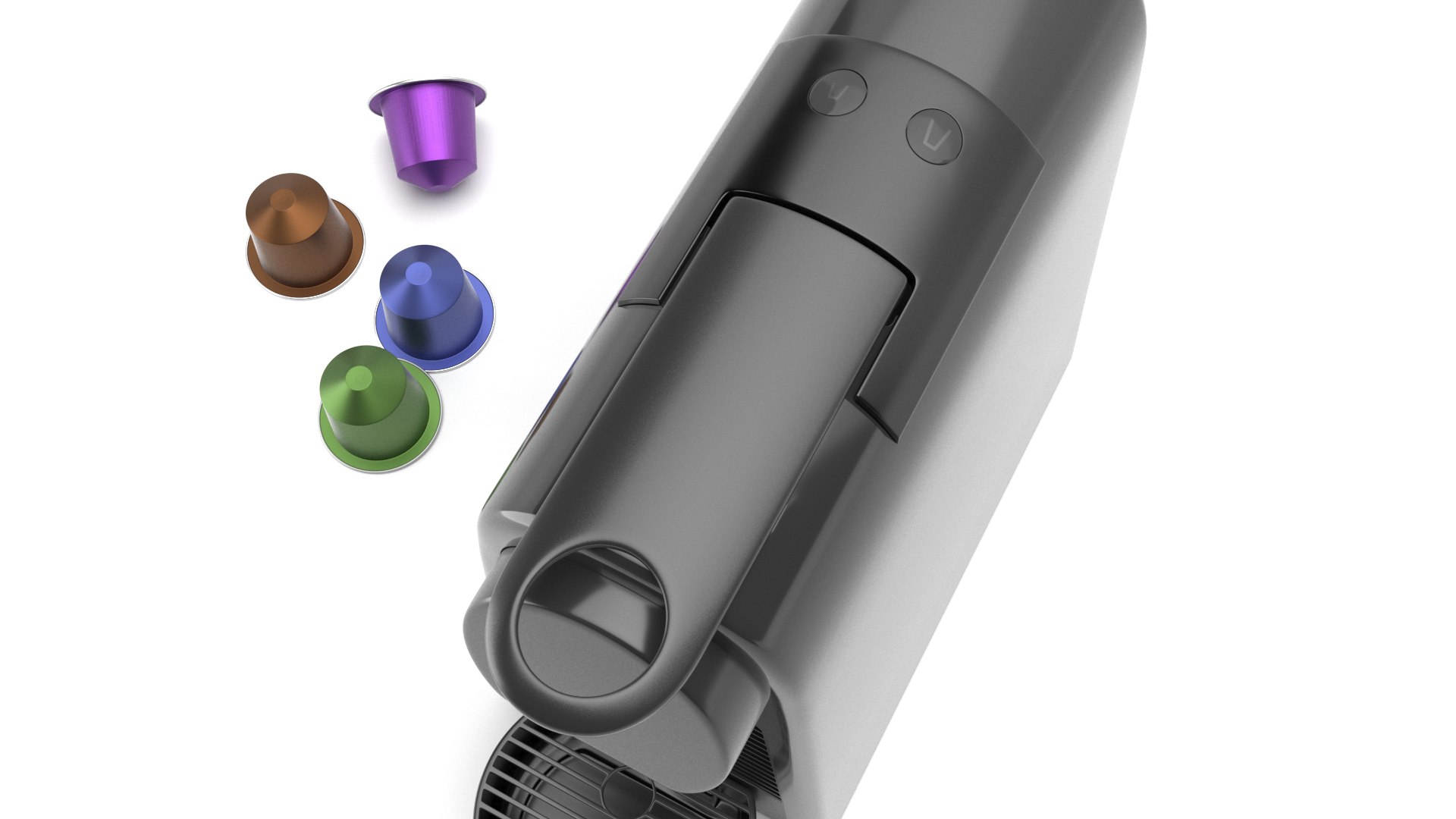
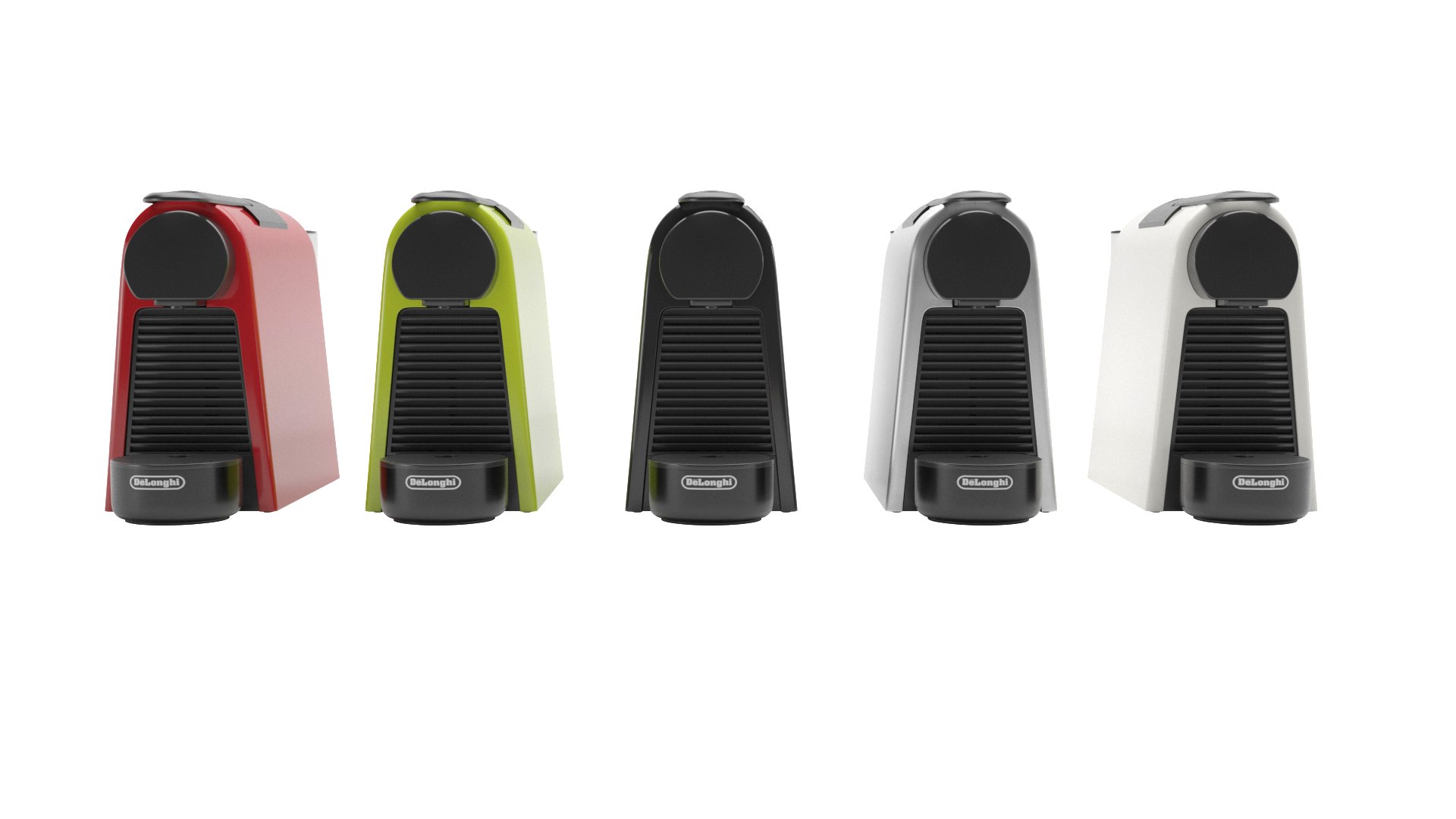
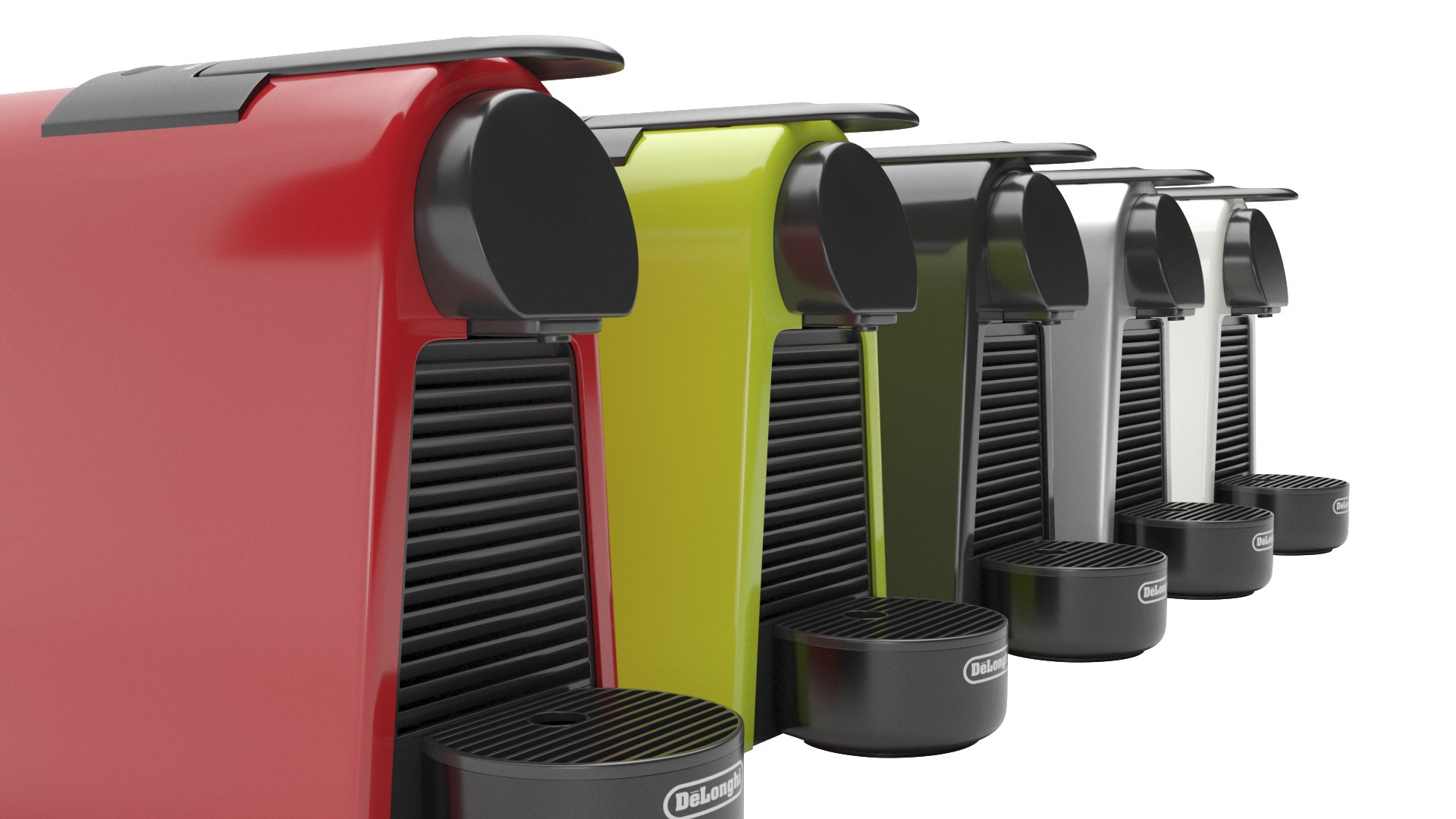
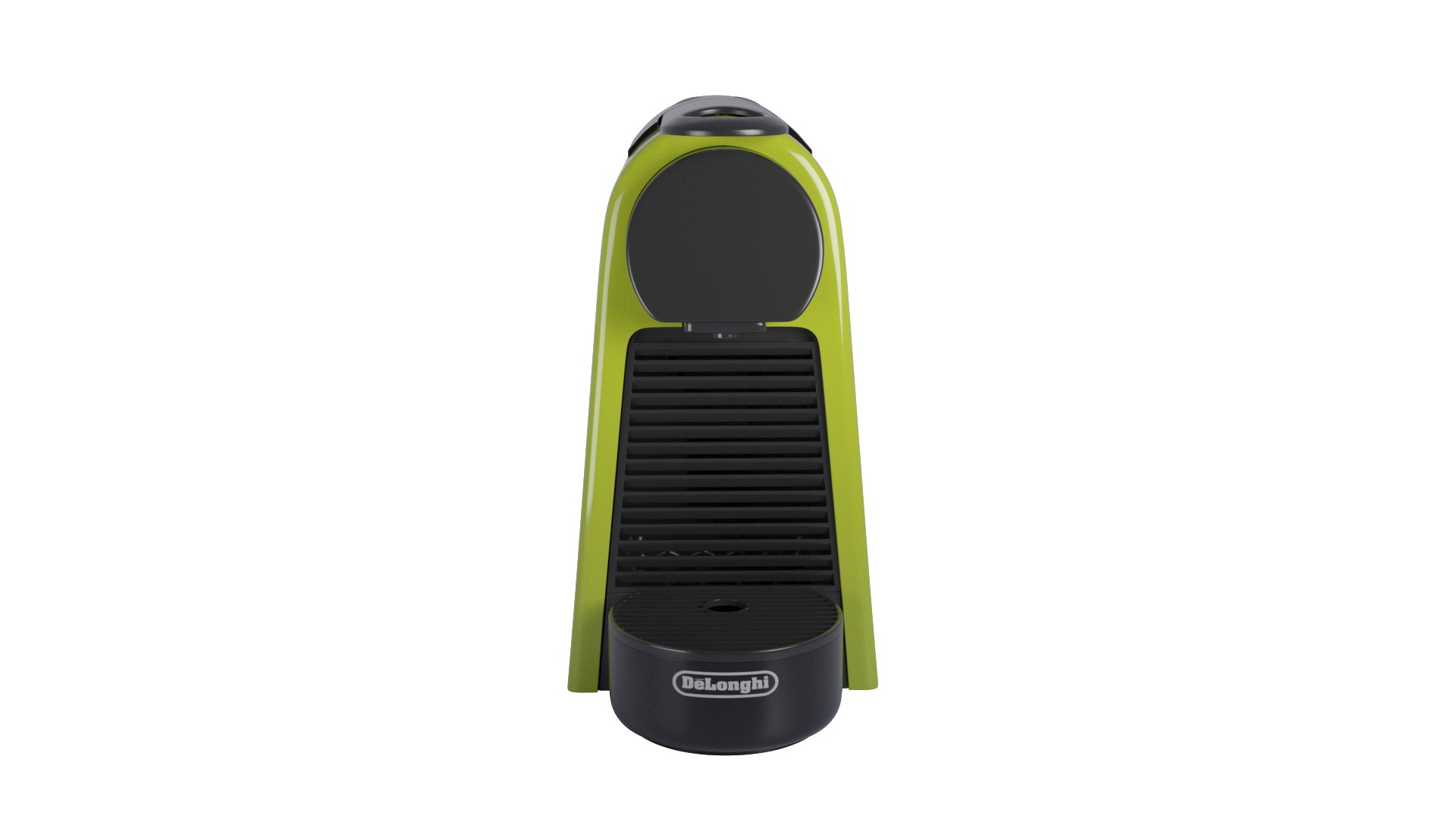
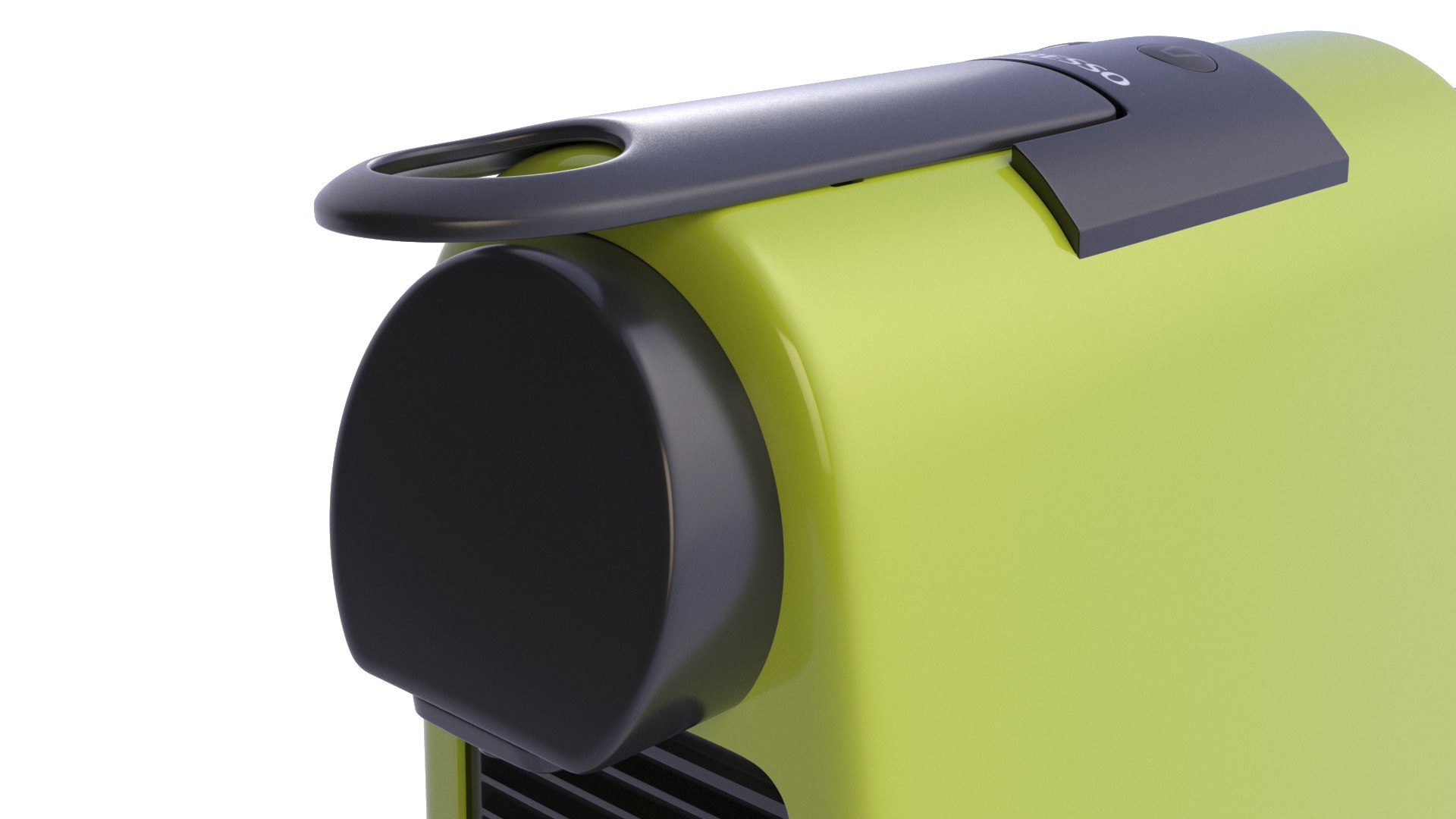
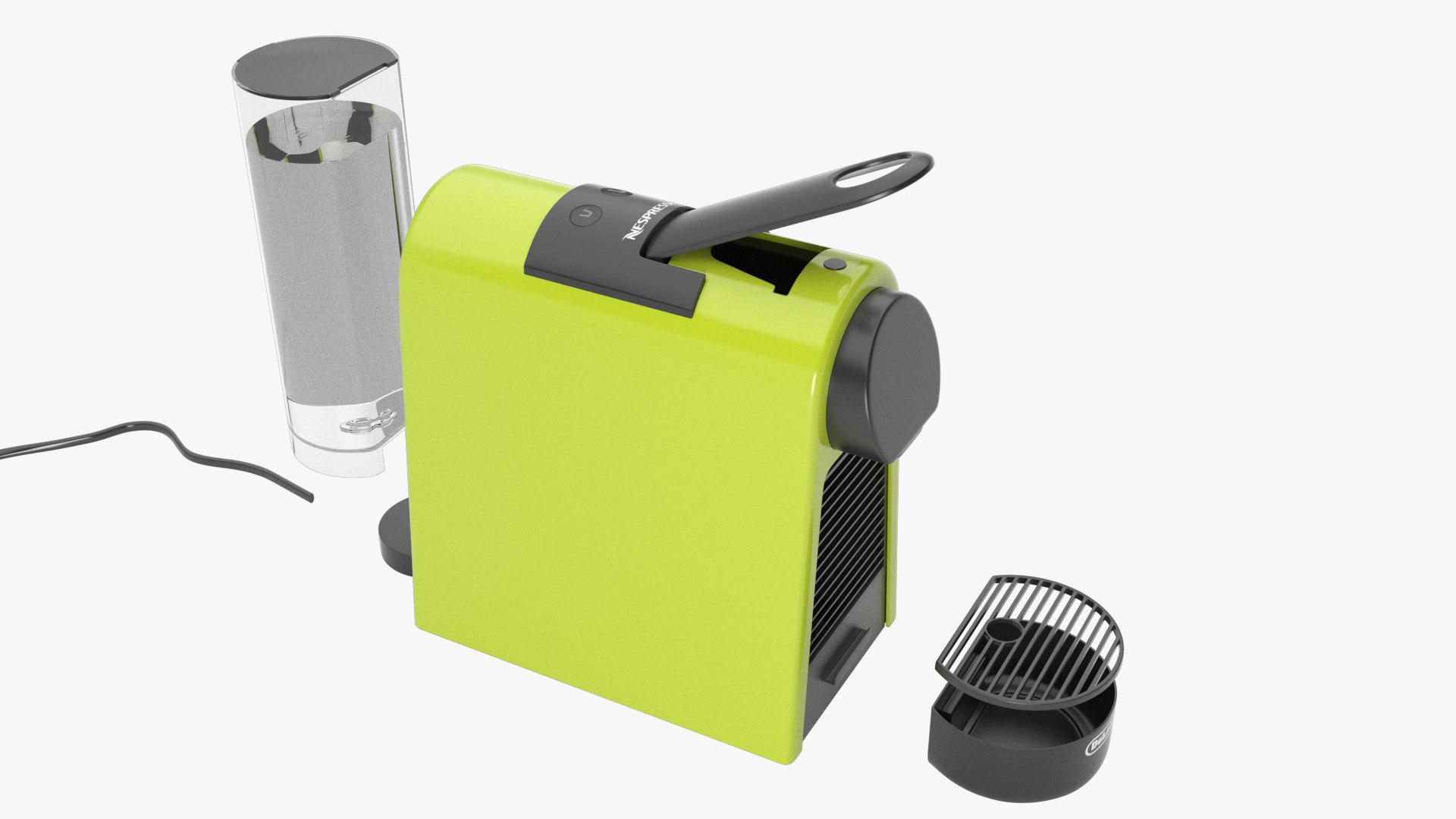
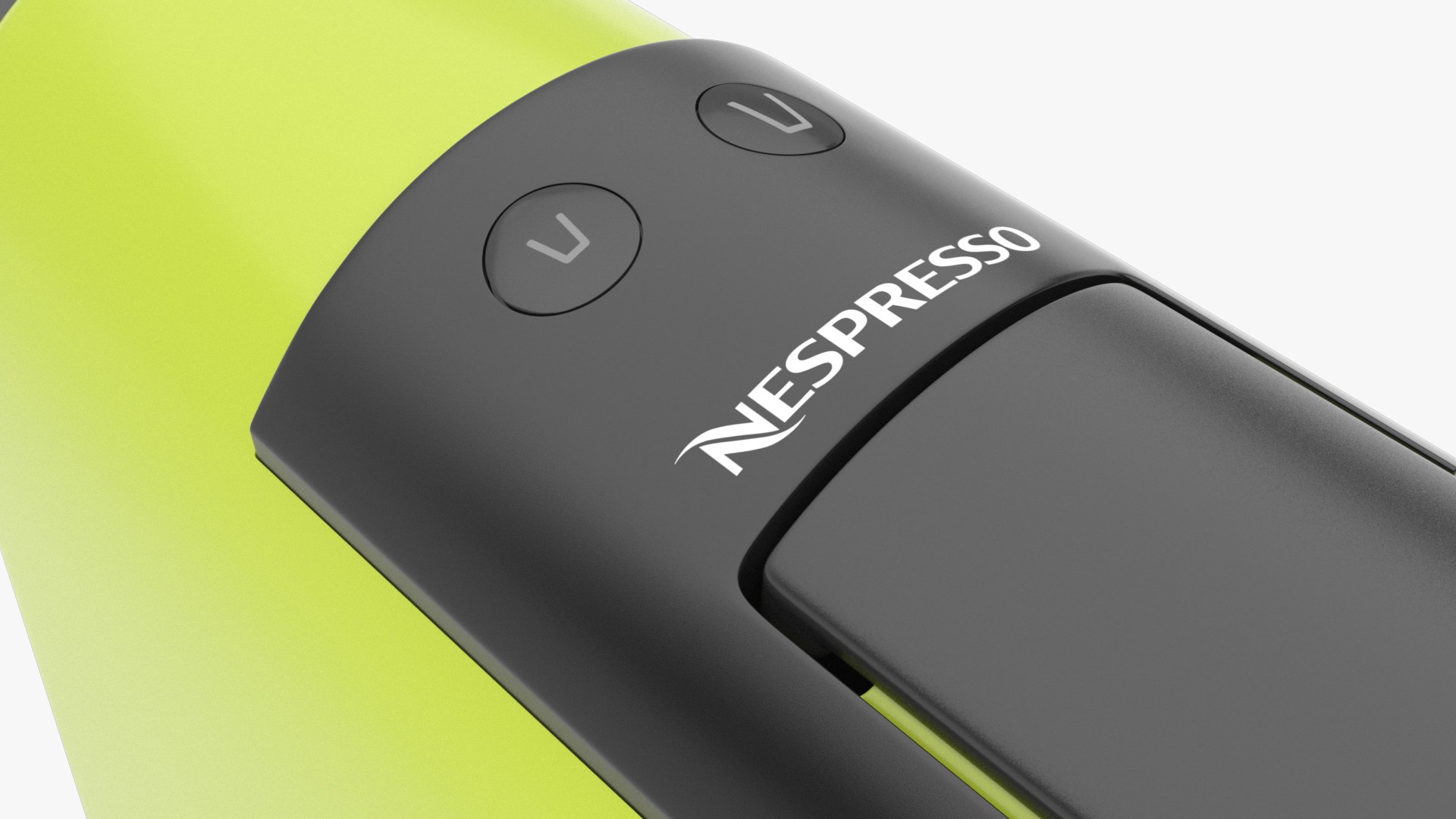
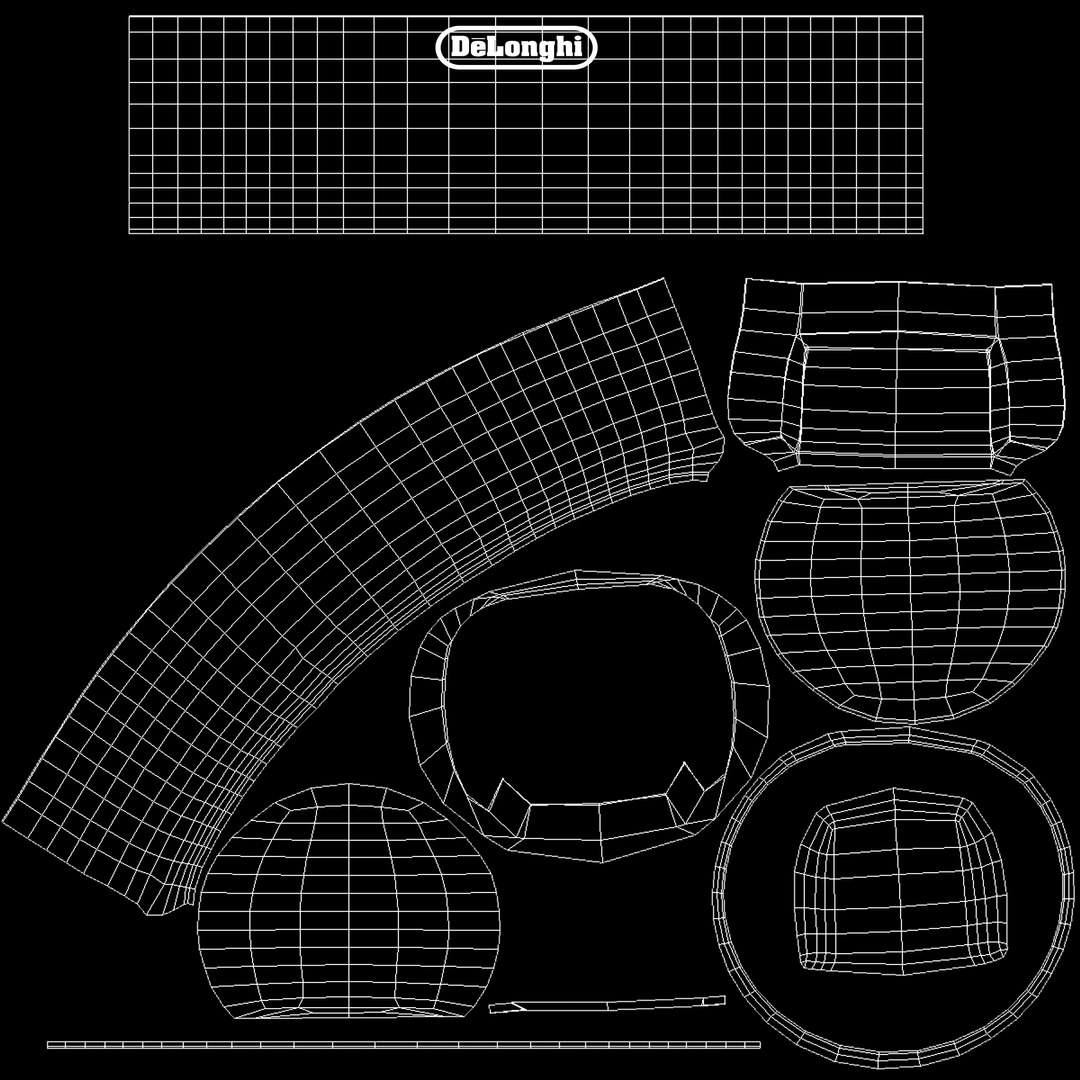
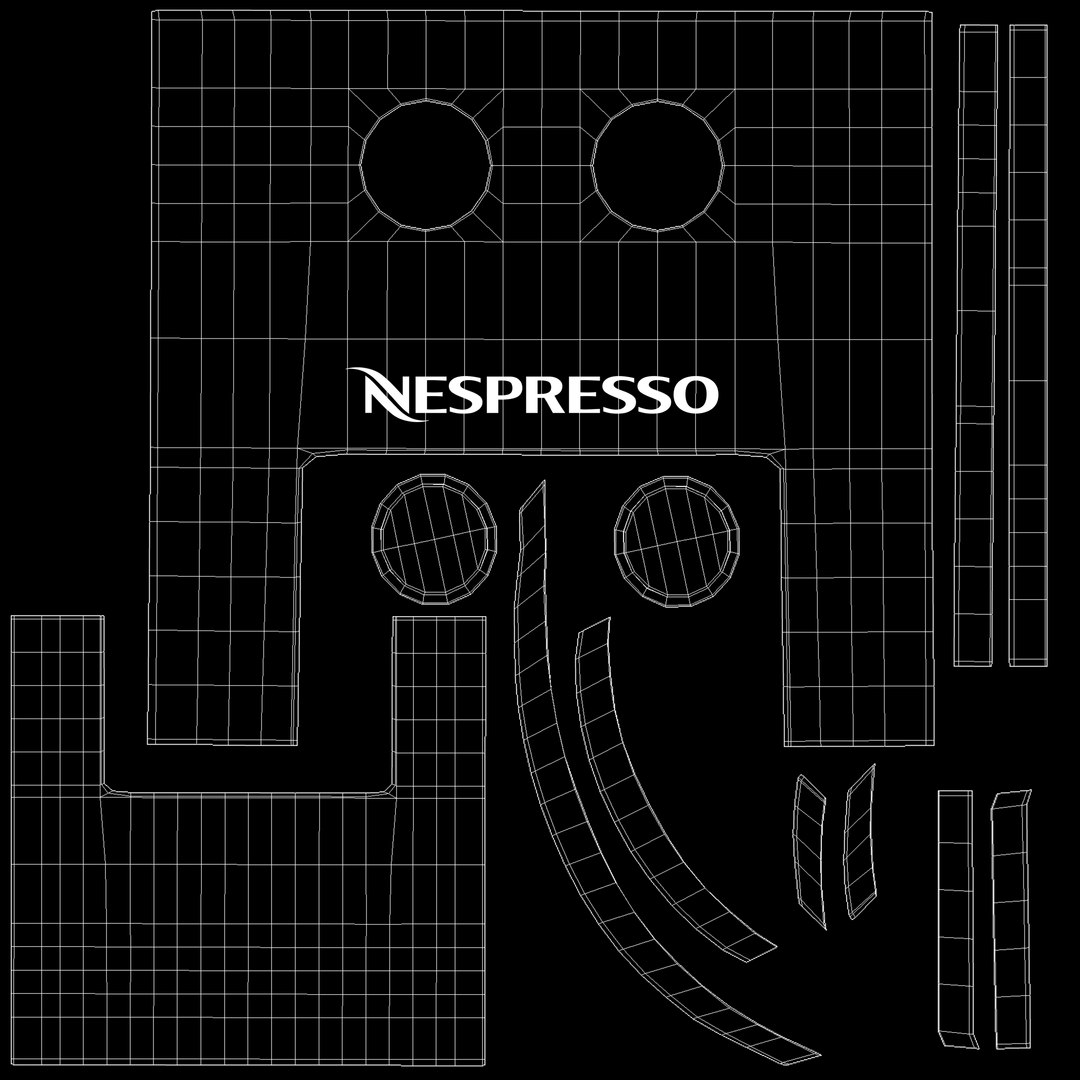
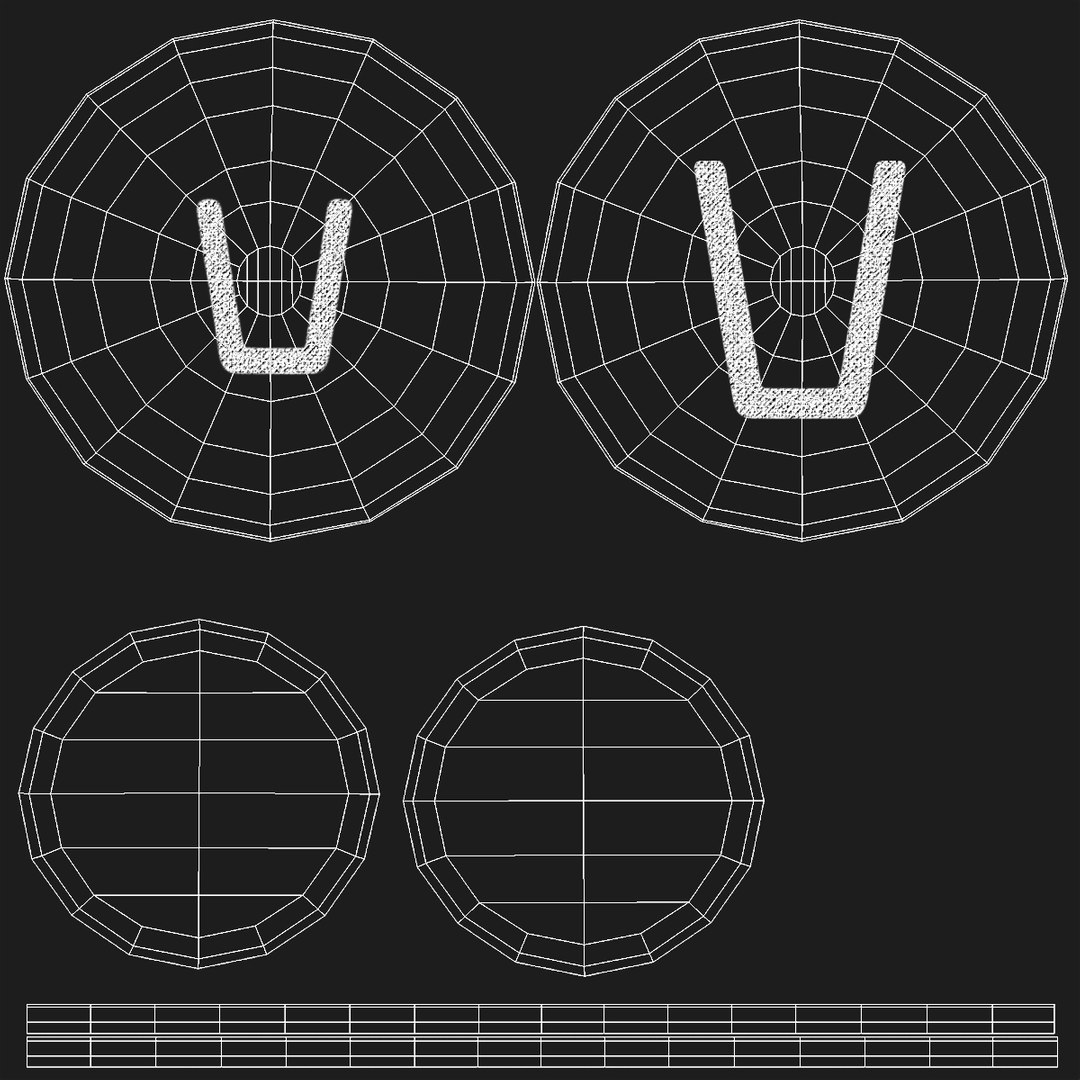
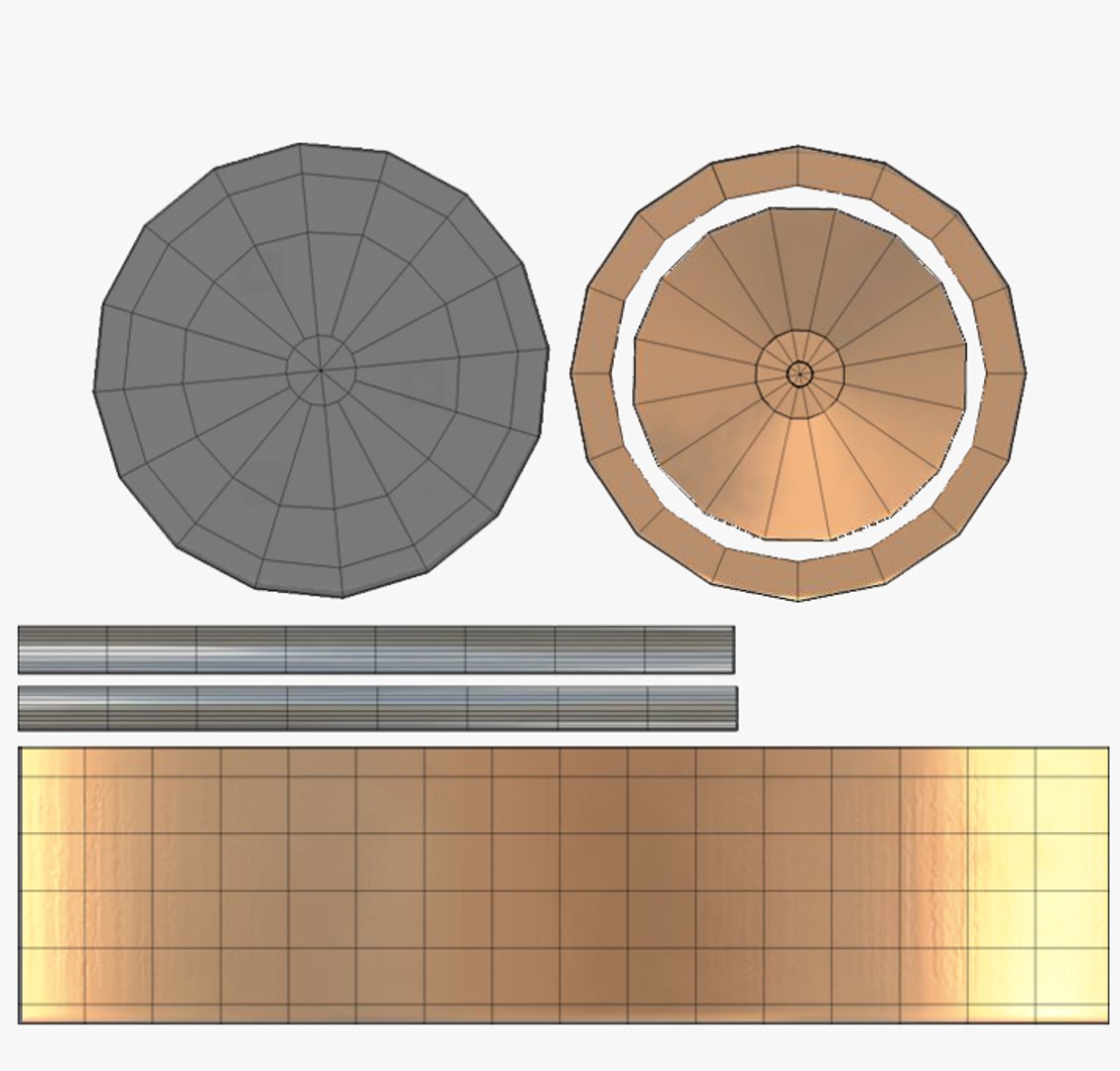
Features:<br/><br/>- Textured polygonal model. Polygons:40.873 Vertex:40.945 (without subdivision). <br/>- TurboSmooth is applied with 1 subdivision on 3dsmax Standard Scanline and V-Ray versions (can be turned off). Polygons: 320.432 Vertex: 160.833 (with 1 subdivision).<br/>- Accurate scale, real word size. Unit:cm Size: 18x18x46 cm with cable (13x18x28 cm without cable) <br/>- All objects and materials are named.<br/>- Include texture maps (all 3000px - except for button detail 1200px)<br/>- Model include: 1 coffe maker, 6 capsules, background, light and camera of search image.<br/>- Model contain green machine, other color and mtl options are able in the material editor.<br/>- Native software: 3ds Max 2015 <br/>- Render plug-in: V-Ray Next (also available to use without plug-ins '- Std')<br/>- All previous images have been rendered with V-Ray (except the last one named 'Standard Material' - rendered with scanline)<br/>- Contain 6 edges-poles.<br/><br/><br/>File Formats:<br/><br/>- MAX (2015 - V-Ray and Std version)<br/>- FBX<br/>- OBJ

Select Enhanced License

  • $10,000 in Legal Protection (Indemnification)
  • Uncapped Legal Protection (Indemnification)
  • Waiver from injunctive relief
  • Assignable model rights
  • $1,000,000 in Legal Protection (Indemnification)
  • Waiver from injunctive relief
  • Assignable model rights
  • $250,000 in Legal Protection (Indemnification)
  • Assignable model rights
Read more about enhanced license tiers, or contact us at enterprise@turbosquid.com. Already a Shutterstock Enterprise Customer? Contact your Shutterstock Sales Support Agent to talk about adding 3D.

About Conversion Requests

To submit a conversion request for a purchased asset, please complete our Conversion Request Form.

If you have not yet purchased a model, please review our Documentation about Conversions to learn about what limitations you may encounter with a conversion.

For any additional questions about a model’s suitability for conversion, please contact TurboSquid Support.

Loading...