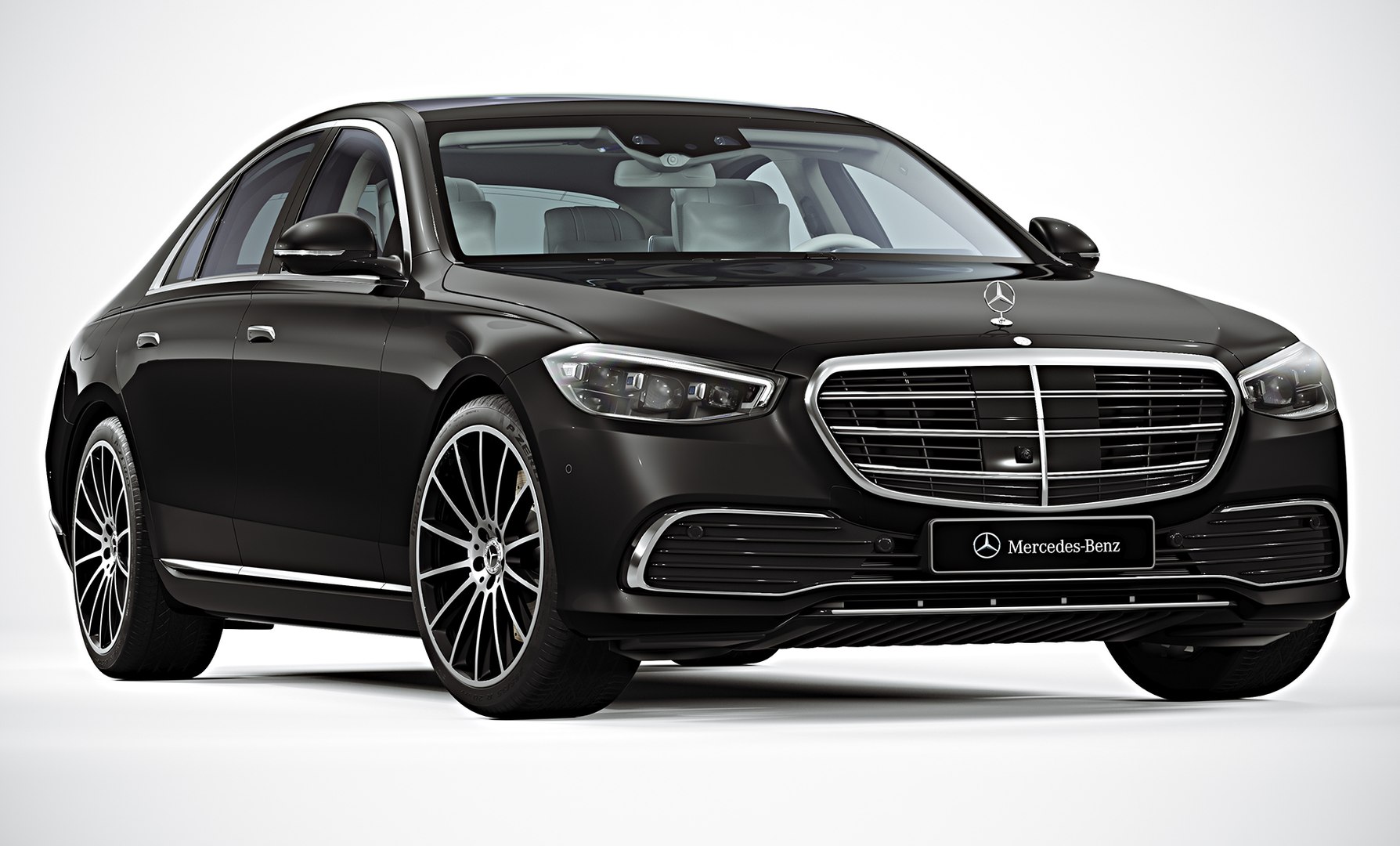
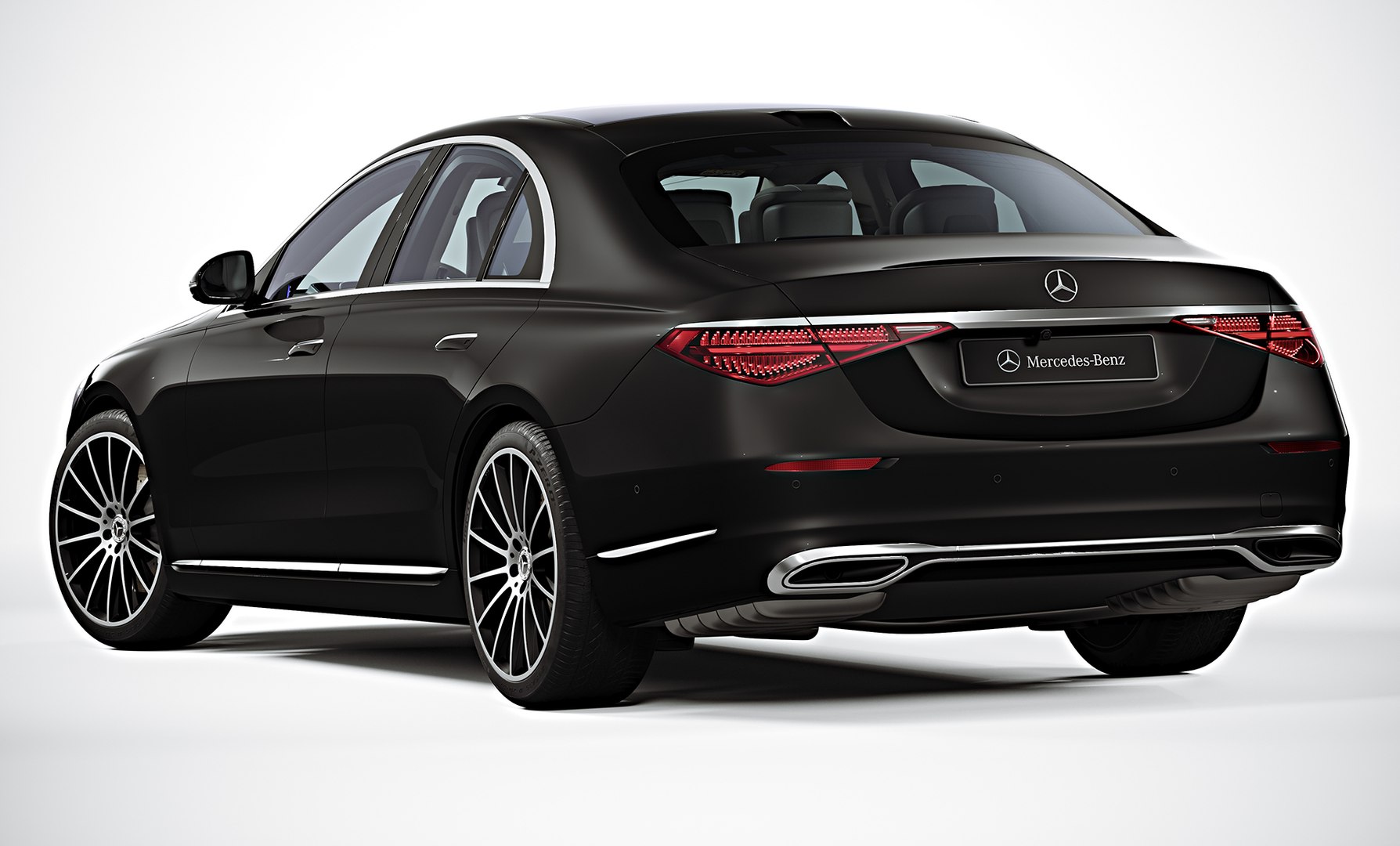
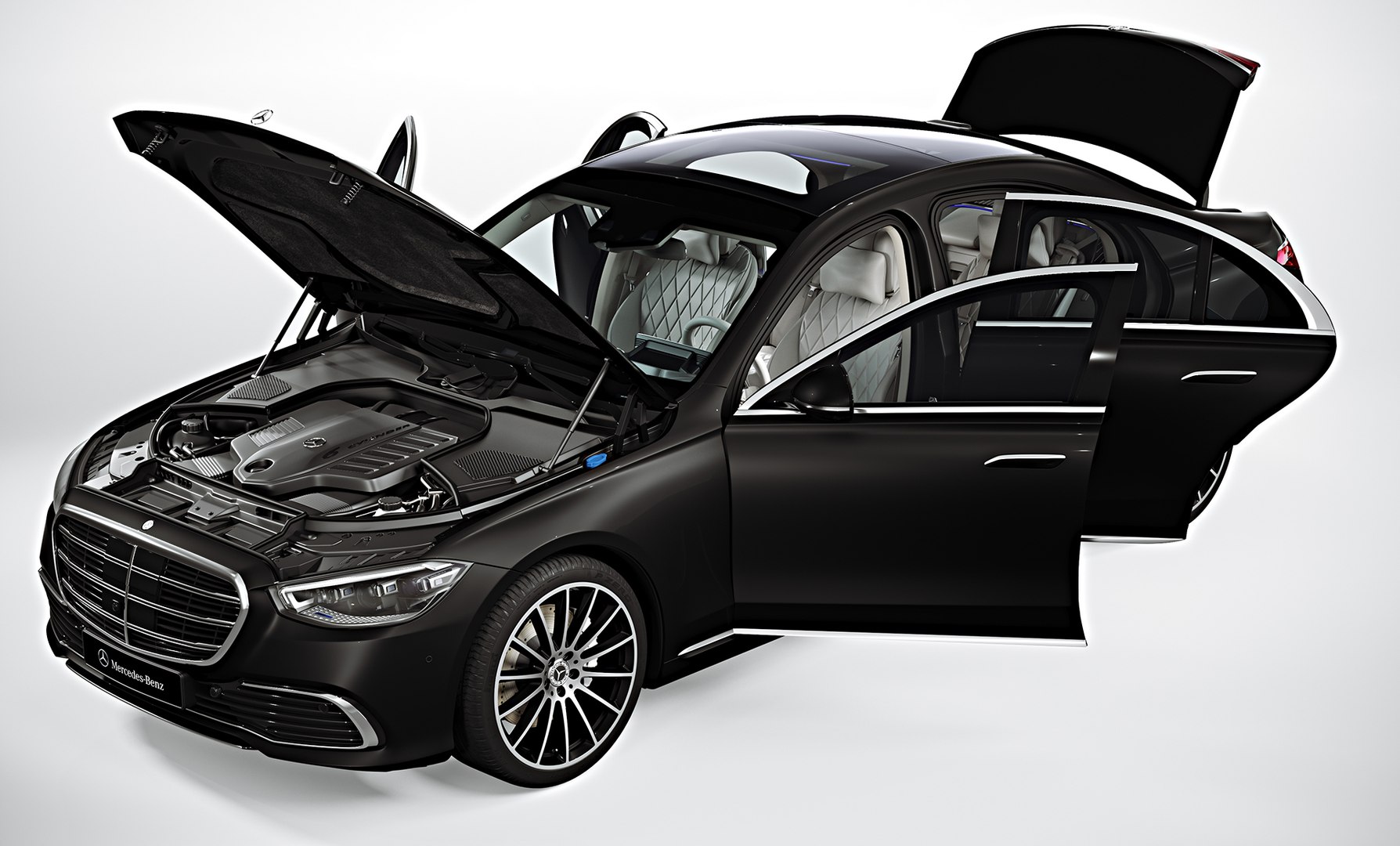
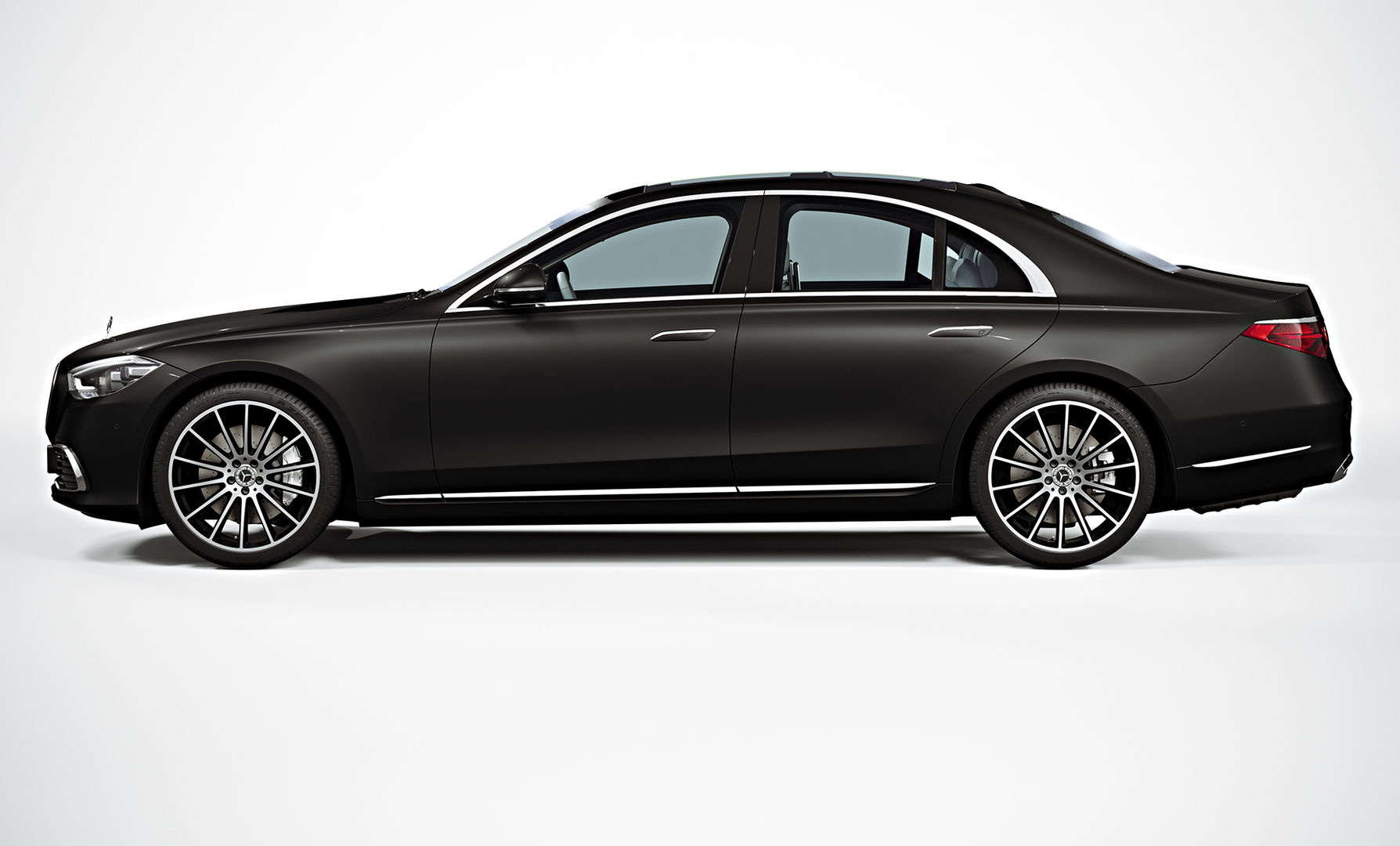
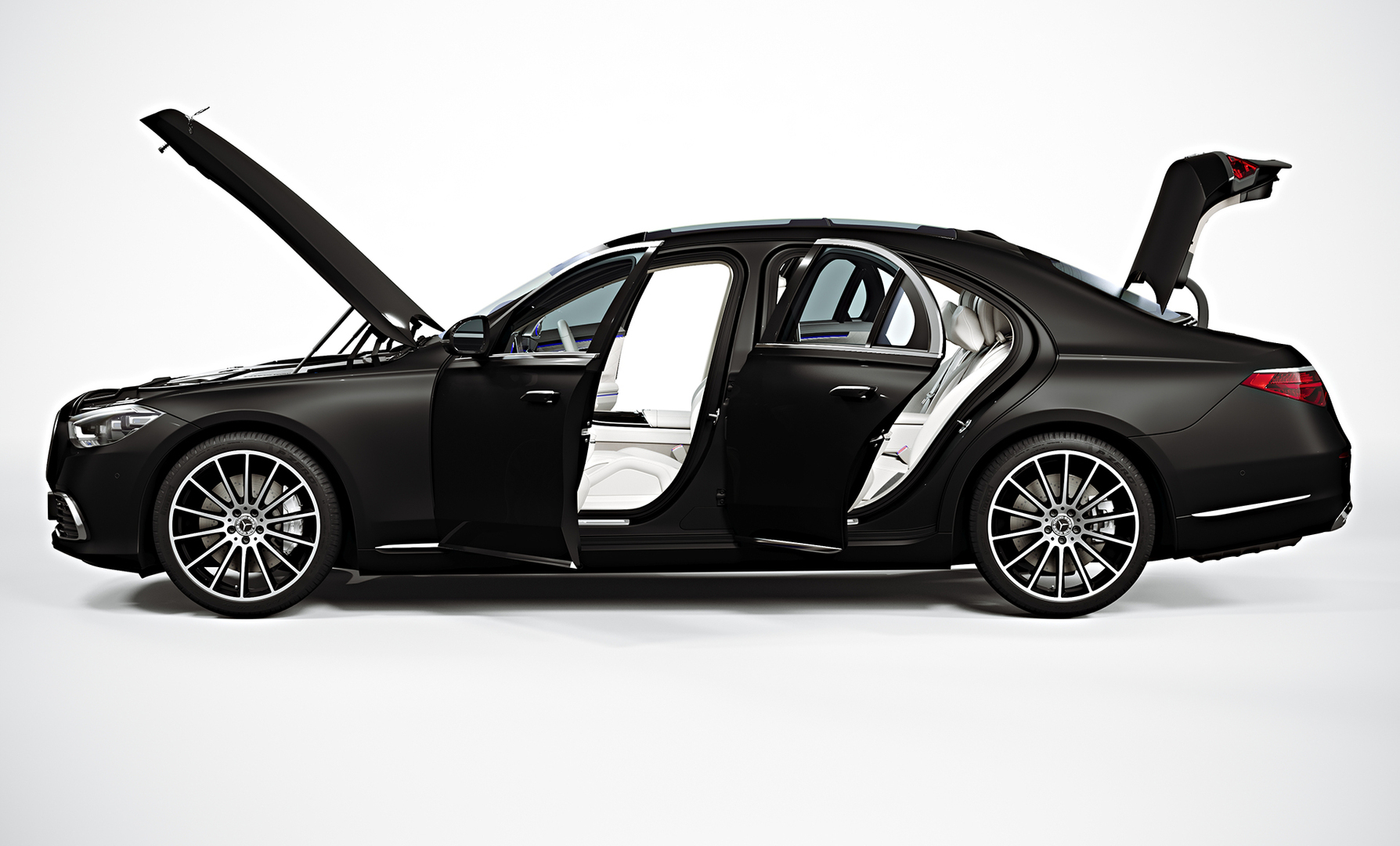
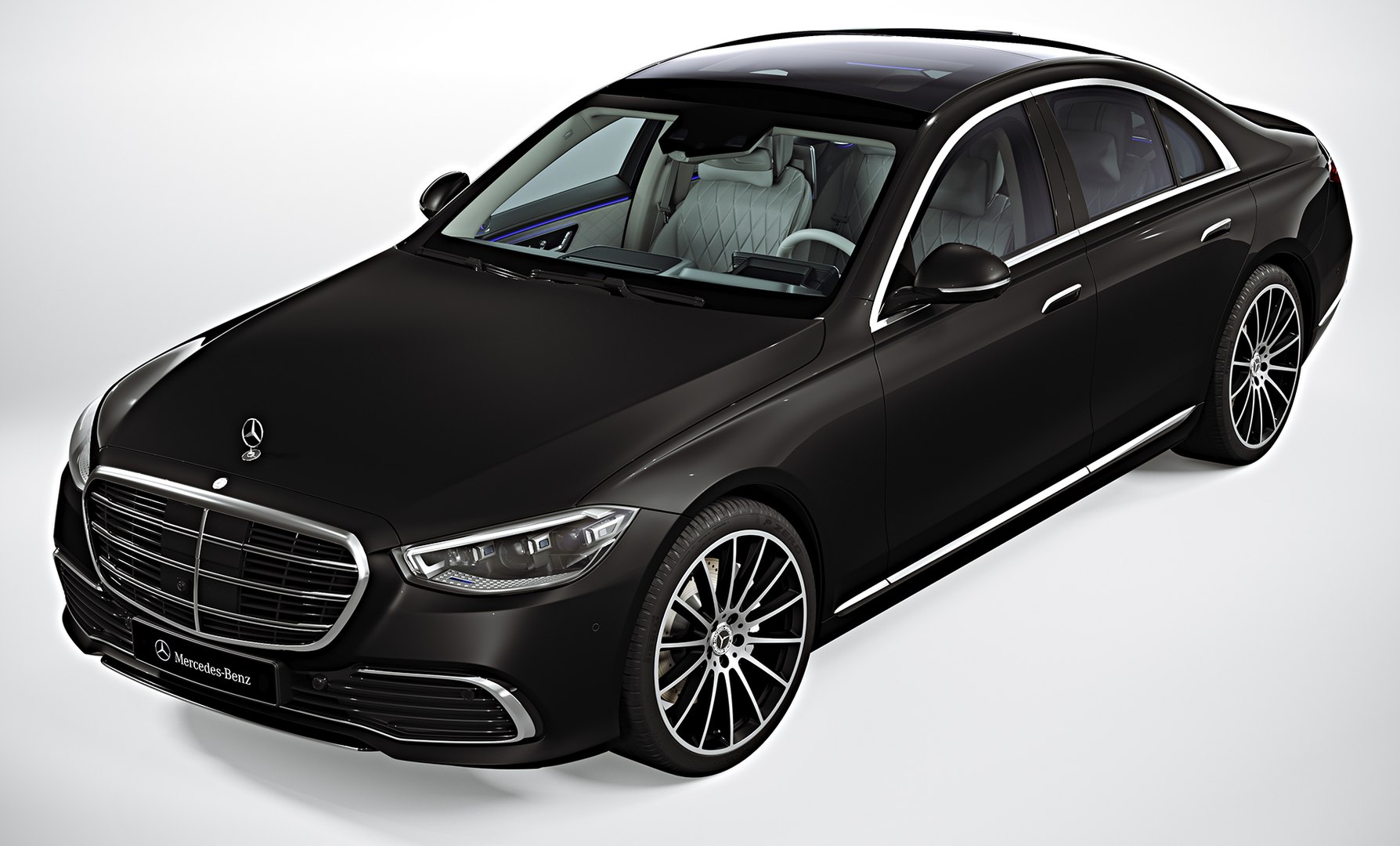
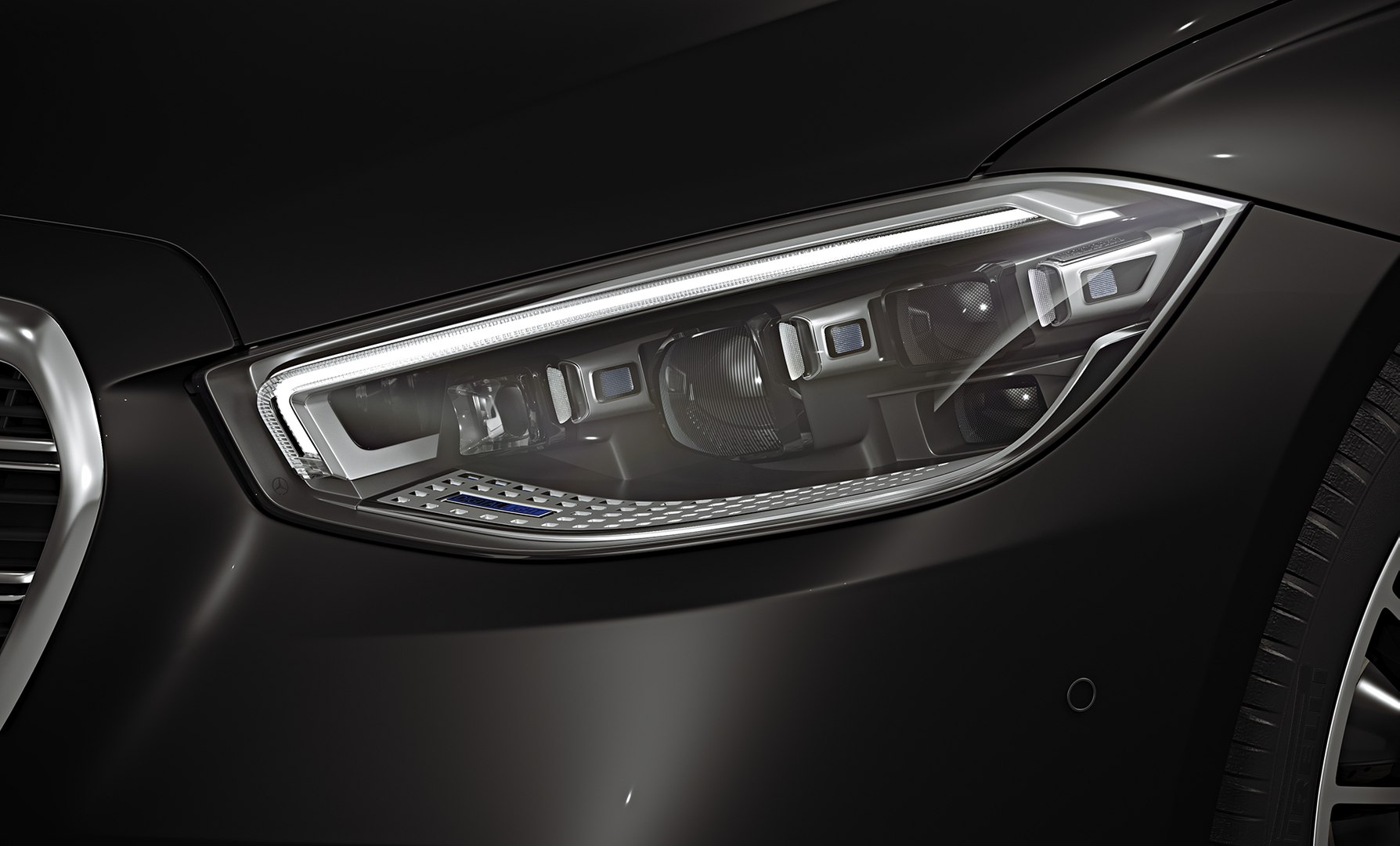
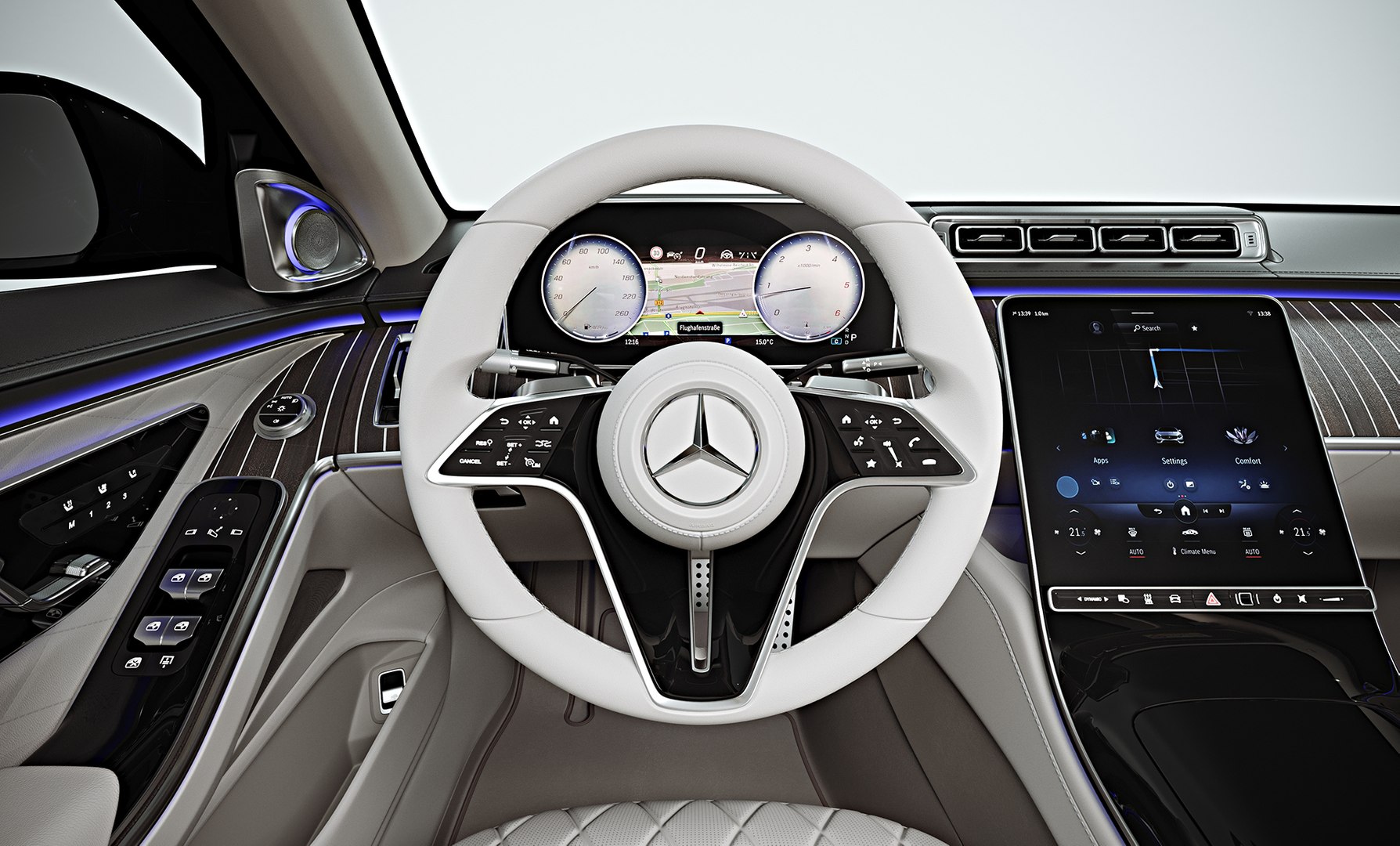
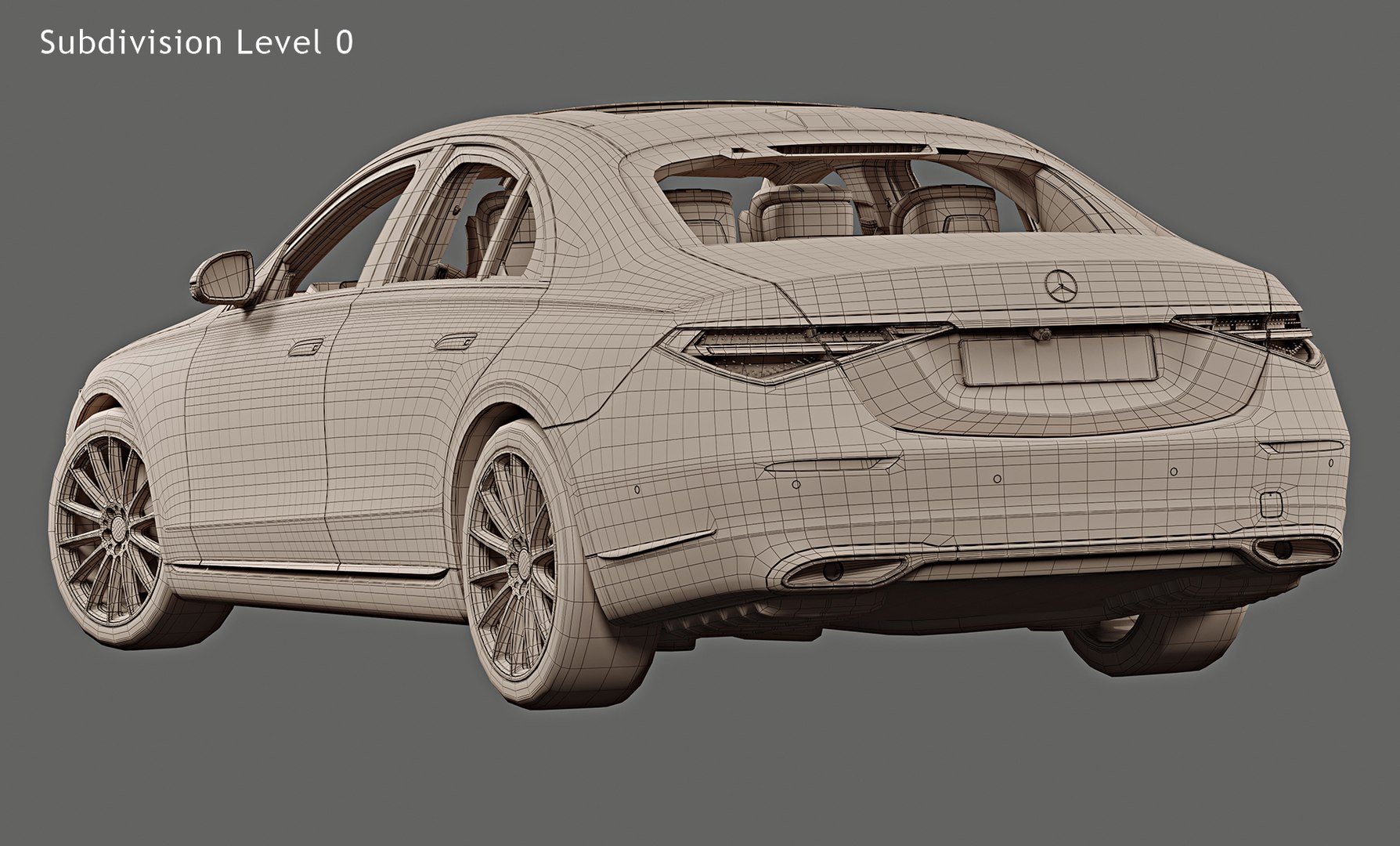
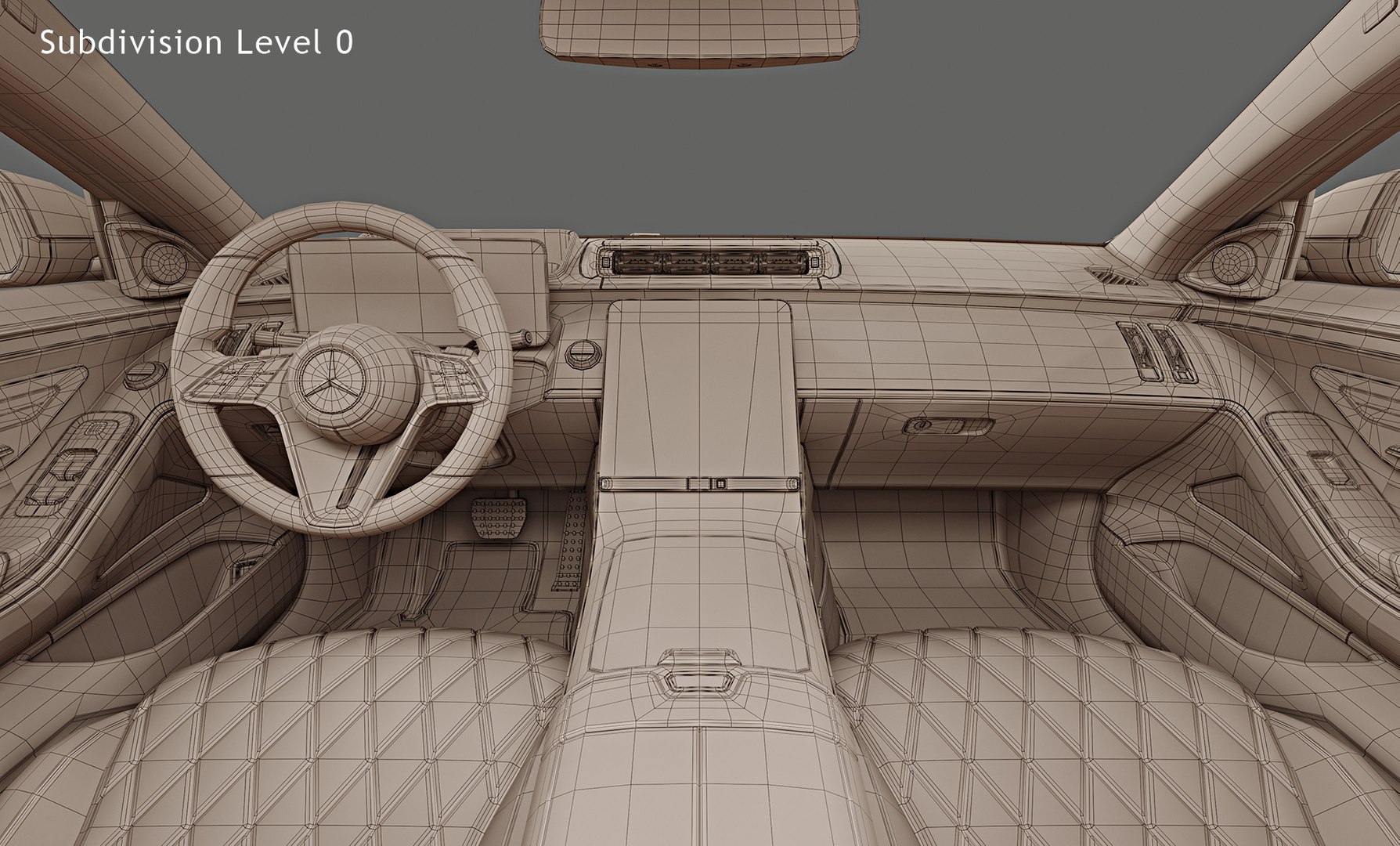
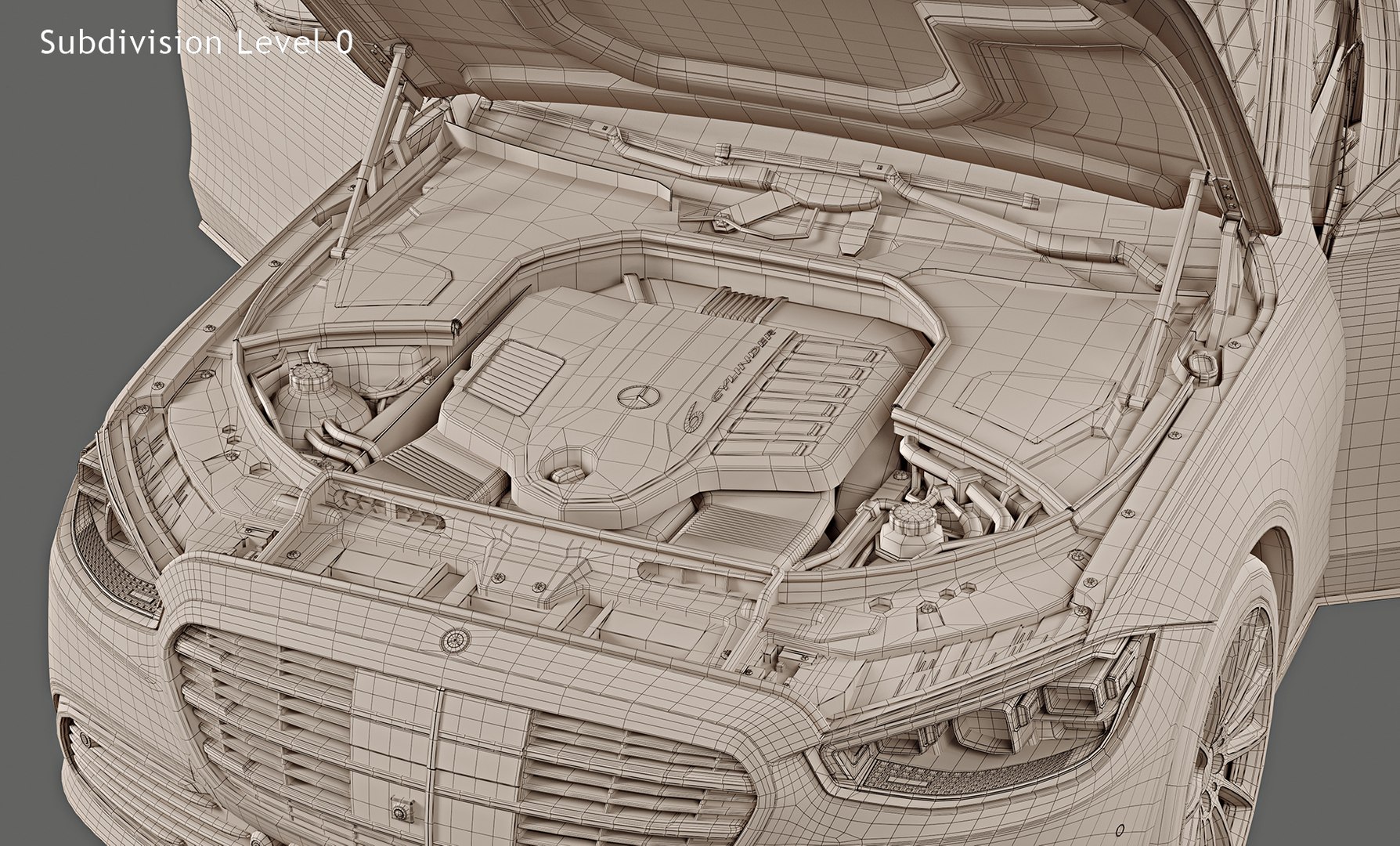
Photorealistic, high-quality and accurate 3D model of 2021 Mercedes-Benz S-Class Short wheelbase with high detailed interior and medium detailed engine compartment.
The model is suitable for Ultra HD rendering and further use in broadcast, high-res film close-up, advertising, etc.
The model can be also used in real-time applications (Unreal Engine, Unity and etc.) after a number of mesh optimizations, texture baking and other procedures executed on the customer's side.
The studio rendering quality shown on product previews is reachable "out-of-box" with no need of any additional manipulations, if you use 3ds max + Corona native file format.
Just download and hit "Render"!
Main features:
- Originally created with 3ds Max 2015
- Two MAX files with Corona and Standard 3ds Max materials
- Subdivision modifier is available in the history for MAX, MB and C4D file formats. You can get access to original non-smoothed mesh by deactivating the Subdiv modifier
- Separate objects like body, wheels and doors. Total number of objects is 28
- Doors, trunk, hood and fuel cap can be opened
- Unit system is set to metric (millimeters). Real-world scale
- All textures and materials are included and assigned
- 26 textures, which vary in resolution from 33x796px to 4096x4096px
- Windshield, rear window and back side windows are using high resolution transparency mask texture
- Previews rendered in 3ds Max 2015 with Corona 5.0
Special notes:
- FBX and OBJ formats are recommended for import in other 3d software. If your software doesn't support FBX or OBJ format, please use 3DS format; FBX and OBJ formats were exported from 3ds Max. The geometry for FBX and OBJ formats is set to quads
- FBX format is recommended for importing in real-time engines like Unreal Engine, Unity and etc.
- MAX files can be loaded in Autodesk 3ds Max 2015 or higher. In order to use Corona rendering setups and materials, Corona 3.0 or higher is needed
- C4D file can be loaded in MAXON Cinema4D R17 or higher. Only standard Cinema4D materials and standard renderer used
- MB file can be loaded in Autodesk Maya 2015 or higher. Only standard Maya materials and standard Hardware 2.0 renderer used
Polycounts:
MAX format (one file included with TurboSmooth iteration 1 applied to all objects):
no TurboSmooth: 479,886 faces and 532,995 vertices
TurboSmooth iteration 1: 1,912,712 faces and 2,023,874 vertices
TurboSmooth iteration 2: 7,650,848 faces and 7,871,284 vertices
MB and C4D formats (only one file for each format included with Subdivision iteration 1 applied to all objects):
no Subdiv: 479,886 faces and 532,995 vertices
Subdiv iteration 1: 1,912,712 faces and 2,023,874 vertices
Subdiv iteration 2: 7,650,848 faces and 7,871,284 vertices
FBX and OBJ formats (3 files included for each format):
low: 479,886 faces and 532,995 vertices
medium: 1,912,712 faces and 2,023,874 vertices
high: 7,650,848 faces and 7,871,284 vertices
3DS format (3 files included):
low: 952,940 faces and 592,938 vertices
medium: 3,825,424 faces and 2,174,438 vertices
high: 15,301,696 faces and 8,390,795 vertices