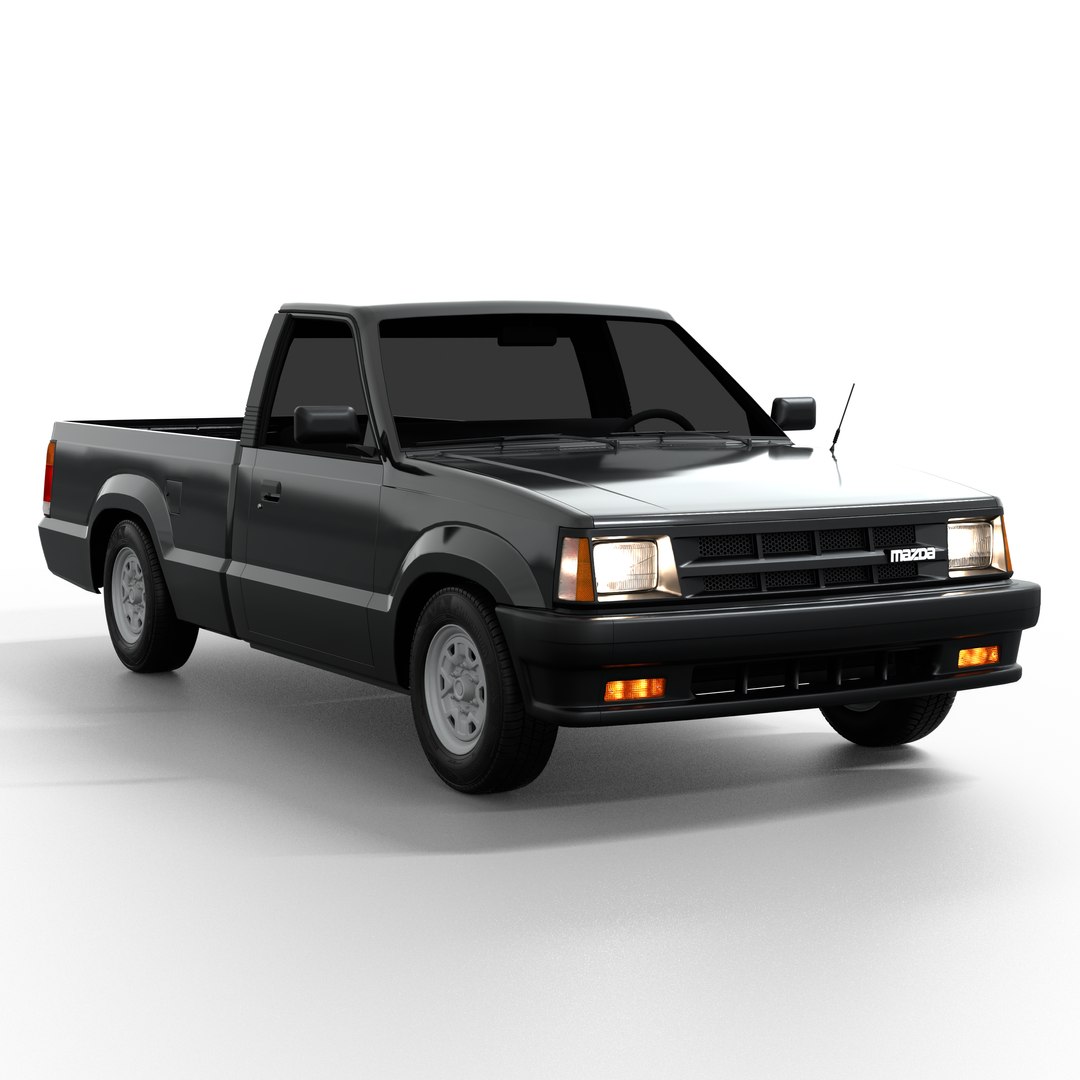
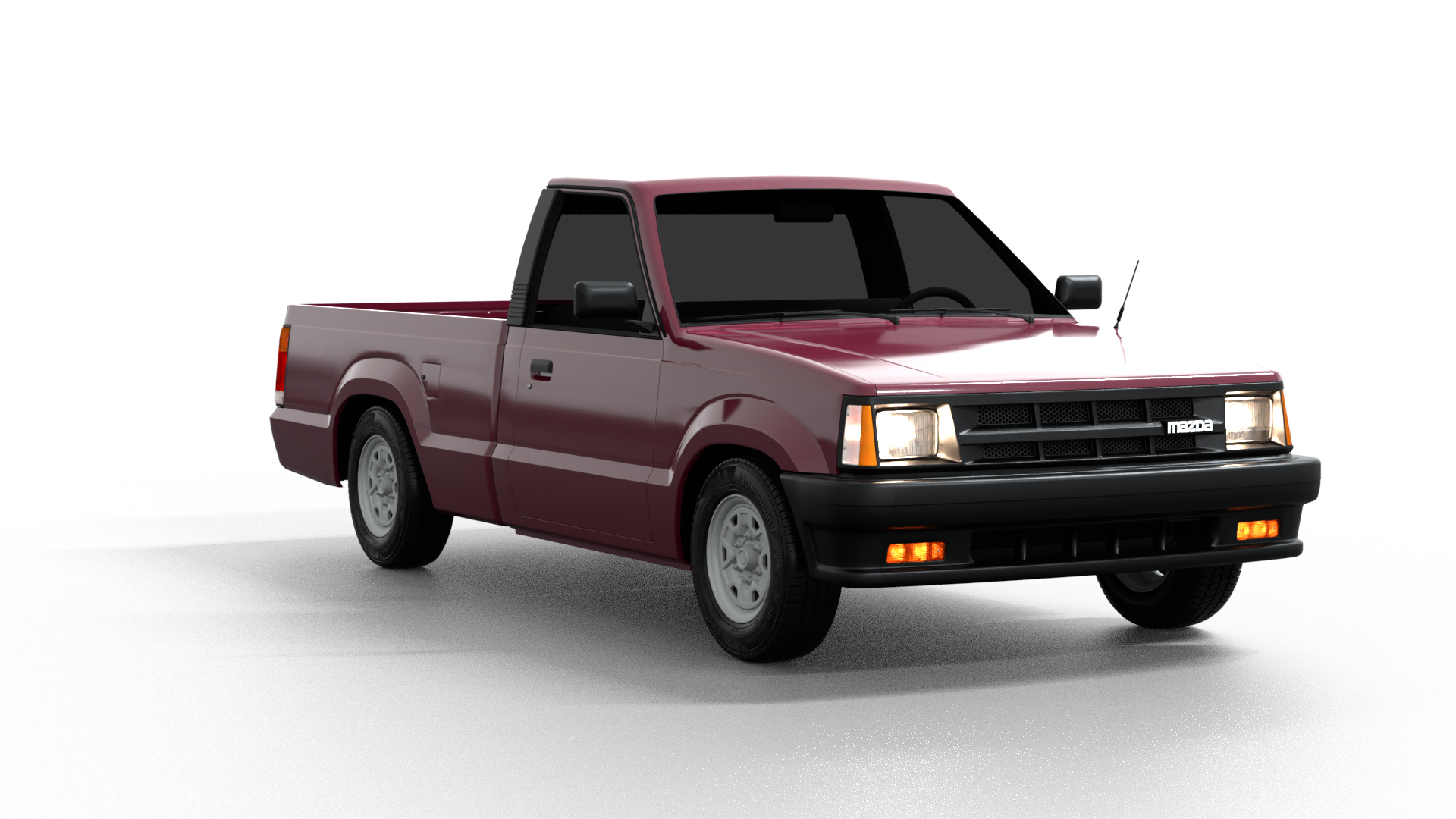
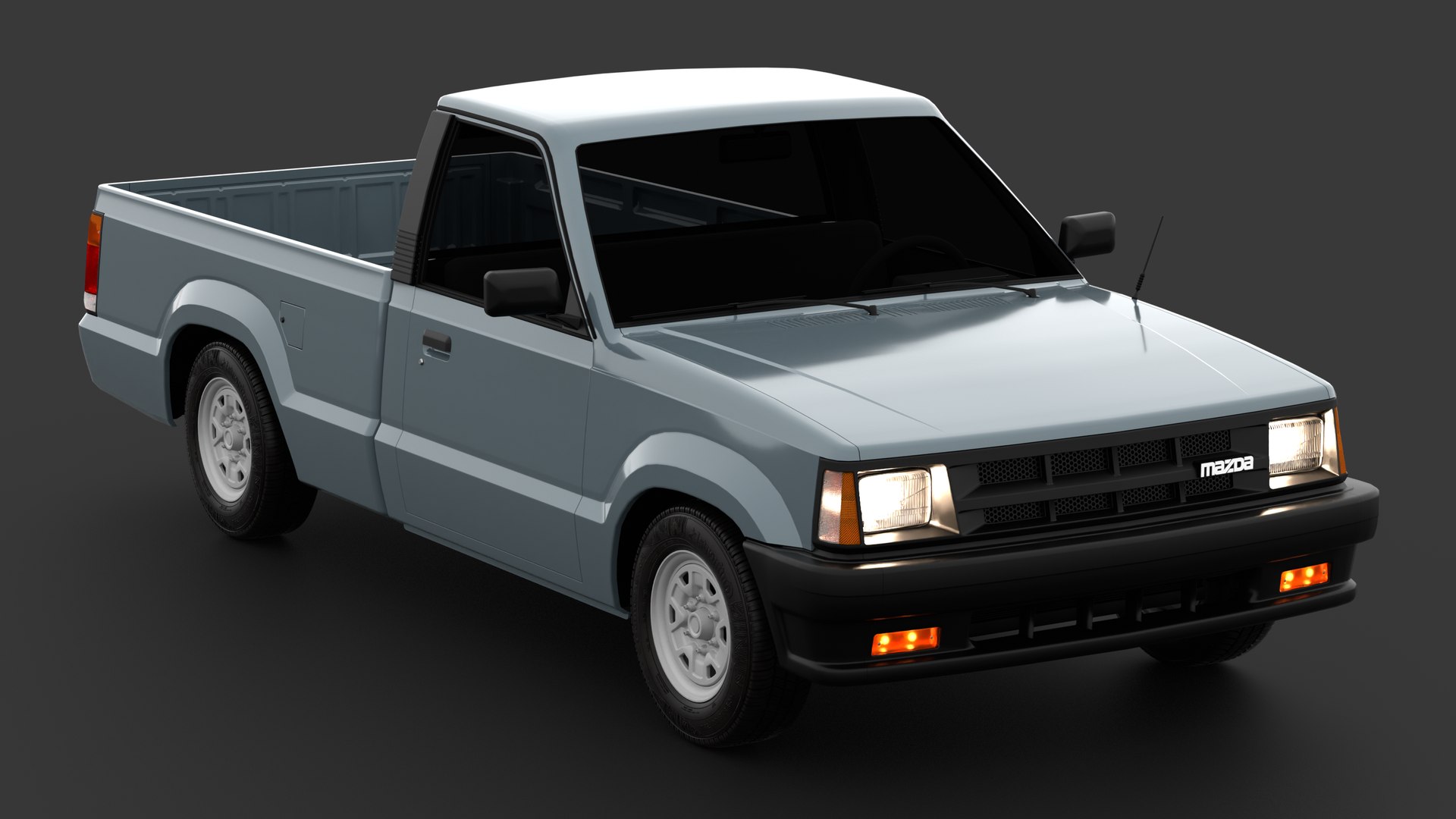
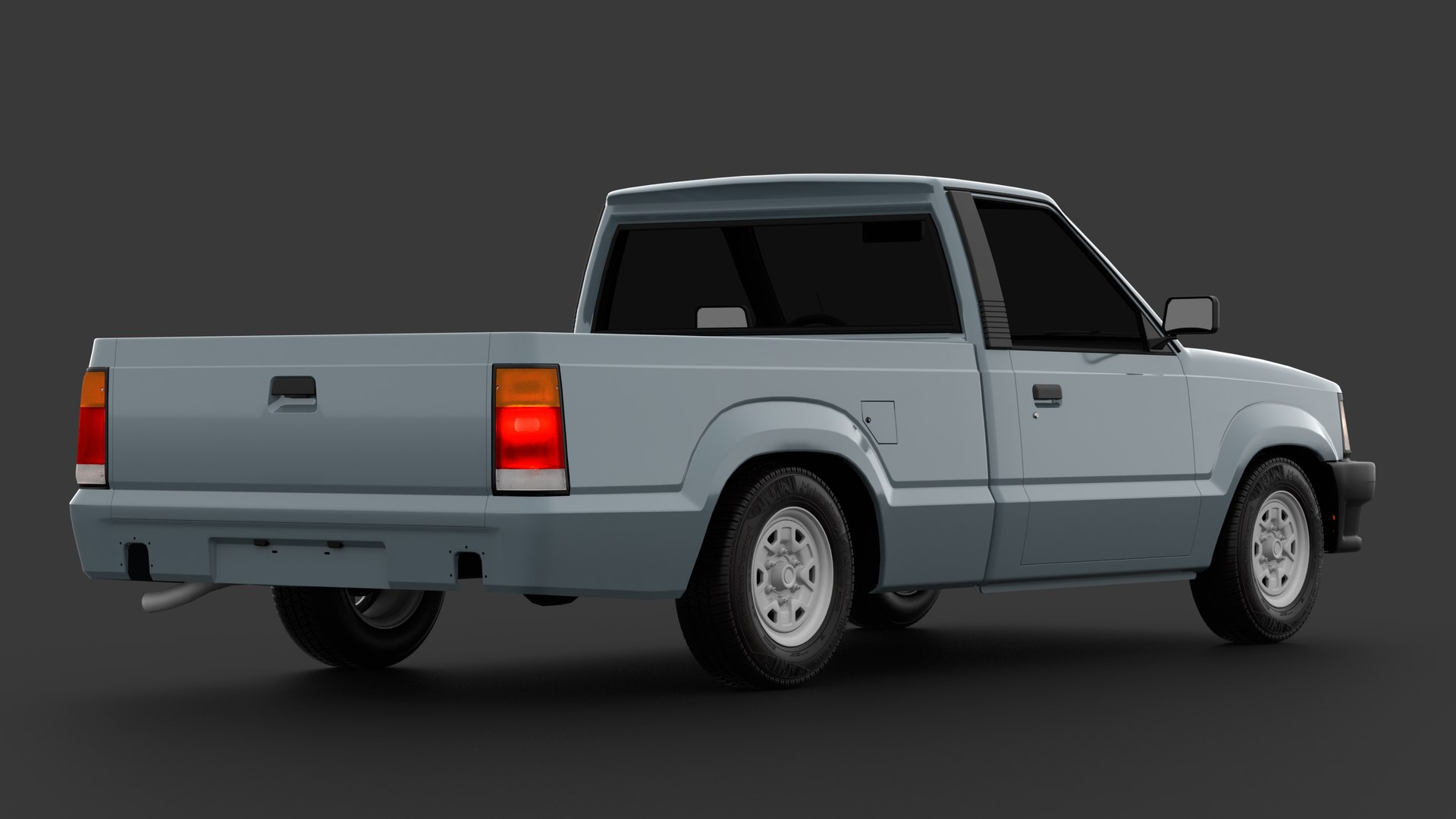
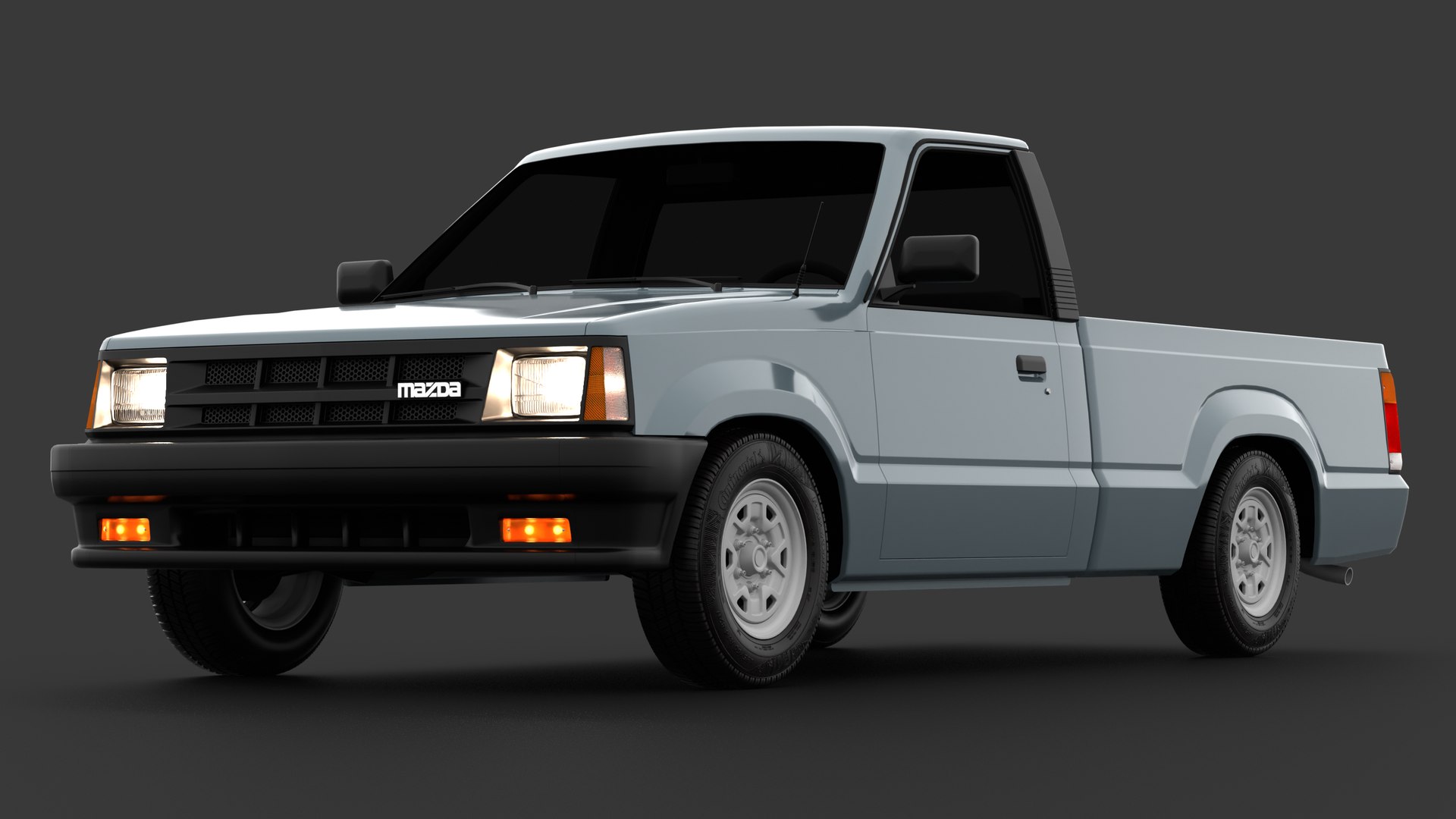
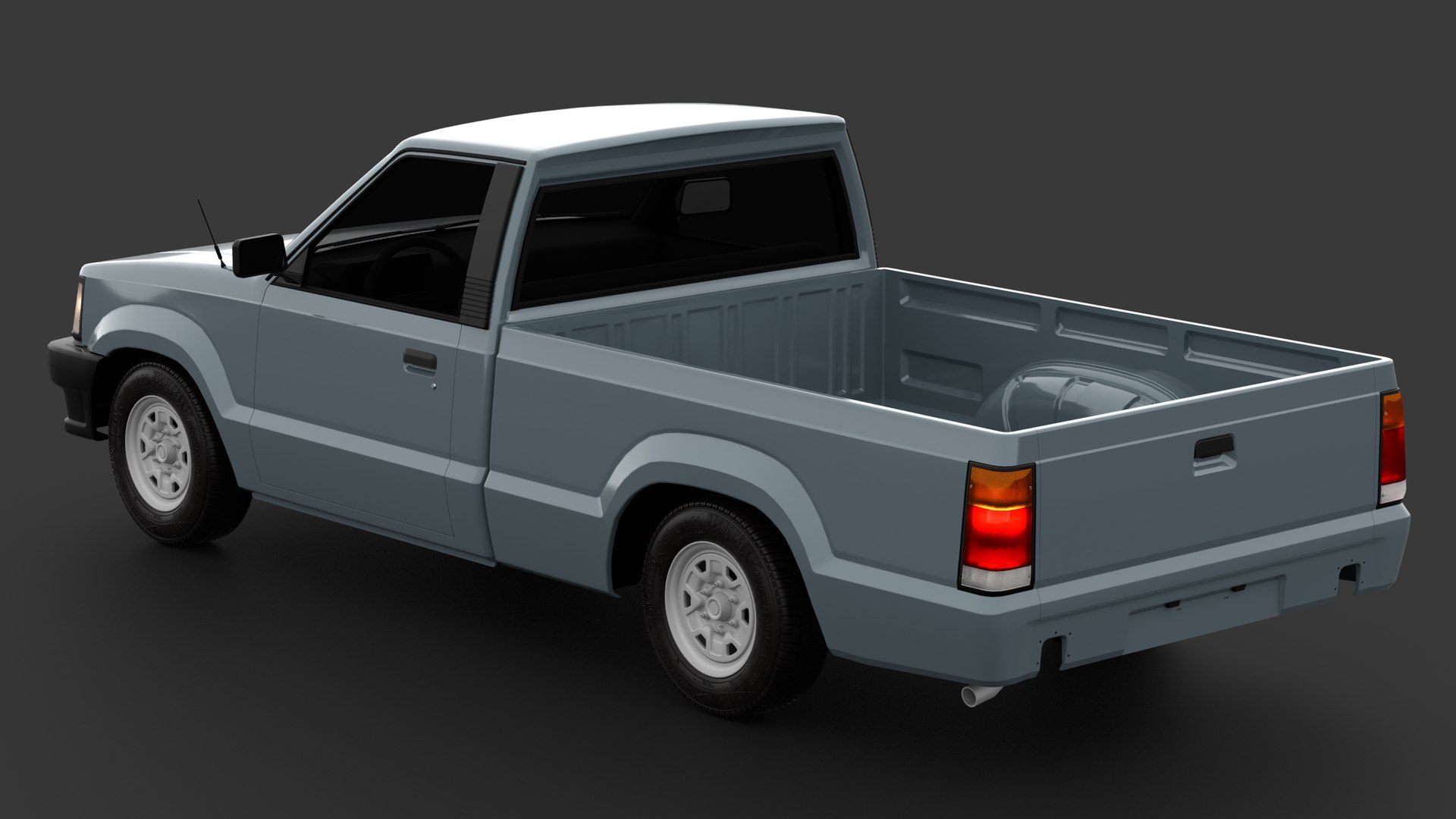
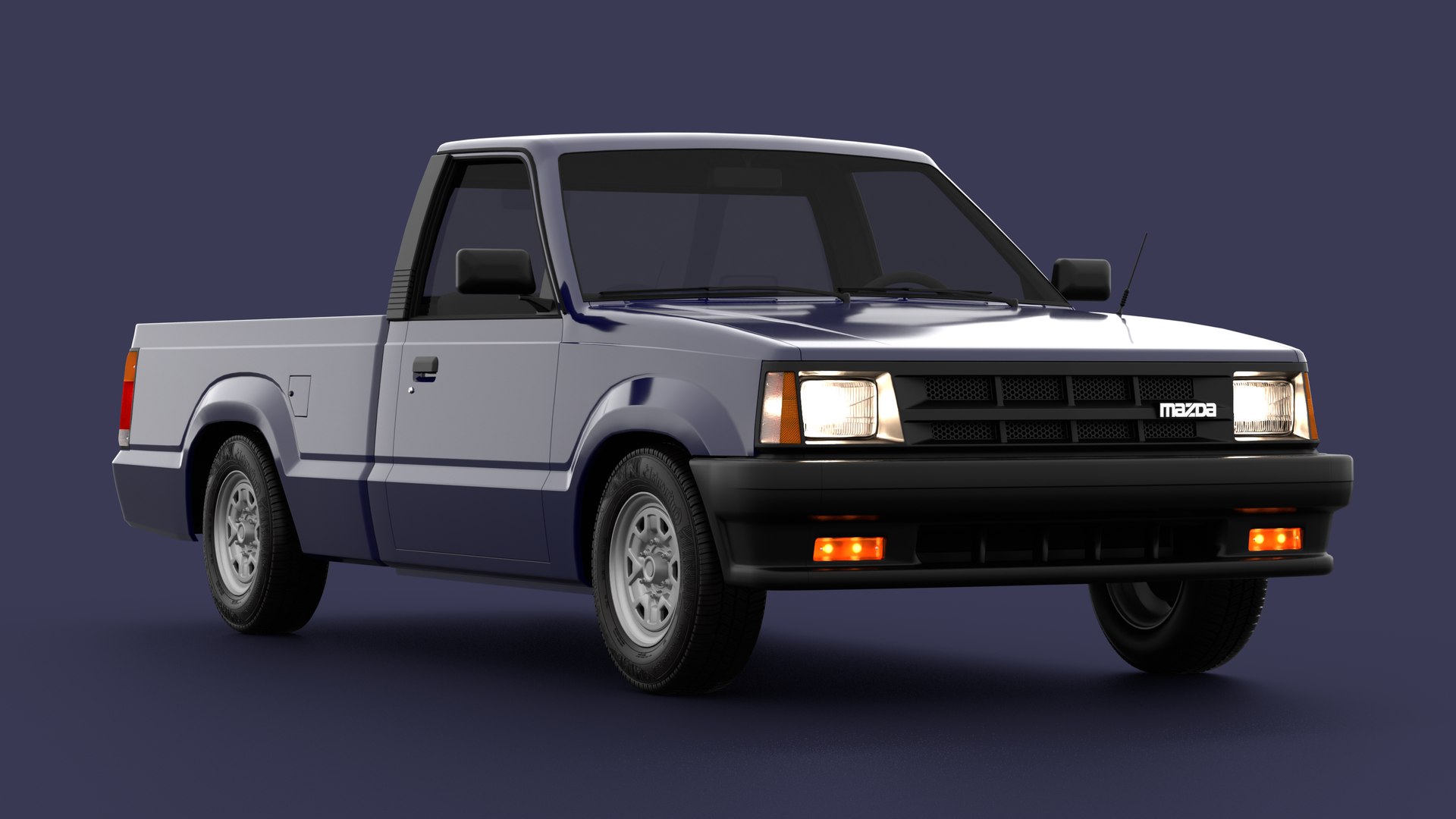
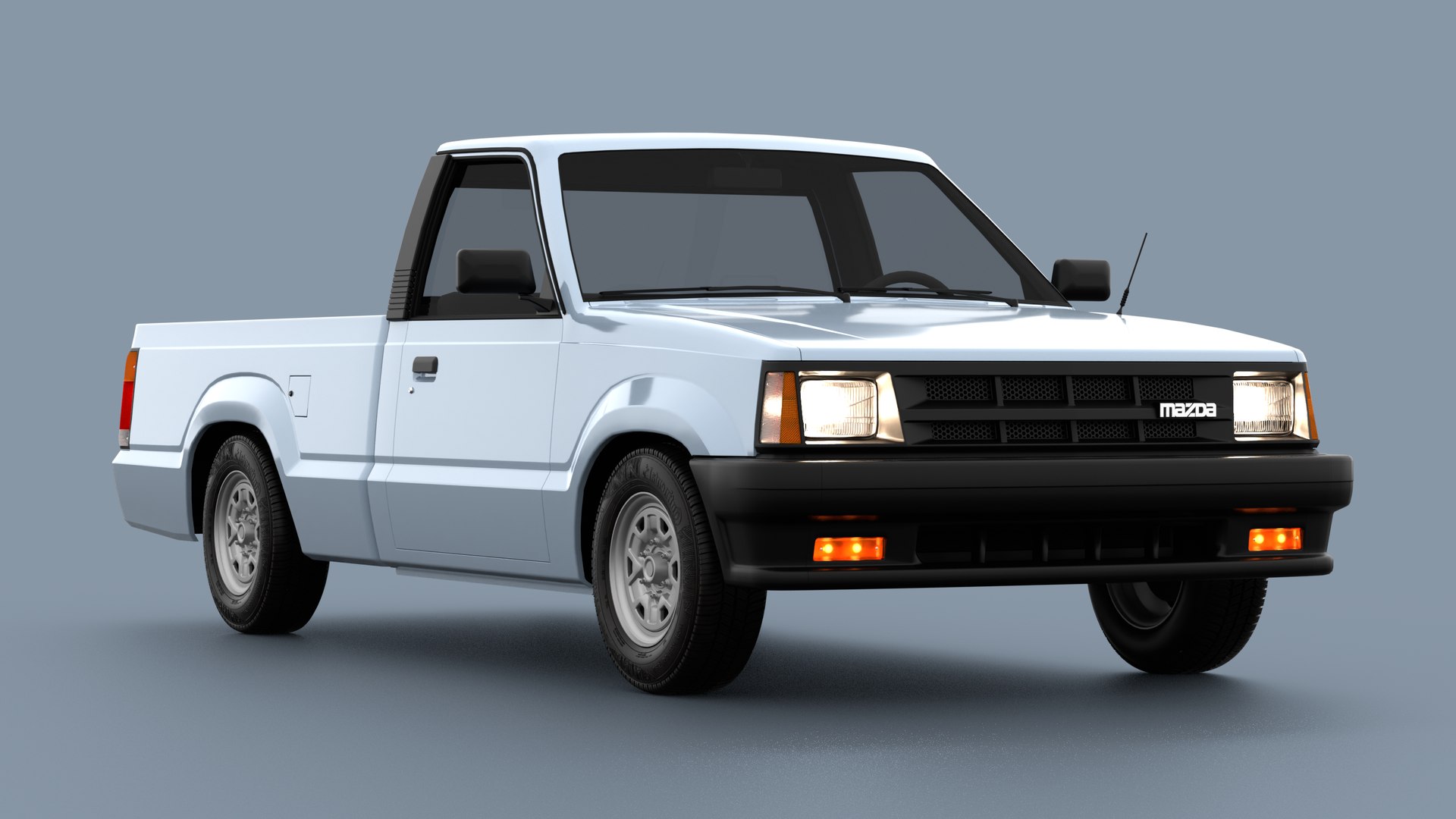
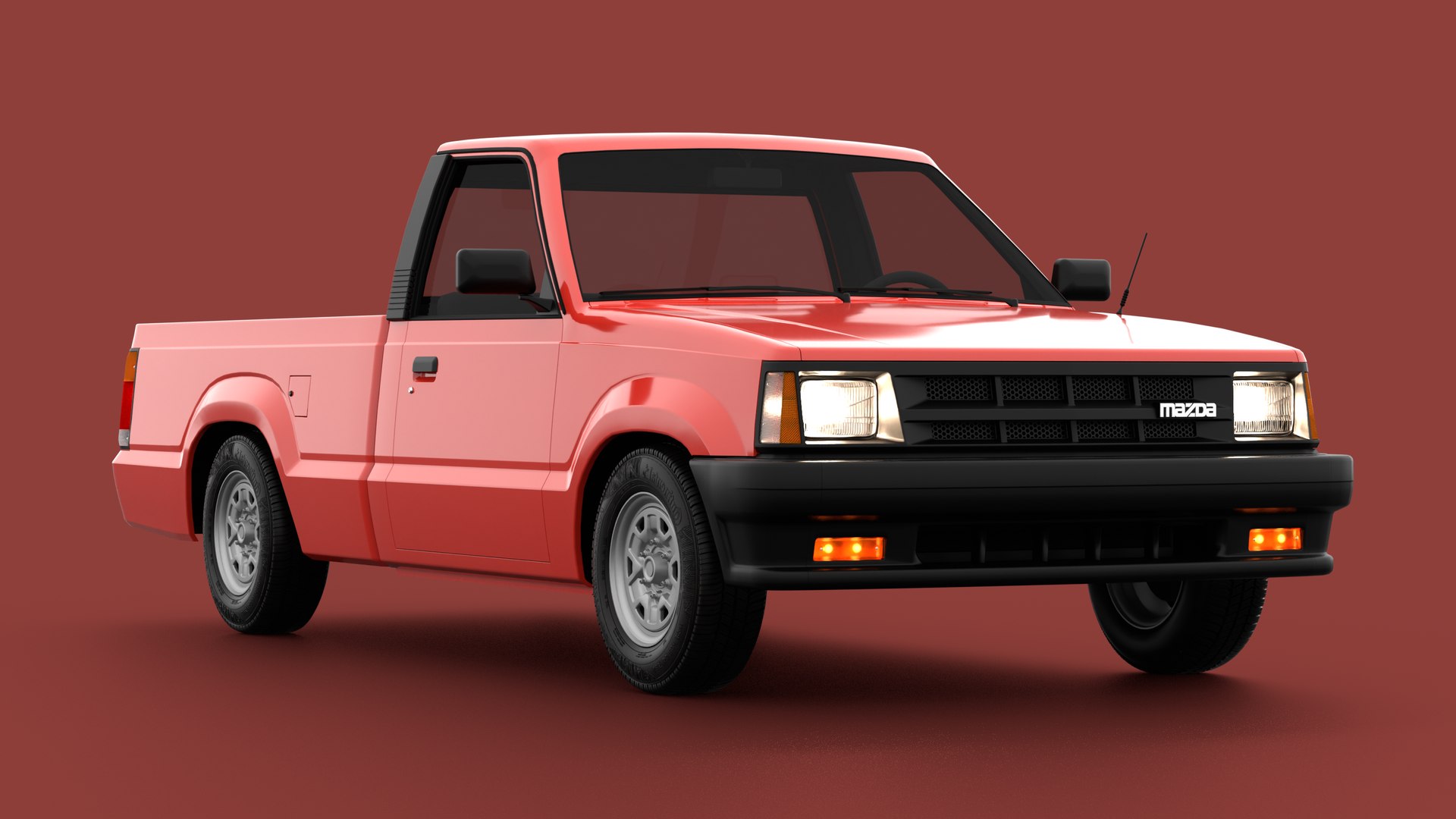
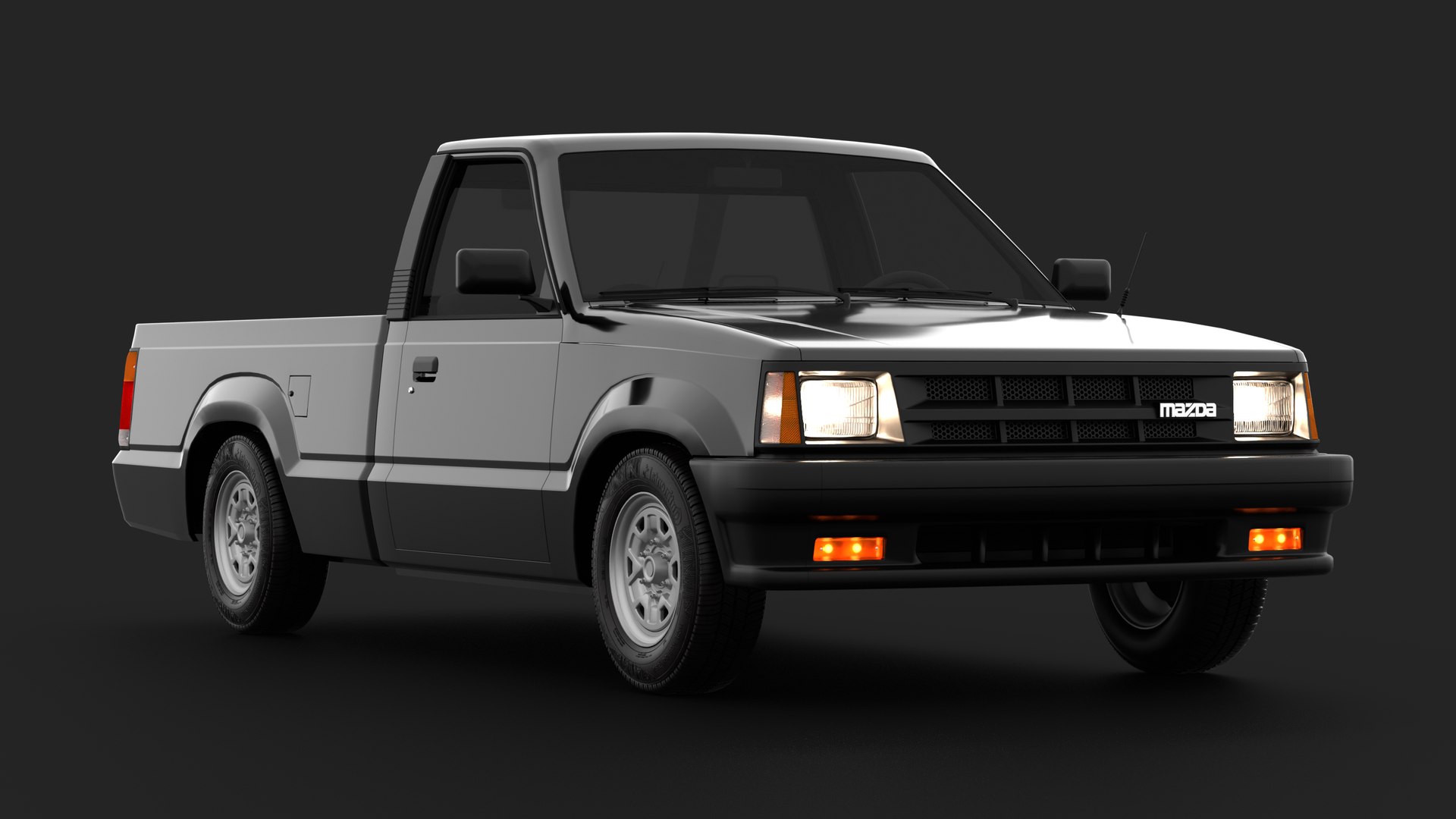
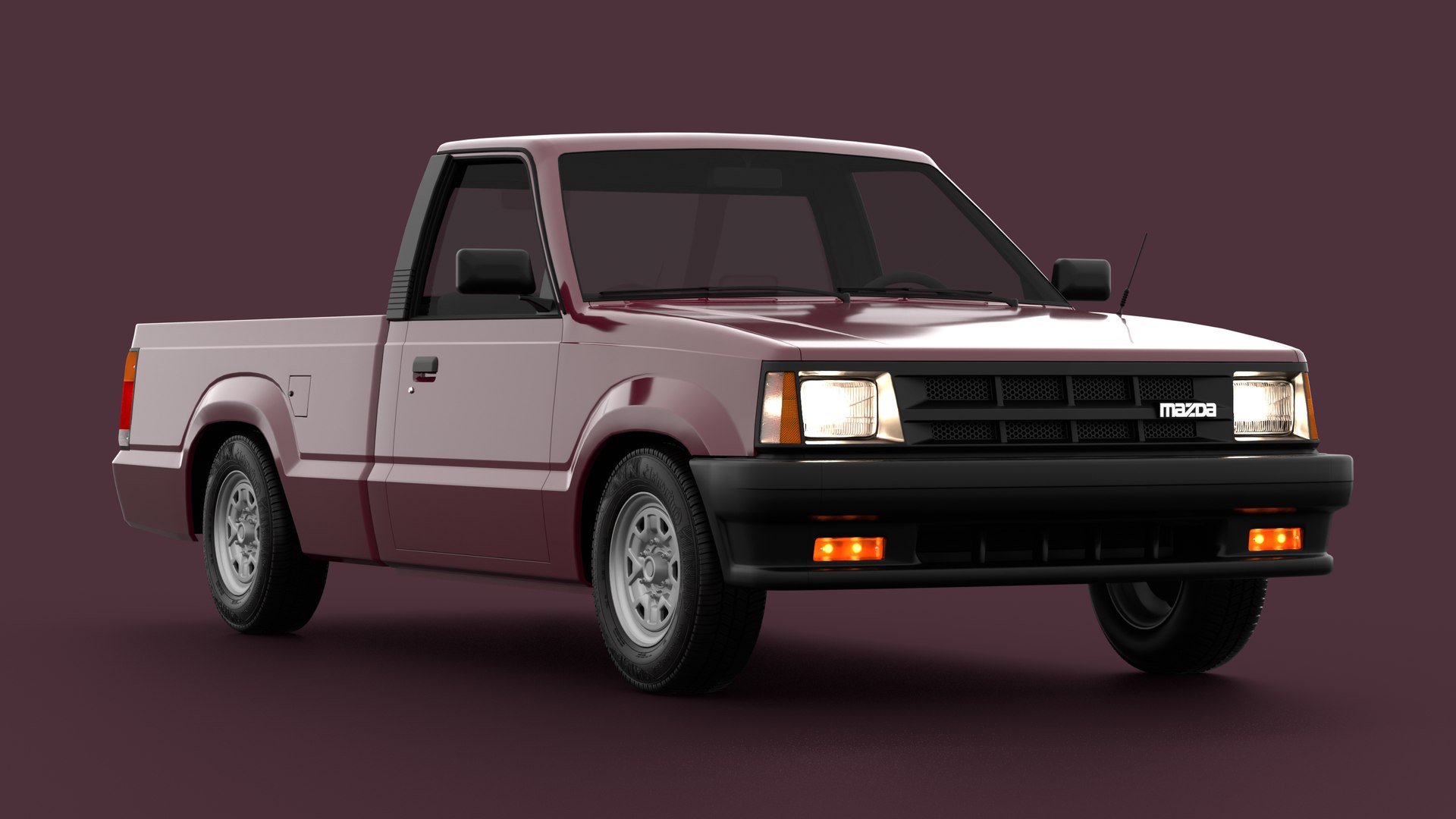
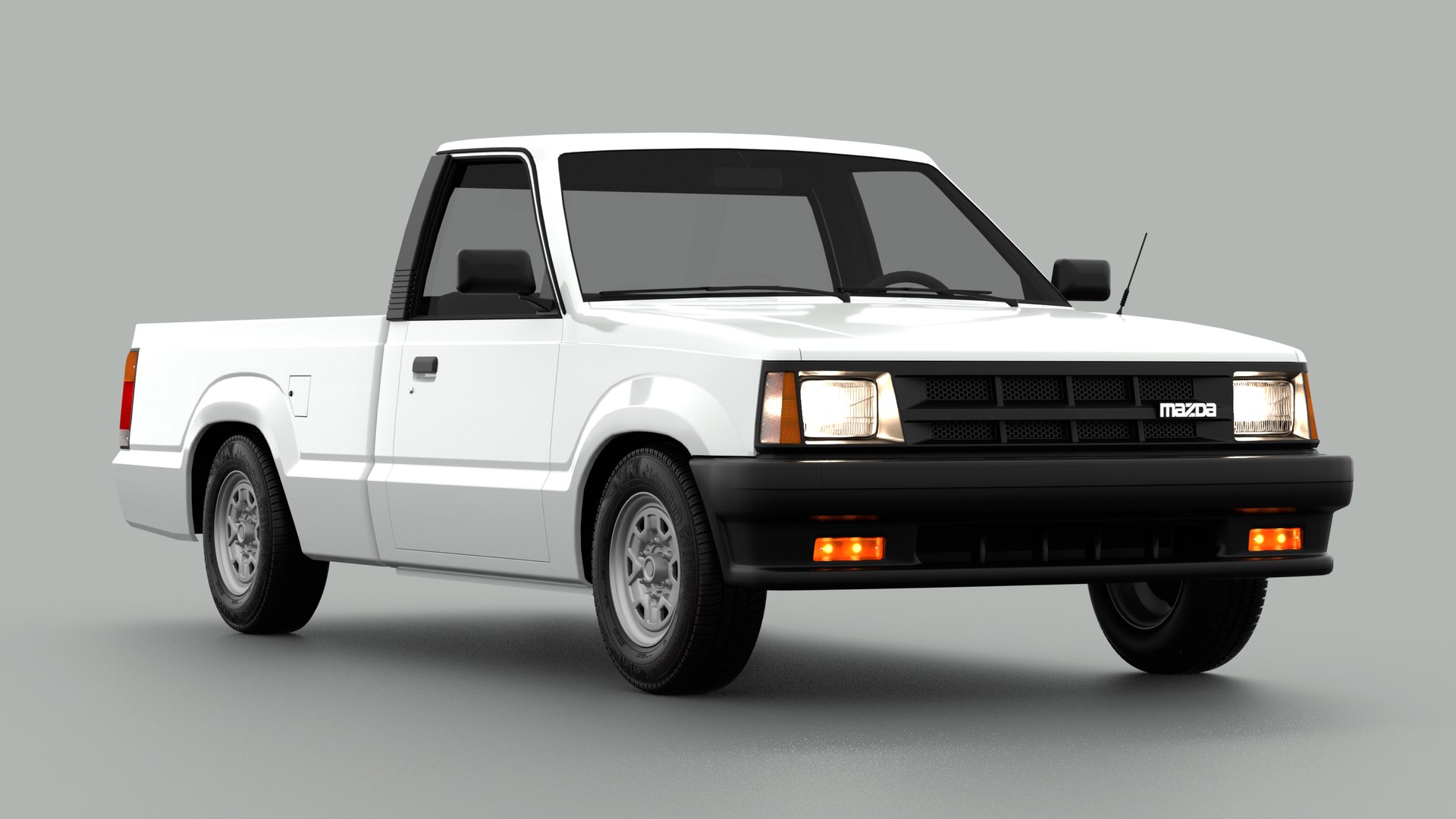
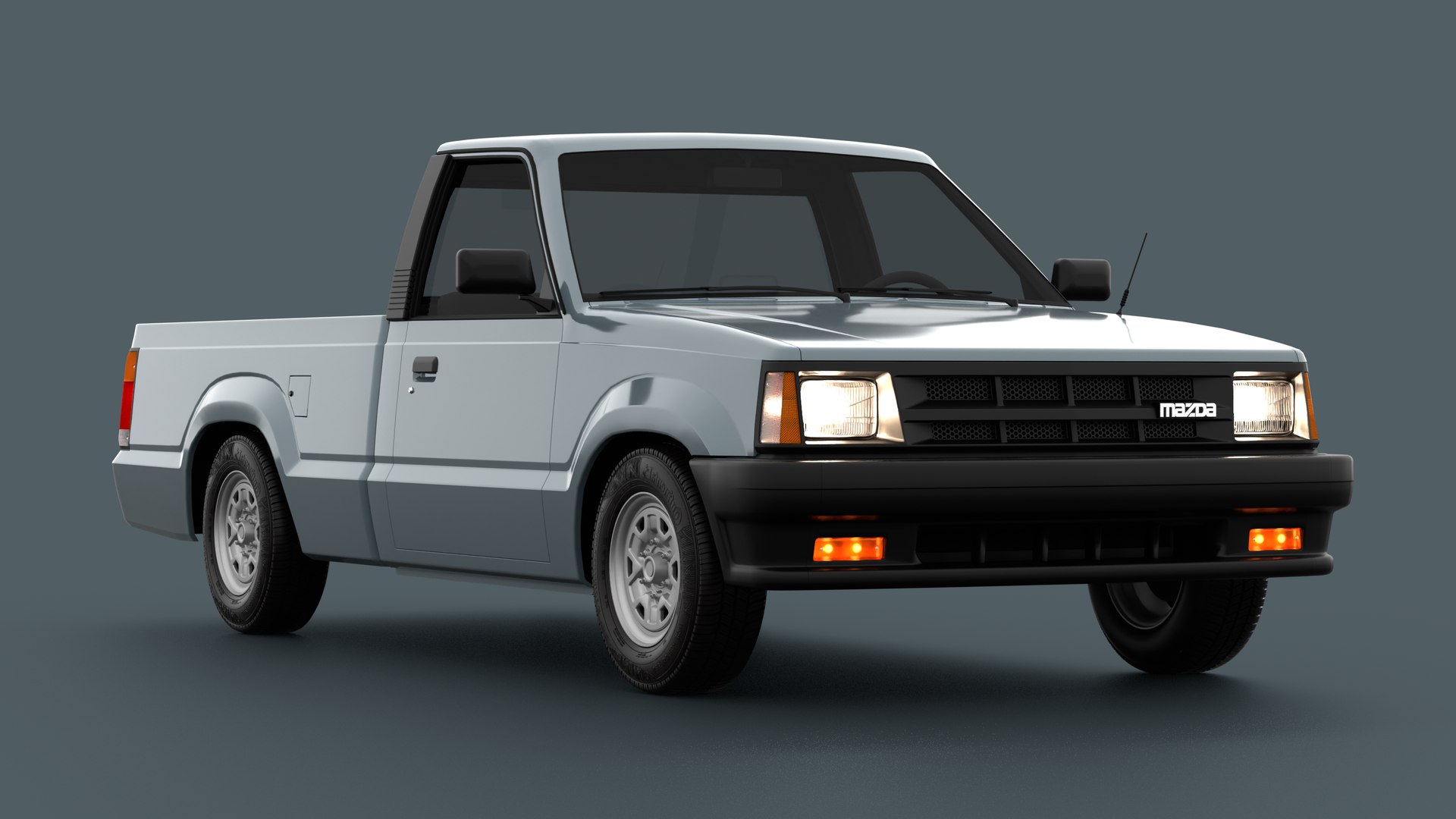
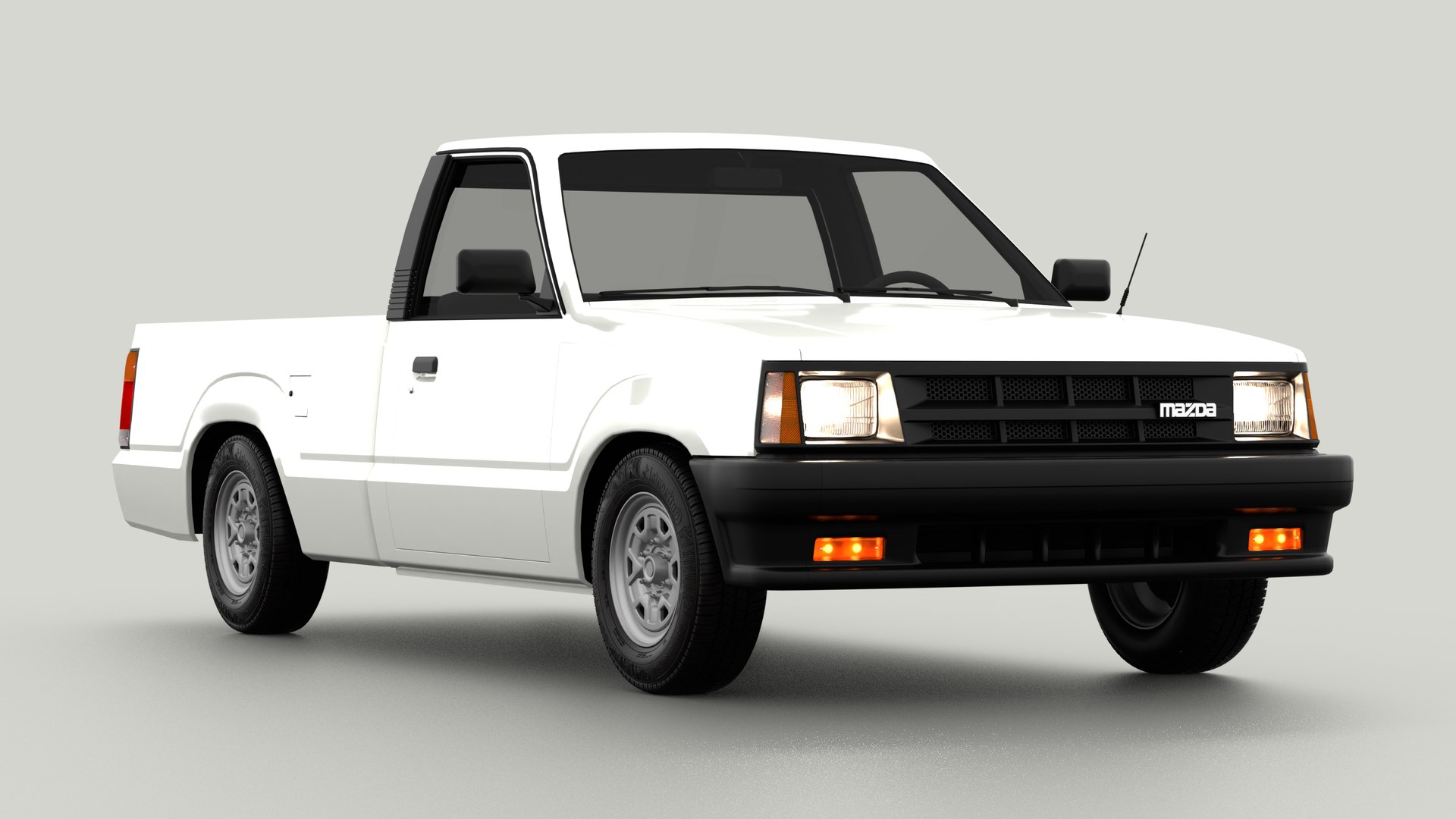
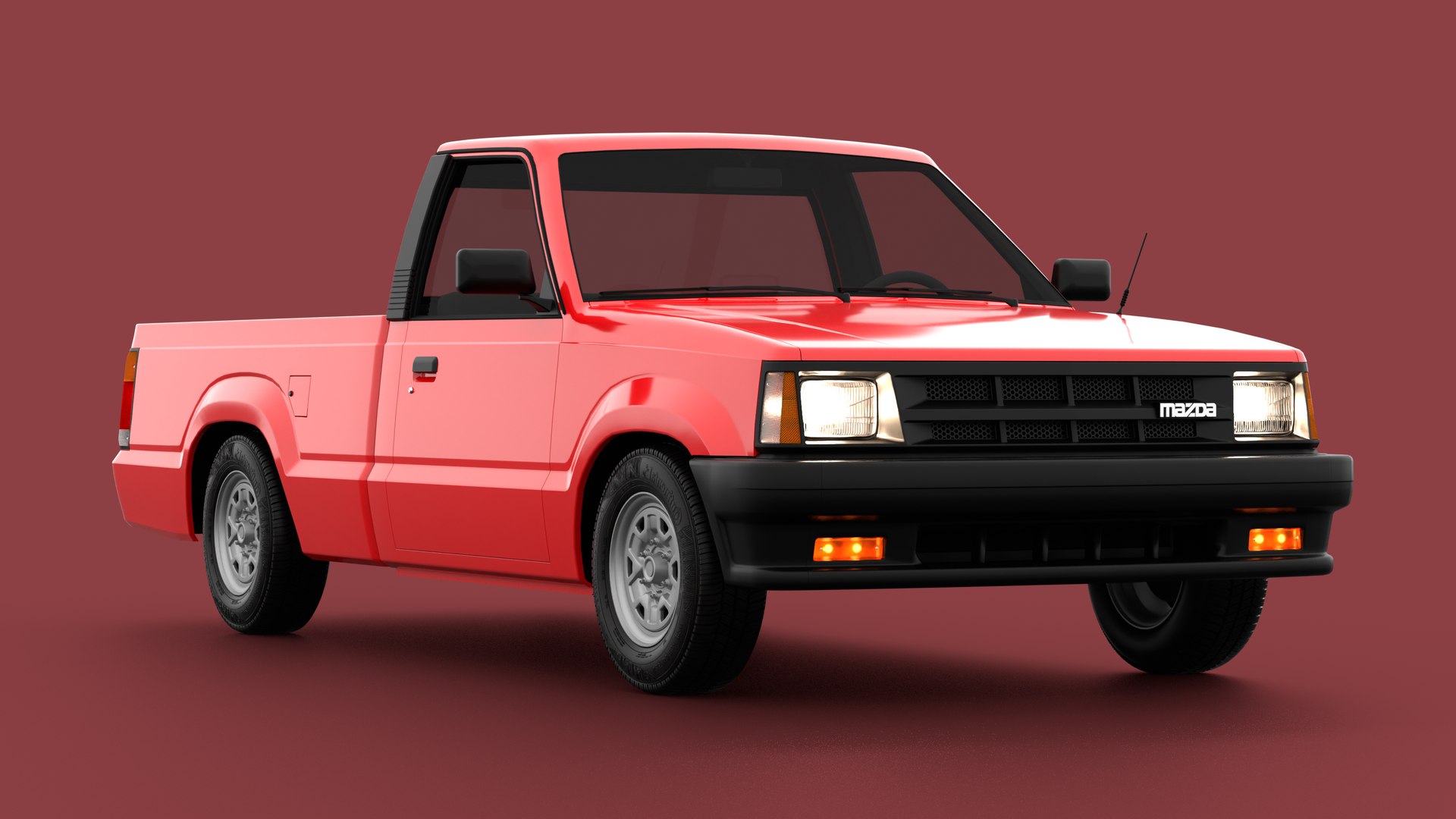
Mid-Poly 3D model of a 1985 - 1998 Fourth Generation Mazda B2200 lightweight pickup truck.
---------------------------------------------
Features:
- Both exported 3D model files and the .blend file used for the modelling (created originally with blender 2.9 and 3.0);
- Non-subdivided, mid-poly model, set to real scale;
- Basic, non-detailed interior, allowing for realistically transparent glass for exterior shots without compromising polygon counts;
- Separated and organised objects (total of 55, plus the environment setup inside the blender file, amounting to 62 individual objects);
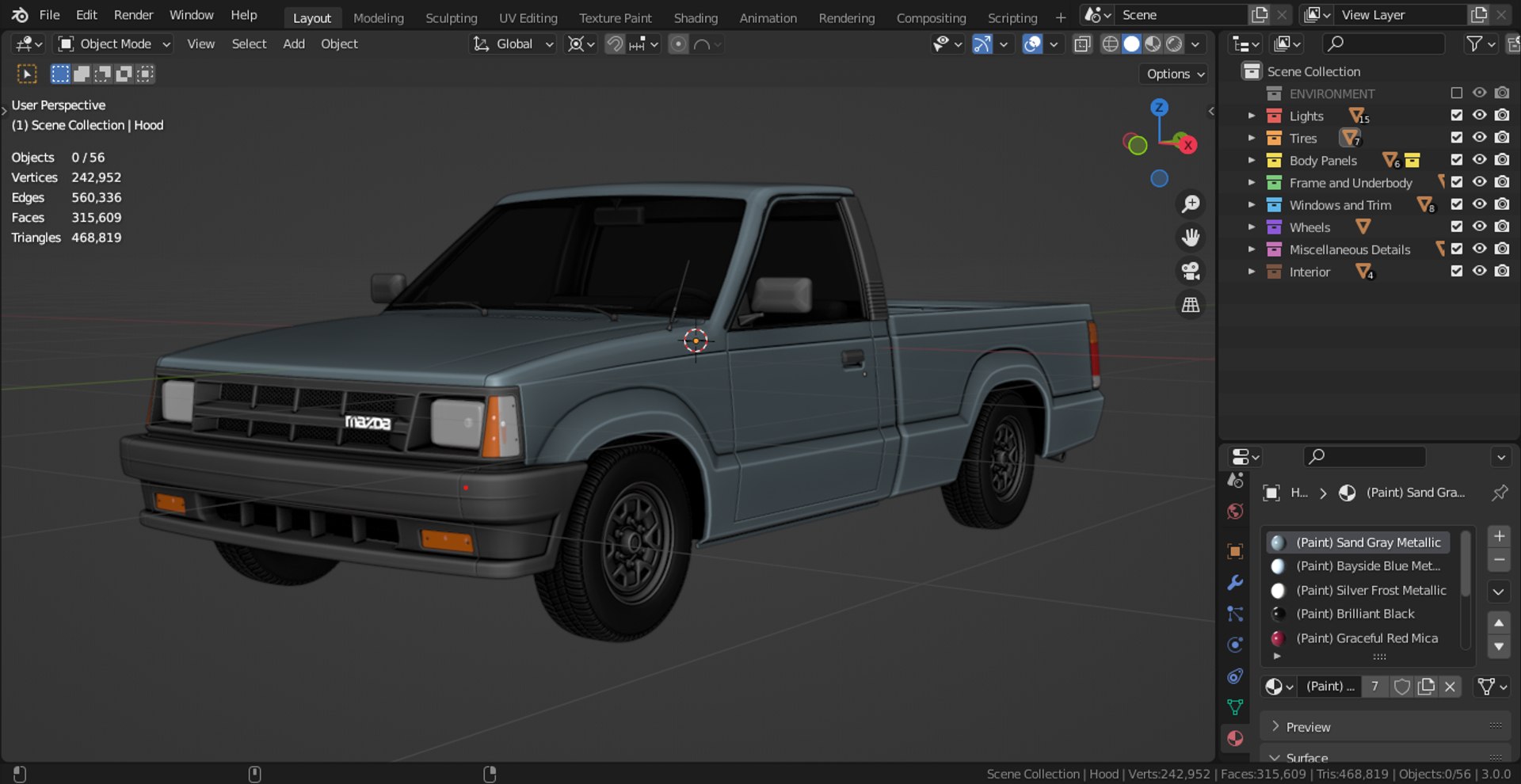
- Fully organized .blend file, with coloured collections, proper object naming (separated between Lights, Tires, Wheels, Body Panels, Painted Outer Panels, Frame and Underbody, Windows and Trim, Miscellaneous Details and Interior), correctly assigned materials and naming, and individually configured material appearences, for easier visualisation in the viewport shading mode;
- Material setups for all nine original factory colours offered along the production run of the real-life counterpart of the model: Baja Blue, Bayside Blue Metallic, Bright Red, Brilliant Black, Graceful Red Mica, Noble White, Sand Gray Metallic, Silver Frost Metallic and Sunrise Red;
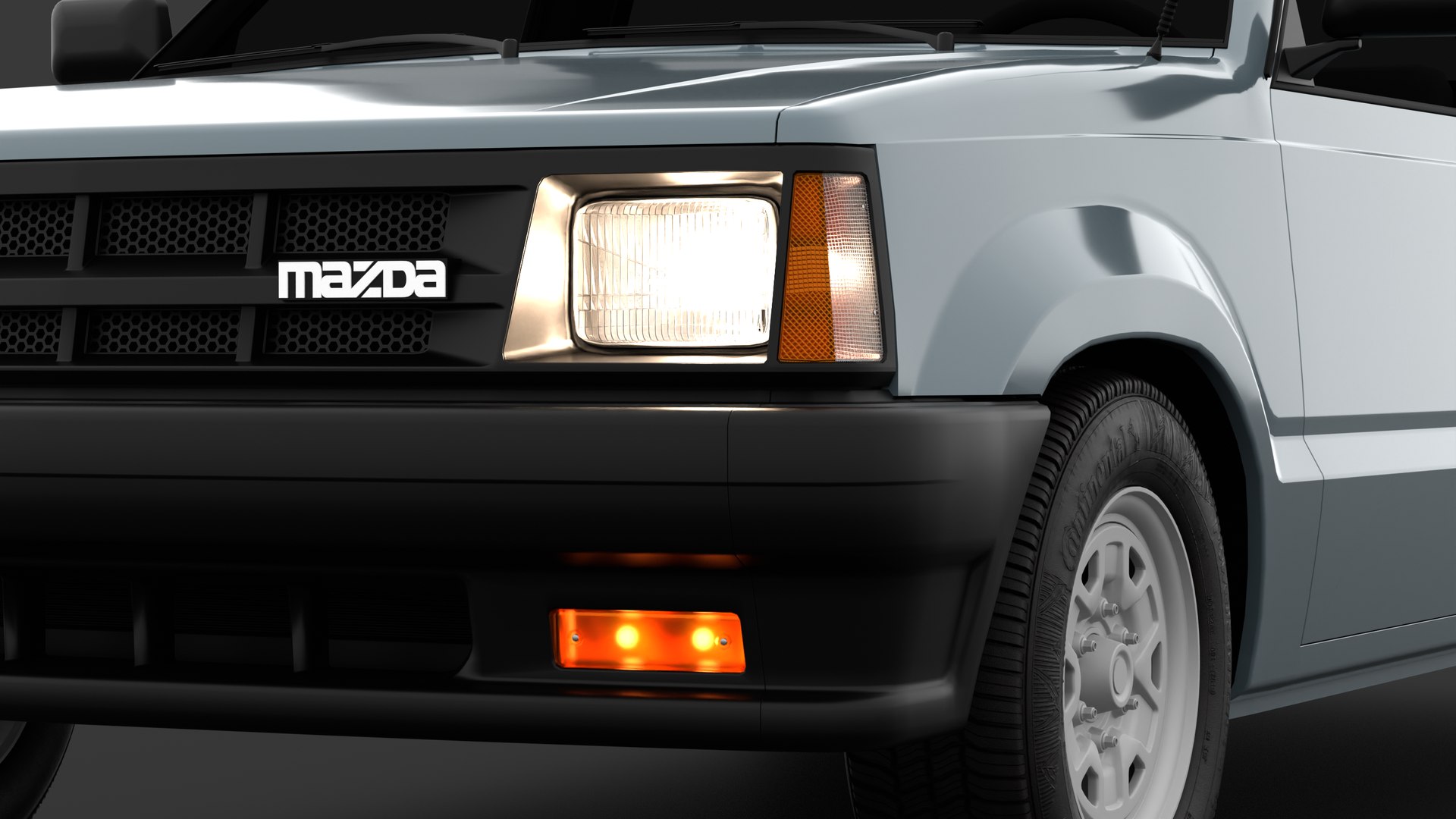
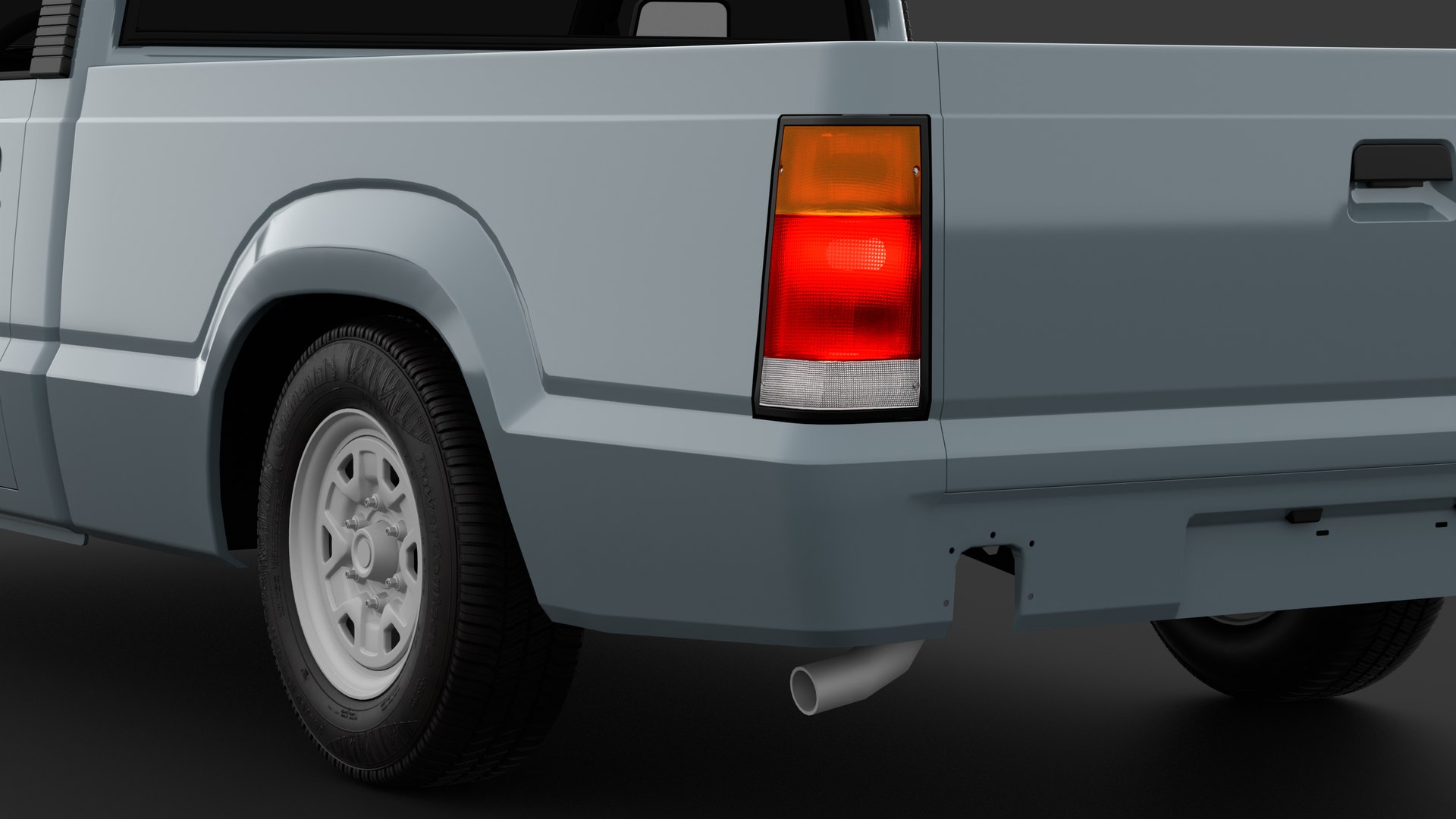
- A total of five textures: 2048x2048 custom, manually made bump maps for the bumper indicators, headlights, taillights and upper indicators ([ Bumper Indicator Bump.png ], [ Headlight Bump Map.png ], [ Taillights Bump Map.png ], and [ Upper Indicators Bump.png ], respectively), as well as a 6000x6000 custom made bump map for the sidewalls of Continental Conti PowerContact 2 tires [ Continental Conti Powercontact 2 Sidewall Bump Map.png ].
- Detailed material setups for all the lights around the vehicle;
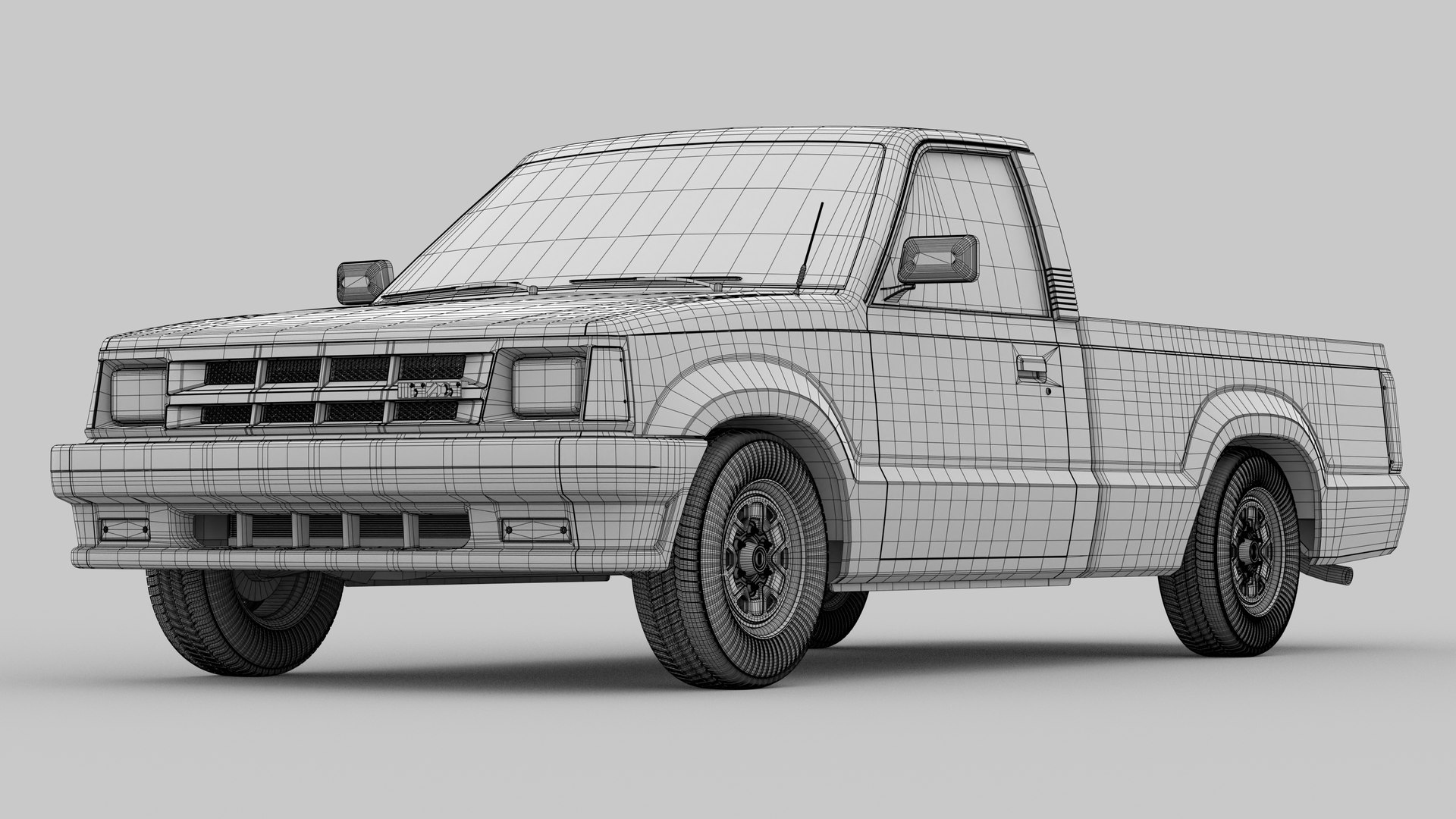
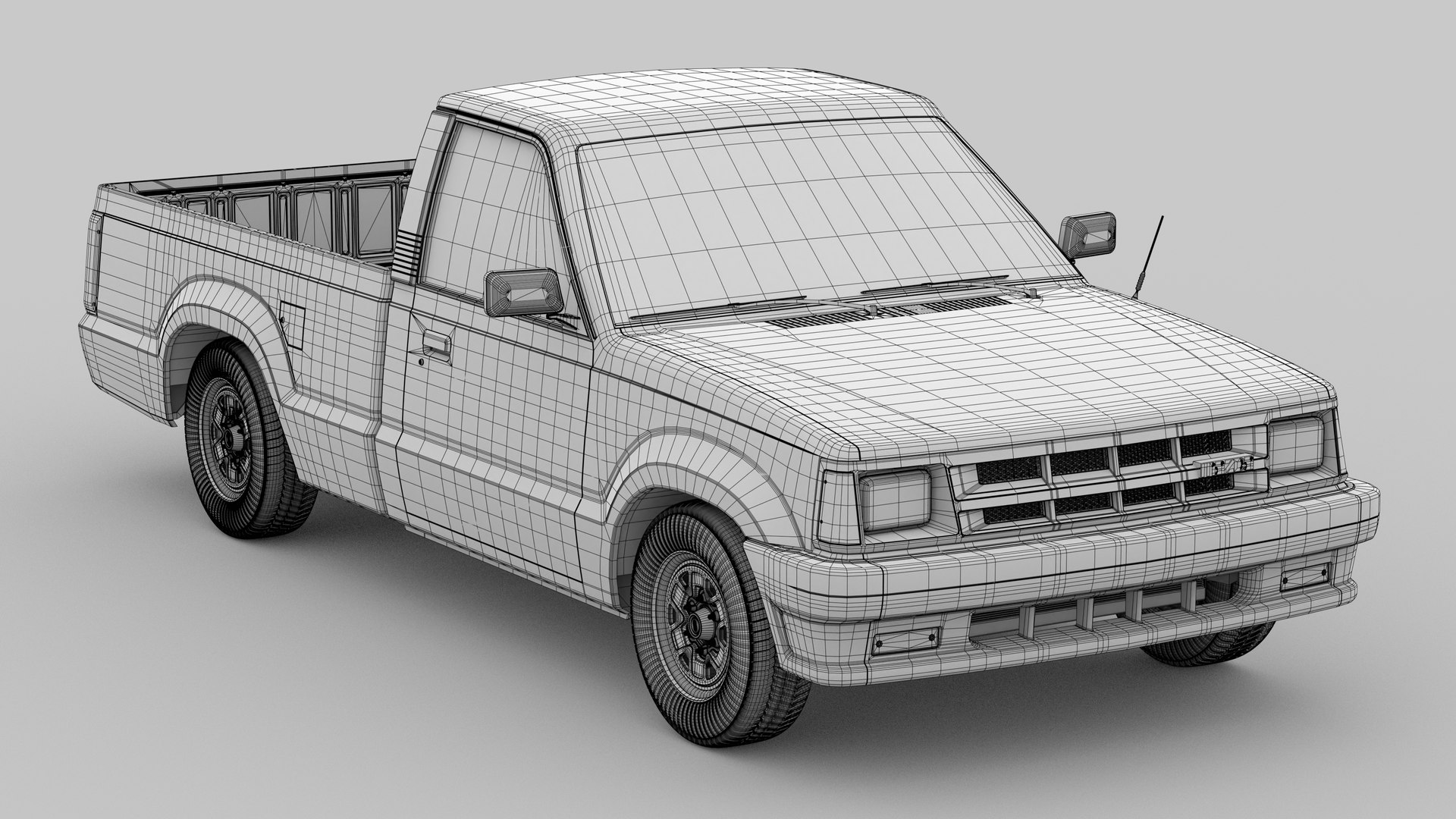
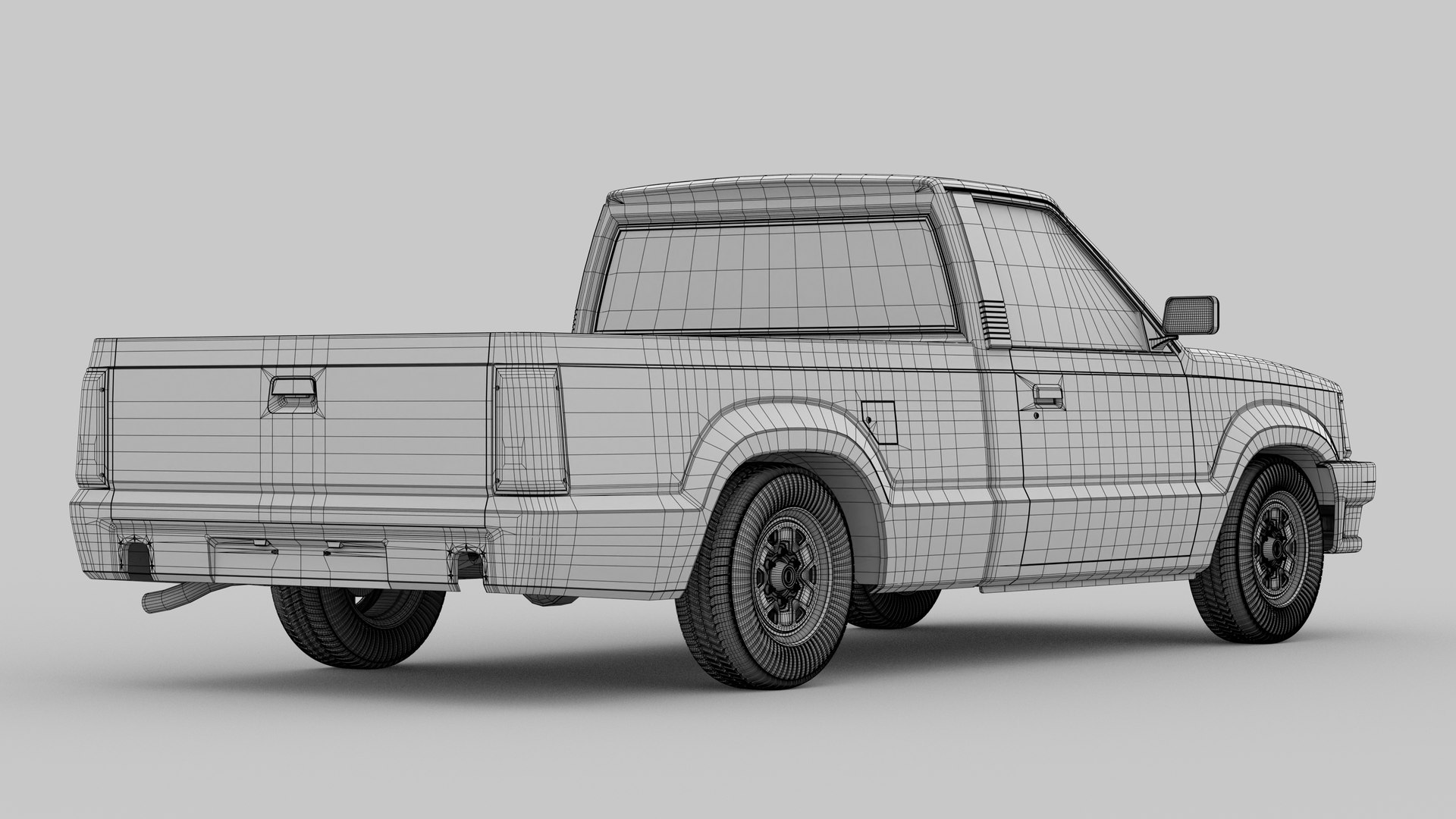
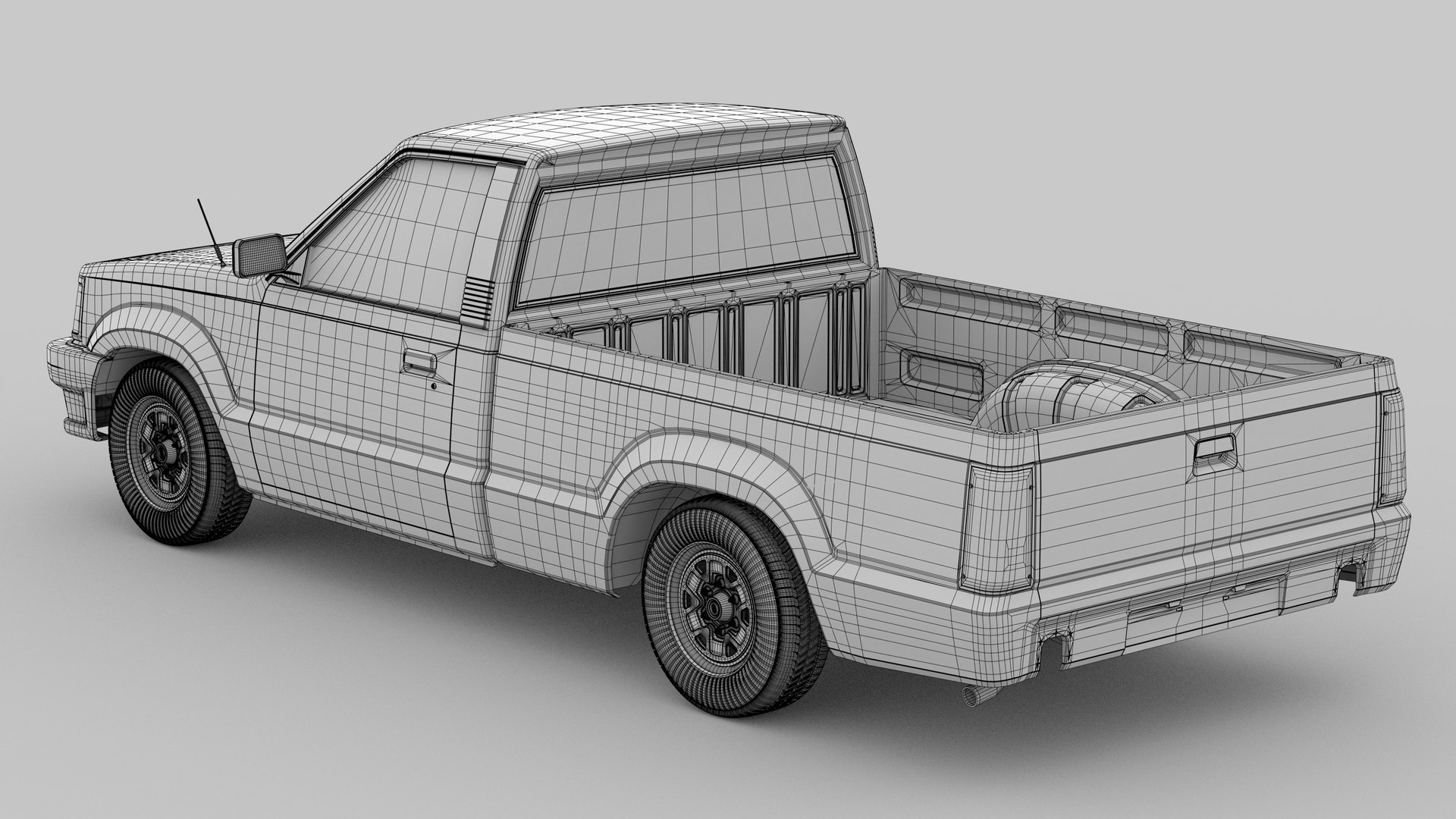
- Lighting and camera setups on the .blend file, capable of producing the various rendered angles on the offered preview images, as well as the setup used for producing the clay wireframe renders, including materials and freestyle settings.
---------------------------------------------
Notes:
- To alternate between the offered factory paint colours: select all the objects within the Painted Outer Panels collection (yellow, under the Body Panels collection) > press the Tab key to go into edit mode > press the A key to select all of the geometry > on the material properties tab, select the desired paint colour > click the "Assign" button and press the Tab key to exit edit mode;
- The emmissive materials for the headlights, indicators, reverse lights, brake lights and running lights are all indepentent from each other, and can have their brightnesses ajusted individually - to turn off or on one of the lights on the vehicle, select the desired object, and on the material properties tab, change the emmission strenght;
- Included .blend files were created with Blender version 3.0.0;
- Exported models are available in both .OBJ and .FBX;
- Images rendered utilising the Cycles X render engine.
---------------------------------------------
Polycounts:
Without Wheels and Tires: 74 428 Vertices || 138 896 Triangles
With Wheels and Tires: 242 952 Vertices || 468 819 Triangles



 360
360