
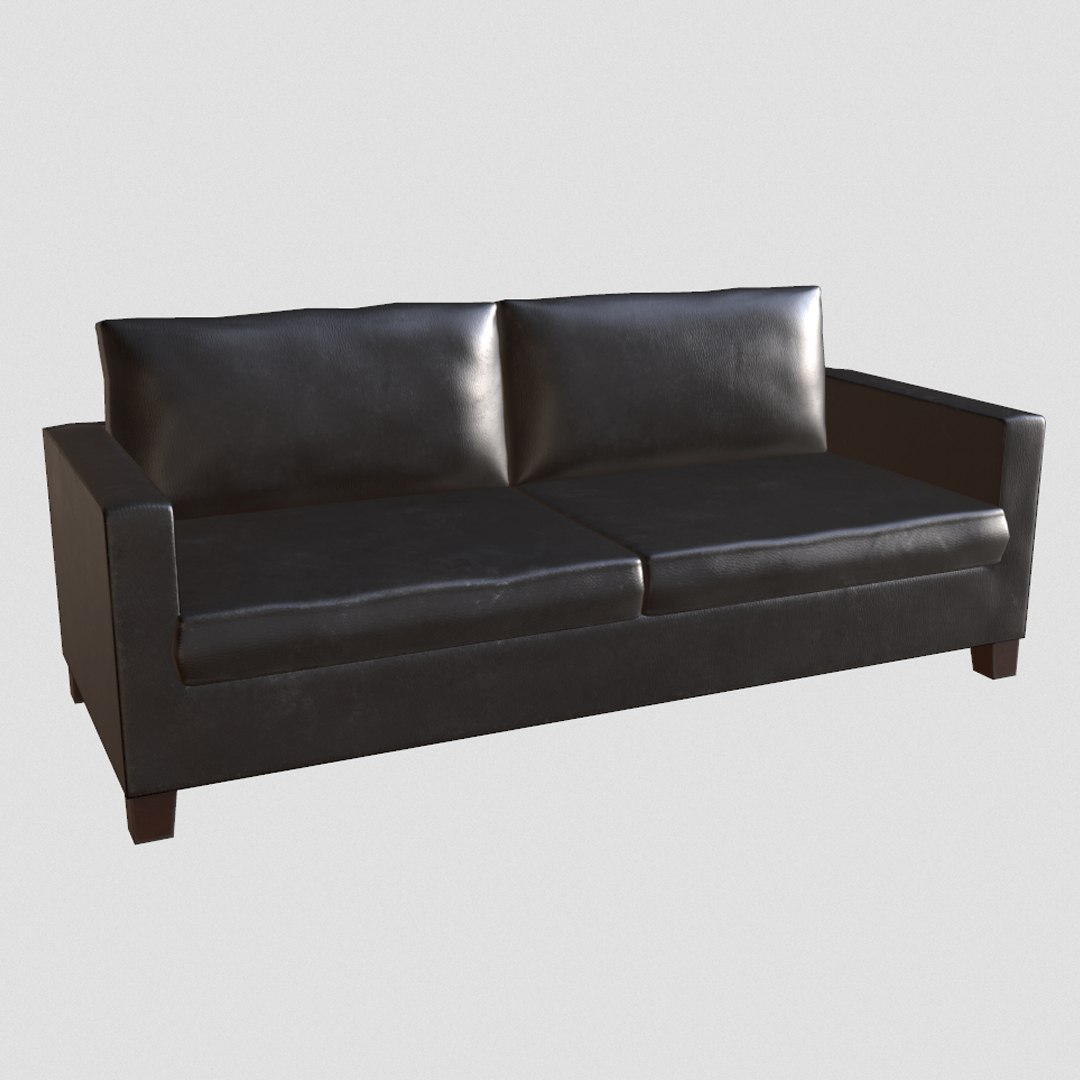
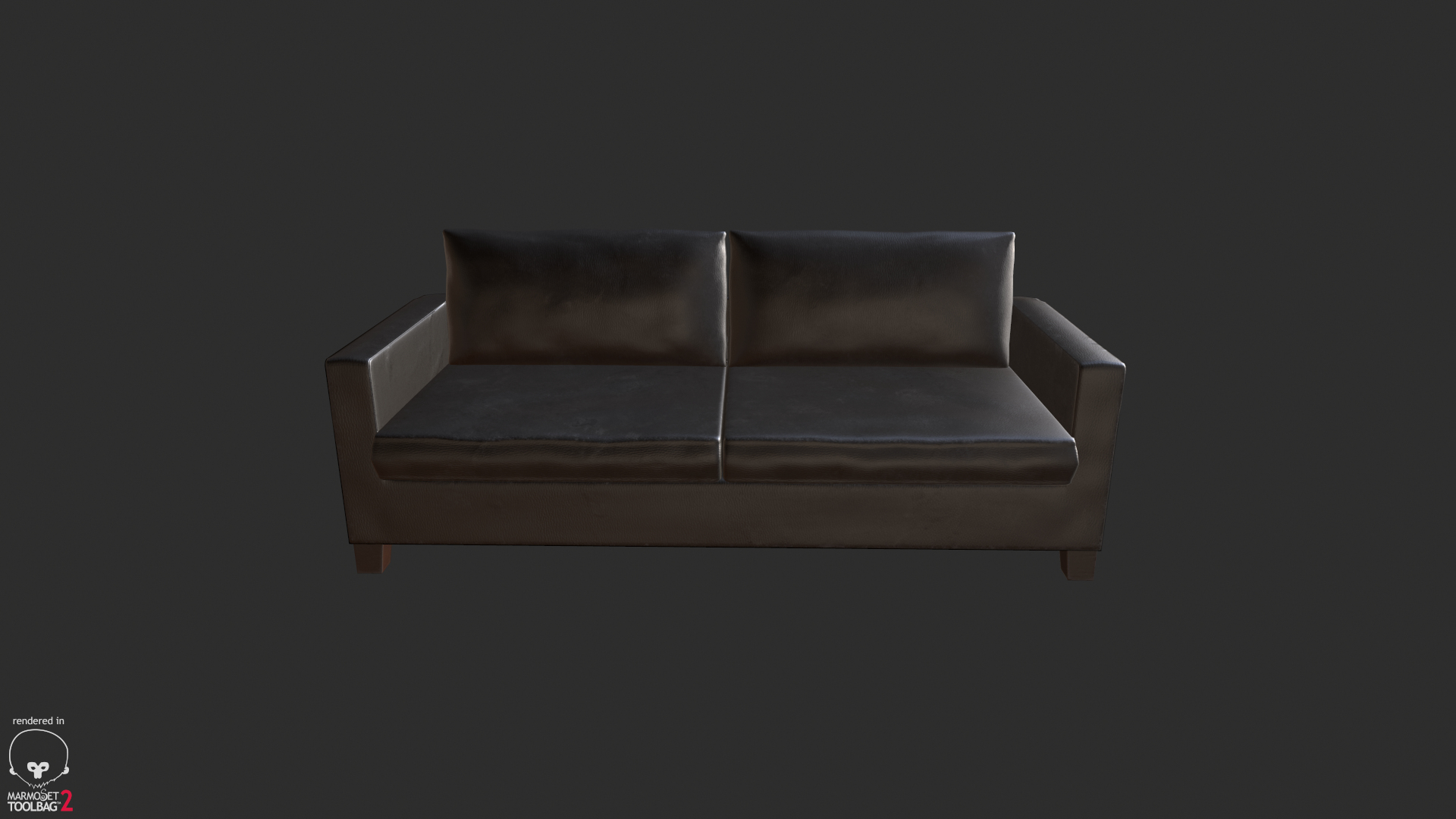
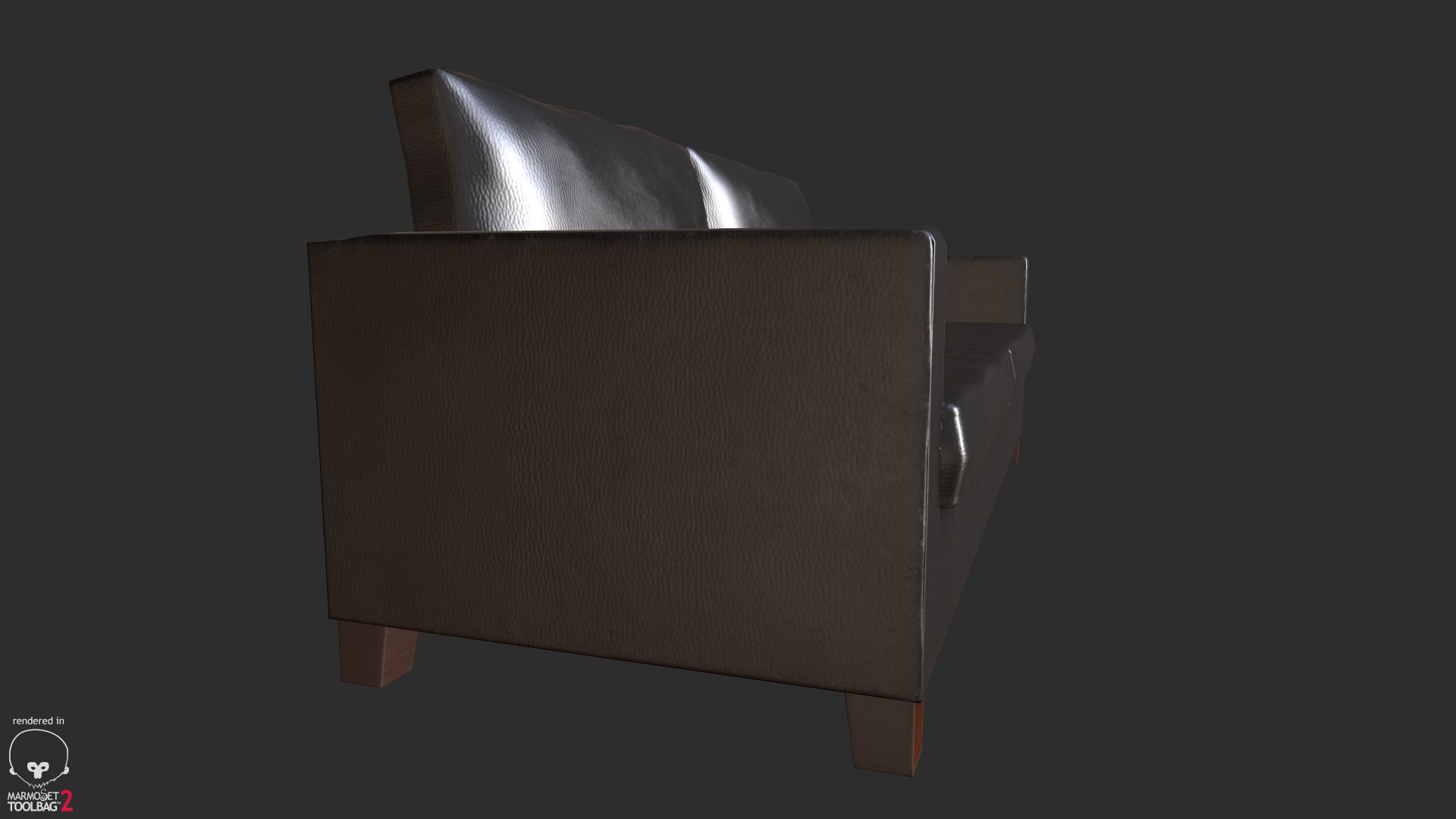
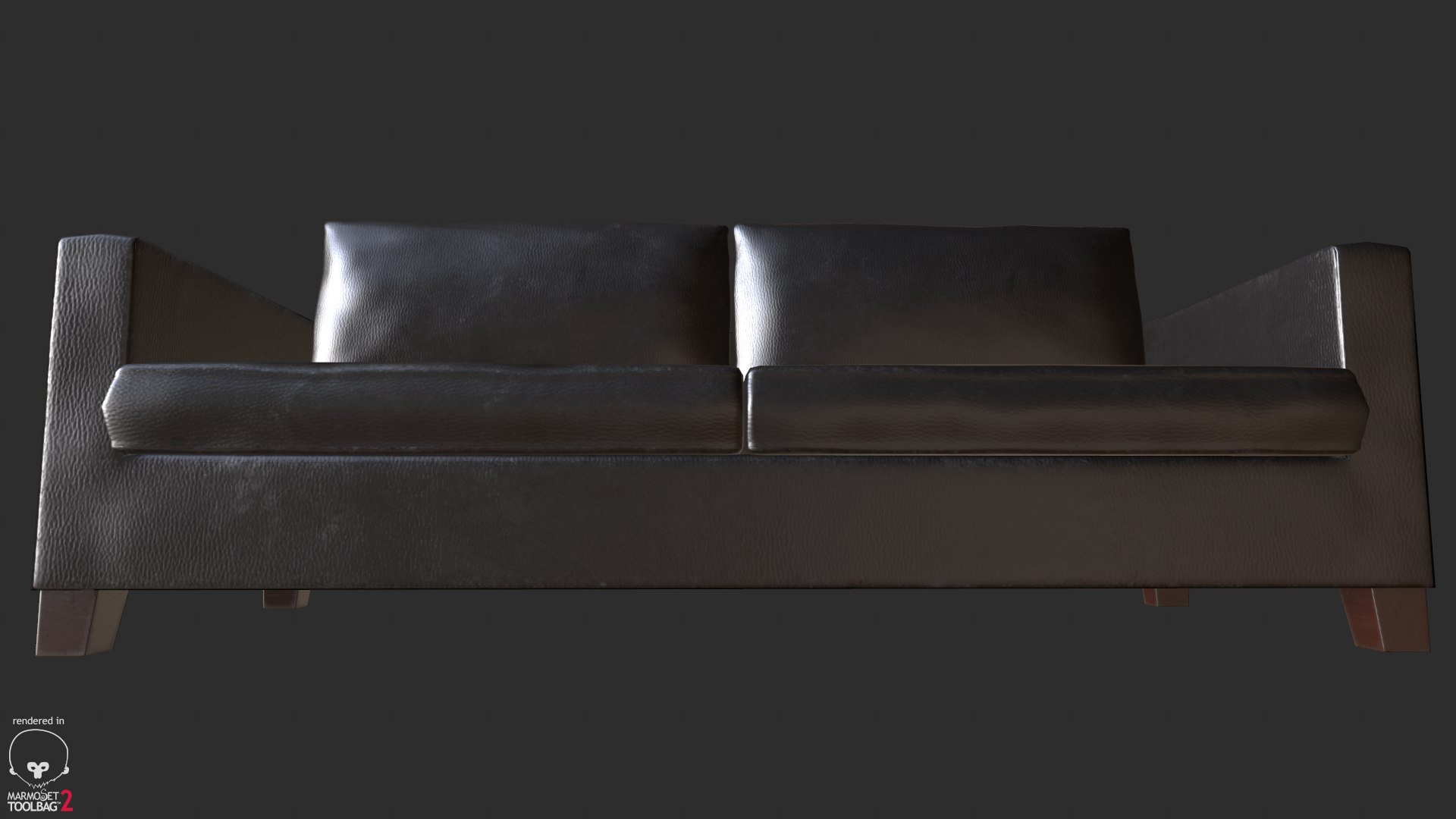
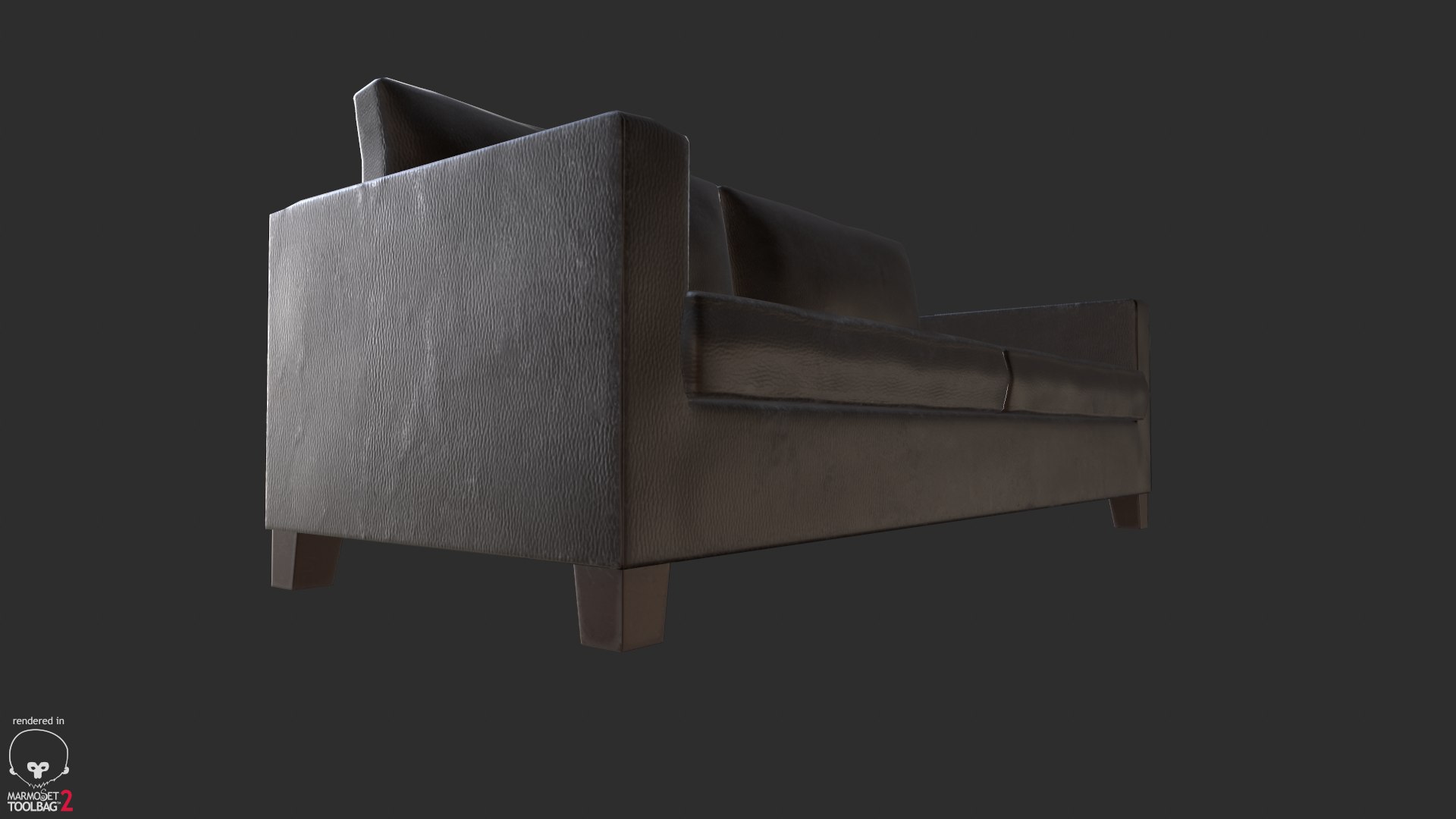
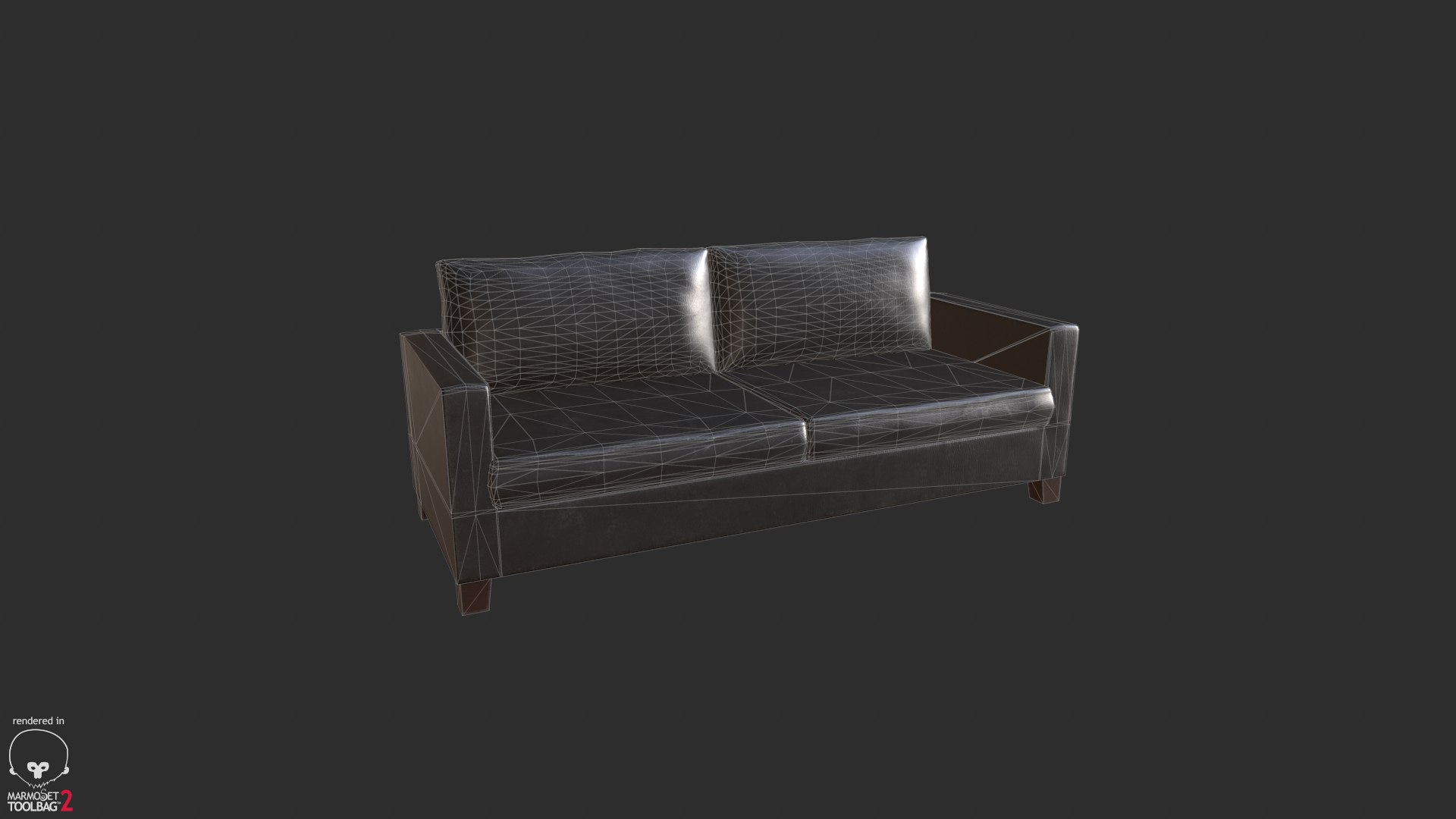
Black Leather Couch

$5

Standard License | Upgrade License
Formats (4)
3D Studio
Blender
FBX
OBJ
Specifications
Publish Date June 22, 2016
Product ID 1048326
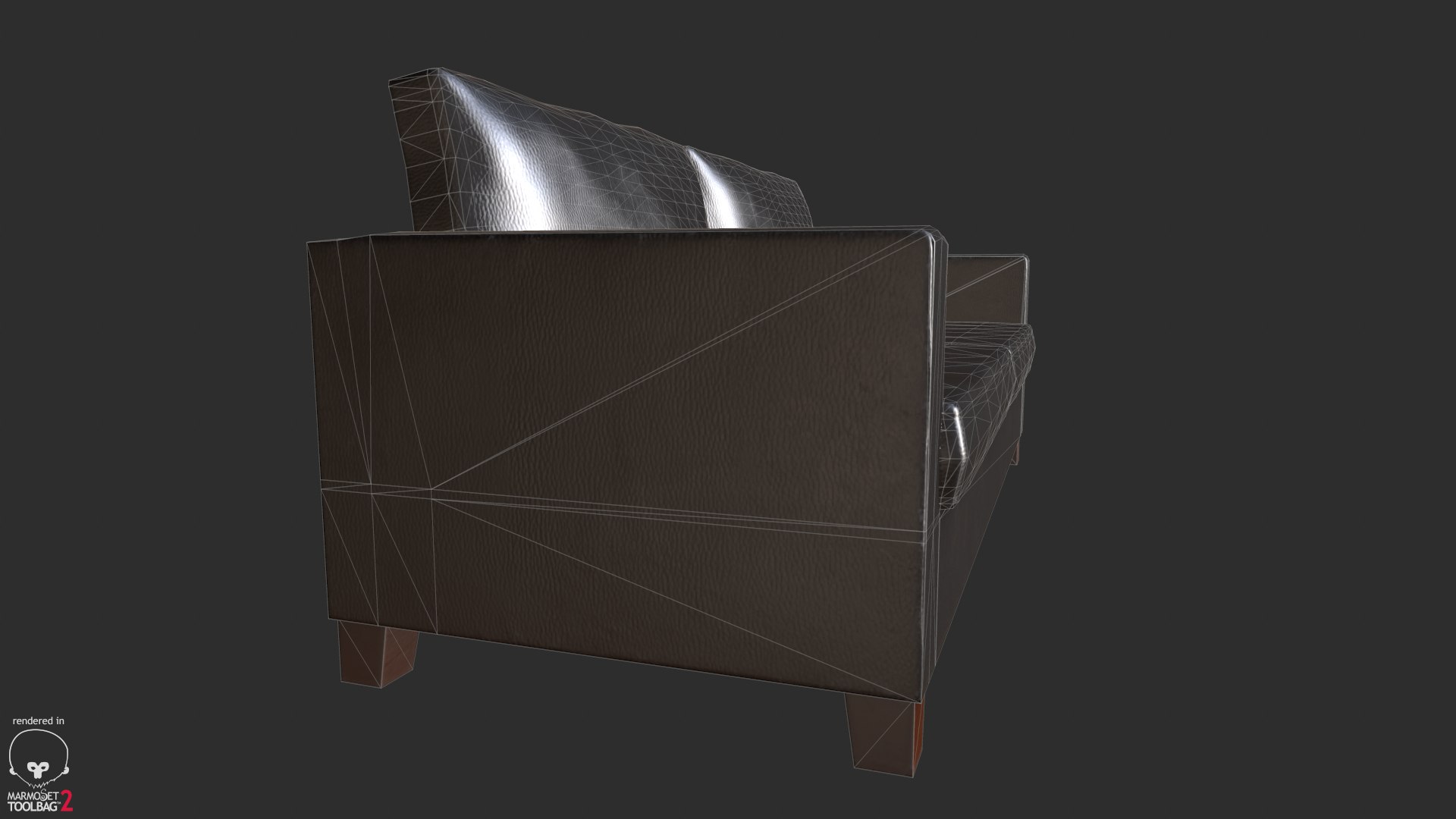
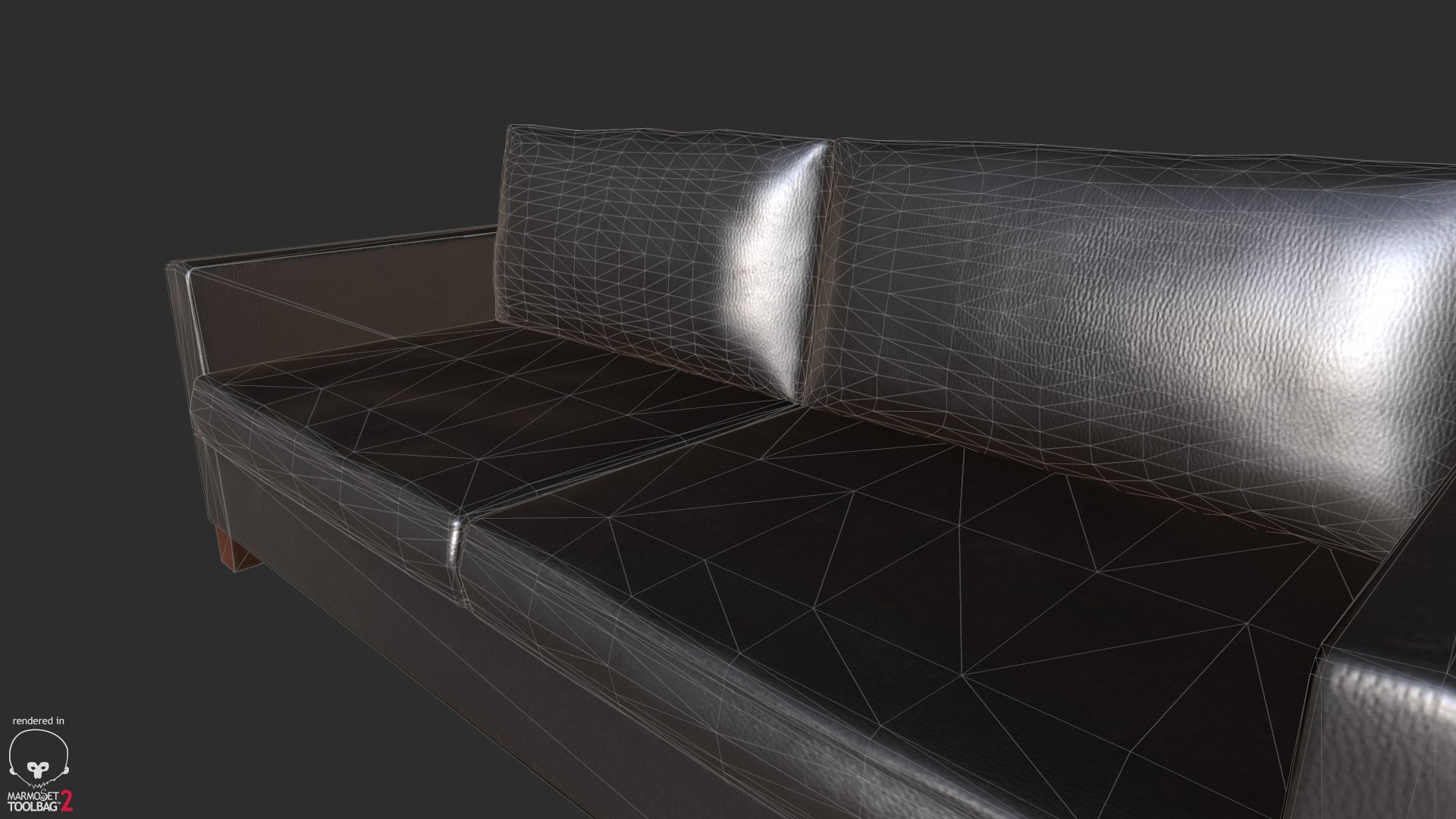
Polygons 4,132
Vertices 2,088
Polygonal Tris Only
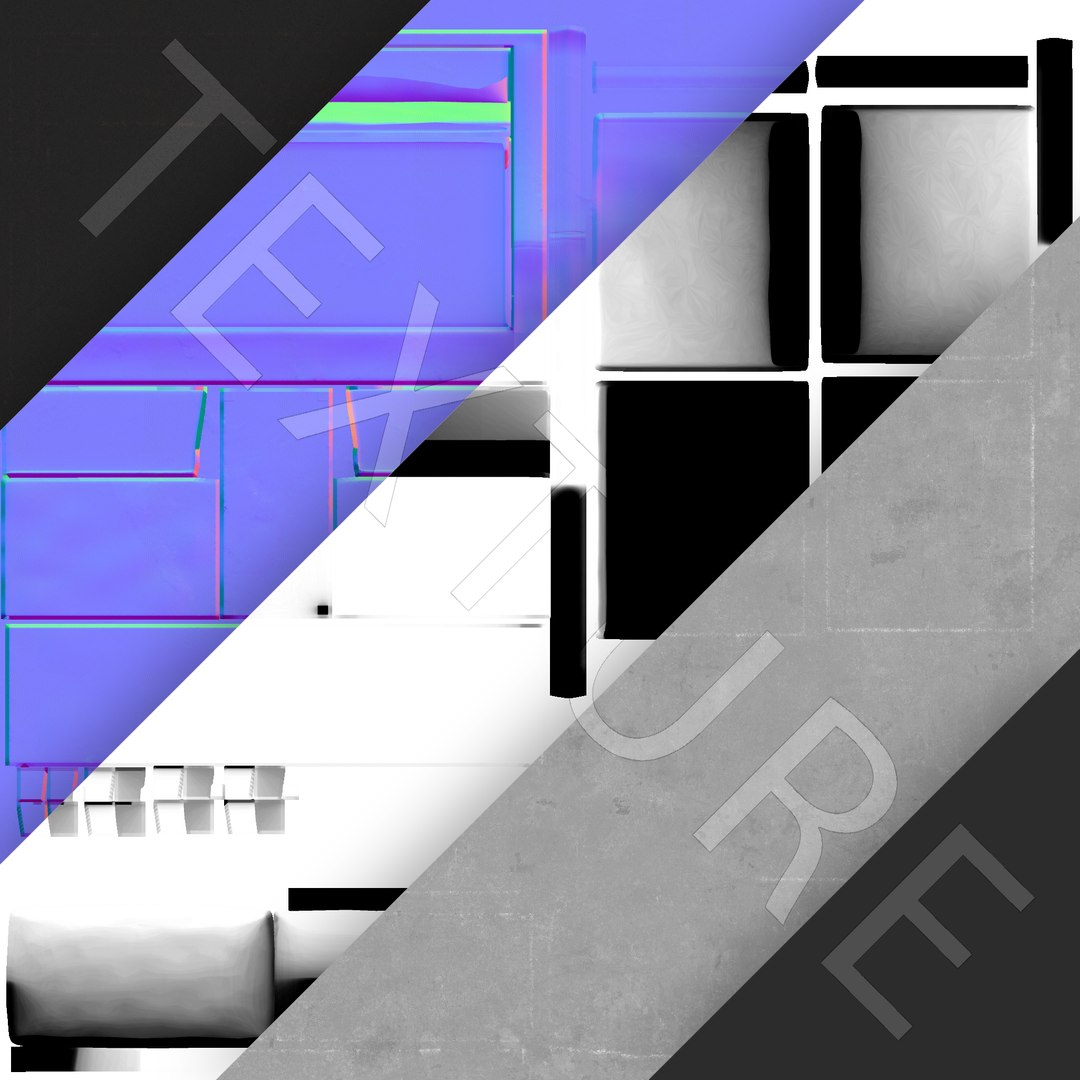
Textures
UV Mapped
Non-overlapping Unwrapped UVs
member avatar
Pheesh Cakes
8 Products | Contributor Since 2016
Have questions? Chat with us now.

Description

About the model:
- System unit setup used- centimeter
- non-overlapping clean UV
- 2048pix texture resolution
ALBEDO
AMBIENT OCCLUSION
ROUGHNESS / GLOSS
NORMAL
OPTIONAL SPECULAR
-Low Poly Game Ready
4132 poly
2088 verts
-High quality polygonal model, correctly scaled for an accurate representation of the original object.
-No part-name confusion when importing several models into a scene.
-No cleaning up necessaryjust drop your models into the scene apply textures and start rendering.
-No additional plugin is needed to open the model.
-Light rig is not included (i.e Model does not include any backgrounds or scenes used in preview images.)

---------------------------

File Formats:
- Blender 2.77a (native application)
- OBJ (works with most 3D applications, if you are not using Native application )
- FBX (works with almost all Autodesk 3D and other applications, if you are not using Native application )
- 3DS (works with most 3D applications, if you are not using Native application )

---------------------------

Rate to let others know about the quality!
To check out my other models you just need to click on my user name.

Select Enhanced License

  • $10,000 in Legal Protection (Indemnification)
  • Uncapped Legal Protection (Indemnification)
  • Waiver from injunctive relief
  • Assignable model rights
  • $1,000,000 in Legal Protection (Indemnification)
  • Waiver from injunctive relief
  • Assignable model rights
  • $250,000 in Legal Protection (Indemnification)
  • Assignable model rights
Read more about enhanced license tiers, or contact us at enterprise@turbosquid.com. Already a Shutterstock Enterprise Customer? Contact your Shutterstock Sales Support Agent to talk about adding 3D.

About Conversion Requests

To submit a conversion request for a purchased asset, please complete our Conversion Request Form.

If you have not yet purchased a model, please review our Documentation about Conversions to learn about what limitations you may encounter with a conversion.

For any additional questions about a model’s suitability for conversion, please contact TurboSquid Support.

Loading...