
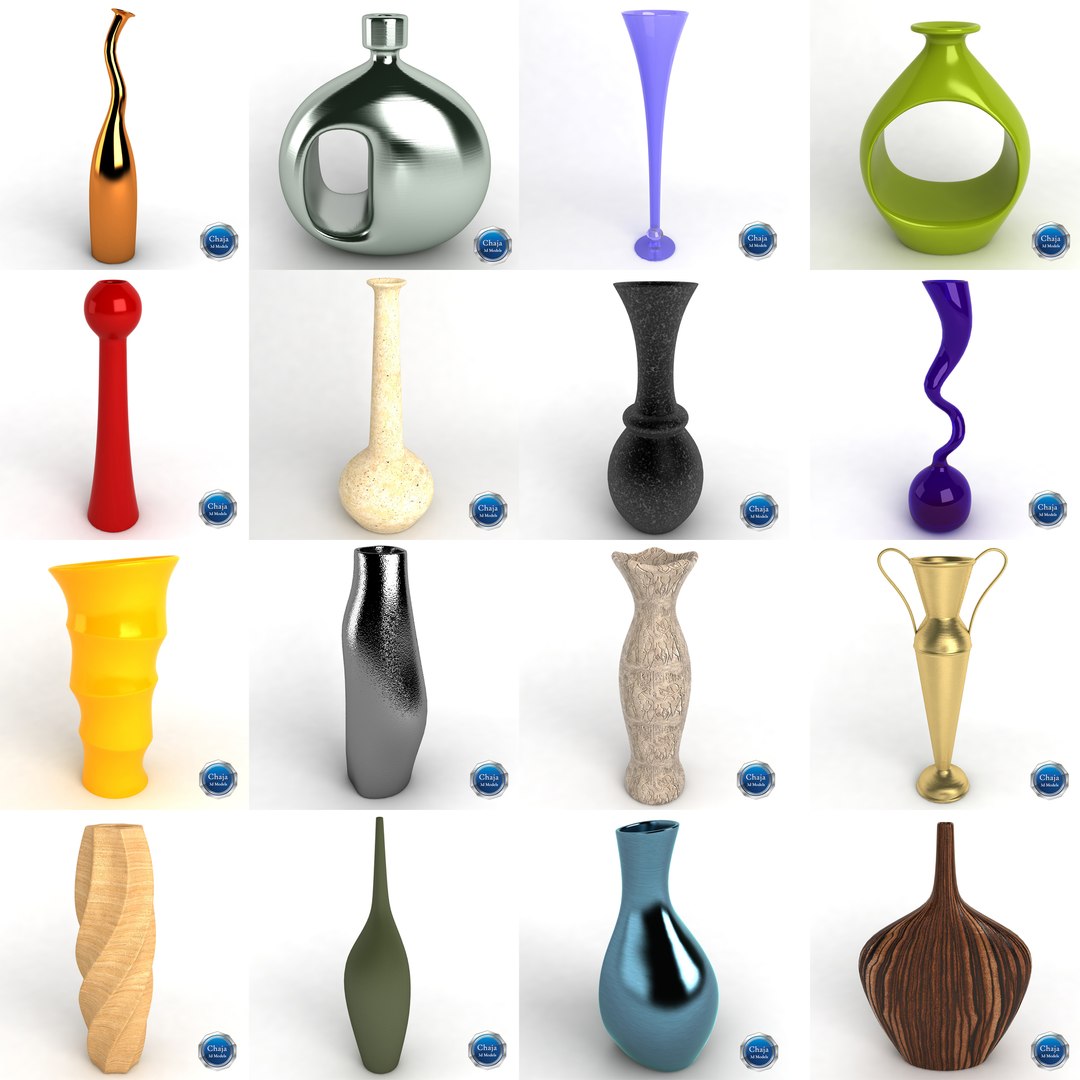
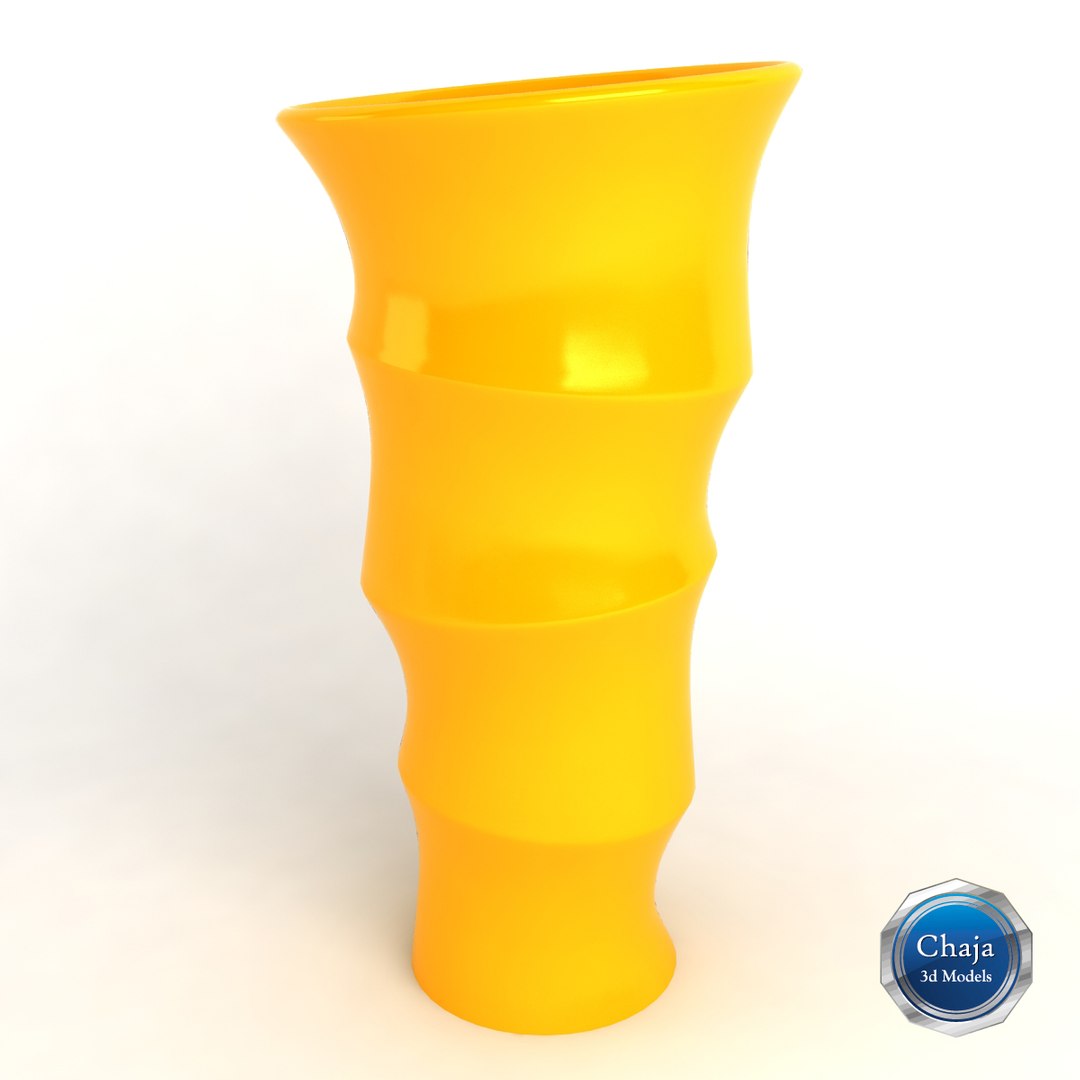
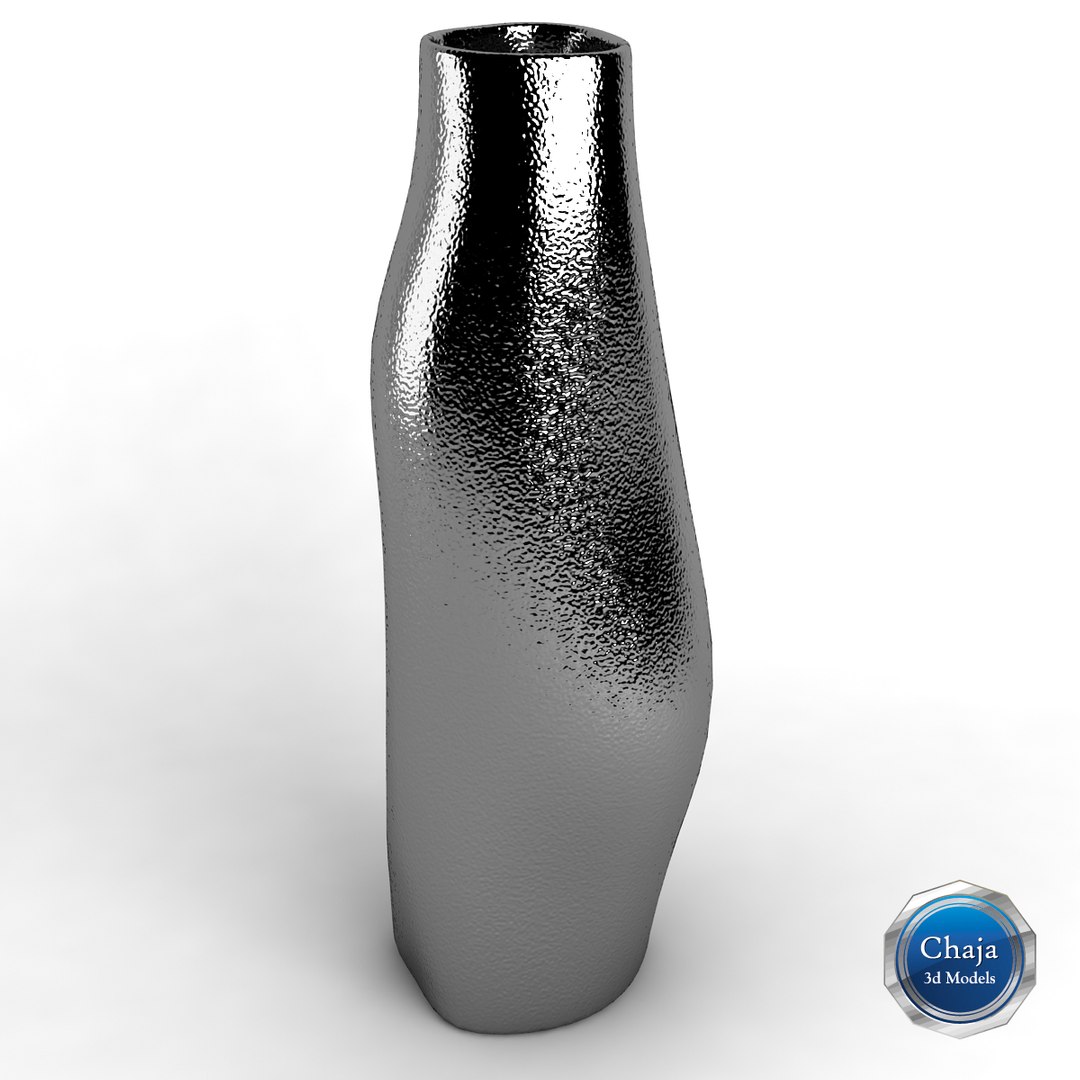

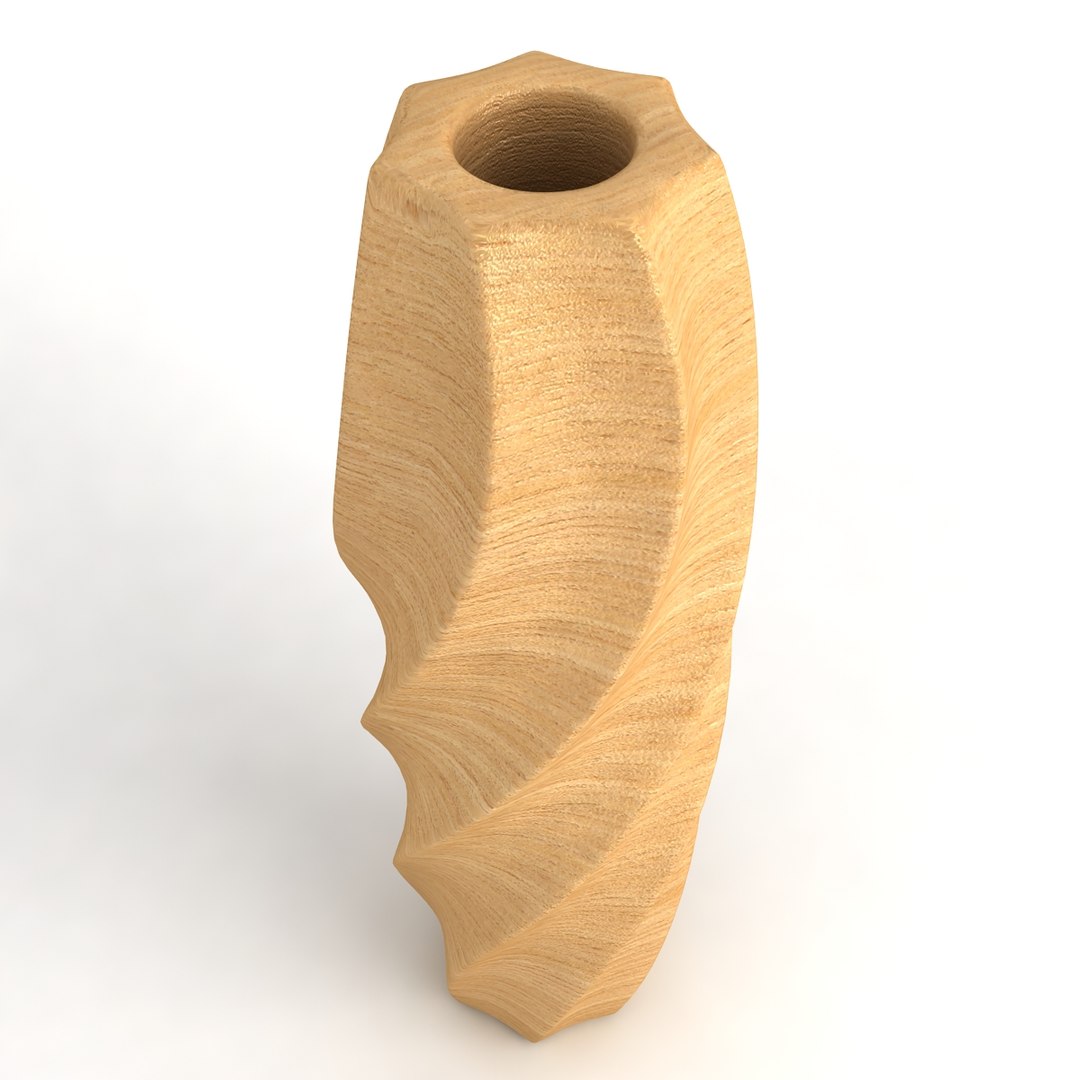
Vase Collection_01

$49

Standard License | Upgrade License
Formats (5)
Native | 3ds Max 9 | V-Ray 1.5
DXF
3D Studio
FBX
OBJ
Specifications
Publish Date January 12, 2011
Product ID 580133
Polygons 0
Vertices 0
Subdivision
Textures
Materials
UV Mapped
TurboSquid Exclusive

member avatar
chaja
1681 Products | Contributor Since 2010
Have questions? Chat with us now.

Description

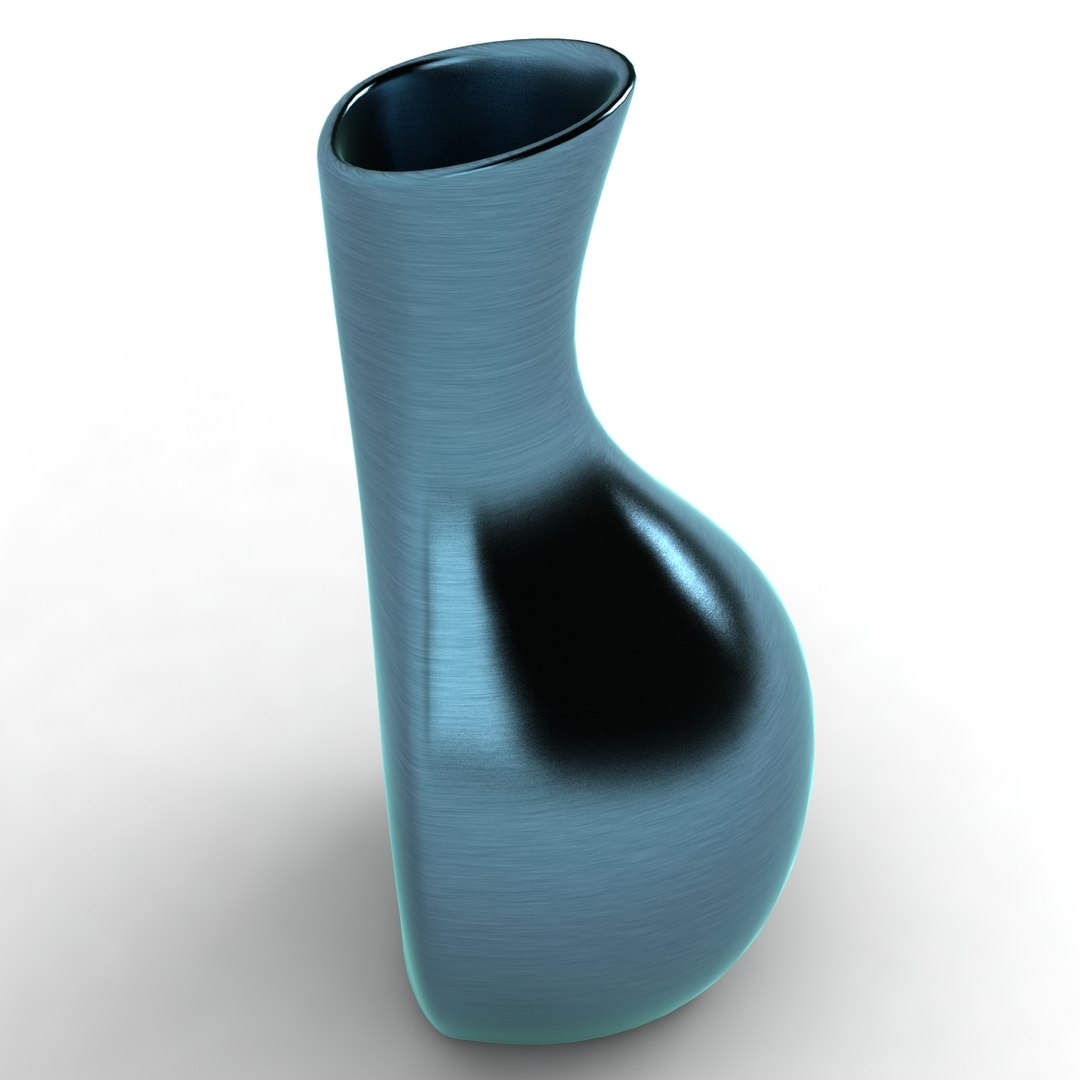
-16 vases in different shapes, materials and colors
-Modeled in 3ds Max 9
-Rendered with Vray

Features:

- Vray-shaders included
- Colours easy modified
- Big size textures (diffuse, bump) *.jpeg format included
- Model is fully textured with all materials applied
- High quality polygonal model
- 1:1 scaled, 100% from the original object
- Mesh is optimized
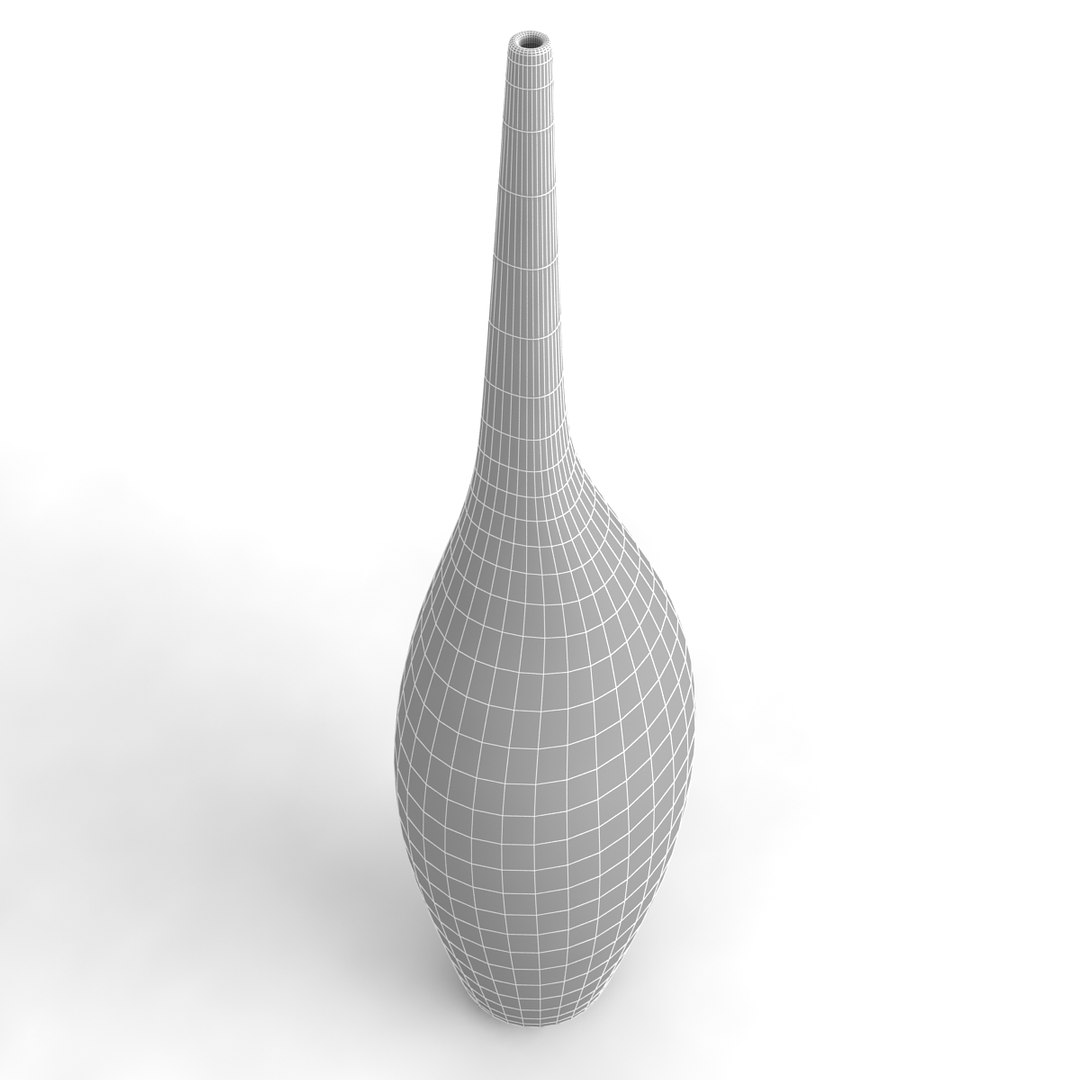
- Hi-poly model with Meshsmooth modifier
- Not colaps smooth modified
- Just put model in your scene and render
- File format - max9, 3ds, obj, fbx, dxf

Number of polygons
(with two levels of subdivision)

Vase_01
Poligons: 3320
Vertices: 3341

Vase_02
Poligons: 15552
Vertices: 15599

Vase_03
Poligons: 4240
Vertices: 4242

Vase_04
Poligons: 12512
Vertices: 12551

Vase_05
Poligons: 3000
Vertices: 3021

Vase_06
Poligons: 2840
Vertices: 2861

Vase_07
Poligons: 4368
Vertices: 4393

Vase_08
Poligons: 5840
Vertices: 5842

Vase_09
Poligons: 6000
Vertices: 6042

Vase_10
Poligons: 2200
Vertices: 2221

Vase_11
Poligons: 3160
Vertices: 3181

Vase_12
Poligons: 7288
Vertices: 7313

Vase_13
Poligons: 5292
Vertices: 5335

Vase_14
Poligons: 1760
Vertices: 1777

Vase_15
Poligons: 3033
Vertices: 3059

Vase_16
Poligons: 2112
Vertices: 2129

Select Enhanced License

  • $10,000 in Legal Protection (Indemnification)
  • Uncapped Legal Protection (Indemnification)
  • Waiver from injunctive relief
  • Assignable model rights
  • $1,000,000 in Legal Protection (Indemnification)
  • Waiver from injunctive relief
  • Assignable model rights
  • $250,000 in Legal Protection (Indemnification)
  • Assignable model rights
Read more about enhanced license tiers, or contact us at enterprise@turbosquid.com. Already a Shutterstock Enterprise Customer? Contact your Shutterstock Sales Support Agent to talk about adding 3D.

About Conversion Requests

To submit a conversion request for a purchased asset, please complete our Conversion Request Form.

If you have not yet purchased a model, please review our Documentation about Conversions to learn about what limitations you may encounter with a conversion.

For any additional questions about a model’s suitability for conversion, please contact TurboSquid Support.

Loading...