
scud_MAX

$15

Formats (1)
3ds Max
Also available in
Specifications
Publish Date March 08, 2003
Product ID 197266
Polygons 10,103
Vertices 19,455
Subdivision
Textures
Materials
Unknown Unwrapped UVs
TurboSquid Exclusive

member avatar
3Dwebguru
117 Products | Contributor Since 2001
Have questions? Chat with us now.

Description

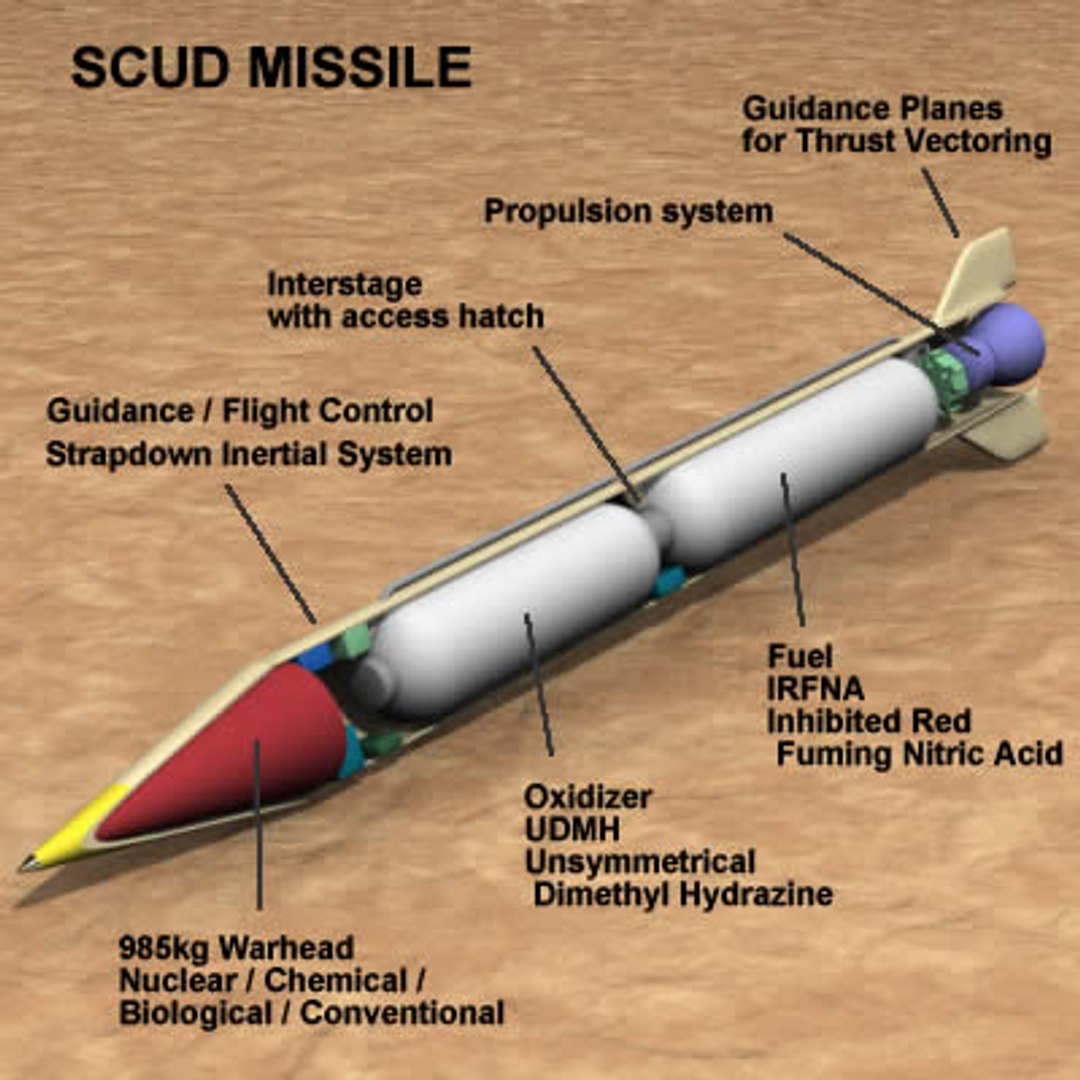
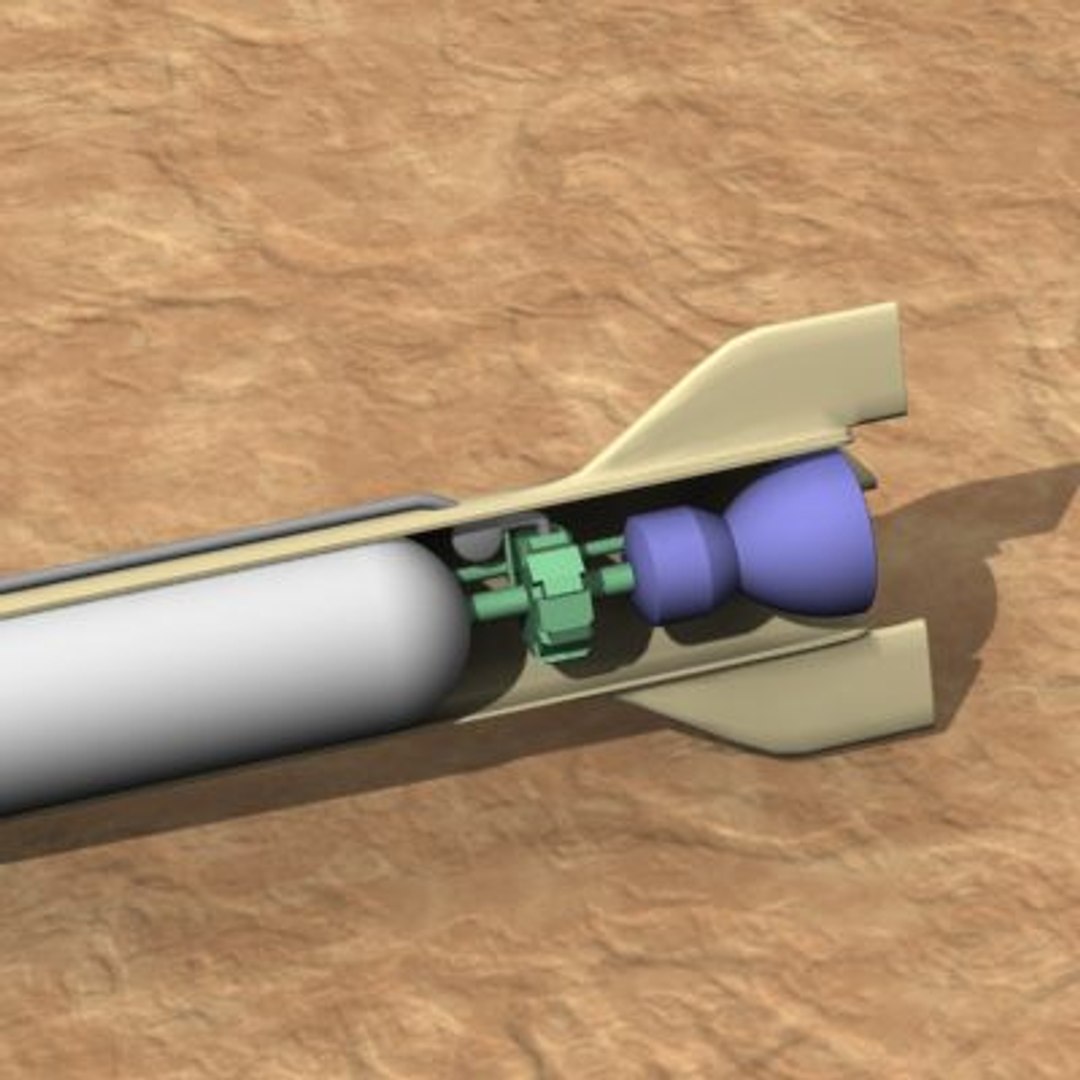
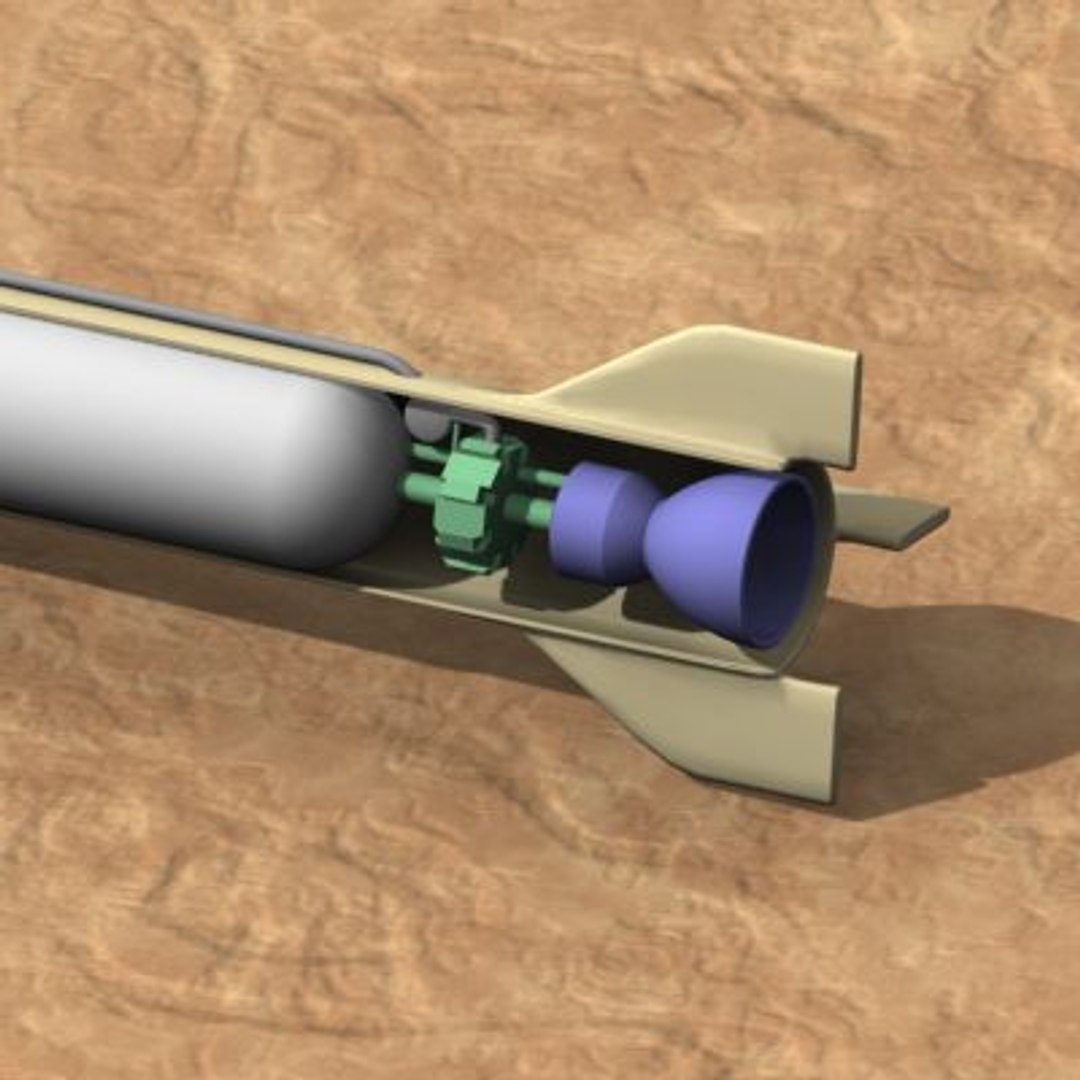
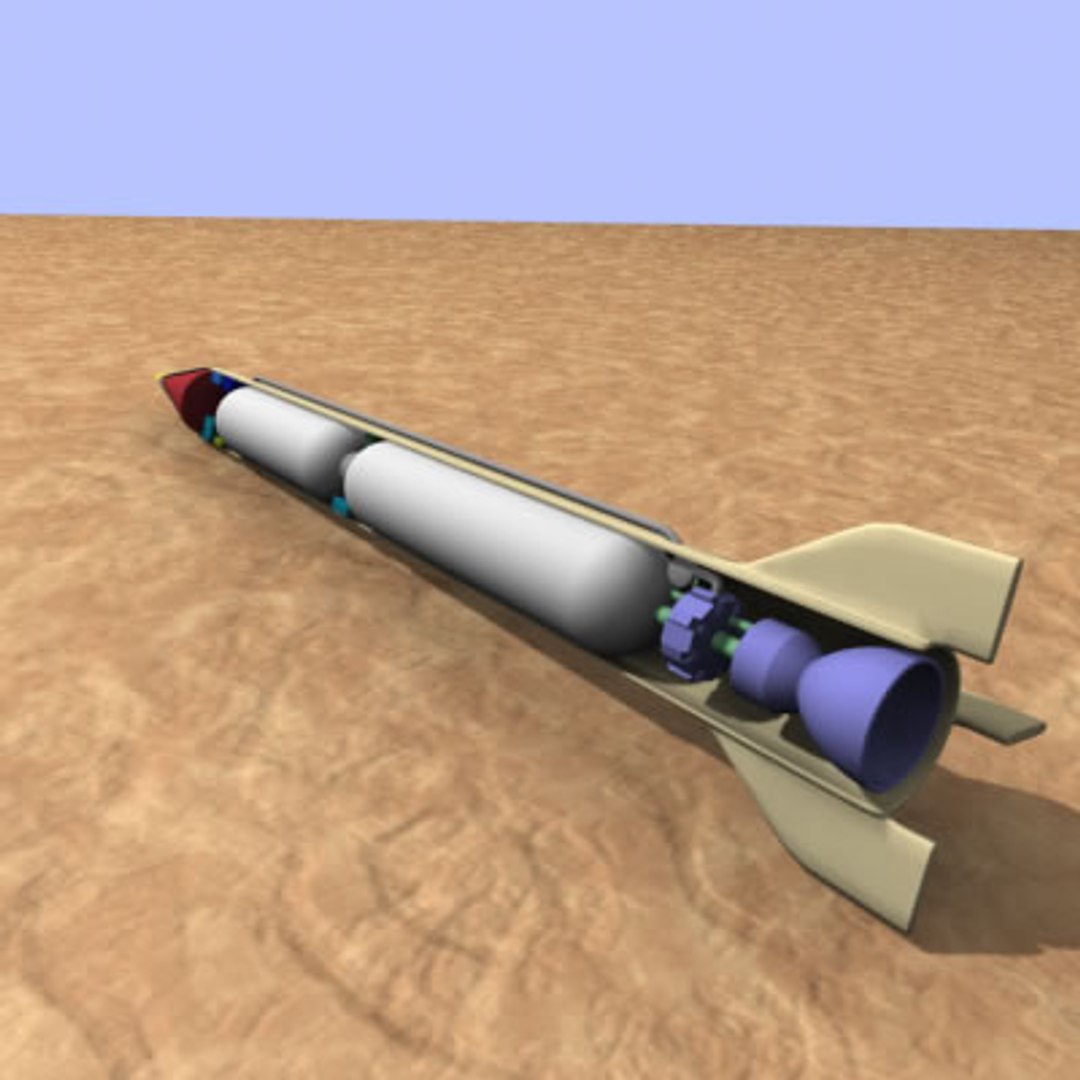
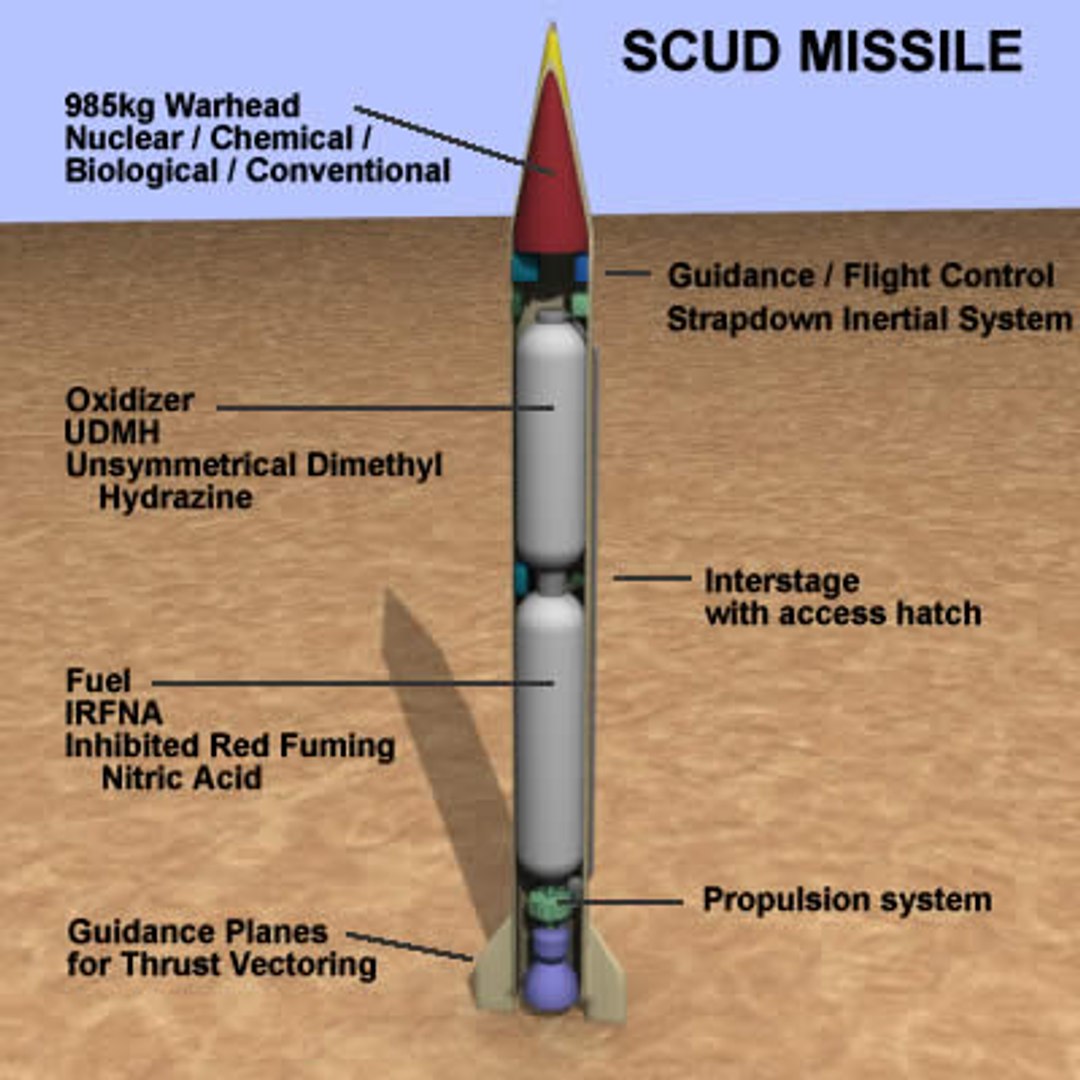
SCUD missile. Includes cutaway interior view and uncut exterior views.
*** WARTIME SPECIAL -- take advantage of the reduced special price on this model! (was $98) ***

If you purchase this model and would like a copy of the preview image with the callout text contact me via Turbosquid. It is a Fireworks PNG file, but I can export it to any of several different file formats.

Zip file includes MAX and 3DS files of the missile:
3DS files include higer and lower poly versions as well as a version without the cutaway effect.
Max files also include higher and lower poly versions. Mesh stacks are uncollapsed so that you can lower the poly count even further if you wish by dialing down the faces on the objects. To turn off the cutaway effect in Max, simply deactivate the slice modifer on the fuselage and nose cone.

The exterior surface material does not have a high level of detail. For exterior close-up shots you may wish to dirty up the exterior and add the rivets and hatches.

Also included is the procedural sandstone texture (as pictured on the ground beneath the missile) -- to use it your 3D application will need to support the free Simbiont plugin from darksim.

Select Enhanced License

  • $10,000 in Legal Protection (Indemnification)
  • Uncapped Legal Protection (Indemnification)
  • Waiver from injunctive relief
  • Assignable model rights
  • $1,000,000 in Legal Protection (Indemnification)
  • Waiver from injunctive relief
  • Assignable model rights
  • $250,000 in Legal Protection (Indemnification)
  • Assignable model rights
Read more about enhanced license tiers, or contact us at enterprise@turbosquid.com. Already a Shutterstock Enterprise Customer? Contact your Shutterstock Sales Support Agent to talk about adding 3D.

About Conversion Requests

To submit a conversion request for a purchased asset, please complete our Conversion Request Form.

If you have not yet purchased a model, please review our Documentation about Conversions to learn about what limitations you may encounter with a conversion.

For any additional questions about a model’s suitability for conversion, please contact TurboSquid Support.

Loading...