
Rooftop Environment

$99

Standard License | Upgrade License
Formats (2)
Free file format Conversions available
Native | Cinema 4D 13 | Advanced Render
3ds Max 2012 | Default Scanline
Specifications
Publish Date November 18, 2010
Product ID 569413
Polygons 29,970
Vertices 31,826
Polygonal Quads/Tris Geometry
Textures
Materials
UV Mapped
Mixed Unwrapped UVs
TurboSquid Exclusive
member avatar
3denvironmentmodels
510 Products | Contributor Since 2010
Have questions? Chat with us now.

Description

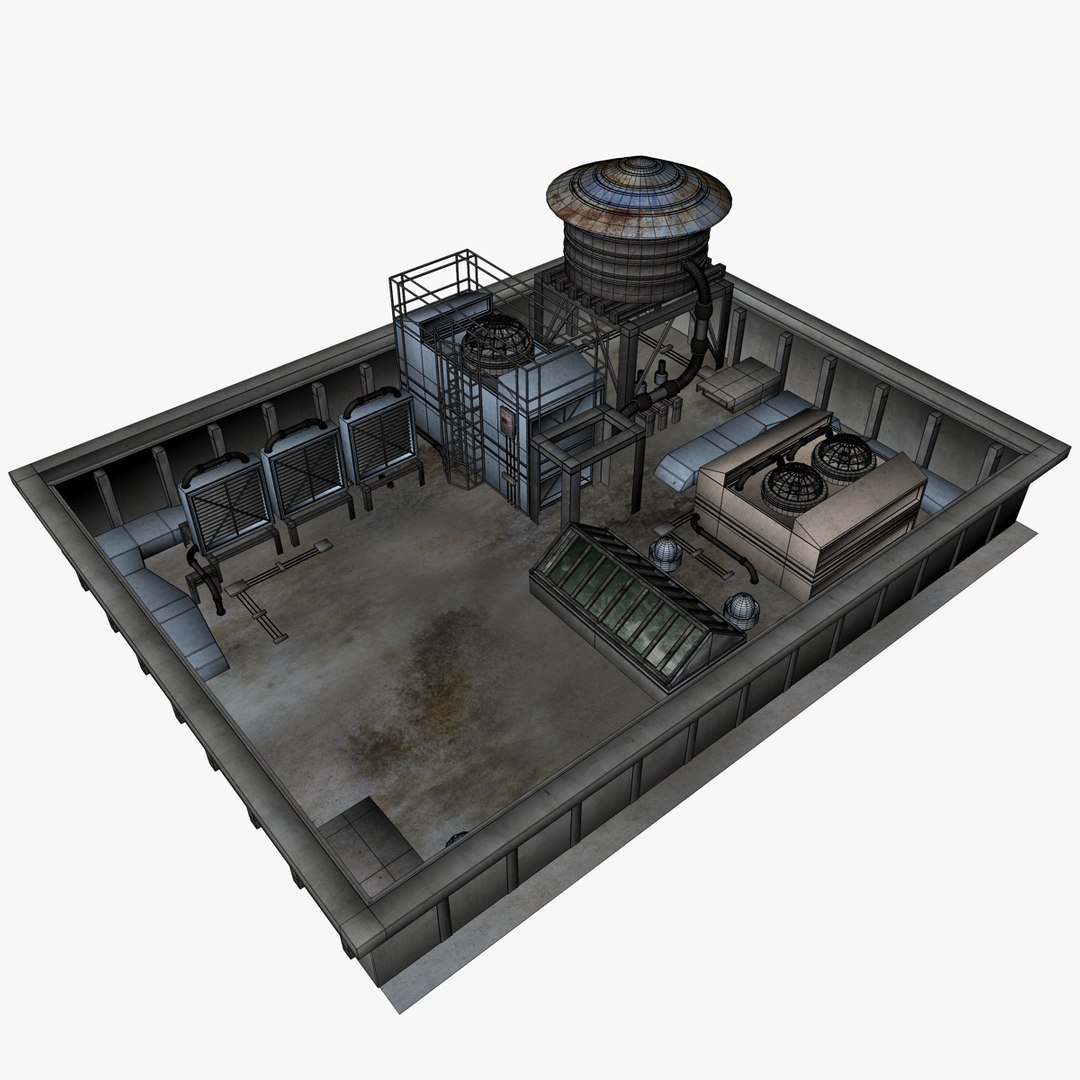
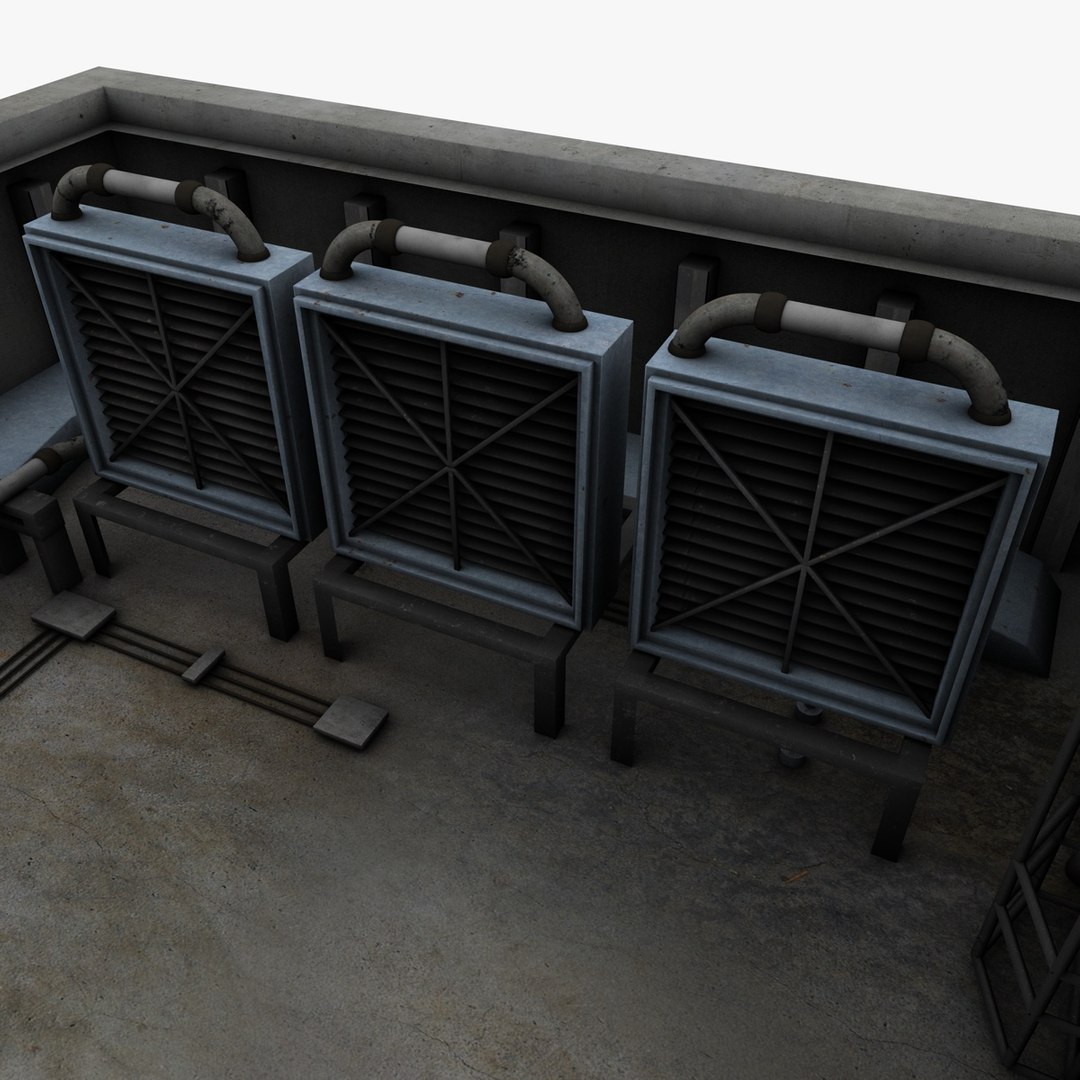
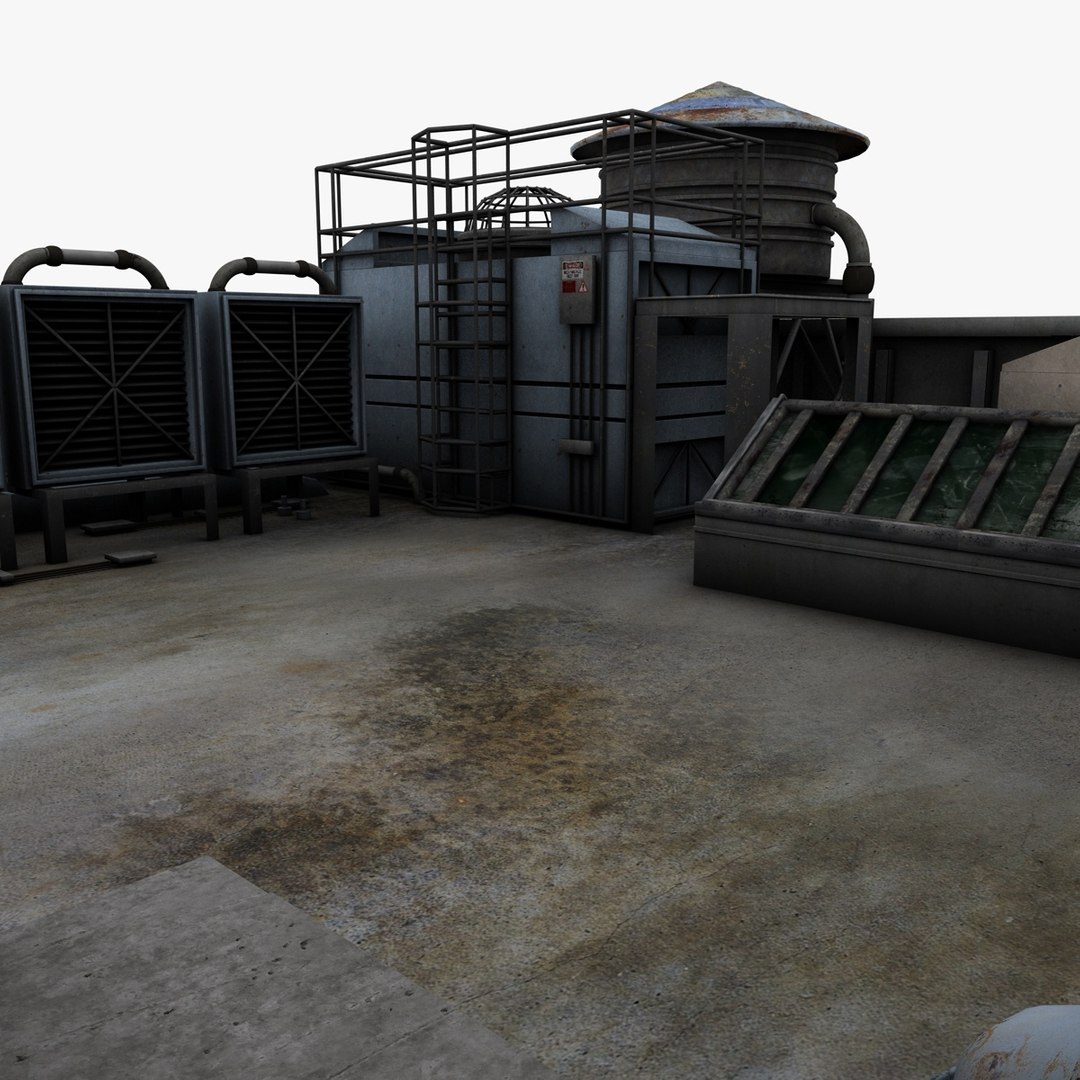
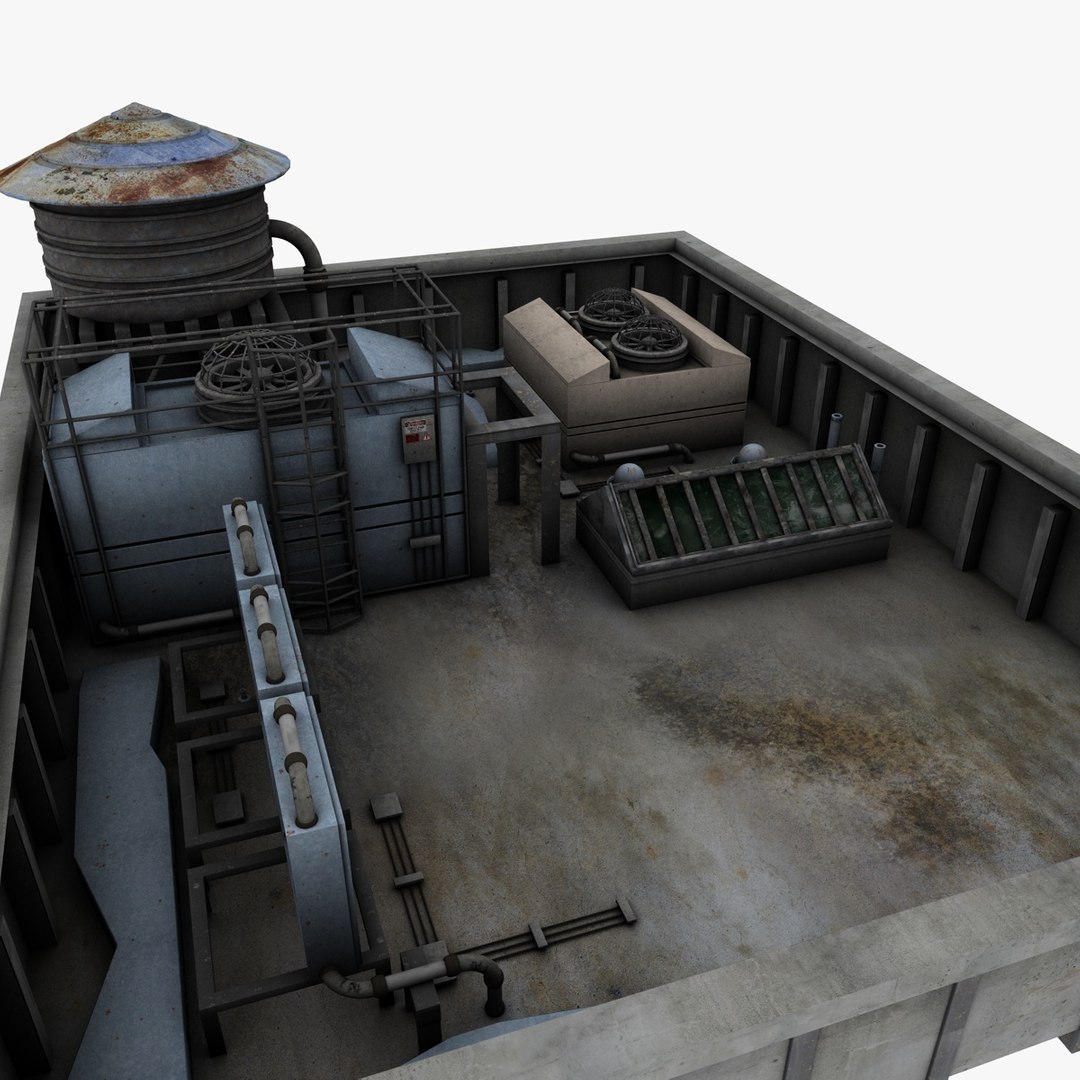
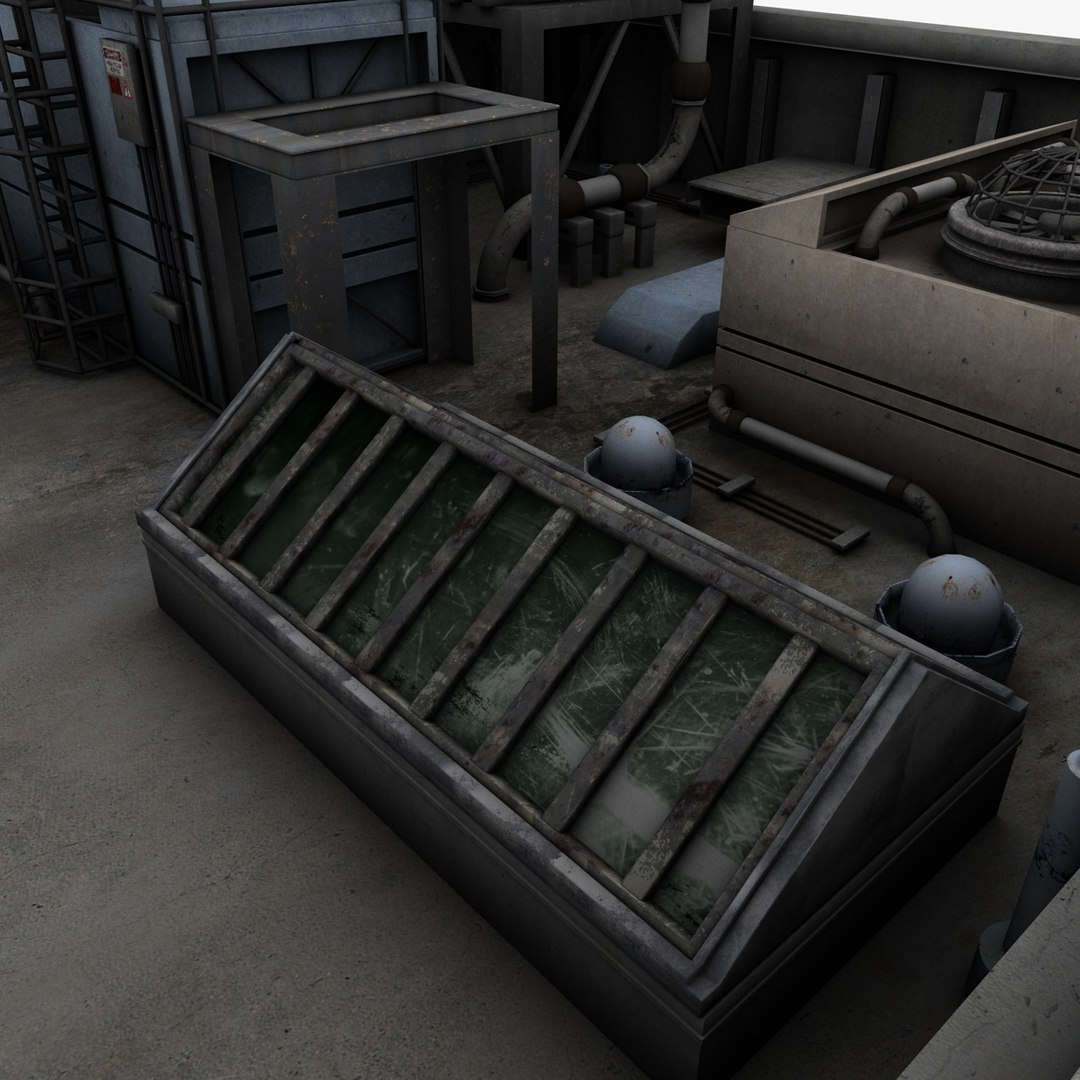
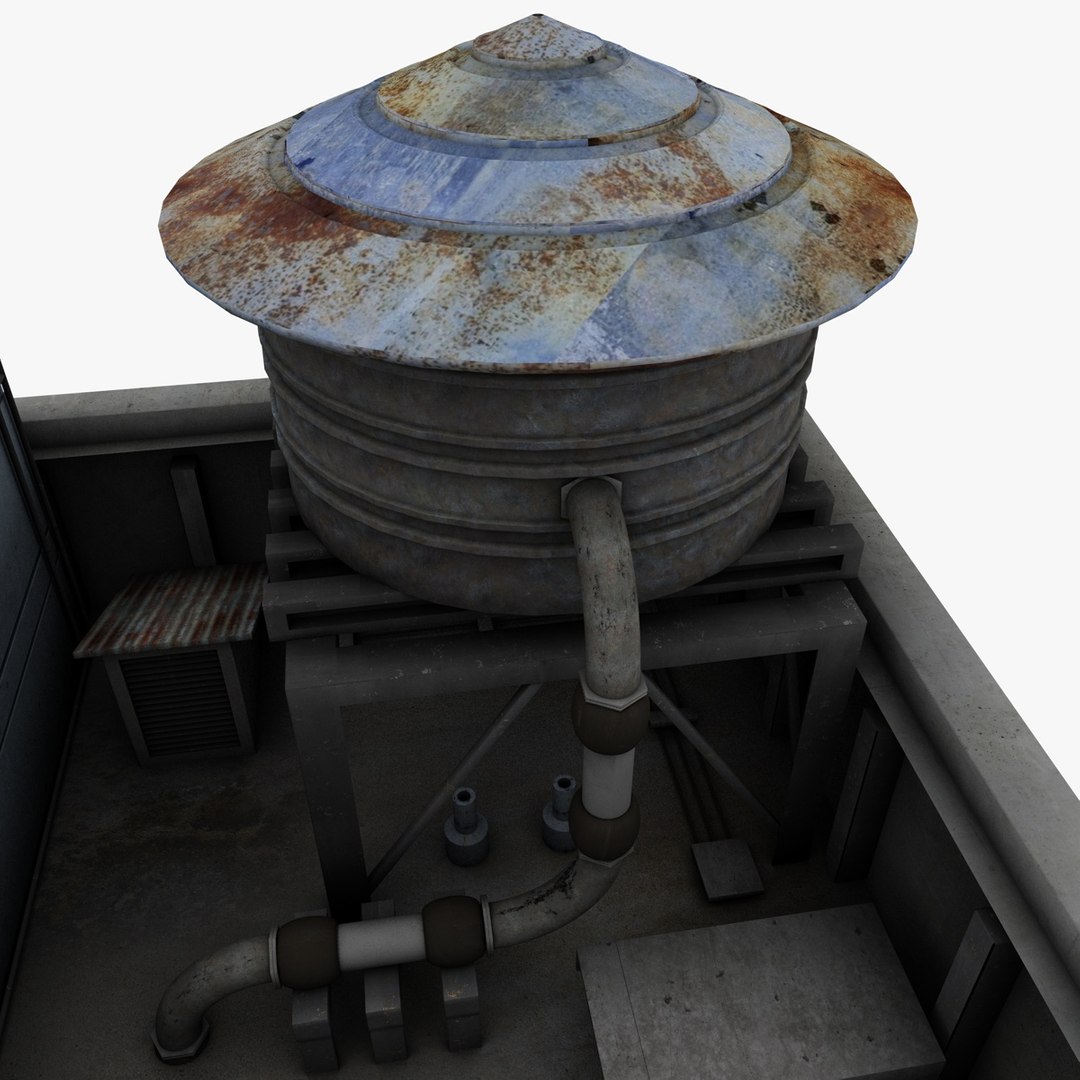
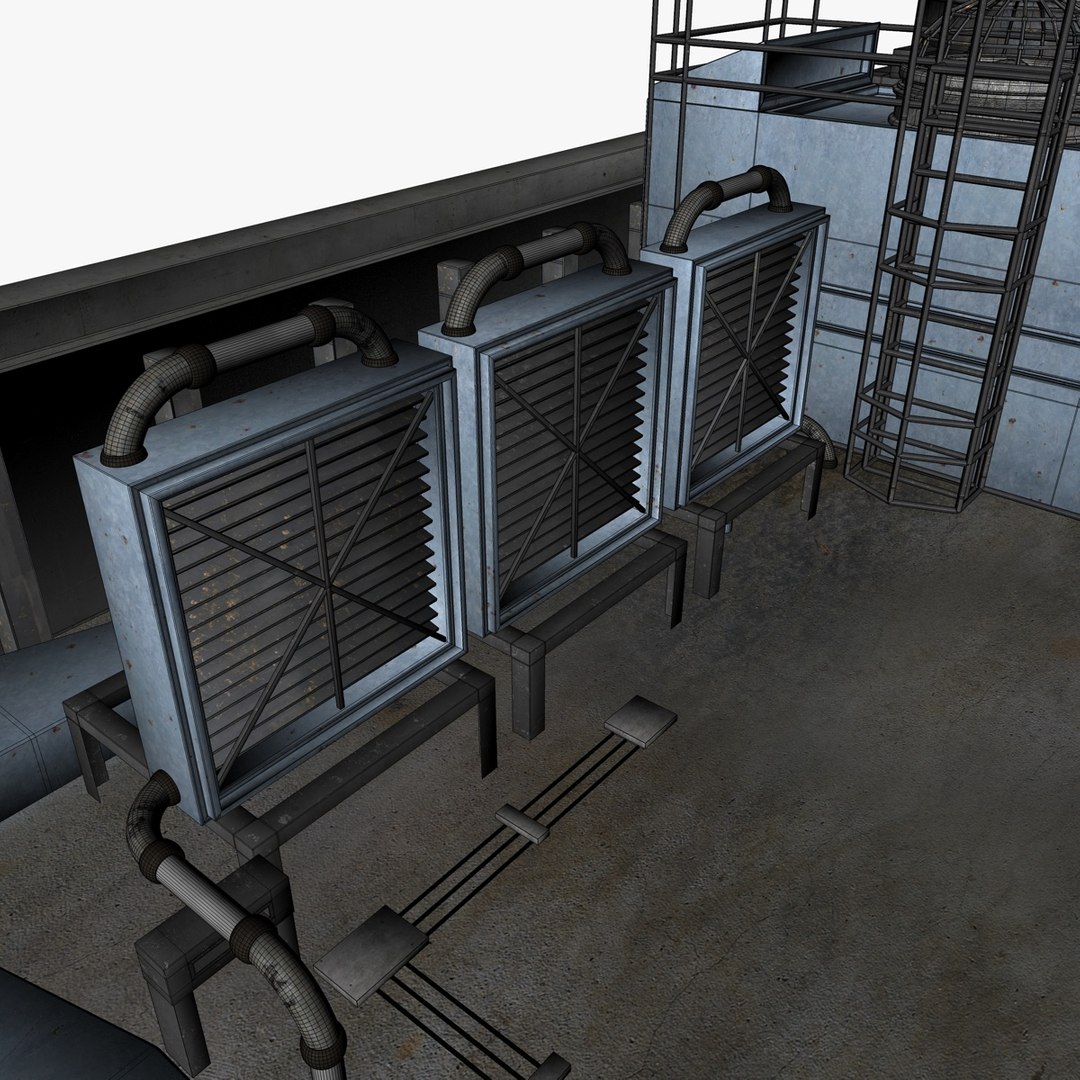
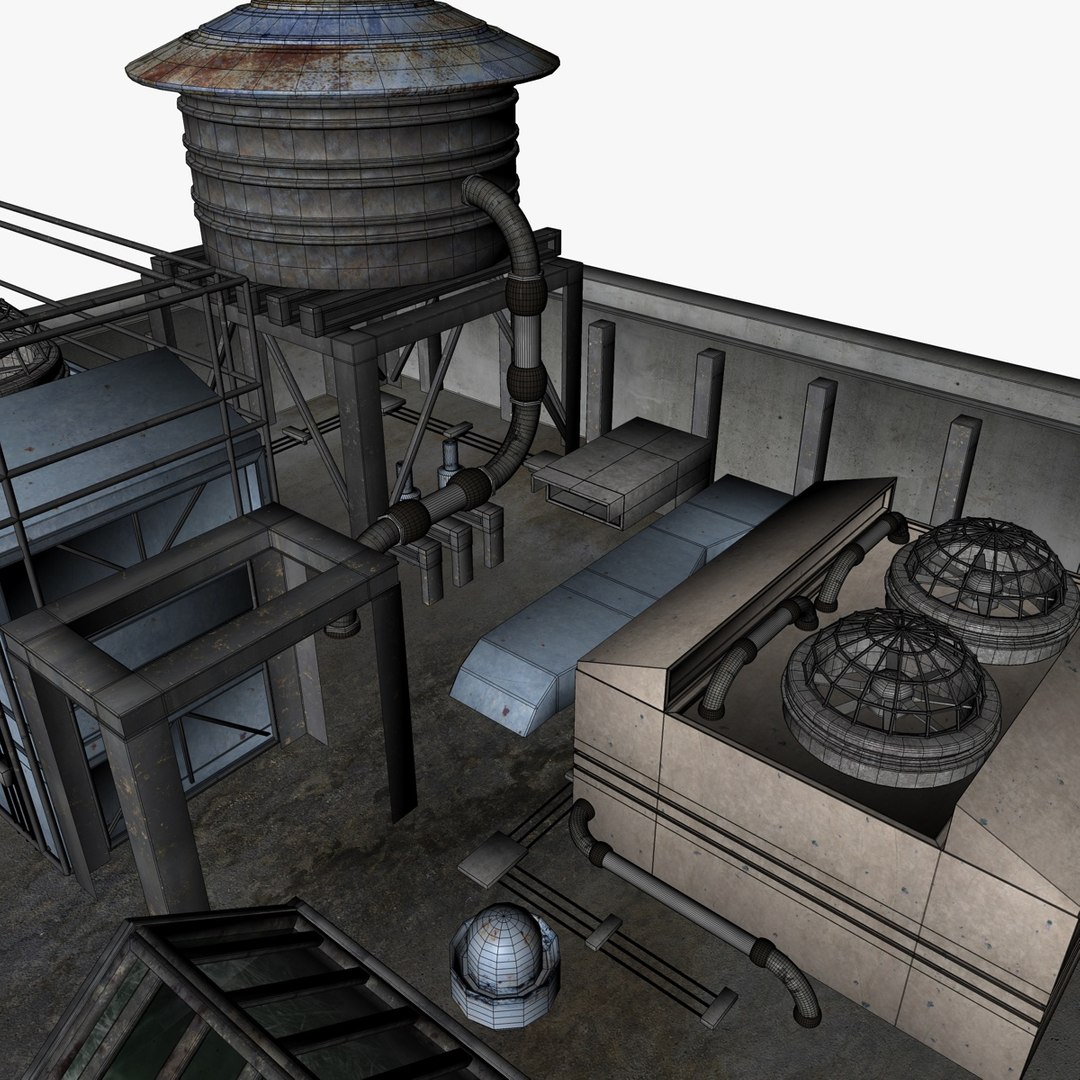
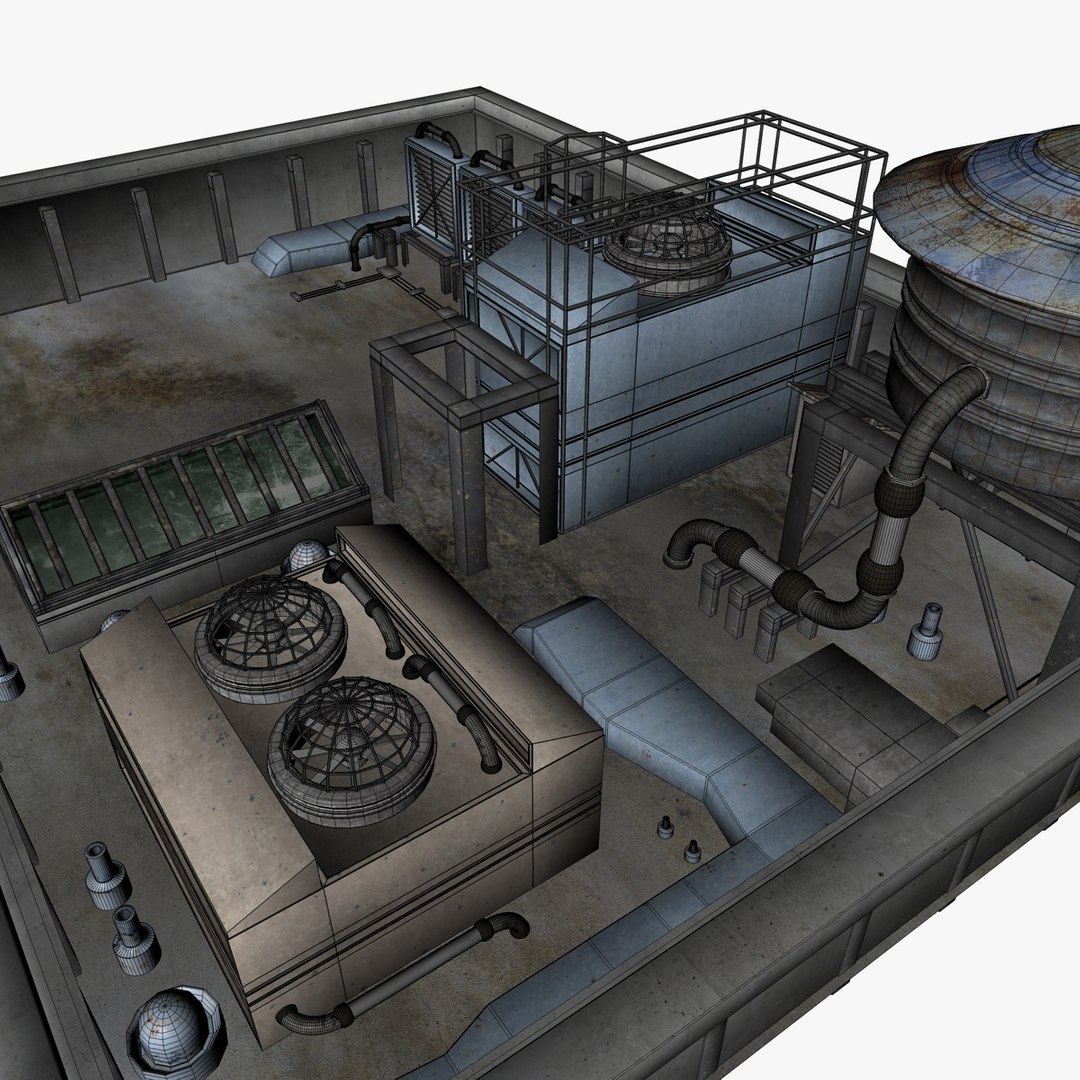
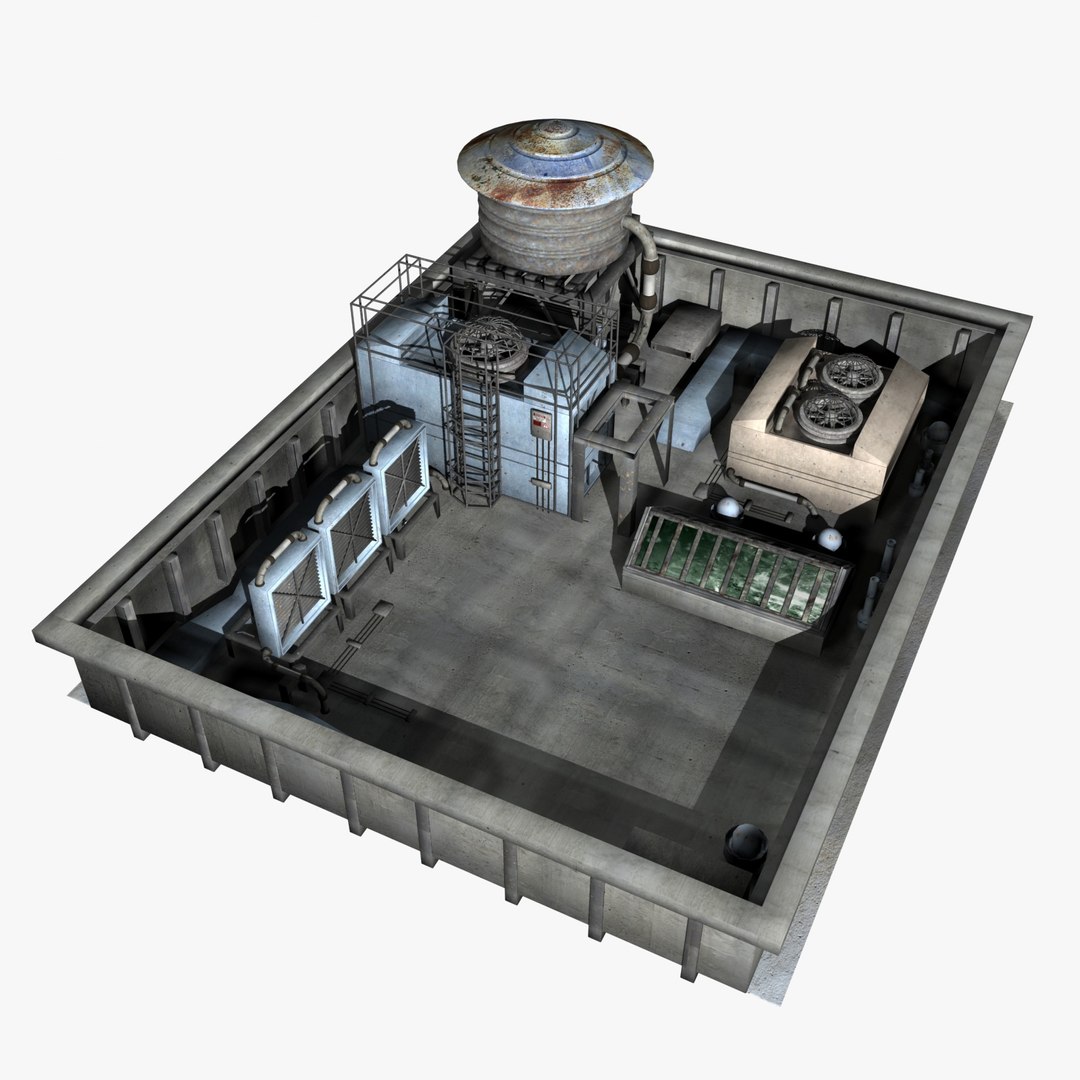
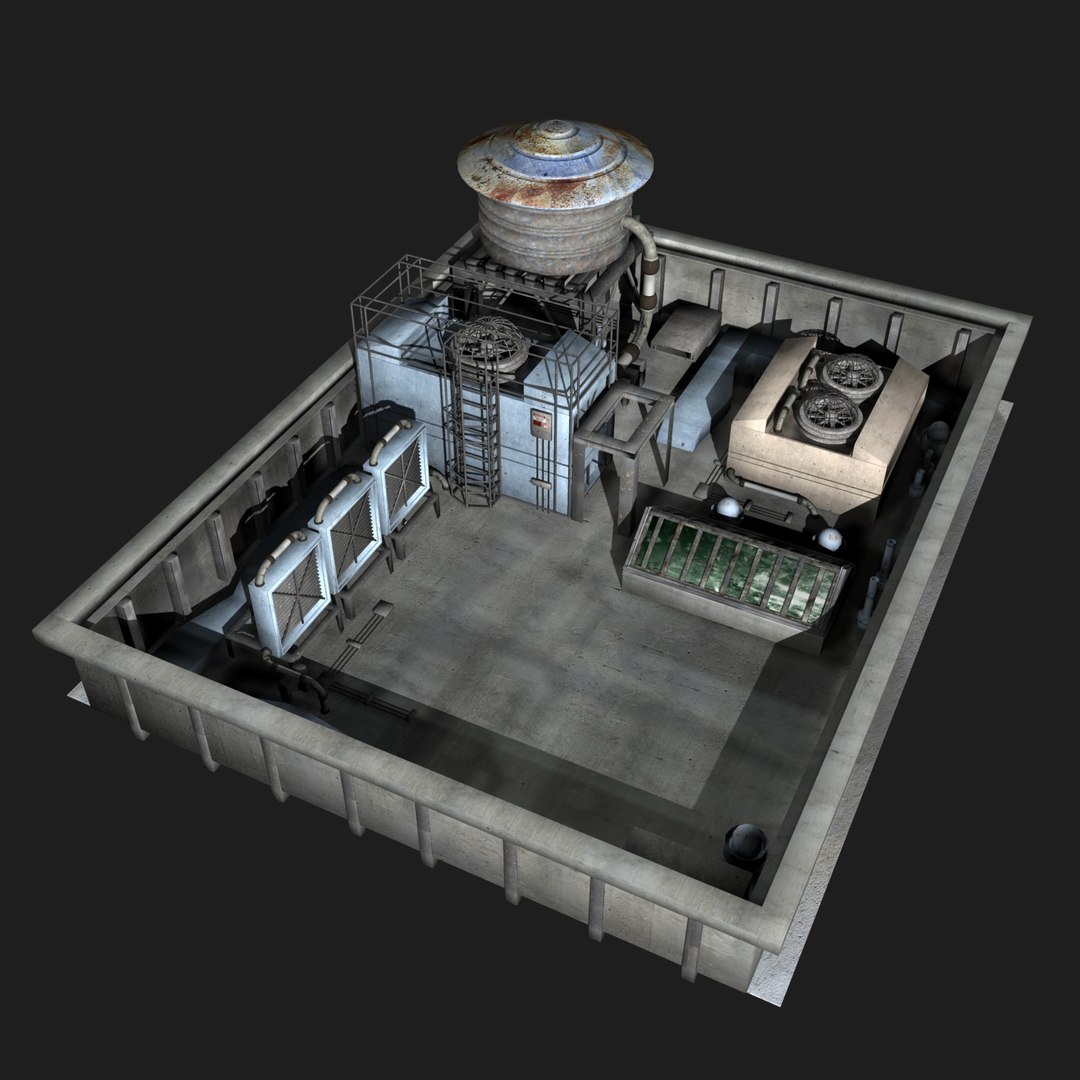
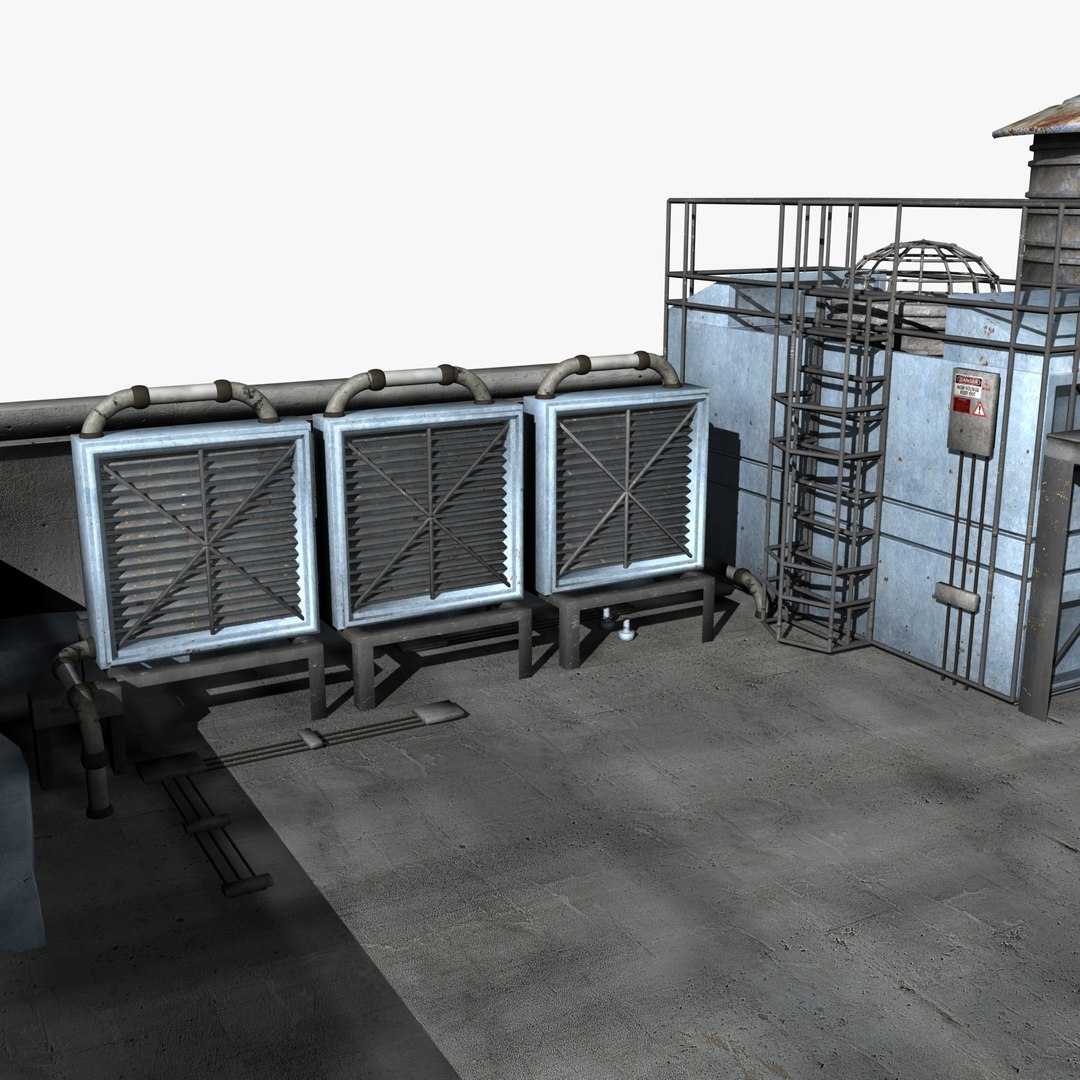
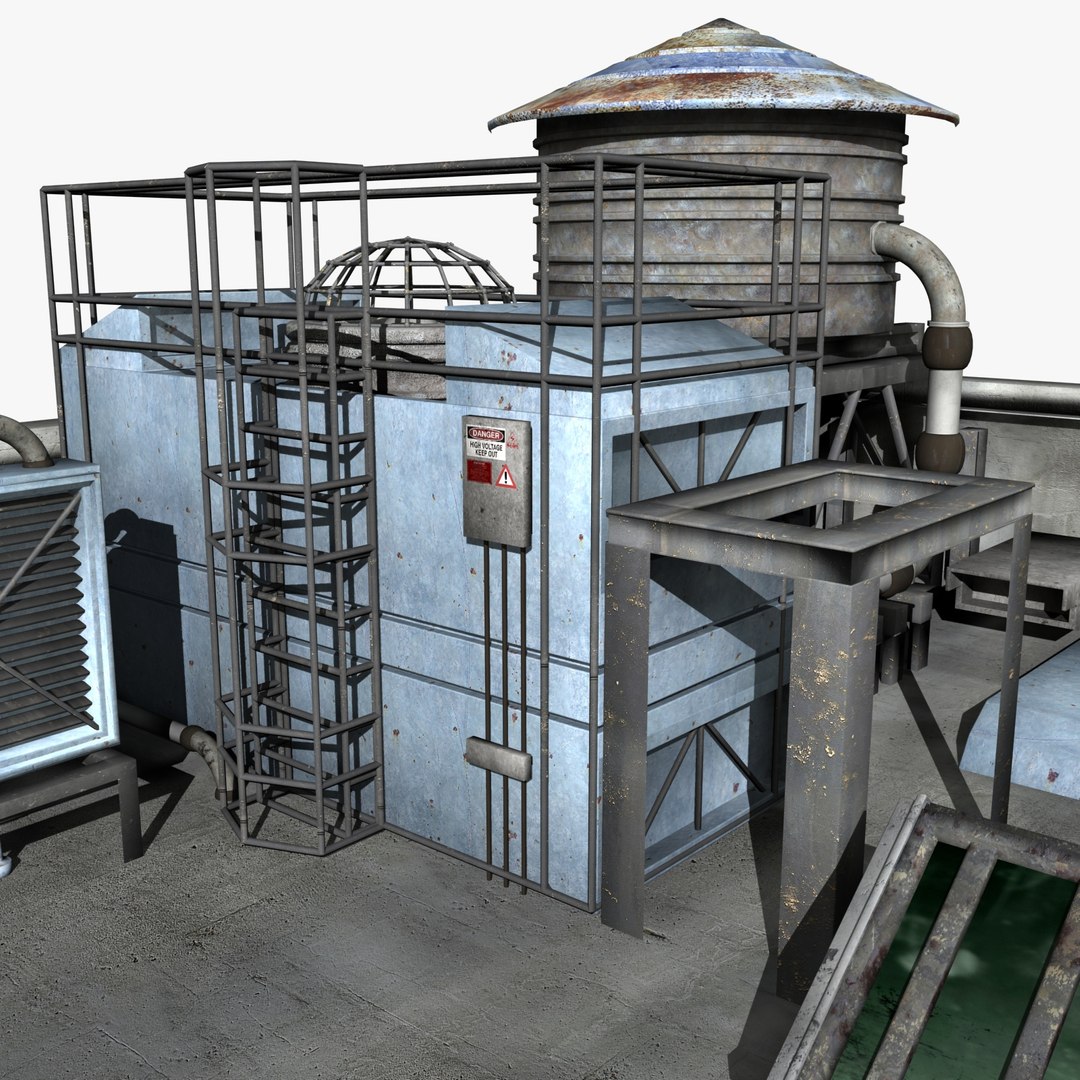
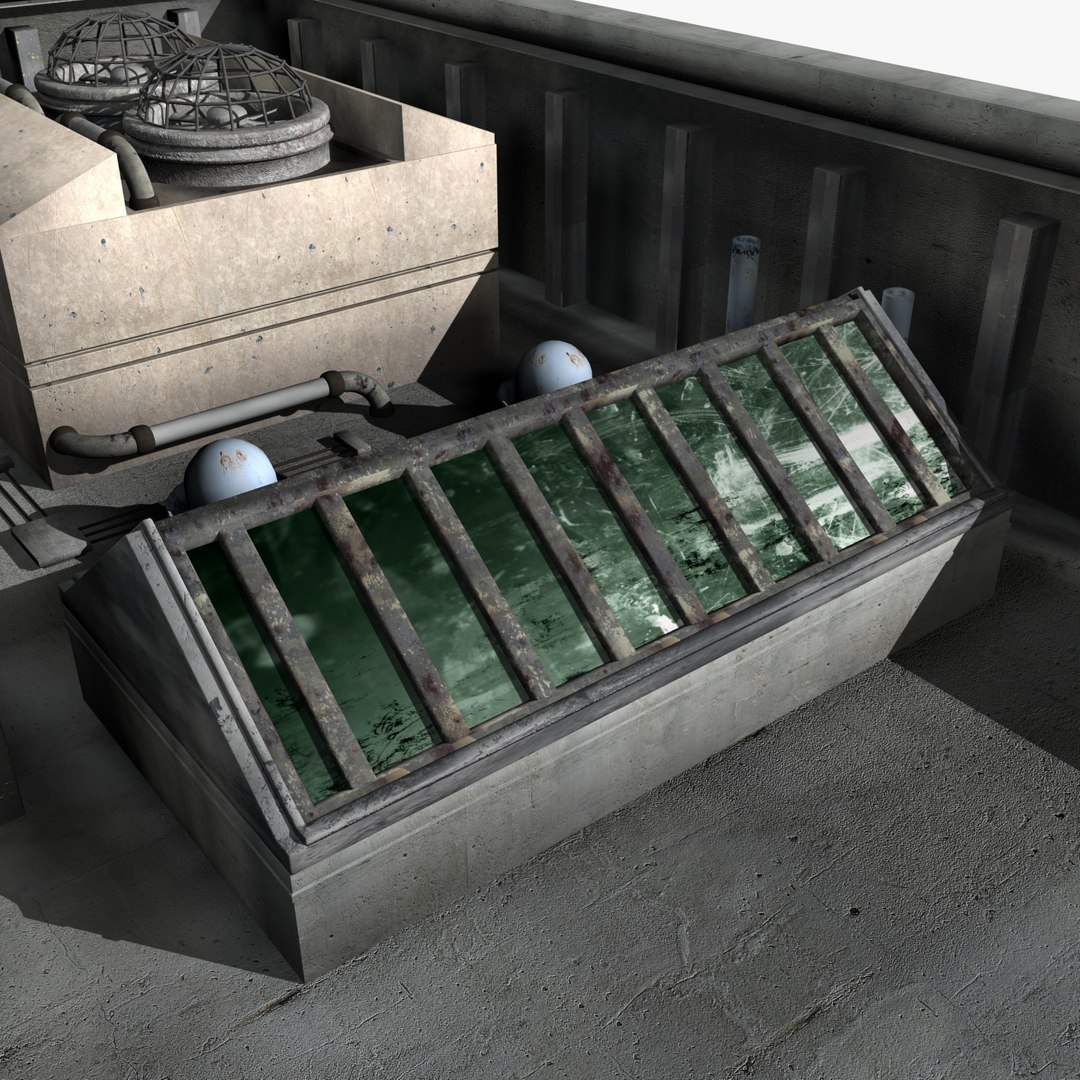
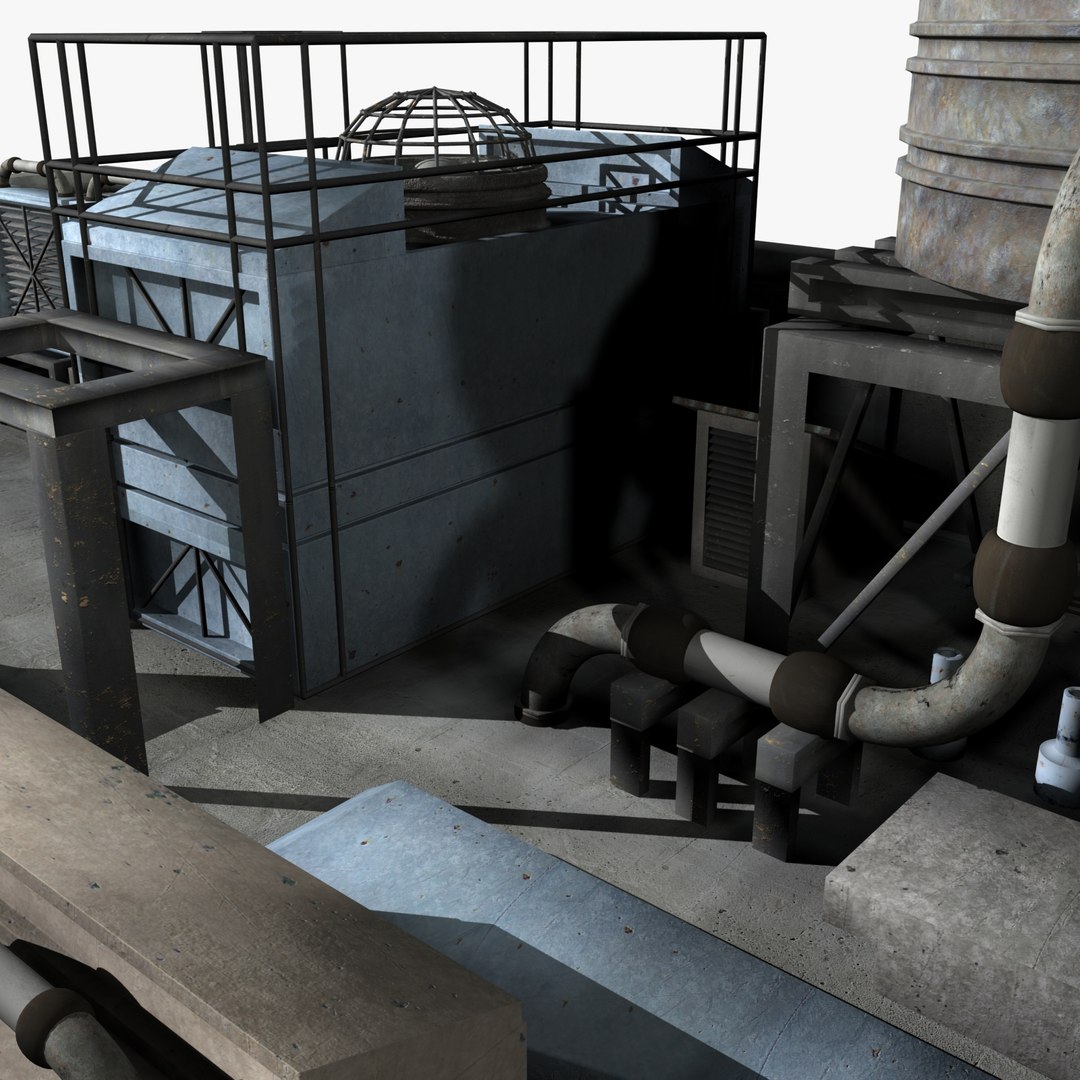
This roof top environment entirely modeled and textured by me. Ready to use for your compositions. It"s a Cinema 4D project files with all maps included. Just place your camera, light and characters and render it out. Not all the UVs are laid out. I"ve used UV modifiers of C4D to fix the seams.

|| About 3ds Max Version ||
- Important Notice:
This is a model originally created in Cinema 4D. Imported and textured in 3ds Max. Geometry errors all FIXED and all the textures are APPLIED.

- Lighting and Rendering:
You can get the best out of this model with V-ray or Mental Ray. I just put a few lights to show the model to you. You can use any lighting solution you like that's why I've left it as Default Scanline Renderer. Check my storefront to see the Cinema 4D version rendered with Global Illumination and Ambient Occlusion - those solutions makes it look great.

..: Features :..
- All textures and materials applied and all are in same folder.
- Default Scanline Renderer
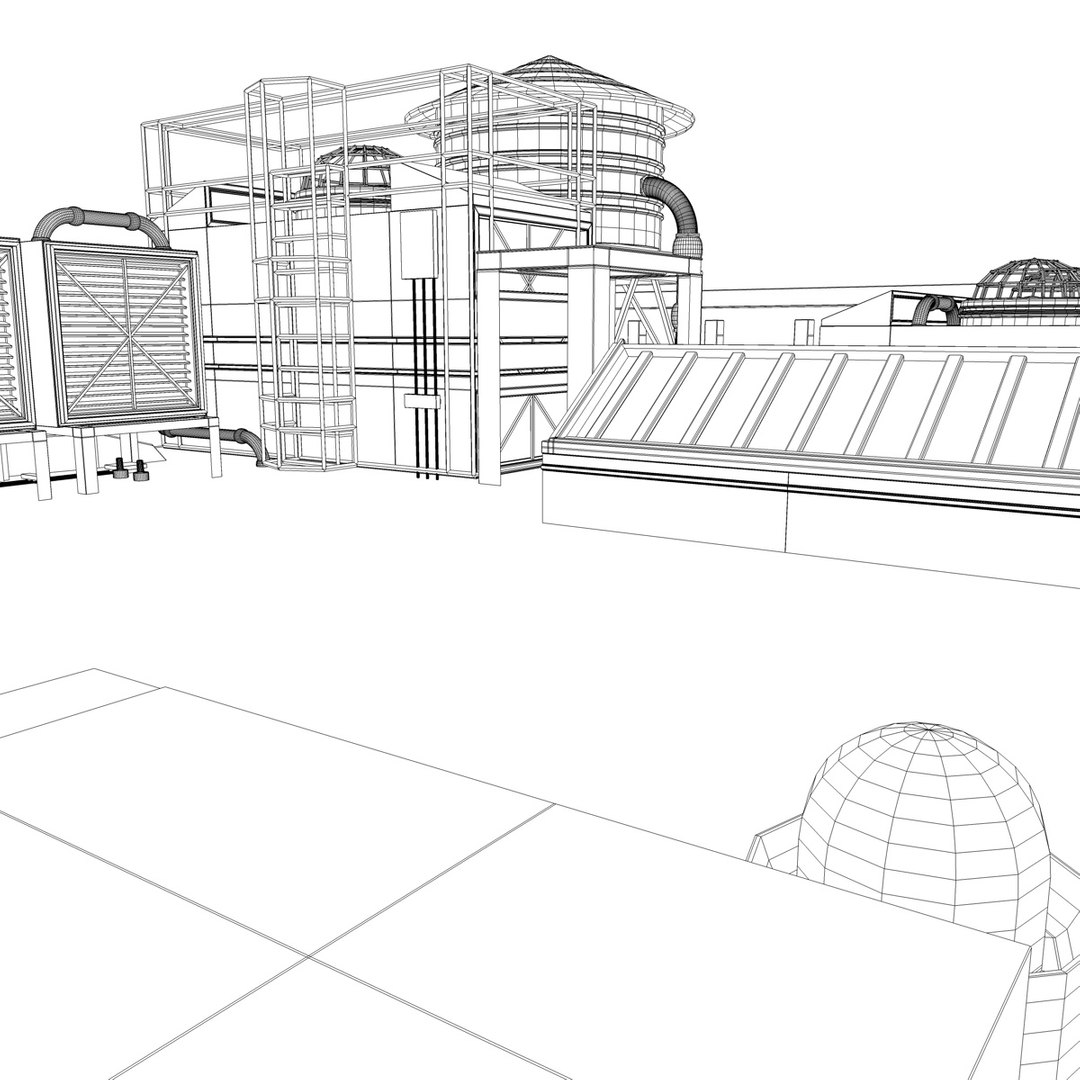
- Clean geometry

Select Enhanced License

  • $10,000 in Legal Protection (Indemnification)
  • Uncapped Legal Protection (Indemnification)
  • Waiver from injunctive relief
  • Assignable model rights
  • $1,000,000 in Legal Protection (Indemnification)
  • Waiver from injunctive relief
  • Assignable model rights
  • $250,000 in Legal Protection (Indemnification)
  • Assignable model rights
Read more about enhanced license tiers, or contact us at enterprise@turbosquid.com. Already a Shutterstock Enterprise Customer? Contact your Shutterstock Sales Support Agent to talk about adding 3D.

About Conversion Requests

To submit a conversion request for a purchased asset, please complete our Conversion Request Form.

If you have not yet purchased a model, please review our Documentation about Conversions to learn about what limitations you may encounter with a conversion.

For any additional questions about a model’s suitability for conversion, please contact TurboSquid Support.

Loading...