
Solidworks CAD Skeleton Poseable

$999

Standard License | Upgrade License
Formats (6)
Free file format Conversions available
Rhino
IGES
Other Textures
sldas
Specifications
Publish Date October 10, 2010
Product ID 561860
Polygons 0
Vertices 0
Nurbs
Unknown Unwrapped UVs
TurboSquid Exclusive
member avatar
ID Guy
40 Products | Contributor Since 2004
Have questions? Chat with us now.

Description

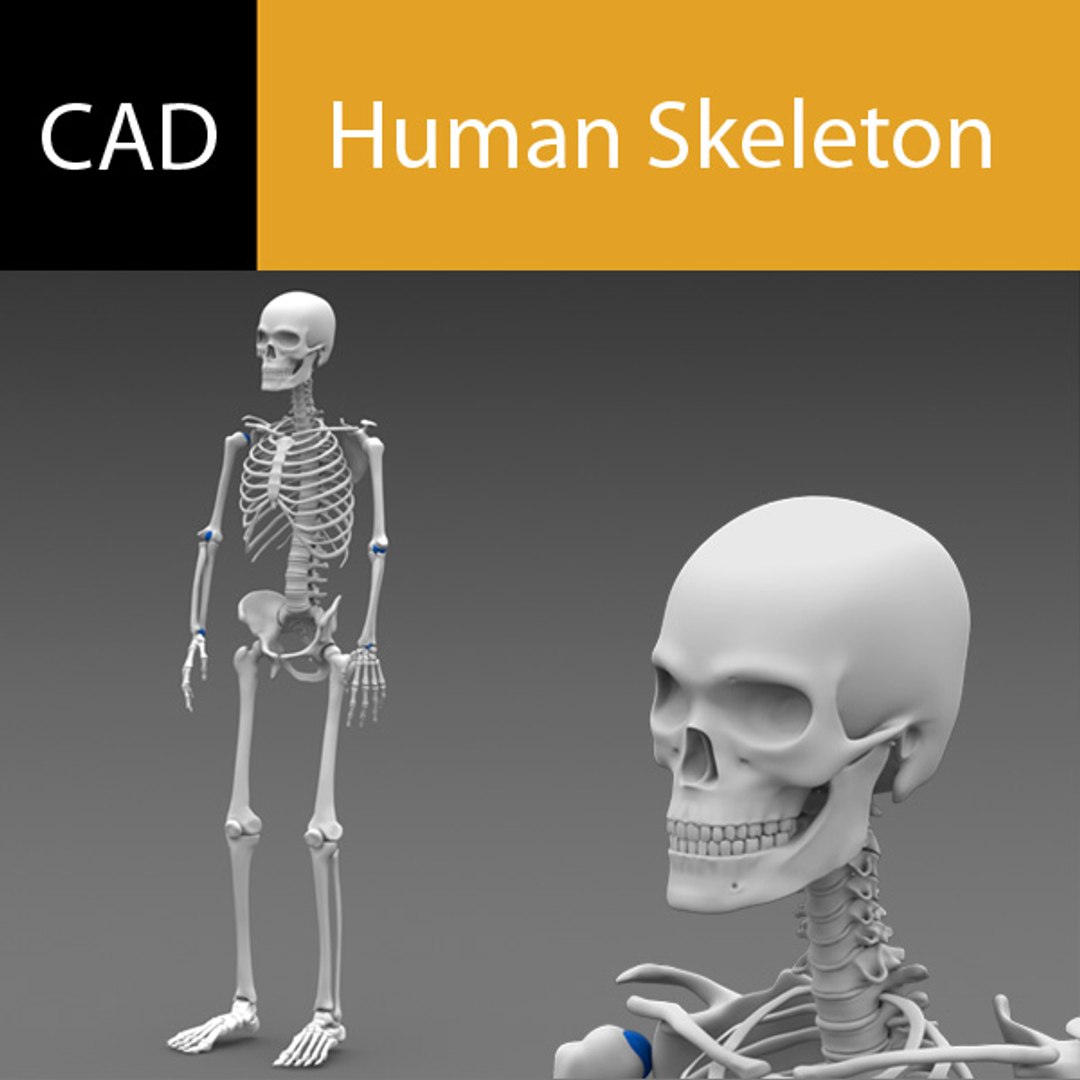
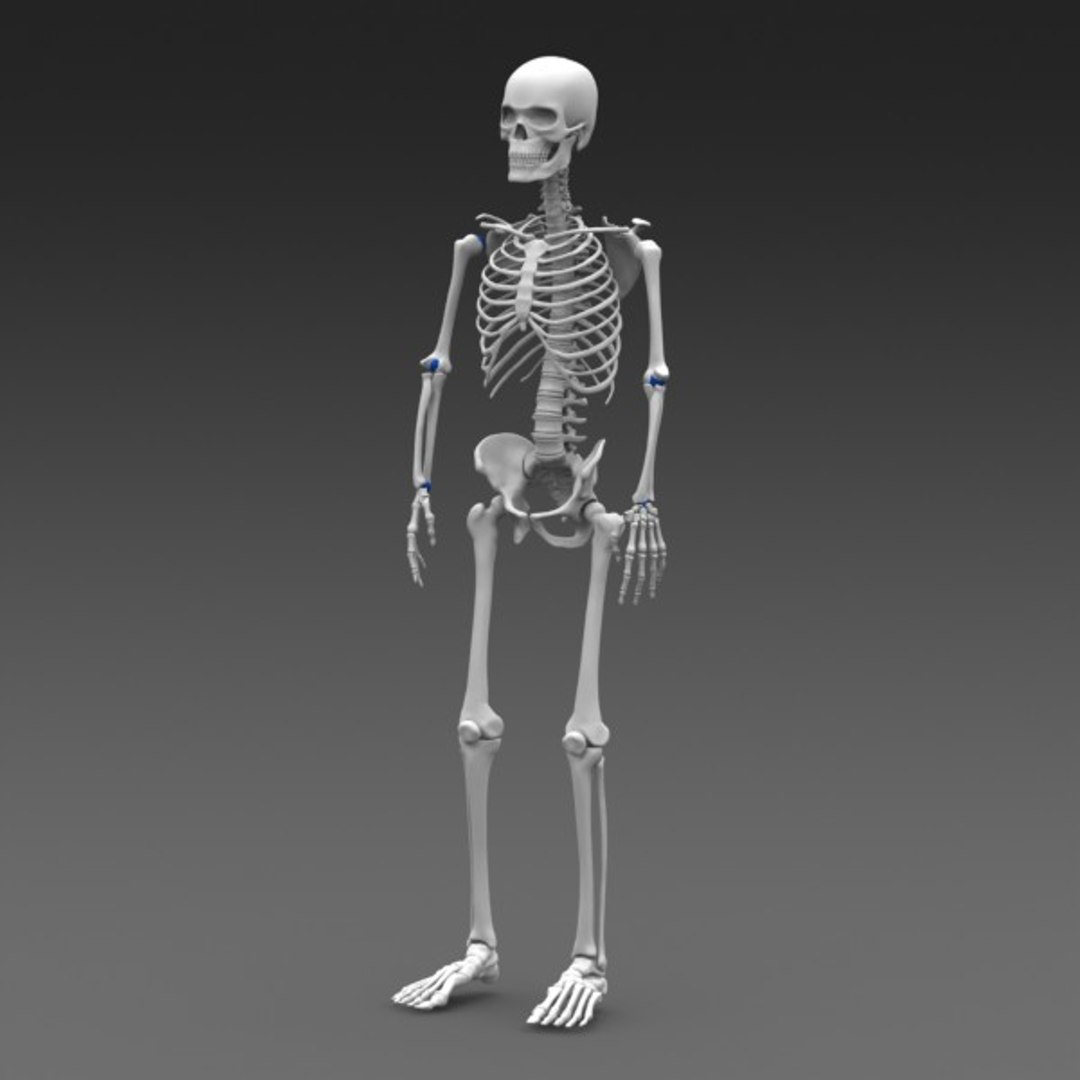
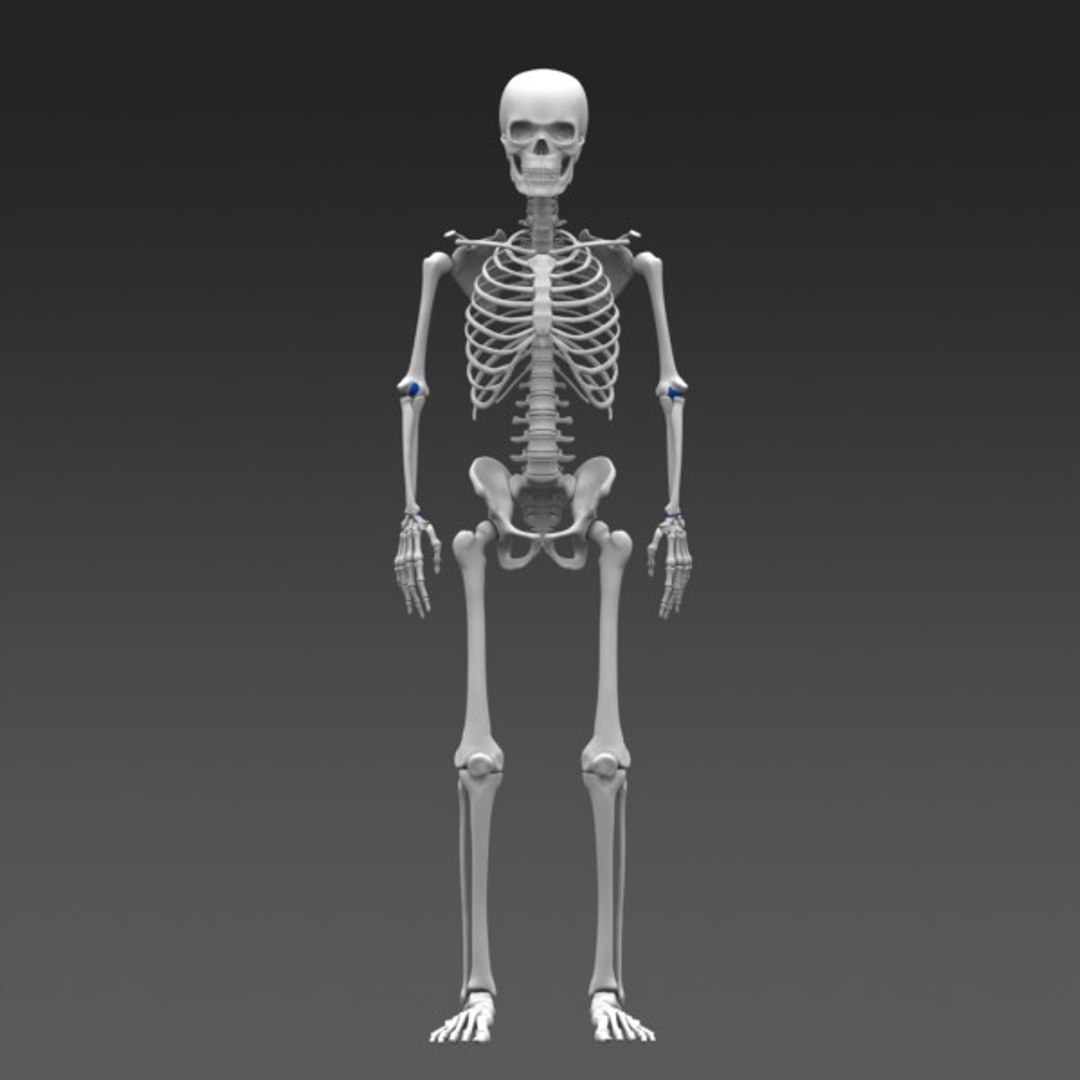
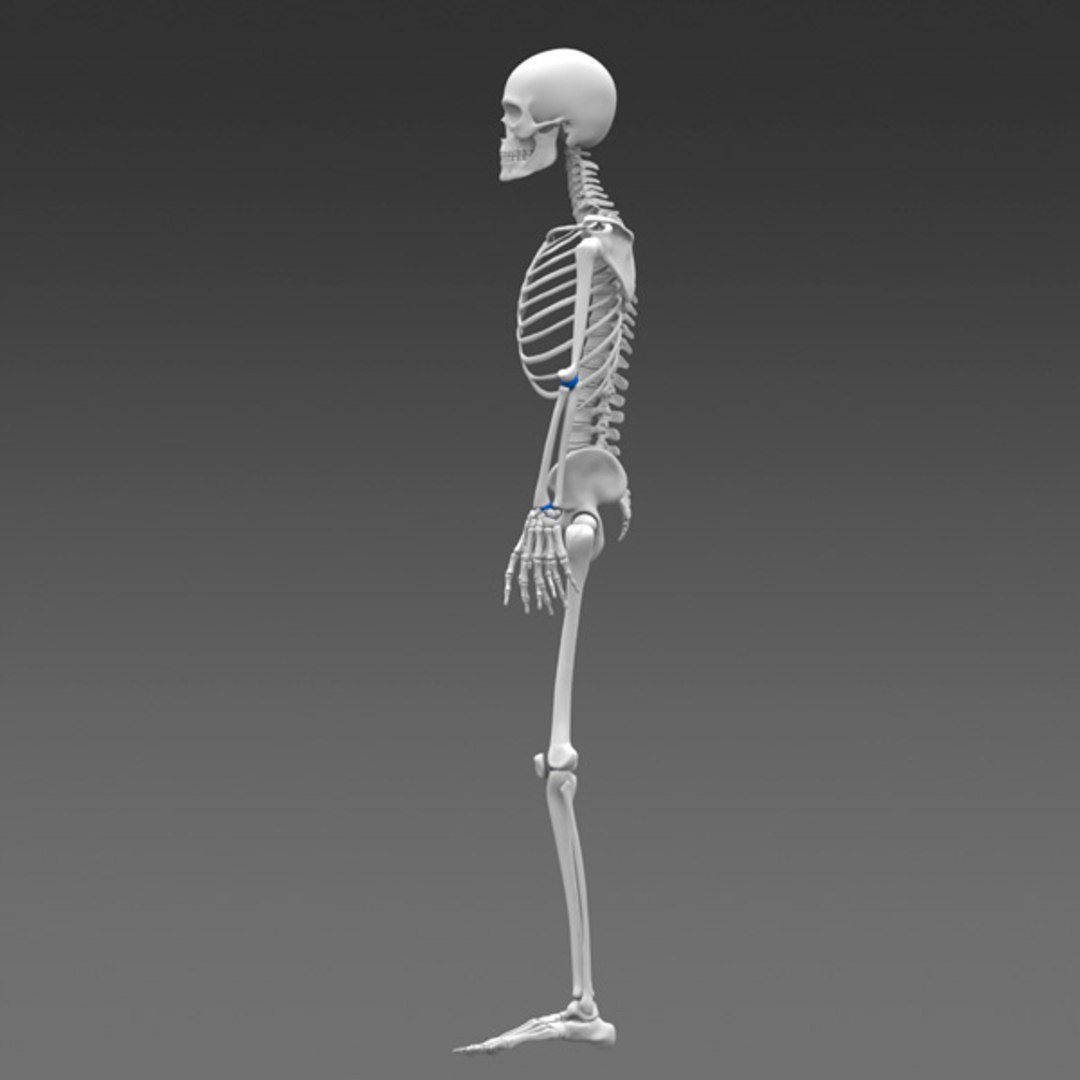
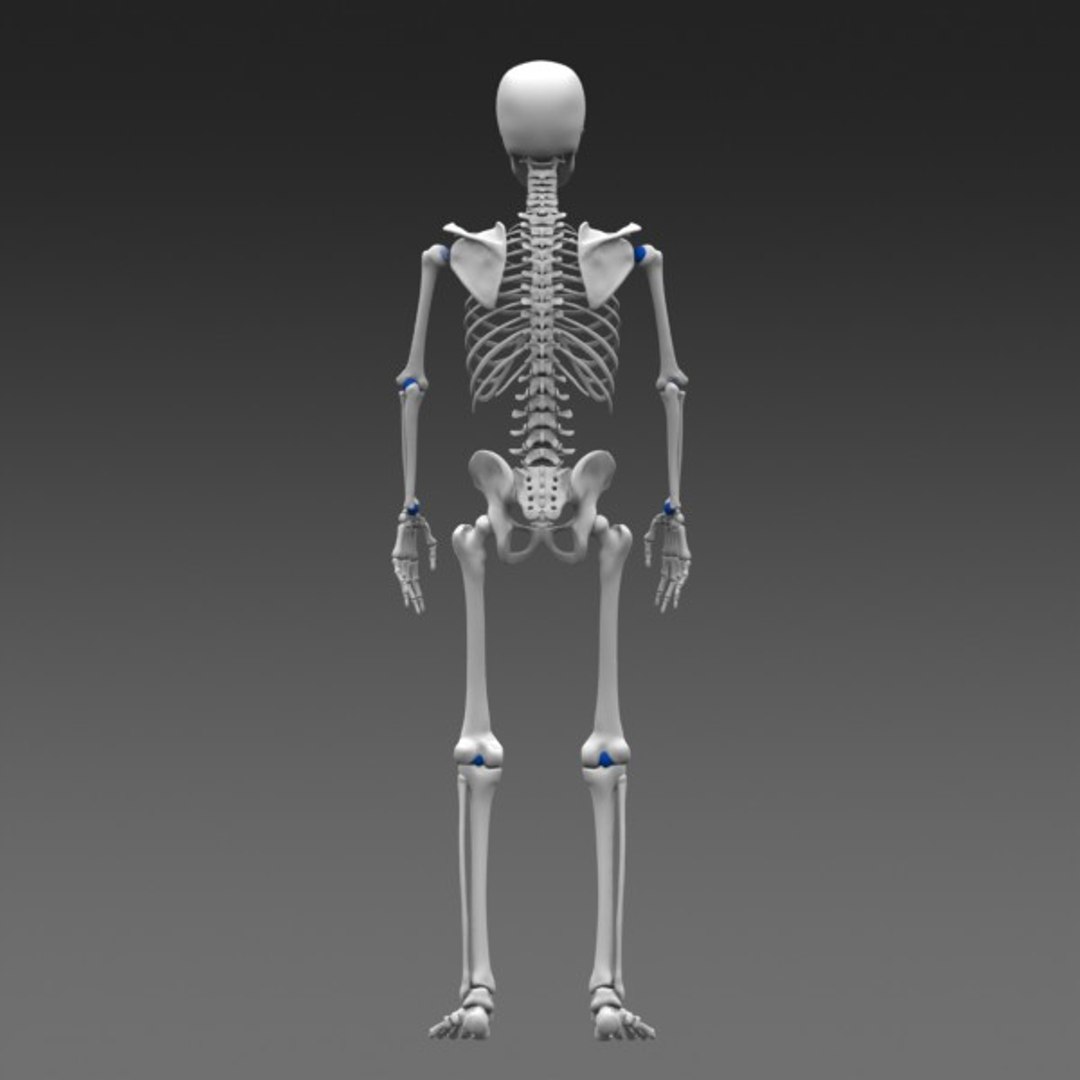
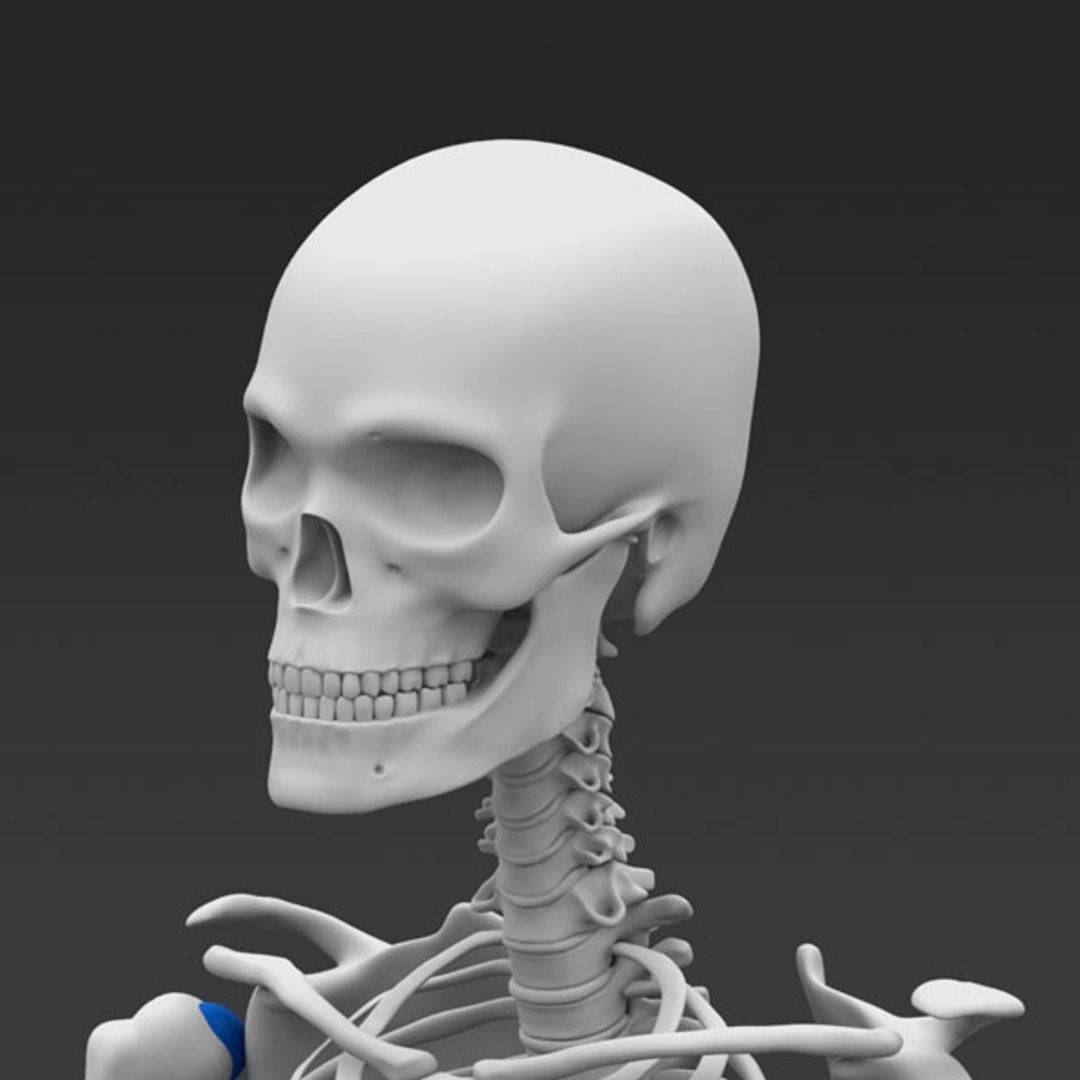
Highly detailed poseable model of a human skeleton in 6 common CAD formats. Can be imported and used in any CAD application. Great for visualization purposes or design/engineering reference.

Preview Images rendered with Solidworks Photoview 360

Sample video included below that shows posing inside solidworks.


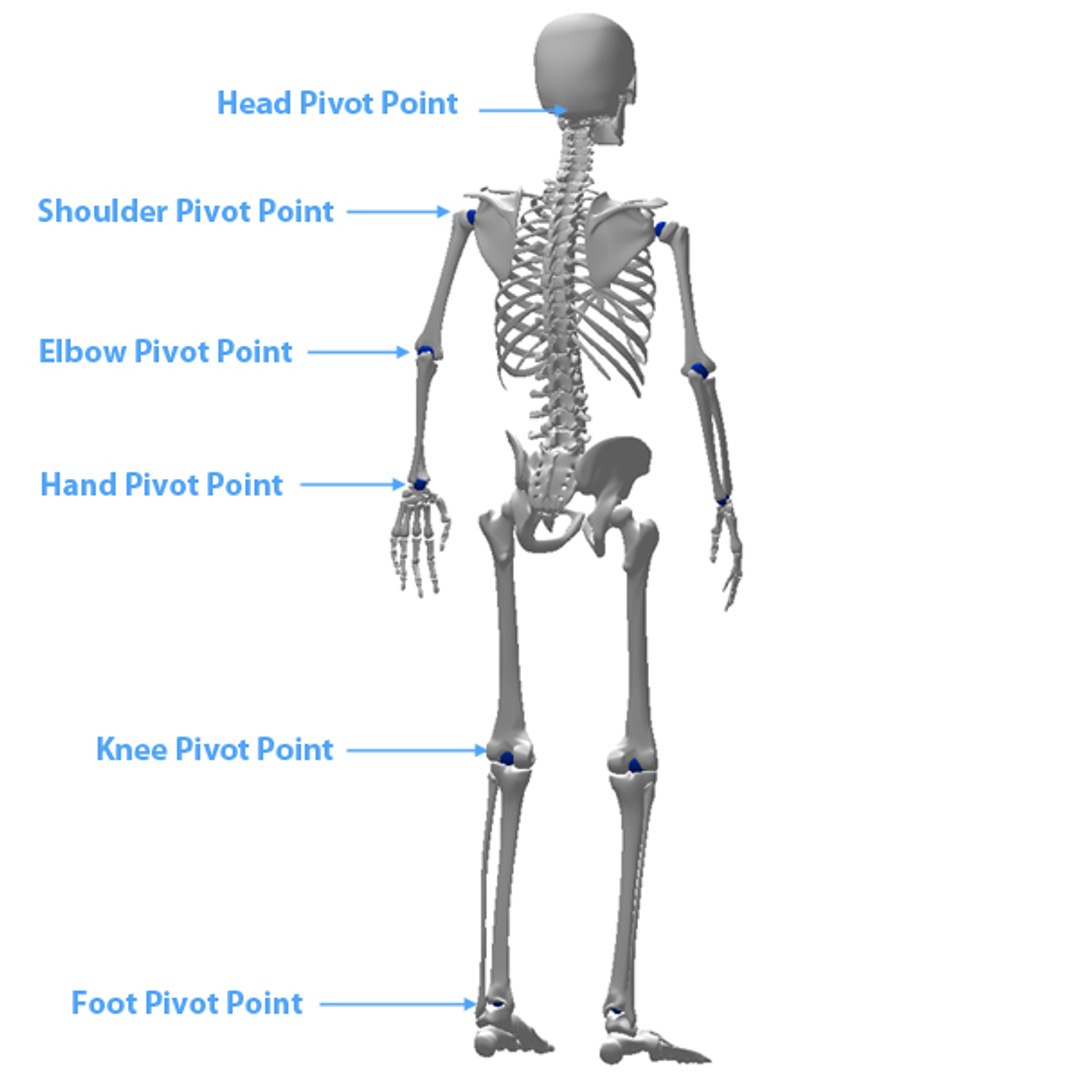
1. Solidworks 2008 or newer assembly file that is ready for posing. Use the move triad and fix/float of various sub assemblies to position the skeleton in a desired pose.

2. Parasolid .XT will open in older versions of solidworks perfectly. Simply apply concentric mates at all the blue joint spheres and it will be ready for posing.

3. IGES

4. STEP

5. ACIS .Sat

6. Rhino 3dm

Please leave a rating if you like the model :)

Select Enhanced License

  • $10,000 in Legal Protection (Indemnification)
  • Uncapped Legal Protection (Indemnification)
  • Waiver from injunctive relief
  • Assignable model rights
  • $1,000,000 in Legal Protection (Indemnification)
  • Waiver from injunctive relief
  • Assignable model rights
  • $250,000 in Legal Protection (Indemnification)
  • Assignable model rights
Read more about enhanced license tiers, or contact us at enterprise@turbosquid.com. Already a Shutterstock Enterprise Customer? Contact your Shutterstock Sales Support Agent to talk about adding 3D.

About Conversion Requests

To submit a conversion request for a purchased asset, please complete our Conversion Request Form.

If you have not yet purchased a model, please review our Documentation about Conversions to learn about what limitations you may encounter with a conversion.

For any additional questions about a model’s suitability for conversion, please contact TurboSquid Support.

Loading...