
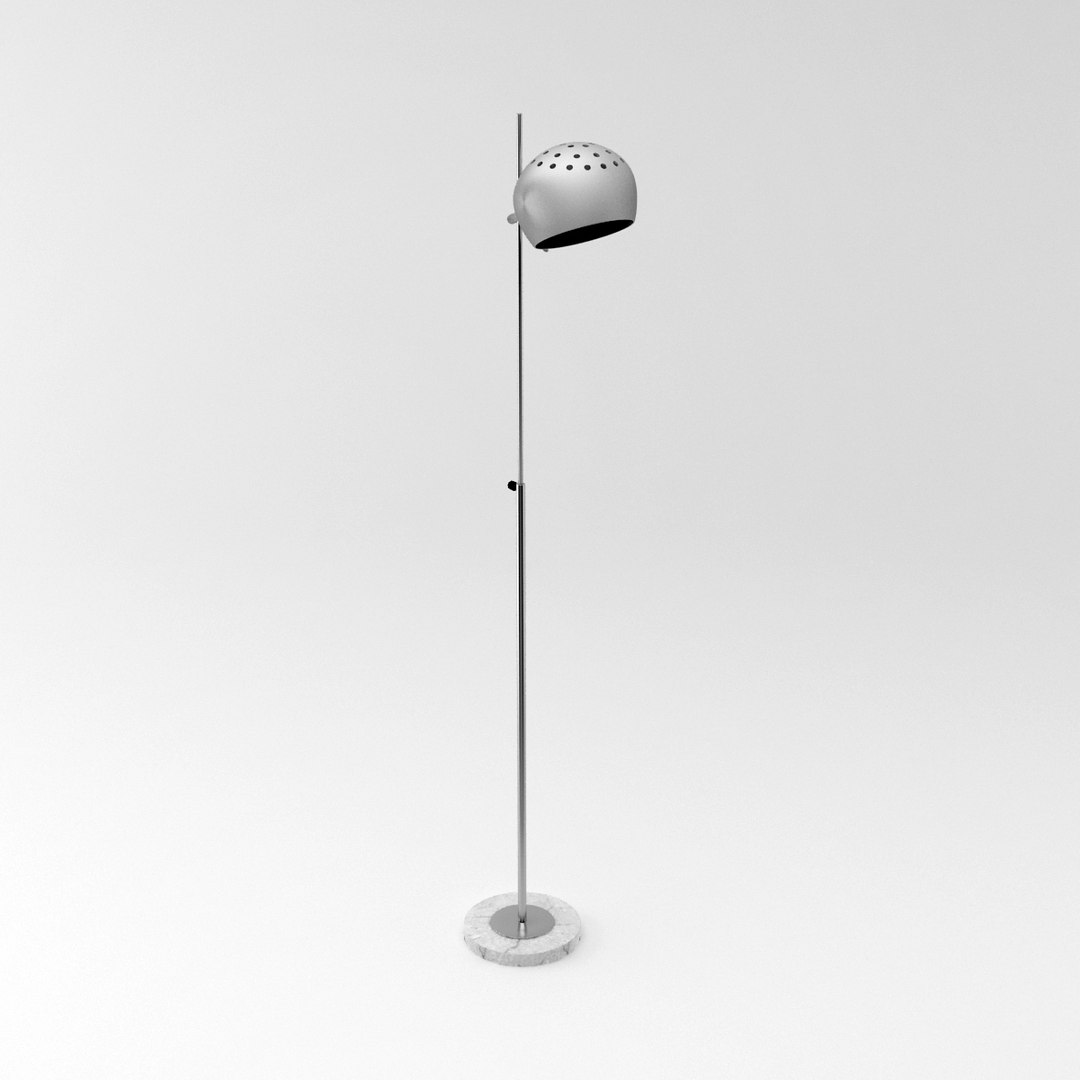
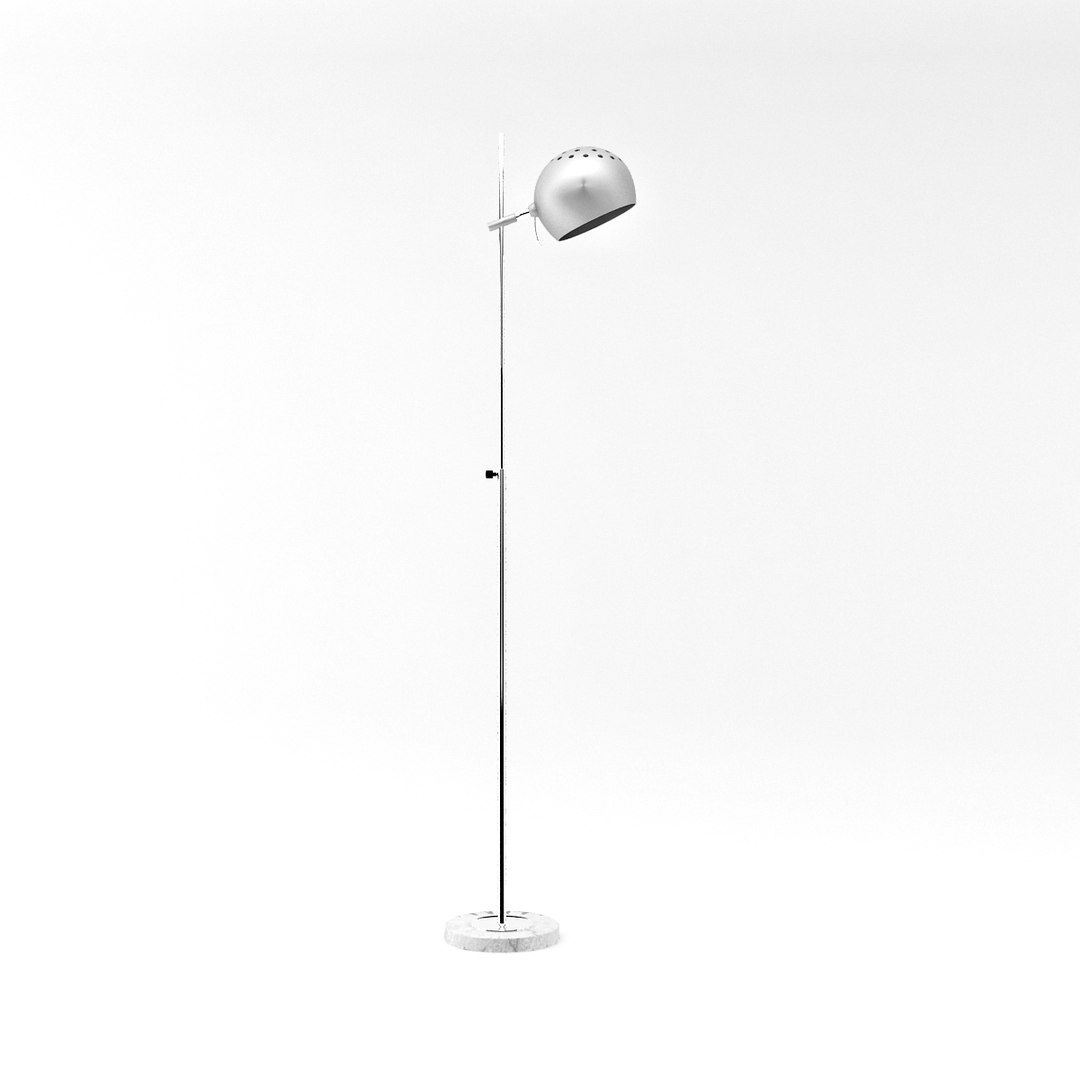
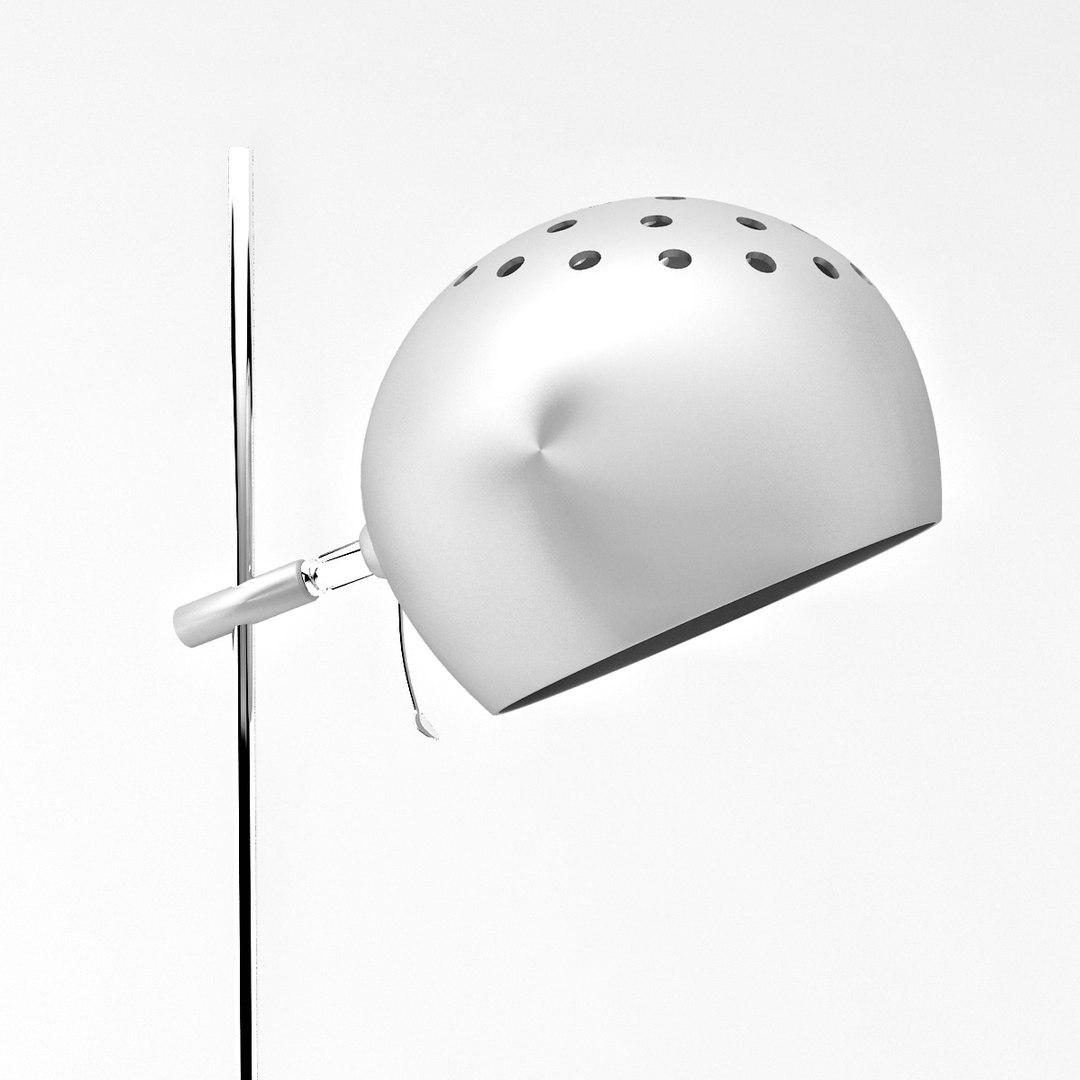
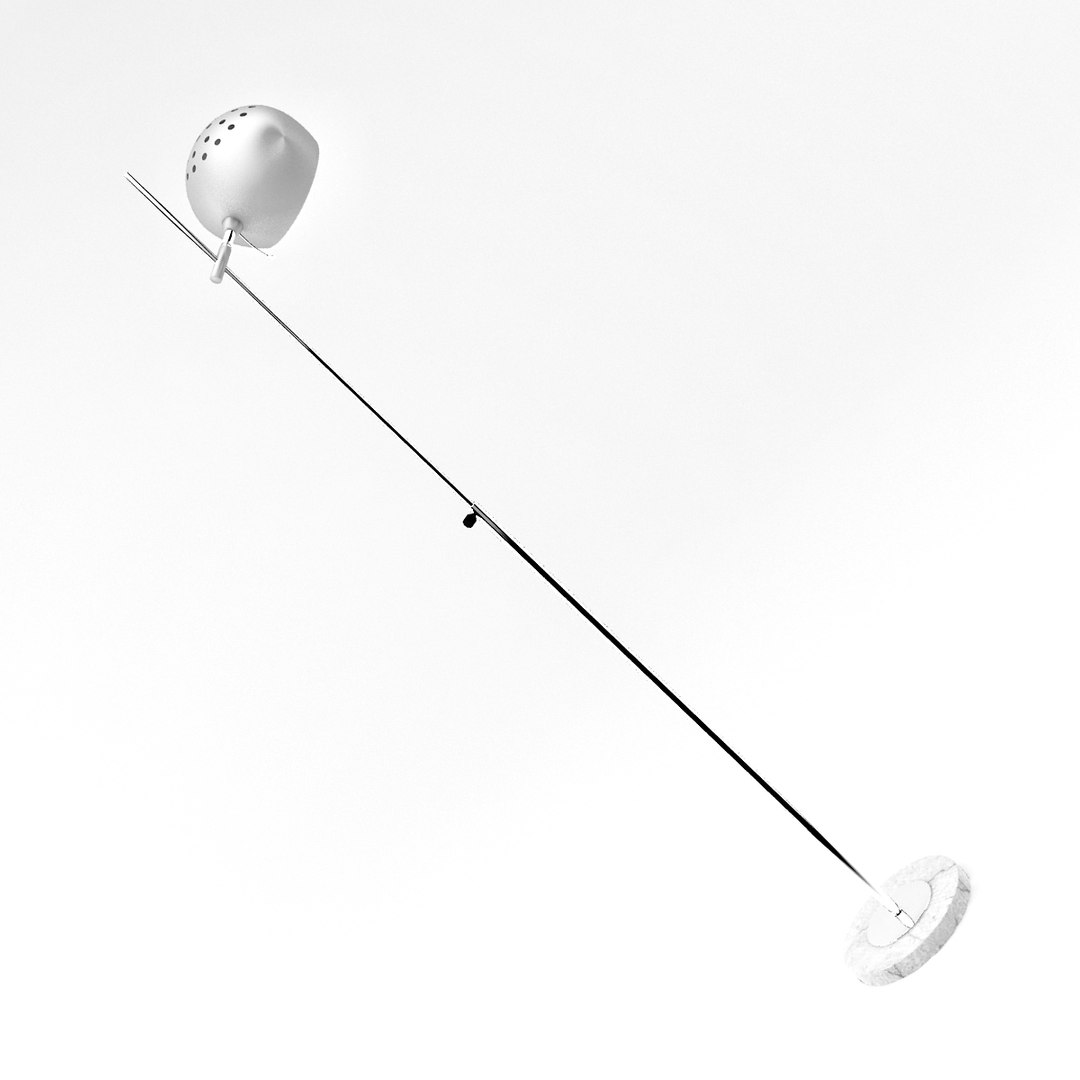
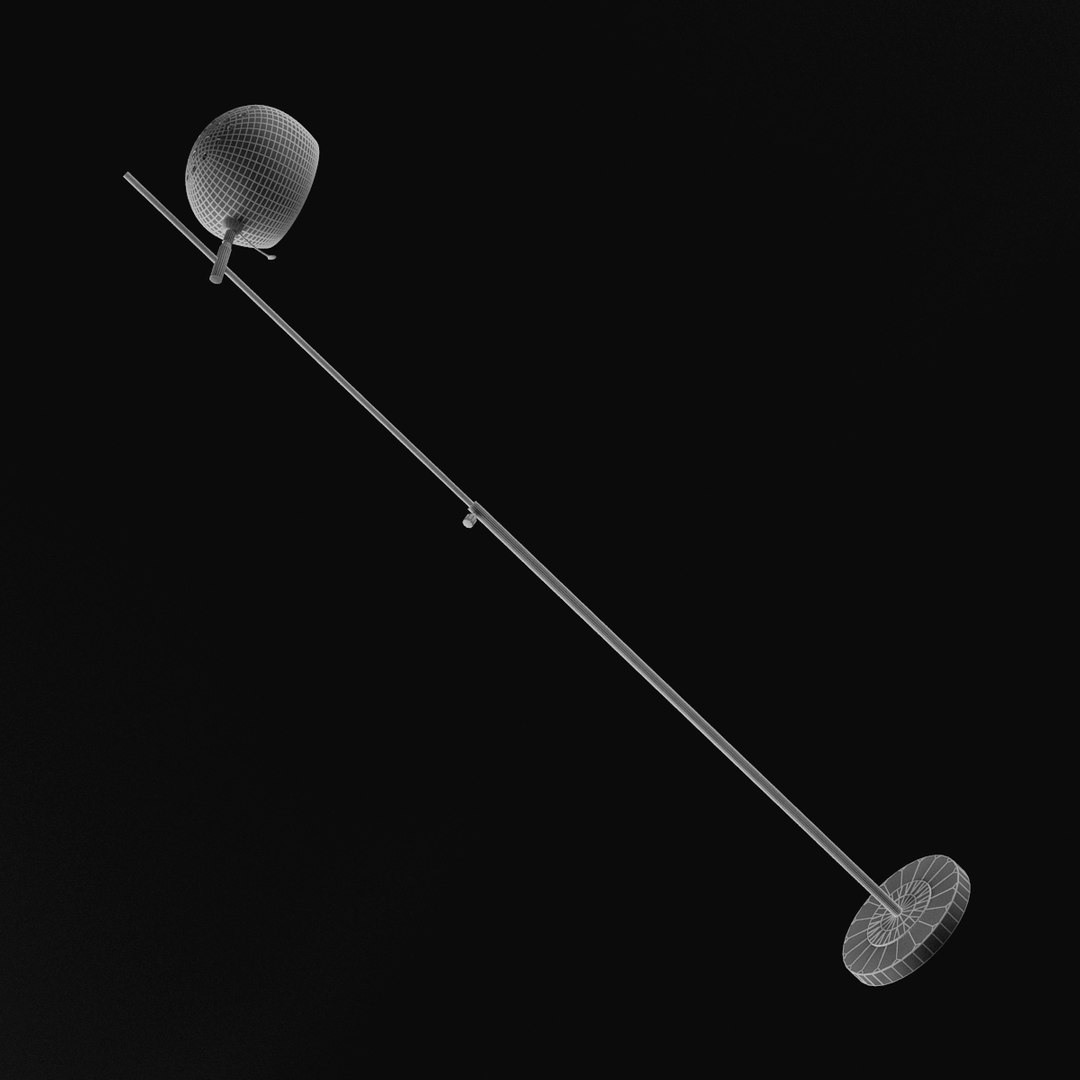
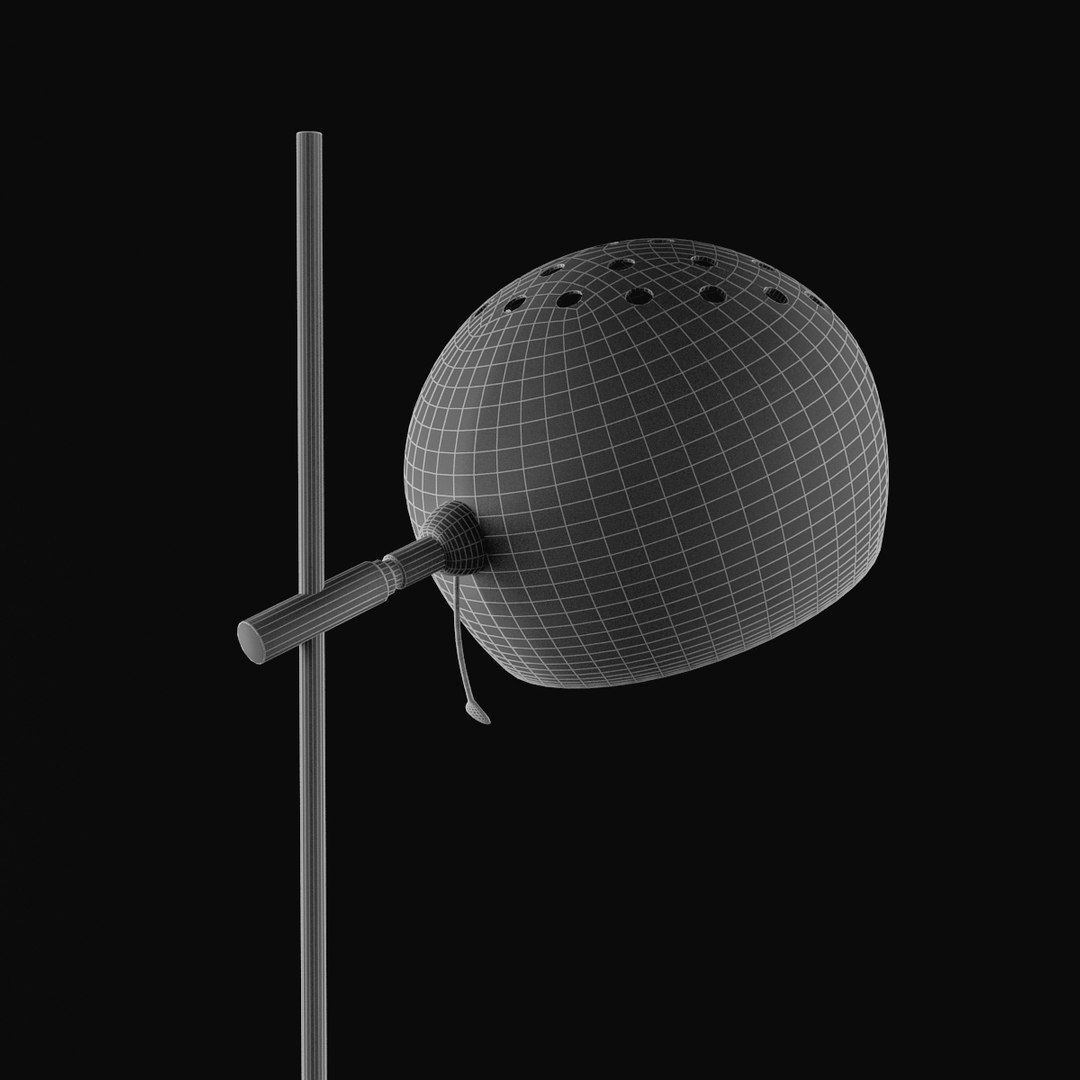
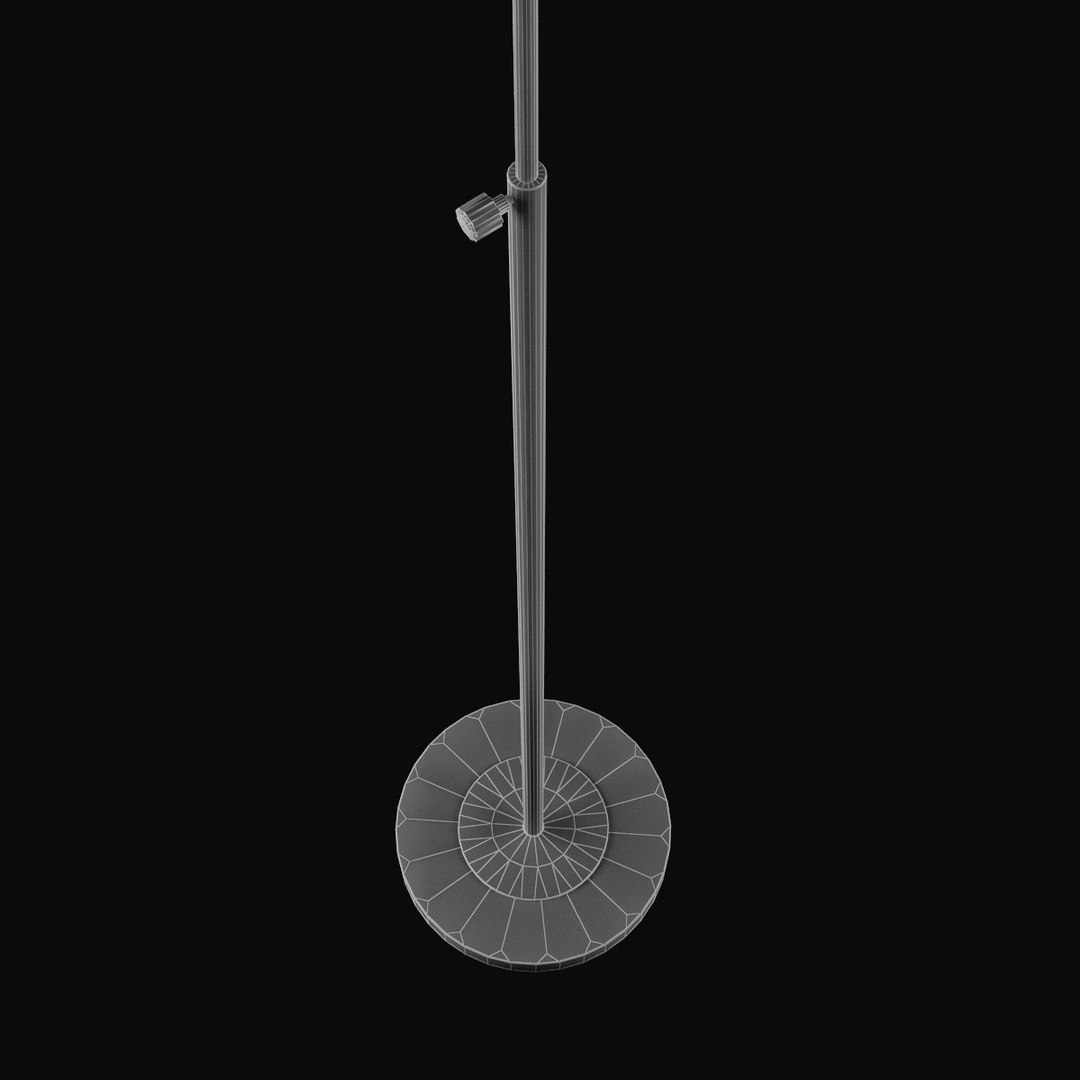
Floor Lamp 03

$19

Standard License | Upgrade License
Formats (5)
Native | 3ds Max 9 | V-Ray 1.5 RC3
3ds Max 9 | Default Scanline
OBJ
FBX
3D Studio
Specifications
Publish Date March 15, 2009
Product ID 450778
Polygons 6,119
Vertices 8,015
Polygonal Ngons Used
Textures
Materials
UV Mapped
TurboSquid Exclusive

member avatar
Pixel Bandit
534 Products | Contributor Since 2009
Have questions? Chat with us now.

Description

FOR FILE CONVERSION ASK SUPPORT

************************************************************************************************************************

~ Modeled and rendered with 3ds Max 9 / v-ray, V-ray scene requires V-ray plugin, the Scanline scene requires no plugins.
~ 3ds Max 9 is the native file
~ High quality modeling, detailed, excellent for closeups, and architectural visualization.
~ Model is scaled to real world.
~ Added 3ds Max 9 format with vray materials, and with standard materials for Default Scanline Render.
~ There is no scene included, just the object only.
~ Materials are named logically.
~ Objects in the files are named logically.
~ Texture is named logical
~ Texture size is 900*900 pixel / 72 dpi.

~ Polys: 6116 (77 Tris + 848 Ngons), Vertex: 8015

************************************************************************************************************************
Please submit a rating :)
(+) feedback helps me to improve my library
Thank you!
************************************************************************************************************************

Select Enhanced License

  • $10,000 in Legal Protection (Indemnification)
  • Uncapped Legal Protection (Indemnification)
  • Waiver from injunctive relief
  • Assignable model rights
  • $1,000,000 in Legal Protection (Indemnification)
  • Waiver from injunctive relief
  • Assignable model rights
  • $250,000 in Legal Protection (Indemnification)
  • Assignable model rights
Read more about enhanced license tiers, or contact us at enterprise@turbosquid.com. Already a Shutterstock Enterprise Customer? Contact your Shutterstock Sales Support Agent to talk about adding 3D.

About Conversion Requests

To submit a conversion request for a purchased asset, please complete our Conversion Request Form.

If you have not yet purchased a model, please review our Documentation about Conversions to learn about what limitations you may encounter with a conversion.

For any additional questions about a model’s suitability for conversion, please contact TurboSquid Support.

Loading...