
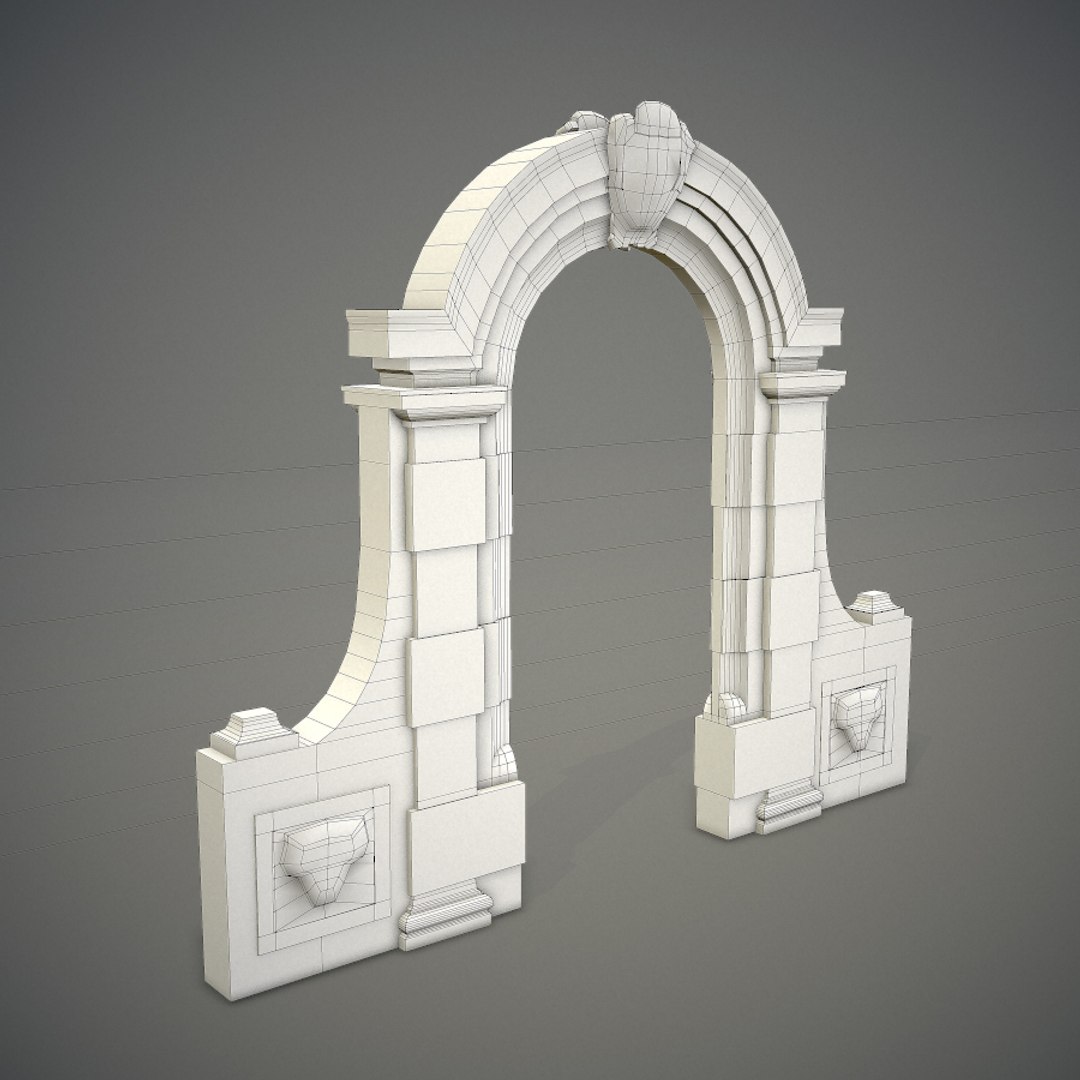
Arched gateway

$30

Standard License | Upgrade License
Formats (4)
Free file format Conversions available
Native | Blender 2.72b
OBJ
FBX
Collada
Other Files
textures.rar
Specifications
Publish Date January 10, 2015
Product ID 885337
Polygons 2,383
Vertices 4,322
Polygonal
Textures
Materials
UV Mapped
Overlapping Unwrapped UVs
TurboSquid Exclusive

member avatar
Verbaska
86 Products | Contributor Since 2012
Have questions? Chat with us now.

Description

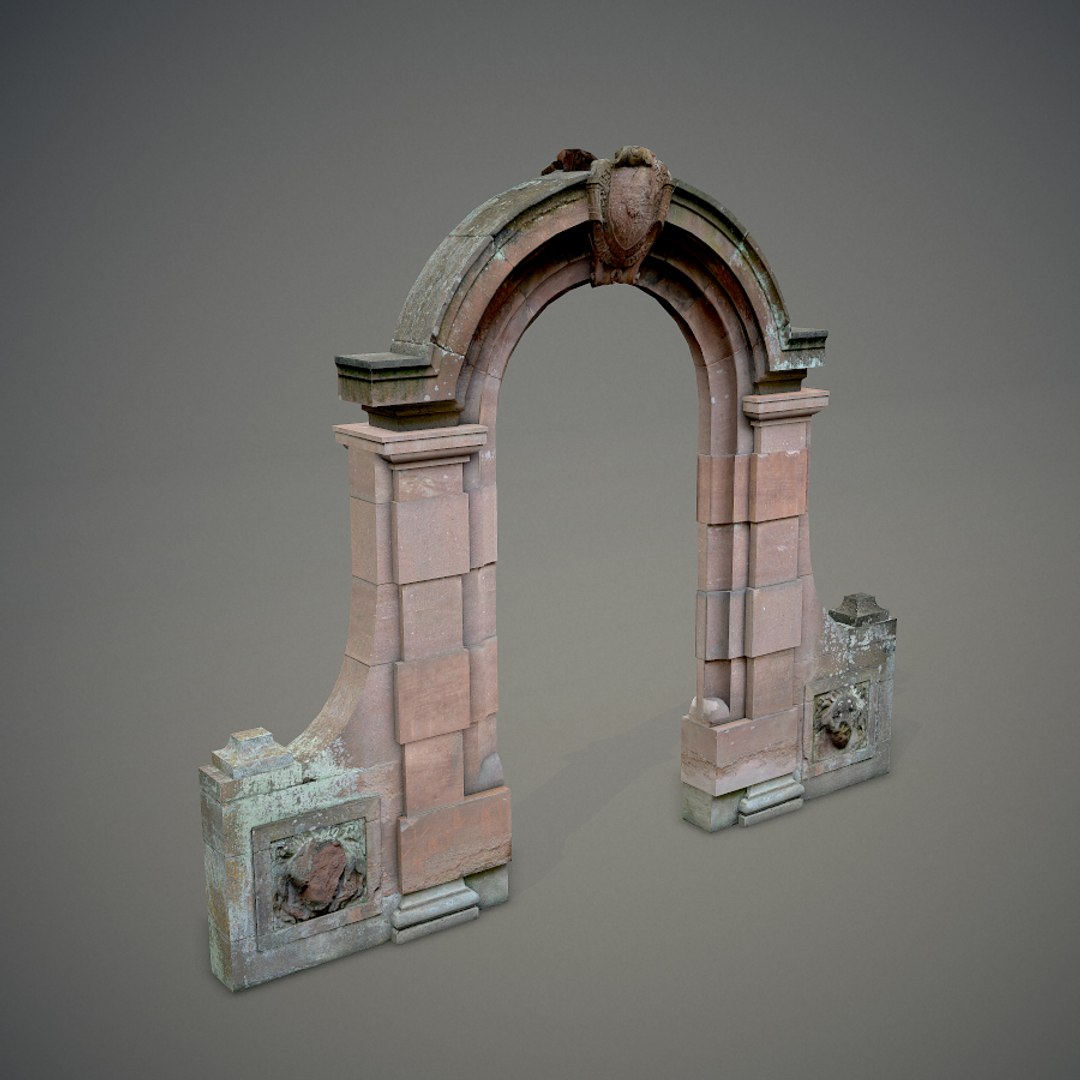
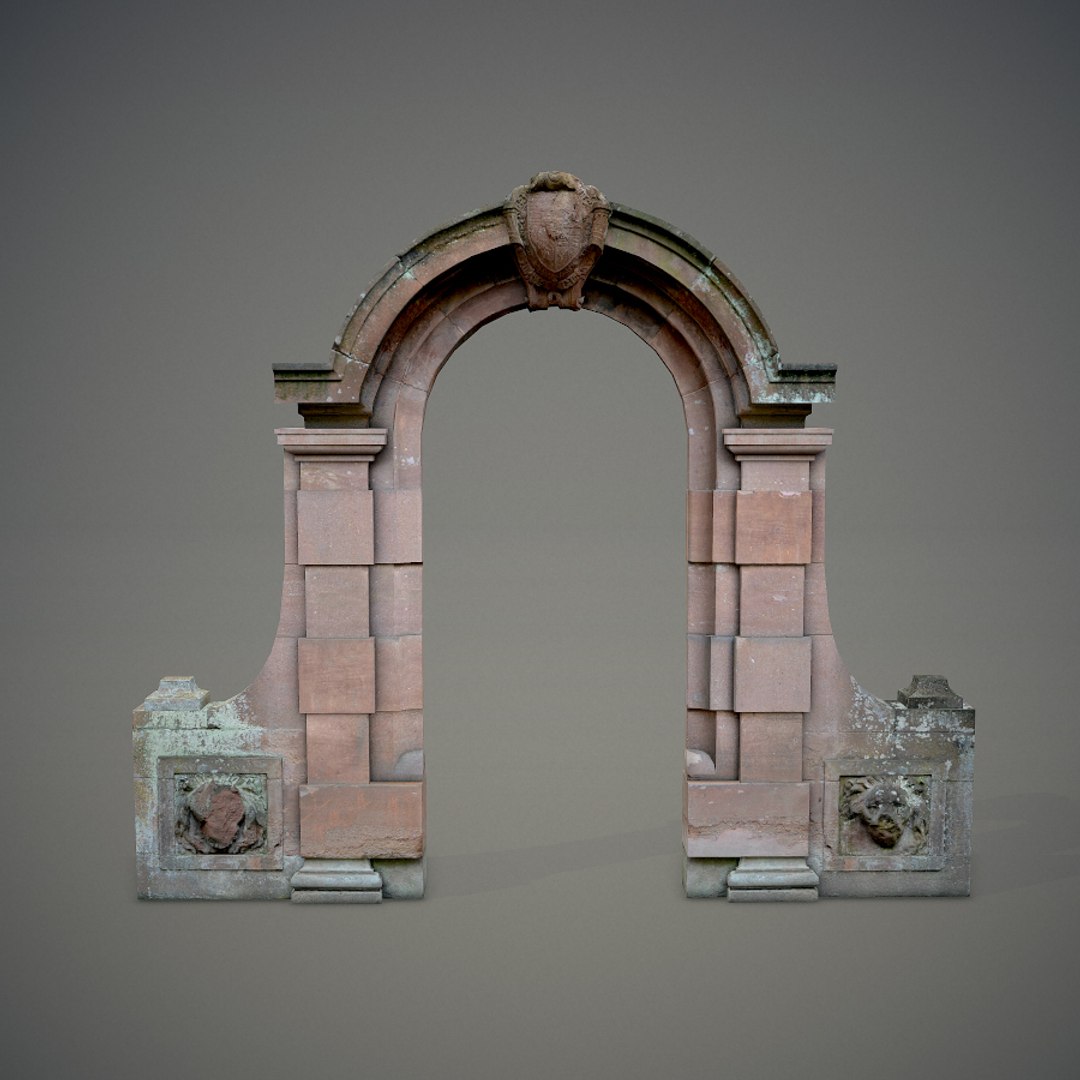
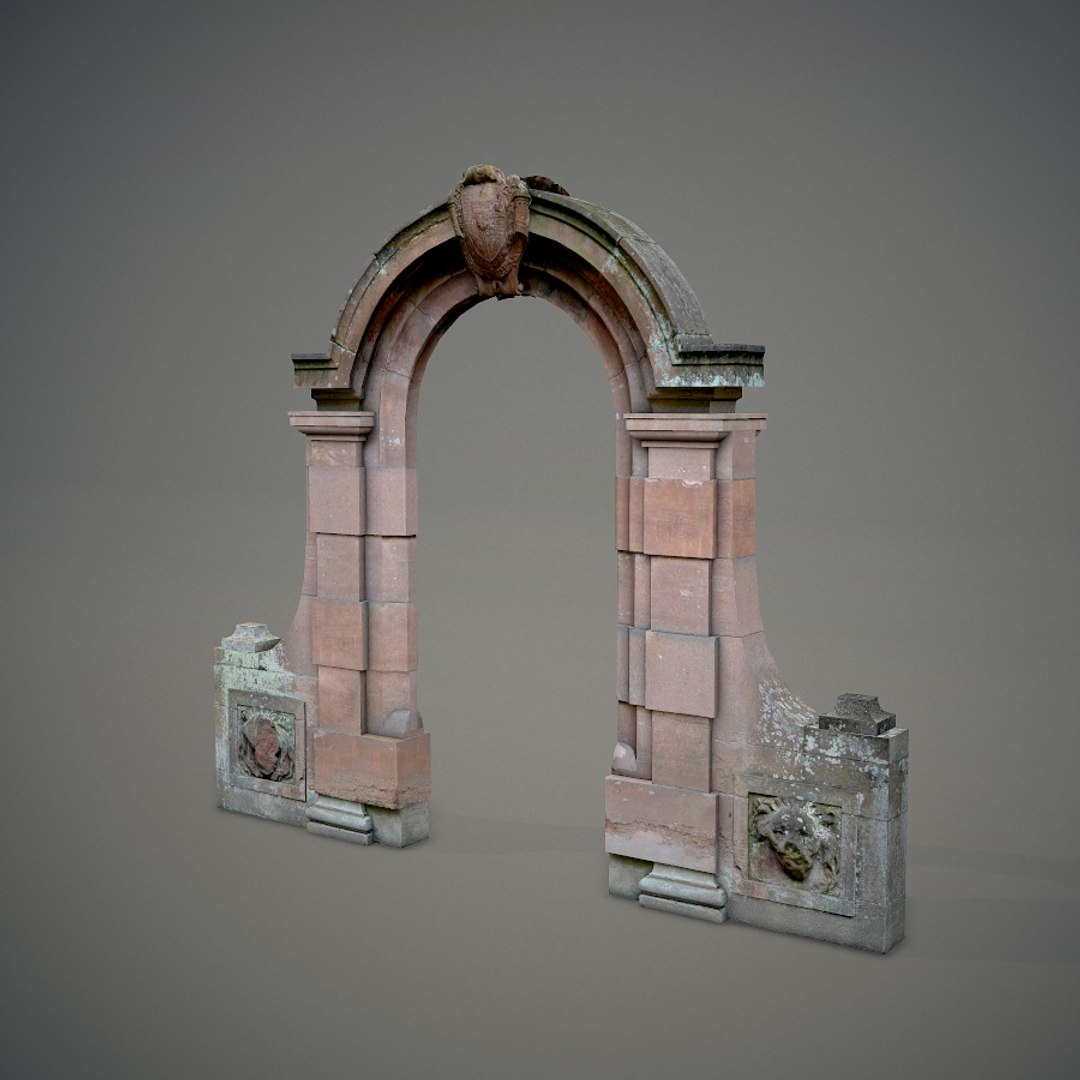
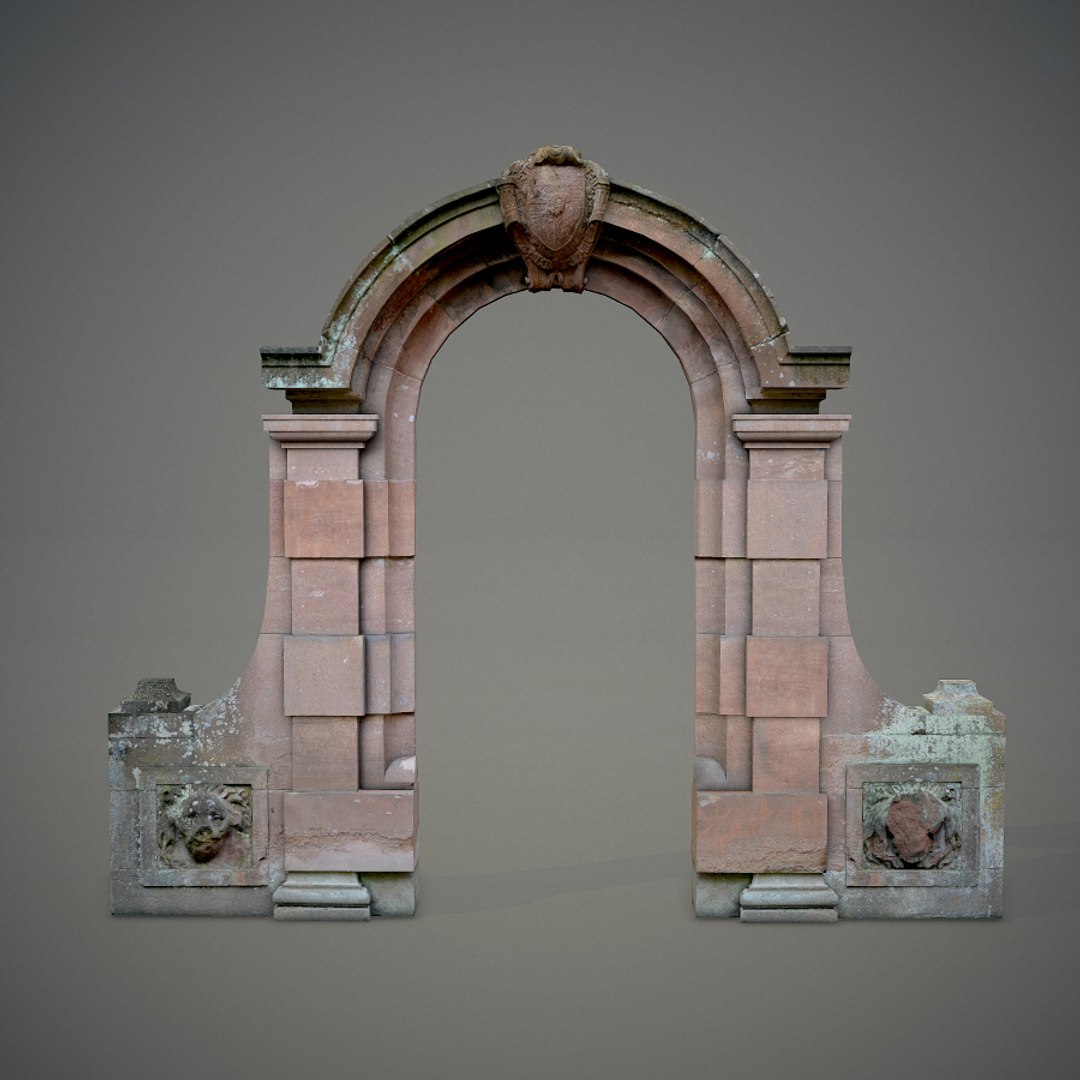
Arched red gateway. Has lion head decorations on both sides and a shield on the top. The model is double sided.

- Originally done in Blender 2.72b. Blender is an open-source 3D editor, everyone can edit this model and convert it to another formats for free.
- The texture is unique and based on author's personal photograph (had not been taken from a public texture stock website).
- No third-party plugins used.
- This model is fully unwrapped and has no untextured parts.
- Textures included:
Diffuse:
4096 x 4096 TGA x1
512 x 512 TGA x2
Normal:
512 x 512 TGA x2
Displacement:
512 x 512 TGA x2

Please export the TGA textures to the .blend folder.

All formats of this model (except .blend) have been tested in 3ds Max.

In order to use this model with Autodesk solutions, I recommend you to use the .fbx file format.
Tip: when importing .fbx to 3ds Max, please use the Autodesk Media & Entertainment import preset with Geometry->Smoothing Groups checked.

Render:
Marmoset toolbag.

Select Enhanced License

  • $10,000 in Legal Protection (Indemnification)
  • Uncapped Legal Protection (Indemnification)
  • Waiver from injunctive relief
  • Assignable model rights
  • $1,000,000 in Legal Protection (Indemnification)
  • Waiver from injunctive relief
  • Assignable model rights
  • $250,000 in Legal Protection (Indemnification)
  • Assignable model rights
Read more about enhanced license tiers, or contact us at enterprise@turbosquid.com. Already a Shutterstock Enterprise Customer? Contact your Shutterstock Sales Support Agent to talk about adding 3D.

About Conversion Requests

To submit a conversion request for a purchased asset, please complete our Conversion Request Form.

If you have not yet purchased a model, please review our Documentation about Conversions to learn about what limitations you may encounter with a conversion.

For any additional questions about a model’s suitability for conversion, please contact TurboSquid Support.

Loading...