

Lightbulb Shattered

$99

Standard License | Upgrade License
Formats (5)
Free file format Conversions available
Native | 3ds Max 2010 | V-Ray
3ds Max 2010 | V-Ray
Other Textures
OBJ
FBX
Specifications
Publish Date April 11, 2015
Product ID 915597
Polygons 168,000
Vertices 172,000
Polygonal
Textures
Materials
UV Mapped
Animated

member avatar
cgwarehouse
2000 Products | Contributor Since 2014
Have questions? Chat with us now.

Description

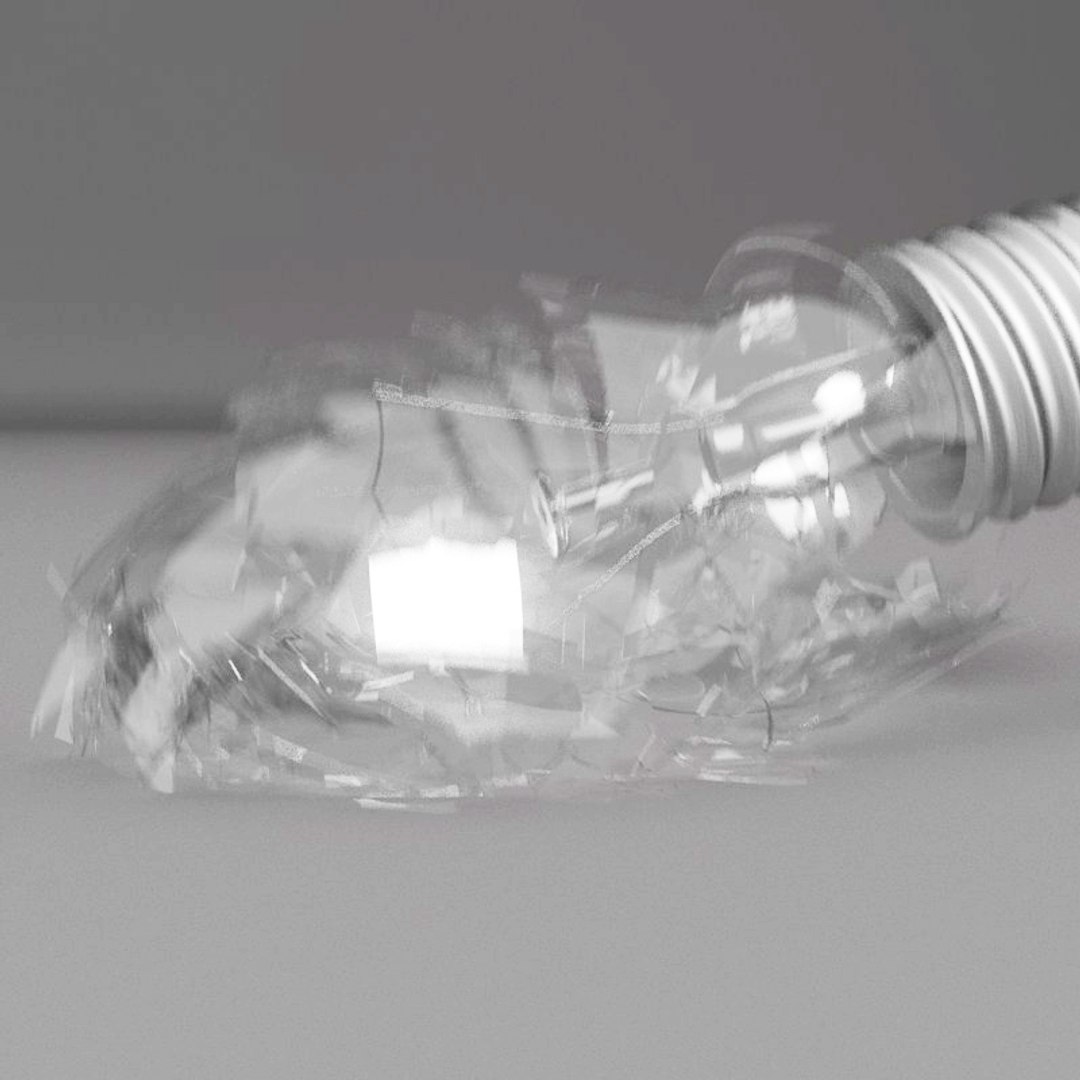
Hires Animation of a Lightbulb being shattered:

> thes sequence is 200 frames long and uses 100 frames a second for a slowmotion effect.

> this is a vray scene! object materials are vray materials
> the model is very hires and can be used for closeups
> the maps are in the zipfile of the 3dsmax format
> the studio setup is included
> the original lightbulbs unshattered are included as well >>> see below
> the animation is available as 3dsmax2010 only!

> Turntable no4 shows a test mit different materials rendered the same sequence with mblur (vray)

----

this collection also includes product no 653946

Hires Model of a Lightbulb
> this is a vray scene! object materials are vray materials
> the model is very hires and can be used for closeups
> there are 2 version included; a hires model (163000 polies; 2 turbosmooth iterations), a lowres version without turbosmooth
> both versions are available as OBJ and FBX
> the maps are in the zipfile of the 3dsmax format
> the lightbulb comes also as a lit-up model

> check out my other lightbulbs and collections

Select Enhanced License

  • $10,000 in Legal Protection (Indemnification)
  • Uncapped Legal Protection (Indemnification)
  • Waiver from injunctive relief
  • Assignable model rights
  • $1,000,000 in Legal Protection (Indemnification)
  • Waiver from injunctive relief
  • Assignable model rights
  • $250,000 in Legal Protection (Indemnification)
  • Assignable model rights
Read more about enhanced license tiers, or contact us at enterprise@turbosquid.com. Already a Shutterstock Enterprise Customer? Contact your Shutterstock Sales Support Agent to talk about adding 3D.

About Conversion Requests

To submit a conversion request for a purchased asset, please complete our Conversion Request Form.

If you have not yet purchased a model, please review our Documentation about Conversions to learn about what limitations you may encounter with a conversion.

For any additional questions about a model’s suitability for conversion, please contact TurboSquid Support.

Loading...