Blue Eye

$20

Standard License | Upgrade License
Formats (2)
Native | Maya 2012 | mental ray
Other Textures
Specifications
Publish Date June 24, 2012
Product ID 678377
Polygons 2,062
Vertices 2,062
Polygonal
Textures
Materials
UV Mapped
Non-overlapping Unwrapped UVs
TurboSquid Exclusive
member avatar
enthalpyxx
6 Products | Contributor Since 2011
Have questions? Chat with us now.

Description

The contained ZIP file contains all that you will need, just unpack the "human eyes" folder and inside that main folder you will find all the necessary textures, HDRIs, and main scene file.

The attached maya scene file is the same as the one you will find inside the "human eyes" project folder.

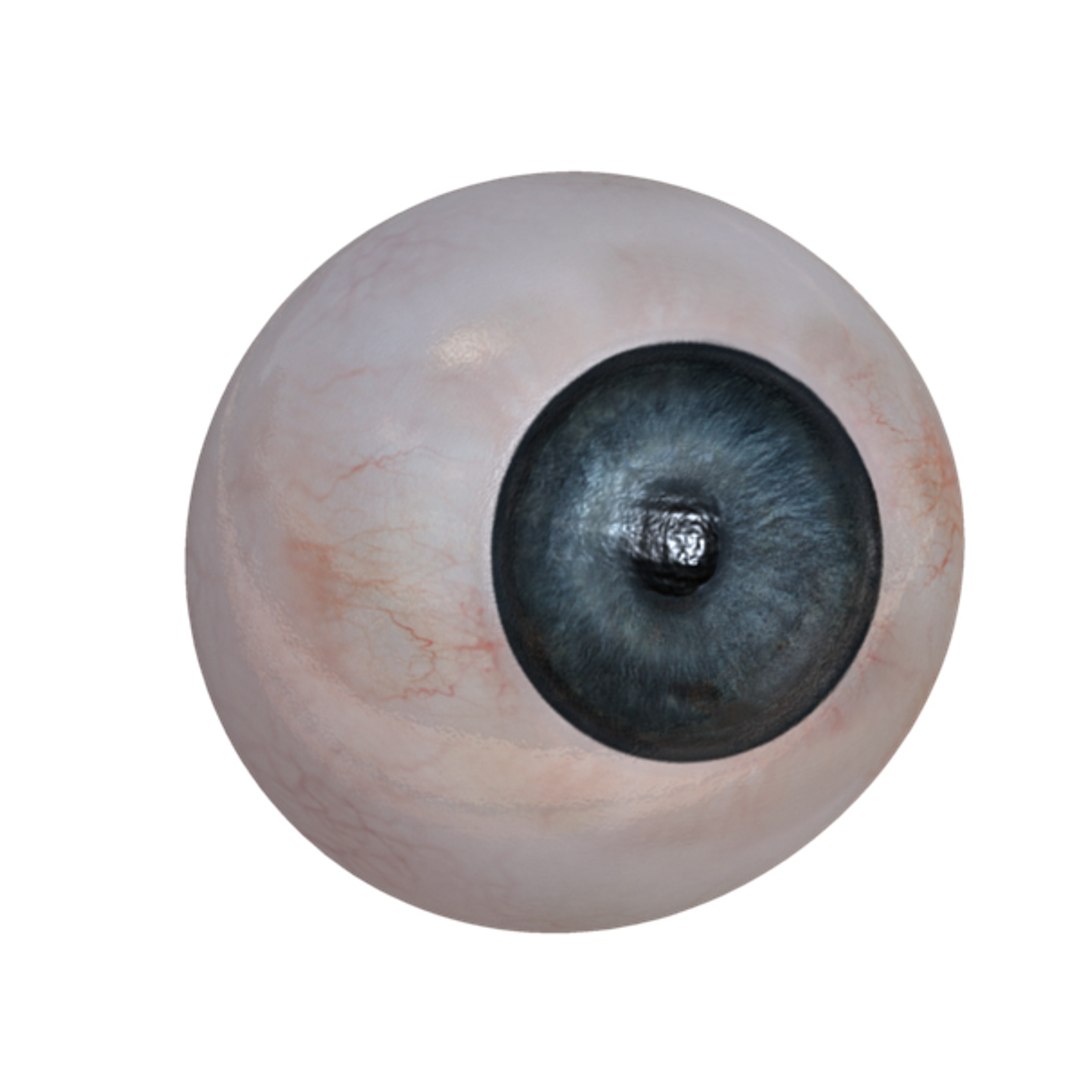
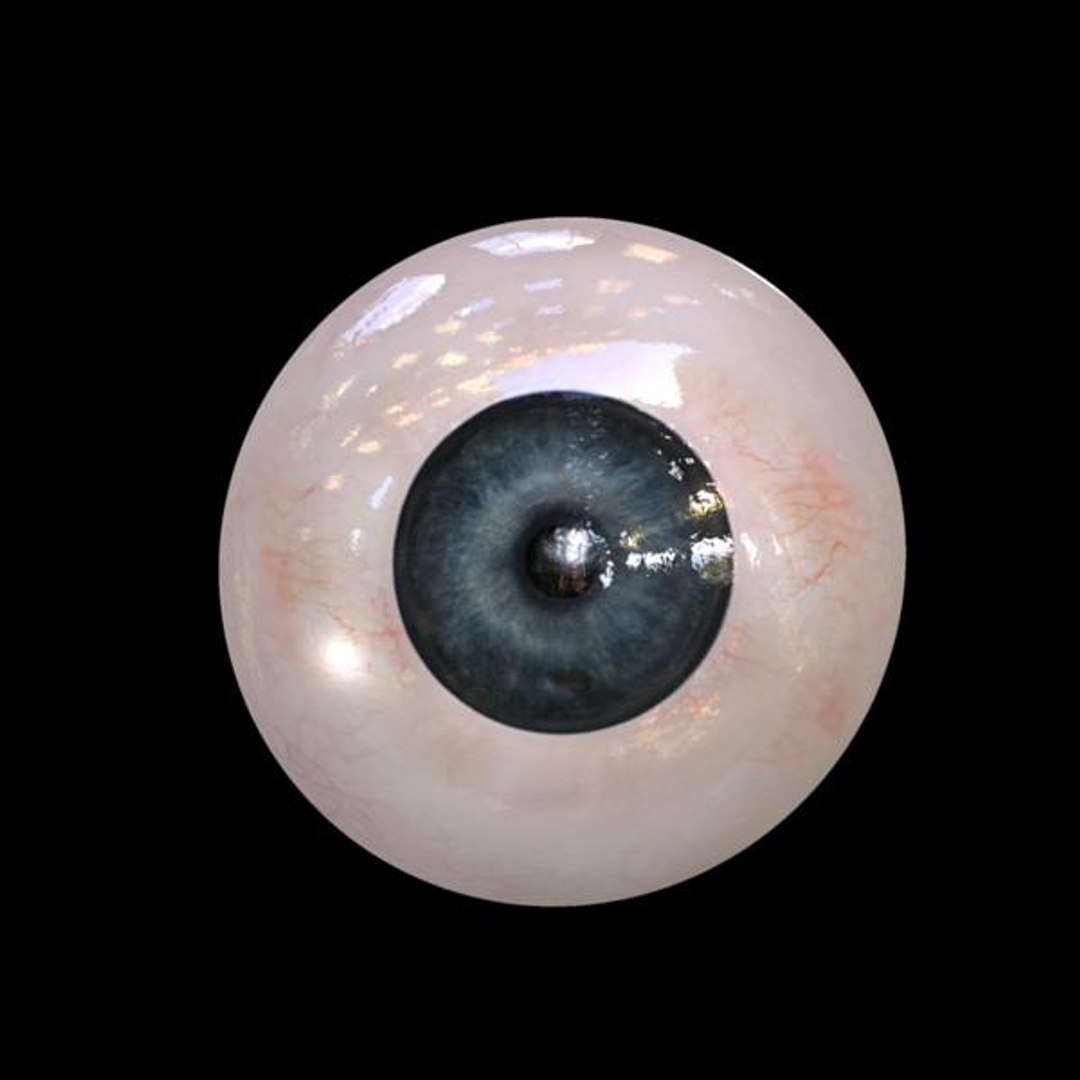
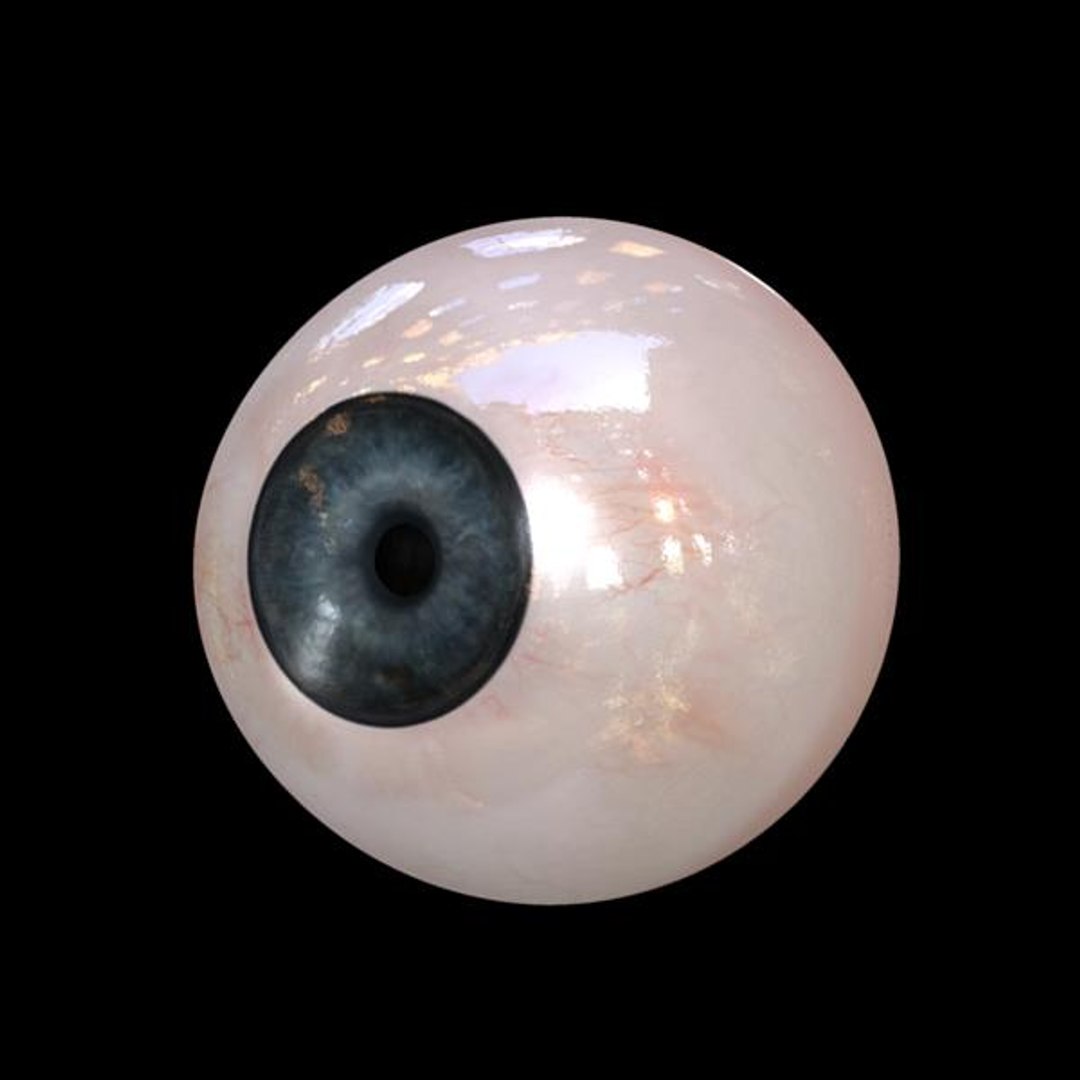
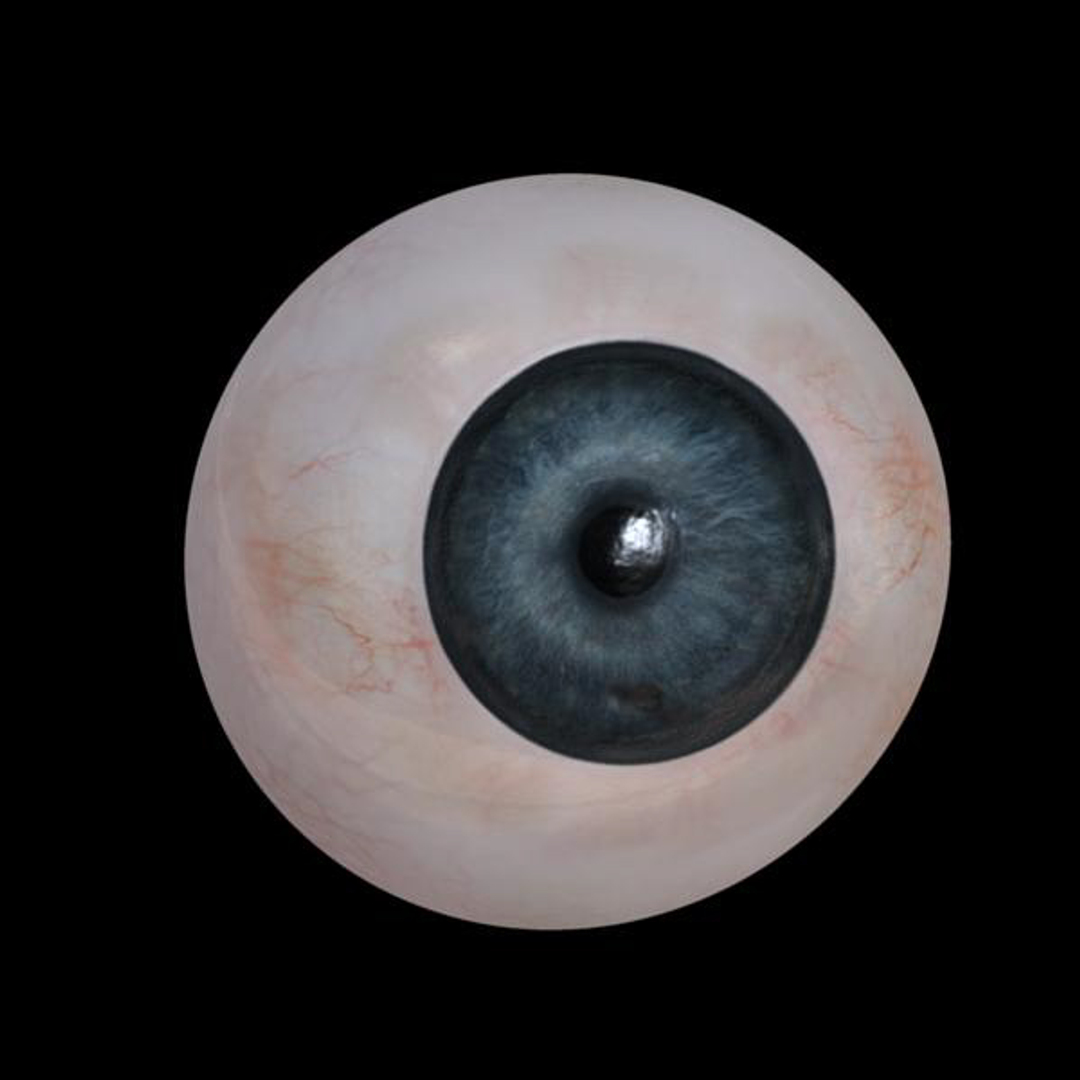
This is a high quality human eye that can be used with an CG character to add that one last final touch.

____Textures Included

inside the texture folder you will find 6 4096 textures,
these can be re-sized to any resolution you want, but to produce the presentation image 4k was used, 2k textures can be used as well, with little quality loss.

1x diffuse
1x specular
1x displacement
1x normal
1x reflection
1x transparency (for the pupil)

____Geometry

This eye is split into 3 pieces, inner outer and pupil
for a total of 2600~ polygons.

outer eye is the cornea
inner eye the scalera and iris


____Renderer

Mental Ray with final gather was used to produce all images

2x HDRI images are included and were used to get reflection and more accurate specular contributions on the final renders

____Scene Setup

The scene has a group for geometry, lights and the HDRI sphere

There are 2 render layers one for each HDRI, HDRI image files can be found the folder named HDRI.

Select Enhanced License

  • $10,000 in Legal Protection (Indemnification)
  • Uncapped Legal Protection (Indemnification)
  • Waiver from injunctive relief
  • Assignable model rights
  • $1,000,000 in Legal Protection (Indemnification)
  • Waiver from injunctive relief
  • Assignable model rights
  • $250,000 in Legal Protection (Indemnification)
  • Assignable model rights
Read more about enhanced license tiers, or contact us at enterprise@turbosquid.com. Already a Shutterstock Enterprise Customer? Contact your Shutterstock Sales Support Agent to talk about adding 3D.

About Conversion Requests

To submit a conversion request for a purchased asset, please complete our Conversion Request Form.

If you have not yet purchased a model, please review our Documentation about Conversions to learn about what limitations you may encounter with a conversion.

For any additional questions about a model’s suitability for conversion, please contact TurboSquid Support.

Loading...