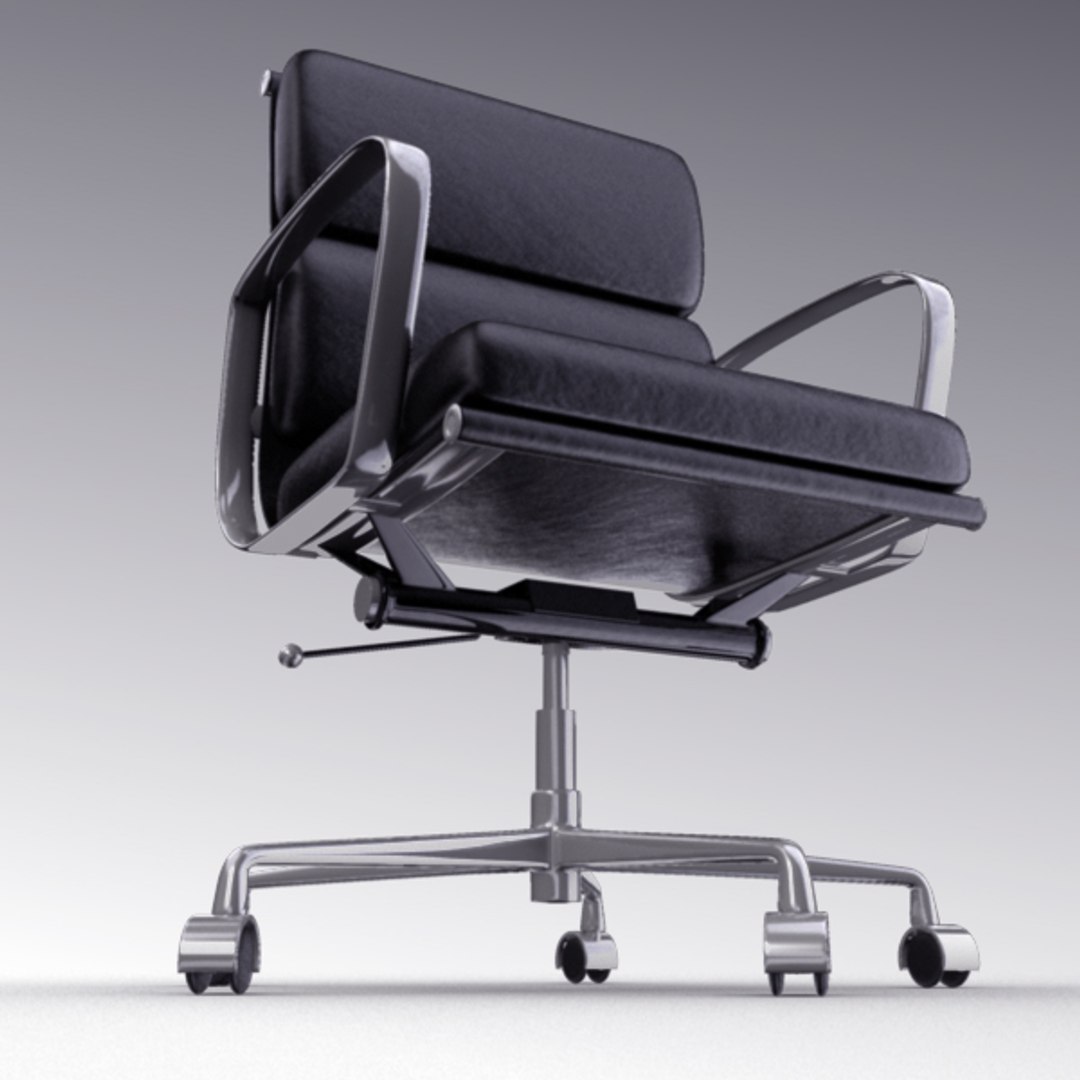
This is a high-res photoreal office chair. MIA materials were used to create the shaders and supporting bump textures are procedural. Because of this, the FBX and OBJ files do not include textures. The custom HDR map used for lighting the scene and reflections is included with the download.
The chair is not 'rigged' in the sense that there are no joints or controllers attached to the model. However, the chair parts have all been grouped appropriately and their specific axis have been placed in the right positions to allow for realistic movements of the chair parts. With this method of setup the chair and it's parts are ready for easy and accurate animation.
Also included with the download is an After Effects CS4 file showing the compositing method used to create the above thumbnails. In the After Effects project there is a different comp for each of the thumbnails above. Each comp utilizes a Beauty, Occlusion, and Ground Shadow pass out of 3D, as well as some minor color correction adjustments to create the composite.
For reference, there is a thumbnail above showing what the beauty/HDR pass looks light straight out of Maya with no compositing. Even without any compositing the beauty/HDR pass looks photoreal. The compositing is just there in case you would like to utilize it inside of your projects and achieve the exact same stylistic look as above.
The .MB and .MA files come with 3 render layers. To achieve the same result as the non-composited render in the thumbnails above, render while on the 'HDR' render layer. The 'GROUND_SHADOW' render layer will render only ground shadows for the chair. The 'OCCLUSION' render layer will render an ambient occlusion pass of the chair. All three render layers can be rendered and composited (based on the AE file provided, or by your own means of compositing), or you can simply render the 'HDR' render layer to achieve photoreal results (as in the non-composited thumbnail image above) straight out of maya.
The .MB format was created in Maya 2012, but I also included a .MA format in case you would like to use it with a previous version of Maya. To do this you simply open the .MA file in a text editor and in the first few lines at the top of the file where ever 2012 is called out, change the text to match your version number and re-save the file.