



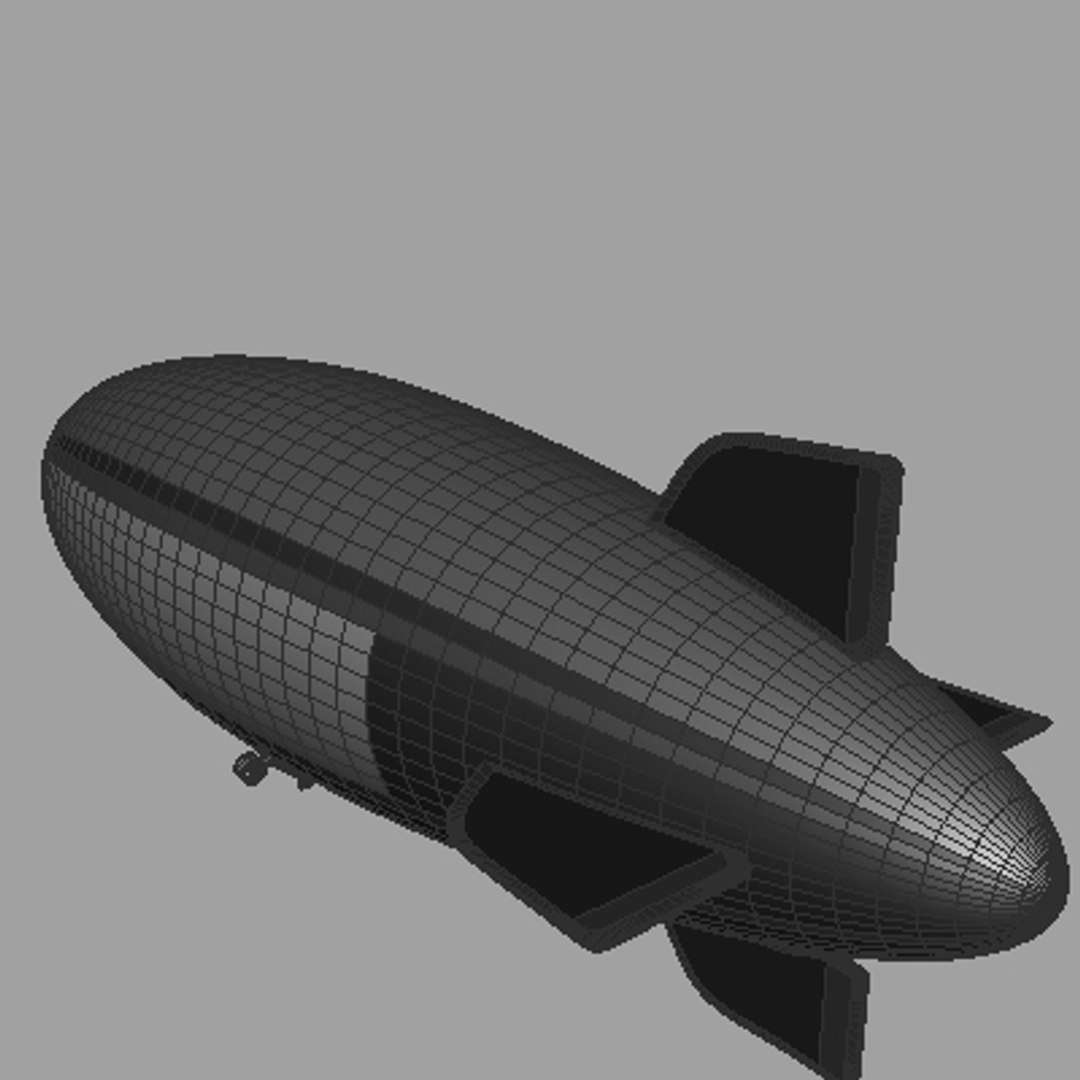
Goodyear Blimp

$49

Standard License | Upgrade License
Editorial Uses Only
Formats (7)
Free file format Conversions available
Native | Maya 7 (and up)
OBJ
3ds Max
Lightwave
DXF
Cinema 4D
3D Studio
Other Files
goodyear-logo..jpg
Specifications
Publish Date January 15, 2008
Product ID 385848
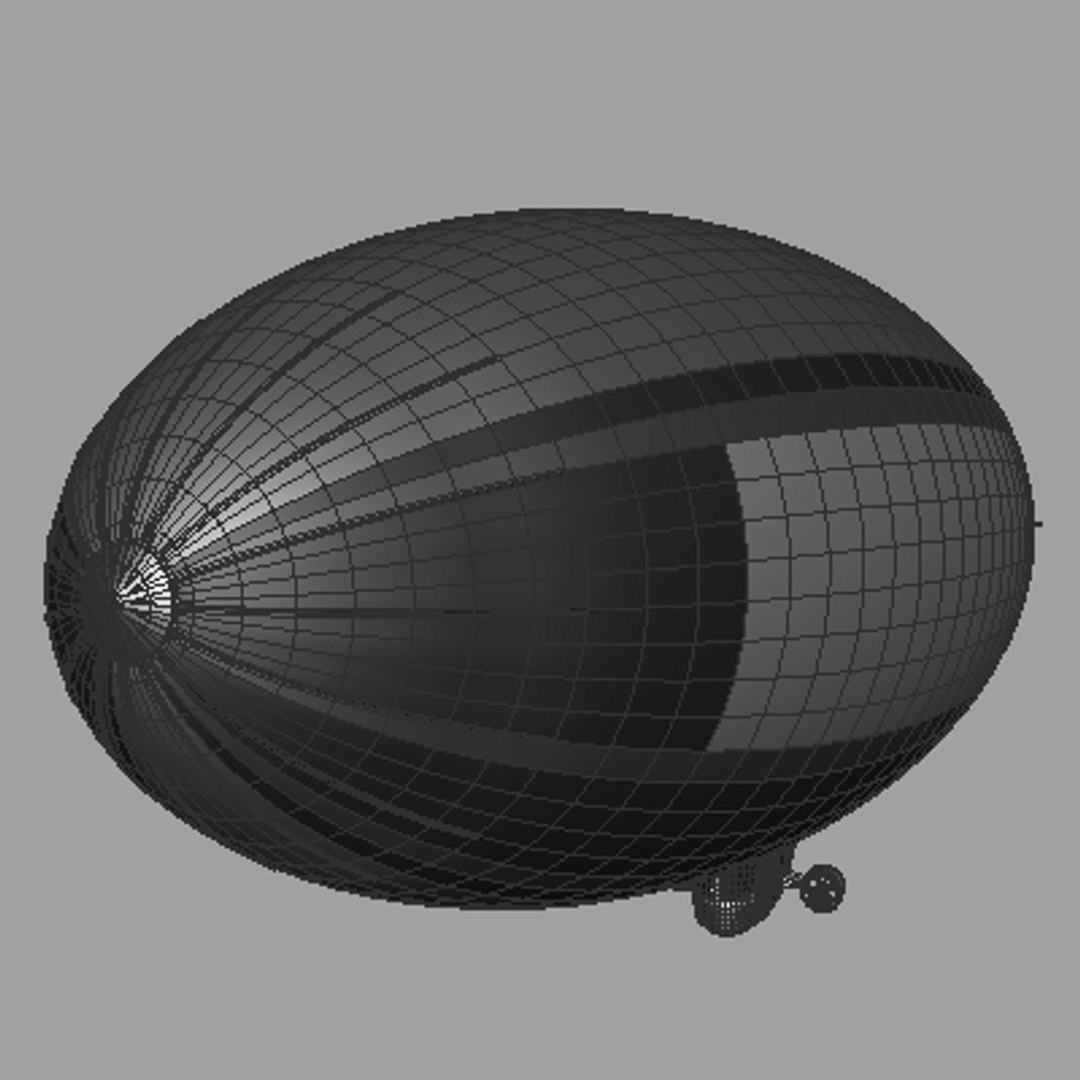
Polygons 38,210
Vertices 39,800
Polygonal
Textures
Materials
UV Mapped
Unknown Unwrapped UVs

member avatar
AhearnART3D
455 Products | Contributor Since 2005
Have questions? Chat with us now.

Description

======================================================
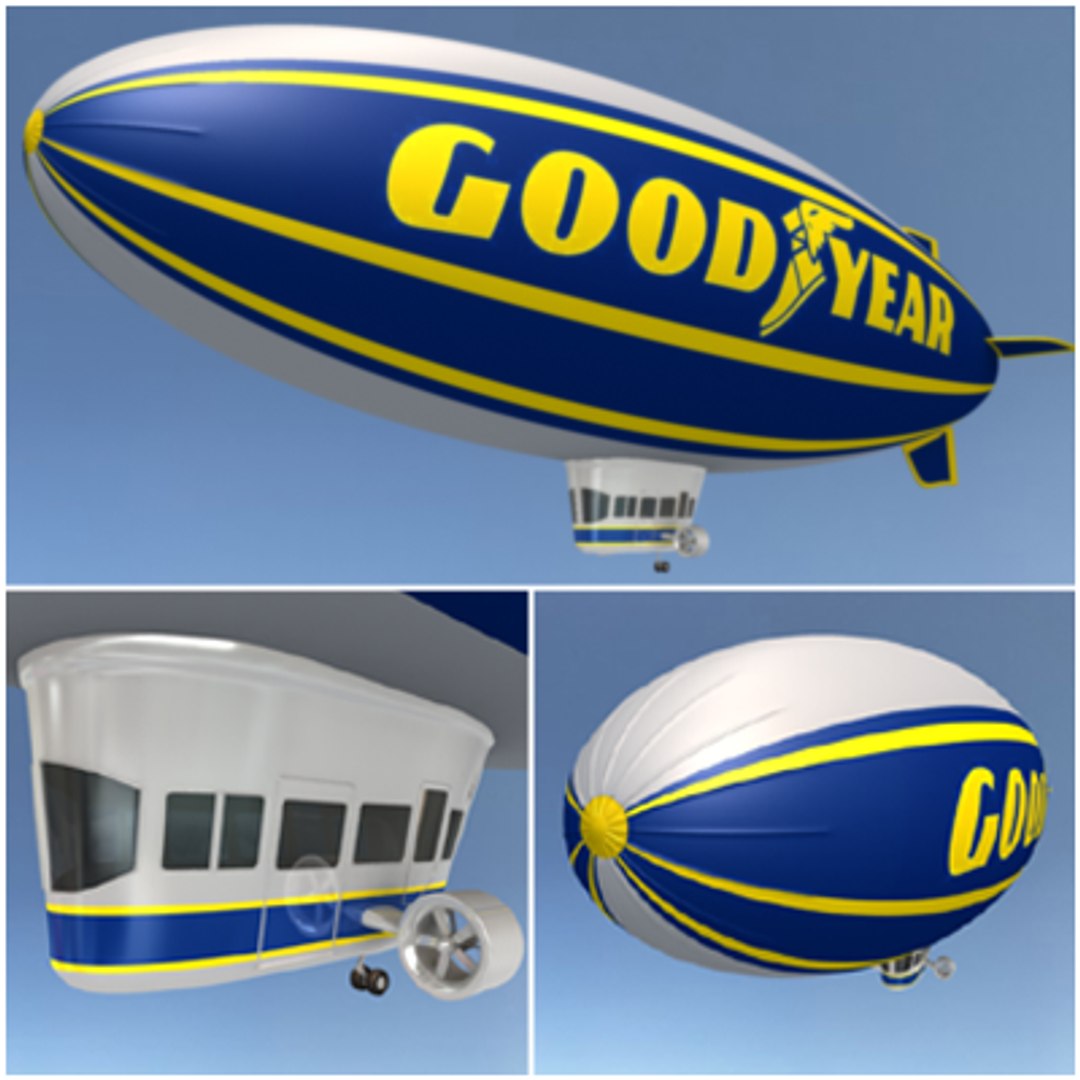
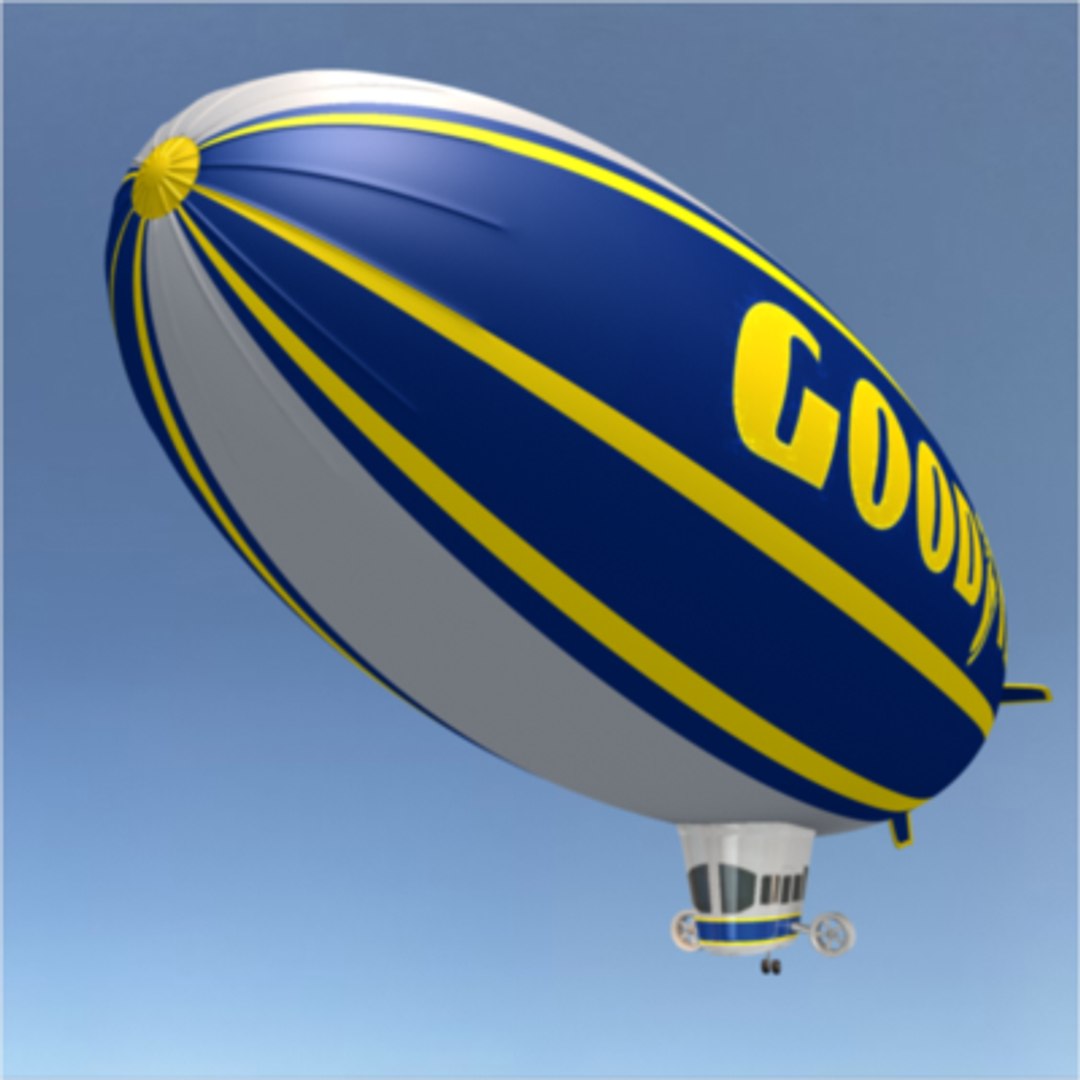
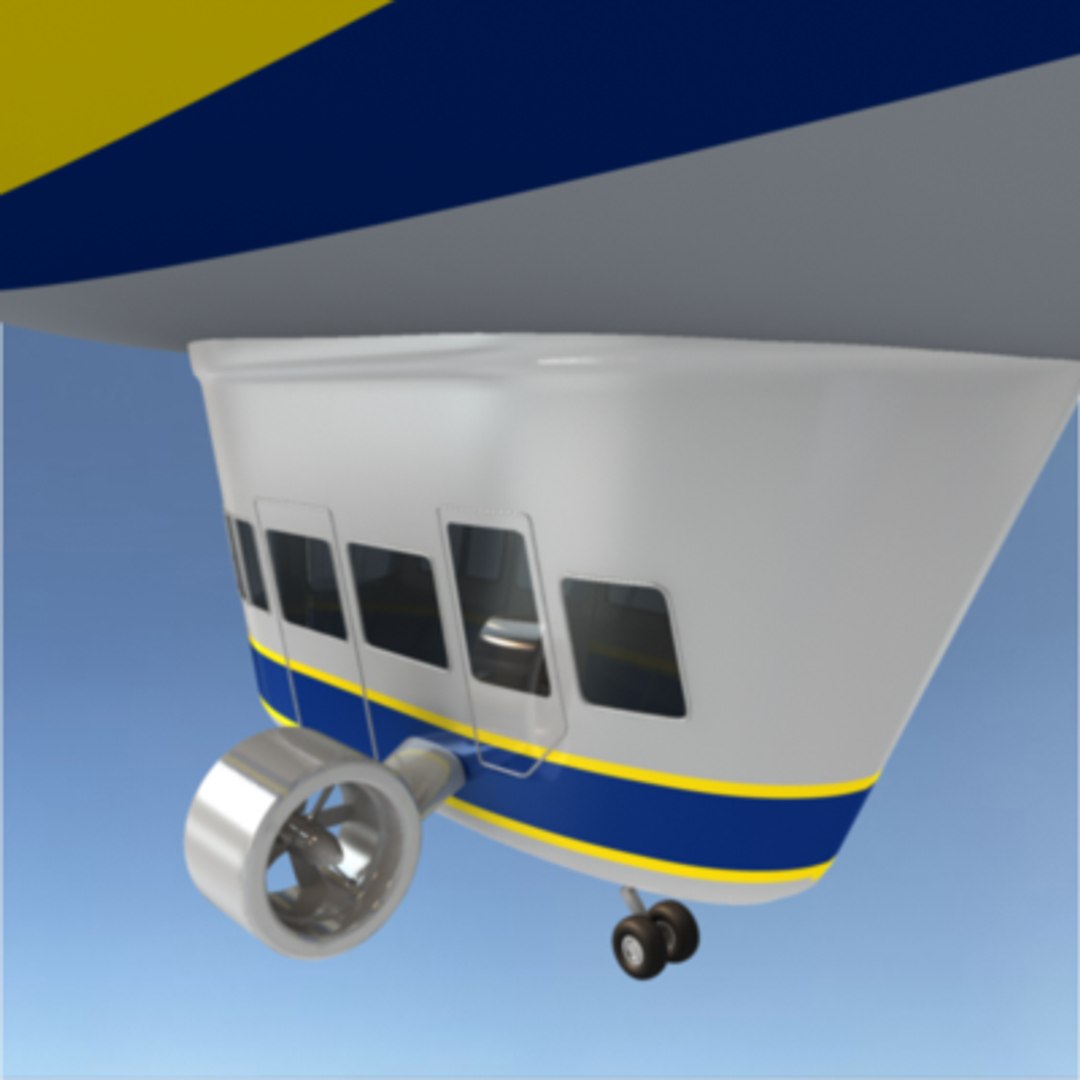
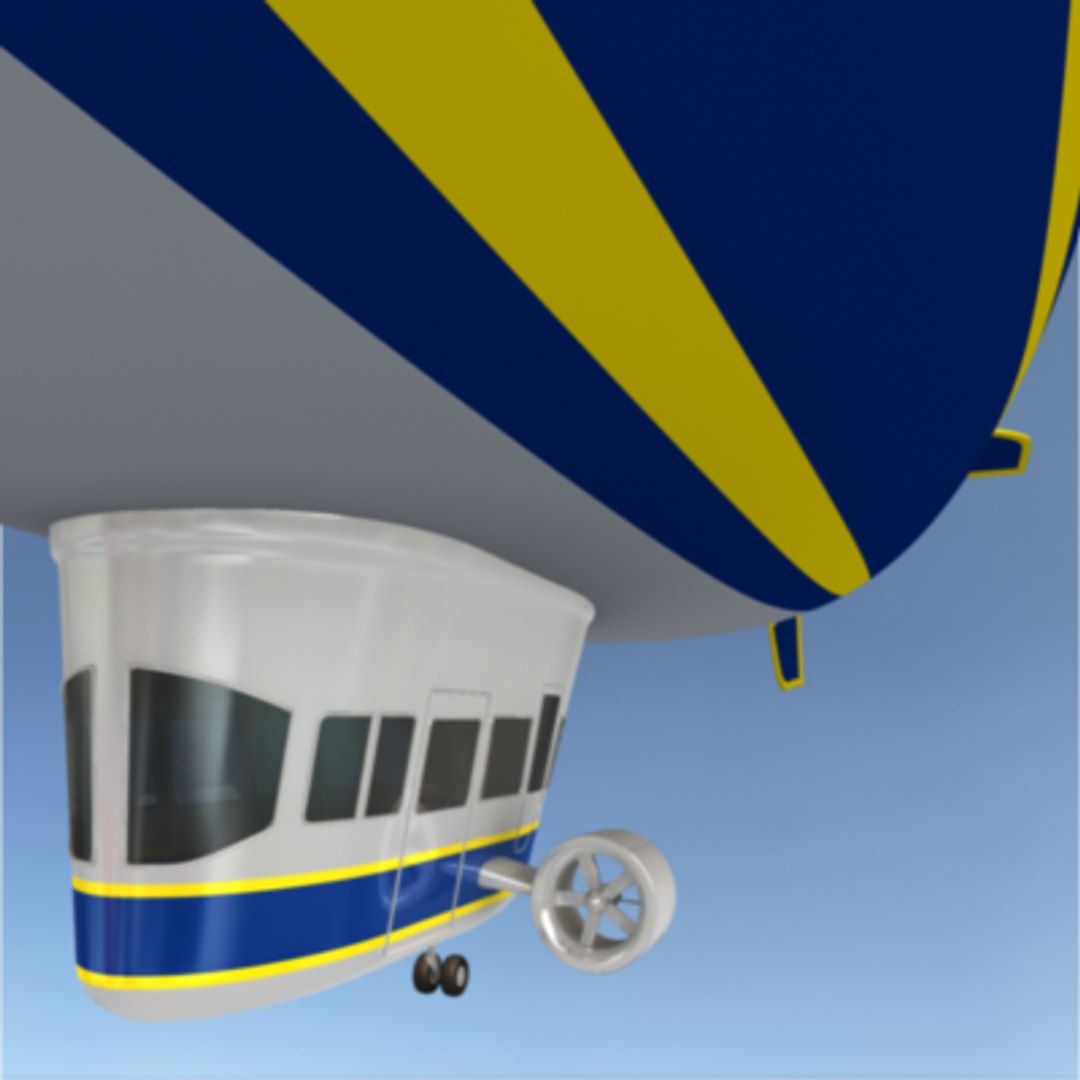
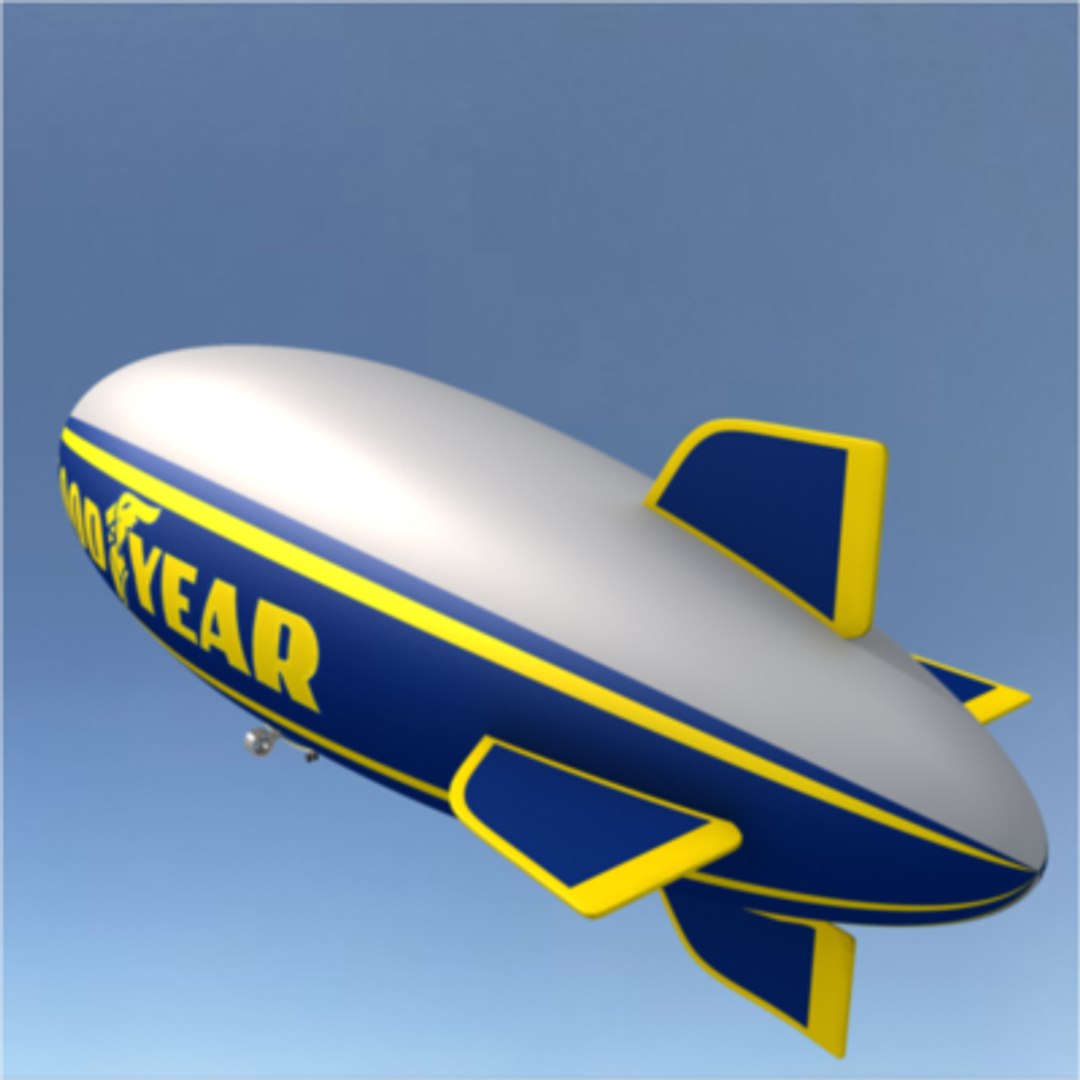
Highly detailed model of the Goodyear Blimp. One of the most accurately constructed Blimp models available.
======================================================
One of the most accurately constructed Blimp models available. All formats contain identical geometry and materials as seen above. Includes high-res jpeg for logo texture. Originally created in Maya. Other formats may require reattachment of logo texture.

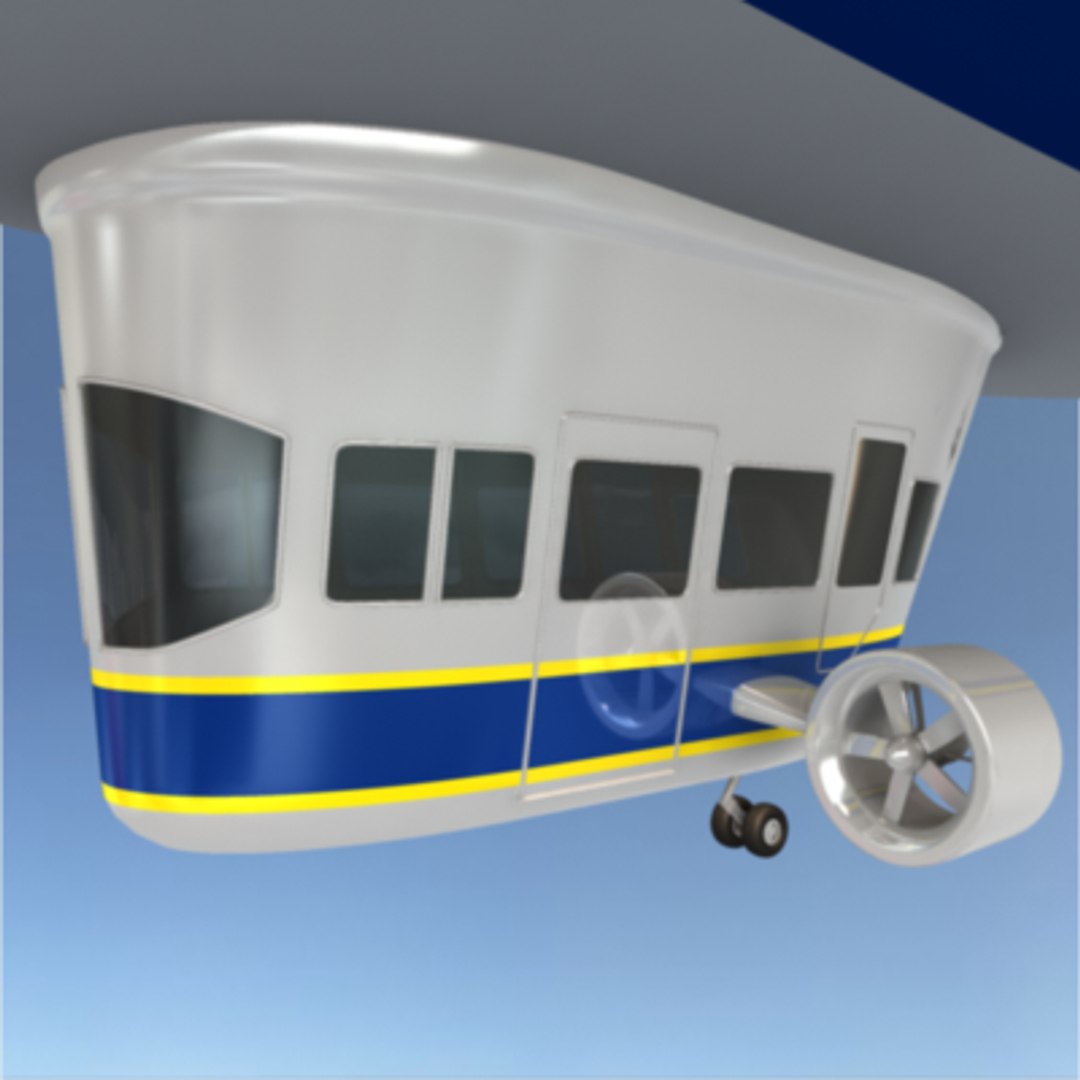
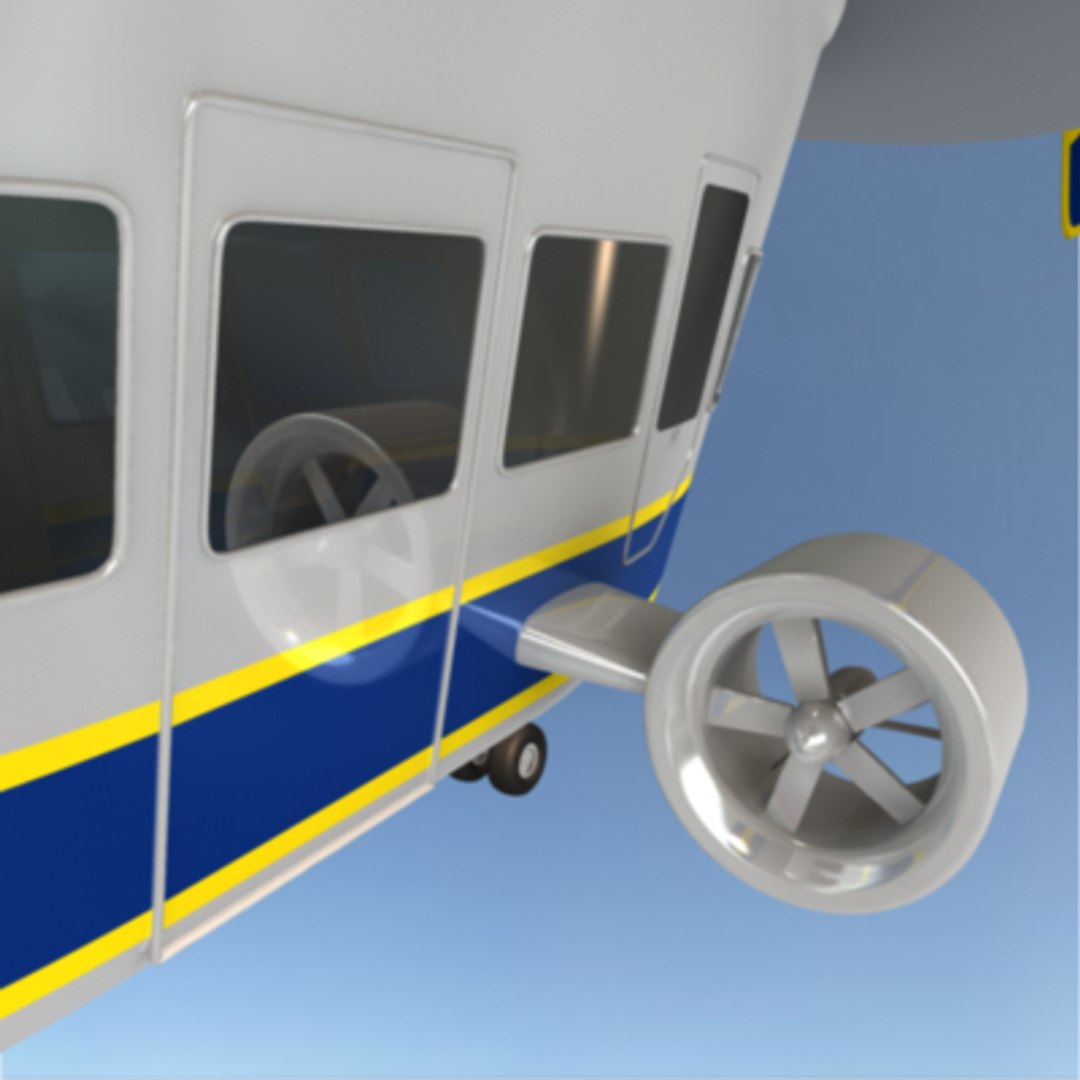
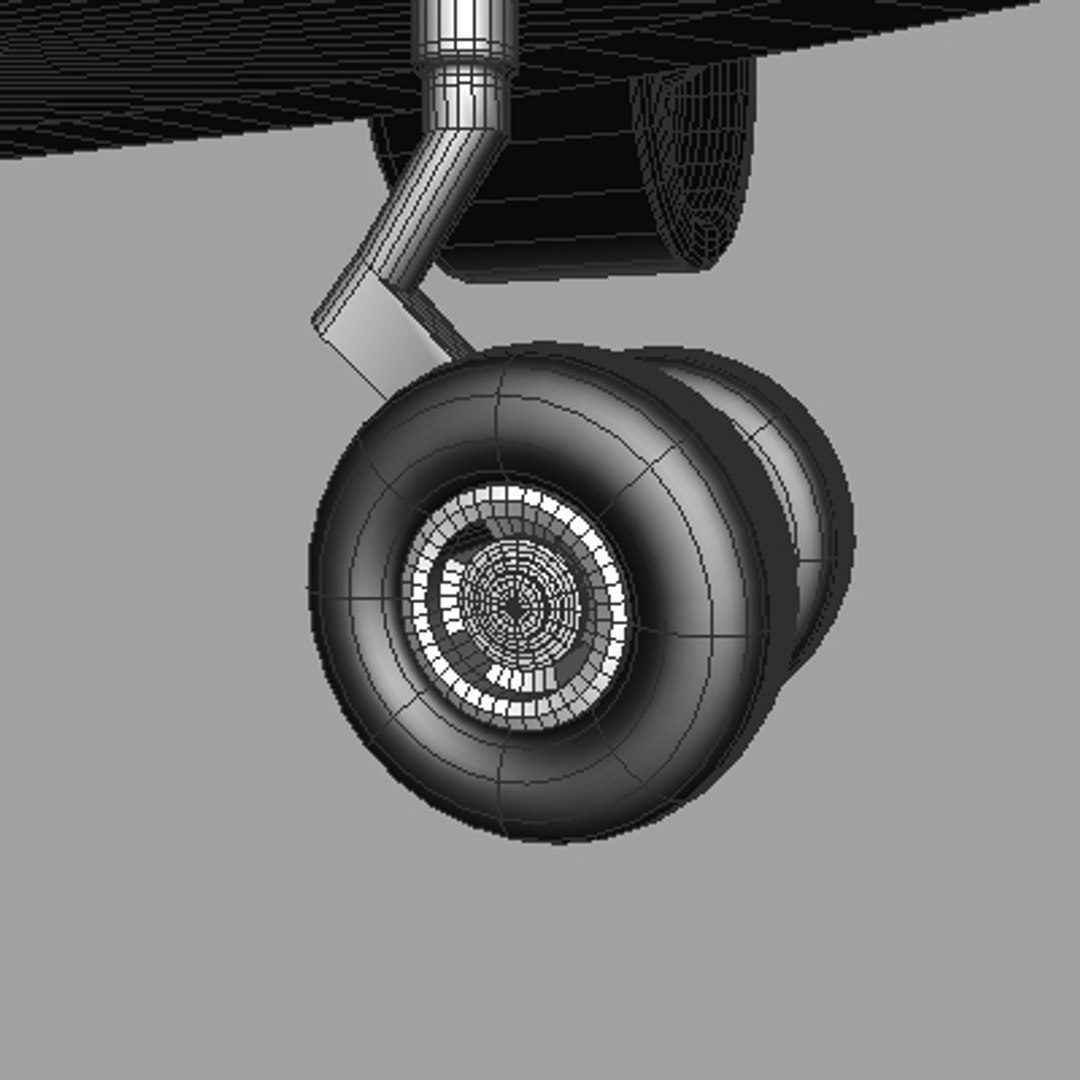
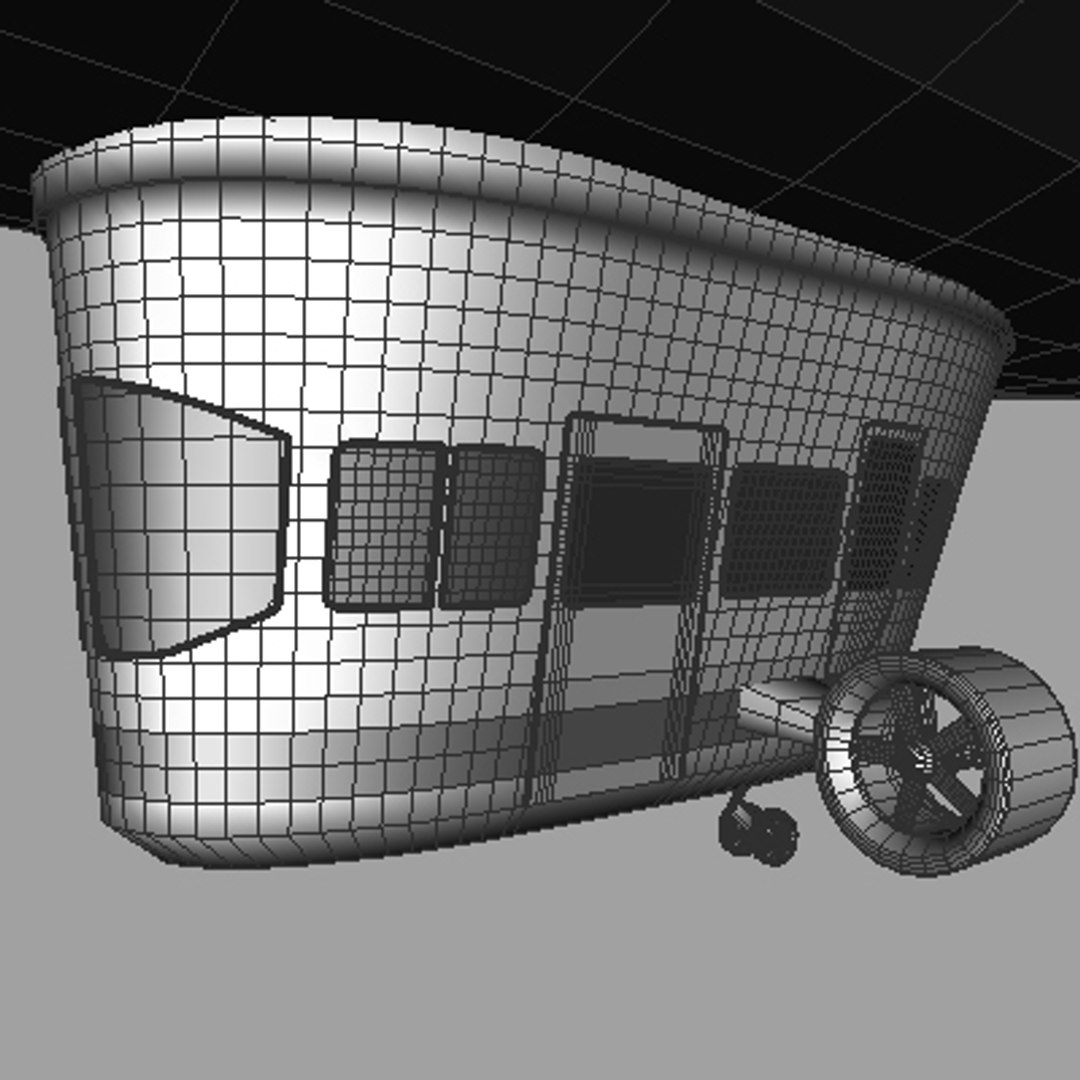
All objects are polygonal with clean and accurate construction. Close attention to detail makes this highly rated model ideal for close ups and print work. Every model has been checked with the appropriate software.

History:

For 80 years, Goodyear blimps have adorned the skies as very visible corporate symbols of the tire and rubber company that began operations in 1898.

Today, these graceful giants travel more than 100,000 miles across the United States per year as Goodyear"s "Aerial Ambassadors."
Source: Goodyear Website

Select Enhanced License

  • $10,000 in Legal Protection (Indemnification)
  • Uncapped Legal Protection (Indemnification)
  • Waiver from injunctive relief
  • Assignable model rights
  • $1,000,000 in Legal Protection (Indemnification)
  • Waiver from injunctive relief
  • Assignable model rights
  • $250,000 in Legal Protection (Indemnification)
  • Assignable model rights
Read more about enhanced license tiers, or contact us at enterprise@turbosquid.com. Already a Shutterstock Enterprise Customer? Contact your Shutterstock Sales Support Agent to talk about adding 3D.

About Conversion Requests

To submit a conversion request for a purchased asset, please complete our Conversion Request Form.

If you have not yet purchased a model, please review our Documentation about Conversions to learn about what limitations you may encounter with a conversion.

For any additional questions about a model’s suitability for conversion, please contact TurboSquid Support.

Loading...