
Photoreal Eames Plastic Chair DSW

$49

Standard License | Upgrade License
Editorial Uses Only
Formats (2)
Free file format Conversions available
Native | 3ds Max 2010 | V-Ray 2
OBJ
Specifications
Publish Date March 22, 2012
Product ID 662092
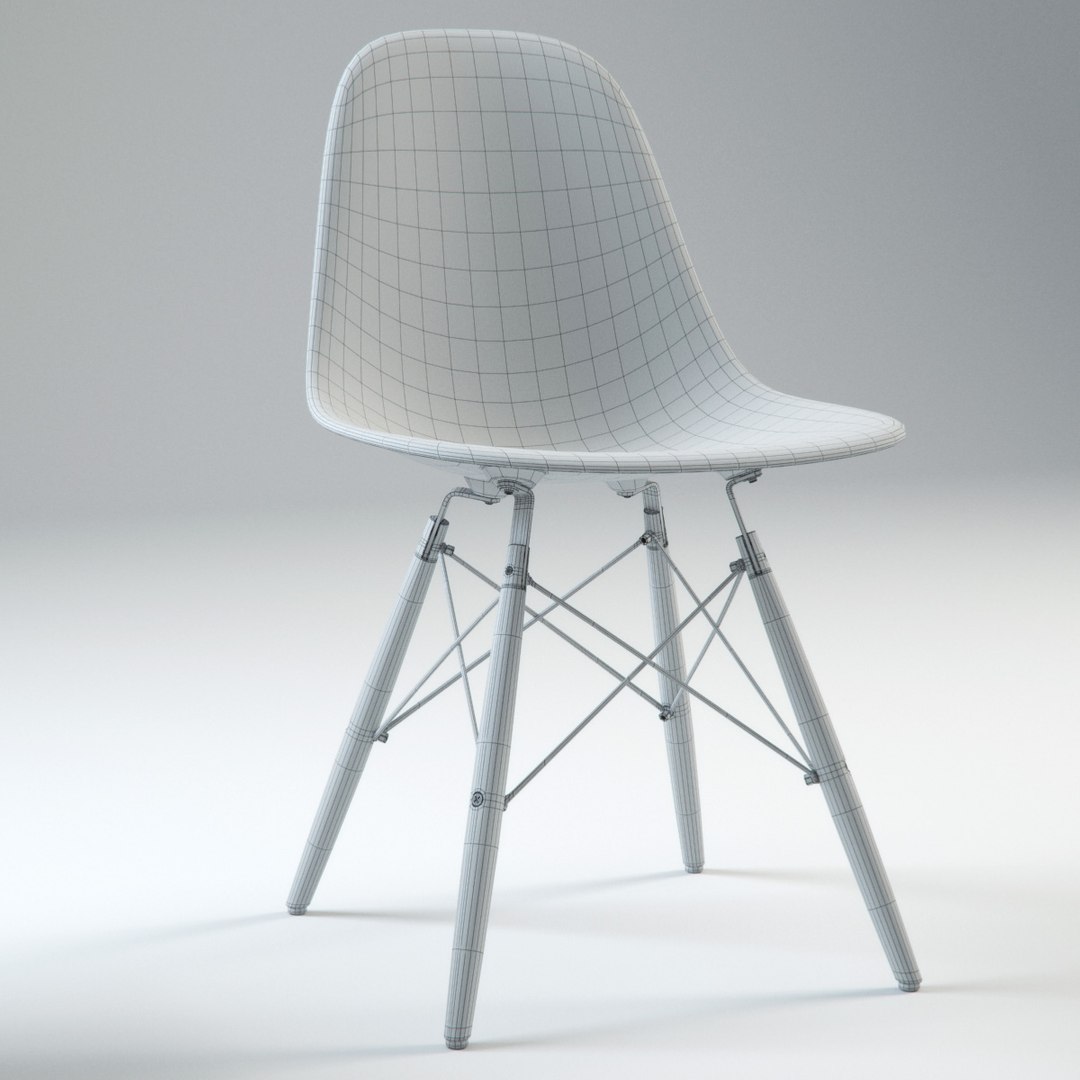
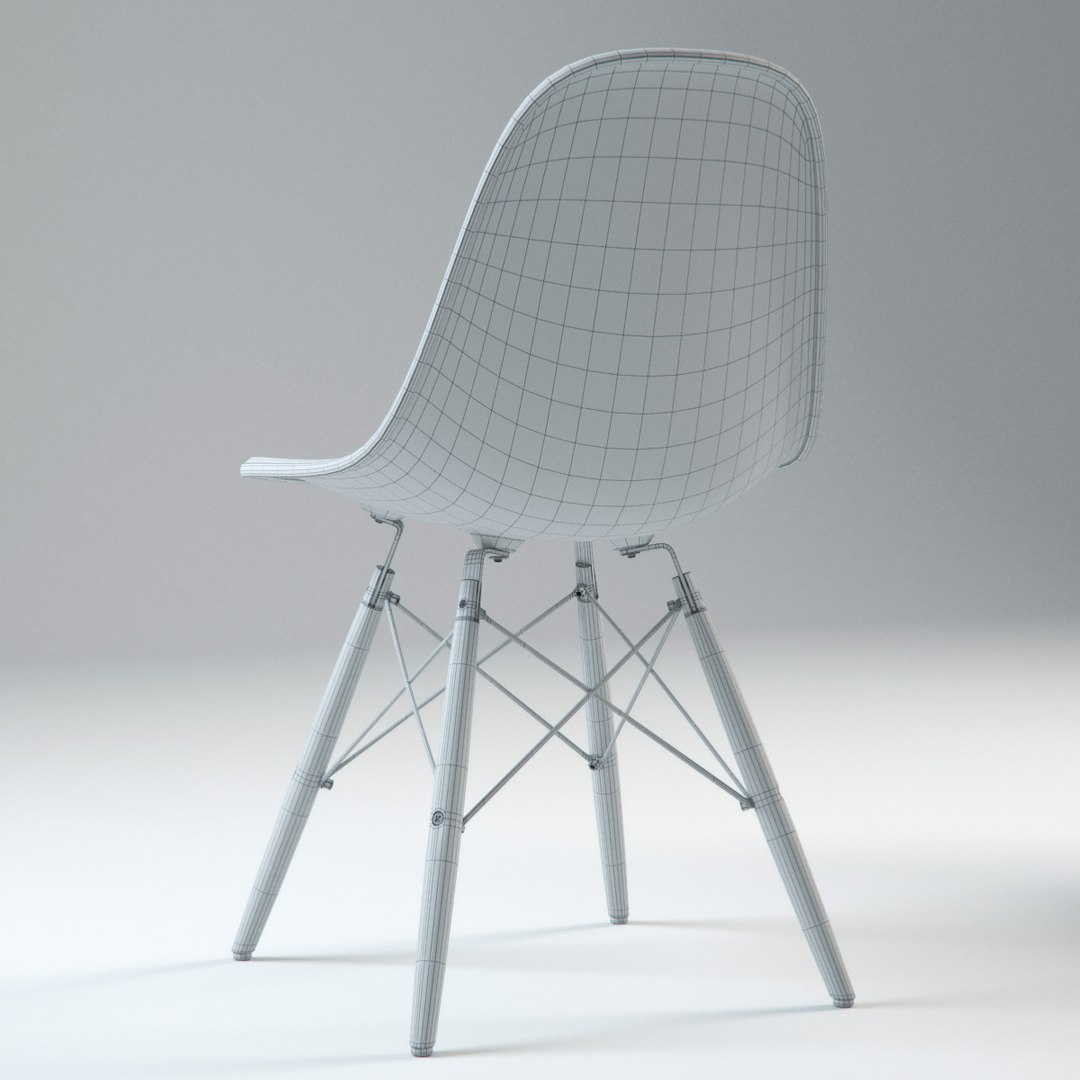
Polygons 34,234
Vertices 33,444
Polygonal Quads/Tris Geometry
Textures
Materials
UV Mapped
Mixed Unwrapped UVs
TurboSquid Exclusive

member avatar
BBB3viz
238 Products | Contributor Since 2011
Have questions? Chat with us now.

Description

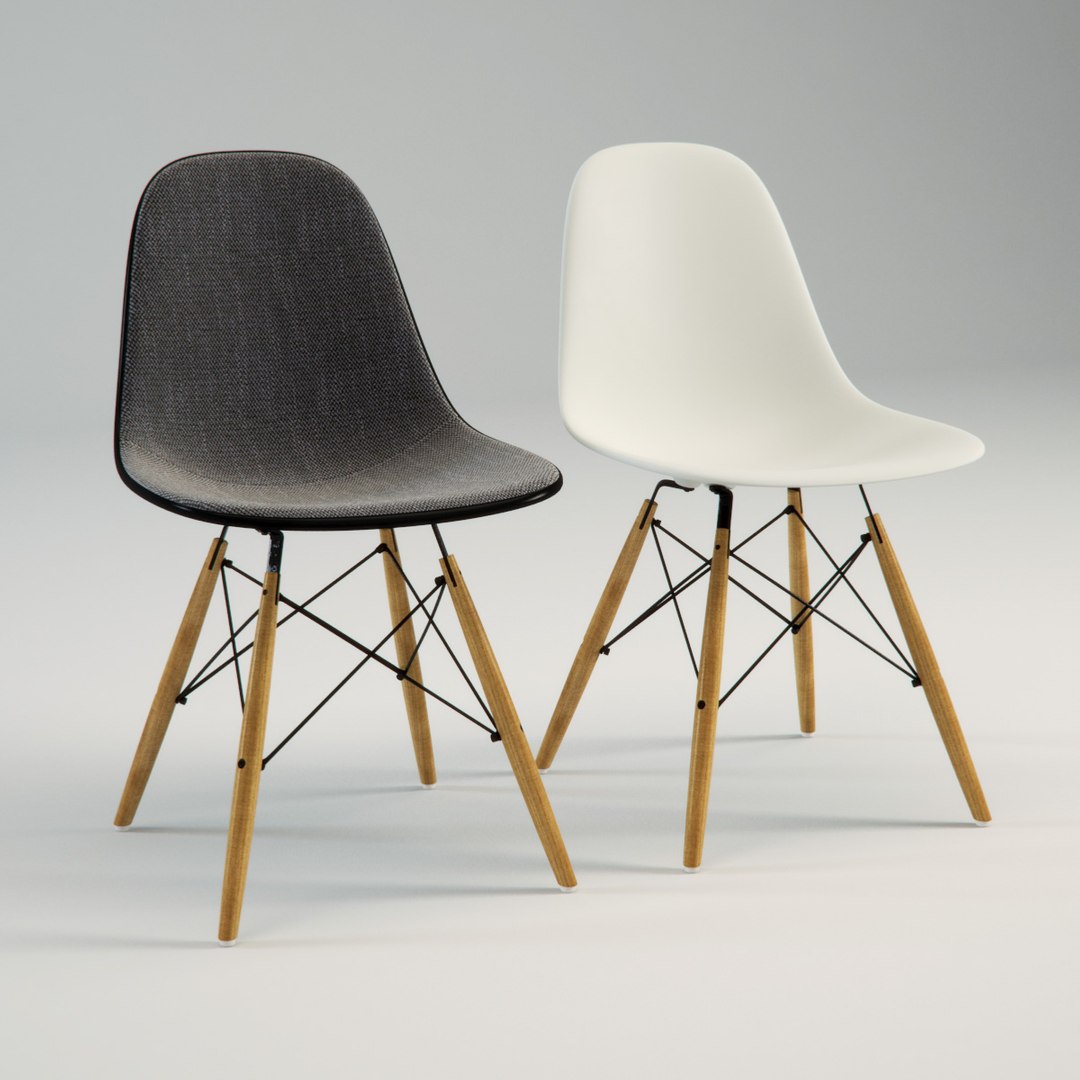
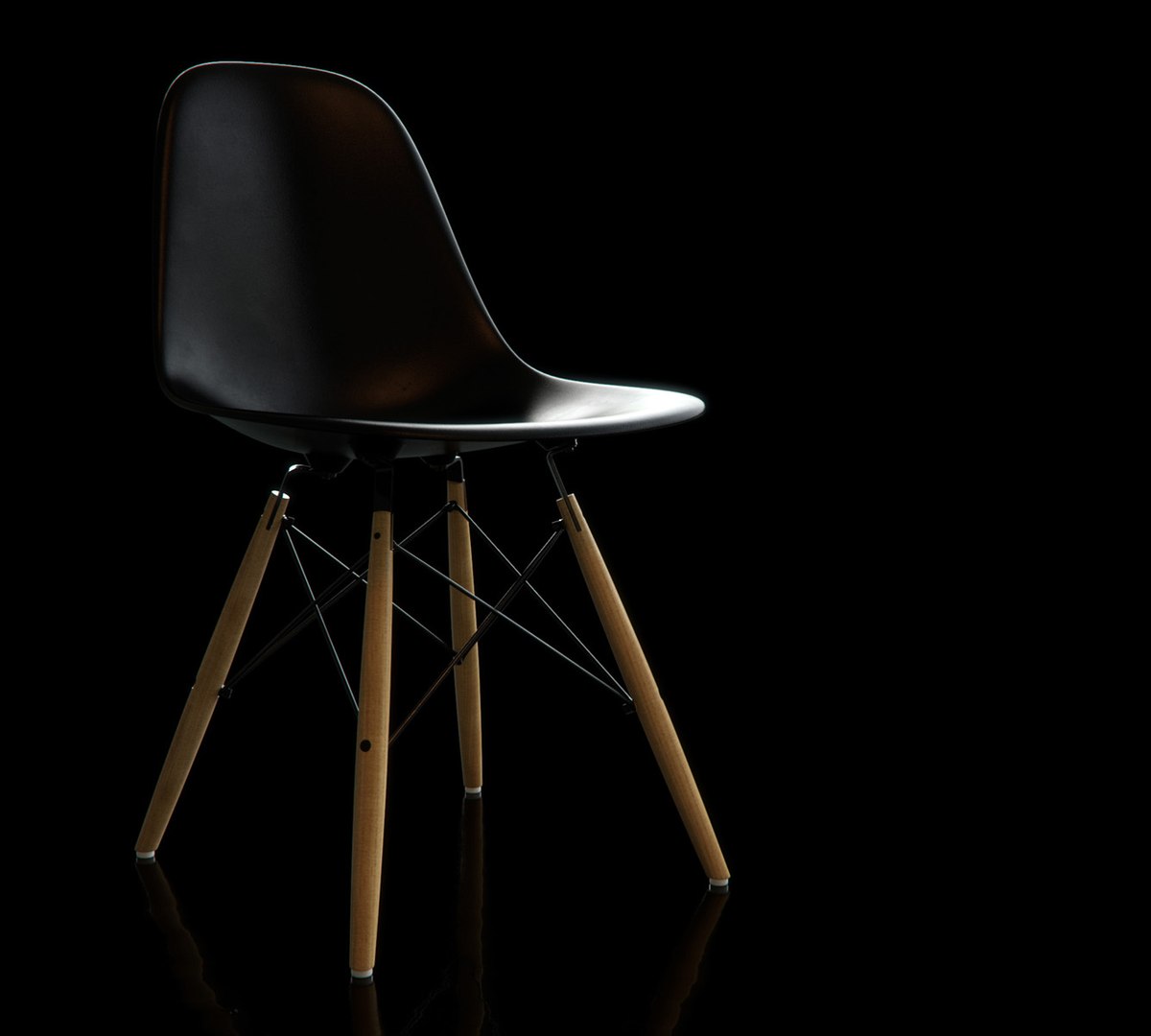
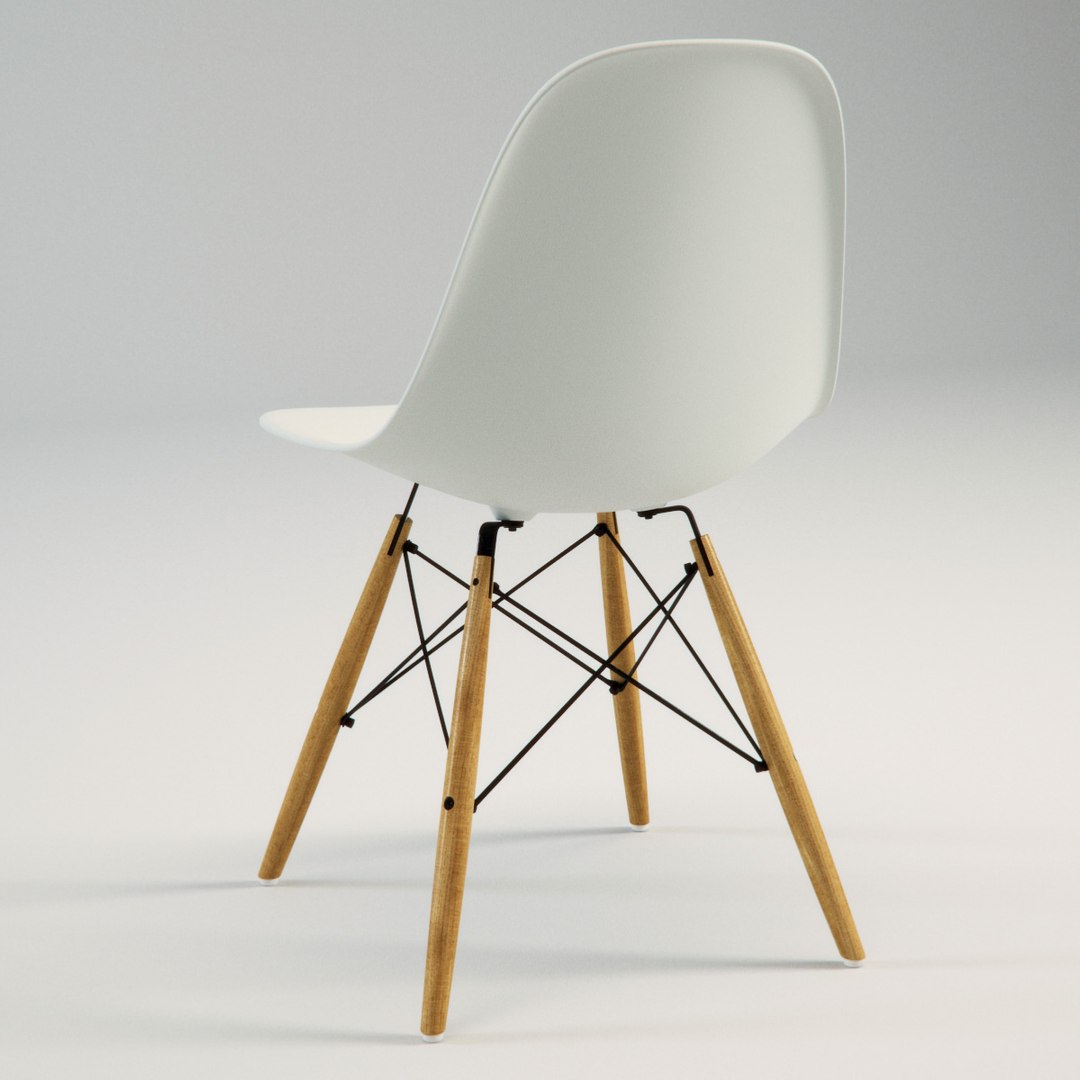
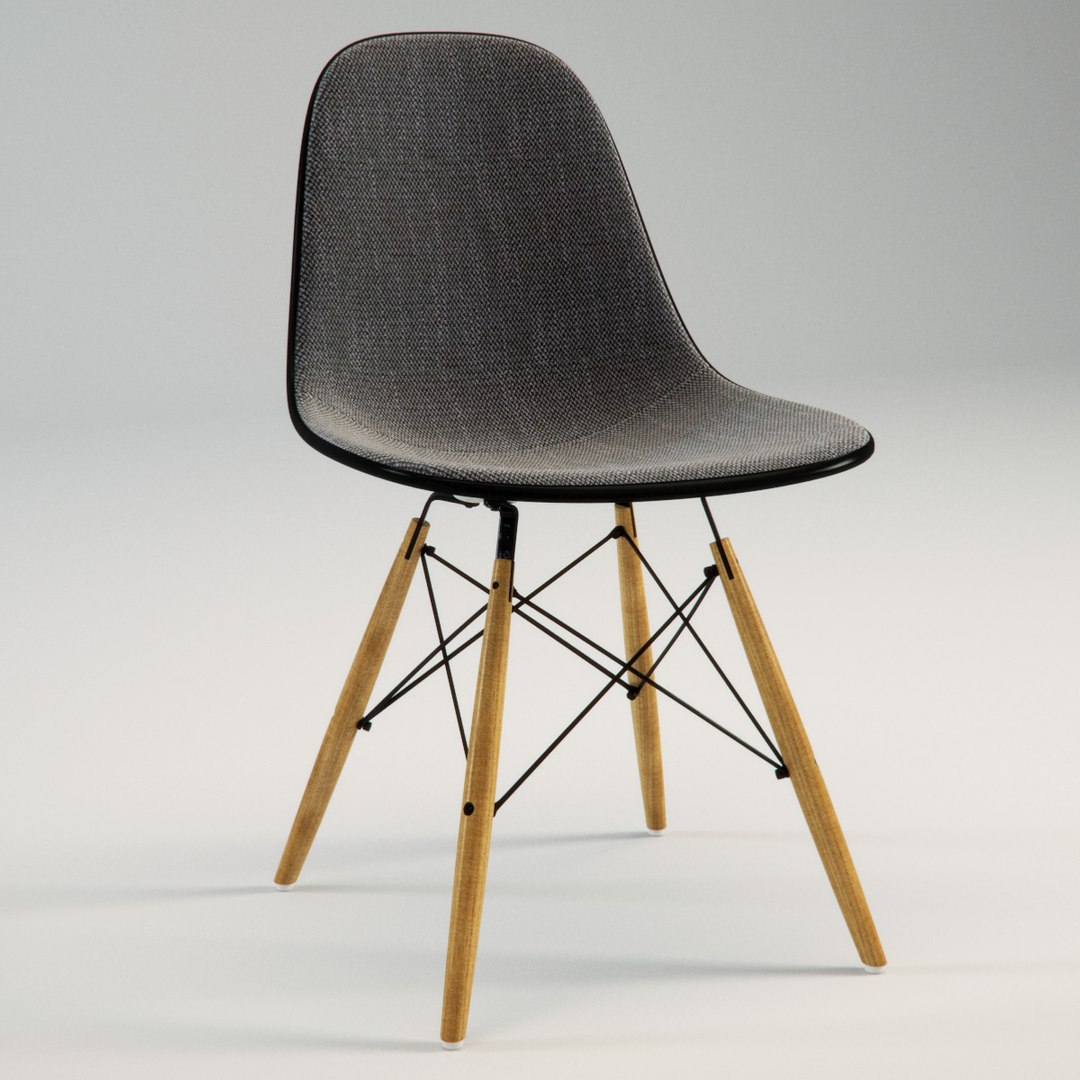
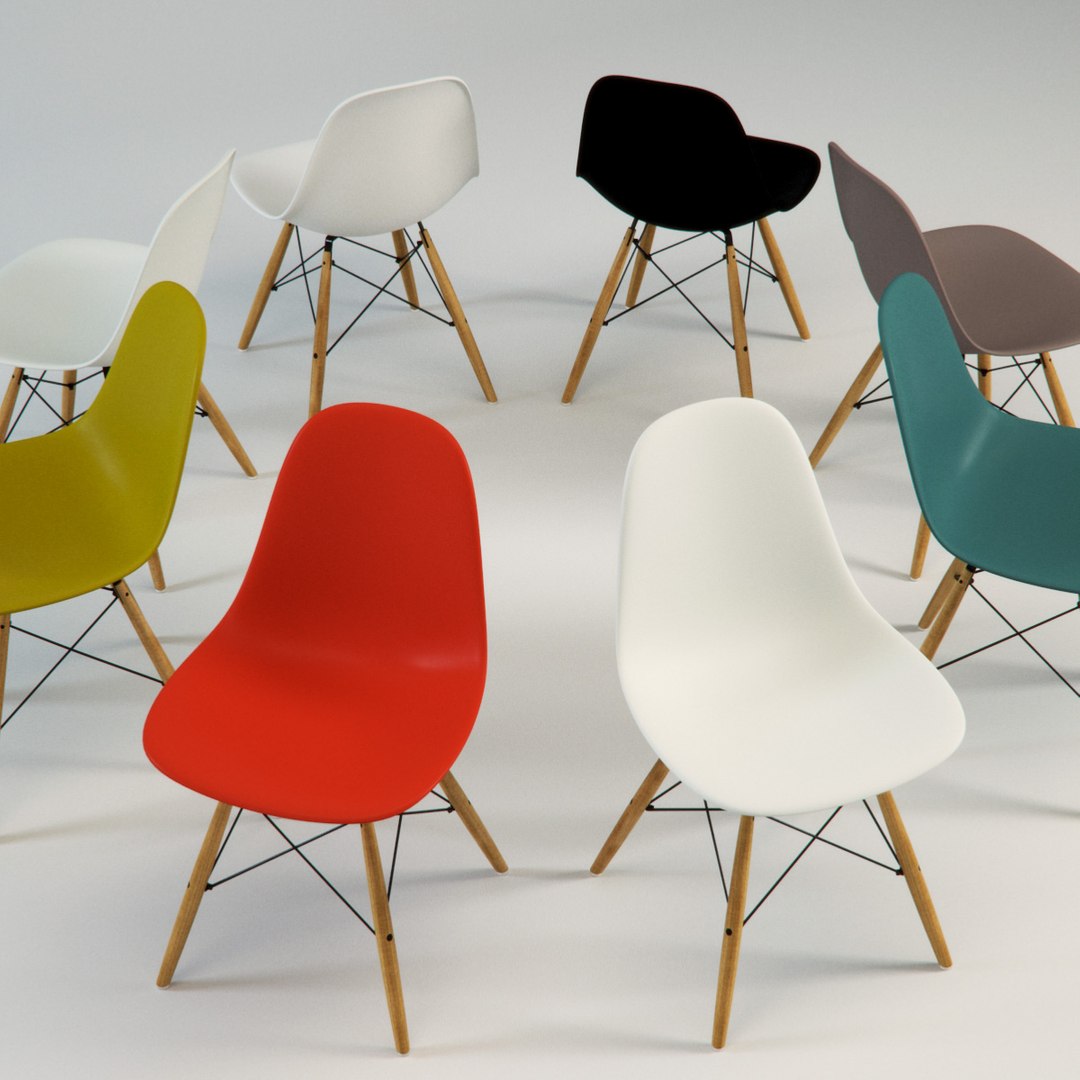
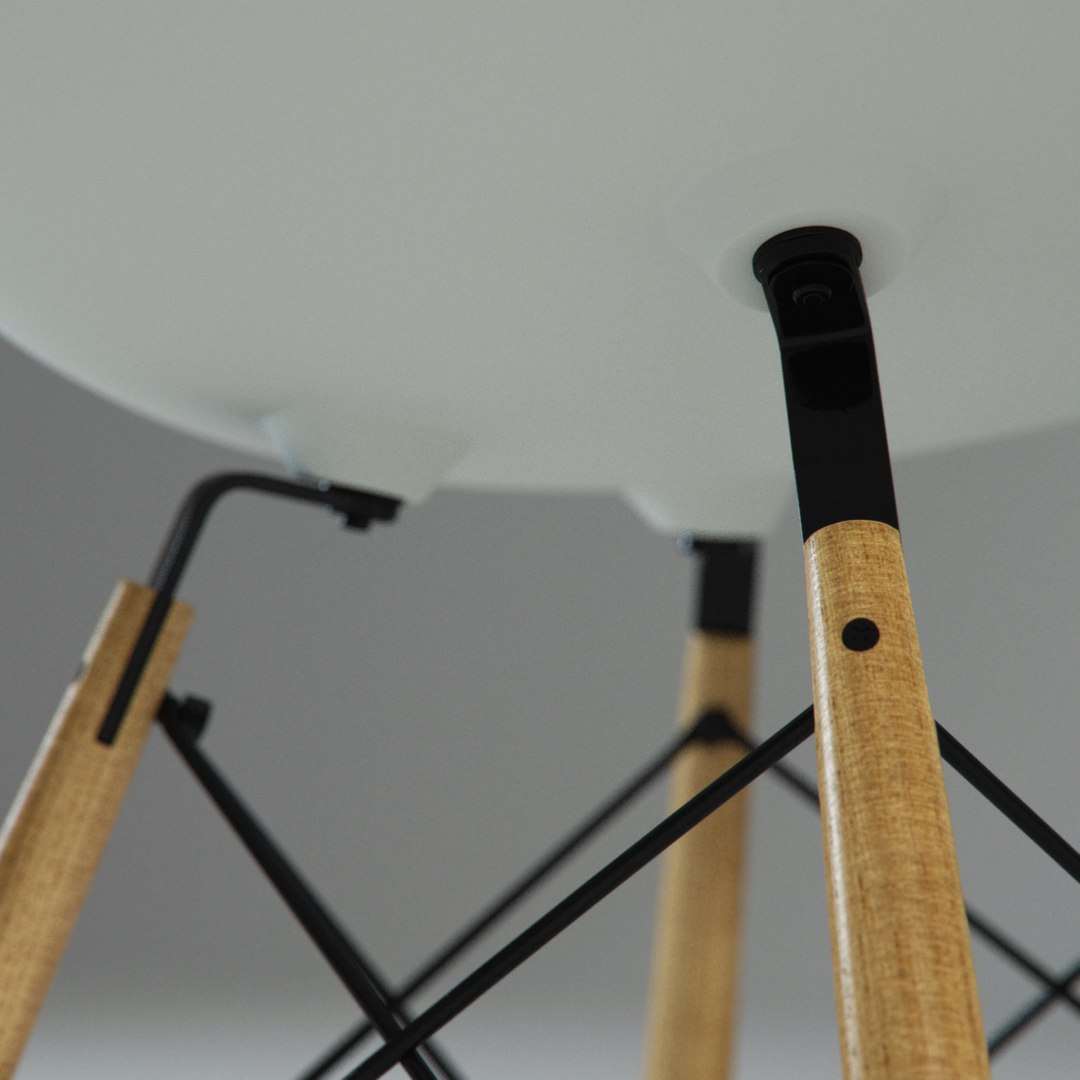
Photorealistic model of Charles and Ray Eames' Plastic Side Chair (DSW version, with wood and steel base).

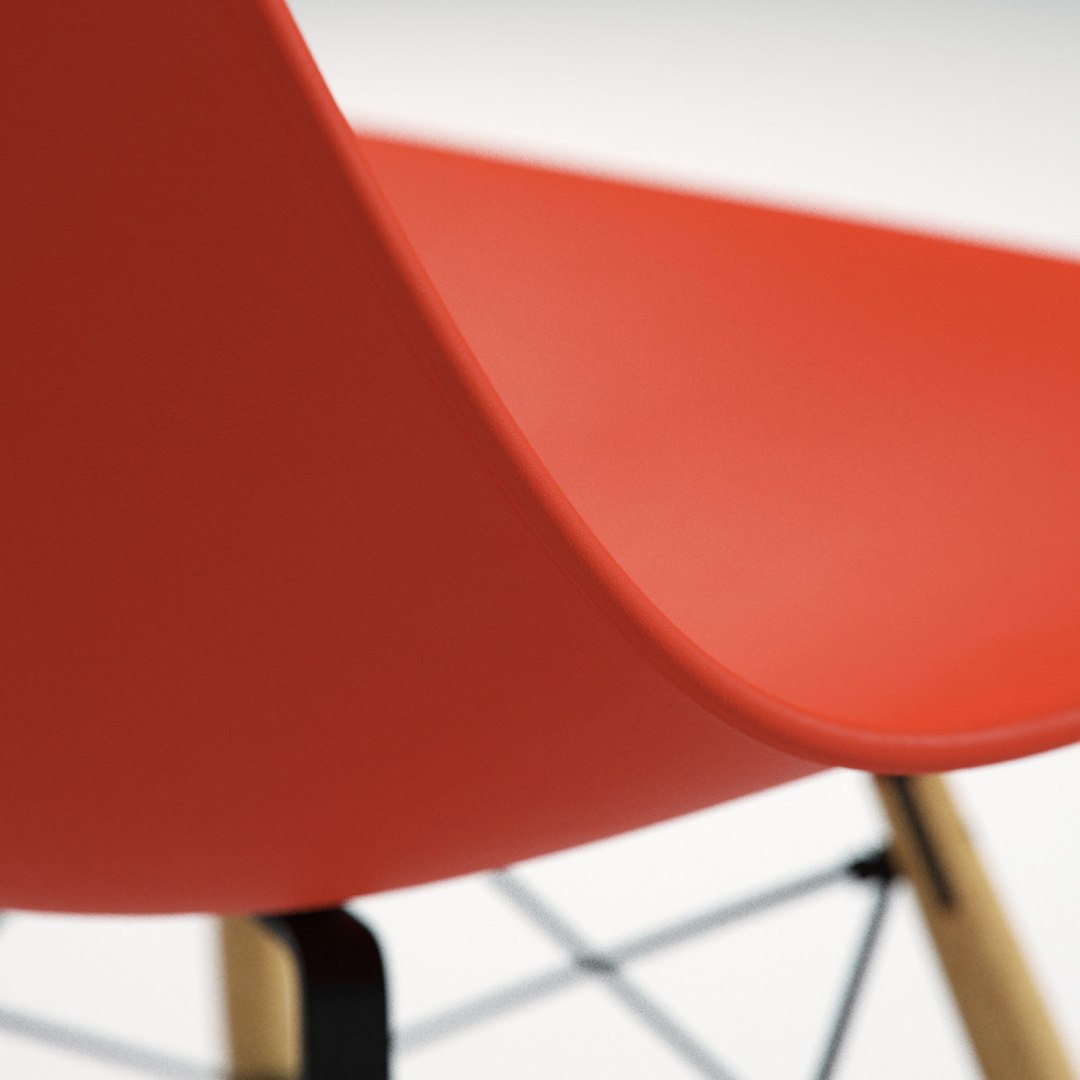
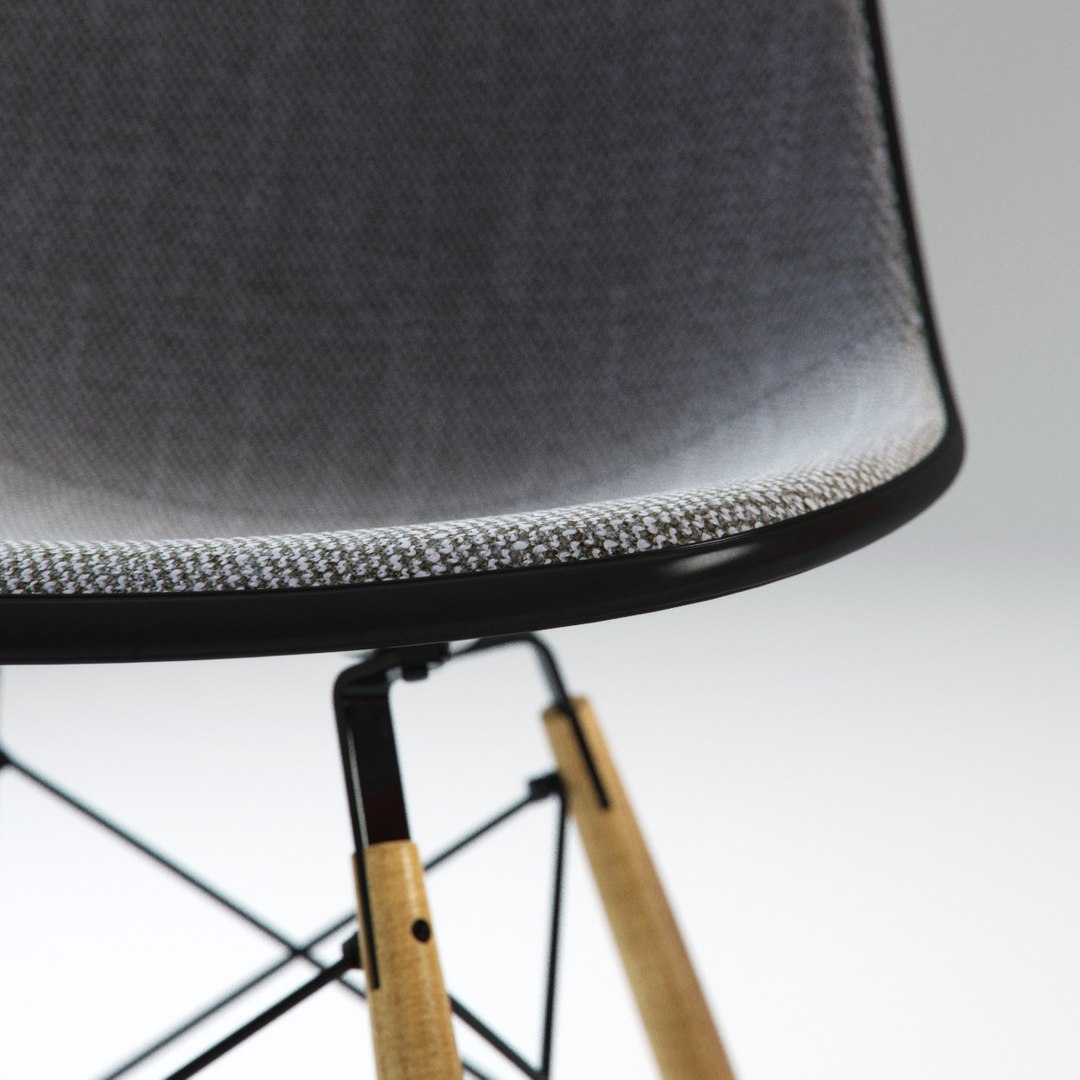
The archive includes both the plastic-shell chair and the upholstered version. The plastic-shell chair derives its colour from a bitmap textures that reproduces the original colours of the DSW swatch. Move the cropped section of the map to change the colour.

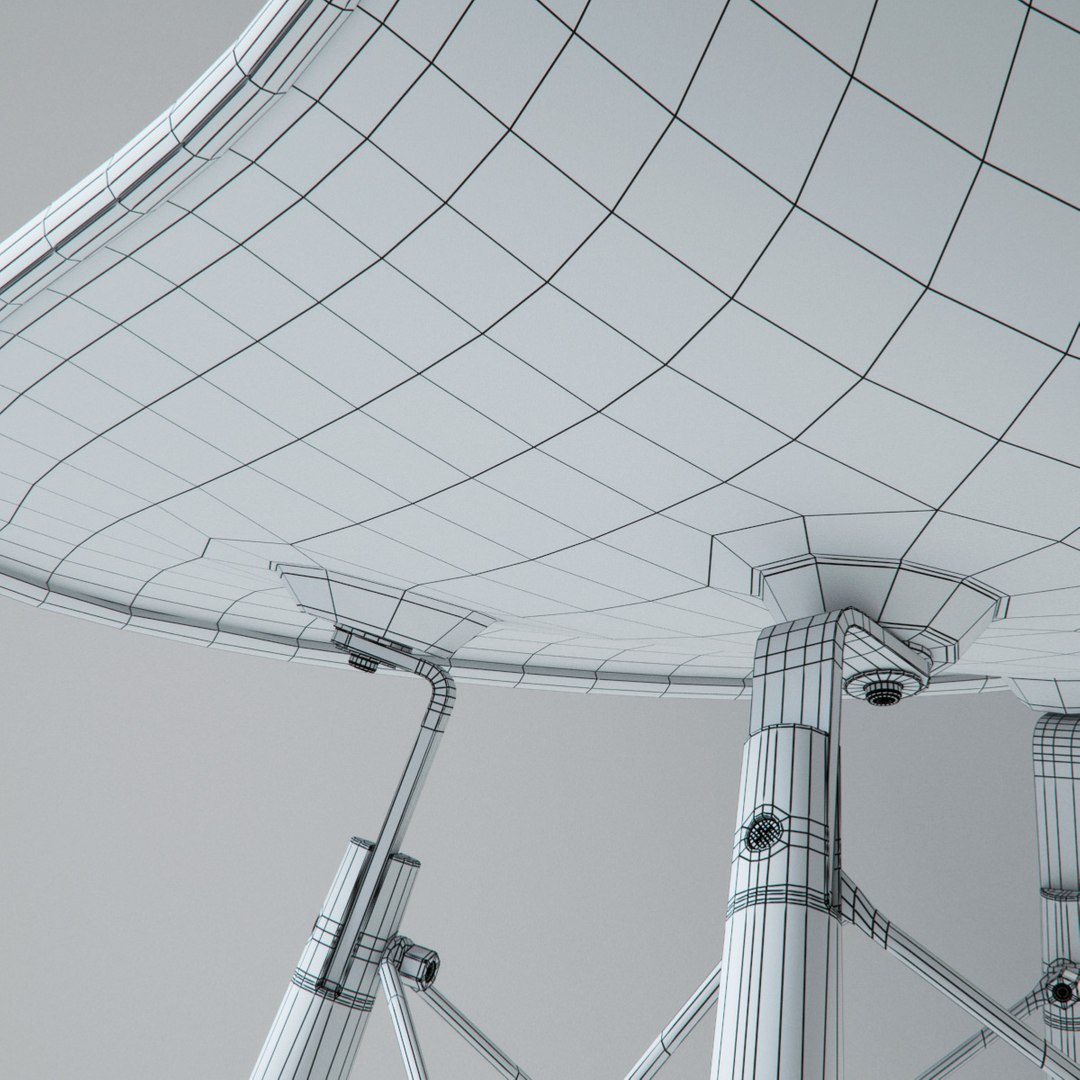
Particular attention has been given to the modeling and the materials, which all have a special patina for a more realistic look.

The 3ds Max (2010 and higher) version of the chairs are modelled to real-world scale and ready-to-render (Vray 2). Just merge into your scene and render.

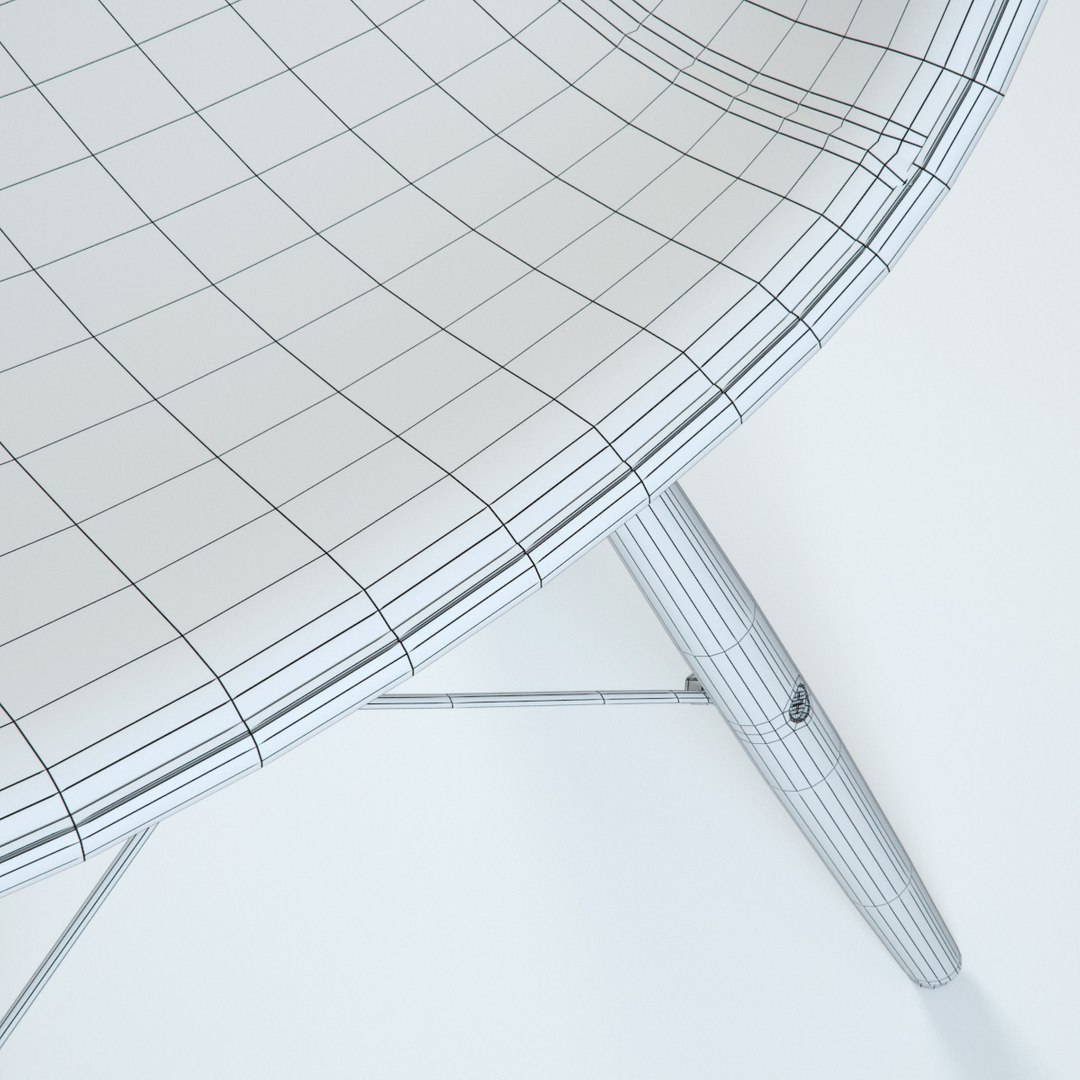
The OBJ version include the un-subdivided models and no material definitions. However the models are fully and cleanly UVed for easy material creation.

Both versions include numerous high-resolution custom textures.

The polycount refers to the two models. The specific poly count is as follows (un-subdivided):
Upholstered DSW chair: 17,872
Plastic shell DSW chair: 16,280

Select Enhanced License

  • $10,000 in Legal Protection (Indemnification)
  • Uncapped Legal Protection (Indemnification)
  • Waiver from injunctive relief
  • Assignable model rights
  • $1,000,000 in Legal Protection (Indemnification)
  • Waiver from injunctive relief
  • Assignable model rights
  • $250,000 in Legal Protection (Indemnification)
  • Assignable model rights
Read more about enhanced license tiers, or contact us at enterprise@turbosquid.com. Already a Shutterstock Enterprise Customer? Contact your Shutterstock Sales Support Agent to talk about adding 3D.

About Conversion Requests

To submit a conversion request for a purchased asset, please complete our Conversion Request Form.

If you have not yet purchased a model, please review our Documentation about Conversions to learn about what limitations you may encounter with a conversion.

For any additional questions about a model’s suitability for conversion, please contact TurboSquid Support.

Loading...