
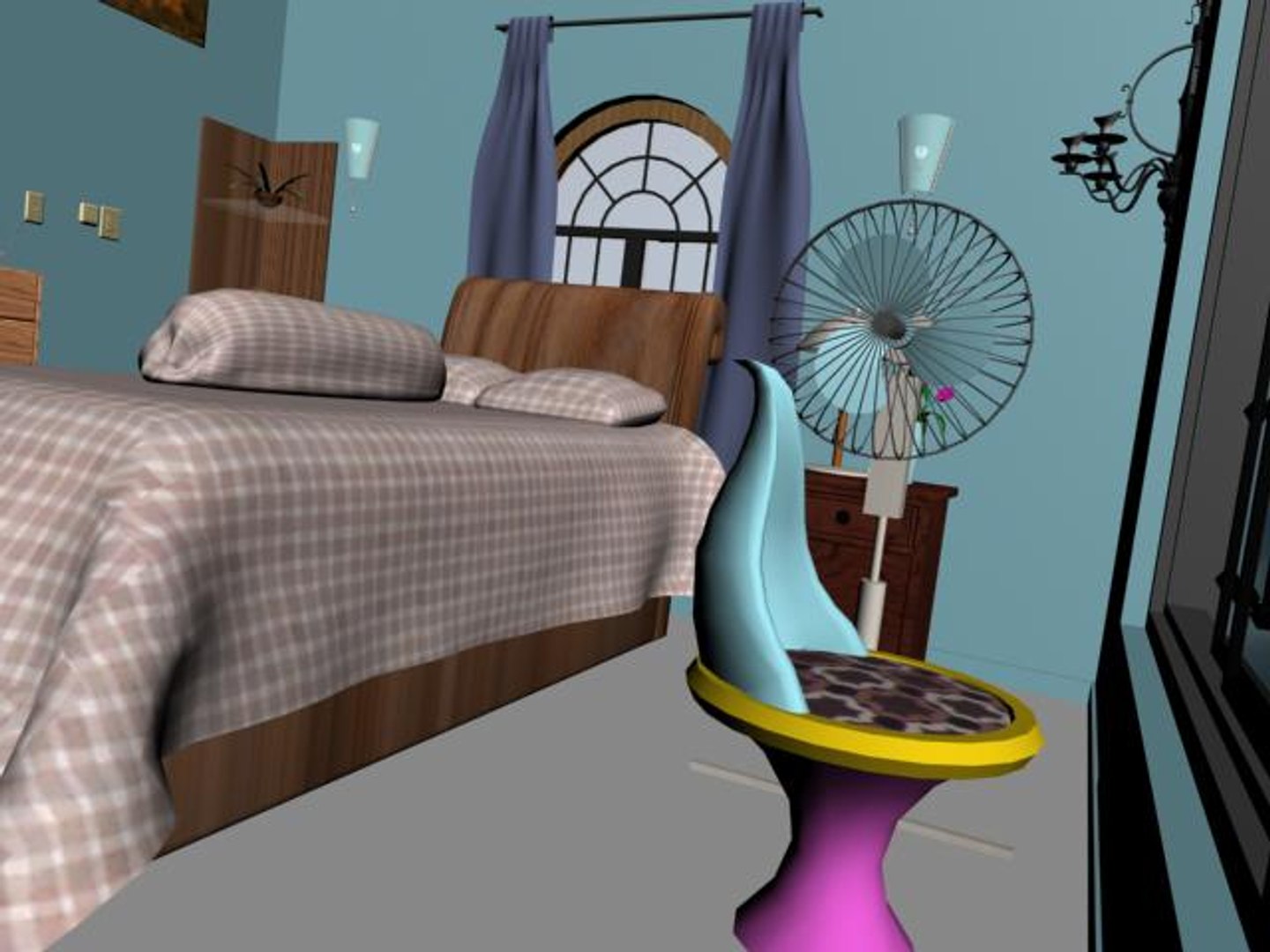
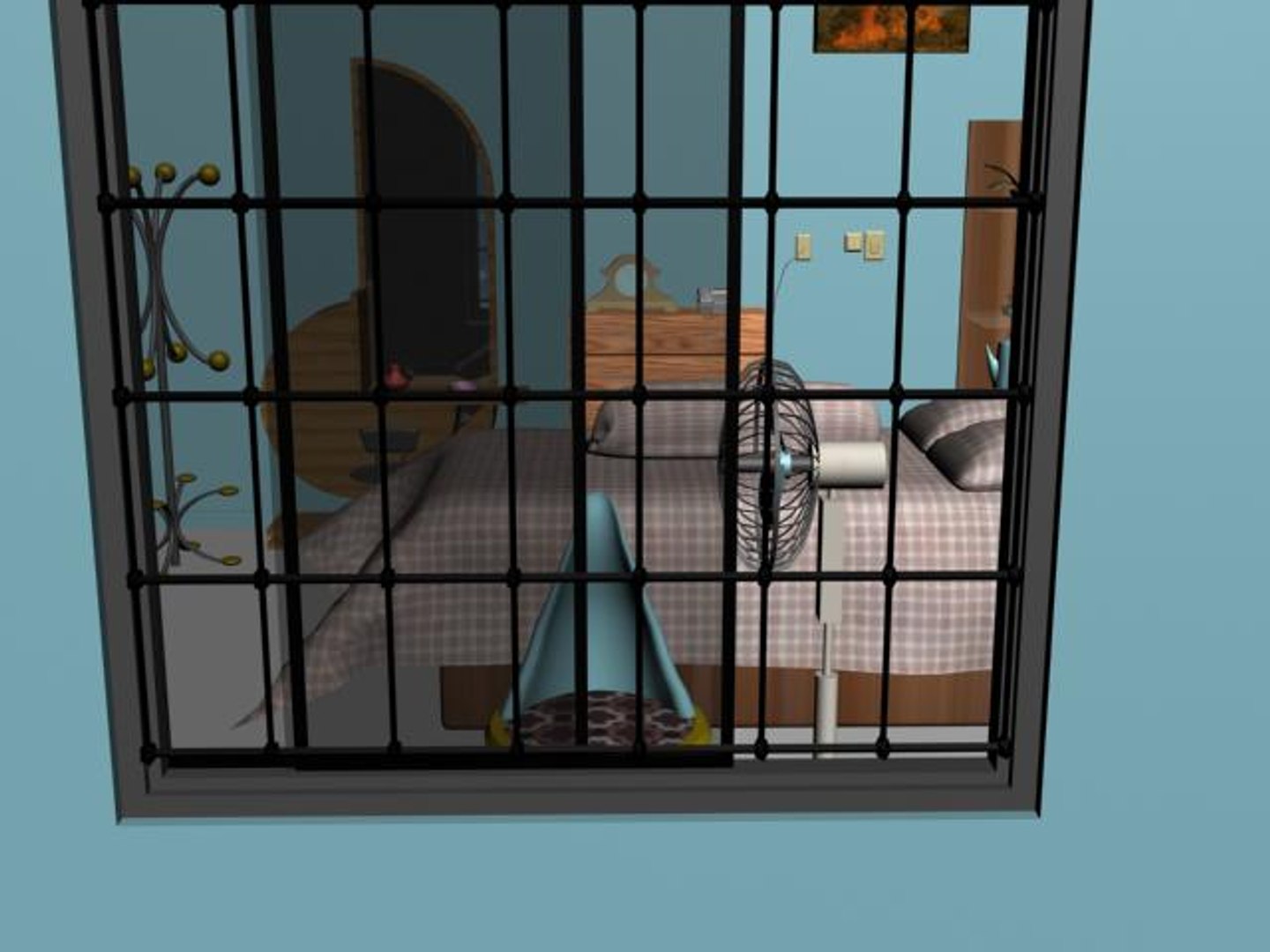
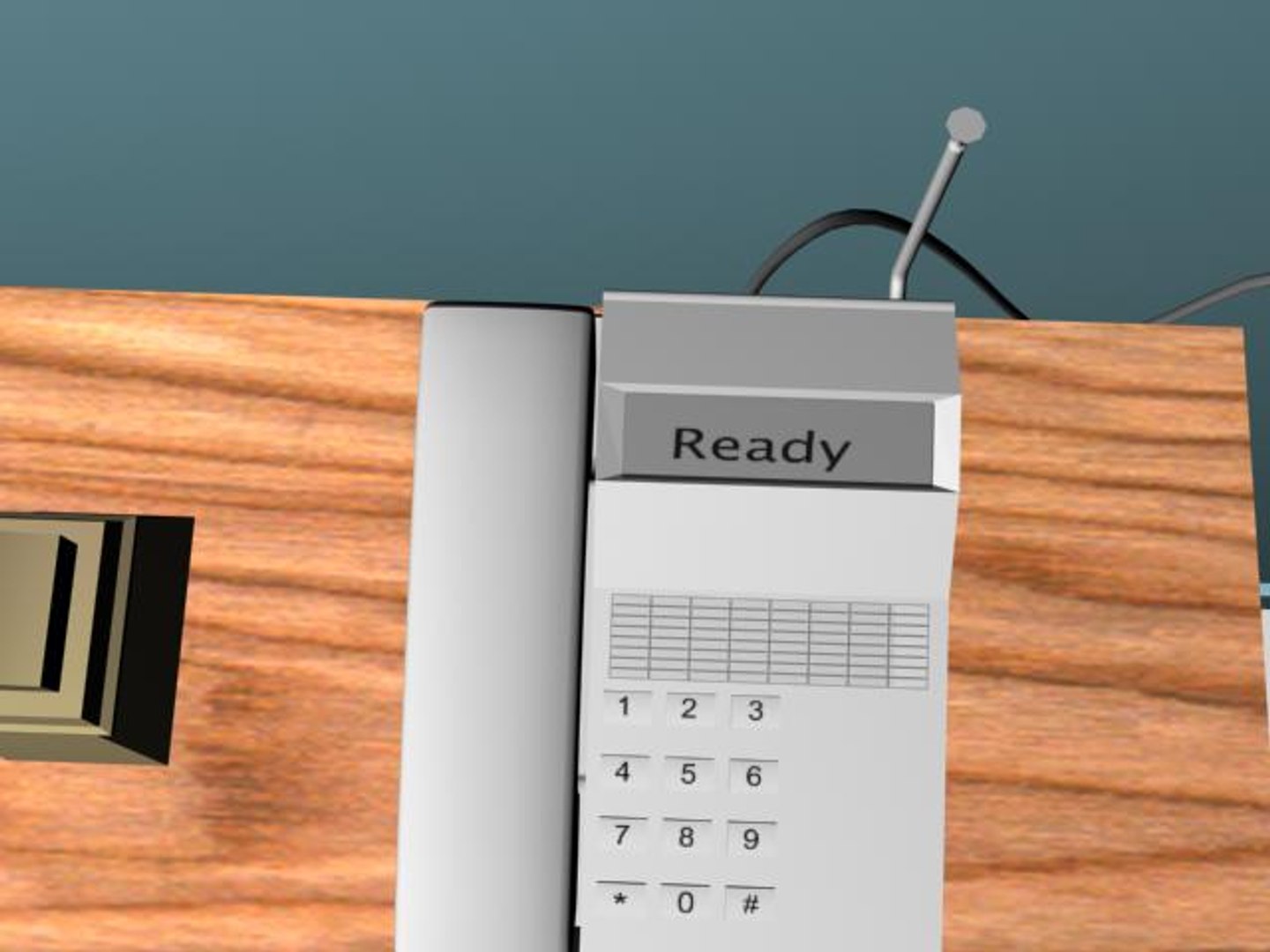
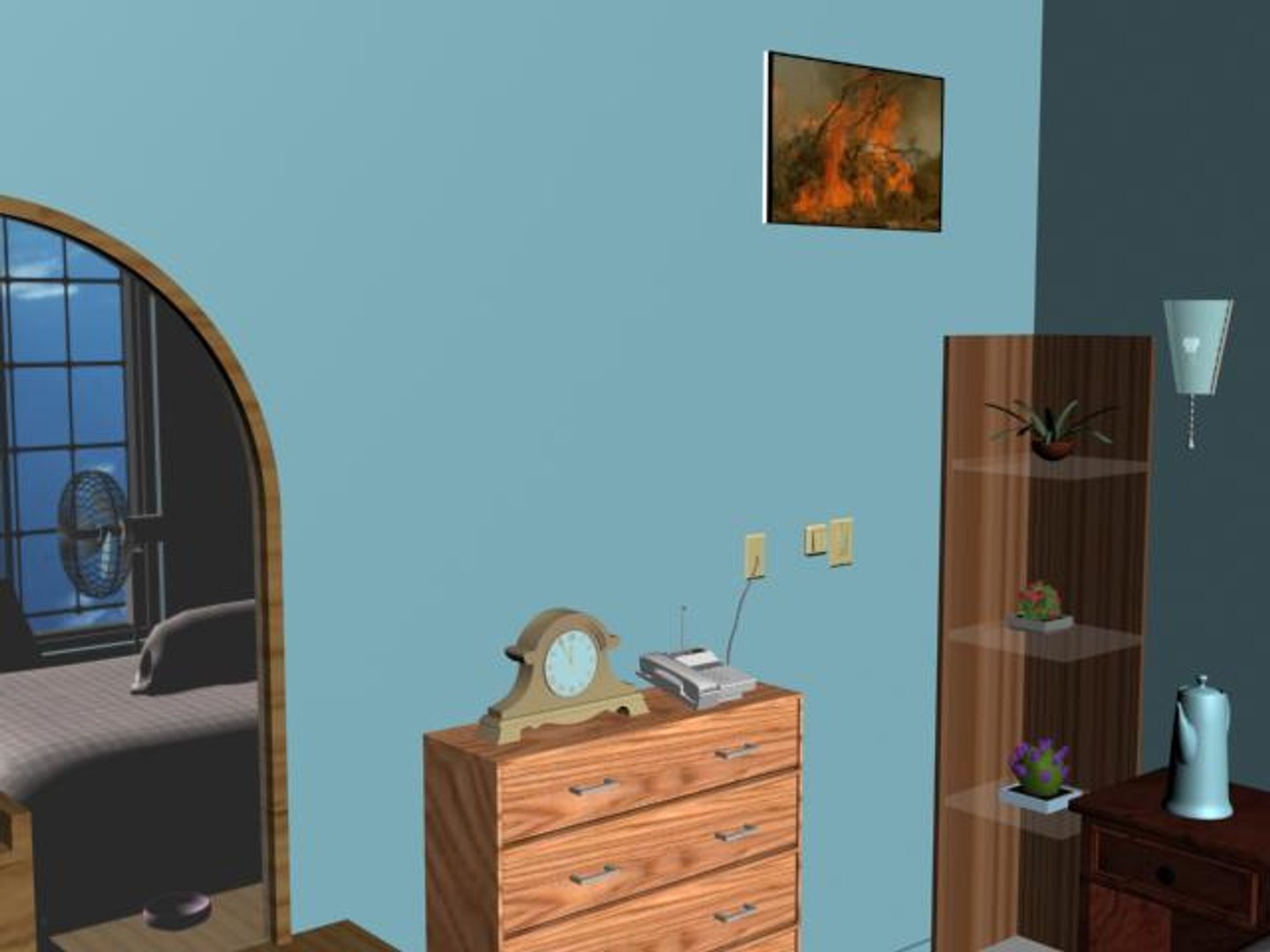
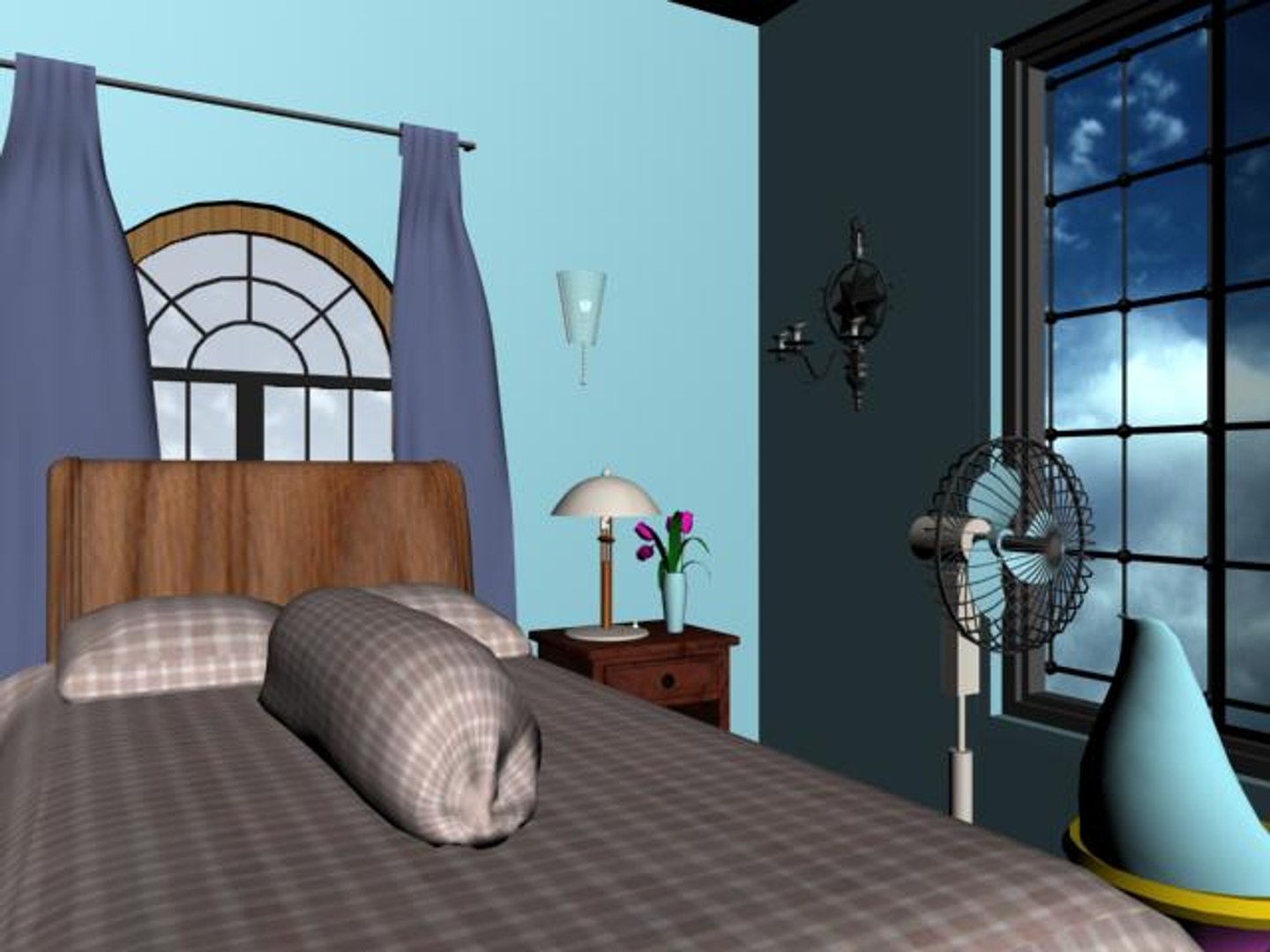
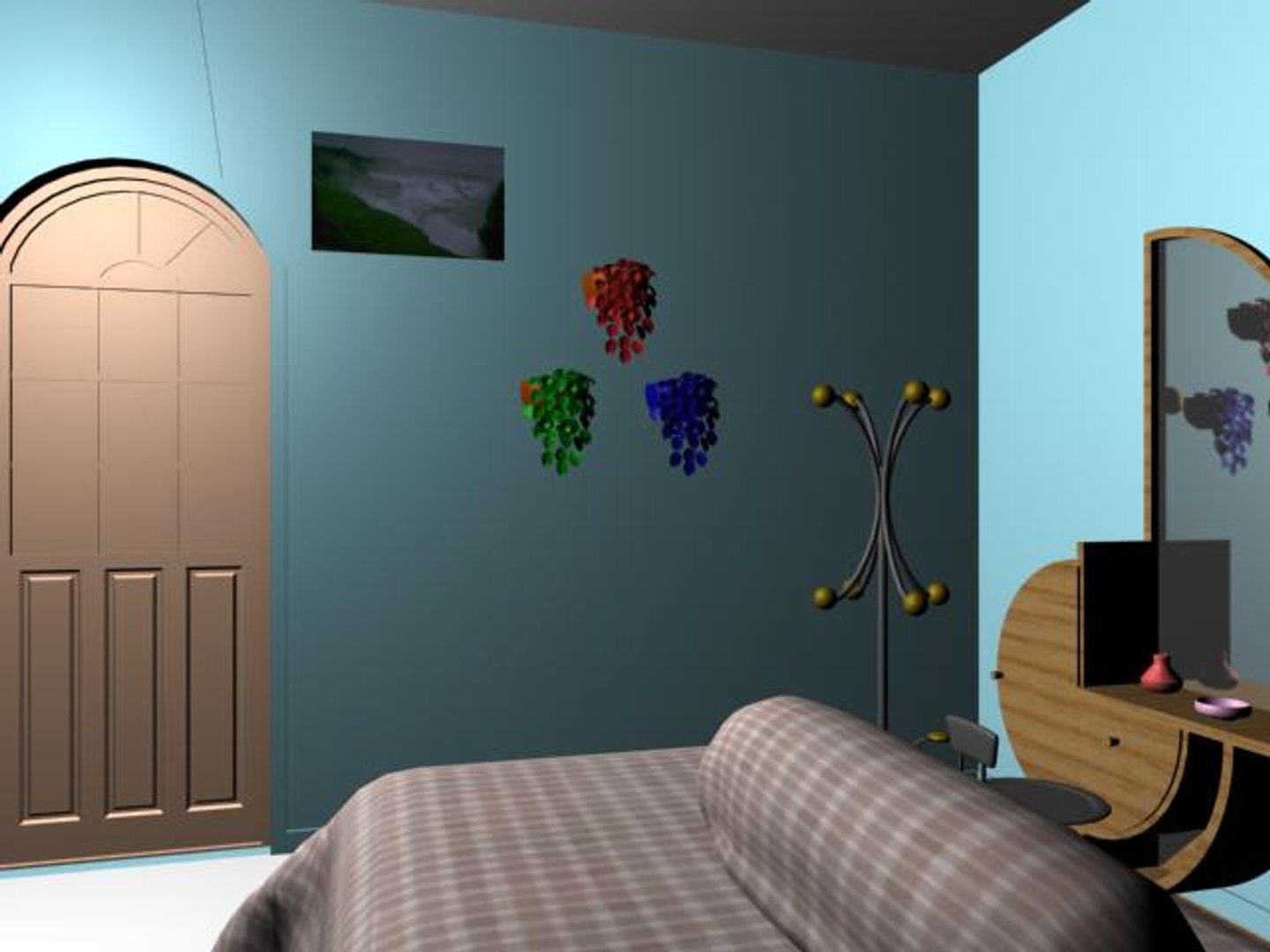
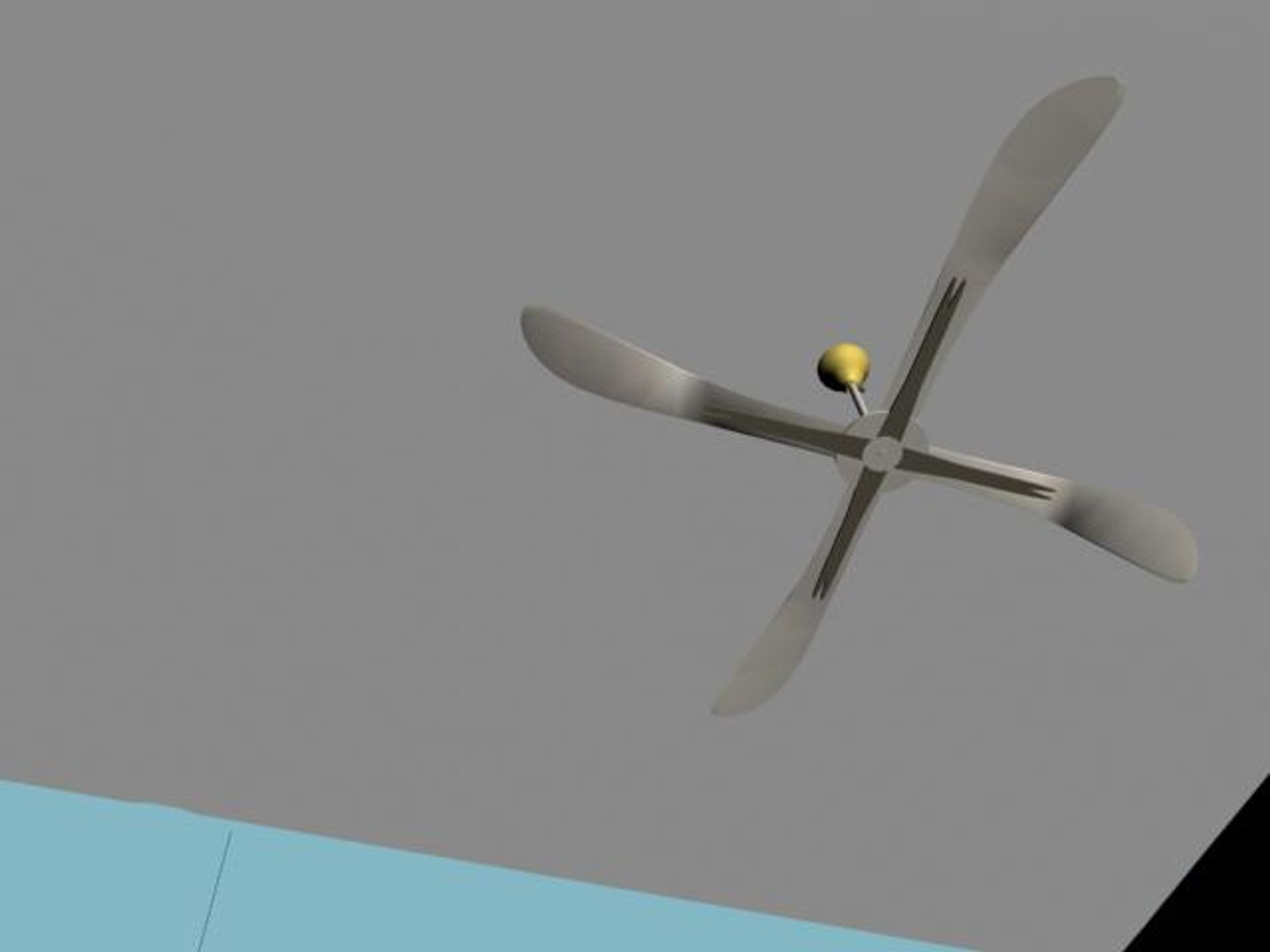
Bed Room

$20

Standard License | Upgrade License
Formats (2)
3D Studio
3ds Max
Specifications
Publish Date September 12, 2006
Product ID 320968
Polygons 103,801
Vertices 59,397
Polygonal
Textures
Materials
Unknown Unwrapped UVs
TurboSquid Exclusive

member avatar
Polygon Technology
175 Products | Contributor Since 2004
Have questions? Chat with us now.

Description

This is a scene of a Bedroom. Textures and Materials have been provided with it.

All including Texture and Material have been set up and Ready to be rendered.

But you may set up your own lighting system. I am not a good lightman.

Some works have been done in Interior Architecture Designing Program (for base design) and Photoshop (for textures).

But most (80%) of the works (for complete setup, texturing, meshing etc.) has been done in 3dsmax5. A .3ds file with texture has also been provided.

Some models are kept jointed for the convenience of handling and some are unjointed.

Some Reactor Simulations was done successfully for a few fabrics. But after getting the desired result the clothes were converted to Editable Mesh or Polygon.

So, no problem for final output and ready for use at final stage.

Unique Polygon ID setup has been done. So you can remap or re-color the objects as your individual choice very easily.

Scene Totals:
Objects: 128
Shapes: 0
Cameras: 1
Lights: 0
Helpers: 16
Space Warps: 0
Total: 145

Mesh Totals:

Verts: 59397
Faces: 103801

Select Enhanced License

  • $10,000 in Legal Protection (Indemnification)
  • Uncapped Legal Protection (Indemnification)
  • Waiver from injunctive relief
  • Assignable model rights
  • $1,000,000 in Legal Protection (Indemnification)
  • Waiver from injunctive relief
  • Assignable model rights
  • $250,000 in Legal Protection (Indemnification)
  • Assignable model rights
Read more about enhanced license tiers, or contact us at enterprise@turbosquid.com. Already a Shutterstock Enterprise Customer? Contact your Shutterstock Sales Support Agent to talk about adding 3D.

About Conversion Requests

To submit a conversion request for a purchased asset, please complete our Conversion Request Form.

If you have not yet purchased a model, please review our Documentation about Conversions to learn about what limitations you may encounter with a conversion.

For any additional questions about a model’s suitability for conversion, please contact TurboSquid Support.

Loading...