
Crate

$3.90

Standard License | Upgrade License
Formats (3)
3D Studio
3ds Max
OBJ
Specifications
Publish Date June 18, 2009
Product ID 470522
Polygons 0
Vertices 0
Polygonal
Textures
Materials
Unknown Unwrapped UVs
TurboSquid Exclusive

member avatar
barsim
476 Products | Contributor Since 2003
Have questions? Chat with us now.

Description

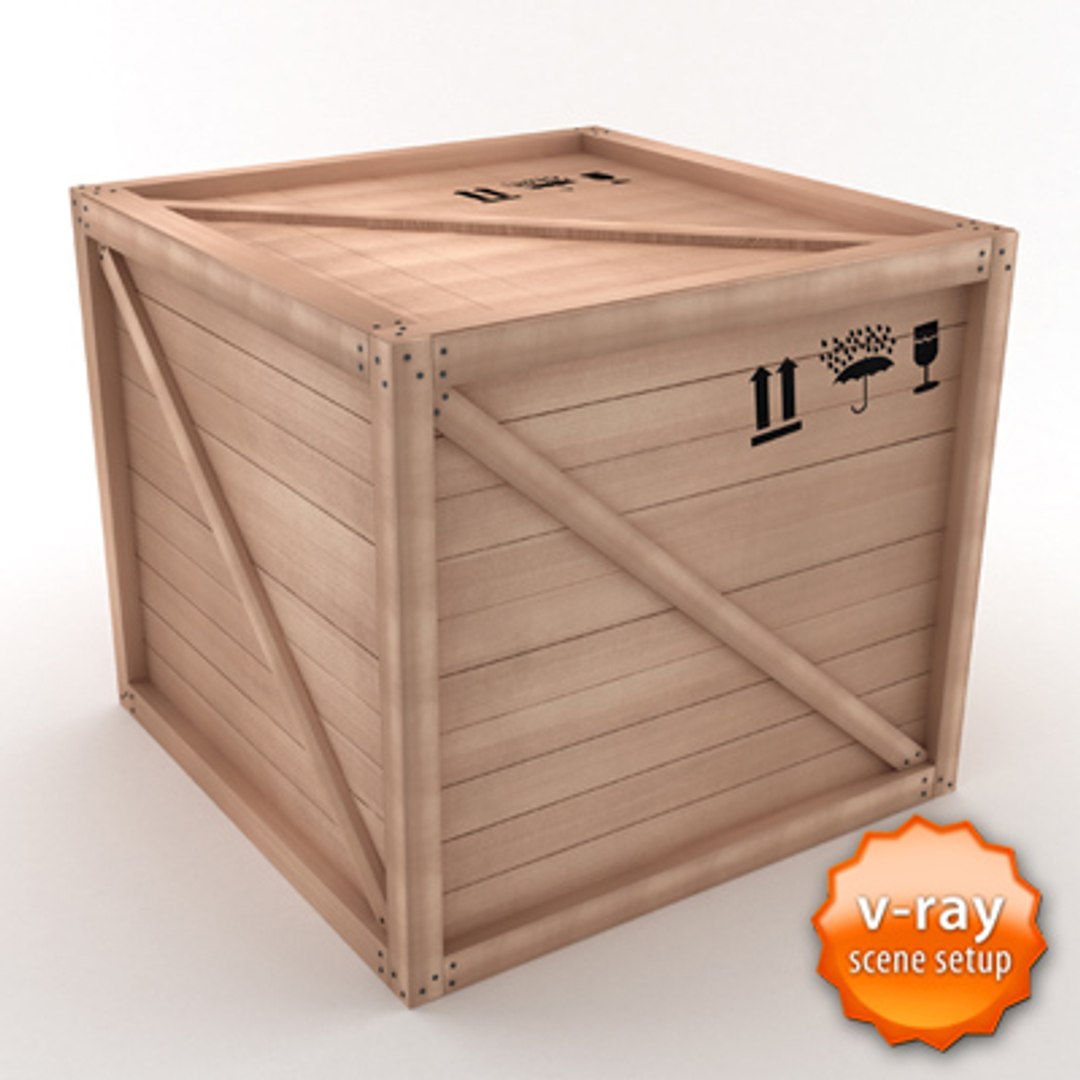
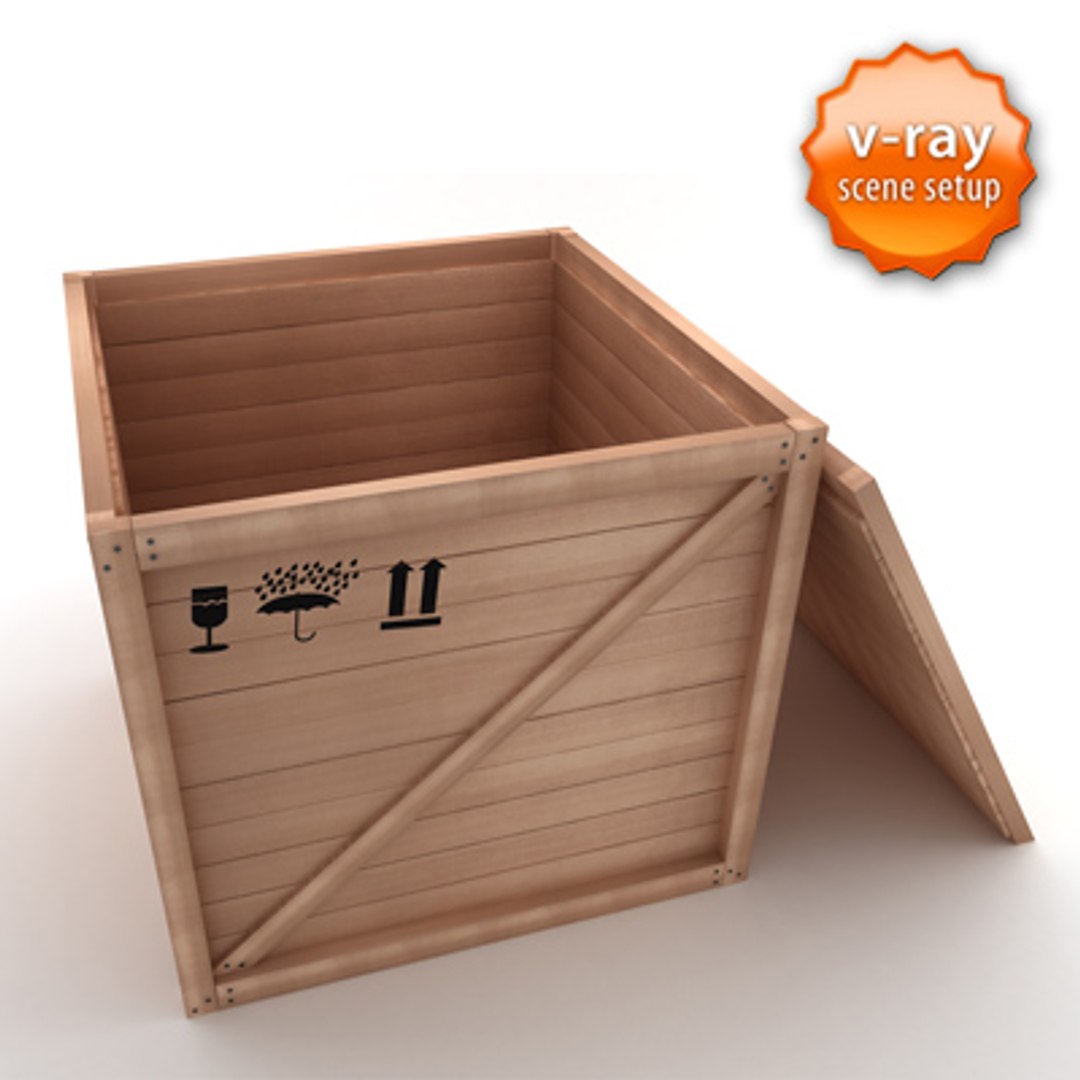
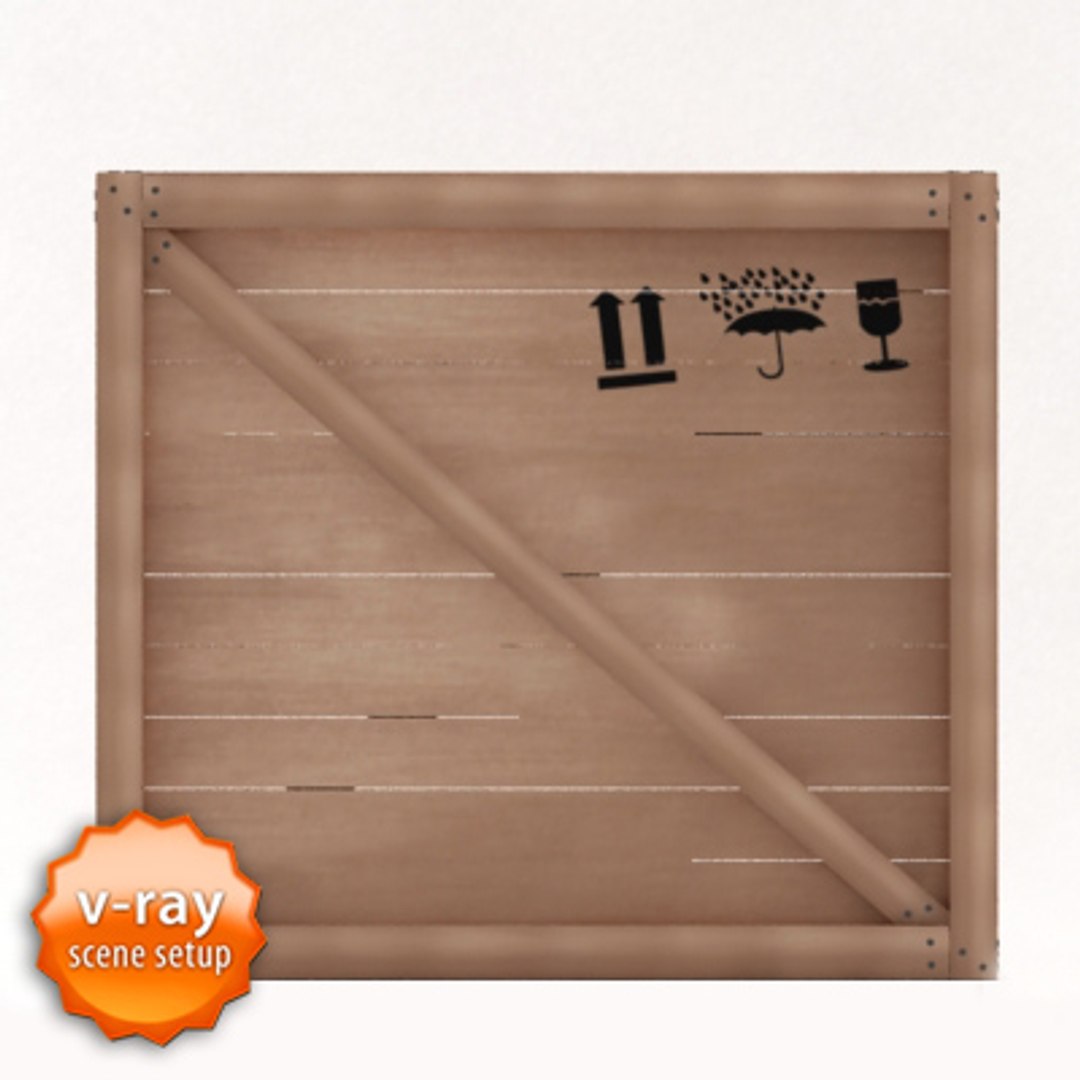
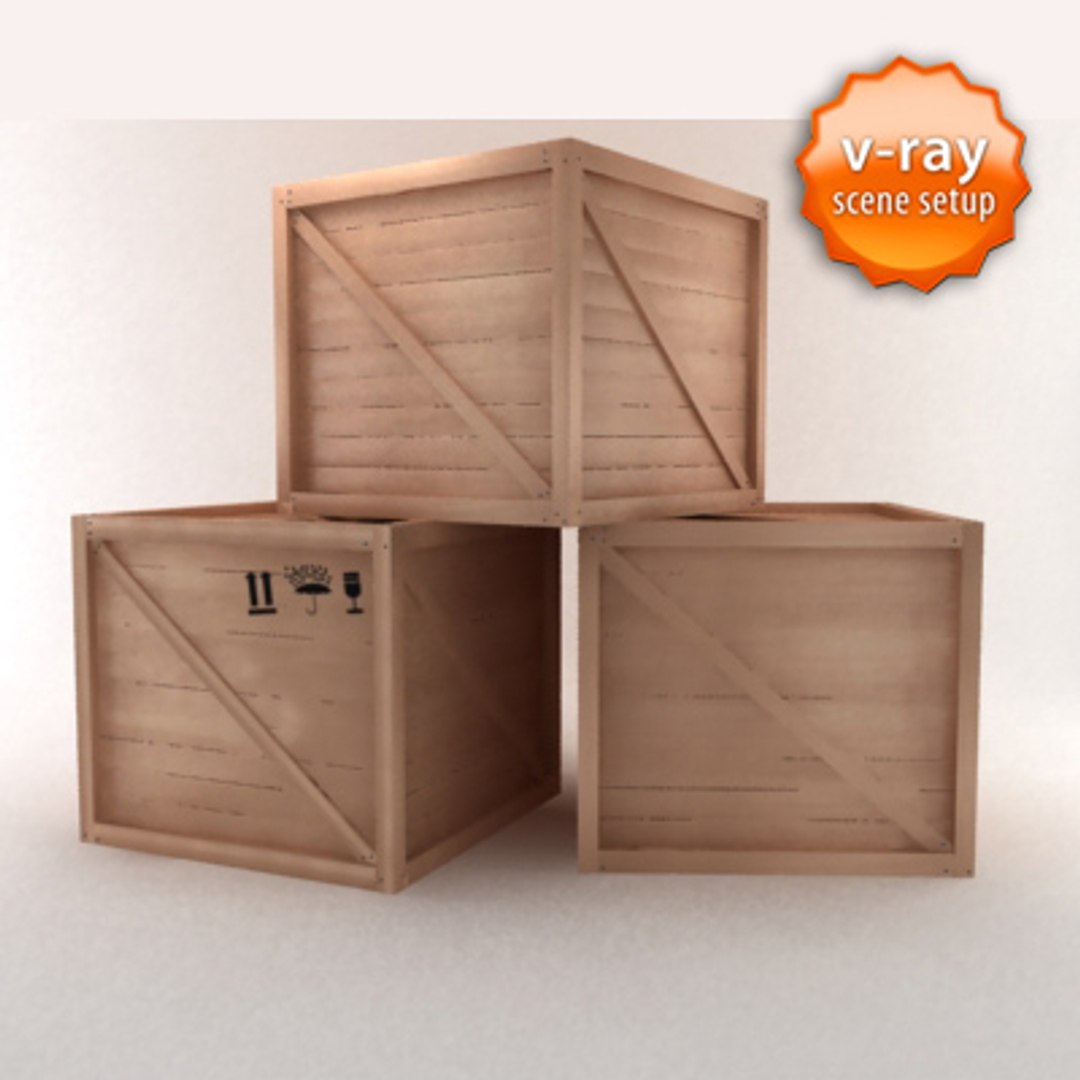
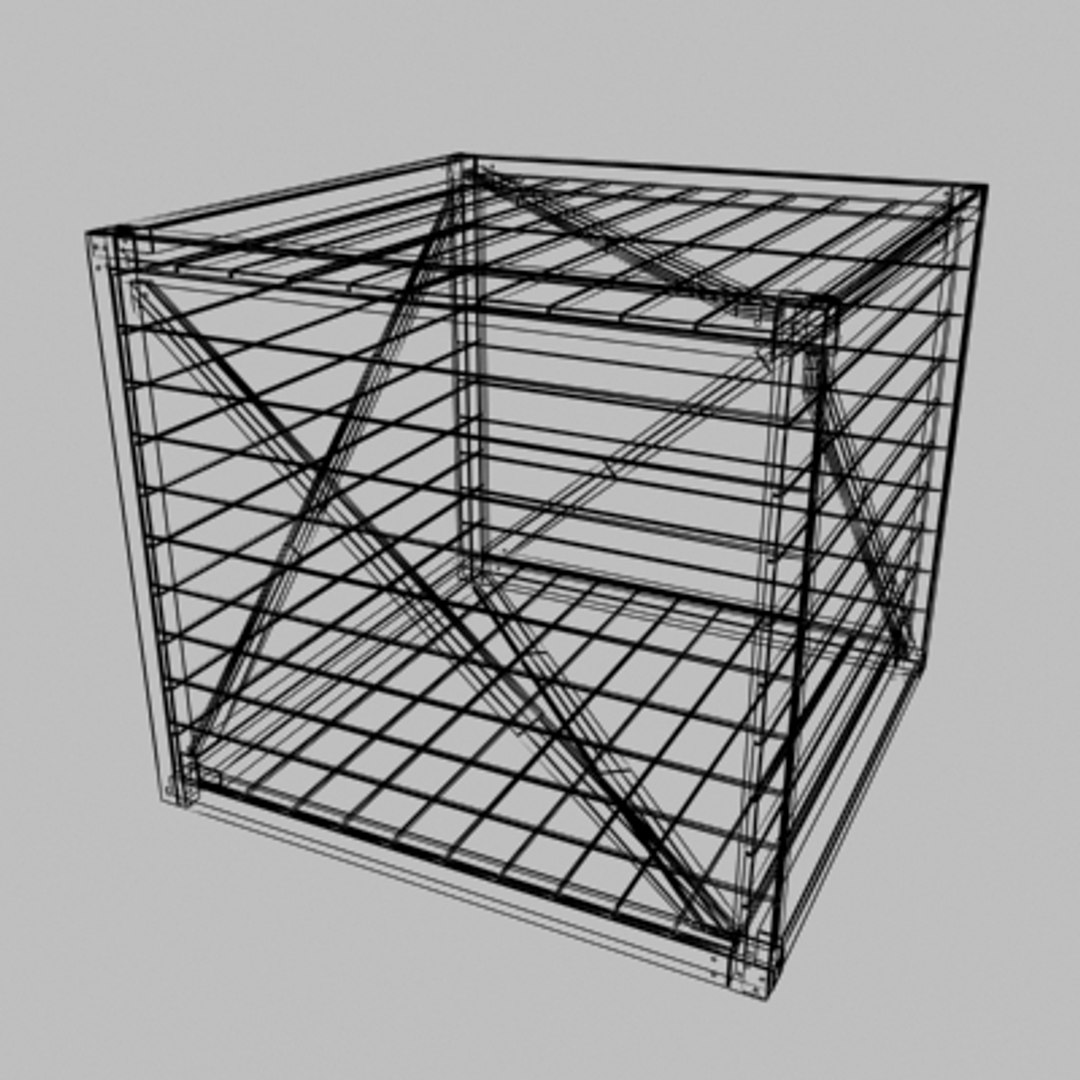
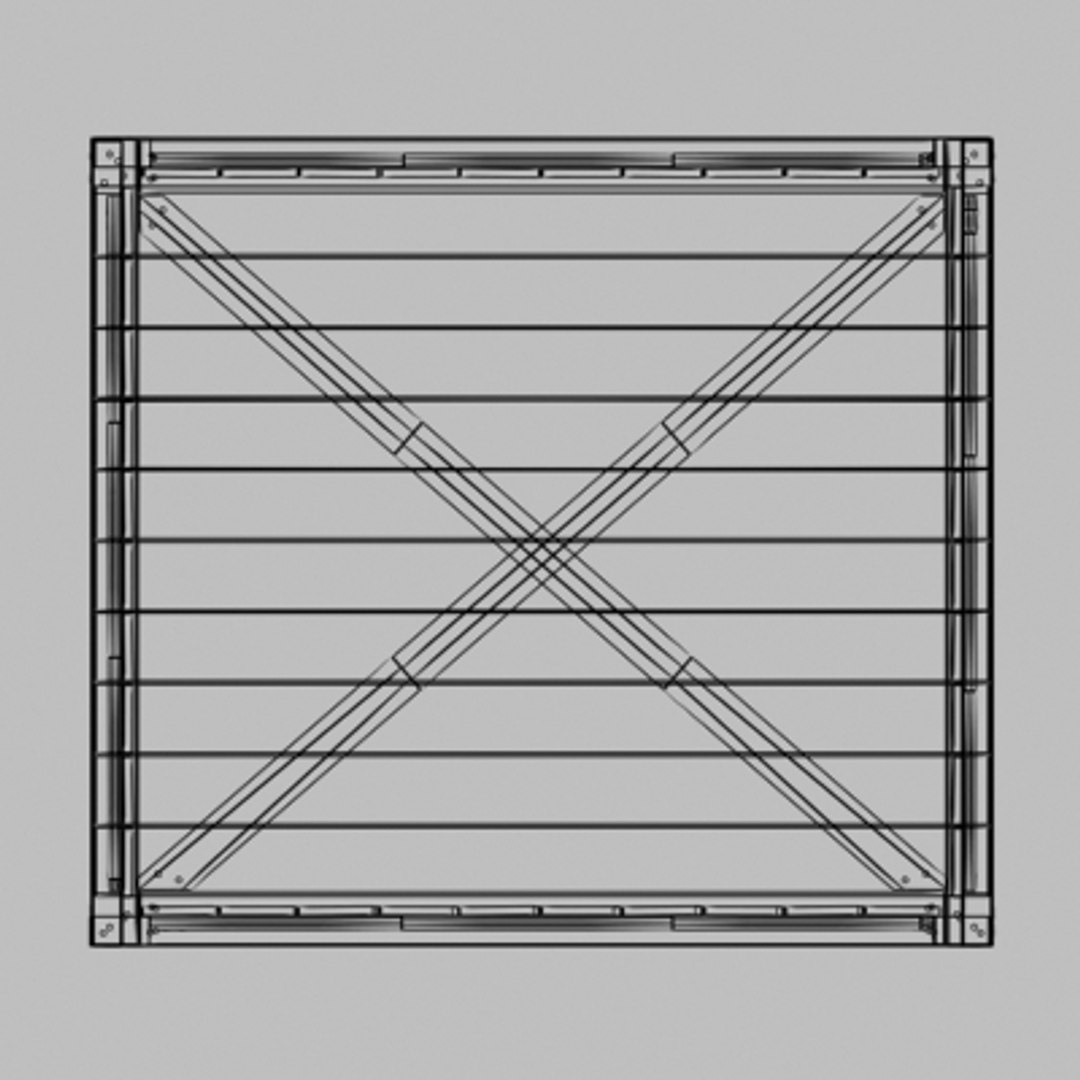
Wooden crate fully textured and lighted in max 9.0 Large texture size for print jobs. Modelled in max 9.0 rendered using vray 1.5. Includes 3ds and obj formats.

PLEASE NOTE THAT:

.............................................................................................................

The max9 version of this product includes all the required texture maps, models, lighting and scene setup and if you have vray plugins installed in your machine you will definitely obtain the same results as in the advertisement pictures.

.............................................................................................................

However; the 3DS version only contains textures and standart materials, no scene setup or lights, but full quality model as seen in pictures. You can setup a scene yourself, or import the model into your projects right away.

.............................................................................................................

For the OBJ file, you will have to reassign the materials to the model, all textures are available within the file. However, you may not obtain the results shown in the pictures, unless you set the lights, rendering adjustments appropriately.

Select Enhanced License

  • $10,000 in Legal Protection (Indemnification)
  • Uncapped Legal Protection (Indemnification)
  • Waiver from injunctive relief
  • Assignable model rights
  • $1,000,000 in Legal Protection (Indemnification)
  • Waiver from injunctive relief
  • Assignable model rights
  • $250,000 in Legal Protection (Indemnification)
  • Assignable model rights
Read more about enhanced license tiers, or contact us at enterprise@turbosquid.com. Already a Shutterstock Enterprise Customer? Contact your Shutterstock Sales Support Agent to talk about adding 3D.

About Conversion Requests

To submit a conversion request for a purchased asset, please complete our Conversion Request Form.

If you have not yet purchased a model, please review our Documentation about Conversions to learn about what limitations you may encounter with a conversion.

For any additional questions about a model’s suitability for conversion, please contact TurboSquid Support.

Loading...