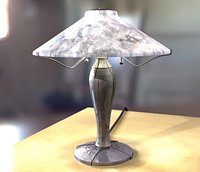
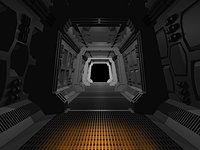
In this training video watch Lightwave 3D Instructor Adam Gibson show the beginner 3D student how to quickly get up and started using Cameras and Rendering images in Lightwave 10.
Topics covered: Viewport Modes, VPR Viewport Preview Render, Camera Set-Up and Control, How to Render Images and Animations, How to Export/Save Images and Animations to your Hard-Drive, Image Formats, 24-bit Vs. 32-bit Creating Alpha Channels Embedded in your rendered images, Safe Areas Mode, Field Chart, Pixel Aspect Ratio, Antialiasing, Camera Types, Output Resolutions, and a quick intro to Stereo-scopic 3D in Lightwave.
Table of Contents for Camera Essentials
Chapter 1- Intro
Chapter 2- Viewport Basics
Chapter 3- Adding Multiple Cameras
Chapter 4- Rendering and Saving Images to your Hard Drive





.gifc08b7486-fb28-4949-bfa8-1b84c9f05384.jpg "adamgibson")