
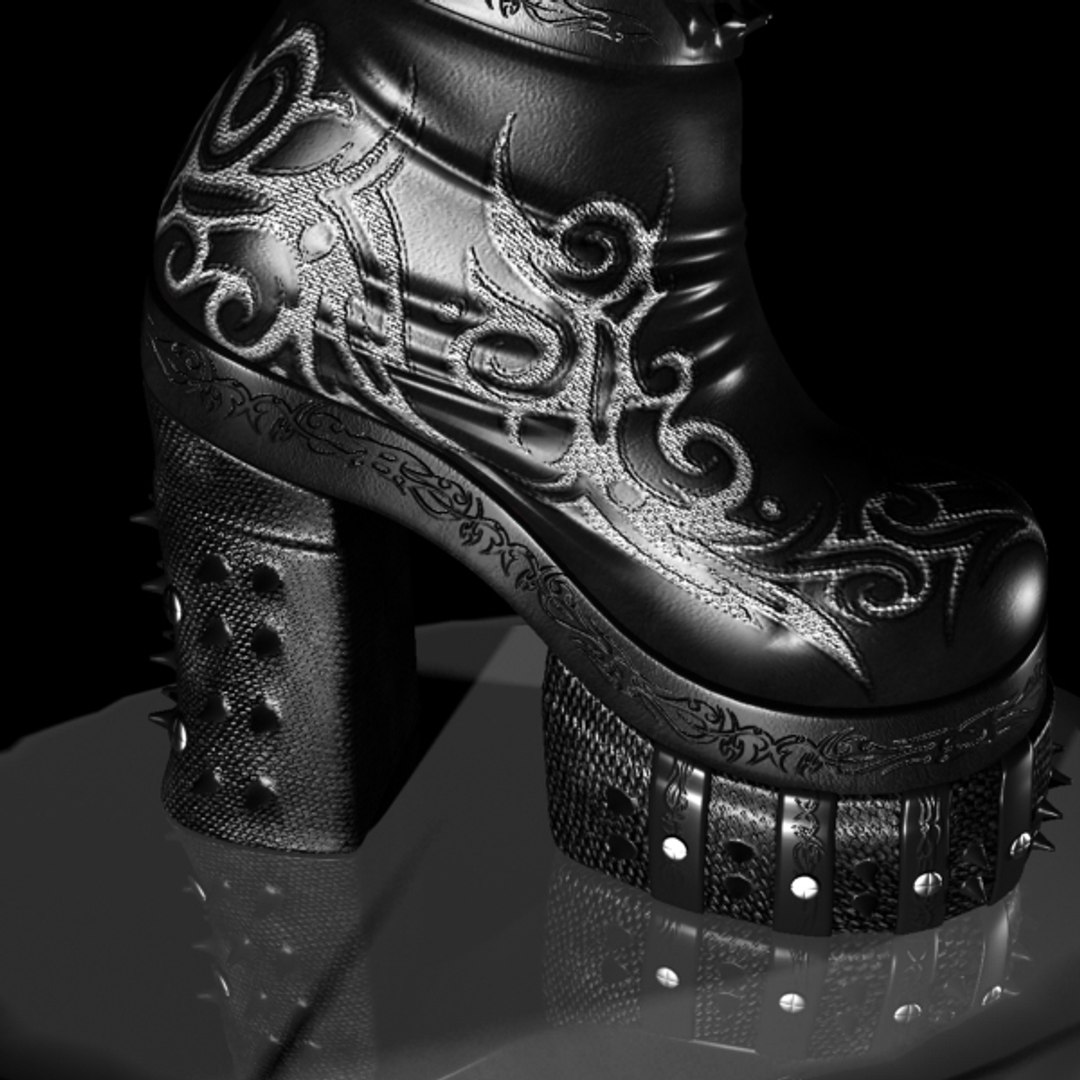
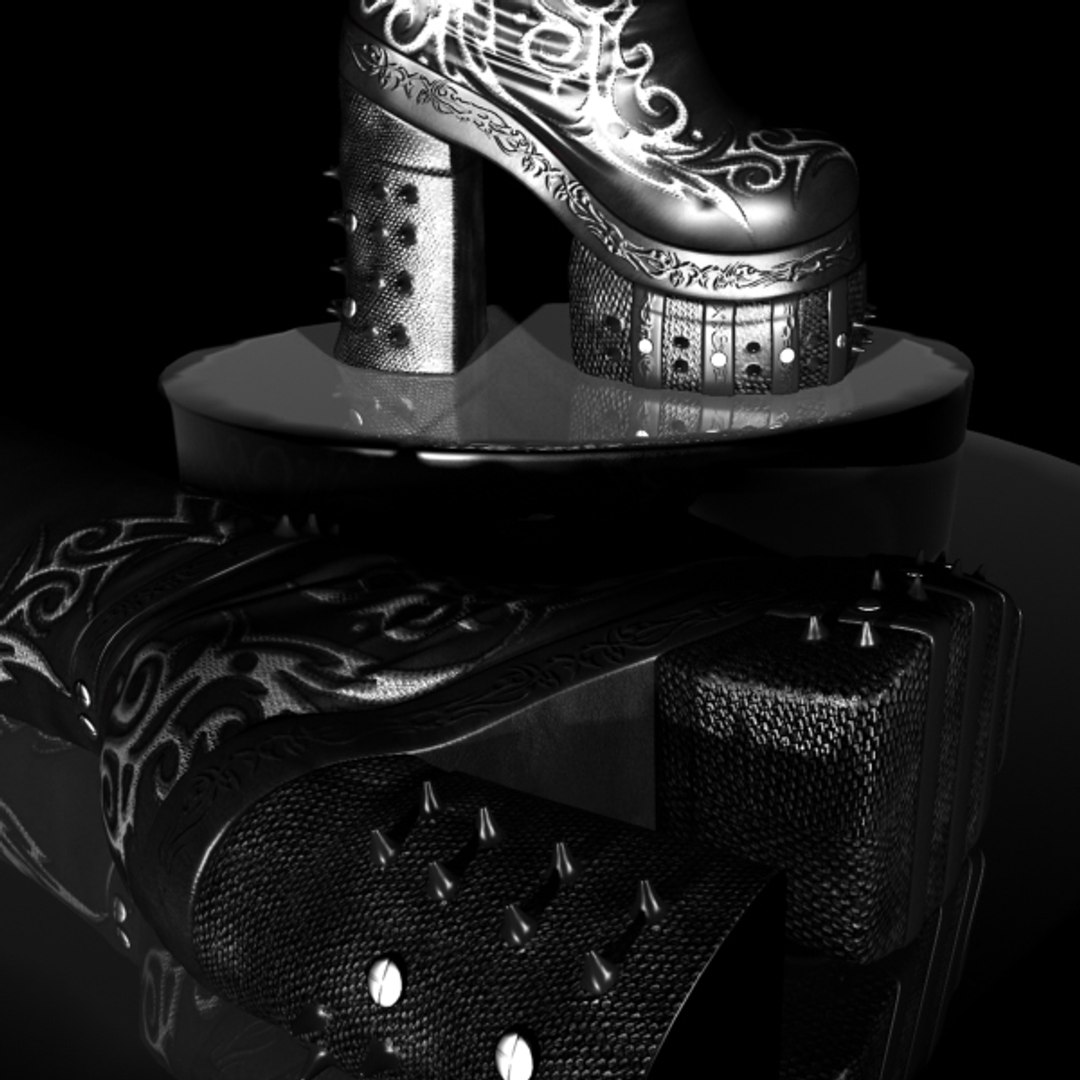
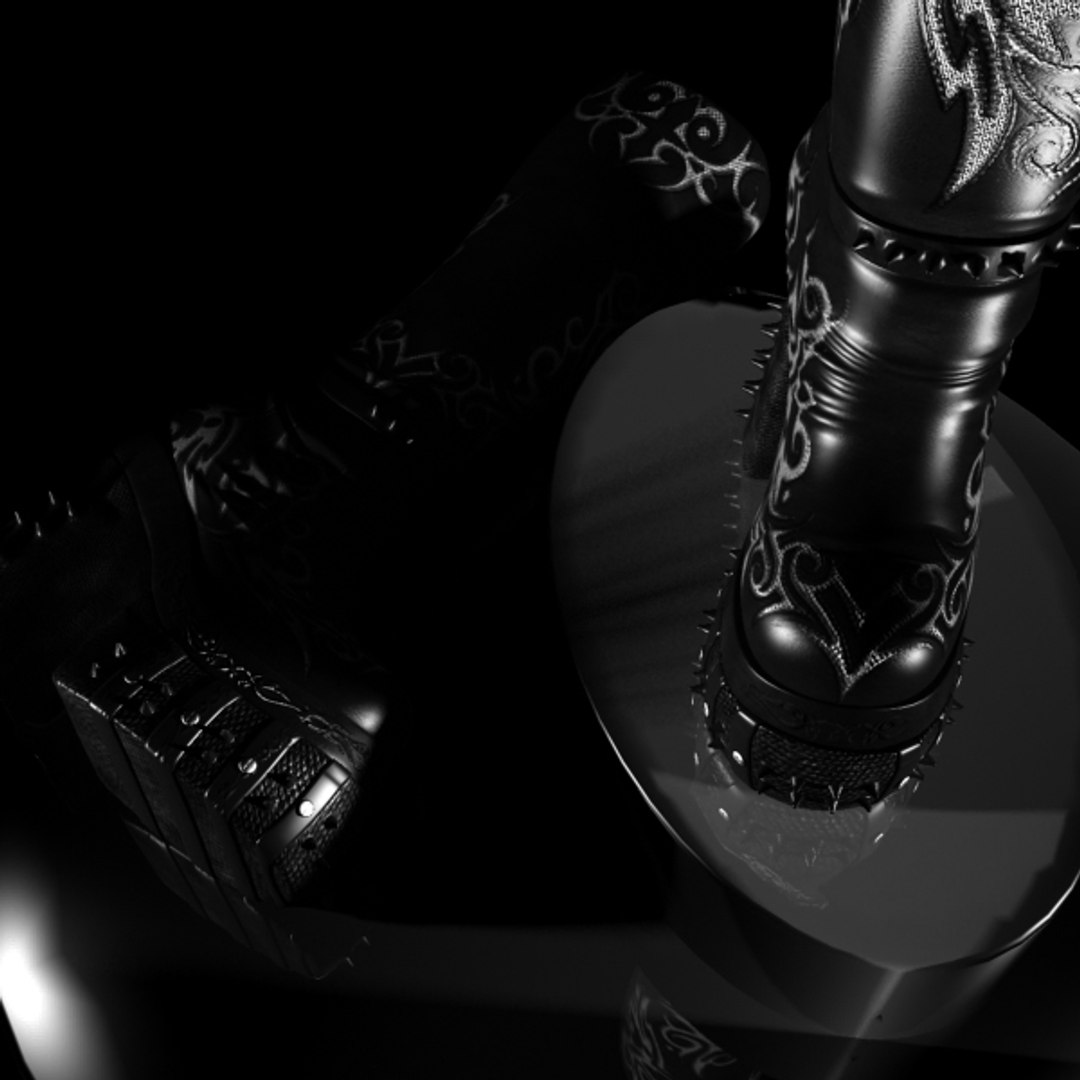
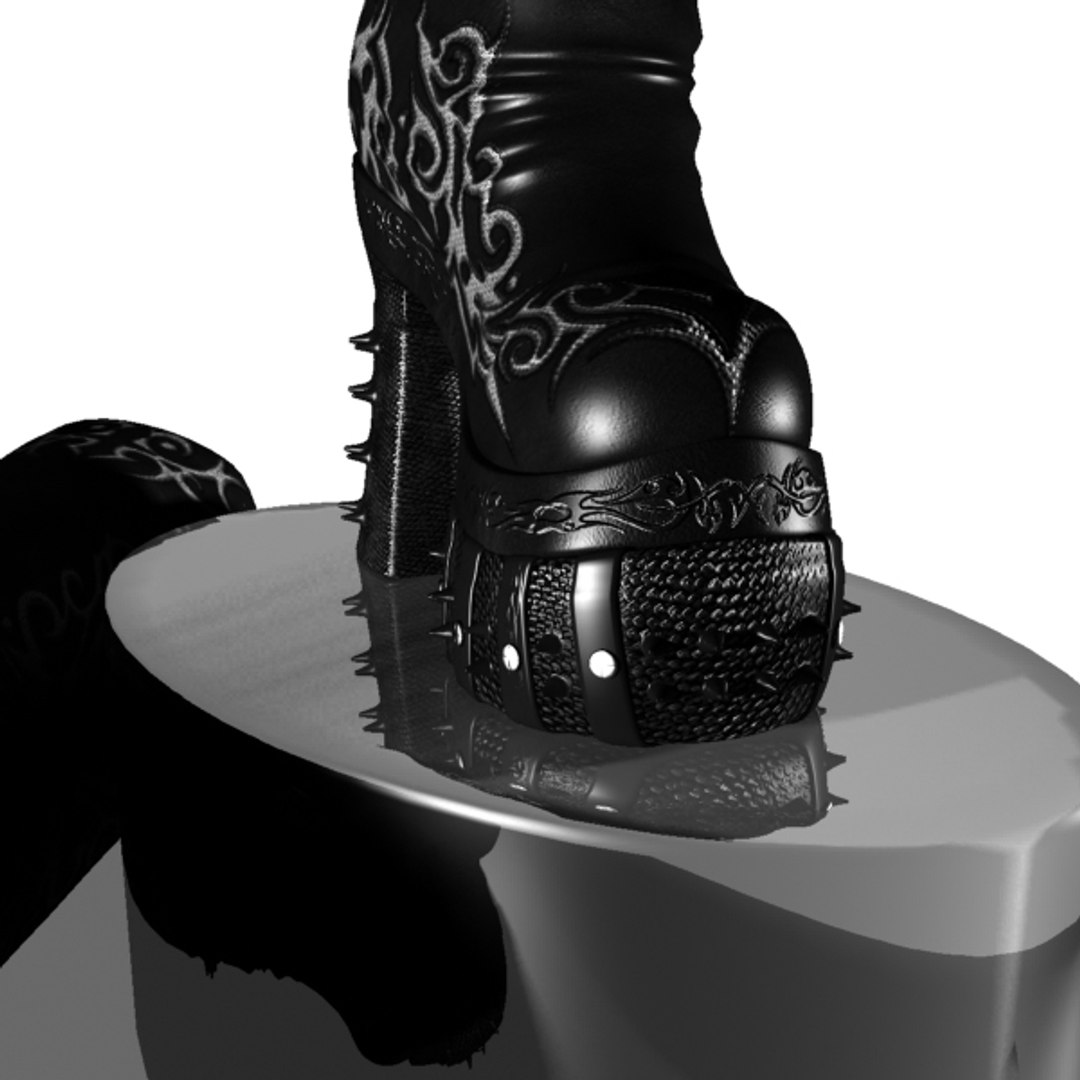
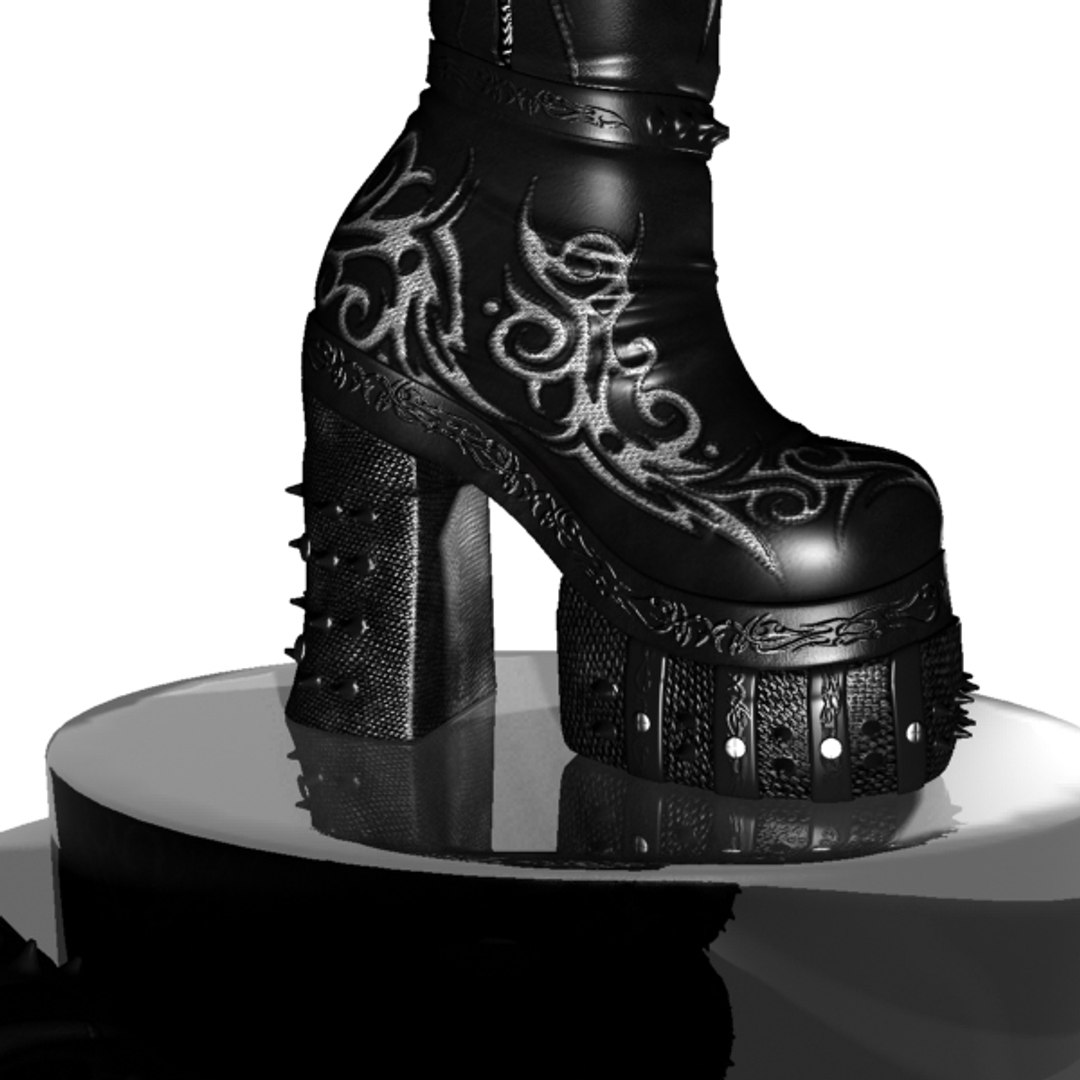
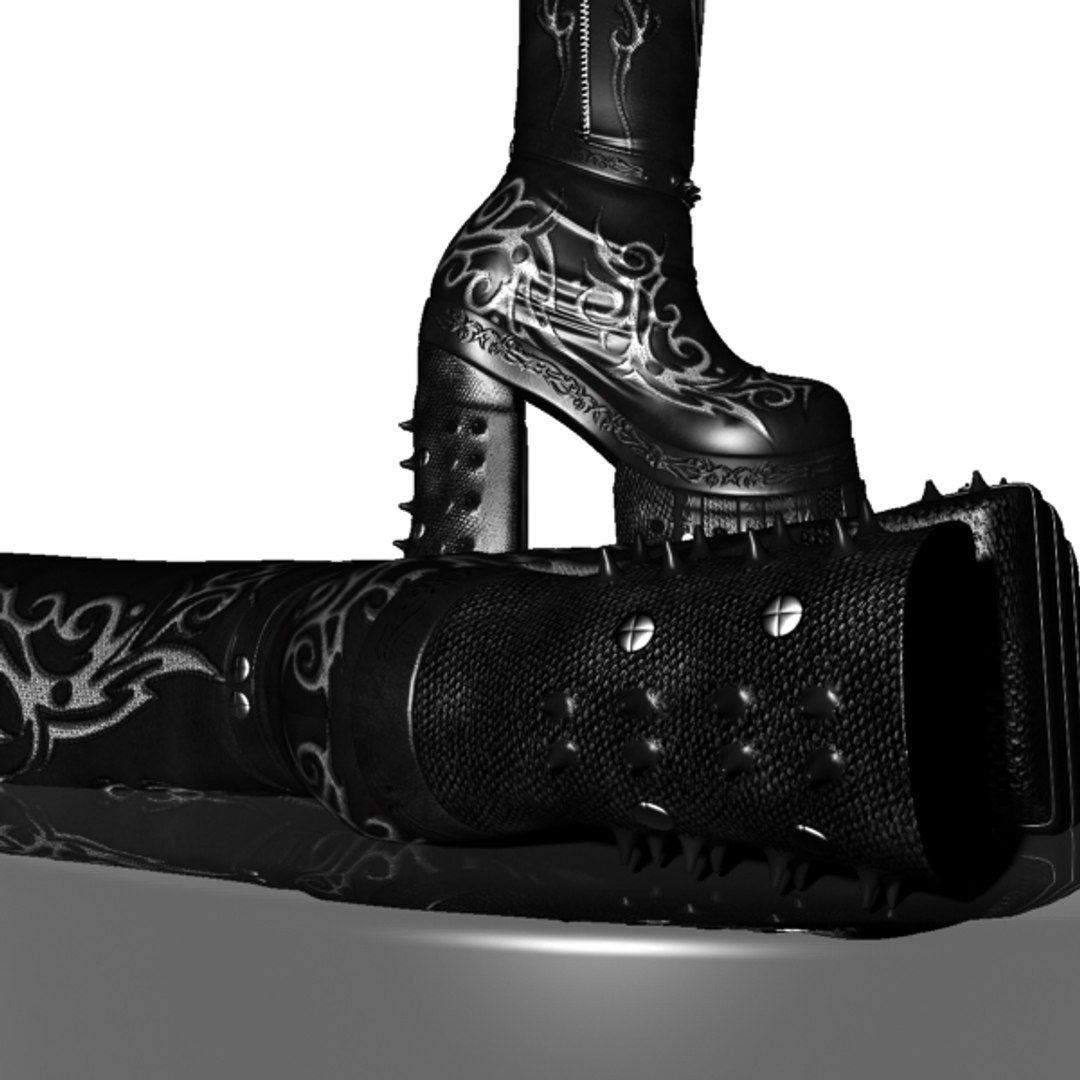
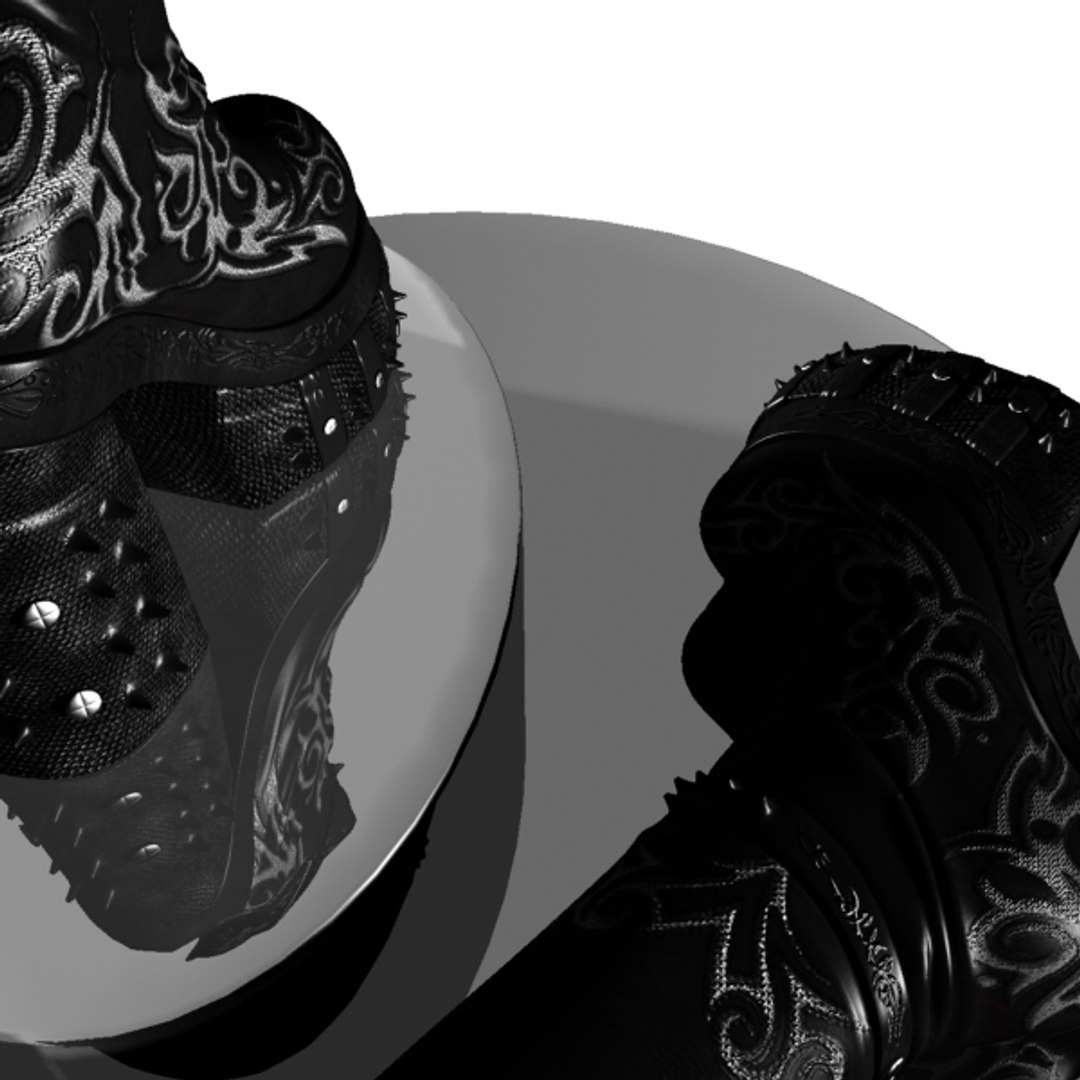
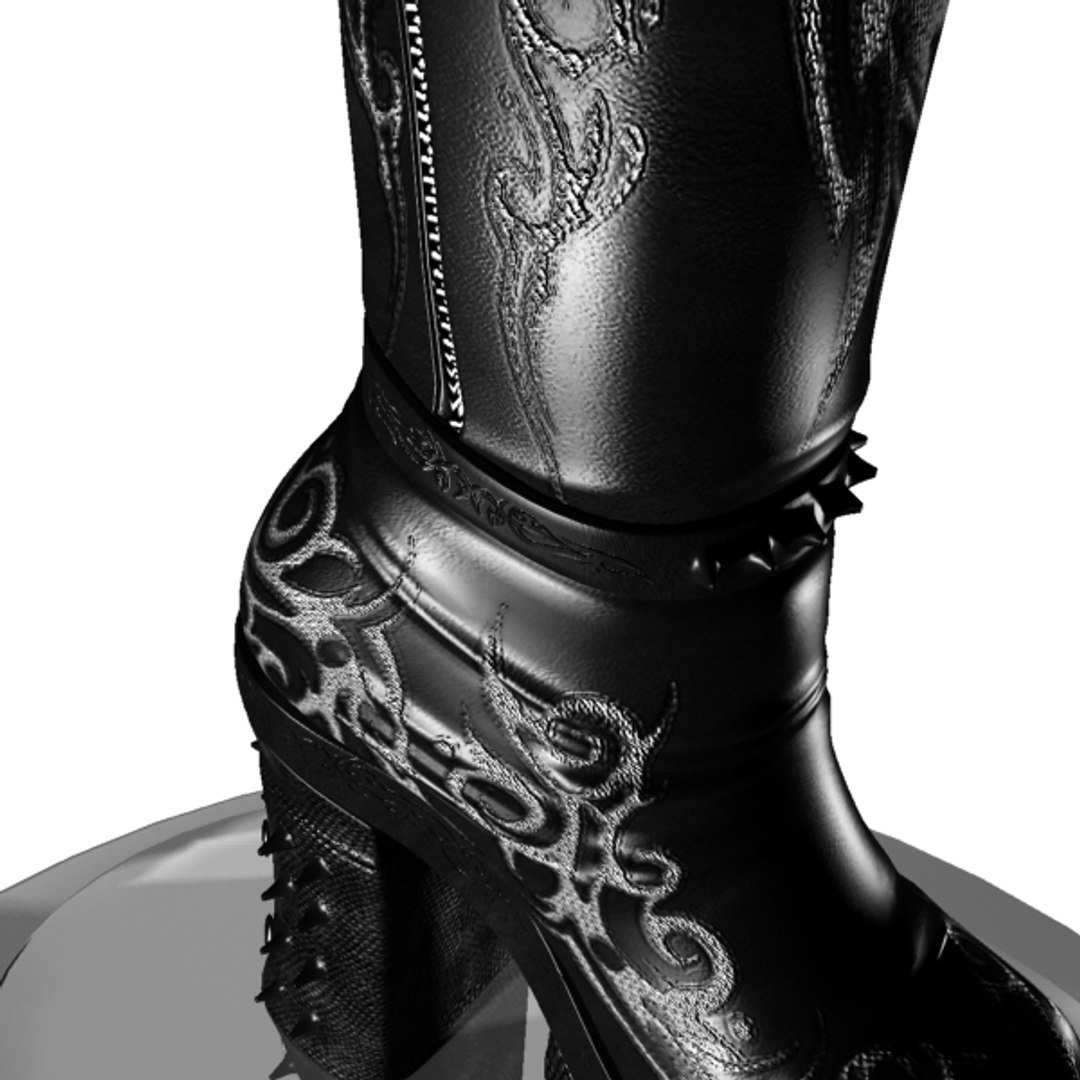
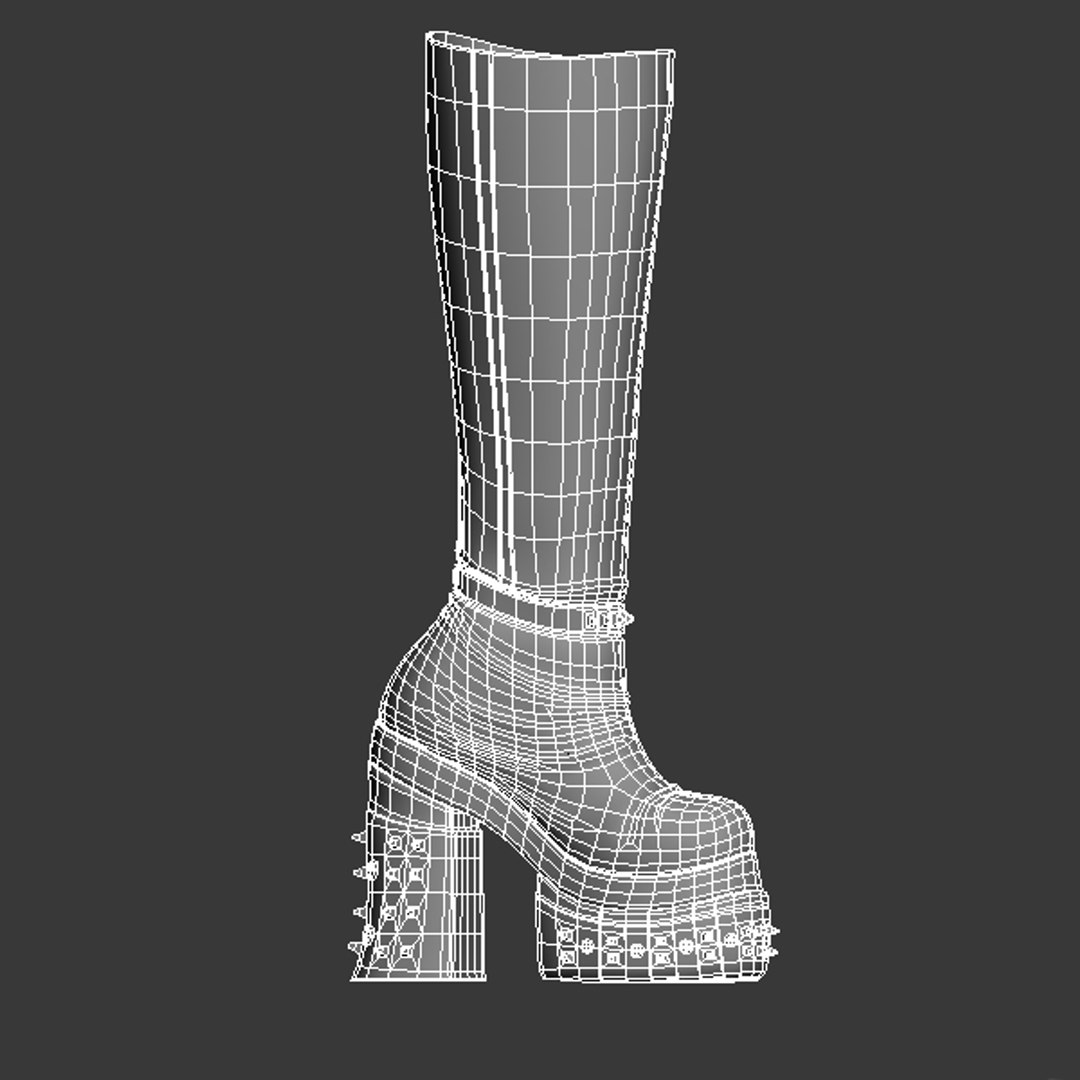
warrior shoes

$15

Standard License | Upgrade License
Formats (3)
3ds Max 2010 | mental ray
3D Studio
OBJ
Specifications
Publish Date December 26, 2010
Product ID 576963
Polygons 9,135
Vertices 9,270
Polygonal
Textures
Materials
UV Mapped
Unknown Unwrapped UVs
TurboSquid Exclusive
member avatar
esrjar
123 Products | Contributor Since 2010
Have questions? Chat with us now.

Description

Warrior Boots "Model01"
__________________________

polygon count = 9135
vertix count = 9270

-----------------------

Description:
__________
Warrior boots model01 is a highly detailed and realistic 3D polygonal Female-shoes model. it is a leather knee-height boots

the model was designed using 3D-Max 2010, and textures were designed based on Unwarp UVW modeifier.
Textporter was used to transfer the templates to photoshop to design the textures.

other materials and shaders were imported from the default mental ray material library.

all Versions of the model "*.max, *.3ds, *.obj" have the textures coordinates preserved.

the model comes as low-polygon model, you can add a sub-divide modifier to gain the highest details.

textures templates are included in the zipped folder

----------------------


***** all materials and textures were applied to the included models
***** texture templates are included in the zipped folder, so you can customise your textures


Note: the model was designed using 3D-max 2010, if you have an earlier versions of 3D MAX, you need to download the *.OBJ or *.3DS file format and import it into your 3D max application, and it works fine

Select Enhanced License

  • $10,000 in Legal Protection (Indemnification)
  • Uncapped Legal Protection (Indemnification)
  • Waiver from injunctive relief
  • Assignable model rights
  • $1,000,000 in Legal Protection (Indemnification)
  • Waiver from injunctive relief
  • Assignable model rights
  • $250,000 in Legal Protection (Indemnification)
  • Assignable model rights
Read more about enhanced license tiers, or contact us at enterprise@turbosquid.com. Already a Shutterstock Enterprise Customer? Contact your Shutterstock Sales Support Agent to talk about adding 3D.

About Conversion Requests

To submit a conversion request for a purchased asset, please complete our Conversion Request Form.

If you have not yet purchased a model, please review our Documentation about Conversions to learn about what limitations you may encounter with a conversion.

For any additional questions about a model’s suitability for conversion, please contact TurboSquid Support.

Loading...