

Wallet

$29

Standard License | Upgrade License
Formats (5)
Free file format Conversions available
Native | 3ds Max 2019 | V-Ray Next 1.1
3ds Max 2019 | Default Scanline
Maya 2019.2 | Arnold
3ds Max 2019 | Arnold
Cinema 4D R20 | Default Scanline
Specifications
Publish Date September 05, 2021
Product ID 1783330
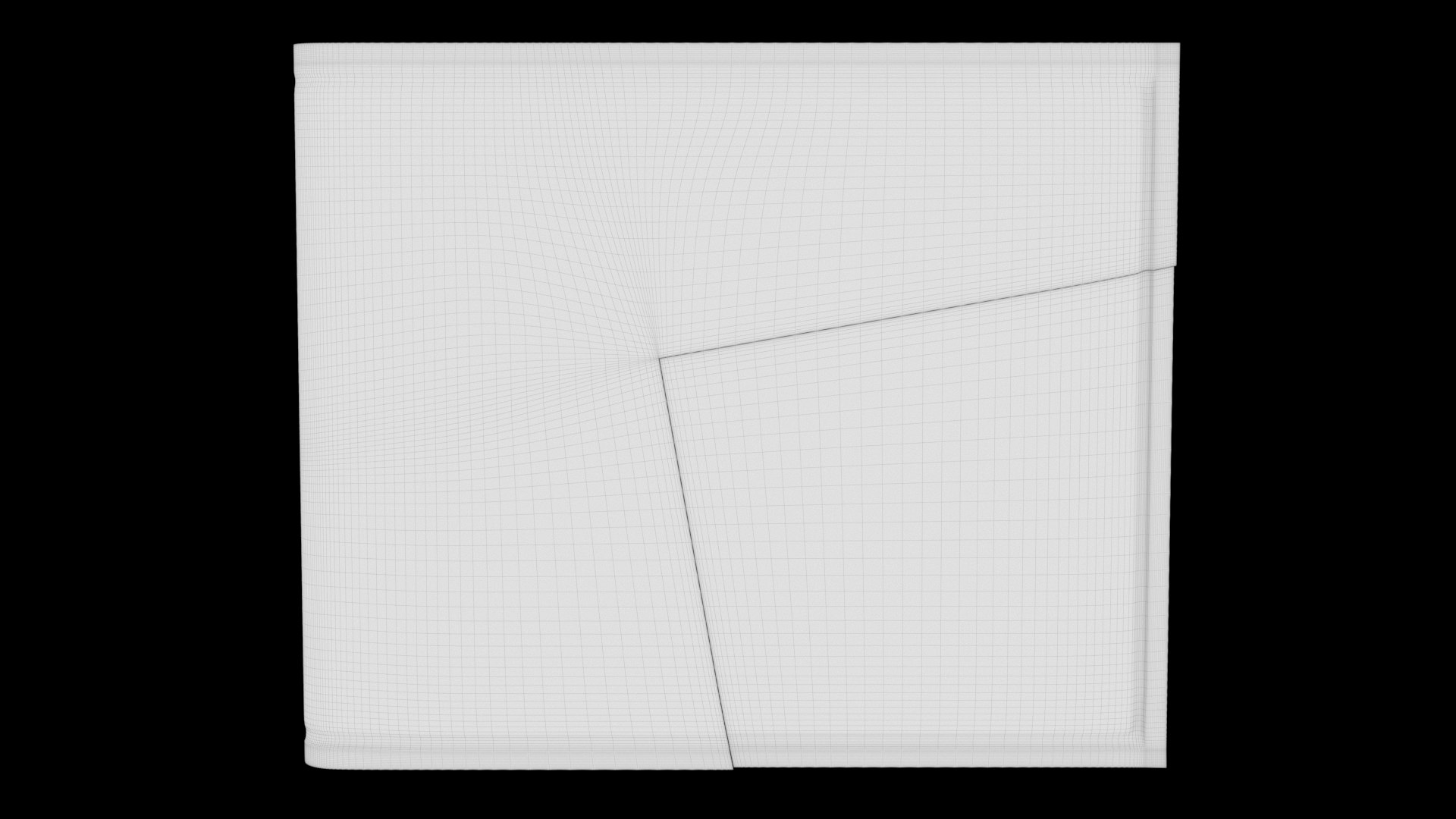
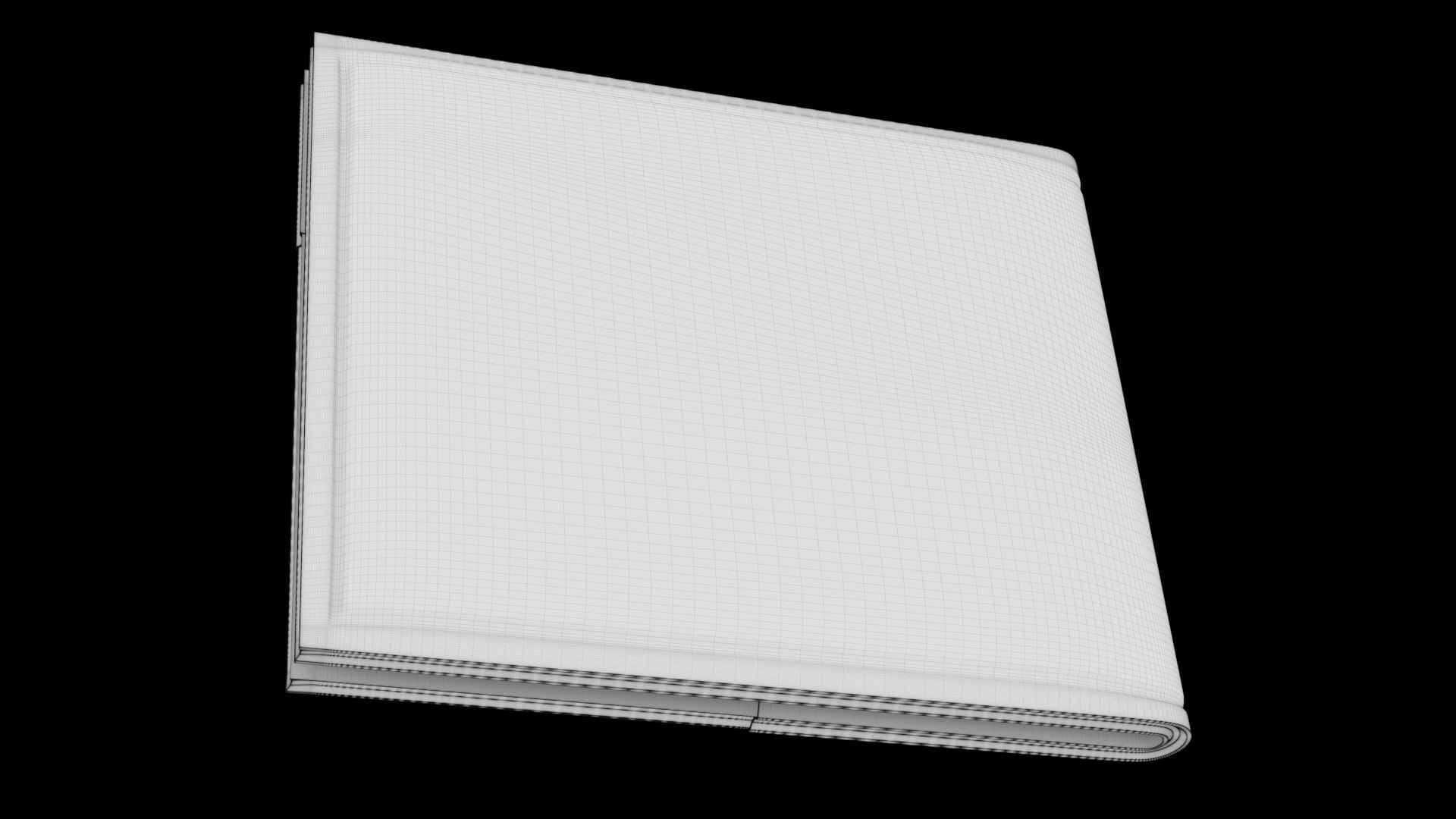
Polygons 210,496
Vertices 210,502
Polygonal Quads Only
Textures
Materials
Overlapping Unwrapped UVs
PBR
Real-Time
TurboSquid Exclusive

member avatar
train_alex88
422 Products | Contributor Since 2014
Have questions? Chat with us now.

Description

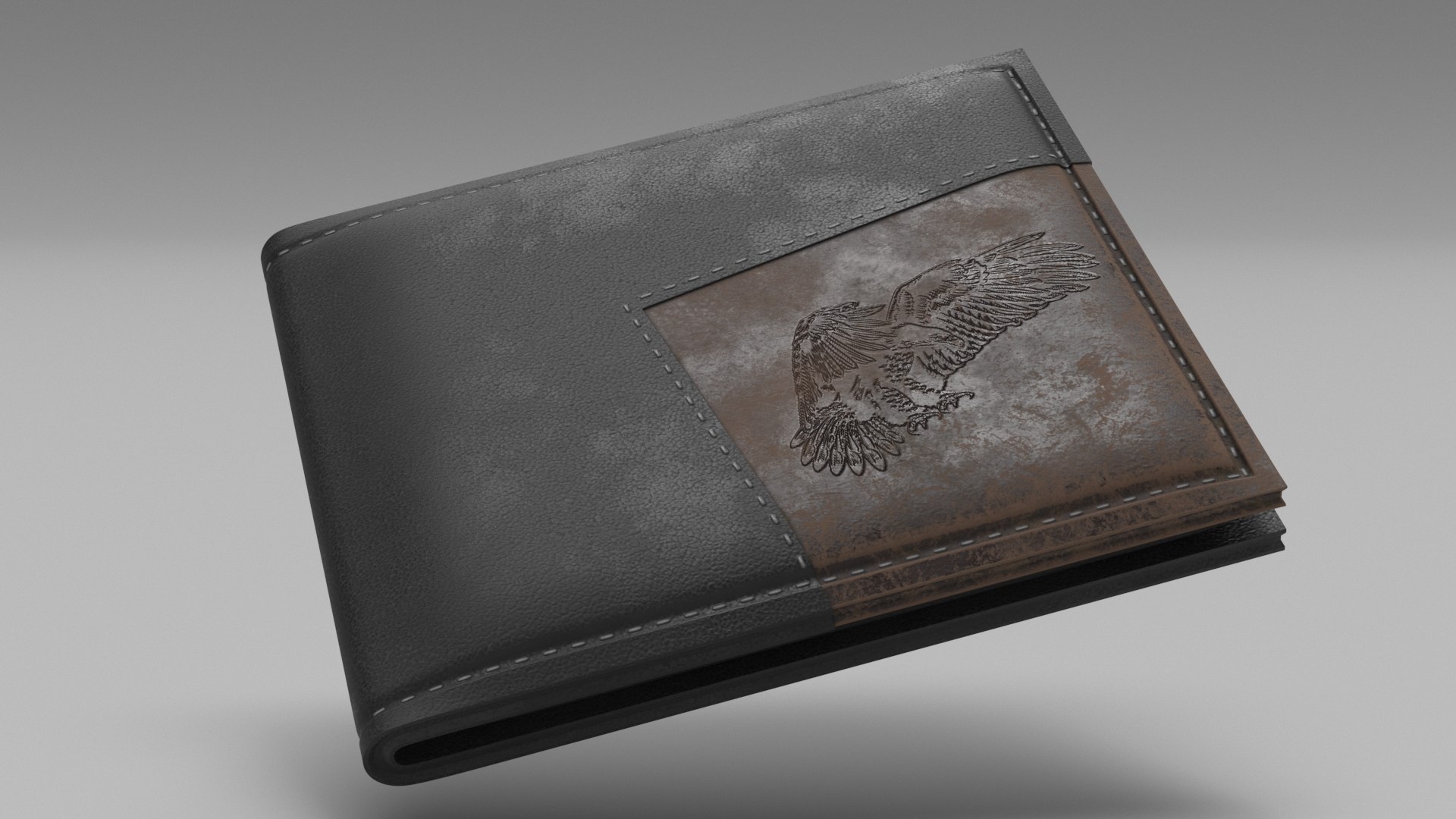
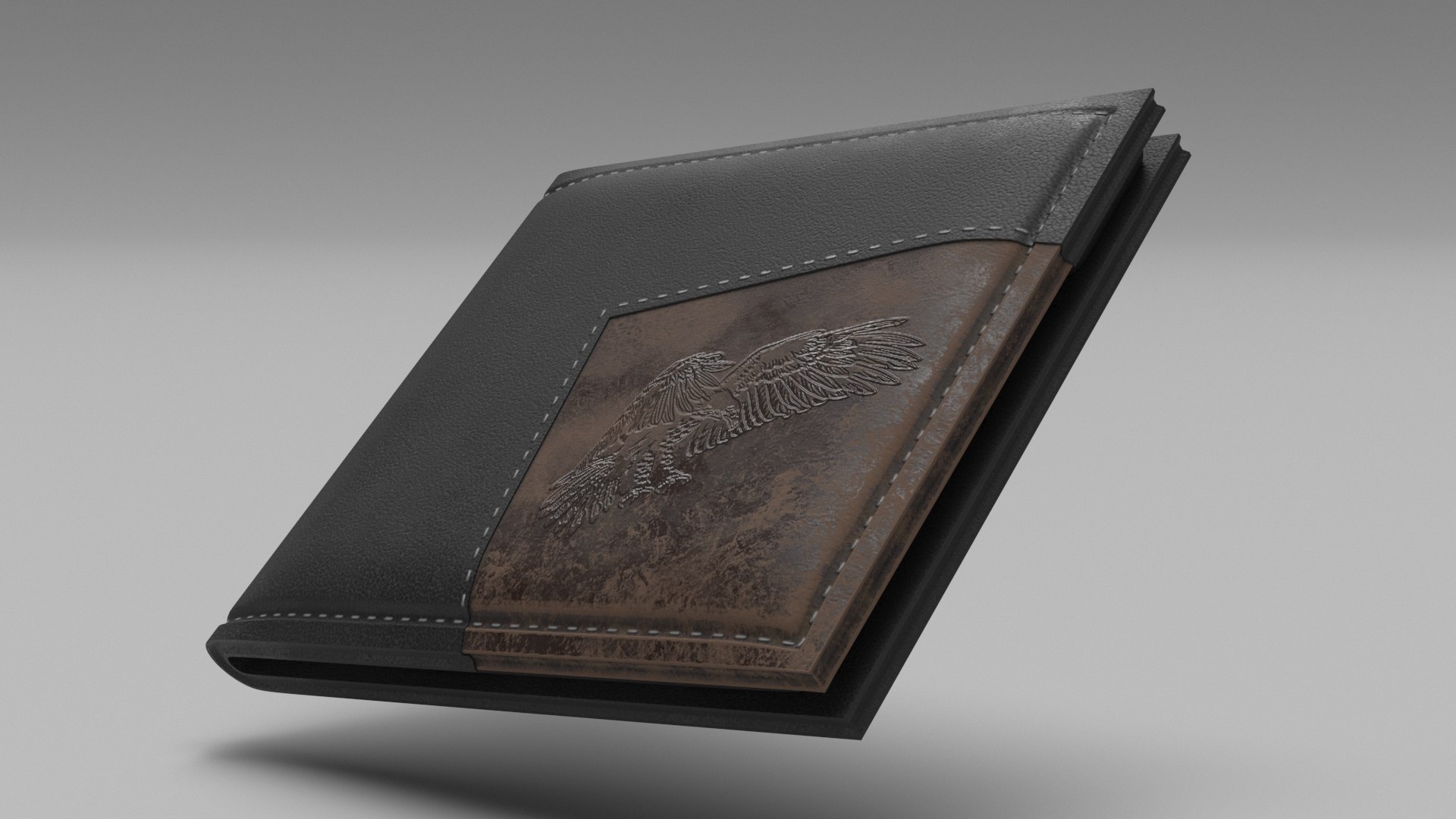
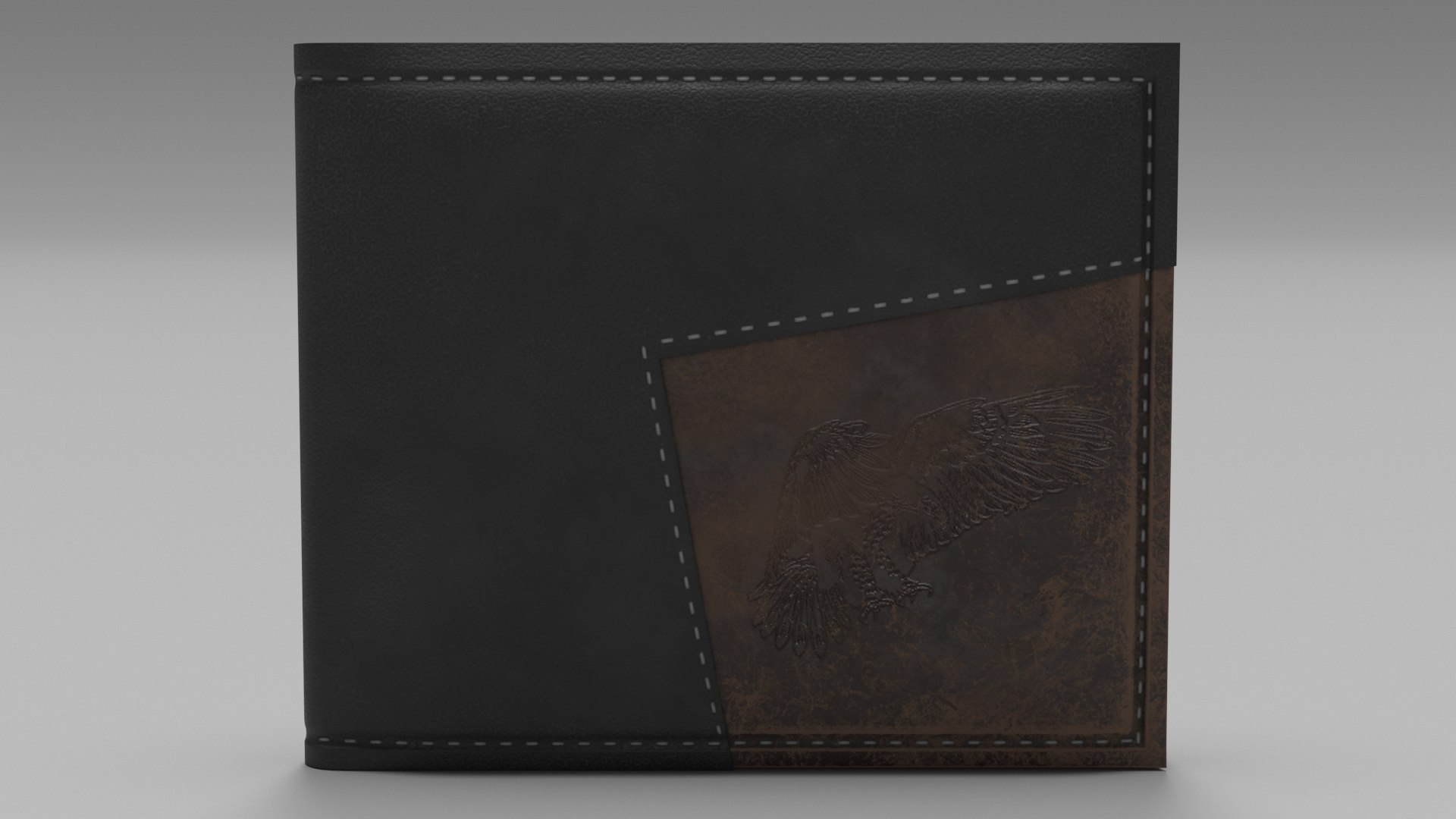
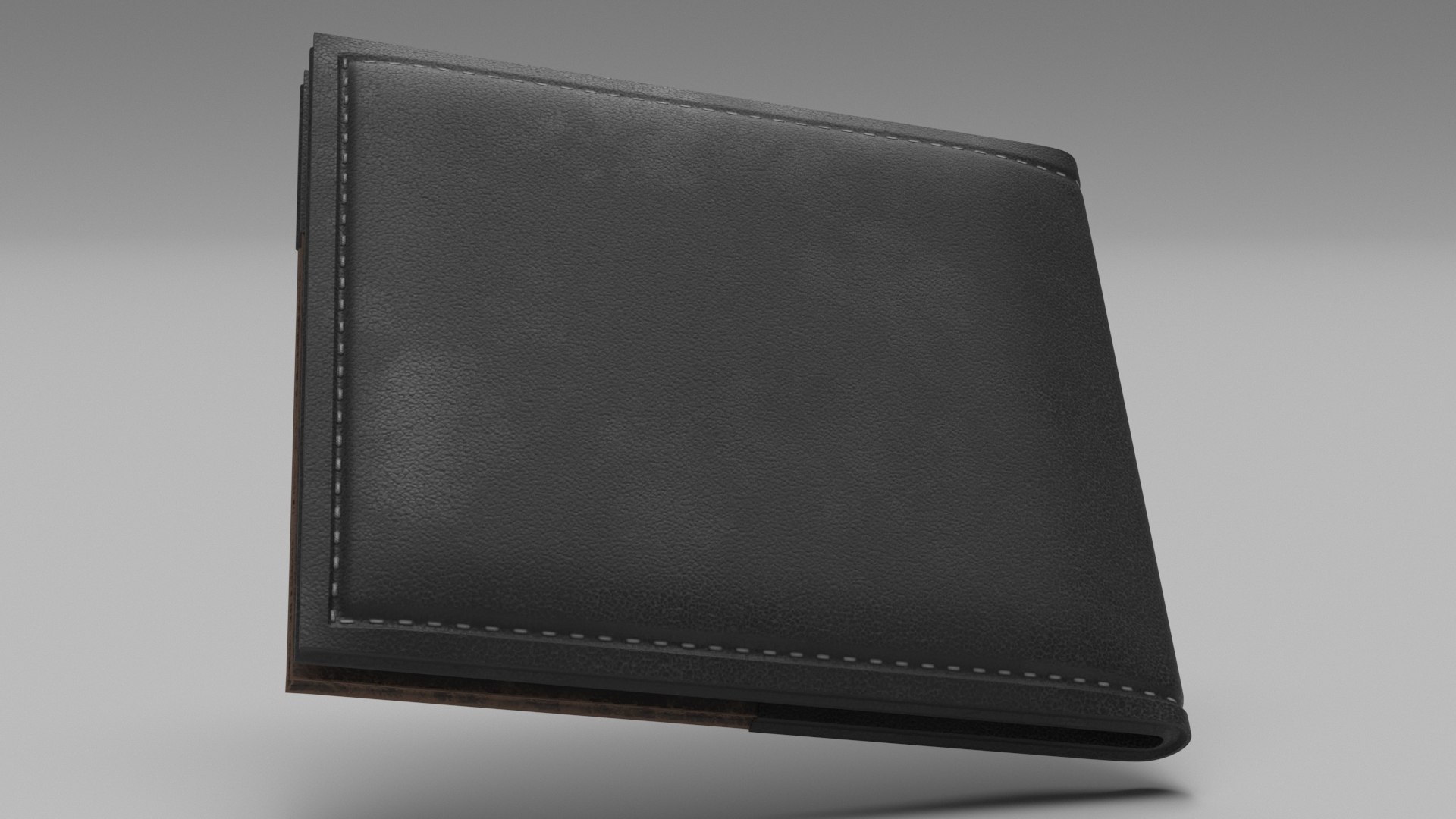
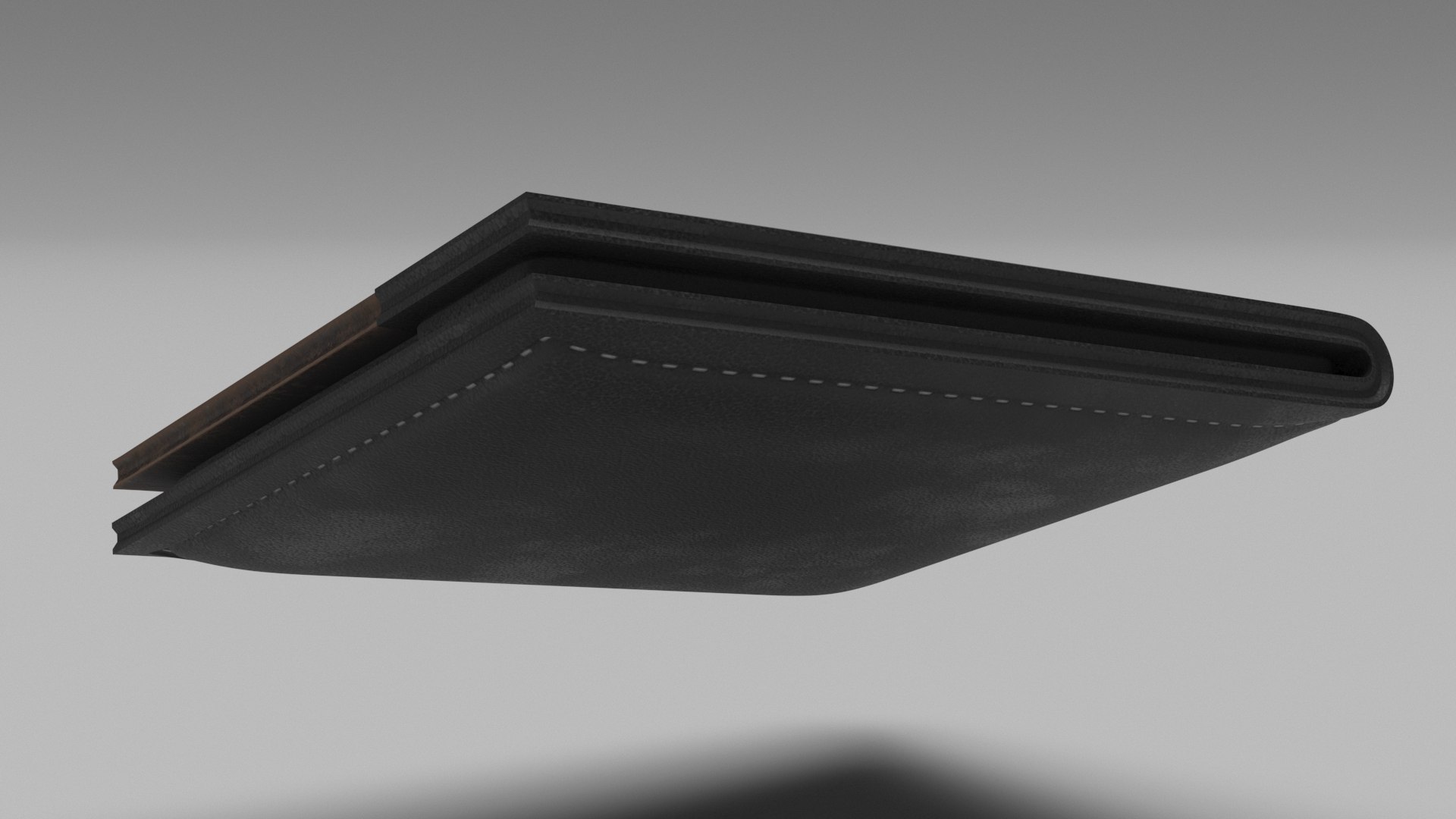
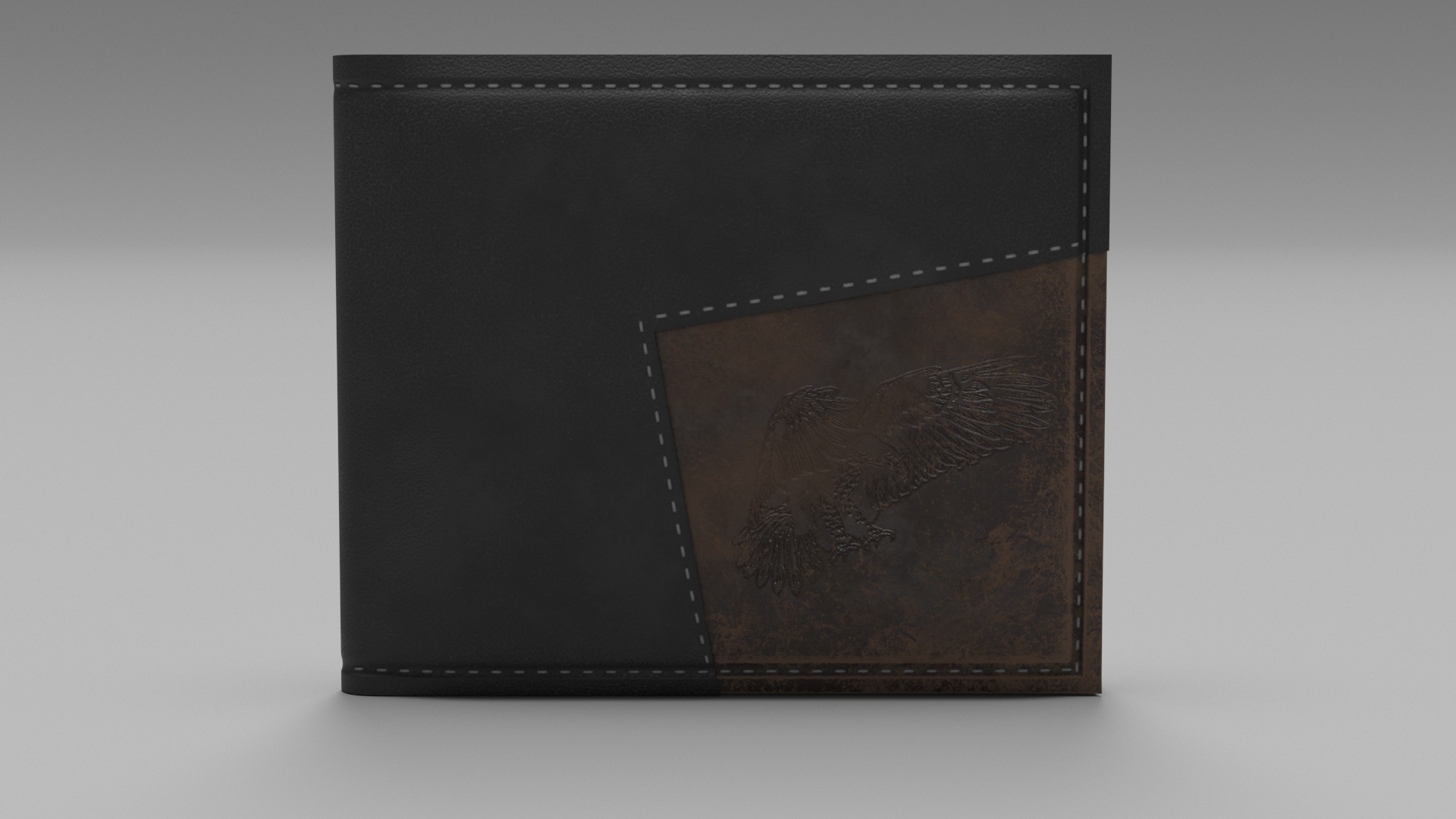
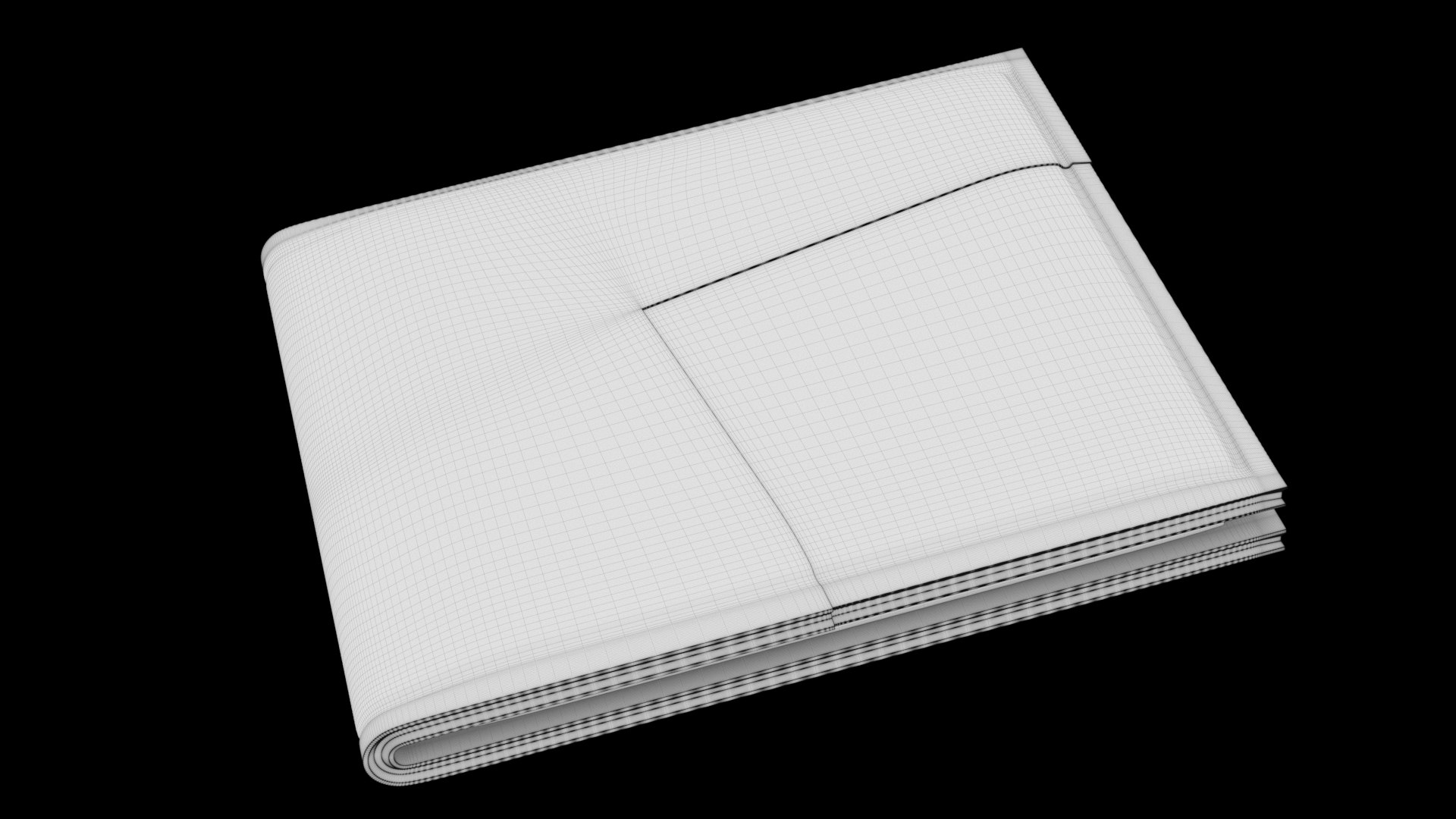
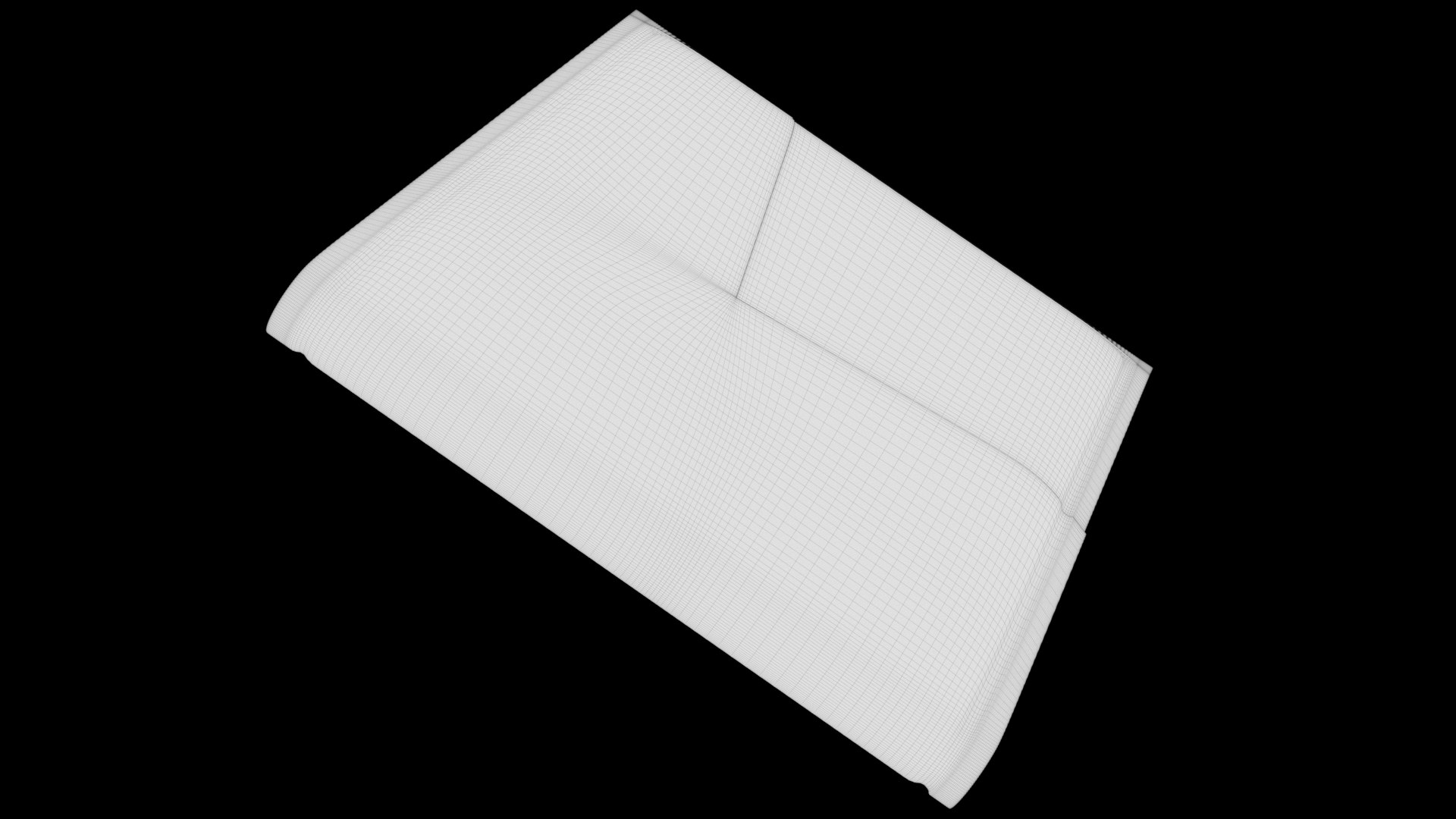
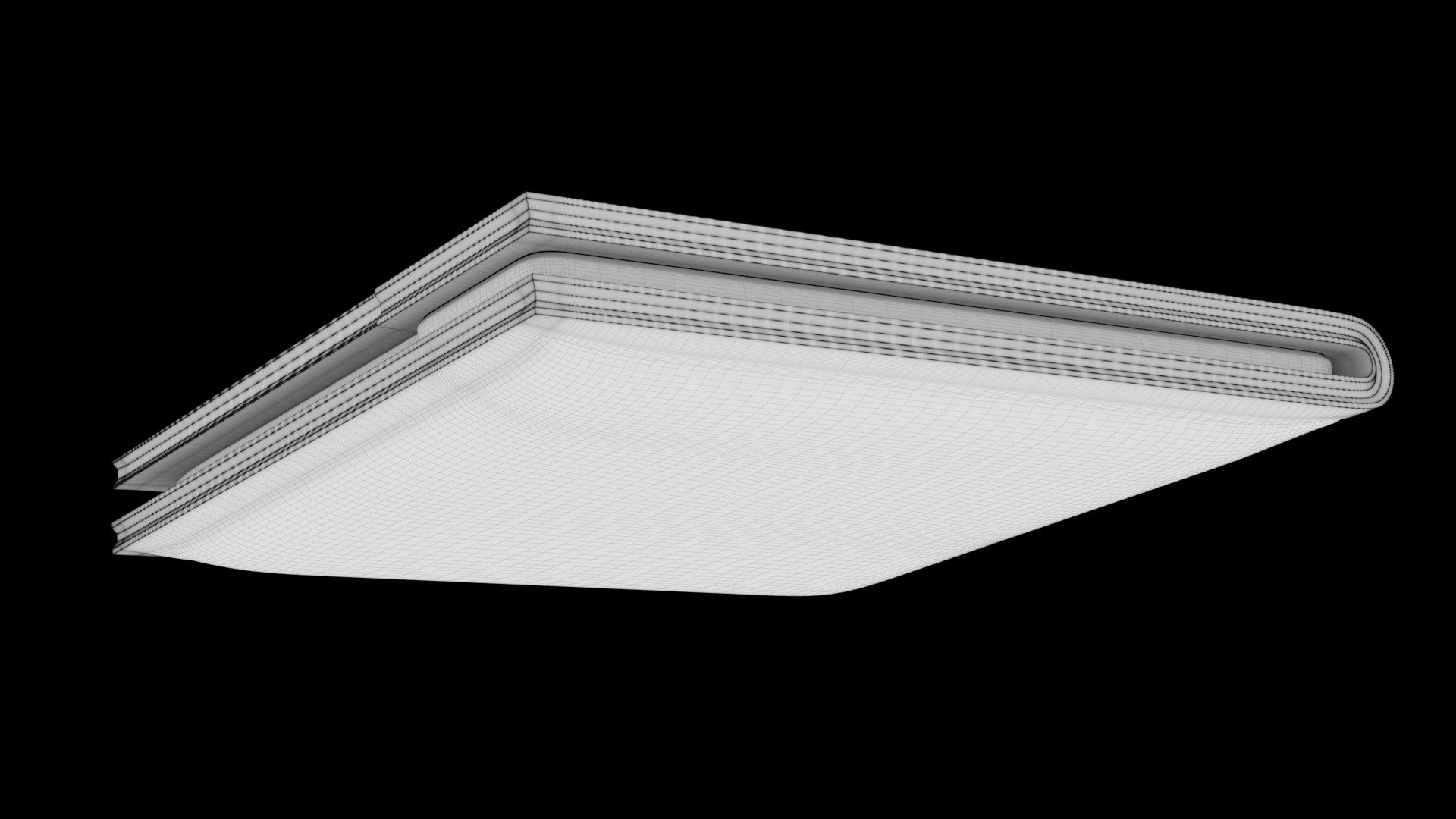
Realistic 3D model of a Wallet
----------------------------------------------
Model is using a scale of 1 unit = 1 cm
----------------------------------------------
The formats included are:
- 3ds Max 2019 with V-Ray Next 1.1 materials
- 3ds Max 2019 with Default ScanLine render materials
- Cinema 4D R20 with Default ScanLine render materials
- Maya 2019.2 with Arnilod render materials

----------------------------------------------
Polygons: 210 496
Points: 210 502
----------------------------------------------
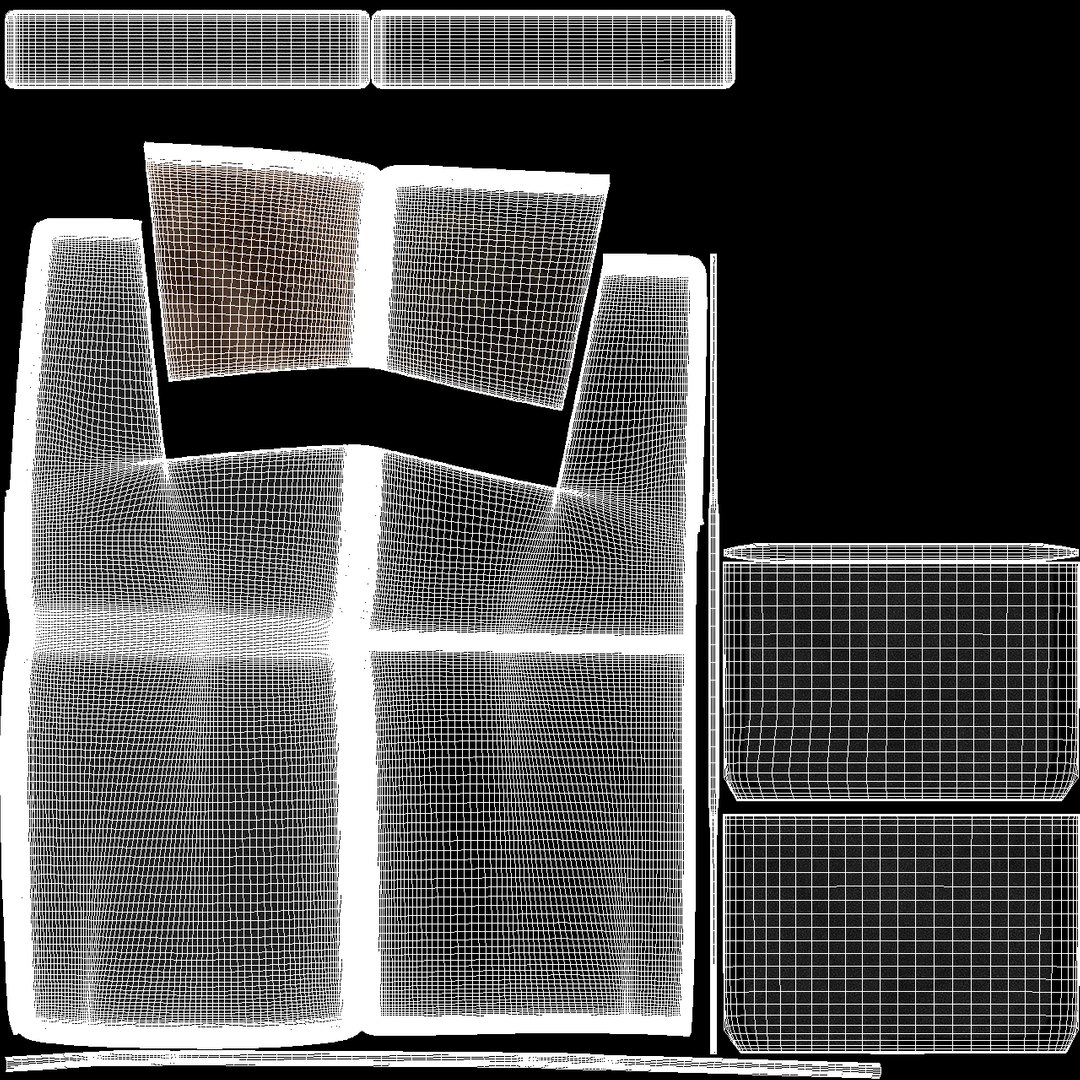
One Texture set 2048*2048

Vray (Diffuse, Height, Normal, Glossiness, ior, Reflection)
Scanline (Diffuse, Height, Normal, Glossiness, Specular)
Arnold (Base_Color, Height, Metalness, Normal, Roughness)
Marmoset textures (Base_Color, AO, Height, Metallic, Normal, Roughness)

----------------------------------------------
Cameras and lights are not included in the file.
No special plugin needed to open scene
----------------------------------------------
If You like this model, please rate it. Thank You!!

Select Enhanced License

  • $10,000 in Legal Protection (Indemnification)
  • Uncapped Legal Protection (Indemnification)
  • Waiver from injunctive relief
  • Assignable model rights
  • $1,000,000 in Legal Protection (Indemnification)
  • Waiver from injunctive relief
  • Assignable model rights
  • $250,000 in Legal Protection (Indemnification)
  • Assignable model rights
Read more about enhanced license tiers, or contact us at enterprise@turbosquid.com. Already a Shutterstock Enterprise Customer? Contact your Shutterstock Sales Support Agent to talk about adding 3D.

About Conversion Requests

To submit a conversion request for a purchased asset, please complete our Conversion Request Form.

If you have not yet purchased a model, please review our Documentation about Conversions to learn about what limitations you may encounter with a conversion.

For any additional questions about a model’s suitability for conversion, please contact TurboSquid Support.

Loading...