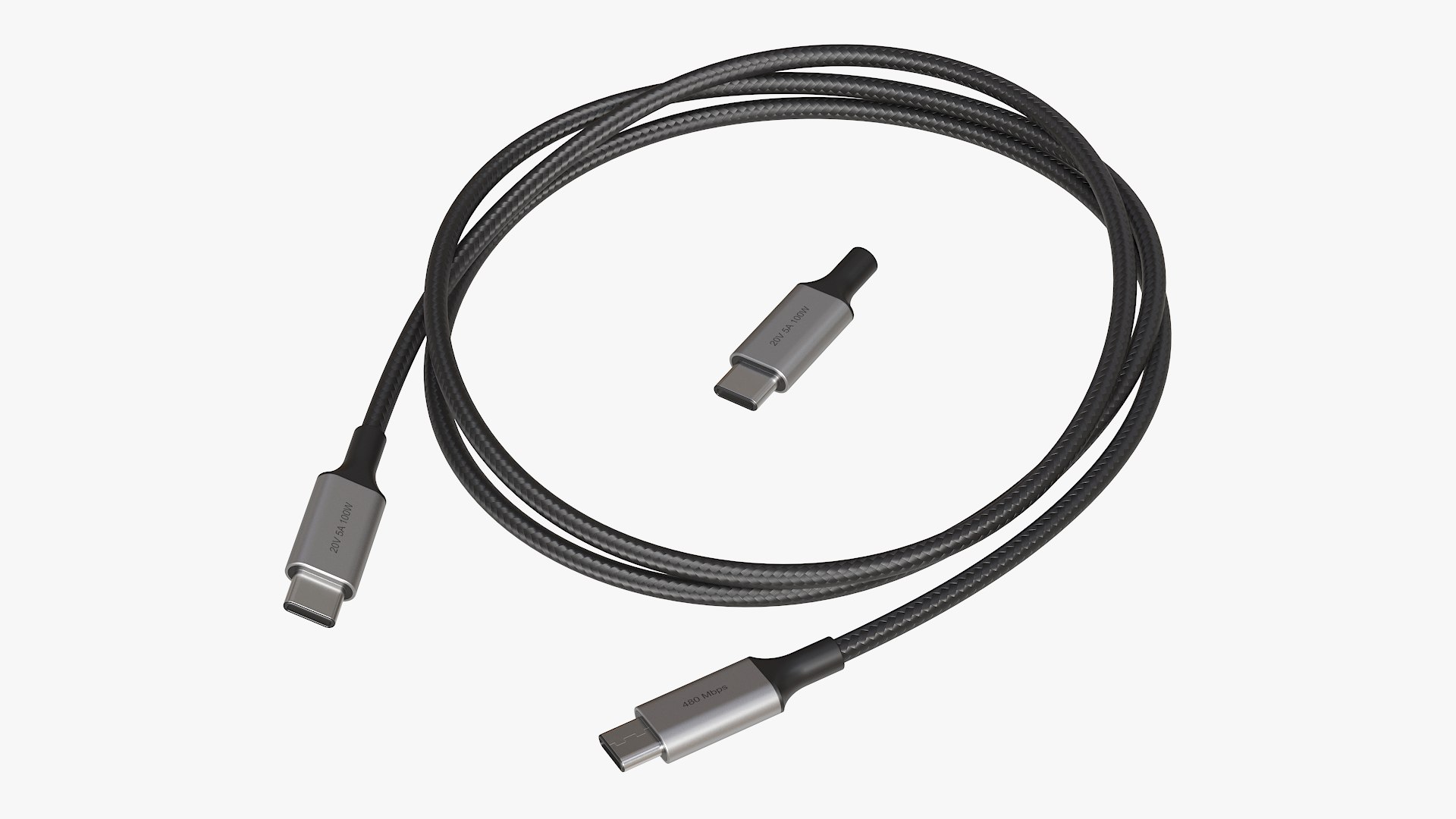
USB C to USB C Cable

$15

Standard License | Upgrade License
Formats (16)
Native | 3ds Max 2021 | Arnold
3ds Max 2017 | Corona 3
Blender | Blender Render 3.4
Maya 2017 | Arnold 5.3.1.1
Maya 2015 | V-Ray 3.2
Cinema 4D R18 | Arnold 3.2
Cinema 4D R18 | Advanced Render 3.2
3ds Max 2015 | V-Ray 5.20.23
3ds Max 2018 | Arnold 7.0
FBX
glTF
Unreal
Unity
USDz
OBJ
FBX
Specifications
Publish Date July 19, 2024
Product ID 2257064
Polygons 7,368
Vertices 8,550
Polygonal Quads Only
Textures
Materials
UV Mapped
Overlapping Unwrapped UVs
PBR
Real-Time
StemCell Certified
TurboSquid Exclusive
member avatar
Pumper
715 Products | Contributor Since 2003
Have questions? Chat with us now.

Description

Realistic 3D model of USB C to USB C cable and male plug.
Real-world scale in centimeters.

Polygons and vertices:
7368 polygons
8550 vertices

Model is subdivision-ready.
Subdivision is applied by Smoothing Groups.

Stemcell converted formats include subdivision 1 version of the model (30552 polygons, 32286 vertices).
Textures are not included in the OBJ and FBX archives!


Texture specifications:
- PBR 4096x4096 PNG Color, Roughness (inverted in Corona), Metallic (as Blend mask in Corona), Normal, AO (not used in Corona)

FBX and OBJ files include subdivision level 0 and 1 versions.

Corona materials used for preview renders are only available with 3ds max 2017 file!
3ds max 2017 with Corona 3 renderer is the true native format of the model!
Render scene is not included!

Select Enhanced License

  • $10,000 in Legal Protection (Indemnification)
  • Uncapped Legal Protection (Indemnification)
  • Waiver from injunctive relief
  • Assignable model rights
  • $1,000,000 in Legal Protection (Indemnification)
  • Waiver from injunctive relief
  • Assignable model rights
  • $250,000 in Legal Protection (Indemnification)
  • Assignable model rights
Read more about enhanced license tiers, or contact us at enterprise@turbosquid.com. Already a Shutterstock Enterprise Customer? Contact your Shutterstock Sales Support Agent to talk about adding 3D.

About Conversion Requests

To submit a conversion request for a purchased asset, please complete our Conversion Request Form.

If you have not yet purchased a model, please review our Documentation about Conversions to learn about what limitations you may encounter with a conversion.

For any additional questions about a model’s suitability for conversion, please contact TurboSquid Support.

Loading...