Universal Coupling

$6

Standard License | Upgrade License
Formats (7)
2022 | Other
Inventor Assembly 2023 | Other
Other Textures Solid Edge
FBX
OBJ
glTF
STL
Specifications
Publish Date July 14, 2023
Product ID 2096235
Polygons 24,274
Vertices 19,042
Polygonal Tris Only
Materials
Animated
PBR
Real-Time
TurboSquid Exclusive

member avatar
Furqan03
349 Products | Contributor Since 2023
Have questions? Chat with us now.

Description

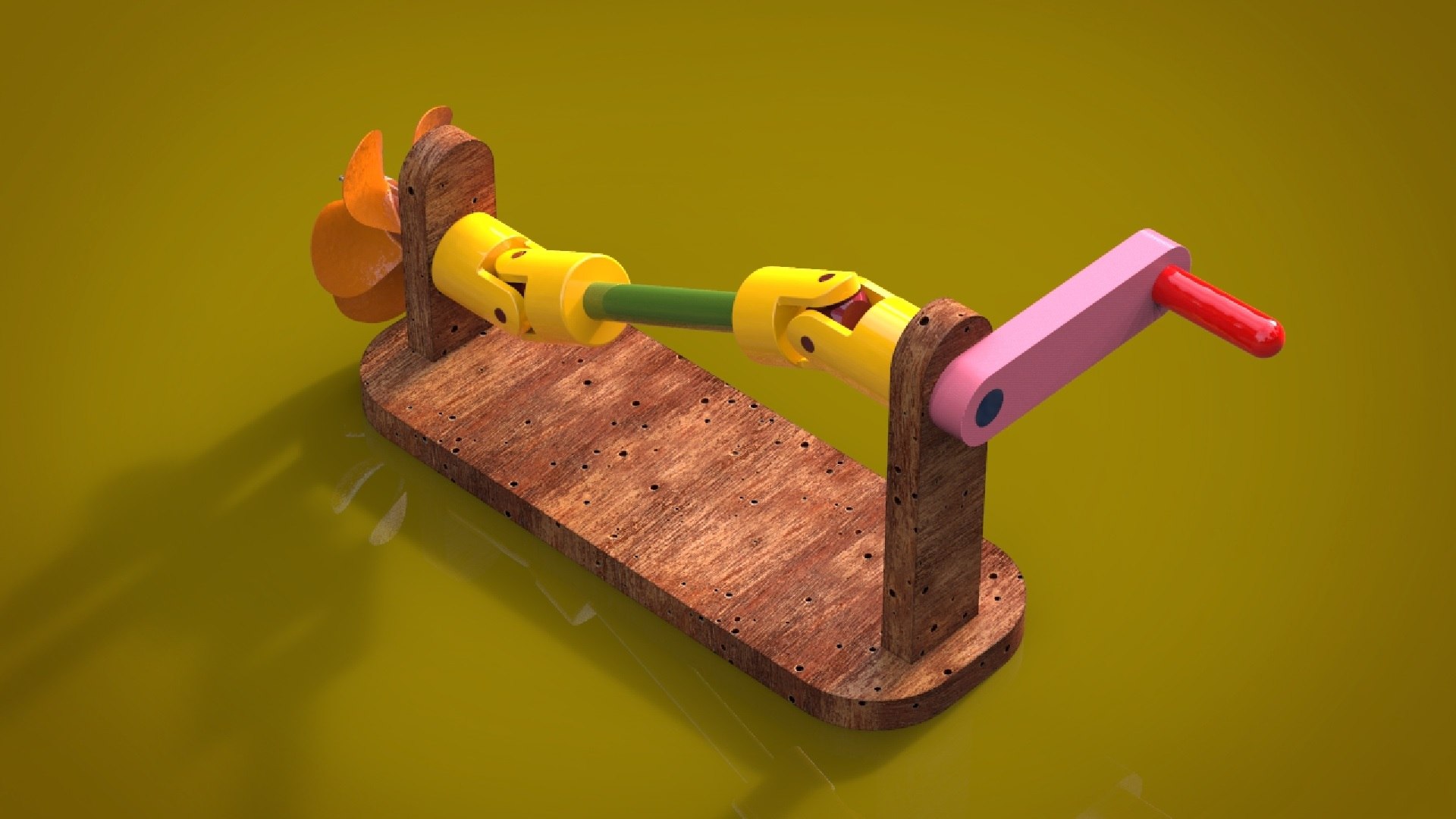
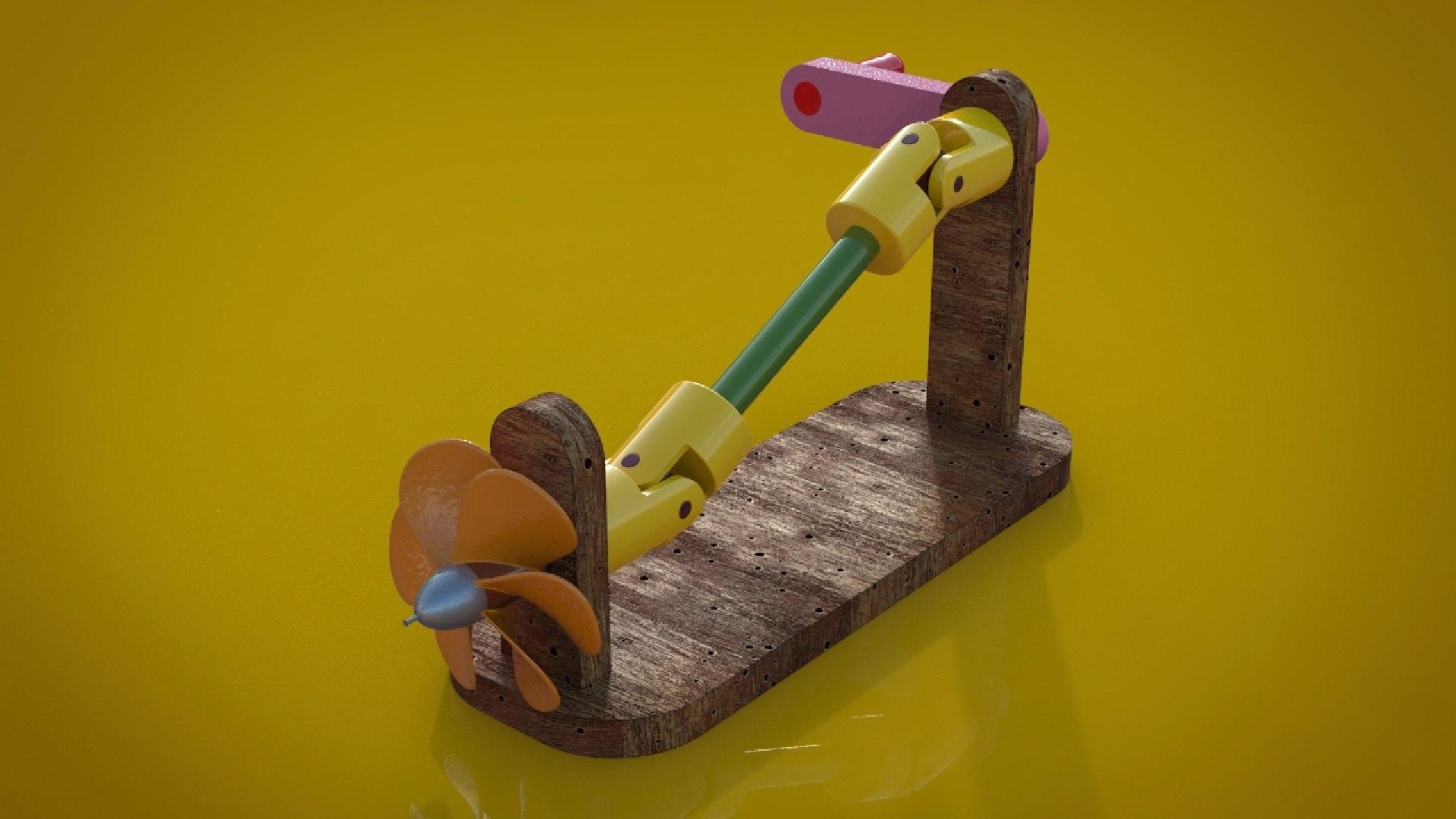
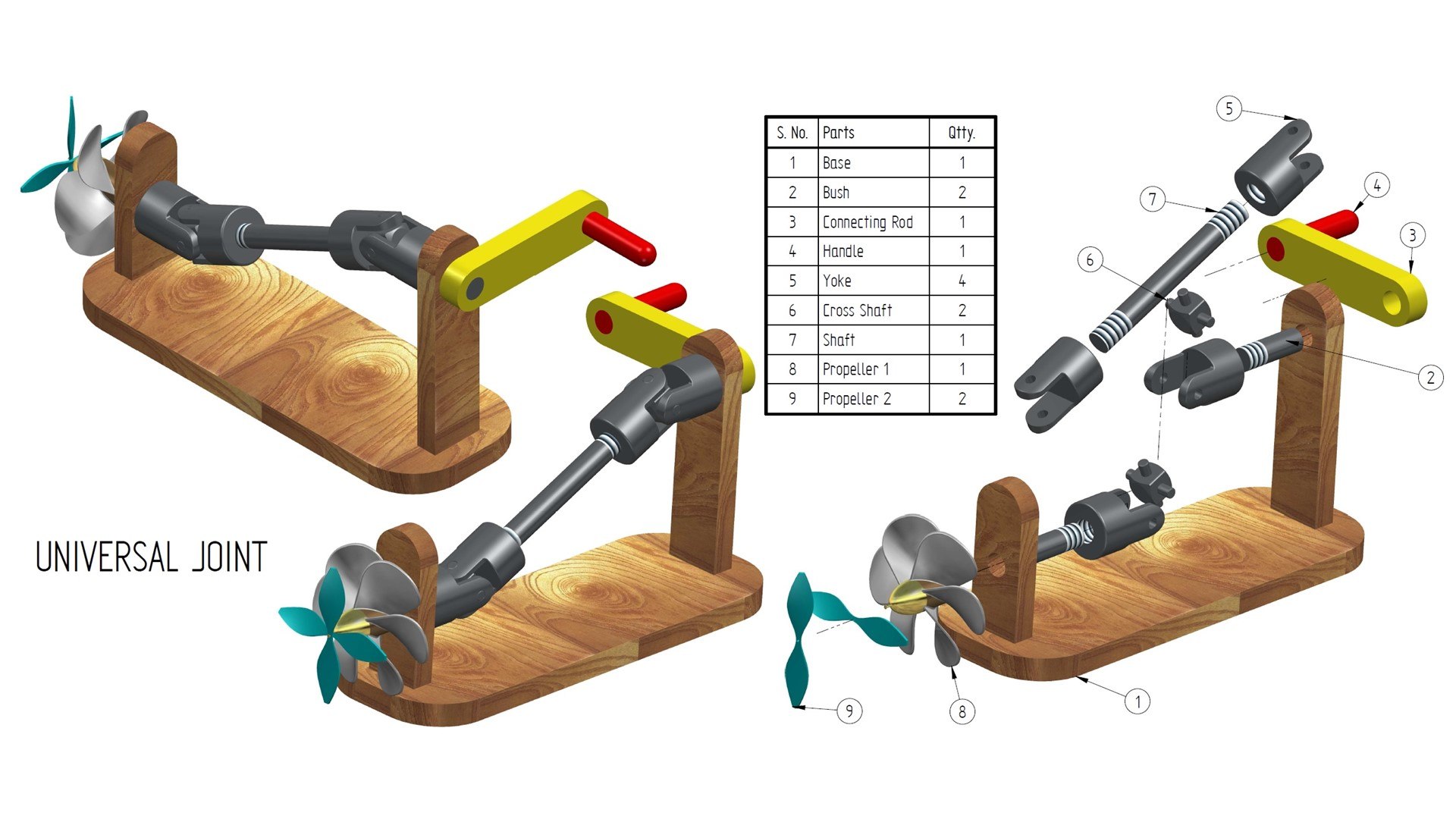
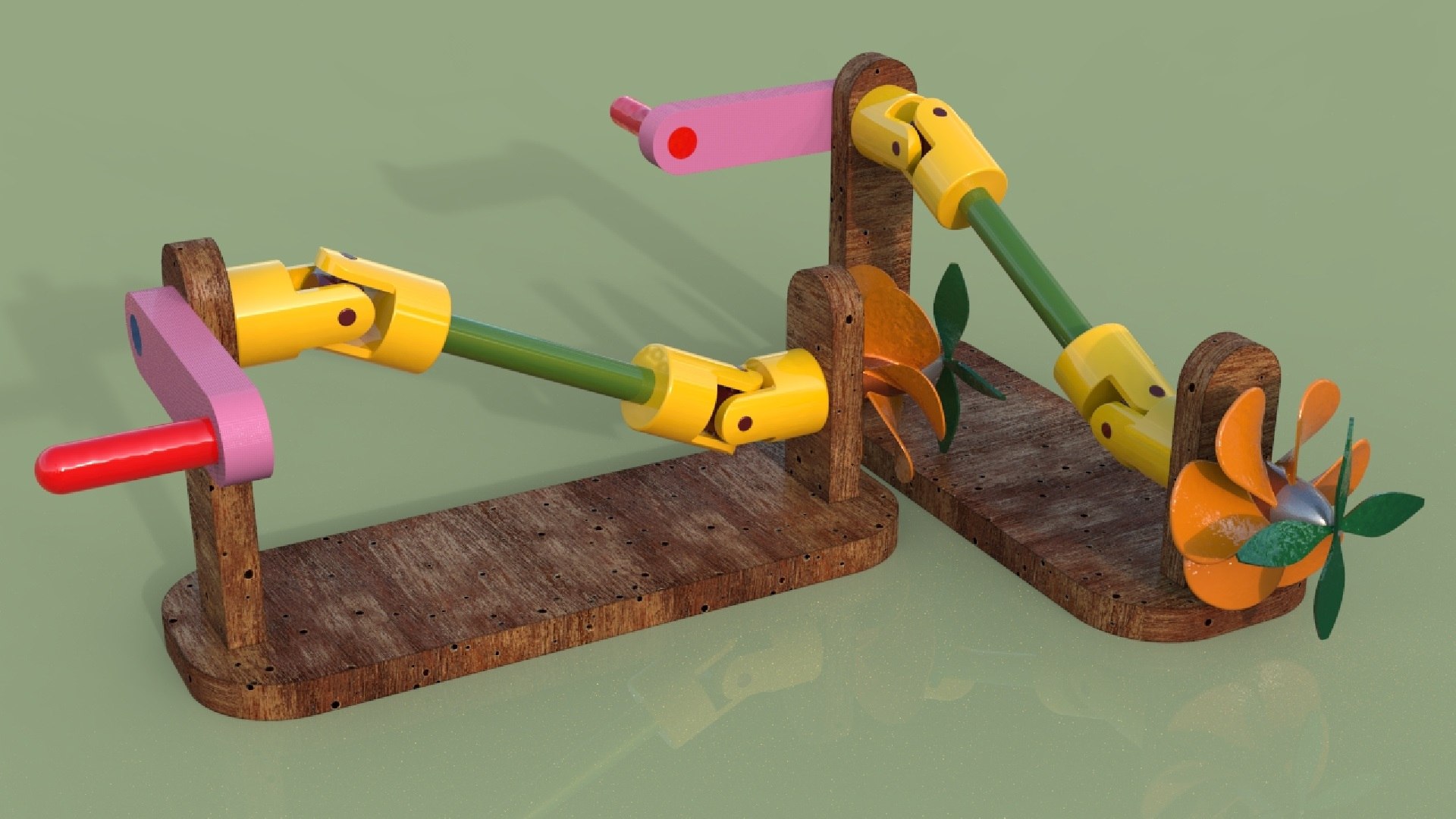
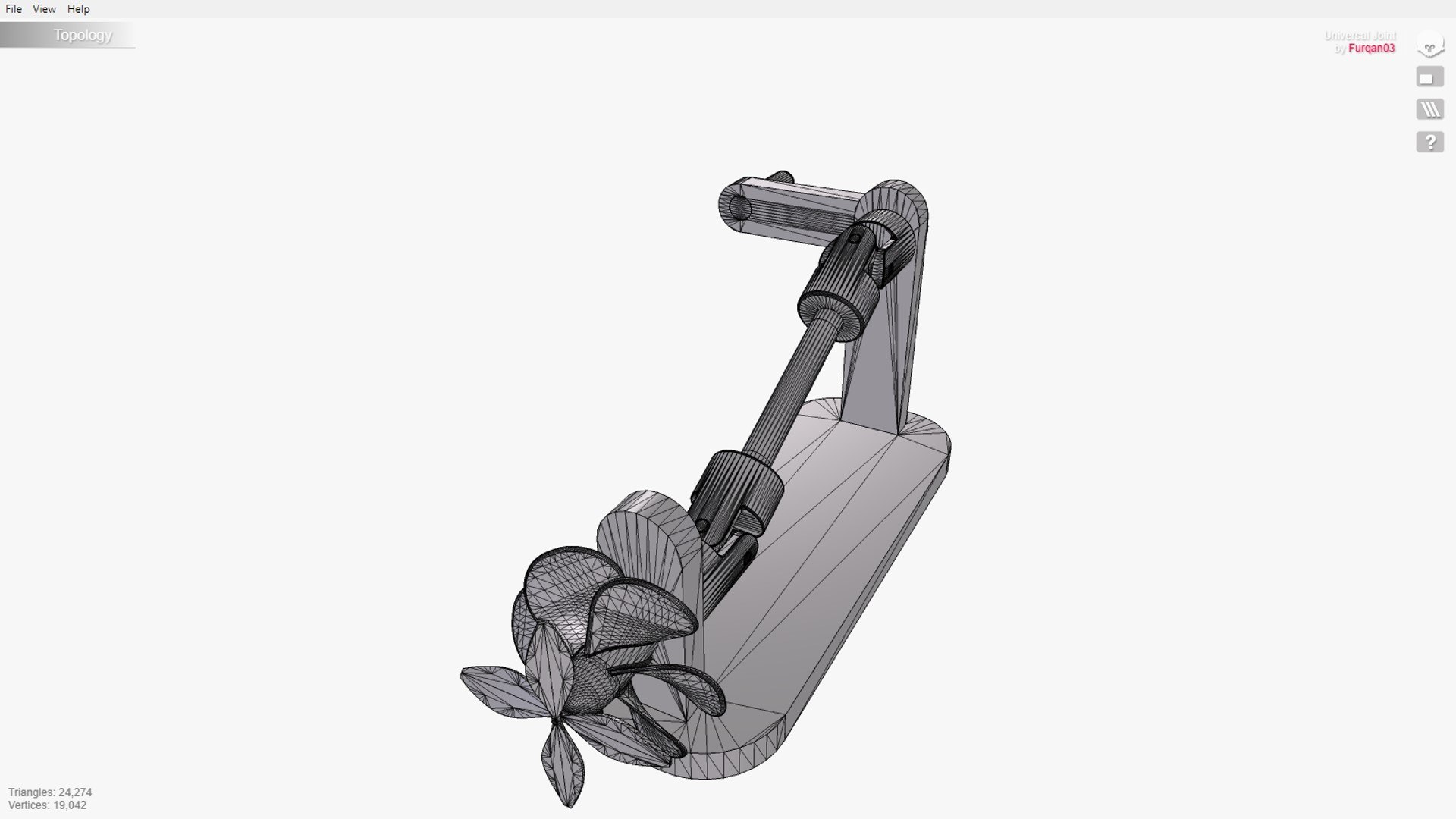
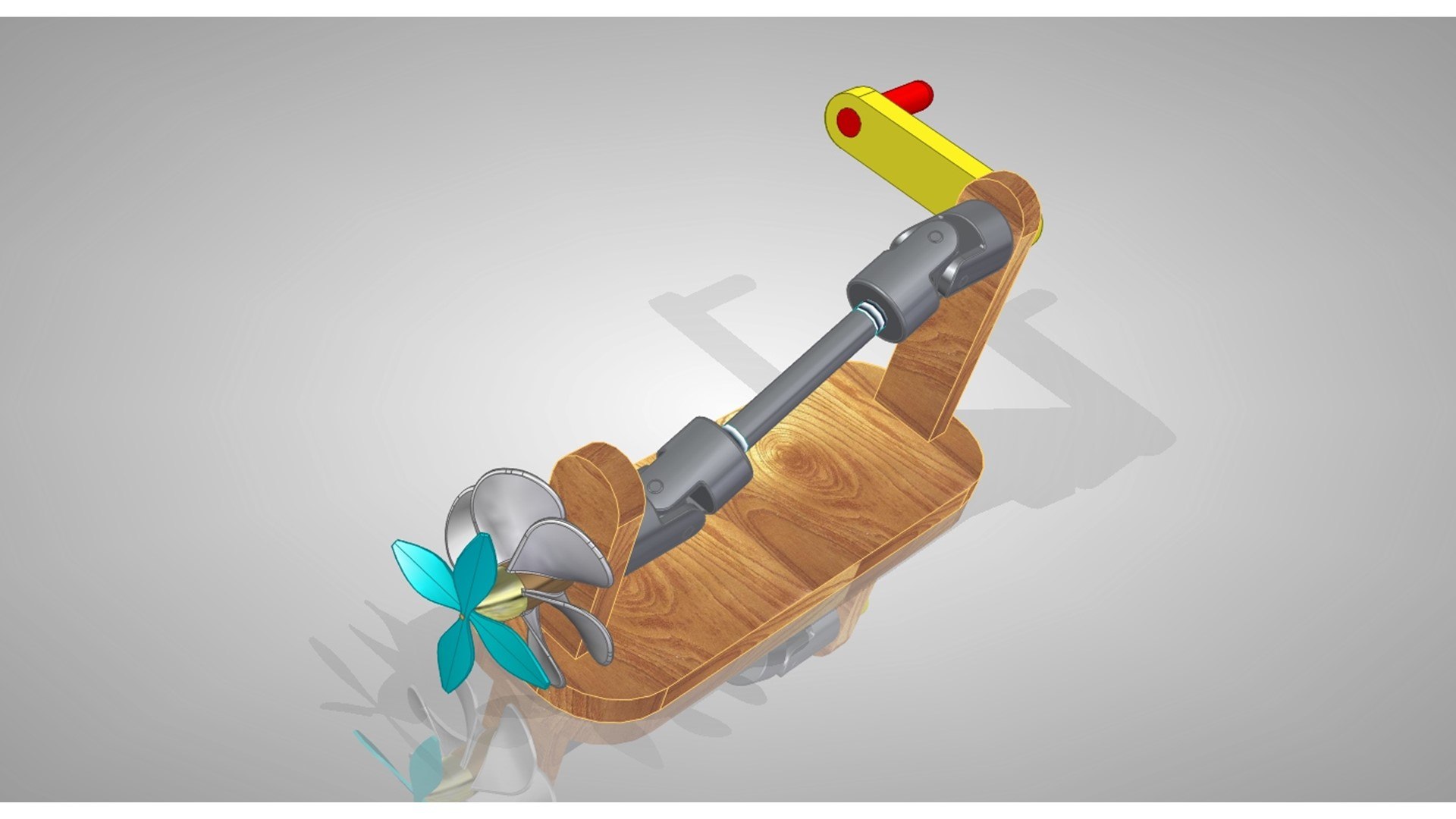
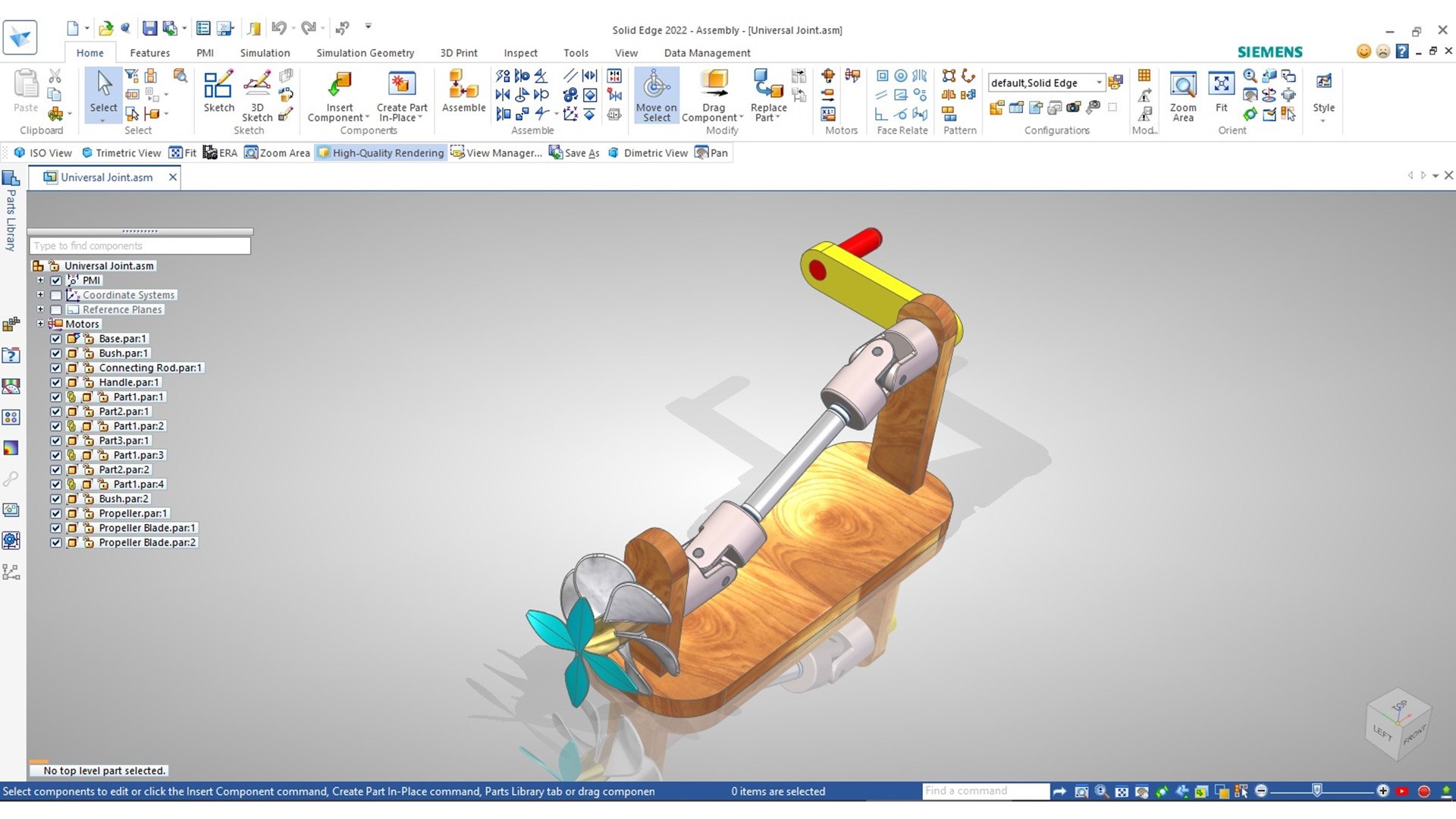
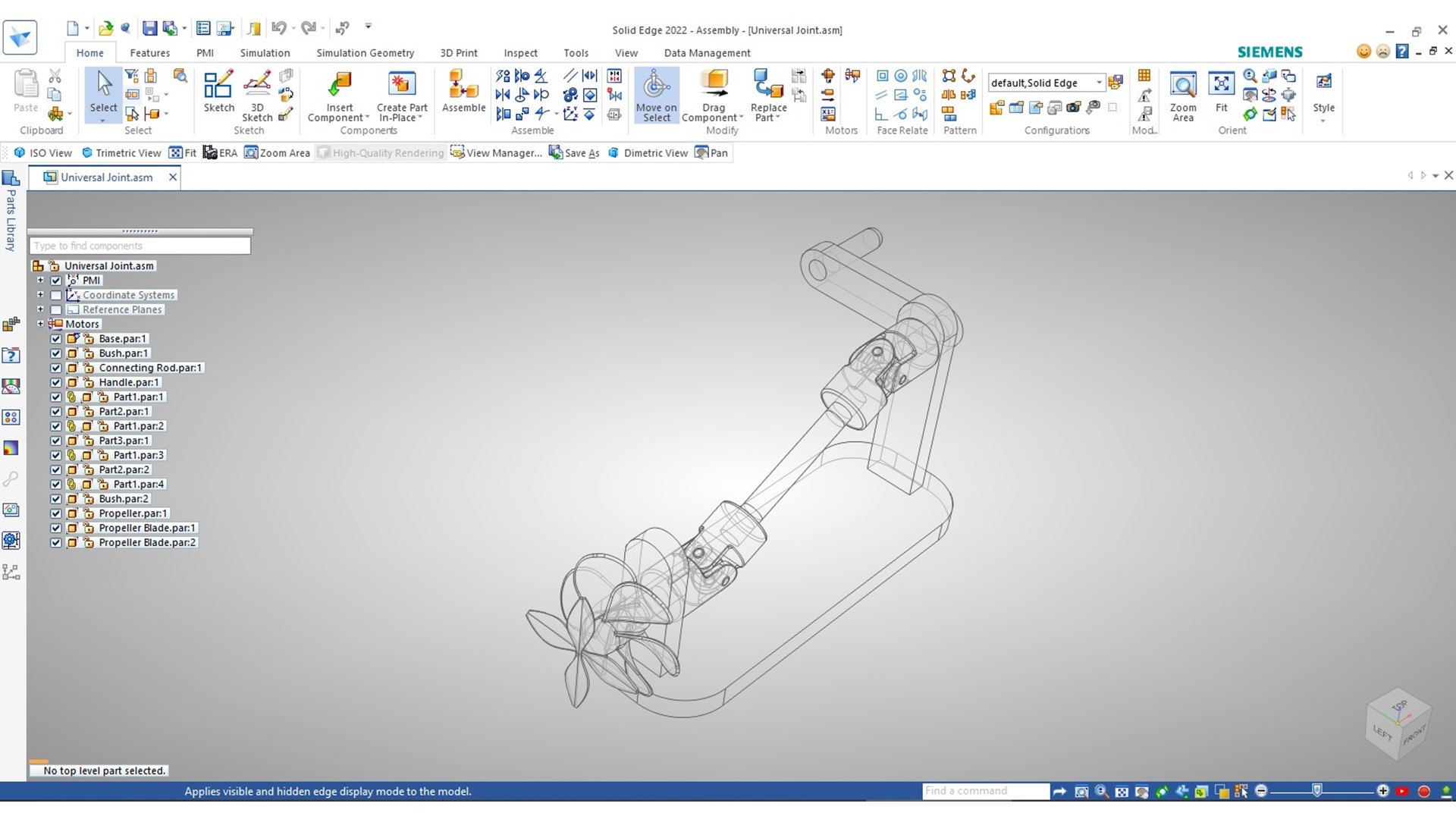
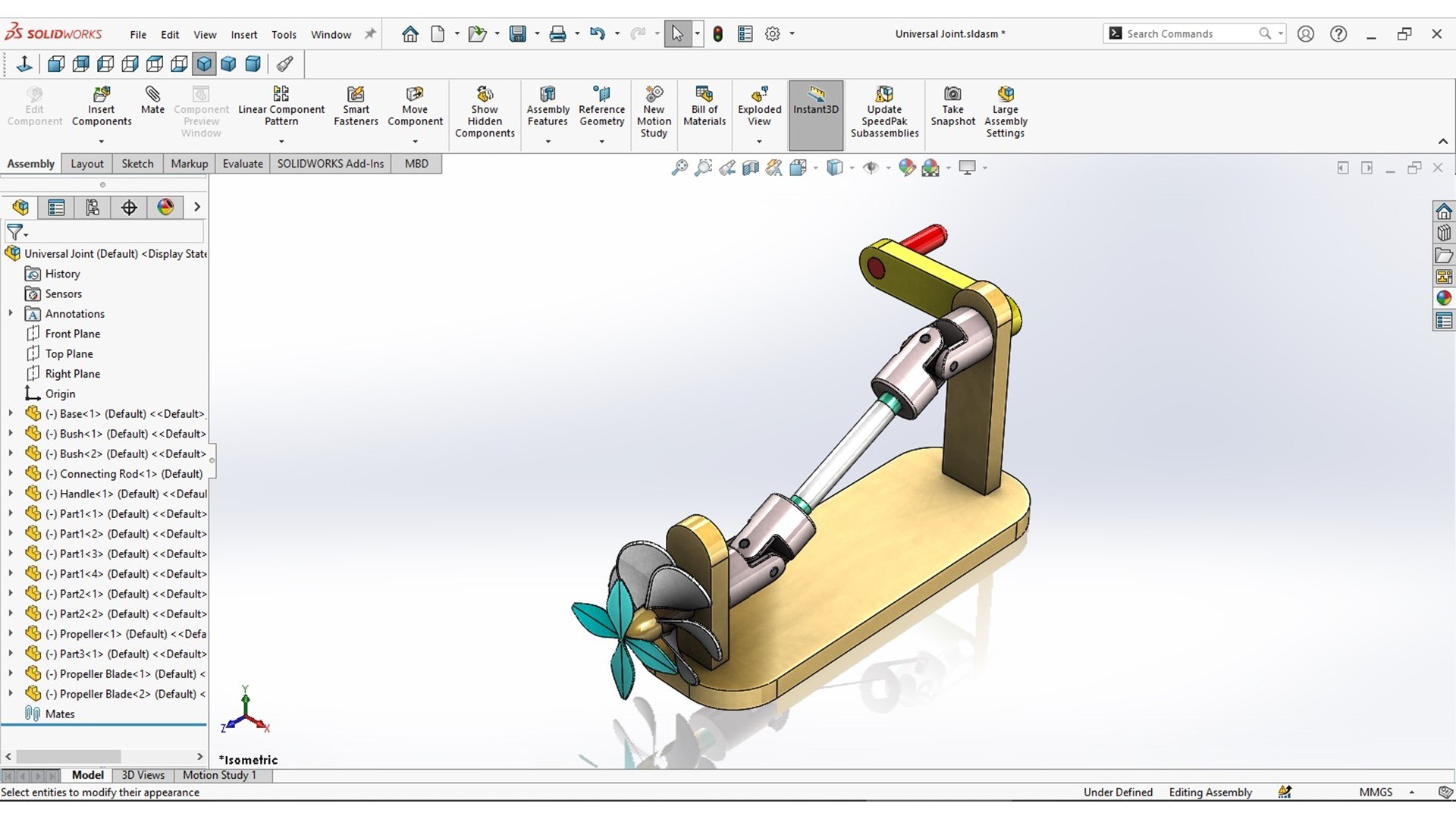
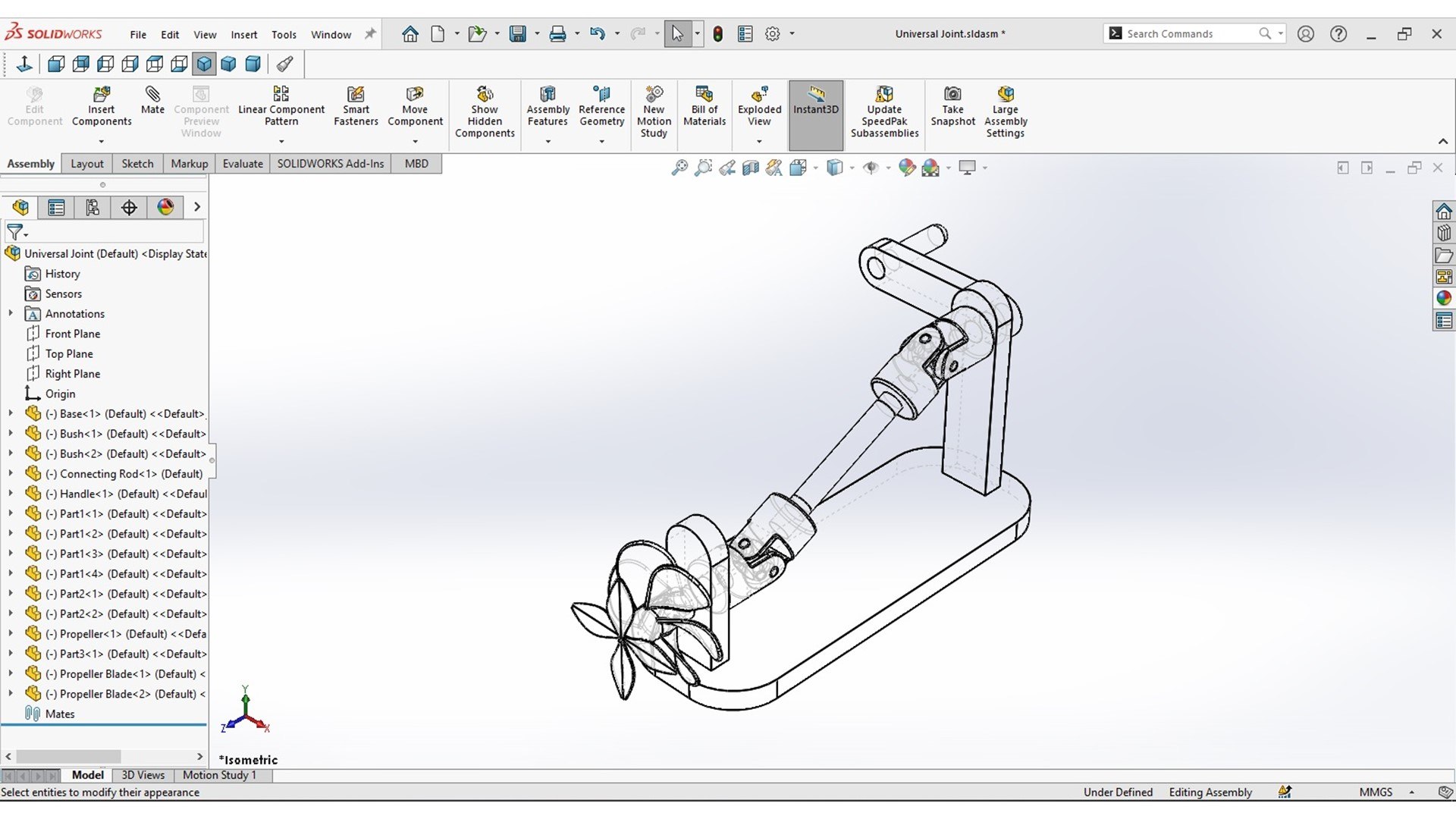
Universal Coupling / Joint. Used for connecting moving shafts whose axis are inclined to each other. The model was made using Solid Edge ST10 and rendered in KeyShot.

Includes Solid Edge Part files (.par), Solid Edge Assembly file (.asm) and Solid Edge Draft file (.dft). SolidWorks Part files (.sldprt), SolidWorks Assembly file (.sldasm), Autodesk Inventor Part files (.ipt) and Autodesk Inventor Assembly file (.iam) of the model are added as well.

Other converted file formats are also included. File formats (.step, .iges, .sat, .x_t, .3mf) were exported using SolidWorks 2022. File formats (.obj, .stl) were exported using Autodesk Inventor 2023. File formats (.fbx, .glb) were exported using Marmoset Toolbag 4. Also included are the KeyShot 11 Package files (.ksp) which include the used materials, textures and HDRI files used in the KeyShot renders.

All of the above rendered images are included in a zip file. Construction and operation animations of the model in gif and mp4 format are included in another zip file.

A 3D pdf file of the model is added as well.

Select Enhanced License

  • $10,000 in Legal Protection (Indemnification)
  • Uncapped Legal Protection (Indemnification)
  • Waiver from injunctive relief
  • Assignable model rights
  • $1,000,000 in Legal Protection (Indemnification)
  • Waiver from injunctive relief
  • Assignable model rights
  • $250,000 in Legal Protection (Indemnification)
  • Assignable model rights
Read more about enhanced license tiers, or contact us at enterprise@turbosquid.com. Already a Shutterstock Enterprise Customer? Contact your Shutterstock Sales Support Agent to talk about adding 3D.

About Conversion Requests

To submit a conversion request for a purchased asset, please complete our Conversion Request Form.

If you have not yet purchased a model, please review our Documentation about Conversions to learn about what limitations you may encounter with a conversion.

For any additional questions about a model’s suitability for conversion, please contact TurboSquid Support.

Loading...