
Type 625E and Wire Coil Barrier

$139

Standard License | Upgrade License
Editorial Uses Only
Formats (12)
Free file format Conversions available
Native | 3ds Max 2020 | V-Ray 4.3
Cinema 4D R23 | Arnold
Cinema 4D R23 | V-Ray 5.2
3ds Max 2020 | Arnold
3ds Max 2020 | Corona 7
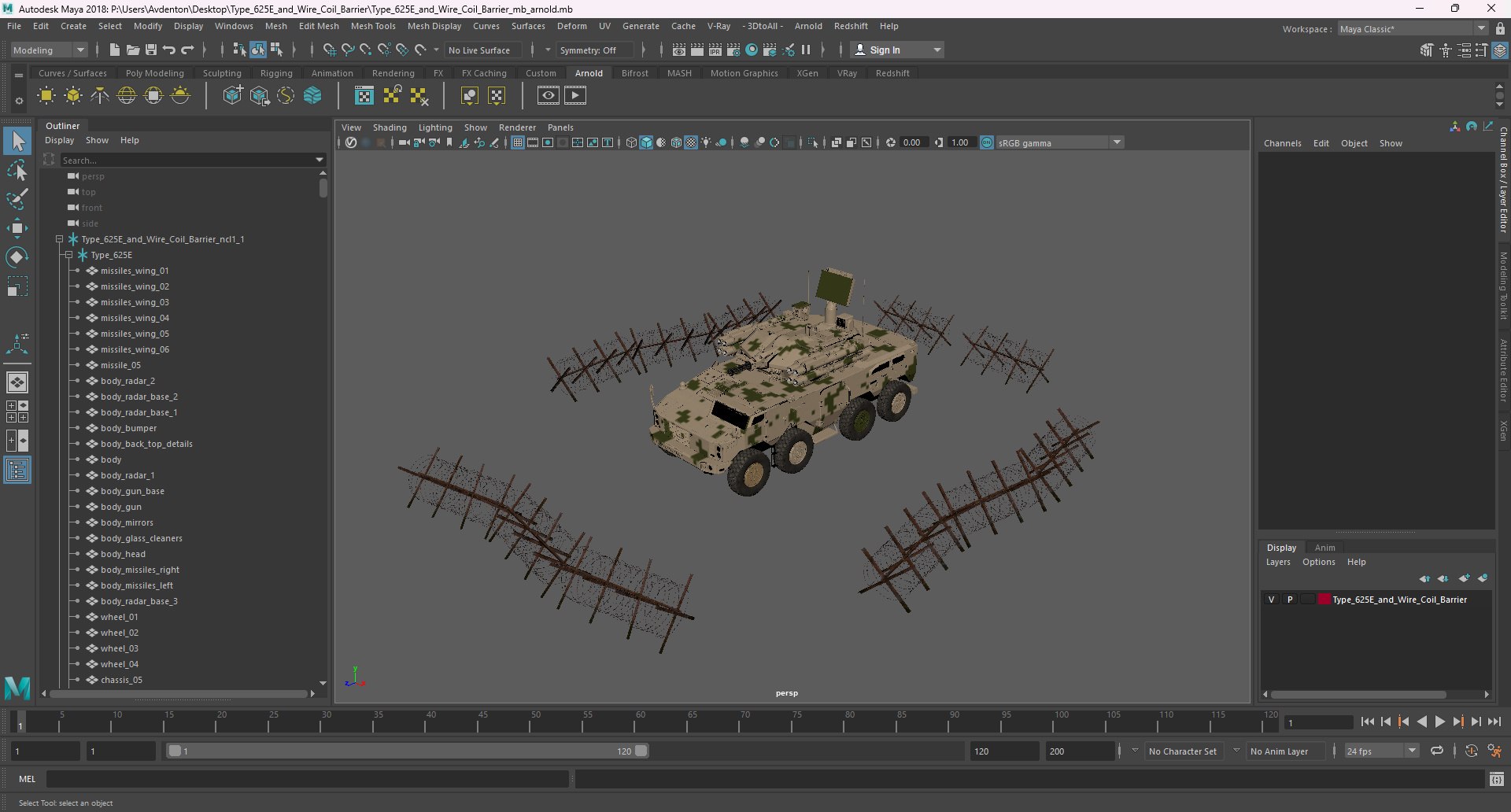
Maya 2018 | Arnold
Maya 2018 | V-Ray 4.3
3D Studio
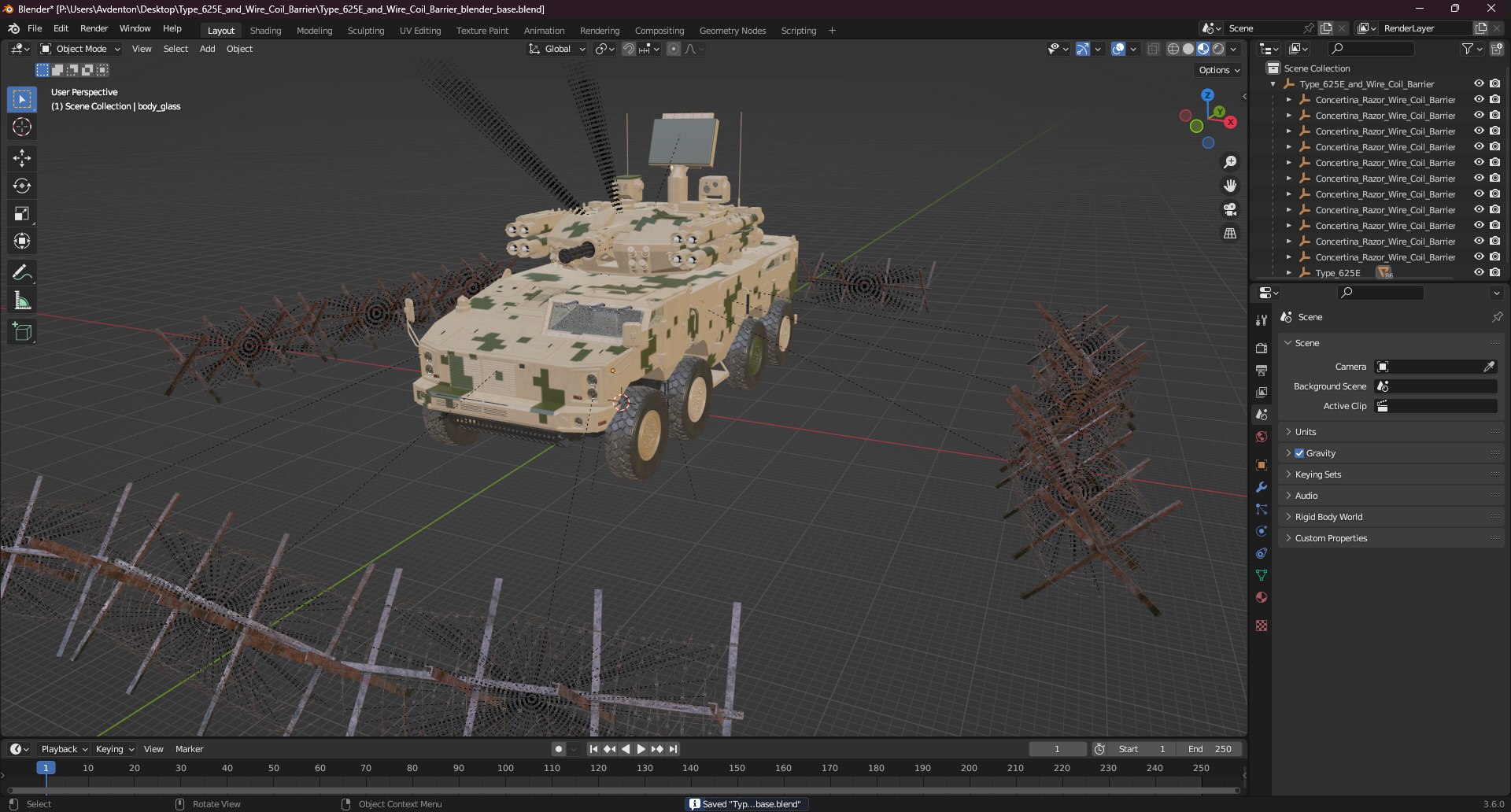
Blender
FBX
Maya
OBJ
Other Files
Type_625E_and_Wire_Coil_Barrier_textures.rar
Specifications
Publish Date February 28, 2025
Product ID 2366252
Polygons 1,309,162
Vertices 1,380,572
Polygonal Quads/Tris Geometry
Textures
Materials
UV Mapped
Overlapping Unwrapped UVs
PBR

member avatar
3d_molier International
90490 Products | Contributor Since 2015
Have questions? Chat with us now.

Description

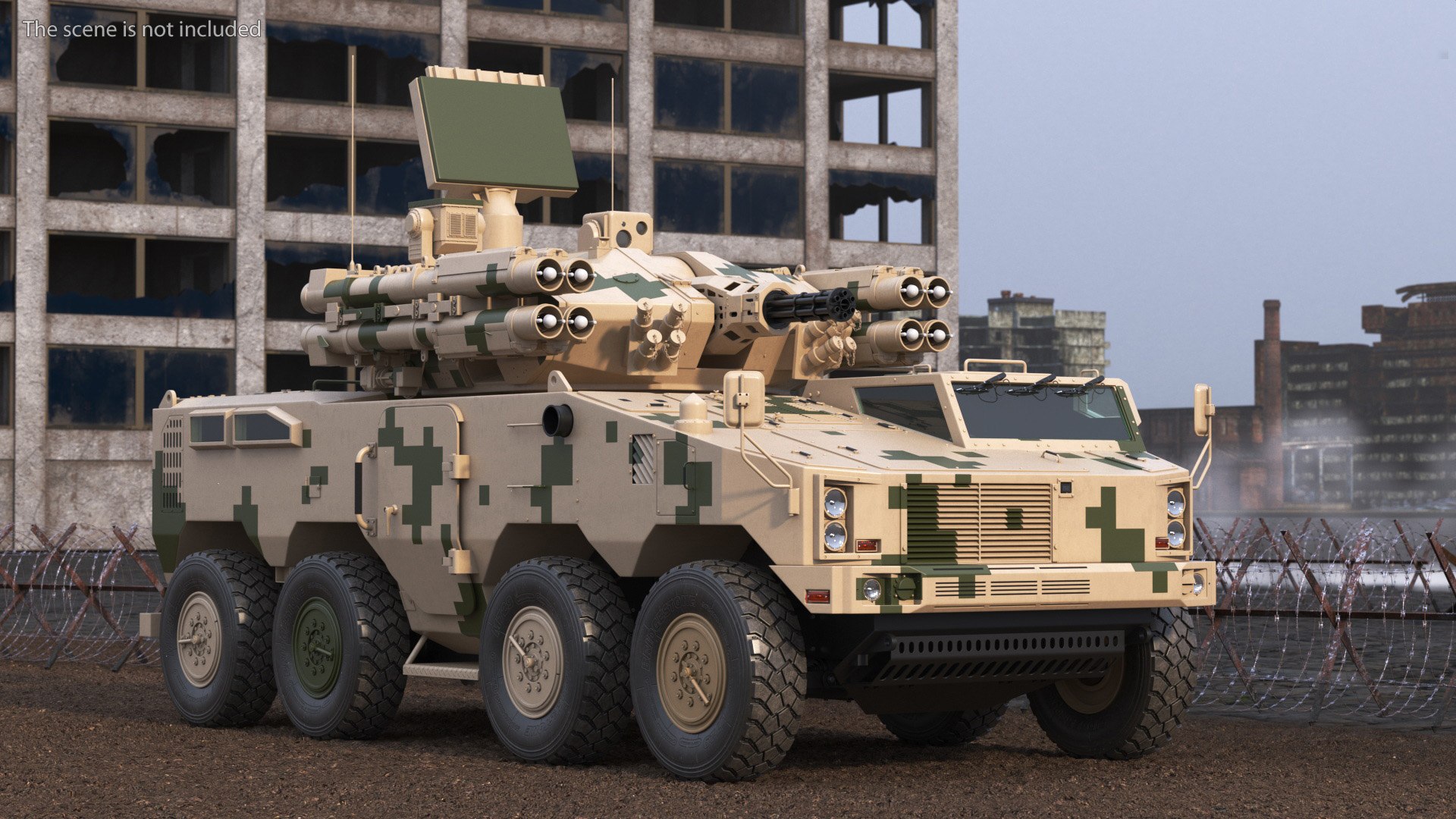
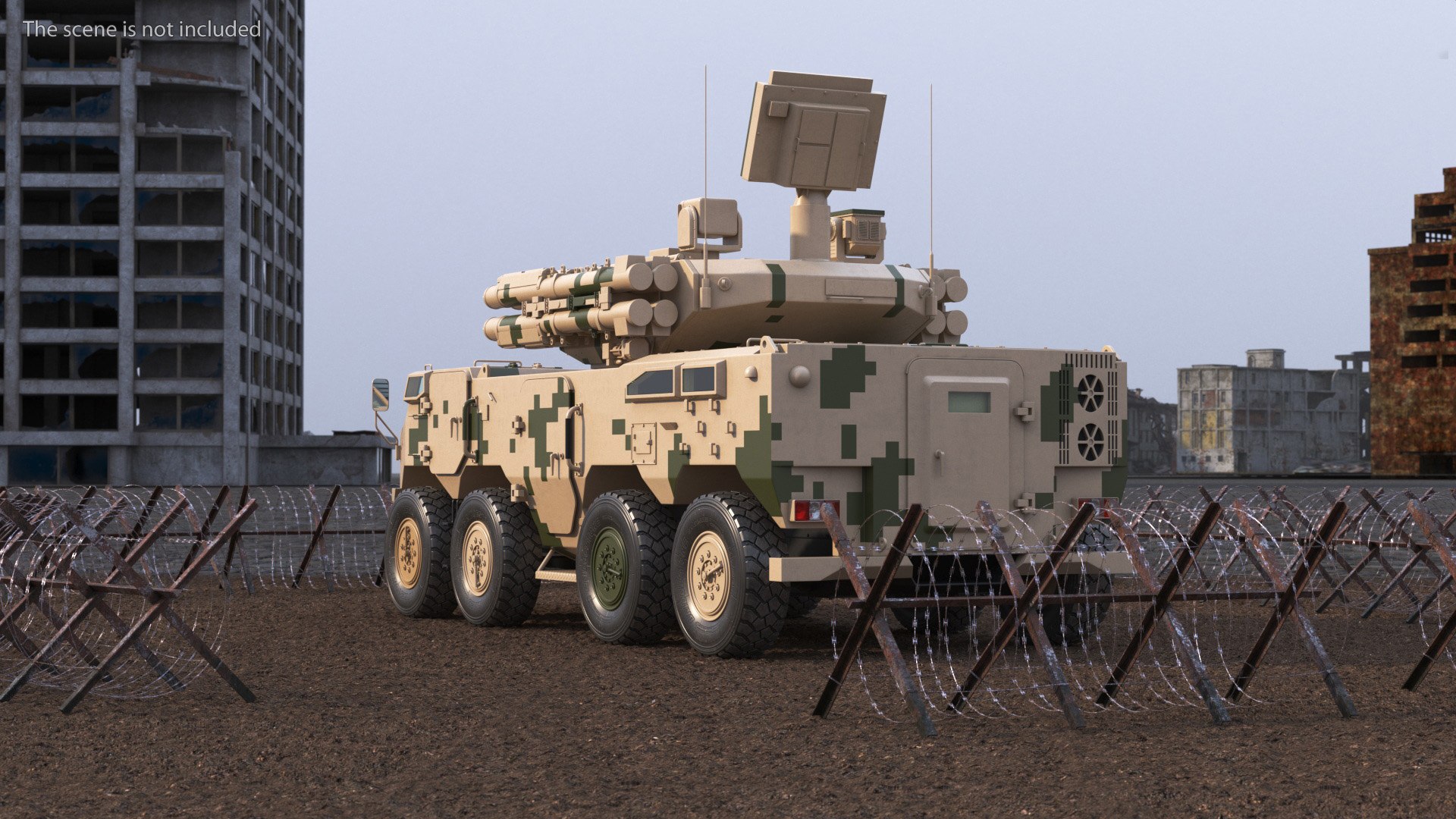
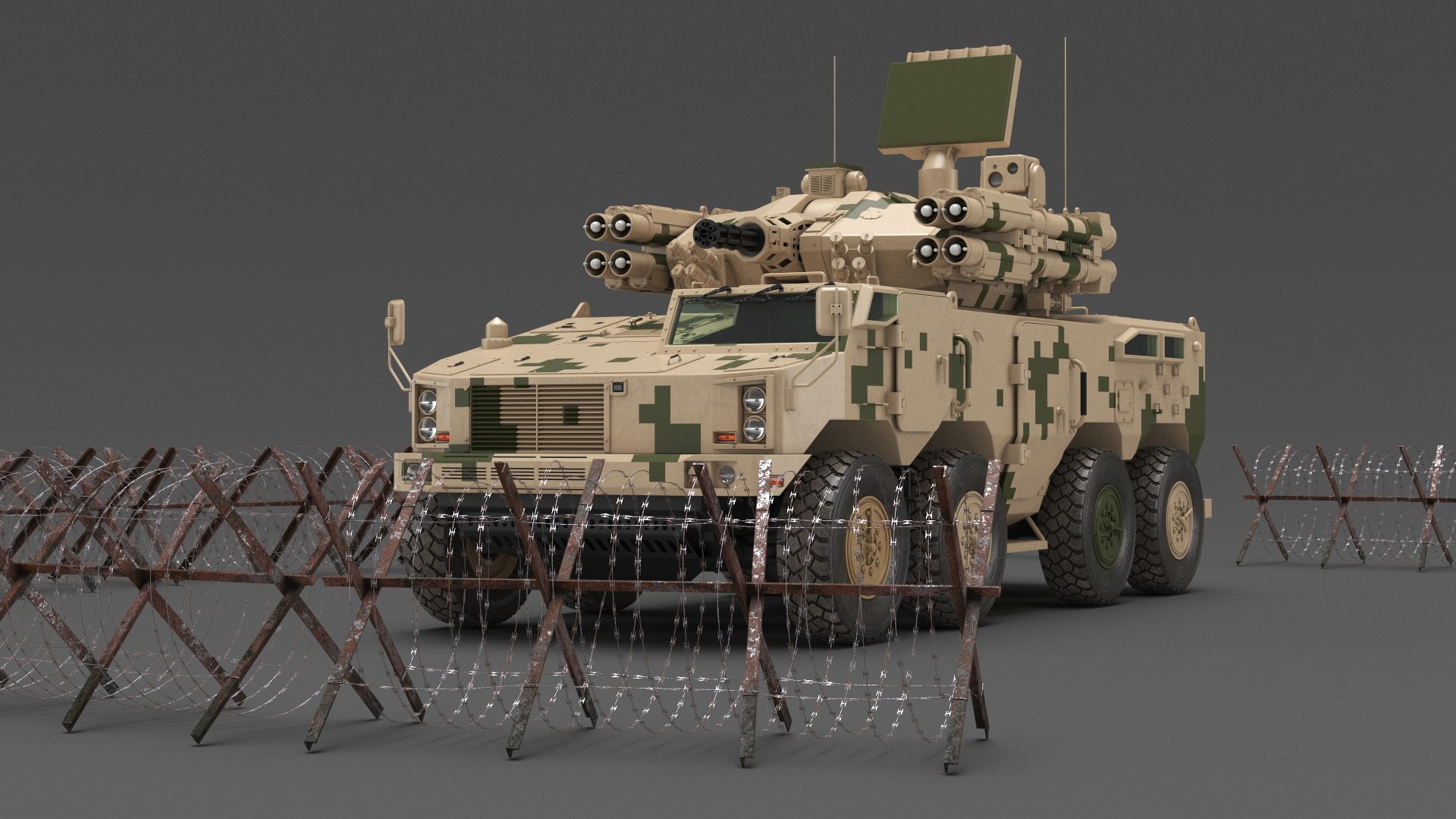
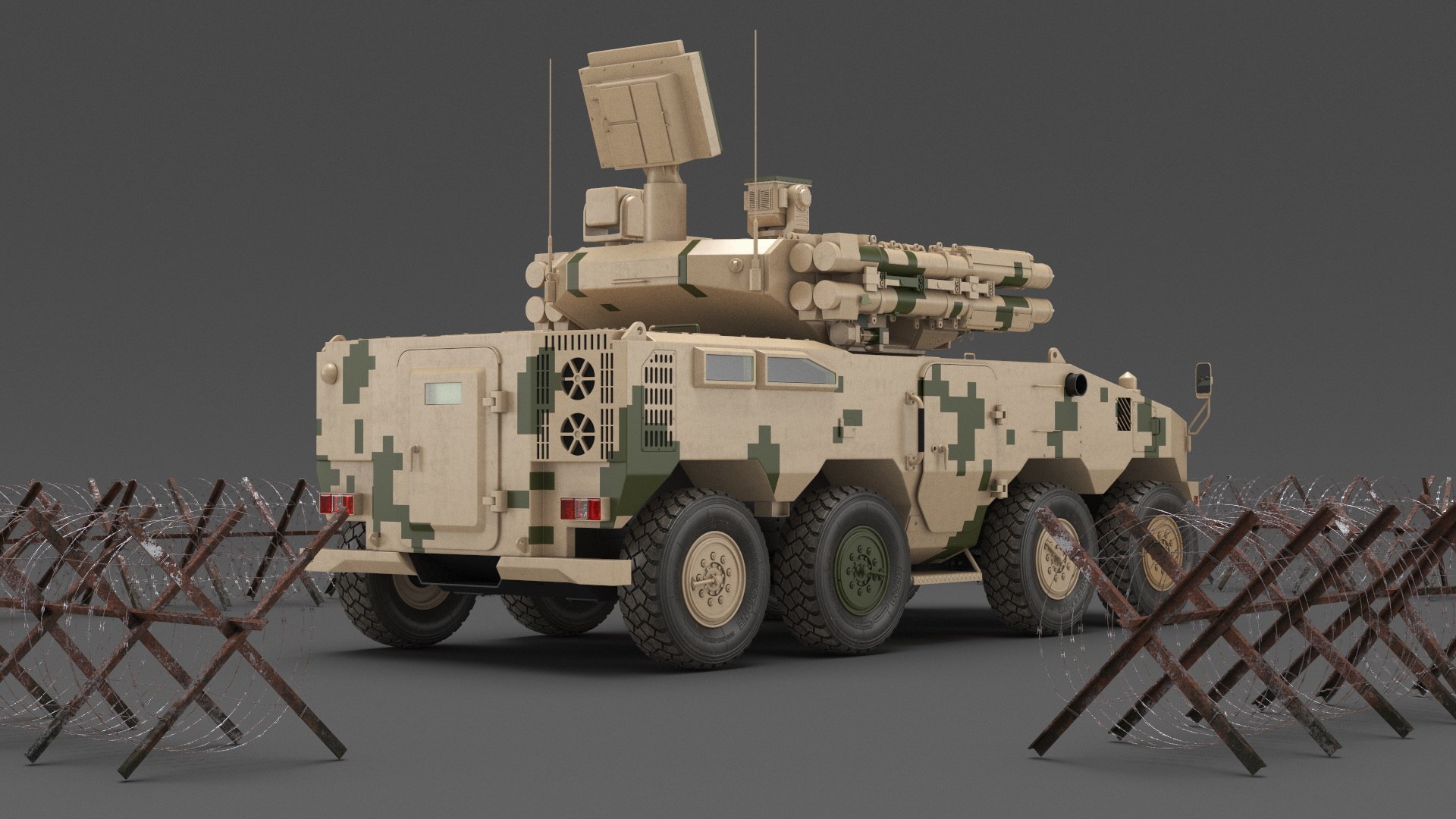
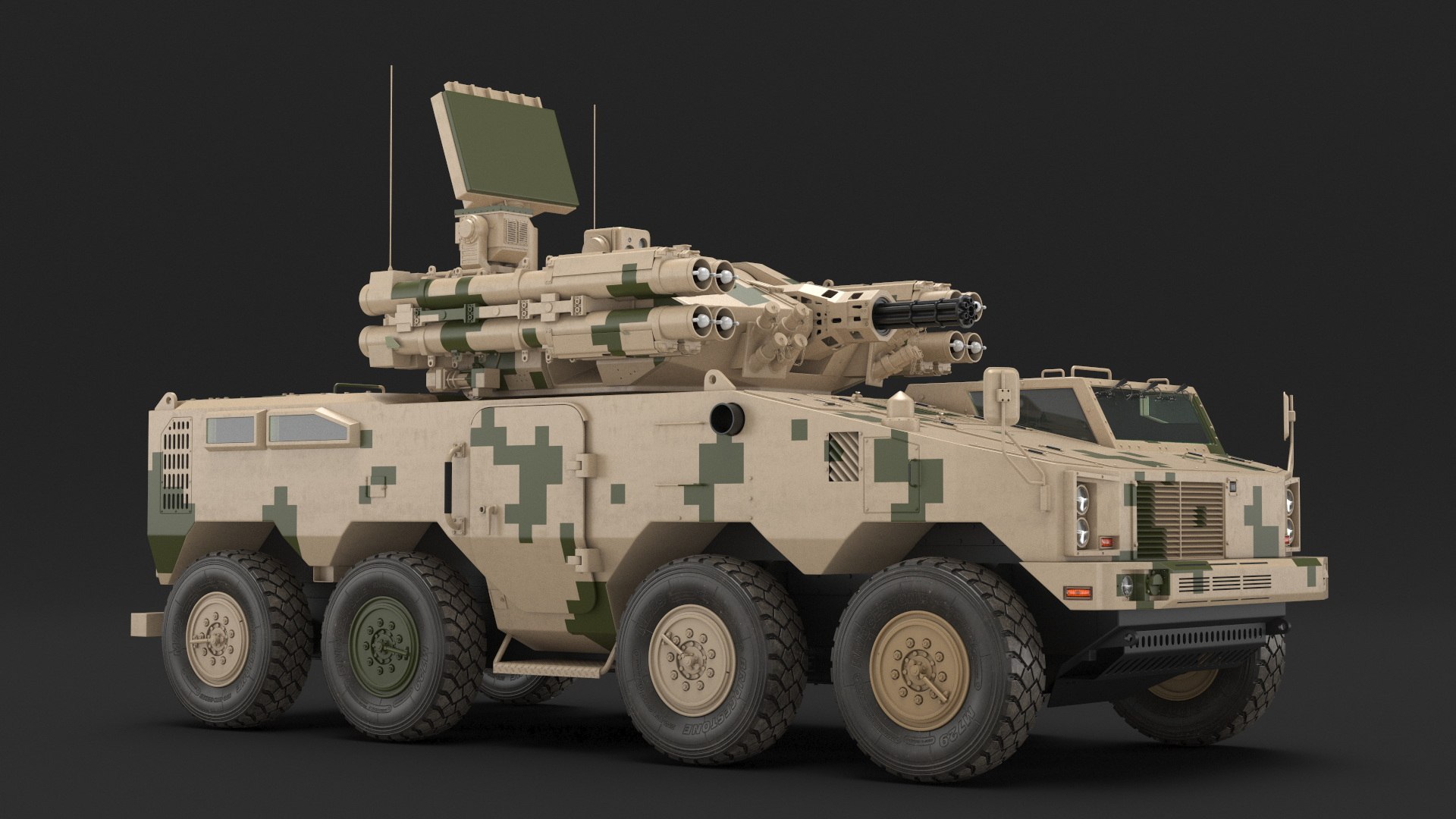
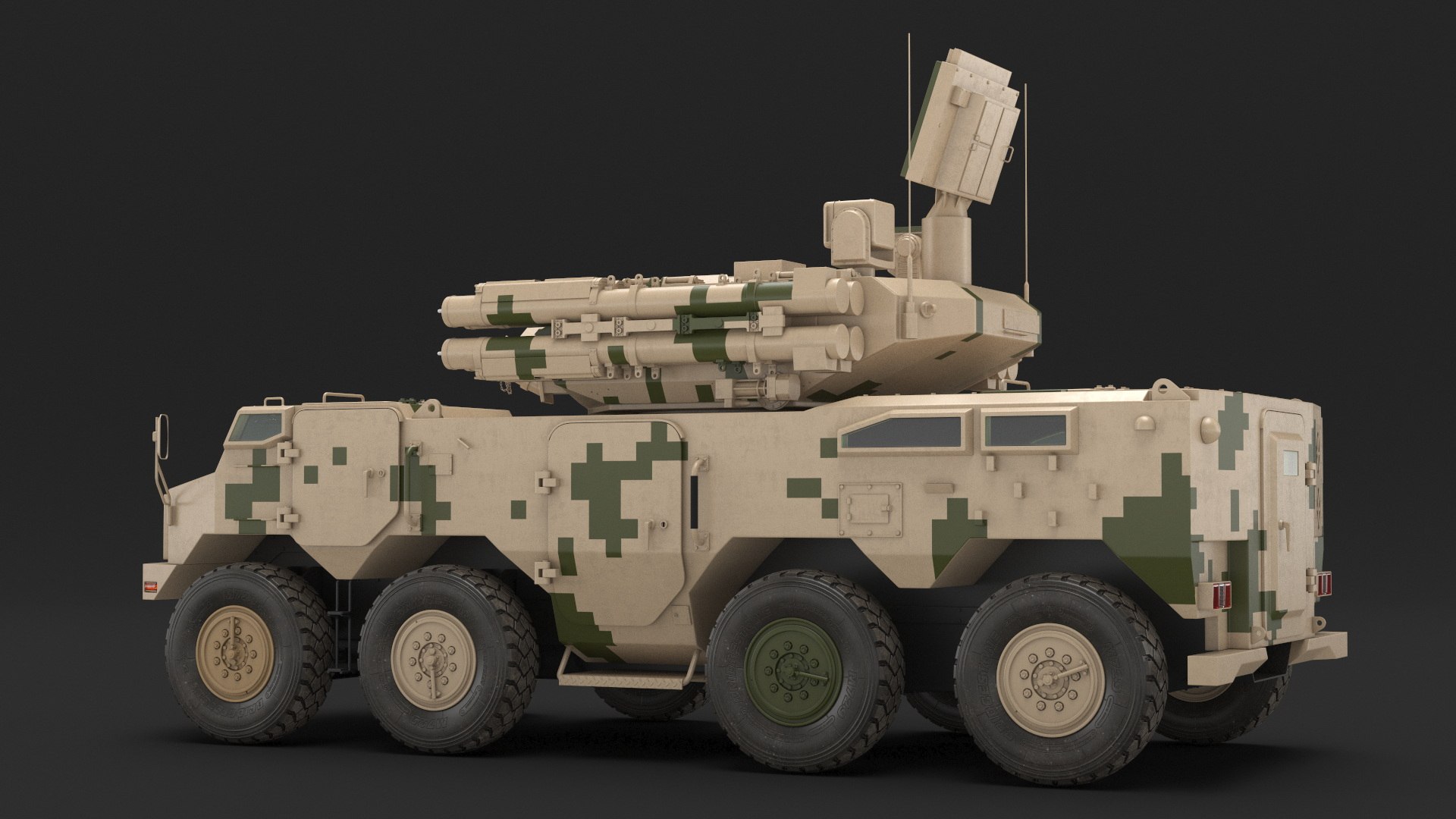
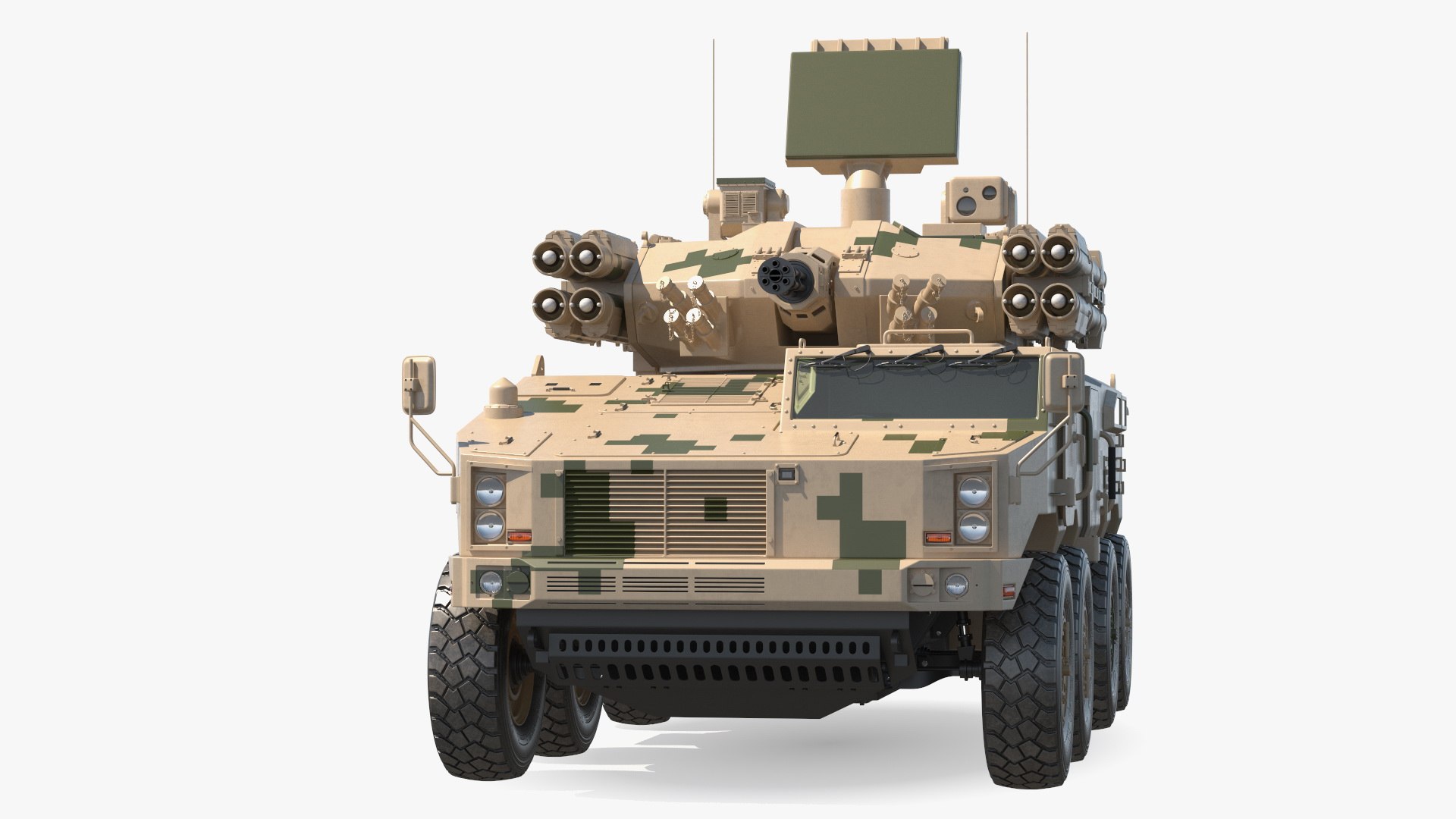
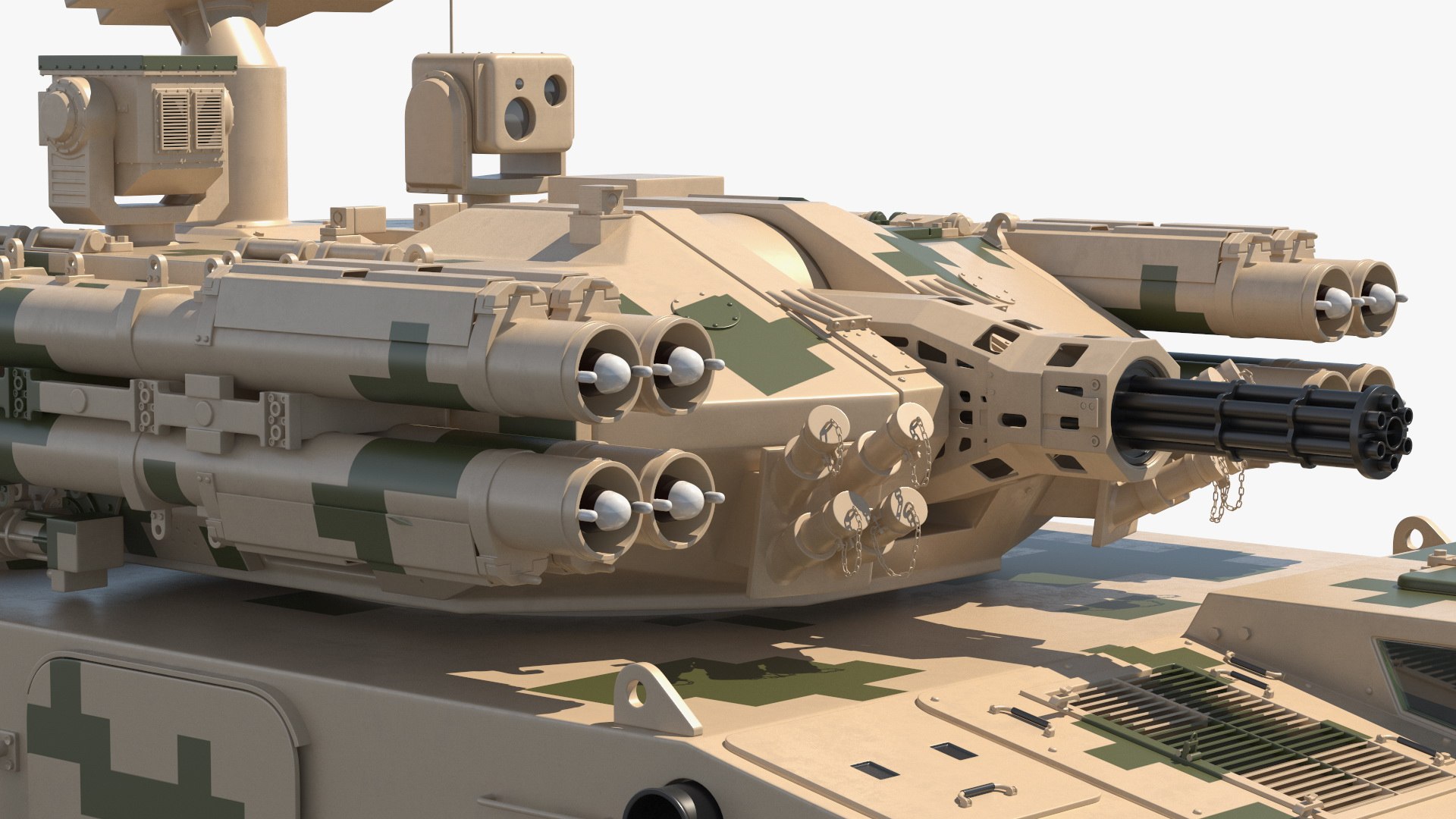
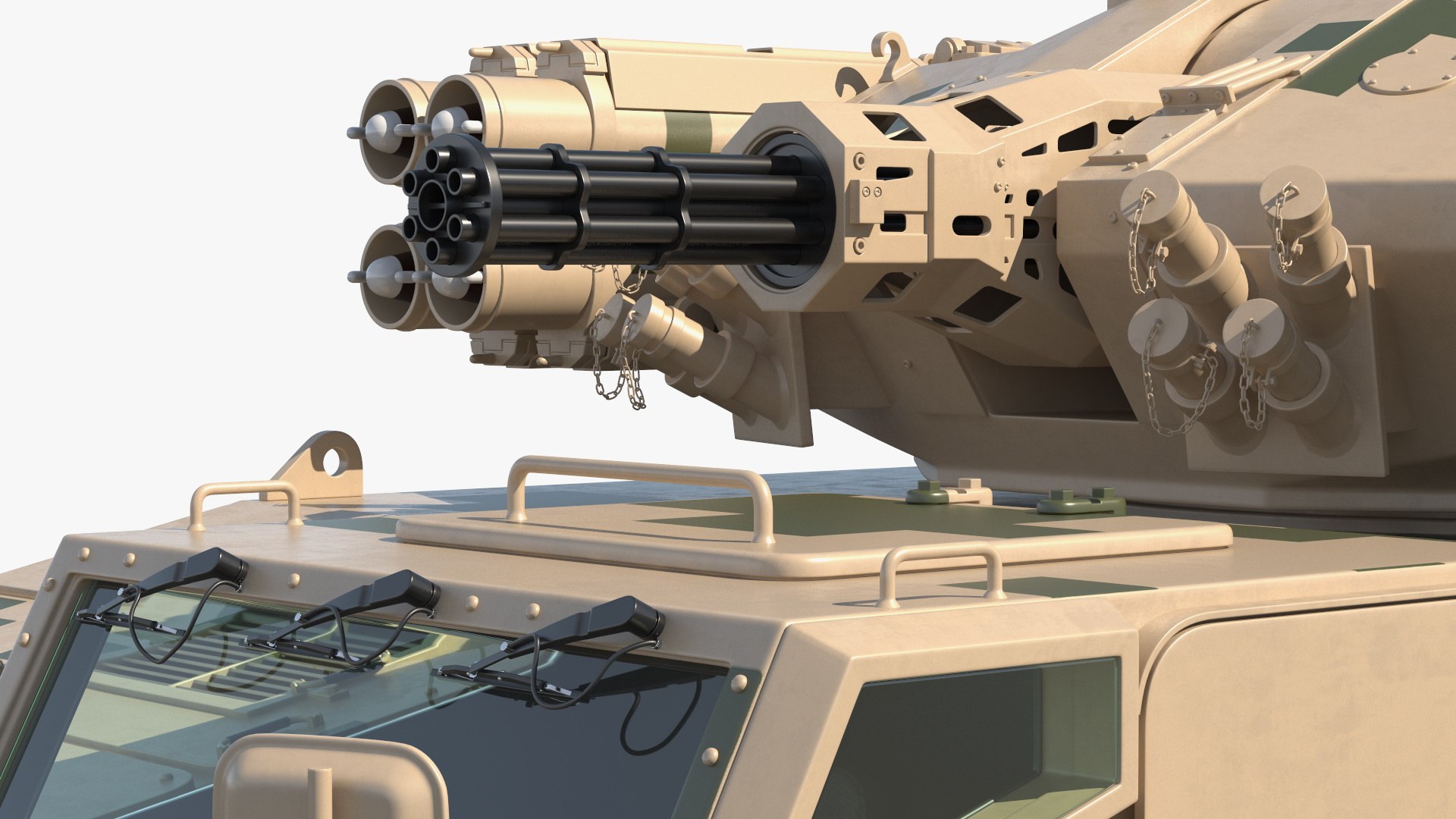
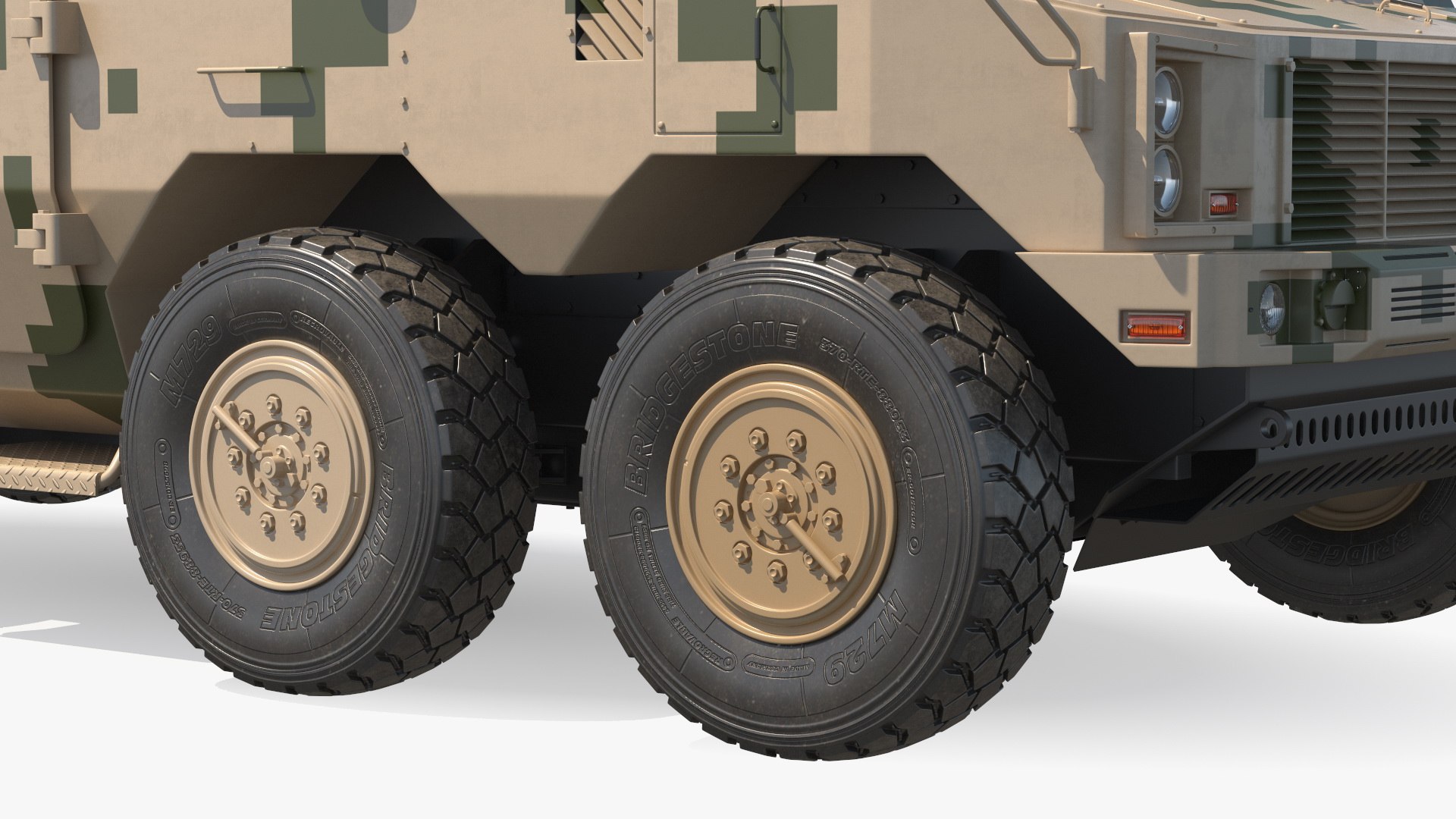
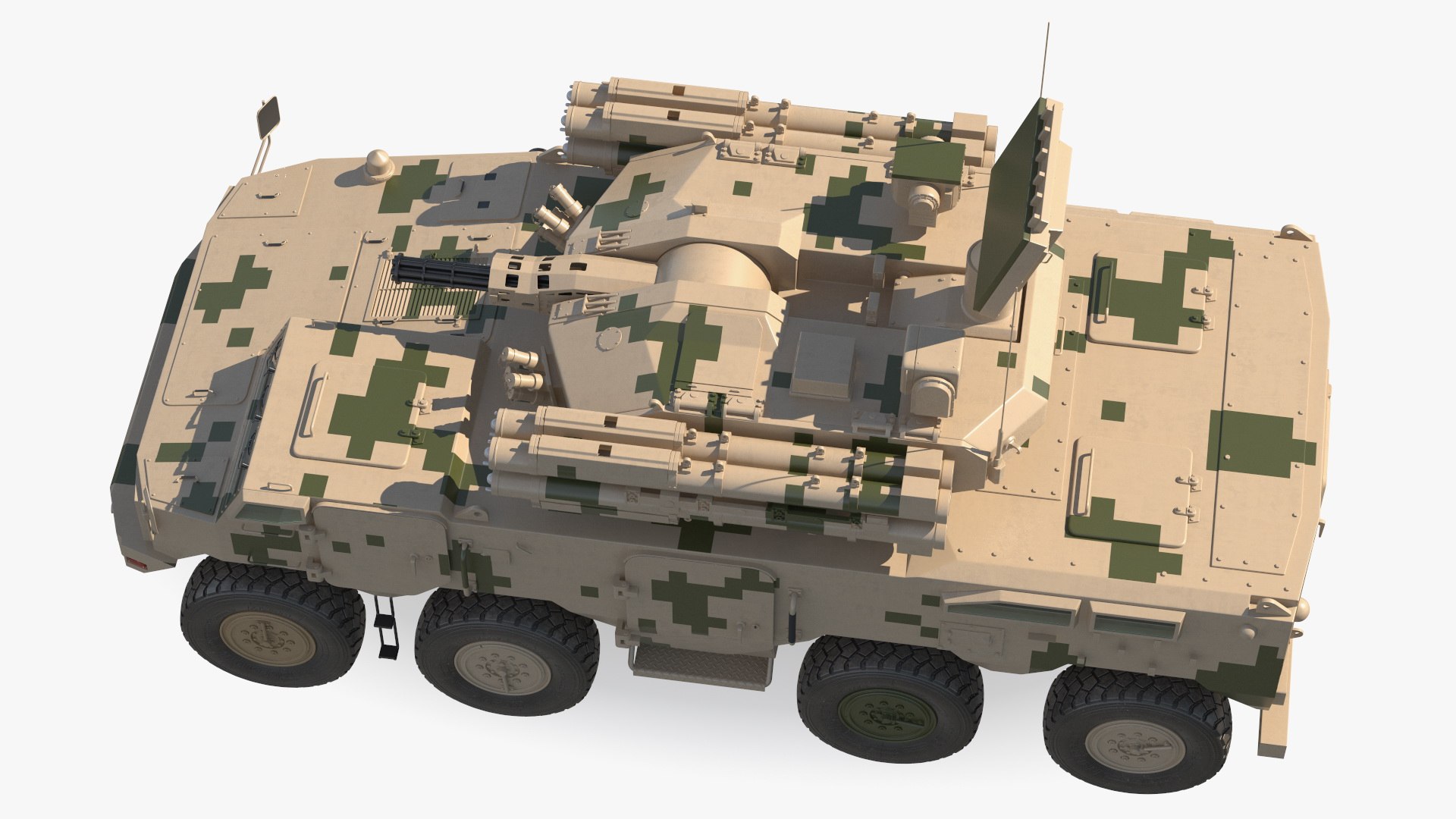
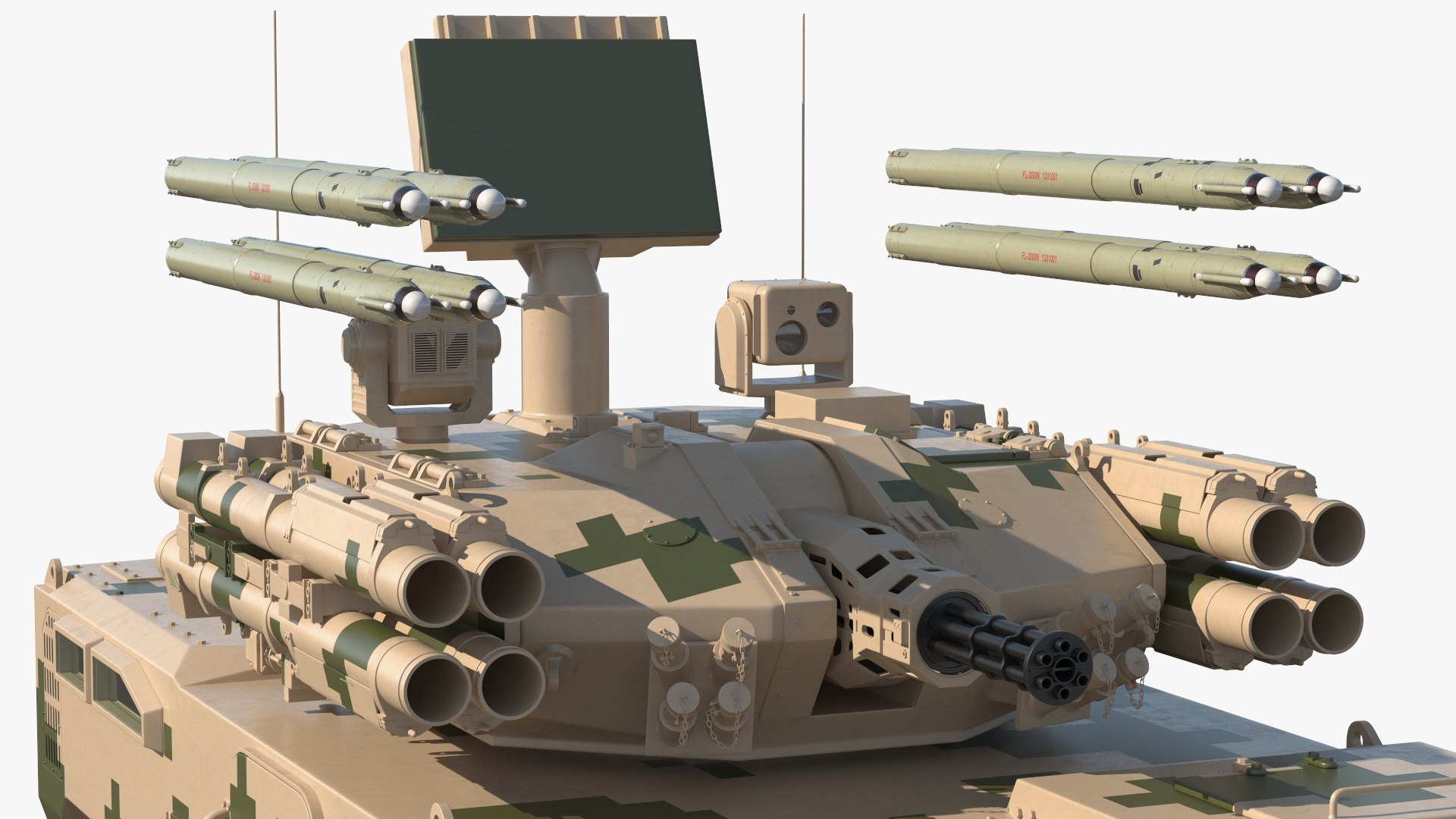
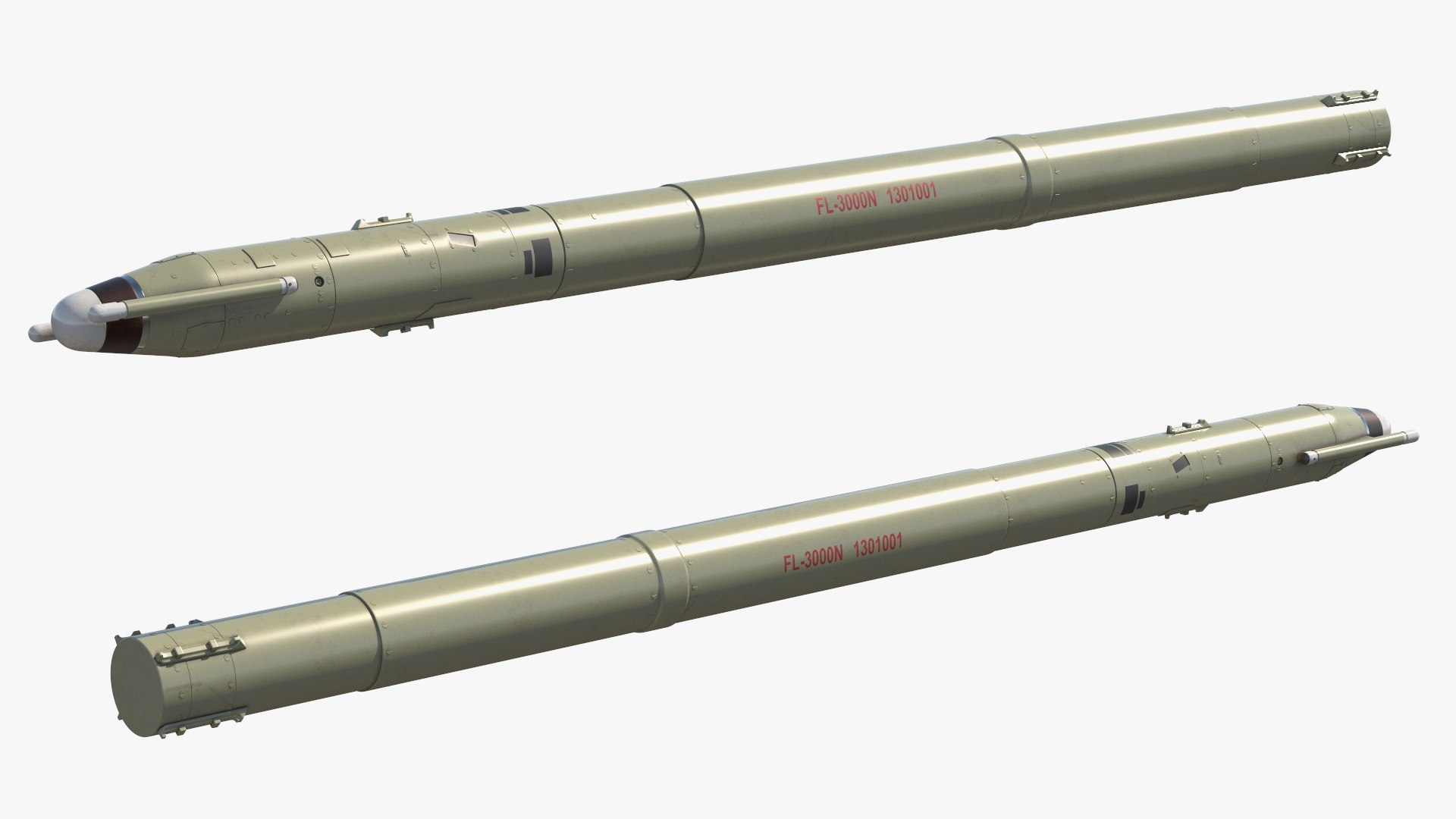
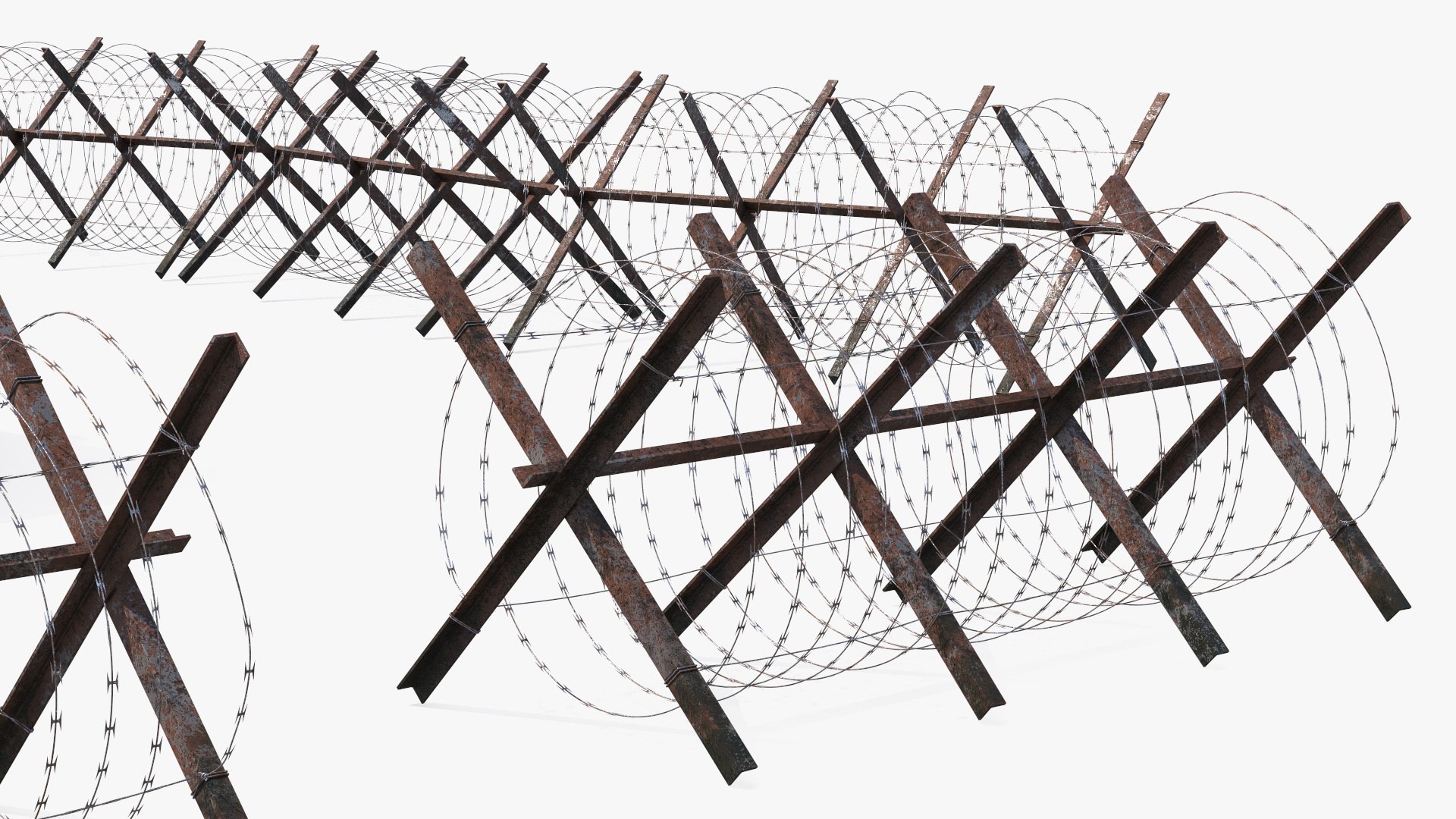
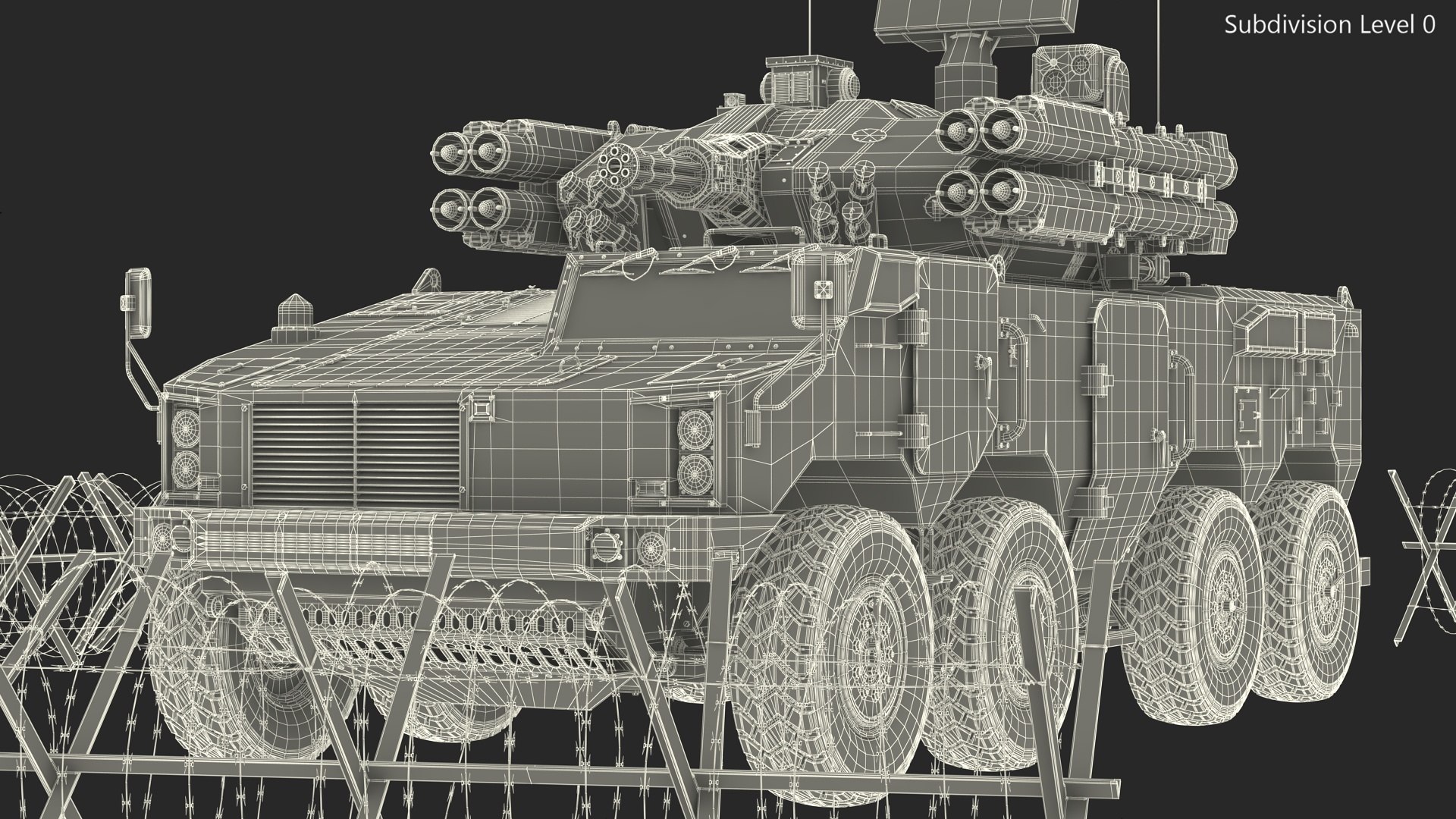
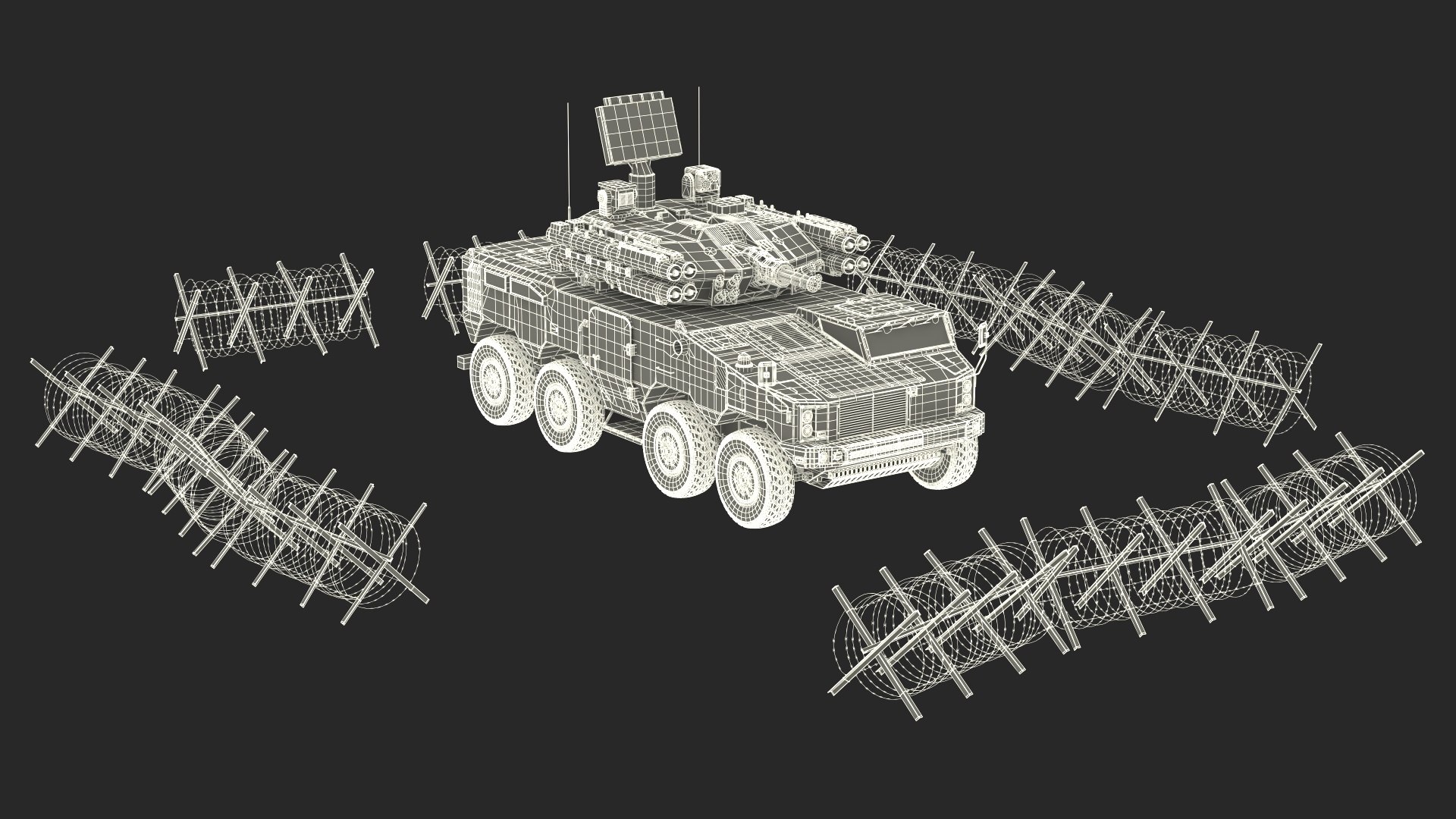
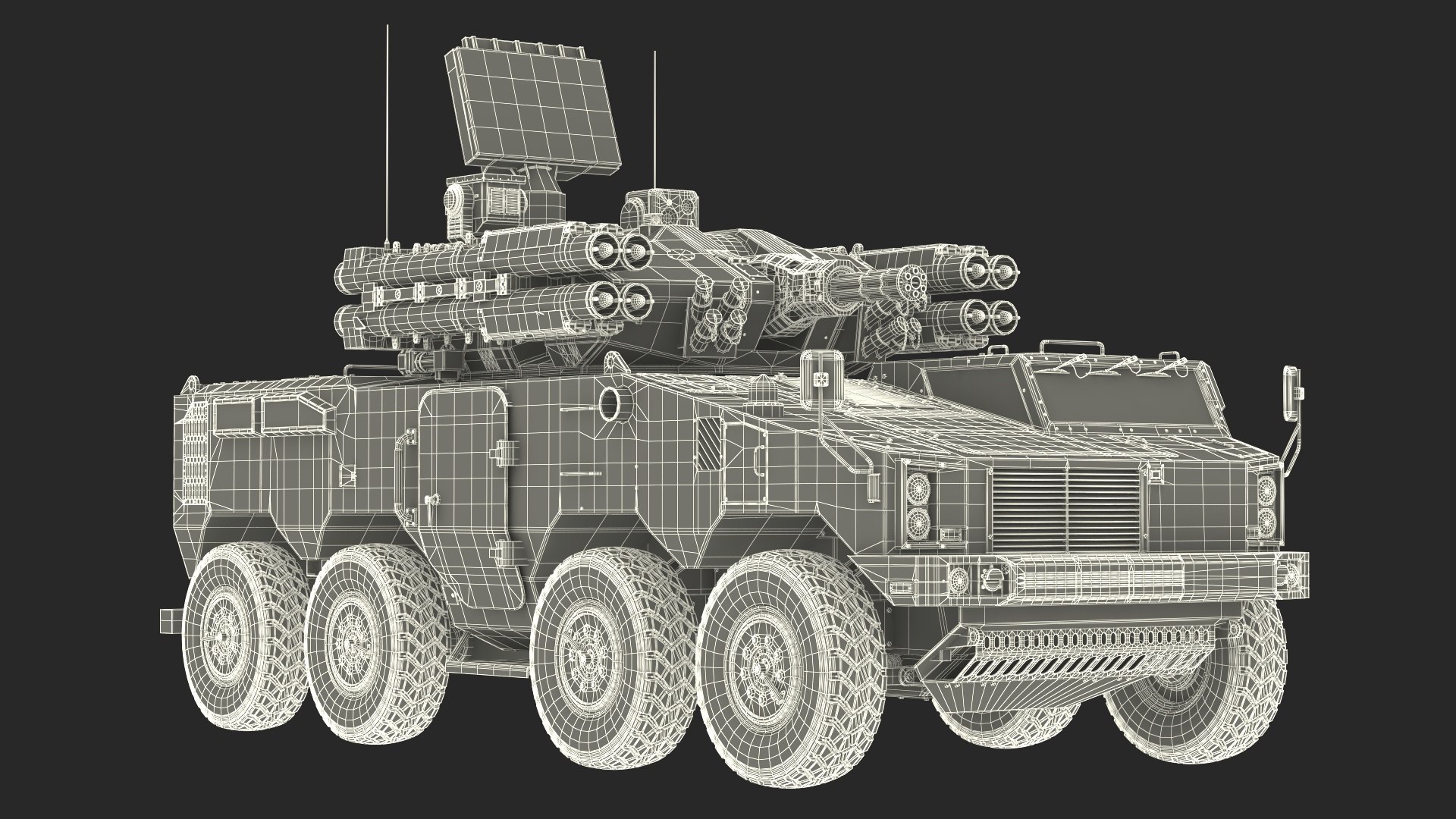
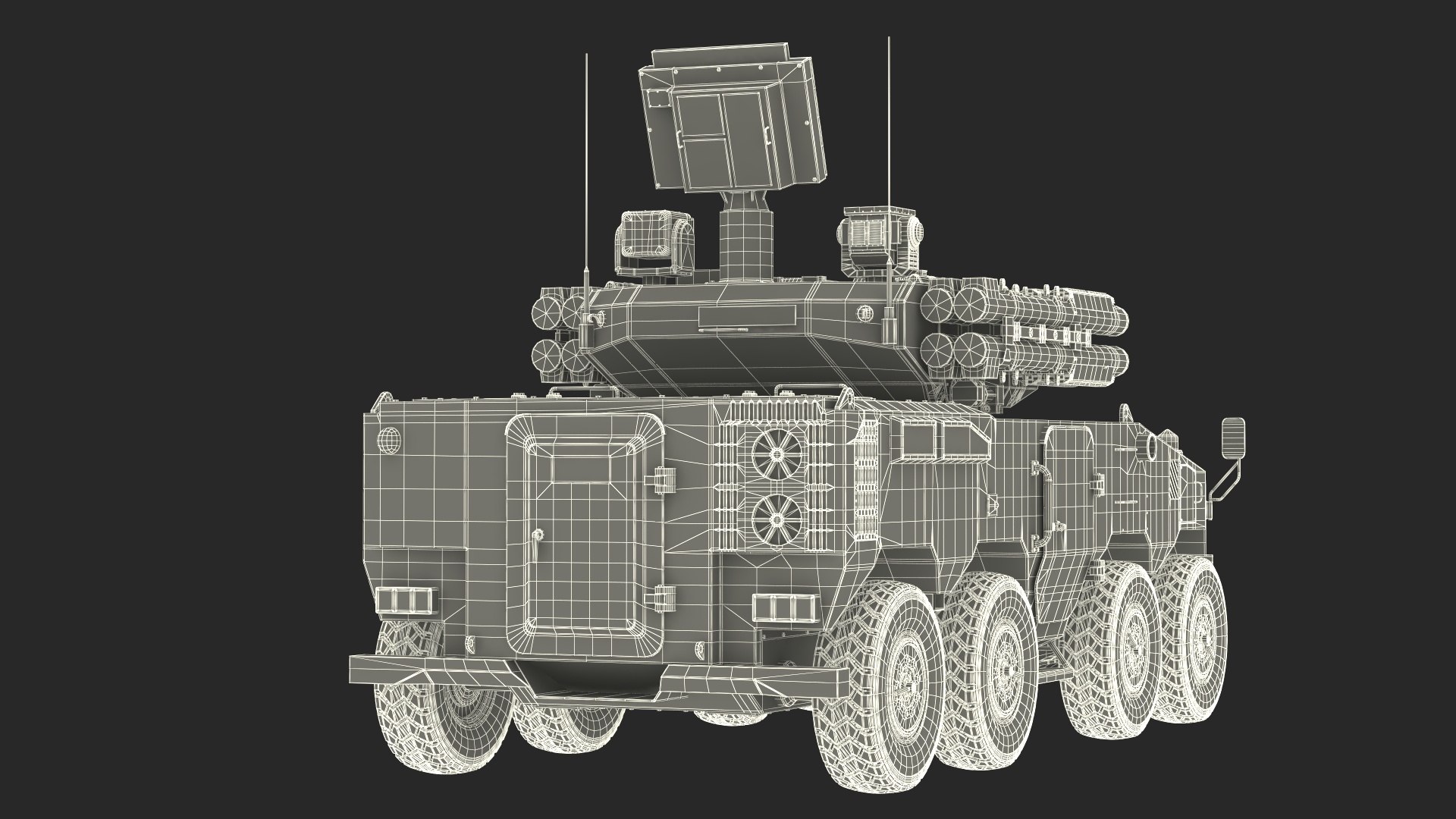
Type 625E and Wire Coil Barrier is a 3d model of military armored vehicle surrounded by defensive barriers.

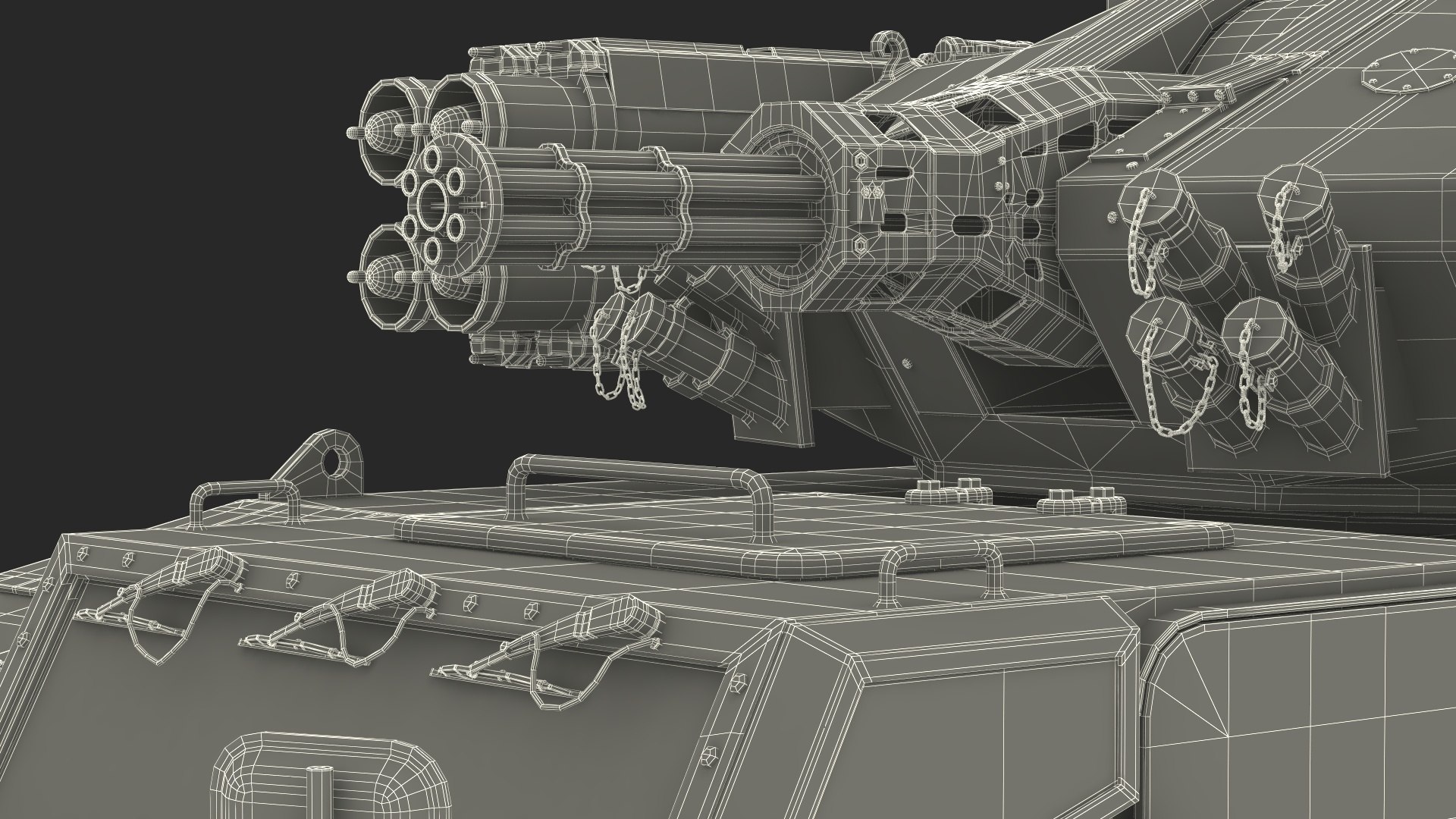
This model features a detailed, camouflaged armored vehicle equipped with advanced weaponry and surveillance systems. It is surrounded by barbed wire barriers, emphasizing the vehicle’s defensive capabilities. A wire coil barrier typically refers to a type of fencing or security barrier made from coiled wire. These barriers are often used for safety, security, or crowd control.

For military defense systems, air defense technology, military vehicle design, tactical operations, defense industry, security equipment manufacturing, anti-aircraft weaponry design, and modern warfare simulations.

Type 625E and Wire Coil Barrier is a high quality, photo real 3d model that will enhance detail and realism to any of your rendering projects. The model has a fully textured, detailed design that allows for close-up renders, and was originally modeled in 3ds Max 2020 and rendered with V-Ray. Renders have no postprocessing! Assets in the scene are highly detailed and can be used standalone in any of your projects.

Hope you like it!

*****
Features:
- High quality polygonal model, has real dimensions. Easy to merge into your scene.
- Units: cm
- The model was created with the optimal number of polygons. (The Meshsmooth modifier is assigned to the original mesh. Easy to increase mesh resolution if necessary.)
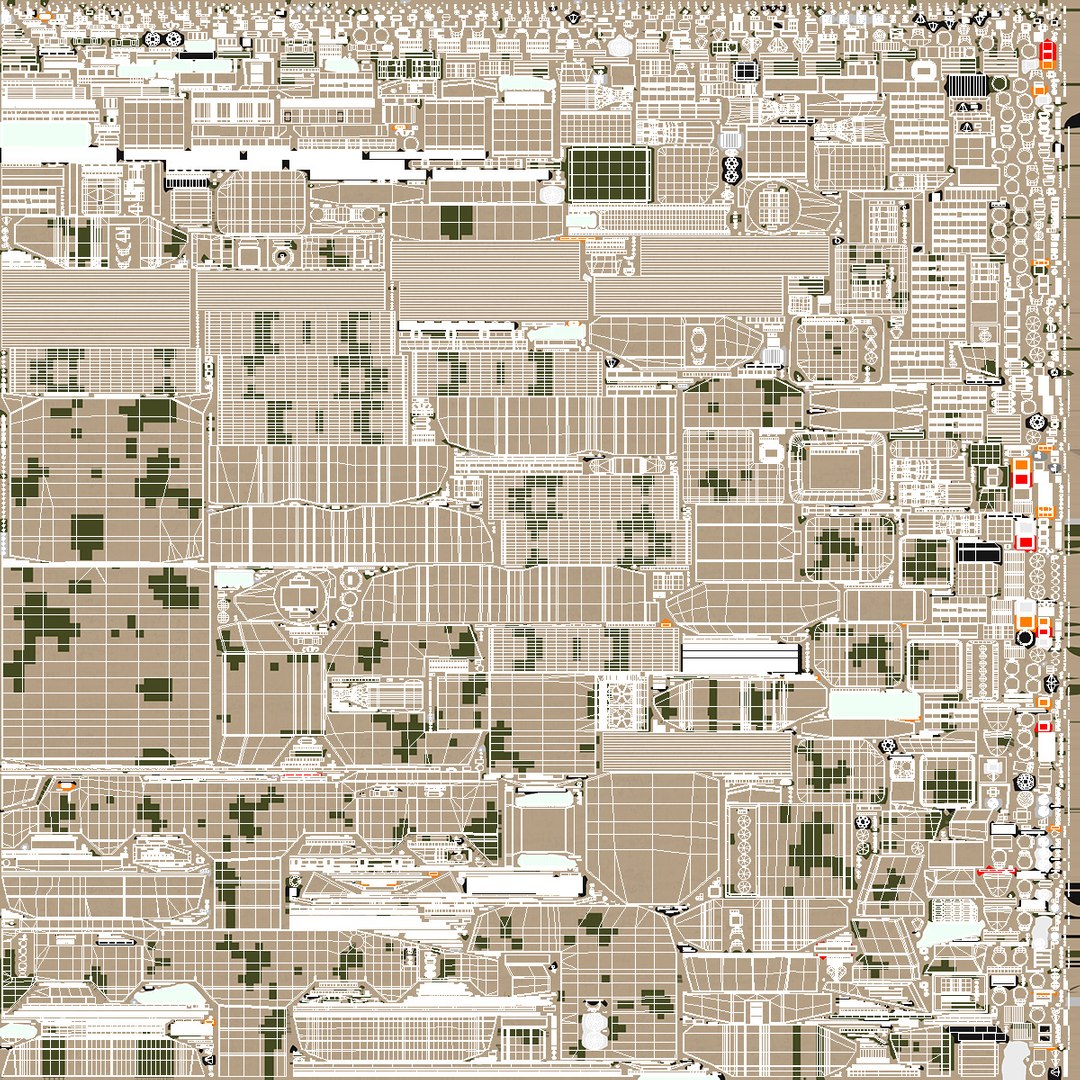
- All the objects come with complete UVs
All textures and materials are included and mapped. (All colors can be easily modified.)
- All objects are logically named and grouped for ease of objects selection and scene management.
- No part-name confusion when importing several models into a scene.
- No cleaning up necessary (Model does not include any backgrounds or scenes used in preview images.) - just drop model into your scene.
- No special plugin needed to open scene.
- PBR Materials

*****
File Formats:
- 3ds Max
- Cinema 4D
- Maya
- Blender
- OBJ, 3DS, FBX
*****

Textures Formats:
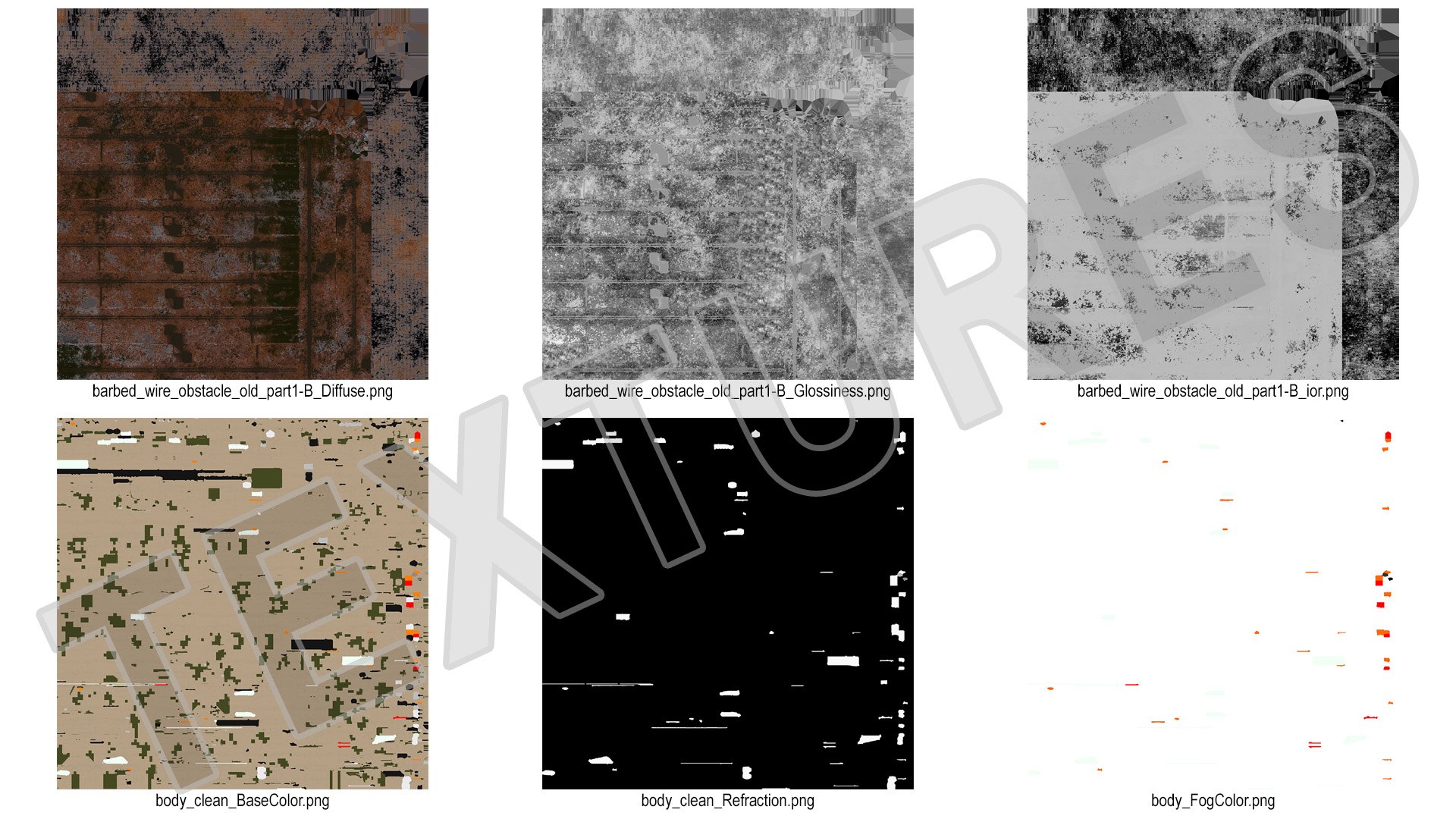
- 11 png (8192x8192)
- 5 png (4096x4096)
- 8 png (2048x2048)

*****
3d Molier International is a team of 3D artists with over a 15 years of experience. The company participated in various projects allowing us to learn our clients needs. Every model we build goes through thorough Quality assessment both visual and technical to make sure the assets look realistic and the models are of the best quality, which you can tell by looking at the renders - none of the has any postprocessing.

We produce 3D models. This is our main activity. Our goal is to create a 3D copy of all objects on the world.
Buy 3D models from professionals!
Also check out our other models, just click on our user name to see complete gallery.
(c) 3d_molier International - 2025

Select Enhanced License

  • $10,000 in Legal Protection (Indemnification)
  • Uncapped Legal Protection (Indemnification)
  • Waiver from injunctive relief
  • Assignable model rights
  • $1,000,000 in Legal Protection (Indemnification)
  • Waiver from injunctive relief
  • Assignable model rights
  • $250,000 in Legal Protection (Indemnification)
  • Assignable model rights
Read more about enhanced license tiers, or contact us at enterprise@turbosquid.com. Already a Shutterstock Enterprise Customer? Contact your Shutterstock Sales Support Agent to talk about adding 3D.

About Conversion Requests

To submit a conversion request for a purchased asset, please complete our Conversion Request Form.

If you have not yet purchased a model, please review our Documentation about Conversions to learn about what limitations you may encounter with a conversion.

For any additional questions about a model’s suitability for conversion, please contact TurboSquid Support.

Loading...