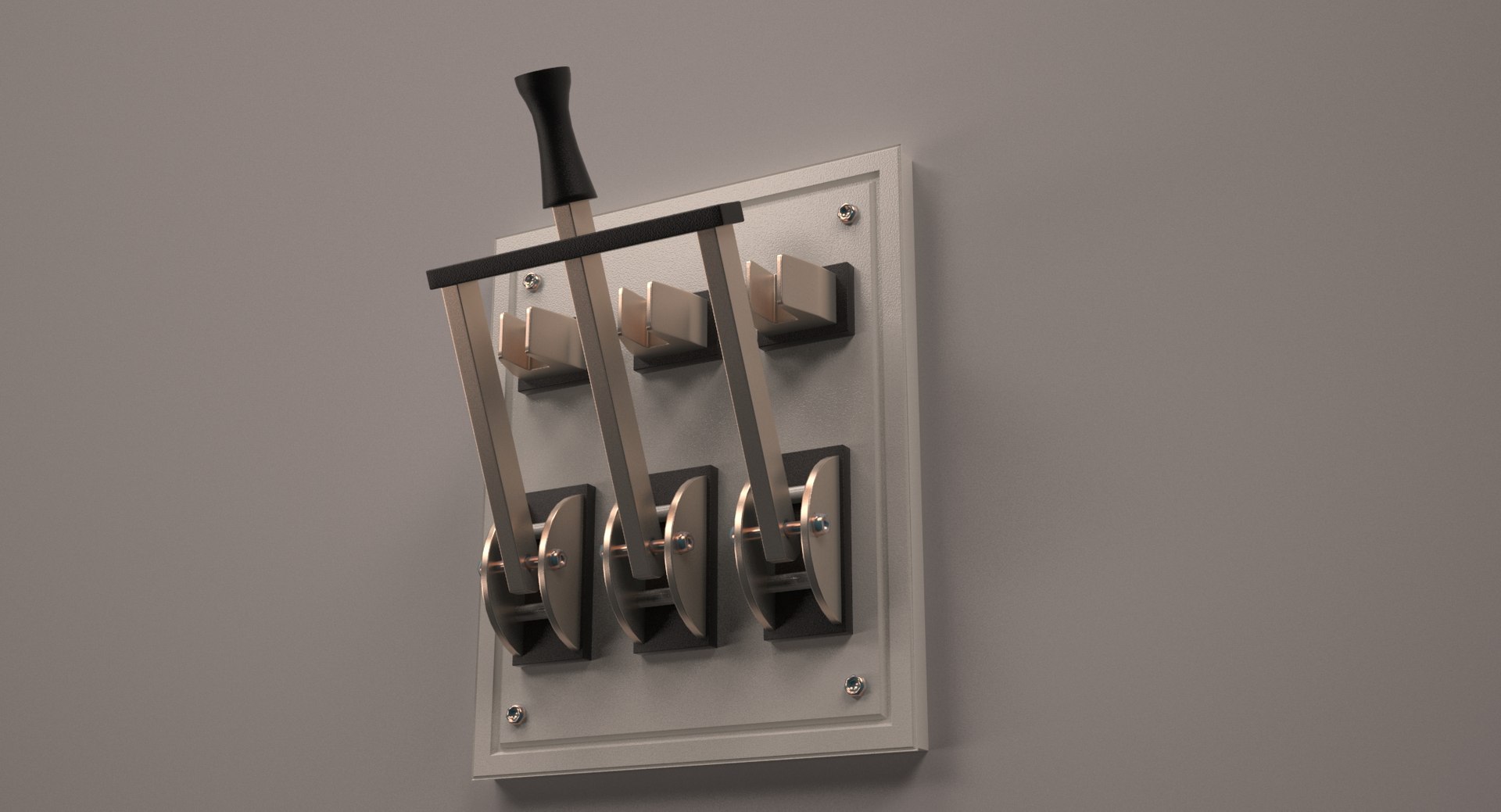
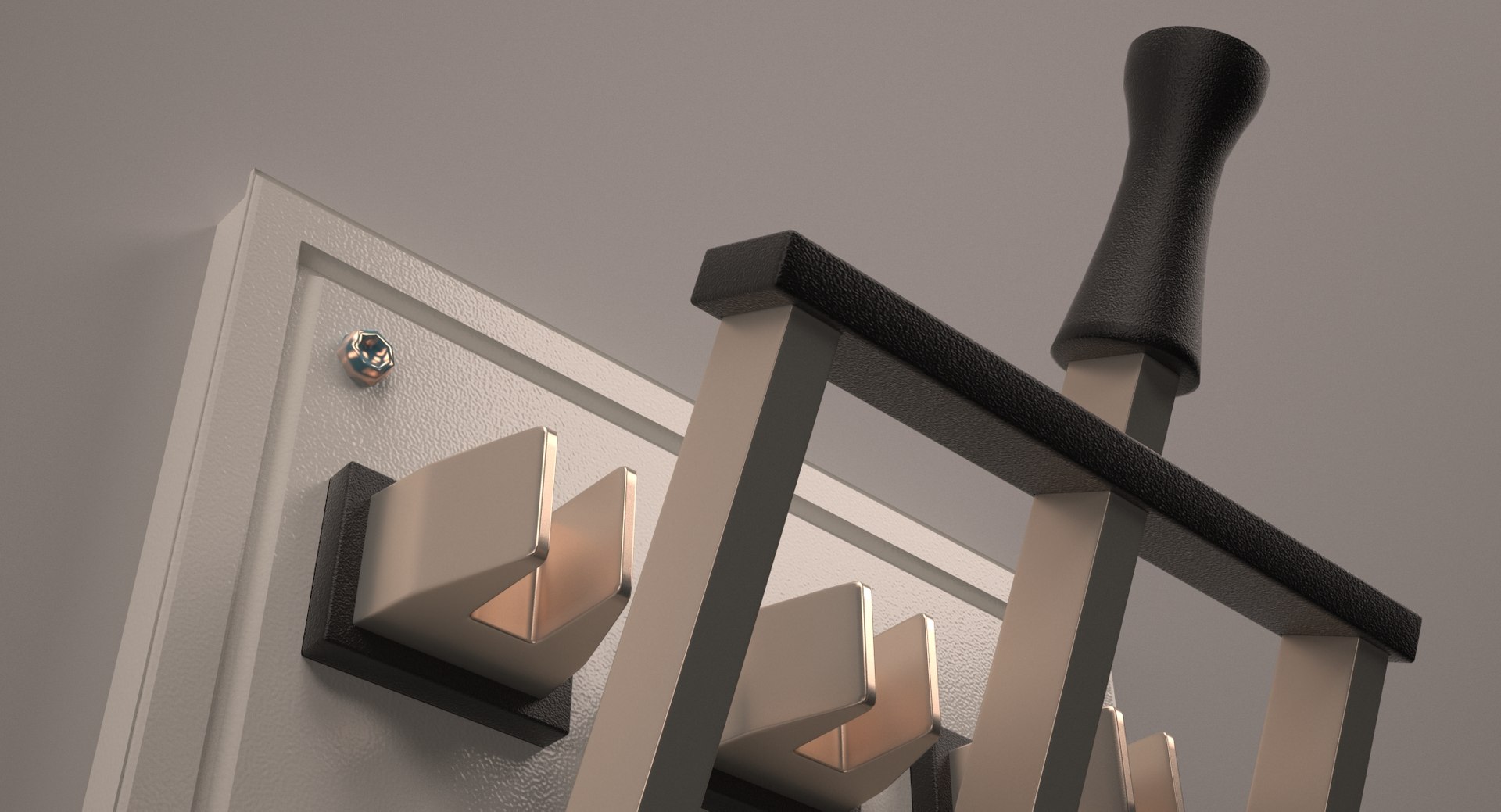
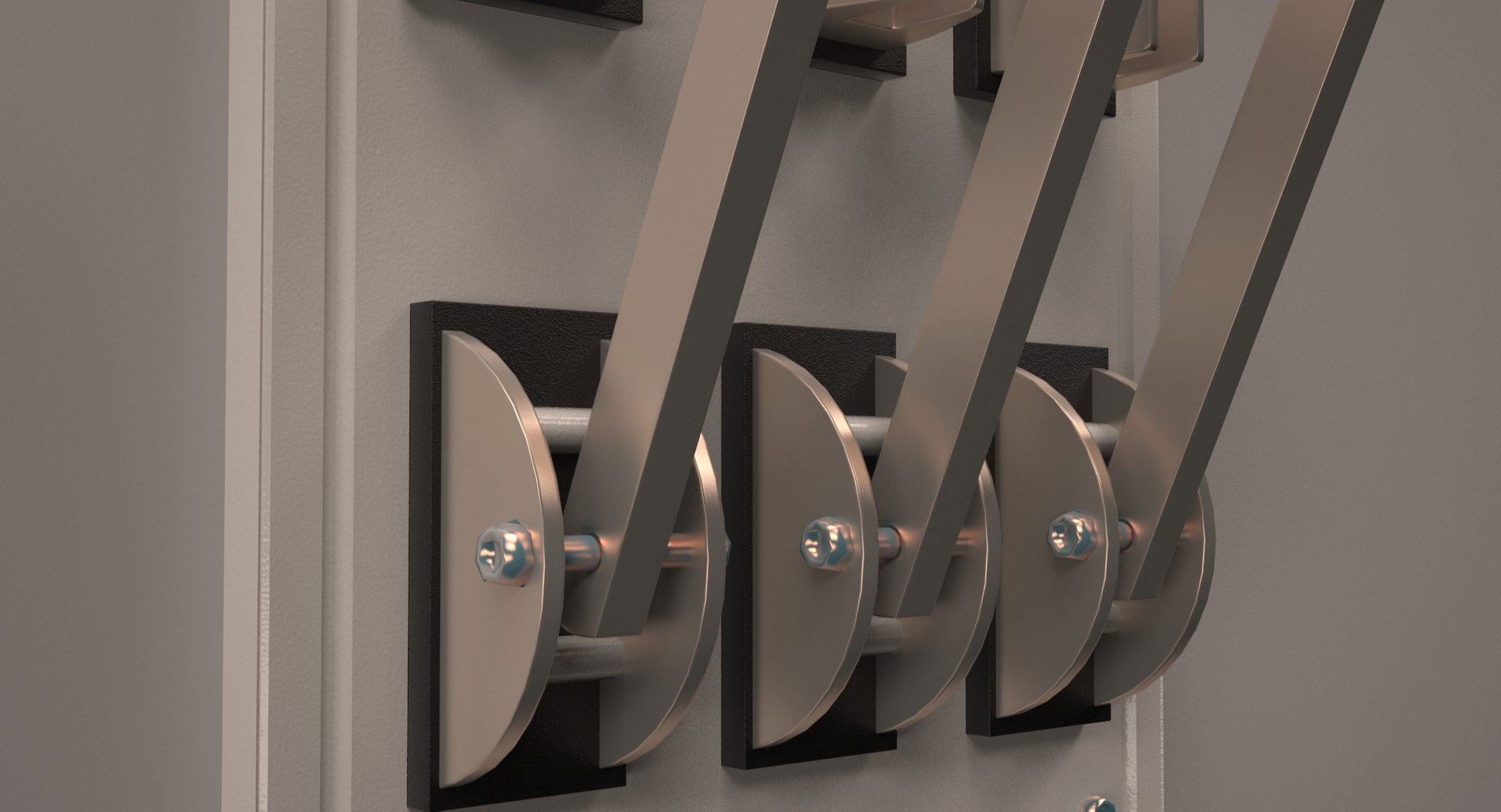
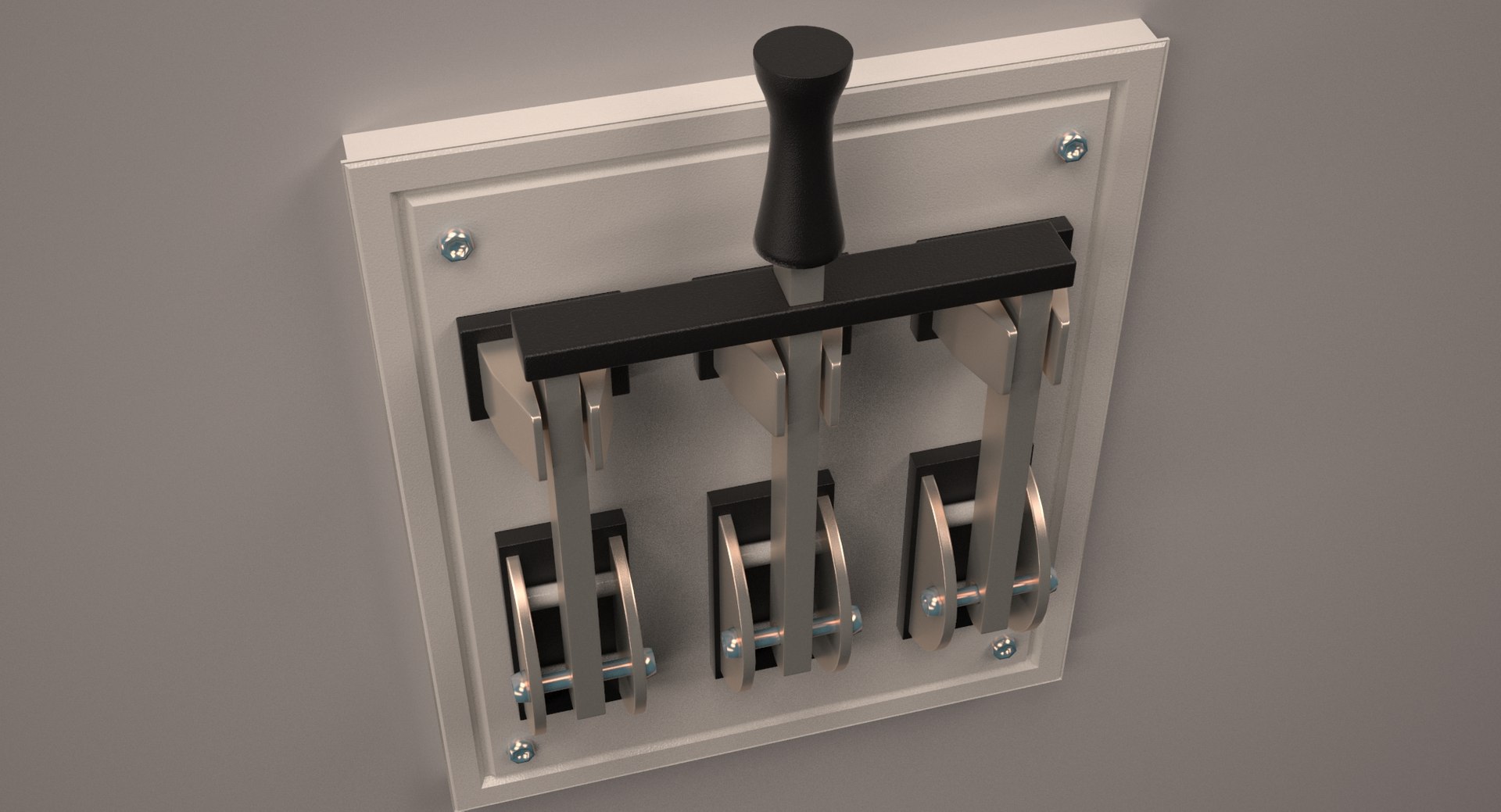
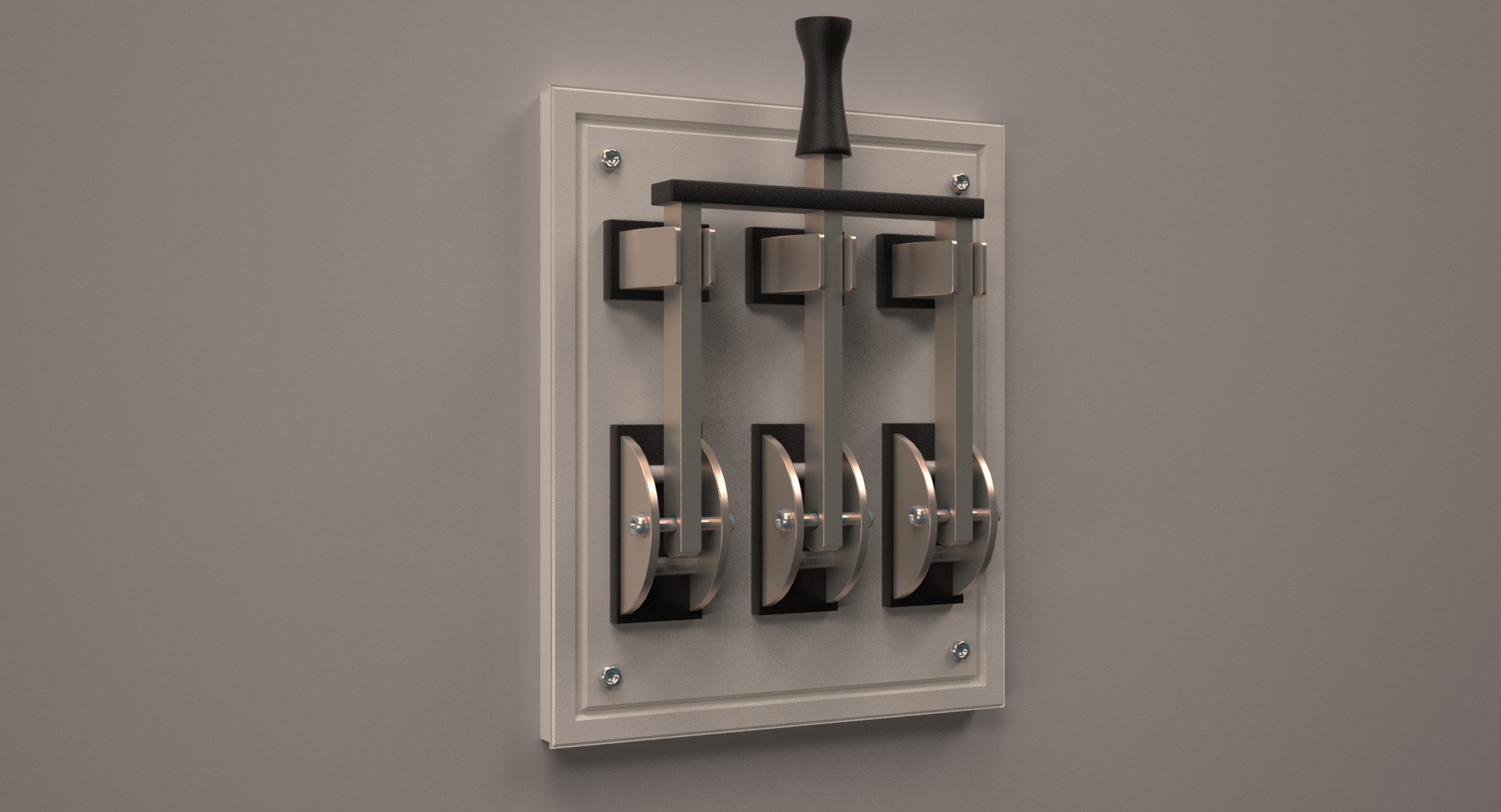
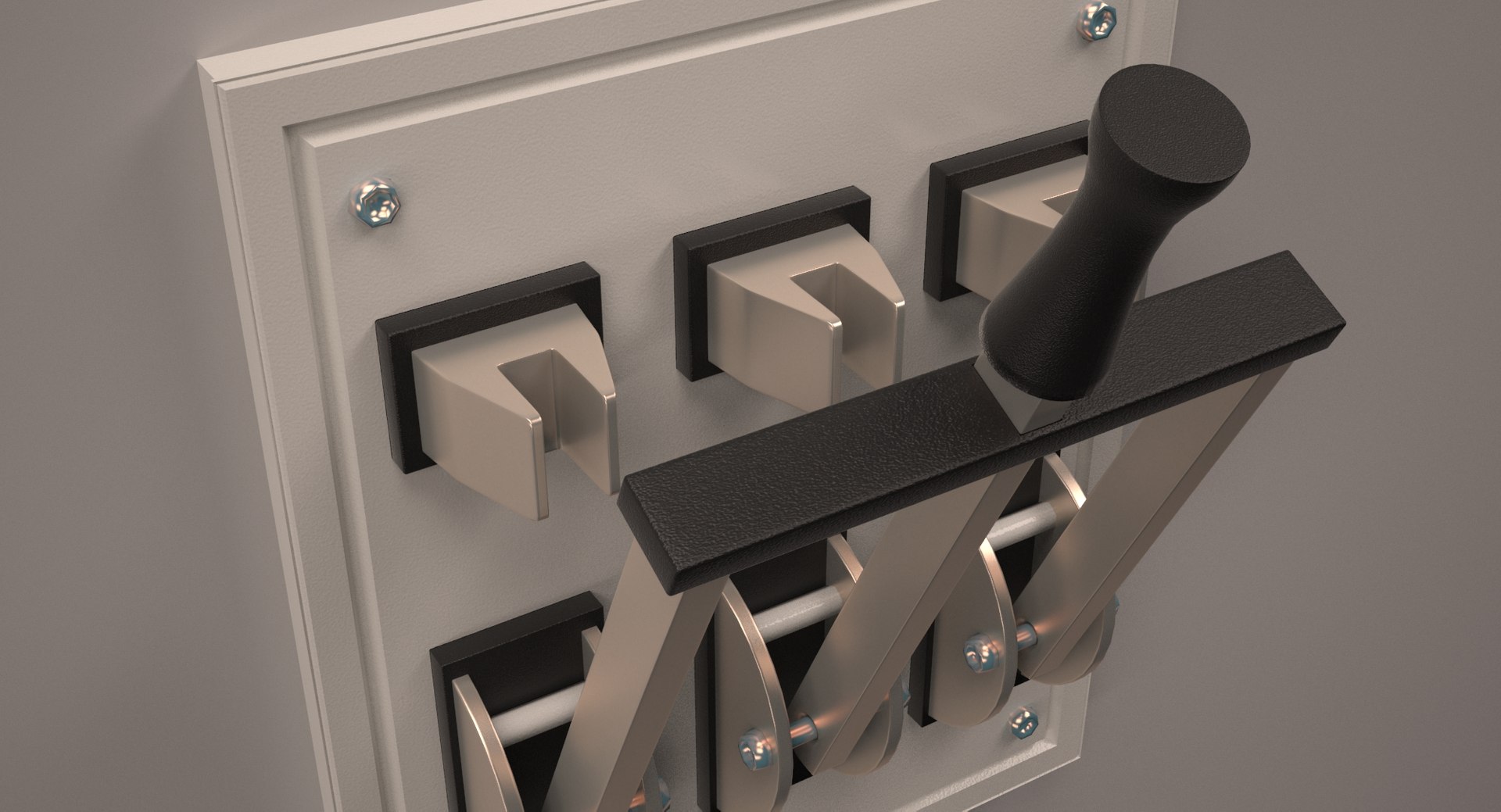
Triple Electric Knife Switch

$39

Standard License | Upgrade License
Formats (12)
Free file format Conversions available
Native | 3ds Max 2012 | V-Ray 2.50.01
3ds Max 2012 | V-Ray 2.50.01
OBJ
FBX
AutoCAD drawing
3D Studio
glTF
3ds Max
OpenUSD
Other Files
Triple Knife Switch.mtl
Specifications
Publish Date November 19, 2017
Product ID 1225270
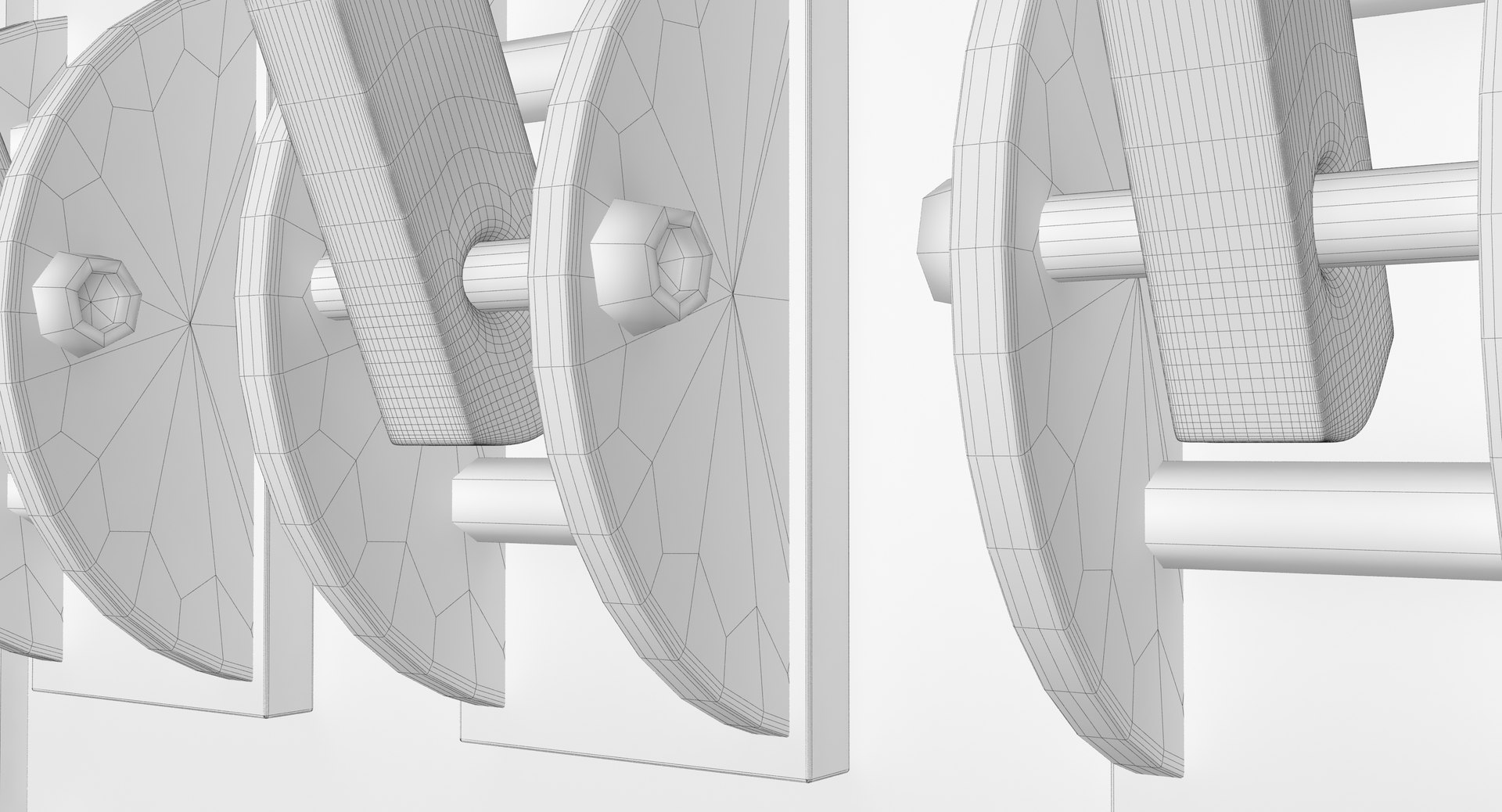
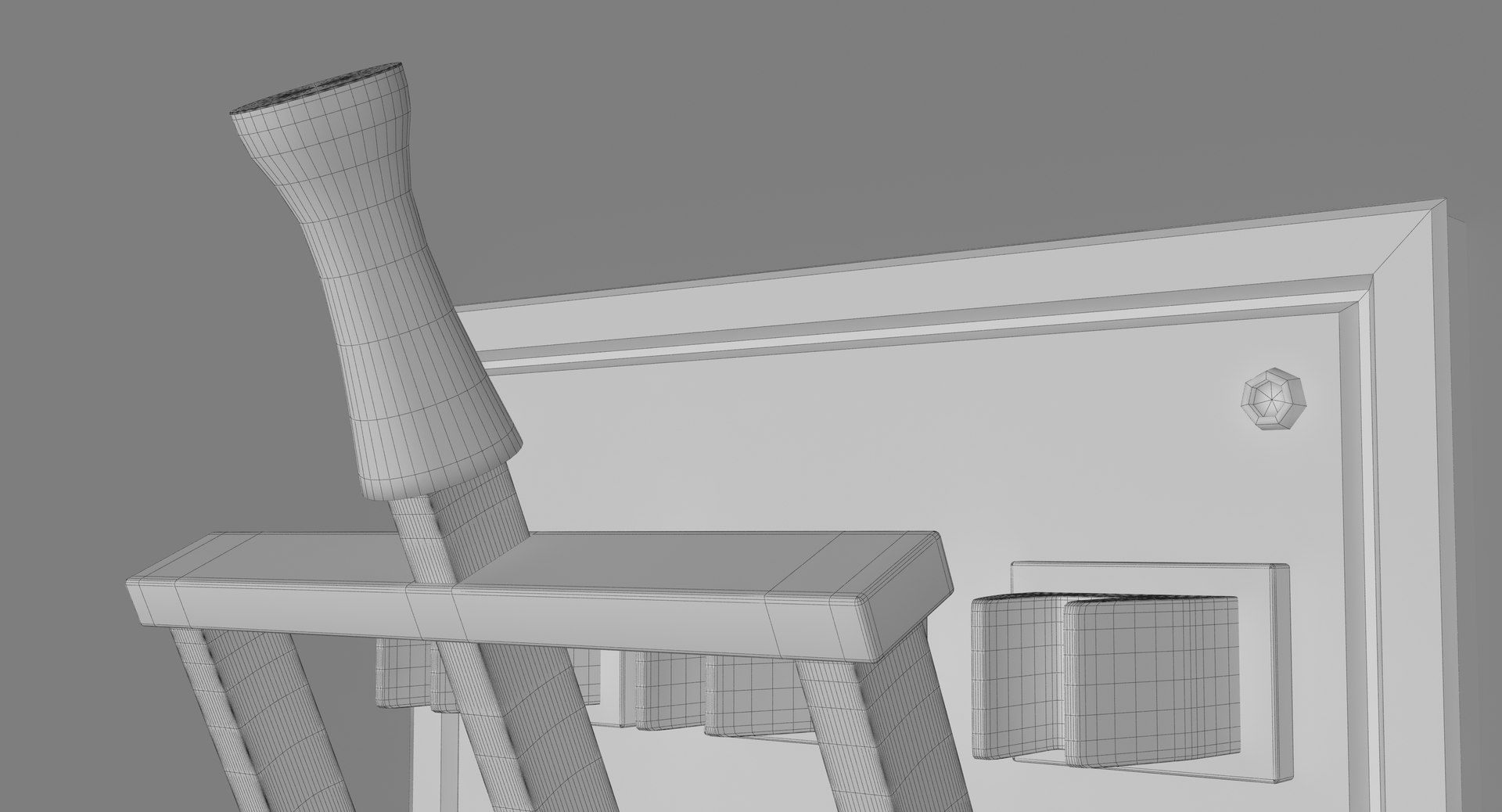
Polygons 25,450
Vertices 25,410
Polygonal Ngons Used
Materials
PBR
TurboSquid Exclusive
member avatar
MMAS3D
117 Products | Contributor Since 2015
Have questions? Chat with us now.

Description

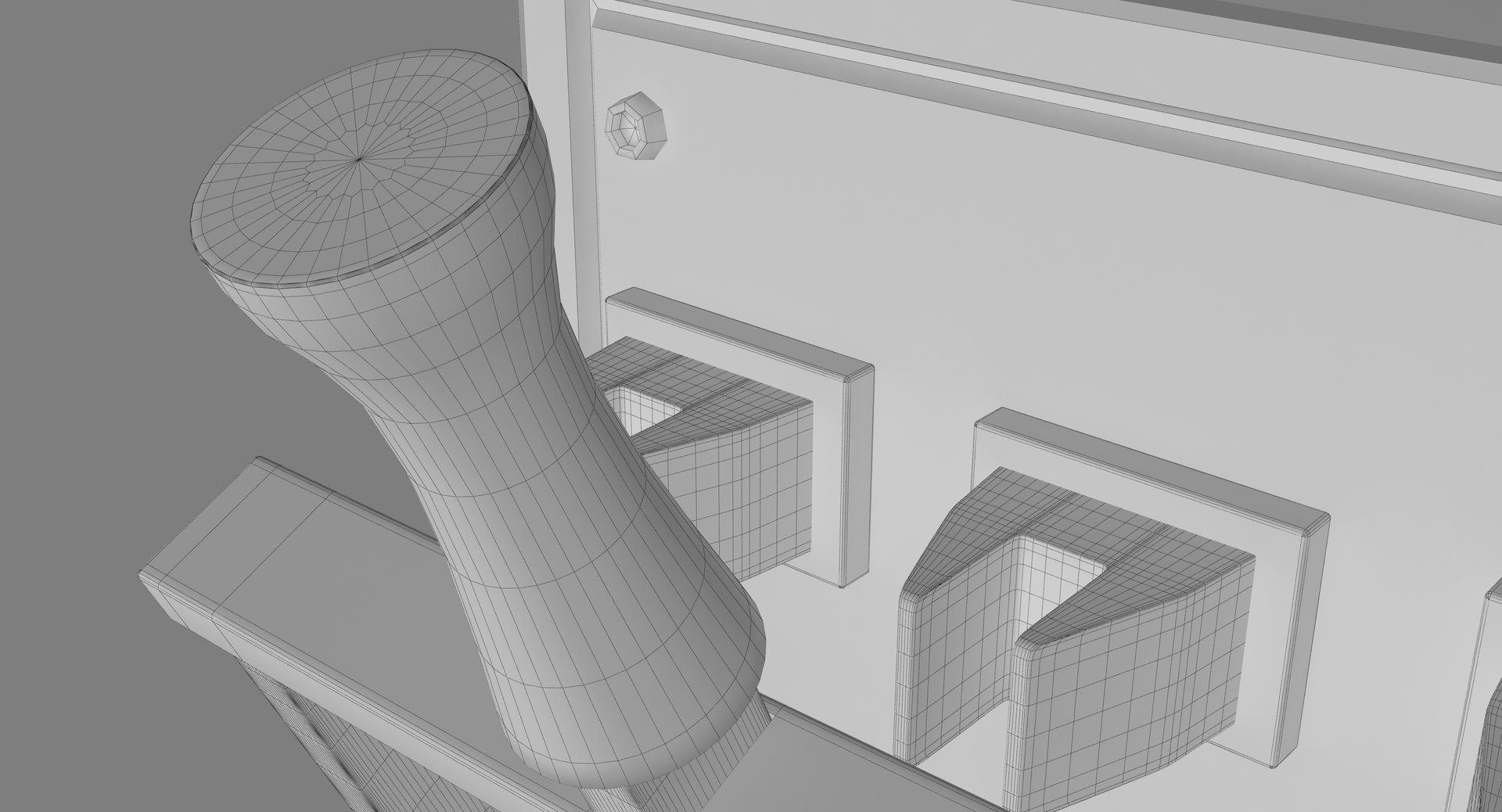
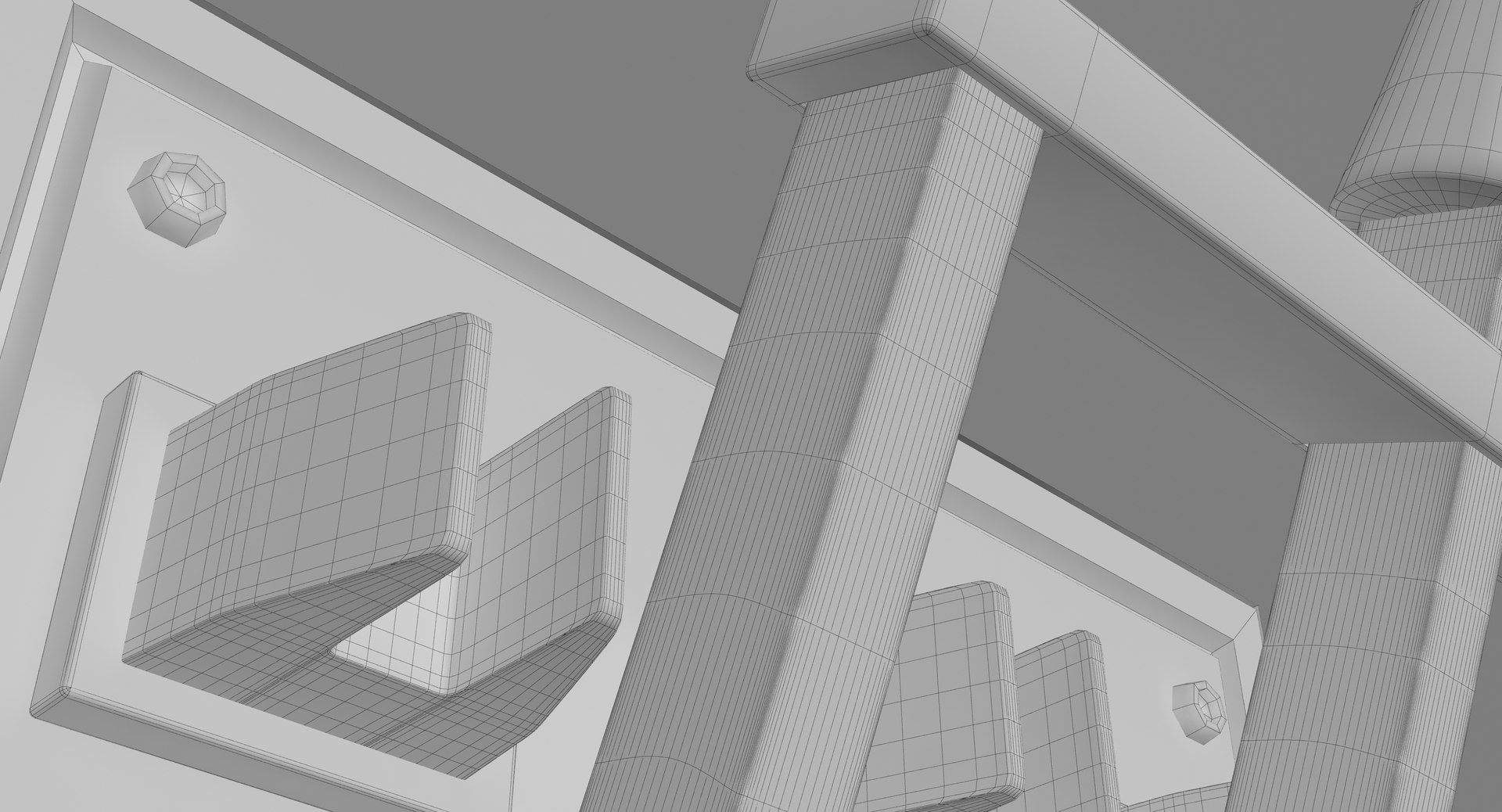
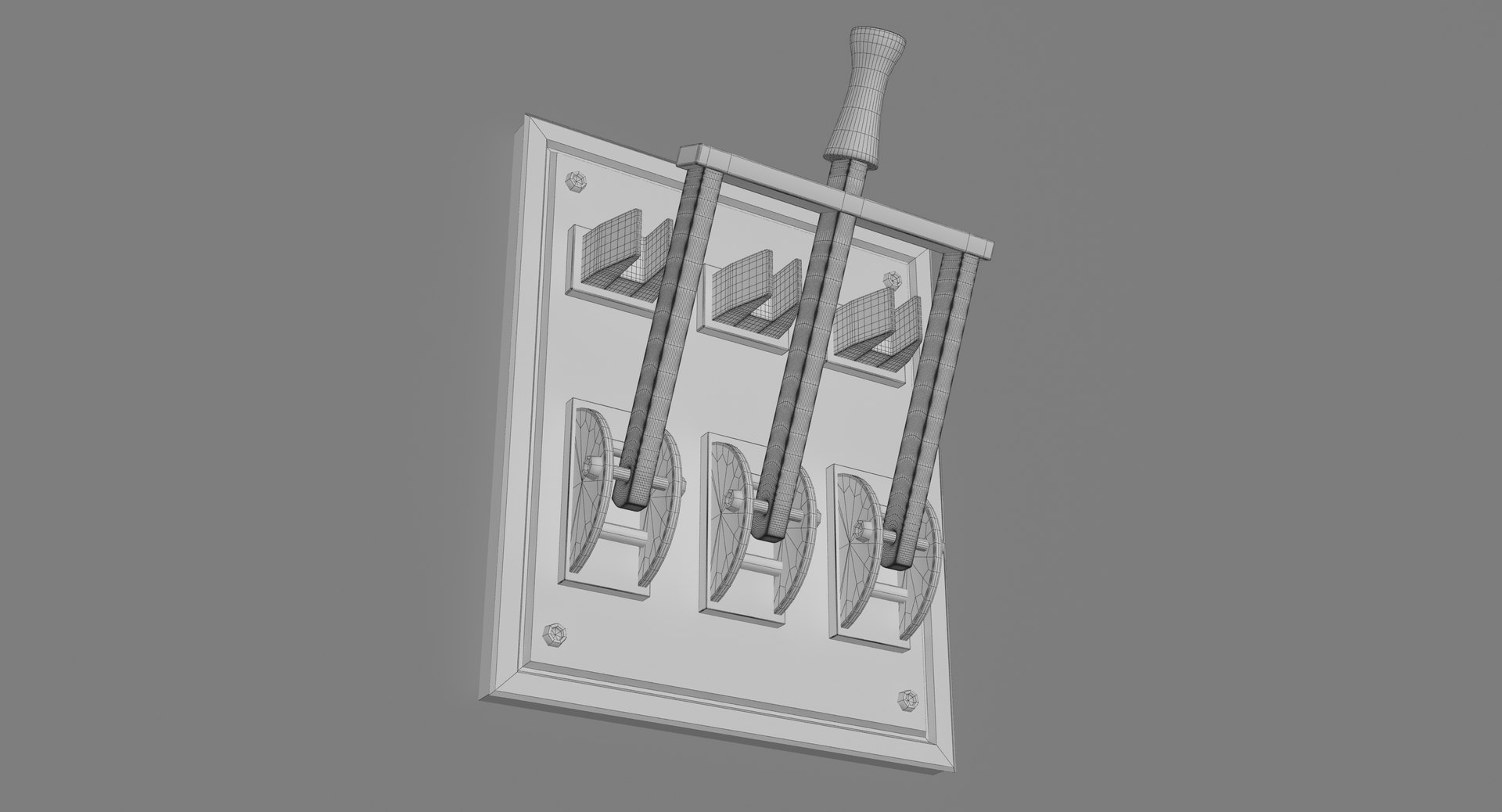
* Triple Electric Knife Switch We created it on 3DS MAX 2015 with high quality to add more realism to your projects.
* We saved it as 3DS MAX 2012, to give you the variety with the versions.
*Rendered with Vray 2.50.01
*Detailed that you can render close-up shots for your project.
* There is an additional 3ds max file cleaned up; contains only the object. Just drop the model into your scene and start rendering.

__________________________________________________________________
Dimensions:
**************
*Width 0.25
*Height 0.3

__________________________________________________________________
Features:
*************
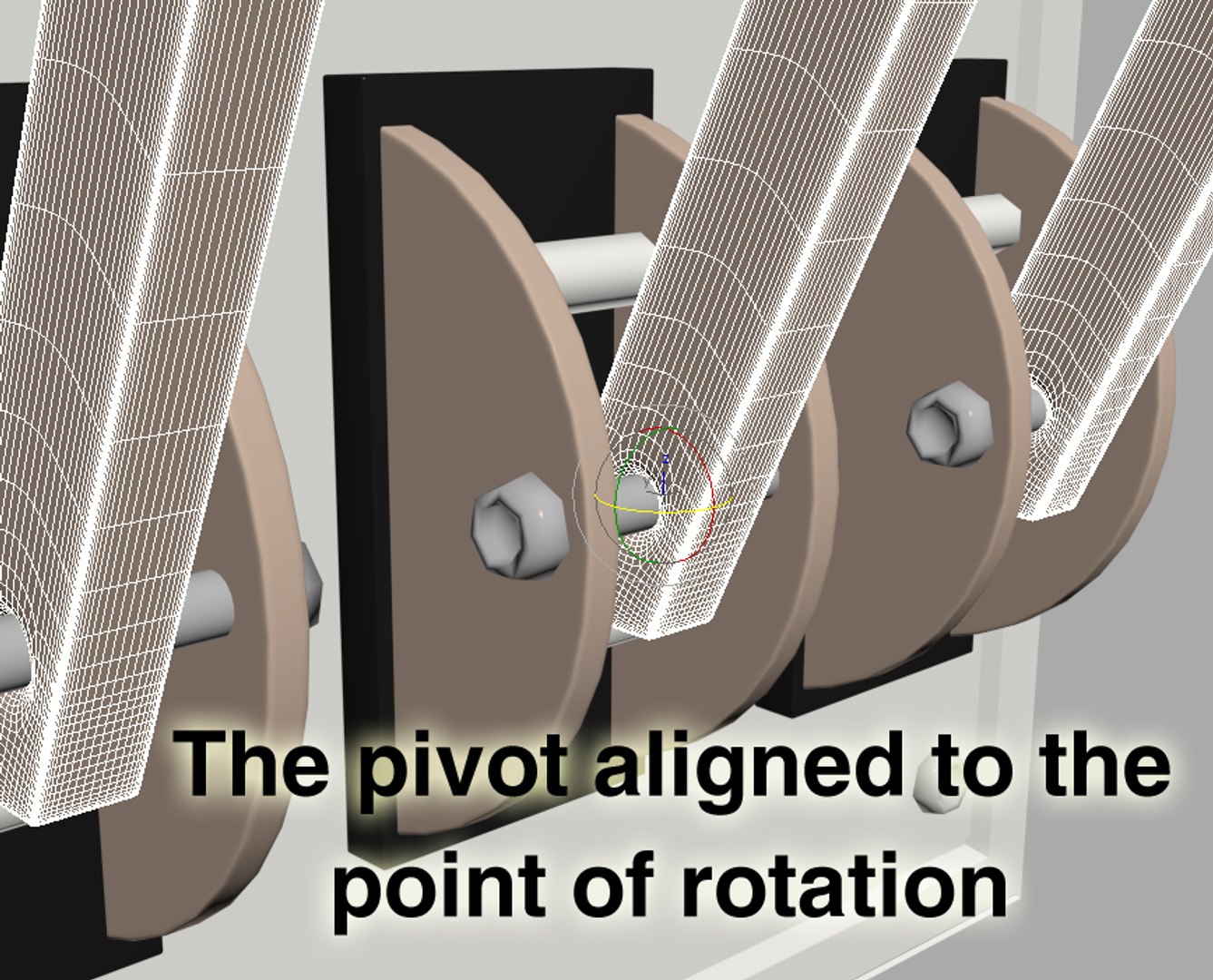
*Pivot (just rotate the electric knife hand )
* Scaled to the world scale.
* Occupied on 0, 0, 0 x, y, z axis.
* Number of objects, 24 objects (one background object 23 total objects).
* Units with meters.
* The file contains cameras and lights.
* There is an additional 3ds max file cleaned up; contains only the object. Just drop the model into your scene and start rendering.
* All the objects have materials.
_____________________________________________________________________________________

Select Enhanced License

  • $10,000 in Legal Protection (Indemnification)
  • Uncapped Legal Protection (Indemnification)
  • Waiver from injunctive relief
  • Assignable model rights
  • $1,000,000 in Legal Protection (Indemnification)
  • Waiver from injunctive relief
  • Assignable model rights
  • $250,000 in Legal Protection (Indemnification)
  • Assignable model rights
Read more about enhanced license tiers, or contact us at enterprise@turbosquid.com. Already a Shutterstock Enterprise Customer? Contact your Shutterstock Sales Support Agent to talk about adding 3D.

About Conversion Requests

To submit a conversion request for a purchased asset, please complete our Conversion Request Form.

If you have not yet purchased a model, please review our Documentation about Conversions to learn about what limitations you may encounter with a conversion.

For any additional questions about a model’s suitability for conversion, please contact TurboSquid Support.

Loading...