Surgery Room

$199

Standard License | Upgrade License
Formats (4)
Native | 3ds Max 2014 | V-Ray 2.5
3ds Max 2014 | Default Scanline
OBJ
FBX
Specifications
Publish Date May 31, 2023
Product ID 2077611
Polygons 858,318
Vertices 900,192
Polygonal Quads/Tris Geometry
Textures
Materials
UV Mapped
Mixed Unwrapped UVs
TurboSquid Exclusive
member avatar
RippleDesign
95 Products | Contributor Since 2022
Have questions? Chat with us now.

Description

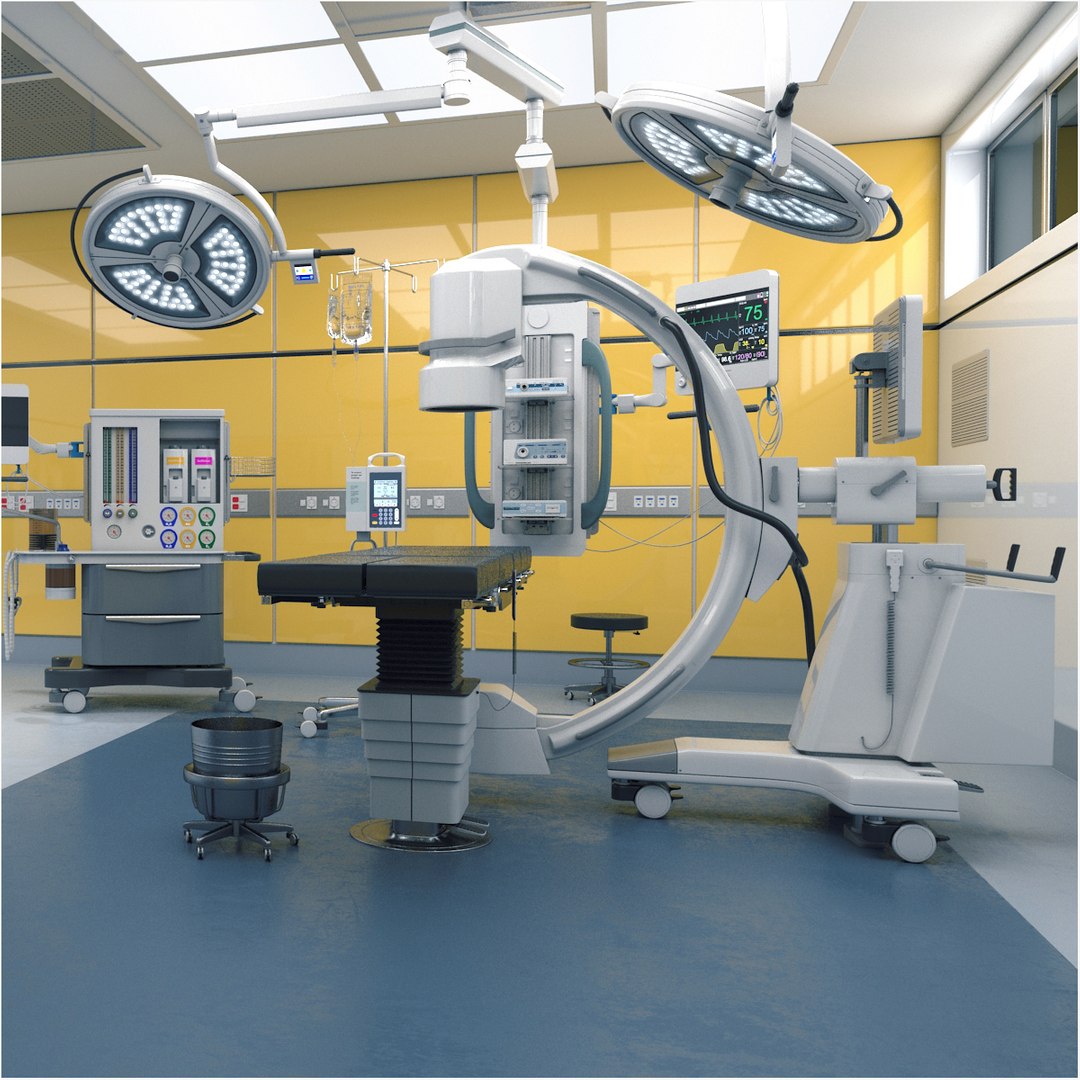
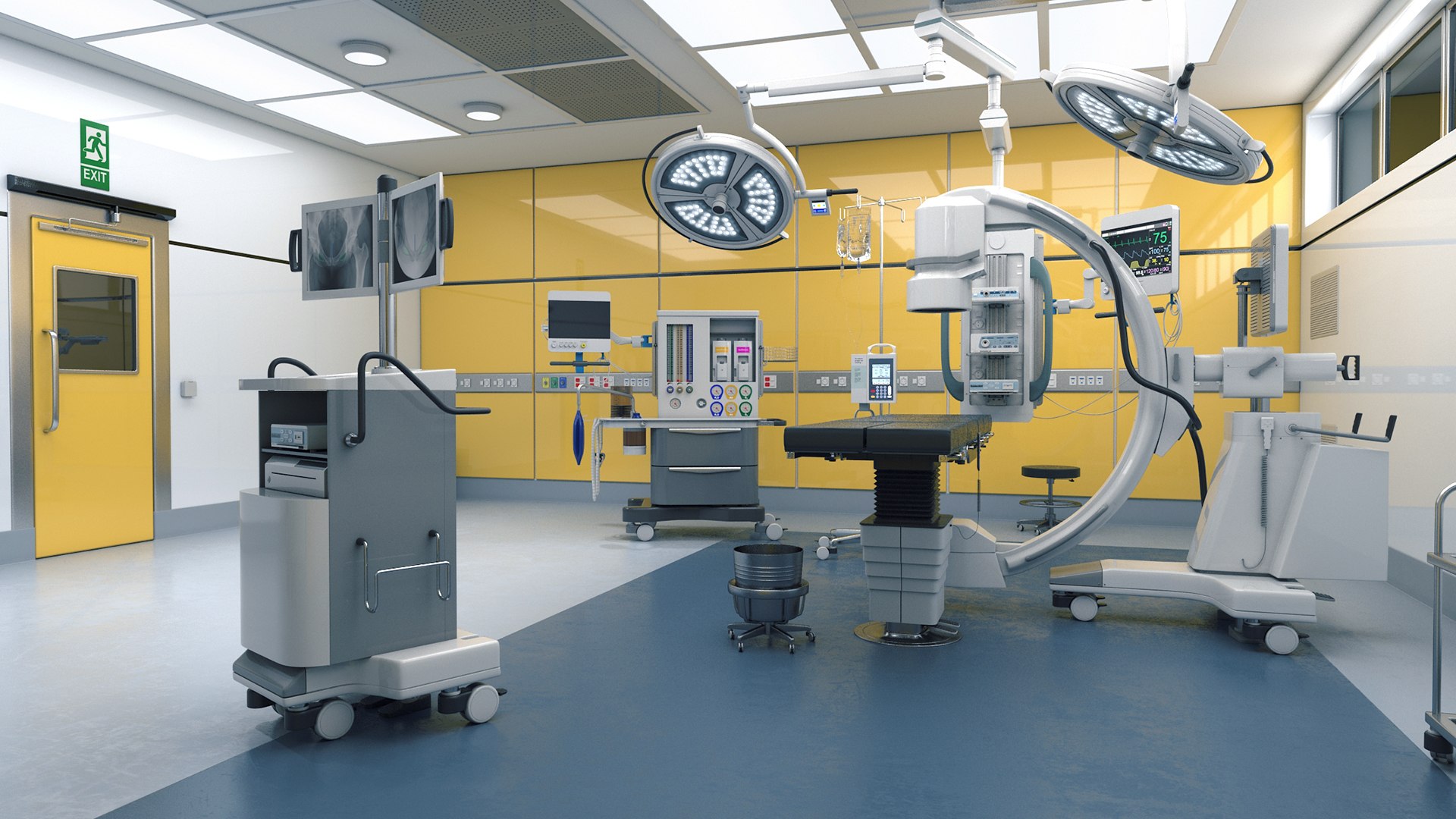
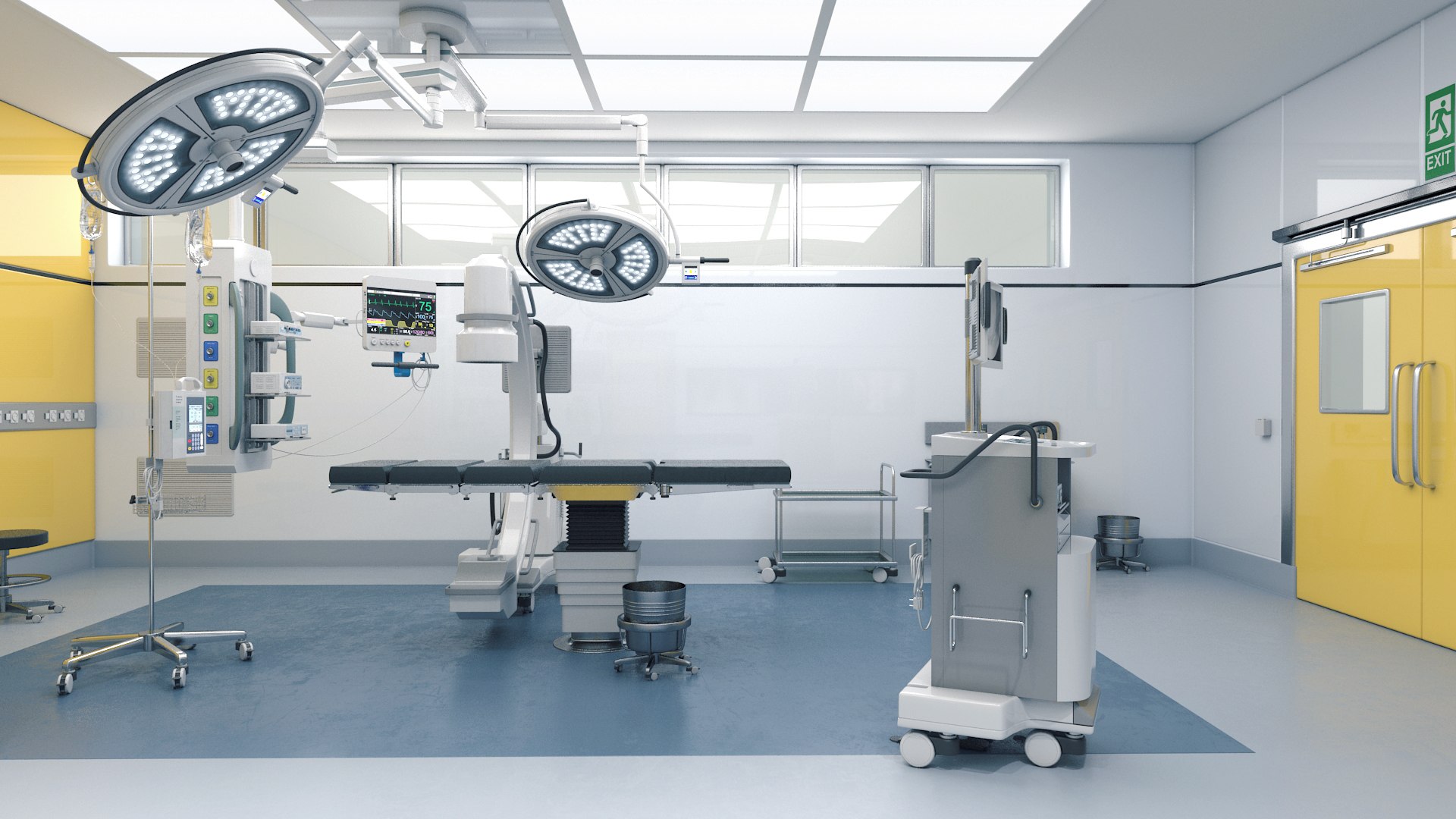
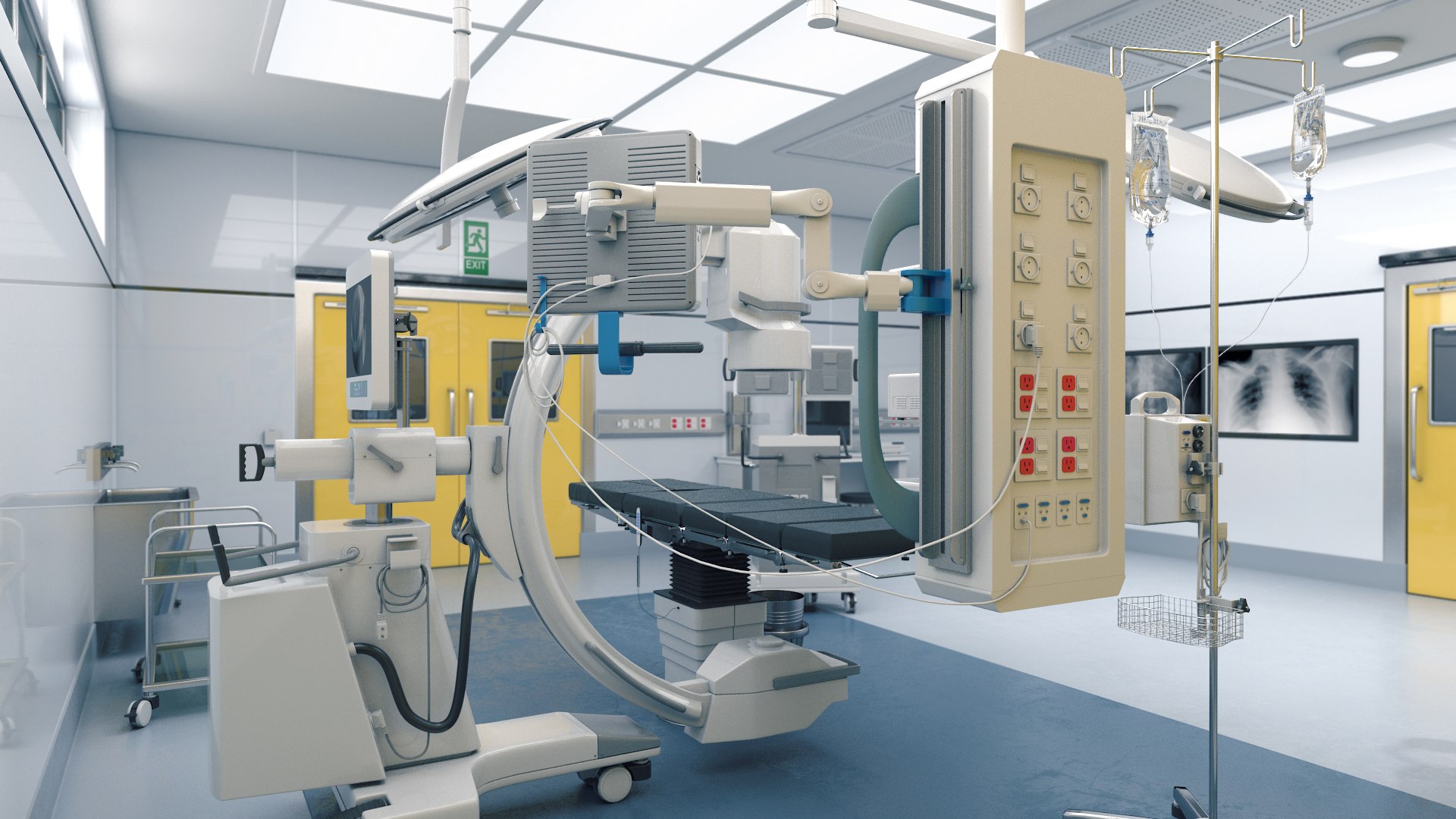
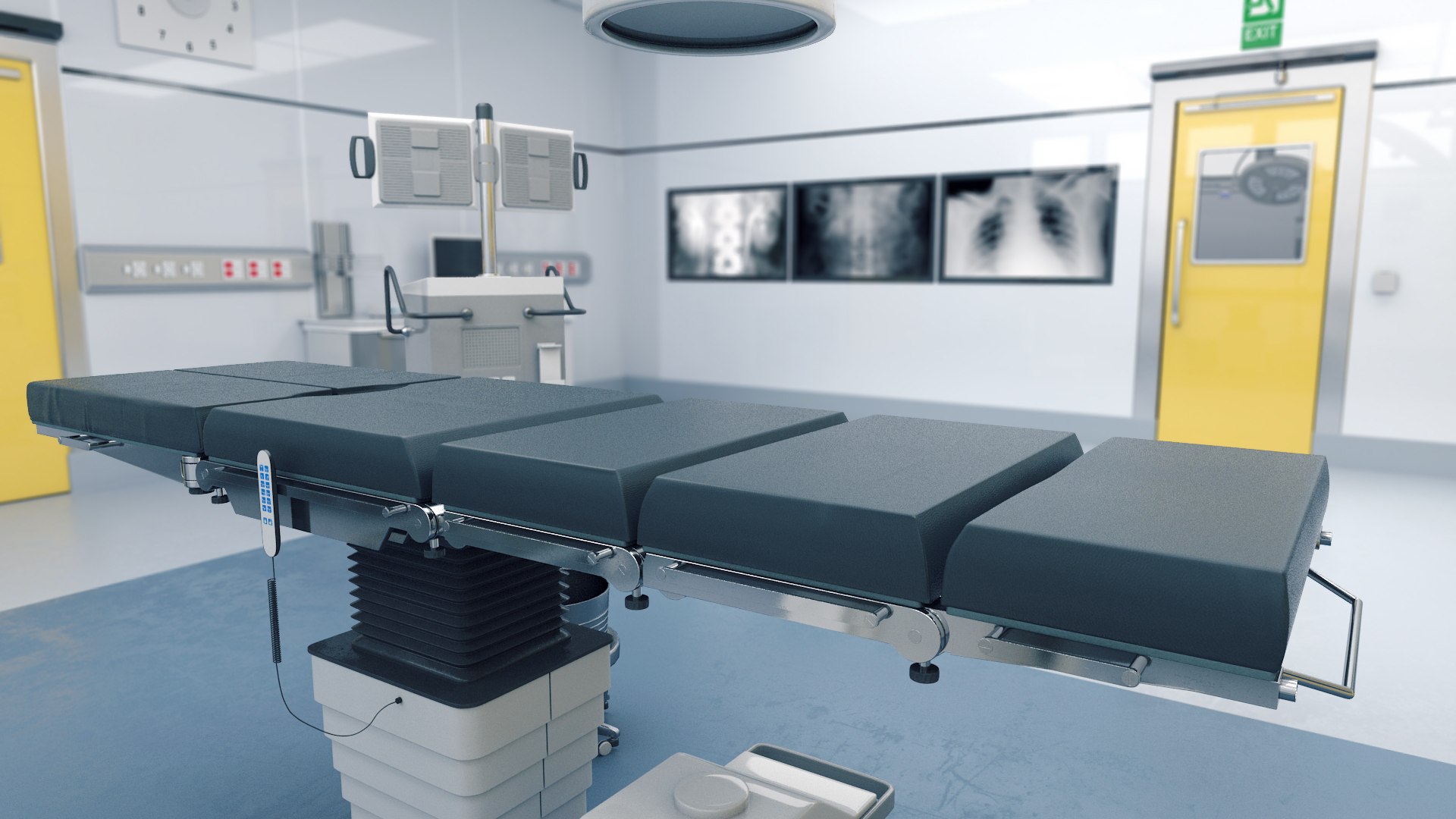
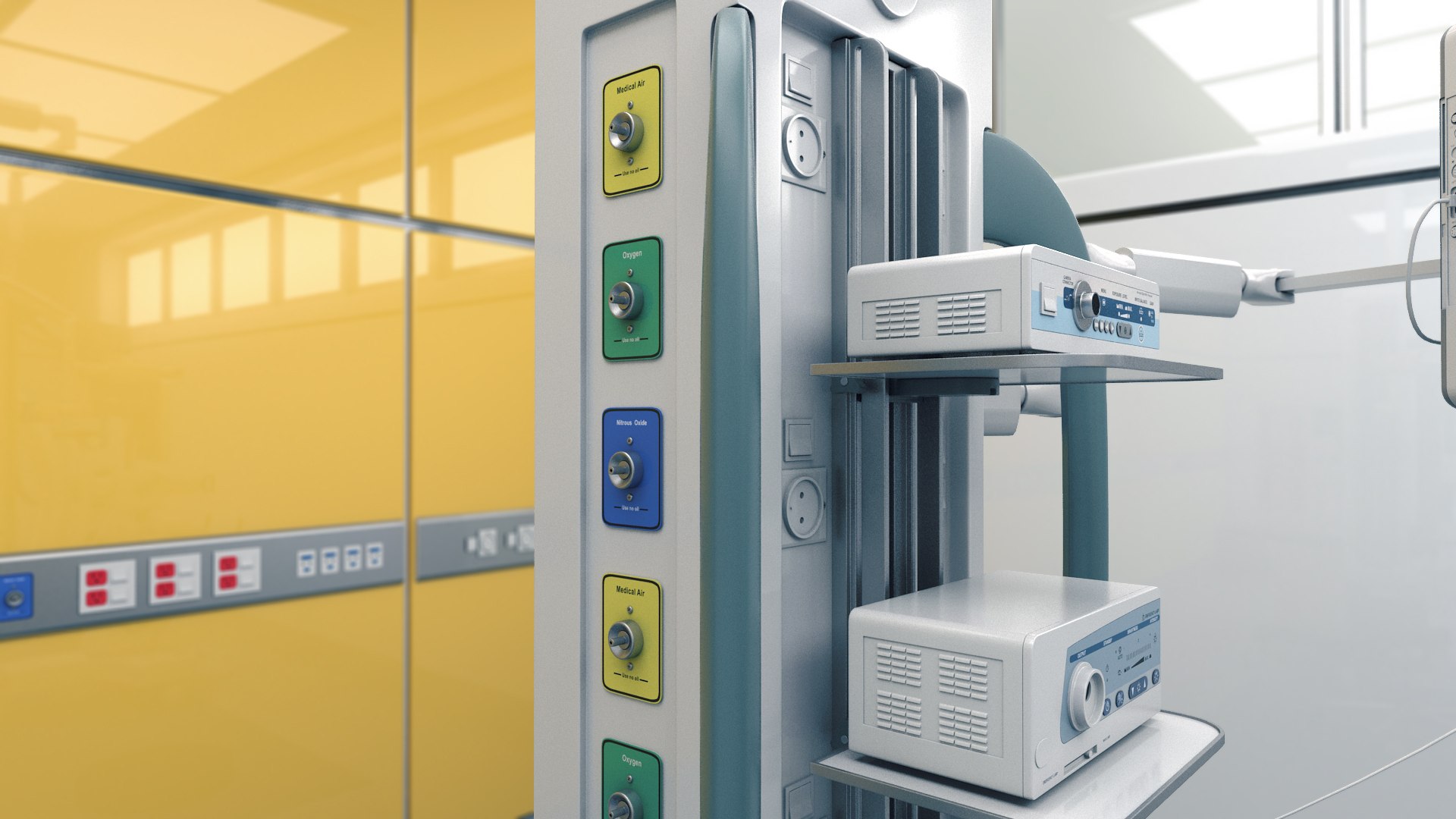
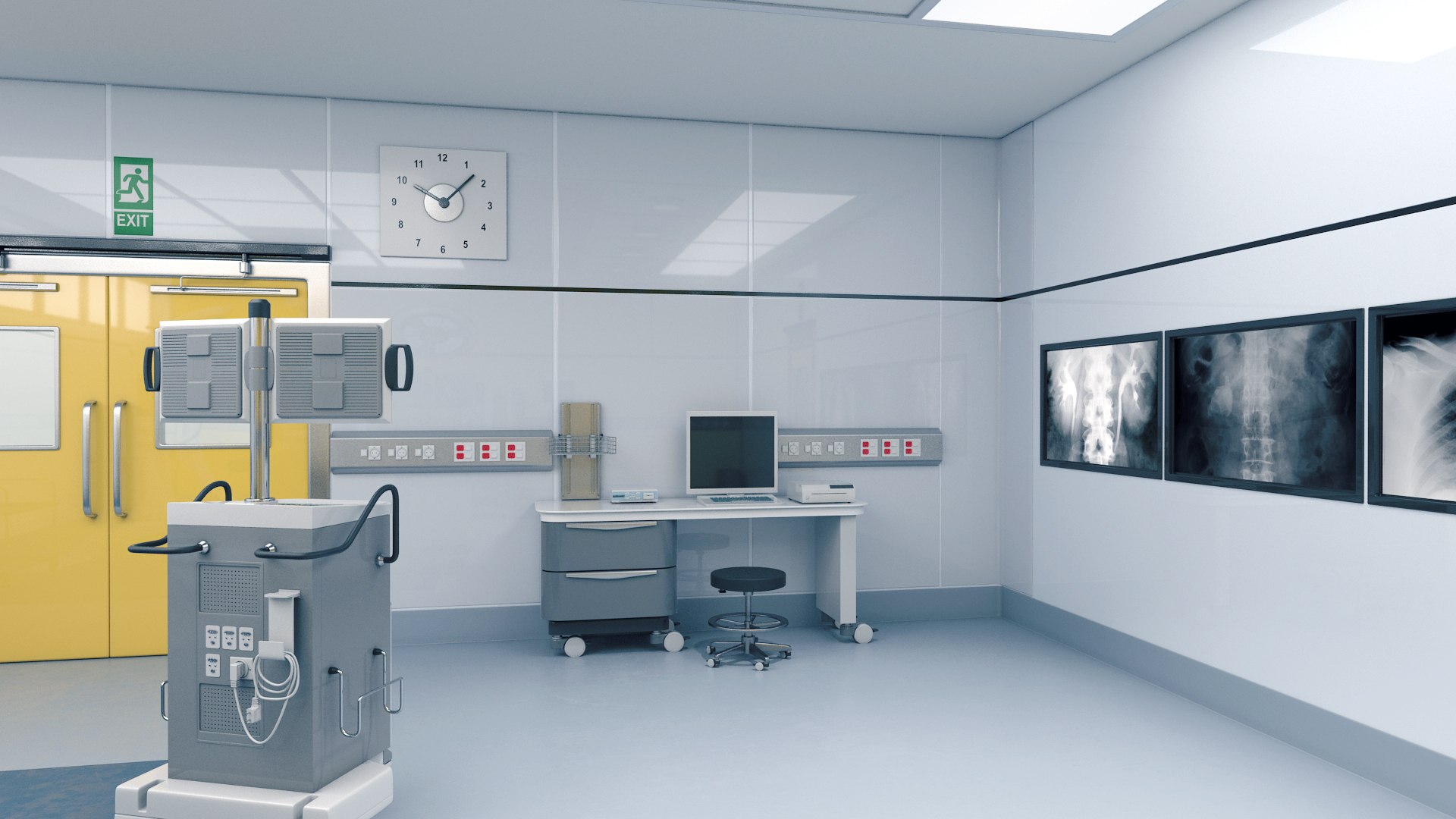
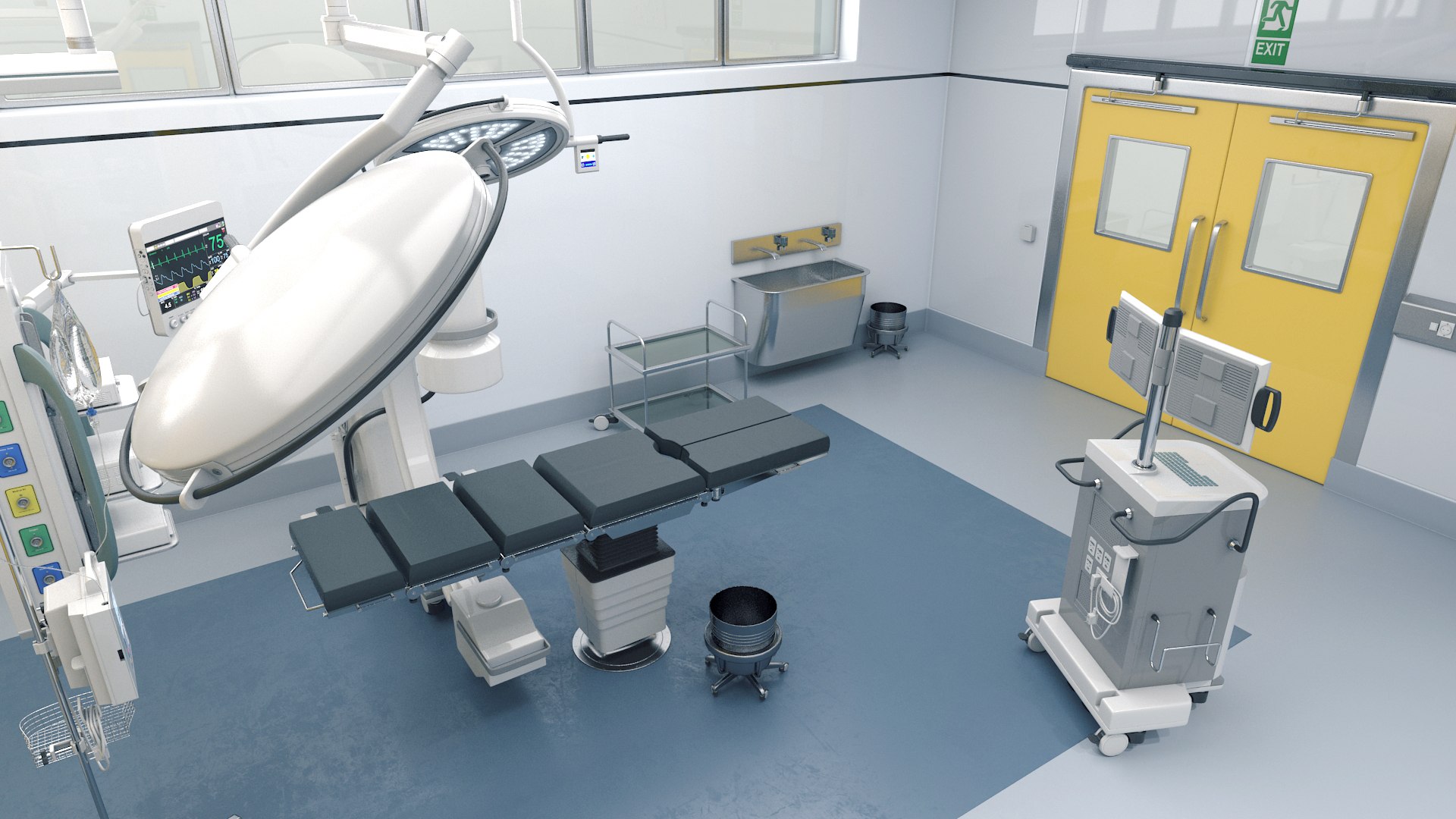
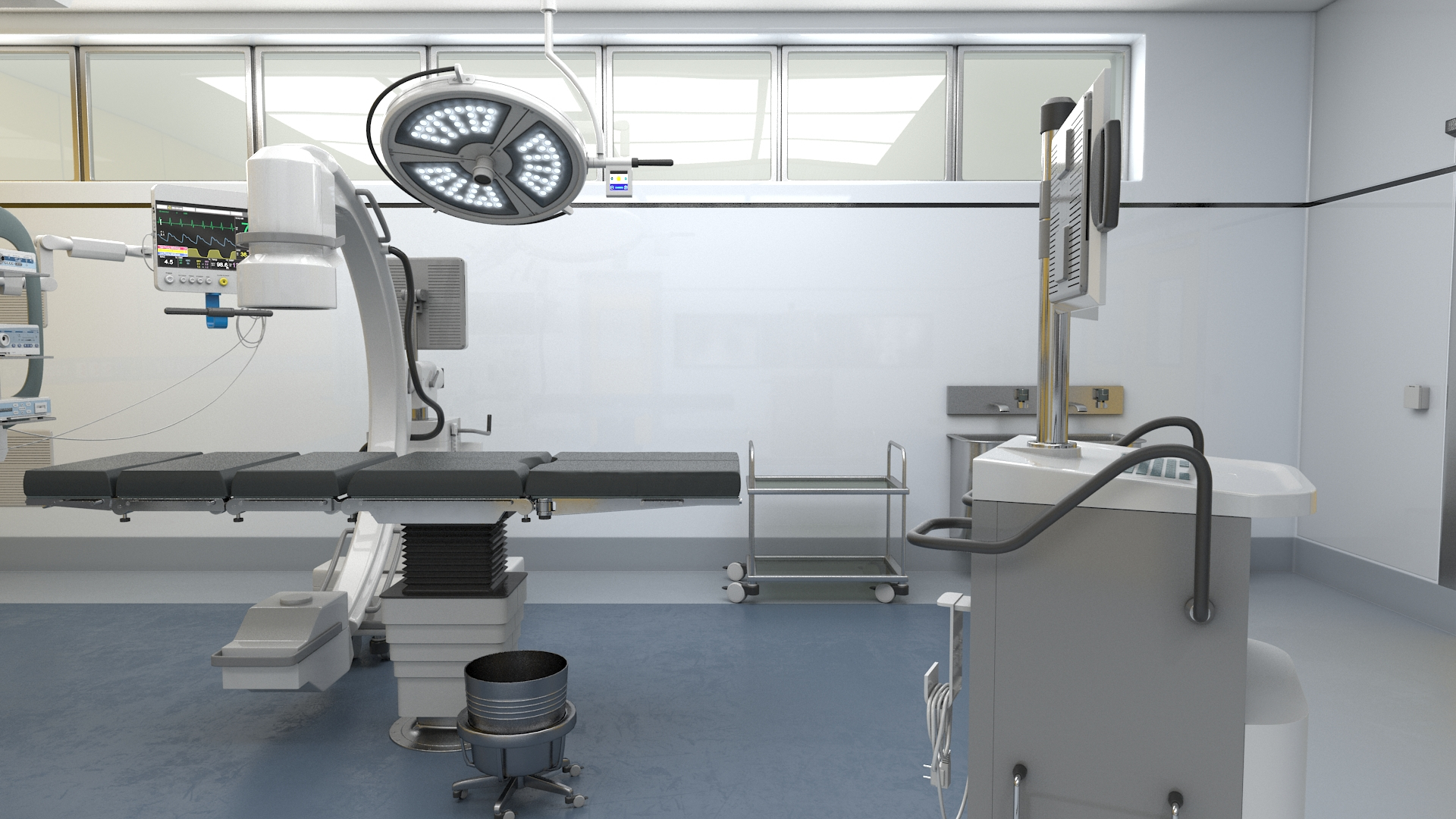
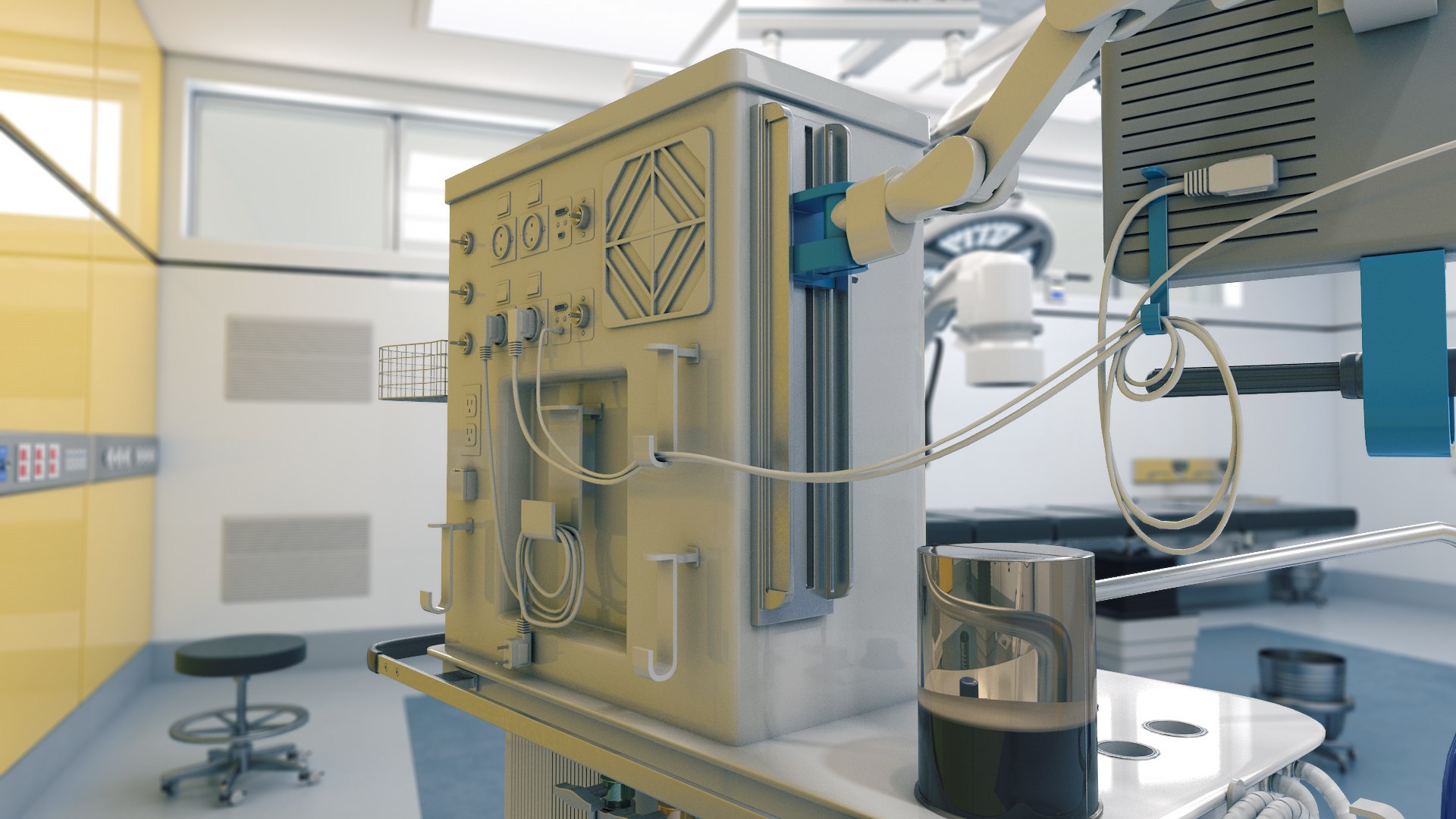
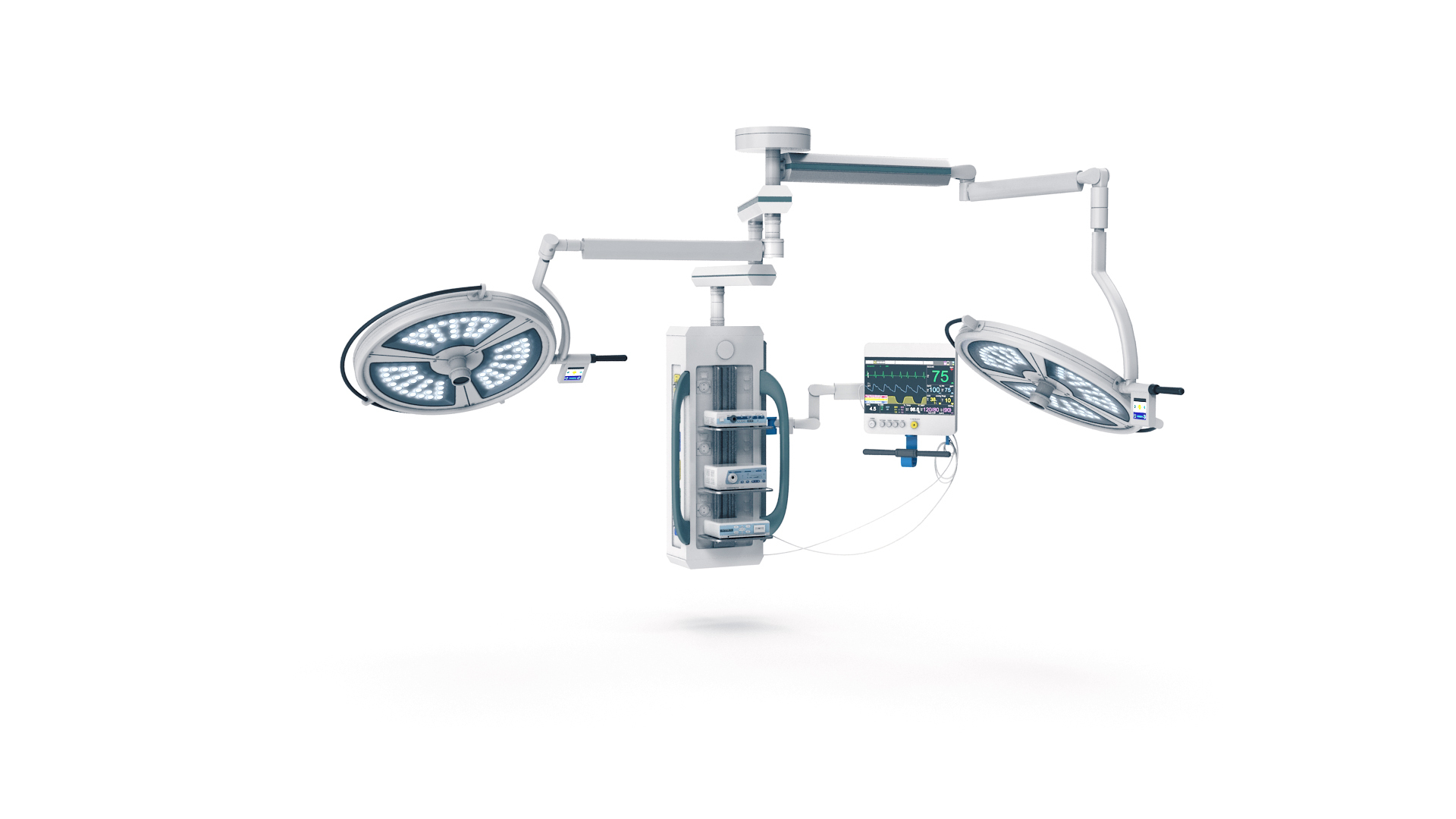
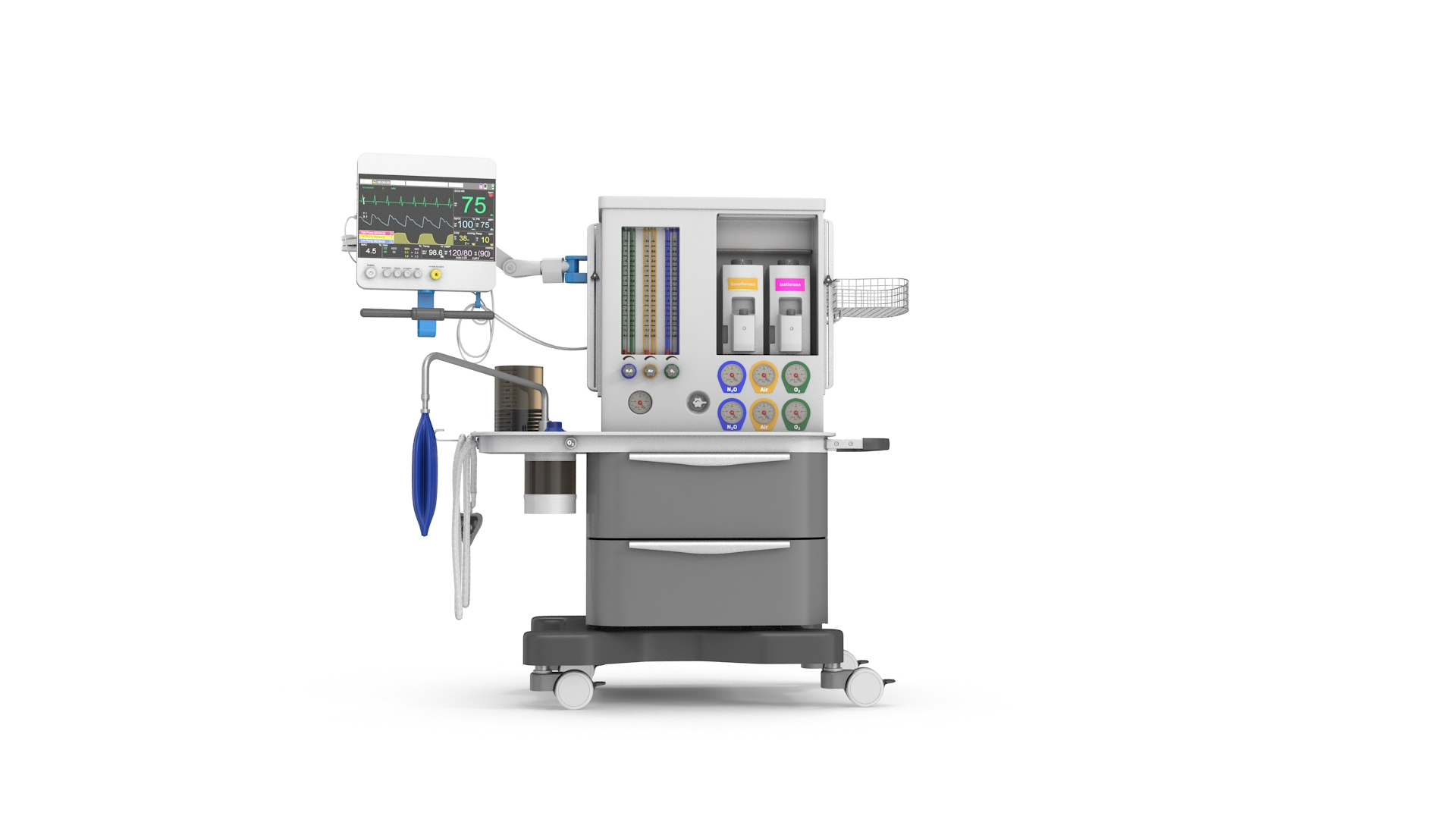
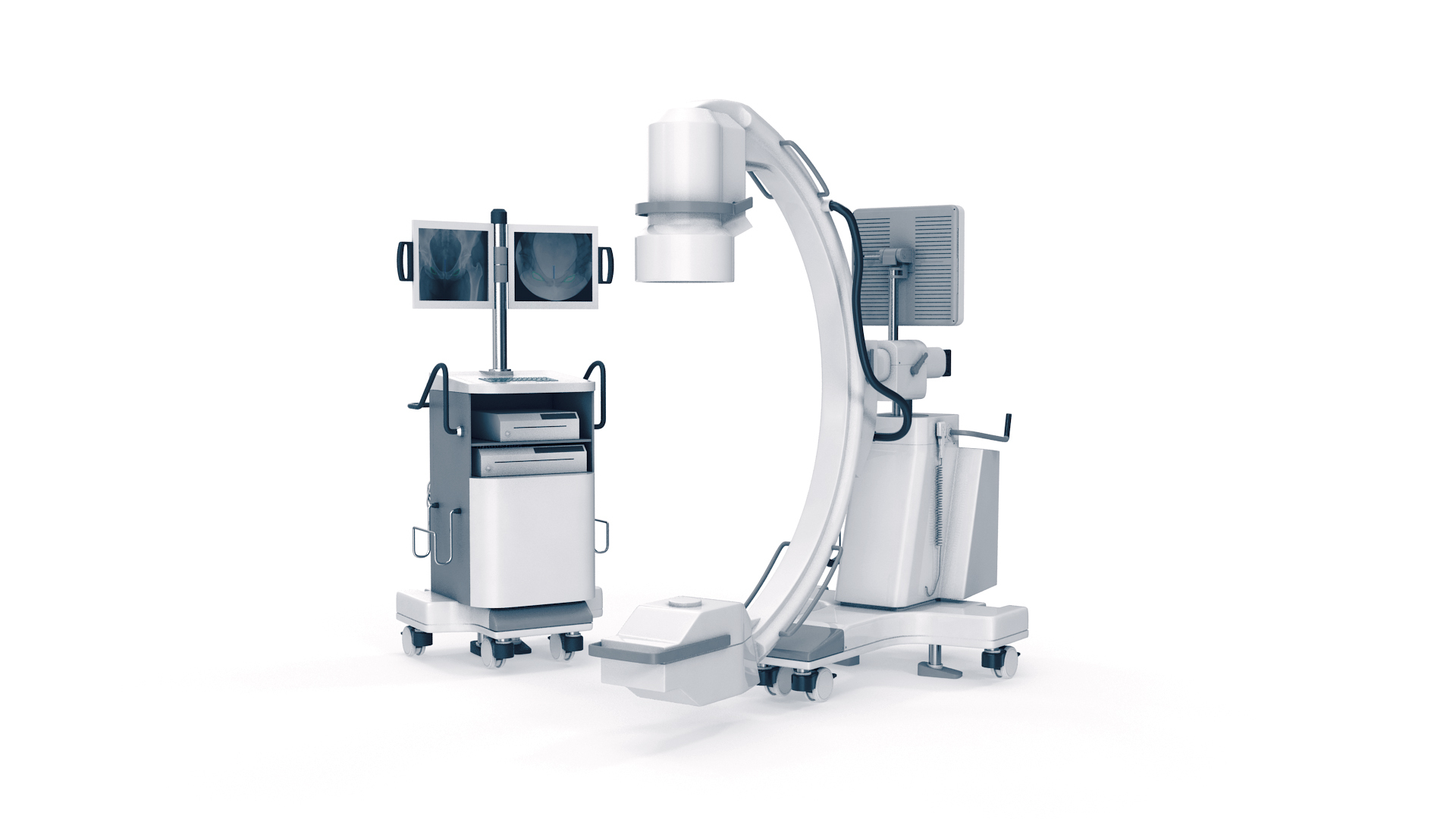
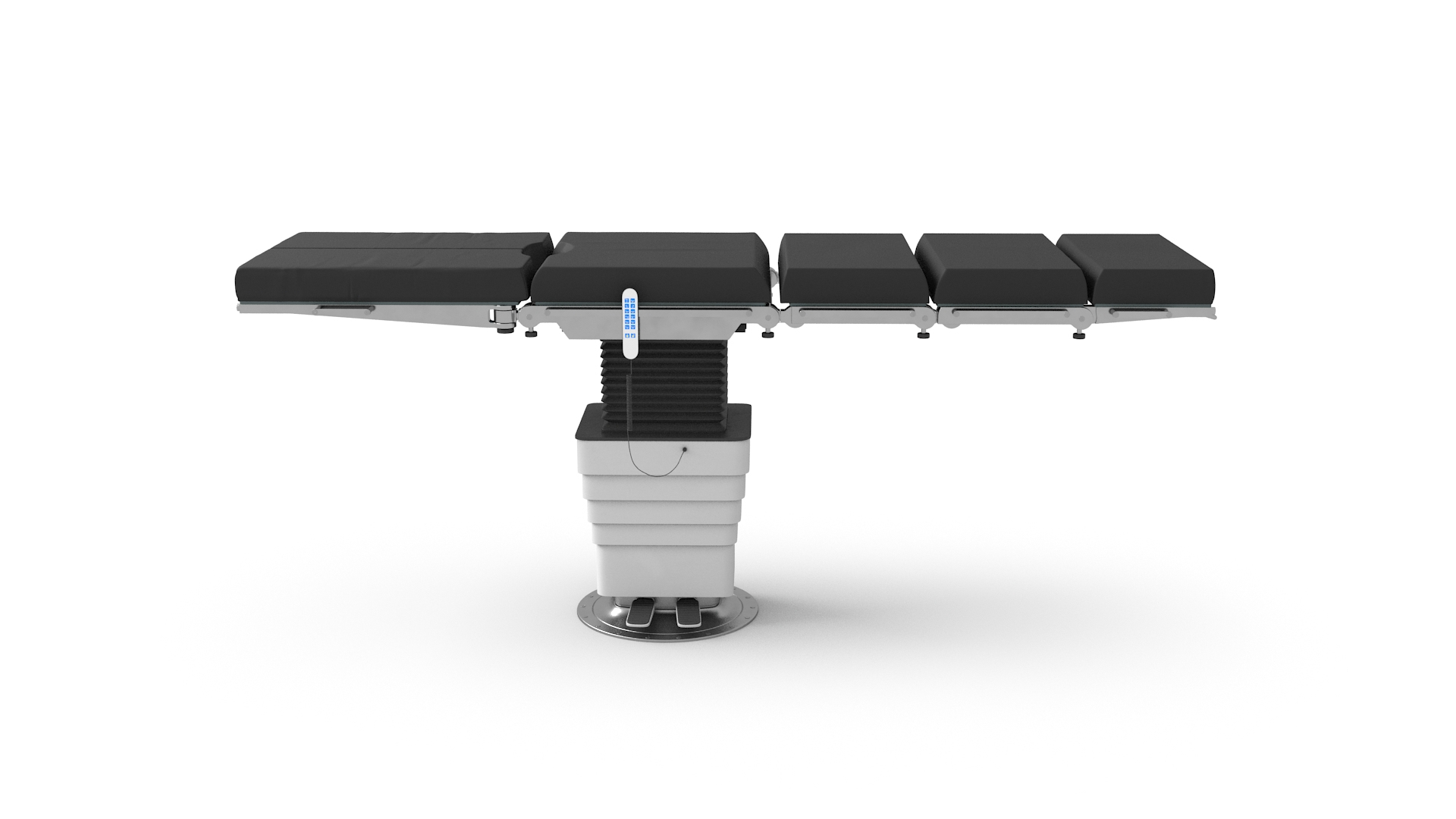
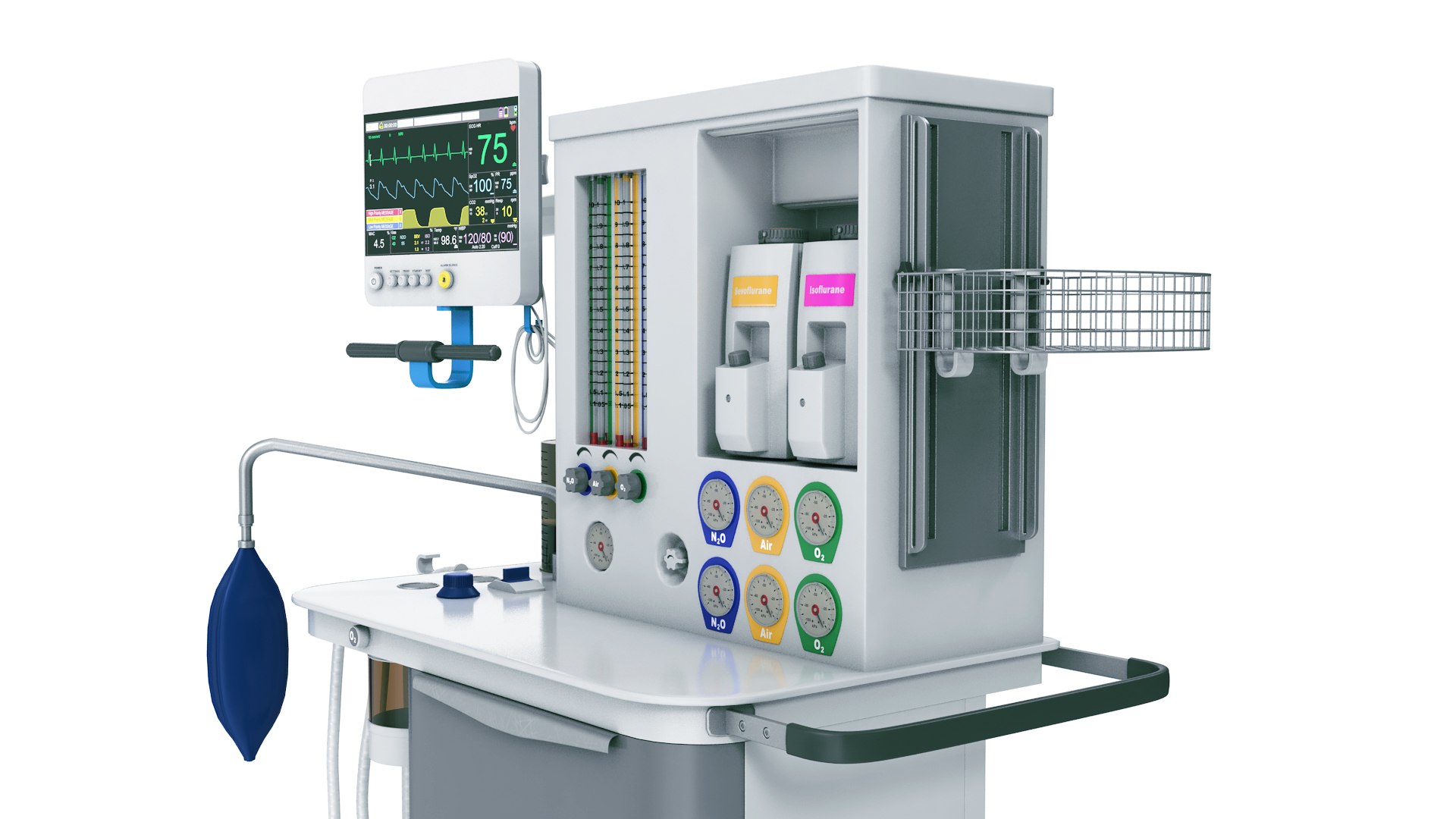
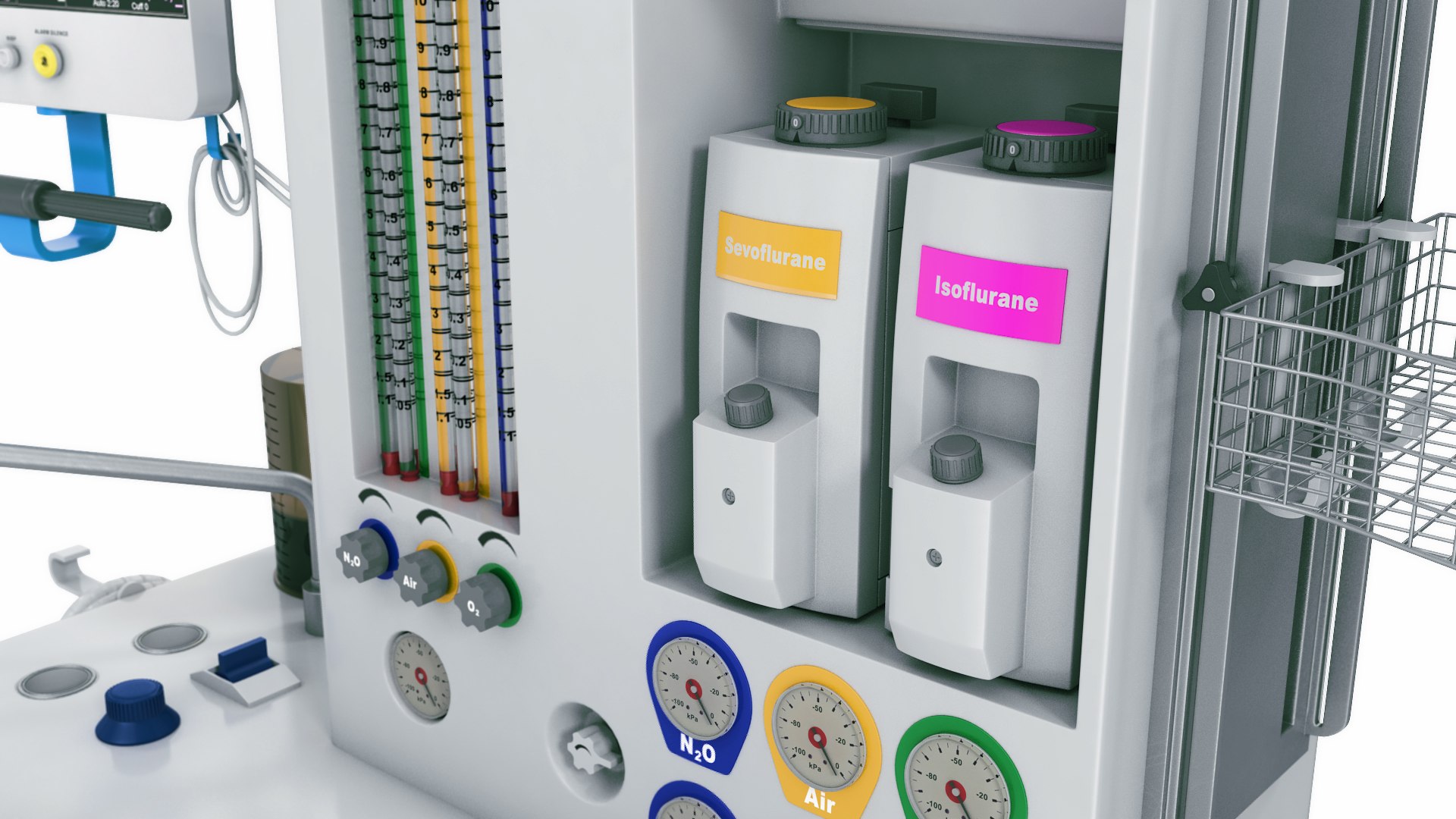
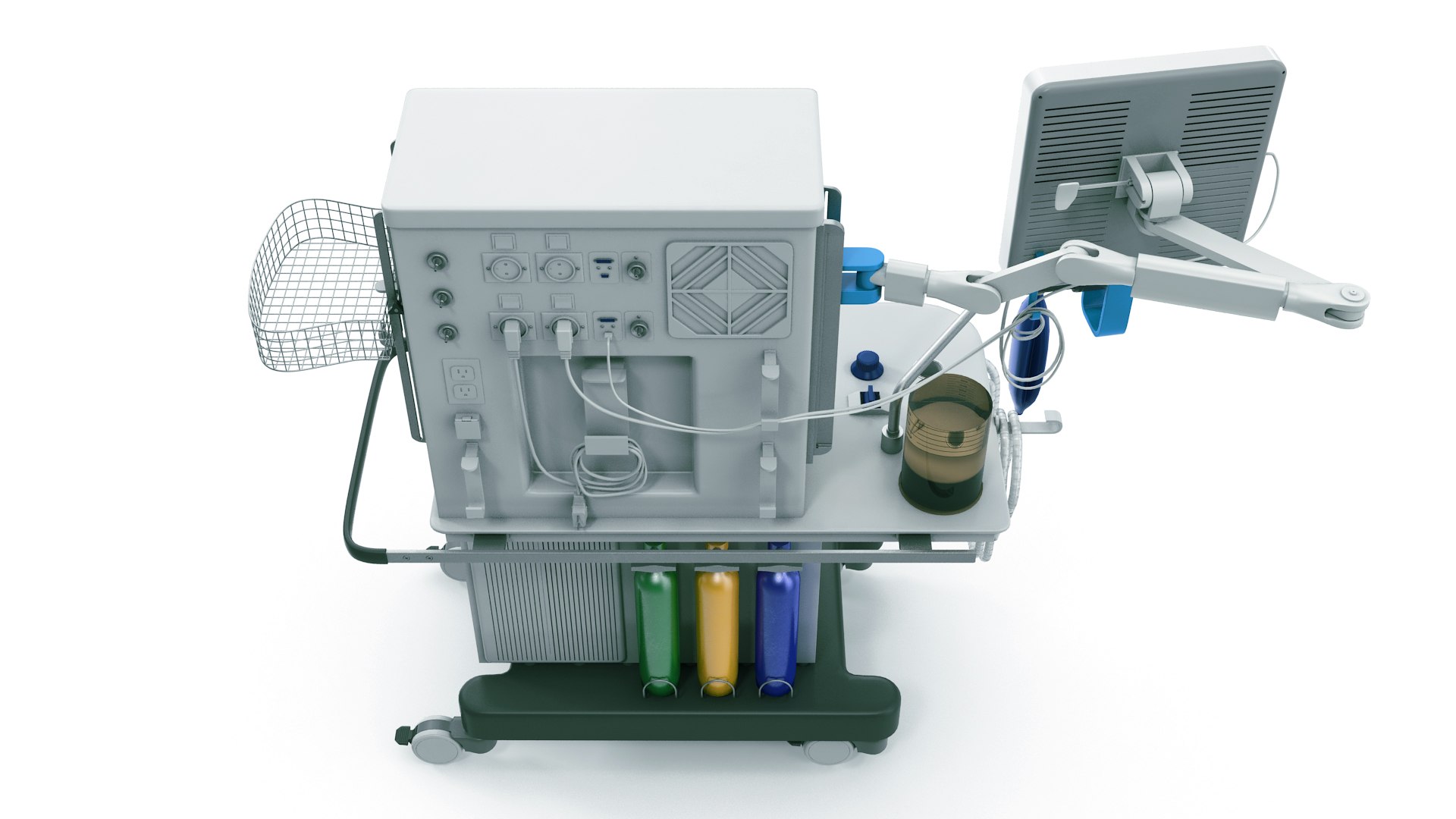
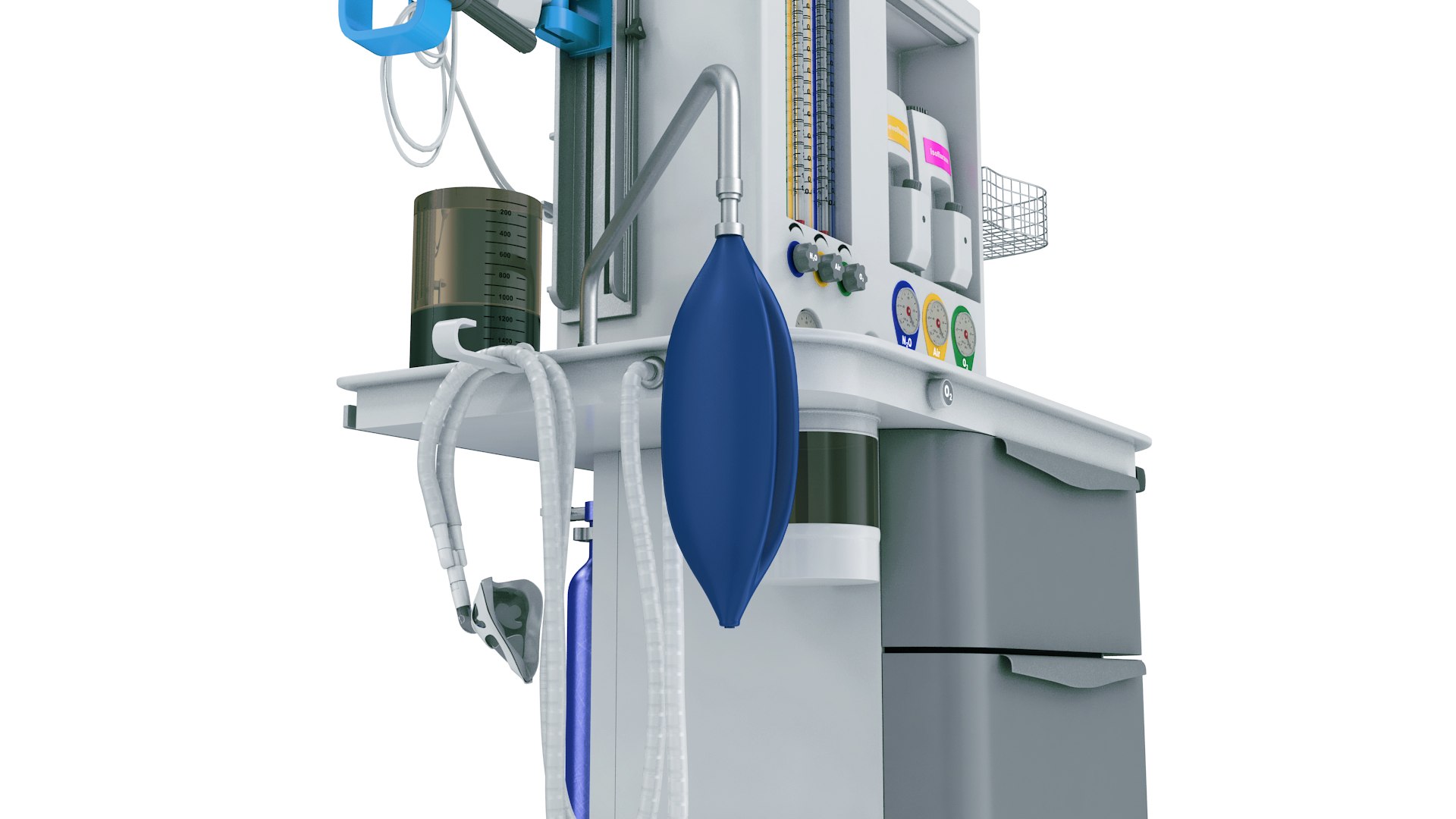
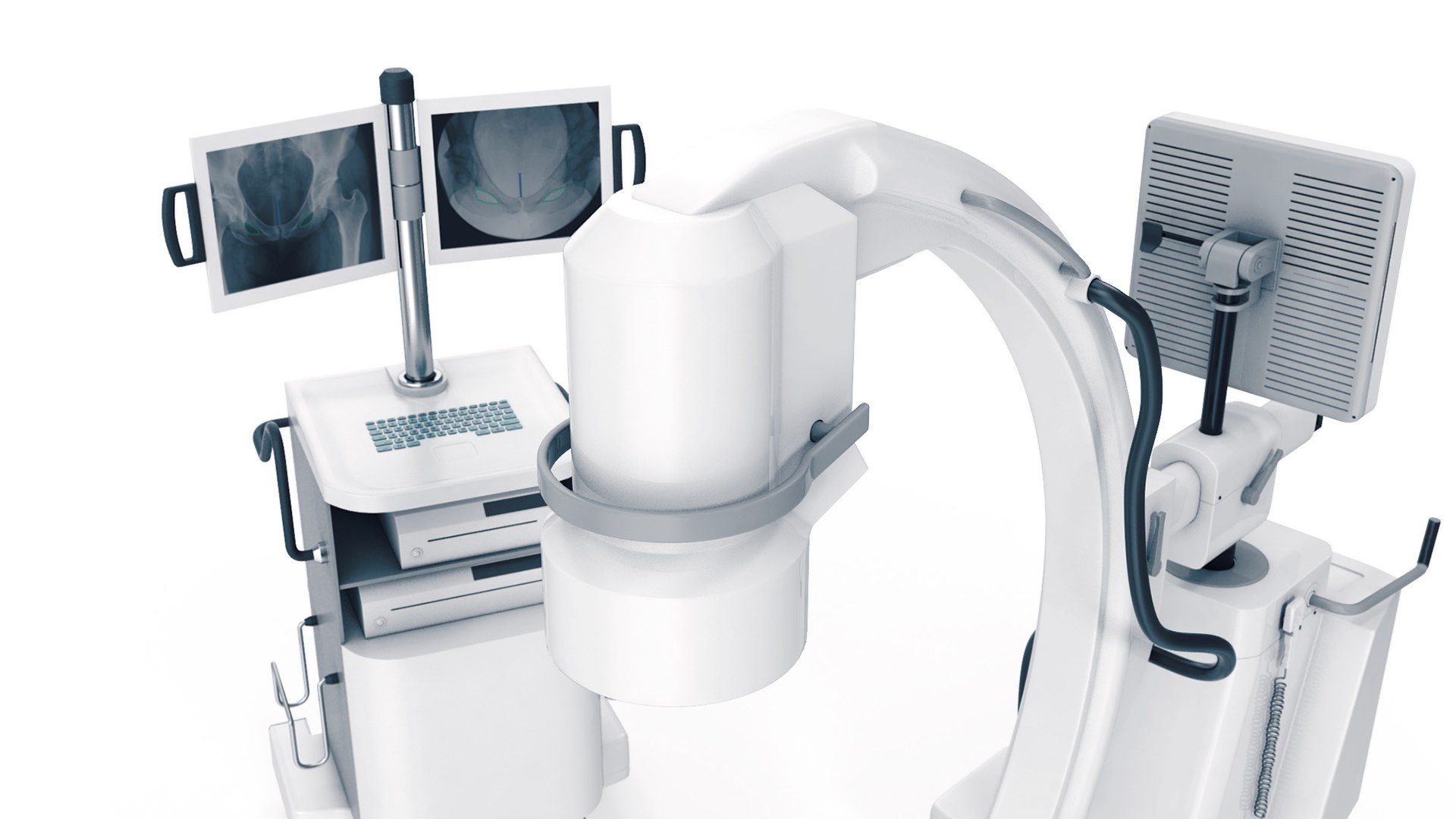
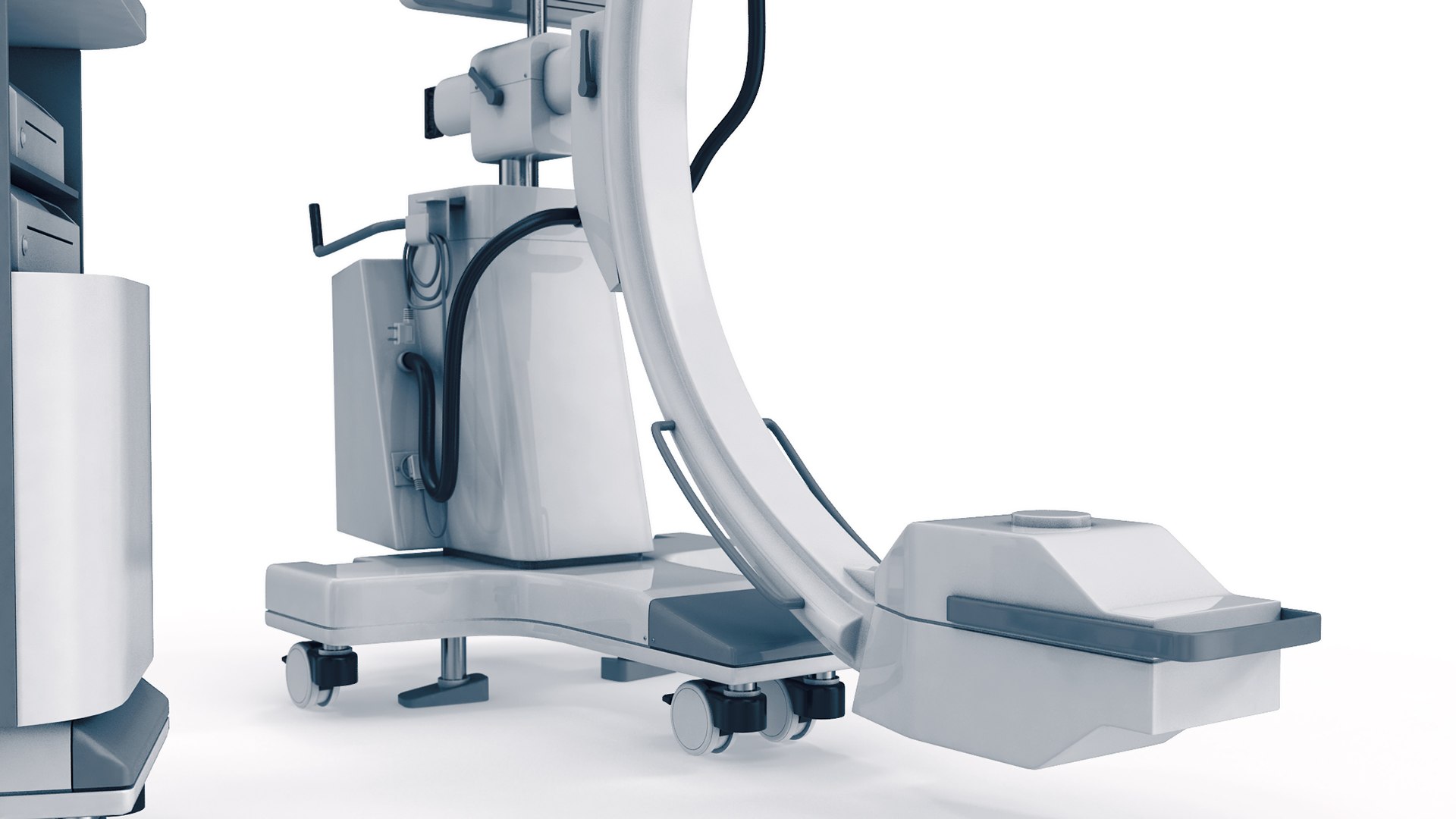
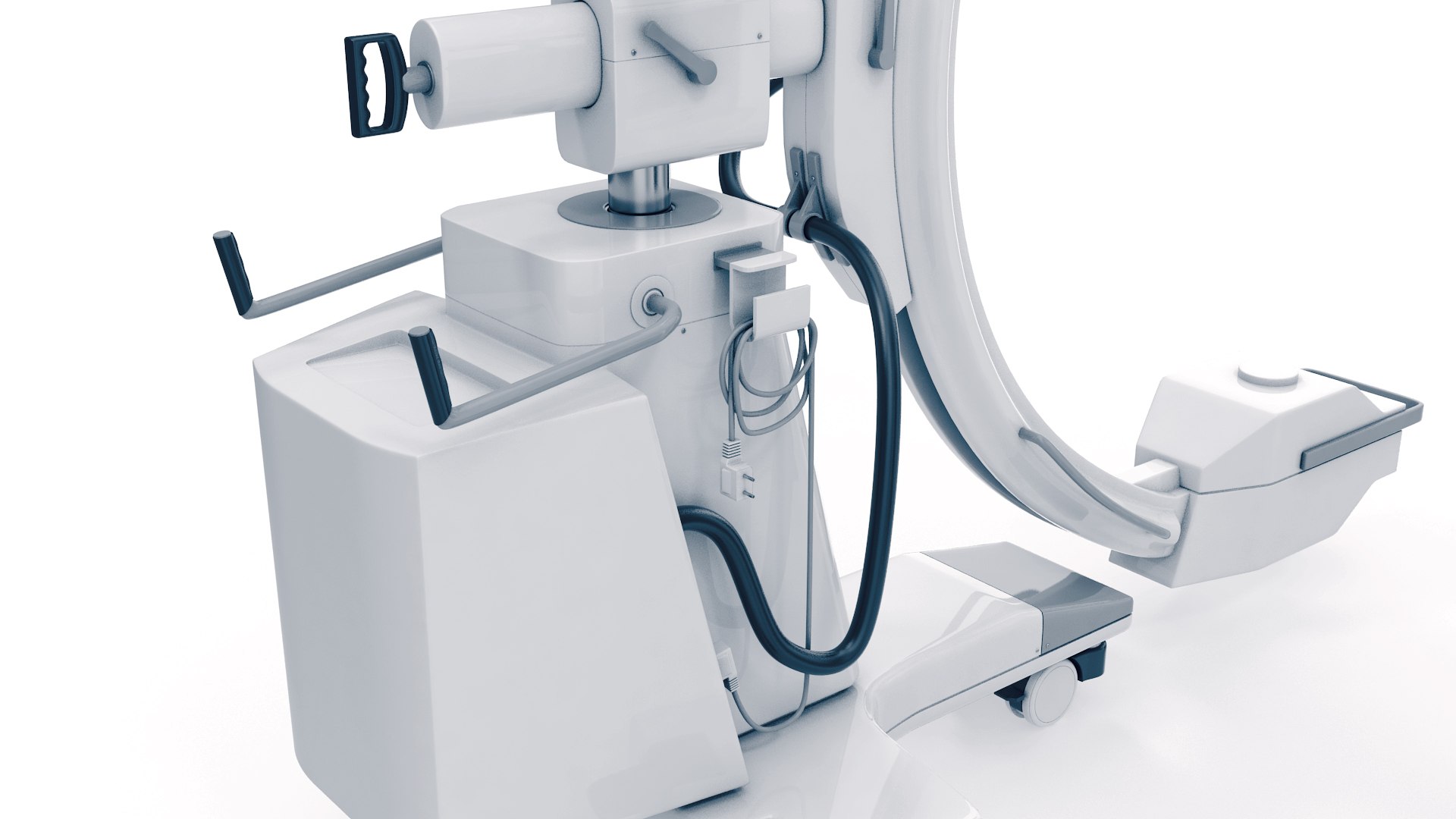
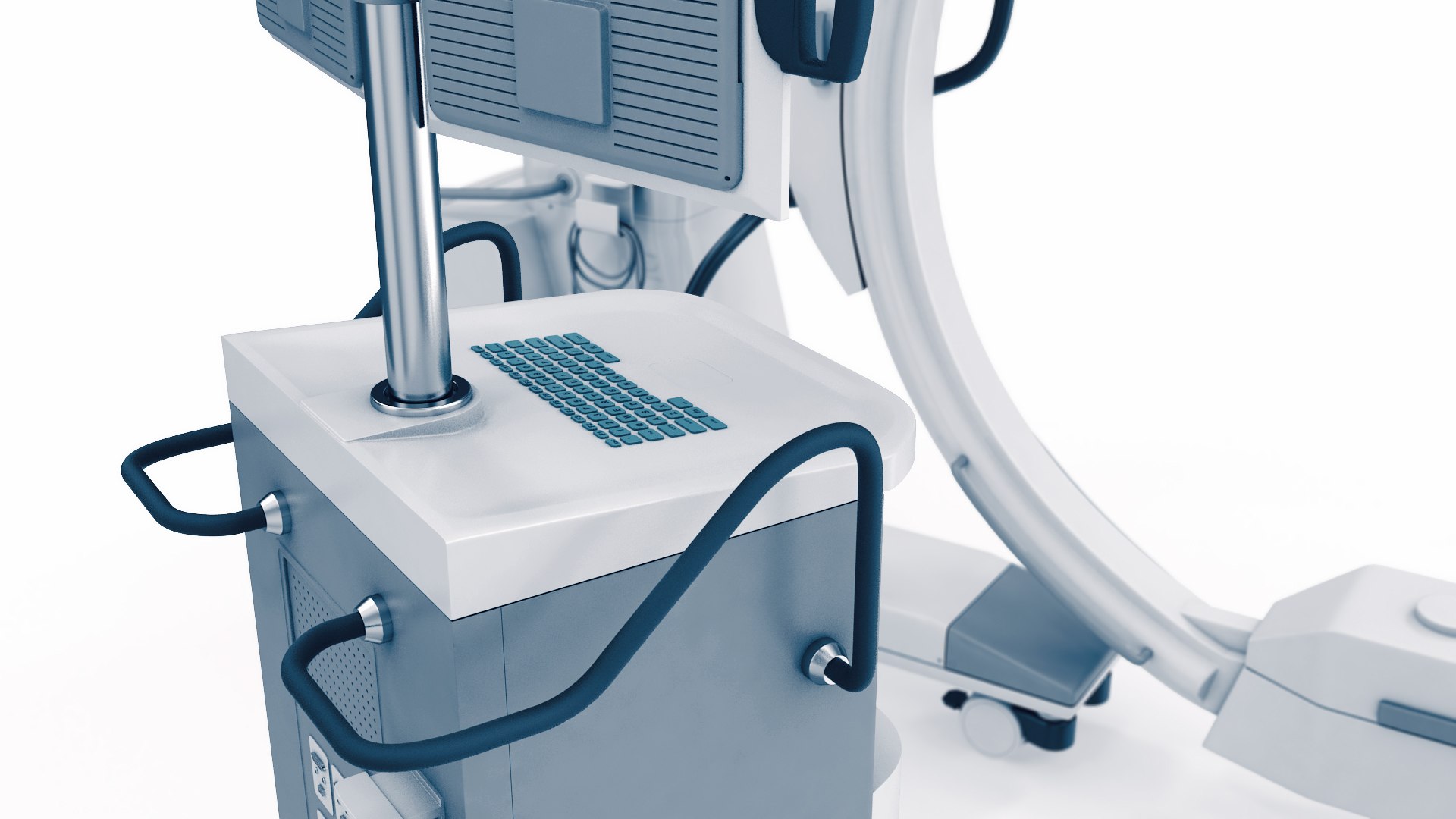
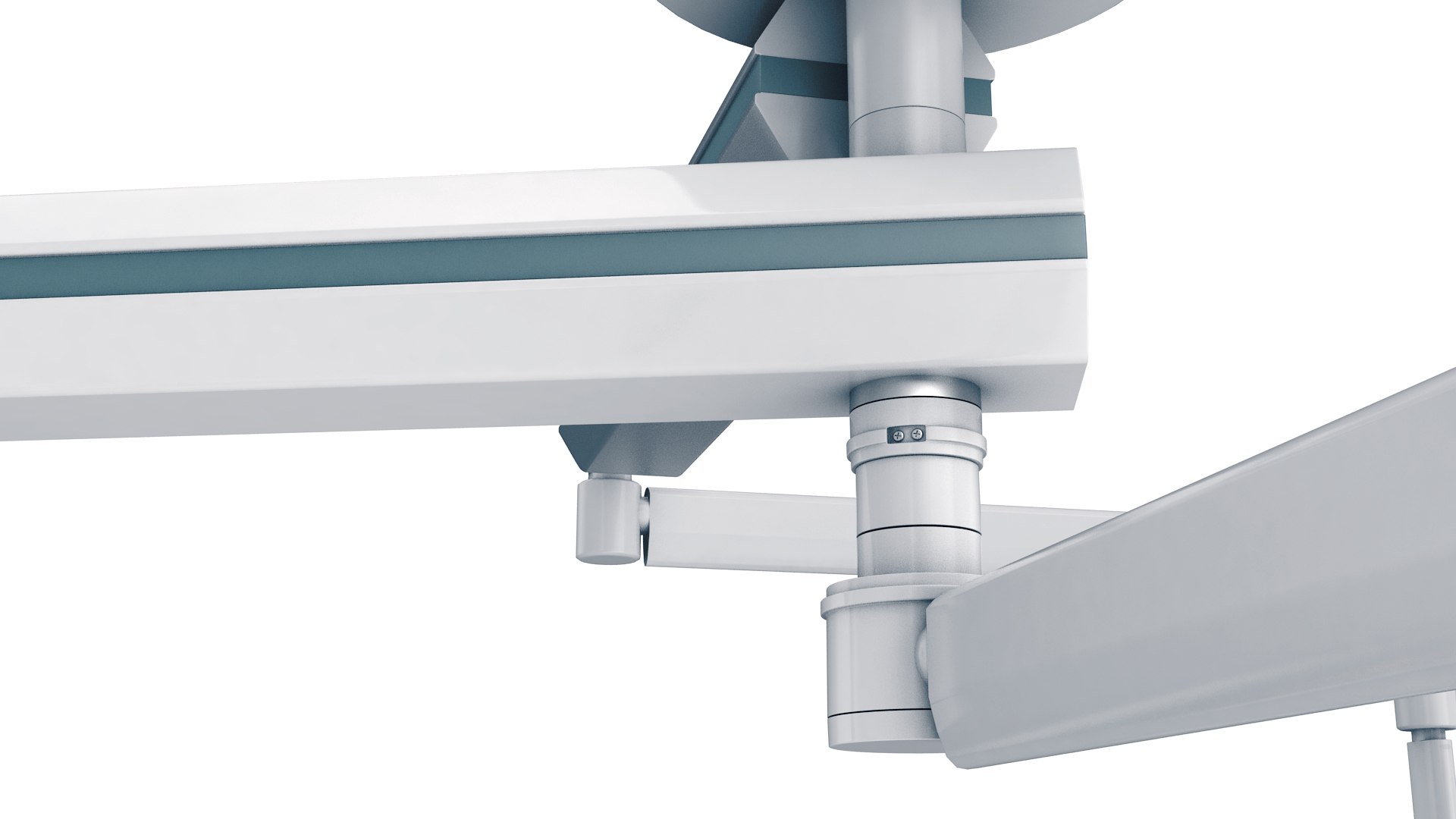
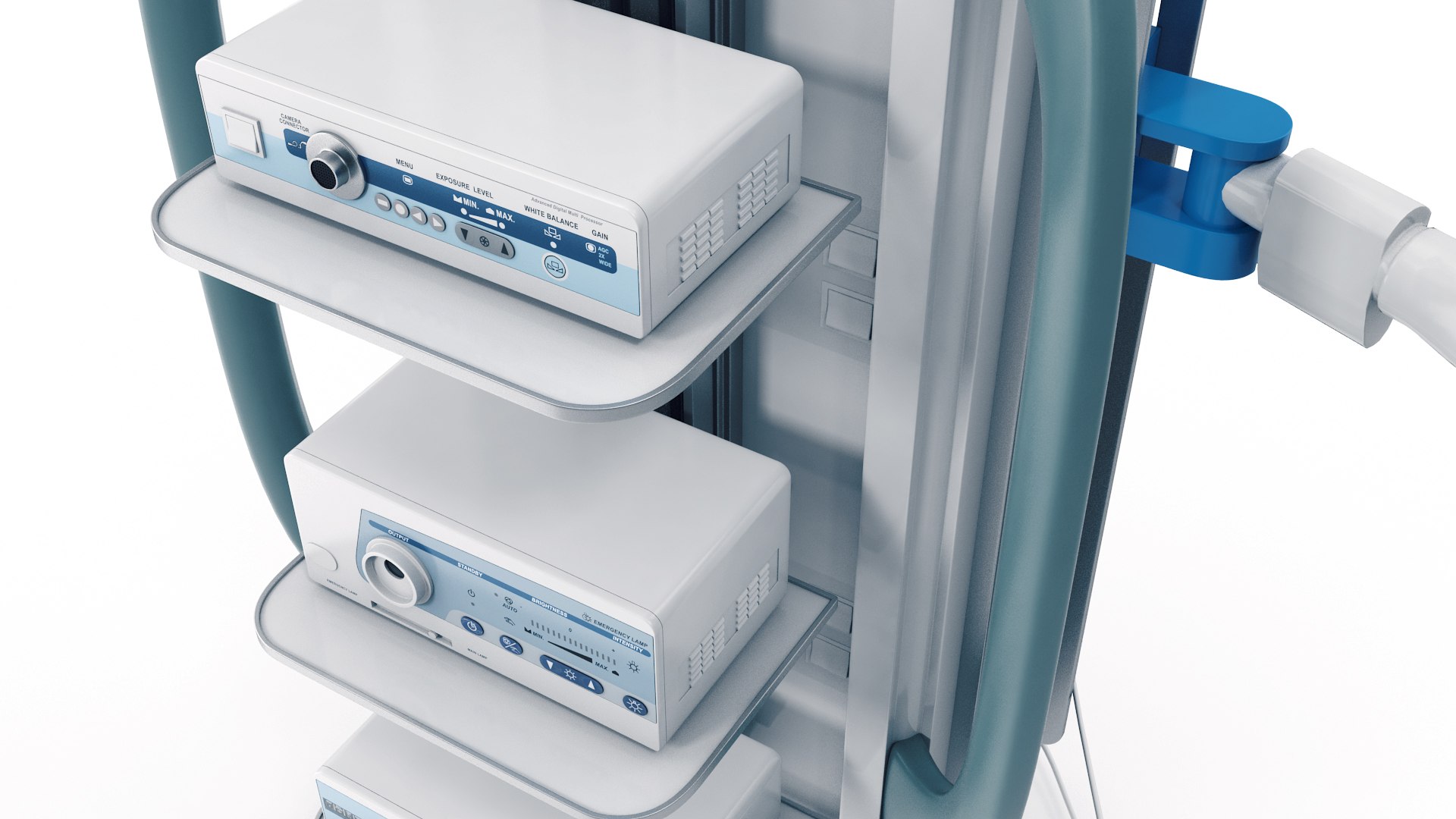
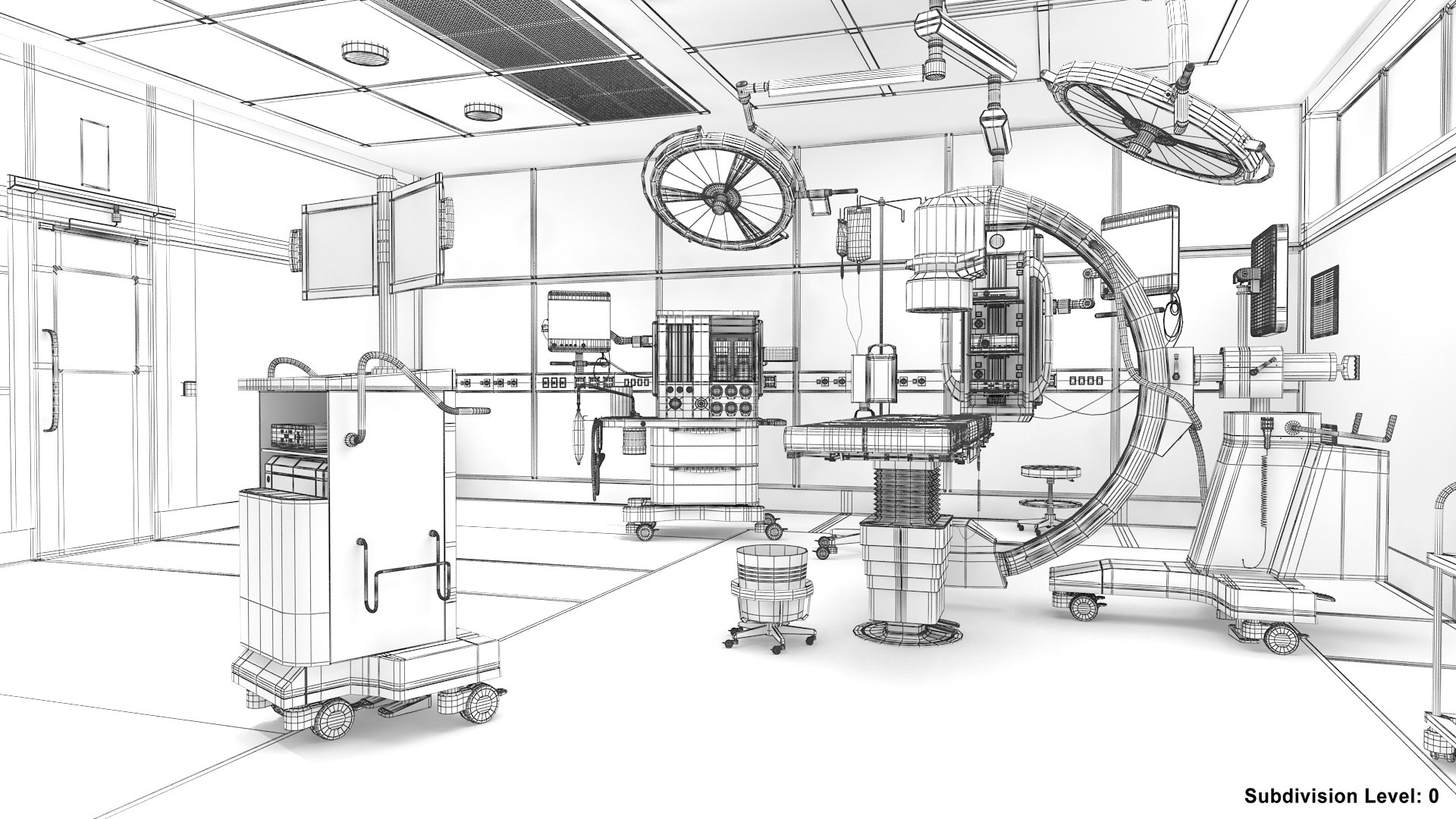
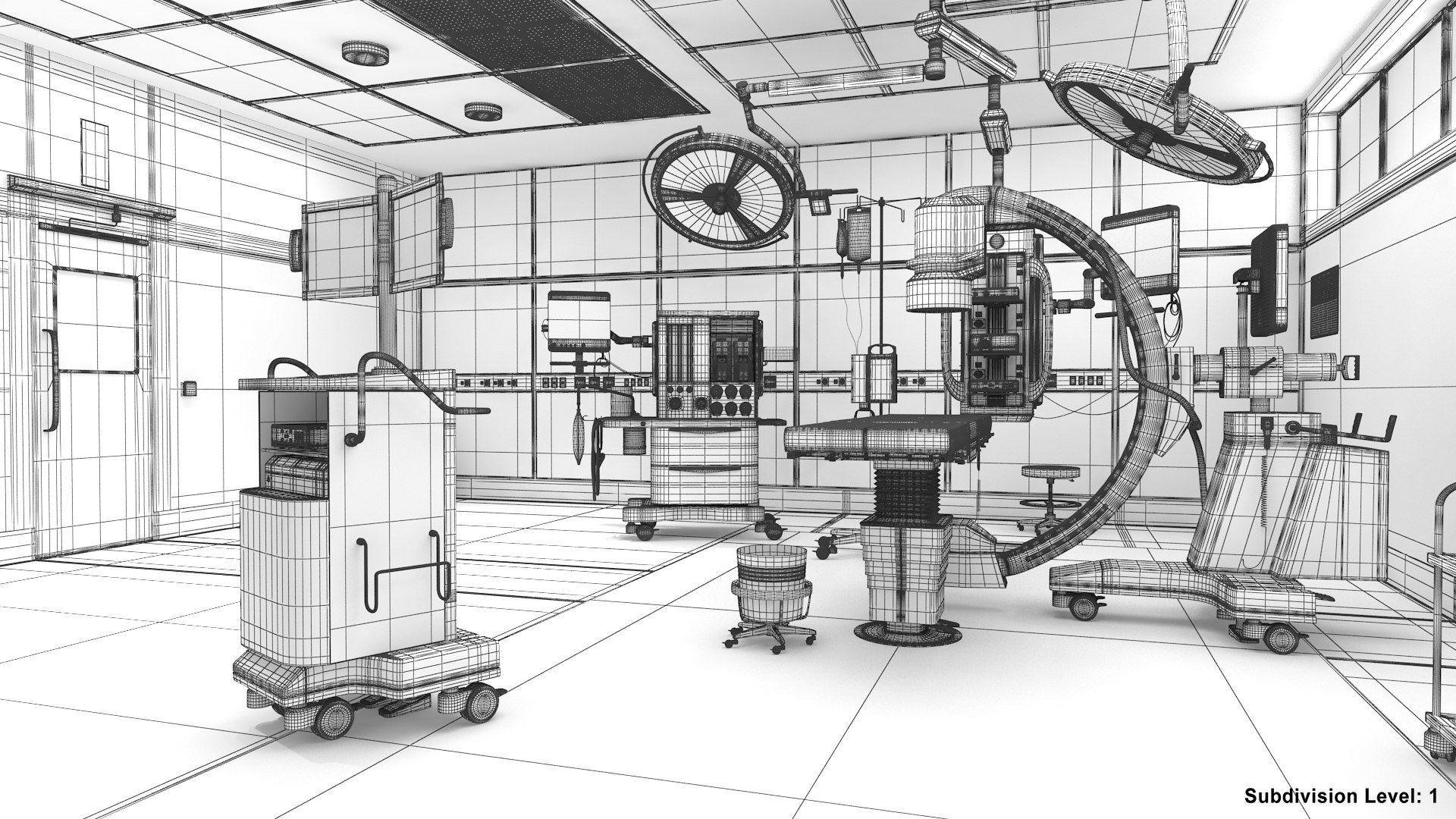
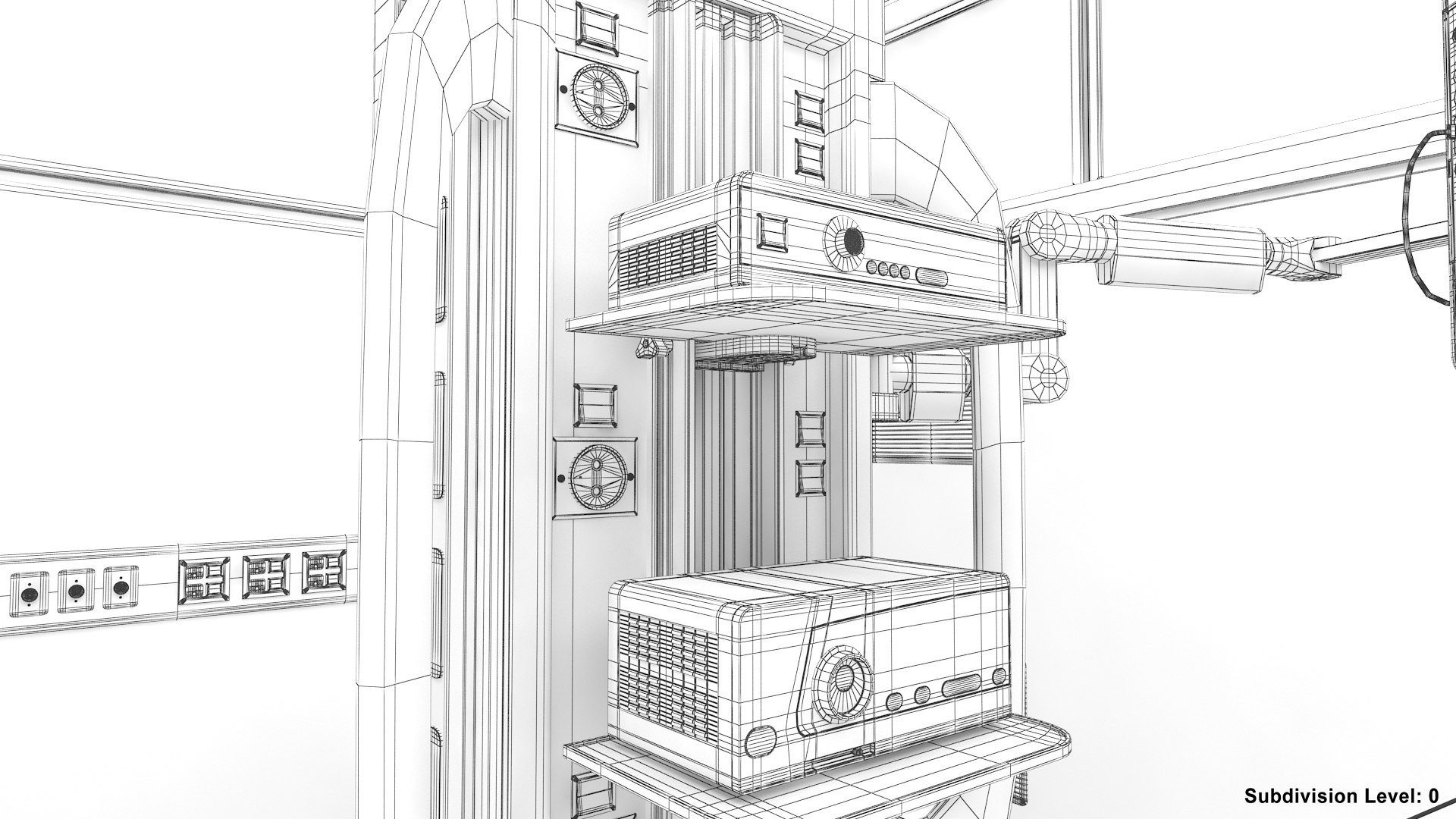
A high definition model of a generic surgery room.
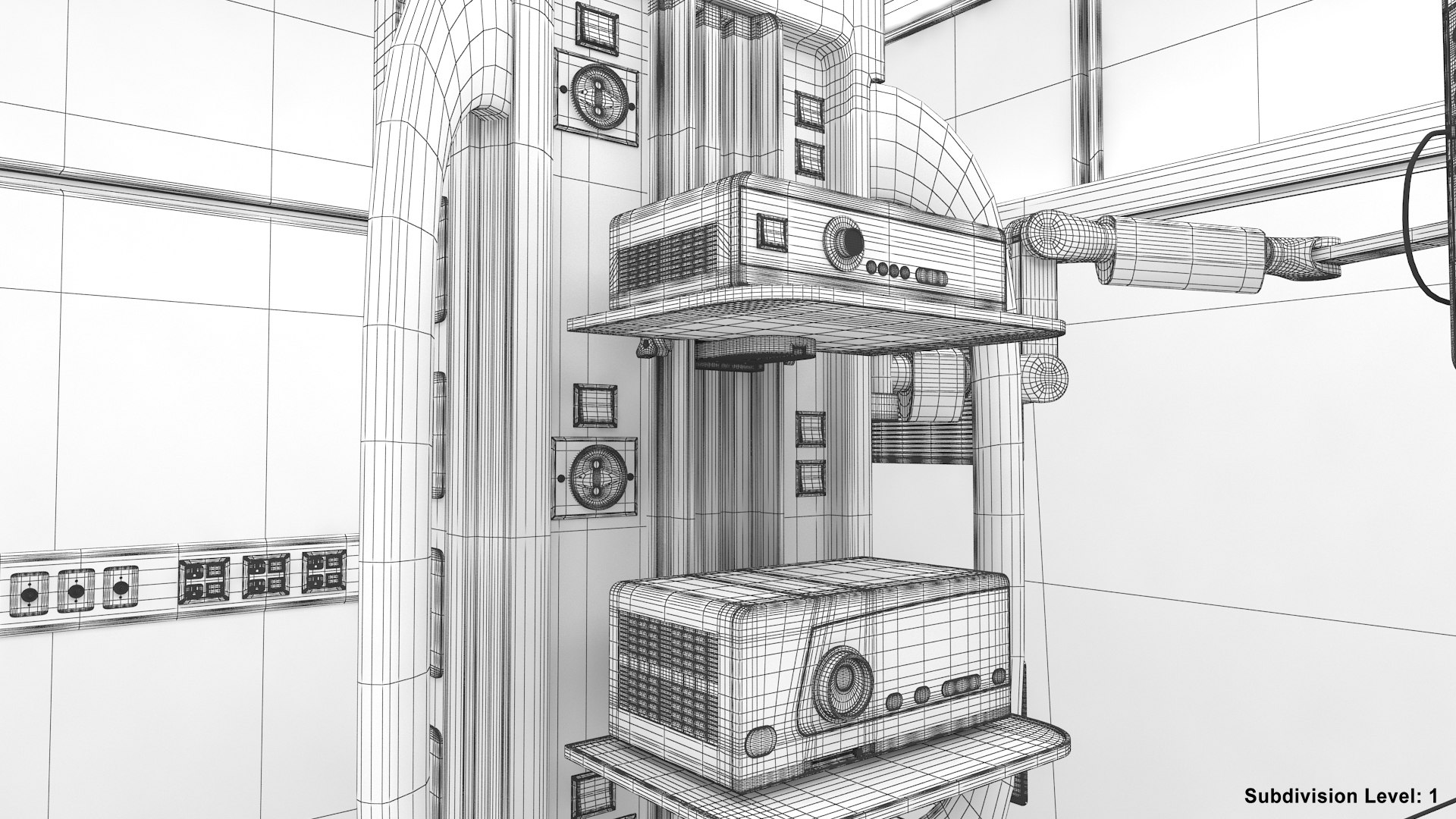
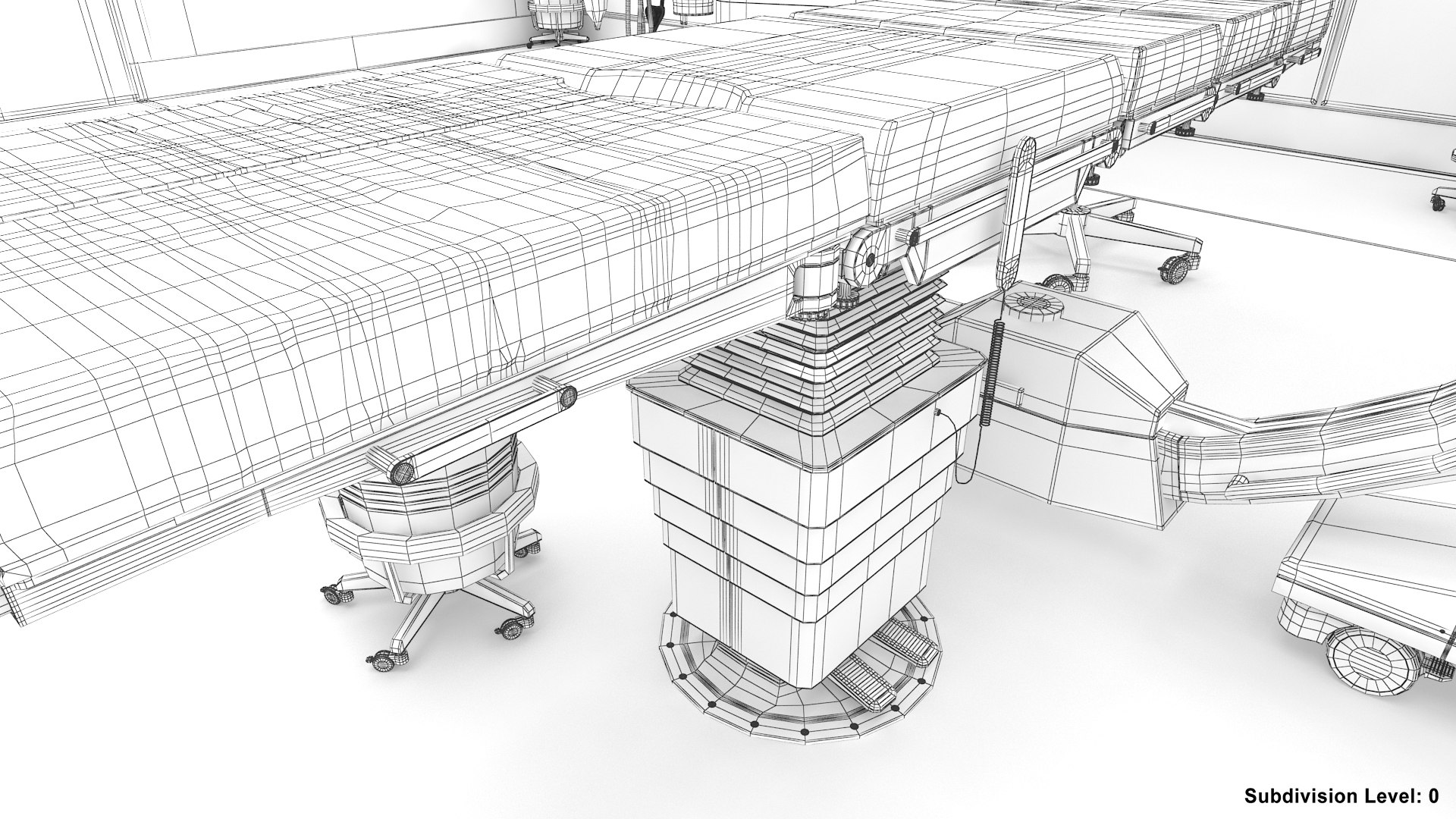
The level of detail is suitable for the most extreme close-up renderings.

The geometry is clean, built mostly on quads, with no N-gons, no coplanar faces, no coincident or isolated vertices. All parts of the model are 'smoothable' so you can add meshmooth/turbosmooth modifiers wherever you need, without having to further adjust the geometry.

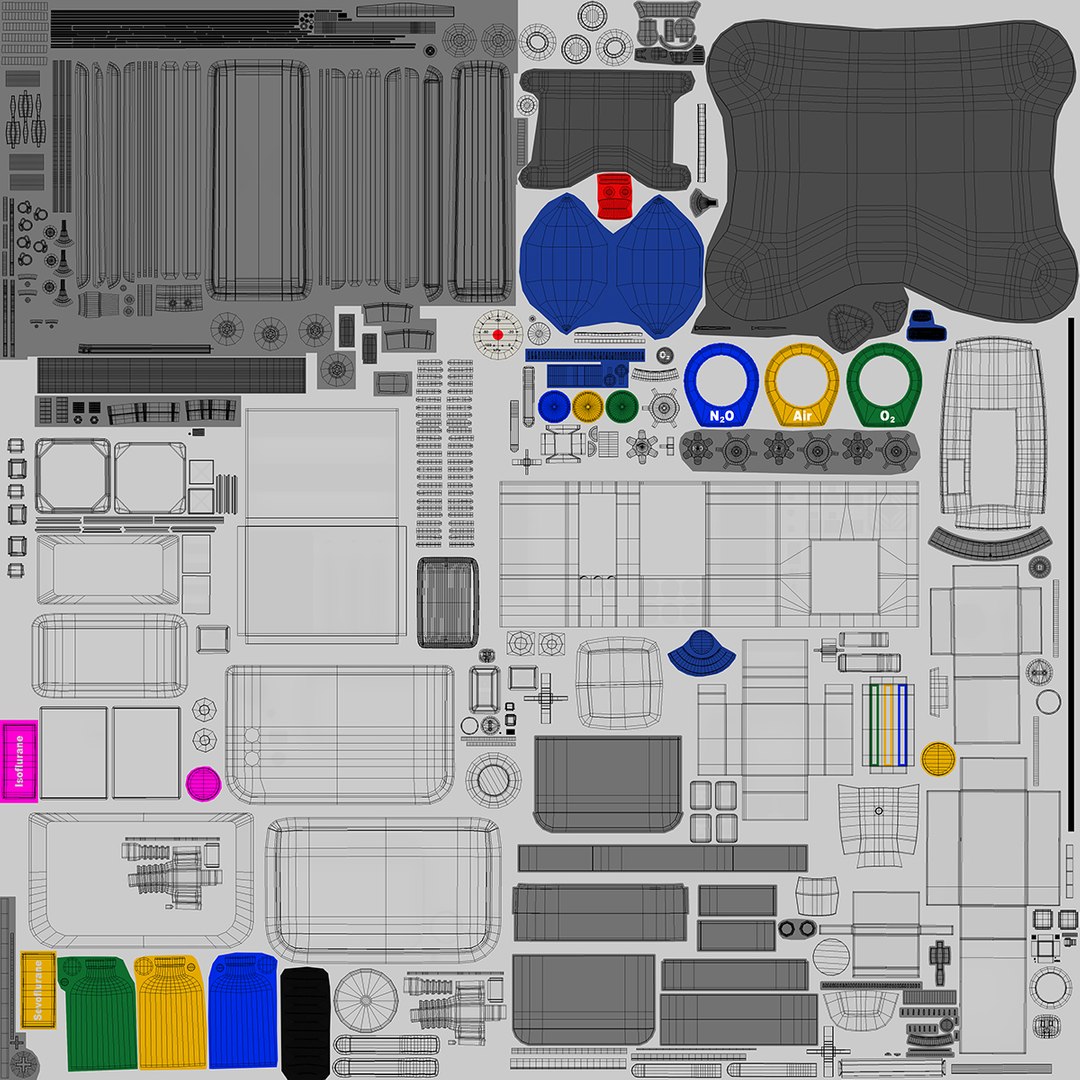
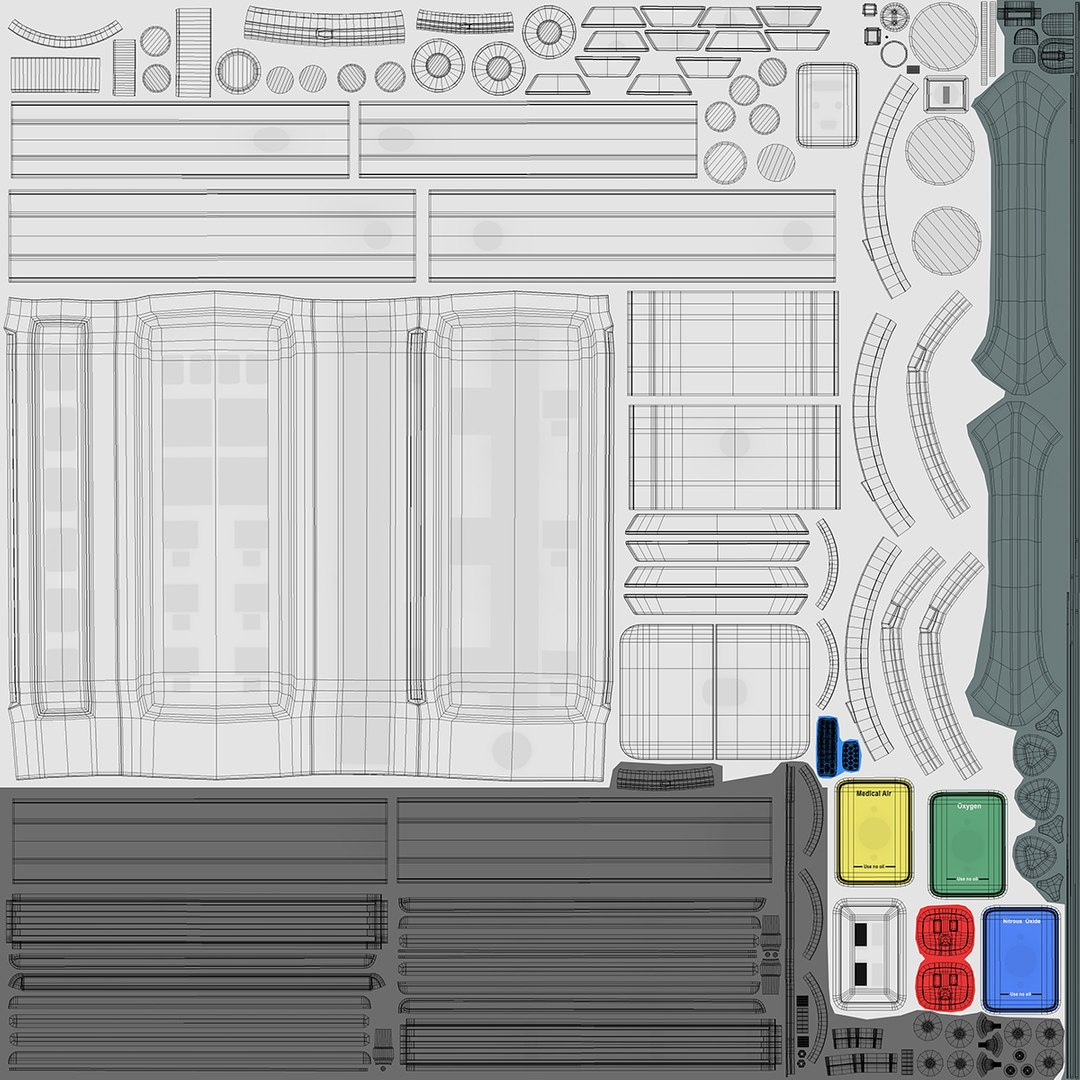
The objects are fully unwrapped so that you can add logo or customize the textures as you wish. Each model included in the scene has it's own set of textures for each channel (diffuse, specular, glossiness, etc) that are logically named so that you can easily identify or modify them if needed. This also make it easy to transfer the scene to other environments like unreal engine or unity.

The V-Ray version contains the lighting and rendering settings. The
renderings seen in the previews have a slight blue tint applied in post
processing.

The standard scanline render version has just basic materials with the textures applied.

If you need the model in a different format please contact support for a free format conversion.

The textures size ranges from 2048x2048 to 4096x4096.


The scale is set to 'real world' (1unit=1 cm).

Select Enhanced License

  • $10,000 in Legal Protection (Indemnification)
  • Uncapped Legal Protection (Indemnification)
  • Waiver from injunctive relief
  • Assignable model rights
  • $1,000,000 in Legal Protection (Indemnification)
  • Waiver from injunctive relief
  • Assignable model rights
  • $250,000 in Legal Protection (Indemnification)
  • Assignable model rights
Read more about enhanced license tiers, or contact us at enterprise@turbosquid.com. Already a Shutterstock Enterprise Customer? Contact your Shutterstock Sales Support Agent to talk about adding 3D.

About Conversion Requests

To submit a conversion request for a purchased asset, please complete our Conversion Request Form.

If you have not yet purchased a model, please review our Documentation about Conversions to learn about what limitations you may encounter with a conversion.

For any additional questions about a model’s suitability for conversion, please contact TurboSquid Support.

Loading...