Star Wars Cargo Crates and Barrels 33 Variants - 3D Asset Kit PBR
Description:
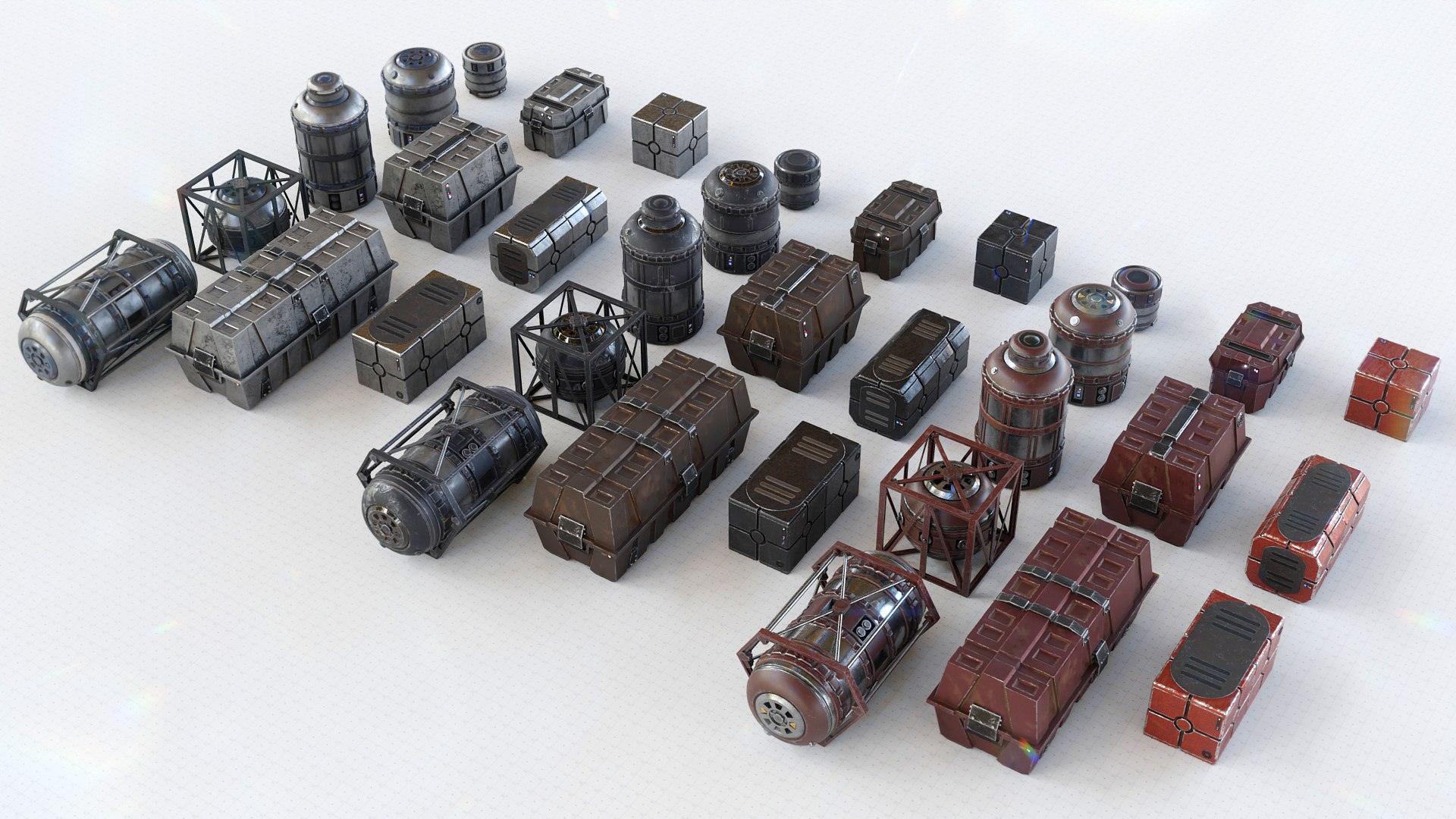
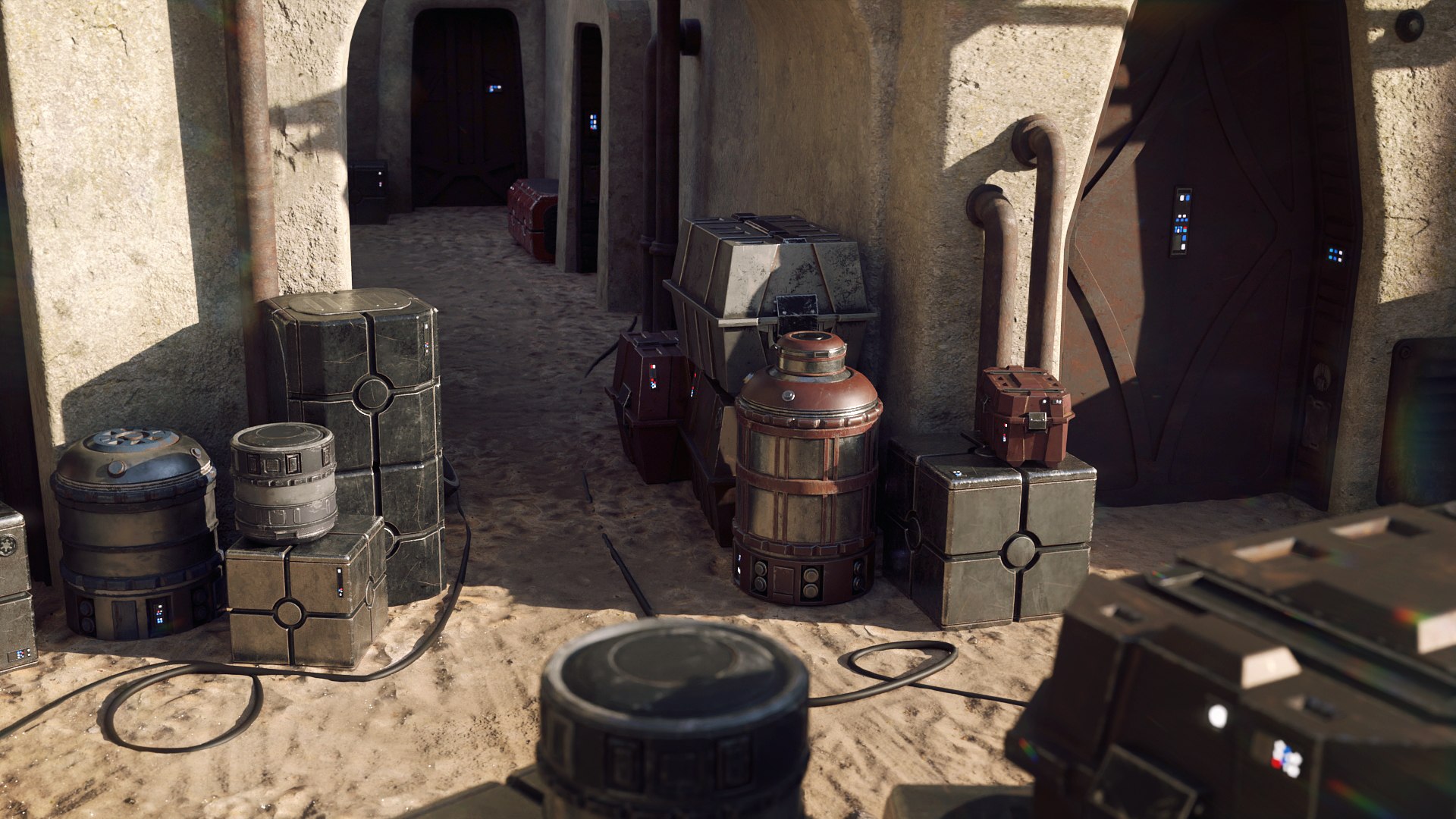
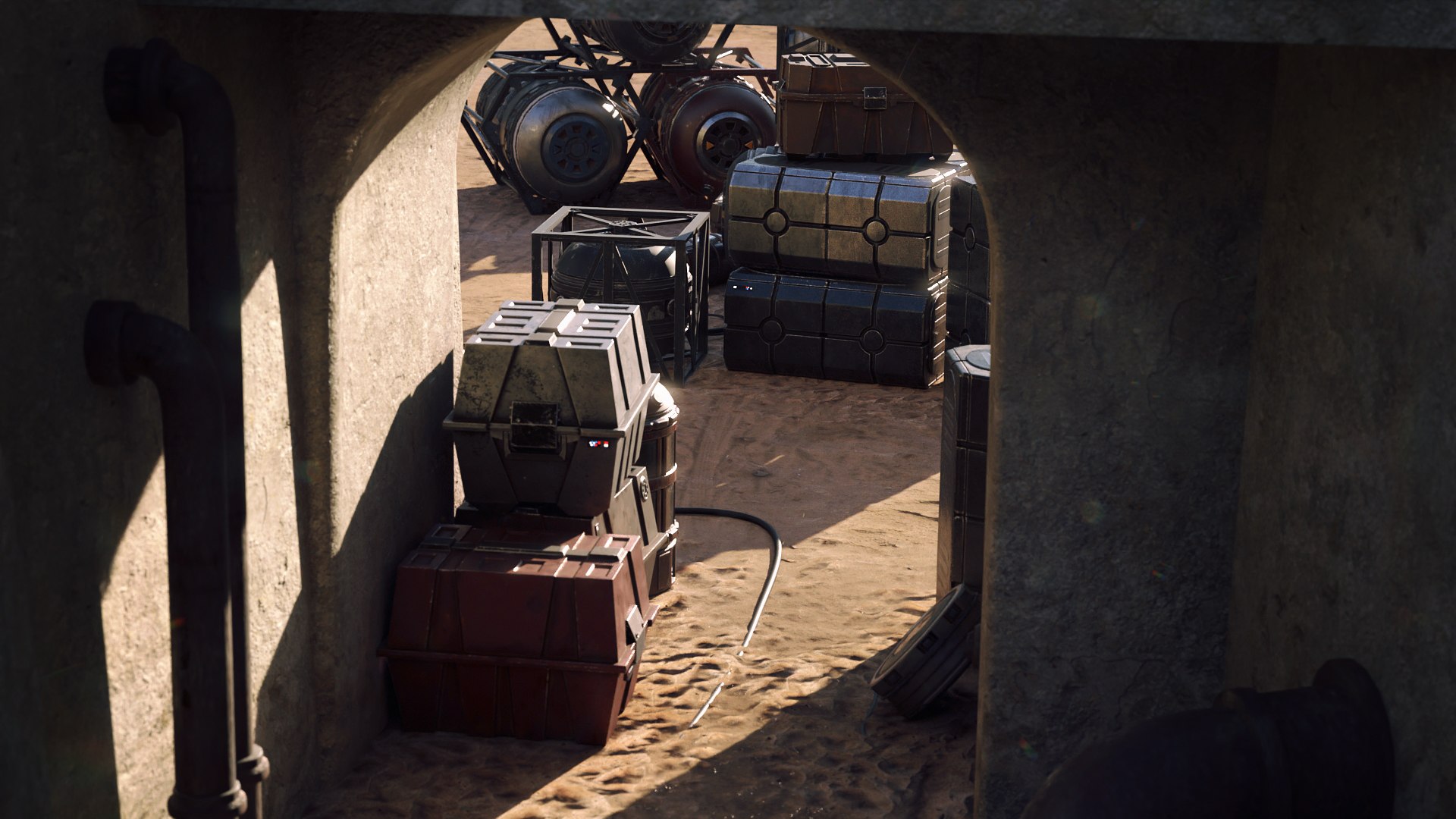
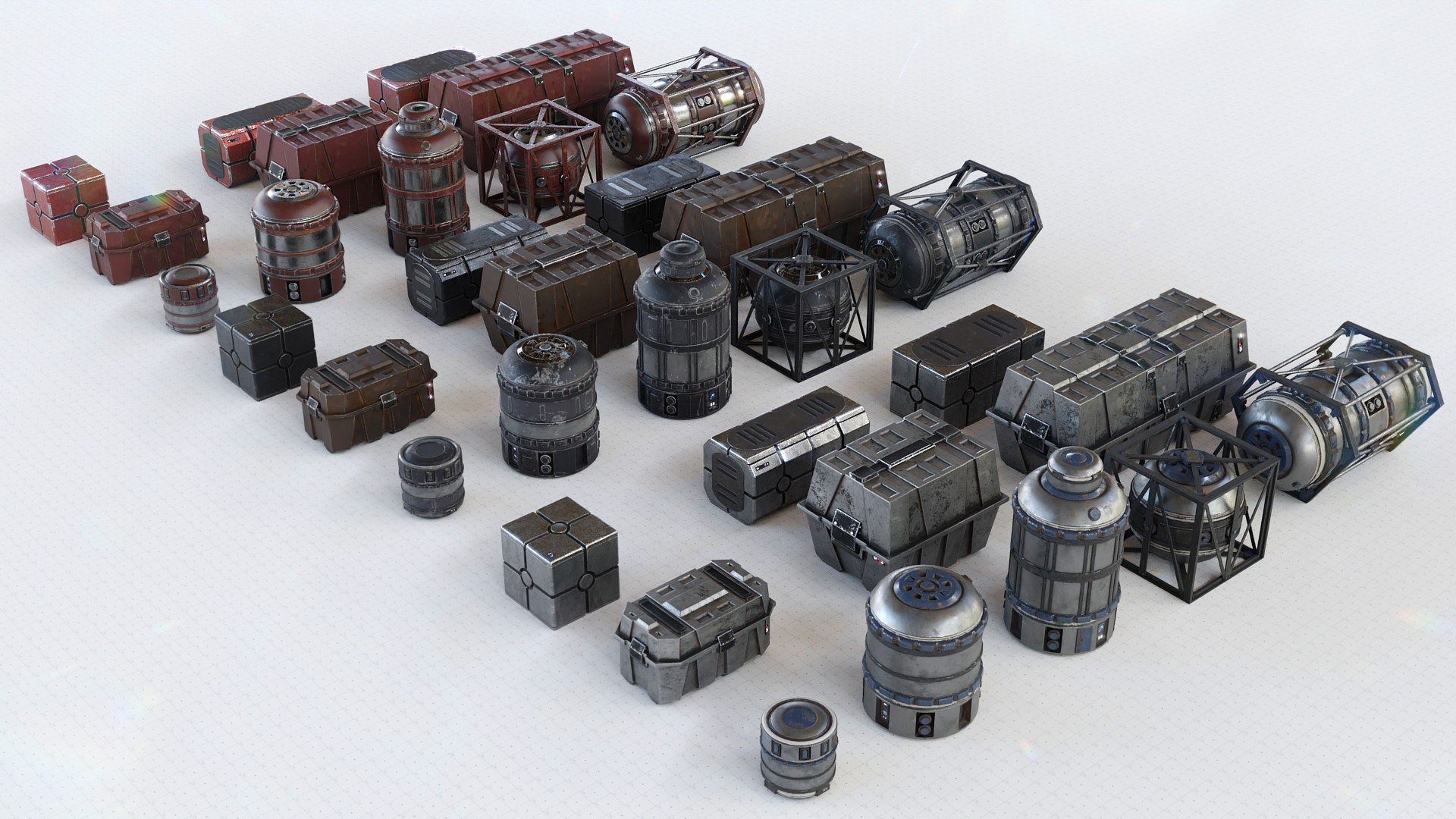
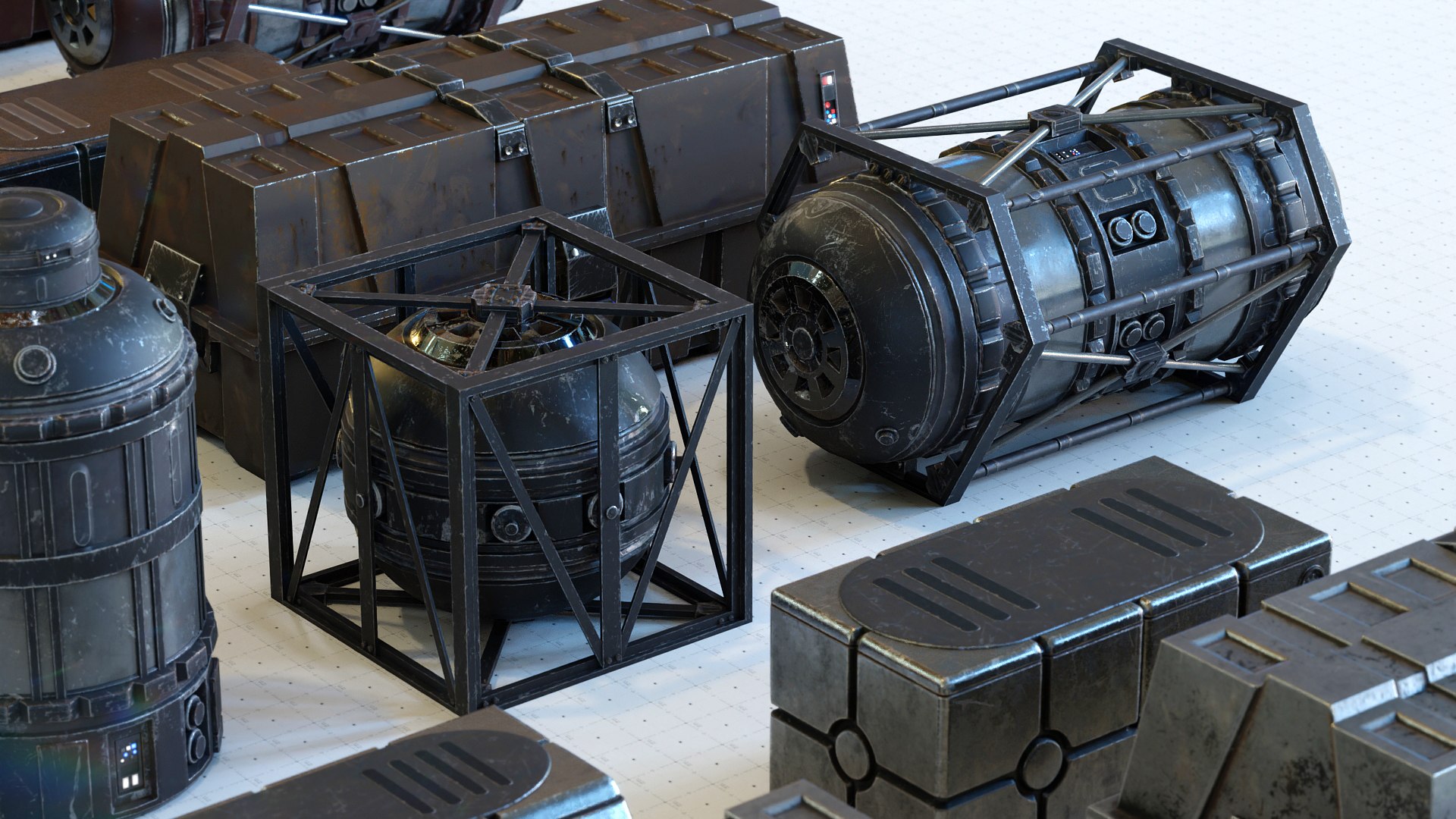
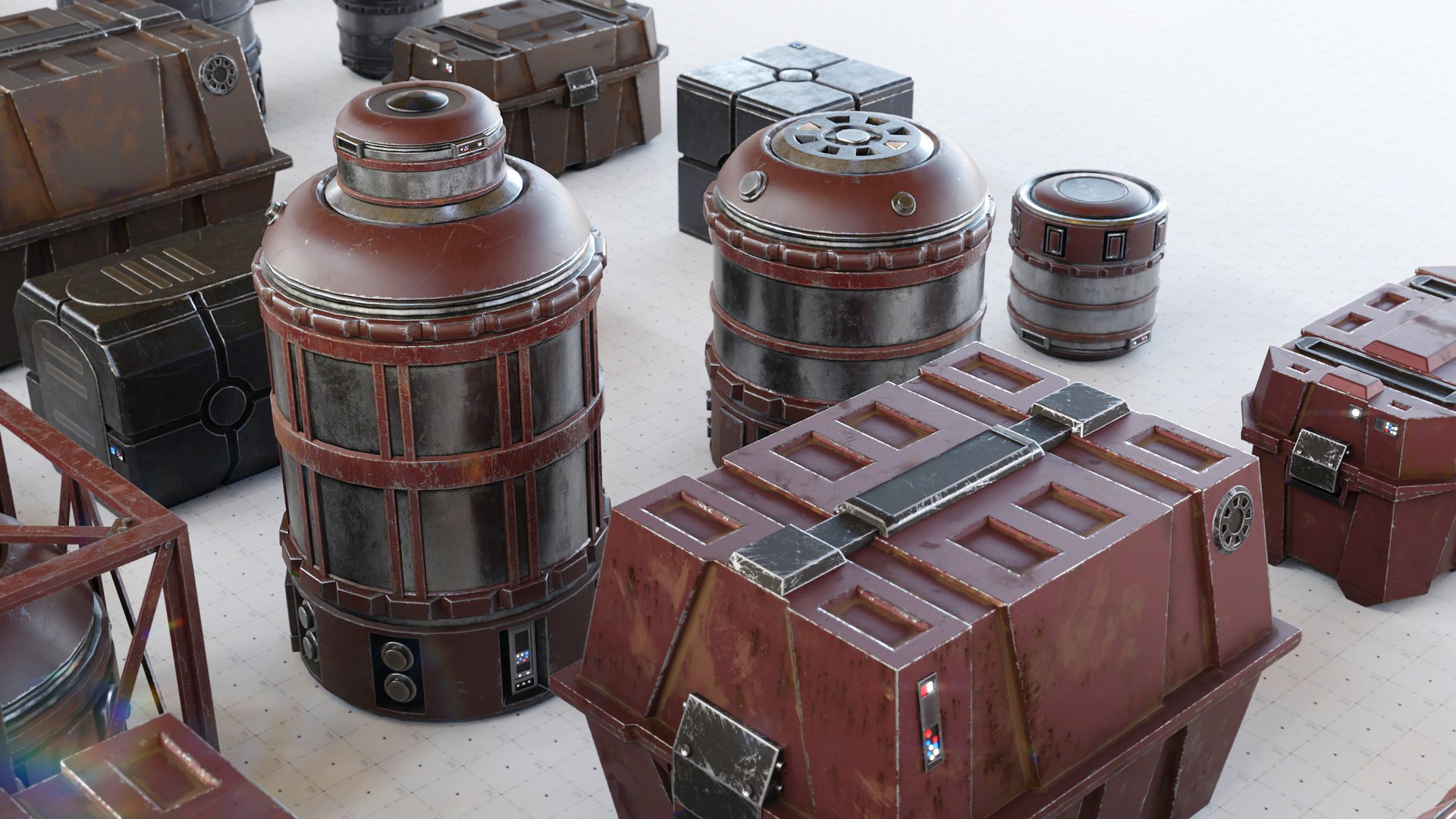
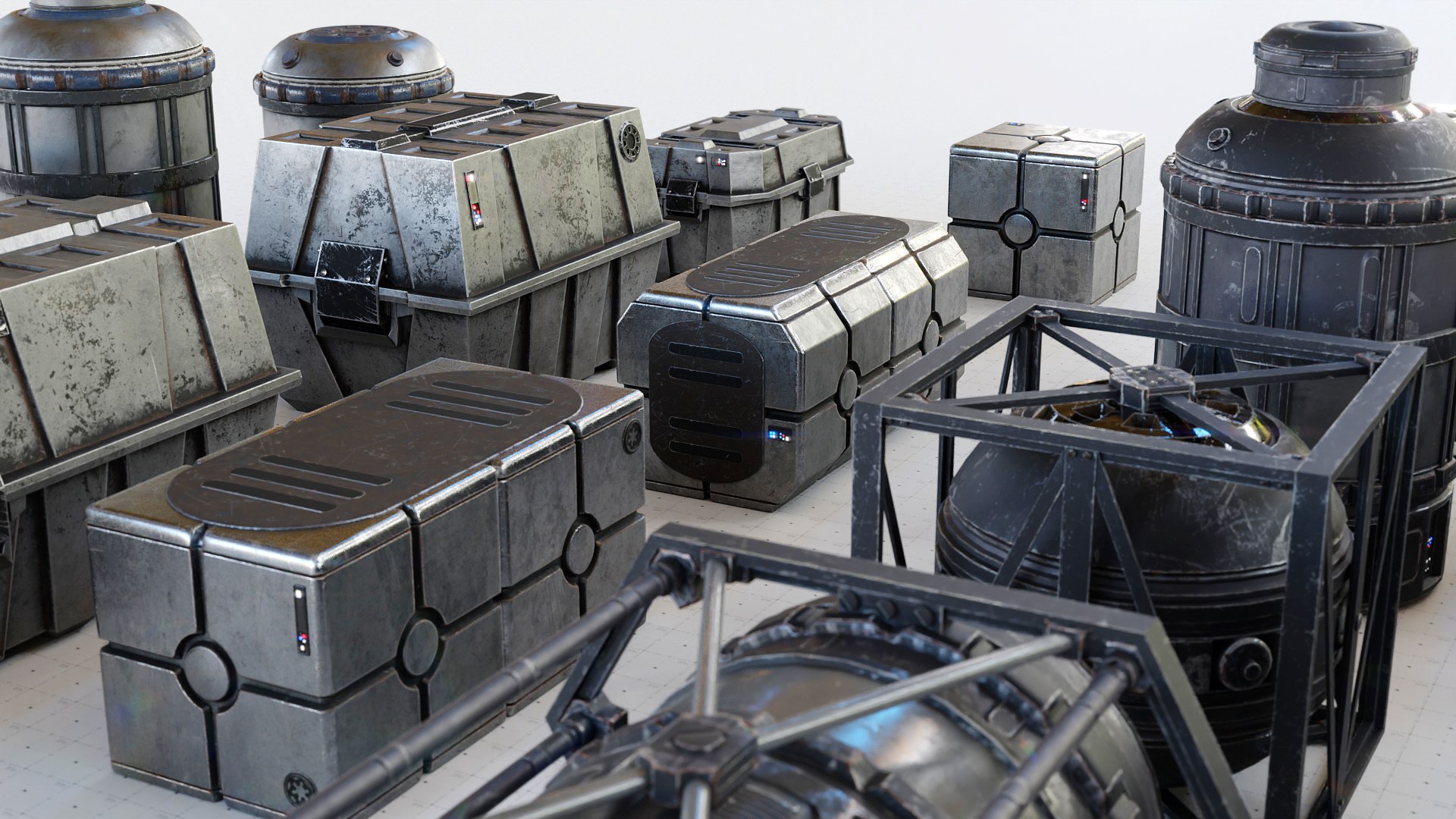
This Asset Kit contains 33 different variants of crates, boxes, barrels and tanks. All assets were kept as photorealistic as possible and are inspired by Star Wars and The Mandalorian. You are free to use them in your 3D scenes, VFX and Games, change them to your liking or Kitbash them into every shape that comes to your mind.
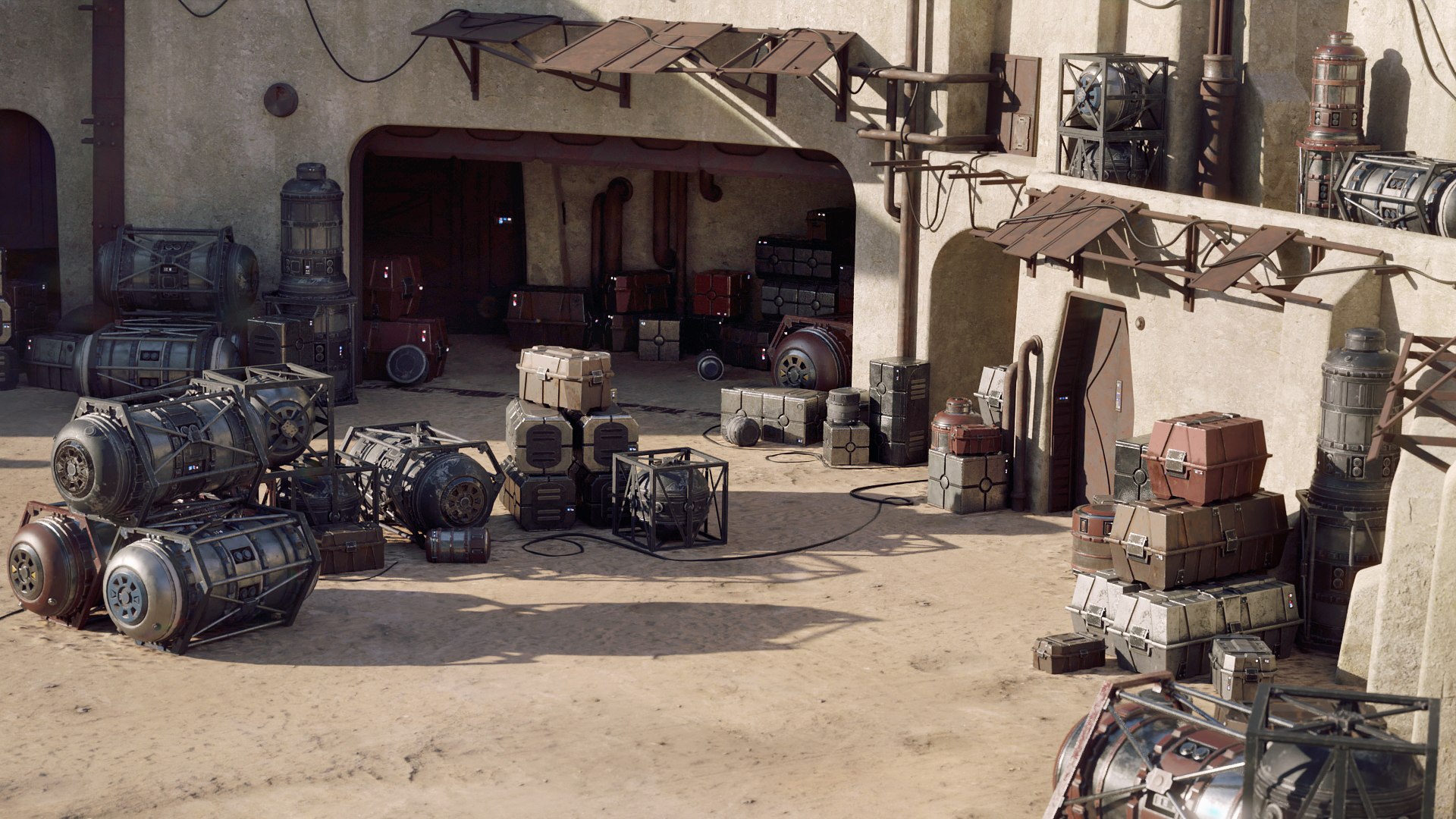
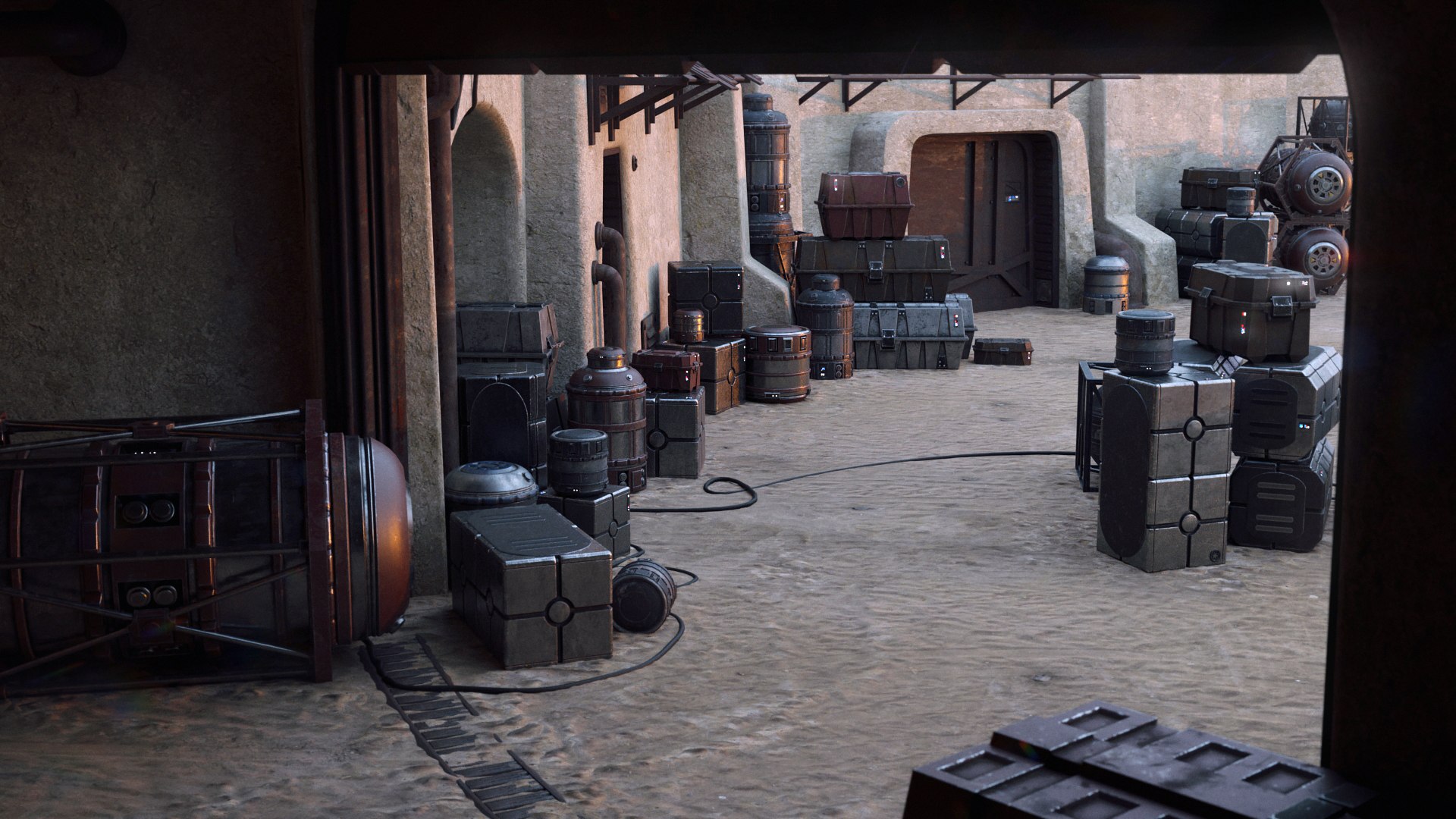
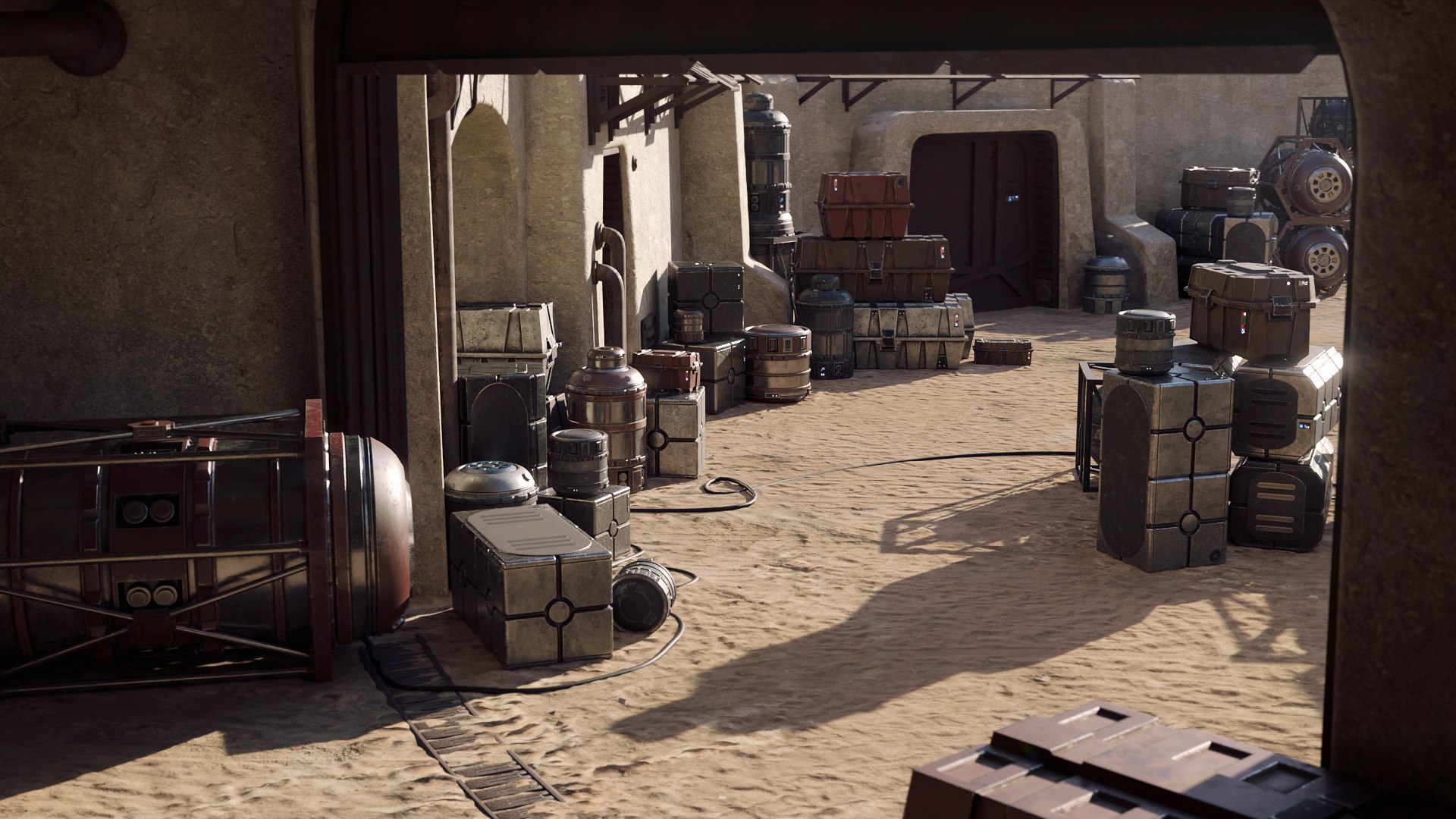
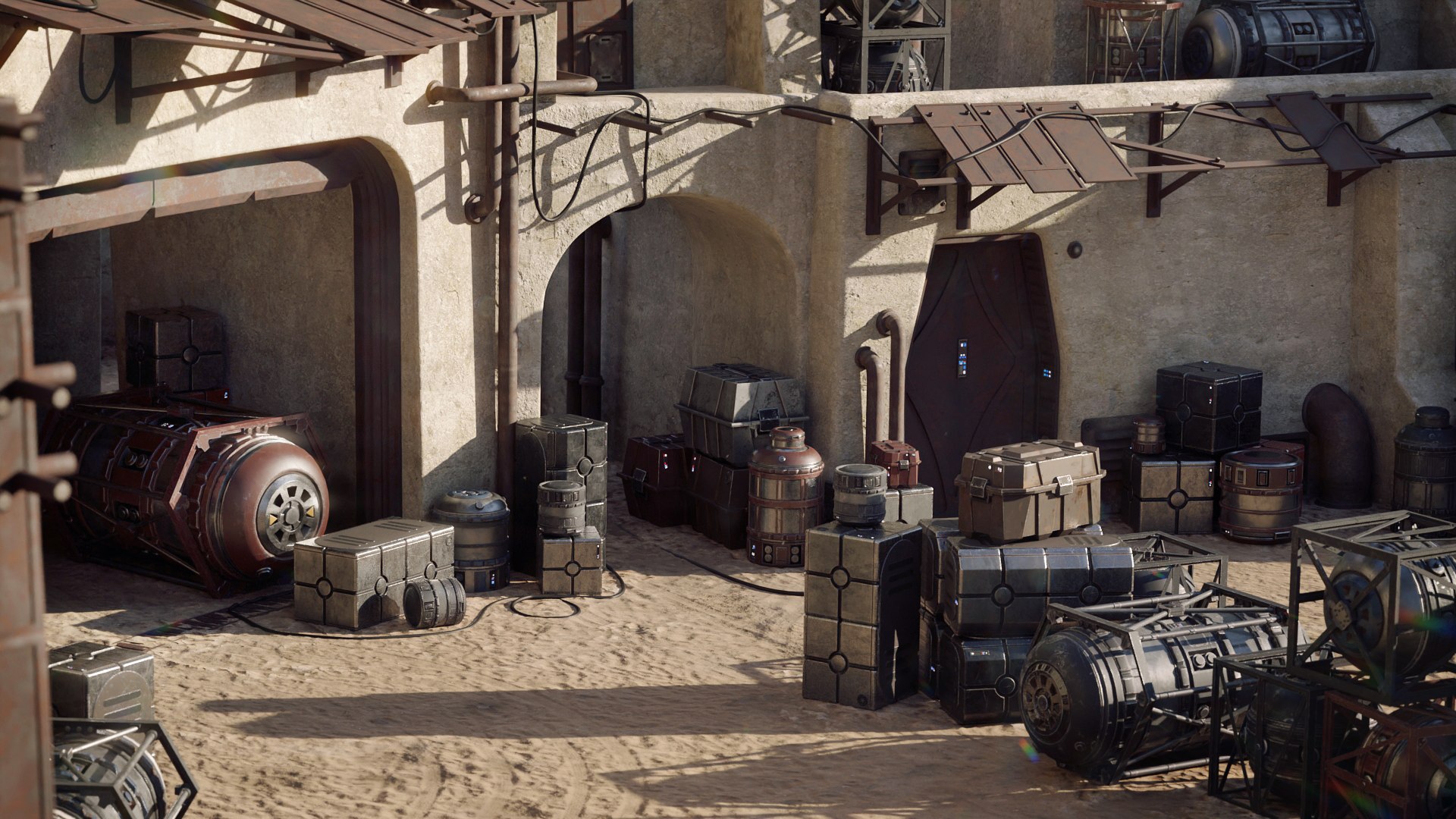
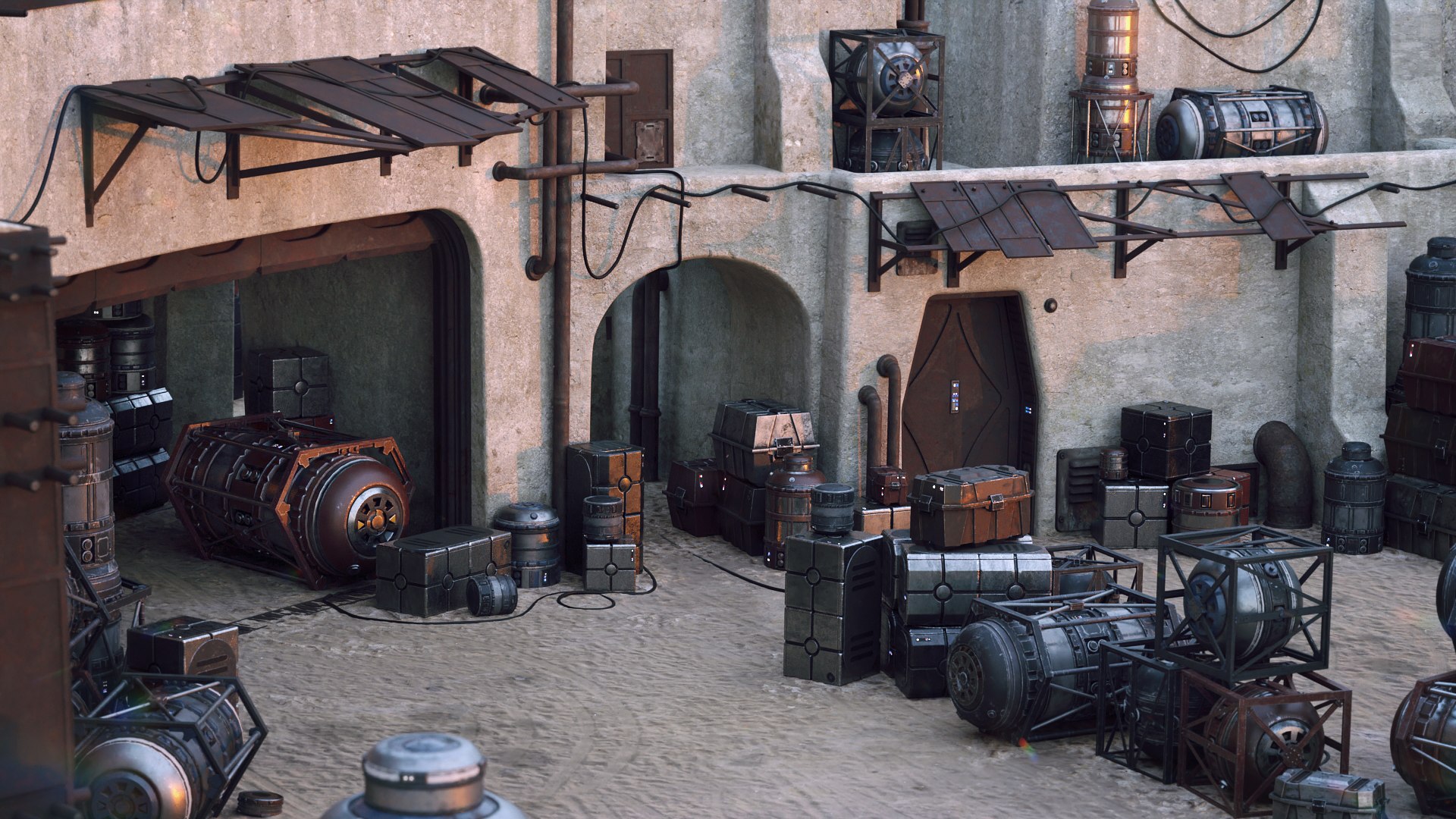
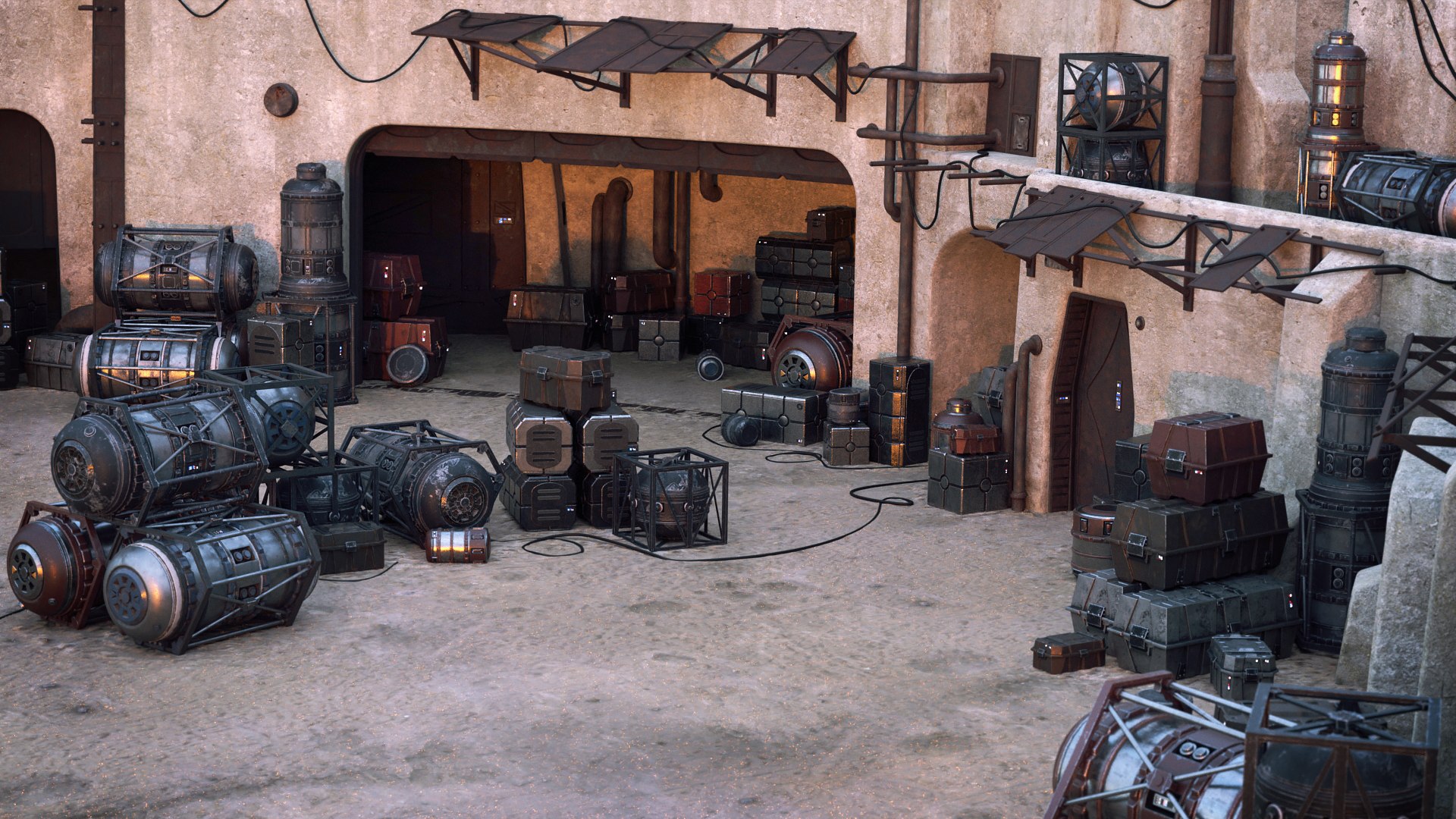
The Tattoine storage yard scene from the renderings is included and ready to render with Blender Cycles and EEVEE. Of course you can use it with any renderer you prefer. The environment is Trimsheet based and has only one material plus the ground material.
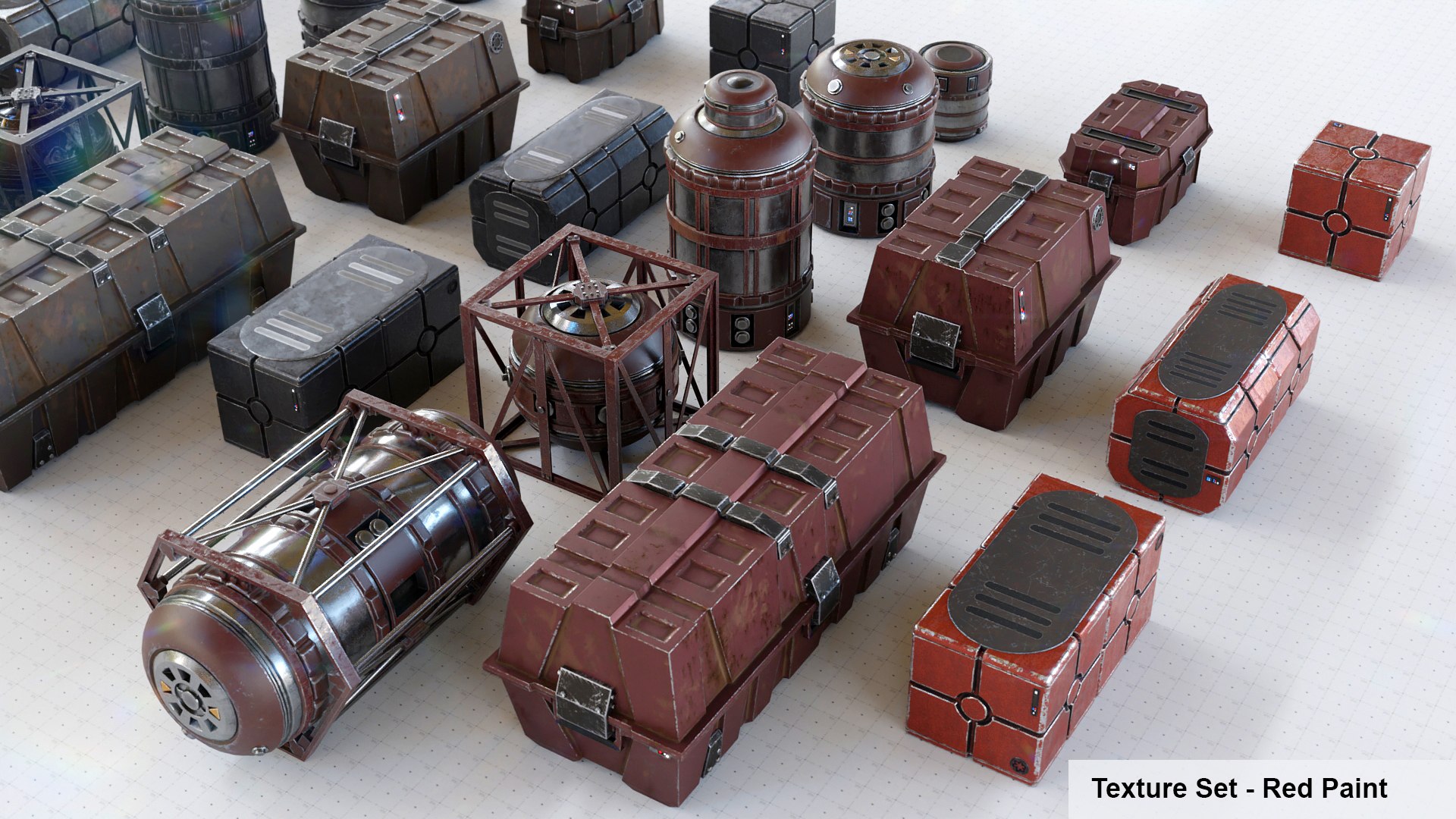
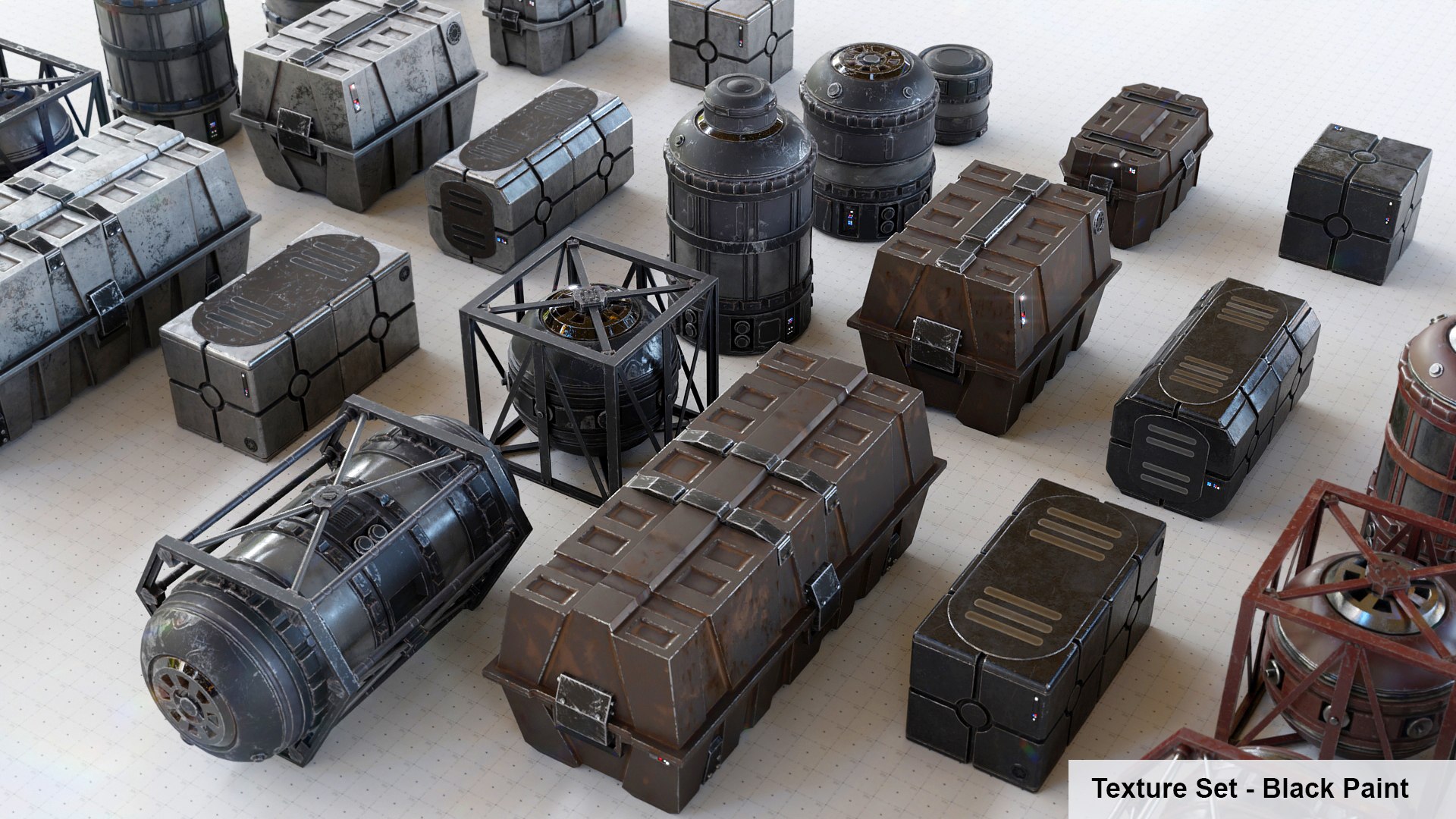
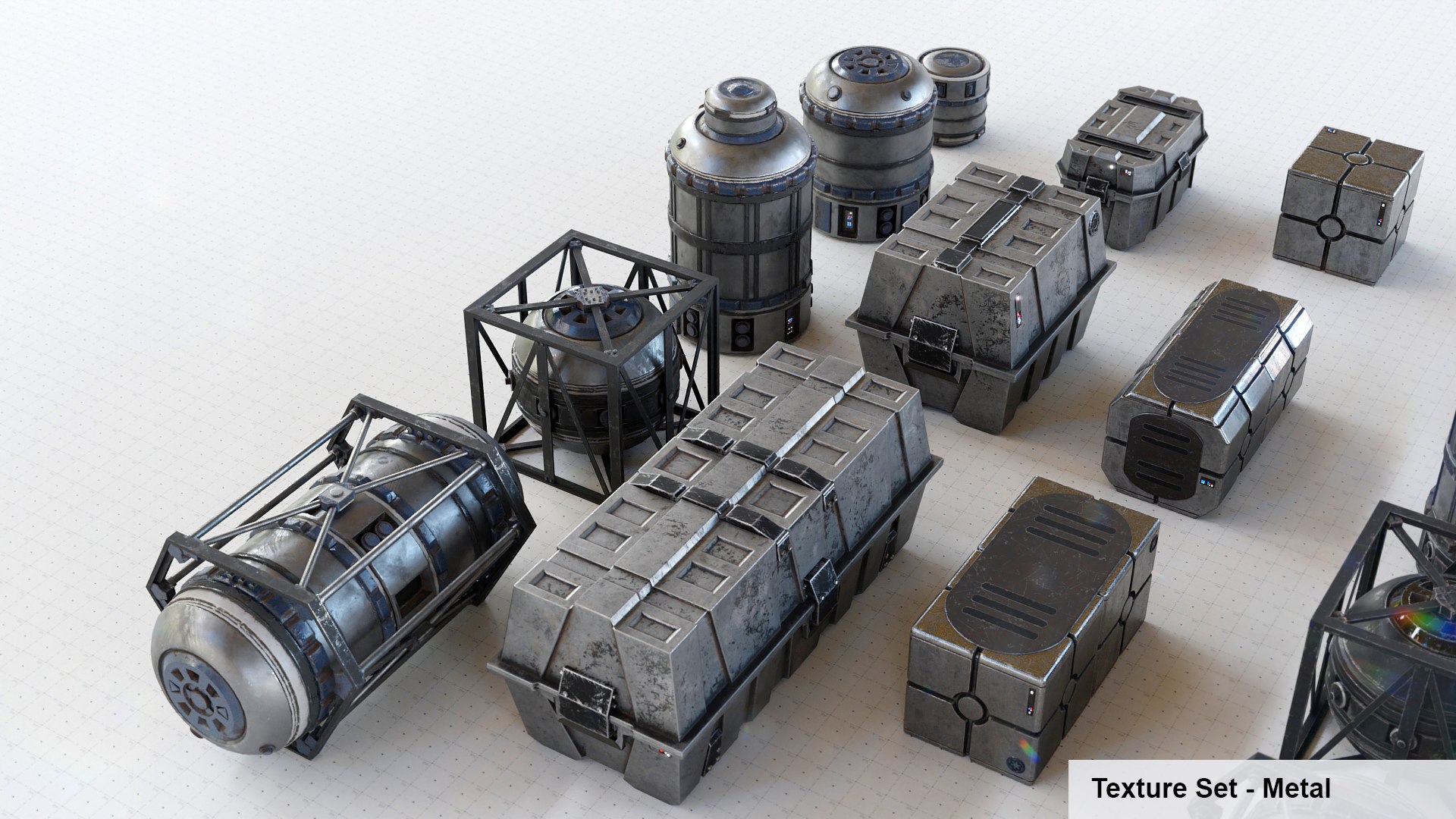
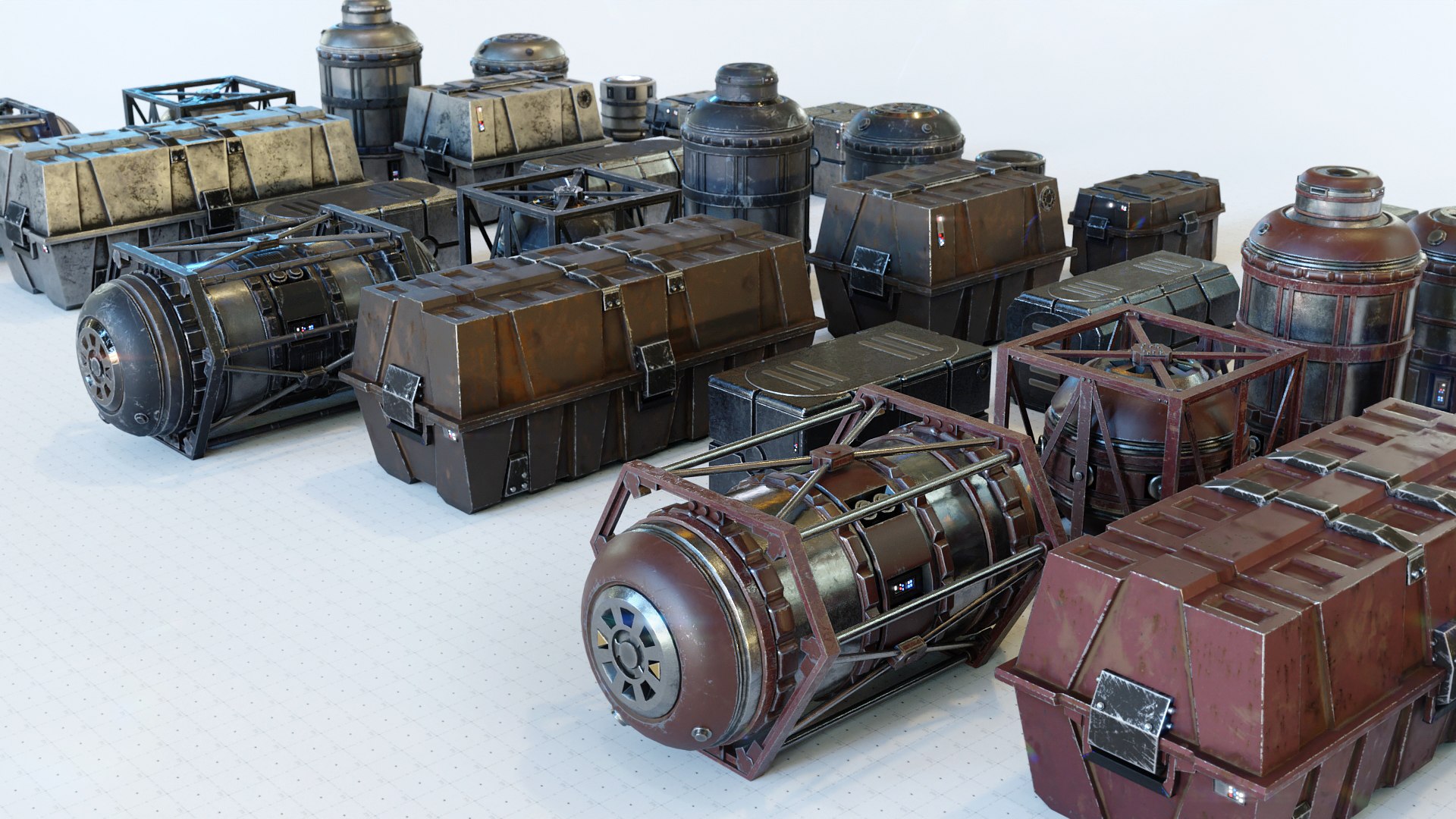
Every base cargo category, of which there are three: Crate_A, Crate_B and Barrel, has three texture sets, Red Paint, Black Paint and Metal. For the barrels for example you got five different assets based the same UV layout, wich means that you can apply each barrel texture set to every barrel asset enabling you to use 15 different barrels. Have a look at the renderings they show all possible combinations.
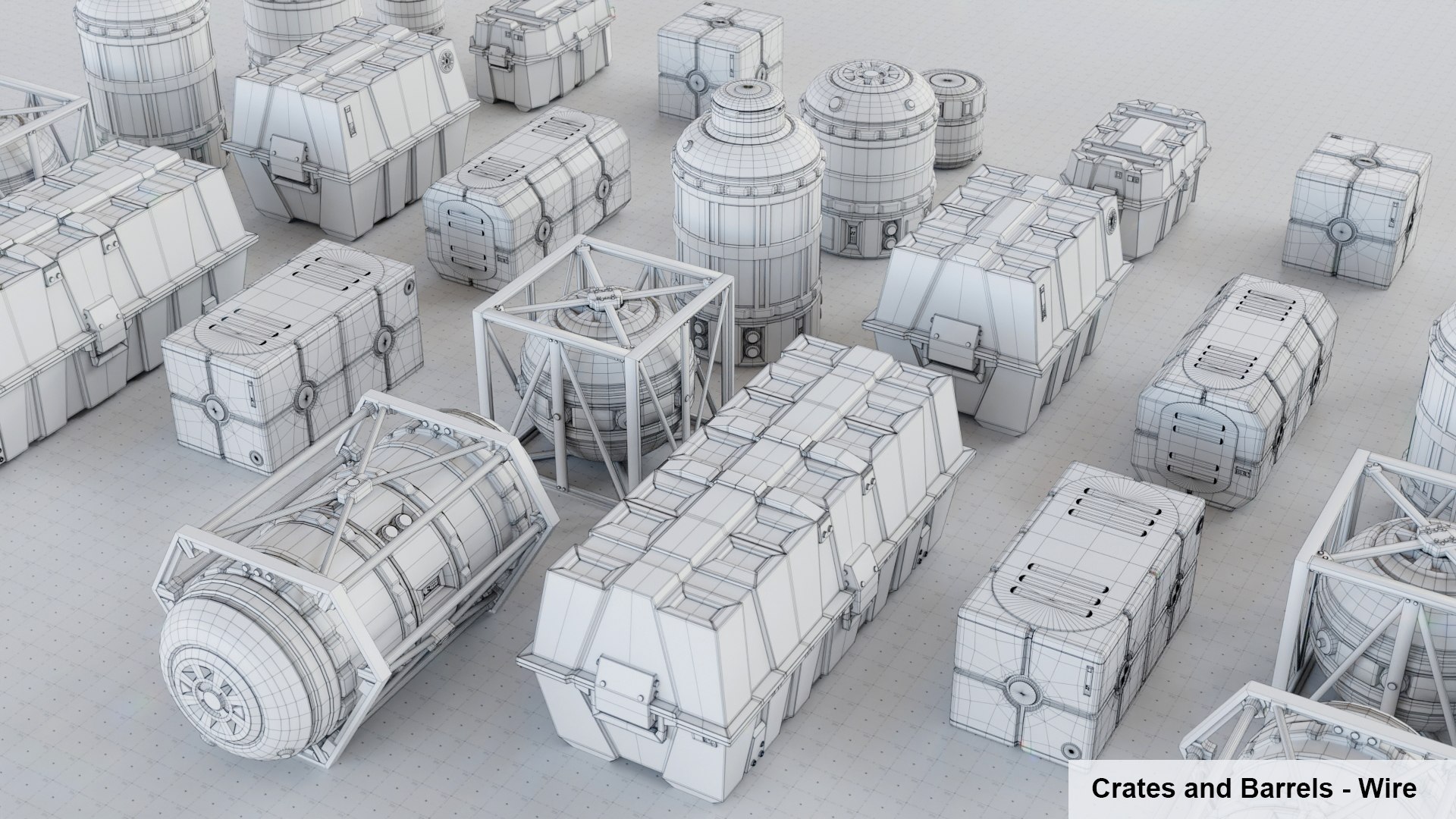
As you can see in the Wireframe the assets are fairly low poly. For import in Game Engines I have included two seperate files containing only the base assets located in the origin, both triangulated and non-triangulated.
All textures are PBR based, you will find 8k, 4k and 1k textures for the cargo assets. The storage yard textures are included: BuildingElements_* Trimsheet and two tileable sand texture sets + mix mask. You will also find two HDR environments used in the previs renderings. All cargo textures are in PBR Metal/Roughness workflow and additional textures are included for Specular/Glossiness workflow.
As exchange format I encourage you to use the included FBX format, it should be the easiest to handle.
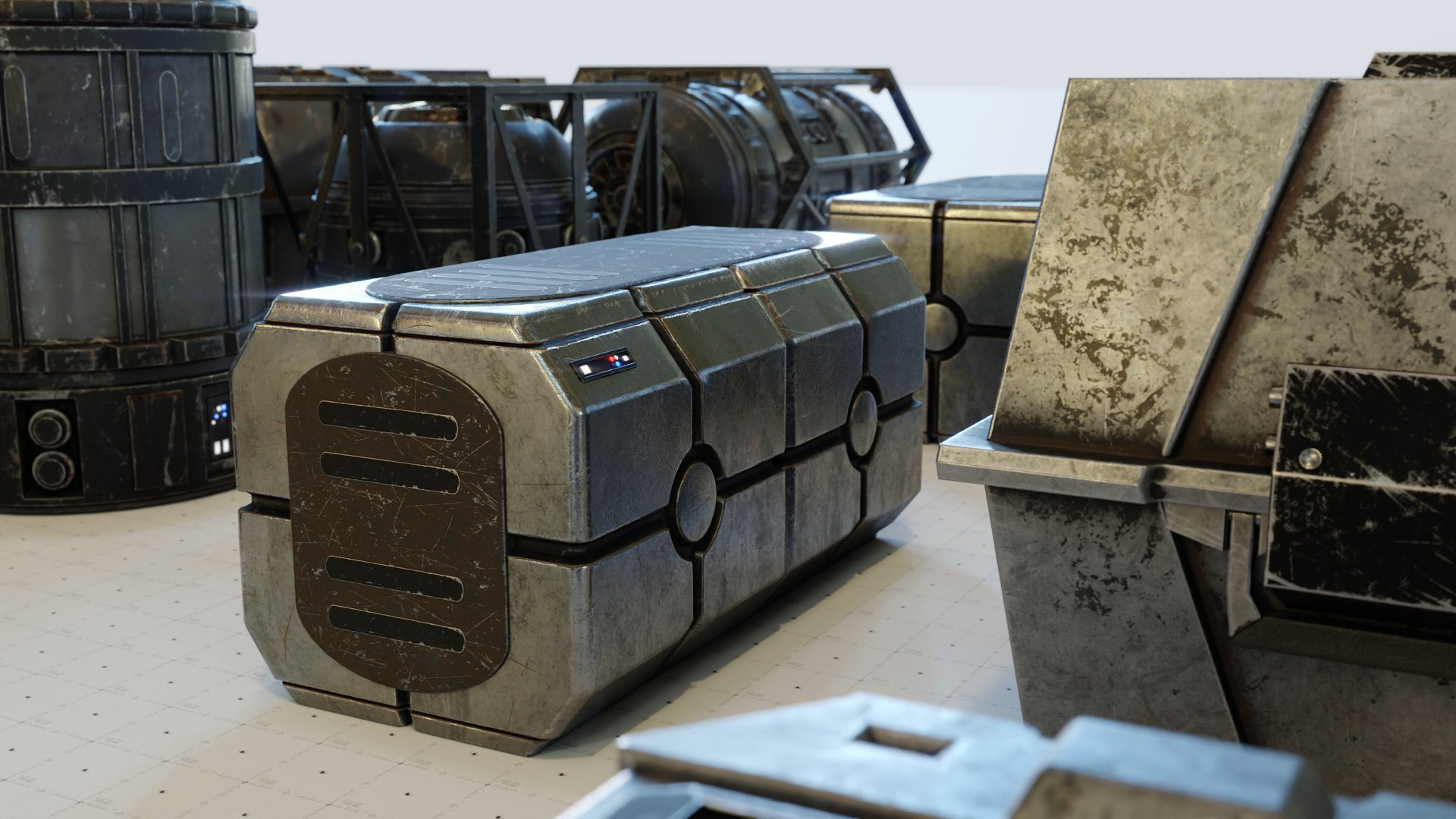
Please have a look at the renderings and see if asset and wireframe suits your needs.
Below you find a list of the contents.
Scenes:
-StarWarsCargo (33 Objects, All Material Variants included, for 3D Studios )
-StarWarsCargo_MeshesAtOrigin (The 11 base assets, for instancing based workflow or Game Engines)
-StarWarsCargo_MeshesAtOriginTriangulated (Sames as upper but triangulated for Game Engines)
-StarWarsCargo_Scene (The storage yard scene)
Meshes:
-Crate_A - 3 Variants (A,B,C)
-Crate_B - 3 Variants (A,B,C)
-Barrel - 5 Variants (A,B,C,D,E)
Textures: 8k, 4k and 1k
-BaseColor
-Normal GL
-Normal DX
-Roughness - PBR Metal/Roughness Workflow
-Metalness/Metallic
-Glossiness - PBR Specular/Glossiness Workflow
-Specular - PBR Specular/Glossiness Workflow
-Ambient Occlusion
-Curvature
Textures additional:
-BuildingElements (The Trimsheet used for everything in the Storage yard, exept the ground)
-Sand (Storage Yard Base Sand, it looks very decent with a tiling of 5 )
-Ground_SandRipples_Mask (Ground Mask for areas around cargo)
-Sand Detailed (Textures for areas around cargo)
-HDR Environment - Studio (Used for the renders on white)
-HDR Environment - Scene (Used for the storage yard sunny environment)
Enjoy rendering!