Bath set 2

$10

Standard License | Upgrade License
Formats (1)
Native | 3ds Max 2015 | Corona 3
Specifications
Publish Date July 14, 2019
Product ID 1426116
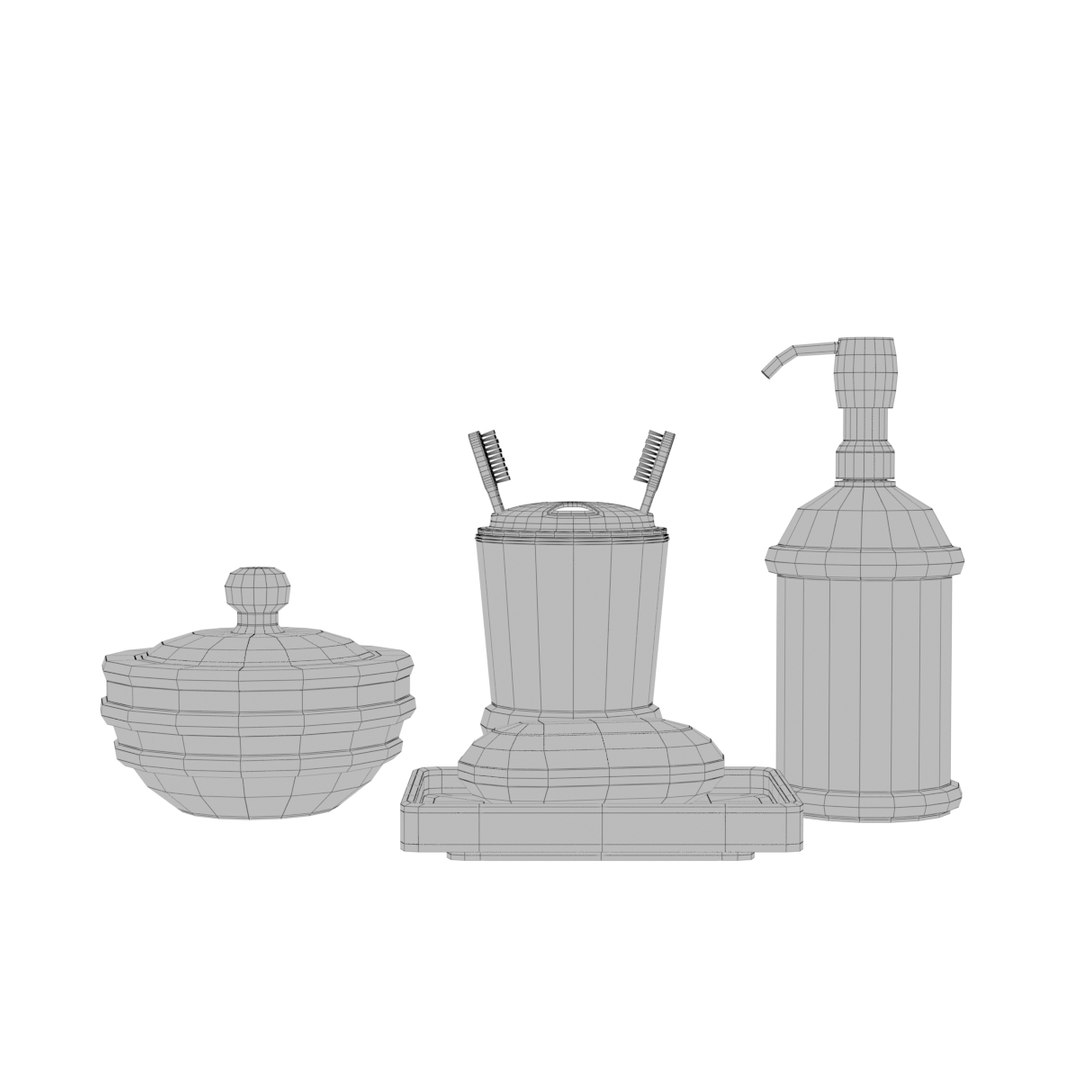
Polygons 29,552
Vertices 15,426
Polygonal
Materials
UV Mapped
Non-overlapping Unwrapped UVs
PBR

member avatar
Djent_Lover
19 Products | Contributor Since 2015
Have questions? Chat with us now.

Description

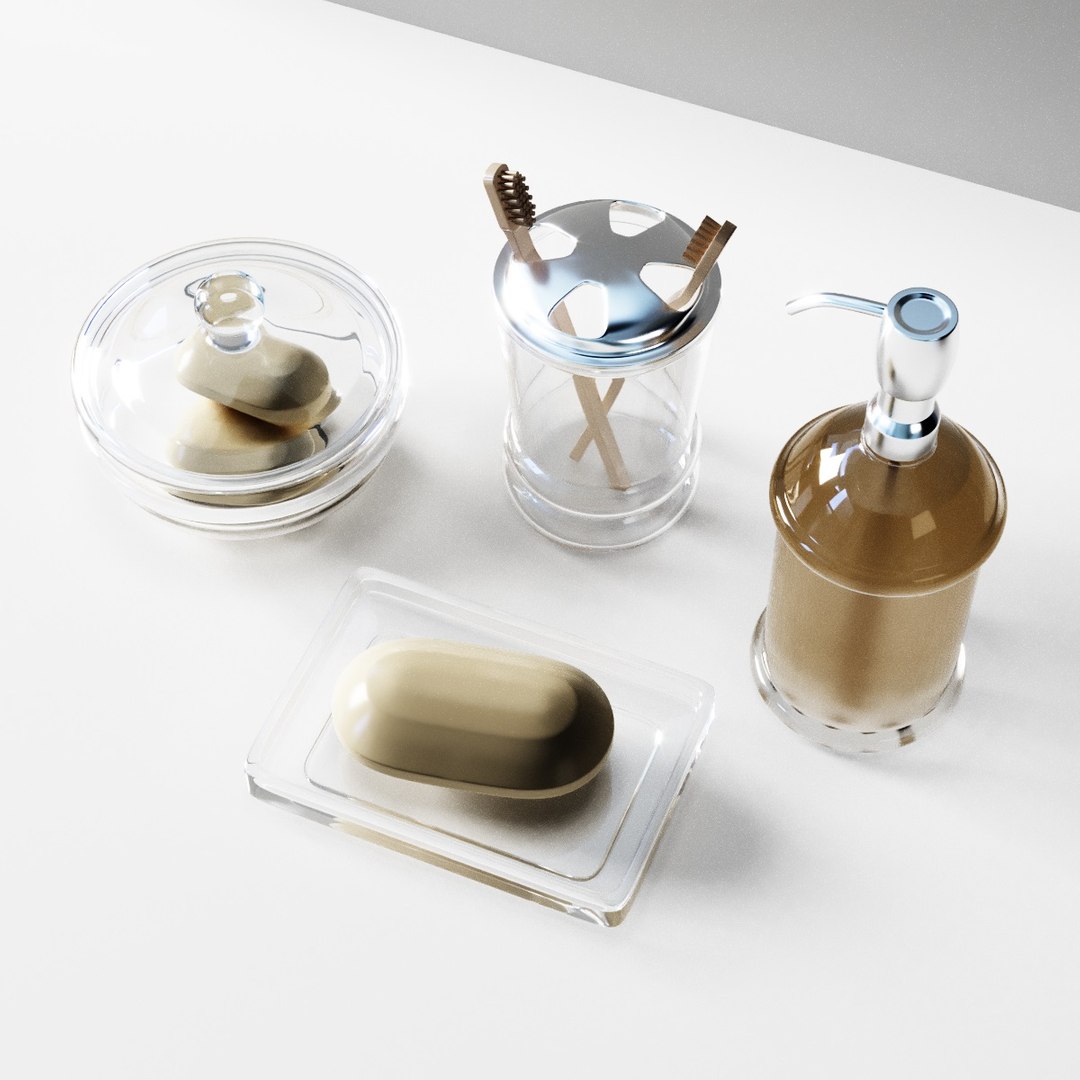
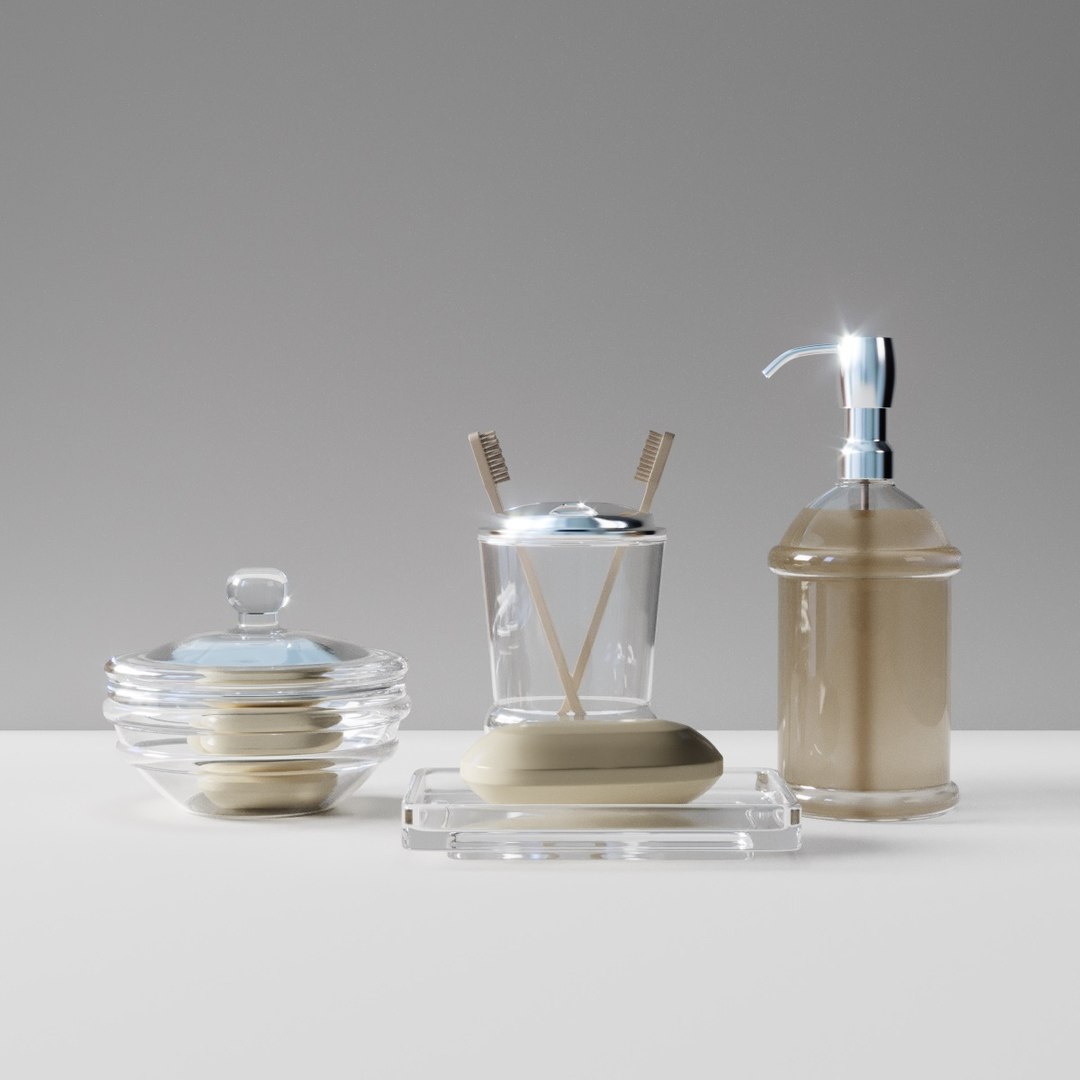
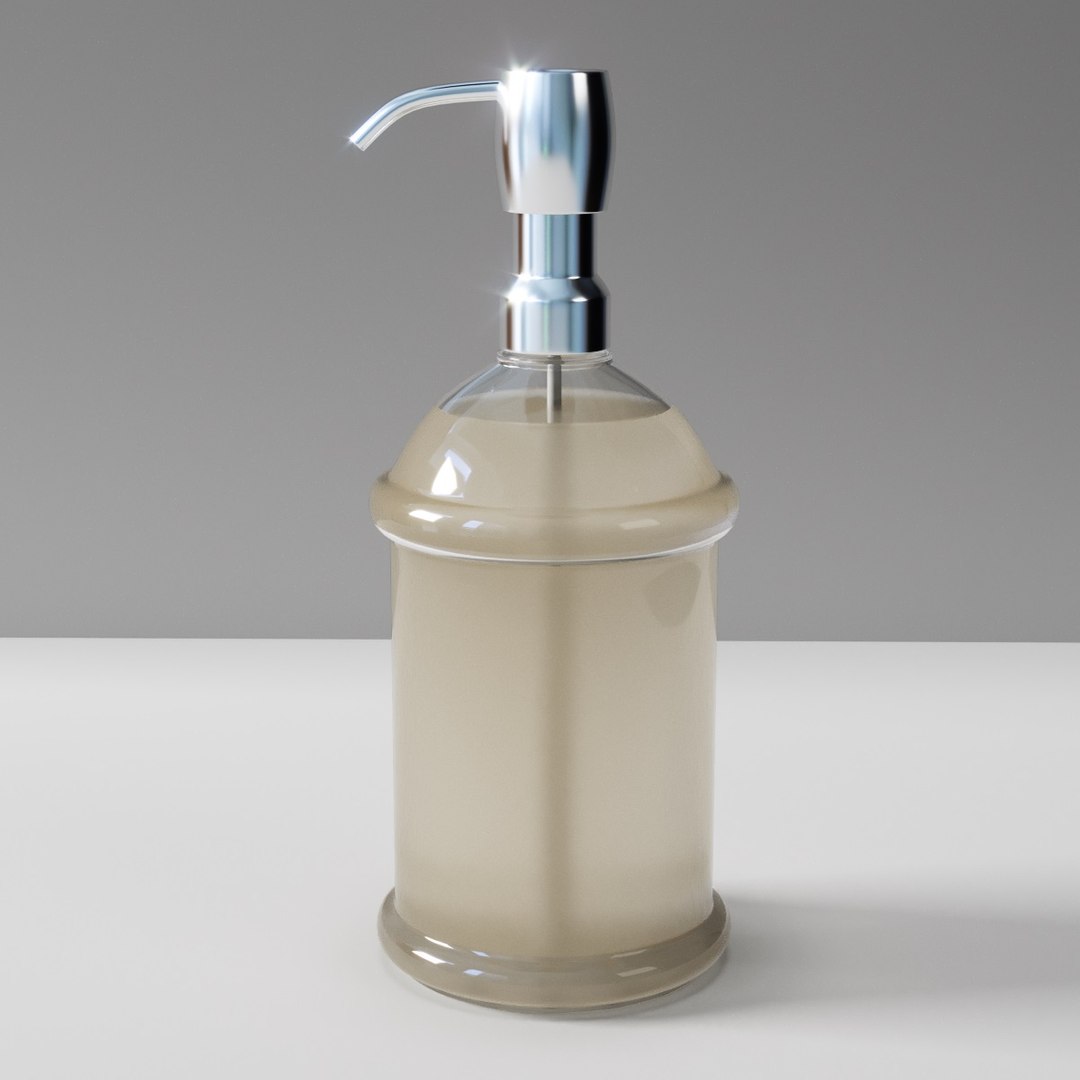
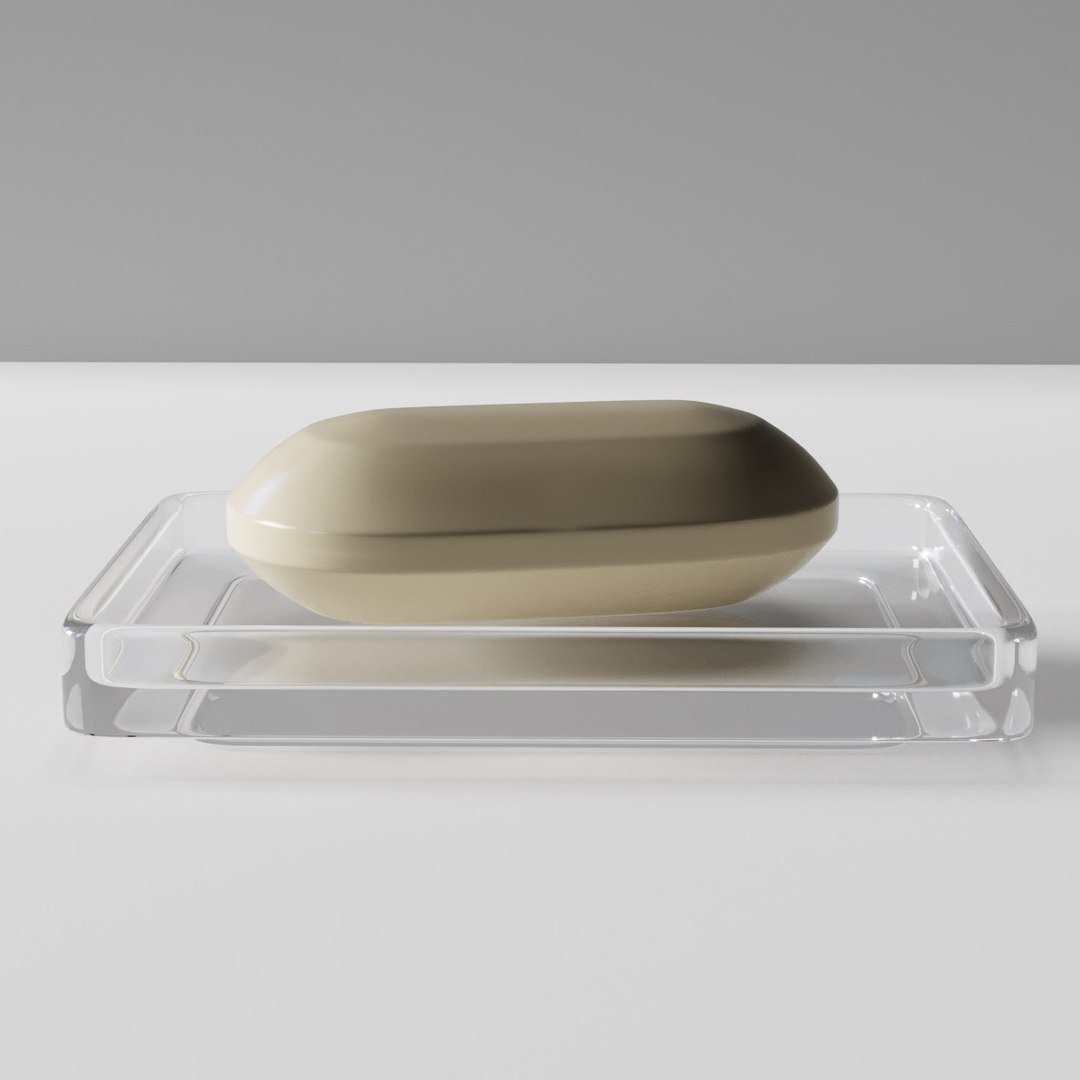
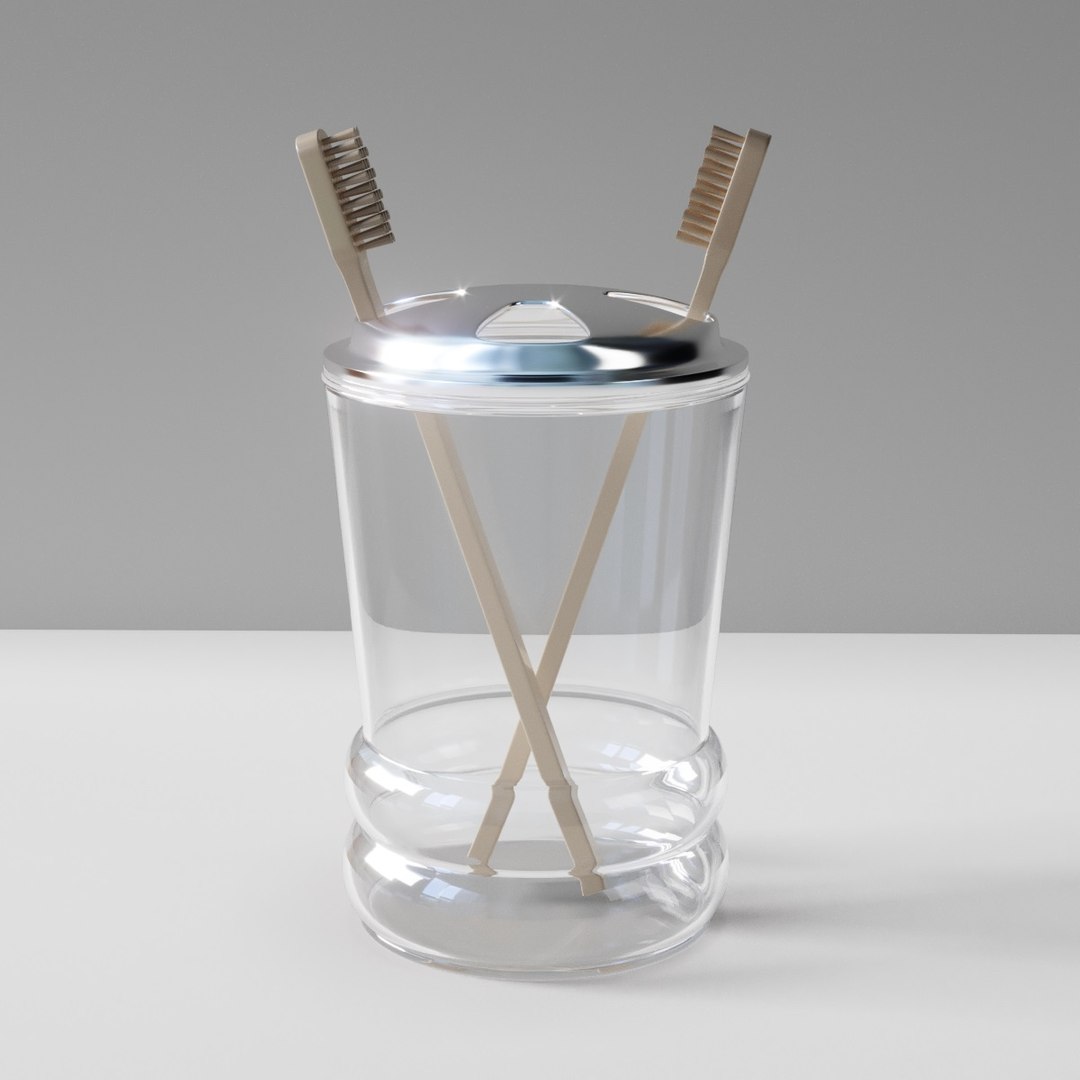
Bathroom set 2

In the set:

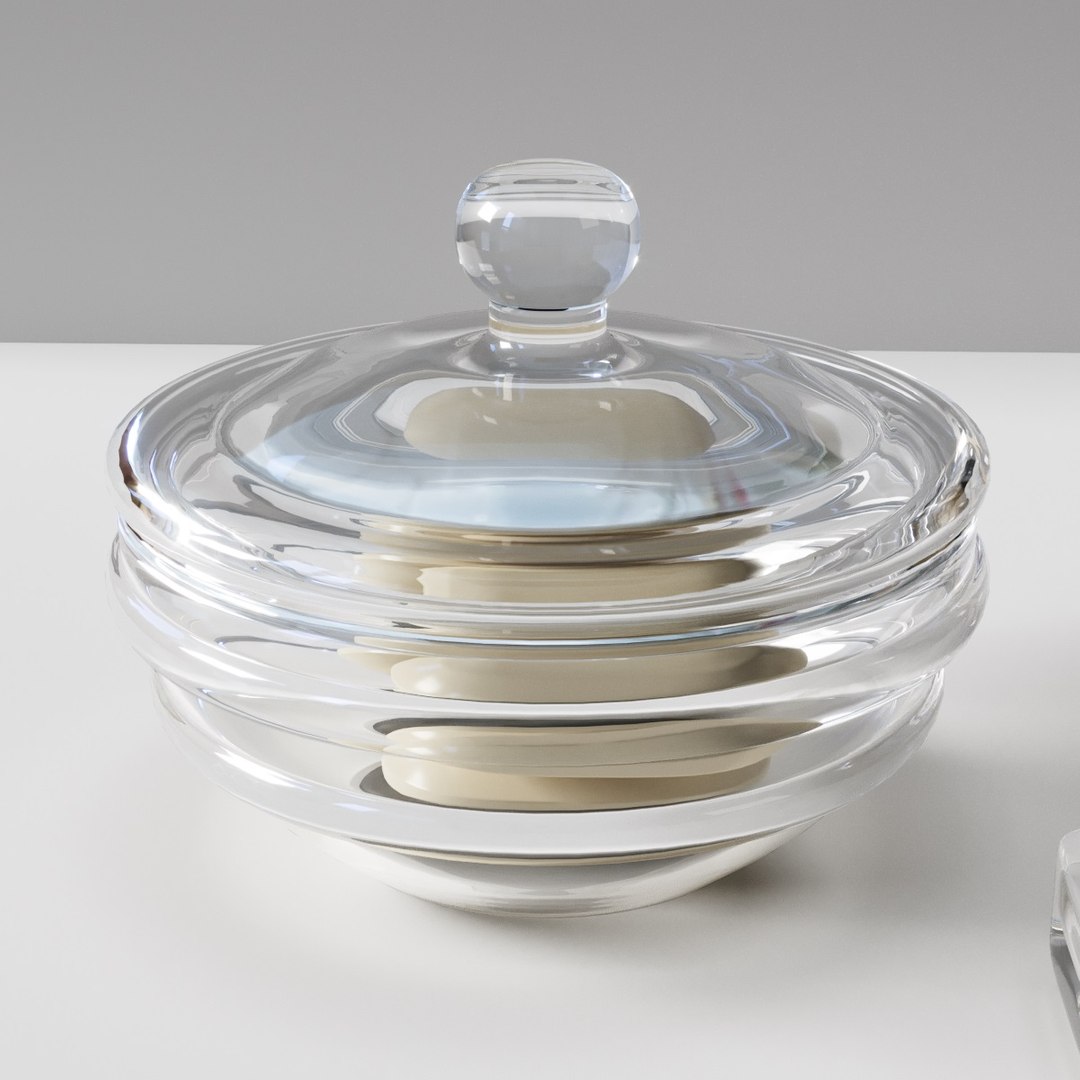
- Soap dish with soap open
- Soap dish with soap closed
- Dispenser
- Toothbrush 2 in the glass

Materials:

- Corona 3 2015 + .obj

- For Corona render, it is recommended to put a version not lower than 1.5, since the glossiness of materials is adjusted to fit PBR.

- Who works in V-Ray version lower than 3.1. Be careful, in the materials in the BRDF section there is a Microfaset GTR (GGX), if your version is older than 3.1, then the BRDF field will be empty. Choose Blinn, Phong or Ward - which is preferable to you.

- To reduce the weight of the model and ease of use, all items in the set have a common Turbosmooth modifier, which has 2 smoothing iterations only during rendering.
- Disabling the modifier on one item set - it turns off on all others.
- If necessary, any set item can be made independent by clicking on the Make Unique button on the Turbosmooth iodifier.

Number of polygons:

Turbosmooth = off:

- 29552 poly
- 15426 verts

Turbosmooth 2 iter:

- 472512 poly
- 238586 verts


- Names of materials coincide with the names of objects

- All texture paths are removed.

- The model is in zero coordinates

Select Enhanced License

  • $10,000 in Legal Protection (Indemnification)
  • Uncapped Legal Protection (Indemnification)
  • Waiver from injunctive relief
  • Assignable model rights
  • $1,000,000 in Legal Protection (Indemnification)
  • Waiver from injunctive relief
  • Assignable model rights
  • $250,000 in Legal Protection (Indemnification)
  • Assignable model rights
Read more about enhanced license tiers, or contact us at enterprise@turbosquid.com. Already a Shutterstock Enterprise Customer? Contact your Shutterstock Sales Support Agent to talk about adding 3D.

About Conversion Requests

To submit a conversion request for a purchased asset, please complete our Conversion Request Form.

If you have not yet purchased a model, please review our Documentation about Conversions to learn about what limitations you may encounter with a conversion.

For any additional questions about a model’s suitability for conversion, please contact TurboSquid Support.

Loading...